Cleft Notes
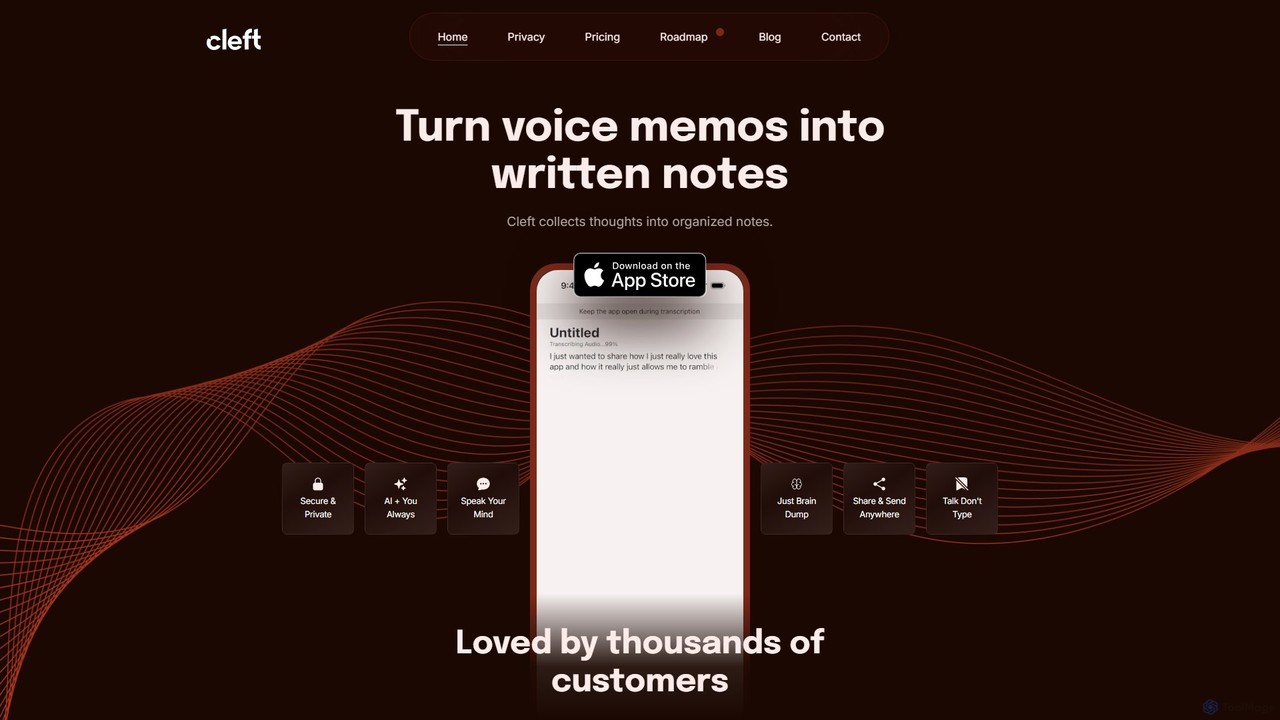
Cleft Notes is an AI-powered voice scribe that transforms your spoken thoughts into organized, summarized, and structured written …
Cleft Notes is an AI-powered voice scribe that transforms your spoken thoughts into organized, summarized, and structured written notes. Available on iPhone, iPad, and Mac, it's designed to capture ideas effortlessly, making it ideal for professionals, creatives, and neurodivergent individuals. Just talk, and Cleft turns your ramblings into coherent text, checklists, and outlines.
About Voice Recording
Voice Recording tools are AI-powered applications designed to capture, process, and enhance spoken audio. These tools leverage advanced algorithms for noise reduction, speaker separation, and real-time transcription, transforming raw speech into high-quality, actionable audio data. They are invaluable for professionals and content creators who require clear, organized, and easily searchable voice recordings for various purposes, from interviews to podcast production.
Core Features
- Intelligent Noise Reduction: Automatically identifies and removes background noise, ensuring crystal-clear voice capture.
- Speaker Separation & Identification: Distinguishes between multiple speakers in a conversation and can often identify them.
- Real-time Transcription: Converts spoken words into text instantly, facilitating note-taking and content creation.
- Audio Enhancement: Optimizes vocal clarity, adjusts volume levels, and removes echoes for professional-grade sound.
- Multi-track Recording: Captures audio from various sources simultaneously, allowing for flexible post-production.
Use Cases
These tools are widely adopted across various sectors. Journalists use them to accurately record interviews and quickly transcribe key quotes. Podcasters and content creators rely on them for pristine audio quality and efficient editing workflows. Researchers utilize them to document field observations and analyze spoken data, while business professionals leverage them for recording meetings and generating automated summaries.
How to Choose
When selecting a voice recording tool, prioritize audio quality and transcription accuracy, especially for critical applications. Consider its noise reduction capabilities and support for multiple speakers if you record in varied environments or group discussions. Evaluate integration options with other platforms (e.g., cloud storage, editing software) and assess the range of supported export formats. Finally, review privacy policies and data security measures, particularly when handling sensitive information.

Voice RecordingUse Cases
Conducting High-Quality Interviews for Journalism
Journalists and reporters can use AI voice recording tools to capture interviews with exceptional clarity, even in noisy environments. The tools automatically reduce background noise and enhance speech, ensuring every word is audible. Real-time transcription features allow them to focus on the conversation, while speaker separation helps organize notes by interviewee, significantly streamlining the post-interview analysis and article writing process.
Producing Professional Podcasts and Voiceovers
Podcasters and content creators leverage AI voice recording tools to achieve studio-quality audio from home. These tools offer advanced audio enhancement features, such as echo cancellation and vocal clarity optimization, which are crucial for professional sound. Multi-track recording allows for separate capture of host, guest, and music, simplifying the mixing and editing process to produce polished, engaging audio content without extensive technical expertise.
Automating Meeting Minutes and Summaries
Business professionals and teams can use AI voice recording tools to efficiently document meetings, webinars, and conference calls. By recording discussions, the tools automatically generate accurate transcripts with speaker identification, eliminating the need for manual note-taking. Some advanced solutions can even create concise summaries of key discussion points and action items, saving significant time and ensuring no critical information is missed, thereby boosting productivity.
Documenting Academic Research and Lectures
Academics and students can utilize AI voice recording tools to capture lectures, seminars, and field research notes. These tools ensure high-fidelity audio capture, which is critical for accurate transcription of complex terminology. The ability to quickly convert spoken content into searchable text allows researchers to efficiently review and analyze vast amounts of audio data, extract key insights, and organize their findings for papers and presentations, saving countless hours of manual transcription.
Creating Voice Diaries and Personal Notes
Individuals can use AI voice recording tools for personal productivity and self-reflection. By quickly dictating thoughts, ideas, or daily reflections, users can create voice diaries that are automatically transcribed and organized. This hands-free method is ideal for capturing fleeting inspirations while driving or exercising. The ability to search through transcribed notes makes it easy to retrieve specific information or track personal growth over time, enhancing personal organization and memory recall.
Improving Language Learning and Pronunciation Practice
Language learners can significantly benefit from AI voice recording tools for pronunciation practice and fluency development. Users can record themselves speaking a new language, then use the tool's analysis features to compare their pronunciation against native speakers or receive AI-driven feedback on intonation and rhythm. This immediate, objective feedback helps identify areas for improvement, accelerating the learning process and building confidence in spoken communication.