

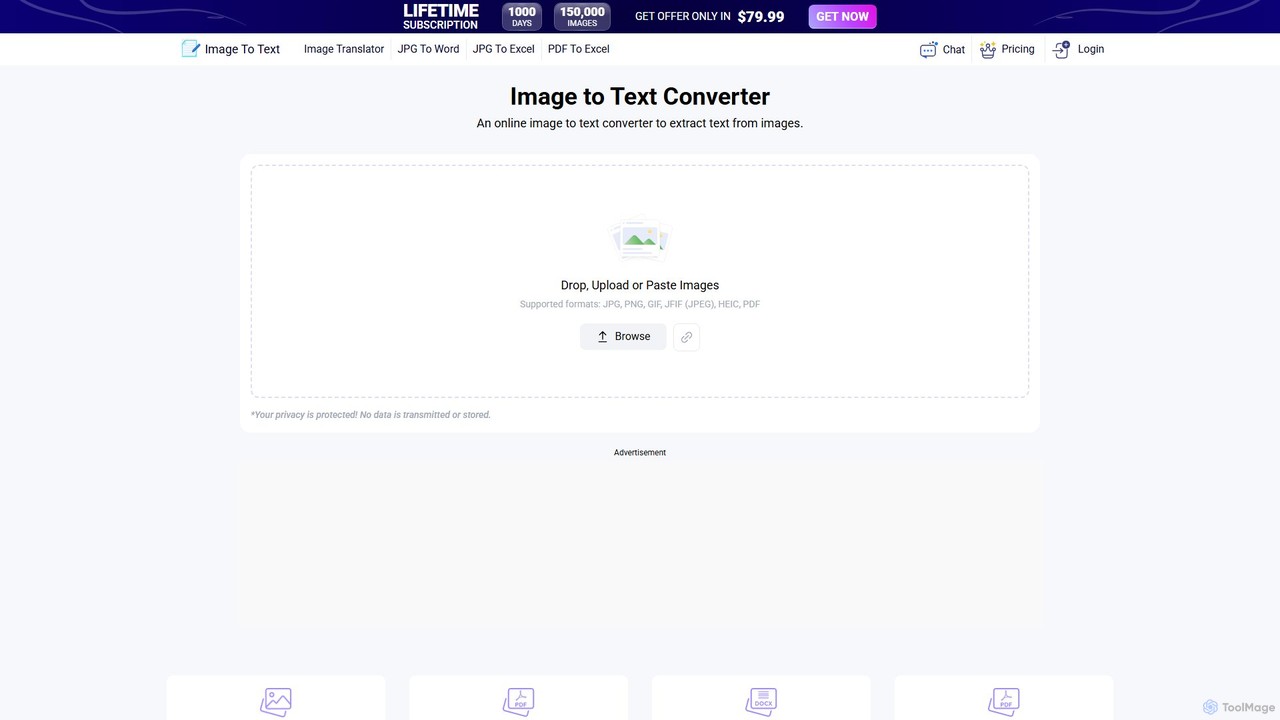
Image to Text Overview
Image to Text is a powerful and user-friendly online Optical Character Recognition (OCR) tool designed to effortlessly extract text from various image files. Leveraging the advanced Tesseract-OCR engine, which is developed and maintained by Google, this tool provides a high degree of accuracy in text recognition. It serves as an essential utility for students, professionals, researchers, and anyone needing to digitize printed or handwritten text. The platform is completely free to use, requires no user registration, and offers a seamless experience for converting visual information into editable, searchable, and shareable digital text.
The core mission of Image to Text is to make information more accessible. Whether you're dealing with a scanned document, a photograph of a book page, a newspaper clipping, or a screenshot, this tool can quickly process the image and deliver the embedded text. Its support for a vast array of languages makes it a truly global solution, breaking down language barriers and enhancing productivity for users worldwide.
How to use Image to Text
Using the Image to Text converter is a straightforward and intuitive process that can be completed in just a few simple steps:
- Upload Your Image: Navigate to the website and locate the upload area. You can either click the upload button to browse for an image file on your computer or simply drag and drop your image directly onto the designated space. The tool supports multiple formats, including JPG, PNG, TIFF, and BMP.
- Automatic Text Extraction: Once the image is uploaded, the tool's AI-powered OCR engine automatically starts processing it. The Tesseract engine analyzes the image, identifies characters and words, and converts them into digital text. This process is typically very fast, taking only a few seconds.
- Copy or Download the Text: After the extraction is complete, the recognized text will be displayed in a text box on the screen. You can then easily select and copy the text to your clipboard to paste it into another application (like a word processor or email). Alternatively, you have the option to download the entire text as a .txt file for future use and editing.
Core Features of Image to Text
- AI-Based Extraction: Powered by the sophisticated Tesseract-OCR engine, the tool ensures high accuracy in text recognition from both clear and complex images.
- Completely Free and No Registration: The service is offered at no cost. Users can access all features without any fees or the need to create an account, ensuring privacy and convenience.
- Extensive Multi-language Support: It can recognize and extract text in dozens of languages, including English, Spanish, Chinese, Japanese, Korean, German, French, Russian, Arabic, and many more, making it incredibly versatile for international use.
- Multiple Image Format Support: The tool is compatible with a wide range of common image formats, such as JPG, JPEG, JPE, JFIF, JIF, JFI, BMP, PNG, and TIFF, eliminating the need for format conversion beforehand.
- Direct Download and Clipboard Access: Extracted text can be instantly downloaded as a .txt file or copied to the clipboard with a single click, streamlining your workflow.
Use Cases for Image to Text
This tool is valuable in a variety of personal, academic, and professional scenarios:
- Digitizing Documents: Convert scanned office documents, contracts, or invoices into editable digital versions for easy archiving, searching, and editing.
- Academic Research and Study: Students and researchers can capture text from textbooks, library books, or academic papers without manual typing, saving significant time on note-taking and data collection.
- Data Entry Automation: Streamline data entry tasks by capturing information from printed forms, receipts, or handwritten lists and converting it into a digital format.
- Content Creation: Extract quotes, statistics, or other information from images, infographics, or social media posts (e.g., Instagram, Twitter) for use in articles, reports, or presentations.
- Accessibility: Assist individuals with visual impairments by converting text from images into a format that can be read aloud by screen readers.
- Travel and Communication: Capture and translate text from signs, menus, or banners in a foreign language by first extracting the text with the tool.
Advantages of Image to Text
The primary advantage of Image to Text is its combination of power, simplicity, and accessibility. It is a cost-effective solution that democratizes OCR technology, making it available to everyone. The high accuracy reduces the need for manual corrections, and the broad language support makes it a globally relevant tool. Its no-registration policy respects user privacy and provides a hassle-free experience, allowing for quick and efficient text extraction whenever needed.
Pricing and Plans
Image to Text is a completely free tool. There are no hidden costs, subscription fees, or usage limits mentioned. All features, including unlimited conversions, multi-language support, and text downloads, are available to all users at no charge.
Traffic
Latest traffic
Status
Monthly traffic trend
- 2025-9: 8.0M
- 2026-1: 6.6M
- 2026-2: 5.7M
- 2026-3: 6.2M
- 2026-4: 5.9M
- 2026-5: 5.8M
Geography
Top 5 countries / regions
- 🇮🇳India32.3%
- 🇺🇸United States23.1%
- 🇮🇩Indonesia17.9%
- 🇵🇭Philippines14.7%
- 🇵🇰Pakistan12.0%
Traffic sources
| Source type | Percentage |
|---|---|
Direct | 82.5% |
Referral | 15.7% |
Email | 1.8% |
Top keywords
| Keyword | Cost per click |
|---|---|
| extract text from image | $0.49 |
| image to text | $0.52 |
| image to text converter | $0.42 |
| text to pdf | $0.30 |
| переводчик по фото | $0.25 |
Image to Text Alternatives

imgtotext.net
An advanced online OCR tool that accurately extracts text from images and PDF documents. It supports batch processing, multiple languages, and various file formats. It also offers a built-in translation feature, making it a versatile solution for digitizing and processing text-based content for free.
Optical Character Recognition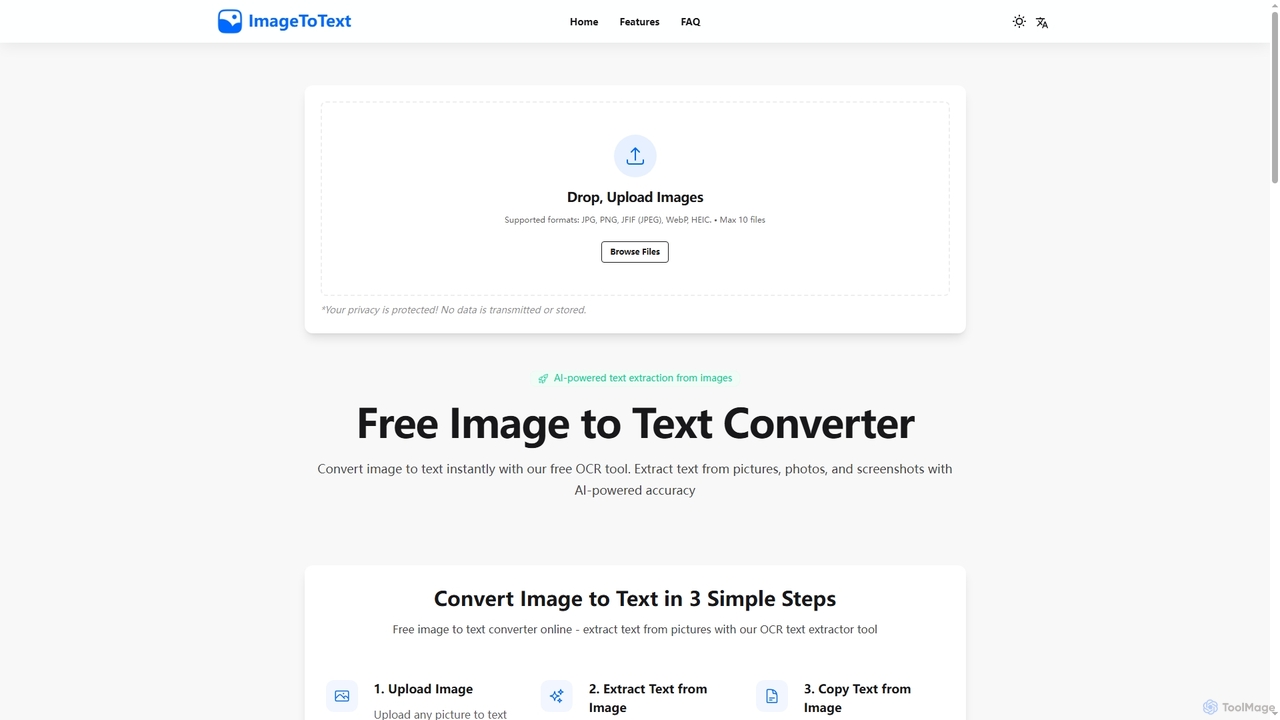
Imagetotext
A free, AI-powered online OCR tool that instantly converts images to text. It accurately extracts text from various formats like JPG, PNG, and even handwritten notes, ensuring user privacy with end-to-end encryption and no data storage.
Digitization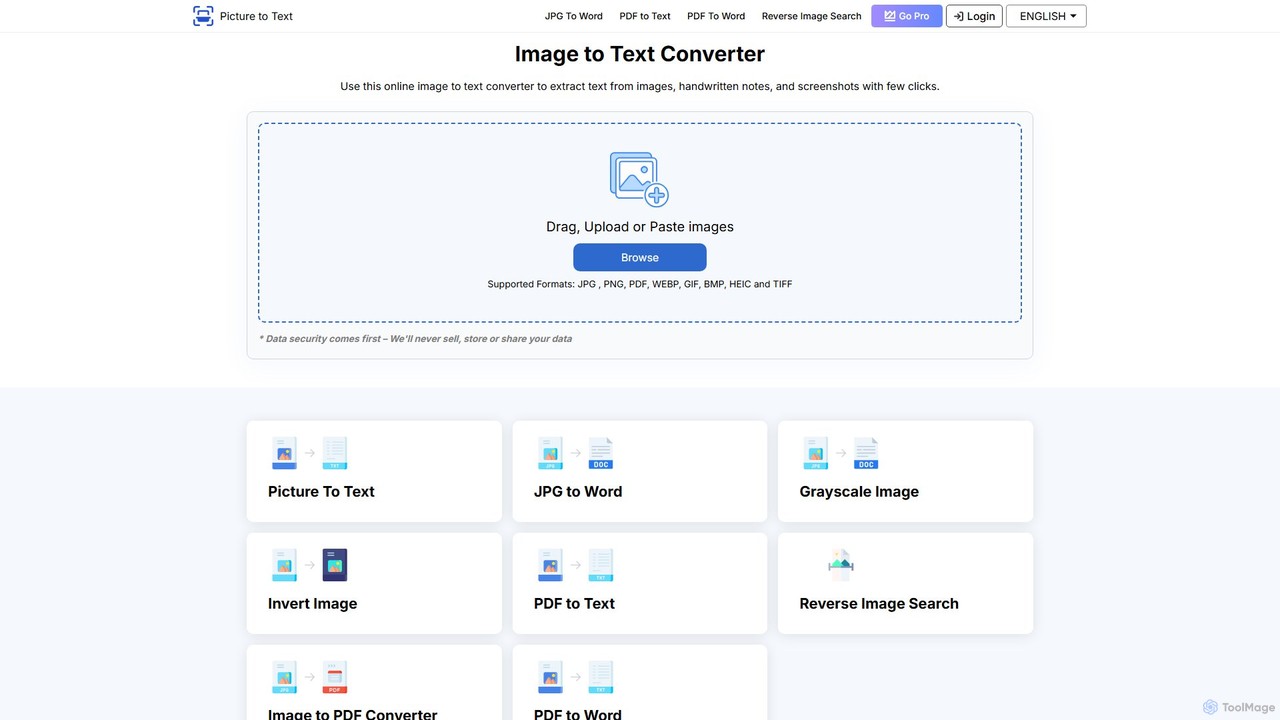
picturetotext
An AI-powered OCR tool that accurately converts images into editable text. It supports various formats, batch processing, and over 20 languages. Ideal for digitizing documents, automating data entry, and improving study efficiency with a user-friendly interface and a focus on data privacy.
Data Entry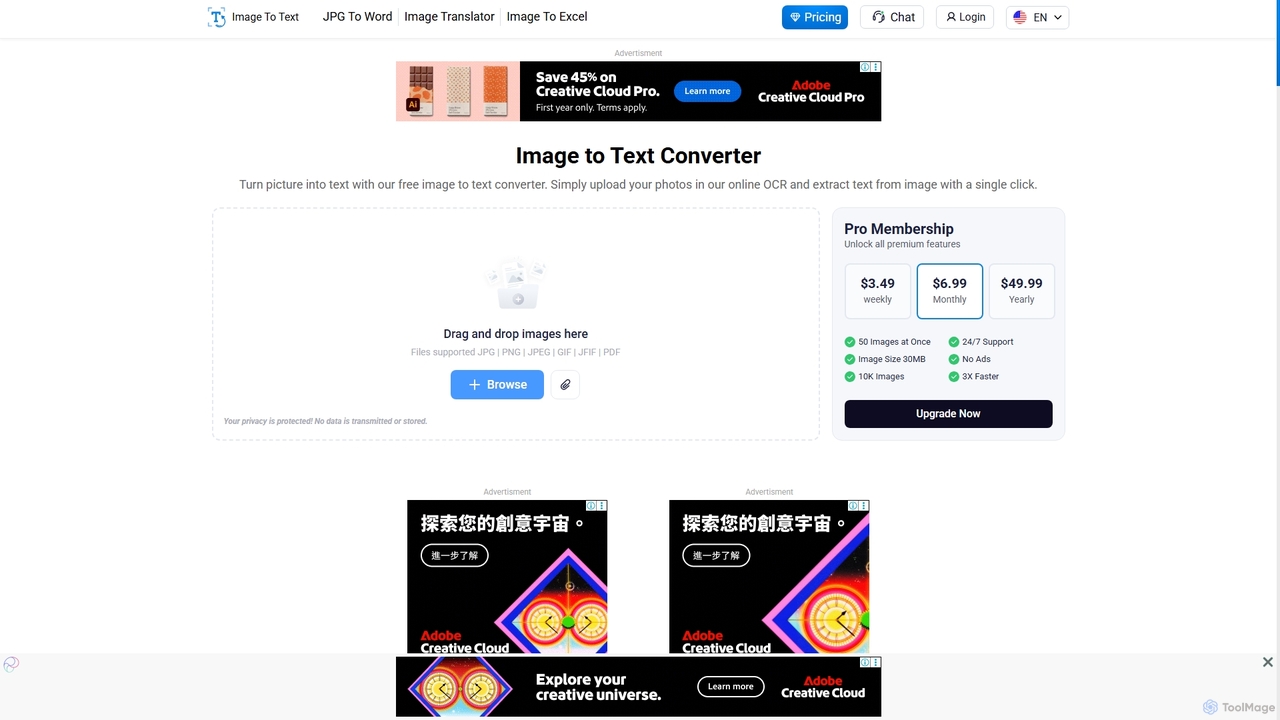
Imagetotext.io
A powerful online OCR tool that accurately converts images into editable text. It supports various formats, multiple languages, and even extracts text from low-resolution images and mathematical equations. Ideal for students, professionals, and anyone needing to digitize documents quickly and for free.
Study Tools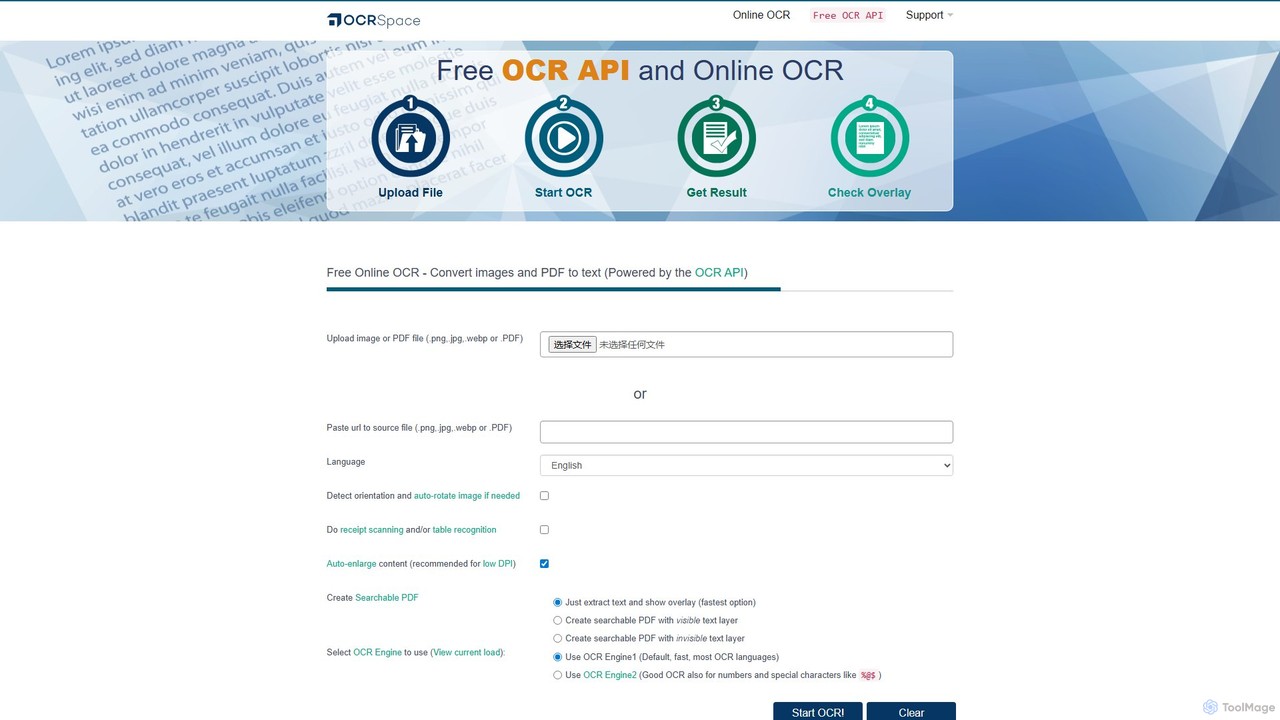
OCR.space
A powerful and free online OCR service and API that converts images and PDFs into editable text. It supports over 25 languages, creates searchable PDFs, and offers multiple OCR engines for optimal accuracy. Ideal for both individual use and developer integration, with a strong focus on privacy.
Data ExtractionImage to Text Categories
Image to Text Embed Widget
Copy this embed code to place the badge on your blog, article, or product site and send readers directly to this ToolMage detail page.

Related AI tools
Imagetotext.io
A powerful online OCR tool that accurately converts images into editable text. It supports various formats, multiple languages, and even extracts text from low-resolution images and mathematical equations. Ideal for students, professionals, and anyone needing to digitize documents quickly and for free.
Study Toolsimgtotext.net
An advanced online OCR tool that accurately extracts text from images and PDF documents. It supports batch processing, multiple languages, and various file formats. It also offers a built-in translation feature, making it a versatile solution for digitizing and processing text-based content for free.
Optical Character RecognitionImagetotext
A free, AI-powered online OCR tool that instantly converts images to text. It accurately extracts text from various formats like JPG, PNG, and even handwritten notes, ensuring user privacy with end-to-end encryption and no data storage.
Digitization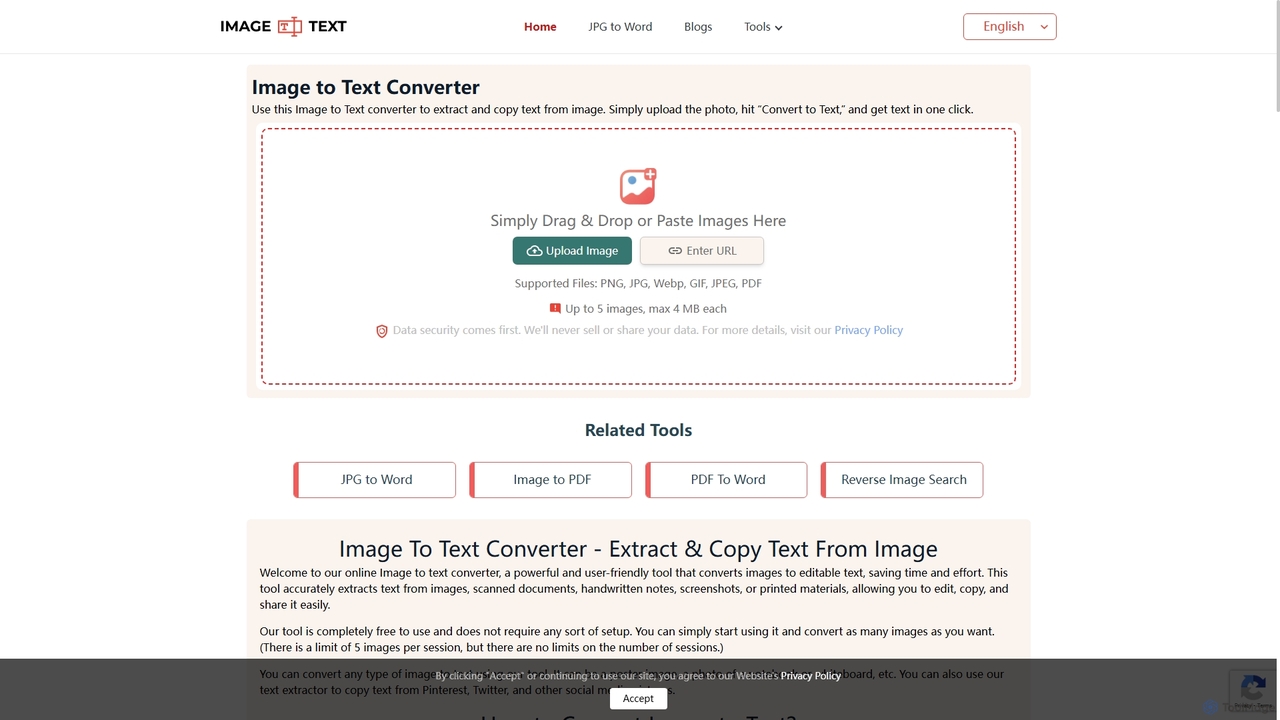
Imagetotext.me
A free online OCR tool that accurately extracts text from images, scanned documents, and handwritten notes. It supports multiple languages and file formats, and includes additional converters for JPG to Word and Image to PDF, all without requiring registration.
Study Tools
ScantextAI
ScantextAI is a free, web-based OCR tool that instantly converts images into editable text. It supports over 50 languages and various image formats, allowing users to export text to PDF or Word (DOCX) files. With a strong focus on privacy, it processes files locally on your device, ensuring your data remains secure. No registration is required, making it a quick and efficient solution for students, professionals, and anyone needing to digitize documents.
Ocrpicturetotext
An AI-powered OCR tool that accurately converts images into editable text. It supports various formats, batch processing, and over 20 languages. Ideal for digitizing documents, automating data entry, and improving study efficiency with a user-friendly interface and a focus on data privacy.
Data EntryOCR.space
A powerful and free online OCR service and API that converts images and PDFs into editable text. It supports over 25 languages, creates searchable PDFs, and offers multiple OCR engines for optimal accuracy. Ideal for both individual use and developer integration, with a strong focus on privacy.
Data Extraction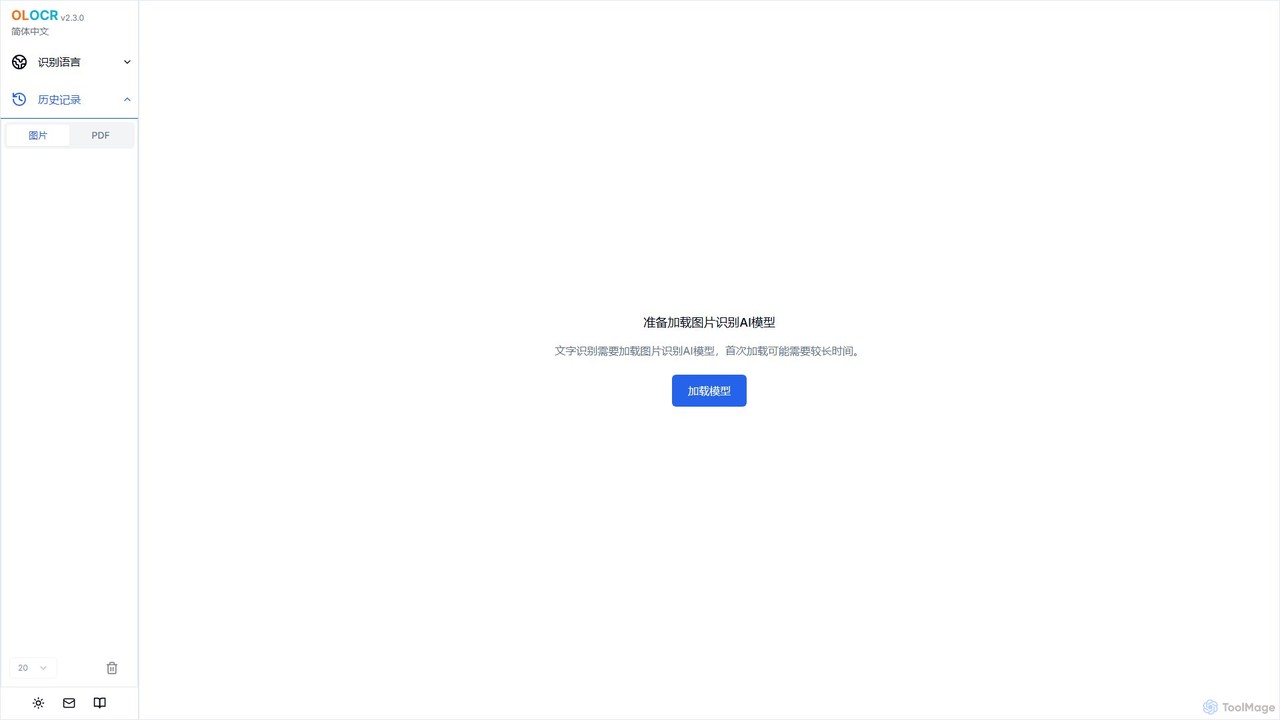
olocr
olocr is a free, privacy-focused AI OCR tool that extracts text from images and PDFs directly in your browser. It supports over 70 languages, batch processing, and can create searchable PDFs without uploading your files, ensuring complete data security.
Extraction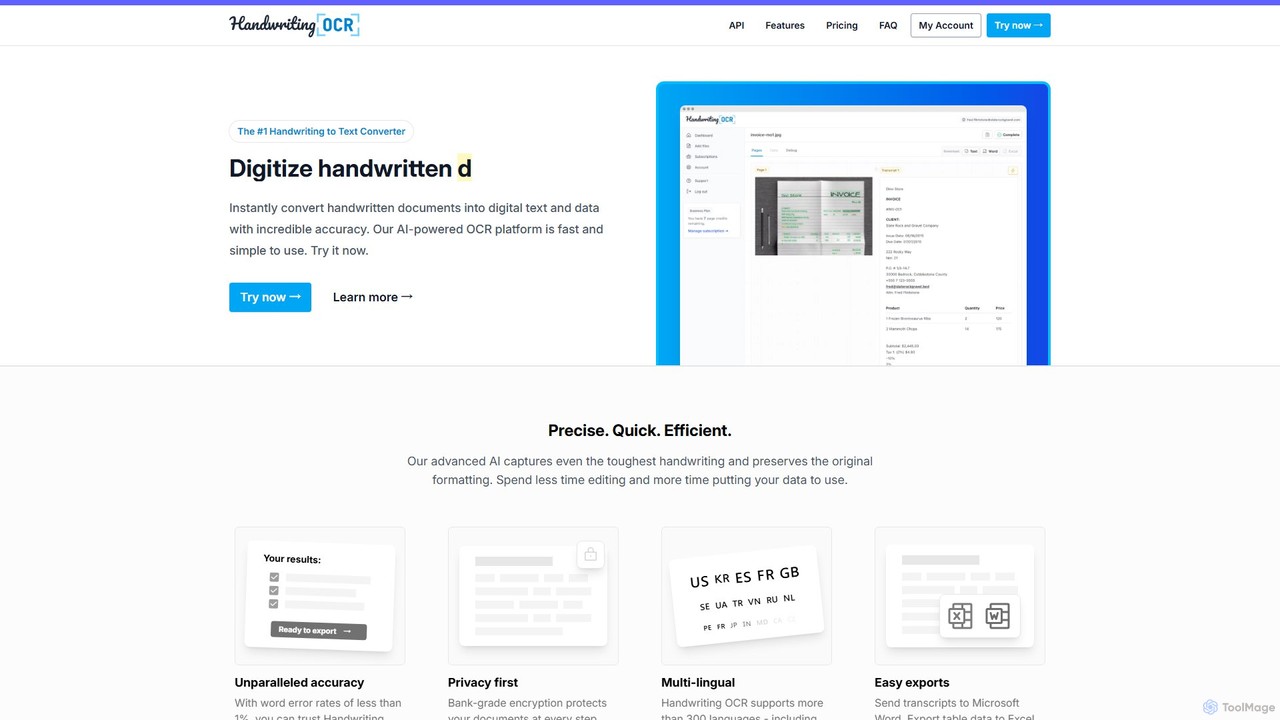
Handwriting OCR
Handwriting OCR is an AI-powered platform that instantly converts handwritten and printed documents into editable digital text with incredible accuracy. It supports over 300 languages, various file formats (PDF, JPG, PNG), and exports to Word, Excel, and plain text. Designed for businesses, researchers, and individuals, it prioritizes security with bank-grade encryption and a strict no-data-training policy.
Data Entry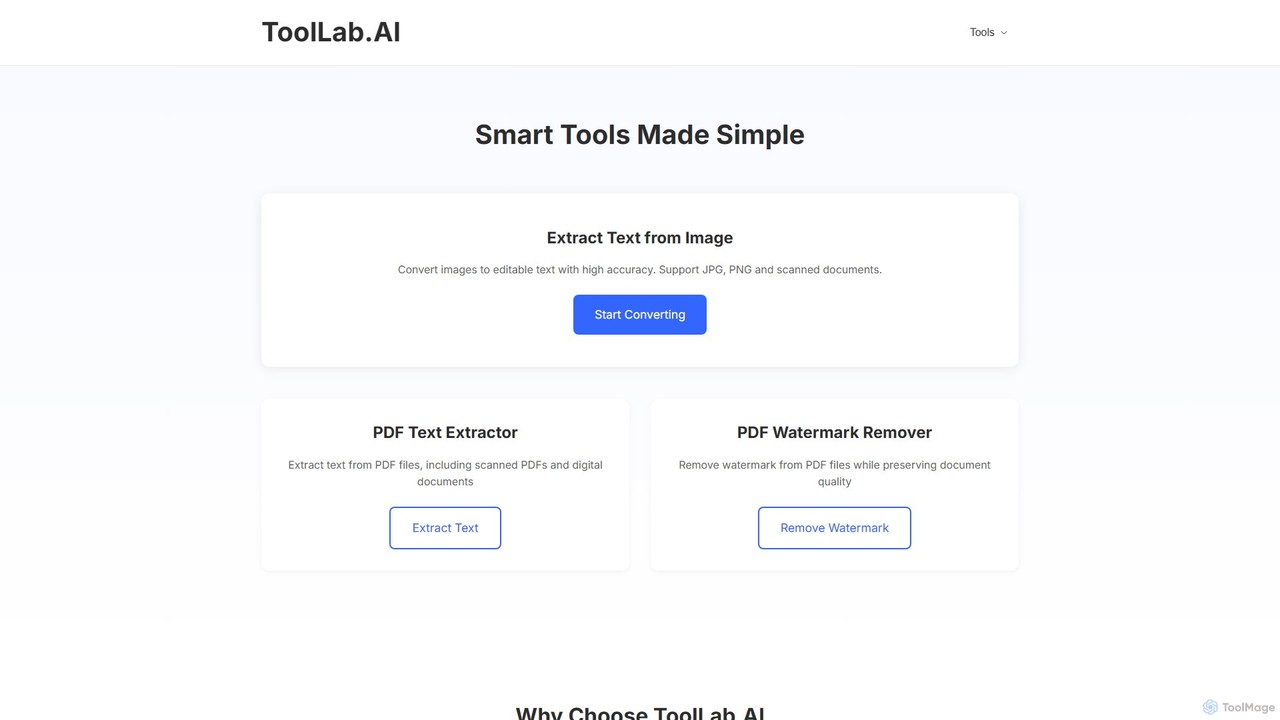
ToolLab.AI
ToolLab.AI offers a suite of free, AI-powered online tools for simple and efficient document processing. It specializes in high-accuracy text extraction from images (OCR) and PDFs, as well as PDF watermark removal. Designed for speed and security, it provides instant results with a user-friendly interface.
Document Processing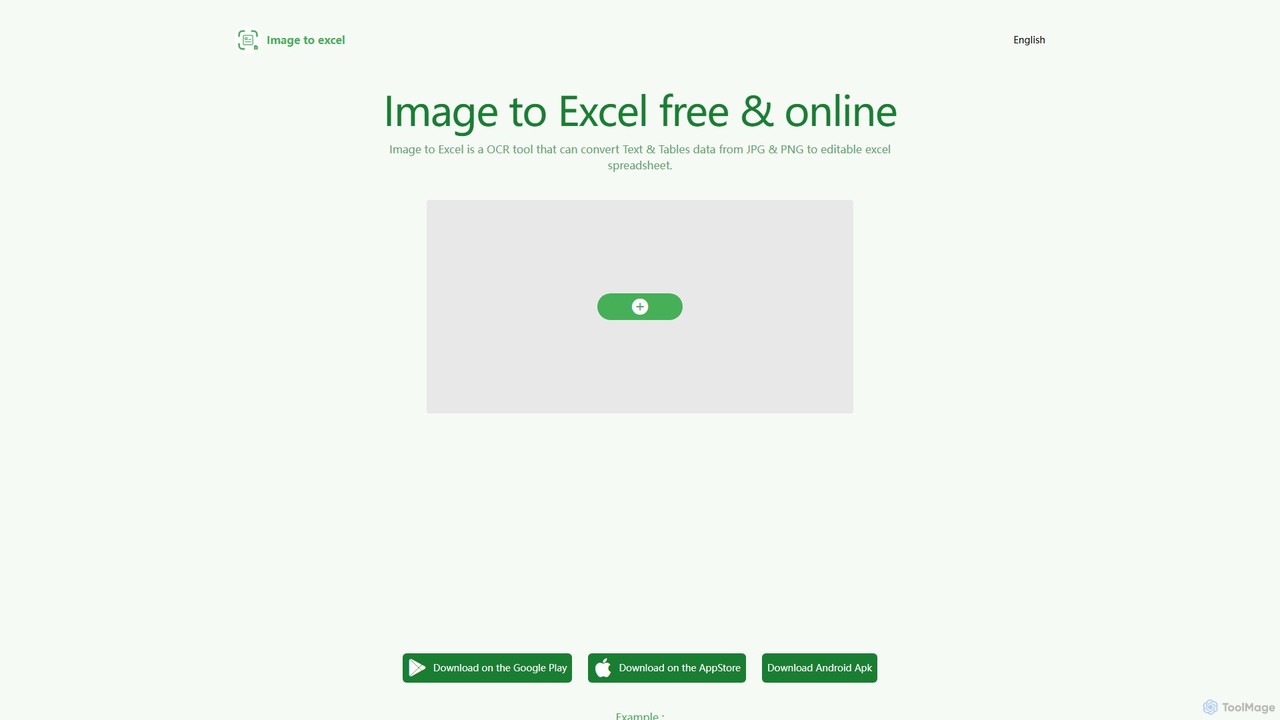
itexcel
itexcel is a free, AI-powered OCR tool that accurately converts tables and text from images (JPG, PNG) into editable Excel spreadsheets. Available on web, iOS, and Android, it streamlines data entry and boosts productivity.
Document Processing
Jyek
Jyek is an AI agent platform that understands objectives, creates execution plans, uses tools, and delivers verifiable results for complex, multi-step tasks.
Automation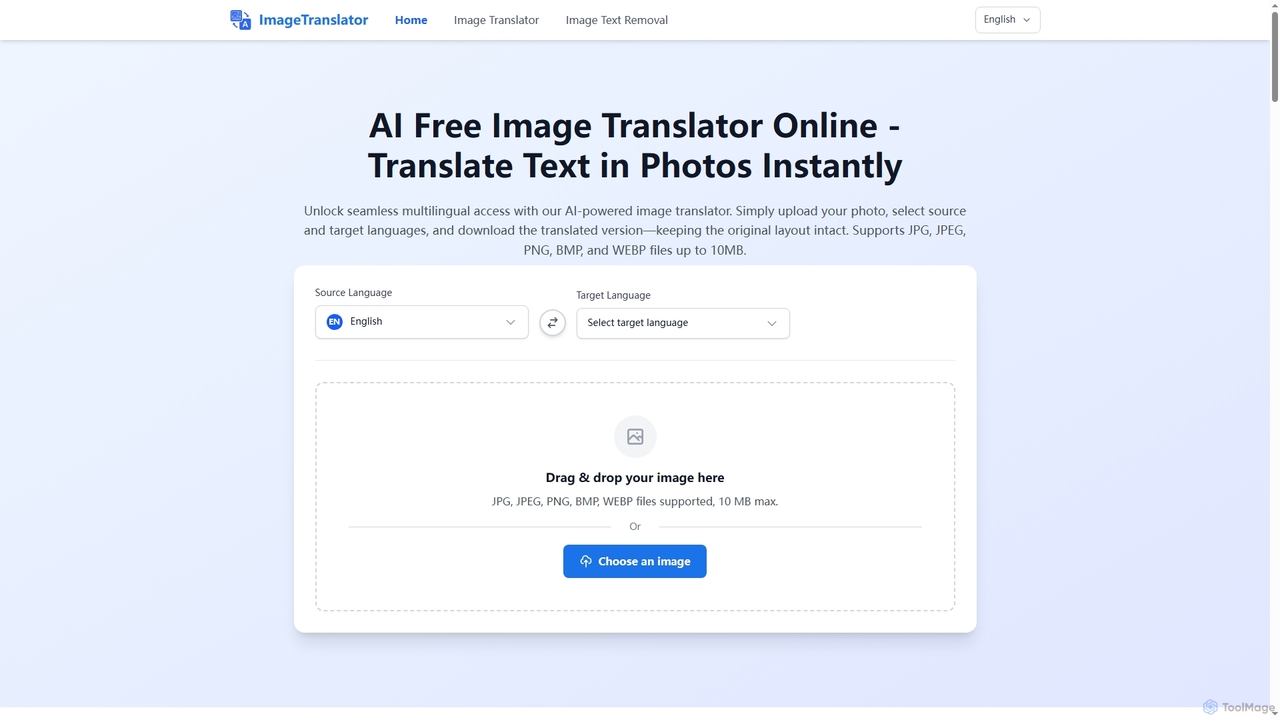
Image Translator
Image Translator is a free, AI-powered online tool designed to instantly translate text within images while preserving the original layout. It also offers a robust feature for intelligently removing text from photos. Supporting over 100 languages and various image formats up to 10MB, it provides a seamless solution for global communication, document processing, and creative localization without any software installation or subscription fees.
Image Translation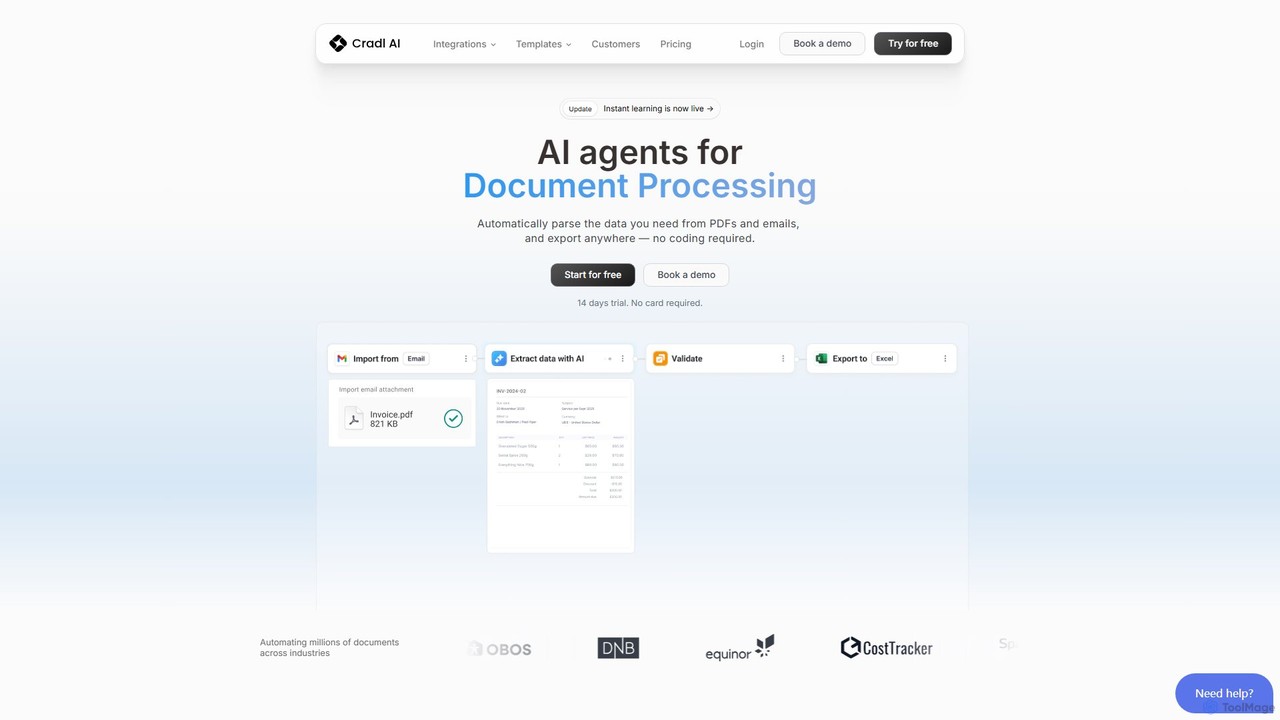
Cradl AI
Cradl AI is a no-code platform that uses AI agents to automate document data extraction and workflows. Easily parse data from PDFs, emails, and other documents like invoices and bills of lading, and export it anywhere without writing a single line of code. It features a human-in-the-loop review system for maximum accuracy.
Workflow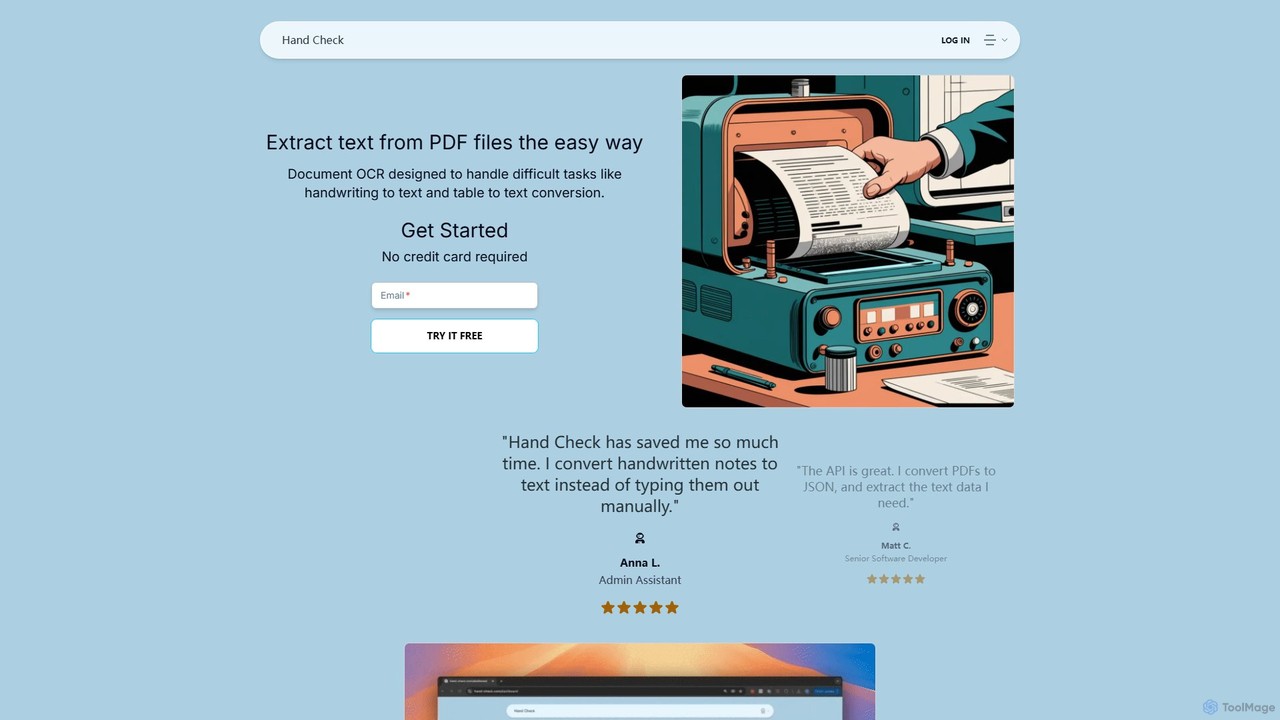
hand_check
hand_check is an advanced OCR tool that uses machine learning to extract text from PDFs and images. It specializes in converting complex documents, including handwritten notes and tables, into editable text or structured JSON data. With a user-friendly interface and a powerful API for developers, it's ideal for individuals, developers, and enterprises looking to automate document processing and data extraction.
Data Extraction
Image to Text Comments (0)
Sign in to comment.
Sign inNo comments yet.