ToolMage
Sign in

Best 3 Text Extraction AI tools for Utilities

Popular Text Extraction AI tools in Utilities include Image to Text, Imagetotext, and VocabGenerator, helping you work more efficiently.

Imagetotext
Free

Imagetotext

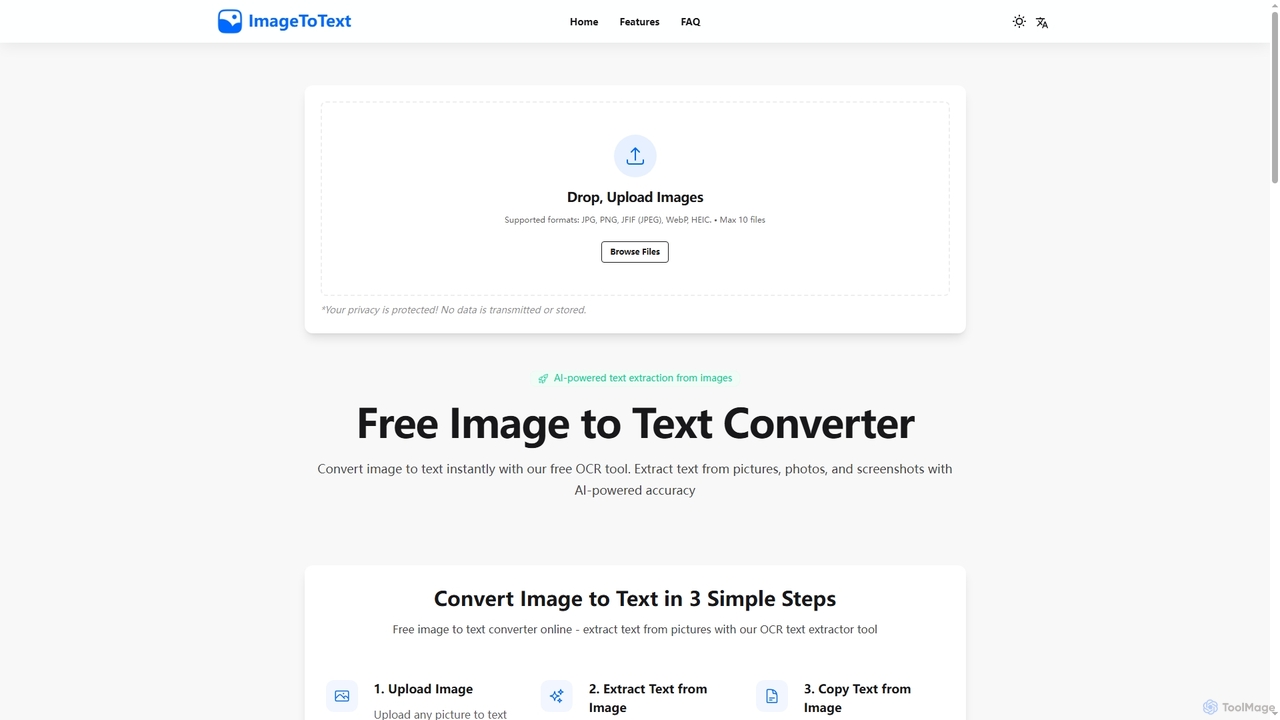
A free, AI-powered online OCR tool that instantly converts images to text. It accurately extracts text from various formats like JPG, PNG, and even handwritten notes, ensuring user privacy with end-to-end encryption and no data storage.

Digitization
Visits 9KFavorites 152Likes 145
VocabGenerator
Free

VocabGenerator

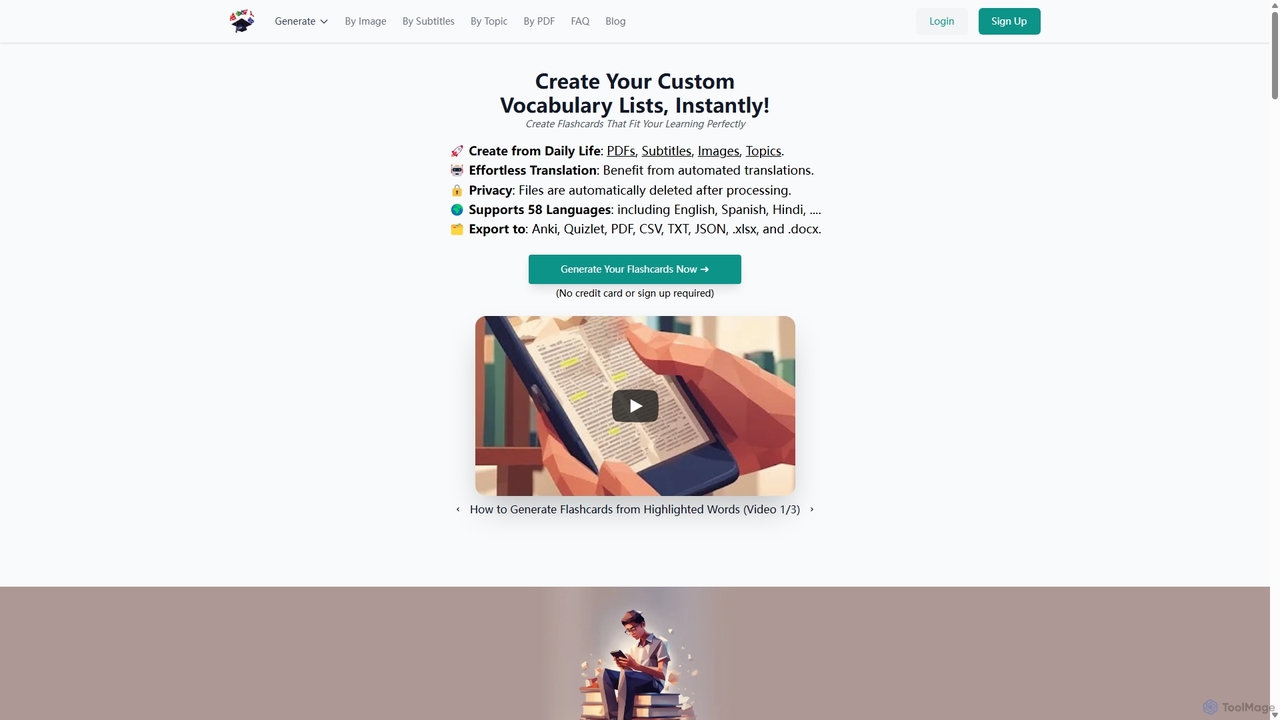
VocabGenerator is a powerful AI tool that instantly creates custom vocabulary flashcards. Generate translated flashcards from PDFs, images with highlighted text, subtitle screenshots, or any topic you choose. It supports a vast range of languages and allows for easy export to Anki or printable PDFs, making it an essential resource for language learners, students, and professionals.

Language Learning
Visits 8.7KFavorites 141Likes 144
Image to Text
Free

Image to Text

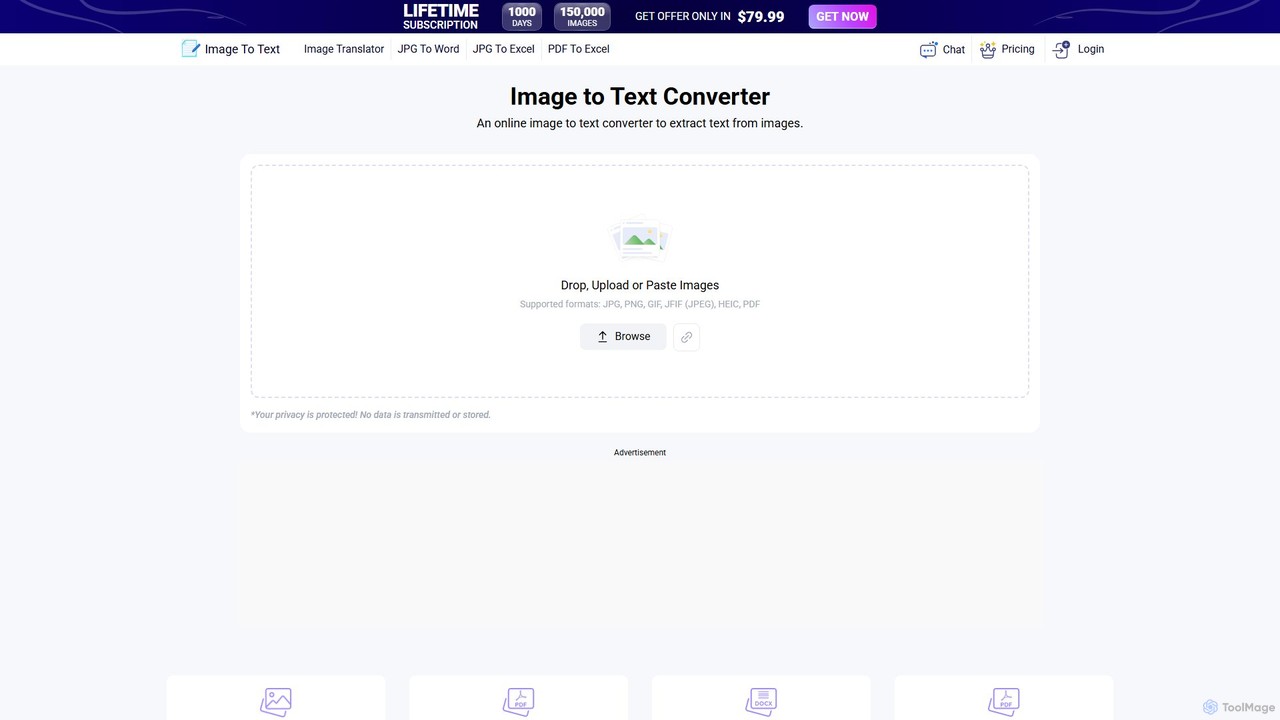
A free, AI-powered online OCR tool that accurately extracts text from images. It supports numerous languages and image formats without requiring registration. Easily convert images, documents, and notes into editable text, download as a .txt file, or copy to your clipboard.

Note Taking
Visits 5.8MFavorites 155Likes 166

About Text Extraction

AI Text Extraction tools are specialized applications that automatically identify and pull textual information from images, scanned documents, and PDFs. Leveraging advanced technologies like Optical Character Recognition (OCR) and Natural Language Processing (NLP), these tools go beyond simple text conversion to understand the structure and context of the data. They are designed to digitize physical documents, automate data entry, and make unstructured content searchable and usable. This capability is crucial for transforming static information into actionable digital assets.

Core Features

  • Optical Character Recognition (OCR): Converts images of typed, handwritten, or printed text into machine-readable text data.
  • Structured Data Extraction: Identifies and extracts specific data points like names, dates, and invoice totals from documents.
  • Multi-Format Support: Processes a wide range of file types, including PDF, JPG, PNG, and TIFF.
  • Handwriting Recognition (HWR): Specializes in deciphering and digitizing handwritten notes, forms, and signatures.
  • Table and Layout Analysis: Recognizes and extracts data from complex tables and forms while preserving the original structure.

Use Cases

These tools are widely used in industries with heavy document workflows, such as finance for invoice processing, healthcare for digitizing patient records, and legal for contract analysis. They are essential for any role involved in data entry, document management, or business process automation.

How to Choose

When selecting a Text Extraction tool, consider its accuracy rate for your specific document types. Evaluate its language and handwriting support, integration capabilities via API, and ability to handle various file formats. Also, compare pricing models, which may be based on pages processed or a monthly subscription.

Text Extraction use cases

1

Automate Invoice and Receipt Data Entry

Accounting teams and small business owners often spend hours manually entering data from invoices and receipts into financial software. An AI Text Extraction tool automates this process. Users can upload scans or photos of invoices, and the AI instantly extracts key information such as vendor name, invoice number, date, line items, and total amount. This data can then be exported directly to accounting systems, reducing manual entry time by over 90% and minimizing costly human errors.

2

Digitize and Search Legal Contracts

Law firms and corporate legal departments manage vast archives of contracts and legal documents, many of which are scanned PDFs and not text-searchable. Using a Text Extraction tool, paralegals and lawyers can convert entire folders of these documents into fully searchable text files. The tool can identify and extract specific clauses, party names, effective dates, and other critical terms, enabling rapid review and analysis that would otherwise take days or weeks to complete manually.

3

Extract Patient Data from Medical Forms

Healthcare providers need to digitize patient information from various sources like intake forms, lab reports, and insurance cards. A Text Extraction tool equipped with handwriting recognition can accurately capture data from scanned patient forms. It extracts fields like patient name, date of birth, medical history, and insurance details, and populates them into Electronic Health Record (EHR) systems. This streamlines patient onboarding and reduces the risk of data entry errors in critical medical records.

4

Process International Shipping Documents

Logistics and supply chain companies handle a high volume of documents like bills of lading, packing lists, and customs declarations, often in multiple languages. A Text Extraction tool with multi-language support can automatically read and extract crucial data from these documents. It captures container numbers, shipping addresses, item descriptions, and harmonized system (HS) codes, facilitating faster customs clearance and improving supply chain visibility by providing real-time data.

5

Convert Research Papers into Analyzable Text

Academic researchers and students frequently work with historical documents, scanned books, or PDF articles that lack machine-readable text. A Text Extraction tool allows them to convert these sources into plain text. This enables them to perform large-scale text analysis, search for specific keywords across hundreds of documents, and easily copy and cite passages for their work, significantly accelerating the literature review and data collection process.

6

Capture Customer Feedback from Surveys and Forms

Market research and customer experience teams collect valuable insights through paper surveys or scanned feedback forms. Instead of manually transcribing responses, they can use a Text Extraction tool to digitize both printed and handwritten answers. The tool extracts quantitative ratings and open-ended comments, which can then be fed into analytics platforms to identify trends, measure sentiment, and gain actionable insights from customer feedback at scale.

Text Extraction FAQ

What are AI Text Extraction tools?

AI Text Extraction tools are applications that use technologies like OCR and NLP to automatically identify and pull specific information from documents and images. Unlike basic scanners, they not only convert an image to text but also understand the context, allowing them to extract structured data like names, dates, or invoice amounts from unstructured formats.

How do I choose the right Text Extraction tool?

To choose the right tool, first assess the types of documents you'll process (e.g., printed, handwritten, complex tables). Key factors to consider include:

  • Accuracy: Check its performance on your specific document samples.
  • Language Support: Ensure it supports the languages you need.
  • Integration: Look for API access to connect with your existing software.
  • Scalability: Consider its ability to handle your volume of documents.
What's the difference between standard OCR and AI Text Extraction?

Standard OCR (Optical Character Recognition) converts an entire image of text into a block of digital text, without understanding its meaning. AI Text Extraction is a more advanced step; it uses OCR as a base and then applies machine learning and NLP to identify, contextualize, and extract specific data points. For example, OCR sees '€100.00,' while AI Text Extraction understands it as the 'Total Amount.'

What kind of documents can Text Extraction tools process?

These tools are highly versatile and can process a wide array of documents. Common examples include invoices, receipts, contracts, passports, driver's licenses, bank statements, medical forms, and handwritten notes. They can handle various file formats like PDF, JPG, PNG, and TIFF, making them suitable for digitizing almost any physical or digital document.

Who benefits most from using Text Extraction tools?

Any organization or individual dealing with a high volume of document processing can benefit significantly. This includes industries like finance, accounting, legal, healthcare, and logistics. Roles such as data entry clerks, accountants, paralegals, and administrative assistants can automate their most repetitive tasks, freeing up time for more strategic work while improving data accuracy and efficiency.