

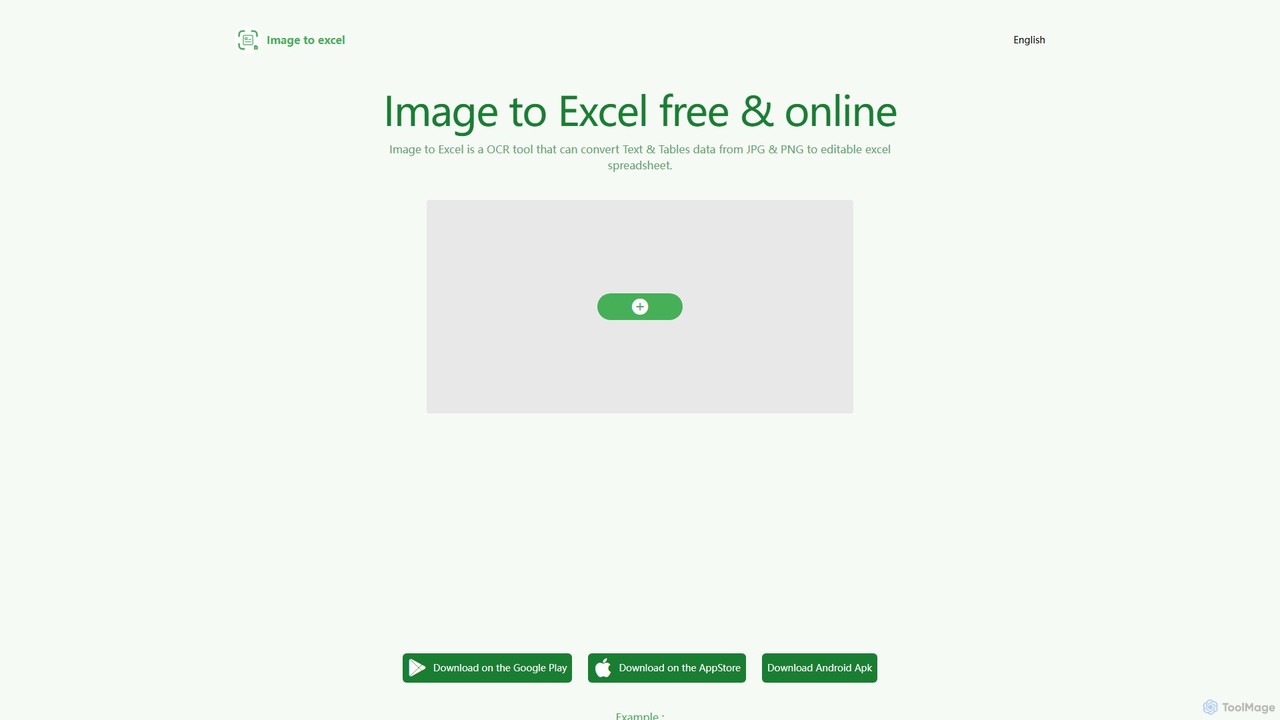
itexcel Overview
itexcel is a powerful and user-friendly AI tool designed to eliminate the tedious task of manual data entry. It specializes in Optical Character Recognition (OCR), specifically engineered to recognize and extract tabular data and text from images with high precision. By leveraging advanced AI models, itexcel can convert static images, such as JPG and PNG files, into fully editable and structured Excel spreadsheets. This free service is an invaluable asset for students, researchers, accountants, and anyone who needs to digitize data from printed documents, presentations, or screenshots, saving significant time and effort while ensuring data integrity.
How to use itexcel
The conversion process with itexcel is designed to be simple and intuitive, requiring just a few clicks:
- Upload Your Image: Select and upload your JPG or PNG file containing the table or text you want to convert. You can do this directly on the website or through the mobile apps.
- Automatic AI Processing: Once uploaded, the AI-powered OCR engine automatically analyzes the image, identifies the table structure, rows, columns, and text content. This process typically takes only a few seconds.
- Download Your Excel File: After the processing is complete, you will be provided with a link to download the converted data as an editable Excel (.xlsx) file.
For best results, it is recommended to follow these guidelines:
- Ensure the image is clear and the table is well-lit and flat.
- Crop the image to include only the relevant table area, removing unnecessary borders or surrounding content.
- Use images where the text is not too small (preferably with a font height of at least 40 pixels).
- For very long tables, consider splitting them into multiple images before conversion.
Core Features of itexcel
- AI-Powered Table Recognition: Utilizes deeply optimized AI models to accurately detect complex table structures, including merged cells and varied layouts, and convert them into organized spreadsheets.
- High-Precision Text Extraction: Excels at recognizing text within images, maintaining the original data and formatting as much as possible.
- Multi-Platform Support: Seamlessly accessible as a web-based tool, a dedicated iOS app on the App Store, and an Android app available on Google Play and as a direct APK download.
- Multiple Image Format Compatibility: Supports the most common image formats, including JPG and PNG, for maximum flexibility.
- Multi-Language OCR: Capable of recognizing and processing text in English, Simplified Chinese, and Traditional Chinese.
- Free and Fast: The service is offered completely free of charge, providing high-speed conversions without hidden costs or advertisements.
Use Cases for itexcel
itexcel is versatile and can be applied in various professional and academic scenarios:
- Finance and Accounting: Quickly digitize financial statements, invoices, receipts, and bank statements for analysis and bookkeeping.
- Academic Research: Extract data from tables in research papers, textbooks, and historical documents for statistical analysis.
- Business Operations: Convert printed inventory lists, shipping manifests, or data from presentation slides into workable digital formats.
- Data Analysis: Capture data from reports, infographics, or web screenshots to import into business intelligence tools.
- Personal Organization: Digitize personal records, schedules, or any tabular information from physical copies.
Advantages of itexcel
- Time Efficiency: Drastically reduces the hours spent on manual data transcription, freeing up users to focus on more analytical tasks.
- Enhanced Accuracy: The AI-driven engine minimizes human error, leading to more reliable and accurate data sets.
- Cost-Free Solution: Provides a professional-grade data extraction service at no cost, making it accessible for everyone.
- Ultimate Convenience: With support for web and mobile platforms, you can convert images to Excel anytime, anywhere.
- Simple and Intuitive: No technical expertise is required. The straightforward interface ensures a smooth user experience for all.
Pricing and Plans
itexcel is a completely free tool. The website and app stores indicate no subscription fees, usage limits, or premium plans, making all its powerful features available to every user without charge.
itexcel Alternatives
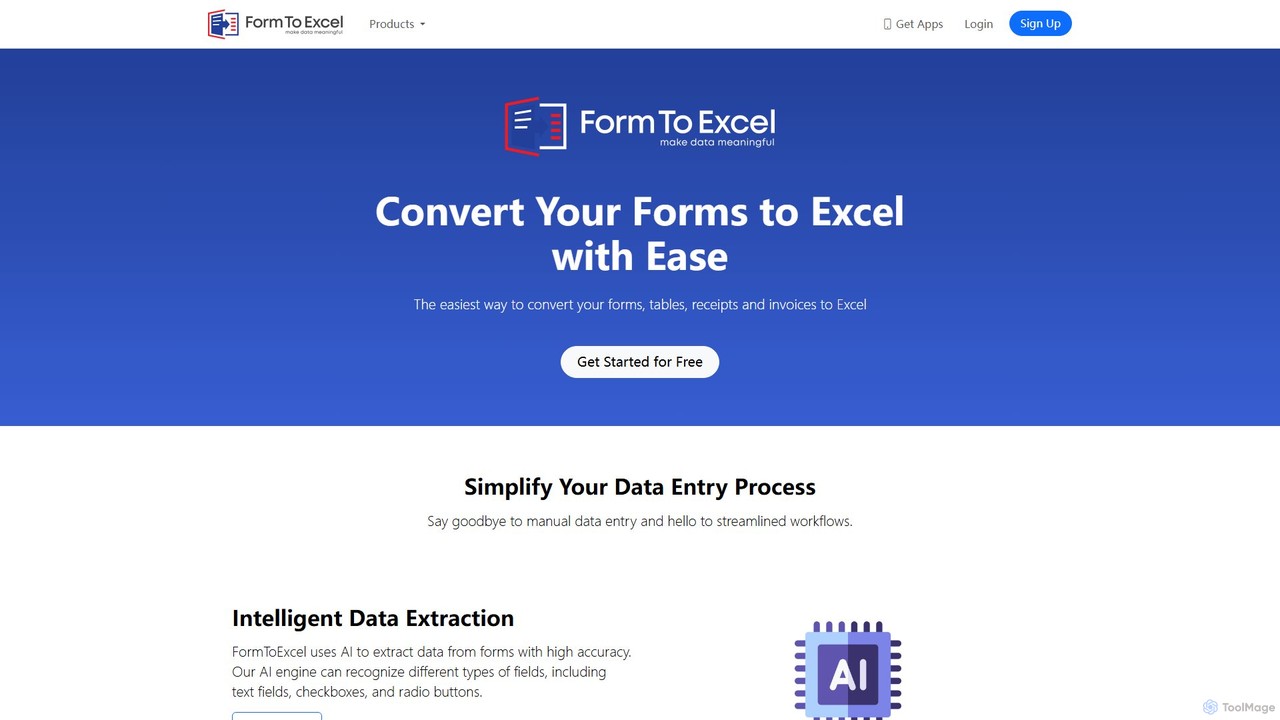
FormToExcel
FormToExcel is an AI-powered data extraction tool that automates the conversion of documents into structured Excel spreadsheets. It uses advanced OCR technology to accurately extract data from PDFs, images, scanned forms, and invoices, eliminating manual data entry and improving workflow efficiency.
Document Management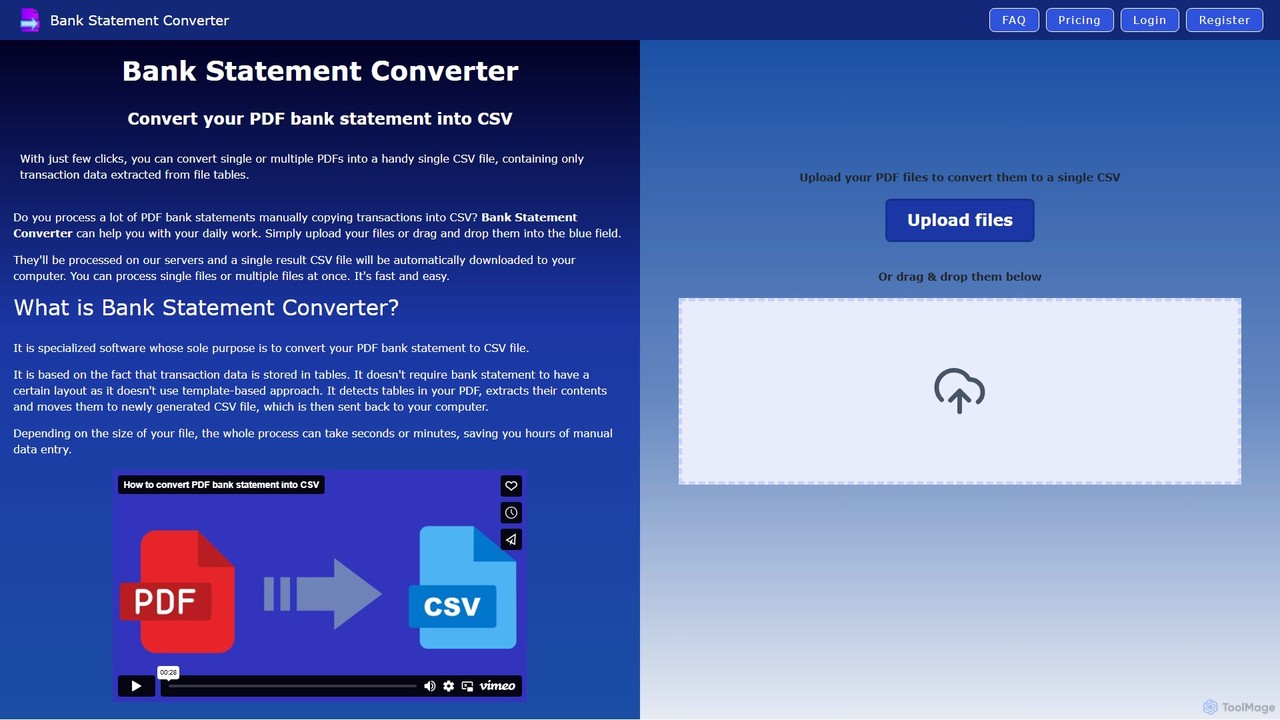
Bank Statement Converter
An AI-powered tool that automatically converts single or multiple PDF bank statements into a single, clean CSV file. It uses advanced table detection to extract transaction data, saving hours of manual data entry for accountants, finance specialists, and business owners.
Converter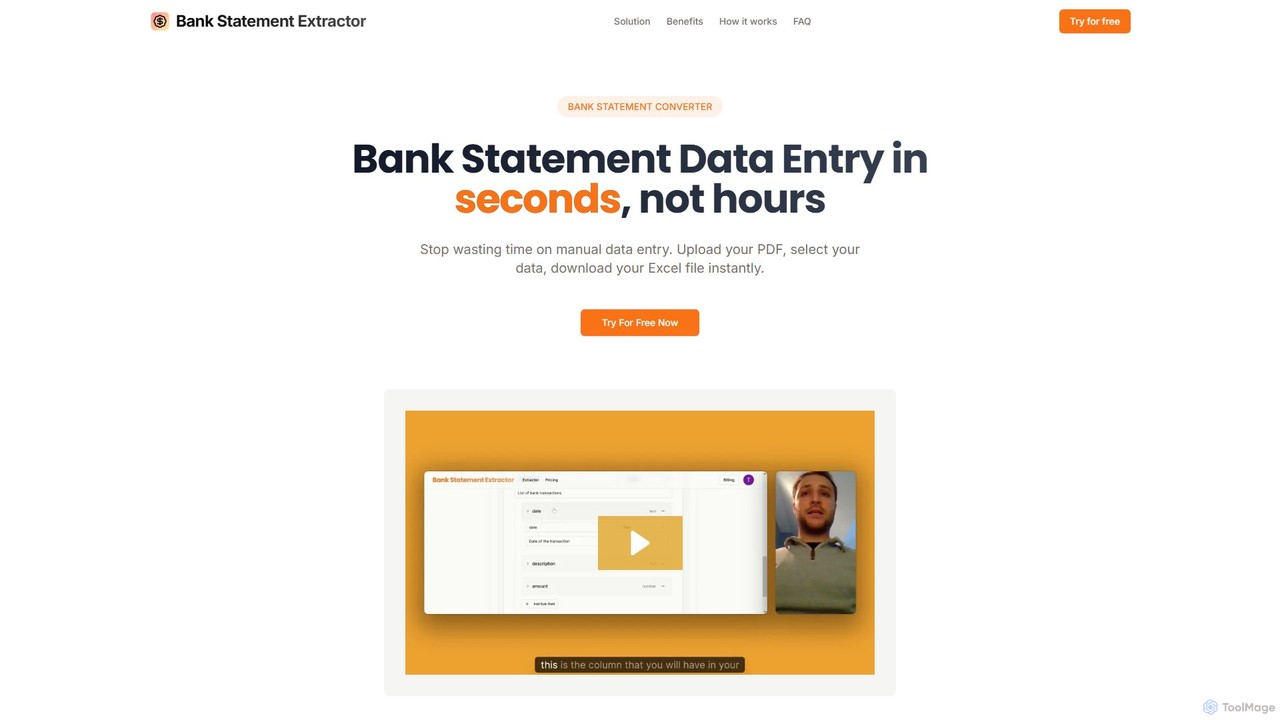
bankstatementextract
AI-powered tool to instantly convert PDF bank statements (including scanned documents) into structured Excel files. Automate data entry with 99.8% accuracy, process multiple statements at once, and define custom data extraction schemas. Ideal for accountants, analysts, and businesses.
Converter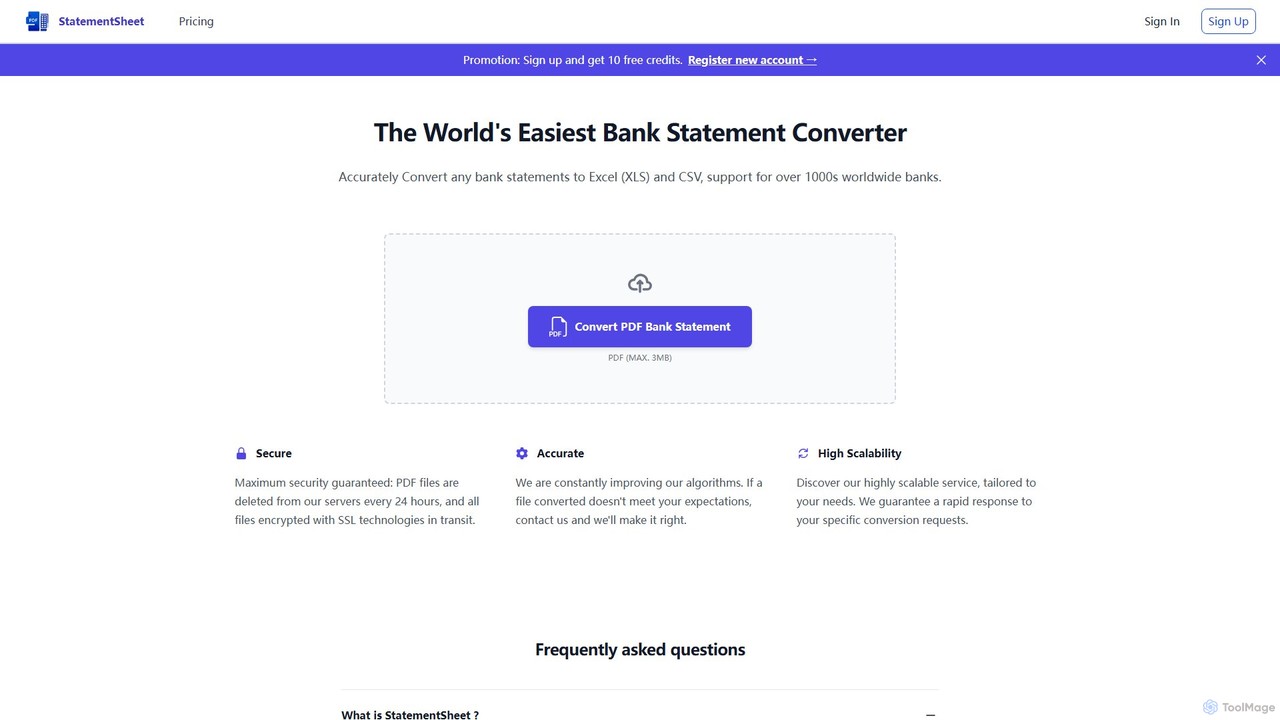
StatementSheet
StatementSheet is an AI-powered online tool that accurately converts PDF bank statements into editable Excel (XLS) and CSV formats. Supporting thousands of banks worldwide, it uses advanced OCR and AI technologies to extract transaction data quickly and securely. Ideal for accountants, businesses, and individuals looking to automate data entry and streamline financial analysis.
Converter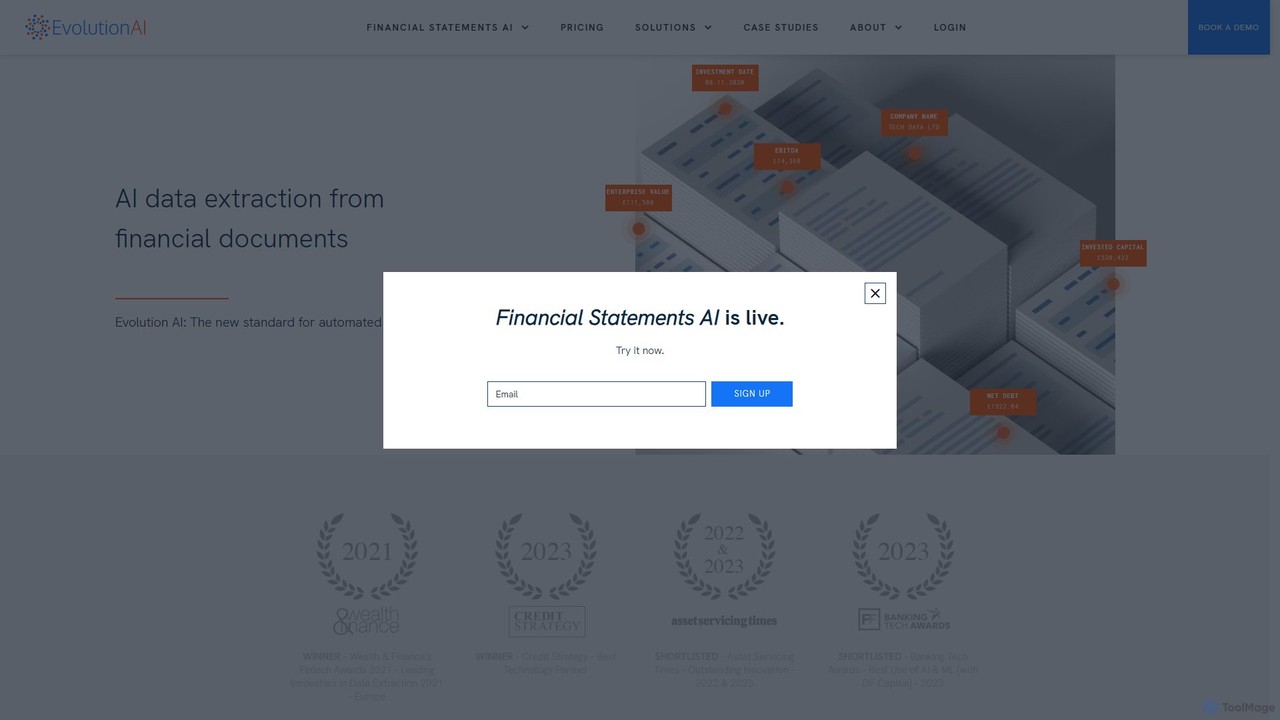
Evolution AI
Evolution AI is an advanced platform for automated data extraction from complex documents. Using generative AI, it requires no rules or coding to identify and extract data from invoices, financial statements, and custom documents, significantly reducing manual effort and improving accuracy.
Document Processingitexcel Categories
itexcel Embed Widget
Copy this embed code to place the badge on your blog, article, or product site and send readers directly to this ToolMage detail page.

Related AI tools
FormToExcel
FormToExcel is an AI-powered data extraction tool that automates the conversion of documents into structured Excel spreadsheets. It uses advanced OCR technology to accurately extract data from PDFs, images, scanned forms, and invoices, eliminating manual data entry and improving workflow efficiency.
Document ManagementBank Statement Converter
An AI-powered tool that automatically converts single or multiple PDF bank statements into a single, clean CSV file. It uses advanced table detection to extract transaction data, saving hours of manual data entry for accountants, finance specialists, and business owners.
Converterbankstatementextract
AI-powered tool to instantly convert PDF bank statements (including scanned documents) into structured Excel files. Automate data entry with 99.8% accuracy, process multiple statements at once, and define custom data extraction schemas. Ideal for accountants, analysts, and businesses.
Converter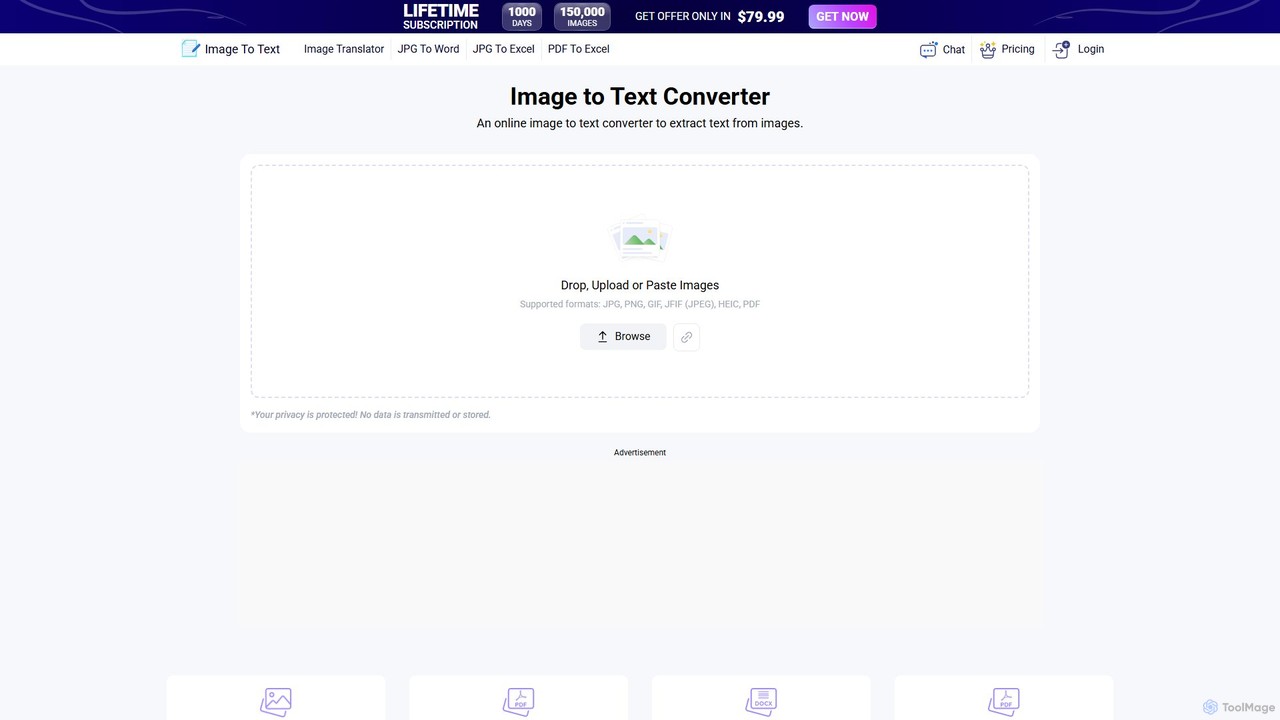
Image to Text
A free, AI-powered online OCR tool that accurately extracts text from images. It supports numerous languages and image formats without requiring registration. Easily convert images, documents, and notes into editable text, download as a .txt file, or copy to your clipboard.
Note Taking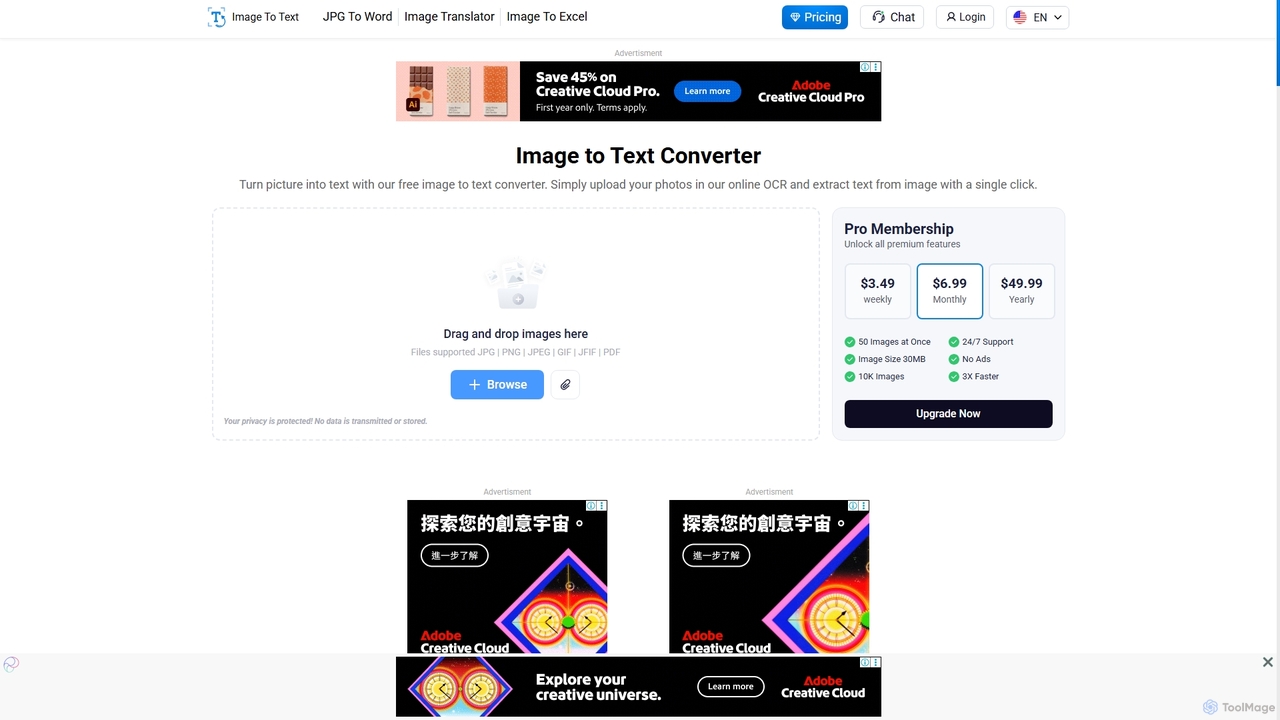
Imagetotext.io
A powerful online OCR tool that accurately converts images into editable text. It supports various formats, multiple languages, and even extracts text from low-resolution images and mathematical equations. Ideal for students, professionals, and anyone needing to digitize documents quickly and for free.
Study Tools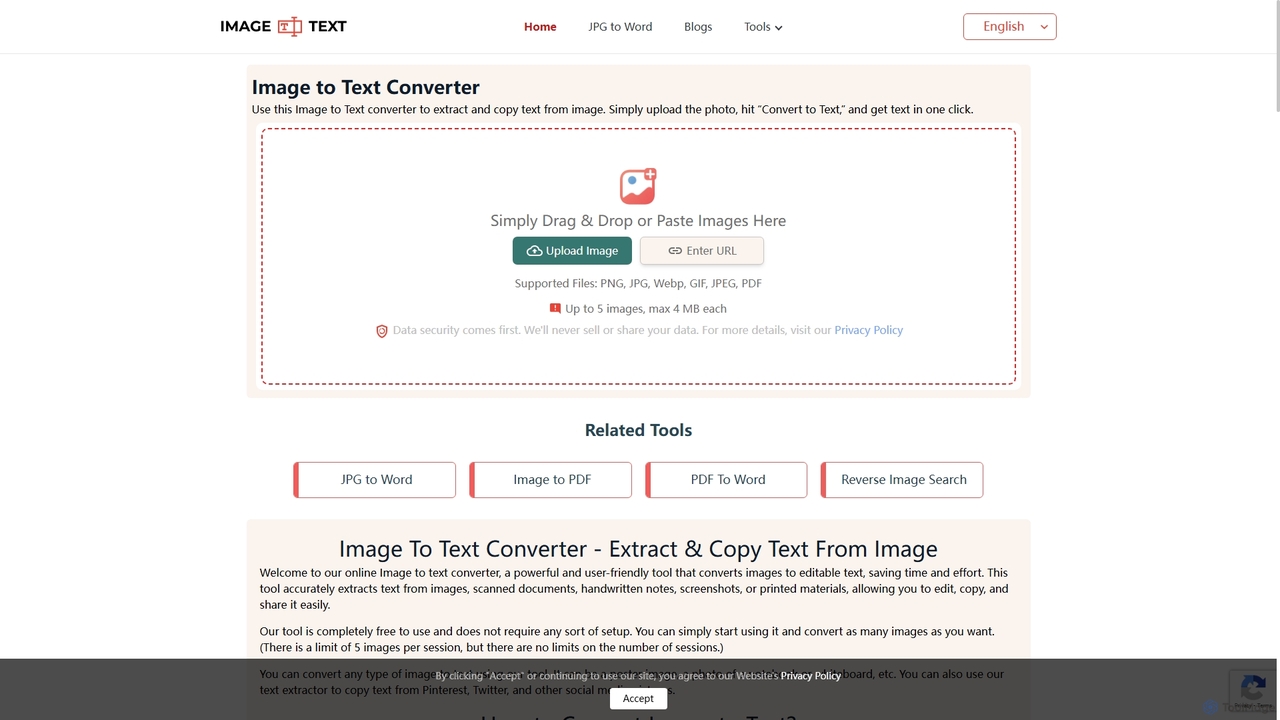
Imagetotext.me
A free online OCR tool that accurately extracts text from images, scanned documents, and handwritten notes. It supports multiple languages and file formats, and includes additional converters for JPG to Word and Image to PDF, all without requiring registration.
Study Tools
UPDF AI
UPDF AI is a powerful AI assistant integrated into the UPDF editor, designed to revolutionize how you interact with PDF documents. It allows you to chat with your PDFs, get instant summaries, translate entire documents or selected text, explain complex data, and even convert dense content into visual mind maps. Available on Windows, macOS, iOS, Android, and the web, it streamlines workflows for students, researchers, and professionals by making document comprehension and analysis faster and more efficient.
Research
Parseur
Parseur is a powerful AI-powered document parsing tool that automates data extraction from emails, PDFs, and other documents. It converts unstructured text into structured data and sends it to thousands of applications, eliminating manual data entry and saving significant time.
Document Management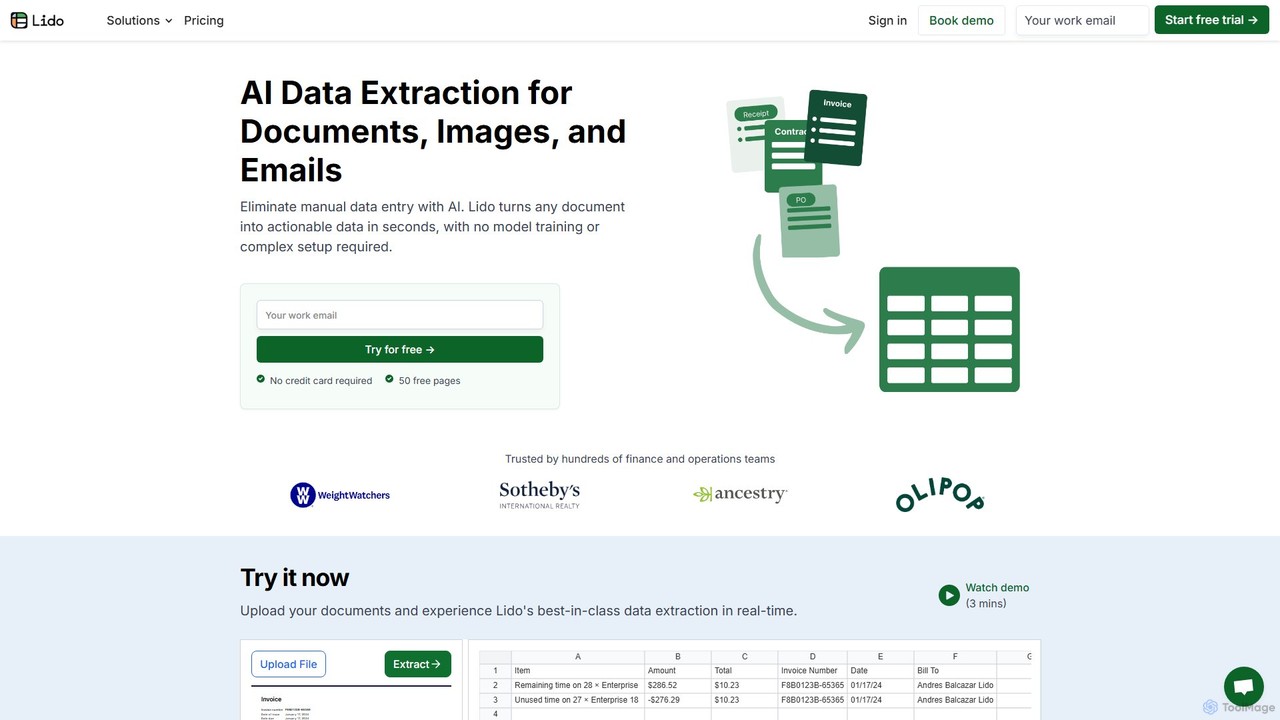
Lido
Lido is an AI-powered data extraction tool that automates the process of pulling information from any document, including PDFs, invoices, and images, into structured formats like Excel and CSV. It's template-free, fast, and designed for finance and operations teams to eliminate manual data entry and save significant time.
Document Management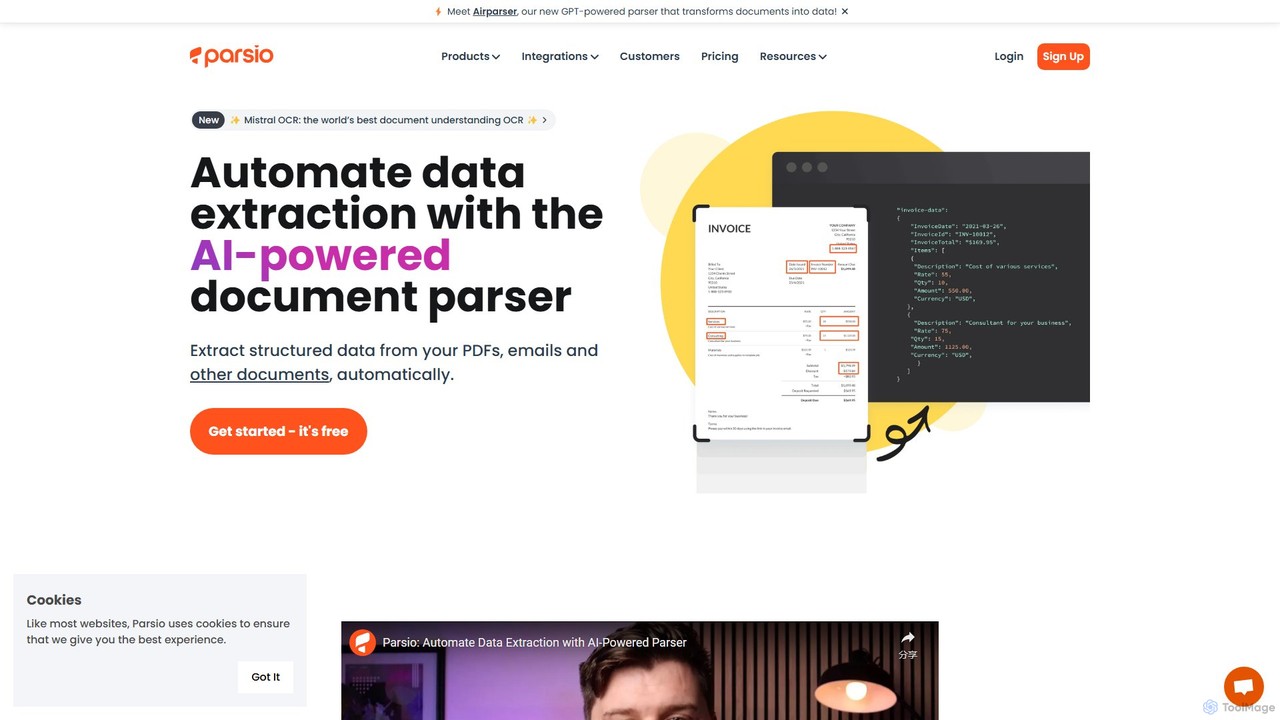
Parsio
Parsio is an AI-powered document parser that automates data extraction from emails, PDFs, and other documents. It uses OCR and AI models like GPT to capture structured data from unstructured text, eliminating manual data entry and streamlining business workflows through seamless integrations.
Document Management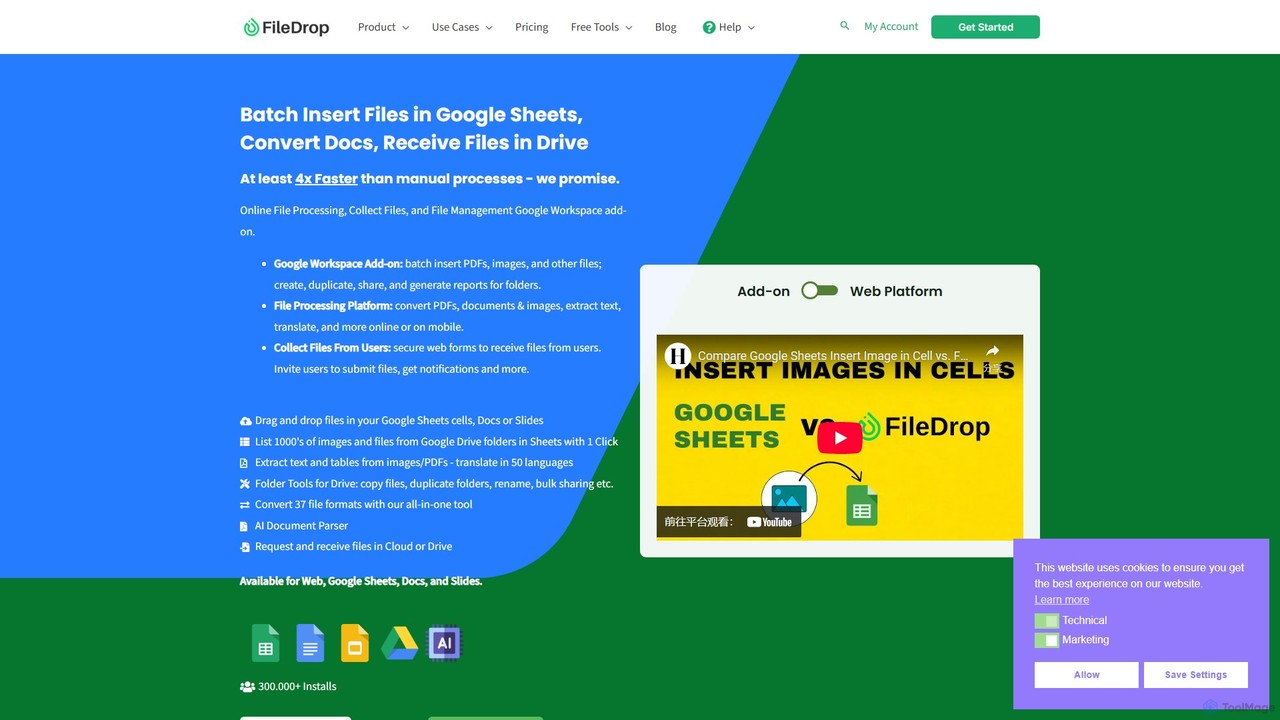
FileDrop
FileDrop is a productivity suite for Google Workspace and a web platform that streamlines file management. It enables batch insertion of files into Google Sheets & Docs, offers a powerful file converter for 37+ formats, extracts text with AI-powered OCR, and provides secure file collection forms.
Data Extraction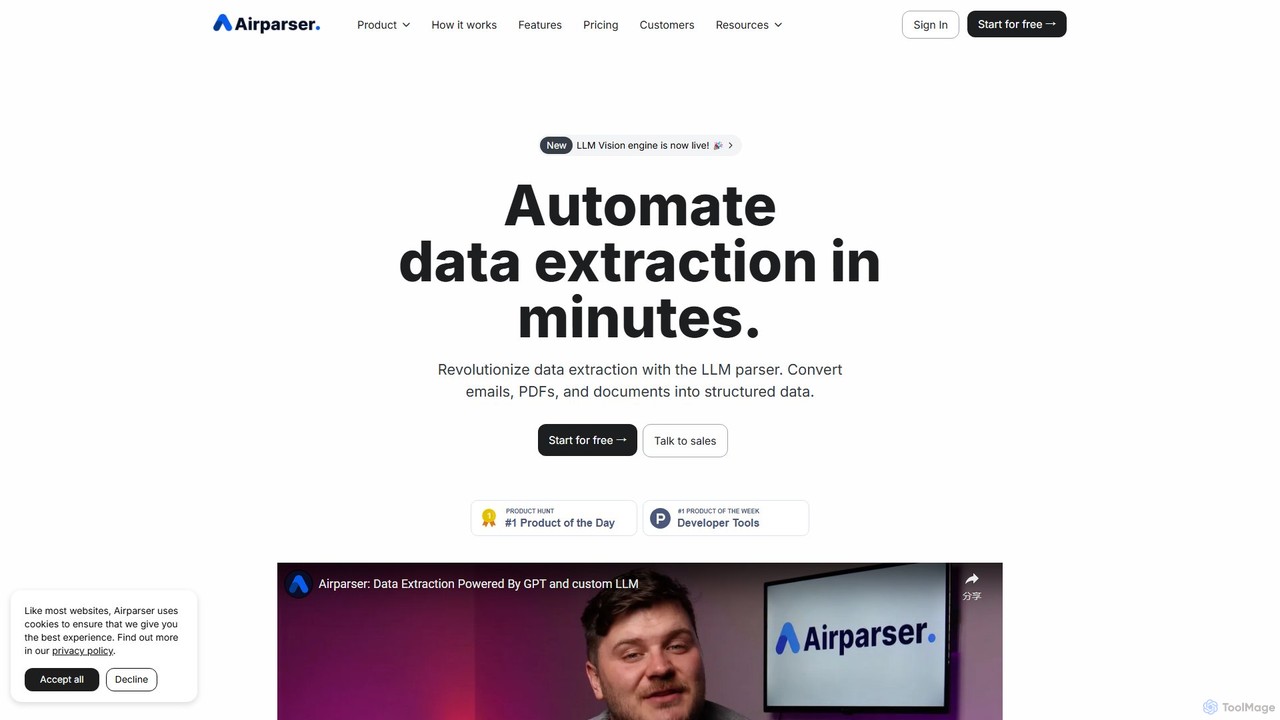
Airparser
Airparser is an LLM-powered data extraction tool that automates the process of converting unstructured data from emails, PDFs, and various documents into structured, actionable formats. It uses advanced AI to understand context, eliminating the need for manual data entry and complex parsing rules.
Document Management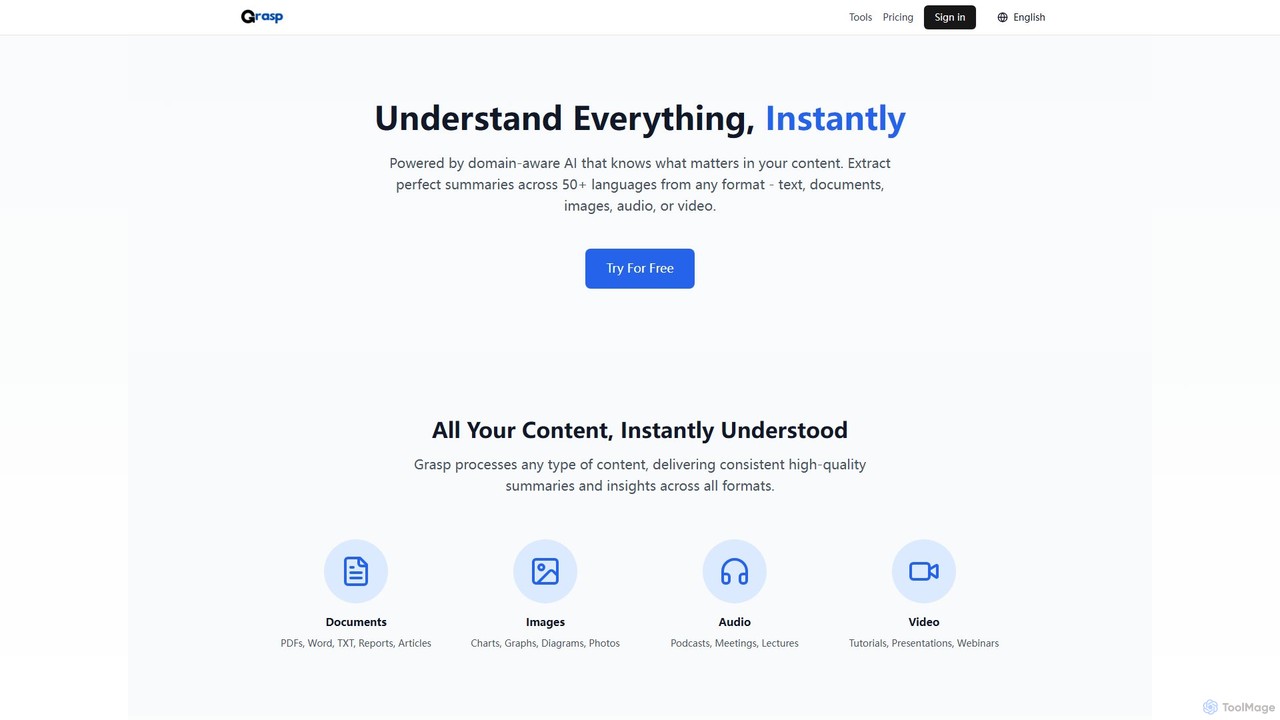
Grasp
Grasp is a comprehensive AI-powered platform that instantly extracts key insights from any content. It processes text, documents, images, audio, and video in over 50 languages, offering a suite of tools for summarization, analysis, content generation, and data extraction. Ideal for students, professionals, and creators.
Document Management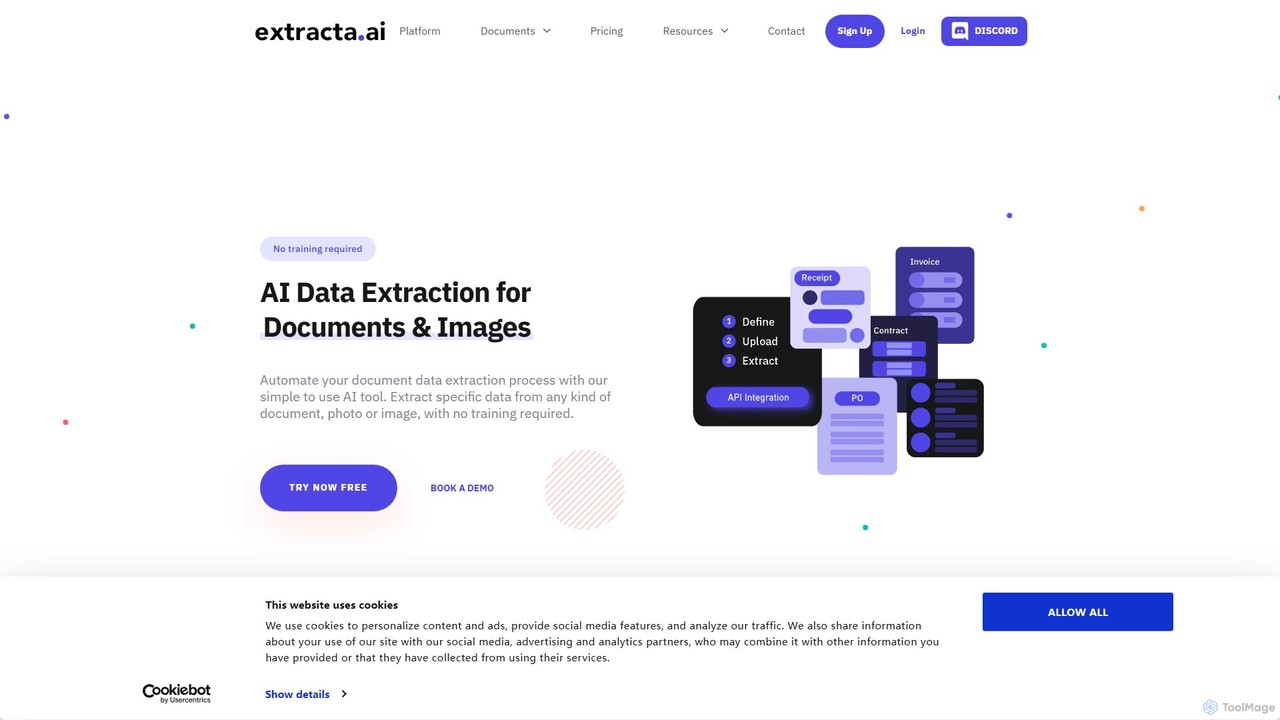
extracta.ai
extracta.ai is an AI-powered platform designed for intelligent data extraction from documents and images. It automates the process of capturing structured data from various sources like invoices, receipts, contracts, and forms, eliminating manual data entry and streamlining business workflows.
Automation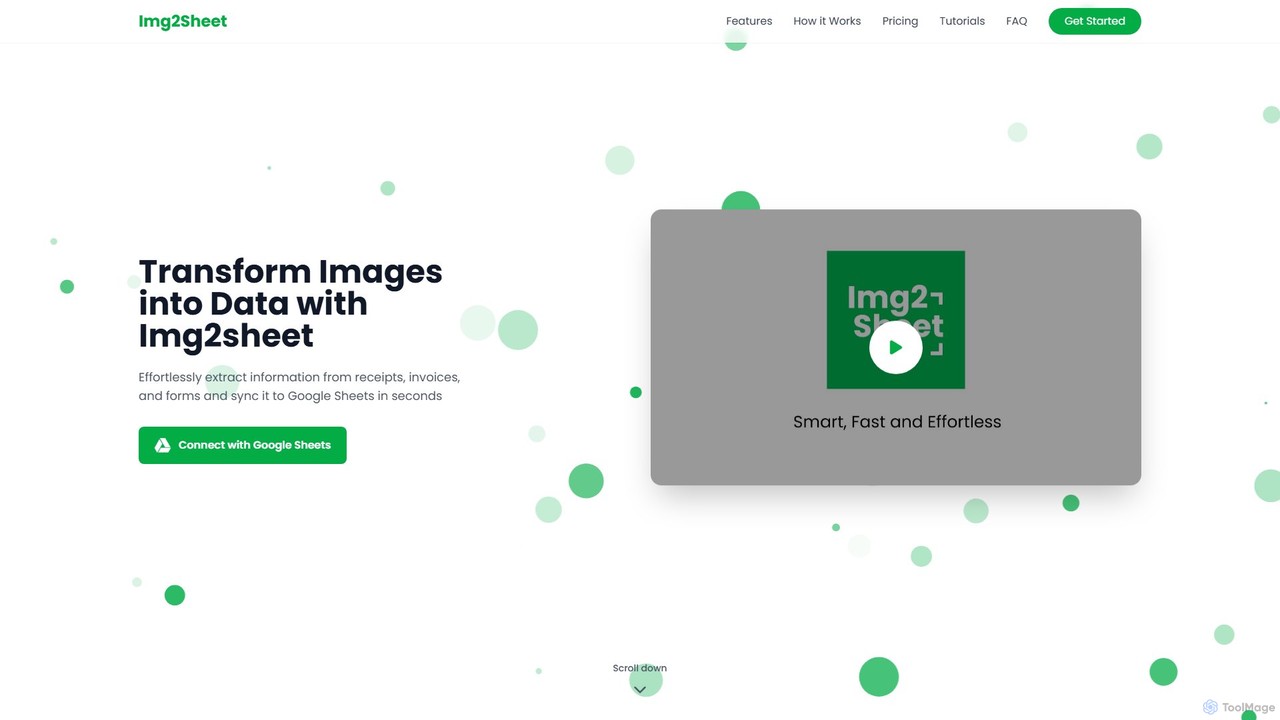
Img2Sheet
Img2Sheet is an AI-powered tool that automates data extraction from images like receipts, invoices, and forms, syncing the information directly into Google Sheets. It eliminates manual data entry, saves time, and increases accuracy with a simple, pay-per-use model.
Extraction
itexcel Comments (0)
Sign in to comment.
Sign inNo comments yet.