

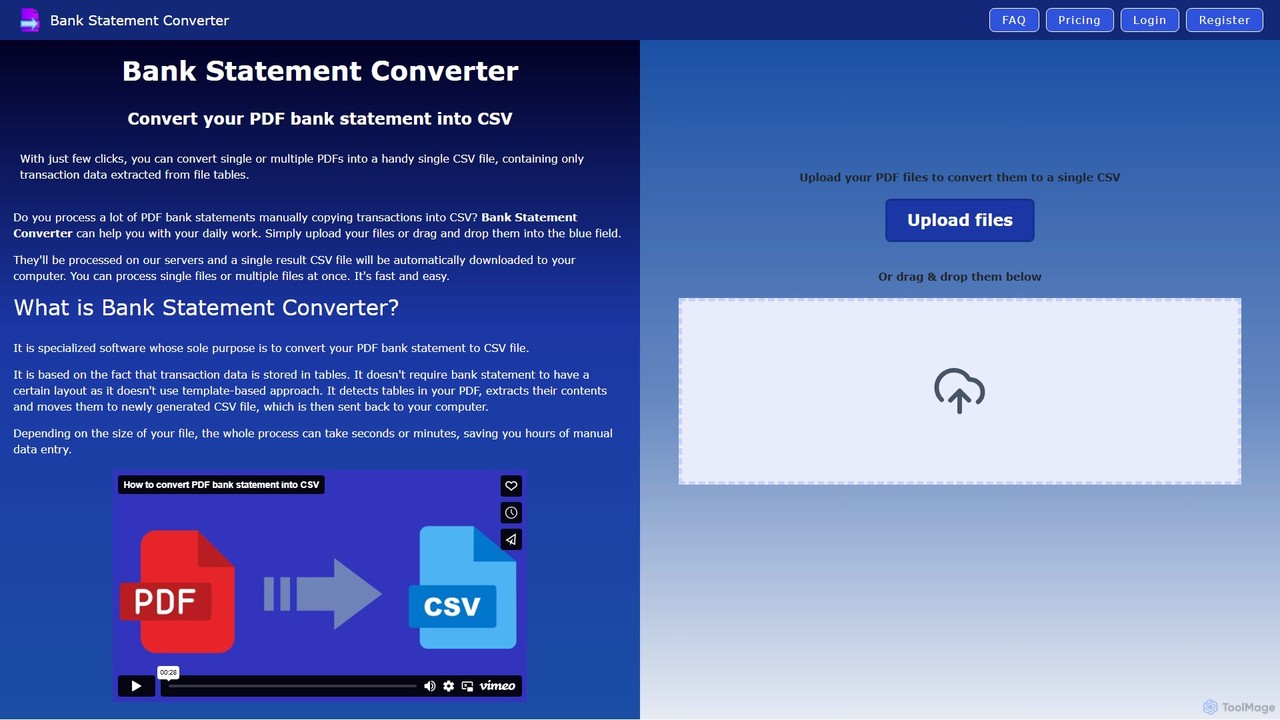
Bank Statement Converter Overview
Bank Statement Converter is a specialized online tool designed to eliminate the tedious and time-consuming task of manually transcribing financial data from PDF bank statements. Leveraging advanced machine learning and Optical Character Recognition (OCR) technology, it intelligently detects and extracts transactional data from tables within your PDF files, converting them into a single, well-structured CSV file. This automation is perfect for professionals and individuals who regularly handle large volumes of financial documents and need an efficient, accurate, and cost-effective solution.
The core strength of Bank Statement Converter lies in its template-free approach. Unlike traditional software that requires a specific layout, this tool's algorithms can identify data tables in statements from virtually any bank. This flexibility ensures a high success rate and saves users the hassle of configuring templates for each new statement format. Whether you're processing a single file or a batch of hundreds, the tool consolidates all transactions into one convenient CSV, ready for import into accounting software, spreadsheets, or data analysis platforms.
How to use Bank Statement Converter
The process is designed for maximum simplicity and efficiency, requiring just a few clicks:
- Upload Files: Navigate to the website and either drag and drop your PDF bank statements into the designated area or click to browse and select files from your computer. You can upload multiple files at once.
- Automatic Processing: Once uploaded, the files are securely sent to the server. The AI gets to work, scanning the documents, detecting transaction tables, and extracting all relevant data points such as dates, descriptions, debits, and credits.
- Download CSV: After a few moments, the conversion is complete. A single, consolidated CSV file containing all the transactions from your uploaded PDFs will be automatically downloaded to your computer, ready for immediate use.
Core Features of Bank Statement Converter
- PDF to CSV Conversion: The primary function is to accurately convert bank statements from PDF format to universally compatible CSV format.
- Batch Processing: Upload and convert multiple PDF files simultaneously, with all transactions merged into a single output CSV file.
- Template-Free Extraction: Utilizes advanced AI to detect data tables without relying on fixed templates, making it compatible with statements from a wide variety of banks.
- High Accuracy: Significantly reduces the risk of human error associated with manual data entry, ensuring data integrity for financial records.
- Speed and Efficiency: Processes hundreds of pages in minutes, a task that would take hours to complete manually.
- Secure and Confidential: Files are processed on secure servers, and the service is designed to handle sensitive financial data with care.
Use Cases for Bank Statement Converter
This tool is invaluable for a range of users who need to work with financial data:
- Accountants: Drastically speed up the process of bookkeeping and reconciliation for multiple clients. Easily import client transaction data into accounting software like QuickBooks.
- Finance Specialists: Streamline data collection for financial analysis, reporting, and forecasting. Quickly aggregate data from various sources for a comprehensive financial overview.
- Business Owners: Gain timely and accurate insights into their company's finances. Simplify budgeting, expense tracking, and financial planning without the overhead of manual data entry.
- Individuals: Manage personal finances more effectively by easily importing transaction history into budgeting apps or spreadsheets for analysis.
Advantages of Bank Statement Converter
Using this tool offers significant benefits:
- Save Time: Automate data entry and reclaim valuable hours every month.
- Save Money: A cost-effective alternative to hiring data entry specialists or using expensive, complex software.
- Reduce Effort: Focus your energy on high-value activities like analysis and strategy, rather than tedious data transcription.
- Increase Accuracy: Minimize costly errors that can arise from manual typing and data handling.
Pricing and Plans
Bank Statement Converter operates on a freemium model, making it accessible to everyone.
- Free Trial: You can try the service for free to convert up to 2 pages per day without registration to see how it works with your specific bank statements.
- Free Account: By registering for a free account, you receive a recurring monthly credit of 10 free page conversions.
- Paid Subscriptions: For users with higher volume needs, such as accounting firms or large businesses, there are several affordable paid subscription plans that offer a significantly larger number of page conversions per month.
If the tool doesn't initially work with your bank's statement format, the support team encourages you to get in touch, as they can often adjust their scripts to add compatibility.
Traffic
Latest traffic
Status
Monthly traffic trend
- 2025-9: 1.5K
- 2026-1: 441
- 2026-2: 506
- 2026-3: 872
- 2026-4: 514
- 2026-5: 764
Geography
Top 5 countries / regions
- 🇺🇸United States58.6%
- 🇮🇳India25.3%
- 🇿🇦South Africa16.1%
Top keywords
| Keyword | Cost per click |
|---|---|
| bankstatementconverter | $6.44 |
| download hsbc bank statement | $0.00 |
| how do i find my statement on hsbc app | $0.00 |
| how to take out statement from hsbc of 1 year at once | $0.00 |
| where are statements on hsbc app | $0.00 |
Bank Statement Converter Alternatives
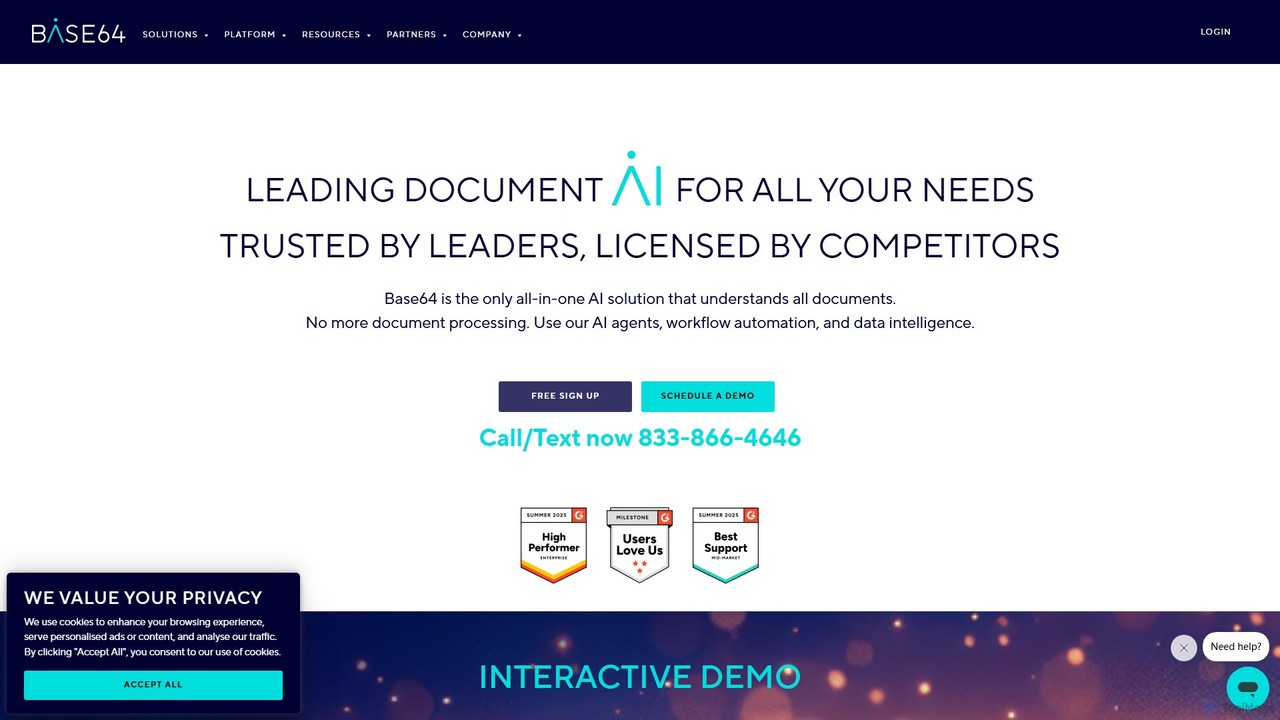
Base64.ai
Base64.ai is an enterprise-grade, all-in-one Document Intelligence platform. It uses AI to automate data extraction and processing from any document, image, or multimedia file. With over 2,800 pre-trained models and seamless API/no-code integrations, it helps businesses in finance, insurance, and healthcare achieve 99.7% accuracy, reduce costs by 5x, and cut processing time from weeks to seconds.
Document Management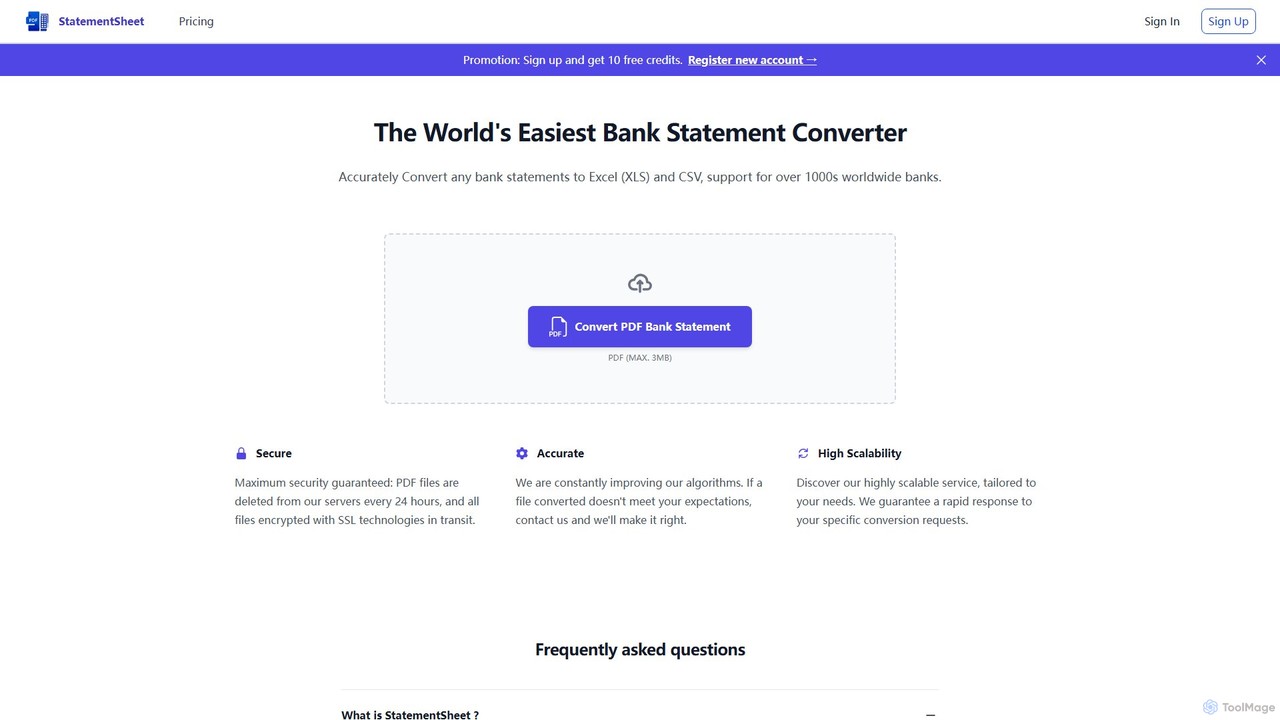
StatementSheet
StatementSheet is an AI-powered online tool that accurately converts PDF bank statements into editable Excel (XLS) and CSV formats. Supporting thousands of banks worldwide, it uses advanced OCR and AI technologies to extract transaction data quickly and securely. Ideal for accountants, businesses, and individuals looking to automate data entry and streamline financial analysis.
Converter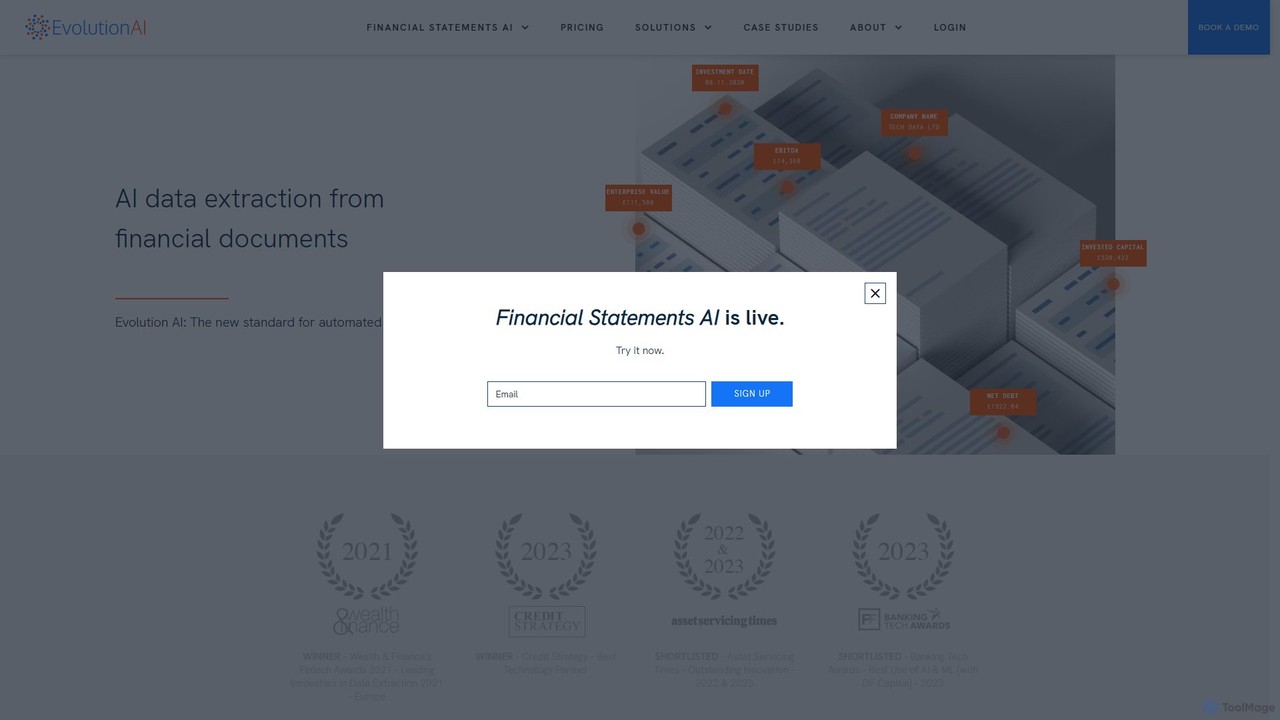
Evolution AI
Evolution AI is an advanced platform for automated data extraction from complex documents. Using generative AI, it requires no rules or coding to identify and extract data from invoices, financial statements, and custom documents, significantly reducing manual effort and improving accuracy.
Document Processing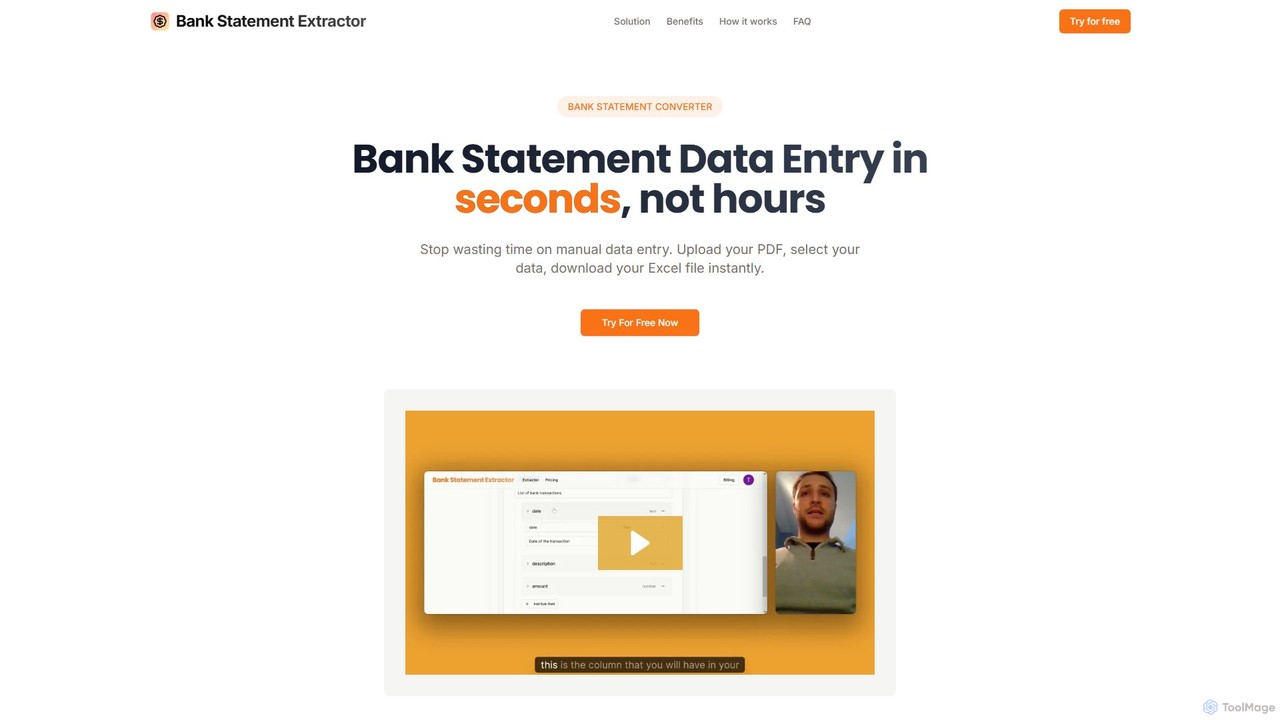
bankstatementextract
AI-powered tool to instantly convert PDF bank statements (including scanned documents) into structured Excel files. Automate data entry with 99.8% accuracy, process multiple statements at once, and define custom data extraction schemas. Ideal for accountants, analysts, and businesses.
Converter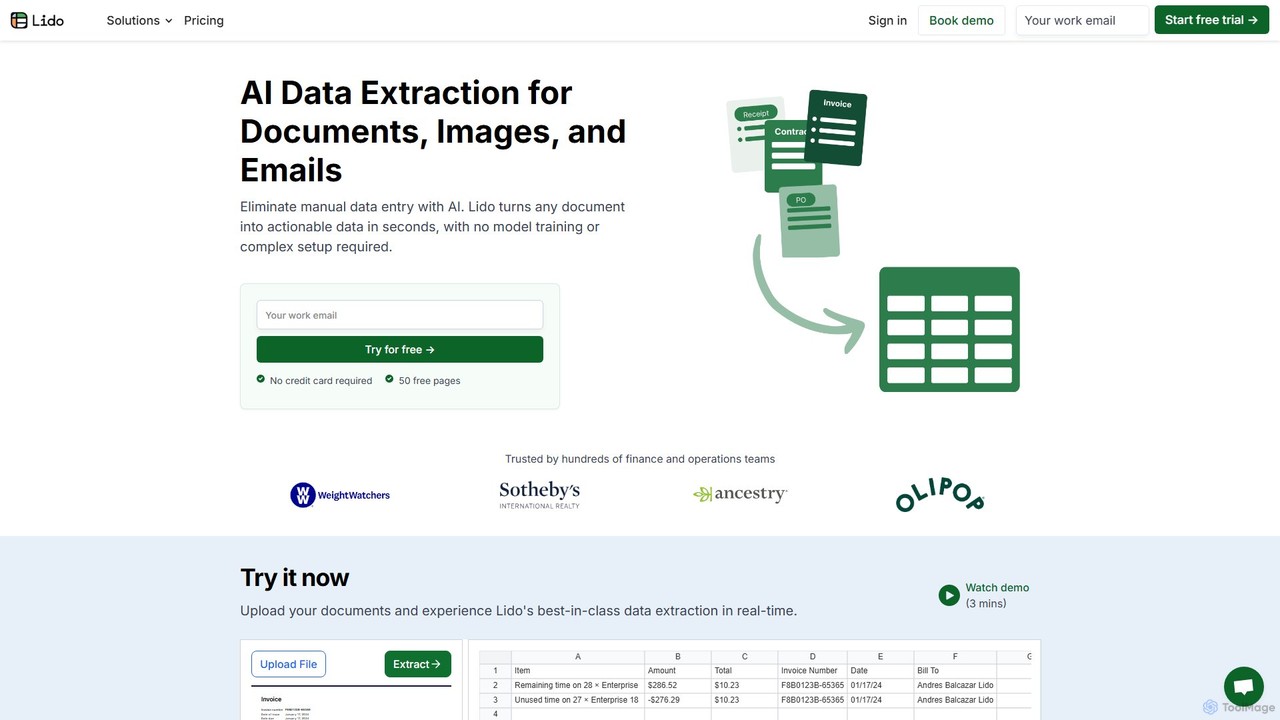
Lido
Lido is an AI-powered data extraction tool that automates the process of pulling information from any document, including PDFs, invoices, and images, into structured formats like Excel and CSV. It's template-free, fast, and designed for finance and operations teams to eliminate manual data entry and save significant time.
Document ManagementBank Statement Converter Categories
Bank Statement Converter Embed Widget
Copy this embed code to place the badge on your blog, article, or product site and send readers directly to this ToolMage detail page.

Related AI tools
StatementSheet
StatementSheet is an AI-powered online tool that accurately converts PDF bank statements into editable Excel (XLS) and CSV formats. Supporting thousands of banks worldwide, it uses advanced OCR and AI technologies to extract transaction data quickly and securely. Ideal for accountants, businesses, and individuals looking to automate data entry and streamline financial analysis.
Converterbankstatementextract
AI-powered tool to instantly convert PDF bank statements (including scanned documents) into structured Excel files. Automate data entry with 99.8% accuracy, process multiple statements at once, and define custom data extraction schemas. Ideal for accountants, analysts, and businesses.
Converter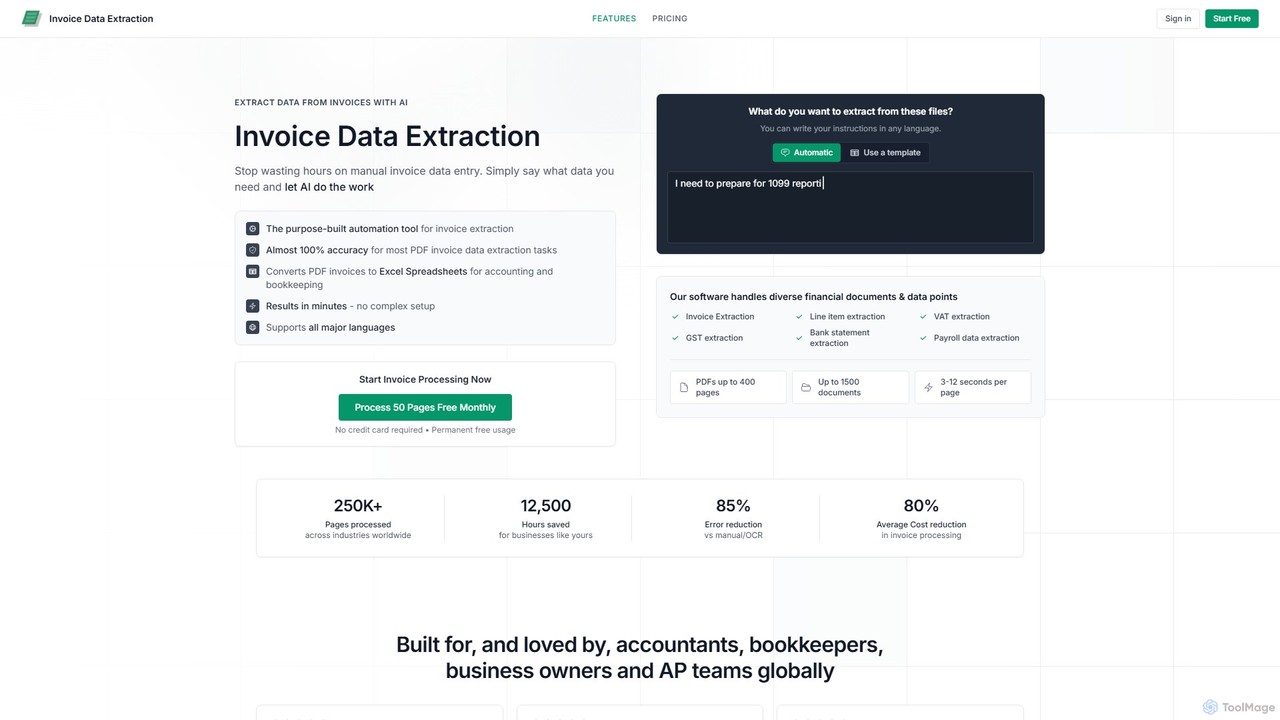
invoicedataextraction
An AI-powered tool designed to automatically extract data from invoices and other financial documents with near-100% accuracy. It converts PDFs and images into structured Excel spreadsheets, eliminating manual data entry, reducing costs by 80%, and saving hours of work for accountants, AP teams, and business owners.
Document Management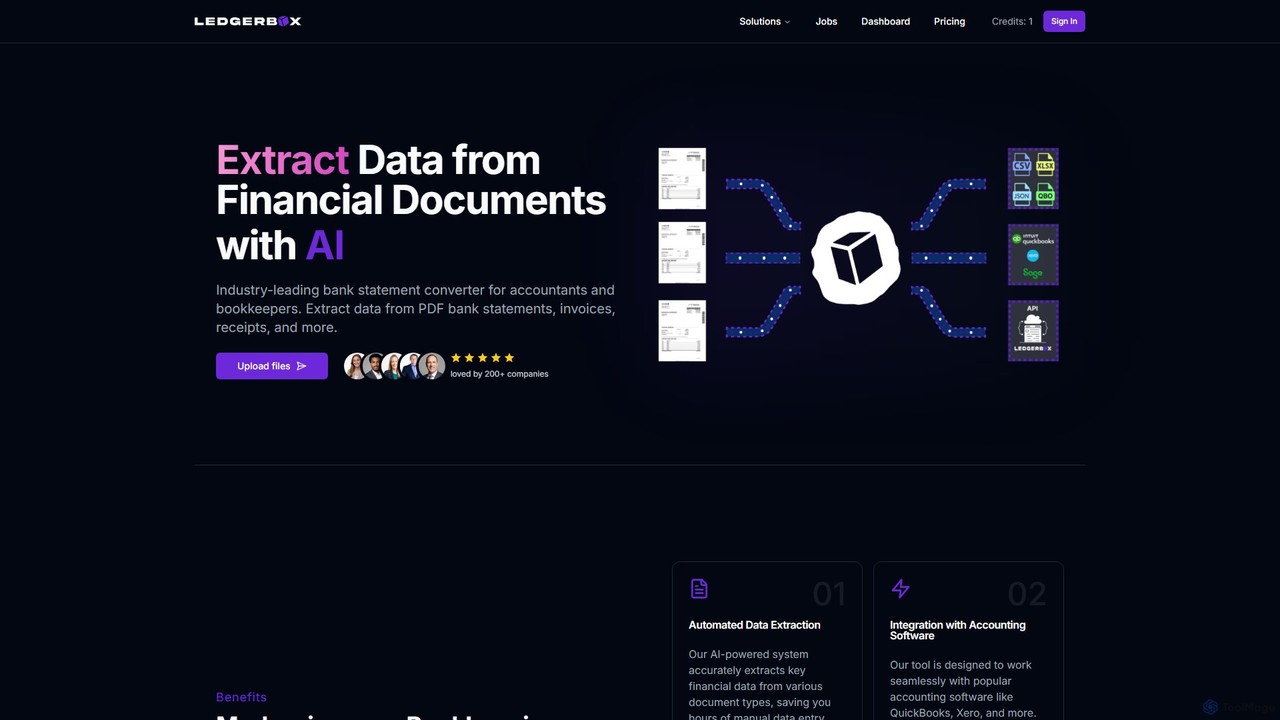
LedgerBox
LedgerBox is an AI-powered bank statement converter designed for accountants and bookkeepers. It automates data extraction from financial documents like PDF bank statements, invoices, and receipts, converting them into Excel, CSV, JSON, and QuickBooks Online formats to streamline bookkeeping workflows.
Extraction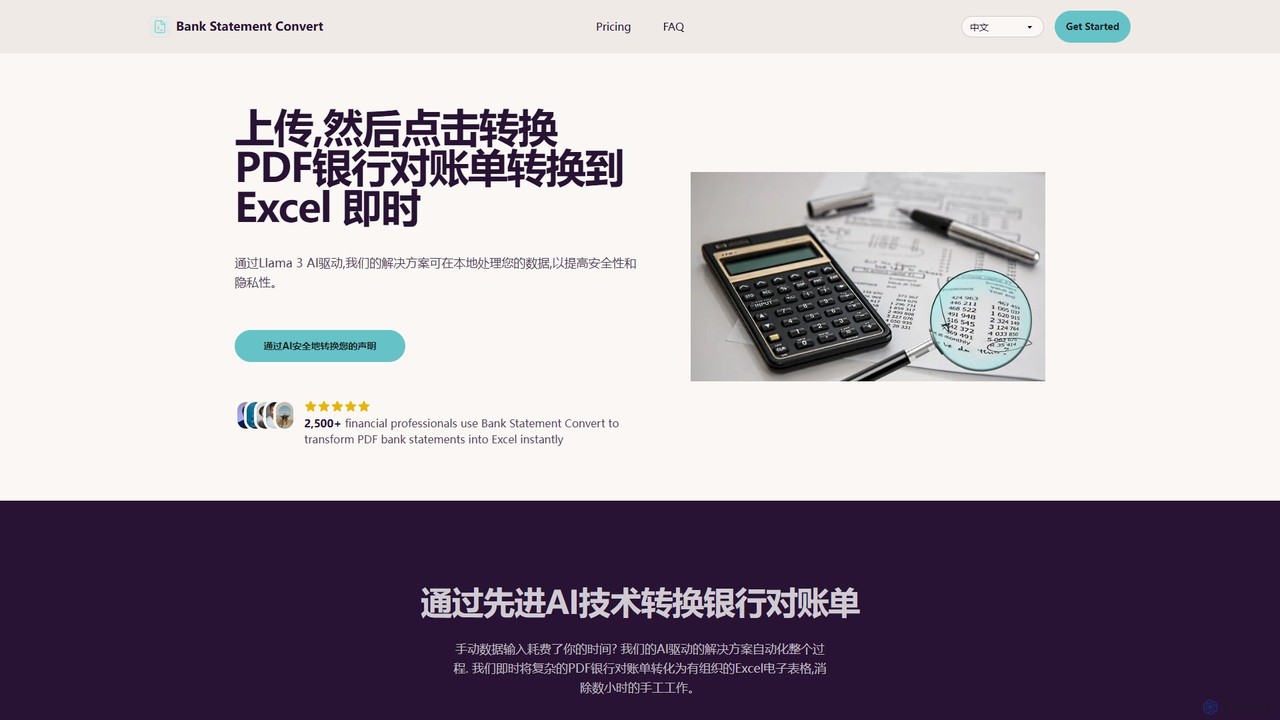
Bank Statement Convert
An AI-powered tool that instantly converts PDF bank statements into organized Excel or CSV files. Driven by Llama 3, it offers high accuracy, bank-grade security, and batch processing to automate financial data workflows for accountants and financial professionals, saving hours of manual data entry.
Data AnalysisLido
Lido is an AI-powered data extraction tool that automates the process of pulling information from any document, including PDFs, invoices, and images, into structured formats like Excel and CSV. It's template-free, fast, and designed for finance and operations teams to eliminate manual data entry and save significant time.
Document Management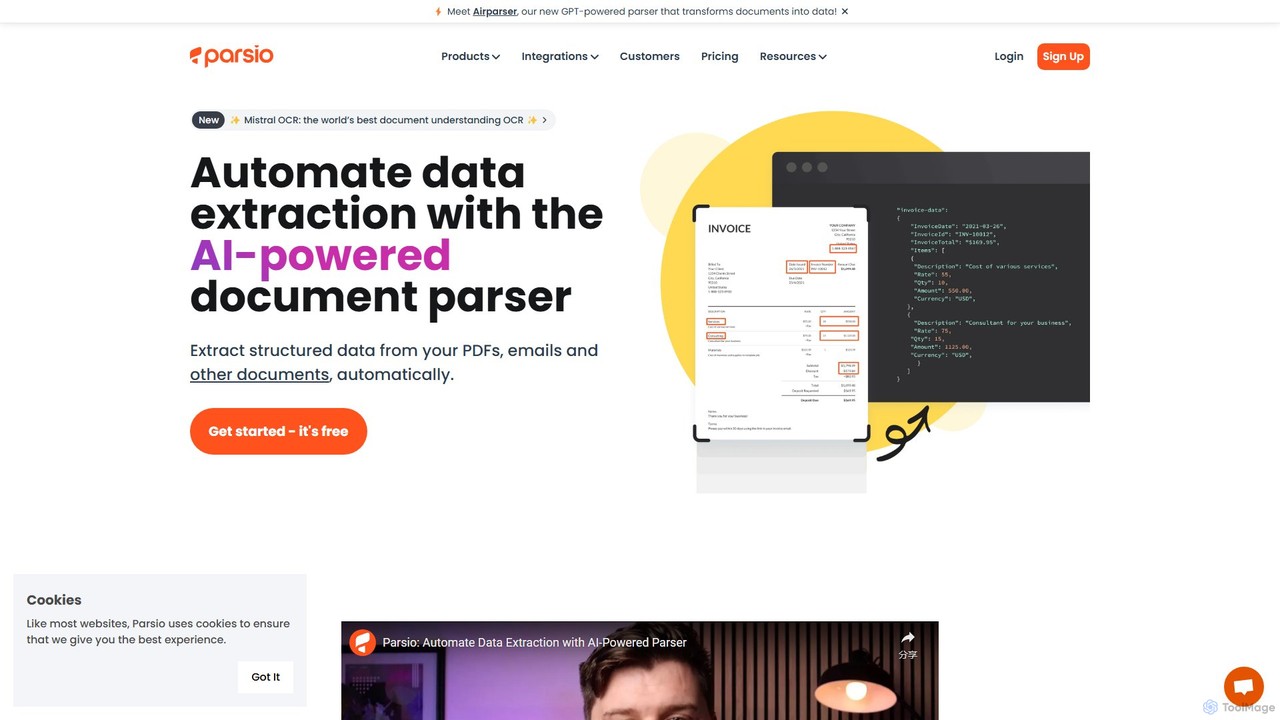
Parsio
Parsio is an AI-powered document parser that automates data extraction from emails, PDFs, and other documents. It uses OCR and AI models like GPT to capture structured data from unstructured text, eliminating manual data entry and streamlining business workflows through seamless integrations.
Document Management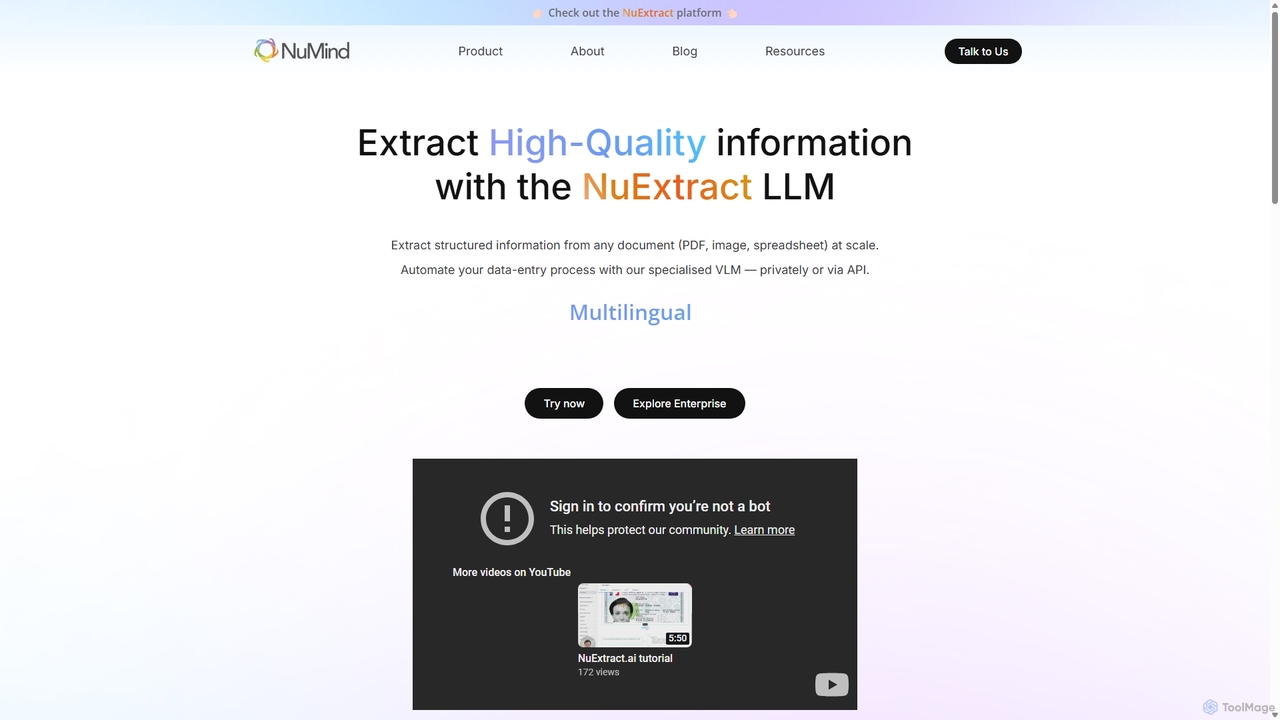
NuMind
NuMind provides NuExtract, a specialized AI platform for high-quality structured information extraction. It transforms unstructured documents like PDFs, images, and emails into clean JSON data at scale. Leveraging a lightweight, powerful VLM/LLM, it offers superior accuracy and lower hallucination rates than larger models, available via API or as a private enterprise solution.
Extraction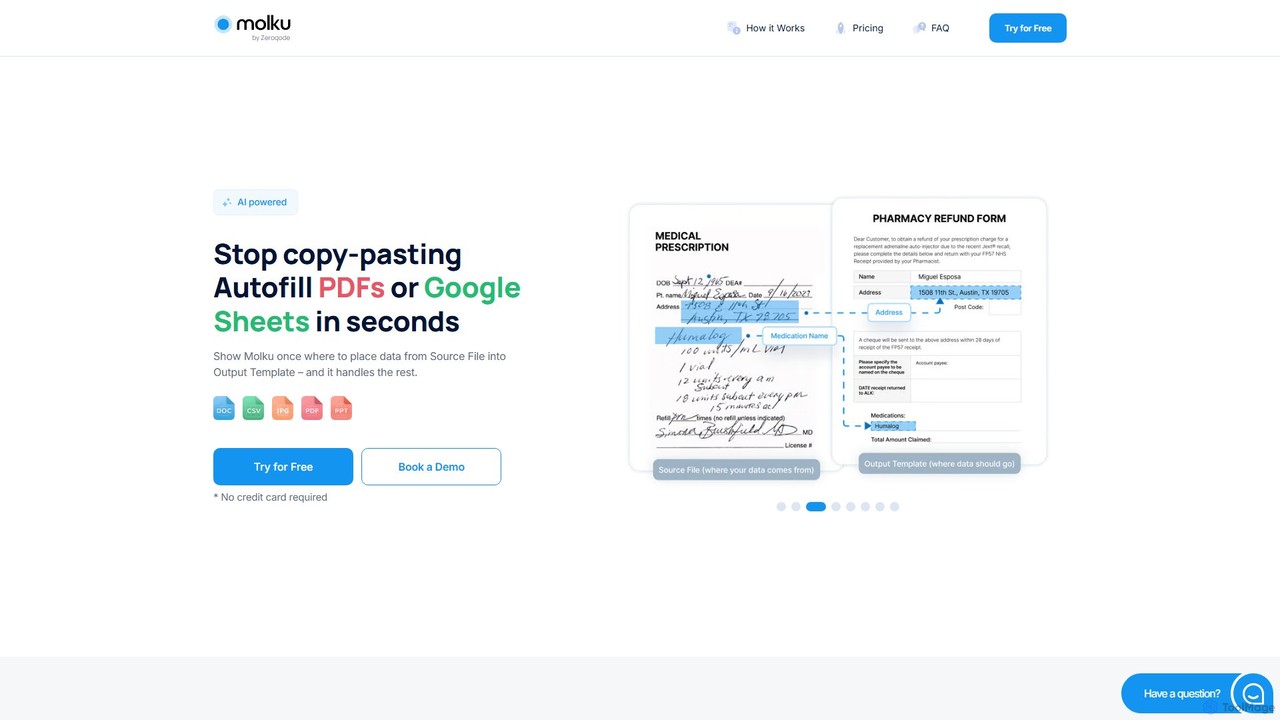
Molku
Molku is an AI-powered platform that automates data extraction from PDFs and other documents, populating it into PDF templates or Google Sheets in seconds. It eliminates manual copy-pasting, handles complex layouts and handwritten text, and integrates with thousands of apps, saving businesses significant time and reducing errors.
Document Management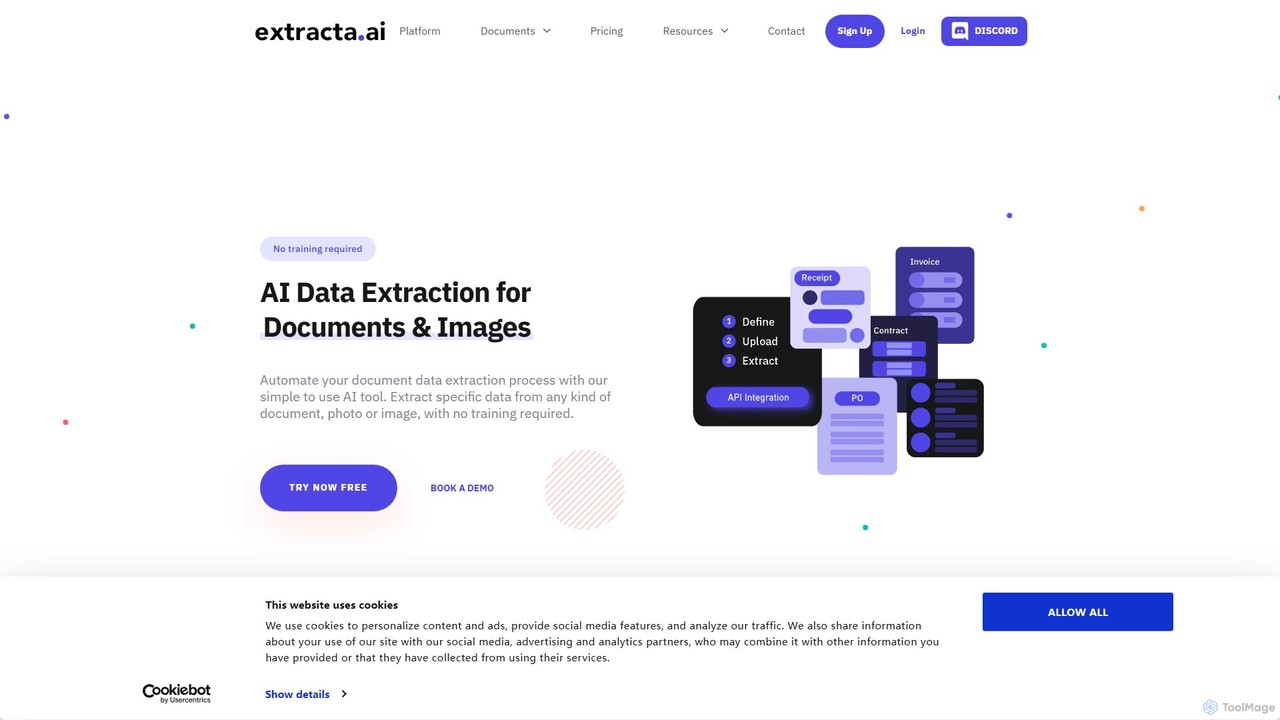
extracta.ai
extracta.ai is an AI-powered platform designed for intelligent data extraction from documents and images. It automates the process of capturing structured data from various sources like invoices, receipts, contracts, and forms, eliminating manual data entry and streamlining business workflows.
Automation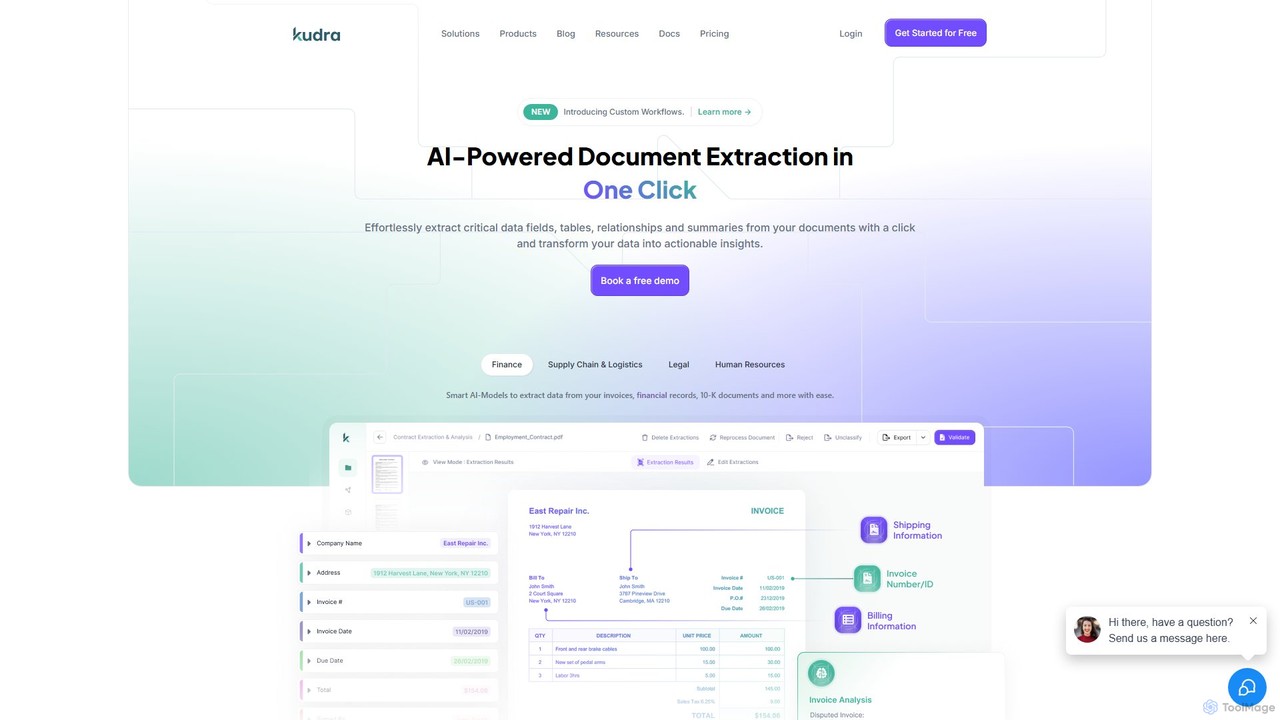
Kudra
Kudra is an AI-powered platform that automates data extraction from any document in one click. It transforms unstructured data from PDFs, emails, and images into structured, actionable information. Ideal for finance, logistics, legal, and HR, Kudra offers customizable models, workflow automation, and seamless integrations to boost efficiency and reduce errors.
Data Analysis
TableBits
TableBits is an AI-powered online tool that automatically extracts tabular data from PDF documents and converts it into structured CSV files. It supports batch processing of up to 100 files and handles large documents up to 400 pages. Ideal for financial reports, invoices, and bank statements, it offers a simple, secure, and scalable pay-as-you-go pricing model.
Data Conversion
Handl
Handl is an intelligent AI document processing platform that automates data extraction from any document type. It combines advanced AI with human-in-the-loop validation to deliver up to 98% accuracy, reducing manual work, costs, and processing time while offering robust antifraud capabilities for businesses.
Data Extraction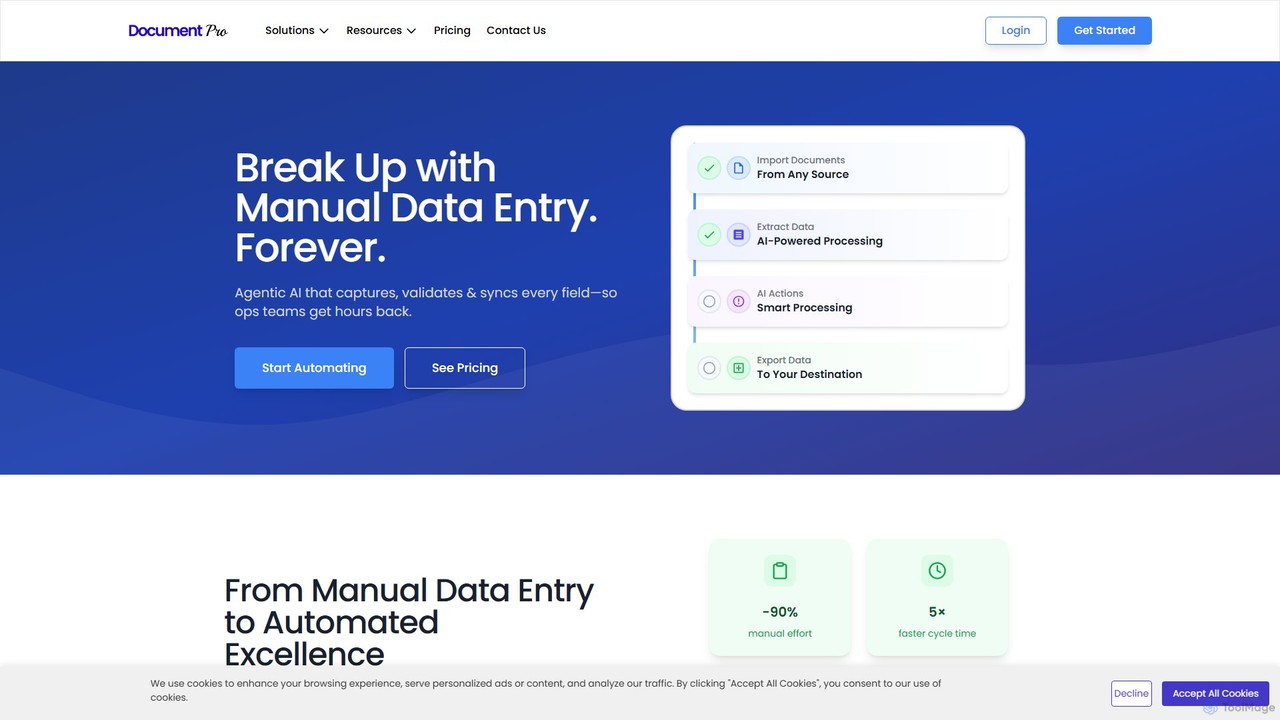
DocumentPro
DocumentPro is an AI-powered platform that automates document processing and data extraction. It uses agentic AI and leading LLMs to capture, validate, and sync data from various documents like invoices and purchase orders, aiming to eliminate manual data entry, reduce errors by 90%, and accelerate workflows by 5x.
Data Extraction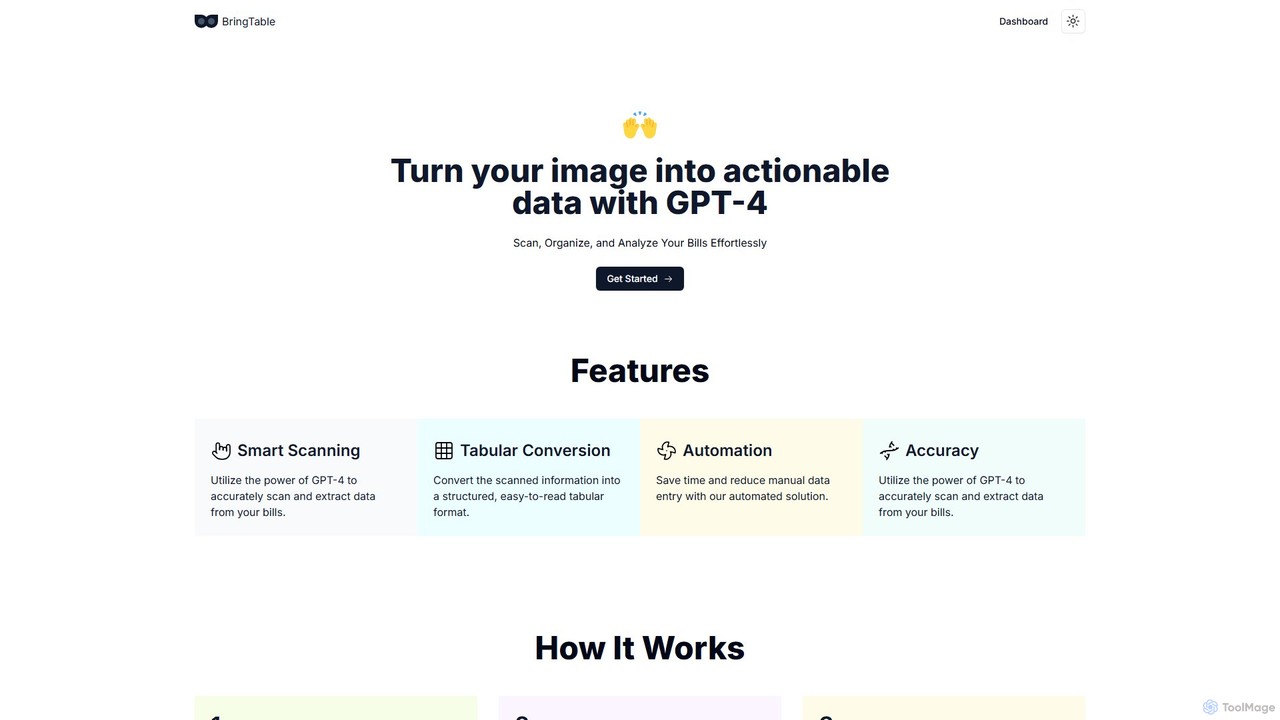
BringTable
BringTable is an AI-powered tool that leverages GPT-4 to scan bills, invoices, and receipts, automatically extracting data and converting it into structured, actionable tables. Effortlessly organize and analyze your financial documents, saving time and eliminating manual data entry.
Document Processing
Bank Statement Converter Comments (0)
Sign in to comment.
Sign inNo comments yet.