
BringTable Overview
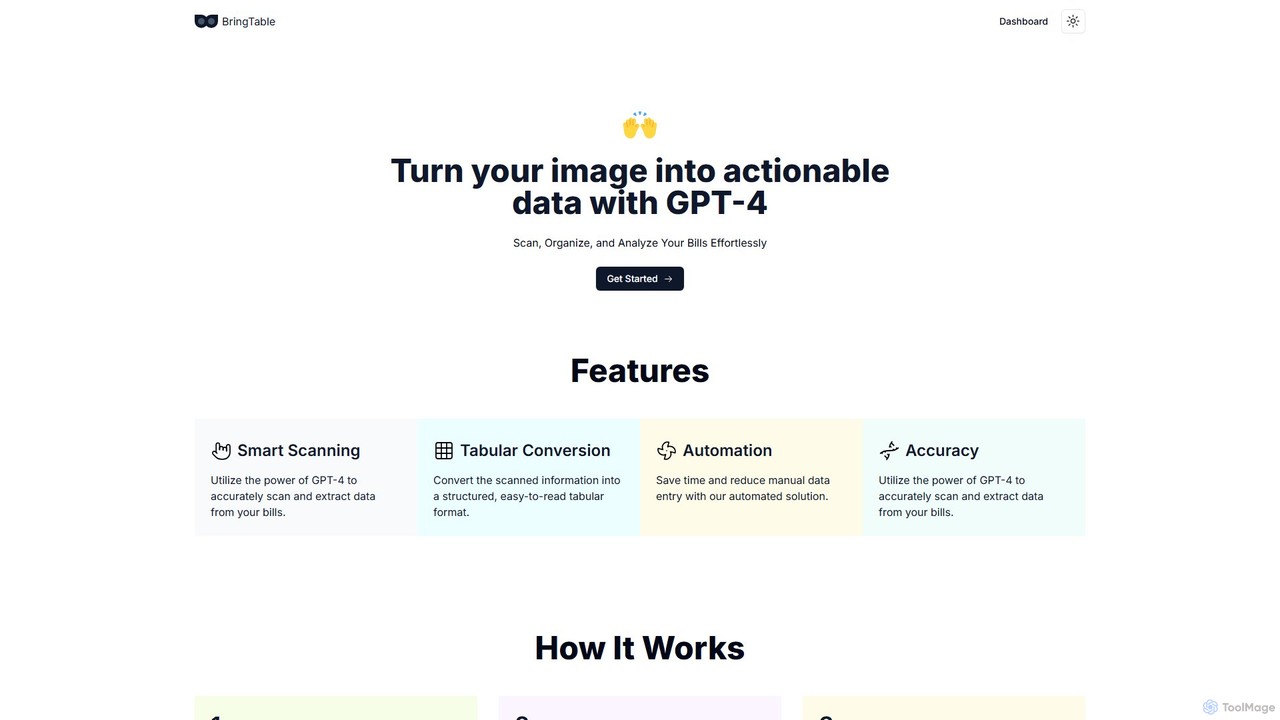
BringTable is an innovative, AI-driven platform designed to revolutionize how individuals and businesses handle bills, invoices, and other documents. By harnessing the advanced capabilities of GPT-4, BringTable transforms static images of your documents into dynamic, structured data tables. This eliminates the tedious and error-prone process of manual data entry, allowing you to scan, organize, and analyze your financial information with unprecedented ease and accuracy.
The core of BringTable is its intelligent scanning technology. It goes beyond traditional Optical Character Recognition (OCR) by using GPT-4's contextual understanding to accurately identify and extract key pieces of information, such as vendor names, dates, line items, totals, and taxes, even from complex or varied layouts. The extracted data is then neatly organized into a tabular format, which can be easily reviewed, edited, and exported for further use.
How to use BringTable
BringTable features a simple and intuitive three-step workflow to get you from a paper bill to a digital spreadsheet in moments:
- Set Up A Bill Template: The process begins with creating a template. You simply upload a sample of a recurring bill or invoice (e.g., a utility bill, a supplier invoice). You then highlight the specific fields of information you want the AI to capture consistently, such as the invoice number, due date, and total amount. This one-time setup teaches the AI exactly what to look for in future documents of the same type.
- Add Your Bill To Scan: Once your template is set up, you can start uploading your bills. You can add images (like JPG or PNG) or PDF files. BringTable's advanced GPT-4 model gets to work, scanning the document, recognizing the layout based on your template, and analyzing the content to extract the relevant data points with high precision.
- See Tabular Output: In just a few moments, the system presents you with a detailed, organized table containing all the extracted data. You can quickly verify the information and then export it as a CSV file. This file can be directly imported into spreadsheet software like Microsoft Excel, Google Sheets, or various accounting platforms, streamlining your bookkeeping and financial analysis workflows.
Core Features of BringTable
- Smart Scanning with GPT-4: Utilizes the power of GPT-4 for superior accuracy in data extraction, understanding context and layout far better than traditional OCR.
- Customizable Templates: Allows users to define exactly which data points to extract from different types of documents, providing flexibility and control.
- Tabular Data Conversion: Automatically converts unstructured information from images and PDFs into a clean, structured, and easy-to-read table format.
- One-Click CSV Export: Seamlessly export your structured data to CSV files for easy integration with other software and workflows.
- Automation of Data Entry: Drastically reduces the time and effort spent on manual data entry, freeing up valuable time for more important tasks.
- High Accuracy and Reliability: Minimizes the human errors commonly associated with manual transcription, ensuring your data is reliable.
- Cloud-Based Dashboard: Access, manage, and organize your scanned documents and data from anywhere with an internet connection.
Use Cases for BringTable
BringTable is a versatile tool suitable for a wide range of users:
- Personal Finance Management: Individuals can easily digitize and track household expenses by scanning utility bills, grocery receipts, and subscription invoices to manage their budget effectively.
- Small Business Bookkeeping: Small business owners and freelancers can automate the process of recording expenses and payables by scanning supplier invoices and receipts, simplifying tax preparation and financial oversight.
- Accountants and Bookkeepers: Professionals can significantly speed up their workflow by batch-processing client invoices and receipts, improving efficiency and allowing them to serve more clients.
- Data Analysts: Researchers and analysts can use BringTable to quickly extract structured data from reports, forms, or historical documents for analysis.
Advantages of BringTable
The primary advantage of BringTable is its efficiency. It transforms a time-consuming manual task into a quick automated process. This leads to significant time savings, increased productivity, and higher data accuracy by reducing human error. The platform is user-friendly, requiring no technical expertise to set up and use. Its ability to create custom templates makes it highly adaptable to various document types, offering a tailored solution that generic scanners cannot match.
Pricing and Plans
BringTable is currently in its Beta phase and is available for users to try for free. This provides a great opportunity to experience the full power of the tool without any commitment. As the product develops, it is anticipated that tiered pricing plans will be introduced to cater to different levels of usage, from individual users to businesses. For the most current information, please visit the official website.
BringTable Alternatives
Expenses Day
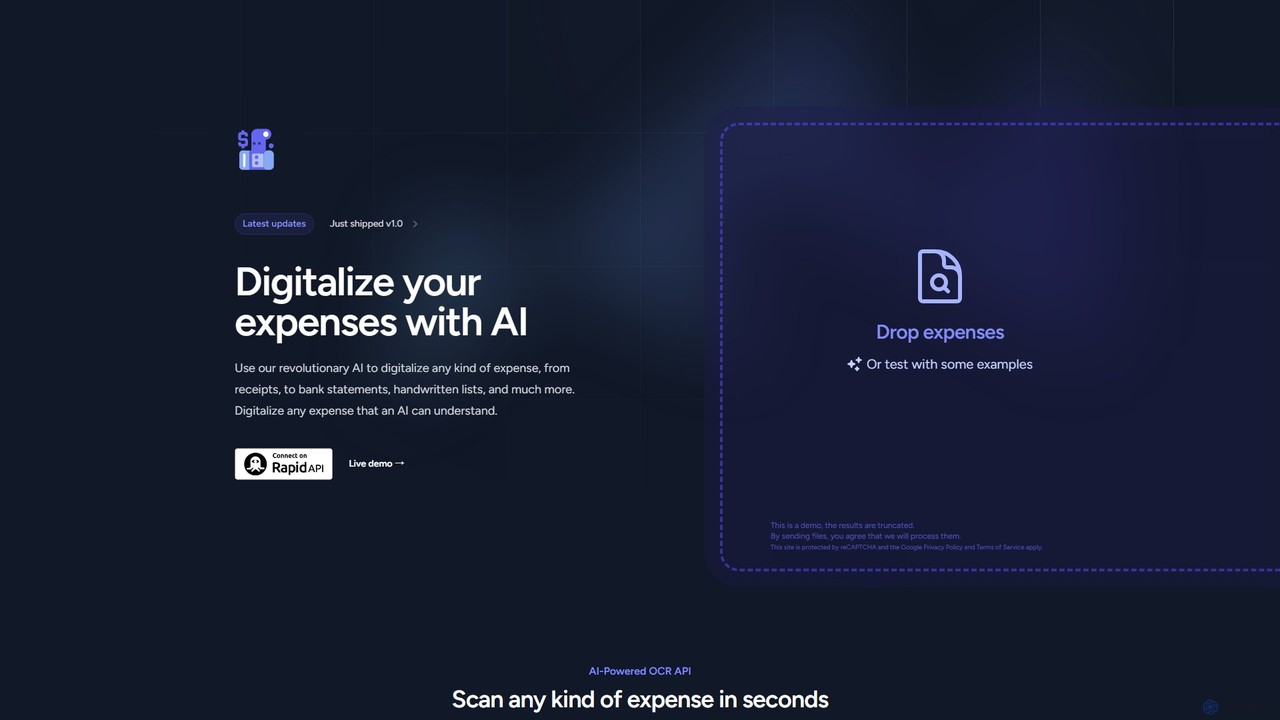
Expenses Day is a powerful AI-powered OCR API designed to digitize any type of expense document. It accurately extracts data from receipts, invoices, bank statements, and even handwritten lists, transforming unstructured financial documents into structured, usable data for businesses and developers.
Api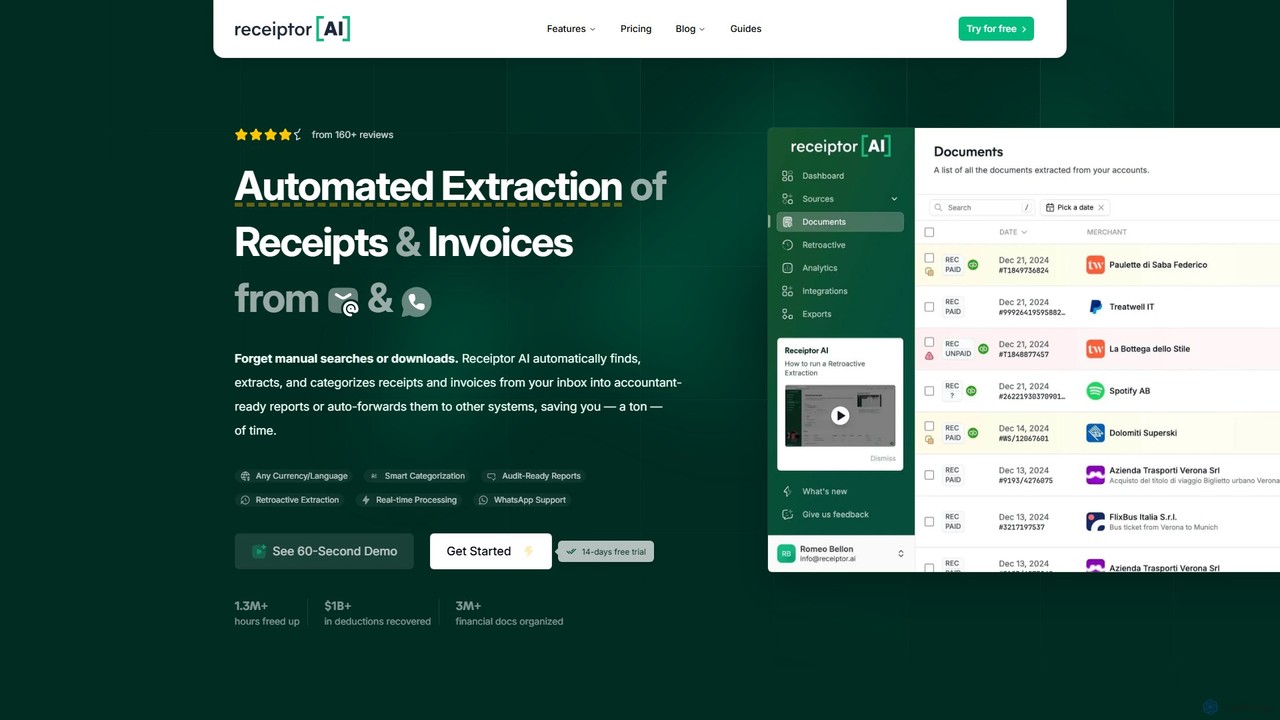
Receiptor AI
Receiptor AI is an intelligent automation tool that extracts receipts and invoices directly from your emails. It automatically captures, categorizes, and organizes financial documents, syncs with accounting software like Xero and QuickBooks, and provides real-time expense analytics. Ideal for freelancers, startups, and small businesses aiming for effortless expense management and audit readiness.
Accounting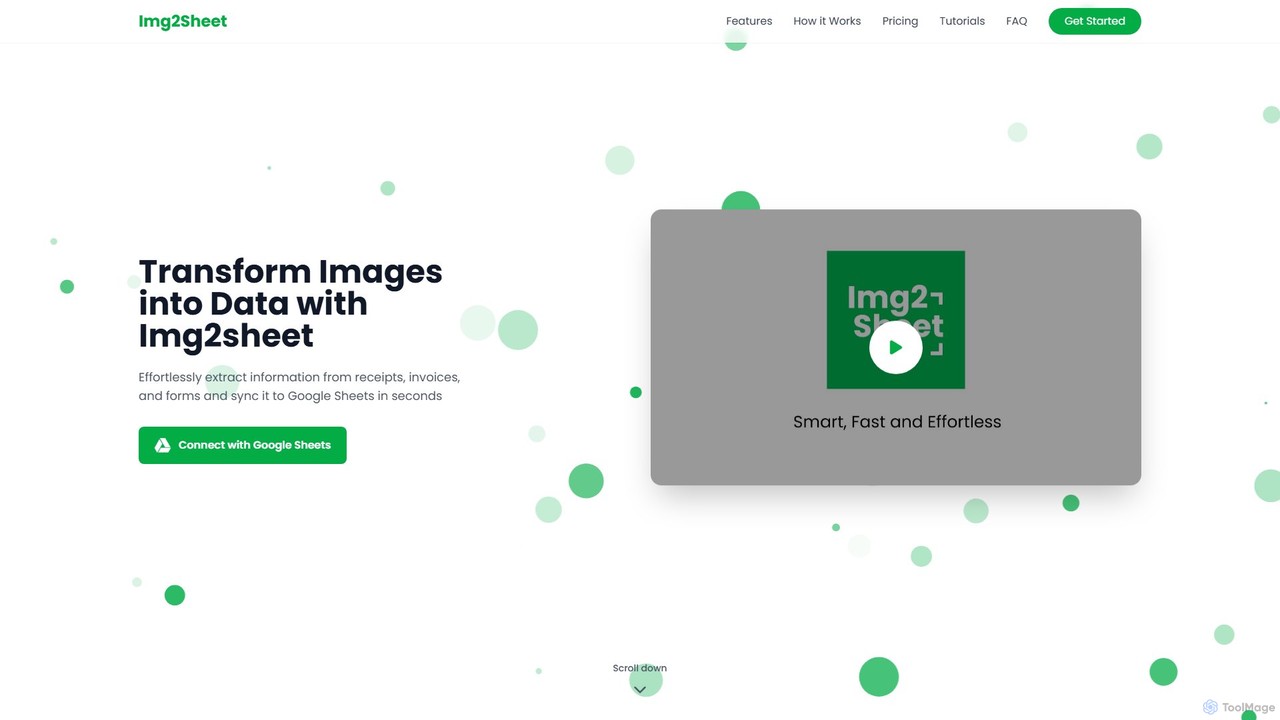
Img2Sheet
Img2Sheet is an AI-powered tool that automates data extraction from images like receipts, invoices, and forms, syncing the information directly into Google Sheets. It eliminates manual data entry, saves time, and increases accuracy with a simple, pay-per-use model.
Extraction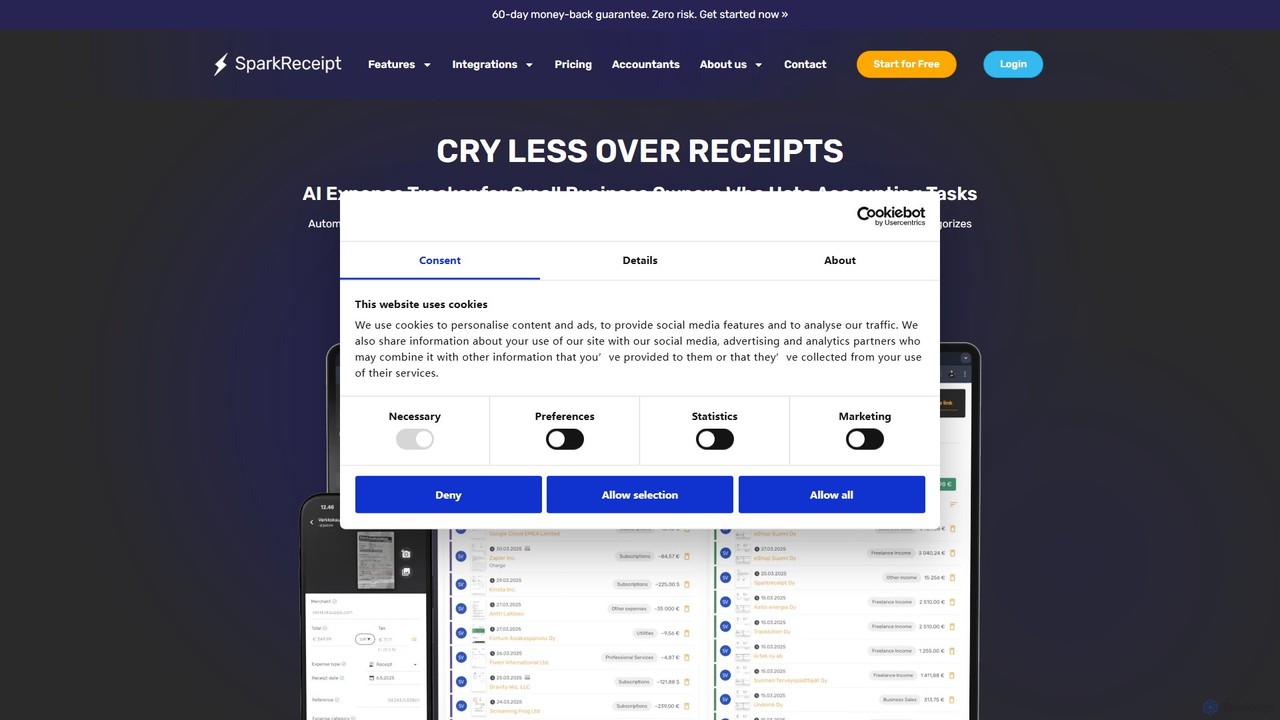
SparkReceipt
SparkReceipt is an AI-powered receipt scanner and expense tracker designed for entrepreneurs, freelancers, and small businesses. It uses advanced OCR technology to automatically extract data from receipts, simplifying expense management. With features like multi-currency support and secure cloud storage, it helps users digitize their financial records, save time, and stay organized for tax season.
Accounting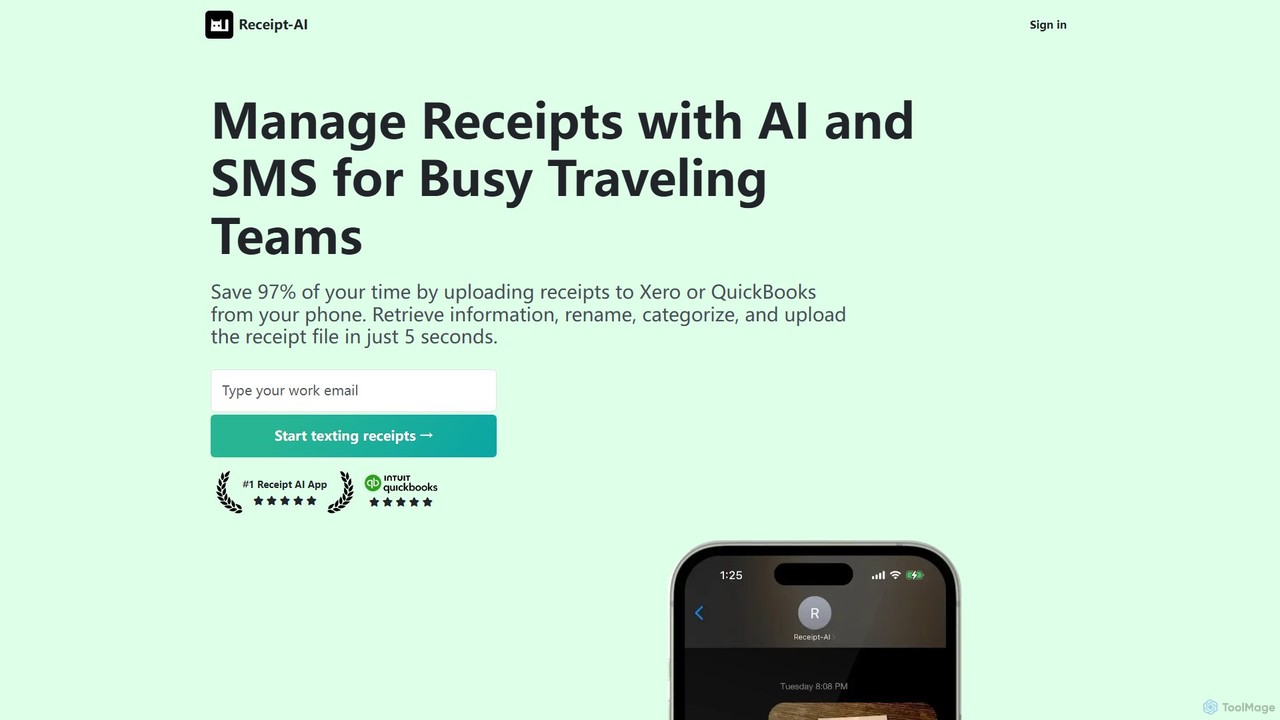
Receipt AI
Receipt AI automates expense management for busy teams by capturing and processing receipts via SMS, email, or web upload. It uses OCR to extract data, integrates with QuickBooks and Xero for one-click reconciliation, and supports 39 languages, saving significant time and improving accuracy.
AccountingBringTable Categories
BringTable Embed Widget
Copy this embed code to place the badge on your blog, article, or product site and send readers directly to this ToolMage detail page.

Related AI tools
Expenses Day
Expenses Day is a powerful AI-powered OCR API designed to digitize any type of expense document. It accurately extracts data from receipts, invoices, bank statements, and even handwritten lists, transforming unstructured financial documents into structured, usable data for businesses and developers.
Api
Tailride
Tailride is an AI-powered accounting automation platform that saves businesses hundreds of hours. It automatically scans inboxes (Gmail, Outlook) and online portals to find, extract, and organize invoices and receipts. With integrations for QuickBooks, Xero, and Google Drive, it streamlines the entire accounts payable workflow, from data capture to reconciliation.
Document Management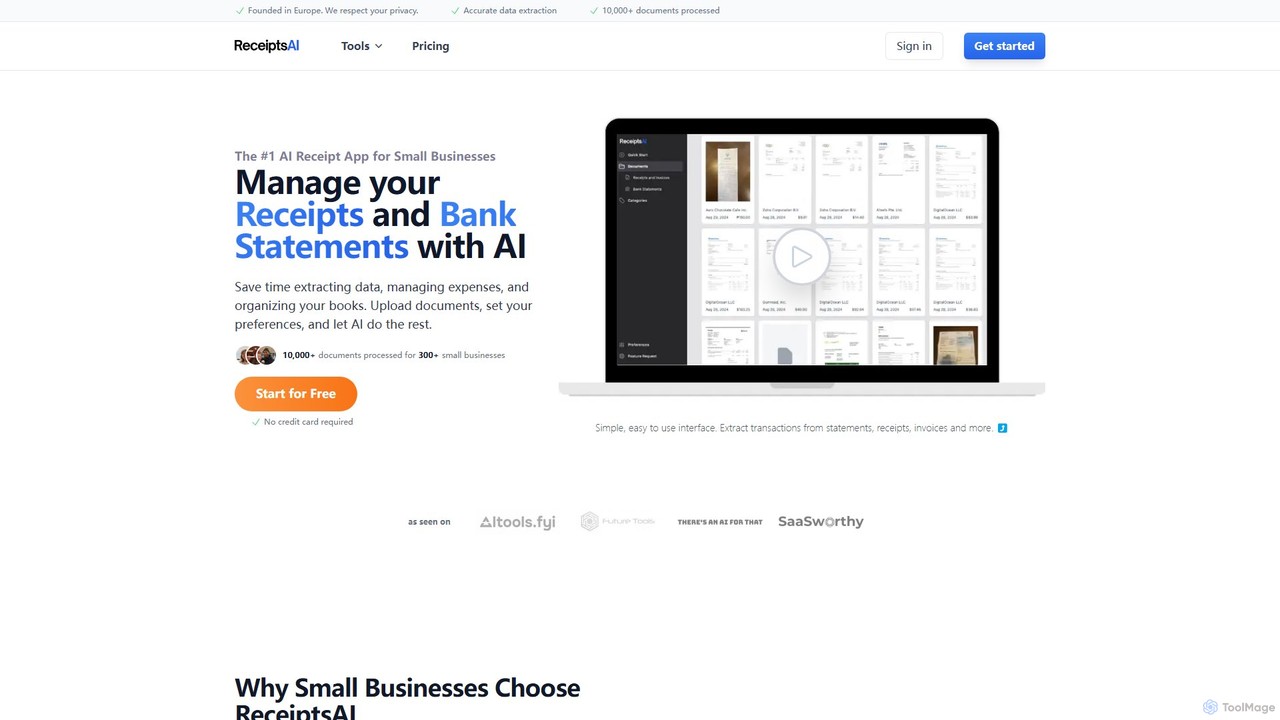
ReceiptsAI
ReceiptsAI is an AI-powered expense management and bookkeeping platform designed for small businesses and freelancers. It automates data extraction from receipts, invoices, and bank statements, saving hours of manual work. The tool categorizes transactions, ensures tax-ready records, and provides clear financial insights through a simple, secure interface.
Expense Tracking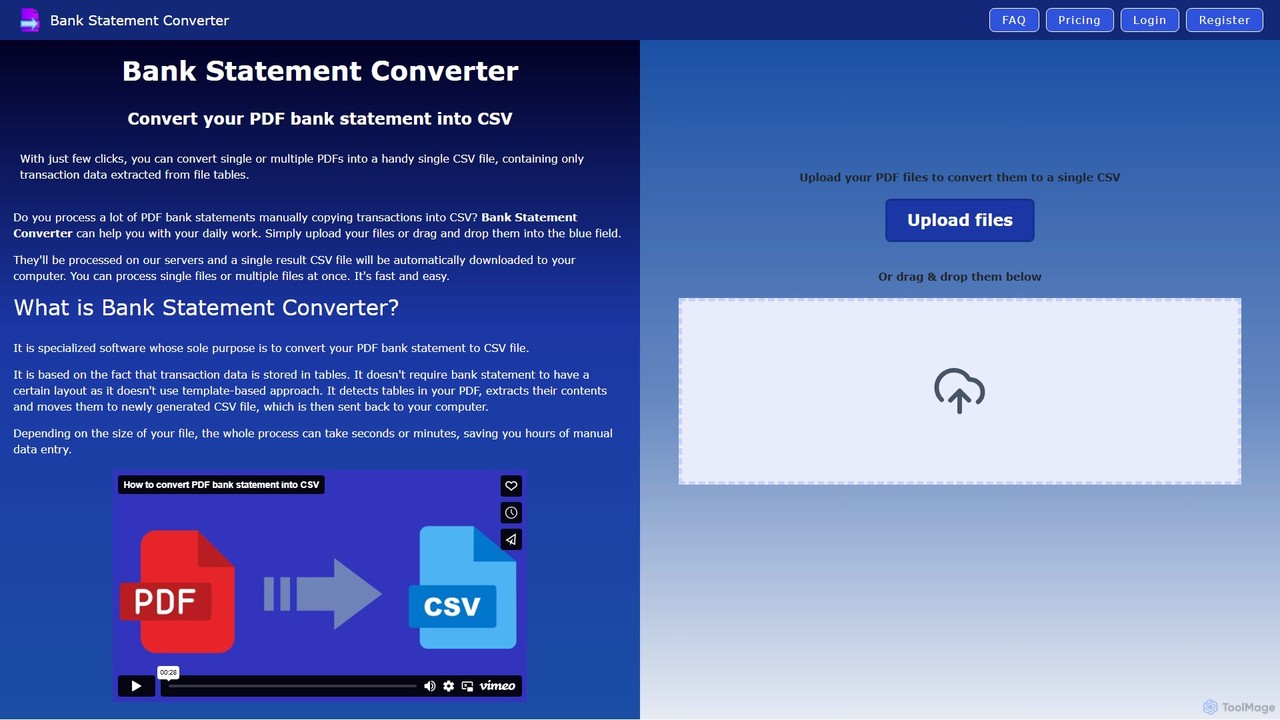
Bank Statement Converter
An AI-powered tool that automatically converts single or multiple PDF bank statements into a single, clean CSV file. It uses advanced table detection to extract transaction data, saving hours of manual data entry for accountants, finance specialists, and business owners.
Converter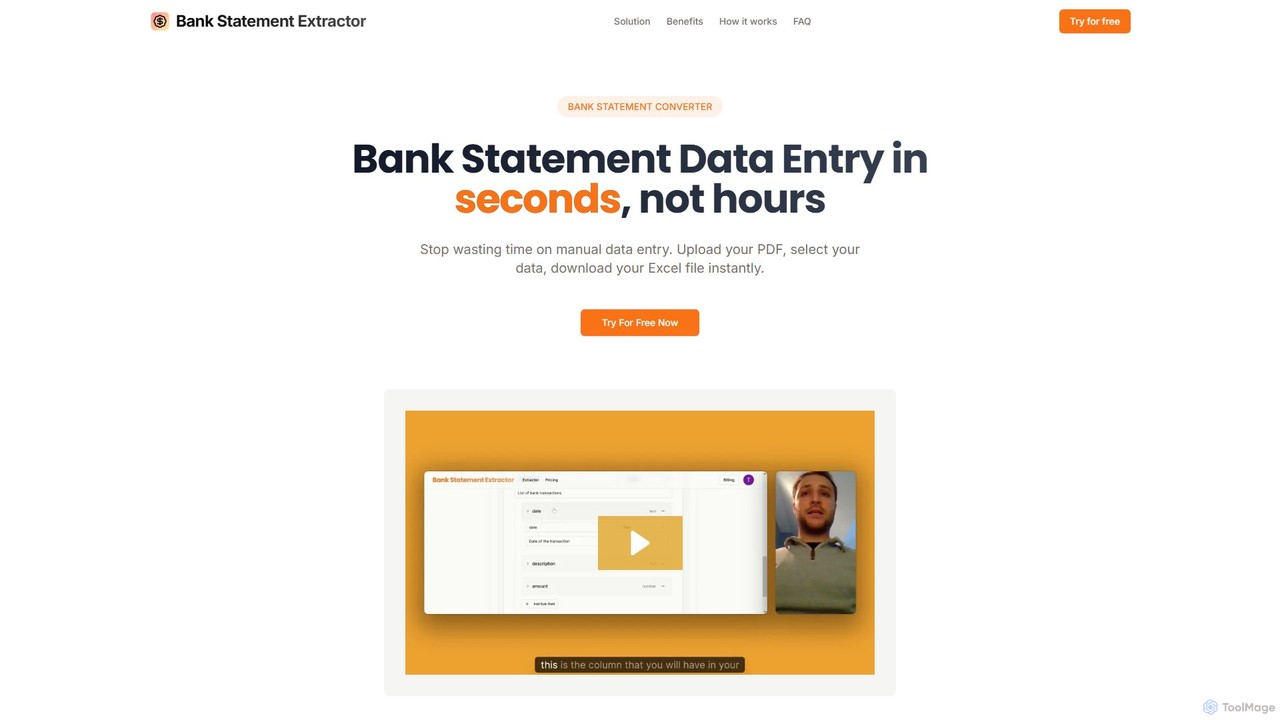
bankstatementextract
AI-powered tool to instantly convert PDF bank statements (including scanned documents) into structured Excel files. Automate data entry with 99.8% accuracy, process multiple statements at once, and define custom data extraction schemas. Ideal for accountants, analysts, and businesses.
ConverterReceiptor AI
Receiptor AI is an intelligent automation tool that extracts receipts and invoices directly from your emails. It automatically captures, categorizes, and organizes financial documents, syncs with accounting software like Xero and QuickBooks, and provides real-time expense analytics. Ideal for freelancers, startups, and small businesses aiming for effortless expense management and audit readiness.
AccountingImg2Sheet
Img2Sheet is an AI-powered tool that automates data extraction from images like receipts, invoices, and forms, syncing the information directly into Google Sheets. It eliminates manual data entry, saves time, and increases accuracy with a simple, pay-per-use model.
Extraction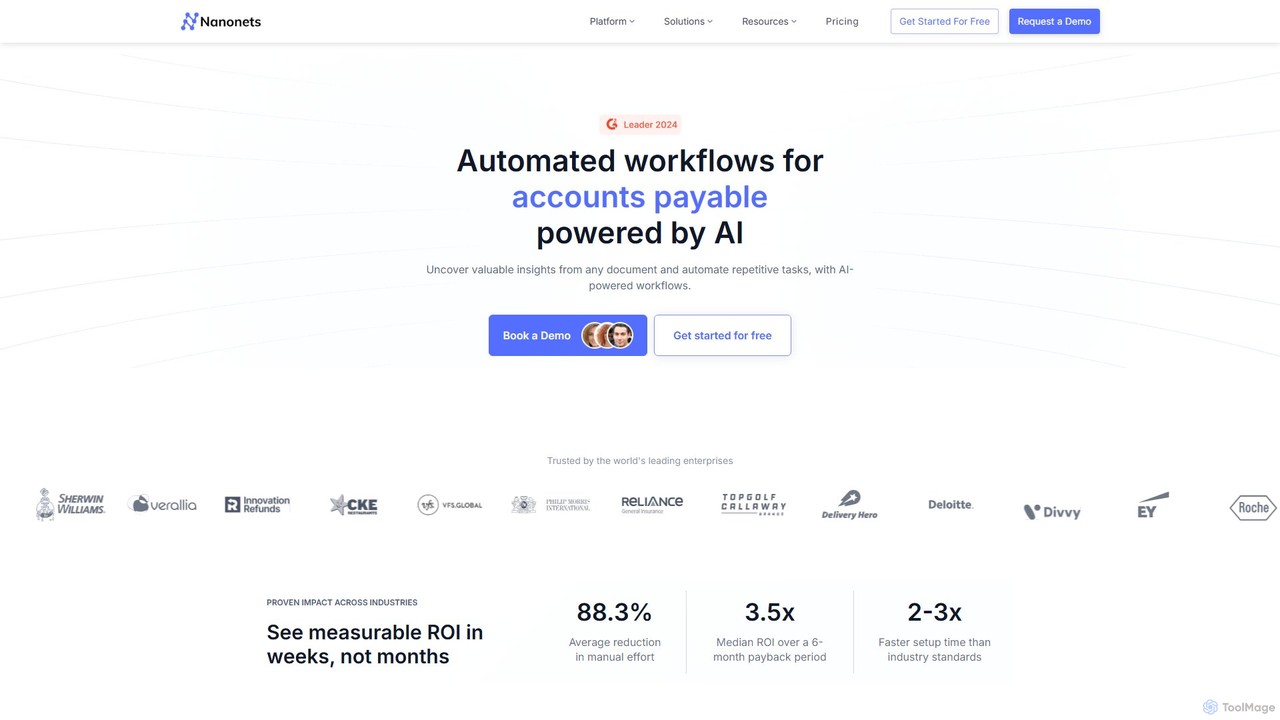
Nanonets
Nanonets is an AI-powered platform for intelligent document processing (IDP) and workflow automation. It uses advanced OCR and deep learning to extract data from unstructured documents like invoices, receipts, and purchase orders, helping businesses automate manual tasks, reduce costs, and improve operational efficiency with a no-code, scalable solution.
Document Management
Jyek
Jyek is an AI agent platform that understands objectives, creates execution plans, uses tools, and delivers verifiable results for complex, multi-step tasks.
Automation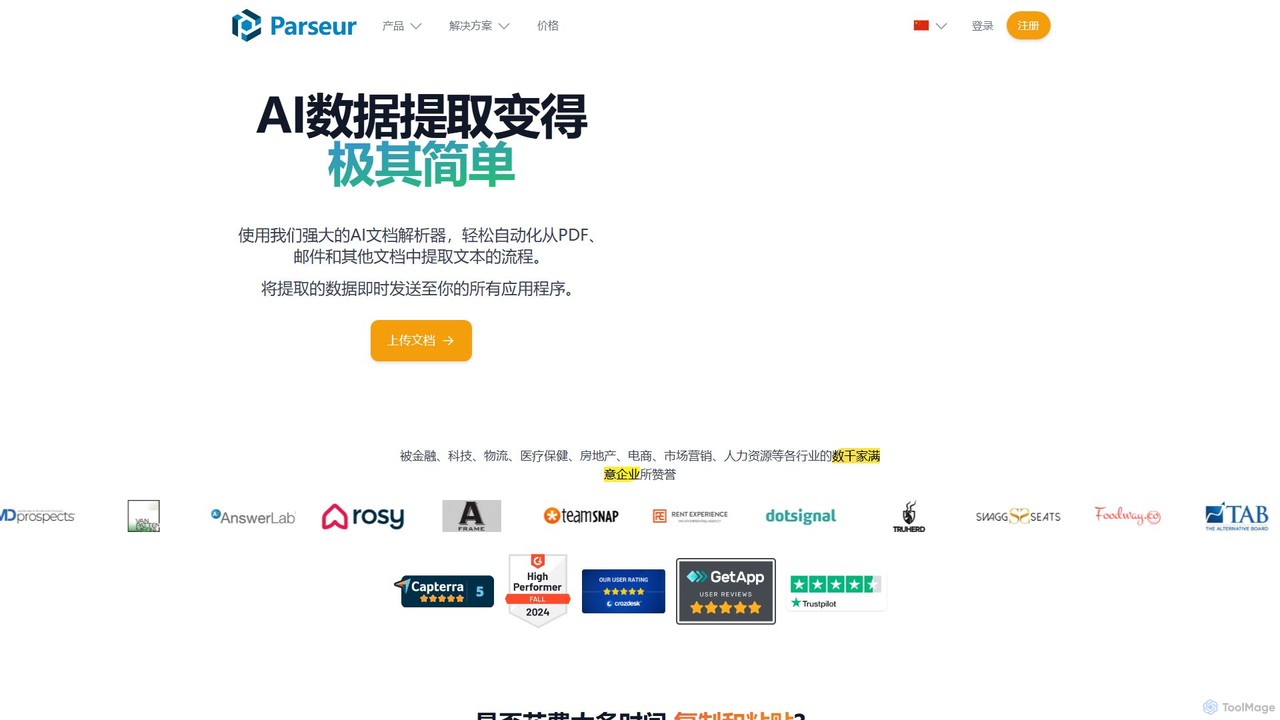
Parseur
Parseur is a powerful AI-powered document parsing tool that automates data extraction from emails, PDFs, and other documents. It converts unstructured text into structured data and sends it to thousands of applications, eliminating manual data entry and saving significant time.
Document Management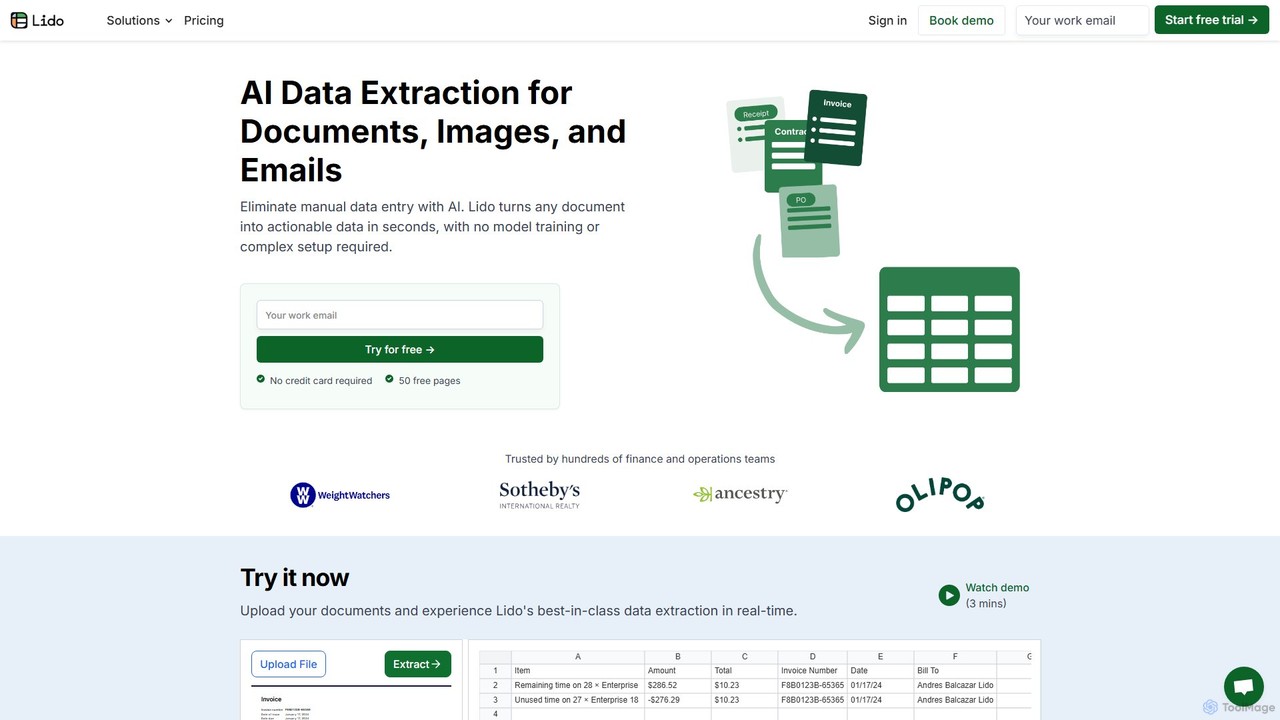
Lido
Lido is an AI-powered data extraction tool that automates the process of pulling information from any document, including PDFs, invoices, and images, into structured formats like Excel and CSV. It's template-free, fast, and designed for finance and operations teams to eliminate manual data entry and save significant time.
Document Management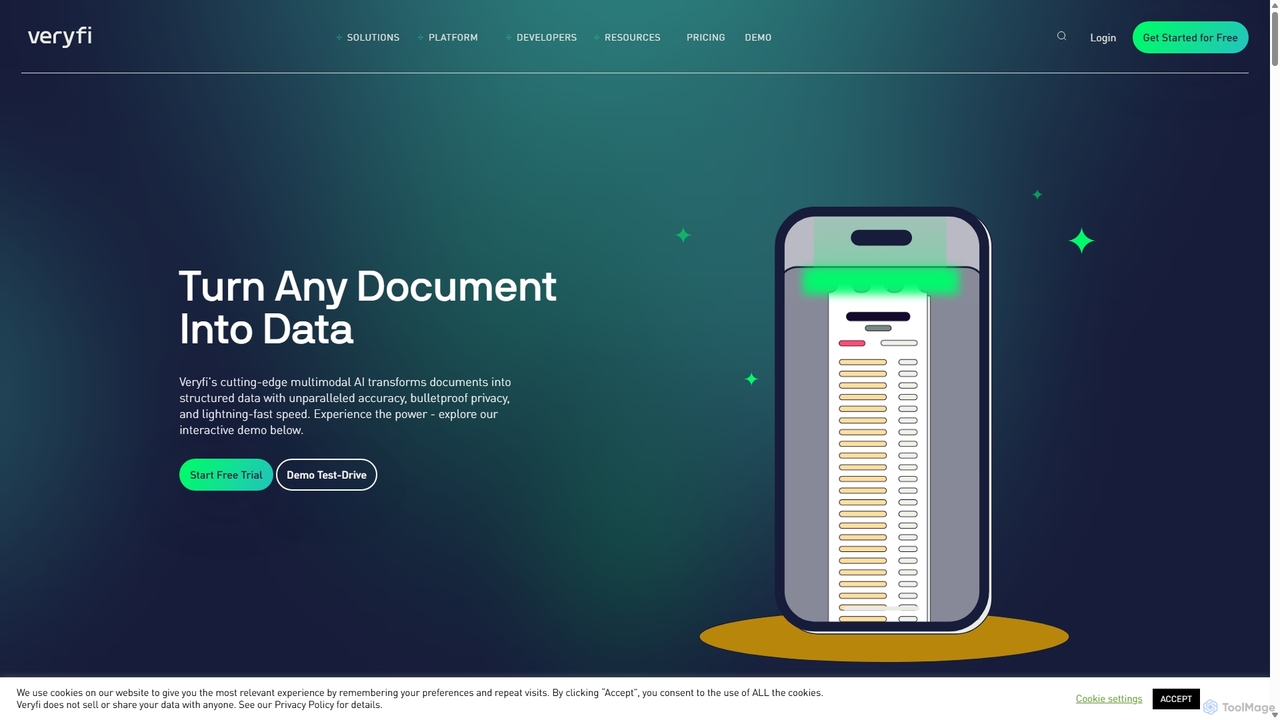
Veryfi
Veryfi is an advanced AI-powered platform that transforms unstructured documents like receipts, invoices, and checks into structured data. It offers OCR APIs with unparalleled accuracy (99.9%), lightning-fast speed, and enterprise-grade security. Designed for developers and businesses, it automates data entry, detects fraud, and provides valuable insights across various industries including FinTech, CPG, and Healthcare.
Api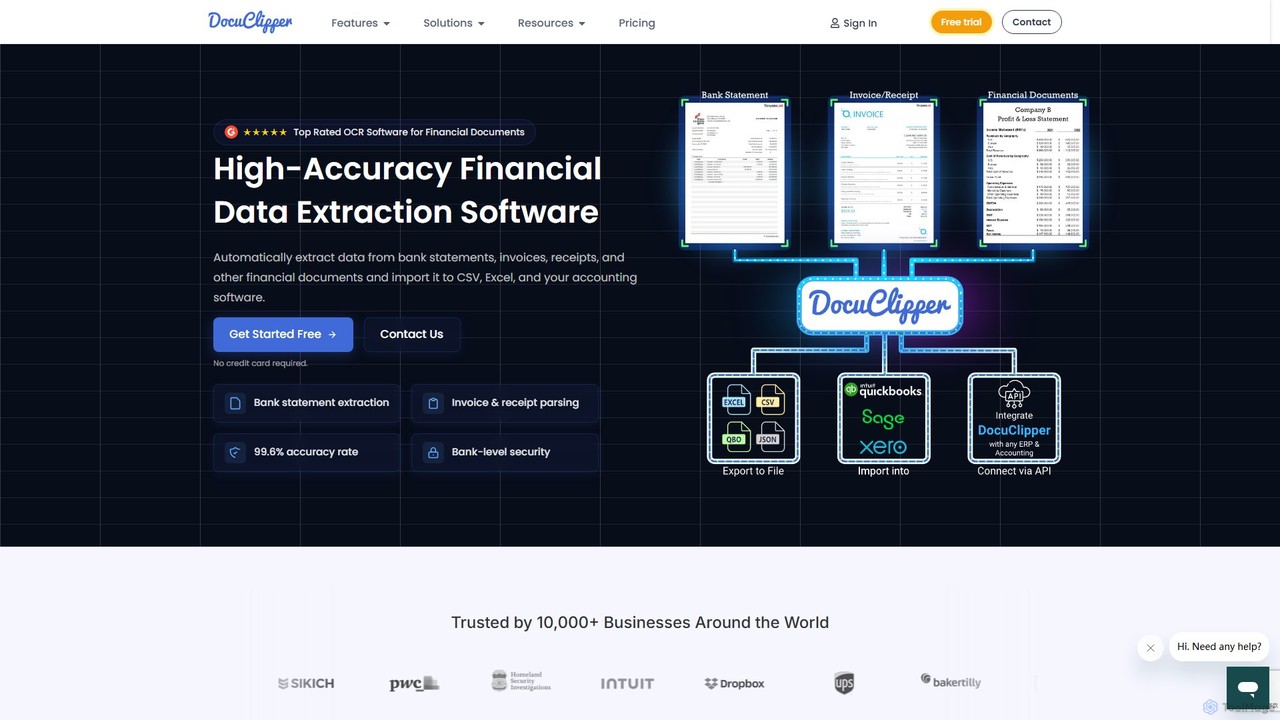
DocuClipper
DocuClipper is an AI-powered OCR software specialized in financial data extraction. It automates the process of converting bank statements, invoices, receipts, and other financial documents into structured data formats like Excel, CSV, and QBO with 99.6% accuracy. It integrates seamlessly with accounting software like QuickBooks and Xero, saving time and reducing manual entry errors for businesses and financial professionals.
Automation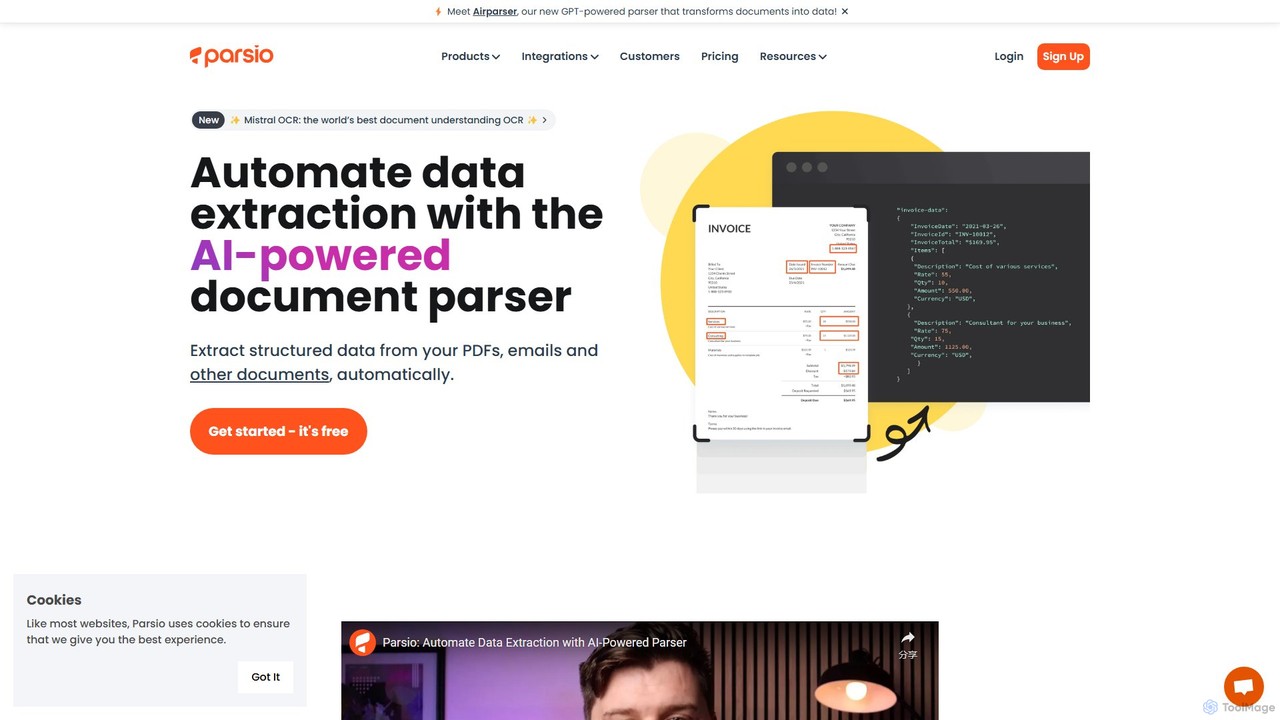
Parsio
Parsio is an AI-powered document parser that automates data extraction from emails, PDFs, and other documents. It uses OCR and AI models like GPT to capture structured data from unstructured text, eliminating manual data entry and streamlining business workflows through seamless integrations.
Document Management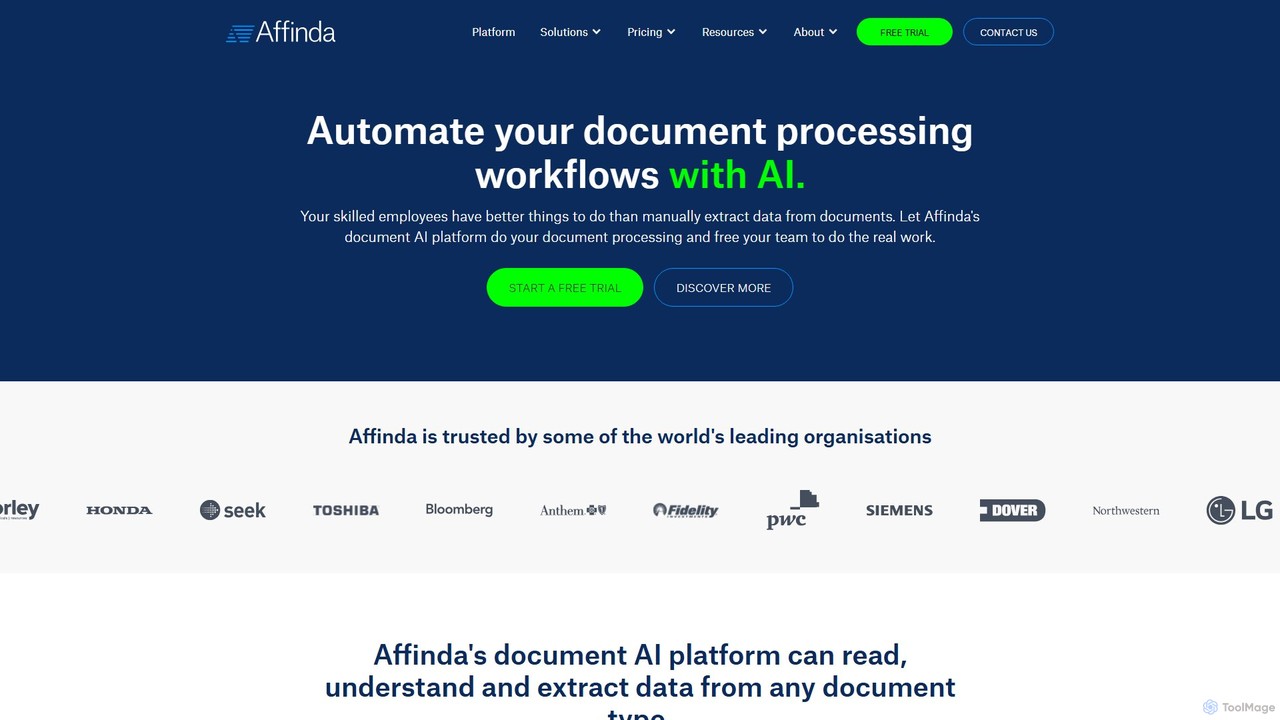
Affinda
A powerful AI-driven document processing platform that automates data extraction from any document type. Affinda uses advanced computer vision and NLP to read, understand, and structure data from invoices, resumes, contracts, and more, supporting over 50 languages. It helps businesses increase efficiency, reduce manual tasks, and improve data accuracy through seamless API integration.
Data Extraction
BringTable Comments (0)
Sign in to comment.
Sign inNo comments yet.