

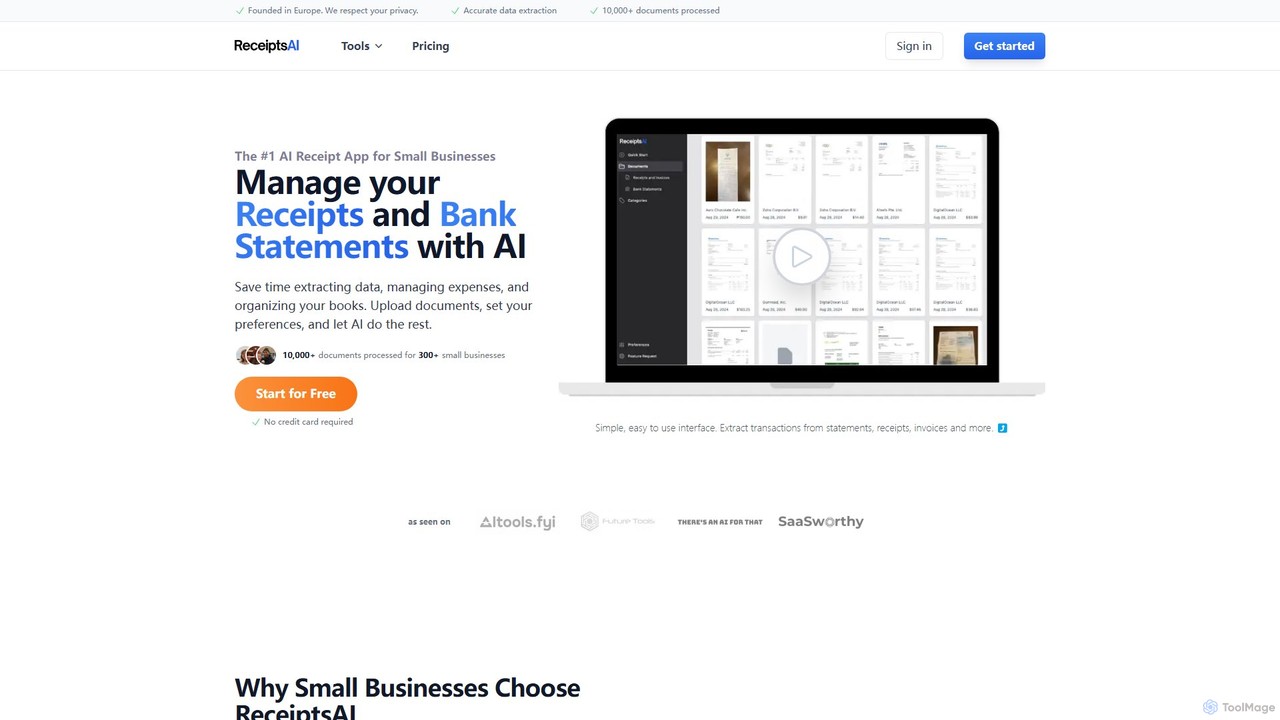
ReceiptsAI Overview
ReceiptsAI is a comprehensive financial management tool designed to simplify and automate bookkeeping for small businesses, freelancers, and entrepreneurs. By leveraging advanced Artificial Intelligence, it tackles the tedious and time-consuming task of manual data entry, allowing users to focus on growing their business. The platform serves as a centralized hub for all financial documents, including receipts, invoices, and bank statements, transforming them into structured, actionable data.
The core of ReceiptsAI is its powerful OCR (Optical Character Recognition) and data extraction engine. It can accurately pull key information such as merchant names, dates, totals, tax amounts, and line items from a variety of document formats, including PDFs, JPGs, and PNGs. This eliminates human error and ensures that financial records are precise and reliable. The platform is built with security as a top priority, employing bank-level encryption to protect sensitive financial data both in transit and at rest, ensuring user privacy is never compromised.
How to use ReceiptsAI
Getting started with ReceiptsAI is designed to be a straightforward and intuitive process, enabling users to automate their bookkeeping in just a few steps:
- Upload Documents: Gather your financial documents, such as receipts from business expenses, supplier invoices, or monthly bank and credit card statements. You can upload these files directly to the ReceiptsAI platform in supported formats like PDF, JPG, JPEG, and PNG.
- AI-Powered Processing: Once uploaded, the AI engine automatically gets to work. It scans each document, extracts all relevant data (merchant, date, amount, tax, etc.), and intelligently categorizes the transaction based on its content.
- Review and Customize: The extracted data is presented in a clean, easy-to-review interface. You can quickly verify the information for 100% accuracy. To further streamline your workflow, you can set up custom categorization rules (e.g., always categorize 'Uber' as 'Travel') and define auto-renaming conventions for your files.
- Manage and Export: With all your data organized, you can easily search for any transaction or document. When it's time for accounting or tax preparation, you can export your data into a neatly organized Excel spreadsheet, ready for your accountant or for import into other software.
Core Features of ReceiptsAI
- AI Data Extraction: Automatically extracts merchant name, address, date, currency, tax/VAT information, totals, and sub-totals from receipts and invoices.
- Bank & Credit Card Statement Processing: Captures all transaction details and running balances from PDF statements, converting them into a sortable format.
- Automatic Categorization: Intelligently assigns categories to expenses and transactions. Users can create custom categories and rules for full automation.
- Multi-Currency Support: Handles transactions in various currencies, including USD, EUR, GBP, and CAD, making it ideal for international business.
- Secure Cloud Storage: Provides bank-level security with data encryption to keep all financial documents safe and confidential.
- Duplicate Detection: Automatically identifies and flags duplicate entries to maintain clean and accurate books.
- Bulk Processing: The Pro plan allows for uploading and processing multiple documents at once, significantly boosting efficiency.
- API Access (Beta): Offers API access for developers and businesses looking to integrate ReceiptsAI's extraction capabilities into their own systems.
- Free Financial Tools: Includes a suite of free tools like a Receipt Scanner, Invoice Scanner, and Bank Statement Extractor for one-off tasks.
Use Cases for ReceiptsAI
ReceiptsAI is versatile and beneficial for various users:
- Small Business Owners: To automate daily bookkeeping, track expenses in real-time, and maintain organized, audit-ready records for tax season.
- Freelancers and Consultants: To easily manage project-related expenses, track reimbursable costs, and simplify tax deductions without the hassle of manual spreadsheets.
- Accountants and Bookkeepers: To streamline the data collection and entry process for their clients, freeing up time to focus on strategic financial advice and analysis.
Advantages of ReceiptsAI
The primary advantage of ReceiptsAI is the significant time savings it offers by eliminating manual data entry. This leads to reduced administrative costs and allows business owners to focus on revenue-generating activities. The platform enhances financial accuracy, provides clear insights into spending patterns, and ensures that records are always organized and tax-ready. Its user-friendly interface and robust security protocols make it a reliable and accessible choice for businesses of any size.
Pricing and Plans
ReceiptsAI offers a flexible freemium pricing model:
- Free Plan: $0/month. Includes 30 free credits for data extraction, basic categorization, and email support. Perfect for trying out the service.
- Starter Plan: $12/month. Includes processing for 100 pages per month, up to 30 custom categories, 20 custom rules, custom document renaming, and auto duplicate detection.
- Pro Plan: $29/month. The most popular option, offering 500 pages per month, up to 100 custom categories and rules, priority support, bulk processing, and beta API access.
An annual subscription provides a 25% discount. All paid plans come with a 30-day money-back guarantee.
Traffic
Latest traffic
Status
Monthly traffic trend
- 2025-9: 19.3K
- 2026-1: 18.7K
- 2026-2: 21.7K
- 2026-3: 23.9K
- 2026-4: 14.5K
- 2026-5: 12.0K
Geography
Top 5 countries / regions
- 🇺🇸United States40.9%
- 🇨🇦Canada17.9%
- 🇬🇧United Kingdom17.6%
- 🇮🇳India12.7%
- 🇵🇭Philippines11.0%
Top keywords
| Keyword | Cost per click |
|---|---|
| ai receipt | $0.00 |
| ai receipt generator free | $0.00 |
| budget skabelon ai | $0.00 |
| receipt ai | $0.00 |
| receiptsai | $0.00 |
ReceiptsAI Alternatives
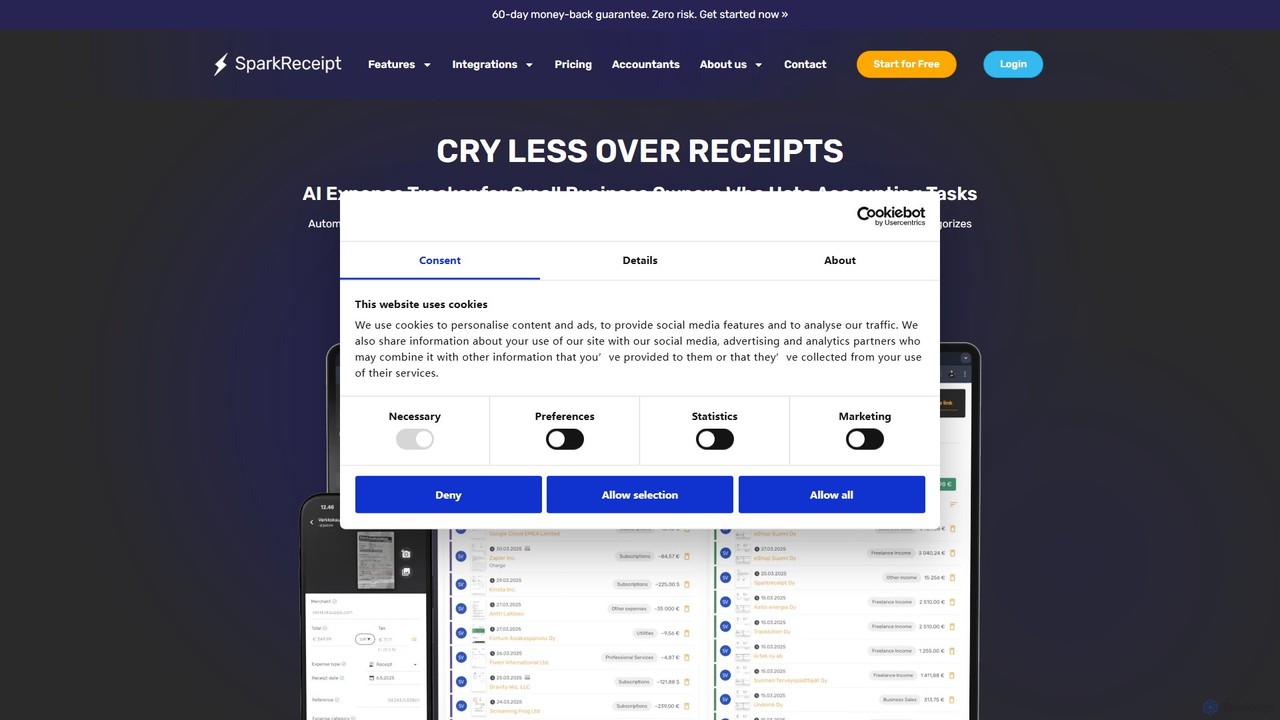
SparkReceipt
SparkReceipt is an AI-powered receipt scanner and expense tracker designed for entrepreneurs, freelancers, and small businesses. It uses advanced OCR technology to automatically extract data from receipts, simplifying expense management. With features like multi-currency support and secure cloud storage, it helps users digitize their financial records, save time, and stay organized for tax season.
Accounting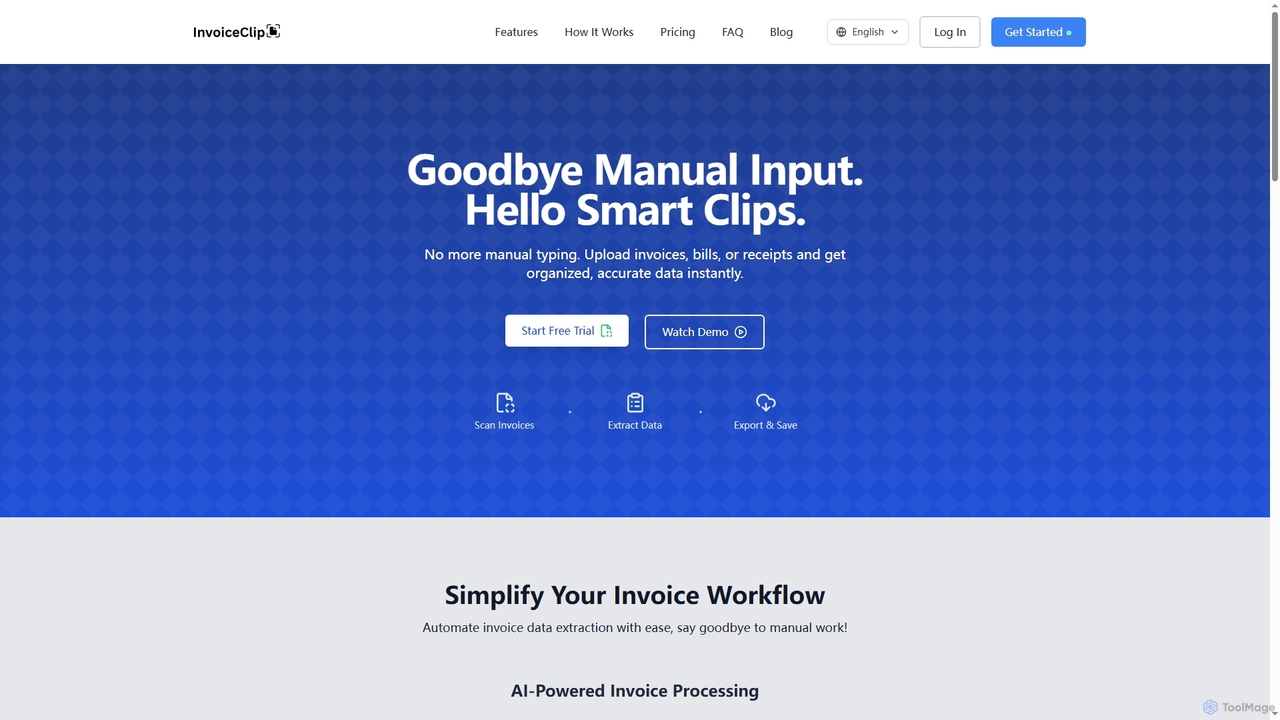
InvoiceClip
InvoiceClip is an AI-powered invoice and receipt scanner app designed to automate data extraction, categorization, and organization for businesses. It eliminates manual data entry by instantly converting uploaded documents into accurate, structured data, streamlining financial workflows.
Invoice Processing
SnaptoBook
SnaptoBook is an AI-powered mobile app that digitizes receipts and invoices for effortless personal finance management. Simply snap a photo of any bill, and the app automatically extracts data for expense tracking, reimbursement, tax filing, bill splitting, and project cost management. It's your smart assistant for organizing finances.
Expense Tracking
withbilly
withbilly is an AI-powered financial assistant designed for freelancers and small businesses. It automates invoicing, expense tracking, and financial reporting, helping you manage your business finances effortlessly and get paid faster.
Small Business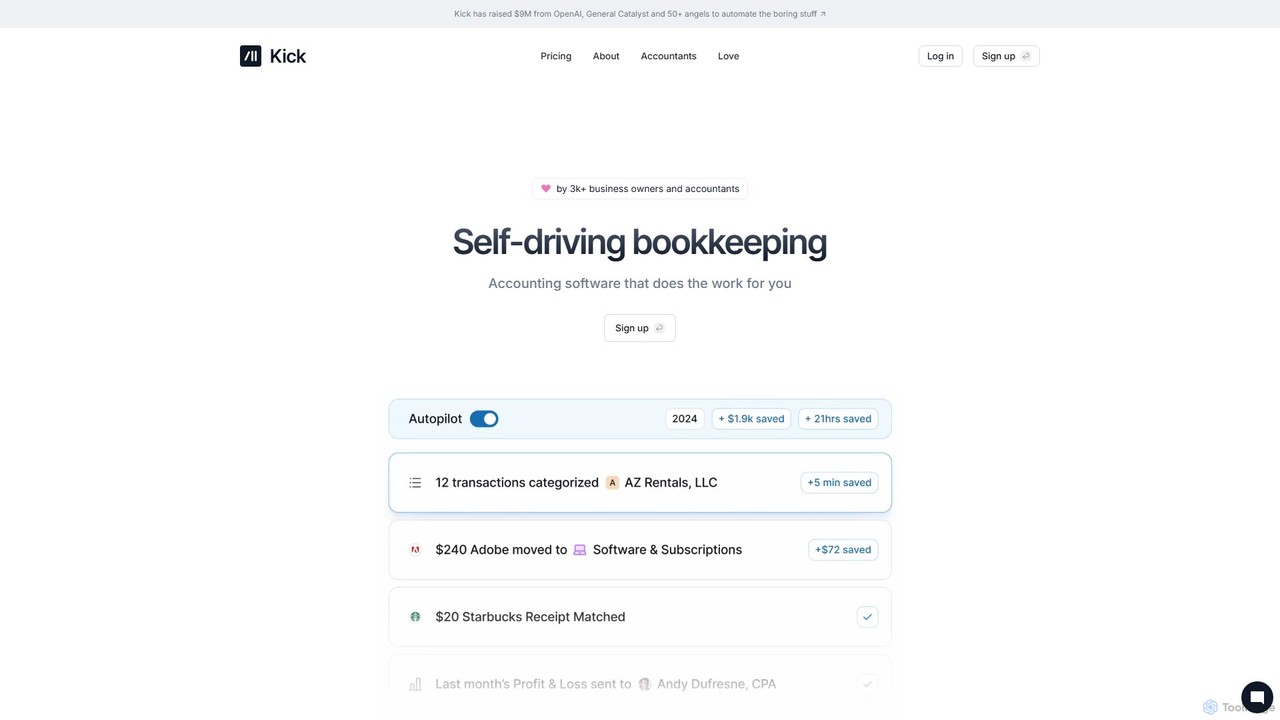
Kick
Kick is an AI-powered, "self-driving" bookkeeping platform designed for modern business owners and entrepreneurs. It automates financial tasks like transaction categorization, report generation (P&L), and tax preparation workflows in real-time. By leveraging advanced AI, Kick aims to simplify financial management, eliminate manual data entry, and provide clear, error-free financial insights, allowing users to focus on growing their business.
Small Business ToolsReceiptsAI Categories
ReceiptsAI Embed Widget
Copy this embed code to place the badge on your blog, article, or product site and send readers directly to this ToolMage detail page.

Related AI tools
SparkReceipt
SparkReceipt is an AI-powered receipt scanner and expense tracker designed for entrepreneurs, freelancers, and small businesses. It uses advanced OCR technology to automatically extract data from receipts, simplifying expense management. With features like multi-currency support and secure cloud storage, it helps users digitize their financial records, save time, and stay organized for tax season.
AccountingInvoiceClip
InvoiceClip is an AI-powered invoice and receipt scanner app designed to automate data extraction, categorization, and organization for businesses. It eliminates manual data entry by instantly converting uploaded documents into accurate, structured data, streamlining financial workflows.
Invoice Processing
Jyek
Jyek is an AI agent platform that understands objectives, creates execution plans, uses tools, and delivers verifiable results for complex, multi-step tasks.
Automation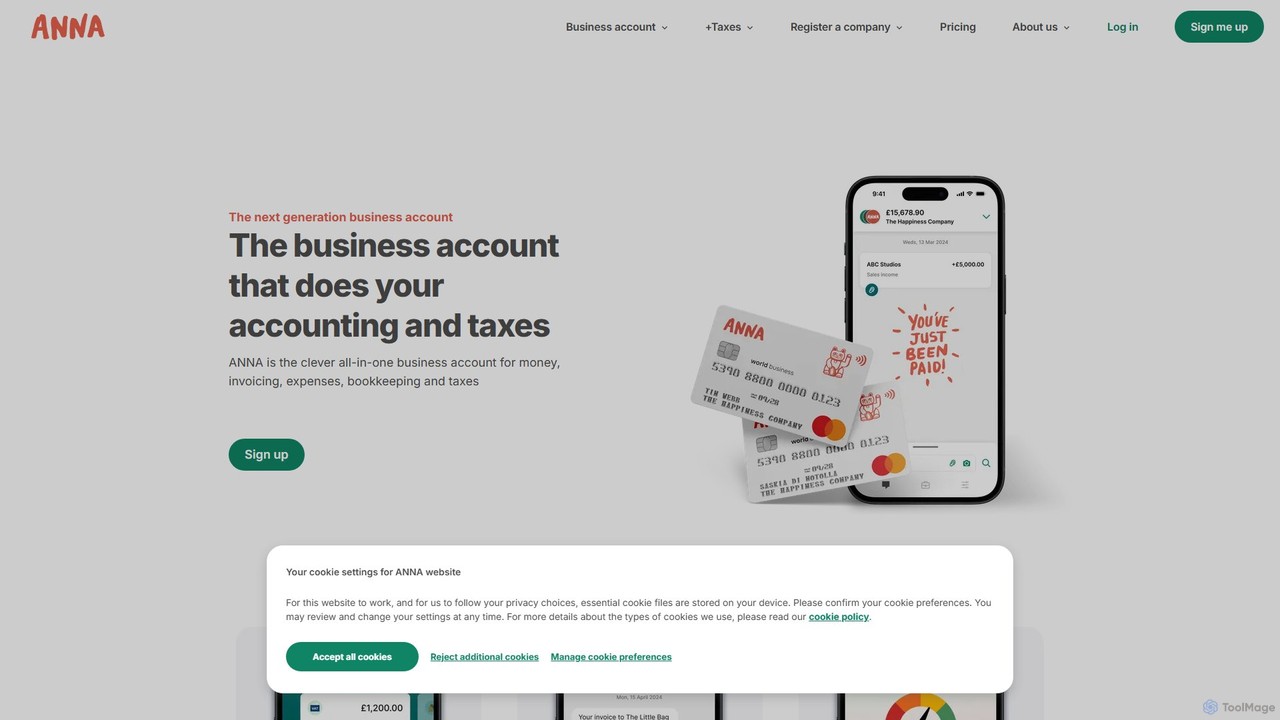
ANNA Money
ANNA Money is an all-in-one business account and tax app for UK freelancers and small businesses. It uses AI to automate invoicing, expense tracking, bookkeeping, and tax calculations, including VAT and Corporation Tax filing. Get a business debit card, manage payroll, and receive 24/7 support, all from one platform designed to eliminate financial admin.
Accounting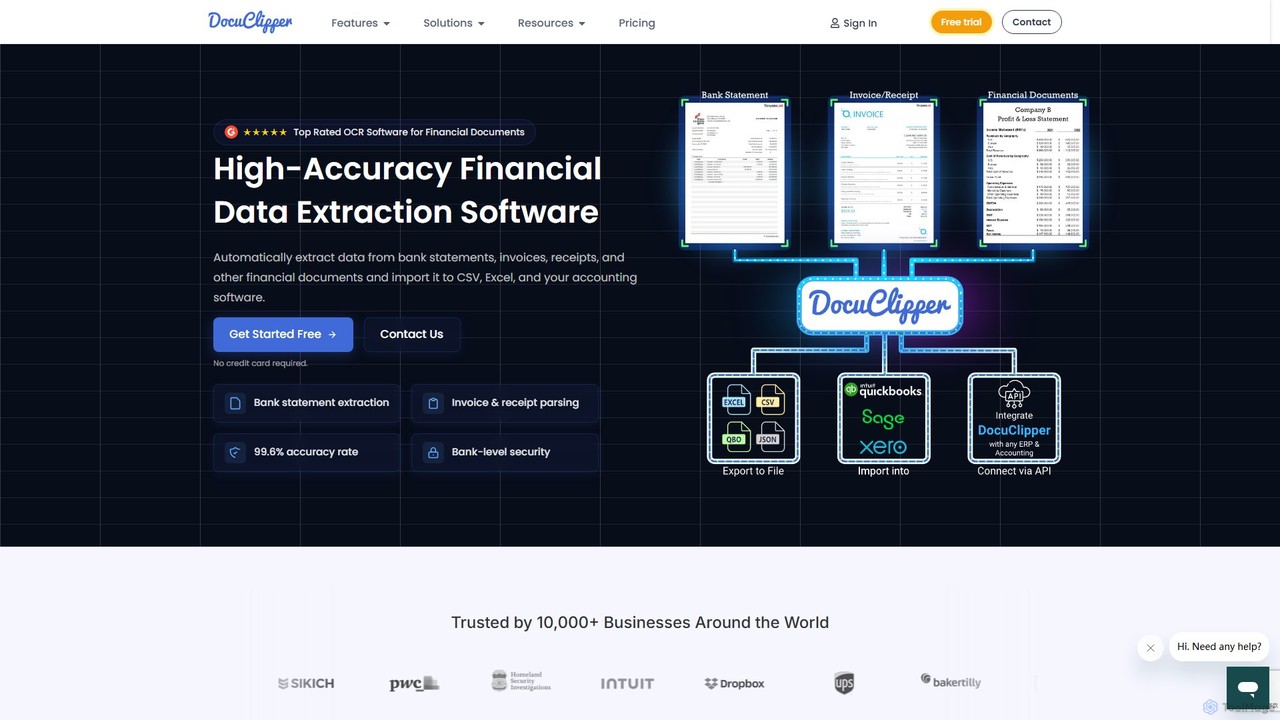
DocuClipper
DocuClipper is an AI-powered OCR software specialized in financial data extraction. It automates the process of converting bank statements, invoices, receipts, and other financial documents into structured data formats like Excel, CSV, and QBO with 99.6% accuracy. It integrates seamlessly with accounting software like QuickBooks and Xero, saving time and reducing manual entry errors for businesses and financial professionals.
Automation
Tailride
Tailride is an AI-powered accounting automation platform that saves businesses hundreds of hours. It automatically scans inboxes (Gmail, Outlook) and online portals to find, extract, and organize invoices and receipts. With integrations for QuickBooks, Xero, and Google Drive, it streamlines the entire accounts payable workflow, from data capture to reconciliation.
Document Management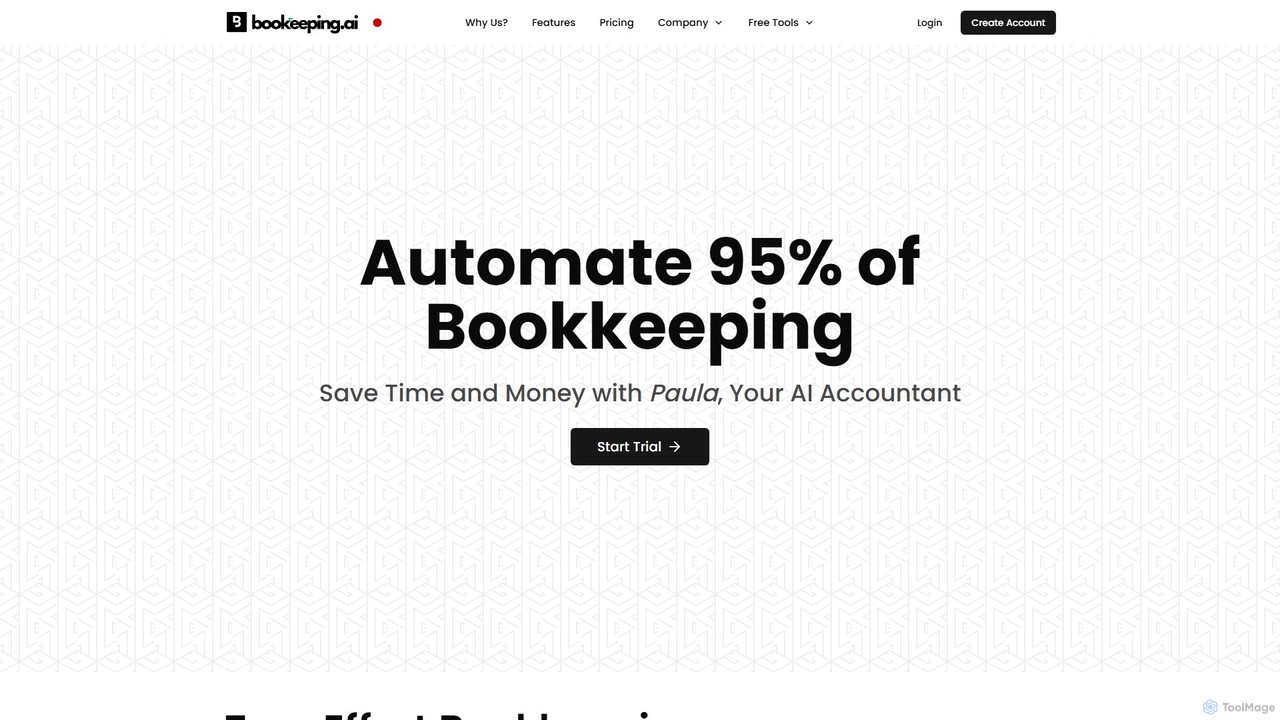
bookeeping.ai
bookeeping.ai is an AI-powered accounting platform featuring Paula, a 24/7 AI accountant. It automates over 95% of bookkeeping tasks, including ledger management, P&L reporting, and receipt scanning. The tool offers AI-driven invoicing, expense management, bank synchronization, and real-time financial reporting. Designed for small businesses, freelancers, and accountants, it aims to save time and money by streamlining financial operations through a simple chat-based interface.
Management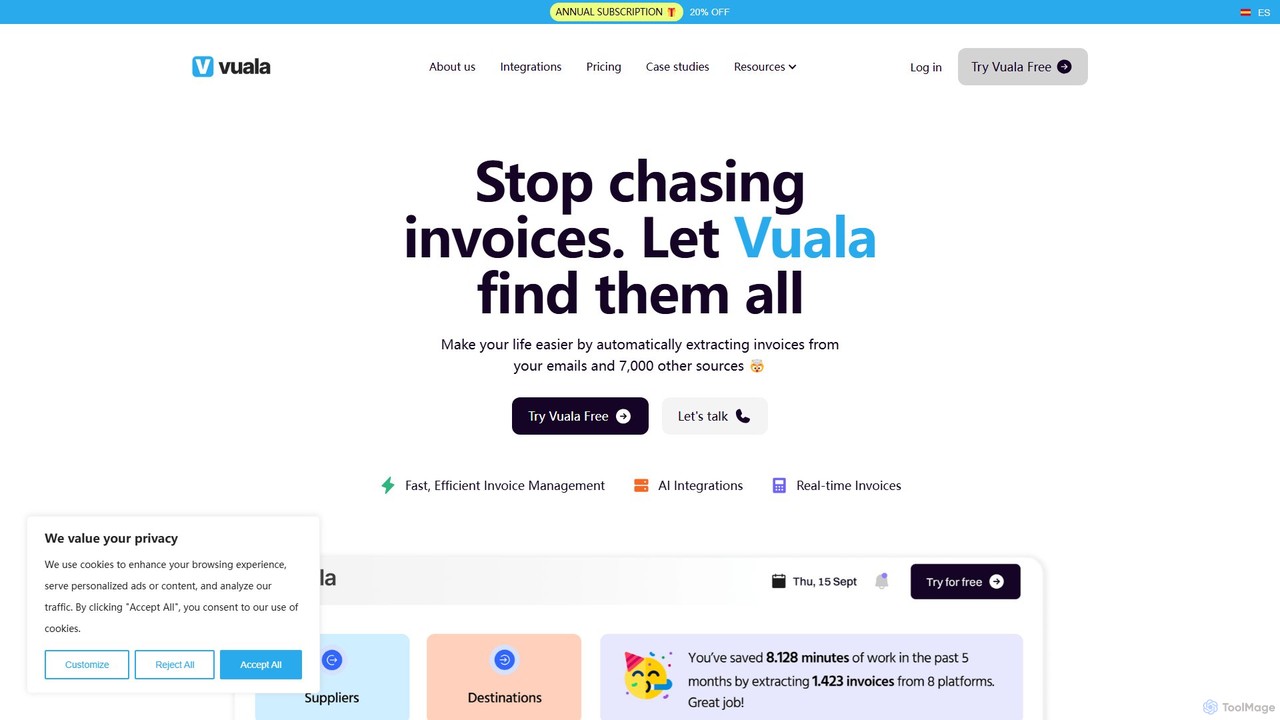
Vuala
Vuala is an AI-powered invoice management software for SMEs that automates the collection of invoices from emails and over 7,000 supplier portals. It extracts data and sends it directly to your accounting software, saving time and maximizing tax deductions.
Document Management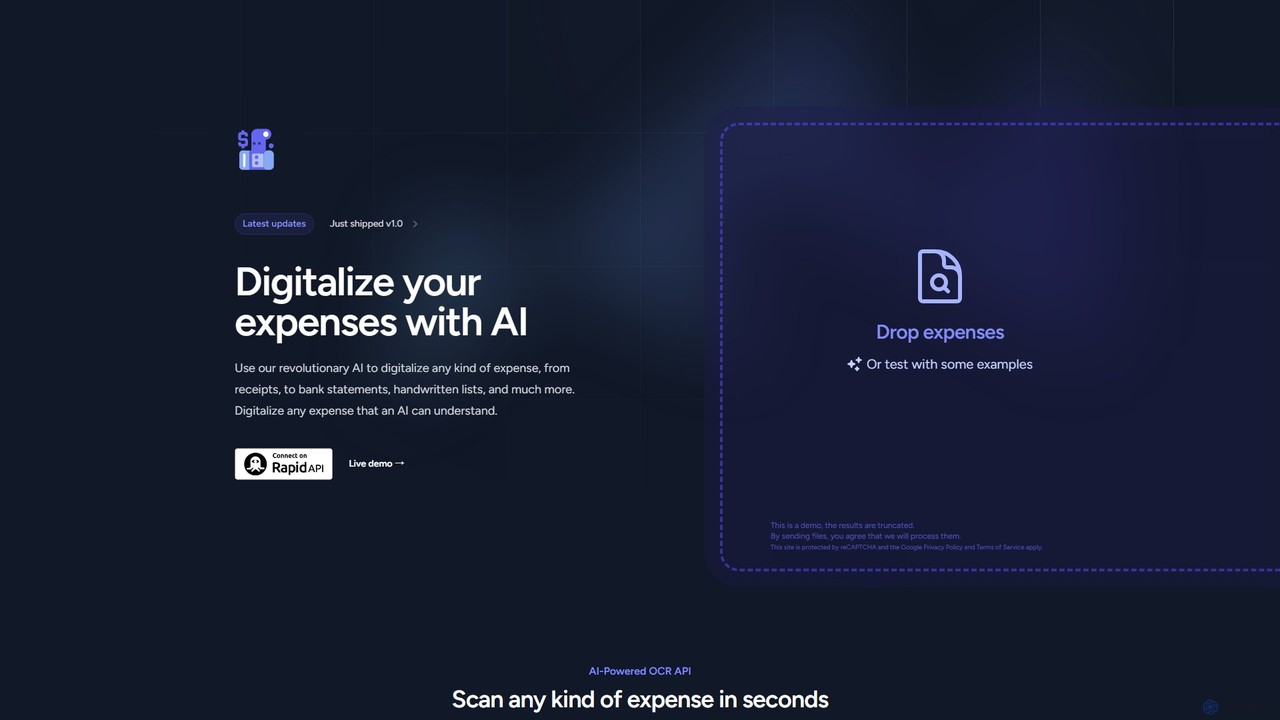
Expenses Day
Expenses Day is a powerful AI-powered OCR API designed to digitize any type of expense document. It accurately extracts data from receipts, invoices, bank statements, and even handwritten lists, transforming unstructured financial documents into structured, usable data for businesses and developers.
ApiSnaptoBook
SnaptoBook is an AI-powered mobile app that digitizes receipts and invoices for effortless personal finance management. Simply snap a photo of any bill, and the app automatically extracts data for expense tracking, reimbursement, tax filing, bill splitting, and project cost management. It's your smart assistant for organizing finances.
Expense Trackingwithbilly
withbilly is an AI-powered financial assistant designed for freelancers and small businesses. It automates invoicing, expense tracking, and financial reporting, helping you manage your business finances effortlessly and get paid faster.
Small Business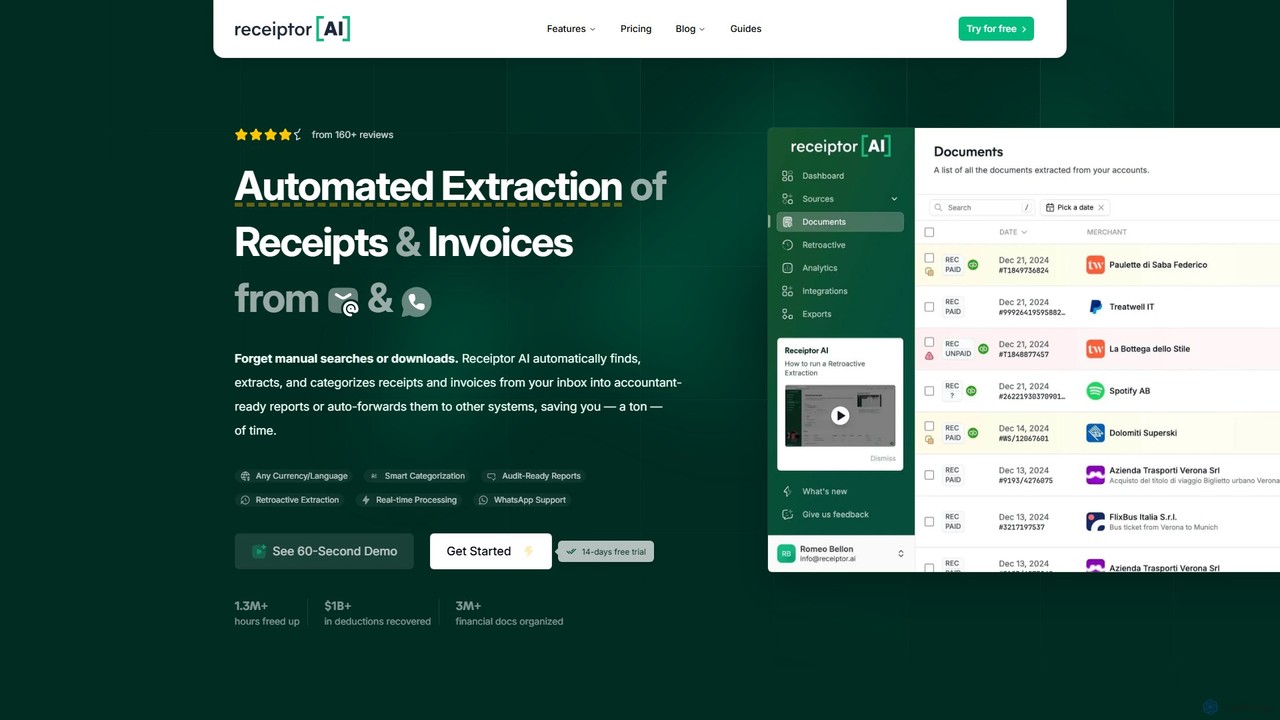
Receiptor AI
Receiptor AI is an intelligent automation tool that extracts receipts and invoices directly from your emails. It automatically captures, categorizes, and organizes financial documents, syncs with accounting software like Xero and QuickBooks, and provides real-time expense analytics. Ideal for freelancers, startups, and small businesses aiming for effortless expense management and audit readiness.
Accounting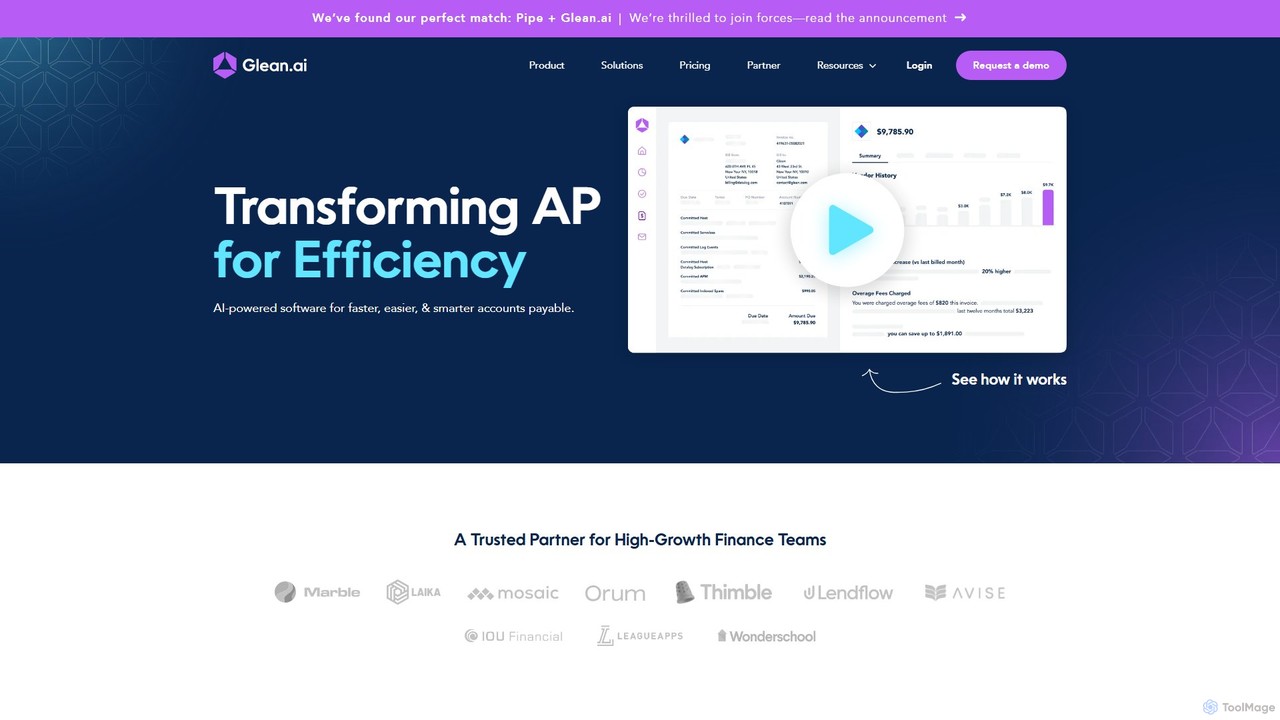
Glean.ai
Glean.ai is an AI-powered spend intelligence and accounts payable (AP) automation platform. It empowers finance teams by moving beyond simple bill pay, automatically extracting line-item invoice data, providing deep spending insights, and streamlining approval workflows to save significant time and reduce costs.
Analytics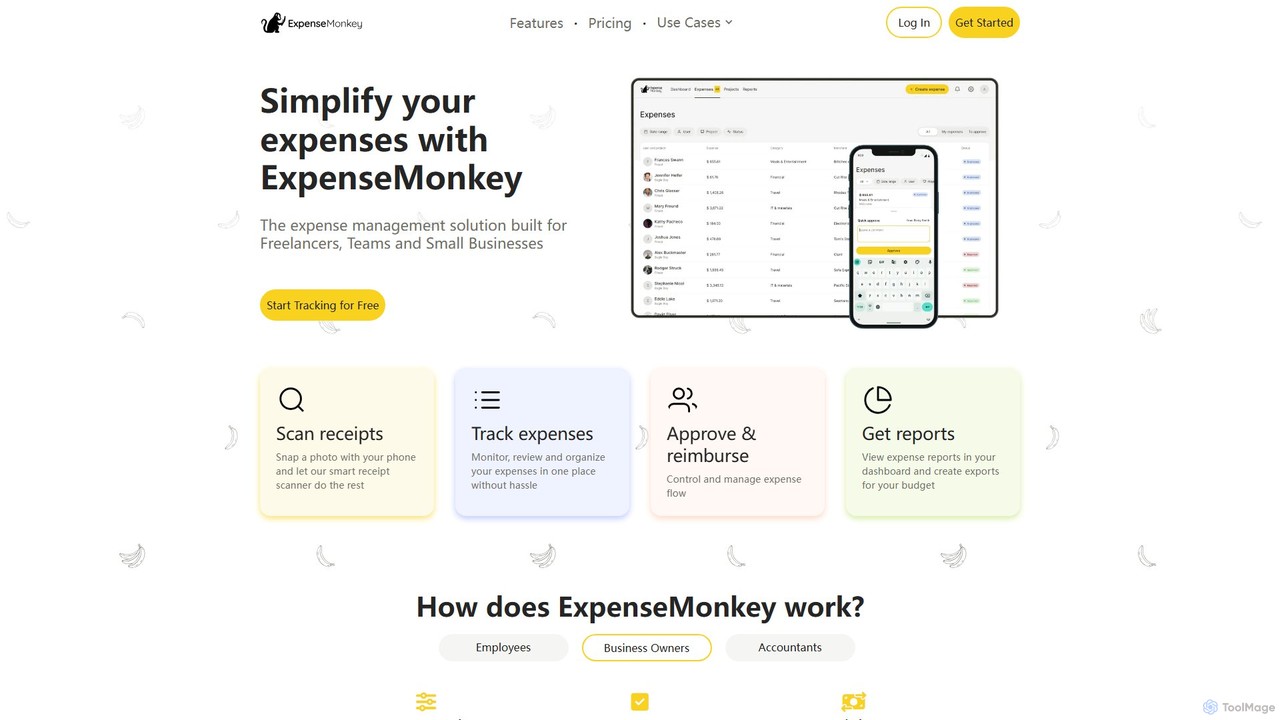
ExpenseMonkey
ExpenseMonkey is an AI-powered expense tracker designed for freelancers, small businesses, and teams. It automates expense management by scanning receipts, extracting data, auto-categorizing costs, and integrating with accounting software like QuickBooks and Xero. Simplify expense reporting, reimbursement, and tax preparation with smart automation.
Accounting
Uplinq
Uplinq is an AI-powered accounting platform designed for small and medium-sized businesses (SMBs). It automates bookkeeping, tax preparation, and financial reporting, combining proprietary AI with human expertise. Uplinq syncs with your financial accounts and tools like QuickBooks to streamline expense categorization, transaction management, and provide real-time financial insights, helping you save time and improve your bottom line.
Small Business Tools
ReceiptsAI Comments (0)
Sign in to comment.
Sign inNo comments yet.