
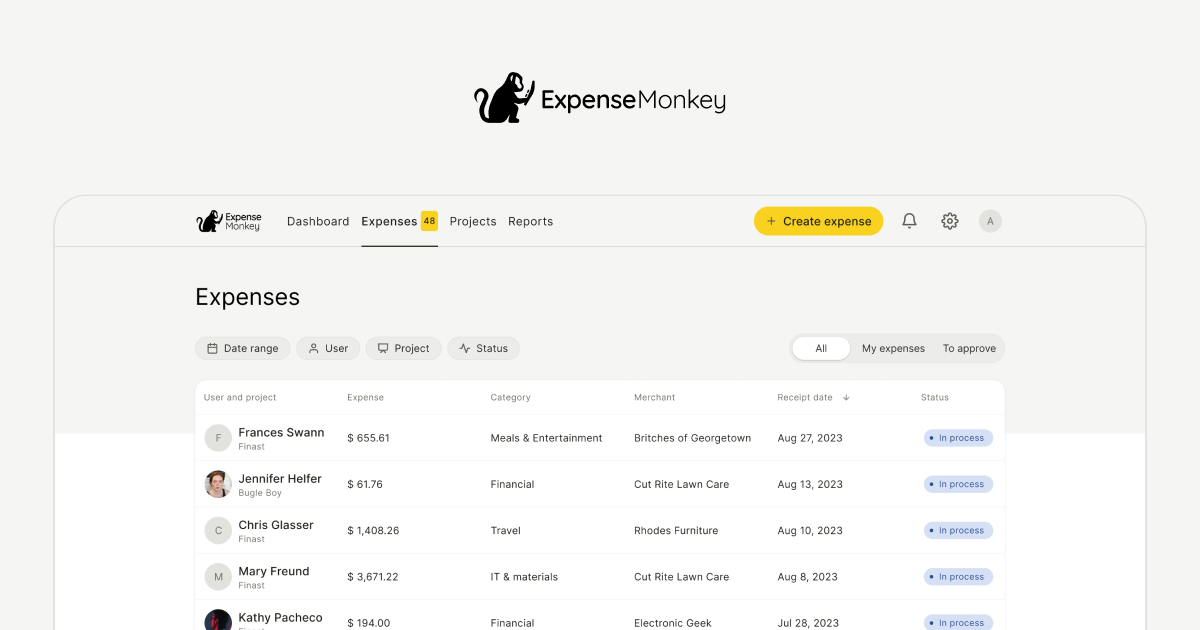
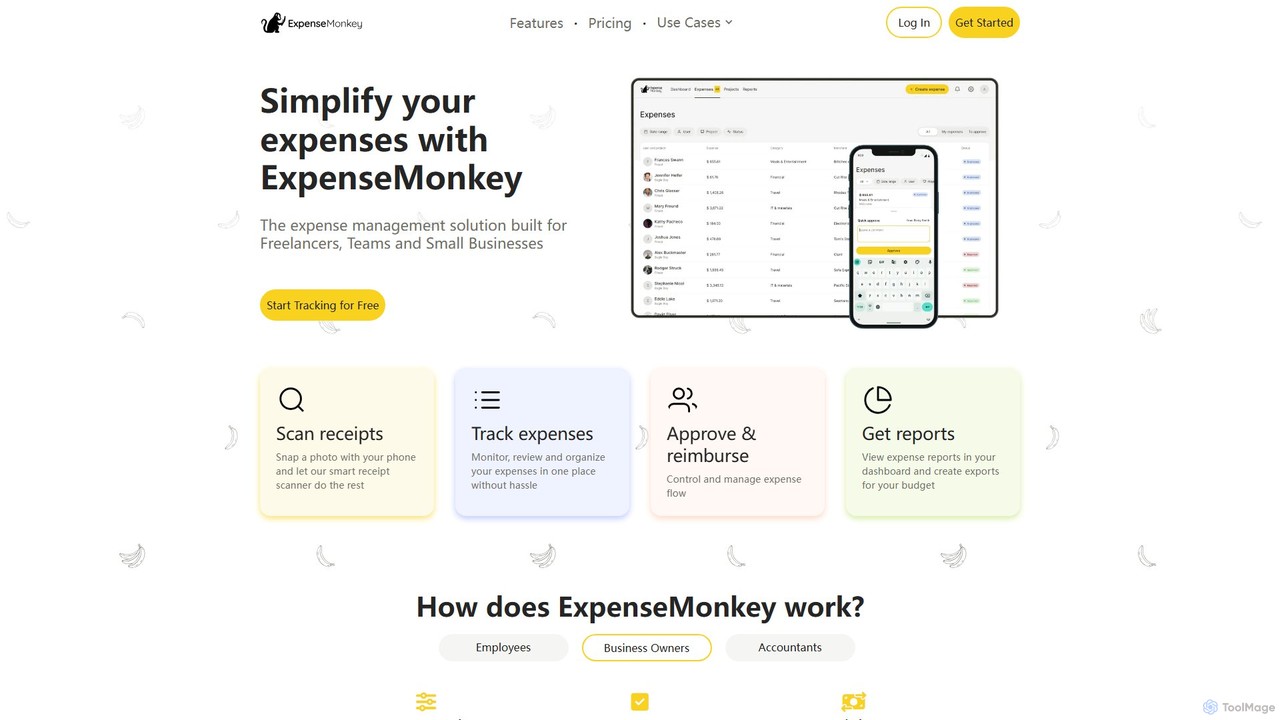
ExpenseMonkey Overview
ExpenseMonkey is a modern, AI-driven expense management platform designed to eliminate the manual work and chaos associated with tracking expenses. Created with the specific needs of freelancers, small businesses, teams, and even families in mind, ExpenseMonkey simplifies the entire process from receipt capture to final reporting. The platform's core mission is to make expense management intuitive, efficient, and accessible, allowing users to focus on growing their business or managing their personal finances without stress.
By leveraging artificial intelligence, ExpenseMonkey automates tedious tasks like data entry and categorization. Users can effortlessly capture expenses on the go, maintain clear visibility over spending, and ensure compliance with company policies. The tool is built for collaboration, allowing unlimited team members to participate in the expense management process, making it a comprehensive solution for any organization looking to gain control over its finances.
How to use ExpenseMonkey
Getting started with ExpenseMonkey is designed to be fast and straightforward. The workflow is optimized for efficiency in just a few simple steps:
- Submit Expenses in Seconds: Capture your expenses from anywhere. You can snap a photo of a physical receipt using the mobile app (iOS & Android), forward an email invoice directly to your unique ExpenseMonkey email address, or upload digital files from your desktop.
- Let AI Automate the Work: Once a receipt or invoice is submitted, ExpenseMonkey's AI gets to work. It automatically scans the document, extracts key information such as the vendor, date, and total amount, and then intelligently assigns it to a relevant category (e.g., "Travel," "Office Supplies").
- Manage and Approve: For teams, the process is seamless. Team members submit their expenses, which then appear in a centralized dashboard for managers to review. Managers can approve or reject expenses with a single click, adding comments for clarification if needed.
- Export and Reconcile: When it's time for accounting or tax preparation, you can generate clean, professional reports in CSV or PDF format. Alternatively, you can sync your data directly with accounting software like QuickBooks and Xero to keep your books up-to-date automatically.
Core Features of ExpenseMonkey
- AI Receipt Scanning: Instantly digitize receipts using your phone's camera. The AI extracts all relevant data in seconds, eliminating manual entry.
- Smart Categorization: The system automatically sorts expenses into predefined or custom categories, learning your habits over time for even greater accuracy.
- Project & Client Tagging: Assign each expense to a specific project, client, or department. This is perfect for tracking project profitability and simplifying client billing.
- Team Management & Collaboration: Invite unlimited users, including team members, managers, and accountants, even on the free plan. Assign roles and manage permissions for a collaborative workflow.
- Approval & Reimbursement Flow: A streamlined process for submitting, reviewing, approving, and tracking expense reimbursements, providing transparency for both employees and managers.
- Multi-Currency Support: Log expenses in any currency. ExpenseMonkey automatically handles conversions using real-time exchange rates, making it ideal for international travel and business.
- Seamless Accounting Integrations: Native integrations with QuickBooks and Xero ensure that your financial data is always synchronized and your accountant stays happy.
- Comprehensive Expense Reporting: Generate detailed, tax-ready reports with just a few clicks, available for download as PDF or CSV files.
Use Cases for ExpenseMonkey
ExpenseMonkey is versatile and powerful for a wide range of users:
- Freelancers & Solopreneurs: Easily separate business and personal spending, track project-related costs, and generate organized reports to simplify tax deductions.
- Small Businesses & Startups: Monitor team spending in real-time, control budgets, and streamline the employee reimbursement process without the administrative overhead.
- Accountants & Bookkeepers: Manage multiple clients' books efficiently with auto-categorized transactions and direct integrations, reducing manual data entry and reconciliation time.
- Digital Nomads & Frequent Travelers: Capture travel expenses (flights, meals, lodging) on the go, scan receipts from anywhere, and manage multiple currencies effortlessly.
- Budget-Conscious Families: Use the platform for shared expense tracking for groceries, bills, and savings goals, providing clarity on household spending.
Advantages of ExpenseMonkey
ExpenseMonkey stands out by offering a powerful, user-friendly solution that saves time and money. Its primary advantages include eliminating manual data entry, reducing human error, and providing real-time visibility into spending. The streamlined approval workflow enhances compliance and speeds up reimbursements. The ability to invite unlimited collaborators on the free plan makes it an incredibly cost-effective solution for growing teams. Ultimately, it transforms a chaotic, time-consuming task into a simple, automated process.
Pricing and Plans
ExpenseMonkey operates on a freemium model. It offers a generous free plan that provides full access to all its core features, including AI receipt scanning, unlimited user invites, project tagging, and reporting. Users only need to consider a paid plan when their volume of expense submissions exceeds the monthly limit included in the free tier. This approach allows individuals and small teams to get started and benefit from the full power of the platform without any initial investment.
Traffic
Latest traffic
Status
Monthly traffic trend
- 2025-9: 18.5K
- 2026-1: 18.4K
- 2026-2: 12.6K
- 2026-3: 13.2K
- 2026-4: 13.9K
- 2026-5: 11.6K
Geography
Top 5 countries / regions
- 🇺🇸United States65.1%
- 🇬🇧United Kingdom13.3%
- 🇮🇳India9.3%
- 🇵🇭Philippines6.8%
- 🇵🇱Poland5.6%
Top keywords
| Keyword | Cost per click |
|---|---|
| best mileage tracker for gig workers | $0.00 |
| budgeting website | $0.00 |
| everlance | $5.85 |
| home depot return without receipt | $0.00 |
| walmart receipt lookup | $0.34 |
ExpenseMonkey Alternatives
Receiptor AI
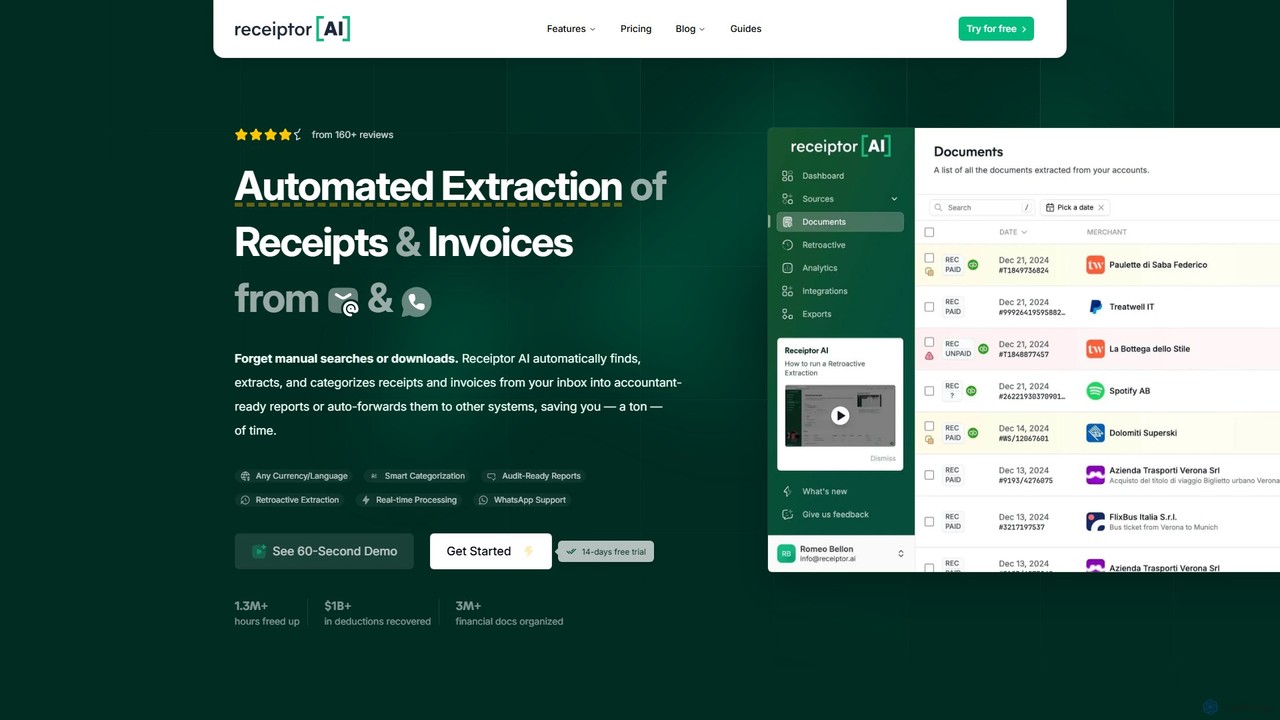
Receiptor AI is an intelligent automation tool that extracts receipts and invoices directly from your emails. It automatically captures, categorizes, and organizes financial documents, syncs with accounting software like Xero and QuickBooks, and provides real-time expense analytics. Ideal for freelancers, startups, and small businesses aiming for effortless expense management and audit readiness.
Accounting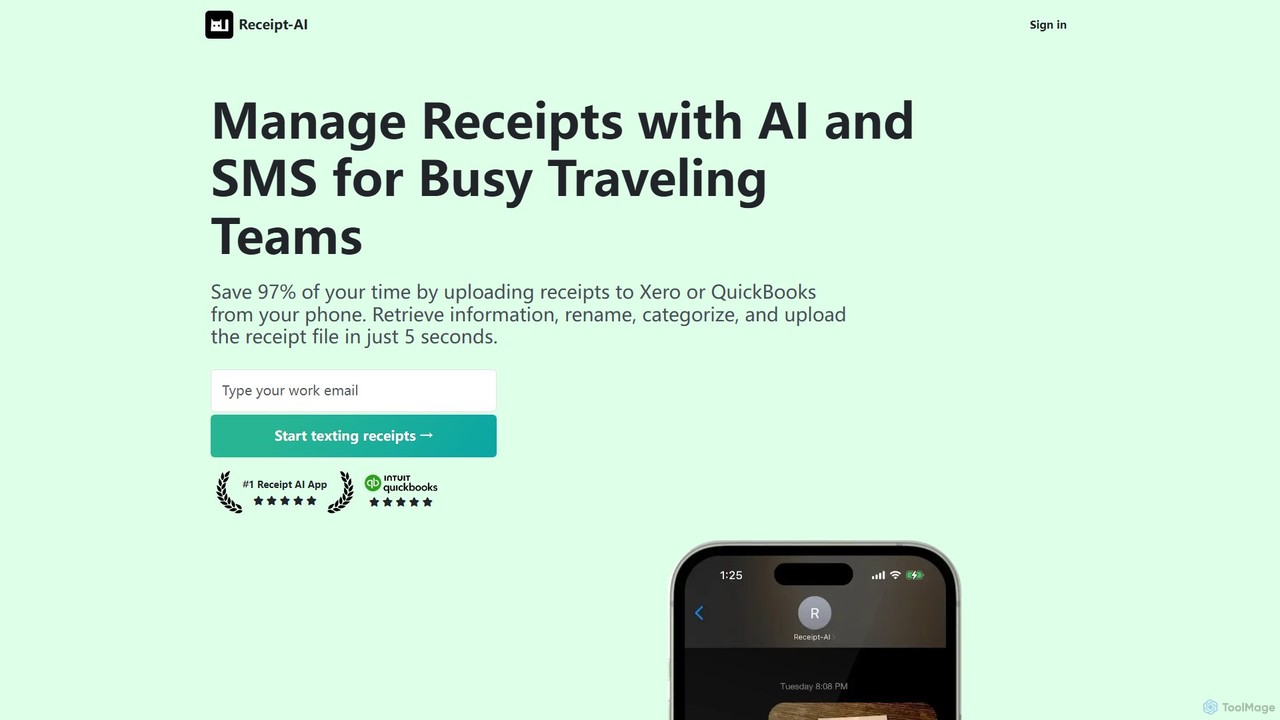
Receipt AI
Receipt AI automates expense management for busy teams by capturing and processing receipts via SMS, email, or web upload. It uses OCR to extract data, integrates with QuickBooks and Xero for one-click reconciliation, and supports 39 languages, saving significant time and improving accuracy.
Accounting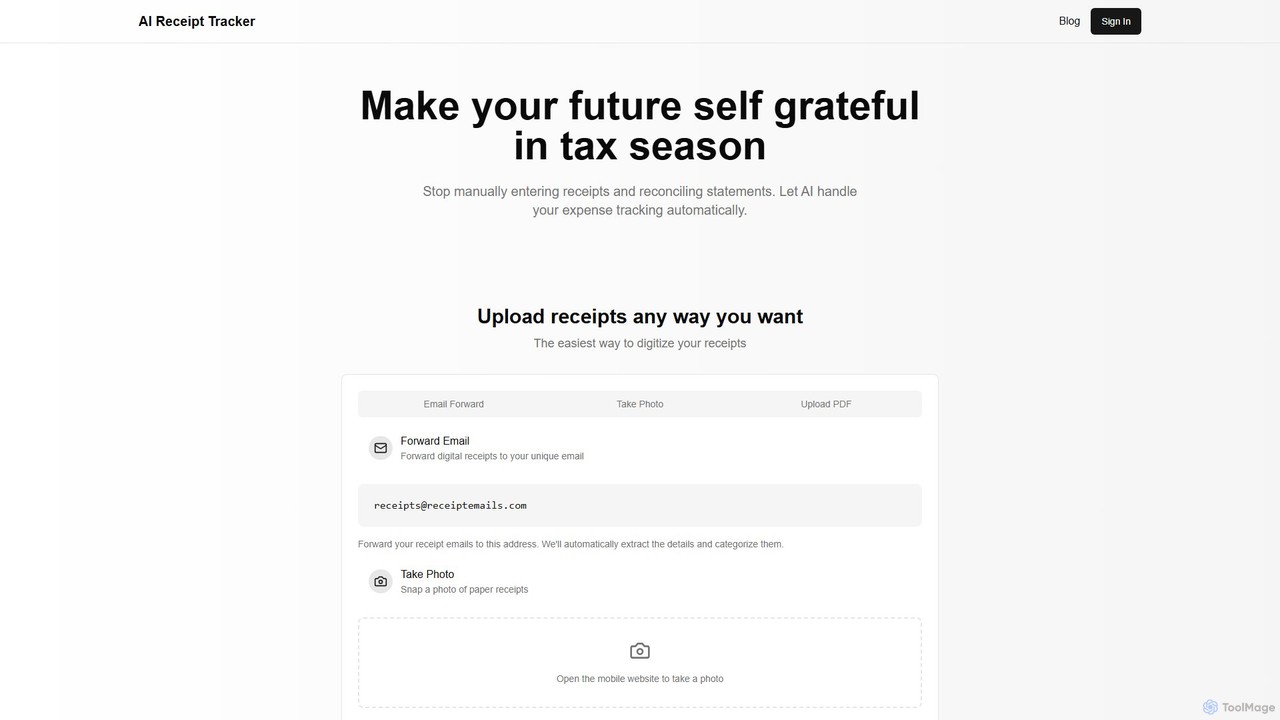
AI Receipt Tracker
AI Receipt Tracker automates your expense management by intelligently scanning and categorizing receipts. Simply forward emails, snap photos, or upload PDFs to digitize your expenses. It provides instant financial insights, tracks spending patterns, and matches receipts to bank statements, making tax season and bookkeeping effortless for freelancers, small businesses, and individuals.
Bookkeeping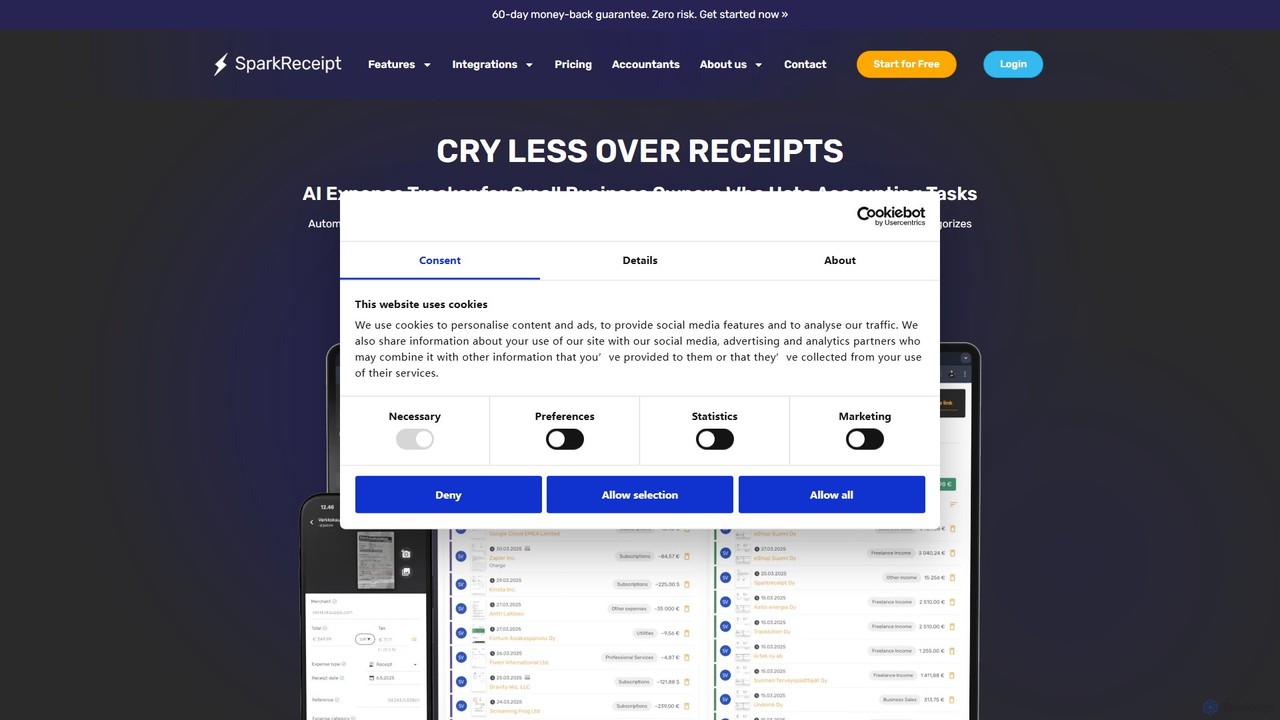
SparkReceipt
SparkReceipt is an AI-powered receipt scanner and expense tracker designed for entrepreneurs, freelancers, and small businesses. It uses advanced OCR technology to automatically extract data from receipts, simplifying expense management. With features like multi-currency support and secure cloud storage, it helps users digitize their financial records, save time, and stay organized for tax season.
Accounting
Zumma Financial
Zumma Financial is an AI-powered financial assistant that automates expense management and invoicing for businesses in Mexico. Using its AI assistant, Zummi, users can effortlessly generate official invoices (CFDI) by simply sending a photo of their receipt via WhatsApp, saving significant time and improving financial organization.
Personal AssistantExpenseMonkey Categories
ExpenseMonkey Embed Widget
Copy this embed code to place the badge on your blog, article, or product site and send readers directly to this ToolMage detail page.

Related AI tools
AI Receipt Tracker
AI Receipt Tracker automates your expense management by intelligently scanning and categorizing receipts. Simply forward emails, snap photos, or upload PDFs to digitize your expenses. It provides instant financial insights, tracks spending patterns, and matches receipts to bank statements, making tax season and bookkeeping effortless for freelancers, small businesses, and individuals.
BookkeepingSparkReceipt
SparkReceipt is an AI-powered receipt scanner and expense tracker designed for entrepreneurs, freelancers, and small businesses. It uses advanced OCR technology to automatically extract data from receipts, simplifying expense management. With features like multi-currency support and secure cloud storage, it helps users digitize their financial records, save time, and stay organized for tax season.
Accounting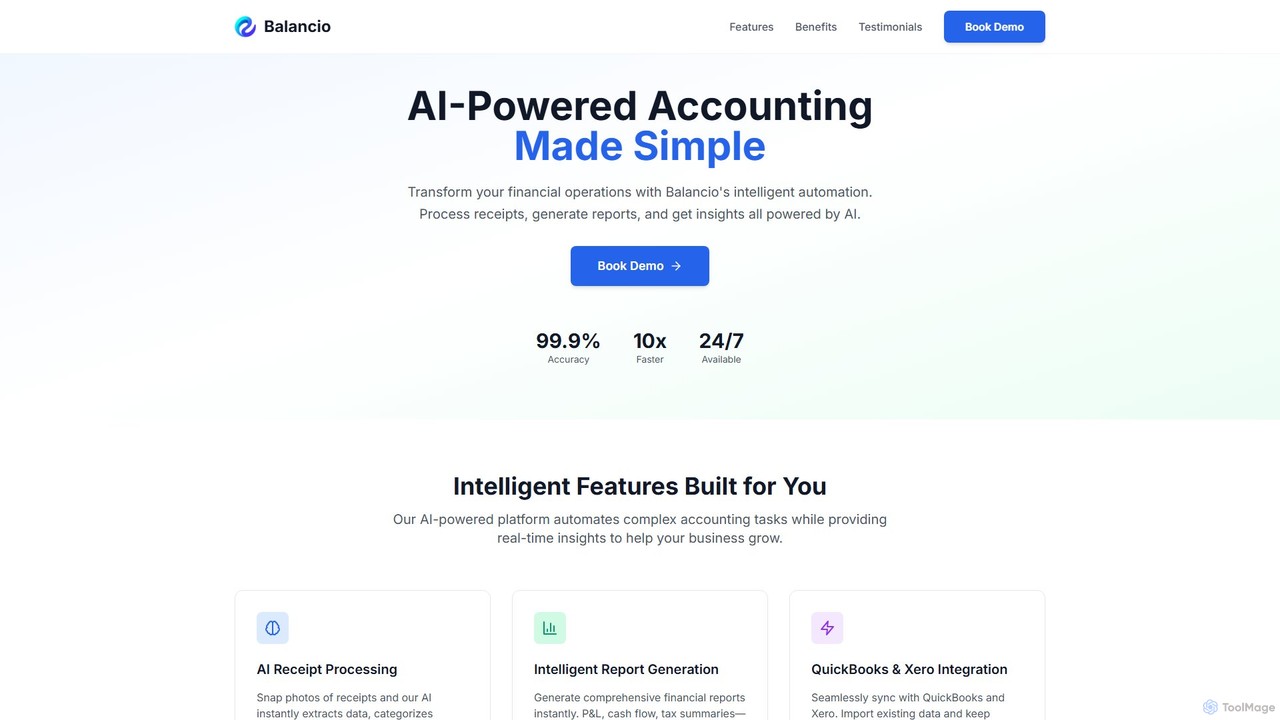
Balancio
Balancio is an AI-powered accounting platform designed for modern businesses. It automates financial operations like receipt processing, expense categorization, and report generation with 99.9% accuracy. By integrating with QuickBooks and Xero, it provides real-time financial insights, tax optimization, and an AI assistant to streamline bookkeeping and foster business growth.
Data Analysis
Minerva
Minerva is an AI-powered accountant for SMBs, automating the entire accounting workflow from bookkeeping and expense categorization to bank reconciliation and tax filing preparation. It scans data from emails and other platforms to provide real-time financial insights, all supervised by human CPAs for accuracy.
OperationsReceiptor AI
Receiptor AI is an intelligent automation tool that extracts receipts and invoices directly from your emails. It automatically captures, categorizes, and organizes financial documents, syncs with accounting software like Xero and QuickBooks, and provides real-time expense analytics. Ideal for freelancers, startups, and small businesses aiming for effortless expense management and audit readiness.
AccountingReceipt AI
Receipt AI automates expense management for busy teams by capturing and processing receipts via SMS, email, or web upload. It uses OCR to extract data, integrates with QuickBooks and Xero for one-click reconciliation, and supports 39 languages, saving significant time and improving accuracy.
Accounting
Digits
Digits is an AI-native accounting platform that automates bookkeeping, financial reporting, bill pay, and invoicing for startups, small businesses, and accounting firms. It provides real-time financial insights through interactive dashboards and AI-powered agents, eliminating manual data entry and transforming complex financial data into actionable intelligence.
Financial Management
Tailride
Tailride is an AI-powered accounting automation platform that saves businesses hundreds of hours. It automatically scans inboxes (Gmail, Outlook) and online portals to find, extract, and organize invoices and receipts. With integrations for QuickBooks, Xero, and Google Drive, it streamlines the entire accounts payable workflow, from data capture to reconciliation.
Document Management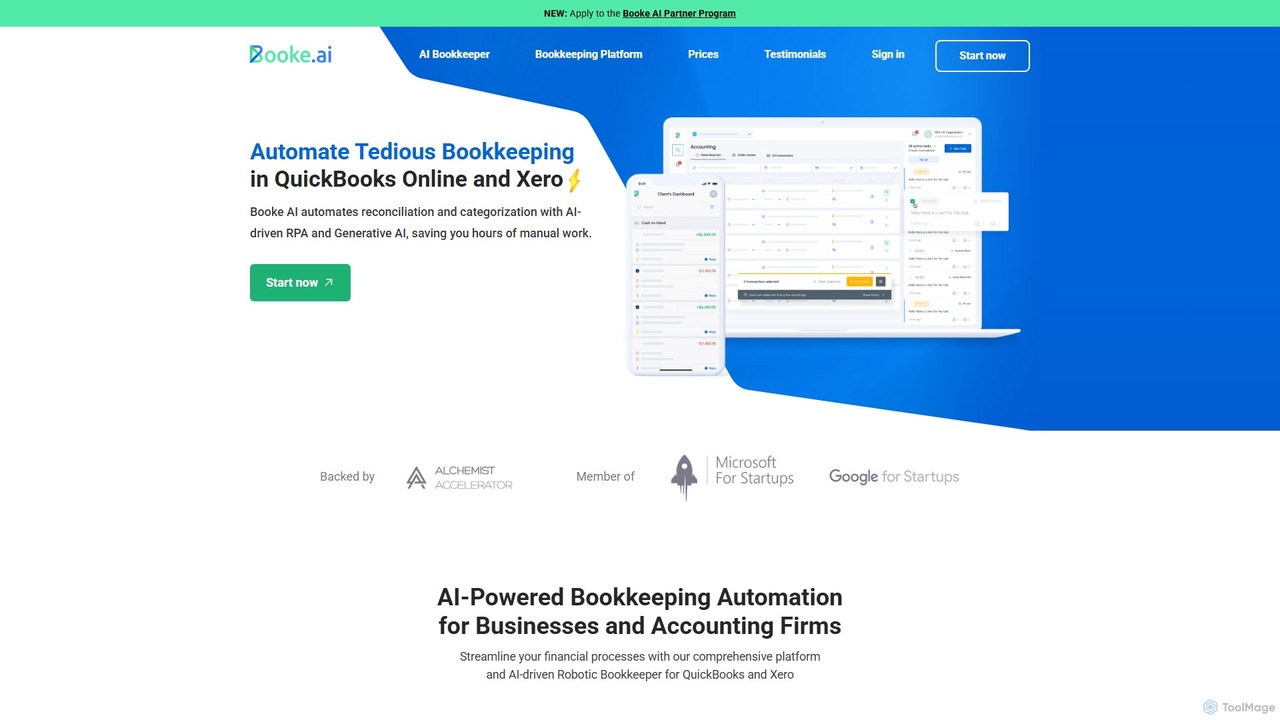
Booke AI
Booke AI is an intelligent bookkeeping automation platform for businesses and accounting firms. It uses AI and RPA to automate reconciliation, categorization, and data extraction for QuickBooks Online and Xero, aiming to cut bookkeeping hours by up to 80%. It also features a collaborative portal to streamline communication between accountants and clients.
Financial Management
igsbookkeeping
igsbookkeeping offers expert outsourced bookkeeping and accounting services for businesses and CPA firms. Leveraging over 20 years of experience and modern technology, they provide cost-effective, secure, and accurate financial management, including payroll, reporting, and tax support. Their certified professionals work with all major accounting software, allowing you to focus on core business growth.
Outsourcing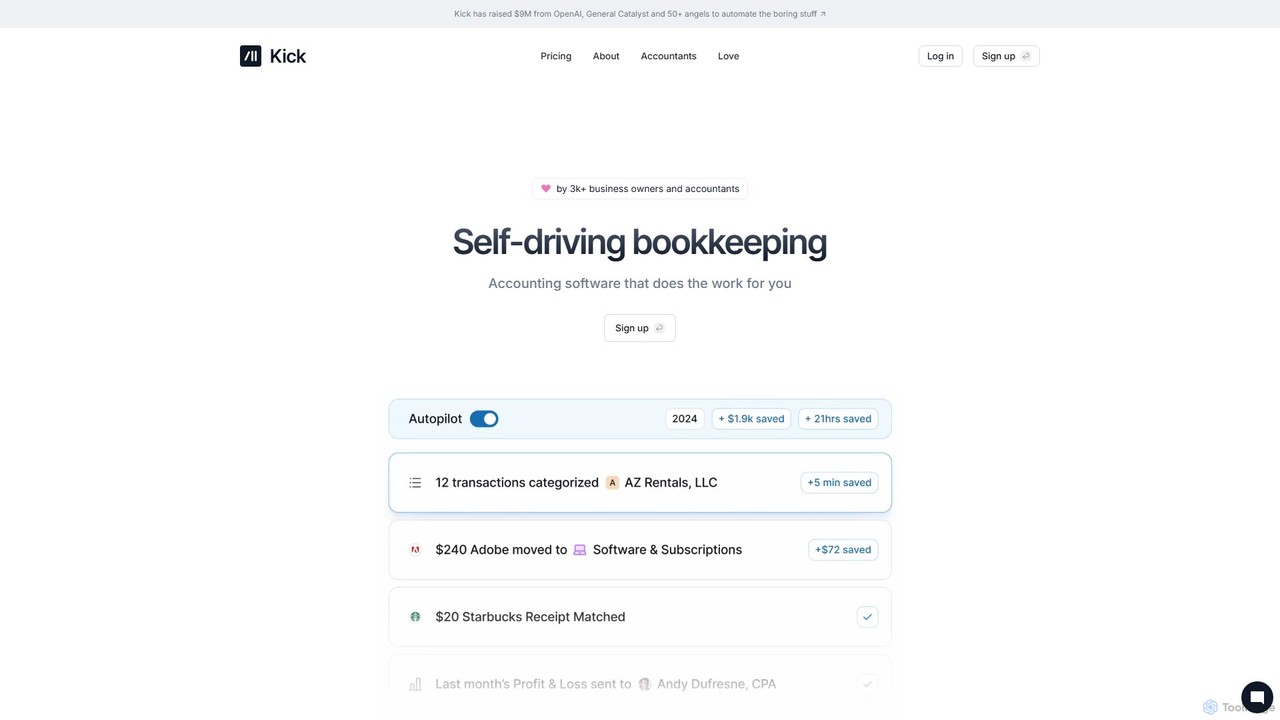
Kick
Kick is an AI-powered, "self-driving" bookkeeping platform designed for modern business owners and entrepreneurs. It automates financial tasks like transaction categorization, report generation (P&L), and tax preparation workflows in real-time. By leveraging advanced AI, Kick aims to simplify financial management, eliminate manual data entry, and provide clear, error-free financial insights, allowing users to focus on growing their business.
Small Business Tools
bookeeping.ai
bookeeping.ai is an AI-powered accounting platform featuring Paula, a 24/7 AI accountant. It automates over 95% of bookkeeping tasks, including ledger management, P&L reporting, and receipt scanning. The tool offers AI-driven invoicing, expense management, bank synchronization, and real-time financial reporting. Designed for small businesses, freelancers, and accountants, it aims to save time and money by streamlining financial operations through a simple chat-based interface.
Management
cc:Monet
cc:Monet is an AI-powered finance assistant designed to automate and streamline bookkeeping for businesses of all sizes. It automates invoice processing, expense management, and bank reconciliation, providing real-time financial insights. It supports over 50 languages and integrates with accounting software like QuickBooks and Xero.
Expense Management
accelbooks
accelbooks (now Open Ledger) is an AI-powered embedded accounting API for SaaS platforms. It enables you to integrate a complete, white-labeled accounting system directly into your product, offering your SMB customers features like automated bookkeeping, transaction categorization, and financial reporting, all powered by advanced LLMs.
Api
Beluga Labs
Beluga Labs offers AI-powered, automated bookkeeping and tax planning specifically designed for content creators. It helps track every deduction, organize finances, and manage your creator business with confidence, eliminating the chaos of spreadsheets and consumer apps. Stop leaving money on the table and focus on creating.
Creator Economy
ExpenseMonkey Comments (0)
Sign in to comment.
Sign inNo comments yet.