
Receipt AI Overview
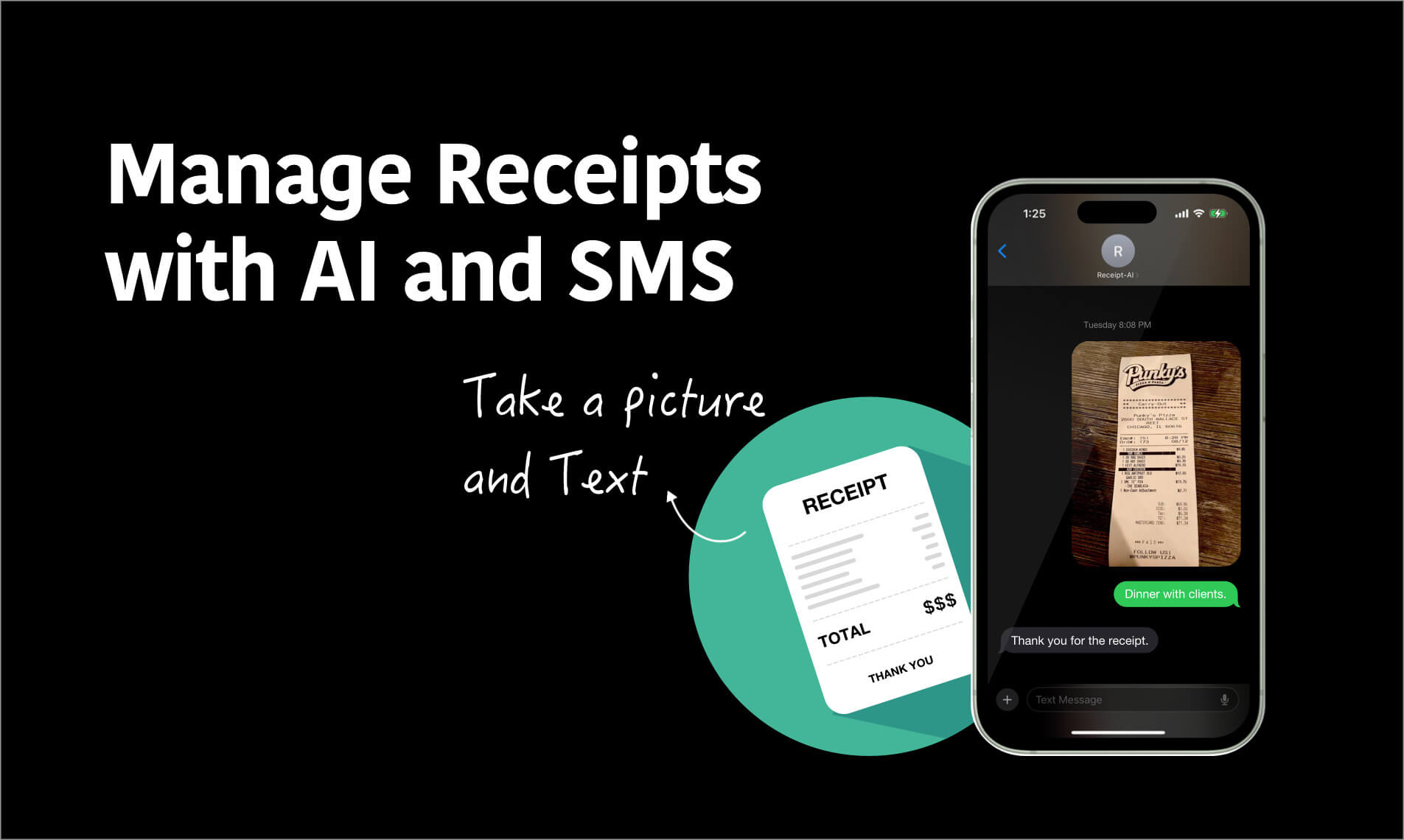
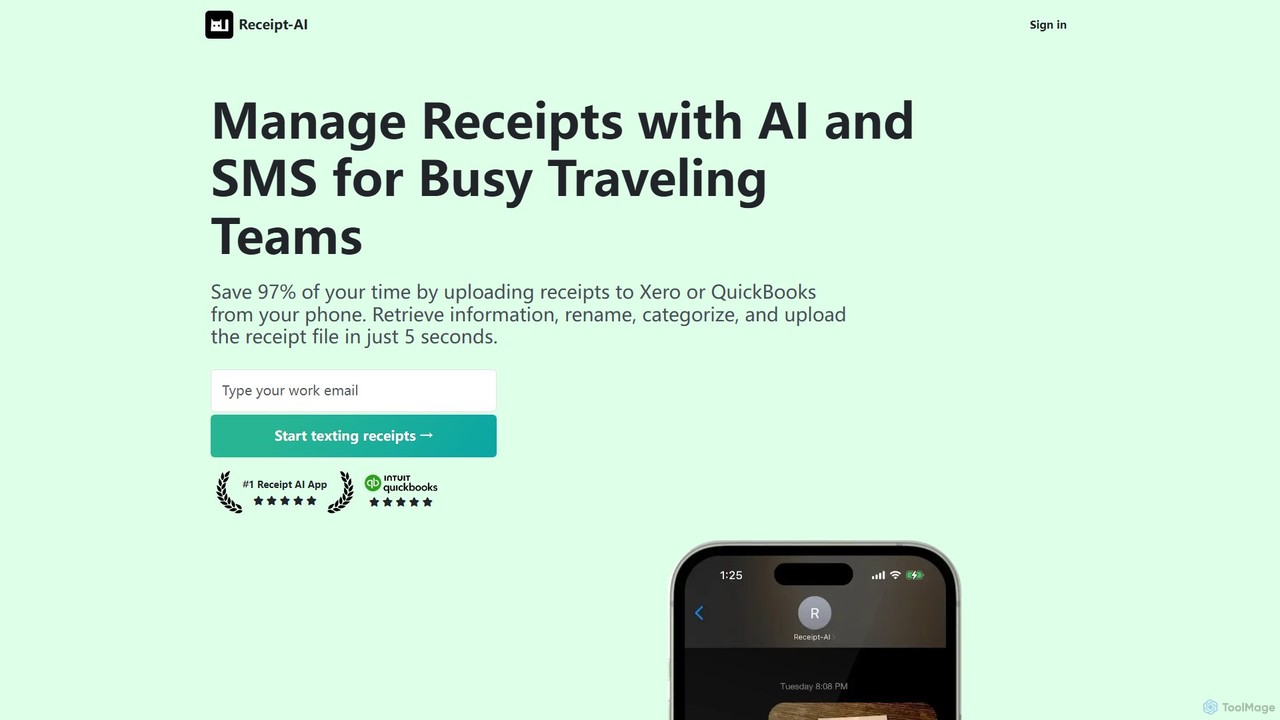
Receipt AI is a powerful, AI-driven platform designed to streamline and automate receipt management and expense tracking, particularly for traveling professionals, small businesses, and accounting teams. The core of the service is its simplicity: users can capture receipts effortlessly by sending a photo via SMS, forwarding an email, or using a simple drag-and-drop interface on the website. This eliminates the tedious process of manual data entry and physical receipt organization.
Once a receipt is uploaded, Receipt AI's advanced Optical Character Recognition (OCR) and AI technology get to work. The system automatically extracts crucial information, including the vendor name, date, total amount, subtotal, taxes, gratuity, and even detailed line items. It can also capture bank and card information for more comprehensive records. The platform is built for global use, with support for 39 languages and dynamic currency display that adjusts based on the user's country.
A standout feature is its deep integration with major accounting software like QuickBooks and Xero. This enables 'One-Click Reconciliation,' where Receipt AI not only uploads the receipt image but also categorizes the expense based on the user's Chart of Accounts and matches it to a bank transaction. This significantly reduces the time accountants and bookkeepers spend on manual reconciliation, minimizing errors and ensuring financial records are always accurate and up-to-date.
How to use Receipt AI
Getting started with Receipt AI is designed to be as simple as possible. There are three primary ways to upload receipts:
- SMS Upload: After adding your phone number to your profile, simply take a photo of your receipt and text it to the provided Receipt AI number. You can also add a memo in the same text message.
- Email Forwarding: Forward any email receipt directly to your unique Receipt AI email address. The system can process both image attachments and the text body of the email itself.
- Web Upload: Log in to the Receipt AI dashboard and use the intuitive drag-and-drop feature to upload multiple receipt files (including JPEG, PNG, PDF, HEIC) at once.
After uploading, the AI processes the data. You can then review the extracted information, see spending insights on your dashboard, and manage team members. For users of QuickBooks or Xero, connecting your account allows for automated uploading and one-click reconciliation of expenses.
Core Features of Receipt AI
- Multi-Channel Receipt Capture: Upload receipts via SMS, Email, and a web-based Drag-and-Drop interface.
- Advanced AI Data Extraction: Automatically extracts vendor, date, total, taxes, tips, line items, and bank/card information using sophisticated OCR.
- One-Click Reconciliation: Seamlessly integrates with QuickBooks and Xero to categorize, upload, and match receipts with bank transactions automatically.
- Multilingual & Multi-Currency: Supports receipt processing in 39 languages and automatically displays currency based on the user's location.
- Team Management: Invite team members to upload their own receipts, centralizing expense management for the entire business.
- Folder AI: Automatically prompts users to organize receipts into specific folders (e.g., by project, trip, or client) upon upload.
- Insightful Dashboard: Visualizes spending patterns with charts and metrics, providing a clear overview of company expenses.
- High Security: Employs advanced encryption and continuous monitoring to protect all user data and sensitive information.
Use Cases for Receipt AI
For Business Travelers: Effortlessly track expenses on the go. Just text a photo of a meal or taxi receipt, and it's instantly recorded and ready for the expense report, eliminating the need to collect a pile of paper.
For Small Business Owners: Simplify bookkeeping by automating the data entry from invoices and receipts. The integration with QuickBooks/Xero ensures financial records are always accurate and tax-ready.
For Accountants and Bookkeepers: Manage multiple clients' expenses efficiently. Reduce time spent chasing receipts and performing manual data entry, allowing you to focus on higher-value advisory services.
For Construction and Field Services: Track project-specific expenses easily. Use the memo or Folder AI feature to tag receipts with purchase order (PO) numbers or job codes for accurate project costing.
Advantages of Receipt AI
The primary advantage of Receipt AI is its profound simplicity and time-saving capability. By leveraging common communication tools like SMS and email, it removes the friction typically associated with expense management software. The AI-powered automation not only speeds up the process but also significantly increases the accuracy of financial data. Its direct integration with QuickBooks and Xero creates a truly seamless workflow from receipt capture to final reconciliation, making it an indispensable tool for modern businesses.
Pricing and Plans
Receipt AI operates on a freemium model. New users can typically start with a free plan that includes a limited number of receipt uploads (e.g., 10 free receipts) to test the service. For more extensive use, the platform offers several paid subscription plans, such as 'Business Basic,' 'Premium,' and 'Business,' available on a monthly or yearly basis. These plans offer higher receipt volumes, team management features, and full access to premium integrations like One-Click Reconciliation with QuickBooks and Xero. For detailed and up-to-date pricing, please visit the official Receipt AI website.
Traffic
Latest traffic
Status
Monthly traffic trend
- 2025-9: 6.8K
- 2026-1: 5.3K
- 2026-2: 5.2K
- 2026-3: 15.2K
- 2026-4: 3.9K
- 2026-5: 4.8K
Geography
Top 5 countries / regions
- 🇺🇸United States55.3%
- 🇨🇦Canada24.0%
- 🇮🇳India15.9%
- 🇵🇰Pakistan4.1%
- 🇭🇺Hungary0.7%
Top keywords
| Keyword | Cost per click |
|---|---|
| ai shopping reciept tool | $0.00 |
| receipt | $2.43 |
| receipt, | $0.00 |
| receipt ai | $0.00 |
| receiptsai | $0.00 |
Receipt AI Alternatives
Receiptor AI
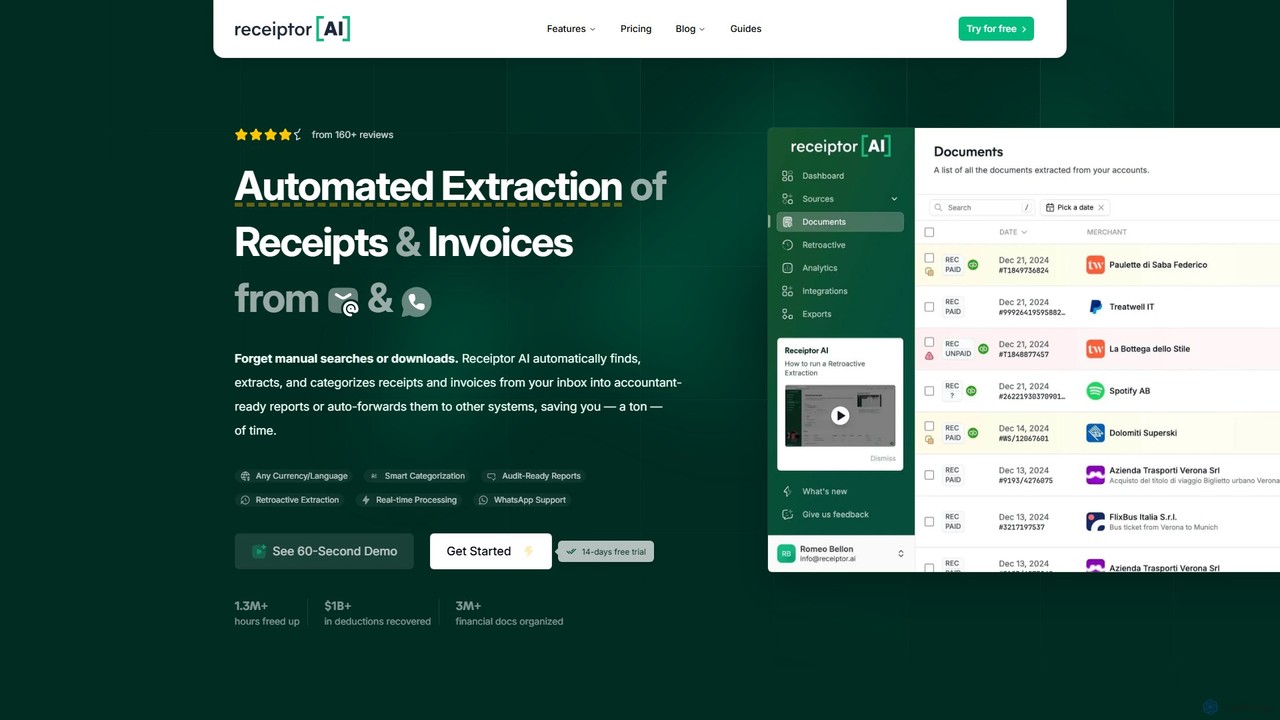
Receiptor AI is an intelligent automation tool that extracts receipts and invoices directly from your emails. It automatically captures, categorizes, and organizes financial documents, syncs with accounting software like Xero and QuickBooks, and provides real-time expense analytics. Ideal for freelancers, startups, and small businesses aiming for effortless expense management and audit readiness.
Accounting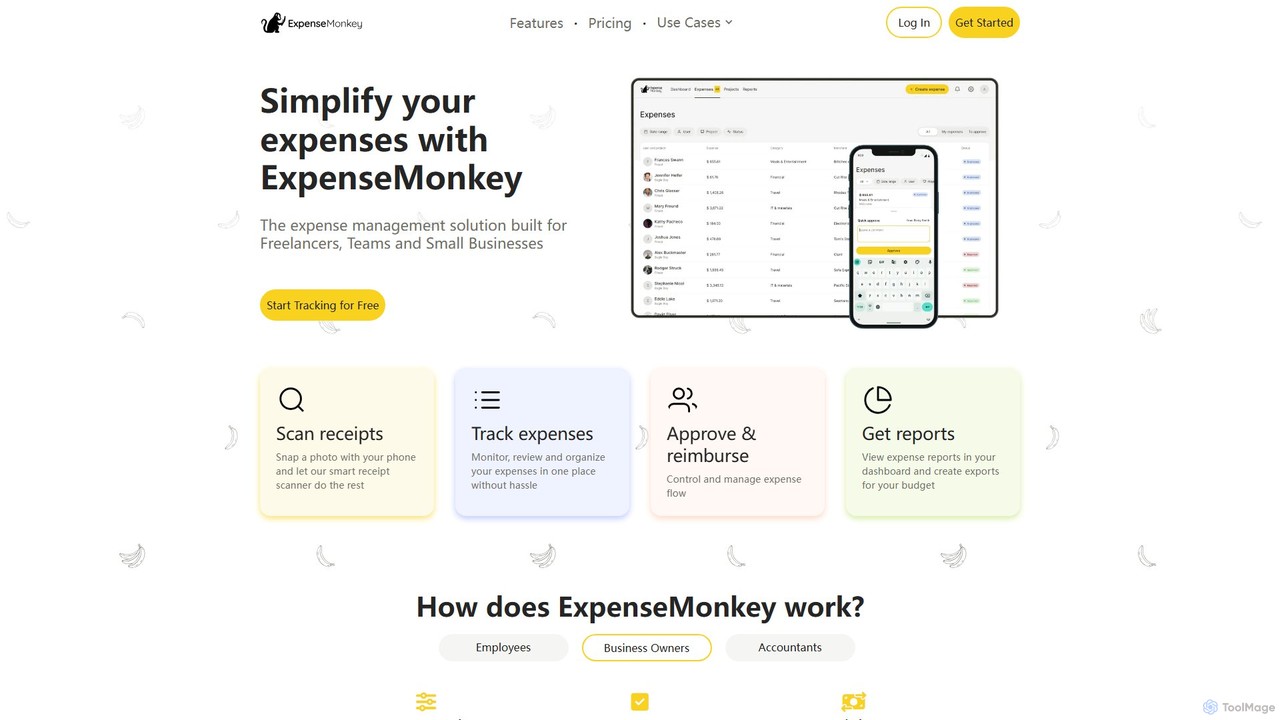
ExpenseMonkey
ExpenseMonkey is an AI-powered expense tracker designed for freelancers, small businesses, and teams. It automates expense management by scanning receipts, extracting data, auto-categorizing costs, and integrating with accounting software like QuickBooks and Xero. Simplify expense reporting, reimbursement, and tax preparation with smart automation.
Accounting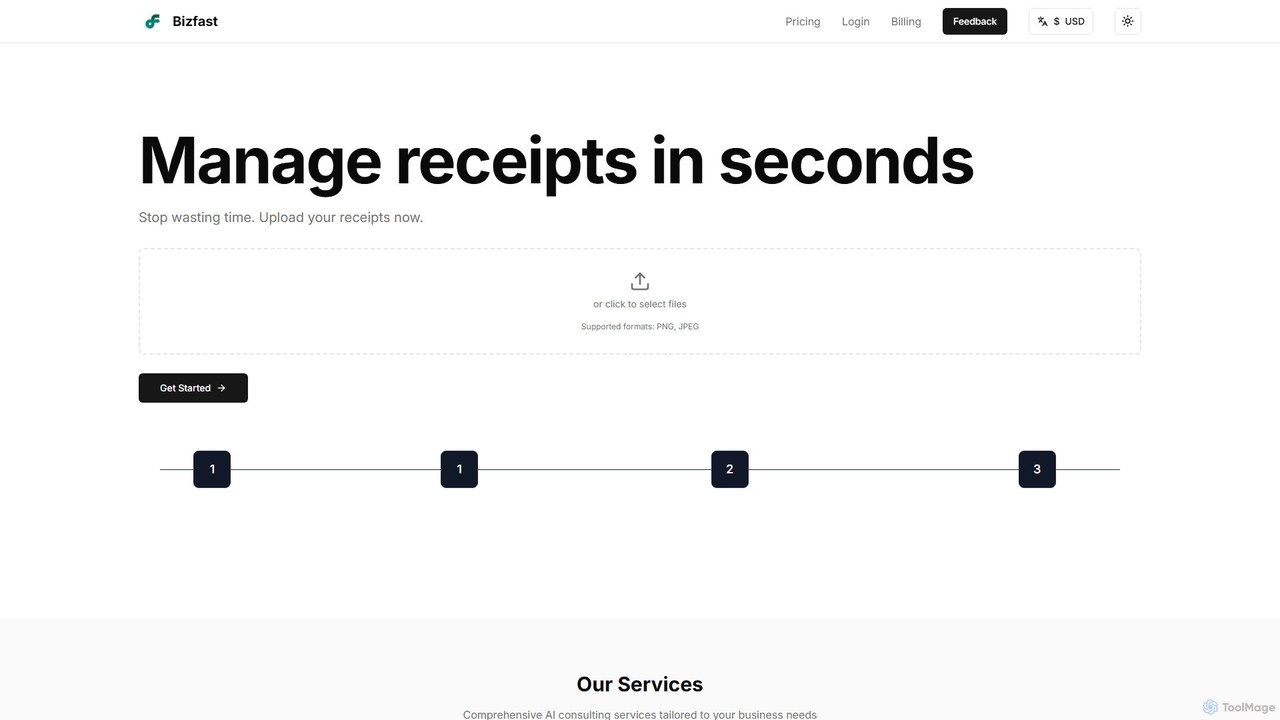
bizfast
bizfast is an AI-powered platform designed to streamline business operations. It automates receipt management by instantly extracting data from uploads and offers a 24/7 AI business consultant for strategic advice. Ideal for startups and small businesses, it turns scattered financial documents into organized, actionable insights, helping you save time and make smarter decisions.
Consulting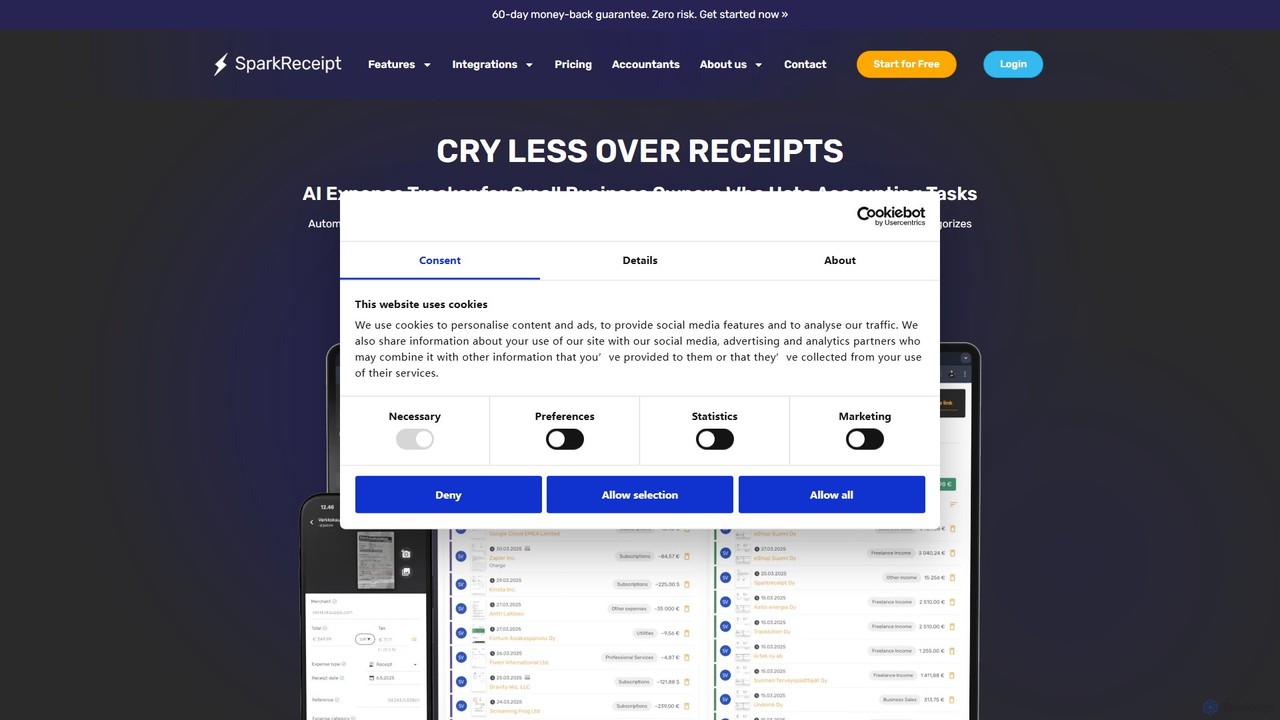
SparkReceipt
SparkReceipt is an AI-powered receipt scanner and expense tracker designed for entrepreneurs, freelancers, and small businesses. It uses advanced OCR technology to automatically extract data from receipts, simplifying expense management. With features like multi-currency support and secure cloud storage, it helps users digitize their financial records, save time, and stay organized for tax season.
Accounting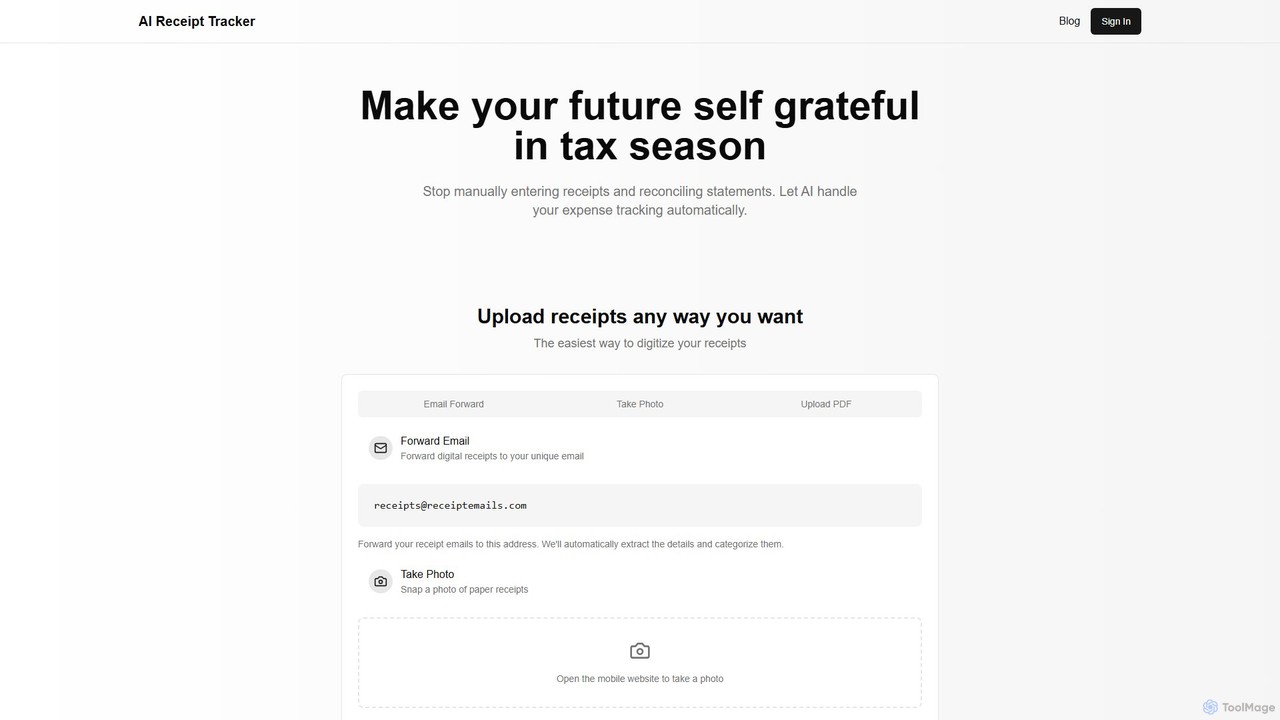
AI Receipt Tracker
AI Receipt Tracker automates your expense management by intelligently scanning and categorizing receipts. Simply forward emails, snap photos, or upload PDFs to digitize your expenses. It provides instant financial insights, tracks spending patterns, and matches receipts to bank statements, making tax season and bookkeeping effortless for freelancers, small businesses, and individuals.
BookkeepingReceipt AI Categories
Receipt AI Embed Widget
Copy this embed code to place the badge on your blog, article, or product site and send readers directly to this ToolMage detail page.

Related AI tools
bizfast
bizfast is an AI-powered platform designed to streamline business operations. It automates receipt management by instantly extracting data from uploads and offers a 24/7 AI business consultant for strategic advice. Ideal for startups and small businesses, it turns scattered financial documents into organized, actionable insights, helping you save time and make smarter decisions.
ConsultingReceiptor AI
Receiptor AI is an intelligent automation tool that extracts receipts and invoices directly from your emails. It automatically captures, categorizes, and organizes financial documents, syncs with accounting software like Xero and QuickBooks, and provides real-time expense analytics. Ideal for freelancers, startups, and small businesses aiming for effortless expense management and audit readiness.
AccountingExpenseMonkey
ExpenseMonkey is an AI-powered expense tracker designed for freelancers, small businesses, and teams. It automates expense management by scanning receipts, extracting data, auto-categorizing costs, and integrating with accounting software like QuickBooks and Xero. Simplify expense reporting, reimbursement, and tax preparation with smart automation.
Accounting
Jyek
Jyek is an AI agent platform that understands objectives, creates execution plans, uses tools, and delivers verifiable results for complex, multi-step tasks.
Automation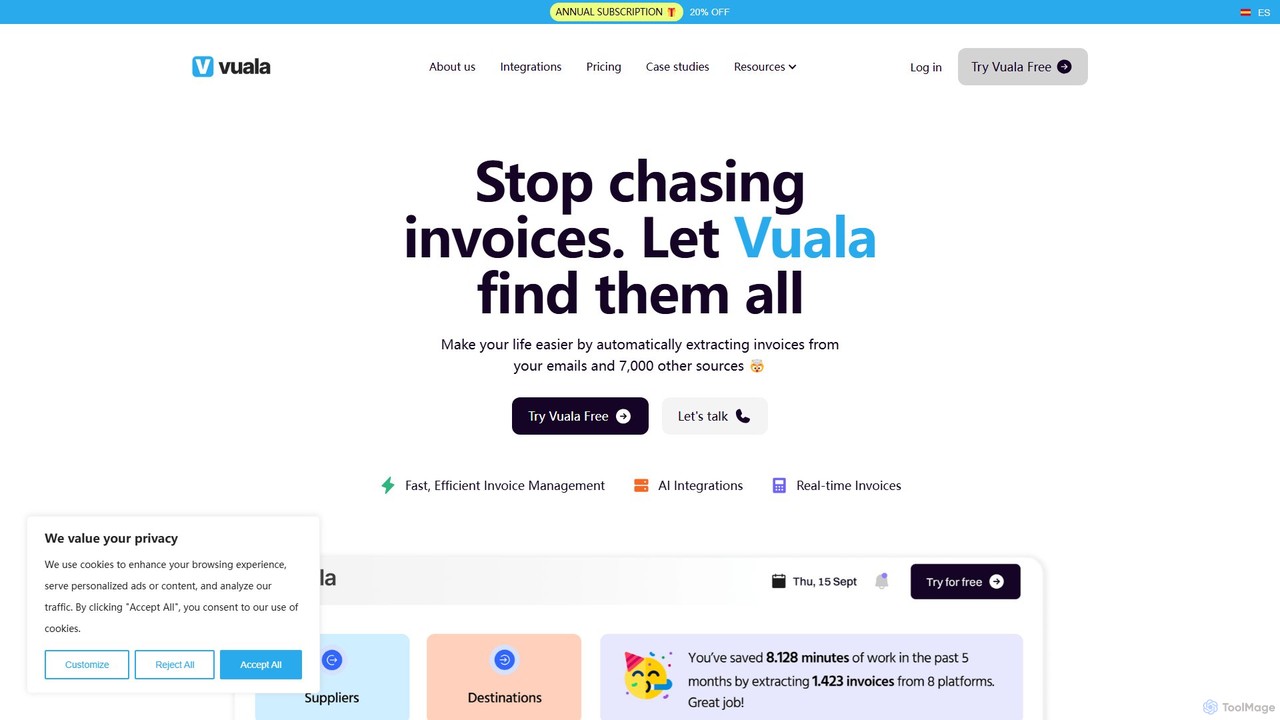
Vuala
Vuala is an AI-powered invoice management software for SMEs that automates the collection of invoices from emails and over 7,000 supplier portals. It extracts data and sends it directly to your accounting software, saving time and maximizing tax deductions.
Document Management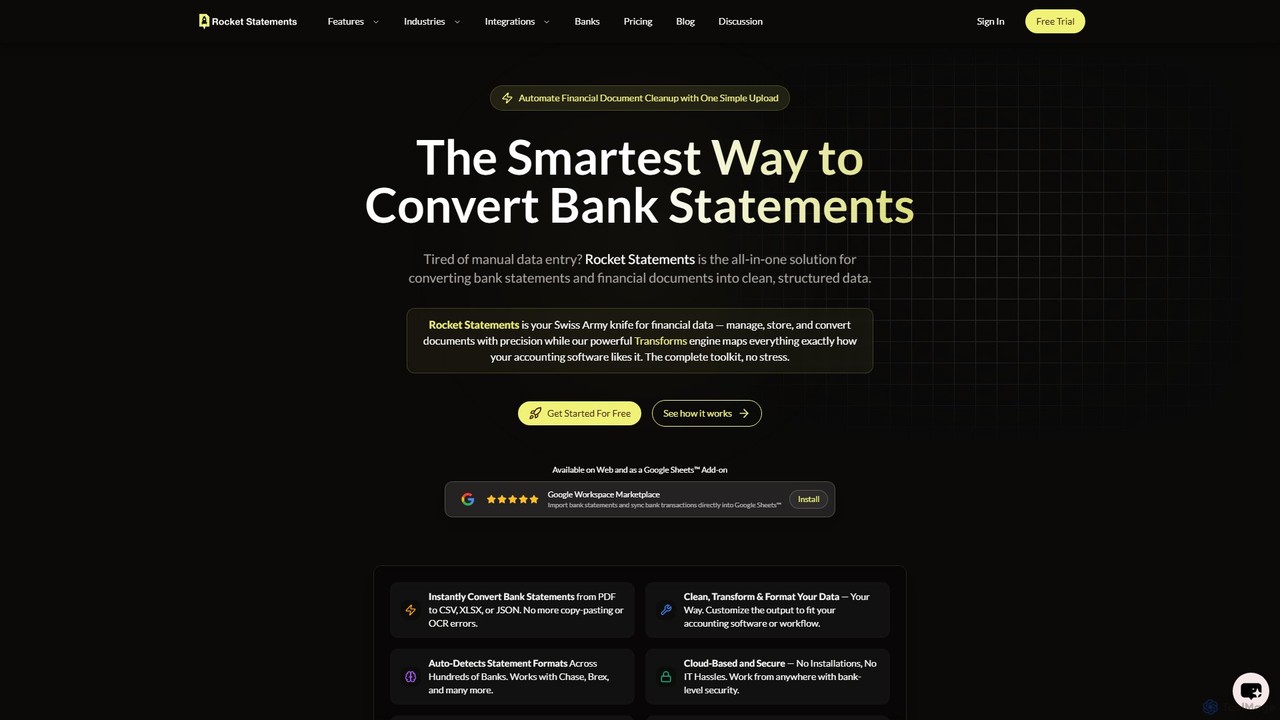
rocketstatements
An AI-powered platform that instantly converts bank statements from PDF and image formats into clean, structured data like Excel, CSV, and JSON. Designed for accountants and businesses to automate financial data entry and cleanup, integrating seamlessly with accounting software.
Document Management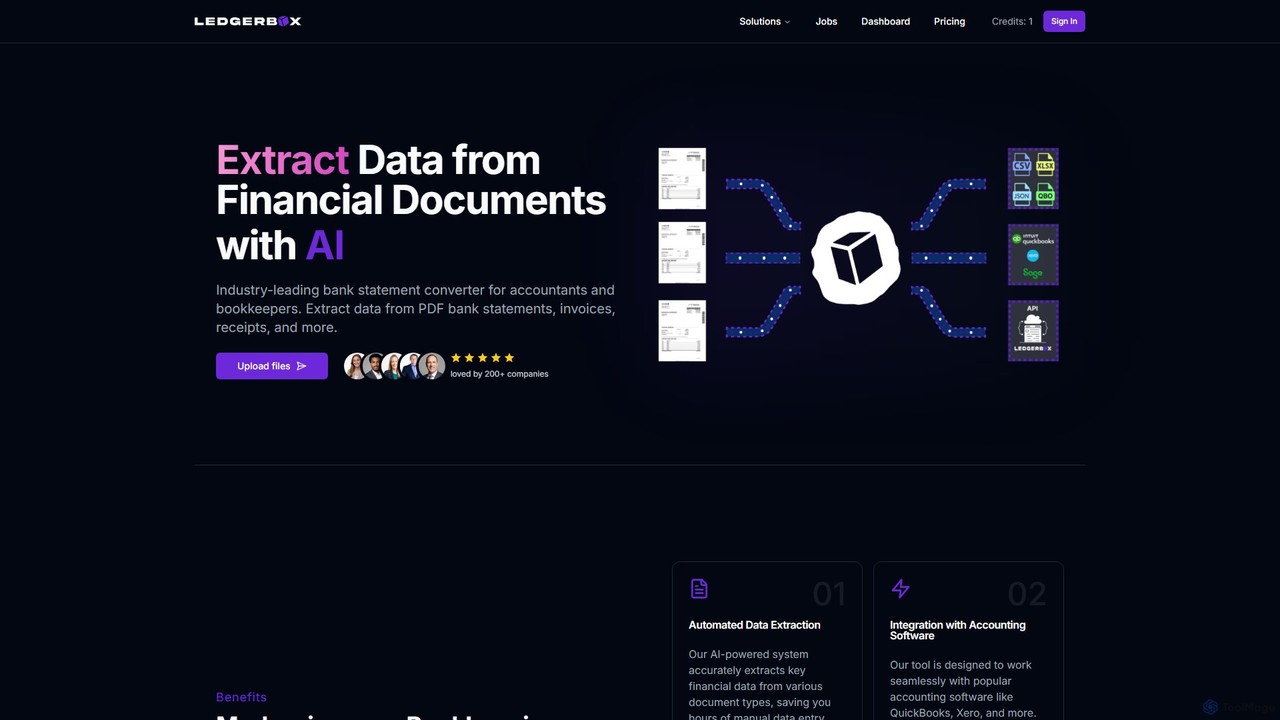
LedgerBox
LedgerBox is an AI-powered bank statement converter designed for accountants and bookkeepers. It automates data extraction from financial documents like PDF bank statements, invoices, and receipts, converting them into Excel, CSV, JSON, and QuickBooks Online formats to streamline bookkeeping workflows.
ExtractionSparkReceipt
SparkReceipt is an AI-powered receipt scanner and expense tracker designed for entrepreneurs, freelancers, and small businesses. It uses advanced OCR technology to automatically extract data from receipts, simplifying expense management. With features like multi-currency support and secure cloud storage, it helps users digitize their financial records, save time, and stay organized for tax season.
AccountingAI Receipt Tracker
AI Receipt Tracker automates your expense management by intelligently scanning and categorizing receipts. Simply forward emails, snap photos, or upload PDFs to digitize your expenses. It provides instant financial insights, tracks spending patterns, and matches receipts to bank statements, making tax season and bookkeeping effortless for freelancers, small businesses, and individuals.
Bookkeeping
Tailride
Tailride is an AI-powered accounting automation platform that saves businesses hundreds of hours. It automatically scans inboxes (Gmail, Outlook) and online portals to find, extract, and organize invoices and receipts. With integrations for QuickBooks, Xero, and Google Drive, it streamlines the entire accounts payable workflow, from data capture to reconciliation.
Document Management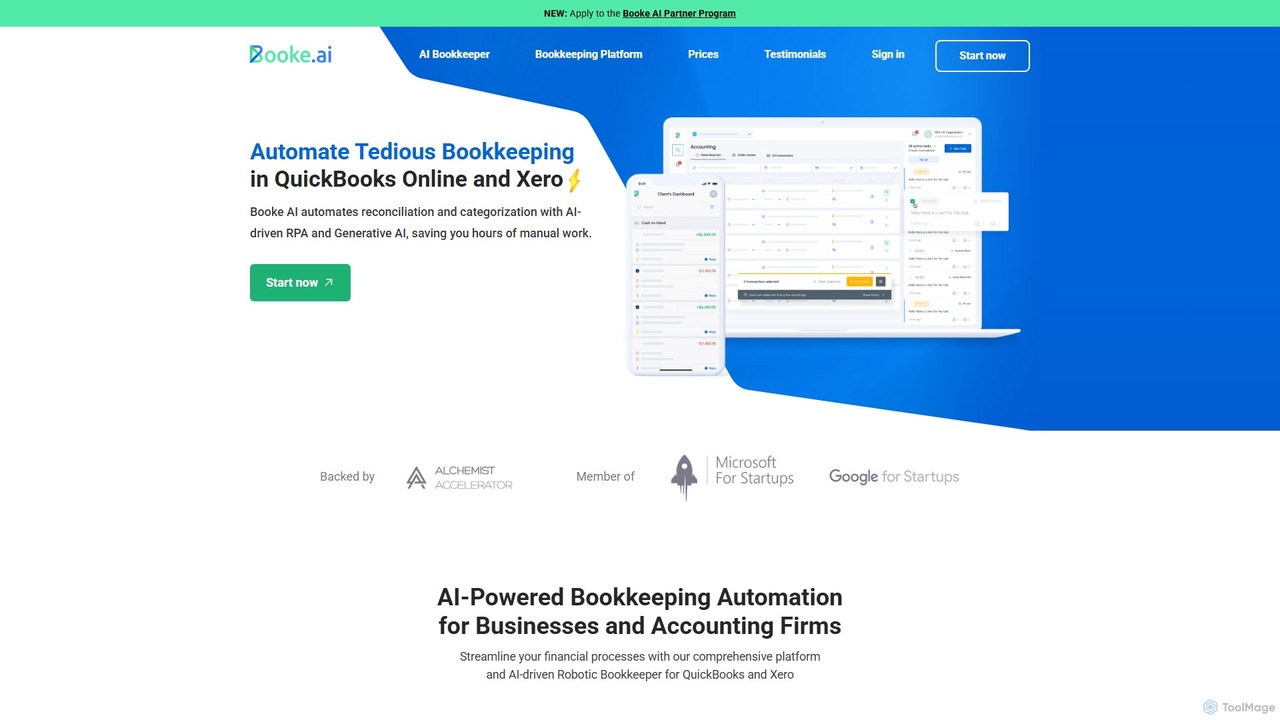
Booke AI
Booke AI is an intelligent bookkeeping automation platform for businesses and accounting firms. It uses AI and RPA to automate reconciliation, categorization, and data extraction for QuickBooks Online and Xero, aiming to cut bookkeeping hours by up to 80%. It also features a collaborative portal to streamline communication between accountants and clients.
Financial Management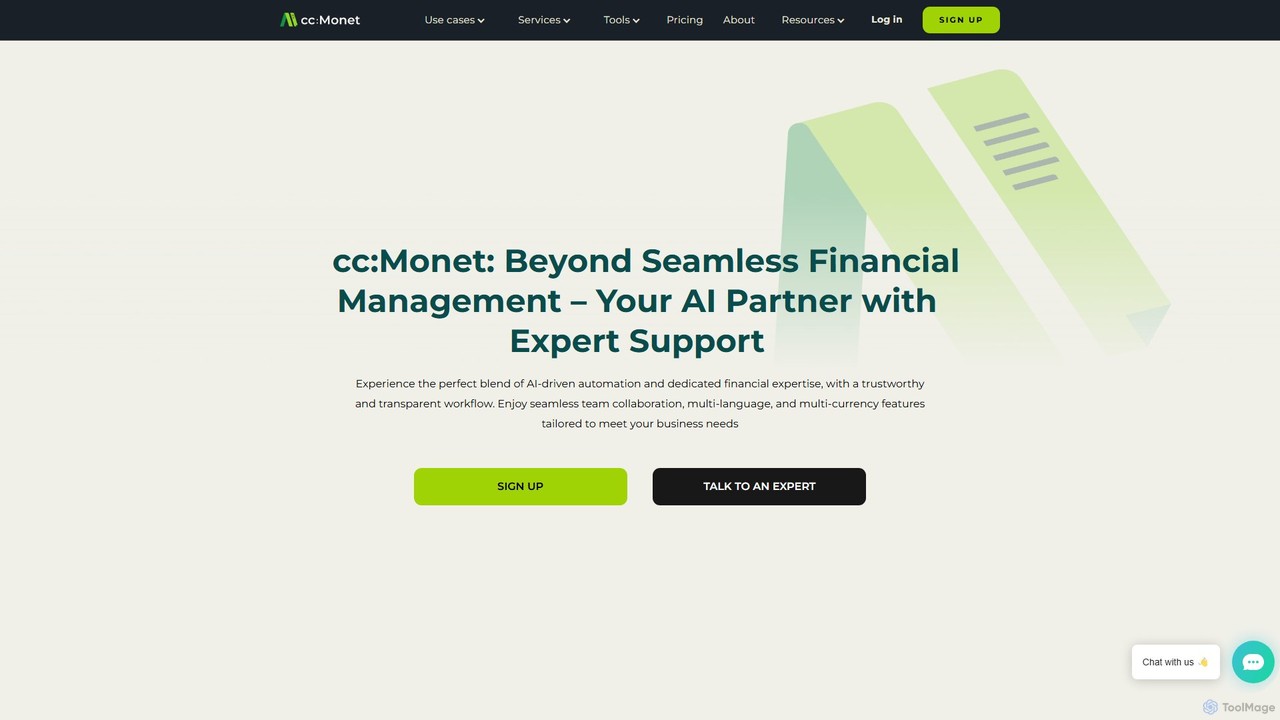
cc:Monet
cc:Monet is an AI-powered finance assistant designed to automate and streamline bookkeeping for businesses of all sizes. It automates invoice processing, expense management, and bank reconciliation, providing real-time financial insights. It supports over 50 languages and integrates with accounting software like QuickBooks and Xero.
Expense Management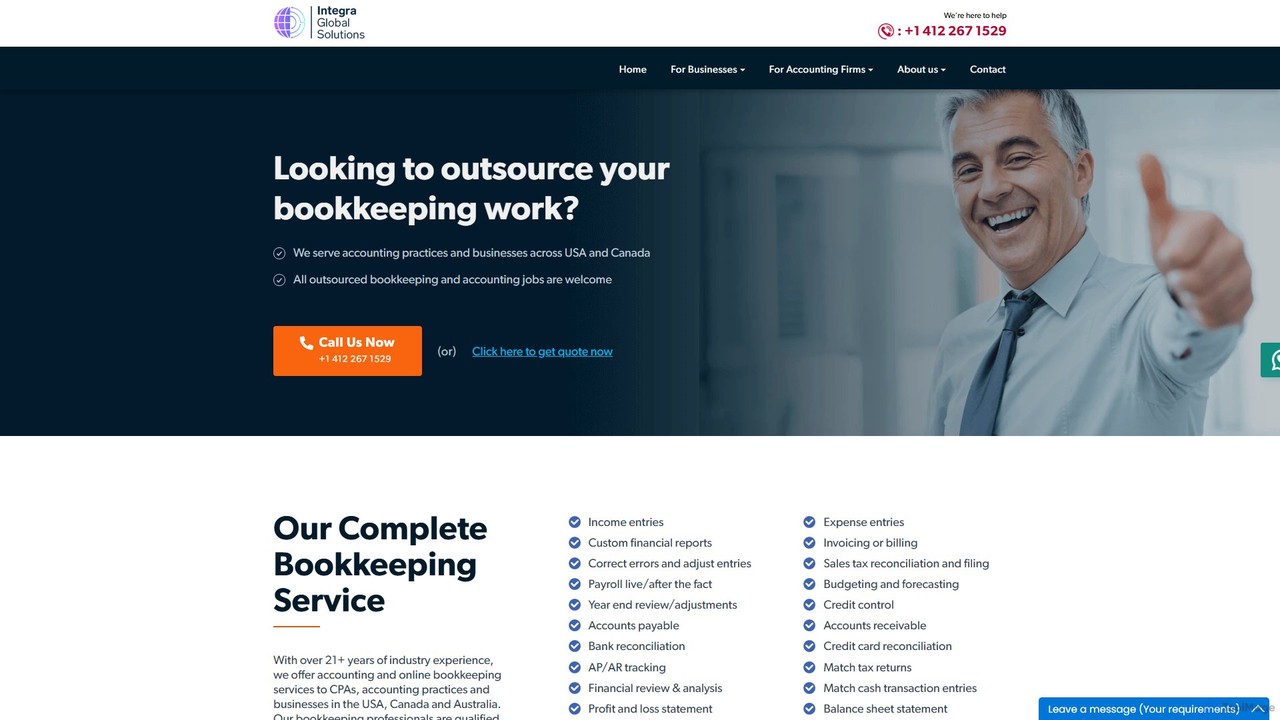
igsbookkeeping
igsbookkeeping offers expert outsourced bookkeeping and accounting services for businesses and CPA firms. Leveraging over 20 years of experience and modern technology, they provide cost-effective, secure, and accurate financial management, including payroll, reporting, and tax support. Their certified professionals work with all major accounting software, allowing you to focus on core business growth.
Outsourcing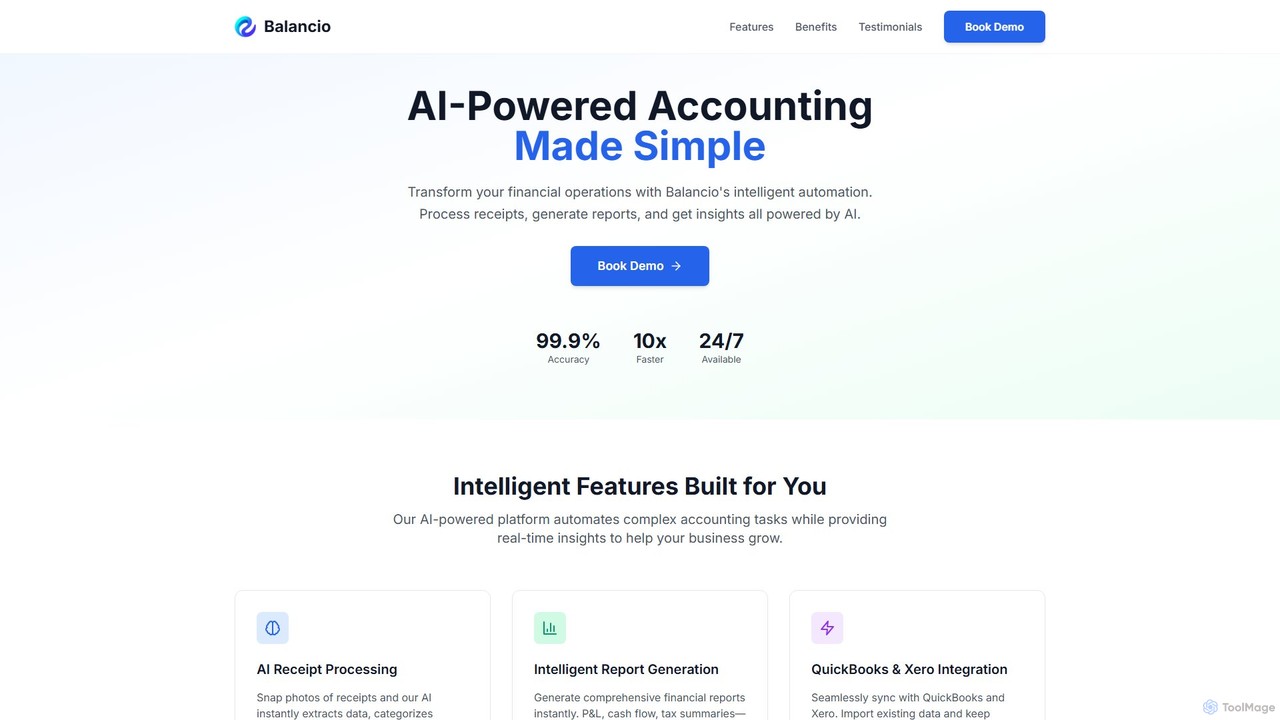
Balancio
Balancio is an AI-powered accounting platform designed for modern businesses. It automates financial operations like receipt processing, expense categorization, and report generation with 99.9% accuracy. By integrating with QuickBooks and Xero, it provides real-time financial insights, tax optimization, and an AI assistant to streamline bookkeeping and foster business growth.
Data Analysis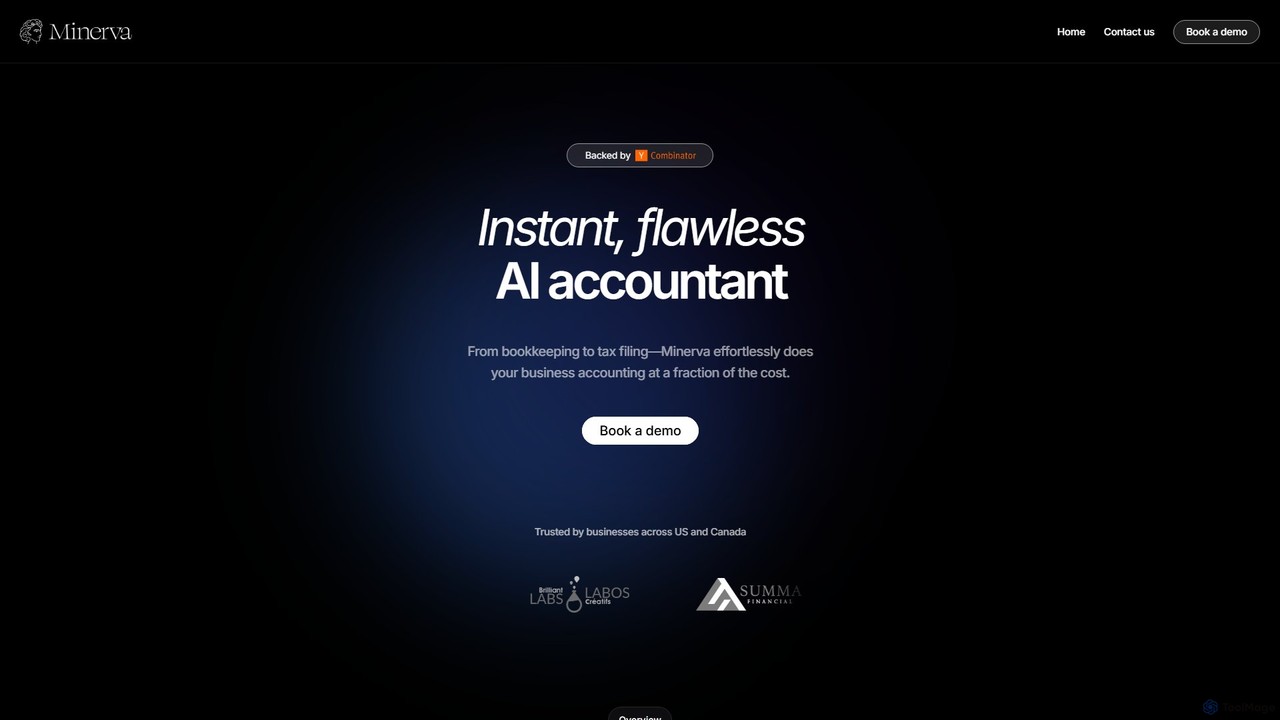
Minerva
Minerva is an AI-powered accountant for SMBs, automating the entire accounting workflow from bookkeeping and expense categorization to bank reconciliation and tax filing preparation. It scans data from emails and other platforms to provide real-time financial insights, all supervised by human CPAs for accuracy.
Operations
Receipt AI Comments (0)
Sign in to comment.
Sign inNo comments yet.