
rocketstatements Overview
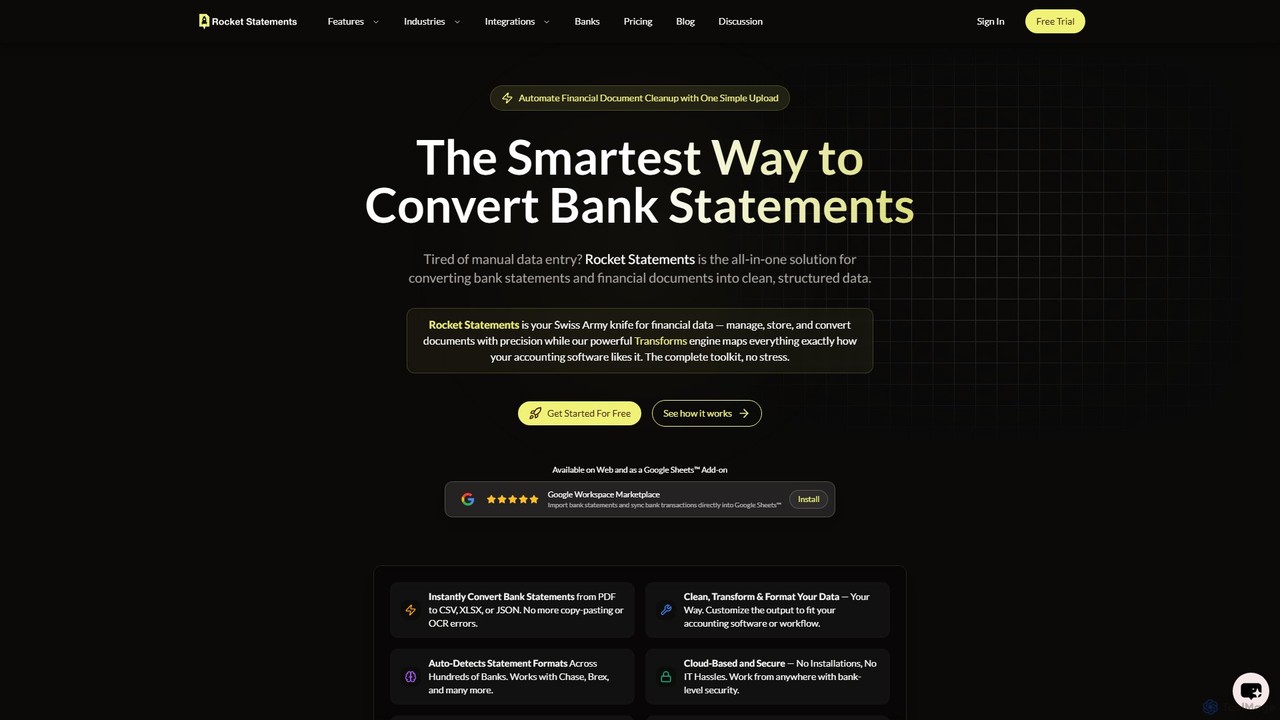
rocketstatements is an all-in-one, AI-driven solution designed to eliminate the tedious and error-prone task of manual financial data entry. It serves as a comprehensive toolkit for accountants, bookkeepers, and finance teams, enabling them to convert unstructured bank statements and financial documents into clean, organized, and usable data formats. By leveraging advanced AI and OCR technology, rocketstatements achieves 99.9% accuracy in data extraction, ensuring that every transaction, date, and amount is captured perfectly.
The platform is accessible via a web application and a convenient Google Sheets™ add-on, providing flexibility for different workflows. It supports a vast array of global banks, automatically detecting statement formats to streamline the conversion process. With a strong emphasis on security, rocketstatements employs bank-level 256-bit encryption and complies with industry standards like PCI DSS and HIPAA to ensure all user data is protected end-to-end.
How to use rocketstatements
The workflow is designed for simplicity and efficiency, transforming financial documents in just a few steps:
- Upload Your Document: Users can easily upload bank statements in PDF or image formats (JPG, PNG, TIFF) directly from their computer using a simple drag-and-drop interface. Alternatively, they can forward emails with statement attachments to a dedicated rocketstatements email address for automatic processing.
- Automatic Data Extraction: Once uploaded, the powerful AI engine instantly scans the document, recognizes the layout, and extracts all transactional data, including dates, descriptions, and amounts, with exceptional accuracy.
- Transform and Clean Data: The platform's Data Transformation engine allows users to customize the output. You can clean up messy vendor names, categorize transactions, reorder columns, and format the data to perfectly match the import requirements of accounting software like QuickBooks, Xero, and FreshBooks.
- Organize and Manage: All processed documents can be organized into custom folders and managed with powerful search and tagging capabilities, making it easy to handle high volumes of statements for multiple clients or accounts.
- Export or Sync: Finally, the clean data can be downloaded in your preferred format (Excel, CSV, JSON, or a ZIP archive) with a single click. For Google Sheets users, the add-on allows for direct data import and synchronization, enabling real-time analysis and collaboration.
Core Features of rocketstatements
- AI-Powered Data Extraction: Converts PDF and image-based bank statements into Excel, CSV, or JSON with 99.9% accuracy, eliminating manual entry errors.
- Advanced Data Transformation: A powerful engine to clean, reformat, categorize, and restructure data to fit any workflow or accounting software template.
- Multi-Format Support: Handles various file types including PDF, JPG, JPEG, TIFF, and PNG.
- Google Sheets Integration: A dedicated add-on to import, sync, and analyze financial data directly within Google Sheets.
- Email-to-Process Automation: Automatically processes bank statements sent as attachments to your unique rocketstatements email address.
- Broad Bank Compatibility: Auto-detects statement formats from hundreds of banks across the US, Canada, UK, Australia, and other countries.
- Robust File Management: Features for creating folders, tagging, and searching documents to keep financial records organized.
- Bank-Level Security: Utilizes 256-bit encryption, secure infrastructure, and regular security audits to protect sensitive financial data.
Use Cases for rocketstatements
rocketstatements is ideal for a variety of professionals and businesses:
- Accountants and Bookkeepers: Streamline client onboarding and monthly bookkeeping by quickly converting stacks of bank statements into import-ready files for QuickBooks, Xero, or other accounting systems.
- Small and Medium-sized Businesses: Automate internal financial record-keeping, saving hours of administrative work and enabling faster financial reporting and analysis.
- Financial Analysts: Obtain clean, structured data sets from various financial documents for analysis, modeling, and forecasting without the hassle of manual data cleanup.
- Audit and Compliance Teams: Efficiently process and organize financial records for audits, ensuring data integrity and easy access to transactional history.
Advantages of rocketstatements
The primary advantage of rocketstatements is the massive time savings and increased accuracy it offers. By automating the conversion process, it frees up valuable time for professionals to focus on higher-value tasks. Its high accuracy minimizes costly errors associated with manual data entry. The platform is cloud-based, requiring no installation, and its robust security measures provide peace of mind. The flexibility of the data transformation engine and wide compatibility with banks and software make it a versatile and indispensable tool for modern financial management.
Pricing and Plans
rocketstatements operates on a freemium model, offering a free trial and tiered subscription plans. New users can get started with a 7-day free trial that includes full access and 500 free pages, with no credit card required. The plans are structured to cater to different usage volumes:
- Free Plan: Includes a starting credit of 200 free pages, basic features, and a 5 MB file size limit with 30-day data retention.
- Paid Tiers (e.g., Starter, Pro, Business): These plans offer a larger number of pages, advanced features like Live Sync with bank accounts, Data Transforms, and enhanced file management. They also come with increased file size limits (up to 500 MB) and longer data retention periods (up to 5 years).
For specific pricing details, users are encouraged to visit the official website.
Traffic
Latest traffic
Status
Monthly traffic trend
- 2025-9: 6.5K
- 2026-1: 12.7K
- 2026-2: 9.1K
- 2026-3: 8.8K
- 2026-4: 9.6K
- 2026-5: 6.6K
Geography
Top 5 countries / regions
- 🇺🇸United States65.8%
- 🇮🇳India27.0%
- 🇵🇭Philippines7.3%
Top keywords
| Keyword | Cost per click |
|---|---|
| bank statement converter to excel format | $0.00 |
| how to do a bank excel in google sheets | $0.00 |
| landmark credit union download transactions as csv | $0.00 |
| rocket sheet csv upload | $0.00 |
| rocket statements | $0.00 |
rocketstatements Alternatives
Vuala
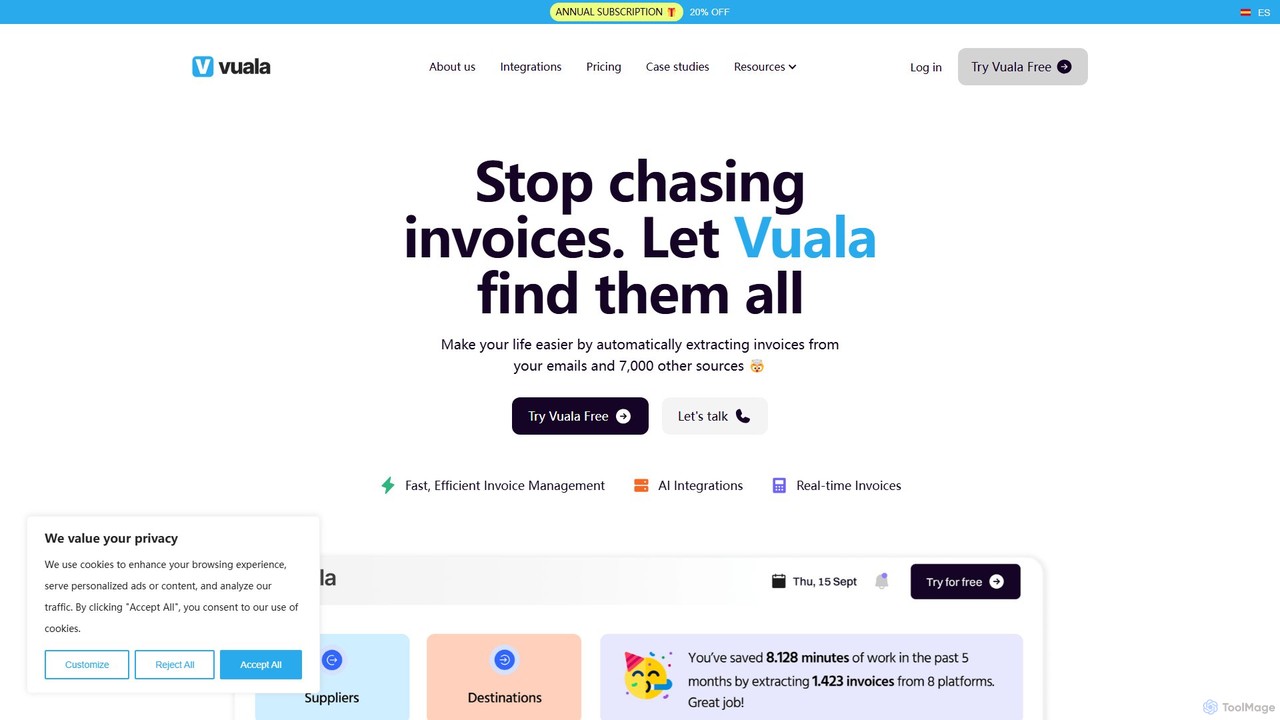
Vuala is an AI-powered invoice management software for SMEs that automates the collection of invoices from emails and over 7,000 supplier portals. It extracts data and sends it directly to your accounting software, saving time and maximizing tax deductions.
Document Management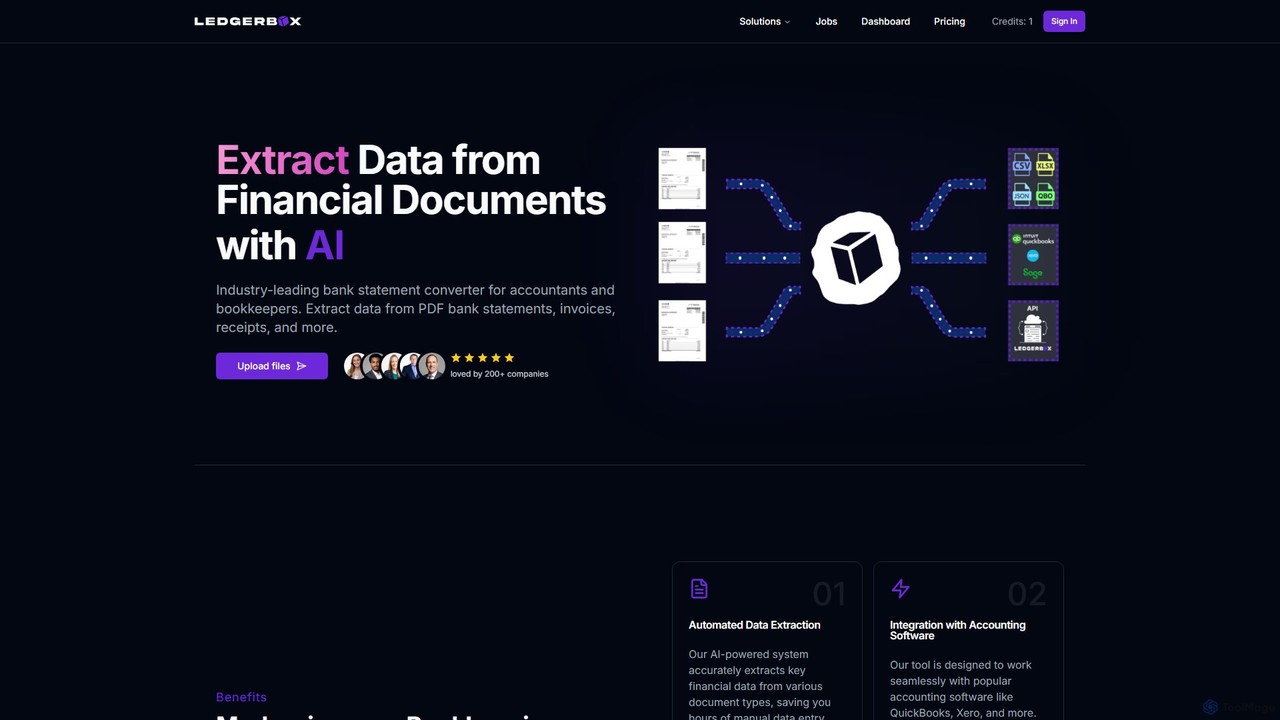
LedgerBox
LedgerBox is an AI-powered bank statement converter designed for accountants and bookkeepers. It automates data extraction from financial documents like PDF bank statements, invoices, and receipts, converting them into Excel, CSV, JSON, and QuickBooks Online formats to streamline bookkeeping workflows.
Extraction
Tailride
Tailride is an AI-powered accounting automation platform that saves businesses hundreds of hours. It automatically scans inboxes (Gmail, Outlook) and online portals to find, extract, and organize invoices and receipts. With integrations for QuickBooks, Xero, and Google Drive, it streamlines the entire accounts payable workflow, from data capture to reconciliation.
Document Management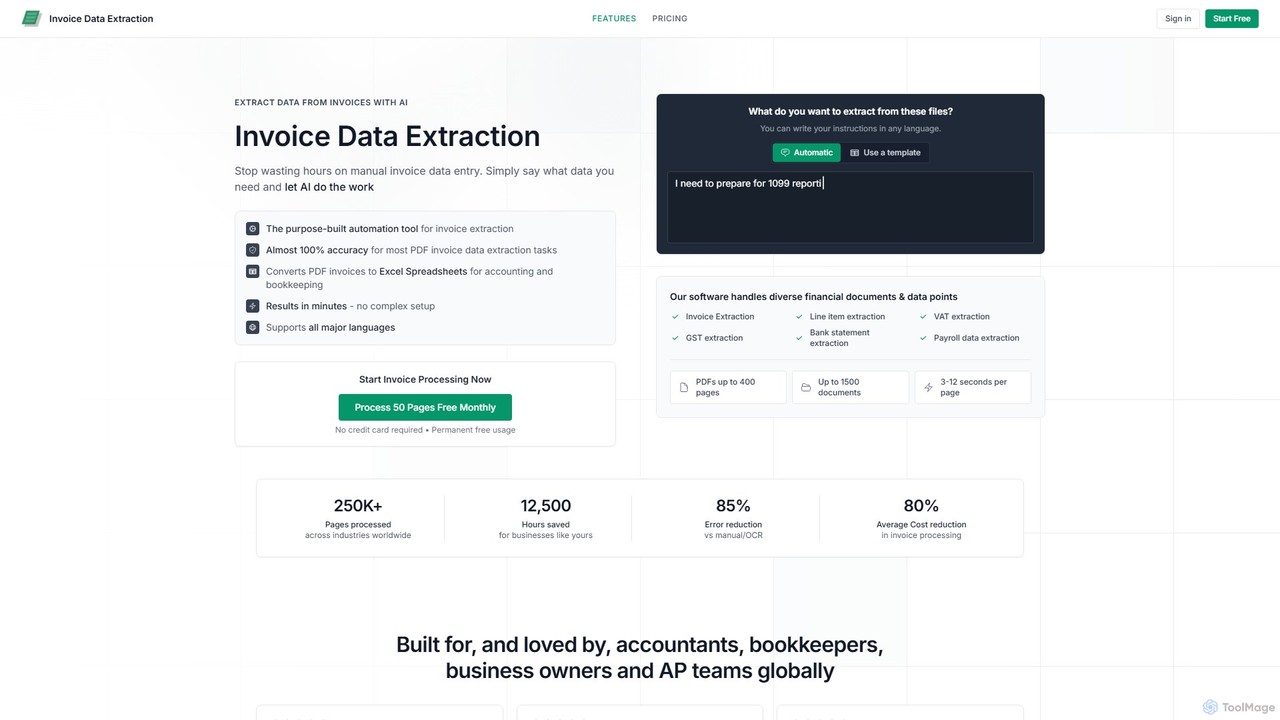
invoicedataextraction
An AI-powered tool designed to automatically extract data from invoices and other financial documents with near-100% accuracy. It converts PDFs and images into structured Excel spreadsheets, eliminating manual data entry, reducing costs by 80%, and saving hours of work for accountants, AP teams, and business owners.
Document Management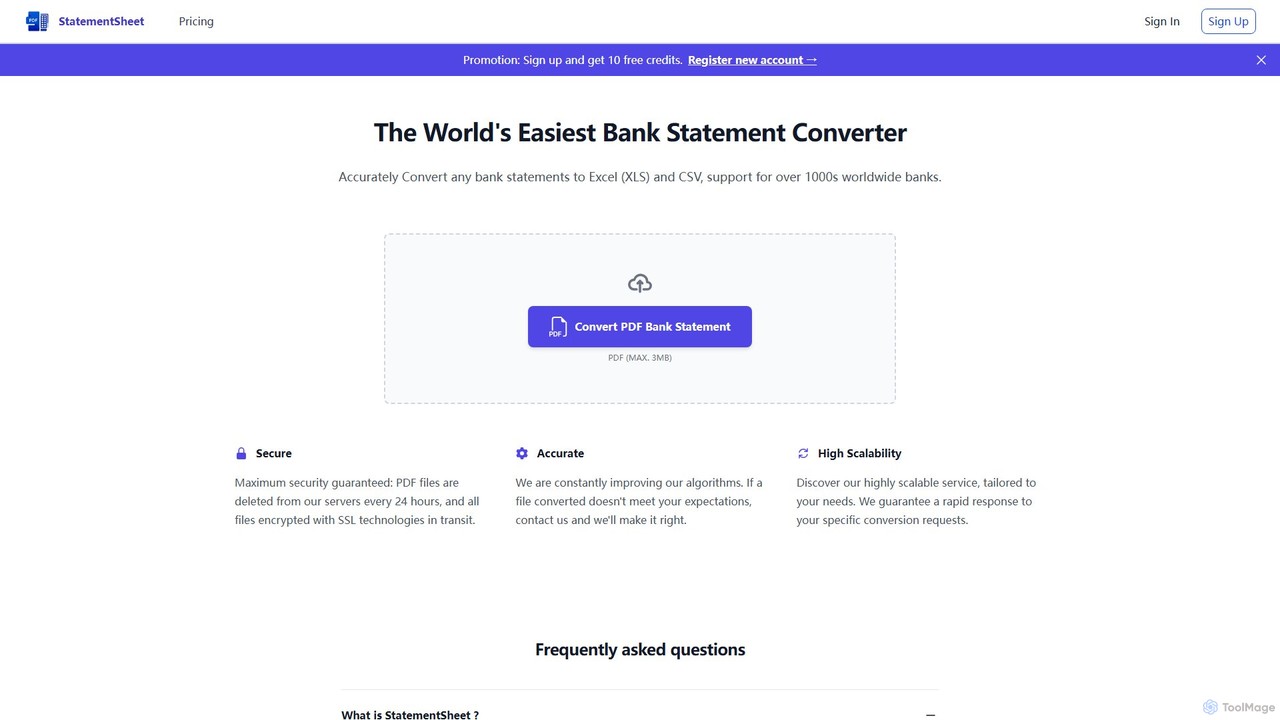
StatementSheet
StatementSheet is an AI-powered online tool that accurately converts PDF bank statements into editable Excel (XLS) and CSV formats. Supporting thousands of banks worldwide, it uses advanced OCR and AI technologies to extract transaction data quickly and securely. Ideal for accountants, businesses, and individuals looking to automate data entry and streamline financial analysis.
Converterrocketstatements Categories
rocketstatements Embed Widget
Copy this embed code to place the badge on your blog, article, or product site and send readers directly to this ToolMage detail page.

Related AI tools
LedgerBox
LedgerBox is an AI-powered bank statement converter designed for accountants and bookkeepers. It automates data extraction from financial documents like PDF bank statements, invoices, and receipts, converting them into Excel, CSV, JSON, and QuickBooks Online formats to streamline bookkeeping workflows.
ExtractionStatementSheet
StatementSheet is an AI-powered online tool that accurately converts PDF bank statements into editable Excel (XLS) and CSV formats. Supporting thousands of banks worldwide, it uses advanced OCR and AI technologies to extract transaction data quickly and securely. Ideal for accountants, businesses, and individuals looking to automate data entry and streamline financial analysis.
Converter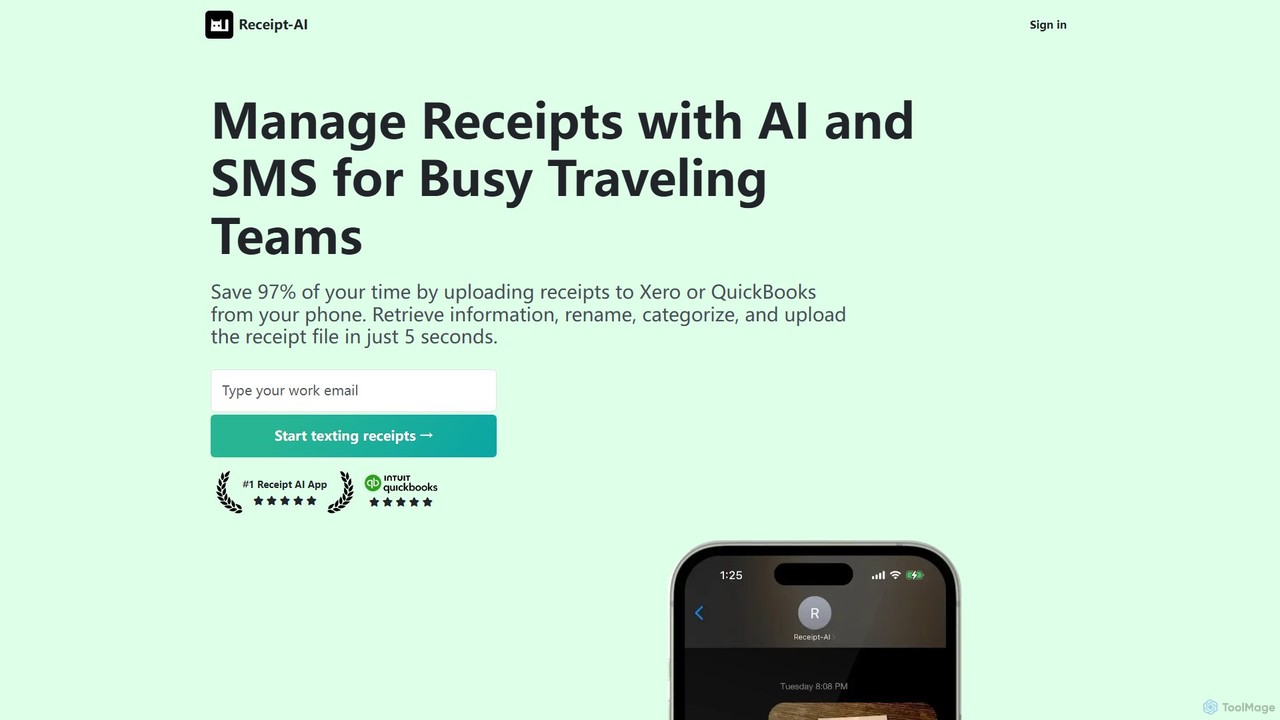
Receipt AI
Receipt AI automates expense management for busy teams by capturing and processing receipts via SMS, email, or web upload. It uses OCR to extract data, integrates with QuickBooks and Xero for one-click reconciliation, and supports 39 languages, saving significant time and improving accuracy.
AccountingVuala
Vuala is an AI-powered invoice management software for SMEs that automates the collection of invoices from emails and over 7,000 supplier portals. It extracts data and sends it directly to your accounting software, saving time and maximizing tax deductions.
Document Management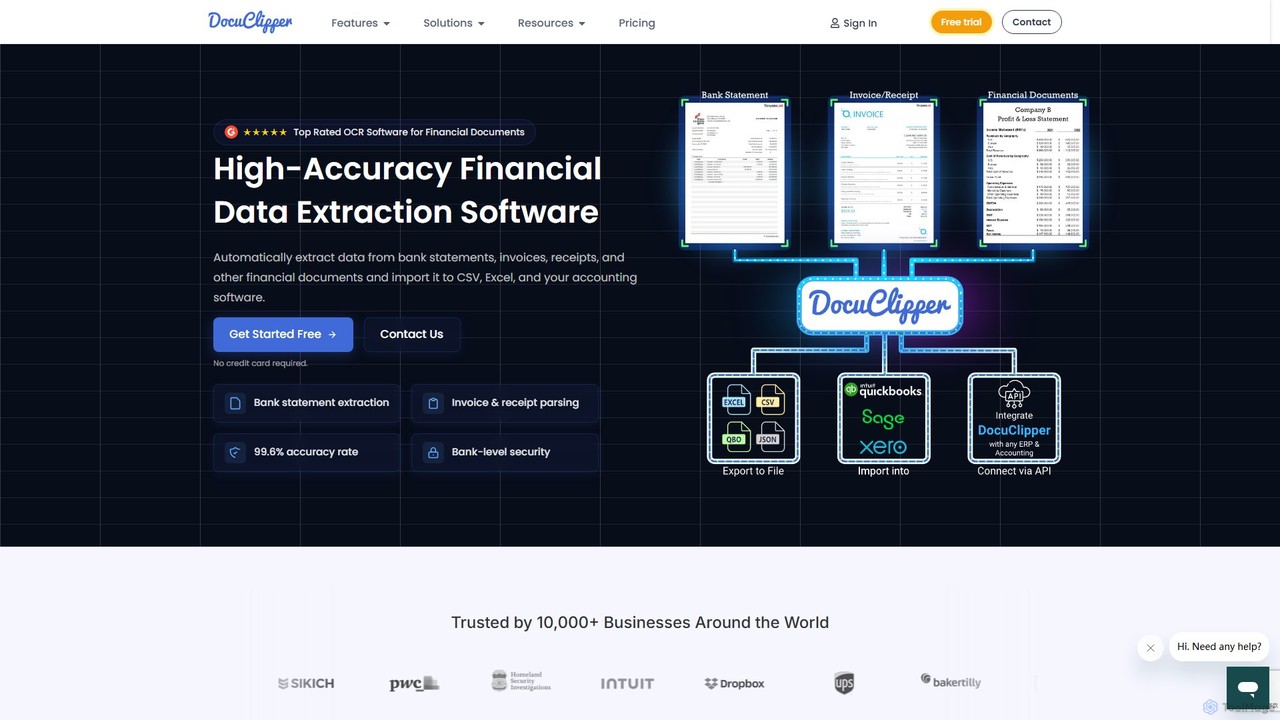
DocuClipper
DocuClipper is an AI-powered OCR software specialized in financial data extraction. It automates the process of converting bank statements, invoices, receipts, and other financial documents into structured data formats like Excel, CSV, and QBO with 99.6% accuracy. It integrates seamlessly with accounting software like QuickBooks and Xero, saving time and reducing manual entry errors for businesses and financial professionals.
Automation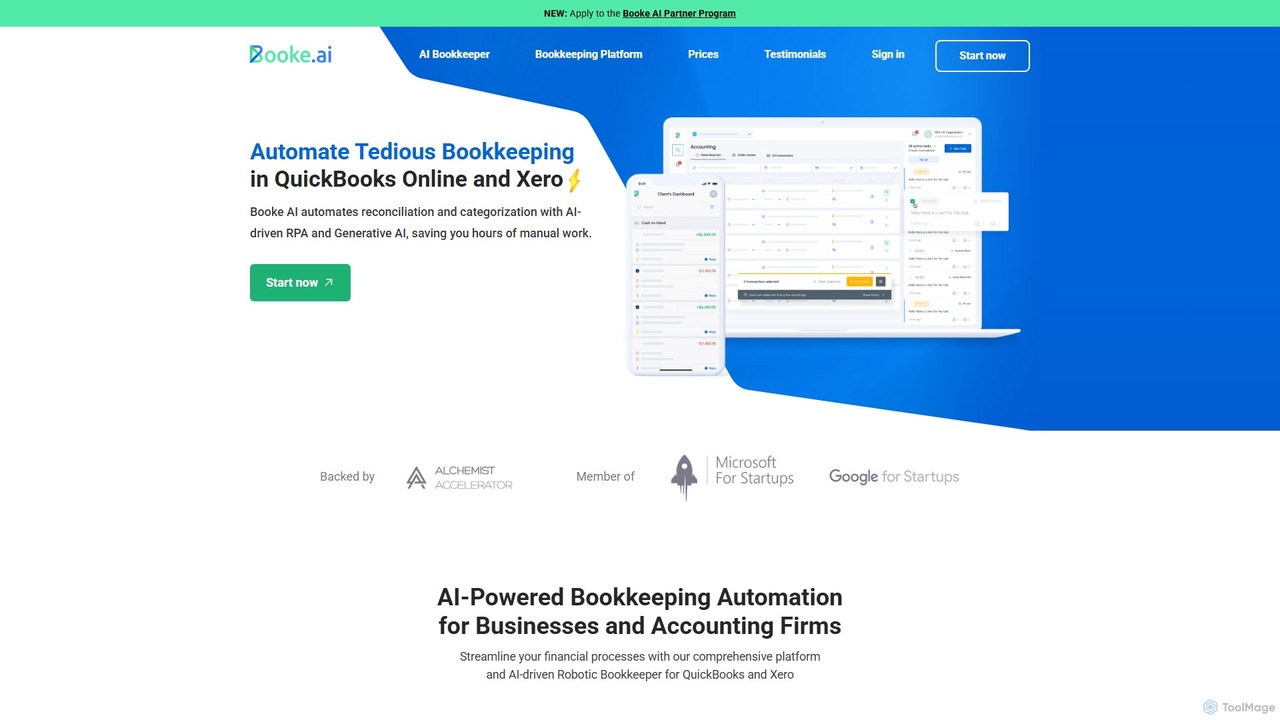
Booke AI
Booke AI is an intelligent bookkeeping automation platform for businesses and accounting firms. It uses AI and RPA to automate reconciliation, categorization, and data extraction for QuickBooks Online and Xero, aiming to cut bookkeeping hours by up to 80%. It also features a collaborative portal to streamline communication between accountants and clients.
Financial Management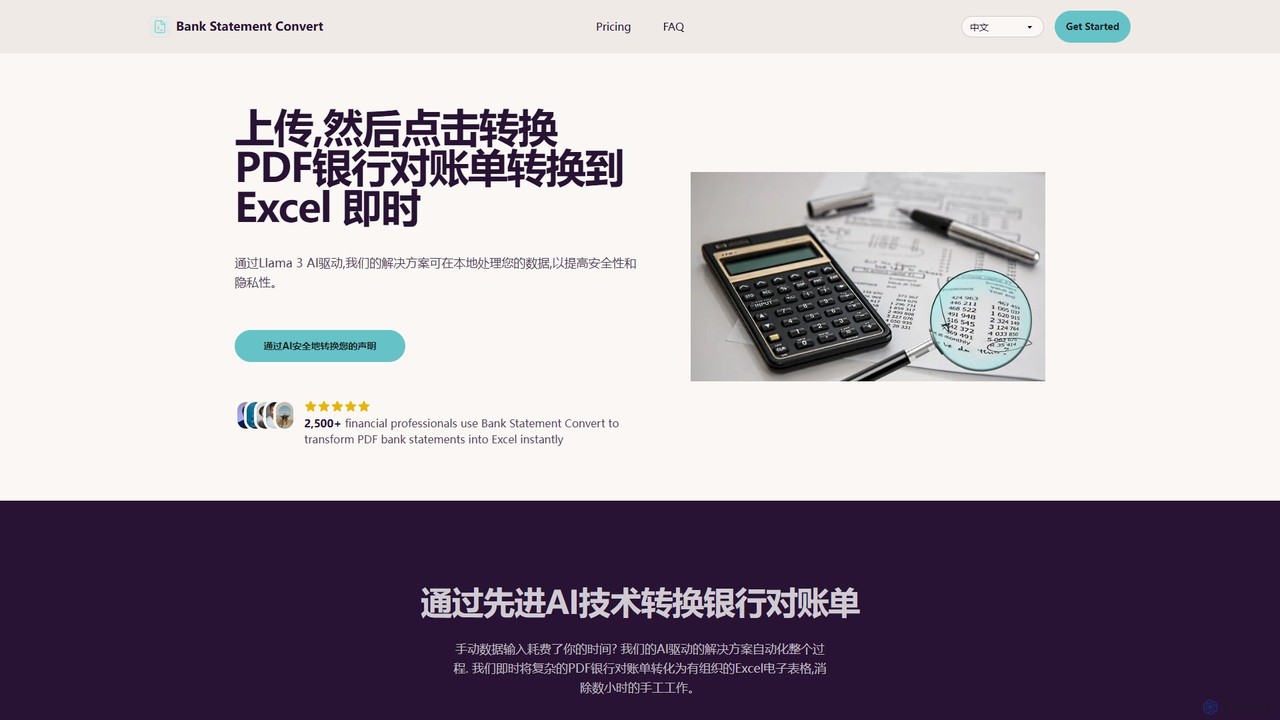
Bank Statement Convert
An AI-powered tool that instantly converts PDF bank statements into organized Excel or CSV files. Driven by Llama 3, it offers high accuracy, bank-grade security, and batch processing to automate financial data workflows for accountants and financial professionals, saving hours of manual data entry.
Data AnalysisTailride
Tailride is an AI-powered accounting automation platform that saves businesses hundreds of hours. It automatically scans inboxes (Gmail, Outlook) and online portals to find, extract, and organize invoices and receipts. With integrations for QuickBooks, Xero, and Google Drive, it streamlines the entire accounts payable workflow, from data capture to reconciliation.
Document Managementinvoicedataextraction
An AI-powered tool designed to automatically extract data from invoices and other financial documents with near-100% accuracy. It converts PDFs and images into structured Excel spreadsheets, eliminating manual data entry, reducing costs by 80%, and saving hours of work for accountants, AP teams, and business owners.
Document Management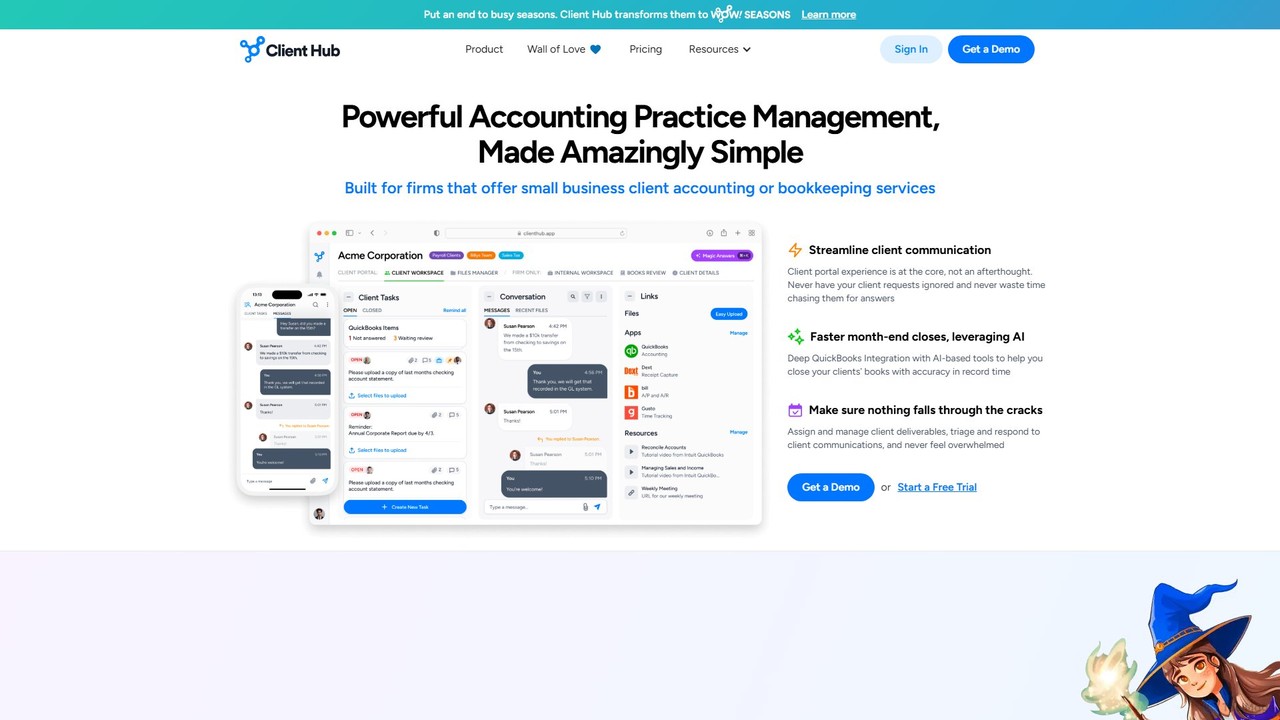
Client Hub
Client Hub is an AI-powered, all-in-one practice management and client portal software designed for modern accounting firms. It streamlines workflows, centralizes client communication, and automates tasks to enhance firm efficiency and client satisfaction. Features include AI-driven email and workflow generation, seamless QuickBooks/Xero integration, and robust task management.
Client Management
Keeper
Keeper is an all-in-one practice management software for bookkeepers and accountants. It integrates with QuickBooks and Xero to streamline workflows, automate file reviews, manage client communication through a dedicated portal, and accelerate month-end closing, helping firms save time and improve accuracy.
Client Management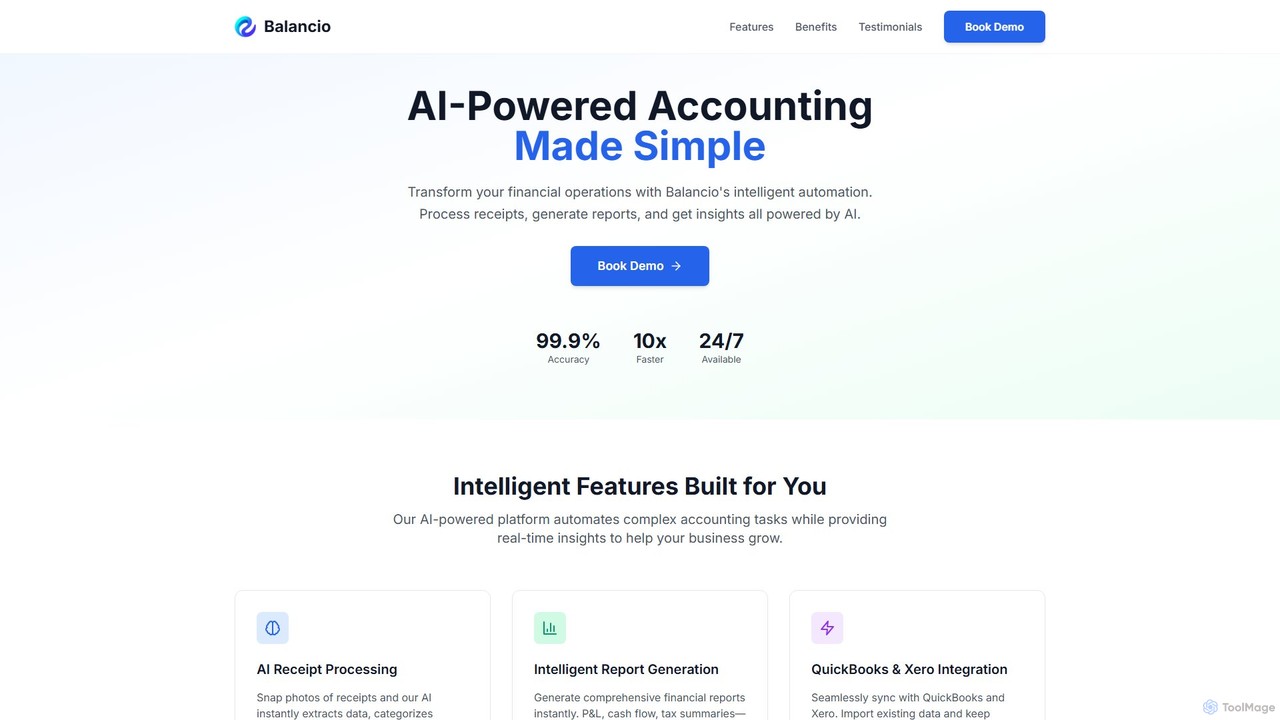
Balancio
Balancio is an AI-powered accounting platform designed for modern businesses. It automates financial operations like receipt processing, expense categorization, and report generation with 99.9% accuracy. By integrating with QuickBooks and Xero, it provides real-time financial insights, tax optimization, and an AI assistant to streamline bookkeeping and foster business growth.
Data Analysis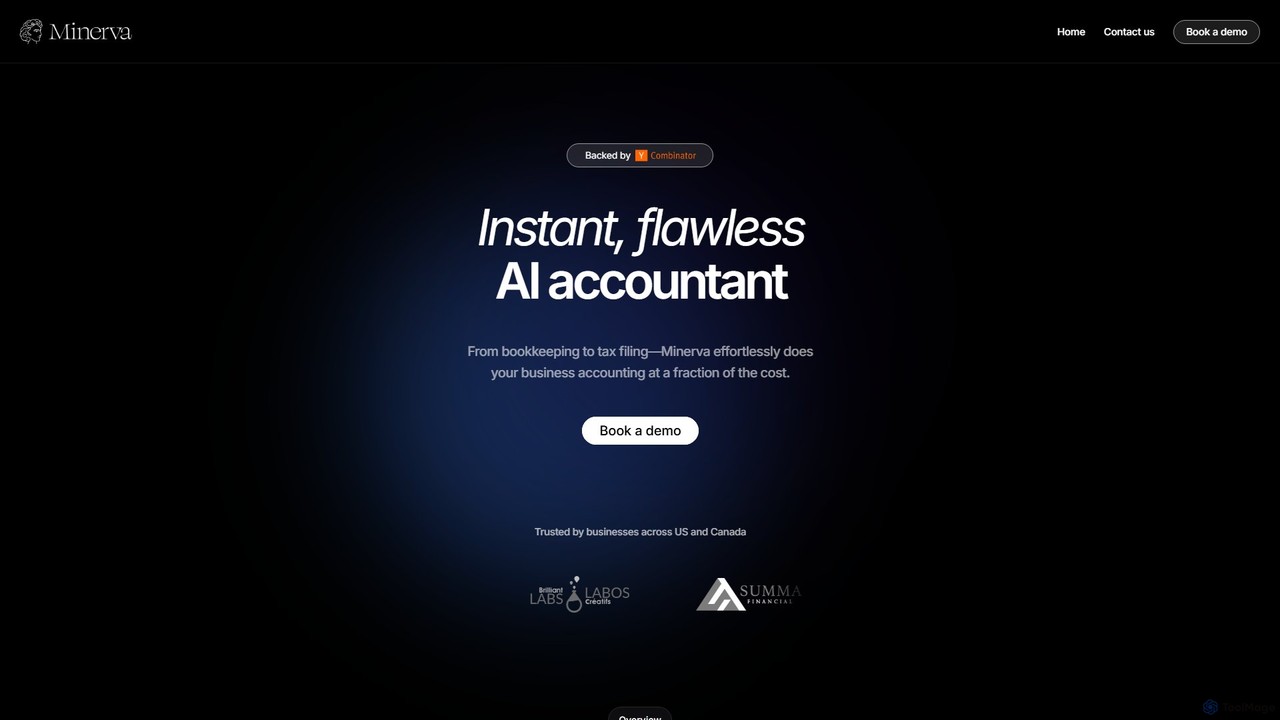
Minerva
Minerva is an AI-powered accountant for SMBs, automating the entire accounting workflow from bookkeeping and expense categorization to bank reconciliation and tax filing preparation. It scans data from emails and other platforms to provide real-time financial insights, all supervised by human CPAs for accuracy.
Operations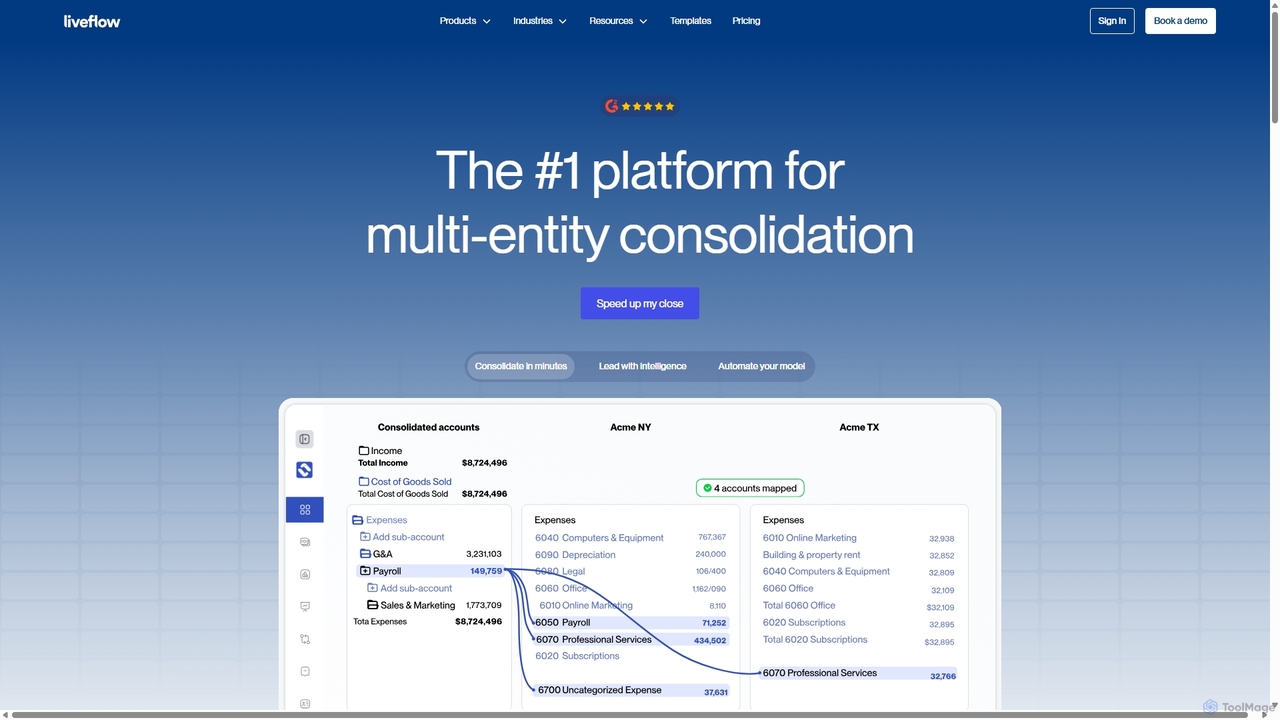
LiveFlow
LiveFlow is the #1 finance platform for multi-entity finance teams, automating financial consolidation and reporting by connecting QuickBooks directly to Google Sheets and Excel. It eliminates manual work, saves days on month-end close, and provides real-time financial intelligence for strategic decision-making.
Automation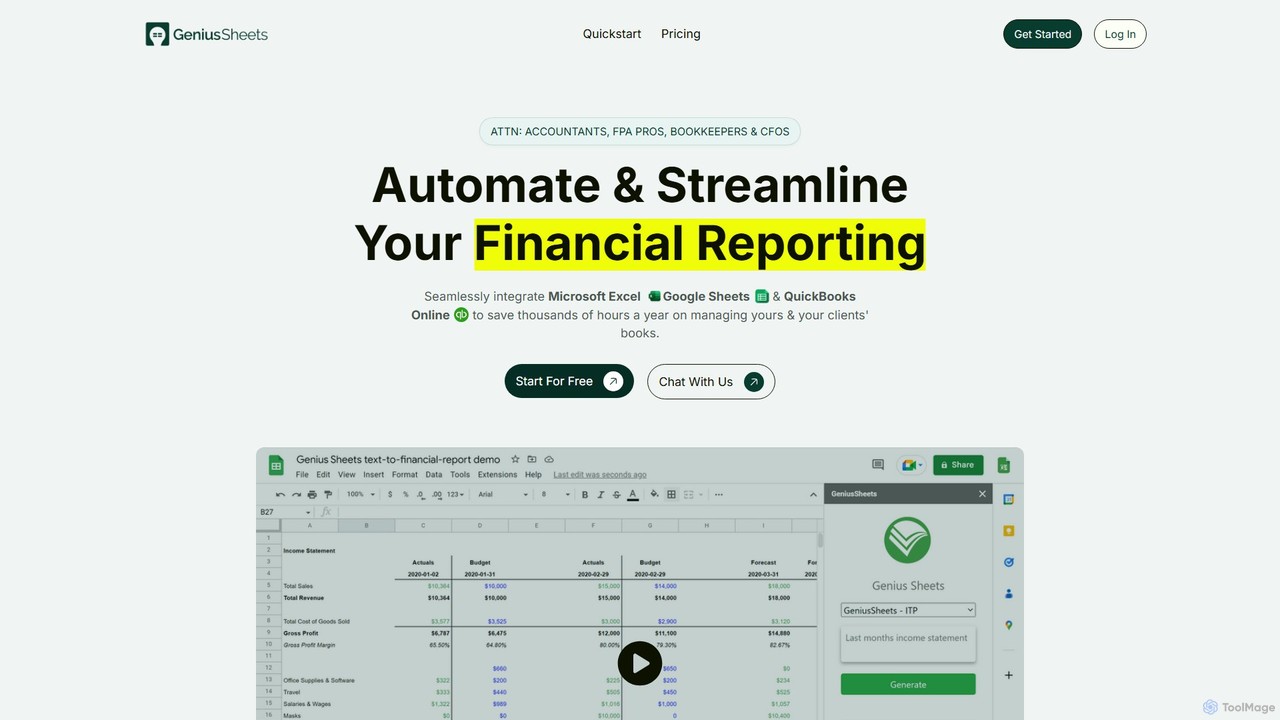
Geniussheets
Geniussheets automates financial reporting by seamlessly integrating QuickBooks Online with Google Sheets and Microsoft Excel. It eliminates manual data entry, providing real-time, accurate financial data directly in your spreadsheets. Designed for accountants, FP&A professionals, and CFOs to save time, improve accuracy, and build dynamic financial models and dashboards.
Automation
rocketstatements Comments (0)
Sign in to comment.
Sign inNo comments yet.