

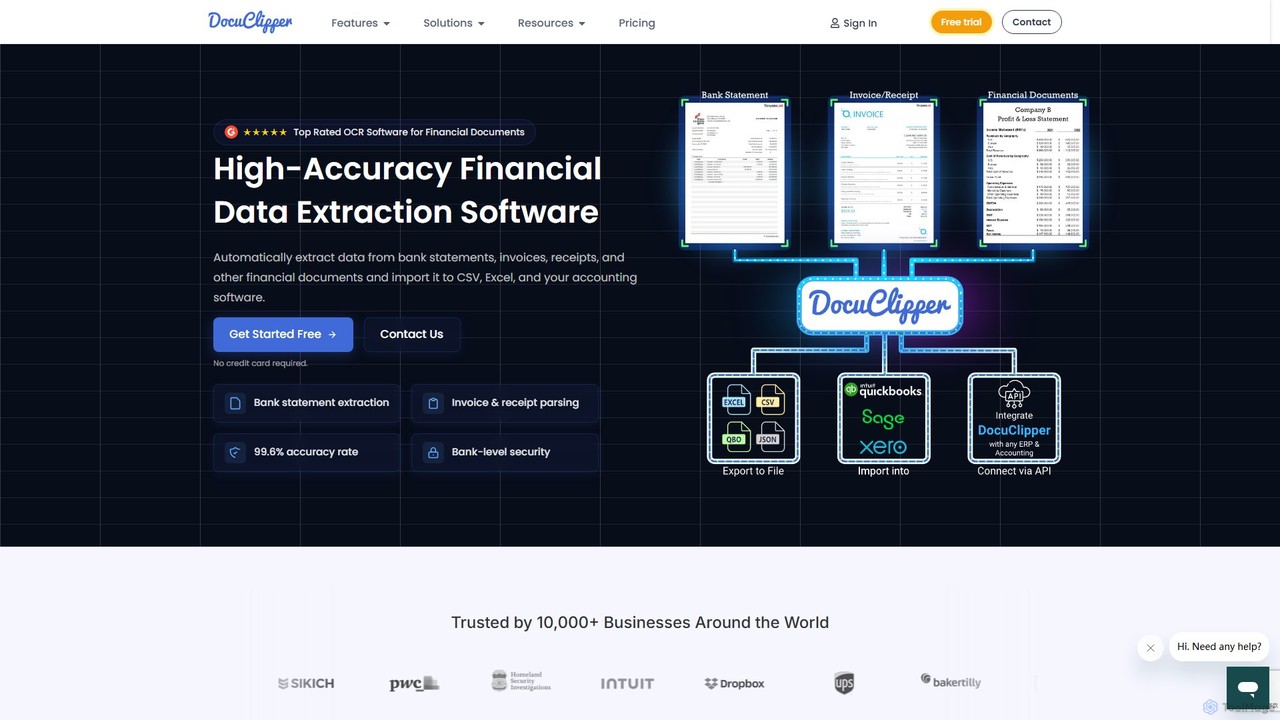
DocuClipper Overview
DocuClipper is a top-rated financial data extraction software designed to automate and streamline accounting and bookkeeping workflows. Leveraging advanced Optical Character Recognition (OCR) technology, it accurately extracts data from a wide range of financial documents, including bank statements, credit card statements, invoices, receipts, tax forms, and profit & loss statements. Trusted by over 10,000 businesses, DocuClipper eliminates tedious manual data entry, reduces human error, and frees up valuable time for financial professionals to focus on analysis and strategic tasks.
The platform is engineered for high accuracy (99.6%) and speed, converting documents into usable data in seconds. It supports both scanned paper documents and digitally generated PDFs, offering flexibility for various workflows. With robust security measures, including SOC 2 certification and AES 256-bit encryption, DocuClipper ensures that all sensitive financial data is handled with the utmost protection.
How to use DocuClipper
Using DocuClipper is designed to be simple and intuitive, requiring no complex setup. The process typically involves three main steps:
- Upload Documents: Simply drag and drop your financial documents (e.g., PDF bank statements, scanned invoices, or receipts) directly into the DocuClipper web interface. The platform supports batch processing, allowing you to upload multiple files at once.
- Automatic Extraction: DocuClipper's AI and specialized OCR algorithms automatically detect the document type and begin extracting relevant data. This includes transactions, dates, descriptions, amounts, invoice line items, vendor details, and more. The process is fully automated and takes just a few seconds per document.
- Export & Integrate: Once the data is extracted, you can review it and export it in various formats, including Excel, CSV, or QBO. The platform also offers direct one-click integrations with popular accounting software like QuickBooks, Xero, and Sage, allowing for seamless data transfer into your existing systems.
Core Features of DocuClipper
- High-Accuracy OCR: Specialized algorithms for financial documents ensure a 99.6% accuracy rate in data extraction.
- Broad Document Support: Extracts data from bank statements, invoices, receipts, tax forms (e.g., IRS forms), P&L statements, balance sheets, and more.
- Multi-Format Export: Convert and export data to Excel, CSV, and QBO (for QuickBooks Online/Desktop).
- Seamless Integrations: Direct integration with QuickBooks, Xero, Sage, Quicken, and other ERP/CRM systems via API.
- Bank Statement Reconciliation: Automatically reconciles transaction totals with summary information to ensure data integrity.
- Unlimited Line Item Extraction: Extracts all line items from invoices and receipts without extra charges or limits.
- Automation Rules: Set up custom rules to automatically categorize transactions and allocate invoice data, streamlining workflows.
- Bank-Level Security: SOC 2 certified and uses AES 256-bit SSL encryption to protect your data.
- Developer API: Offers a powerful OCR API for developers to integrate data extraction capabilities into their own applications (Invoice OCR, Receipt OCR, Bank Statement OCR).
Use Cases for DocuClipper
DocuClipper is ideal for a variety of professionals and businesses:
- Accountants & Bookkeepers: Automate client bookkeeping, speed up bank reconciliation, and manage accounts payable/receivable efficiently.
- Small & Medium Business Owners: Simplify expense management, streamline invoice processing, and prepare for tax season with accurate financial records.
- Financial Analysts: Quickly aggregate data from multiple financial statements for analysis, forecasting, and reporting.
- Legal Professionals: Extract financial data for forensic accounting, divorce cases, and other legal proceedings requiring detailed financial review.
- Auditors: Verify financial data and ensure compliance by quickly processing large volumes of documents with high accuracy.
Advantages of DocuClipper
The primary advantage of DocuClipper is its ability to transform a time-consuming, error-prone manual process into a fast, automated, and accurate workflow. It significantly cuts down on operational costs associated with data entry. The platform's specialization in financial documents gives it a higher accuracy rate than generic OCR tools. Its user-friendly interface, batch processing capabilities, and seamless integrations make it a powerful yet easy-to-use solution. Furthermore, its flexible, volume-based pricing and inclusion of unlimited users make it scalable for freelancers and large firms alike.
Pricing and Plans
DocuClipper offers a flexible, volume-based pricing structure with a 14-day free trial that includes 120 free pages (no credit card required). All plans include unlimited users.
- Starter Plan: $39/month for 120 pages. Ideal for freelancers and small businesses.
- Professional Plan: $74/month for 280 pages. Perfect for growing businesses with more extensive needs.
- Business Plan: $159/month for 640 pages. Best for established firms with high processing volumes. Includes features like API access and advanced reporting.
- Enterprise Plan: Custom pricing for large organizations with high volume needs or unique requirements. Includes premium support, dedicated processing queues, and advanced security features like SSO.
Discounts of up to 30% are available for annual subscriptions. Users can upgrade, downgrade, or cancel their plan at any time.
Traffic
Latest traffic
Status
Monthly traffic trend
- 2025-9: 146.7K
- 2026-1: 135.2K
- 2026-2: 79.2K
- 2026-3: 83.1K
- 2026-4: 69.6K
- 2026-5: 63.9K
Geography
Top 5 countries / regions
- 🇺🇸United States52.7%
- 🇿🇦South Africa19.1%
- 🇬🇧United Kingdom12.2%
- 🇮🇳India9.1%
- 🇨🇦Canada6.9%
Traffic sources
| Source type | Percentage |
|---|---|
Direct | 83.7% |
Referral | 9.7% |
Email | 6.6% |
Top keywords
| Keyword | Cost per click |
|---|---|
| bank statement converter | $3.43 |
| bank statement example parts | $0.00 |
| best app to convert bank statements .pdf to excel spreadsheets | $0.00 |
| docuclipper | $22.28 |
| docu clipper customer service number | $0.00 |
DocuClipper Videos on YouTube


Klippa

DocuClipper Alternatives
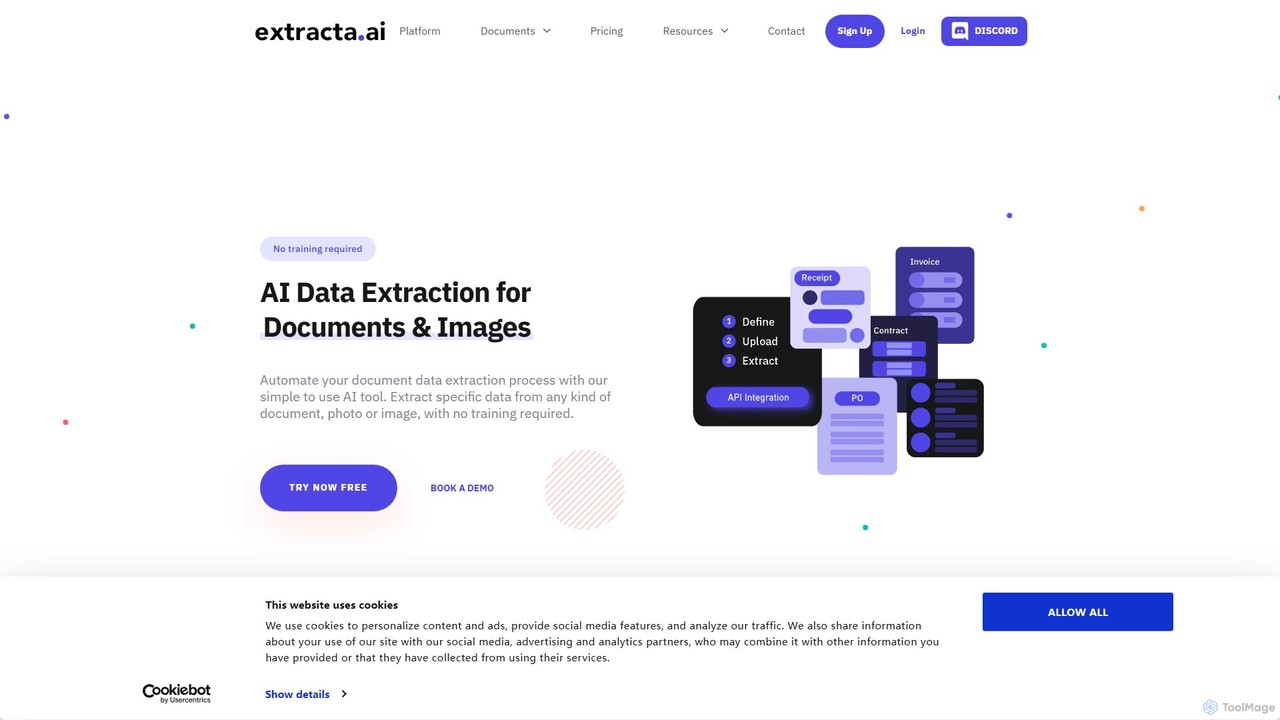
extracta.ai
extracta.ai is an AI-powered platform designed for intelligent data extraction from documents and images. It automates the process of capturing structured data from various sources like invoices, receipts, contracts, and forms, eliminating manual data entry and streamlining business workflows.
Automation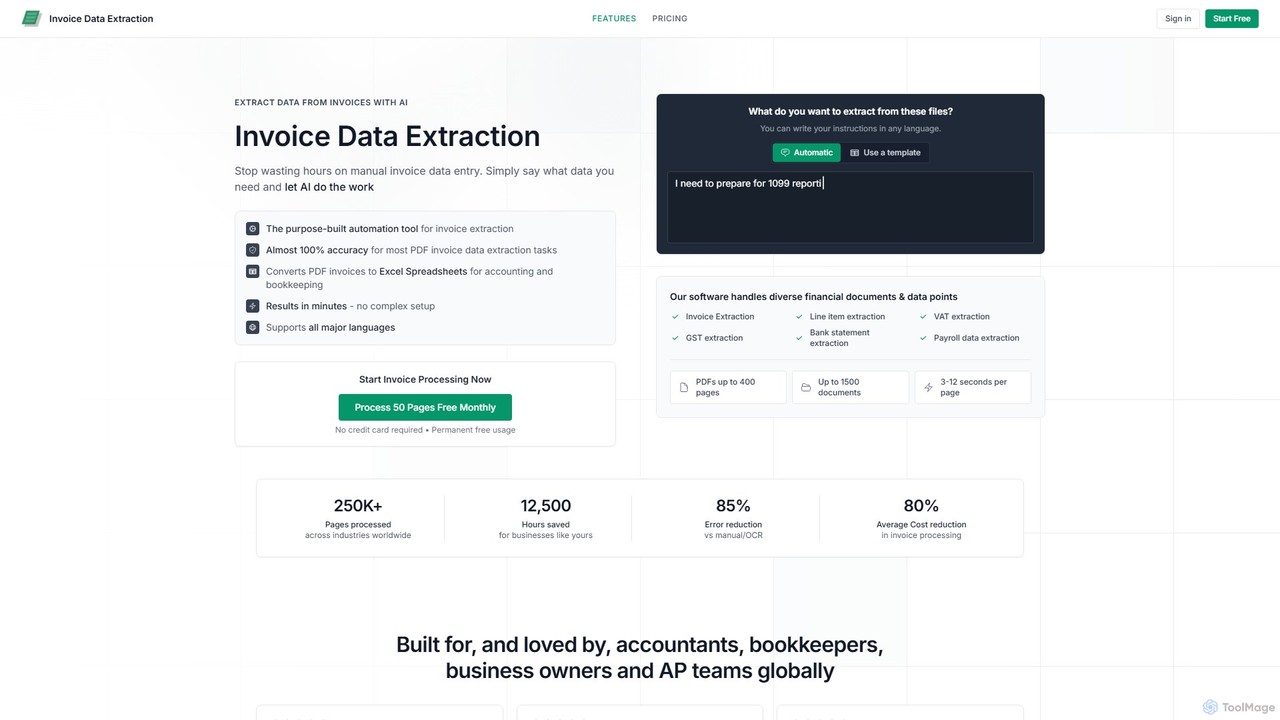
invoicedataextraction
An AI-powered tool designed to automatically extract data from invoices and other financial documents with near-100% accuracy. It converts PDFs and images into structured Excel spreadsheets, eliminating manual data entry, reducing costs by 80%, and saving hours of work for accountants, AP teams, and business owners.
Document Management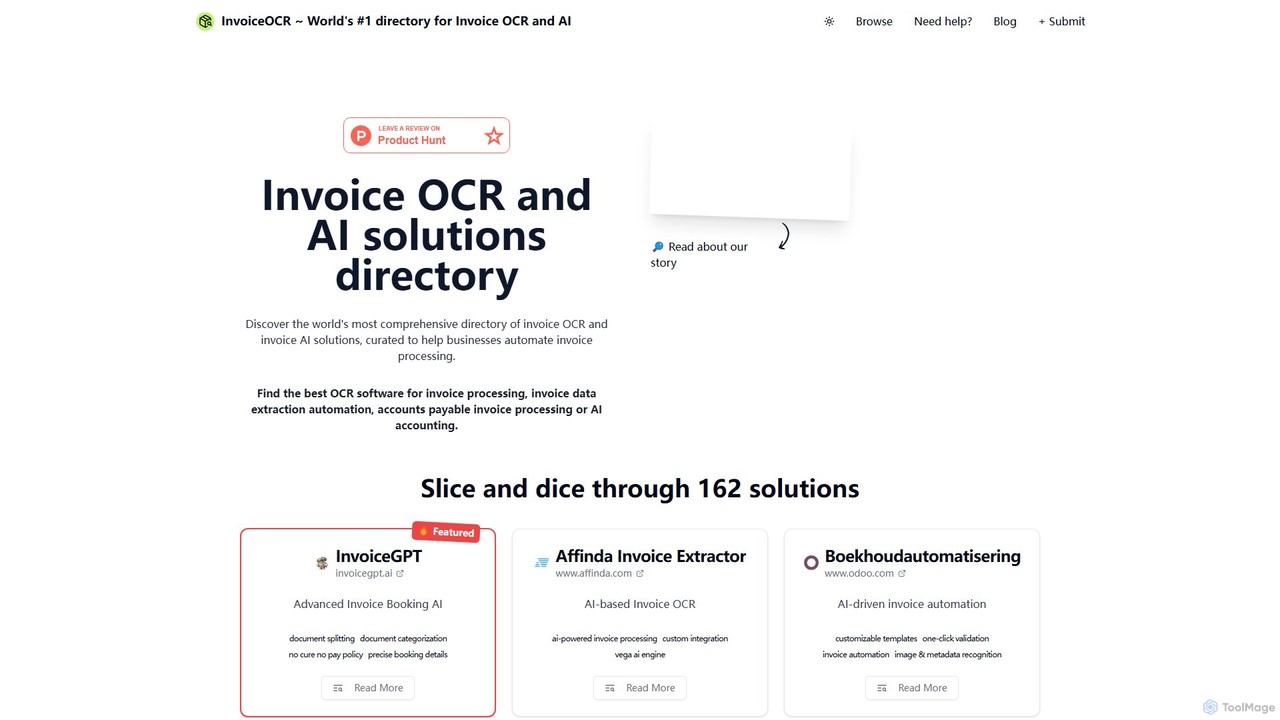
InvoiceOCR
InvoiceOCR is the world's #1 directory for AI-powered invoice processing and accounts payable automation solutions. It's a comprehensive resource hub designed to help businesses discover, compare, and select the best OCR and AI accounting tools. The platform offers detailed reviews, curated lists, and a unique expert consultation service for personalized guidance in achieving end-to-end financial automation.
Automation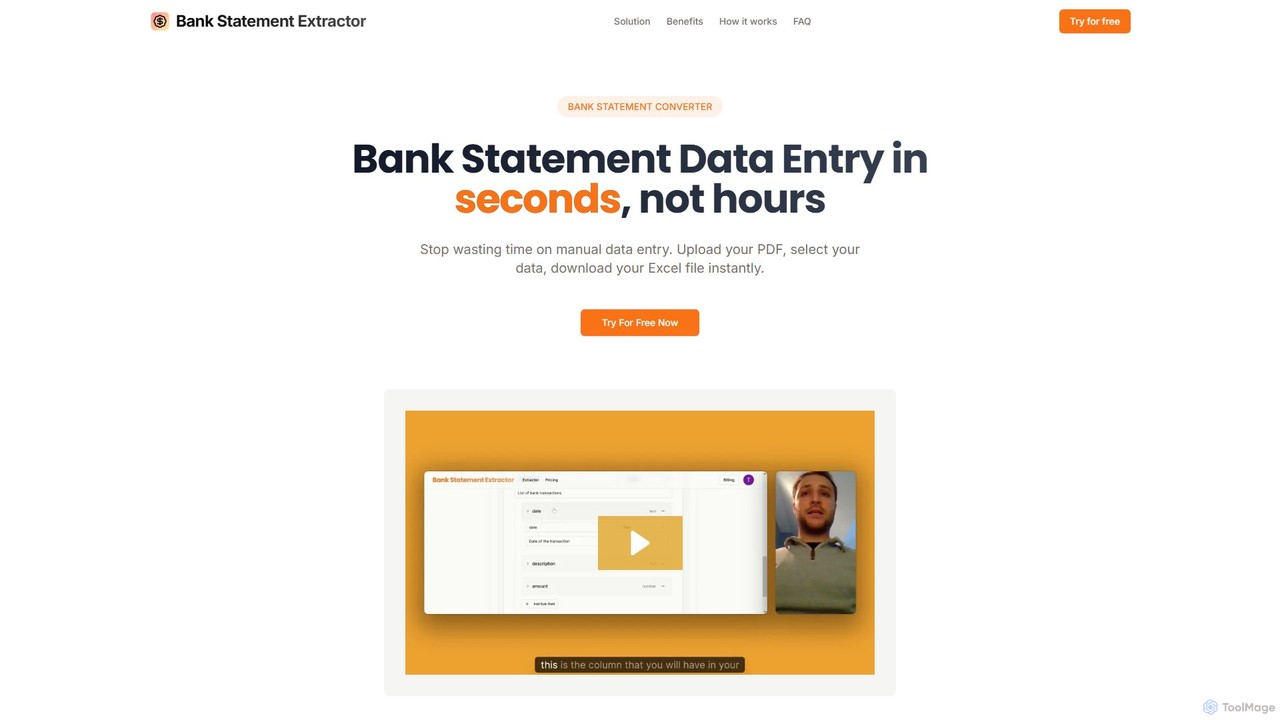
bankstatementextract
AI-powered tool to instantly convert PDF bank statements (including scanned documents) into structured Excel files. Automate data entry with 99.8% accuracy, process multiple statements at once, and define custom data extraction schemas. Ideal for accountants, analysts, and businesses.
Converter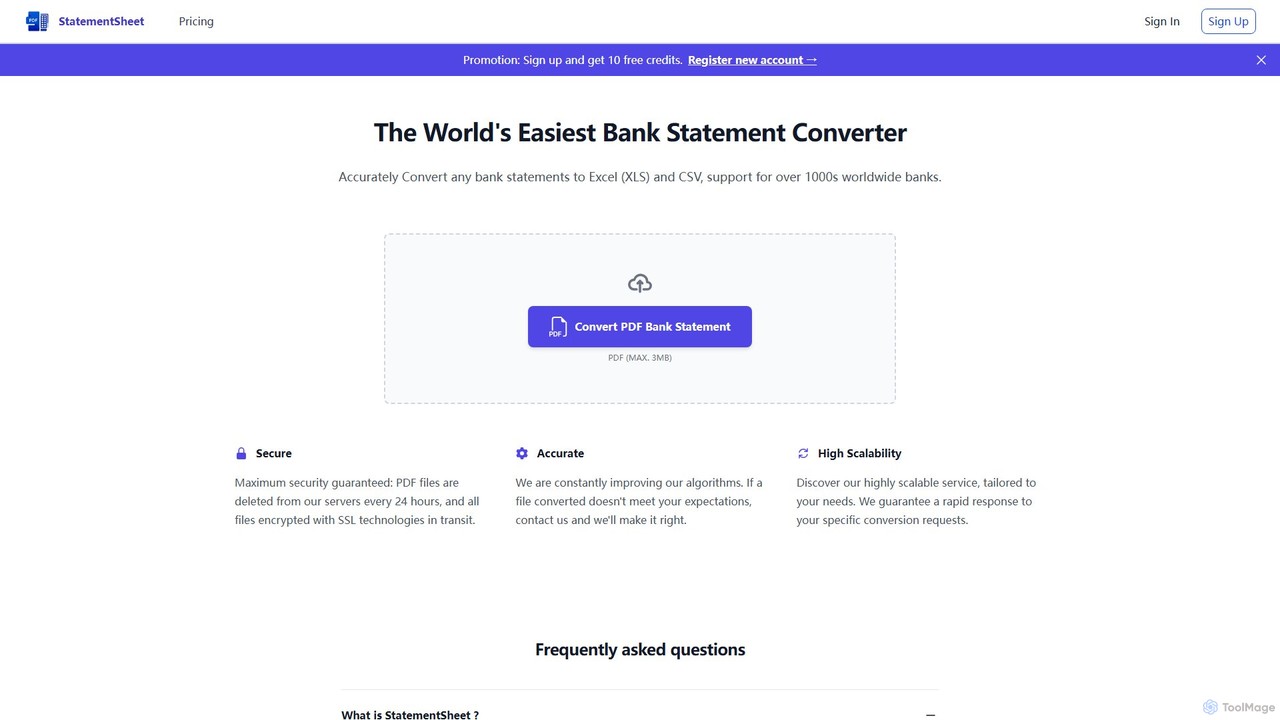
StatementSheet
StatementSheet is an AI-powered online tool that accurately converts PDF bank statements into editable Excel (XLS) and CSV formats. Supporting thousands of banks worldwide, it uses advanced OCR and AI technologies to extract transaction data quickly and securely. Ideal for accountants, businesses, and individuals looking to automate data entry and streamline financial analysis.
ConverterDocuClipper Categories
DocuClipper Embed Widget
Copy this embed code to place the badge on your blog, article, or product site and send readers directly to this ToolMage detail page.

Related AI tools
Booke AI
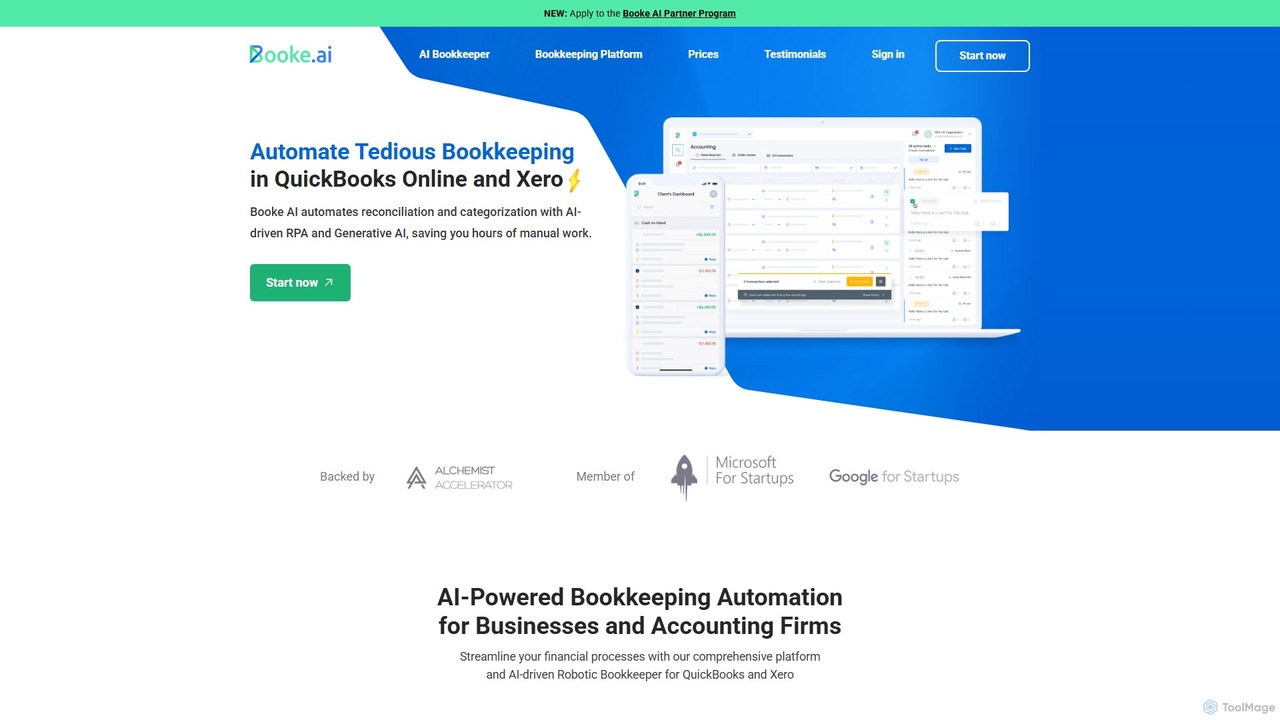
Booke AI is an intelligent bookkeeping automation platform for businesses and accounting firms. It uses AI and RPA to automate reconciliation, categorization, and data extraction for QuickBooks Online and Xero, aiming to cut bookkeeping hours by up to 80%. It also features a collaborative portal to streamline communication between accountants and clients.
Financial Management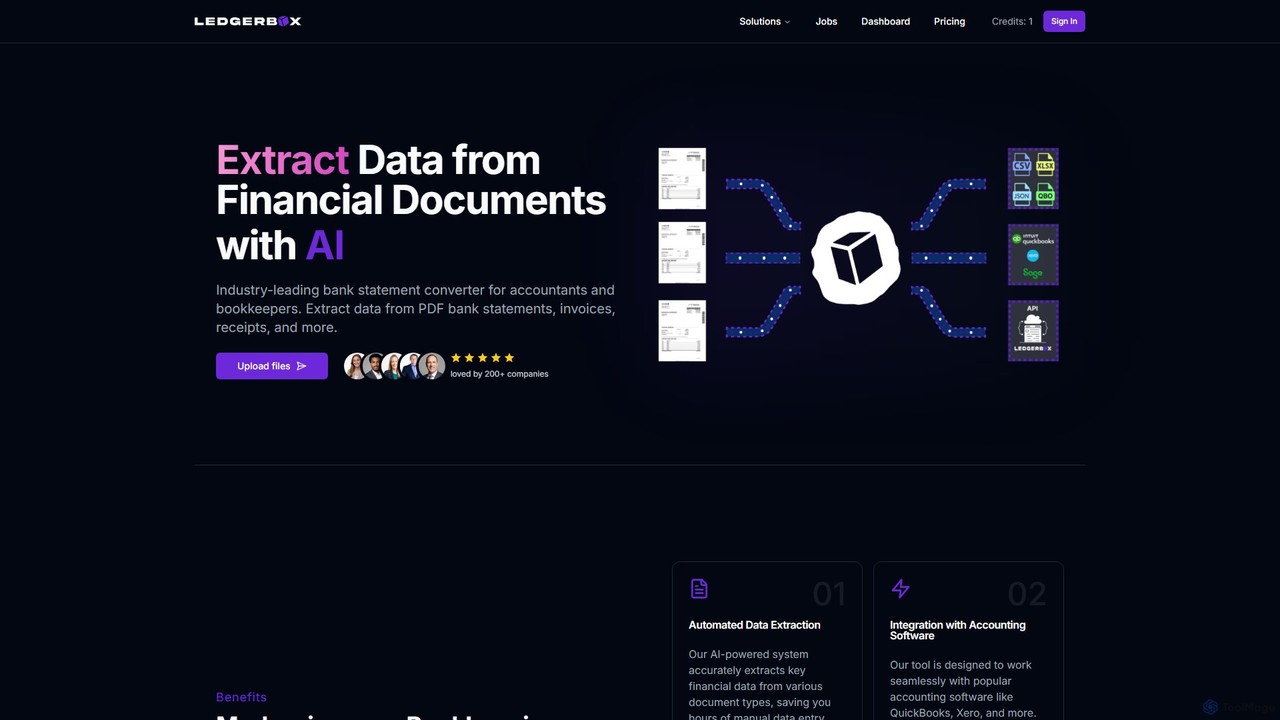
LedgerBox
LedgerBox is an AI-powered bank statement converter designed for accountants and bookkeepers. It automates data extraction from financial documents like PDF bank statements, invoices, and receipts, converting them into Excel, CSV, JSON, and QuickBooks Online formats to streamline bookkeeping workflows.
Extraction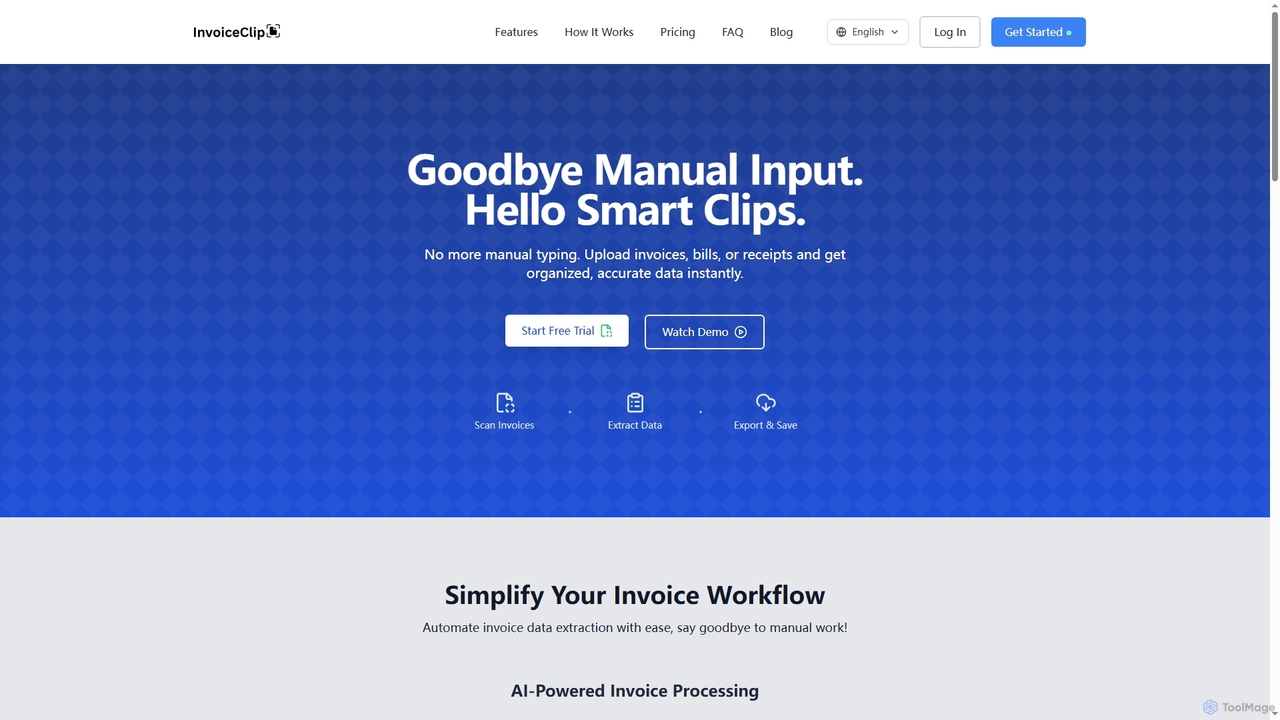
InvoiceClip
InvoiceClip is an AI-powered invoice and receipt scanner app designed to automate data extraction, categorization, and organization for businesses. It eliminates manual data entry by instantly converting uploaded documents into accurate, structured data, streamlining financial workflows.
Invoice Processing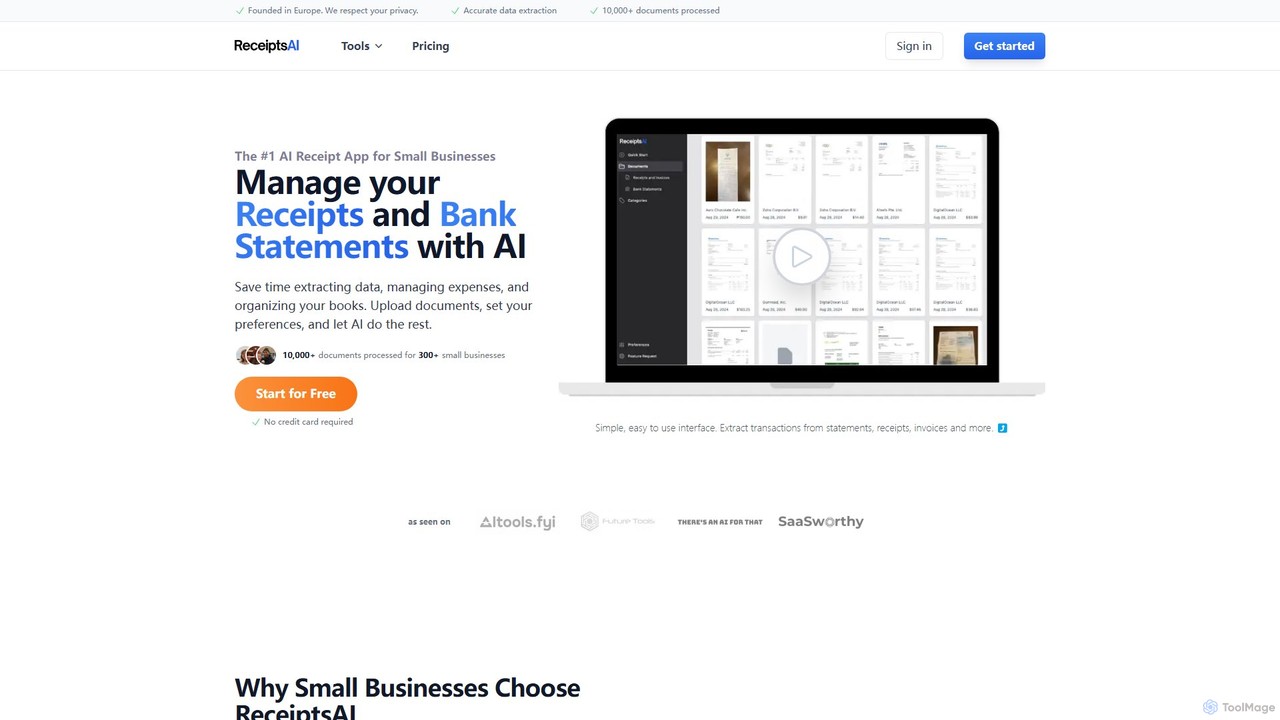
ReceiptsAI
ReceiptsAI is an AI-powered expense management and bookkeeping platform designed for small businesses and freelancers. It automates data extraction from receipts, invoices, and bank statements, saving hours of manual work. The tool categorizes transactions, ensures tax-ready records, and provides clear financial insights through a simple, secure interface.
Expense Trackinginvoicedataextraction
An AI-powered tool designed to automatically extract data from invoices and other financial documents with near-100% accuracy. It converts PDFs and images into structured Excel spreadsheets, eliminating manual data entry, reducing costs by 80%, and saving hours of work for accountants, AP teams, and business owners.
Document ManagementInvoiceOCR
InvoiceOCR is the world's #1 directory for AI-powered invoice processing and accounts payable automation solutions. It's a comprehensive resource hub designed to help businesses discover, compare, and select the best OCR and AI accounting tools. The platform offers detailed reviews, curated lists, and a unique expert consultation service for personalized guidance in achieving end-to-end financial automation.
Automationbankstatementextract
AI-powered tool to instantly convert PDF bank statements (including scanned documents) into structured Excel files. Automate data entry with 99.8% accuracy, process multiple statements at once, and define custom data extraction schemas. Ideal for accountants, analysts, and businesses.
Converter
Tailride
Tailride is an AI-powered accounting automation platform that saves businesses hundreds of hours. It automatically scans inboxes (Gmail, Outlook) and online portals to find, extract, and organize invoices and receipts. With integrations for QuickBooks, Xero, and Google Drive, it streamlines the entire accounts payable workflow, from data capture to reconciliation.
Document Management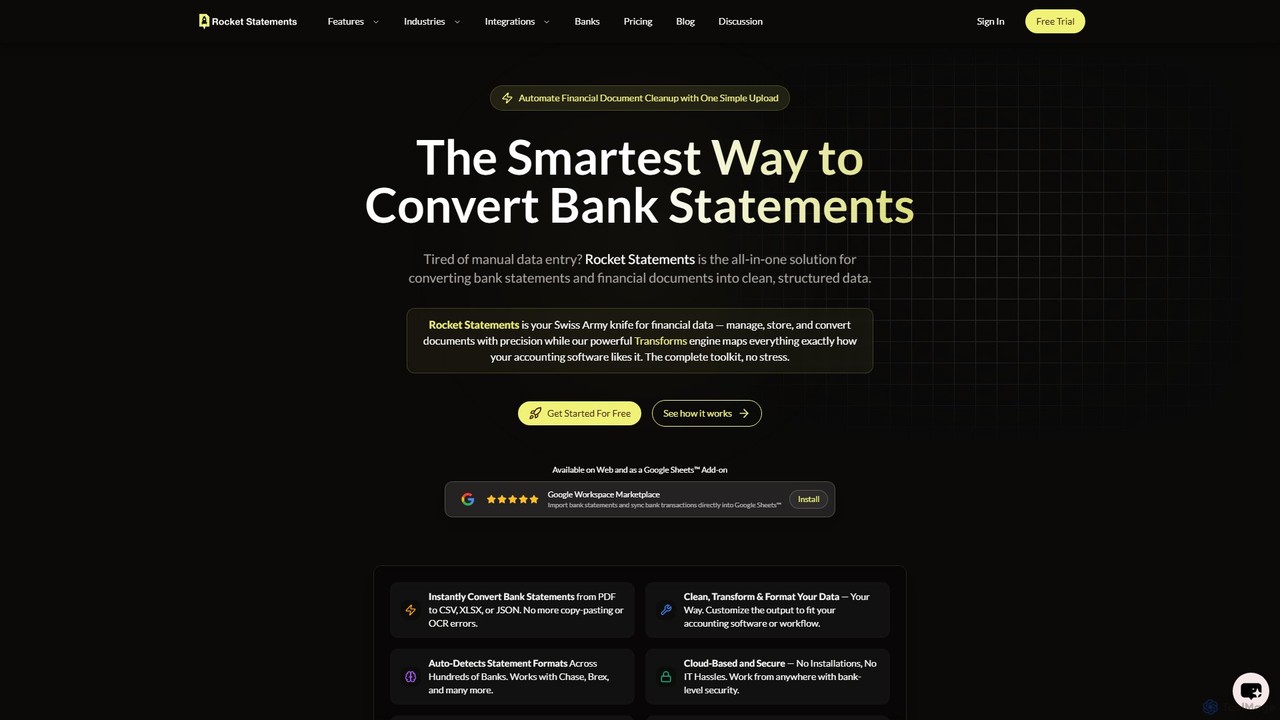
rocketstatements
An AI-powered platform that instantly converts bank statements from PDF and image formats into clean, structured data like Excel, CSV, and JSON. Designed for accountants and businesses to automate financial data entry and cleanup, integrating seamlessly with accounting software.
Document Management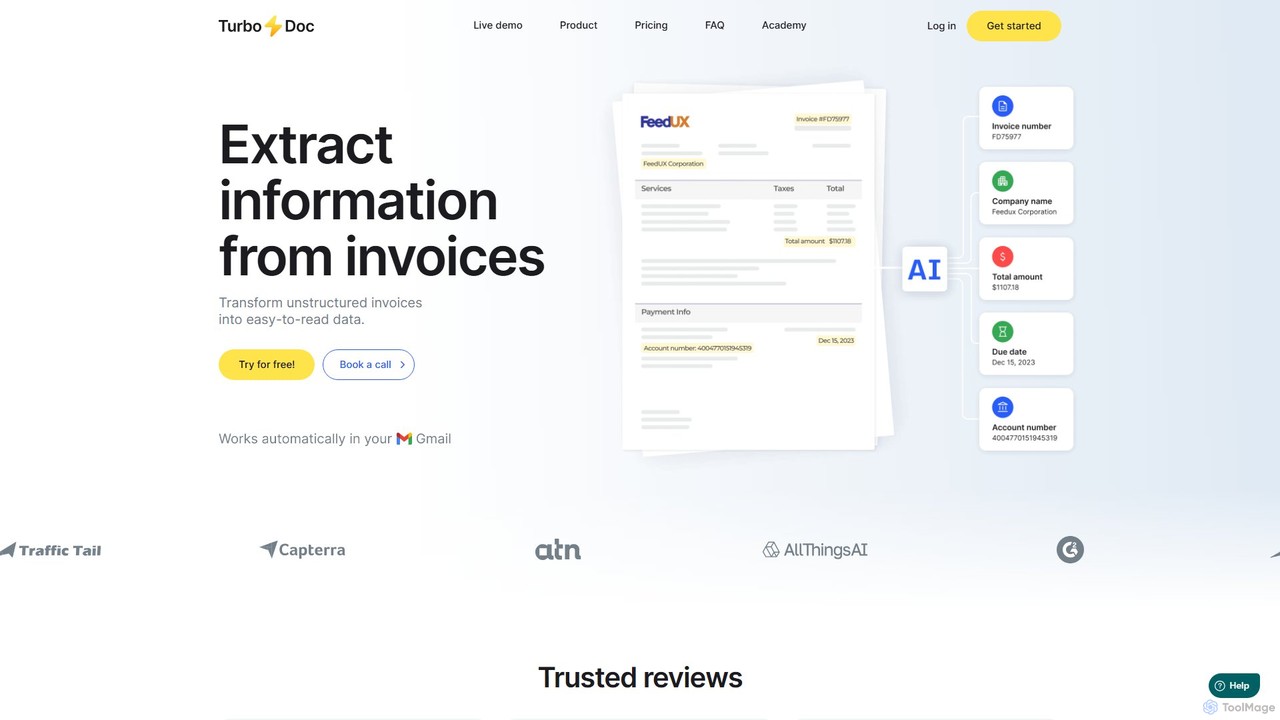
TurboDoc
TurboDoc is an AI-powered platform that automates invoice processing and financial workflows. It uses advanced OCR and Intelligent Document Processing (IDP) to accurately extract data from unstructured invoices, receipts, and other financial documents. By transforming manual data entry into a streamlined, automated process, TurboDoc helps businesses save time, reduce costs, minimize errors, and improve compliance. It's an ideal solution for accountants, finance teams, and small to medium-sized businesses seeking to optimize their accounts payable operations.
Document Management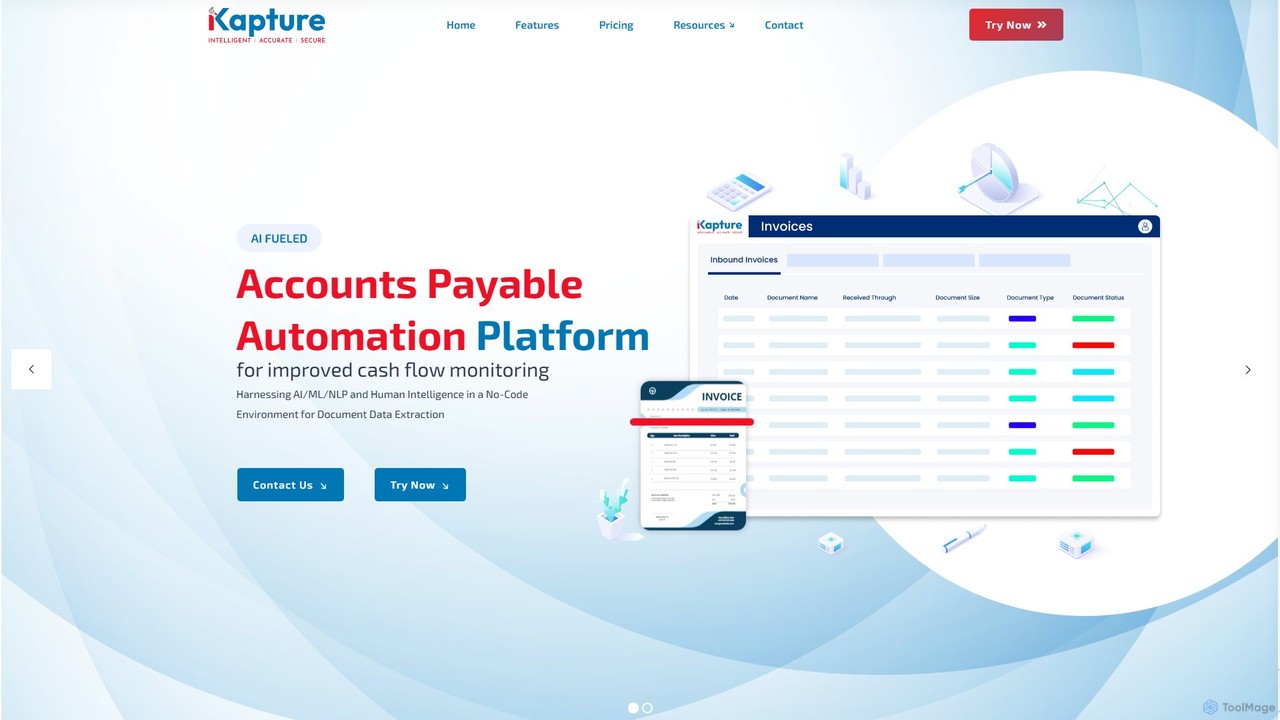
ikapture
ikapture is an AI-powered accounts payable (AP) automation platform designed to streamline financial workflows. It leverages AI, ML, and NLP to extract data from invoices and other documents, reducing manual entry, minimizing errors, and improving cash flow monitoring. The no-code environment allows businesses to easily automate their AP processes, enhance efficiency, and gain better control over their finances.
Data Extraction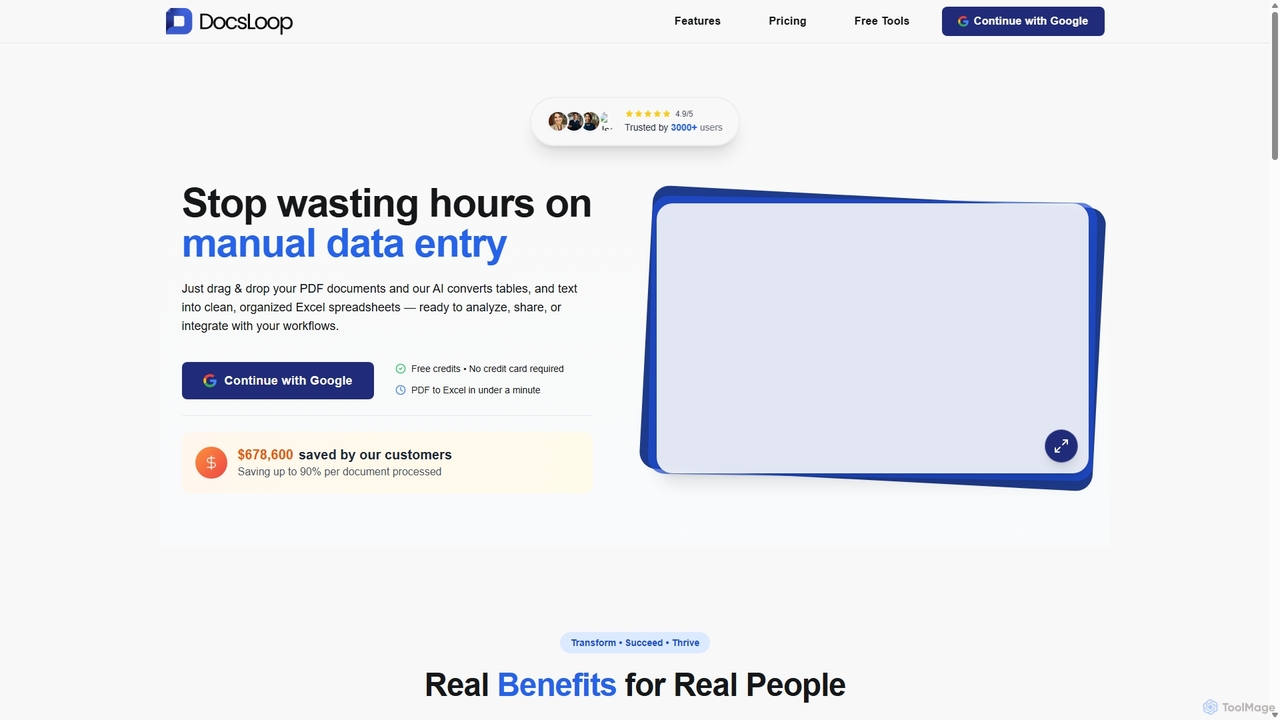
DocsLoop
DocsLoop is an AI-powered document processing tool that automates data extraction from PDF documents. Simply drag and drop files like invoices, bank statements, and receipts, and DocsLoop converts tables and text into clean, organized Excel spreadsheets with 99% accuracy. It eliminates manual data entry, saving hours of work and reducing costs for businesses and individuals.
Data Extraction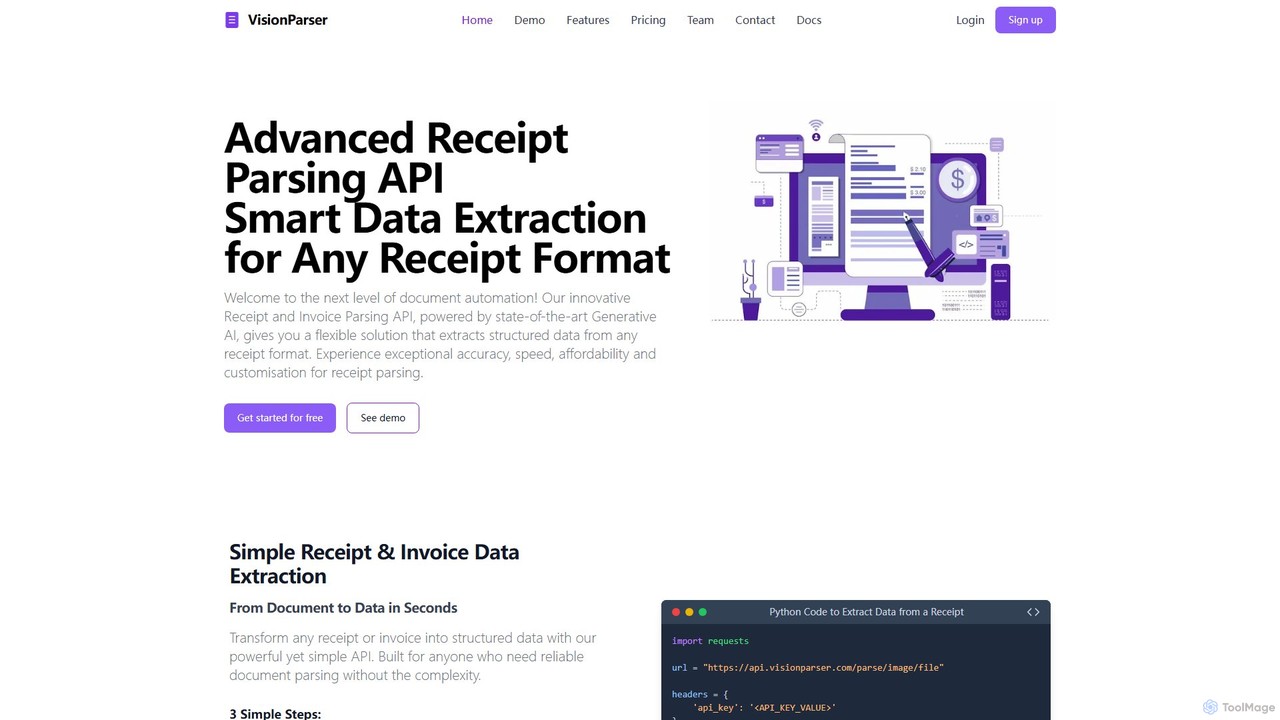
VisionParser
VisionParser is an advanced API powered by Generative AI for high-accuracy receipt and invoice parsing. It transforms any document format, including digital and physical copies, into structured JSON data in seconds. Designed for developers and businesses, it offers customizable, affordable, and scalable solutions for automating expense management, accounting, and data analytics.
Api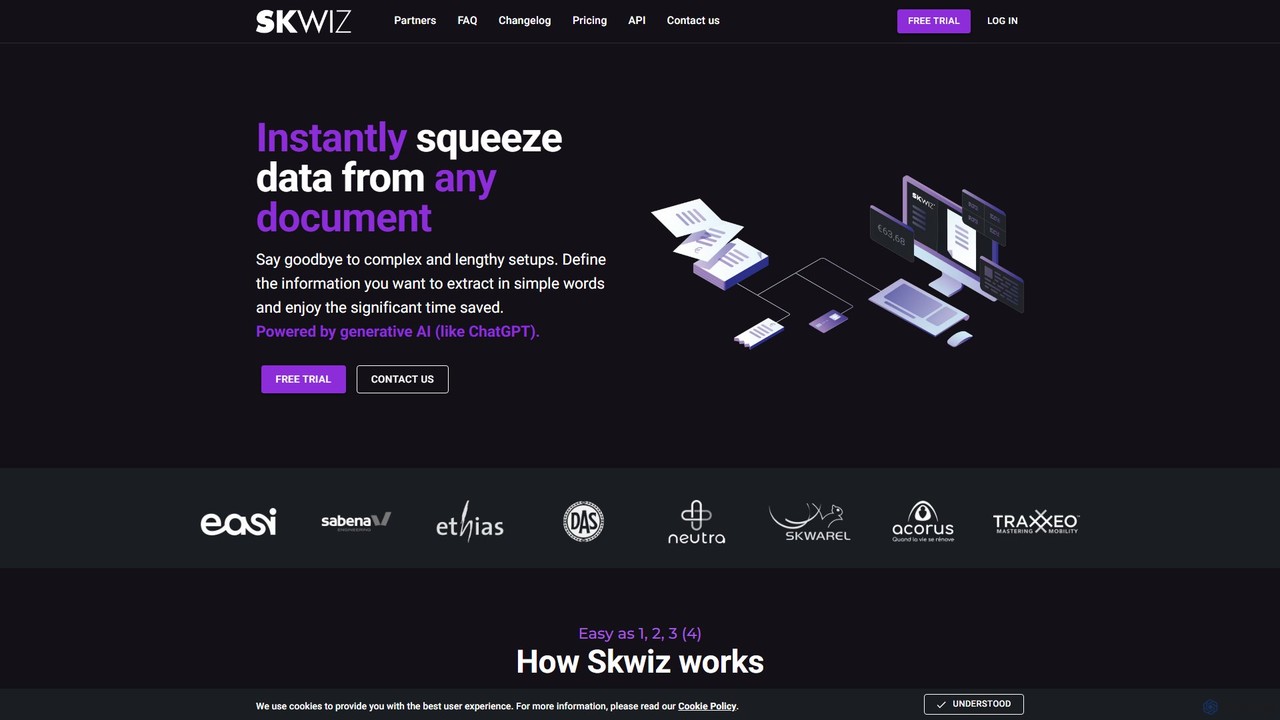
Skwiz
Skwiz is an AI-powered Intelligent Document Processing (IDP) platform that uses generative AI to instantly extract data from any document. Define your data needs in simple language, upload documents, and automate data entry for invoices, receipts, ID cards, and more, saving significant time and eliminating complex setups.
Document Managementextracta.ai
extracta.ai is an AI-powered platform designed for intelligent data extraction from documents and images. It automates the process of capturing structured data from various sources like invoices, receipts, contracts, and forms, eliminating manual data entry and streamlining business workflows.
Automation
DocuClipper Comments (0)
Sign in to comment.
Sign inNo comments yet.