
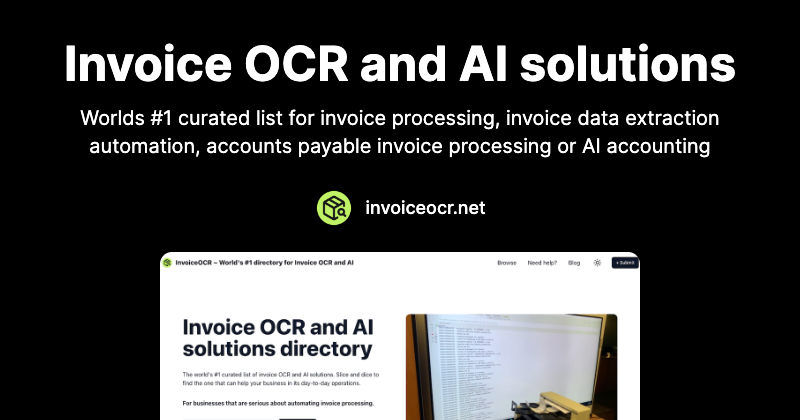
InvoiceOCR Overview
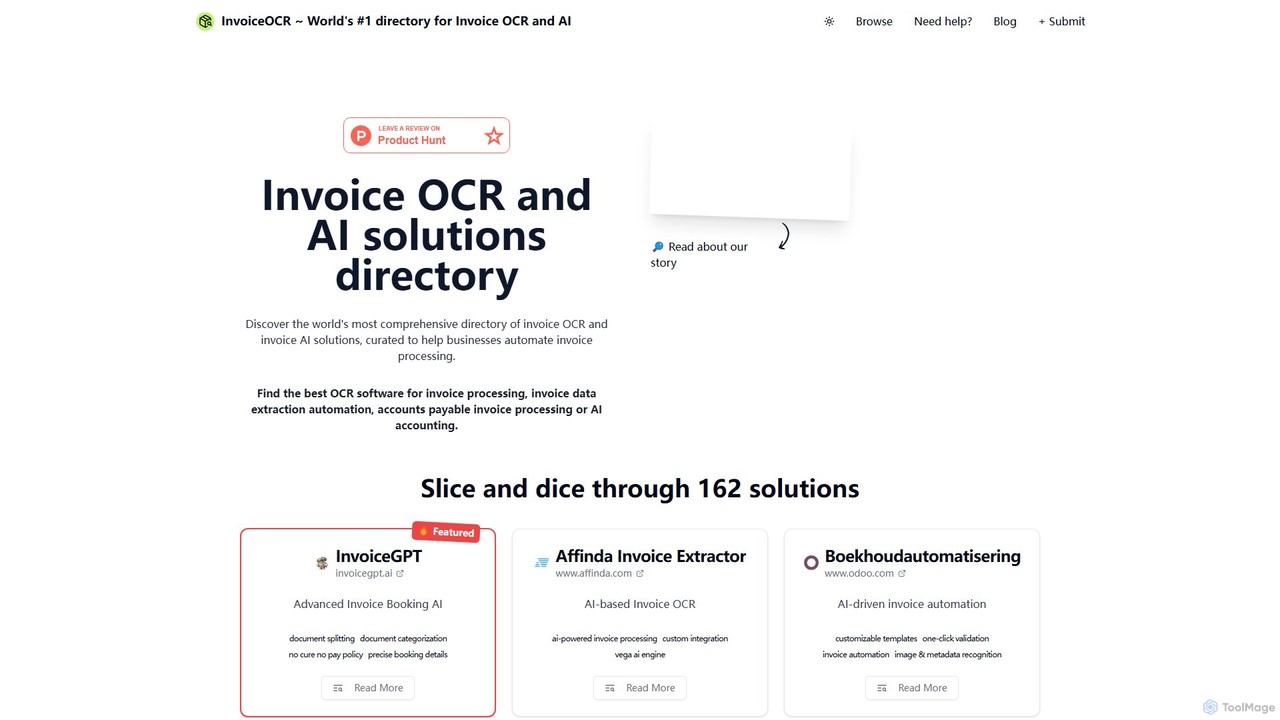
InvoiceOCR is not a single software tool, but rather a premier online directory and resource hub dedicated to the world of AI-driven invoice processing and financial automation. Positioned as the leading directory in its niche, the platform serves as an essential guide for businesses, accountants, and developers navigating the complex landscape of Optical Character Recognition (OCR) and Accounts Payable (AP) automation technologies. Its primary mission is to simplify the process of finding the perfect solution by aggregating, reviewing, and categorizing a vast array of tools, from powerful APIs to comprehensive enterprise-level platforms.
The website meticulously curates and features a wide range of solutions, including well-known names like Rossum, Nanonets, and Amazon Textract, as well as specialized tools tailored for specific industries. By providing a centralized, reliable source of information, InvoiceOCR saves users countless hours of research, allowing them to make informed decisions quickly and efficiently. It stands out by not only listing tools but also offering deeper insights and expert-vetted recommendations.
How to use InvoiceOCR
Using the InvoiceOCR platform is a straightforward process designed to guide users from discovery to implementation:
- Browse the Directory: Start by exploring the comprehensive directory of invoice OCR and AI accounting solutions. The tools are often categorized and featured to highlight top-tier options.
- Explore Tool Profiles: Click on any listed tool to access a detailed profile. These pages provide a summary of the tool's purpose, core features, key benefits, and a direct link to the vendor's website for further investigation.
- Compare Solutions: Use the platform to compare different tools side-by-side. Evaluate their features, such as AI-powered data extraction, integration capabilities, multi-language support, and pricing models to find the best fit for your specific business needs.
- Seek Expert Guidance: For those who need personalized advice, InvoiceOCR offers a unique 60-minute paid consultation service. This allows you to connect with specialists who can analyze your requirements and recommend a tailored technology stack to achieve full automation.
- Stay Informed: Subscribe to the platform's newsletter to receive regular updates on new tools, industry trends, and best practices in financial automation, ensuring you always stay ahead of the curve.
Core Features of InvoiceOCR
- Comprehensive Tool Directory: An extensive and continuously updated list of the world's leading invoice OCR, AP automation, and AI bookkeeping solutions.
- Curated and Vetted Listings: All tools are reviewed and curated by specialists, ensuring the information is relevant, accurate, and trustworthy.
- Detailed Tool Breakdowns: Each tool profile includes a clear overview of its functionality, from AI-based data extraction and document splitting to integration with ERP and accounting systems.
- Expert Consultation Service: A paid one-on-one consultation with invoice AI specialists to help businesses define their needs and select the optimal solution.
- Industry-Wide Coverage: The directory covers a broad spectrum of solutions, including developer-friendly APIs, no-code platforms for SMBs, and enterprise-grade automation suites.
- Educational Resource Hub: Acts as a knowledge base for anyone looking to understand and implement automated invoice processing, offering insights into the latest technologies and strategies.
Use Cases for InvoiceOCR
The platform is valuable for a diverse range of users:
- Small and Medium-sized Businesses (SMBs): SMBs can use the directory to find affordable and easy-to-implement tools to eliminate manual data entry, reduce errors, and speed up payment cycles.
- Large Enterprises: Corporations can research and shortlist robust, scalable AP automation platforms that offer advanced features like three-way matching, compliance management, and seamless integration with their existing ERP systems (e.g., SAP, Oracle).
- Accounting and Bookkeeping Firms: Professionals can discover tools that integrate with accounting software like QuickBooks, Xero, or Odoo, enabling them to automate client bookkeeping and offer more efficient services.
- Software Developers: Developers can identify and compare powerful OCR APIs (e.g., Mindee, Veryfi, Taggun) to embed intelligent document processing capabilities directly into their own applications.
- Financial Departments: Finance teams can leverage the platform to find solutions that streamline the entire procure-to-pay process, improve cash flow visibility, and enhance supplier relationships.
Advantages of InvoiceOCR
Using InvoiceOCR as a research tool offers significant advantages:
- Time and Cost Savings: It centralizes information that would otherwise require weeks of scattered research, saving valuable time and resources.
- Informed Decision-Making: With detailed, expert-curated information, businesses can make confident decisions based on accurate and comprehensive data.
- Access to Expertise: The unique consultation service provides direct access to industry experts, offering a level of personalized guidance unavailable on other platforms.
- Niche Specialization: By focusing exclusively on invoice and document automation, the directory provides deeper and more relevant insights than generic software marketplaces.
- Market Overview: It gives users a clear, up-to-date snapshot of the entire market, from emerging startups to established industry leaders.
Pricing and Plans
InvoiceOCR operates on a freemium model:
- Directory Access: Free. Browsing the entire directory, viewing tool profiles, and accessing the informational content on the website is completely free of charge.
- Expert Consultation: Paid. The platform offers a specialized 60-minute consultation with their team of experts for a one-time fee of $150. This service is designed for businesses seeking tailored advice and a recommended roadmap for their automation journey. The package includes pre-call preparation, the video consultation, and a follow-up presentation with meeting notes and recommendations.
InvoiceOCR Alternatives
PDF.co
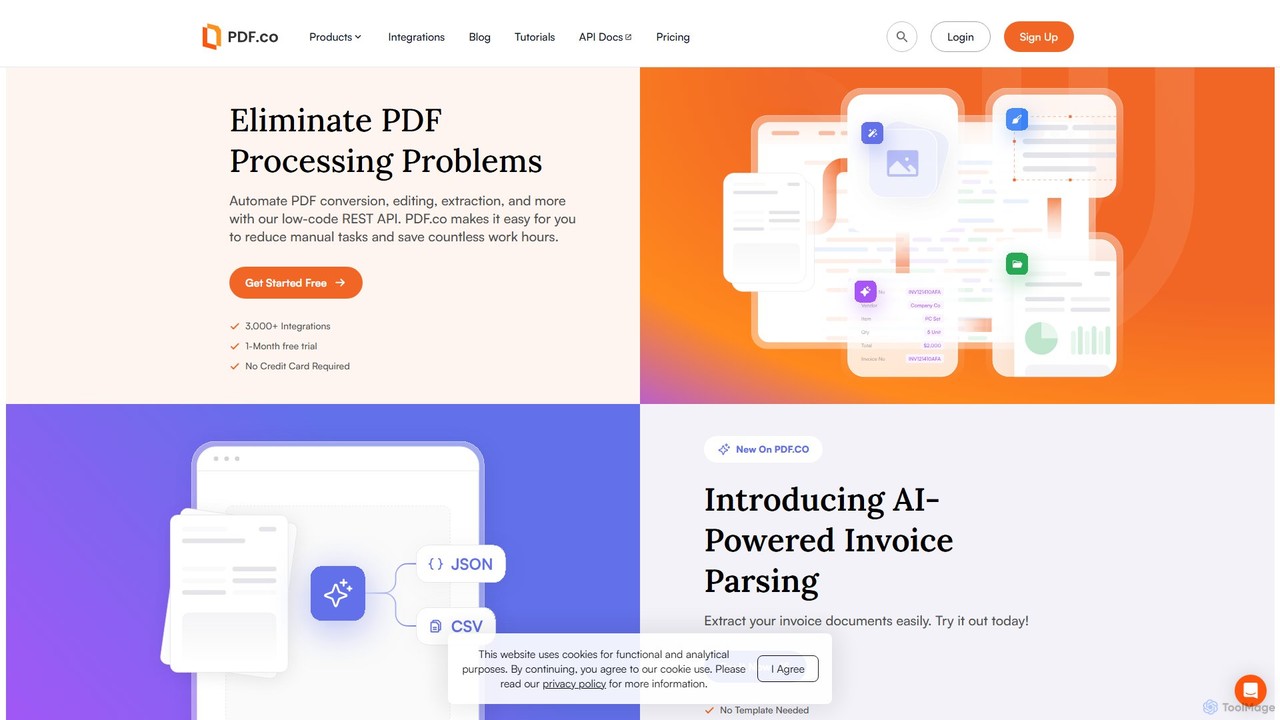
PDF.co is a powerful REST API platform for developers and businesses to automate all PDF-related tasks. It enables PDF data extraction, editing, conversion, creation, and form filling. Featuring AI-powered invoice parsing and seamless integration with over 3,000 platforms like Zapier and Make, it helps eliminate manual work and streamline document workflows.
Automation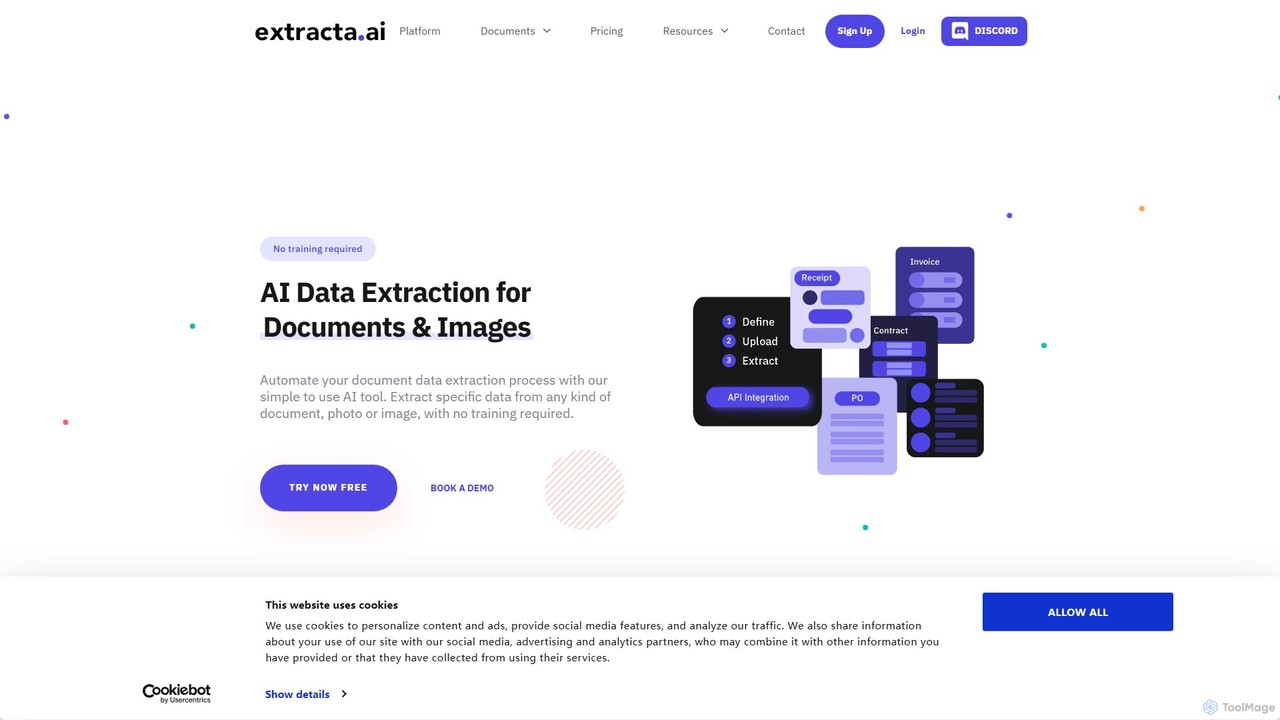
extracta.ai
extracta.ai is an AI-powered platform designed for intelligent data extraction from documents and images. It automates the process of capturing structured data from various sources like invoices, receipts, contracts, and forms, eliminating manual data entry and streamlining business workflows.
Automation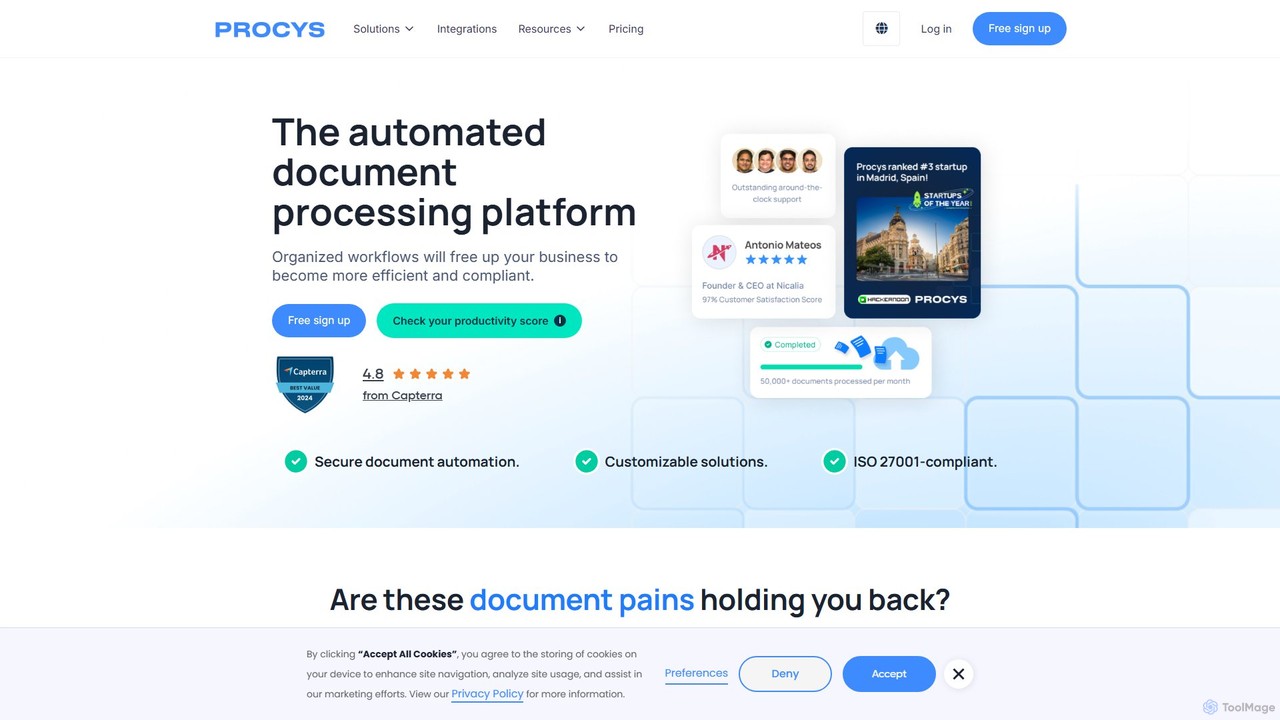
Procys
Procys is an AI-powered document processing platform designed to automate data extraction and streamline workflows. It efficiently handles invoices, purchase orders, and other business documents, reducing manual tasks, minimizing errors, and ensuring compliance. With robust integrations and customizable solutions, Procys helps businesses save time and improve operational efficiency.
Automation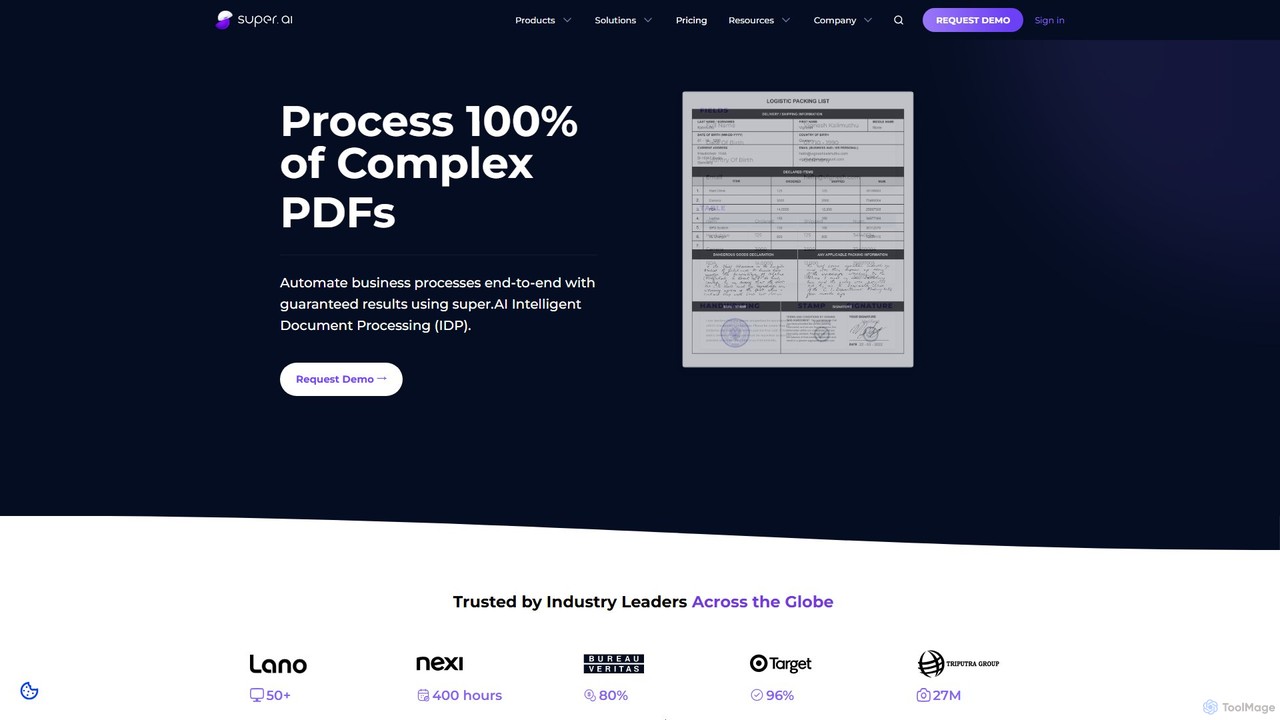
super.ai
super.ai is an advanced Intelligent Document Processing (IDP) platform that uses generative AI to automate data extraction from complex documents like invoices, PDFs, and tables. It guarantees 100% processing with high accuracy, integrating human-in-the-loop workflows to handle exceptions and ensure reliable, actionable data for enterprises in finance, logistics, and insurance.
Data Extraction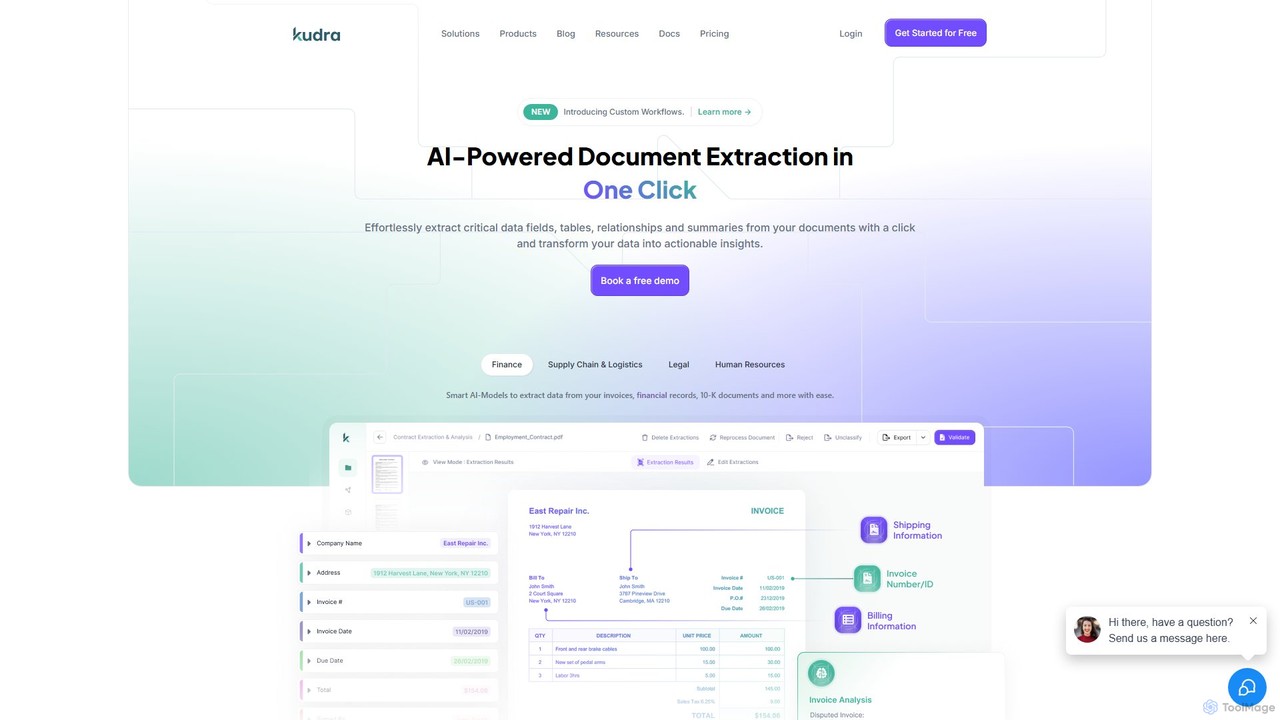
Kudra
Kudra is an AI-powered platform that automates data extraction from any document in one click. It transforms unstructured data from PDFs, emails, and images into structured, actionable information. Ideal for finance, logistics, legal, and HR, Kudra offers customizable models, workflow automation, and seamless integrations to boost efficiency and reduce errors.
Data AnalysisInvoiceOCR Categories
InvoiceOCR Embed Widget
Copy this embed code to place the badge on your blog, article, or product site and send readers directly to this ToolMage detail page.

Related AI tools
super.ai
super.ai is an advanced Intelligent Document Processing (IDP) platform that uses generative AI to automate data extraction from complex documents like invoices, PDFs, and tables. It guarantees 100% processing with high accuracy, integrating human-in-the-loop workflows to handle exceptions and ensure reliable, actionable data for enterprises in finance, logistics, and insurance.
Data Extraction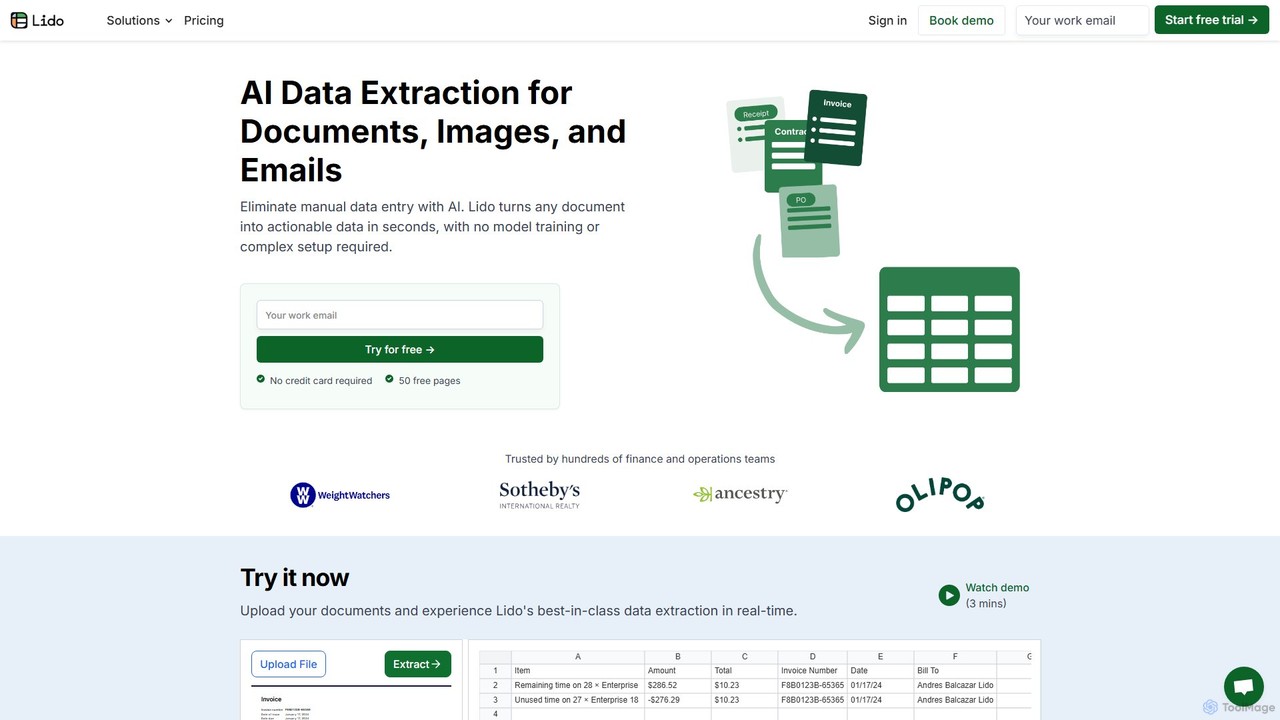
Lido
Lido is an AI-powered data extraction tool that automates the process of pulling information from any document, including PDFs, invoices, and images, into structured formats like Excel and CSV. It's template-free, fast, and designed for finance and operations teams to eliminate manual data entry and save significant time.
Document Management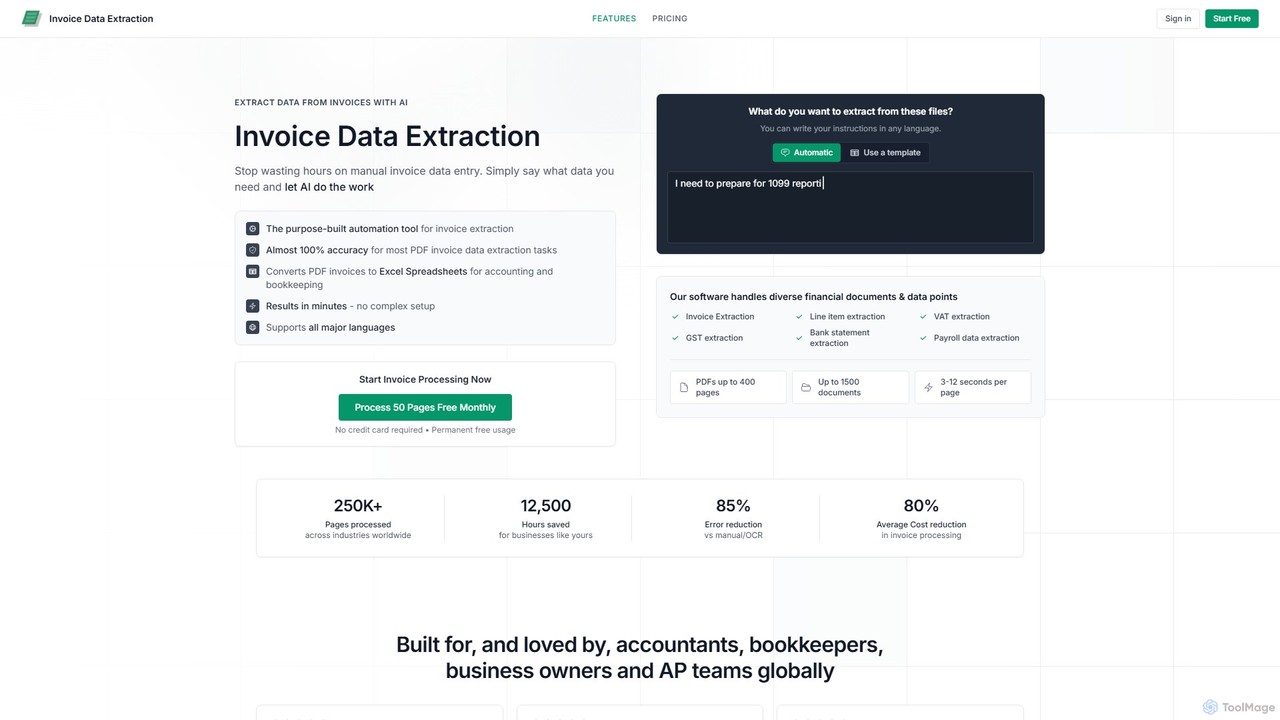
invoicedataextraction
An AI-powered tool designed to automatically extract data from invoices and other financial documents with near-100% accuracy. It converts PDFs and images into structured Excel spreadsheets, eliminating manual data entry, reducing costs by 80%, and saving hours of work for accountants, AP teams, and business owners.
Document Management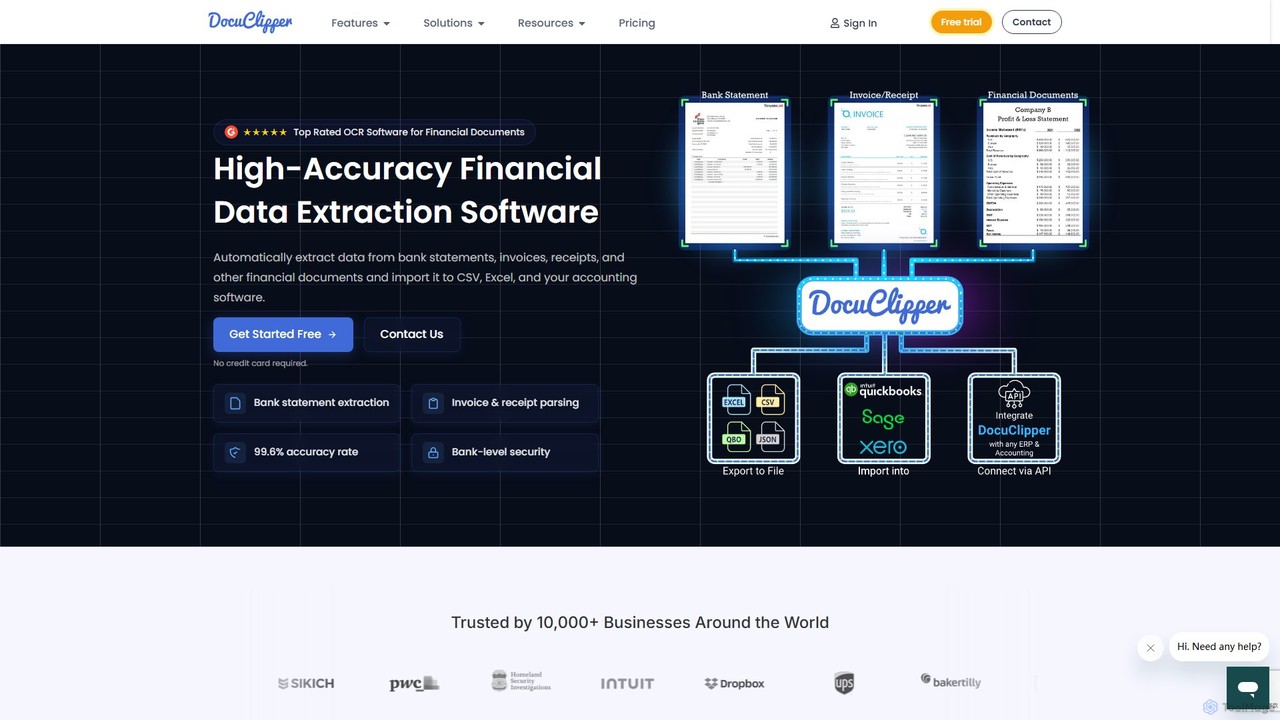
DocuClipper
DocuClipper is an AI-powered OCR software specialized in financial data extraction. It automates the process of converting bank statements, invoices, receipts, and other financial documents into structured data formats like Excel, CSV, and QBO with 99.6% accuracy. It integrates seamlessly with accounting software like QuickBooks and Xero, saving time and reducing manual entry errors for businesses and financial professionals.
Automation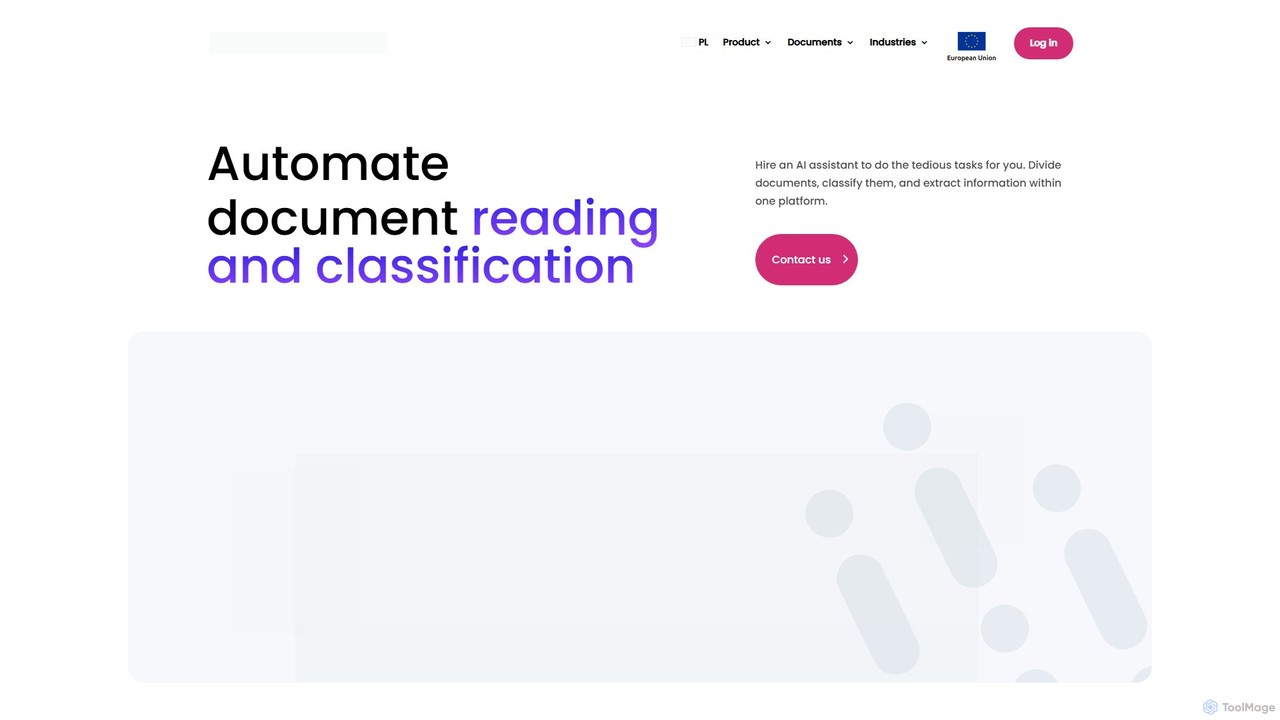
alphamoon
Alphamoon is an AI-powered Intelligent Document Processing (IDP) platform that automates document reading, classification, and data extraction. It transforms unstructured documents like invoices, legal files, and financial statements into structured, actionable data. With advanced OCR, customizable workflows, and seamless integrations, Alphamoon helps businesses in finance, legal, and debt recovery to reduce manual work, improve accuracy, and streamline operations.
Data Extraction
Jyek
Jyek is an AI agent platform that understands objectives, creates execution plans, uses tools, and delivers verifiable results for complex, multi-step tasks.
Automation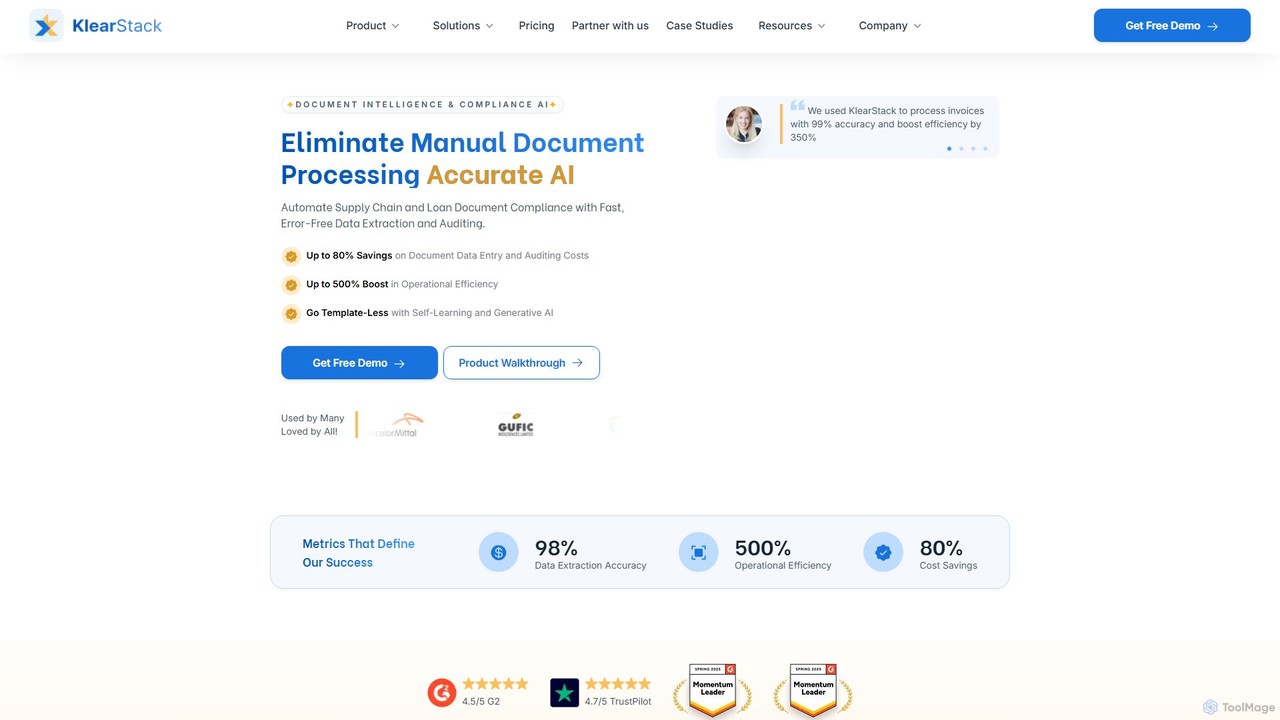
KlearStack
KlearStack is an AI-powered document intelligence and compliance platform that automates data extraction from complex documents. It uses template-less, self-learning AI to process invoices, purchase orders, and compliance forms with up to 99% accuracy, significantly boosting operational efficiency and reducing costs for industries like finance, logistics, and healthcare.
Finance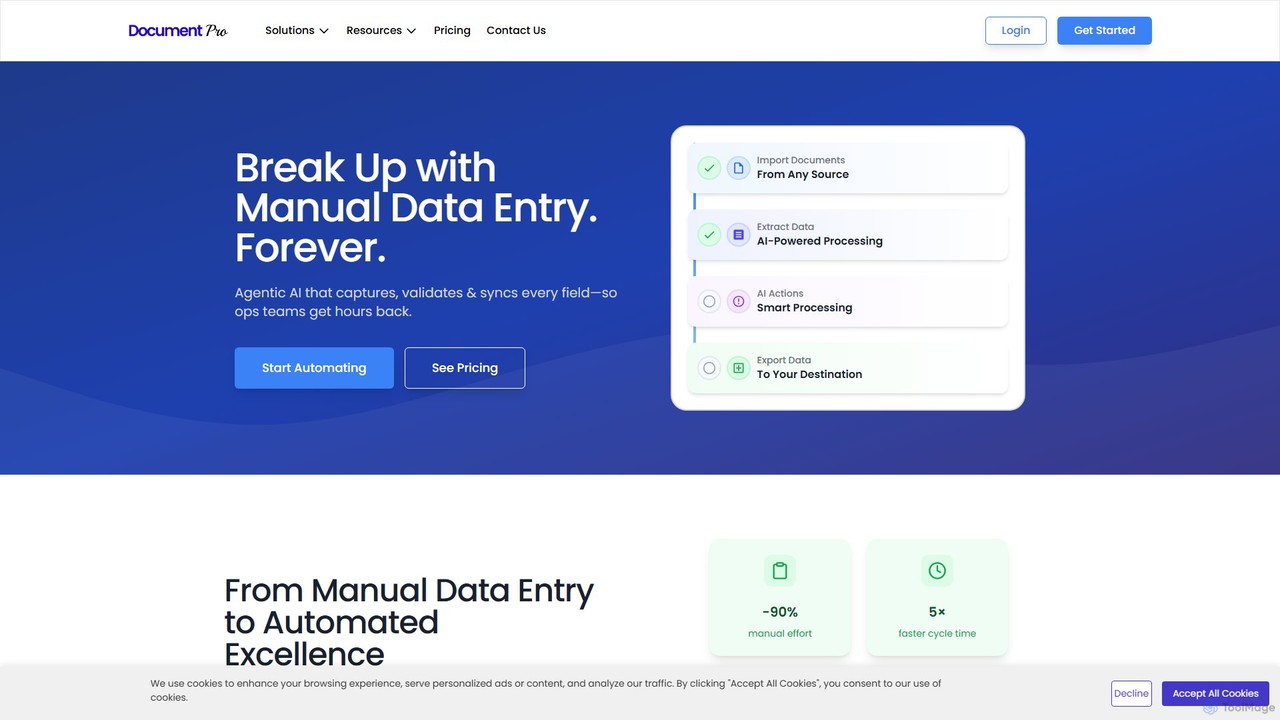
DocumentPro
DocumentPro is an AI-powered platform that automates document processing and data extraction. It uses agentic AI and leading LLMs to capture, validate, and sync data from various documents like invoices and purchase orders, aiming to eliminate manual data entry, reduce errors by 90%, and accelerate workflows by 5x.
Data Extraction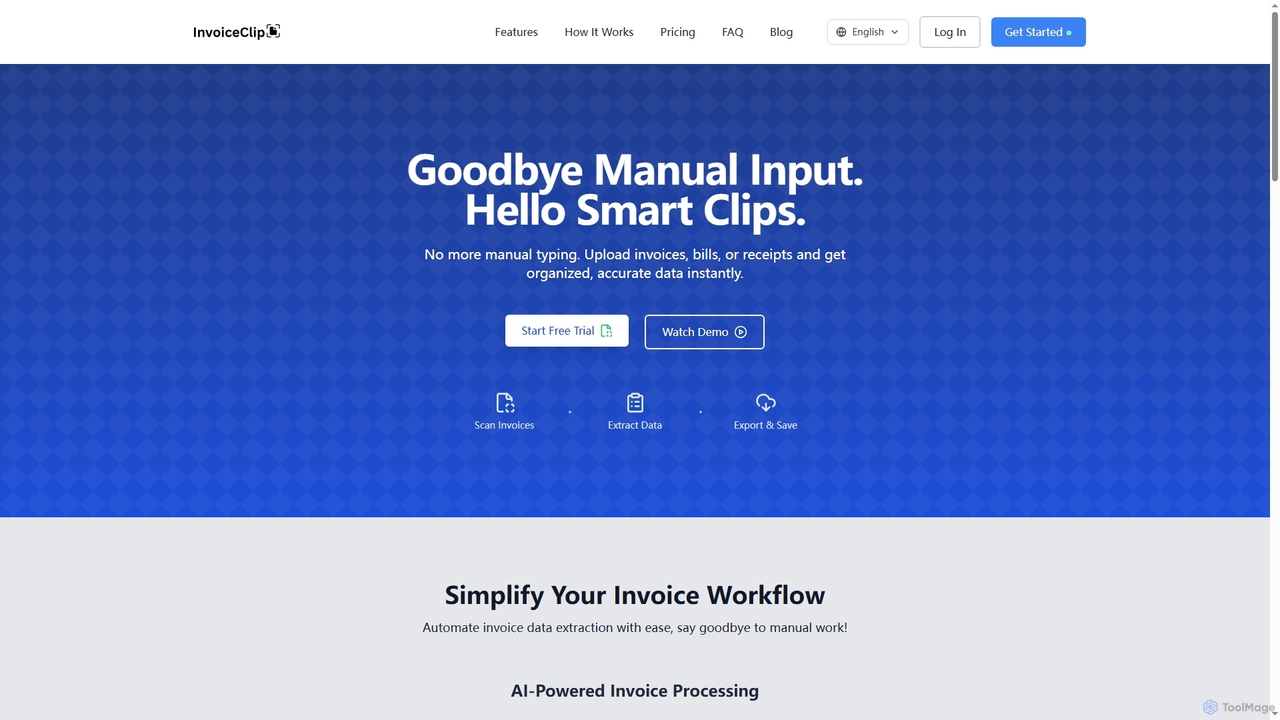
InvoiceClip
InvoiceClip is an AI-powered invoice and receipt scanner app designed to automate data extraction, categorization, and organization for businesses. It eliminates manual data entry by instantly converting uploaded documents into accurate, structured data, streamlining financial workflows.
Invoice Processing
herondata
HeronData is an AI-powered platform designed to automate document-heavy workflows for businesses in finance, insurance, and legal sectors. It uses advanced LLMs to intelligently receive, classify, parse, enrich, and evaluate data from various documents, such as bank statements, contracts, and insurance forms. This end-to-end automation helps firms scale operations, reduce manual errors, and make faster, data-driven decisions without needing an in-house engineering team.
Workflow Automation
Routable
Routable is a comprehensive AP automation platform that uses AI to streamline invoice processing, vendor management, and global mass payments. It helps businesses save time and money by automating manual tasks, ensuring compliance, and providing real-time financial visibility through seamless ERP integrations.
Payments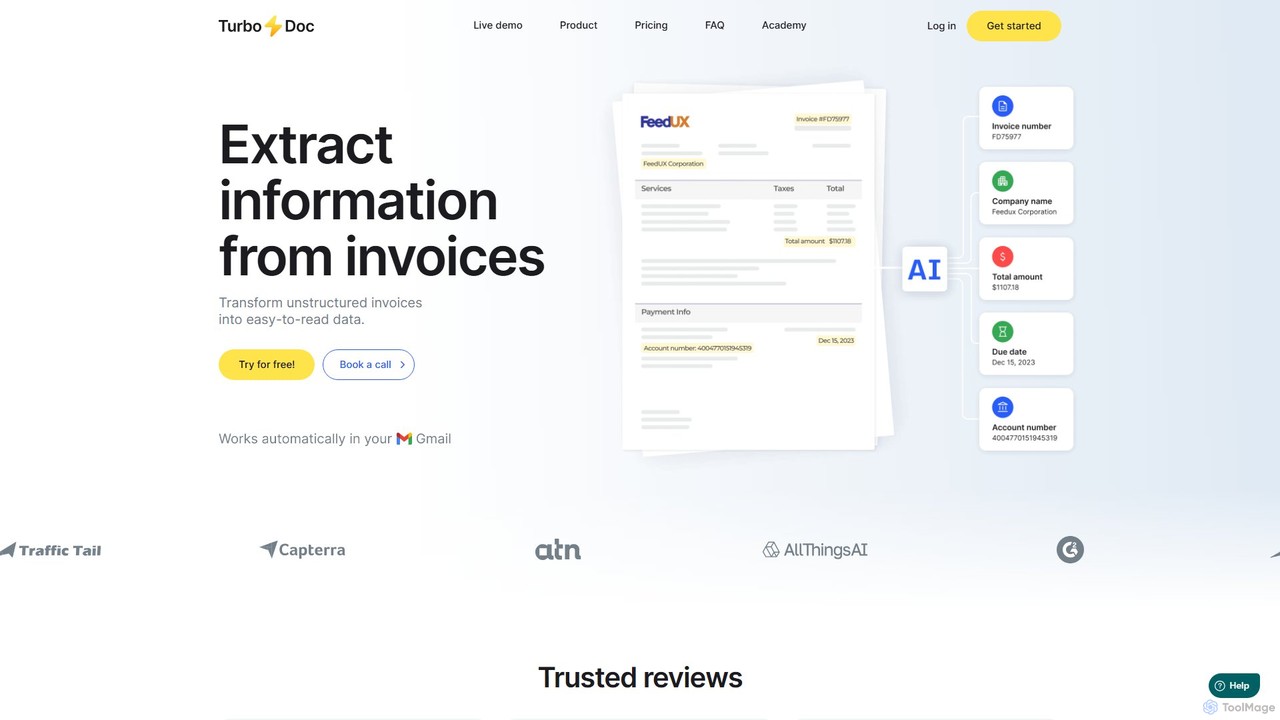
TurboDoc
TurboDoc is an AI-powered platform that automates invoice processing and financial workflows. It uses advanced OCR and Intelligent Document Processing (IDP) to accurately extract data from unstructured invoices, receipts, and other financial documents. By transforming manual data entry into a streamlined, automated process, TurboDoc helps businesses save time, reduce costs, minimize errors, and improve compliance. It's an ideal solution for accountants, finance teams, and small to medium-sized businesses seeking to optimize their accounts payable operations.
Document Management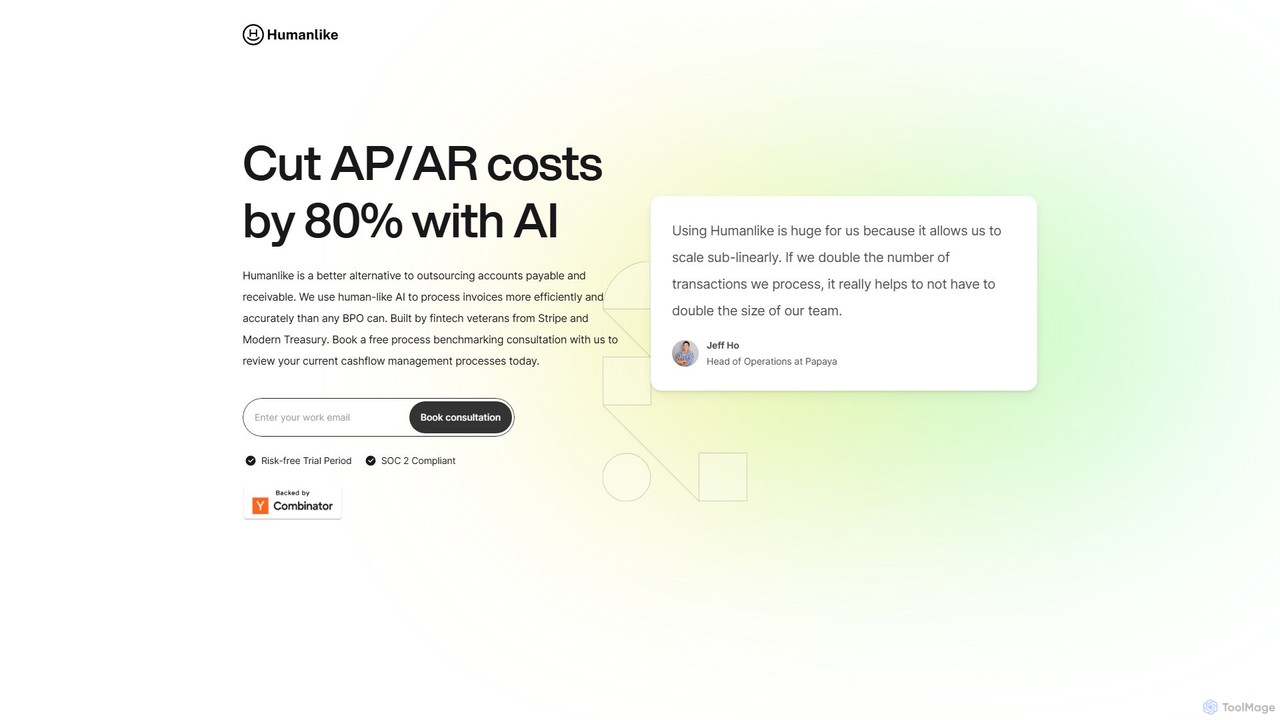
Humanlike
Humanlike is an AI-powered platform designed to automate accounts payable (AP) and accounts receivable (AR), helping businesses cut processing costs by up to 80%. It serves as a highly efficient and accurate alternative to traditional outsourcing, using human-like AI to manage invoices and cash flow seamlessly. Built by fintech veterans, it offers 24/7 operation and robust security.
Data Processing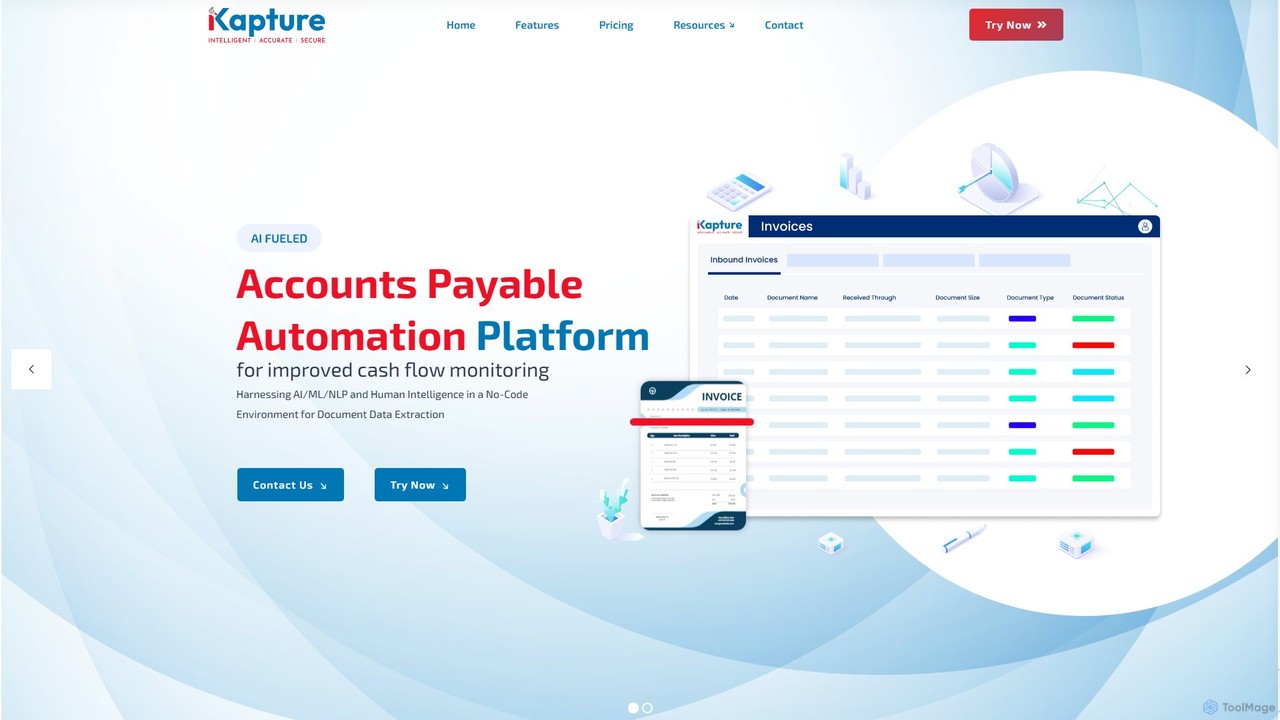
ikapture
ikapture is an AI-powered accounts payable (AP) automation platform designed to streamline financial workflows. It leverages AI, ML, and NLP to extract data from invoices and other documents, reducing manual entry, minimizing errors, and improving cash flow monitoring. The no-code environment allows businesses to easily automate their AP processes, enhance efficiency, and gain better control over their finances.
Data Extraction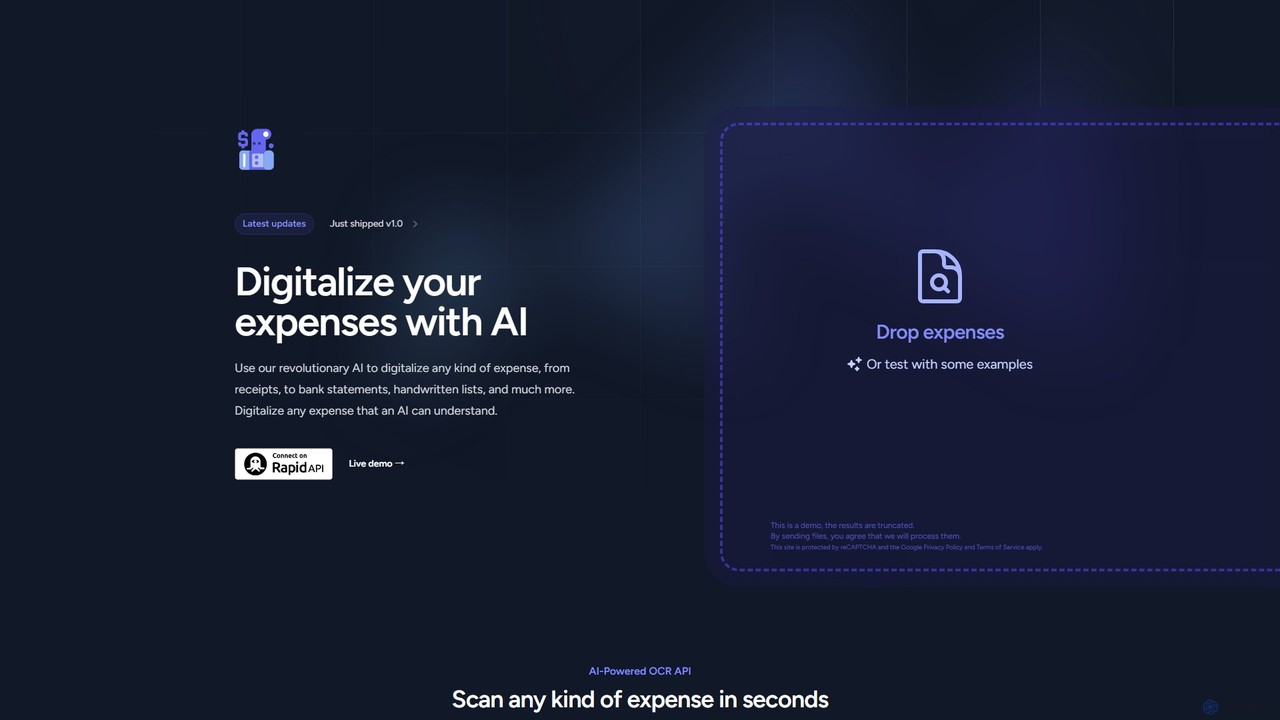
Expenses Day
Expenses Day is a powerful AI-powered OCR API designed to digitize any type of expense document. It accurately extracts data from receipts, invoices, bank statements, and even handwritten lists, transforming unstructured financial documents into structured, usable data for businesses and developers.
Api
InvoiceOCR Comments (0)
Sign in to comment.
Sign inNo comments yet.