ToolMage
Sign in

Best 2 Data Processing AI tools for Business

Popular Data Processing AI tools in Business include Humanlike and brighterway, helping you work more efficiently.

Humanlike
Paid

Humanlike

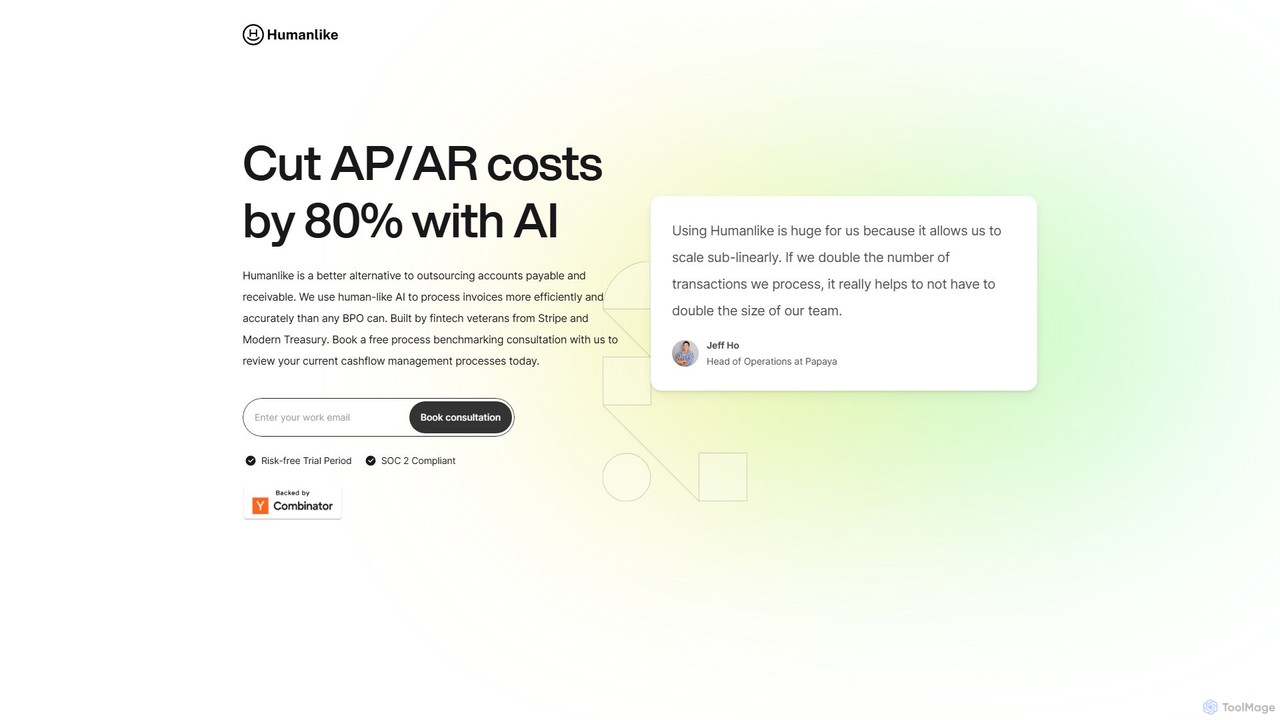
Humanlike is an AI-powered platform designed to automate accounts payable (AP) and accounts receivable (AR), helping businesses cut processing costs by up to 80%. It serves as a highly efficient and accurate alternative to traditional outsourcing, using human-like AI to manage invoices and cash flow seamlessly. Built by fintech veterans, it offers 24/7 operation and robust security.

Data Processing
Visits 9.1KFavorites 139Likes 137
brighterway
Paid

brighterway

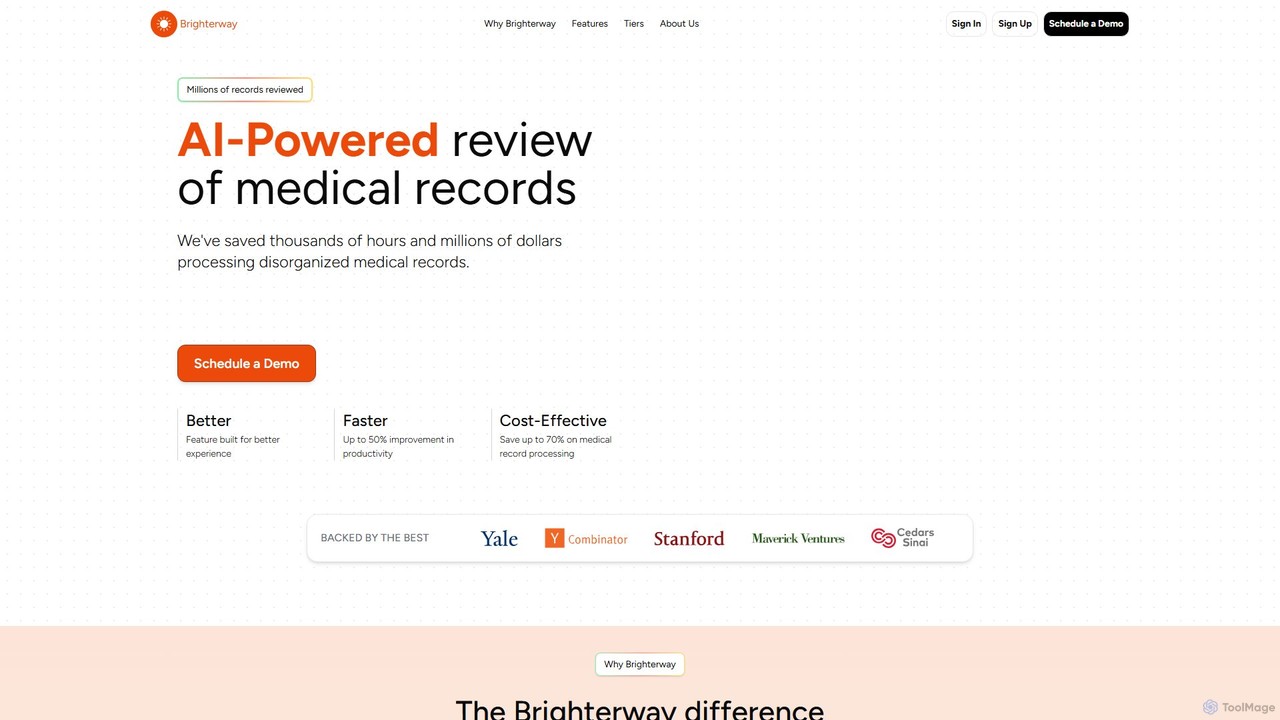
Brighterway is an AI-powered platform designed for the medical and legal industries to streamline the review of complex medical records. It automates the sorting and summarization of disorganized documents, significantly improving productivity and reducing costs. The platform is fine-tuned by MDs and AI researchers to ensure clinical accuracy and relevance, offering customizable solutions and expert support to enhance decision-making.

Data Processing
Visits 7.5KFavorites 138Likes 161

About Data Processing

AI Data Processing tools are a class of software designed to automate the cleaning, transformation, and preparation of raw data for analysis. These tools leverage machine learning algorithms to identify patterns, correct inconsistencies, and enrich datasets with minimal human intervention. Their primary value lies in significantly accelerating the creation of high-quality, analysis-ready data, which is crucial for accurate business intelligence, reliable machine learning models, and informed decision-making. They effectively handle complex tasks like anomaly detection, data normalization, and schema mapping automatically.

Core Features

  • Automated Data Cleansing: Intelligently identifies and corrects errors, duplicates, and inconsistencies in datasets.
  • Intelligent Transformation: Converts data into desired formats or structures, such as parsing dates or standardizing addresses.
  • Schema Detection and Mapping: Automatically recognizes data structures and suggests mappings between different sources and destinations.
  • Data Enrichment: Augments existing data by integrating information from external sources to provide deeper context.
  • Anomaly Detection: Uses statistical methods and machine learning to flag unusual data points that may indicate errors or fraud.

Use Cases

These tools are essential in data-intensive industries. For instance, financial institutions use them to prepare transaction data for fraud detection models. E-commerce companies apply them to cleanse customer data for segmentation and personalized marketing. In healthcare, they are used to standardize patient records from various sources for clinical research and analysis.

How to Choose

When selecting an AI Data Processing tool, consider its compatibility with your data sources (databases, APIs, files). Evaluate its scalability to handle your data volume and processing speed requirements. Assess the level of customization available for transformation rules and cleansing logic. Finally, check its integration capabilities with your existing BI platforms, data warehouses, and machine learning environments.

Data Processing use cases

1

Preparing Sales Data for BI Dashboards

A business analyst for a retail chain needs to create a quarterly sales performance report. They receive raw sales data from multiple stores in inconsistent formats (e.g., 'NY', 'New York', 'N.Y.'). Using an AI Data Processing tool, they can automatically standardize all location entries, correct typos in product names, and fill in missing postal codes by cross-referencing with a master address database. This process reduces manual data cleaning time from days to hours, ensuring the data loaded into their Tableau dashboard is accurate and consistent, leading to more reliable business insights.

2

Normalizing Customer Feedback for Analysis

A data scientist aims to build a sentiment analysis model based on thousands of customer reviews from websites, social media, and surveys. The text is unstructured and contains slang, abbreviations, and typos. An AI Data Processing tool is used to parse the text, expand abbreviations (e.g., 'asap' to 'as soon as possible'), correct common misspellings, and standardize date formats. This pre-processing step creates a clean, structured dataset that significantly improves the accuracy and reliability of the resulting sentiment analysis model, providing the company with a clearer view of customer satisfaction.

3

Validating Financial Transaction Data for Compliance

A compliance officer at a bank is responsible for submitting accurate transaction reports to regulatory bodies. They deal with millions of daily transactions from various systems, some of which may have missing fields or anomalous values. An AI Data Processing tool automatically scans these datasets, flagging transactions that fall outside expected ranges (e.g., unusually large transfers) or have missing critical information like a source account number. The tool can also cross-validate data against other internal systems to ensure consistency. This automates a critical validation step, reduces the risk of non-compliance, and frees up the officer's time for investigating flagged issues.

4

Structuring Unstructured Medical Records for Research

A healthcare researcher needs to analyze patient outcomes from thousands of electronic health records (EHRs), which include unstructured doctor's notes, lab reports, and scanned documents. An AI Data Processing tool with Natural Language Processing (NLP) capabilities is used to extract key entities like diagnoses, medications, and dosages from the text. It then standardizes this information into a structured format (e.g., using SNOMED CT codes). This transformation allows the researcher to perform large-scale statistical analysis that would be impossible with the original unstructured data, accelerating medical research and discovery.

5

Standardizing E-commerce Product Catalogs

An e-commerce marketplace manager receives product data feeds from hundreds of different suppliers, each with its own format for categories, attributes (like 'color' vs 'Colour'), and specifications. Manually mapping and standardizing this data is a monumental task. An AI Data Processing tool can learn from examples to automatically map supplier categories to the marketplace's standard taxonomy. It can also normalize attribute values and extract key specifications from unstructured product descriptions. This automation ensures a consistent and high-quality product catalog, improving customer search experience and reducing time-to-market for new products.

6

Feature Engineering for Machine Learning Models

A machine learning engineer is building a model to predict customer churn. The raw data includes purchase history, website activity, and support ticket logs. To improve model accuracy, new predictive features are needed. An AI Data Processing tool can automate feature engineering by generating new variables, such as calculating the 'average time between purchases' or 'number of support tickets in the last 30 days' for each customer. It can also perform complex transformations like one-hot encoding for categorical data. This automated process allows the engineer to quickly test hundreds of potential features, leading to a more powerful and accurate predictive model.

Data Processing FAQ

What are AI Data Processing tools?

AI Data Processing tools are applications that use artificial intelligence, particularly machine learning, to automate the tasks of cleaning, transforming, validating, and enriching raw data. Unlike traditional tools that rely on manually coded rules, AI-powered tools can learn patterns from the data itself to perform tasks like identifying complex duplicates, detecting anomalies, and suggesting data transformations. Their main goal is to reduce the manual effort and time required to prepare data for use in analytics, business intelligence, and machine learning models.

How to choose the right AI Data Processing tool?

Choosing the right tool depends on several factors. First, assess your primary use case: do you need simple data cleansing, complex transformations, or enrichment from external sources? Second, consider the data sources and formats you work with and ensure the tool has the necessary connectors. Third, evaluate its ease of use and the level of technical skill required. Some tools offer a user-friendly interface for business users, while others are code-centric for data scientists. Finally, consider scalability for your data volumes and integration capabilities with your downstream systems like data warehouses or BI platforms.

What's the difference between AI Data Processing and traditional ETL tools?

The key difference lies in intelligence and automation. Traditional ETL (Extract, Transform, Load) tools are powerful for moving structured data and operate based on explicit, manually defined rules. AI Data Processing tools enhance this process by:

  • Handling unstructured data: They can use NLP to extract information from text.
  • Intelligent discovery: They can automatically detect schemas, identify relationships, and suggest transformations.
  • Probabilistic matching: They can find non-obvious duplicates (e.g., 'John Smith' vs. 'J. Smith') that rule-based systems would miss.
  • Learning and adapting: They can learn from user corrections to improve their suggestions over time.
In essence, AI tools bring a layer of cognitive automation to the data preparation process, making it more efficient and capable of handling more complex data types.

What are the key functions of AI Data Processing tools?

AI Data Processing tools offer several core functions to streamline data preparation. Key functions include:

  • Data Profiling: Automatically analyzing data to provide summaries of its content, quality, and structure.
  • Data Cleansing: Identifying and correcting or removing inaccurate, incomplete, or duplicate data.
  • Data Transformation & Normalization: Converting data from one format or structure to another and bringing it into a standard form.
  • Data Enrichment: Appending data with information from other internal or external sources.
  • Data Validation: Ensuring that data conforms to predefined standards and quality rules.
These functions work together to transform raw, messy data into a clean, consistent, and valuable asset for any business.

Who benefits most from using AI Data Processing tools?

A wide range of professionals in the business and technology sectors benefit from these tools. Data Analysts and Business Intelligence (BI) Professionals use them to quickly prepare clean data for reports and dashboards. Data Scientists and Machine Learning Engineers rely on them to automate the time-consuming process of data preparation and feature engineering for building predictive models. Business Users in roles like marketing or finance can use user-friendly versions of these tools for self-service data preparation, reducing their dependency on IT departments. Essentially, anyone who works with data and needs it to be accurate and analysis-ready can gain significant value.