ToolMage
Sign in

Best 5 Converter AI tools for Data

Popular Converter AI tools in Data include StatementSheet, FormToExcel, Bank Statement Converter, itexcel, and bankstatementextract, helping you work more efficiently.

itexcel
Free

itexcel

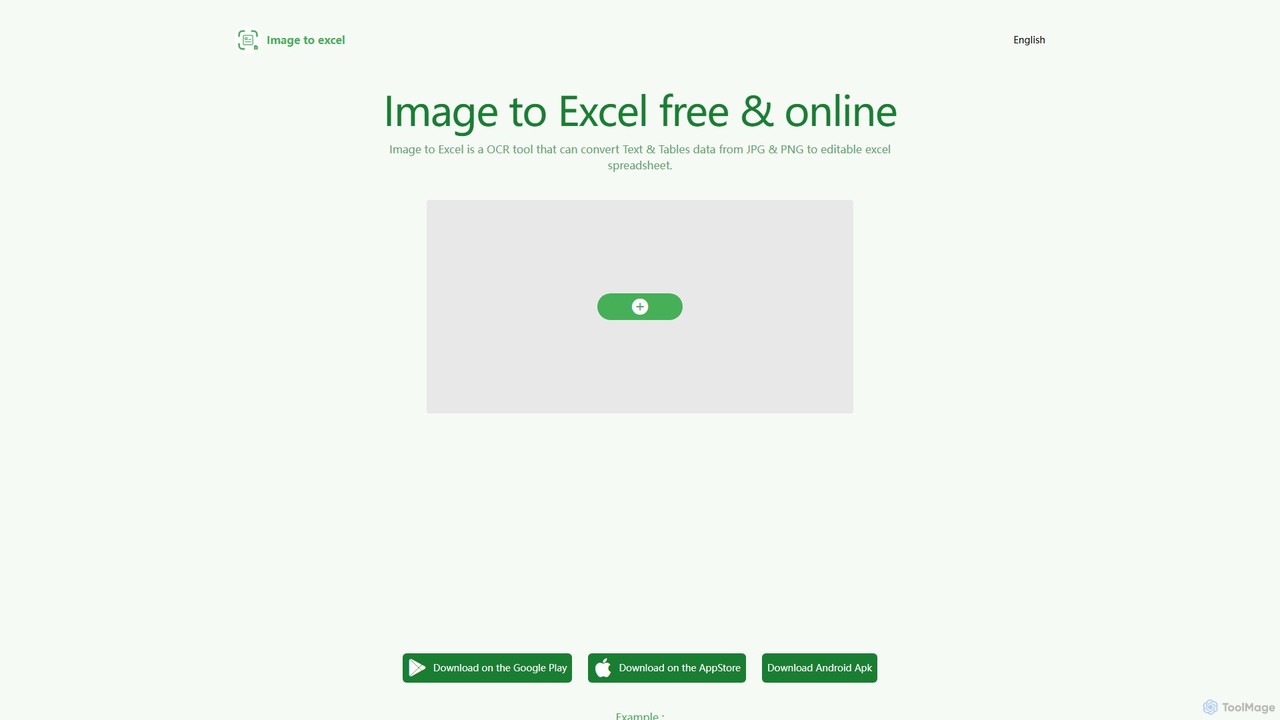
itexcel is a free, AI-powered OCR tool that accurately converts tables and text from images (JPG, PNG) into editable Excel spreadsheets. Available on web, iOS, and Android, it streamlines data entry and boosts productivity.

Document Processing
Visits 3.6KFavorites 128Likes 131
StatementSheet
Freemium

StatementSheet

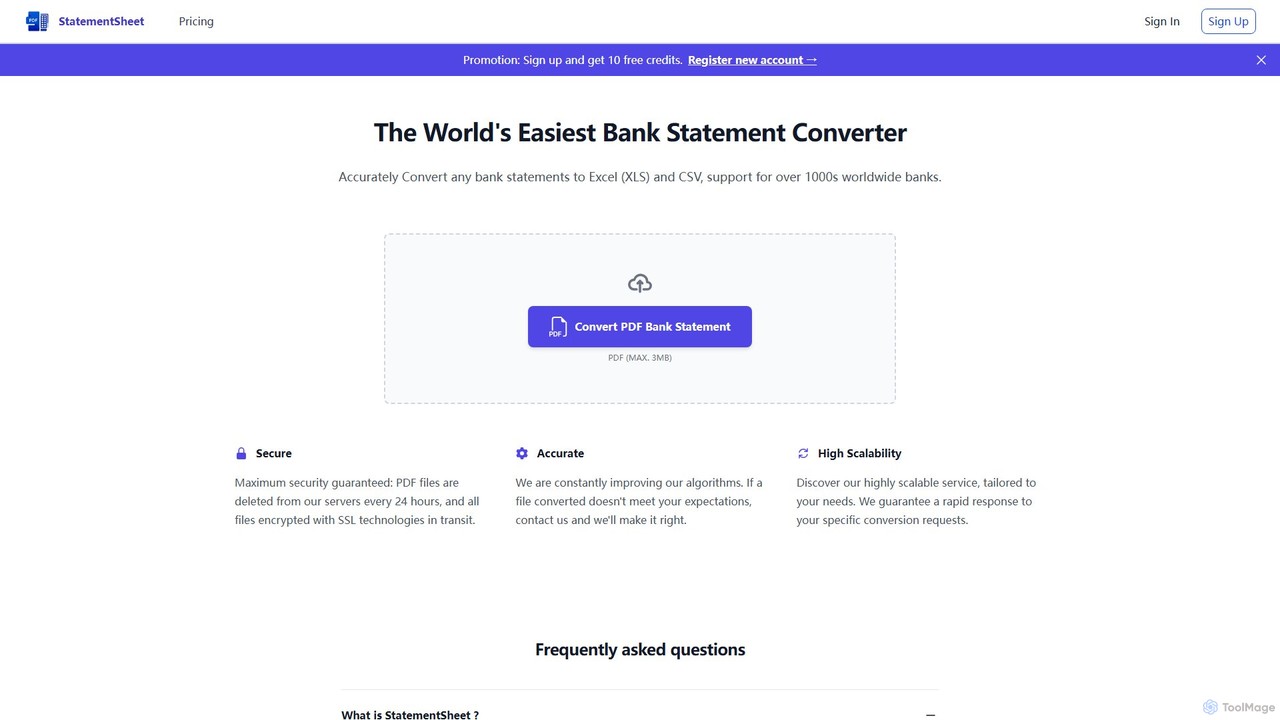
StatementSheet is an AI-powered online tool that accurately converts PDF bank statements into editable Excel (XLS) and CSV formats. Supporting thousands of banks worldwide, it uses advanced OCR and AI technologies to extract transaction data quickly and securely. Ideal for accountants, businesses, and individuals looking to automate data entry and streamline financial analysis.

Converter
Visits 12.5KFavorites 111Likes 113
bankstatementextract
Freemium

bankstatementextract

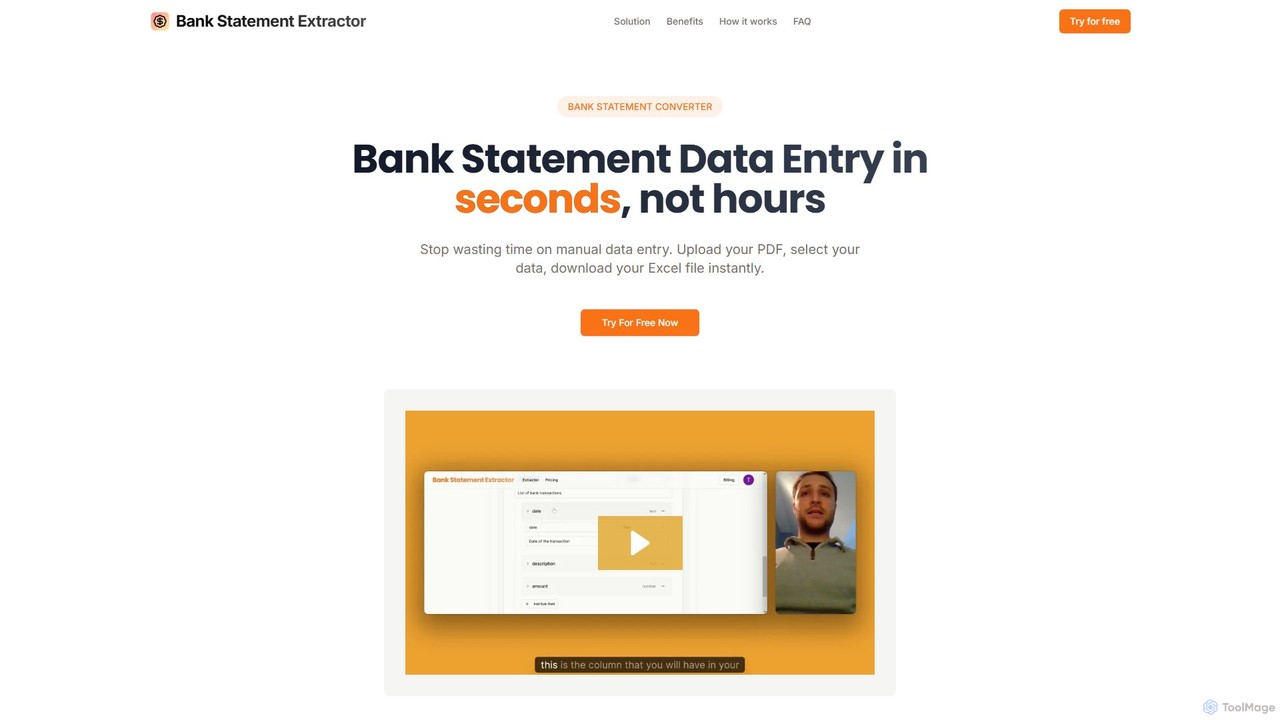
AI-powered tool to instantly convert PDF bank statements (including scanned documents) into structured Excel files. Automate data entry with 99.8% accuracy, process multiple statements at once, and define custom data extraction schemas. Ideal for accountants, analysts, and businesses.

Converter
Visits 3.4KFavorites 108Likes 113
Bank Statement Converter
Freemium

Bank Statement Converter

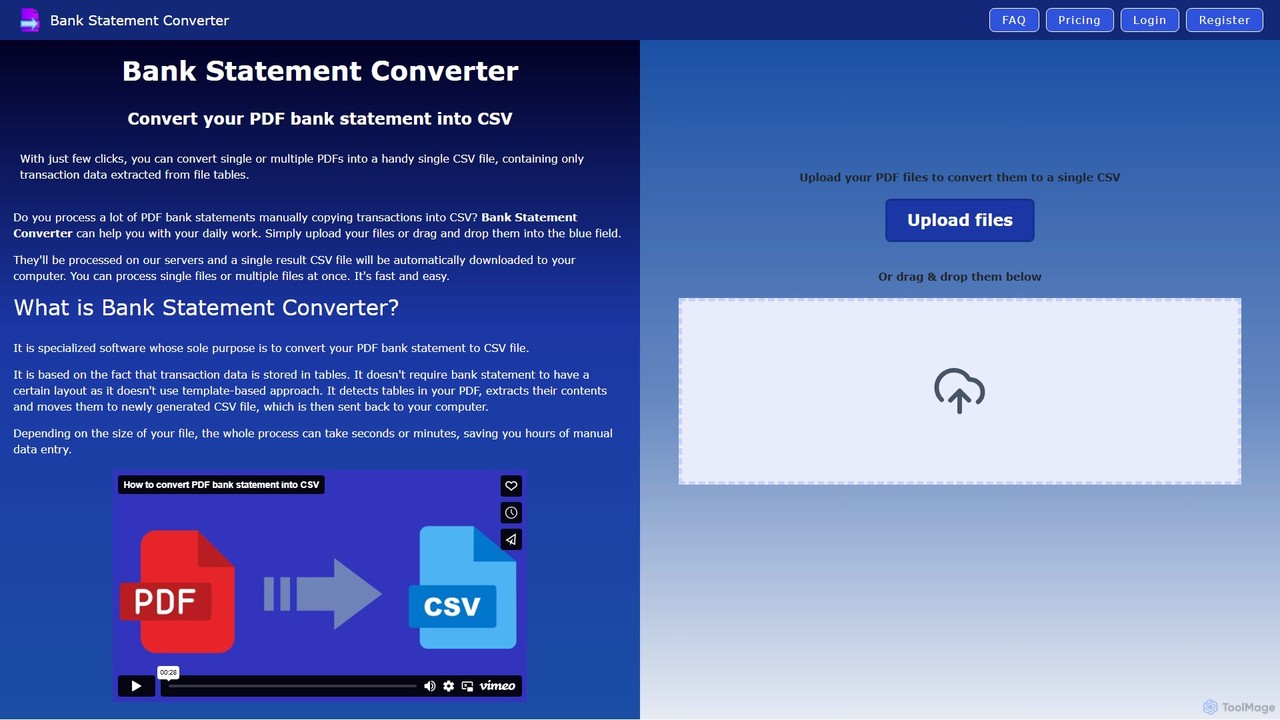
An AI-powered tool that automatically converts single or multiple PDF bank statements into a single, clean CSV file. It uses advanced table detection to extract transaction data, saving hours of manual data entry for accountants, finance specialists, and business owners.

Converter
Visits 4.2KFavorites 142Likes 133
FormToExcel
Freemium

FormToExcel

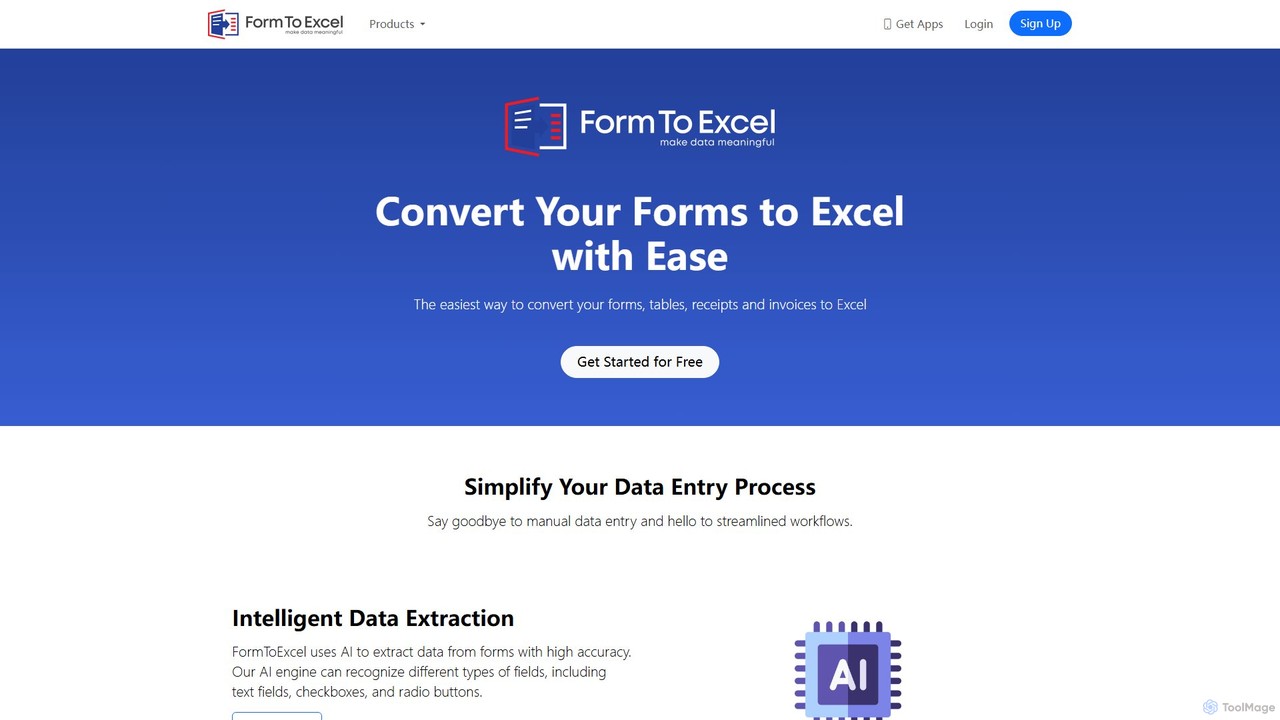
FormToExcel is an AI-powered data extraction tool that automates the conversion of documents into structured Excel spreadsheets. It uses advanced OCR technology to accurately extract data from PDFs, images, scanned forms, and invoices, eliminating manual data entry and improving workflow efficiency.

Document Management
Visits 8KFavorites 109Likes 105

About Converter

AI Converters are specialized tools designed to transform data from one format, structure, or medium to another with high fidelity. Leveraging machine learning models, they understand the context and semantics of the source data, going beyond simple structural changes. This capability is crucial for ensuring data interoperability, repurposing content across different platforms, and automating complex data migration tasks. AI Converters streamline workflows by accurately translating information between otherwise incompatible systems.

Core Features

  • Multi-Format Transformation: Convert between various file types, such as documents (PDF to DOCX), images (PNG to WEBP), and data files (JSON to CSV).
  • Media Type Conversion: Transform content across mediums, including text-to-speech (TTS), speech-to-text (STT), and text-to-video generation.
  • Data Structure Mapping: Intelligently restructure data between different schemas like JSON, XML, and SQL, preserving relationships and integrity.
  • Code Language Translation: Translate source code from one programming language to another (e.g., Python to JavaScript) while maintaining logical equivalence.
  • Batch Processing: Execute multiple conversion tasks simultaneously, significantly improving efficiency for large-scale data handling.

Use Cases

AI Converters are widely used by data scientists for dataset preparation, content creators for repurposing articles into podcasts or videos, and developers for modernizing legacy codebases. They are also essential in business intelligence for integrating data from disparate sources into a unified format for analysis.

How to Choose

When selecting an AI Converter, consider the range of supported input and output formats. Evaluate the conversion accuracy and its ability to preserve complex elements like formatting or code logic. For automated workflows, check for API availability and integration capabilities. Also, assess processing speed and the tool's data security and privacy policies.

Featured tool rankings

Converter use cases

1

Repurpose Blog Articles into Podcasts

A content marketing manager needs to expand their brand's reach to auditory platforms without investing heavily in voice actors or studio time. Using an AI Text-to-Speech (TTS) converter, they can transform their existing library of high-performing blog posts into natural-sounding audio files. The process involves pasting the article text into the tool, selecting a preferred voice and language, and generating an MP3 file. This allows them to quickly launch a podcast series, making their content accessible to users during commutes or workouts and tapping into a new audience segment with minimal additional effort.

2

Transcribe Meeting Recordings for Analysis

A project manager regularly holds long video conferences with international teams. To ensure all action items and key decisions are captured accurately, they use an AI Speech-to-Text (STT) converter. After a meeting, they upload the video or audio recording to the tool. The AI processes the audio, distinguishes between different speakers, and generates a time-stamped, searchable text transcript. This converted data allows the manager to quickly search for specific keywords, review decisions, and share concise summaries with stakeholders, saving hours of manual re-listening and note-taking.

3

Modernize a Legacy Application's Codebase

A software development team is tasked with updating a critical internal application written in an outdated language like COBOL. A manual rewrite would be time-consuming and prone to errors. They employ an AI code converter to automate the initial translation process. The tool analyzes the COBOL source code, understands its logic and dependencies, and generates an equivalent codebase in a modern language like Python or Java. While the output may require some manual review and optimization, it converts over 80% of the code automatically, drastically reducing development time and allowing the team to focus on modernization and feature enhancement rather than line-by-line translation.

4

Automate Data Extraction from Invoices

An accounts payable clerk processes hundreds of PDF invoices each week. Manually entering data like invoice number, date, and total amount into an accounting system is tedious and error-prone. By implementing an AI-powered PDF-to-Excel converter, the clerk can automate this workflow. They upload a batch of PDF invoices, and the AI tool uses optical character recognition (OCR) and layout analysis to identify and extract the relevant data fields, converting them into a structured Excel spreadsheet. This conversion reduces manual data entry by over 90%, improves accuracy, and frees up the clerk's time for more value-added tasks like vendor management and payment verification.

5

Standardize Datasets for Machine Learning

A data scientist is building a predictive model and has collected data from multiple sources in various formats (CSV, JSON, XML). To train the model effectively, the data must be in a single, uniform format. They use an AI data converter to ingest the disparate files and transform them all into a standardized CSV format. The tool can intelligently map fields, handle nested structures in JSON, and flatten XML data into a tabular format. This automated conversion process ensures data consistency and saves the data scientist significant time on pre-processing, allowing them to focus on feature engineering and model training rather than manual data wrangling.

6

Convert Video Files for Cross-Platform Compatibility

A social media manager creates video content for various platforms like YouTube, Instagram, and TikTok, each with different format and specification requirements. Manually re-rendering videos for each platform is inefficient. They use an AI video converter with batch processing capabilities. They can upload a master video file (e.g., in MOV format) and set up conversion profiles for each platform, specifying the desired format (MP4), resolution, aspect ratio, and codec. The tool then automatically generates all the required versions, ensuring optimal playback and quality on every platform while saving the manager significant rendering time.

Converter FAQ

What are AI Converters?

AI Converters are advanced software tools that use artificial intelligence to transform data from one format, structure, or medium to another. Unlike traditional converters that perform simple structural changes, AI-powered versions understand the content's context and semantics. This allows for more accurate and high-fidelity conversions, such as preserving complex layouts when converting a PDF to a Word document, translating the logic of code between programming languages, or generating natural-sounding speech from text. They are essential for tasks requiring data interoperability and content repurposing.

How to choose the right AI Converter?

Choosing the right AI Converter depends on your specific needs. Consider the following factors:

  • Supported Formats: Ensure the tool supports the specific input and output formats you work with, whether they are file types, programming languages, or media formats.
  • Conversion Quality: Look for tools known for high accuracy. For document conversion, this means preserving formatting. For code, it means maintaining logical integrity. For media, it means high-fidelity audio or video output.
  • Integration and Automation: If you need to automate workflows, check for API access, command-line interface (CLI) options, or integrations with other platforms.
  • Security and Privacy: For sensitive data, choose a converter with strong security protocols and a clear privacy policy, especially if it's a cloud-based service.
  • Speed and Scalability: Evaluate the tool's processing speed and its ability to handle large files or batch conversions if you have high-volume needs.
What's the difference between an AI Converter and a traditional file converter?

The primary difference lies in intelligence and context awareness. A traditional file converter performs a direct, rule-based transformation of a file's structure (e.g., changing a container from .MOV to .MP4). An AI Converter, on the other hand, uses machine learning to understand the *content* within the file. For example, when converting a scanned PDF to a DOCX file, an AI converter can recognize columns, tables, and images and reconstruct them accurately, whereas a traditional converter might just extract raw text. In code conversion, AI understands syntax and logic, not just text patterns. This contextual understanding results in a much higher quality and more usable output.

What types of data can AI Converters handle?

AI Converters are versatile and can handle a wide range of data types across different domains. Common categories include:

  • Documents: Converting between formats like PDF, DOCX, HTML, and TXT, often with intelligent layout preservation.
  • Media: Transforming text to speech (TTS), speech to text (STT), video formats (e.g., AVI to MP4), and image formats (e.g., JPG to PNG).
  • Structured Data: Migrating and restructuring data between formats such as JSON, CSV, XML, and SQL databases.
  • Code: Translating source code from one programming language to another, such as Python, Java, C++, or JavaScript.
Are AI Converters secure for sensitive information?

Security varies significantly between different AI Converter tools. For sensitive information, it is crucial to choose a provider with a strong commitment to data privacy and security. Look for features like end-to-end encryption, compliance with regulations such as GDPR or HIPAA, and clear data handling policies. On-premise or desktop-based converters generally offer more security as your data does not leave your local environment. For cloud-based services, always review their privacy policy to understand how your data is stored, processed, and whether it is used for training their models. Prioritize tools that process data in-memory and delete it immediately after conversion.