
Freemium
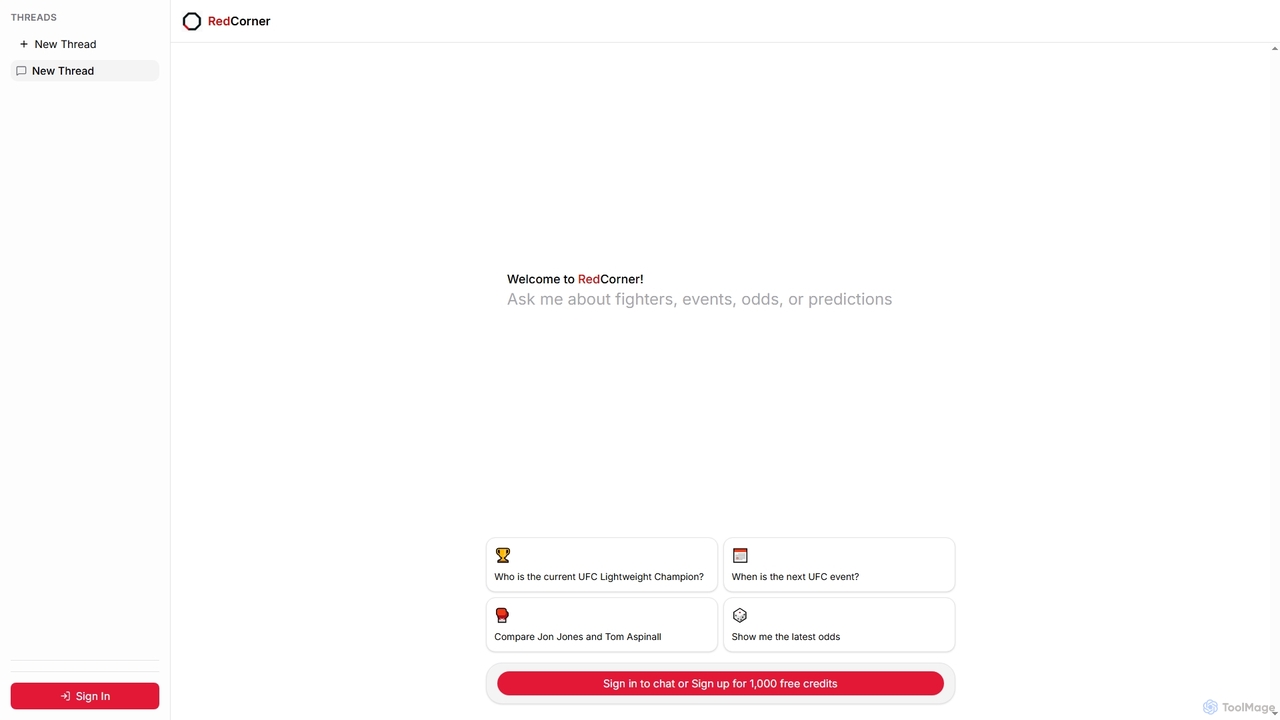
Popular Chatbot AI tools in Data include Knowbase.ai and Redcorner, helping you work more efficiently.
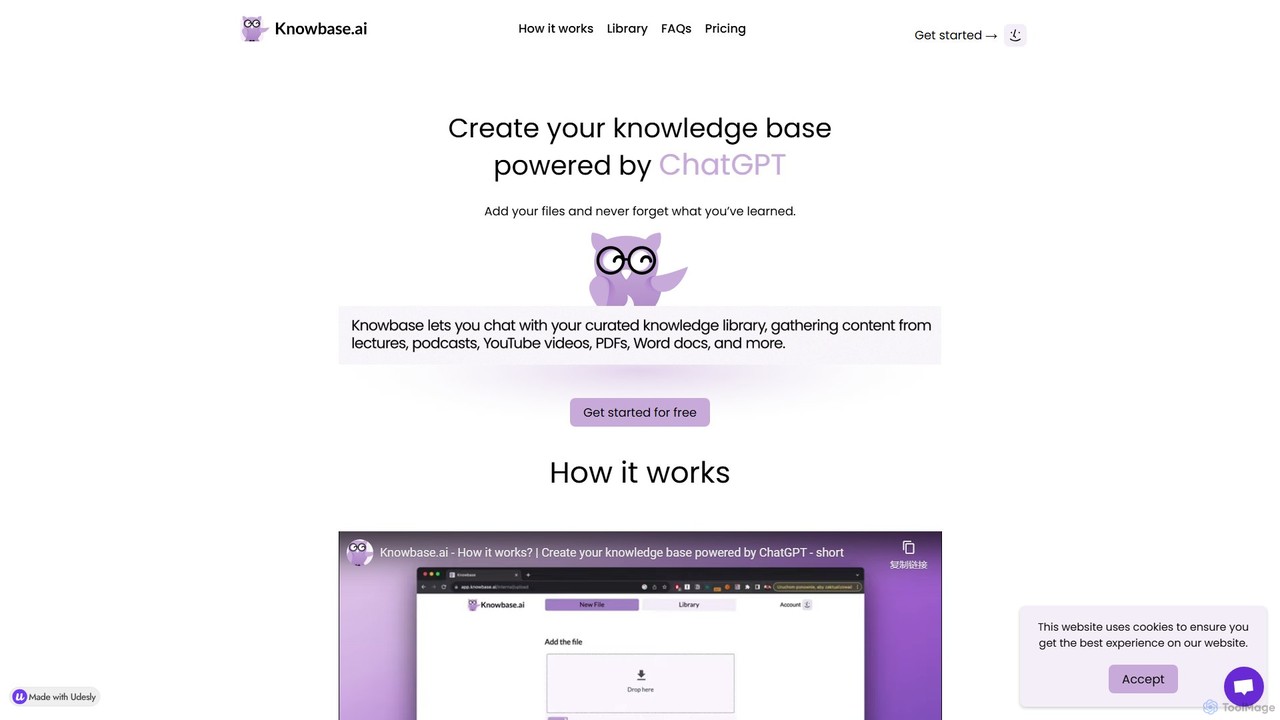
Knowbase.ai is an AI-powered knowledge base that transforms your files into an interactive chatbot. Upload documents, presentations, audio, video, or YouTube links, and ask questions in natural language to get instant, accurate answers from your own data.
TranscriptionChatbots are AI-powered tools designed to simulate human conversation through text or voice interfaces. They utilize Natural Language Processing (NLP) to understand user intent, process queries, and provide automated, relevant responses in real-time. Primarily used for customer support, lead generation, and user engagement, chatbots offer 24/7 availability and can handle a high volume of interactions simultaneously. As a key application within the Data category, they excel at collecting user information and delivering personalized, data-driven experiences.
Chatbots are widely adopted across various industries. In e-commerce, they act as shopping assistants, recommending products and tracking orders. For SaaS companies, they onboard new users and answer technical questions. In sectors like healthcare and finance, they handle appointment scheduling and provide account information securely.
When selecting a chatbot tool, consider its NLP capabilities—how well it understands complex language. Evaluate its integration options with your existing systems like CRM or helpdesk software. Assess the ease of use of its conversation builder and the depth of its analytics. Finally, consider its scalability to handle future growth in conversation volume and complexity.
A customer support manager for an e-commerce brand can deploy a chatbot on their website to handle frequently asked questions. The bot can instantly answer common queries about shipping policies, return procedures, and order status 24/7. This frees up human agents to focus on complex, high-value customer issues, reducing response times and improving overall customer satisfaction by providing immediate assistance without wait times.
A marketing manager in a B2B tech company can use a chatbot on the company's website to engage visitors. The chatbot can ask qualifying questions, such as company size, job role, and specific needs. Based on the responses, it can either schedule a demo with a sales representative for qualified leads or direct others to relevant resources like whitepapers. This process ensures no lead is missed, even outside of business hours, and that the sales team receives pre-qualified prospects.
An e-commerce manager can implement a chatbot to act as a personal shopping assistant. The bot can ask customers about their preferences, budget, and occasion to provide personalized product recommendations. It can also assist with size guides, check stock availability, and even guide users through the checkout process. This conversational approach makes shopping more interactive and helpful, potentially reducing cart abandonment rates and increasing average order value.
An IT manager in a large corporation can deploy a chatbot on an internal messaging platform like Slack or Microsoft Teams. Employees can interact with the bot for common IT issues such as password resets, software access requests, or basic troubleshooting steps for hardware problems. The chatbot can resolve these routine tickets instantly, reducing the workload on the IT helpdesk team and allowing them to focus on more critical infrastructure issues. This provides employees with immediate support, minimizing downtime.
A product manager can use a chatbot to collect user feedback in a more engaging way than traditional forms. After a user completes a key action, like making a purchase or using a new feature, the chatbot can initiate a conversation to ask about their experience. The interactive, question-by-question format can lead to higher completion rates and more thoughtful responses compared to a long, static survey. This provides the product team with immediate, high-quality qualitative data to inform future improvements.
A small business owner, such as a salon or restaurant manager, can integrate a chatbot on their website or social media page to handle bookings. The chatbot can display available time slots, collect necessary customer information (name, phone number, party size), and confirm the appointment or reservation directly in the chat. It can also send automated reminders. This automates a time-consuming administrative task, reduces no-shows through reminders, and provides a convenient booking channel for customers available 24/7.
An AI chatbot is a software application designed to simulate human-like conversations with users via text or voice. Unlike simple rule-based bots that follow predefined scripts, AI chatbots use technologies like Natural Language Processing (NLP) and machine learning to understand the user's intent, context, and sentiment. This allows them to handle a wide range of queries, learn from interactions, and provide more accurate and personalized responses. They are commonly used for customer service, sales, and information retrieval.
To choose the right chatbot, consider these key factors:
The main difference lies in who is responding. A chatbot is an automated program that uses AI to answer user queries without human intervention, available 24/7. Live chat involves a real human agent conversing with the user in real-time. Chatbots excel at handling high volumes of repetitive questions instantly, while live chat is better for complex, nuanced, or empathetic conversations. Many businesses use a hybrid approach, where a chatbot handles initial queries and escalates to a human agent when necessary.
The primary benefits of implementing a chatbot include:
Yes, many modern AI chatbot platforms are designed to be multilingual. They can automatically detect the user's language and respond in the same language. This is achieved by training their Natural Language Processing (NLP) models on vast datasets from different languages. For businesses with a global audience, multilingual capability is a critical feature to look for, as it allows them to provide a consistent and localized support experience to customers worldwide without needing separate bots for each language.