Data Best in category 8 results Automation AI Tool

Popular AI tools in the Automation field of Data include Endex、OneSchema、Rollstack、optisolbusiness、Shinrag、Nex AI、LiveFlow、Geniussheets, etc., helping you quickly improve efficiency.

Shinrag

Shinrag

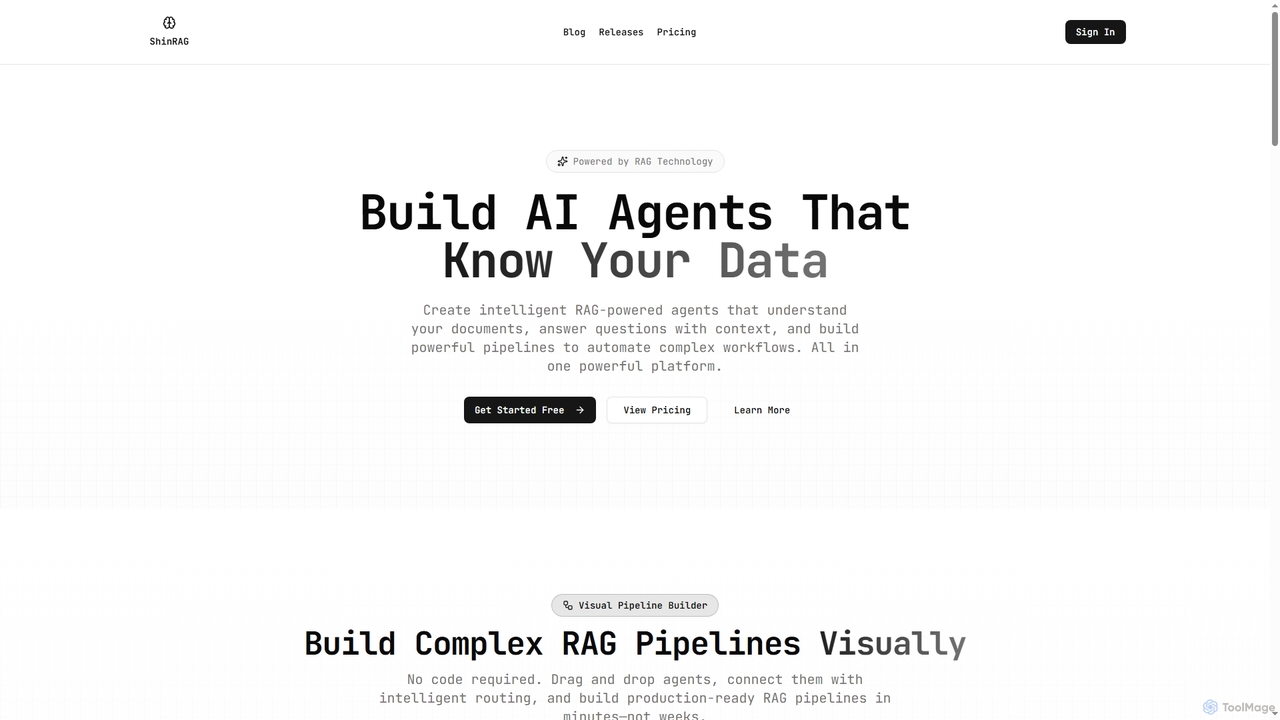
Shinrag is an all-in-one RAG (Retrieval-Augmented Generation) platform that enables users to build intelligent AI agents and complex …

4.6K
Endex

Endex

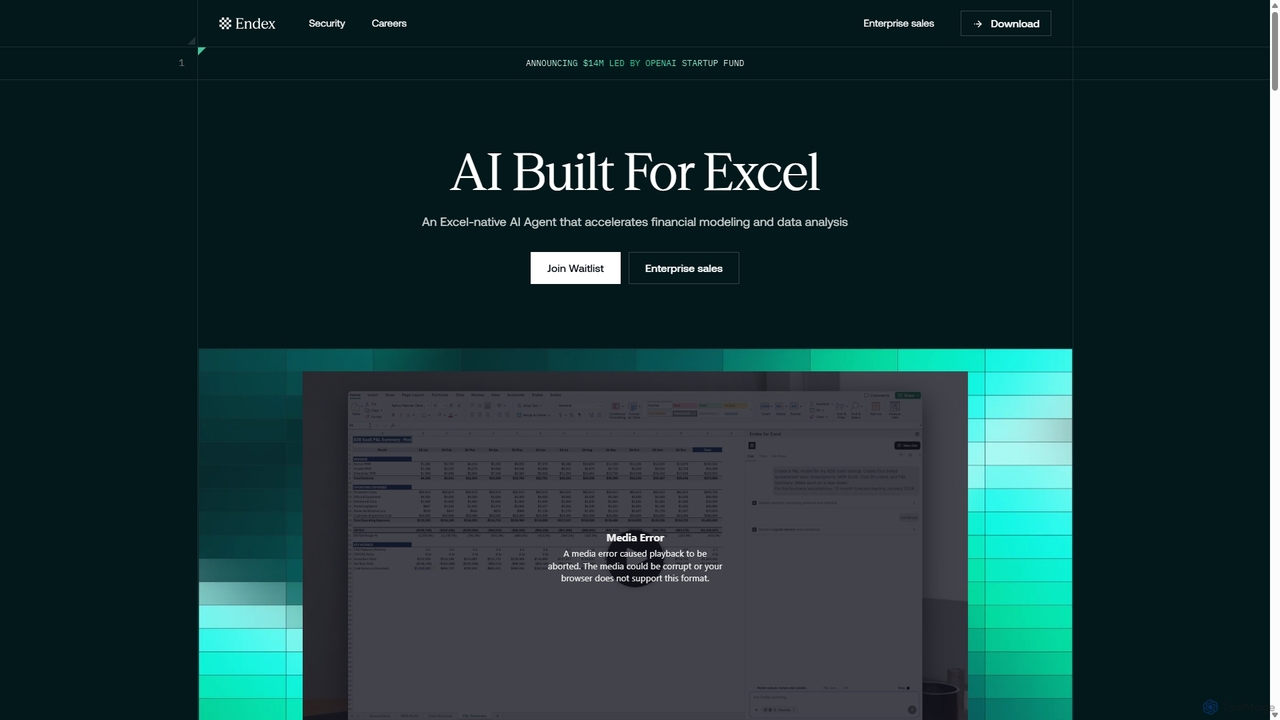
Endex is an AI-powered agent designed as an Excel add-in to automate complex financial analysis and data workflows. …

27.3K
LiveFlow

LiveFlow

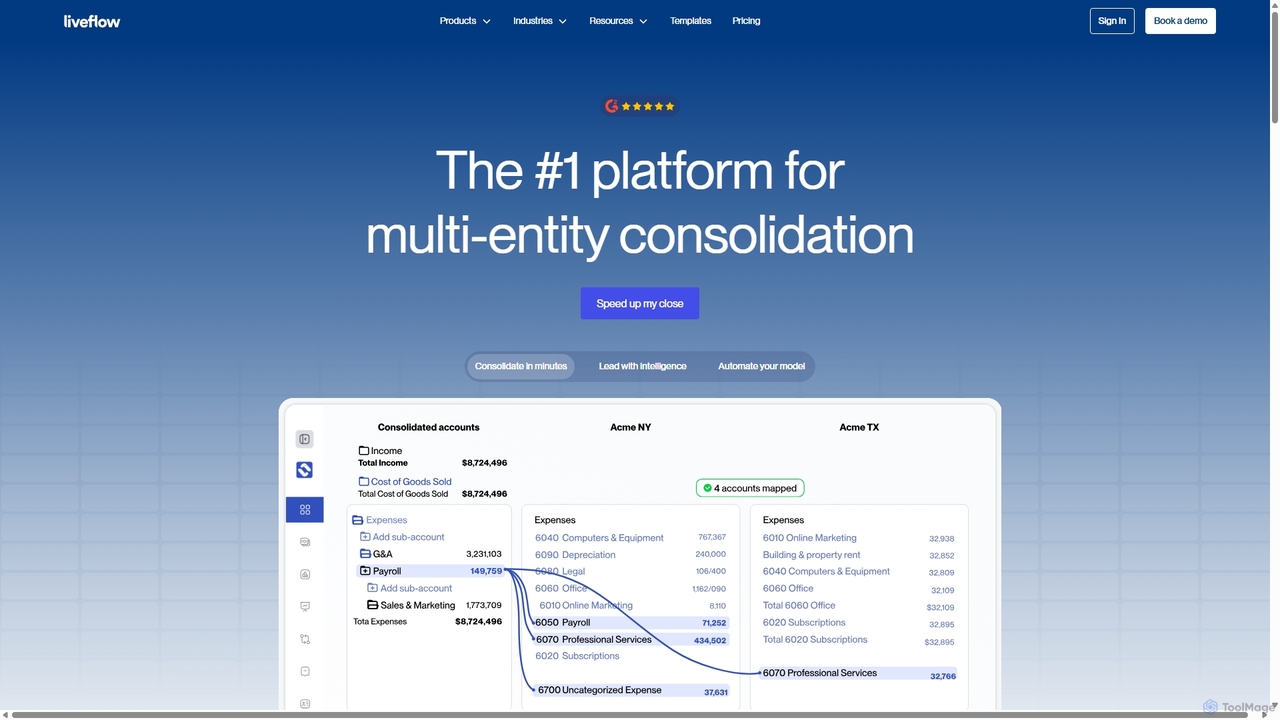
LiveFlow is the #1 finance platform for multi-entity finance teams, automating financial consolidation and reporting by connecting QuickBooks …

3.4K
Nex AI

Nex AI

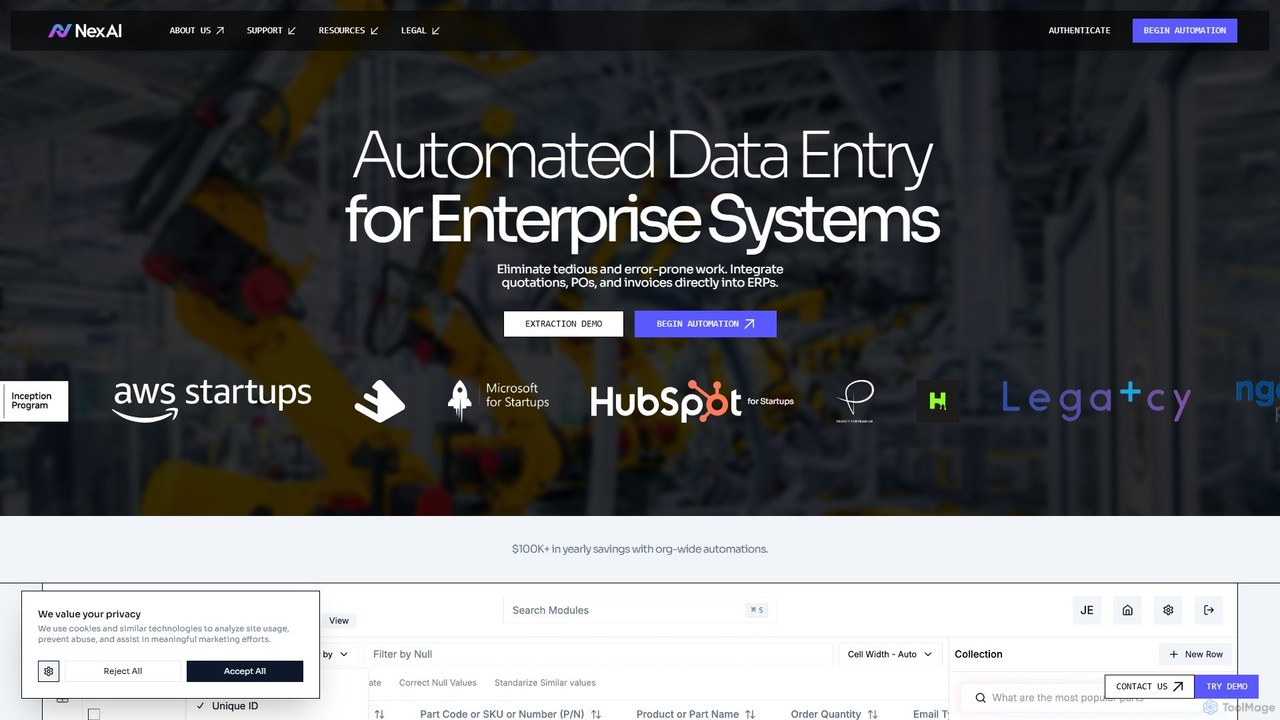
Nex AI is an enterprise-grade AI platform that automates data entry by extracting information from documents like quotations, …

3.9K
OneSchema

OneSchema

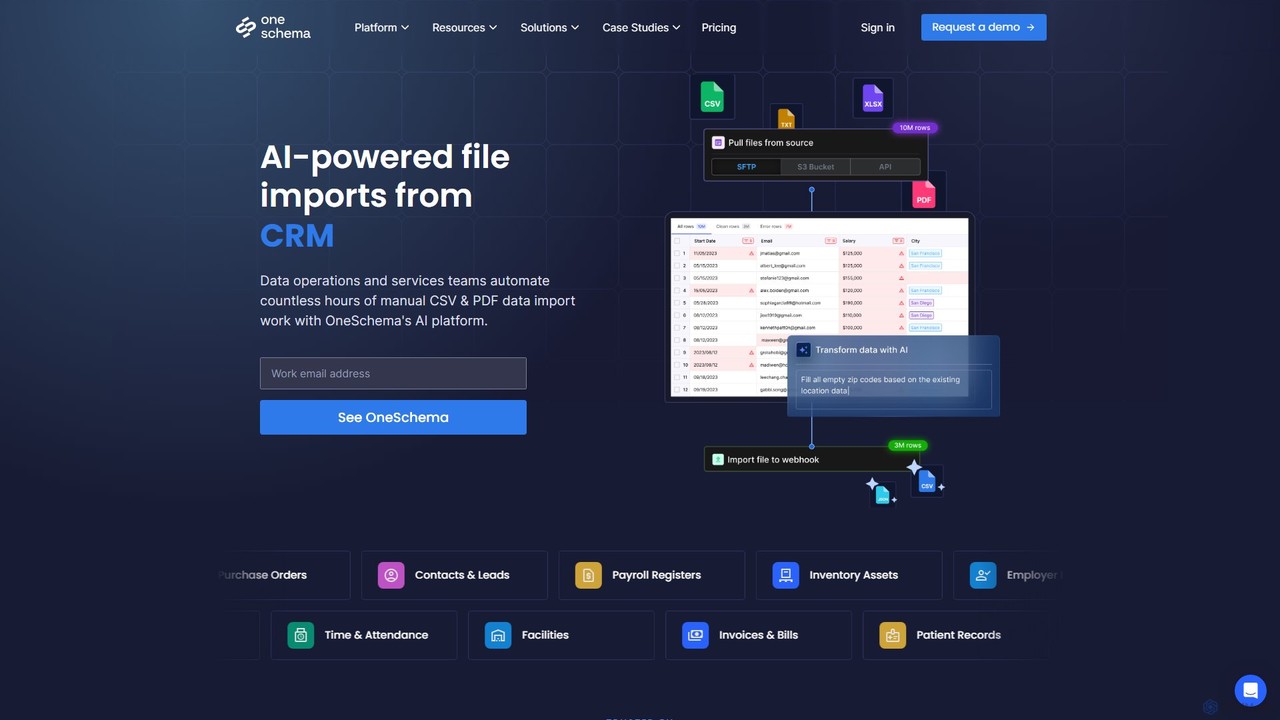
OneSchema is an AI-powered platform designed to automate the import of unstructured data from CSVs and PDFs. It …

24.2K
Rollstack

Rollstack

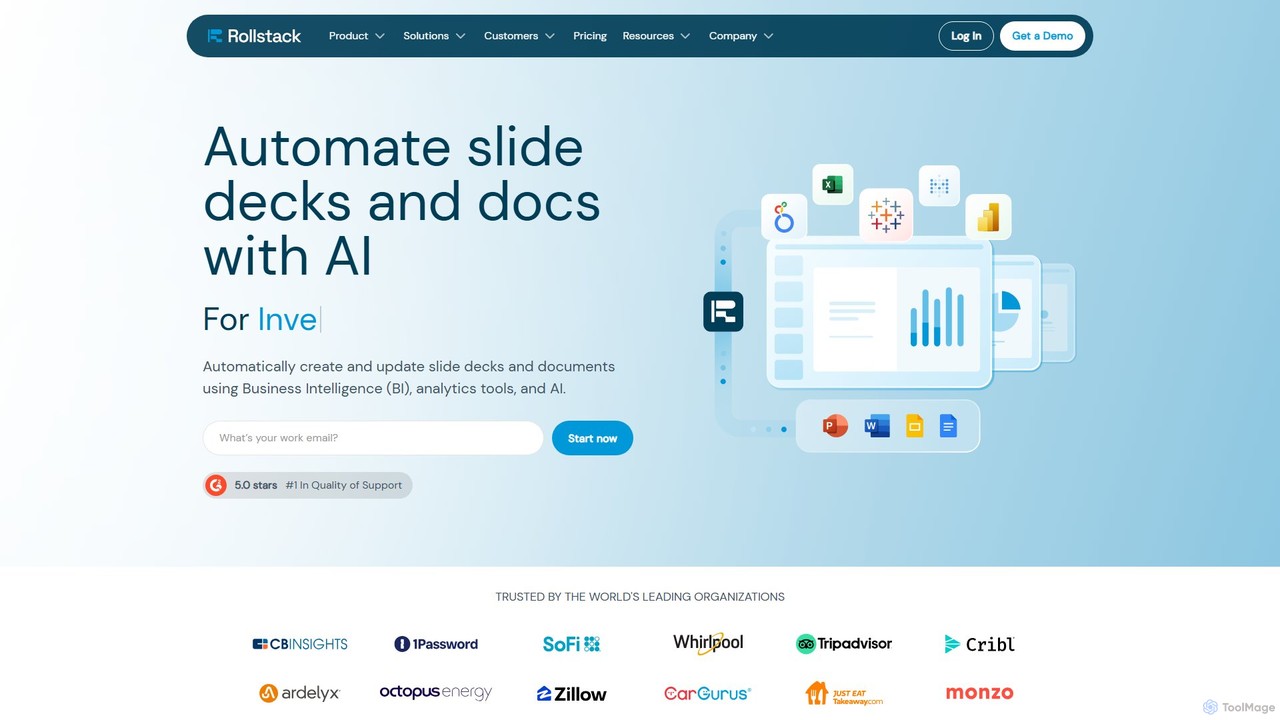
Rollstack is an automation platform that connects your business intelligence tools (like Tableau, Power BI, Looker) and data …

21.1K
Geniussheets

Geniussheets

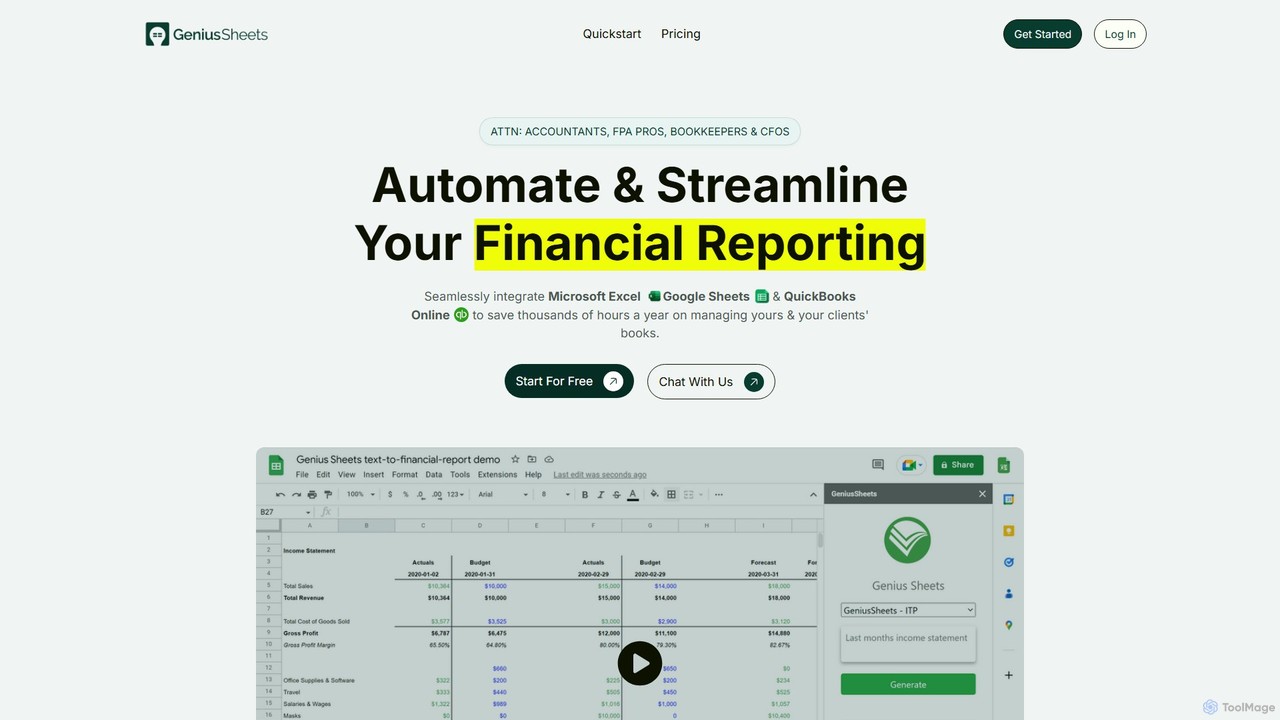
Geniussheets automates financial reporting by seamlessly integrating QuickBooks Online with Google Sheets and Microsoft Excel. It eliminates manual …

2.9K
optisolbusiness

optisolbusiness

OptiSol Business Solutions is a global IT services firm providing custom Generative AI solutions for enterprises. With over …

19.8K

About Automation

Automation tools are AI-powered solutions designed to streamline and execute repetitive tasks, processes, and data workflows with minimal human intervention. Leveraging technologies like machine learning, natural language processing, and robotic process automation (RPA), these tools can intelligently perform actions, analyze patterns, and make decisions. Within the broader "Data" category, AI automation enhances efficiency by automating data collection, processing, analysis, and integration, transforming raw data into actionable insights faster.

Core Features

  • Intelligent Task Execution: Automatically performs routine, rule-based, or even complex decision-making tasks.
  • Workflow Orchestration: Connects disparate systems and applications to create seamless, end-to-end automated processes.
  • Data Processing & Transformation: Automates the extraction, cleaning, validation, and formatting of data from various sources.
  • Predictive Automation: Uses AI to anticipate needs and trigger actions based on predicted outcomes or patterns.

Applicable Scenarios

AI automation is invaluable across various sectors. Marketing teams use it to automate lead nurturing emails and social media scheduling. Finance departments deploy it for automated invoice processing and expense reconciliation. IT operations benefit from automated incident response and system monitoring, significantly reducing manual workload and improving response times.

How to Choose

When selecting an AI automation tool, consider its integration capabilities with your existing tech stack, the complexity of tasks it can handle (rule-based vs. intelligent decision-making), scalability for future growth, and the level of technical expertise required for implementation and maintenance. Evaluate its security features and compliance standards, especially when dealing with sensitive data.

AutomationUse Cases

1

Automate Customer Service Inquiries

Customer service departments can deploy AI chatbots to automatically answer frequently asked questions, guide users through troubleshooting steps, and process basic requests 24/7. This reduces response times, improves customer satisfaction, and allows human agents to focus on complex issues, significantly boosting operational efficiency.

2

Streamline Data Extraction from Documents

Businesses dealing with large volumes of documents (invoices, contracts, forms) can use AI automation to automatically extract specific data points. For example, finance teams can automate invoice data capture, reducing manual data entry errors and accelerating processing times for accounts payable, ensuring accuracy and compliance.

3

Personalize Marketing Campaign Workflows

Marketing professionals leverage AI automation to personalize customer journeys. Tools can automatically segment audiences, trigger targeted email sequences based on user behavior, schedule social media posts at optimal times, and even score leads, ensuring timely and relevant communication that drives engagement and conversions.

4

Enhance IT Incident Response

IT operations teams can implement AI automation for proactive system monitoring and incident management. The tools automatically detect anomalies, generate alerts, and even initiate predefined remediation actions for common issues, such as restarting services or escalating critical alerts, minimizing downtime and human intervention.

5

Automate Financial Transaction Reconciliation

Accounting and finance departments can utilize AI automation to automatically match bank statements with internal ledger entries, identify discrepancies, and flag suspicious transactions. This significantly reduces the manual effort involved in reconciliation, improves accuracy, and ensures faster month-end closing processes, enhancing financial oversight.

6

Optimize Content Curation and Distribution

Content creators and marketers can automate the process of curating relevant industry news, articles, and social media content. AI tools can automatically identify trending topics, summarize articles, and schedule their distribution across various platforms, ensuring a consistent flow of valuable content without constant manual oversight.

AutomationFrequently Asked Questions