
Geniussheets Overview
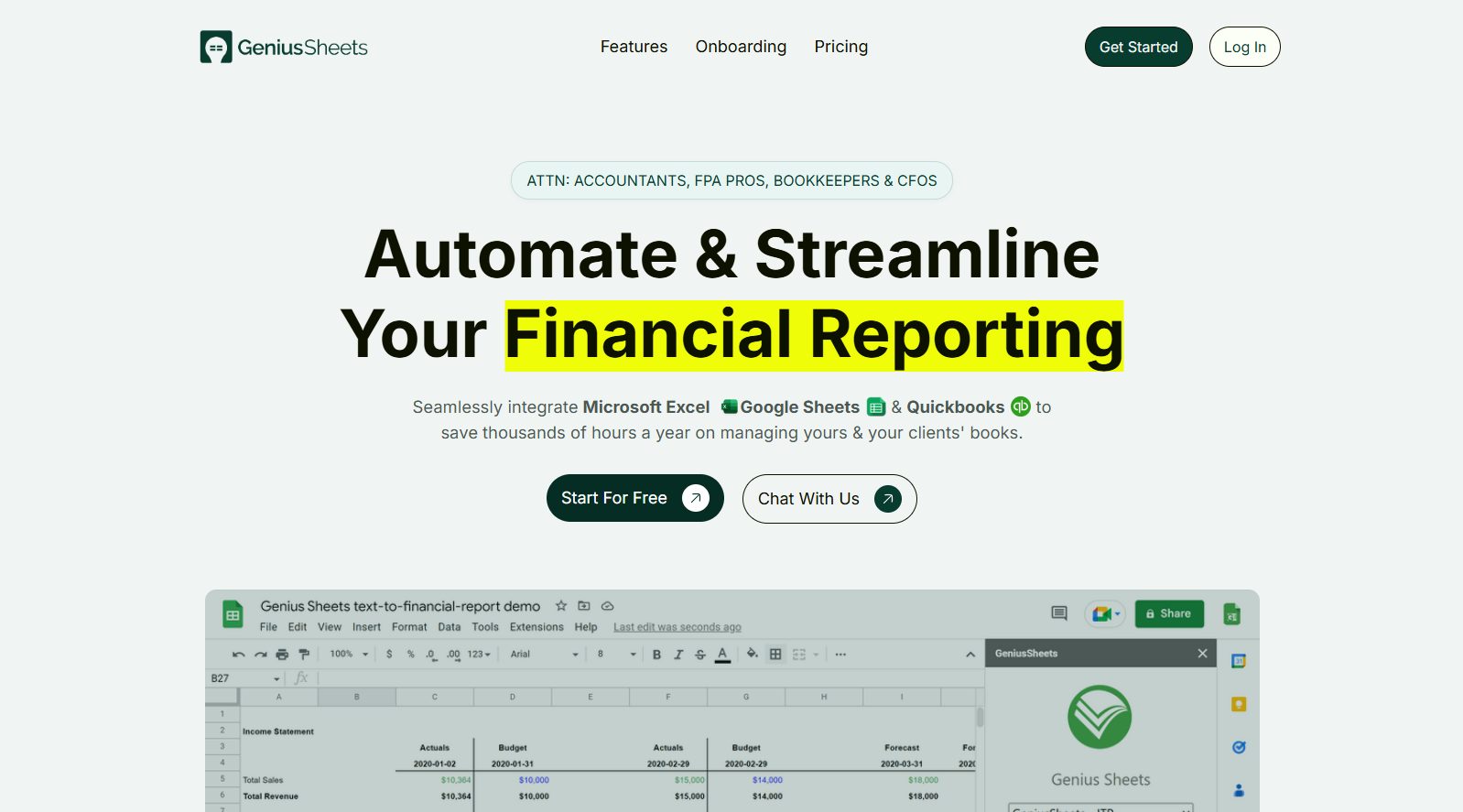
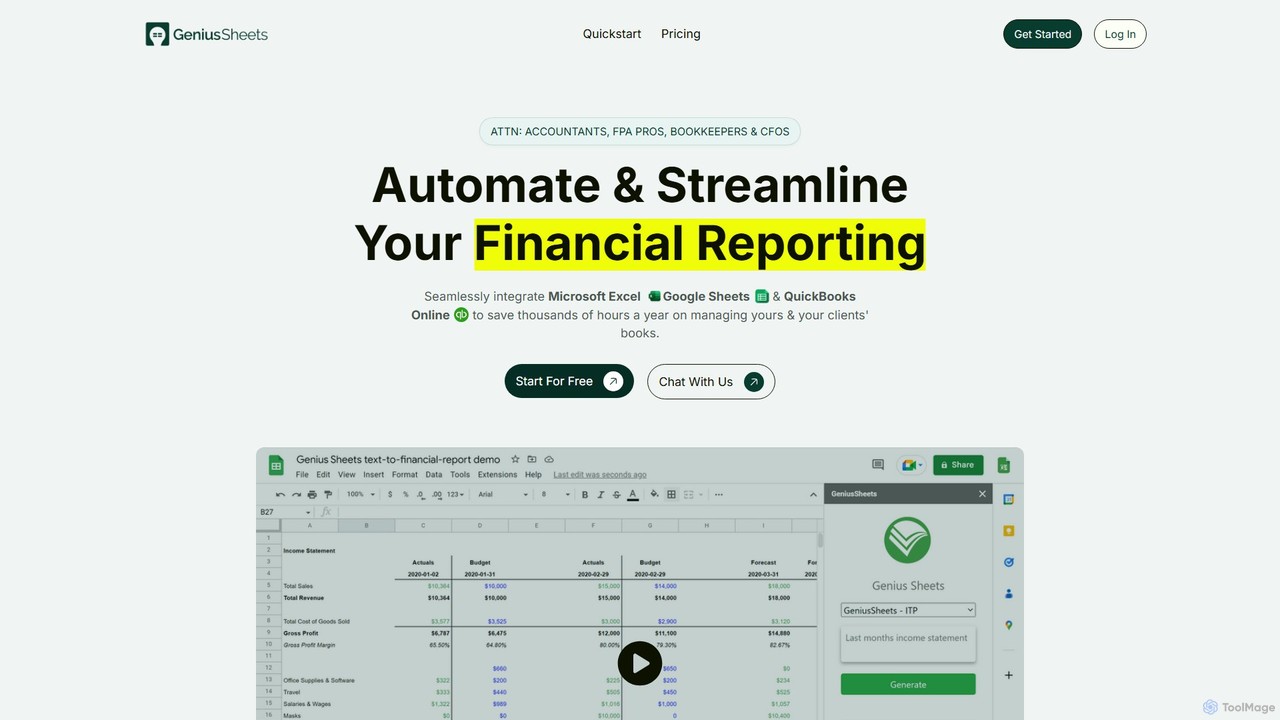
Geniussheets is a powerful automation tool designed specifically for finance professionals, including accountants, FP&A analysts, bookkeepers, and CFOs. It bridges the gap between your accounting software and your spreadsheets by seamlessly integrating QuickBooks Online (QBO) with Microsoft Excel and Google Sheets. The core mission of Geniussheets is to eliminate the tedious, error-prone process of manually exporting, copying, and pasting financial data. By providing a live, two-way sync, it ensures that your financial reports, models, and dashboards are always up-to-date with the latest transaction-level data from QBO, saving professionals thousands of hours annually and enabling more strategic, data-driven decision-making.
The platform operates as a simple yet robust add-in for Excel and Google Sheets, allowing users to work within their familiar spreadsheet environment. Instead of complex `VLOOKUP` or `INDEX MATCH` functions that rely on static data, Geniussheets introduces custom formulas that pull information directly from your QBO accounts. This dynamic link means any changes in your general ledger, such as re-categorized expenses or new transactions, are automatically reflected in your spreadsheets with a simple refresh, ensuring data integrity and accuracy at all times.
How to use Geniussheets
Getting started with Geniussheets is a straightforward, three-step process designed for quick implementation:
- Sign Up and Connect: Begin by signing up for a free trial on the Geniussheets website. Once your account is created, navigate to the dashboard and connect your QuickBooks Online account(s). The platform supports connecting unlimited QBO entities, making it ideal for firms managing multiple clients.
- Install the Add-in: Install the Geniussheets add-in directly from the Microsoft Excel Store or the Google Workspace Marketplace. After installation, log in using the credentials you created in the first step.
- Pull Live Data with Custom Formulas: Once connected, you can start pulling live financial data into any cell. Geniussheets uses intuitive custom formulas like
=GS.IS()for the Income Statement,=GS.BS()for the Balance Sheet, and=GS.CF()for the Cash Flow Statement. These formulas can be customized with parameters such as the GL account name, start and end dates, company name (for consolidated reports), and various filters (class, customer, vendor, location, etc.). You can also drill down into any cell to see the underlying transaction-level data without ever leaving your spreadsheet.
Core Features of Geniussheets
- Native QuickBooks Integration: Establishes a direct, real-time connection to QuickBooks Online, ensuring data is always accurate and synchronized.
- Excel & Google Sheets Add-in: Works as a native add-in within the most popular spreadsheet applications, providing a familiar user experience.
- Custom Formulas: Powerful yet simple formulas (
GS.IS,GS.BS,GS.CF) to pull specific financial data on a cell-by-cell basis. - Consolidated Reporting: Effortlessly combine financial data from multiple QuickBooks entities into a single, consolidated report in one spreadsheet.
- On-Demand & Nightly Sync: Refresh your data instantly with a click of a button or enable automatic nightly refreshes (in Google Sheets) to ensure your reports are always current.
- Transaction-Level Drill-Down: Investigate the details behind any number by drilling down to see the list of underlying transactions directly from your spreadsheet cell.
- Advanced Filtering: Segment your financial data with precision by filtering by Class, Customer, Product/Service, Location, Department, or Vendor.
- Unlimited Client Connections: Manage an unlimited number of QuickBooks connections, allowing accounting firms and financial advisors to scale their services efficiently.
Use Cases for Geniussheets
Geniussheets is versatile and addresses several key pain points for finance professionals:
- Automated Month-End Close: Drastically reduce the time and effort required for the monthly financial closing process by automating the creation of P&L, Balance Sheet, and Cash Flow statements.
- Dynamic Financial Modeling: Build complex financial models for forecasting, budgeting, and scenario analysis that are linked to live data, allowing for real-time updates and more accurate projections.
- Live Performance Dashboards: Create and maintain real-time dashboards in Excel or Google Sheets to monitor key financial metrics, track performance against budgets, and provide stakeholders with up-to-the-minute insights.
- Client Reporting for Accounting Firms: Streamline the process of generating customized financial reports for multiple clients, improving efficiency and service quality.
- Expense Analysis and Control: Monitor expenses in real-time and use the drill-down feature to quickly investigate variances or unexpected charges, enhancing financial control.
Advantages of Geniussheets
The primary advantage of Geniussheets is the massive gain in efficiency and accuracy. By automating data synchronization, it frees up finance professionals from low-value, repetitive tasks and allows them to focus on high-value strategic analysis. Key benefits include a significant reduction in human error, enhanced data integrity across all reports, and the ability to make faster, more informed decisions based on real-time information. Its scalability makes it a perfect solution for both individual consultants and large accounting firms, offering a remarkable return on investment by cutting down countless hours of manual work.
Pricing and Plans
Geniussheets offers a transparent pricing structure designed to grow with your needs, including a 14-day free trial with no credit card required.
- Starter Plan: $9 per month. Includes 1 user, 1 QBO connection, 20 queries per month, and 20 category filters per month. Ideal for individuals or small businesses getting started.
- Business Plan: $79 per month. Includes up to 5 users/QBO connections, unlimited monthly queries, consolidated reporting, and unlimited category filters. Suited for growing businesses and small accounting firms.
- Premium Plan: Custom pricing (Contact Us). Offers unlimited connections, unlimited queries, consolidated reporting, unlimited filters, and custom integrations for large teams and enterprises.
Geniussheets Alternatives
LiveFlow
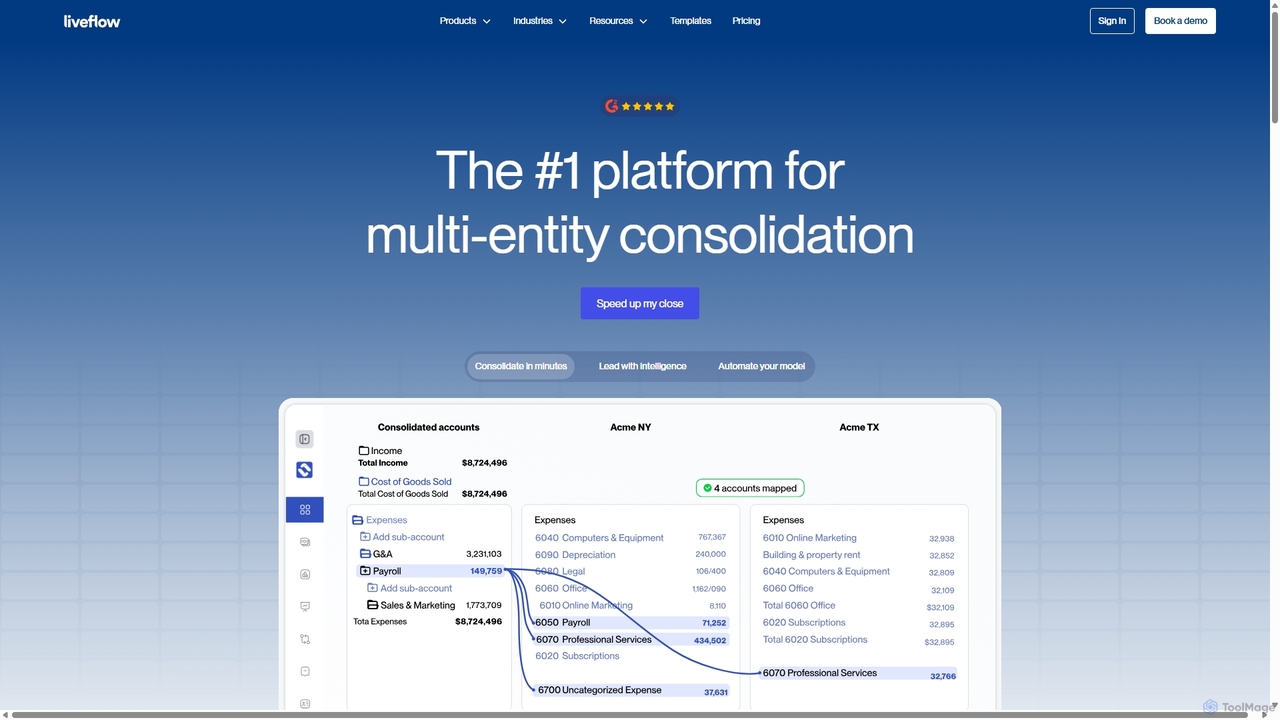
LiveFlow is the #1 finance platform for multi-entity finance teams, automating financial consolidation and reporting by connecting QuickBooks directly to Google Sheets and Excel. It eliminates manual work, saves days on month-end close, and provides real-time financial intelligence for strategic decision-making.
Automation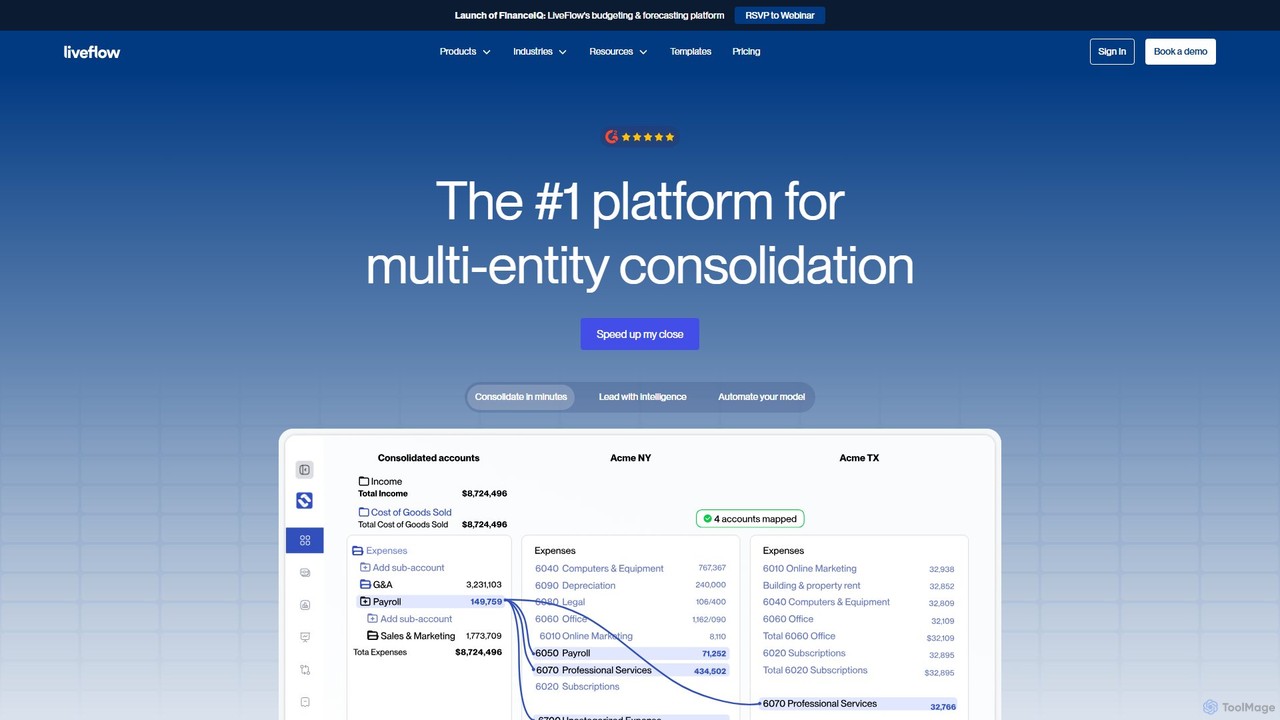
LiveFlow
LiveFlow is the #1 finance platform for automating financial reporting and consolidation. It connects live data from QuickBooks, Xero, and other sources directly into Google Sheets and Excel, eliminating manual work and providing real-time insights for finance teams and accounting firms.
Data Analysis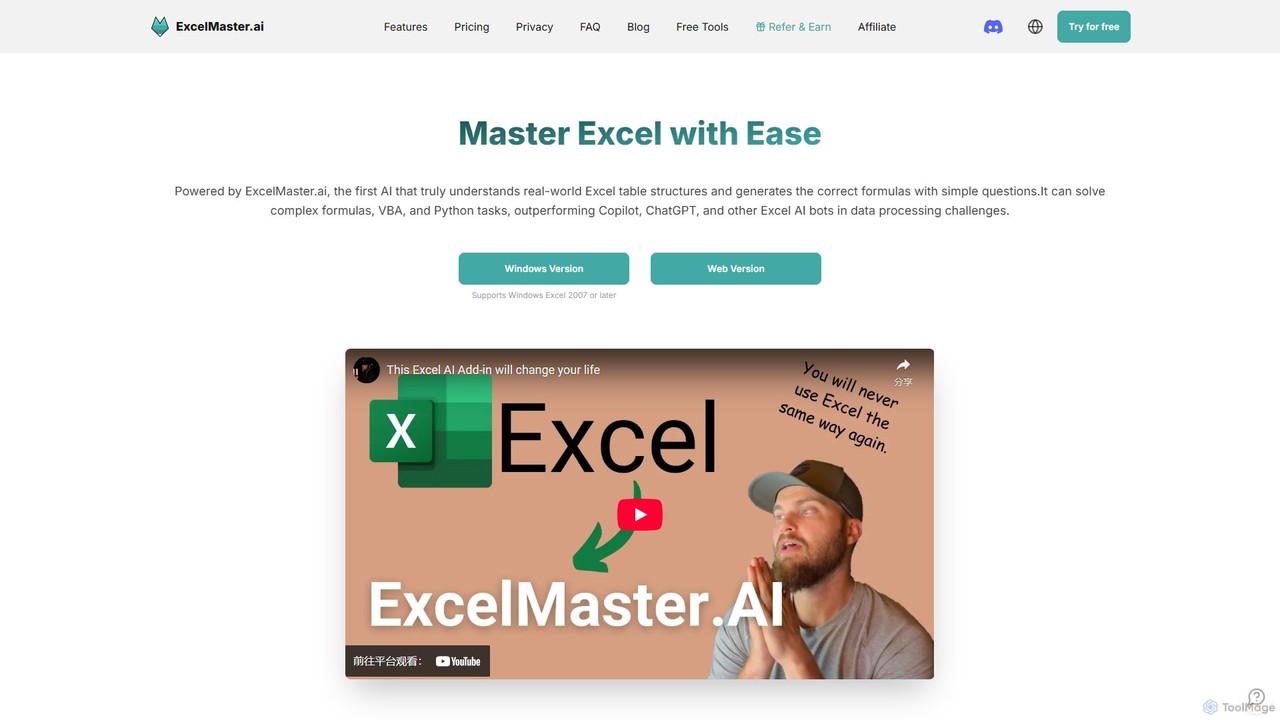
ExcelMaster.ai
ExcelMaster.ai is an advanced AI assistant designed to master Microsoft Excel. It generates accurate formulas, VBA code, and Python scripts from simple natural language questions. It excels at understanding complex, multi-sheet structures and provides one-click automation, making it a powerful tool for both beginners and expert Excel users to enhance productivity and streamline data-heavy tasks.
Code Assistant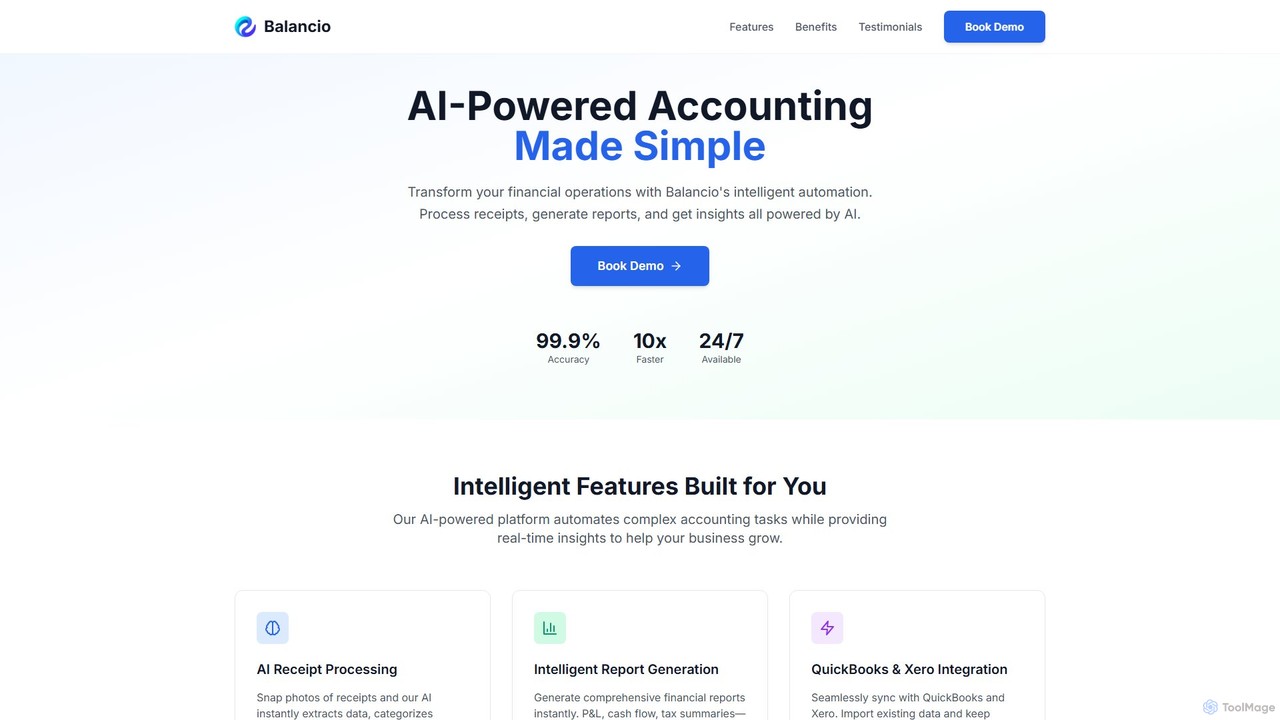
Balancio
Balancio is an AI-powered accounting platform designed for modern businesses. It automates financial operations like receipt processing, expense categorization, and report generation with 99.9% accuracy. By integrating with QuickBooks and Xero, it provides real-time financial insights, tax optimization, and an AI assistant to streamline bookkeeping and foster business growth.
Data Analysis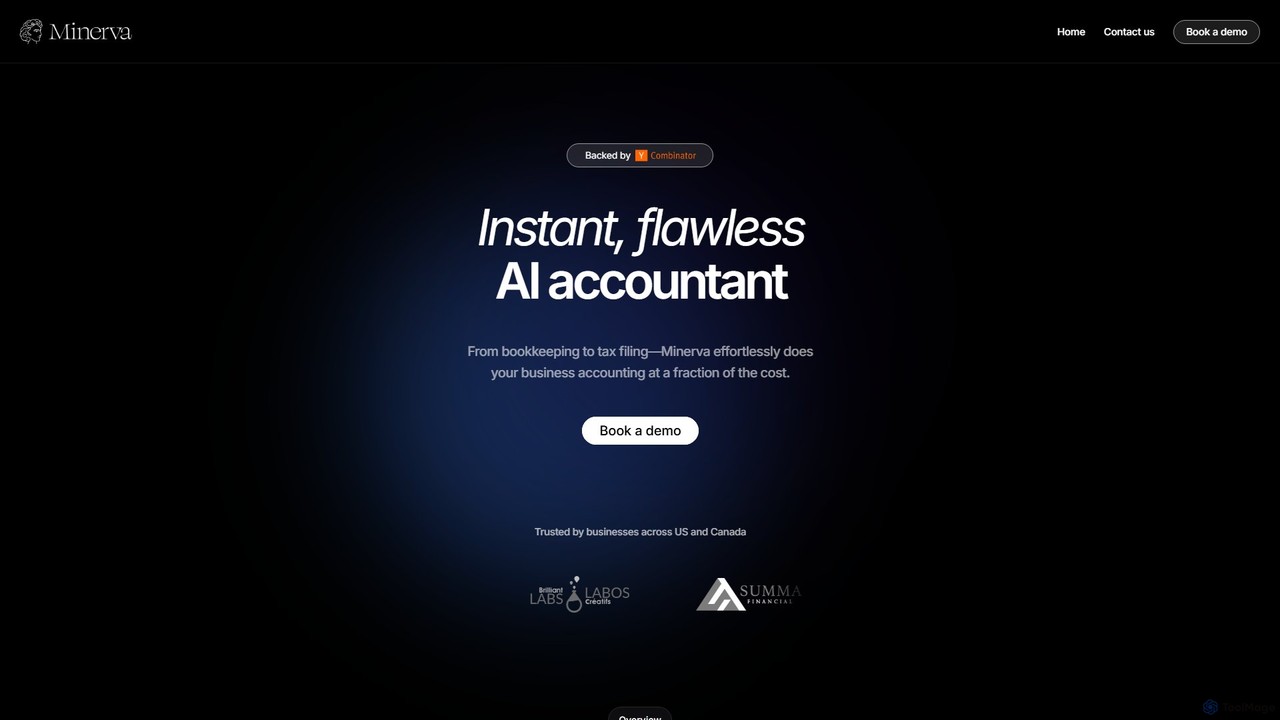
Minerva
Minerva is an AI-powered accountant for SMBs, automating the entire accounting workflow from bookkeeping and expense categorization to bank reconciliation and tax filing preparation. It scans data from emails and other platforms to provide real-time financial insights, all supervised by human CPAs for accuracy.
OperationsGeniussheets Categories
Geniussheets Embed Widget
Copy this embed code to place the badge on your blog, article, or product site and send readers directly to this ToolMage detail page.

Related AI tools
LiveFlow
LiveFlow is the #1 finance platform for automating financial reporting and consolidation. It connects live data from QuickBooks, Xero, and other sources directly into Google Sheets and Excel, eliminating manual work and providing real-time insights for finance teams and accounting firms.
Data AnalysisLiveFlow
LiveFlow is the #1 finance platform for multi-entity finance teams, automating financial consolidation and reporting by connecting QuickBooks directly to Google Sheets and Excel. It eliminates manual work, saves days on month-end close, and provides real-time financial intelligence for strategic decision-making.
AutomationBalancio
Balancio is an AI-powered accounting platform designed for modern businesses. It automates financial operations like receipt processing, expense categorization, and report generation with 99.9% accuracy. By integrating with QuickBooks and Xero, it provides real-time financial insights, tax optimization, and an AI assistant to streamline bookkeeping and foster business growth.
Data AnalysisMinerva
Minerva is an AI-powered accountant for SMBs, automating the entire accounting workflow from bookkeeping and expense categorization to bank reconciliation and tax filing preparation. It scans data from emails and other platforms to provide real-time financial insights, all supervised by human CPAs for accuracy.
Operations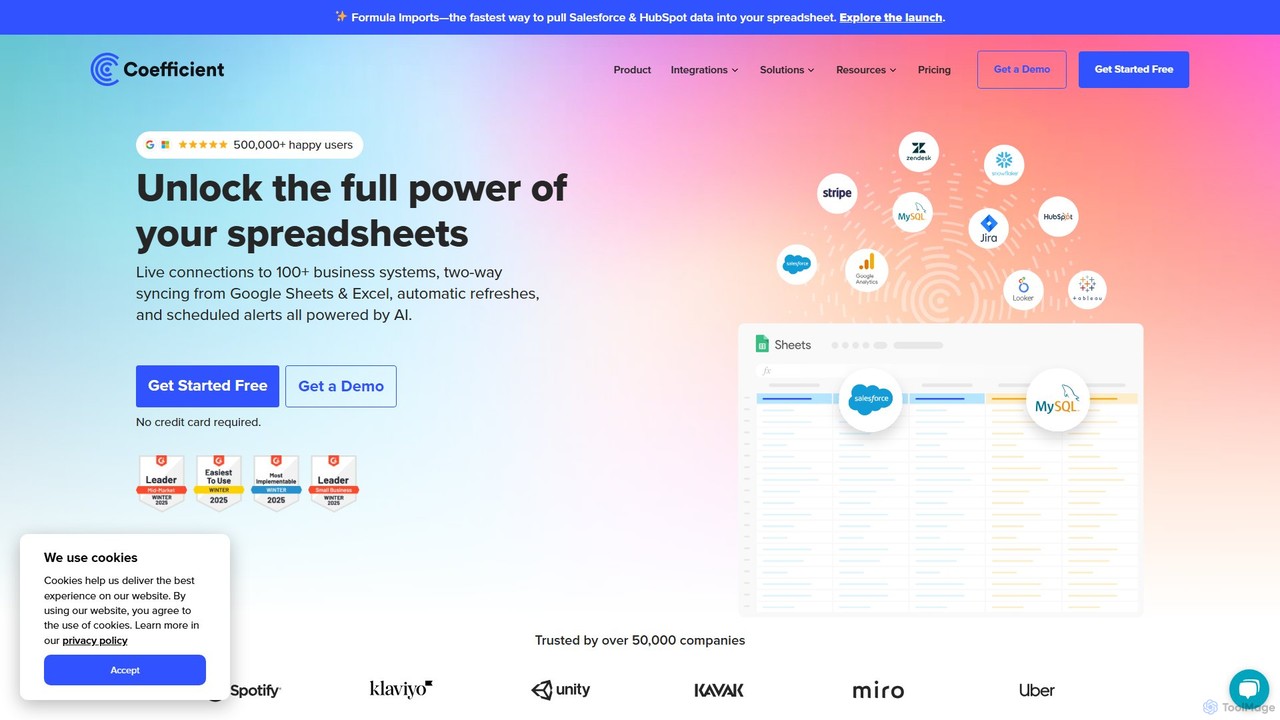
Coefficient
Coefficient is a data connector that links Google Sheets and Excel with over 100 business systems like Salesforce and HubSpot. It automates data imports, enables two-way syncing, and uses AI to help users build formulas, SQL queries, and charts, transforming static spreadsheets into dynamic, real-time dashboards.
Data Analysis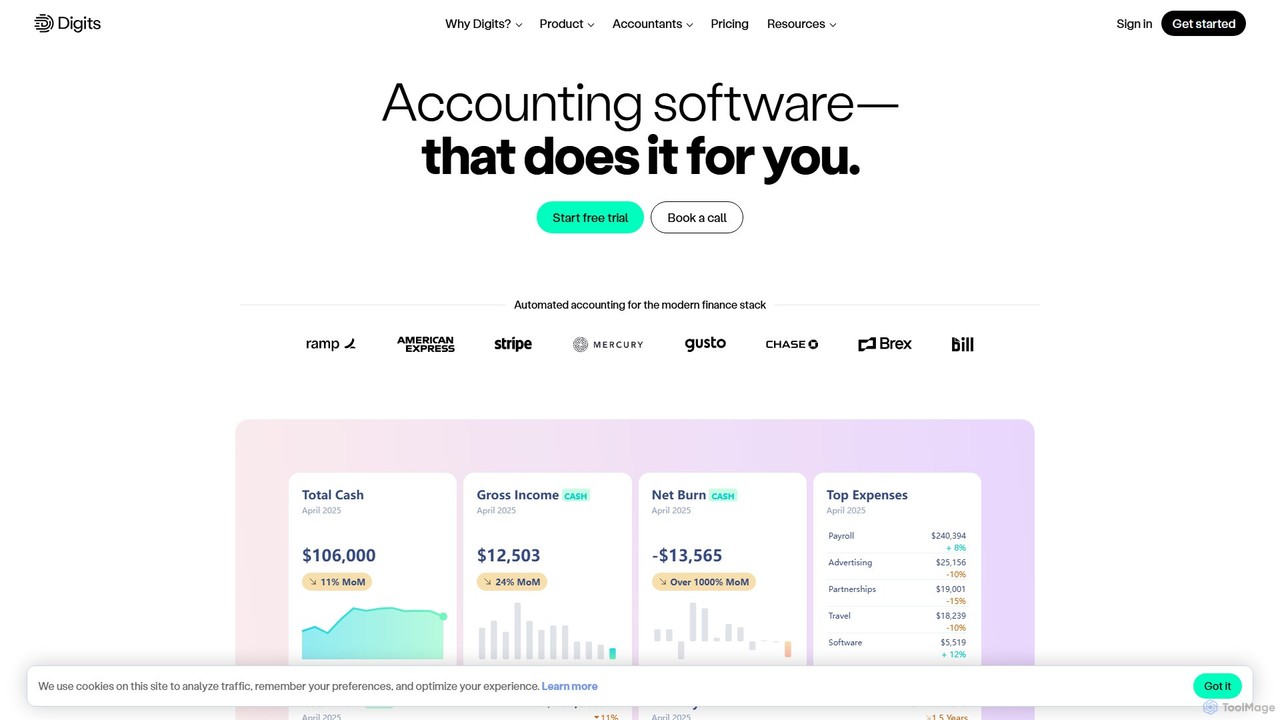
Digits
Digits is an AI-native accounting platform that automates bookkeeping, financial reporting, bill pay, and invoicing for startups, small businesses, and accounting firms. It provides real-time financial insights through interactive dashboards and AI-powered agents, eliminating manual data entry and transforming complex financial data into actionable intelligence.
Financial Management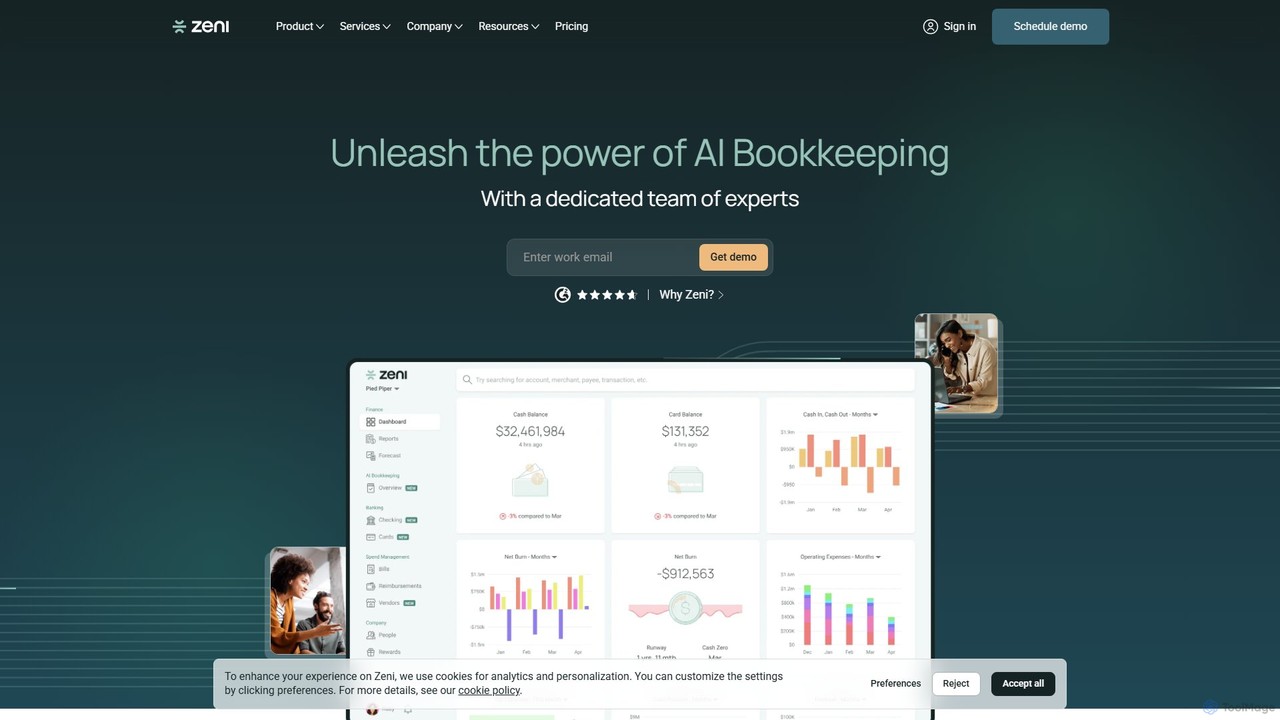
Zeni
Zeni is an AI-powered financial operations platform designed for startups and businesses. It combines automated bookkeeping, bill pay, and expense management with a dedicated team of finance experts. Zeni provides real-time financial insights through a unified dashboard, helping businesses save time, improve accuracy, and make smarter financial decisions.
Operations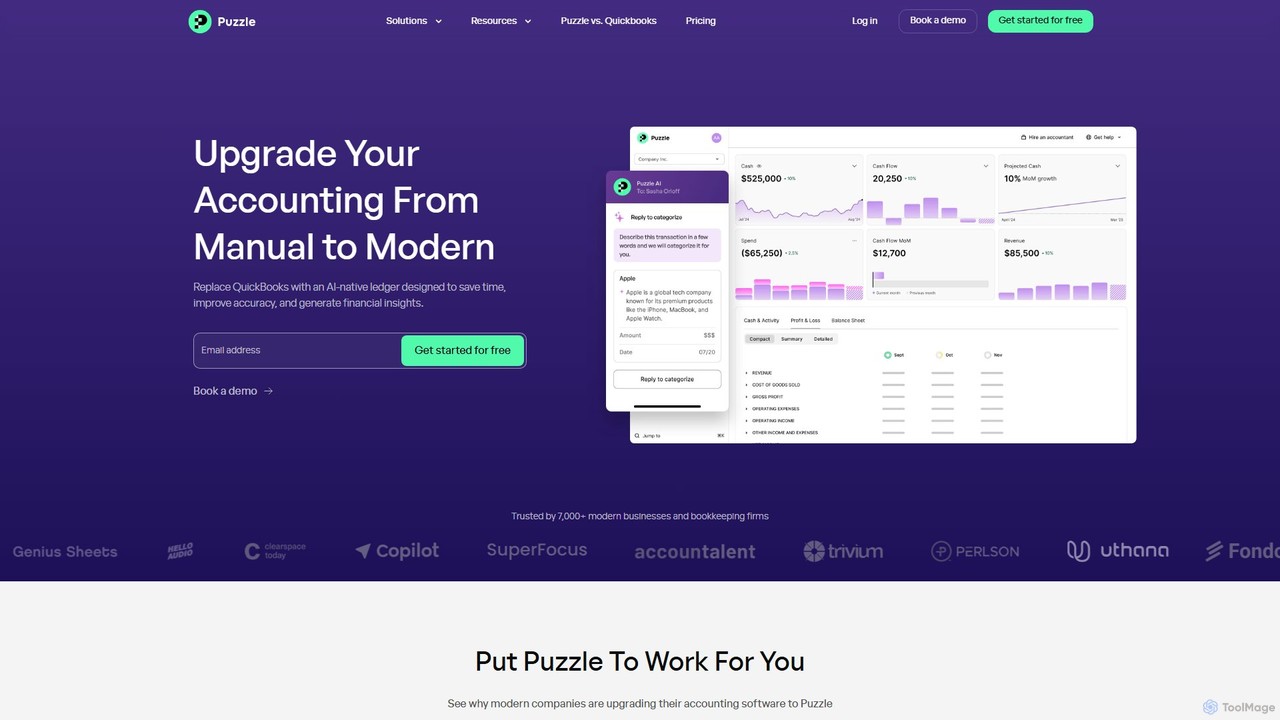
Puzzle
Puzzle is an AI-native accounting software designed for modern startups and small businesses. It replaces traditional tools like QuickBooks by automating bookkeeping, providing real-time financial insights, and ensuring tax readiness. With up to 95% accuracy in expense categorization, it saves time, improves accuracy, and helps founders make smarter business decisions.
Analytics
Keeper
Keeper is an all-in-one practice management software for bookkeepers and accountants. It integrates with QuickBooks and Xero to streamline workflows, automate file reviews, manage client communication through a dedicated portal, and accelerate month-end closing, helping firms save time and improve accuracy.
Client Management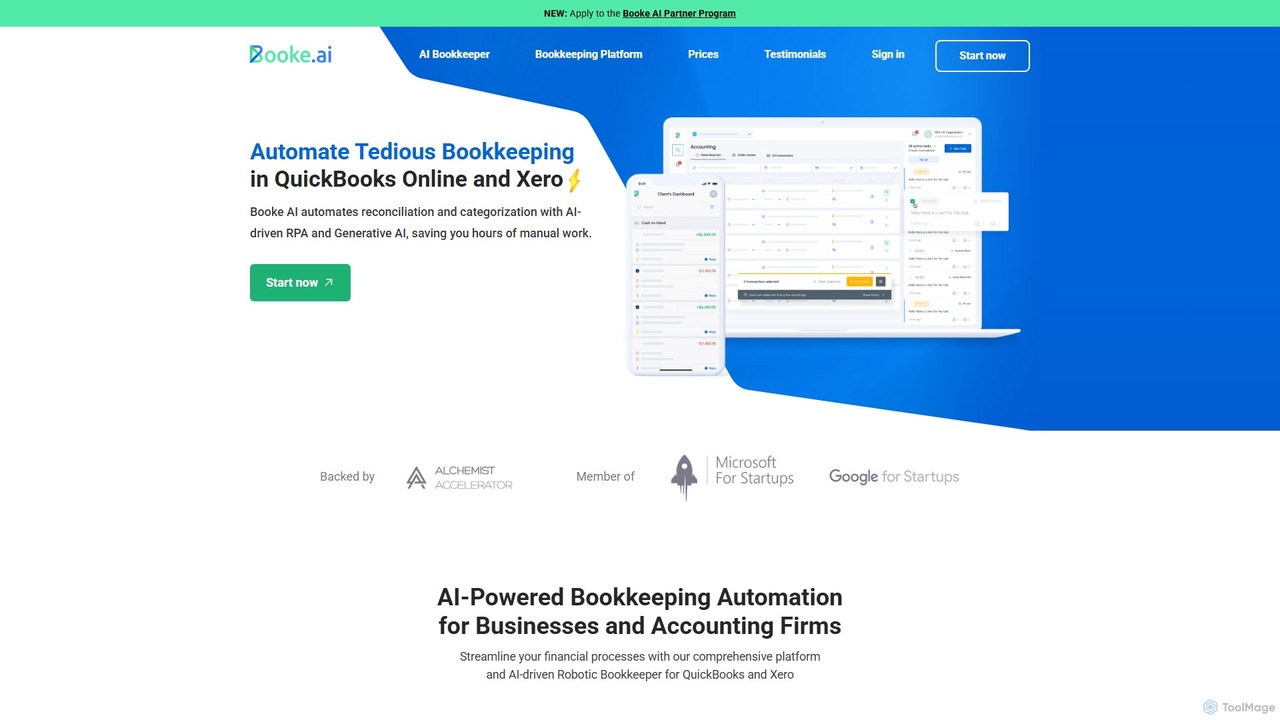
Booke AI
Booke AI is an intelligent bookkeeping automation platform for businesses and accounting firms. It uses AI and RPA to automate reconciliation, categorization, and data extraction for QuickBooks Online and Xero, aiming to cut bookkeeping hours by up to 80%. It also features a collaborative portal to streamline communication between accountants and clients.
Financial Management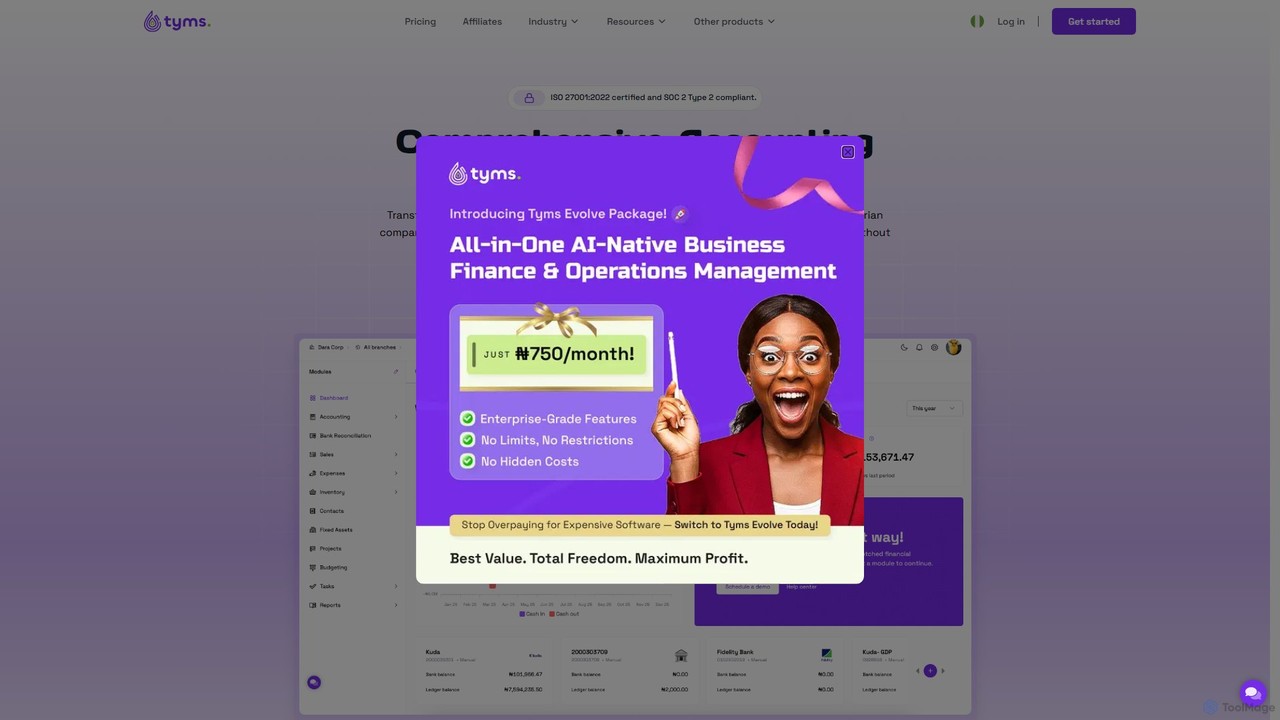
Tyms
Tyms is an AI-powered accounting software designed for modern businesses, especially in Nigeria. It automates financial tasks, ensures tax compliance, and provides real-time insights to save time and reduce costs. Features include invoicing, expense tracking, bank reconciliation, inventory management, and automated financial reporting, all in one affordable, scalable platform.
Automation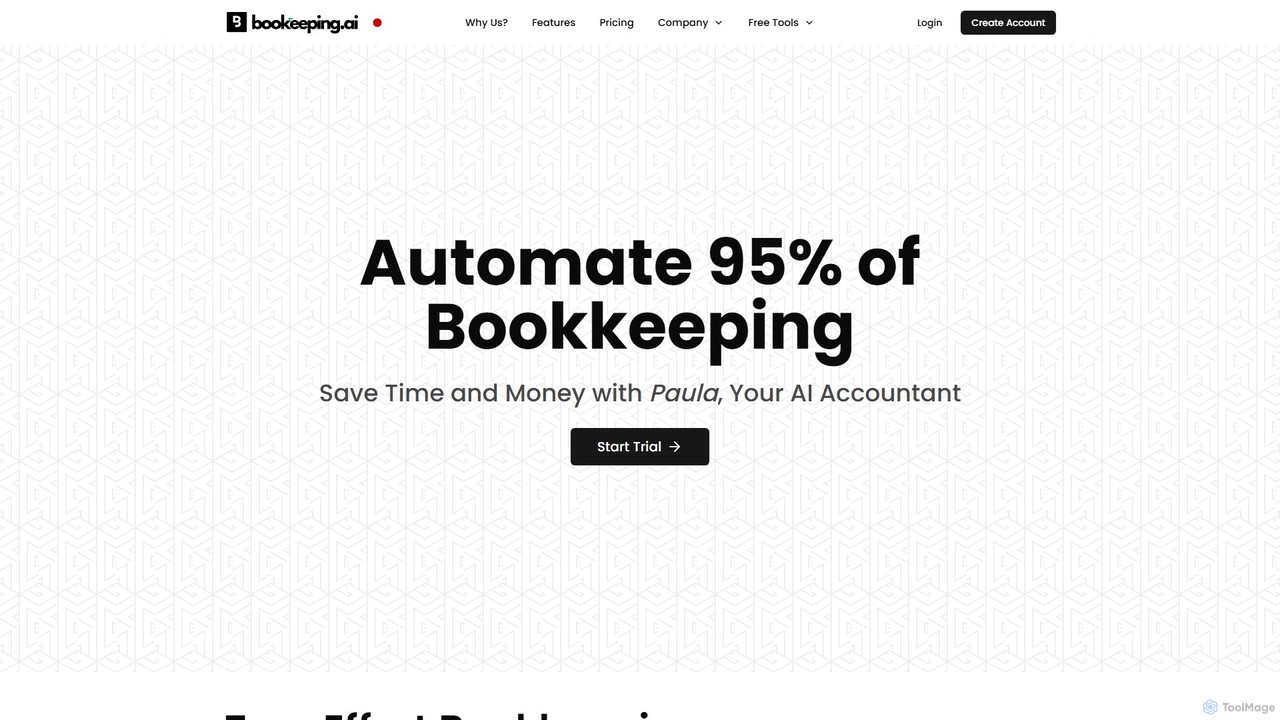
bookeeping.ai
bookeeping.ai is an AI-powered accounting platform featuring Paula, a 24/7 AI accountant. It automates over 95% of bookkeeping tasks, including ledger management, P&L reporting, and receipt scanning. The tool offers AI-driven invoicing, expense management, bank synchronization, and real-time financial reporting. Designed for small businesses, freelancers, and accountants, it aims to save time and money by streamlining financial operations through a simple chat-based interface.
Management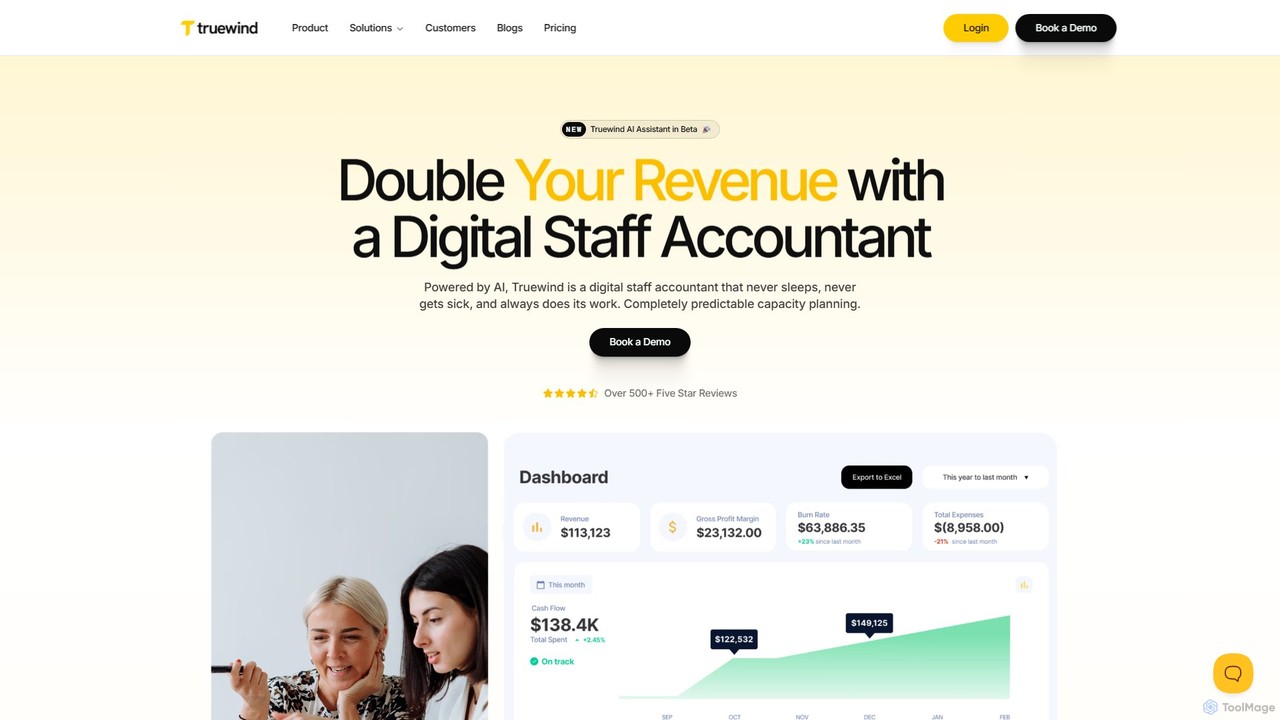
Truewind
Truewind is an AI-powered digital staff accountant designed to automate and accelerate accounting workflows. It automates tasks like transaction categorization, reconciliation, and workpaper management, enabling accounting teams to close their books faster and focus on strategic advisory. Trusted by hundreds of firms, it offers predictable capacity and enhanced financial insights.
Financial Management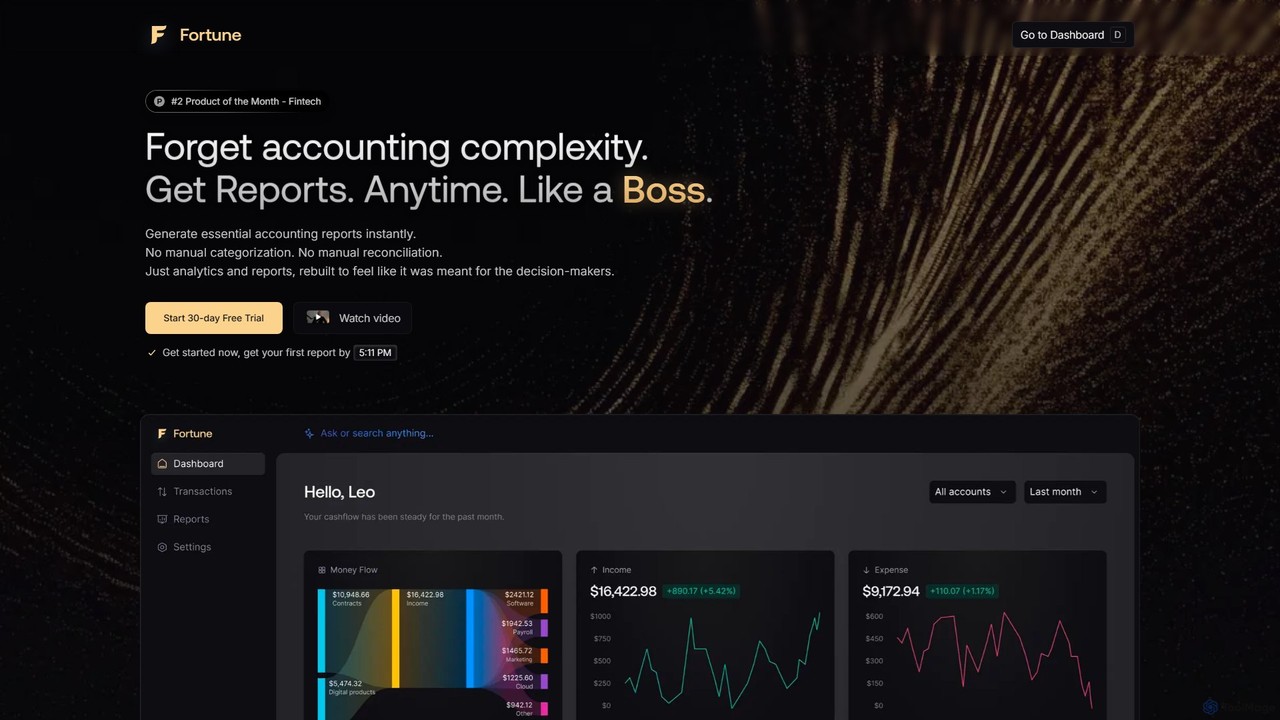
Fortune App
Fortune App is an AI-powered accounting software designed for business decision-making. It automates complex accounting tasks like bookkeeping, expense categorization, and reconciliation. The platform provides instant financial reports, real-time analytics, and access to a personal AI accountant, helping businesses save time and make data-driven decisions with ease.
Analytics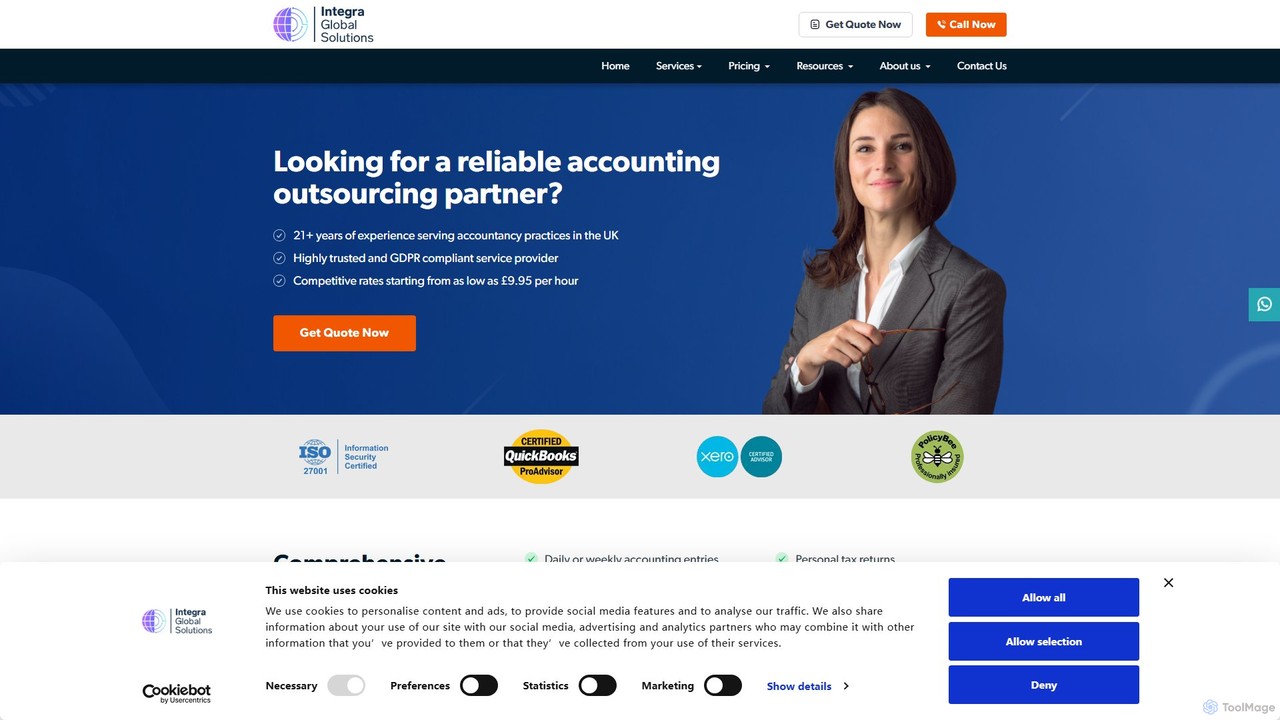
globalintegra
Global Integra offers AI-powered outsourced accounting services for UK businesses and accounting firms. It streamlines financial operations, including bookkeeping, VAT returns, payroll, and year-end accounts. By leveraging automation and expert accountants, Global Integra enhances accuracy, ensures compliance, and provides significant cost savings, allowing businesses to focus on their core activities while maintaining robust financial management and data security.
Outsourcing
Geniussheets Comments (0)
Sign in to comment.
Sign inNo comments yet.