
Data Best in category 1 results Converters AI Tool

Popular AI tools in the Converters field of Data include commontools, etc., helping you quickly improve efficiency.

Free
commontools

commontools

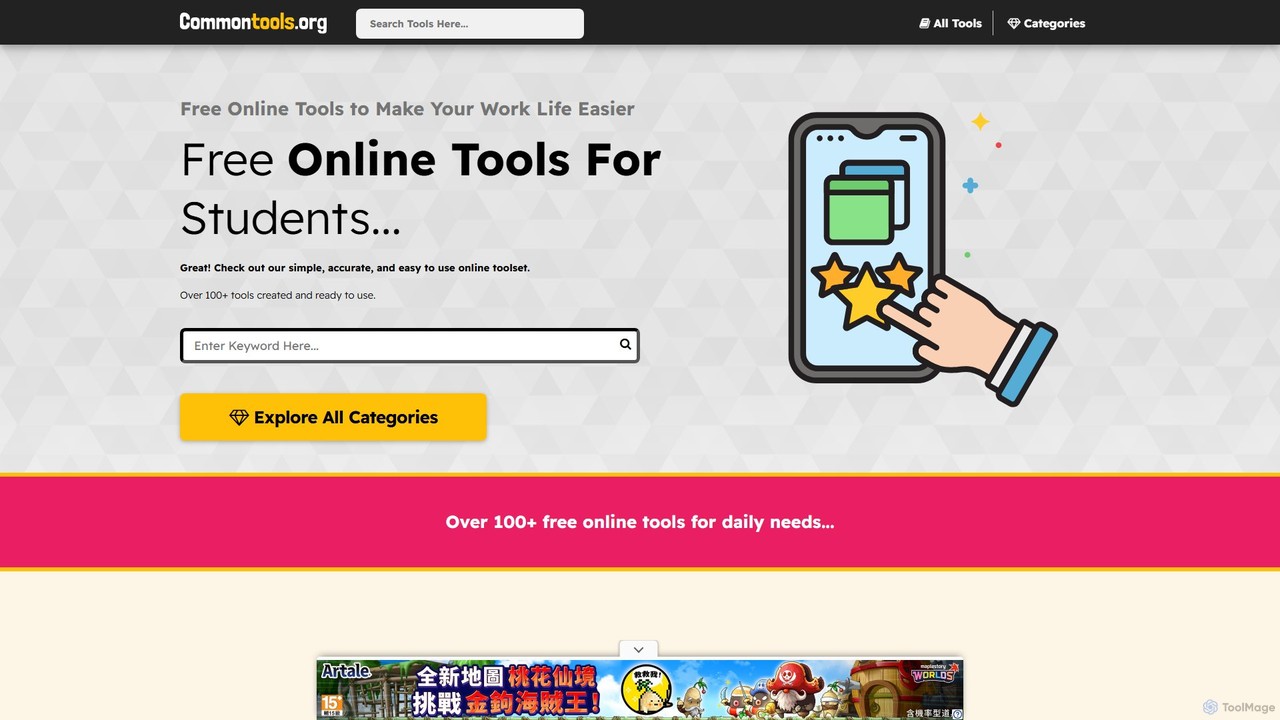
commontools.org is a comprehensive suite of over 100 free online tools designed for a wide range of tasks. …

145.2K

About Converters

AI Converters are tools that use machine learning to transform data from one format to another with high accuracy and contextual understanding. Unlike traditional converters that follow rigid rules, these AI tools can interpret unstructured content, understand complex layouts, and preserve data relationships during transformation. This capability is essential for automating data pipelines, migrating legacy information, and making data accessible across different applications and platforms.

Core Features

  • Intelligent Format Recognition: Automatically identifies input formats (e.g., PDF, JSON, image) and converts them to desired outputs like CSV, DOCX, or structured data.
  • Unstructured Data Extraction: Pulls specific data points from unstructured sources such as scanned invoices, contracts, or emails.
  • Content-Aware Transformation: Preserves complex elements like tables, charts, and formatting when converting documents (e.g., PDF to Word).
  • Schema Mapping: Intelligently maps fields from a source format to a target schema, even with differing naming conventions.
  • Batch Processing: Supports the simultaneous conversion of large volumes of files, significantly accelerating data workflows.

Use Cases

AI Converters are widely used in data engineering, business intelligence, and content management. For example, a financial analyst might convert thousands of PDF bank statements into structured CSV files for analysis, or a marketing team could transform customer feedback from various formats into a unified JSON database for sentiment analysis.

How to Choose

When selecting an AI Converter, consider the specific formats you need to support (both input and output). Evaluate its accuracy with unstructured data, its capacity for handling large volumes via batch processing, and its integration options through an API. Also, assess the balance between a user-friendly interface for non-technical users and the advanced customization options for developers.

ConvertersUse Cases

1

Automating Invoice Data Entry

An accounts payable team receives hundreds of invoices daily in various formats (PDF, scanned images, emails). Using an AI Converter, they upload these files in bulk. The tool uses OCR and layout analysis to identify and extract key fields like invoice number, date, vendor, and line items, then converts this data into a structured CSV or XML file. This output is ready for direct import into their accounting software, eliminating manual data entry, reducing errors, and accelerating payment processing.

2

Migrating Legacy Database Content

A developer is tasked with migrating data from an old application, stored in a proprietary format like XML or fixed-width text files, to a modern JSON-based NoSQL database. The AI Converter is configured to understand the old schema and intelligently map it to the new JSON structure. It handles data type conversions, restructures nested objects, and processes the entire dataset, saving weeks of custom scripting and manual data wrangling.

3

Converting Research Papers for Analysis

A research assistant needs to analyze 500 academic papers, all in PDF format. Manually copying text, tables, and citations is impractical. They use an AI Converter specializing in document conversion. The tool not only extracts the text but also recognizes and converts tables into an Excel-compatible format and preserves citation data. The output is a clean, structured dataset (e.g., DOCX or Markdown files) that can be easily fed into text analysis or data visualization tools.

4

Standardizing User-Generated Media Content

A social media platform needs to process user-submitted content which arrives in various audio and video formats (MP4, MOV, M4A, WAV). To ensure compatibility and optimize for streaming, they use an AI-powered media converter. The tool automatically detects the input format, converts it to a standard MP4/AAC format, adjusts the bitrate for web delivery, and can even generate transcripts by converting the audio track to text (TXT or SRT format) simultaneously.

5

Transforming CAD Files for Cross-Platform Use

An engineering firm works with multiple clients who use different CAD software (e.g., AutoCAD, SolidWorks). To facilitate collaboration, they use an AI Converter for 3D models. The tool can convert complex DWG files to STEP or IGES formats while preserving geometric integrity, layers, and metadata. The AI component helps resolve compatibility issues between different software versions and ensures the converted file is usable in the target application without significant rework.

6

Converting Audio Transcripts into Structured Meeting Notes

A project manager receives a raw text transcript from a meeting recording. To make it useful, they use an AI Converter that transforms this unstructured text into organized notes. The tool identifies different speakers, detects action items using natural language understanding, summarizes key decisions, and formats the output into a clean Markdown or DOCX file. This structured document includes clear headings for 'Attendees', 'Decisions', and 'Action Items', making the meeting outcomes immediately actionable.

ConvertersFrequently Asked Questions