

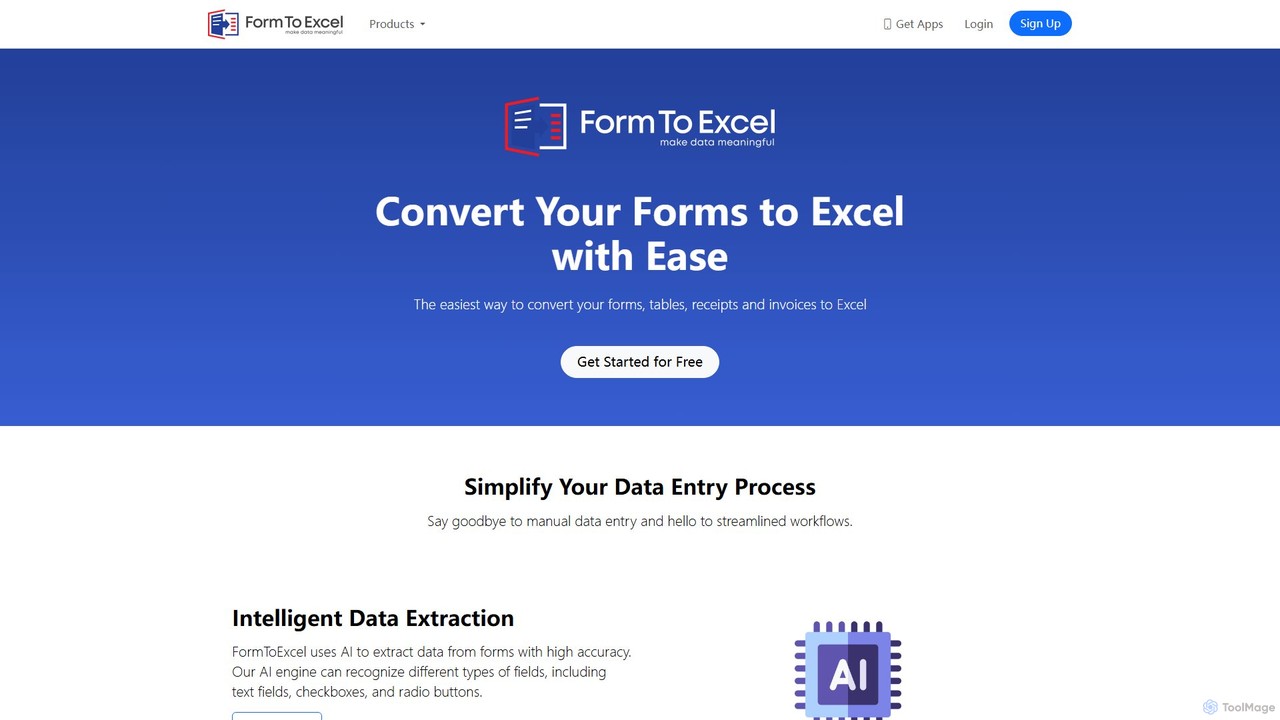
FormToExcel Overview
FormToExcel is a versatile and powerful online platform designed to streamline data management by converting various document formats into editable and structured Excel spreadsheets. Leveraging advanced Artificial Intelligence and Optical Character Recognition (OCR) technology, this tool serves as a comprehensive solution for anyone needing to extract tabular data from static documents. It effectively bridges the gap between unstructured information found in PDFs, images, and paper forms, and the organized, analyzable environment of Microsoft Excel.
The platform is engineered to handle a wide array of data extraction challenges. Whether you're dealing with scanned invoices, digital PDF reports, photos of price lists, or even password-protected documents, FormToExcel provides the necessary tools to unlock the data within. It intelligently recognizes table structures, columns, and rows, ensuring that the output in Excel maintains the original layout and integrity of the data, thereby saving countless hours of manual transcription and minimizing human error.
How to use FormToExcel
The user experience is designed to be simple and intuitive, allowing users to convert documents in just a few steps:
- Upload Your File: Navigate to the FormToExcel web application and select the file you wish to convert. You can upload various formats, including PDF, JPG, PNG, and other common image files.
- AI-Powered Processing: Once uploaded, the tool's AI engine automatically scans the document. It uses OCR to recognize text and a sophisticated algorithm to detect tables and their structure. For specific documents like invoices, it can identify key fields such as invoice number, date, total amount, and line items.
- Review and Edit (Optional): The platform may present a preview of the extracted data, allowing you to verify its accuracy before finalizing the conversion. This step ensures high-quality output.
- Download as Excel: With a single click, download the extracted data as a perfectly formatted Excel (XLSX) or CSV file, ready for analysis, reporting, or integration into other systems.
Core Features of FormToExcel
- Advanced OCR Technology: Accurately converts text and numbers from images and scanned PDFs into editable data.
- PDF to Excel Conversion: Extracts data from both native and scanned PDFs, with capabilities to handle password-protected files.
- Image to Excel Conversion: Transforms photos (JPG, PNG) of tables, receipts, or forms directly into Excel spreadsheets.
- Intelligent Table Recognition: Automatically detects rows, columns, and cell content, preserving the original table structure.
- Invoice Data Extraction: Specialized functionality to pull key information from invoices, automating accounts payable processes.
- Barcode and QR Code Scanning: Supports data entry from barcodes and QR codes, ideal for inventory management and logistics.
- Multi-Format Support: Handles a wide range of input files beyond PDF and images, including TXT, and potentially Word and PowerPoint conversions.
- Data Formatting: Provides options for handling data formats, such as changing date formats or removing unnecessary headers during import.
Use Cases for FormToExcel
FormToExcel is invaluable across various industries and roles:
- Finance and Accounting: Automate the extraction of data from thousands of invoices, bank statements, and financial reports to speed up reconciliation and reporting.
- Data Entry Professionals: Eliminate tedious manual data entry from paper forms, surveys, and registration lists, freeing up time for more analytical tasks.
- Inventory and Retail Managers: Use barcode scanning features to quickly update inventory logs in Excel or Google Sheets.
- Researchers and Academics: Easily extract data tables from research papers, publications, and historical documents in PDF format for meta-analysis.
- Sales and Marketing Teams: Convert product catalogs, price lists, and contact lists from PDF brochures into sortable Excel files for market analysis or CRM import.
Advantages of FormToExcel
The primary advantage of FormToExcel is the massive boost in productivity. By automating data extraction, it drastically reduces the time and cost associated with manual data entry. The AI-driven accuracy minimizes transcription errors, leading to more reliable data for decision-making. Its versatility in handling various document types makes it a one-stop solution for most data extraction needs. Furthermore, by digitizing paper-based workflows, it helps businesses become more efficient, agile, and environmentally friendly.
Pricing and Plans
Based on industry standards and mentions of free conversion options in its resources, FormToExcel likely operates on a freemium model. This typically includes:
- Free Plan: A free-to-use tier that allows users to convert a limited number of documents or pages per month. This is ideal for individuals or small-scale tasks.
- Paid Plans (Subscription-based): For businesses and power users, subscription plans would offer higher conversion limits, batch processing capabilities, priority support, API access for system integration, and advanced features like dedicated invoice processing. Pricing would likely be tiered based on usage volume.
Users are encouraged to visit the official website for the most current and detailed pricing information.
Traffic
Latest traffic
Status
Monthly traffic trend
- 2025-9: 8.4K
- 2026-1: 4.7K
- 2026-2: 3.6K
- 2026-3: 4.0K
- 2026-4: 4.6K
- 2026-5: 4.6K
Geography
Top 5 countries / regions
- 🇺🇸United States36.3%
- 🇻🇳Vietnam29.7%
- 🇮🇳India26.3%
- 🇵🇰Pakistan7.8%
Top keywords
| Keyword | Cost per click |
|---|---|
| csv to excel | $0.83 |
| how to convert google forms to excel | $0.00 |
| how to get get data option in online excel | $0.00 |
| multiple option for getting otp code sample | $0.00 |
| to excel | $0.18 |
FormToExcel Alternatives
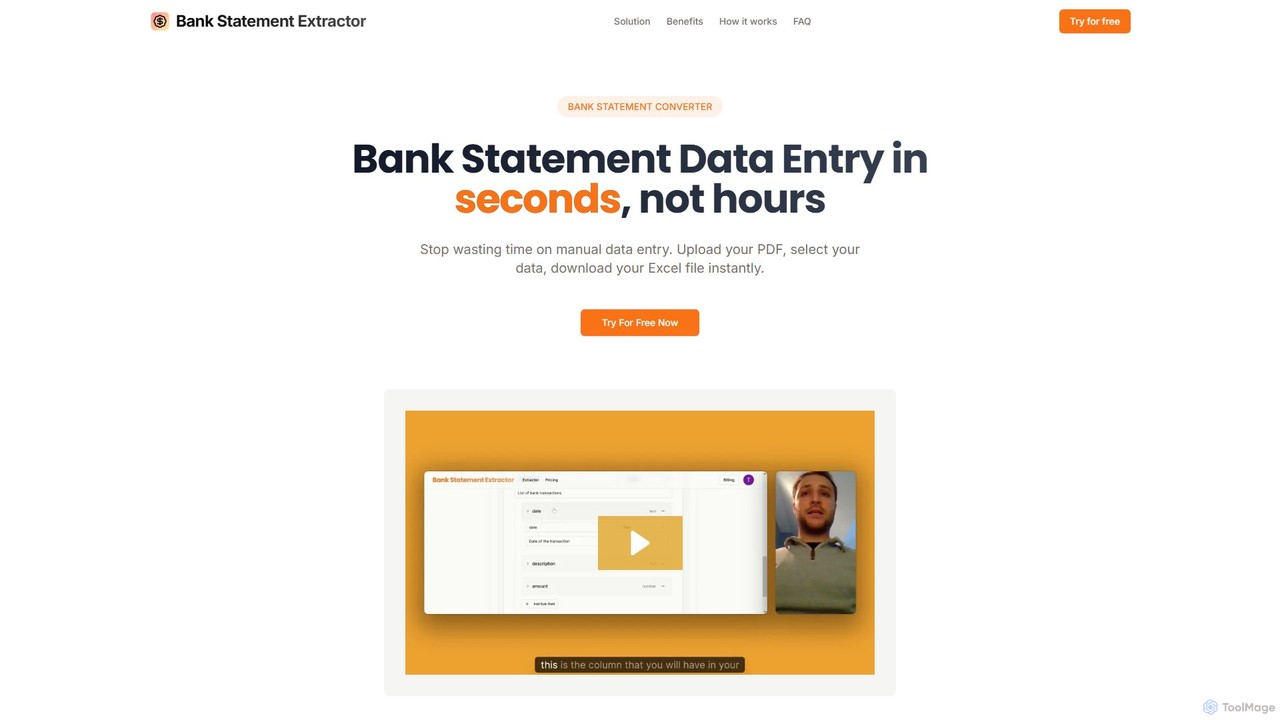
bankstatementextract
AI-powered tool to instantly convert PDF bank statements (including scanned documents) into structured Excel files. Automate data entry with 99.8% accuracy, process multiple statements at once, and define custom data extraction schemas. Ideal for accountants, analysts, and businesses.
Converter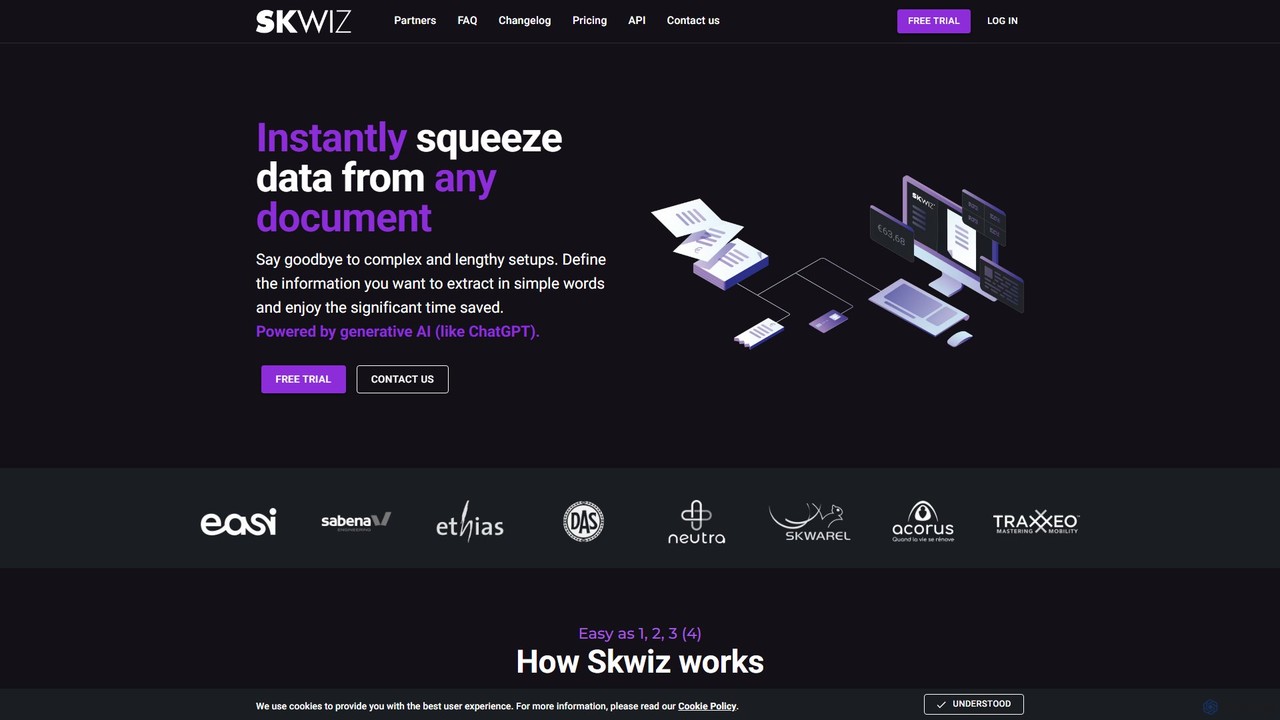
Skwiz
Skwiz is an AI-powered Intelligent Document Processing (IDP) platform that uses generative AI to instantly extract data from any document. Define your data needs in simple language, upload documents, and automate data entry for invoices, receipts, ID cards, and more, saving significant time and eliminating complex setups.
Document Management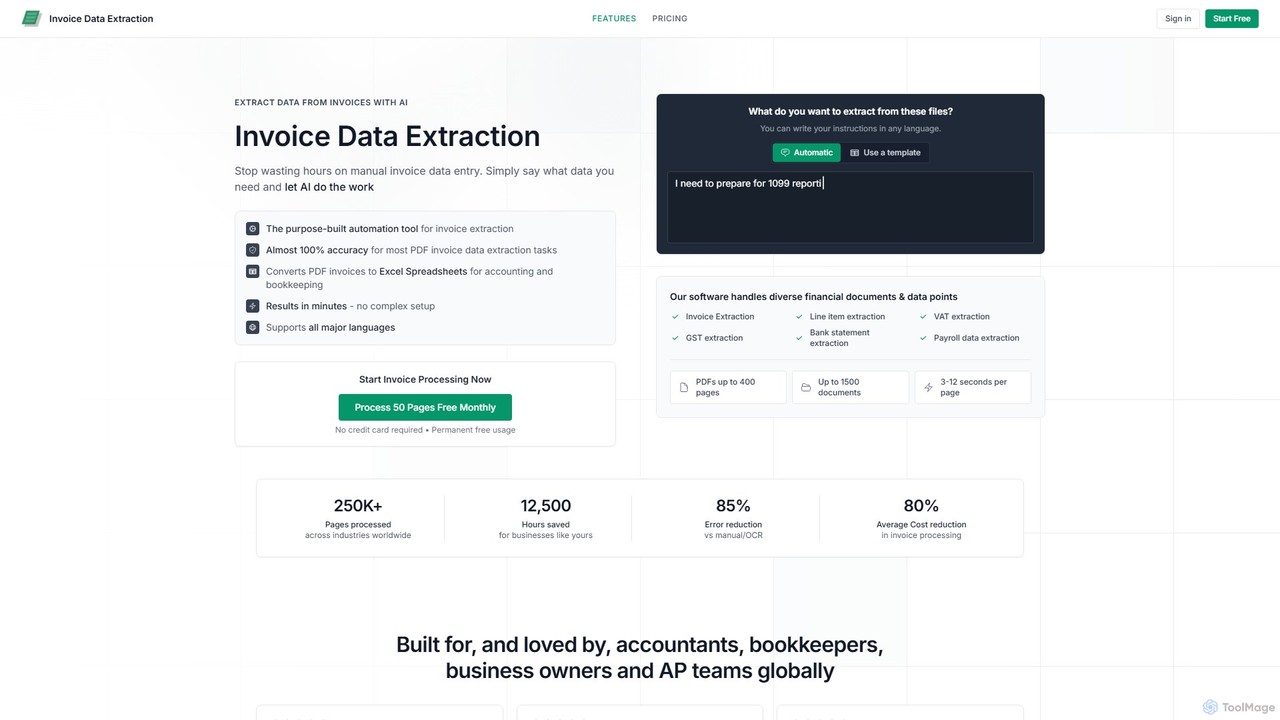
invoicedataextraction
An AI-powered tool designed to automatically extract data from invoices and other financial documents with near-100% accuracy. It converts PDFs and images into structured Excel spreadsheets, eliminating manual data entry, reducing costs by 80%, and saving hours of work for accountants, AP teams, and business owners.
Document Management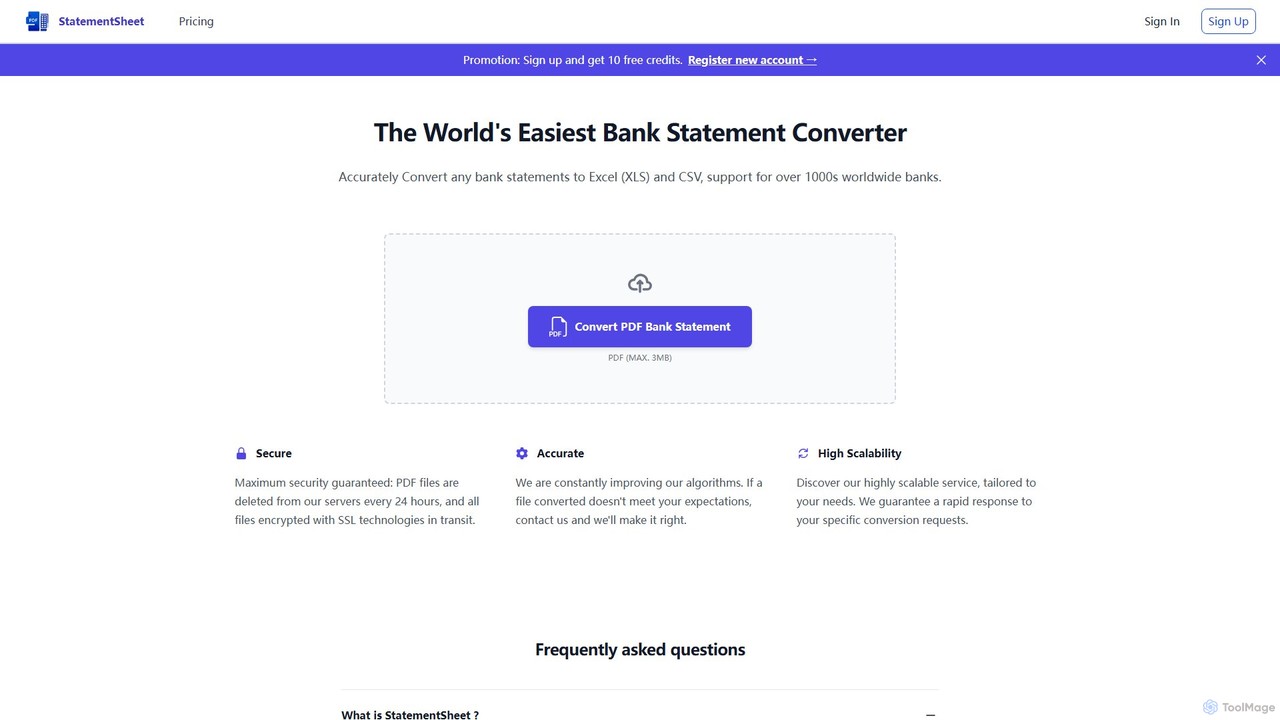
StatementSheet
StatementSheet is an AI-powered online tool that accurately converts PDF bank statements into editable Excel (XLS) and CSV formats. Supporting thousands of banks worldwide, it uses advanced OCR and AI technologies to extract transaction data quickly and securely. Ideal for accountants, businesses, and individuals looking to automate data entry and streamline financial analysis.
Converter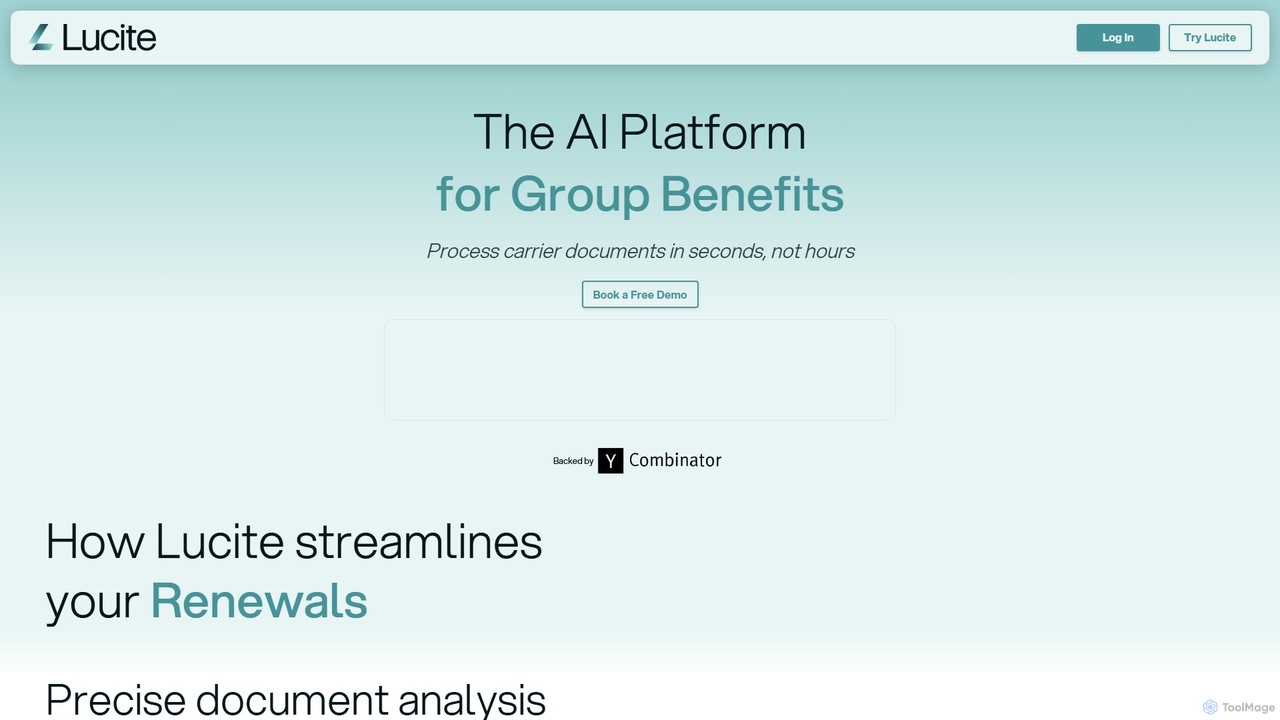
Lucite
Lucite is an AI-powered platform designed for the group benefits industry. It leverages advanced OCR and data extraction to automatically process carrier documents like PDFs in seconds, transforming them into structured, usable data. This eliminates manual data entry, reduces errors, and accelerates the analysis and comparison of benefit plans.
Document ManagementFormToExcel Categories
FormToExcel Embed Widget
Copy this embed code to place the badge on your blog, article, or product site and send readers directly to this ToolMage detail page.

Related AI tools
DocumentPro
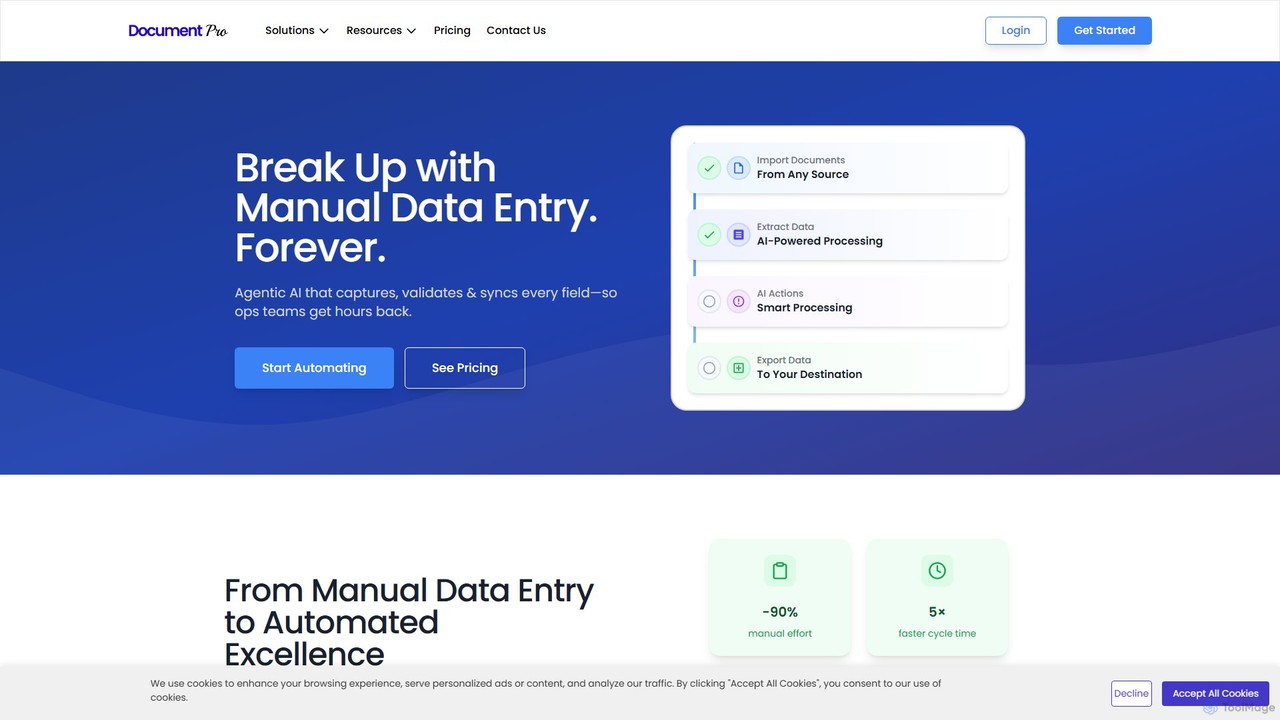
DocumentPro is an AI-powered platform that automates document processing and data extraction. It uses agentic AI and leading LLMs to capture, validate, and sync data from various documents like invoices and purchase orders, aiming to eliminate manual data entry, reduce errors by 90%, and accelerate workflows by 5x.
Data Extraction
Jyek
Jyek is an AI agent platform that understands objectives, creates execution plans, uses tools, and delivers verifiable results for complex, multi-step tasks.
Automationbankstatementextract
AI-powered tool to instantly convert PDF bank statements (including scanned documents) into structured Excel files. Automate data entry with 99.8% accuracy, process multiple statements at once, and define custom data extraction schemas. Ideal for accountants, analysts, and businesses.
Converter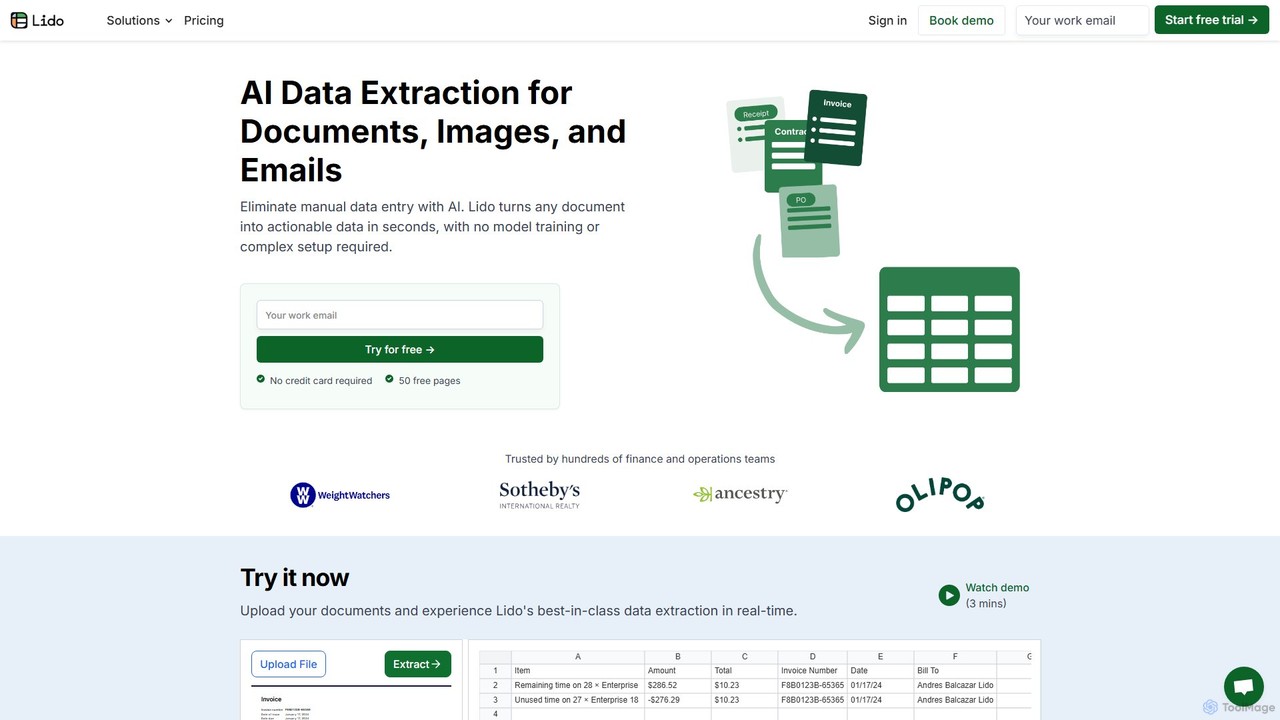
Lido
Lido is an AI-powered data extraction tool that automates the process of pulling information from any document, including PDFs, invoices, and images, into structured formats like Excel and CSV. It's template-free, fast, and designed for finance and operations teams to eliminate manual data entry and save significant time.
Document Management
Airparser
Airparser is an LLM-powered data extraction tool that automates the process of converting unstructured data from emails, PDFs, and various documents into structured, actionable formats. It uses advanced AI to understand context, eliminating the need for manual data entry and complex parsing rules.
Document Management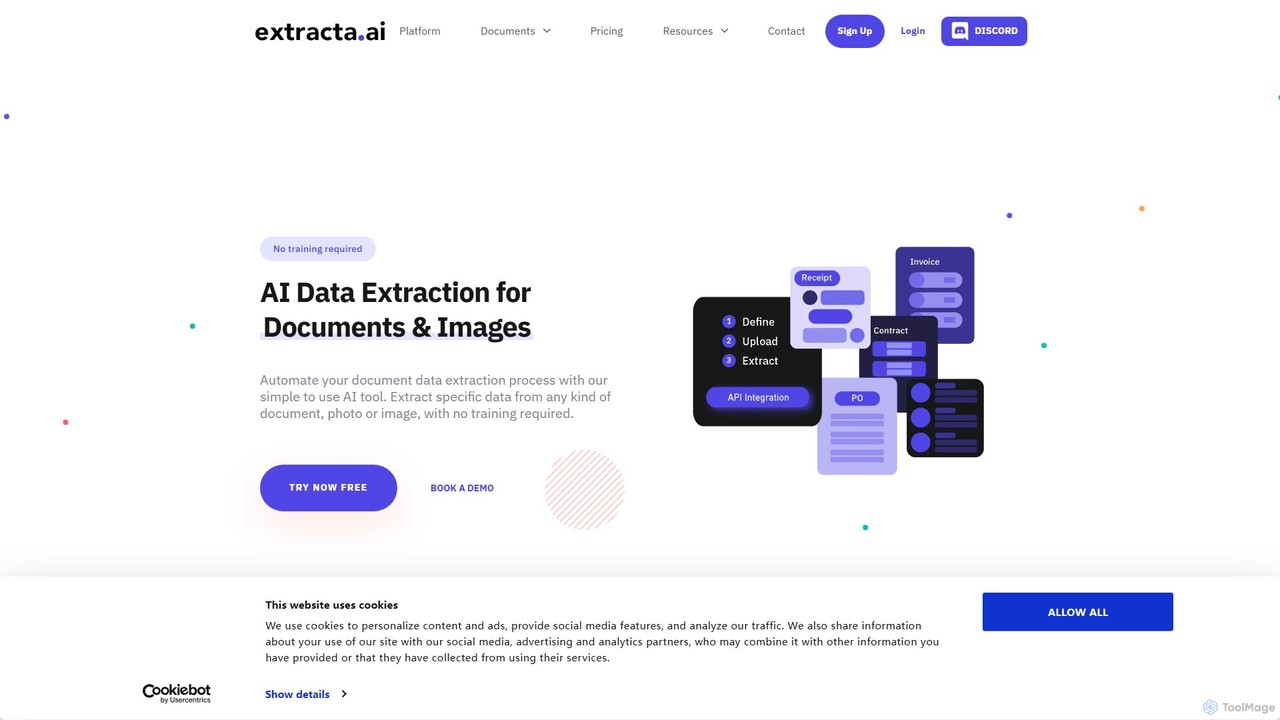
extracta.ai
extracta.ai is an AI-powered platform designed for intelligent data extraction from documents and images. It automates the process of capturing structured data from various sources like invoices, receipts, contracts, and forms, eliminating manual data entry and streamlining business workflows.
Automation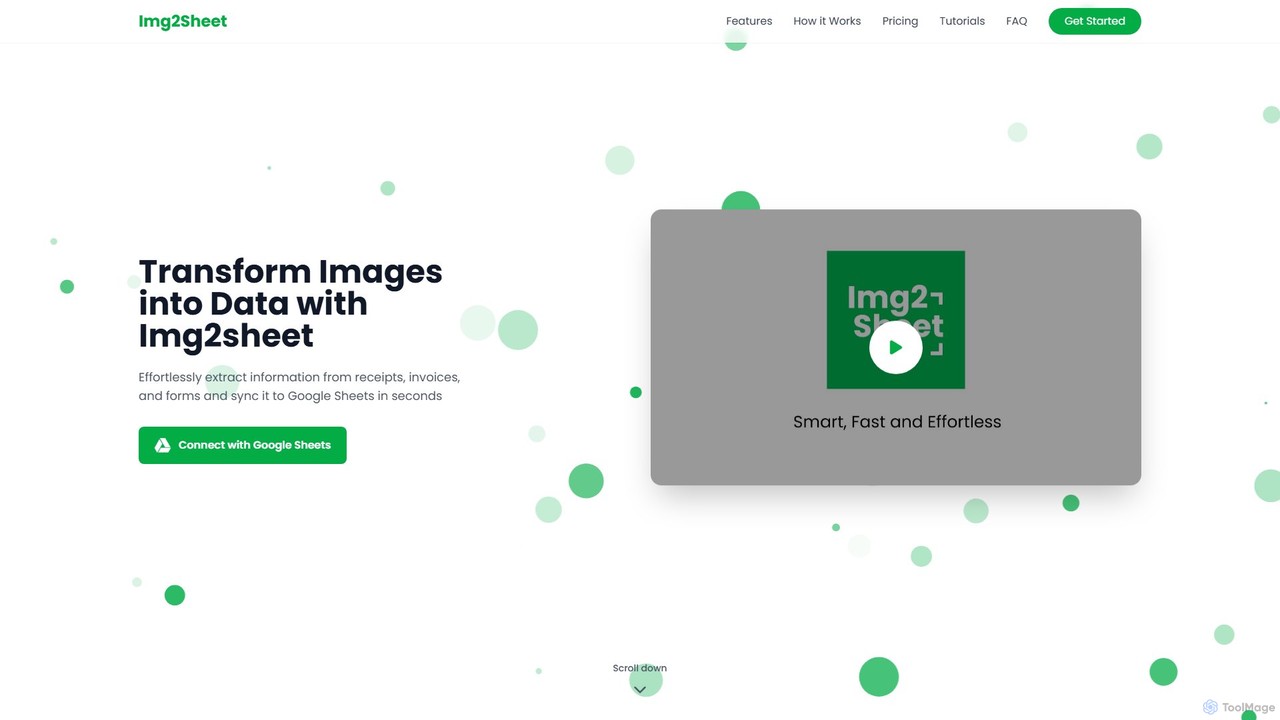
Img2Sheet
Img2Sheet is an AI-powered tool that automates data extraction from images like receipts, invoices, and forms, syncing the information directly into Google Sheets. It eliminates manual data entry, saves time, and increases accuracy with a simple, pay-per-use model.
Extraction
DocsLoop
DocsLoop is an AI-powered document processing tool that automates data extraction from PDF documents. Simply drag and drop files like invoices, bank statements, and receipts, and DocsLoop converts tables and text into clean, organized Excel spreadsheets with 99% accuracy. It eliminates manual data entry, saving hours of work and reducing costs for businesses and individuals.
Data Extraction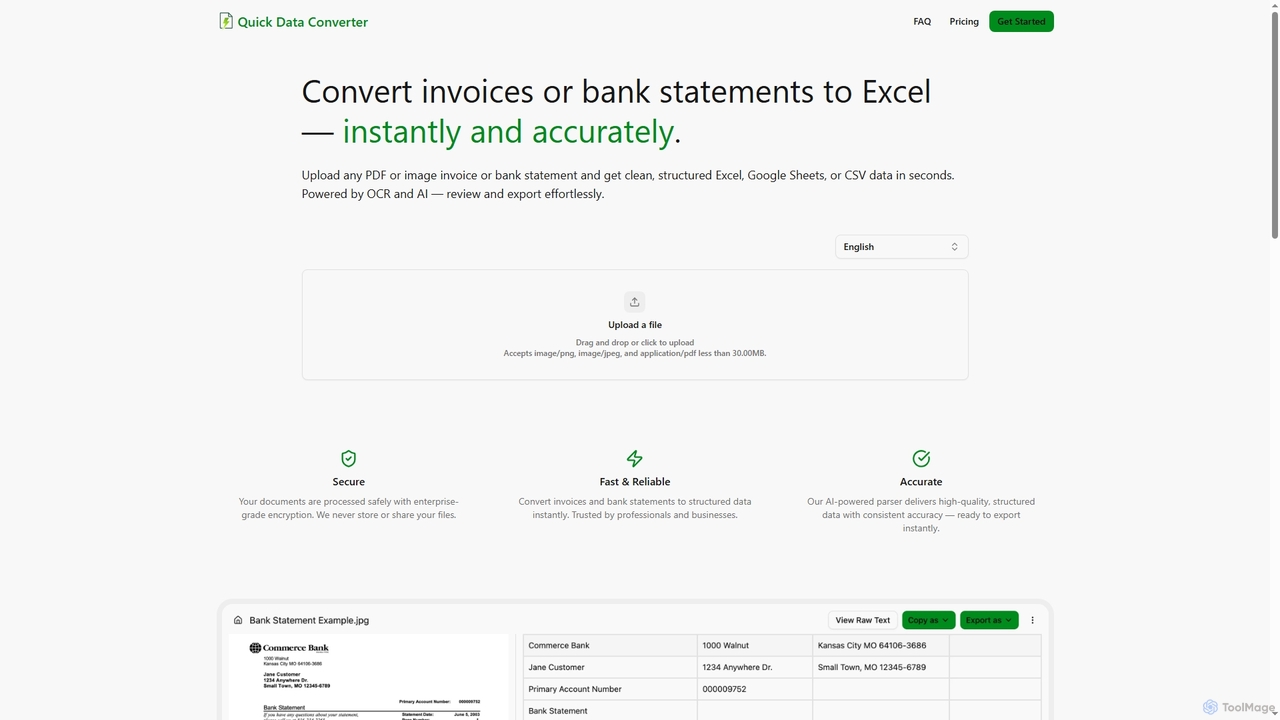
Quick Data Converter
Quick Data Converter is an AI-powered tool that instantly and accurately transforms PDF and image invoices or bank statements into clean, structured data formats like Excel, CSV, and Google Sheets. It leverages OCR and AI for efficient data extraction, ensuring high accuracy and security for professionals and businesses.
Data ExtractionSkwiz
Skwiz is an AI-powered Intelligent Document Processing (IDP) platform that uses generative AI to instantly extract data from any document. Define your data needs in simple language, upload documents, and automate data entry for invoices, receipts, ID cards, and more, saving significant time and eliminating complex setups.
Document Management
Parseur
Parseur is a powerful AI-powered document parsing tool that automates data extraction from emails, PDFs, and other documents. It converts unstructured text into structured data and sends it to thousands of applications, eliminating manual data entry and saving significant time.
Document Management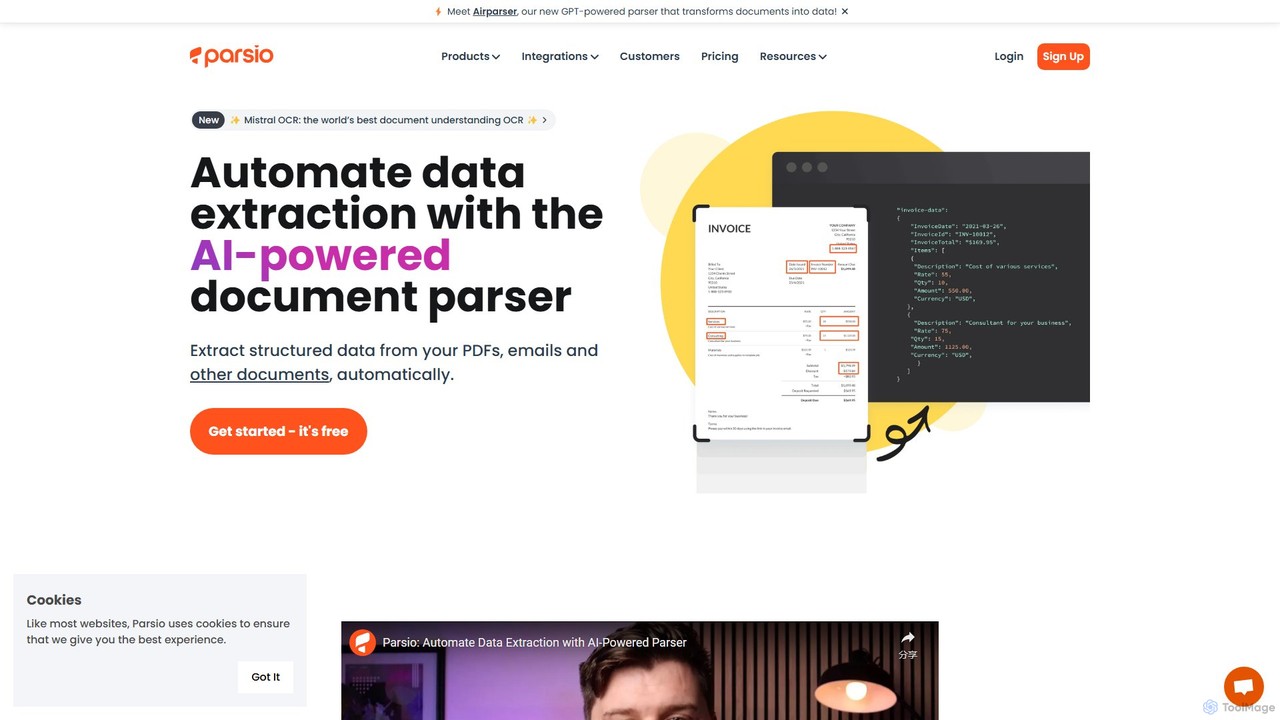
Parsio
Parsio is an AI-powered document parser that automates data extraction from emails, PDFs, and other documents. It uses OCR and AI models like GPT to capture structured data from unstructured text, eliminating manual data entry and streamlining business workflows through seamless integrations.
Document Management
Mindee
Mindee is an AI-powered OCR and data extraction API for developers. It automates data entry by instantly parsing and structuring information from various documents like invoices, receipts, and passports. It provides structured JSON data, eliminating manual work and improving accuracy.
Document Management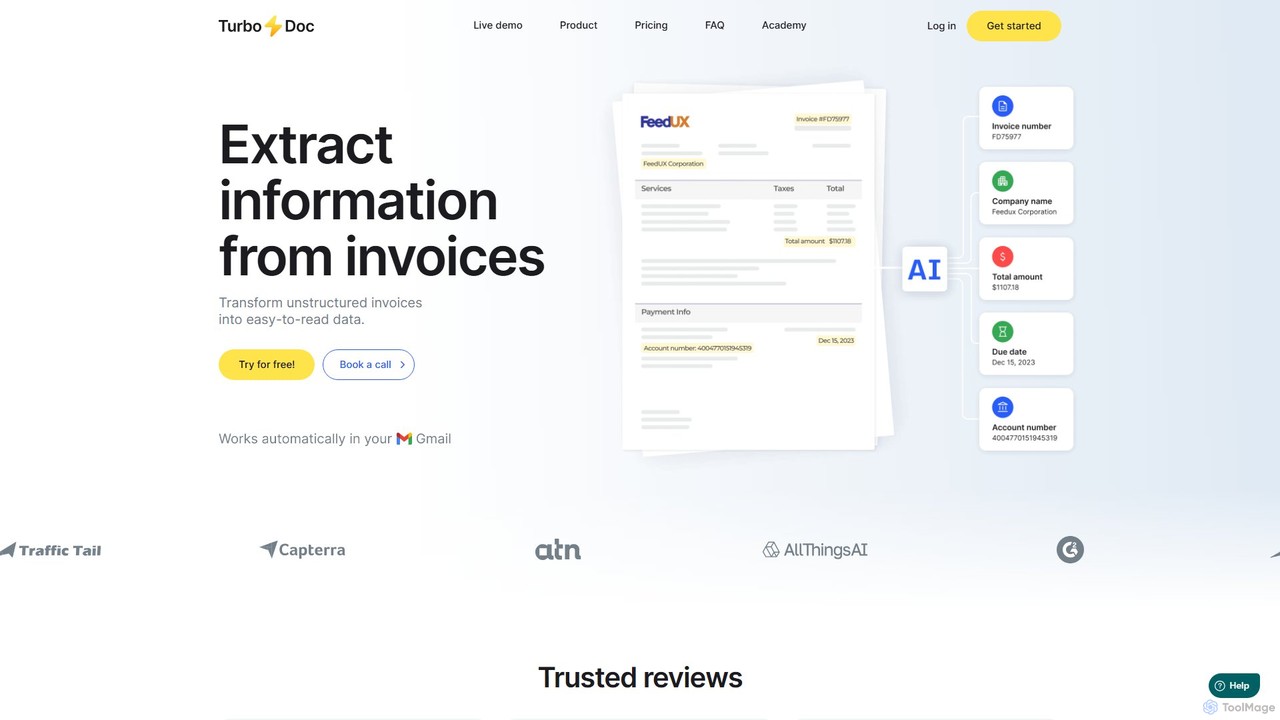
TurboDoc
TurboDoc is an AI-powered platform that automates invoice processing and financial workflows. It uses advanced OCR and Intelligent Document Processing (IDP) to accurately extract data from unstructured invoices, receipts, and other financial documents. By transforming manual data entry into a streamlined, automated process, TurboDoc helps businesses save time, reduce costs, minimize errors, and improve compliance. It's an ideal solution for accountants, finance teams, and small to medium-sized businesses seeking to optimize their accounts payable operations.
Document Management
itexcel
itexcel is a free, AI-powered OCR tool that accurately converts tables and text from images (JPG, PNG) into editable Excel spreadsheets. Available on web, iOS, and Android, it streamlines data entry and boosts productivity.
Document Processing
FormToExcel Comments (0)
Sign in to comment.
Sign inNo comments yet.