ToolMage
Sign in

Best 2 Expense Tracking AI tools for Business

Popular Expense Tracking AI tools in Business include ReceiptsAI and budJet, helping you work more efficiently.

budJet
Freemium

budJet

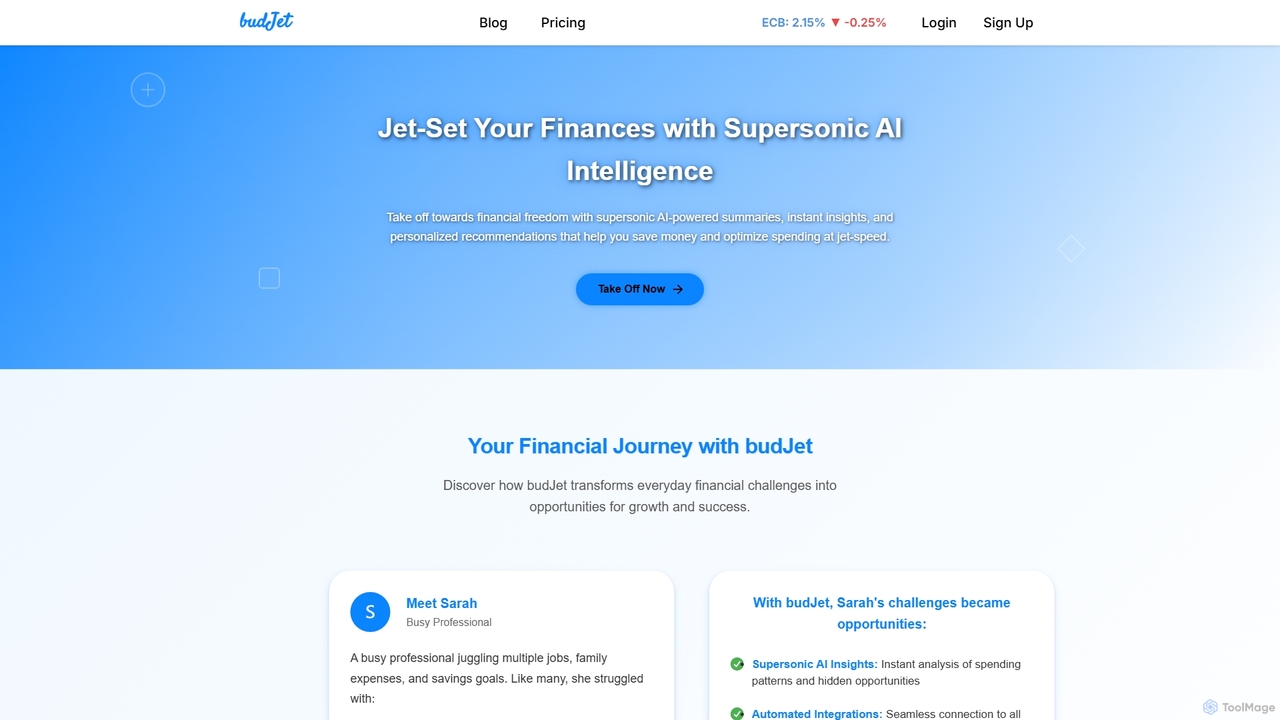
budJet is an AI-powered personal finance management app designed to help users achieve financial freedom. It offers supersonic AI insights, automated bank integrations, and personalized recommendations to optimize spending, save money, and track financial goals effortlessly. Available on iOS and Android, budJet simplifies complex financial challenges into actionable opportunities for growth.

Expense Tracking
Visits 6.5KFavorites 136Likes 136
ReceiptsAI
Freemium

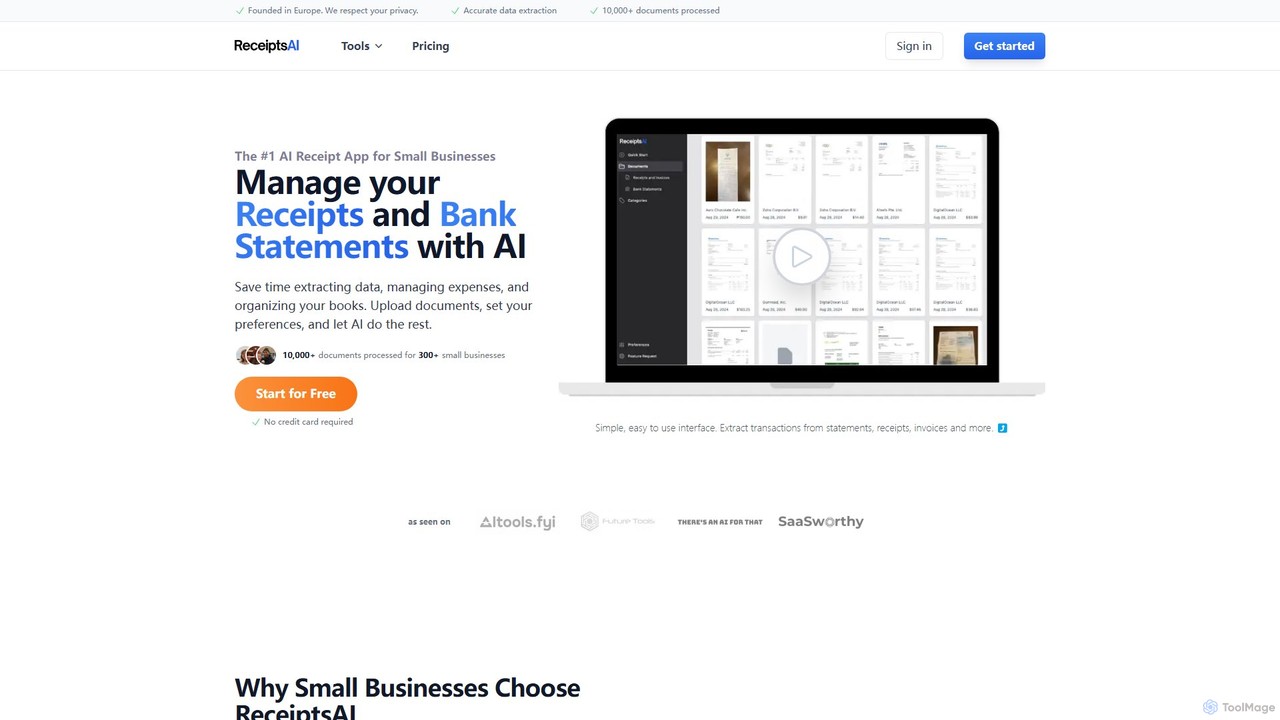
ReceiptsAI

ReceiptsAI is an AI-powered expense management and bookkeeping platform designed for small businesses and freelancers. It automates data extraction from receipts, invoices, and bank statements, saving hours of manual work. The tool categorizes transactions, ensures tax-ready records, and provides clear financial insights through a simple, secure interface.

Expense Tracking
Visits 17.4KFavorites 138Likes 139

About Expense Tracking

AI Expense Tracking tools are applications that automate the capture, categorization, and analysis of business expenditures. Leveraging technologies like Optical Character Recognition (OCR) and machine learning, these tools can instantly digitize receipts, intelligently classify spending, and detect policy violations. This streamlines the entire expense management process, providing businesses with real-time financial visibility and significantly reducing manual data entry. The primary value lies in improving accuracy, ensuring compliance, and accelerating reimbursement cycles.

Core Features

  • Automated Receipt Scanning: Uses OCR to instantly extract data such as vendor, date, and amount from receipt photos.
  • Intelligent Categorization: Employs machine learning to automatically assign expenses to the correct accounting codes or project budgets.
  • Policy Compliance Engine: Automatically flags expenses that are duplicates or violate predefined company spending rules.
  • Real-time Analytics: Offers interactive dashboards to monitor spending trends by team, category, or time period.

Applicable Scenarios

These tools are widely used across various sectors. Sales teams utilize them to log travel and entertainment expenses on the go. Freelancers and consultants track project-specific costs to ensure accurate client billing. Finance departments in larger corporations deploy them to enforce budget controls and simplify the auditing process, gaining a centralized view of company-wide spending.

Selection Criteria

When choosing an AI Expense Tracking tool, consider its integration capabilities with your existing accounting software (e.g., QuickBooks, Xero, SAP). Evaluate the user-friendliness of its mobile application for easy receipt capture. Also, assess the flexibility of its policy engine to customize rules and approval workflows, and check the pricing model to ensure it scales with your team's size.

Expense Tracking use cases

1

Automating Sales Team Travel Expenses

A sales representative on a multi-city business trip uses their smartphone to capture photos of receipts for flights, hotels, and client meals. The AI expense tracking tool's OCR technology instantly extracts all relevant data, automatically populating an expense report. The system categorizes each item, checks it against the company's travel policy for compliance, and flags a meal expense that exceeds the daily limit. This allows the representative to submit a complete, accurate, and compliant report in minutes after their trip, reducing administrative work by over 80%.

2

Streamlining Freelancer Project Costing

A freelance graphic designer uses an AI expense tracking tool to manage costs for multiple client projects. When purchasing a new software subscription or stock photos, they immediately capture the digital invoice and tag it to the corresponding project, such as 'Client A - Website Redesign'. The tool aggregates all tagged expenses, providing a real-time view of each project's profitability. At the end of the month, they can generate a detailed expense report for each client's invoice with a single click, ensuring accurate billing and simplifying tax preparation.

3

Enhancing Financial Audit Compliance

A corporate finance department uses an AI expense tracking system to prepare for an annual audit. The system's AI automatically flags duplicate submissions, out-of-policy spending (e.g., business class flights for non-executives), and expenses submitted without proper documentation. This pre-screening process reduces the manual review time for the finance team by over 70%. During the audit, they can instantly pull up any transaction with its attached receipt and approval history, providing a clear, digital audit trail that demonstrates strong internal controls and ensures a smoother, faster audit process.

4

Managing Small Business Team Budgets

A small marketing agency owner sets monthly budgets for software, advertising, and client entertainment within their AI expense tracking tool. As team members submit expenses, the tool's dashboard provides a real-time visualization of spending against these budgets. The owner receives an automatic alert when the advertising budget reaches 90% of its limit mid-month. This proactive notification allows them to reallocate funds or adjust campaign spending immediately, preventing budget overruns and enabling better financial control without constant manual tracking in spreadsheets.

5

Simplifying Reimbursement for Remote Teams

A fully remote tech company uses an AI expense tool to manage home office stipends. An employee purchases a new ergonomic chair and submits the receipt via the mobile app. The AI categorizes it as 'Home Office Equipment' and verifies it's within the employee's annual allowance. The approved expense is then automatically synced with the payroll system through an integration, ensuring the reimbursement is included in the next paycheck without any manual intervention from HR or finance, creating a seamless and efficient process for a distributed workforce.

6

Tracking Digital Marketing Campaign Spend

A marketing manager connects their AI expense tracking tool with APIs from Google Ads and Facebook Ads. The tool automatically imports daily ad spend data, categorizes it by campaign (e.g., 'Q4 Product Launch', 'Summer Sale'), and assigns it to the marketing budget. This provides a consolidated, real-time view of all digital advertising expenditures in one place, eliminating the need to manually download and merge reports from different platforms. It allows the manager to accurately track campaign ROI and make faster, data-driven decisions on budget allocation.

Expense Tracking FAQ

What is AI Expense Tracking?

AI Expense Tracking refers to software that uses artificial intelligence technologies like OCR (Optical Character Recognition) and machine learning to automate expense management. Instead of manually entering receipt data into a spreadsheet, users can simply take a photo of a receipt, and the AI extracts the vendor, date, and amount automatically. It then intelligently categorizes the expense and checks it against company policies, streamlining the entire process from submission to reimbursement and providing real-time financial insights.

How to choose the right AI Expense Tracking tool?

To choose the right tool, consider these key factors:

  • Integration: Ensure it seamlessly integrates with your existing accounting software (like QuickBooks, Xero, or NetSuite) to avoid manual data transfer.
  • Mobile App Usability: The mobile app should be intuitive and fast for employees to capture receipts on the go.
  • Policy Customization: Check if you can build custom rules and multi-level approval workflows that match your company's specific spending policies.
  • Scalability and Pricing: Select a tool with a pricing model (e.g., per user, per report) that fits your current team size and can grow with your business.
What's the difference between AI expense tracking and accounting software?

AI expense tracking software focuses specifically on the front-end process of capturing, approving, and managing employee-initiated expenses. Its main goal is to streamline reimbursement workflows. Accounting software, on the other hand, is a comprehensive system for managing a company's entire financial ledger, including accounts payable/receivable, payroll, and financial reporting. While distinct, the two systems are complementary; most expense tracking tools are designed to integrate with and push data to accounting software, which then handles the final bookkeeping.

What are the main benefits of using AI for expense tracking?

The primary benefits include significant time savings by automating data entry, improved accuracy by eliminating human error, and enhanced compliance through automated policy checks. Additionally, it provides real-time visibility into company spending, allowing for better budget management and faster financial decision-making. For employees, it simplifies the submission process, leading to quicker reimbursements and higher satisfaction.

Who should use AI Expense Tracking tools?

AI Expense Tracking tools are versatile and benefit a wide range of users. Freelancers and solopreneurs use them to easily track project costs and prepare for tax season. Small to medium-sized businesses (SMBs) adopt them to replace manual spreadsheets and gain control over team spending. Large enterprises deploy them globally to enforce complex spending policies, streamline approvals across departments, and ensure audit readiness. Essentially, any individual or organization that needs to manage business-related expenses can benefit from the automation and efficiency these tools provide.