
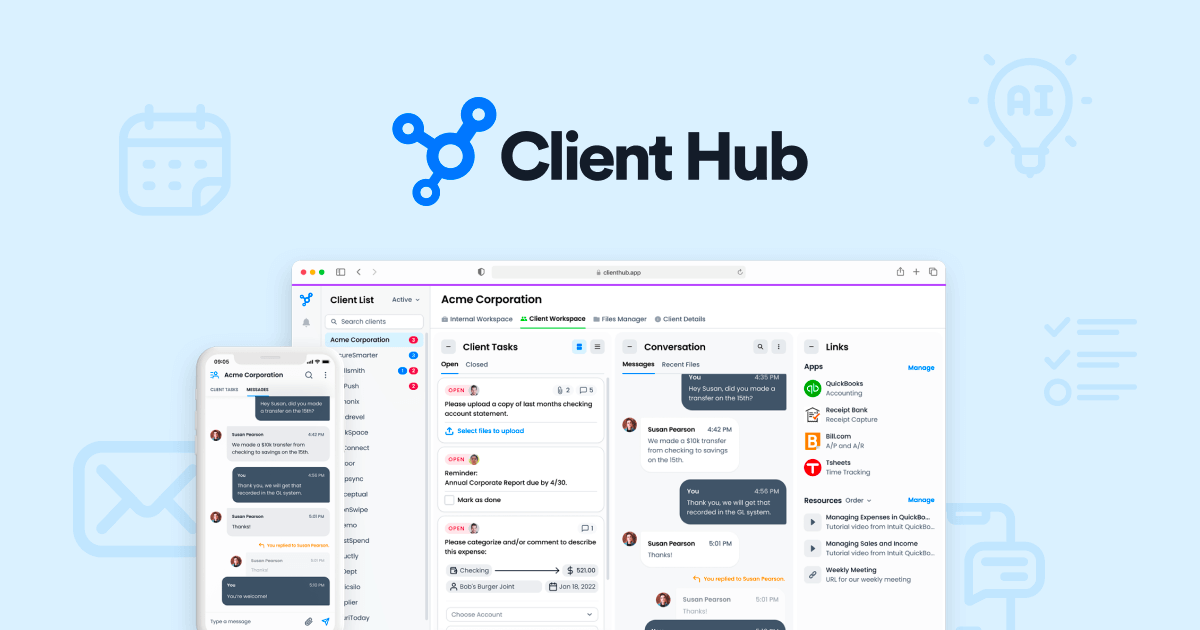
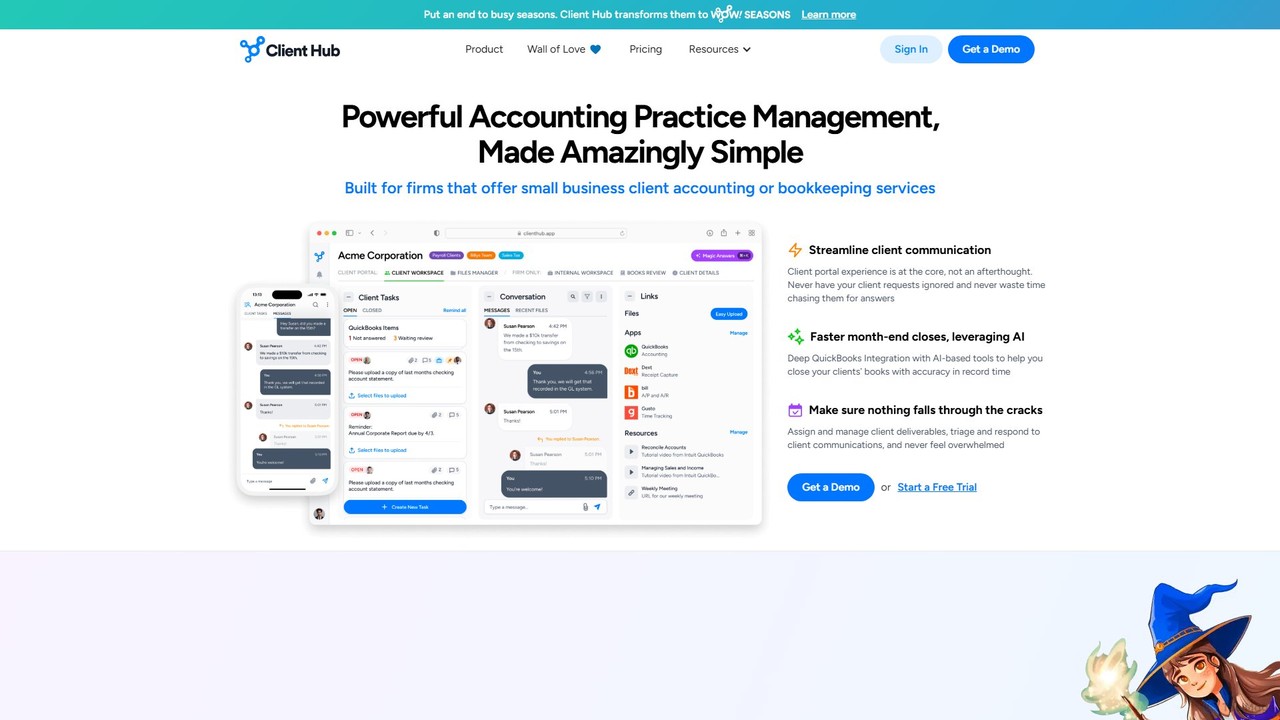
Client Hub Overview
Client Hub is a comprehensive practice management platform built to address the core challenges faced by modern accounting and bookkeeping firms. Founded in 2017 with the mission of "Happy Clients. Happy Firm.", it replaces fragmented systems with a single, unified solution for managing work, communicating with clients, and leveraging artificial intelligence to boost productivity. The platform is designed to eliminate communication silos, end the frustrating chase for client information, and provide a delightful experience that encourages timely client responses.
By integrating powerful AI capabilities, Client Hub transforms how firms operate. The AI can draft professional emails, generate detailed workflow checklists from simple descriptions, and even answer questions by intelligently searching through all firm content, including documents and emails. This allows accounting professionals to save countless hours and focus on higher-value advisory services.
How to use Client Hub
Getting started with Client Hub is a straightforward process designed for quick adoption. First, a firm signs up and can opt for a free trial or a demo. Team members are then invited to the workspace, where they are assigned roles and permissions. The next step is to connect essential tools like QuickBooks Online or Xero, and sync your email inbox to centralize communication. Firms can then create or import job templates for recurring tasks like monthly bookkeeping or tax preparation. Finally, invite your clients to their own branded, secure portal. Clients receive a simple, intuitive interface to see their tasks, upload documents, and communicate directly with the firm, eliminating scattered email threads.
Core Features of Client Hub
- AI Superpowers: Leverage AI to draft client emails, generate complete workflow templates from a simple prompt, and get instant answers from your firm's entire knowledge base.
- Unified Workflow Management: Manage all firm work through powerful jobs with customizable checklists, dependencies, time tracking, and seamless team collaboration features.
- Integrated Client Portal: Provide clients with a single, easy-to-use portal for tasks, secure file sharing, eSignatures, and communication, ensuring you get the information you need on time.
- Seamless QBO & Xero Integration: Directly resolve uncategorized transactions and find/fix data anomalies within Client Hub, dramatically speeding up monthly closes and clean-up projects.
- Centralized Email Management: Sync your inbox to manage client emails within the platform. Use AI to summarize long threads, draft replies, and adjust the tone of your messages.
- Integrated Document Management: Store internal and client-facing documents in one organized place, with clear permissions and easy access for both your team and your clients.
- Insightful Dashboards: Get a bird's-eye view of your firm's operations, team workload, job progress, and client engagement through easy-to-understand dashboards.
- eSignatures & Zapier Integration: Manage electronic signatures and connect Client Hub to thousands of other apps through Zapier to automate even more of your firm's processes.
Use Cases for Client Hub
Client Hub is ideal for various accounting workflows. For monthly bookkeeping, firms can automate task reminders for clients, review uncategorized transactions efficiently, and follow a standardized checklist for closing the books. During tax season, it serves as a central hub for securely collecting documents, tracking deadlines, and managing all client communication. It's also perfect for standardizing the new client onboarding process, ensuring every new client has a consistent and professional experience. For internal team management, it breaks down communication silos by keeping all conversations, files, and tasks related to a job in one place.
Advantages of Client Hub
The primary advantage of Client Hub is its dual focus on firm efficiency and client experience. Unlike other solutions, its client portal is so intuitive that it drives high adoption and responsiveness. The integration of AI significantly reduces administrative overhead. By combining practice management, a client portal, and AI features into one platform, firms can reduce their software stack, save money, and eliminate data fragmentation. The simple, transparent pricing model with no setup fees or long-term contracts makes it an accessible choice for firms of all sizes.
Pricing and Plans
Client Hub offers a straightforward and simple pricing structure. There are no setup fees, minimum terms, or hidden gimmicks. The platform offers a single, all-inclusive plan:
PREMIUM Plan: $69 per user per month (with a discount available for annual billing).
This plan includes all features, such as workflow management, client tasks, QuickBooks and Xero integration, AI capabilities, email management, Zapier integration, and a branded login. A key benefit is that firms only pay for their internal users; inviting and collaborating with an unlimited number of clients is completely free.
Traffic
Latest traffic
Status
Monthly traffic trend
- 2025-9: 30.8K
- 2026-1: 49.6K
- 2026-2: 49.4K
- 2026-3: 70.0K
- 2026-4: 63.9K
- 2026-5: 52.9K
Geography
Top 5 countries / regions
- 🇺🇸United States66.8%
- 🇲🇽Mexico19.0%
- 🇵🇰Pakistan9.5%
- 🇧🇩Bangladesh4.0%
- 🇮🇳India0.7%
Traffic sources
| Source type | Percentage |
|---|---|
Direct | 94.7% |
Email | 3.2% |
Referral | 2.1% |
Top keywords
| Keyword | Cost per click |
|---|---|
| canopy tax | $1.58 |
| client | $2.55 |
| client hub | $5.83 |
| clienthub | $6.07 |
| qount | $6.18 |
Client Hub Alternatives

Keeper
Keeper is an all-in-one practice management software for bookkeepers and accountants. It integrates with QuickBooks and Xero to streamline workflows, automate file reviews, manage client communication through a dedicated portal, and accelerate month-end closing, helping firms save time and improve accuracy.
Client Management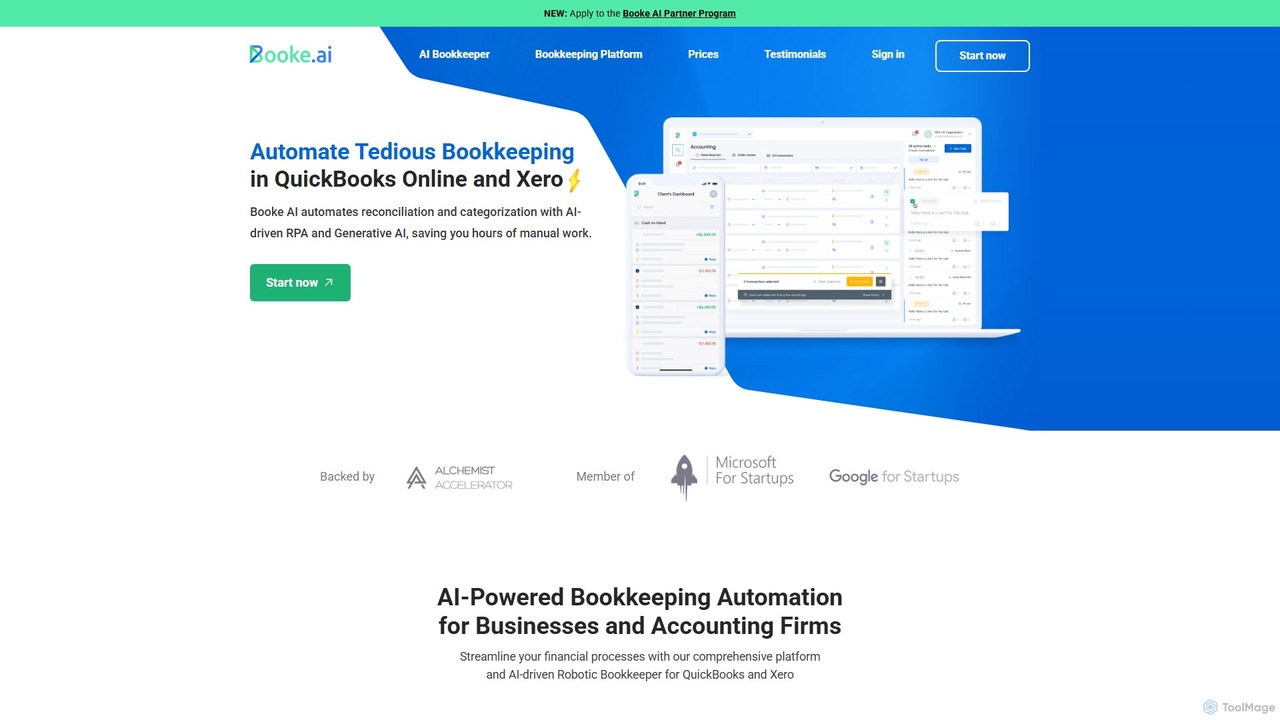
Booke AI
Booke AI is an intelligent bookkeeping automation platform for businesses and accounting firms. It uses AI and RPA to automate reconciliation, categorization, and data extraction for QuickBooks Online and Xero, aiming to cut bookkeeping hours by up to 80%. It also features a collaborative portal to streamline communication between accountants and clients.
Financial Management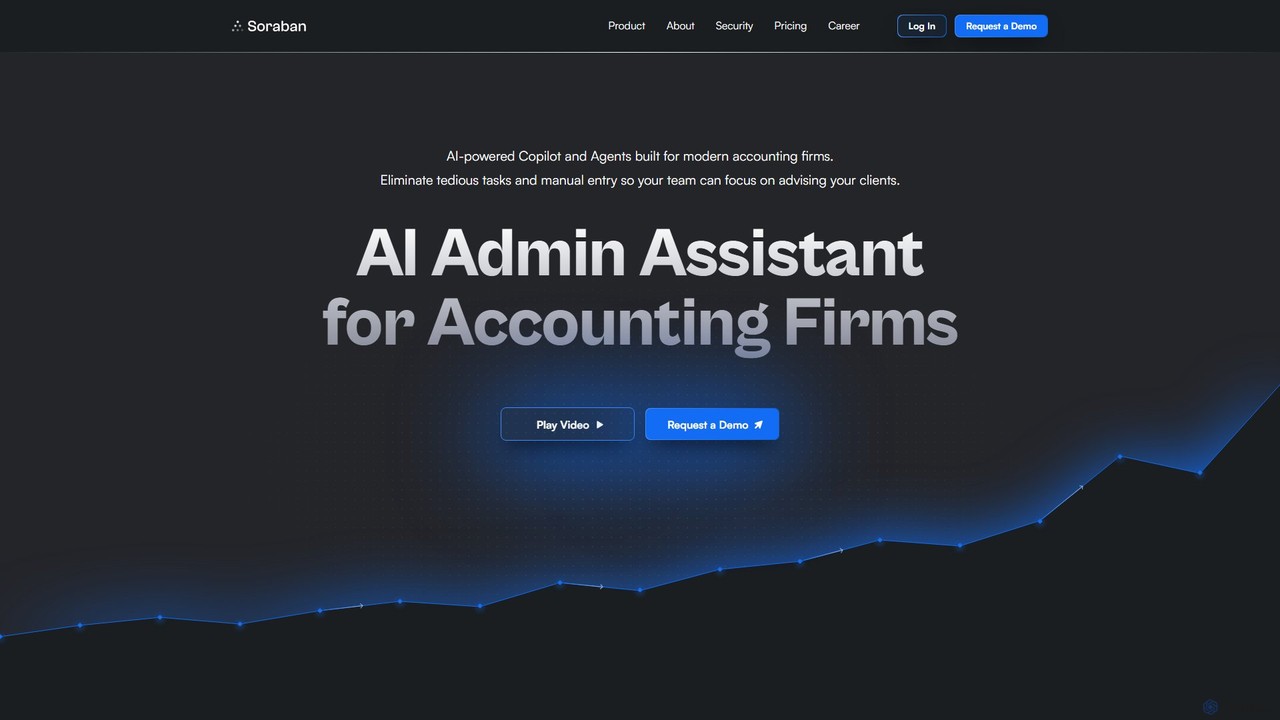
Soraban
Soraban is an AI-powered platform for accounting firms, designed to automate administrative tasks like document collection and client communication. It features an AI copilot, dynamic questionnaires, and a white-labeled client portal to streamline workflows, enhance efficiency, and improve the client experience, allowing professionals to focus on high-value advisory services.
Client Management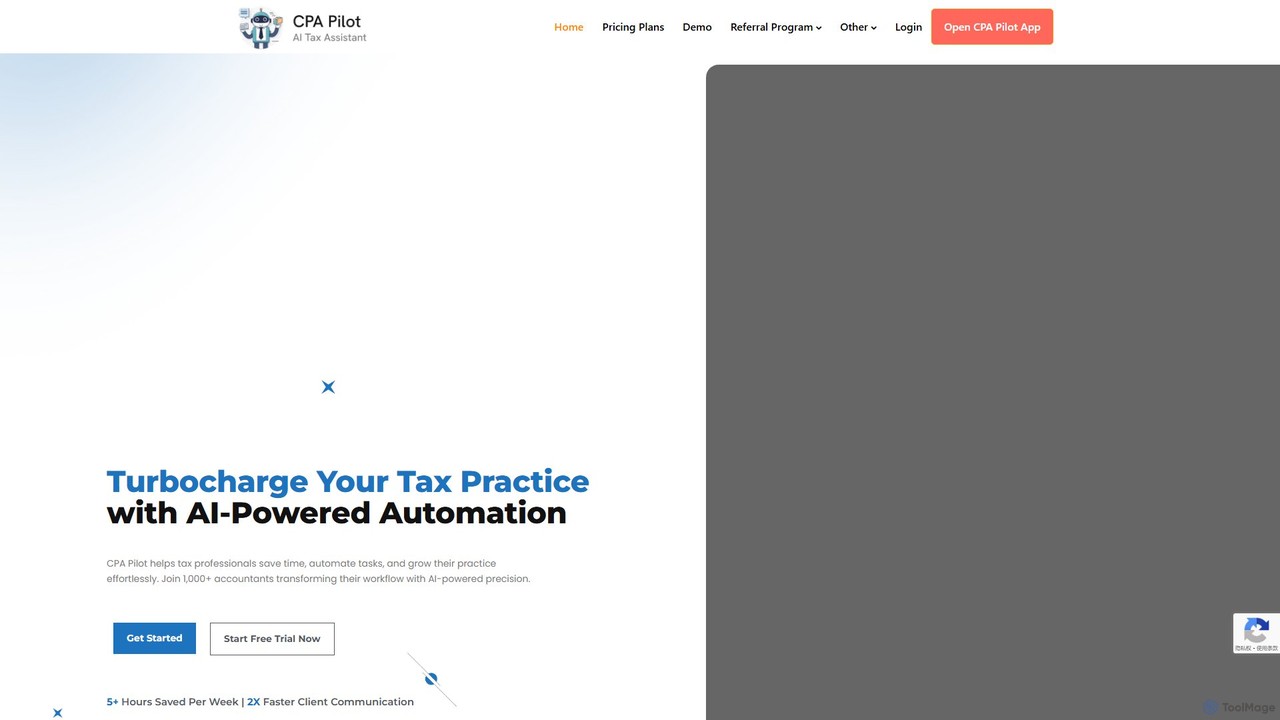
CPA Pilot
CPA Pilot is an AI-powered assistant designed specifically for tax professionals, CPAs, and accountants. It streamlines workflows by automating complex tax research, drafting client communications, creating marketing content, and providing staff training. This tool helps tax practices save significant time, enhance client satisfaction, and grow their business effortlessly by providing fast, accurate, and reliable AI-driven support.
Chatbot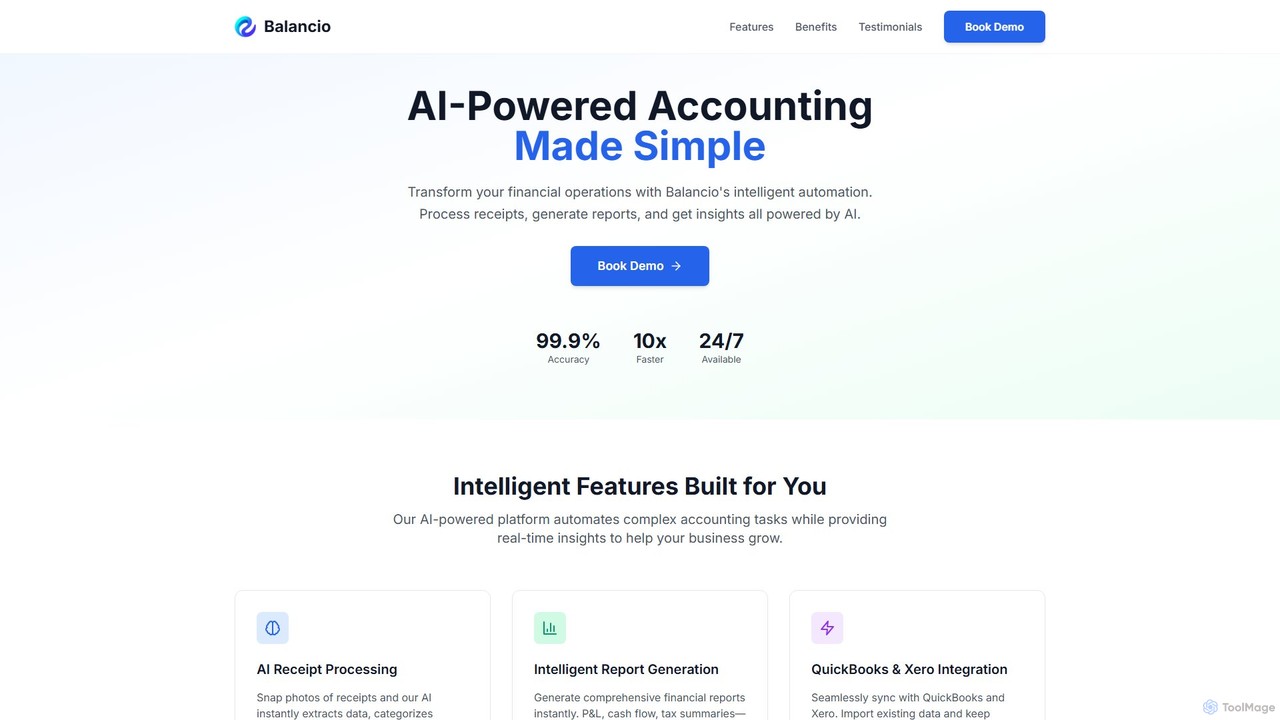
Balancio
Balancio is an AI-powered accounting platform designed for modern businesses. It automates financial operations like receipt processing, expense categorization, and report generation with 99.9% accuracy. By integrating with QuickBooks and Xero, it provides real-time financial insights, tax optimization, and an AI assistant to streamline bookkeeping and foster business growth.
Data AnalysisClient Hub Categories
Client Hub Embed Widget
Copy this embed code to place the badge on your blog, article, or product site and send readers directly to this ToolMage detail page.

Related AI tools
Keeper
Keeper is an all-in-one practice management software for bookkeepers and accountants. It integrates with QuickBooks and Xero to streamline workflows, automate file reviews, manage client communication through a dedicated portal, and accelerate month-end closing, helping firms save time and improve accuracy.
Client ManagementBooke AI
Booke AI is an intelligent bookkeeping automation platform for businesses and accounting firms. It uses AI and RPA to automate reconciliation, categorization, and data extraction for QuickBooks Online and Xero, aiming to cut bookkeeping hours by up to 80%. It also features a collaborative portal to streamline communication between accountants and clients.
Financial ManagementSoraban
Soraban is an AI-powered platform for accounting firms, designed to automate administrative tasks like document collection and client communication. It features an AI copilot, dynamic questionnaires, and a white-labeled client portal to streamline workflows, enhance efficiency, and improve the client experience, allowing professionals to focus on high-value advisory services.
Client ManagementCPA Pilot
CPA Pilot is an AI-powered assistant designed specifically for tax professionals, CPAs, and accountants. It streamlines workflows by automating complex tax research, drafting client communications, creating marketing content, and providing staff training. This tool helps tax practices save significant time, enhance client satisfaction, and grow their business effortlessly by providing fast, accurate, and reliable AI-driven support.
ChatbotBalancio
Balancio is an AI-powered accounting platform designed for modern businesses. It automates financial operations like receipt processing, expense categorization, and report generation with 99.9% accuracy. By integrating with QuickBooks and Xero, it provides real-time financial insights, tax optimization, and an AI assistant to streamline bookkeeping and foster business growth.
Data Analysis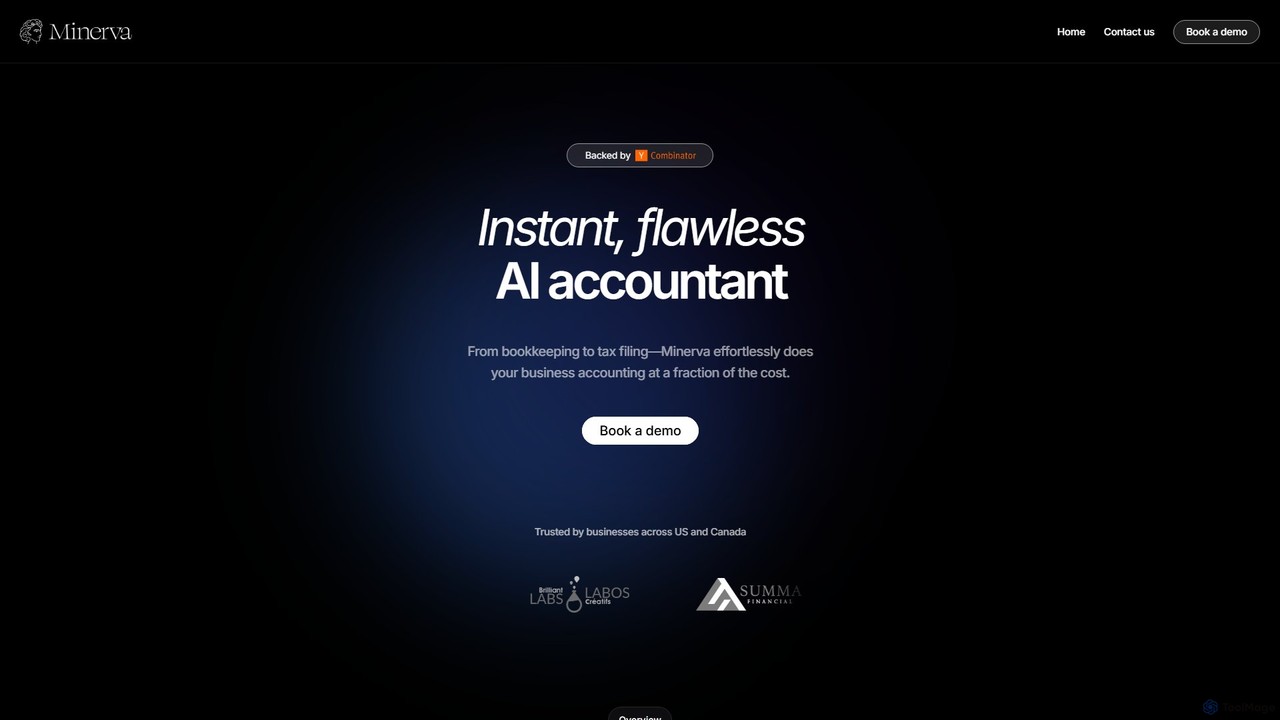
Minerva
Minerva is an AI-powered accountant for SMBs, automating the entire accounting workflow from bookkeeping and expense categorization to bank reconciliation and tax filing preparation. It scans data from emails and other platforms to provide real-time financial insights, all supervised by human CPAs for accuracy.
Operations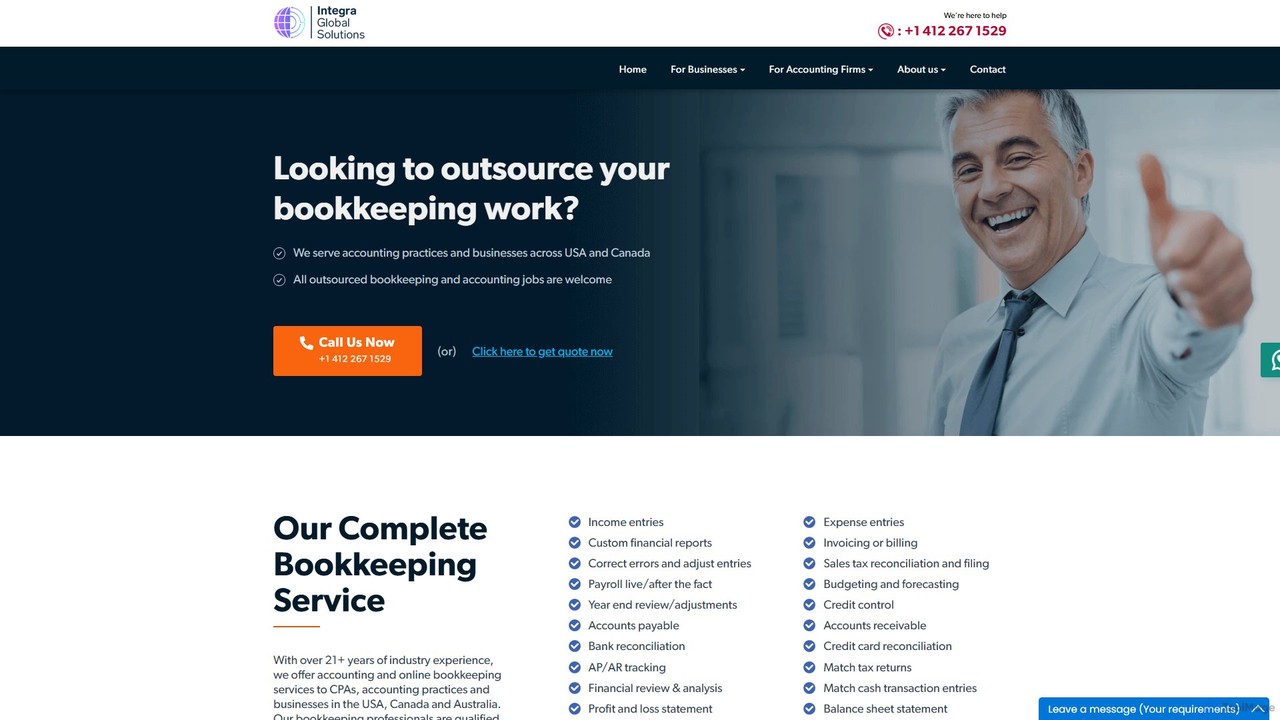
igsbookkeeping
igsbookkeeping offers expert outsourced bookkeeping and accounting services for businesses and CPA firms. Leveraging over 20 years of experience and modern technology, they provide cost-effective, secure, and accurate financial management, including payroll, reporting, and tax support. Their certified professionals work with all major accounting software, allowing you to focus on core business growth.
Outsourcing
Tailride
Tailride is an AI-powered accounting automation platform that saves businesses hundreds of hours. It automatically scans inboxes (Gmail, Outlook) and online portals to find, extract, and organize invoices and receipts. With integrations for QuickBooks, Xero, and Google Drive, it streamlines the entire accounts payable workflow, from data capture to reconciliation.
Document Management
Jyek
Jyek is an AI agent platform that understands objectives, creates execution plans, uses tools, and delivers verifiable results for complex, multi-step tasks.
Automation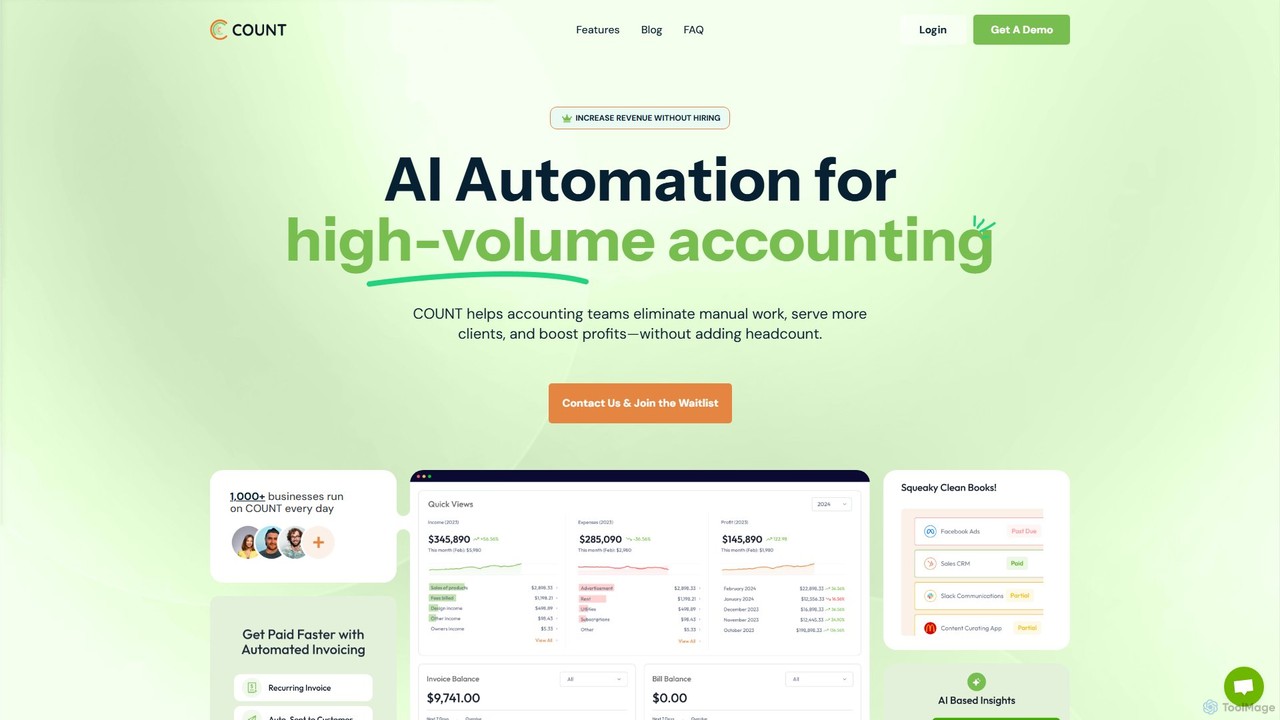
getcount
getcount is an AI-powered accounting platform for modern accounting firms and ambitious businesses. It automates tedious tasks like transaction categorization, receipt matching, and reconciliation. The all-in-one solution includes practice management, secure document storage, invoicing, and integrated communication tools, aiming to increase efficiency, boost profits, and simplify financial operations without increasing headcount.
Client Management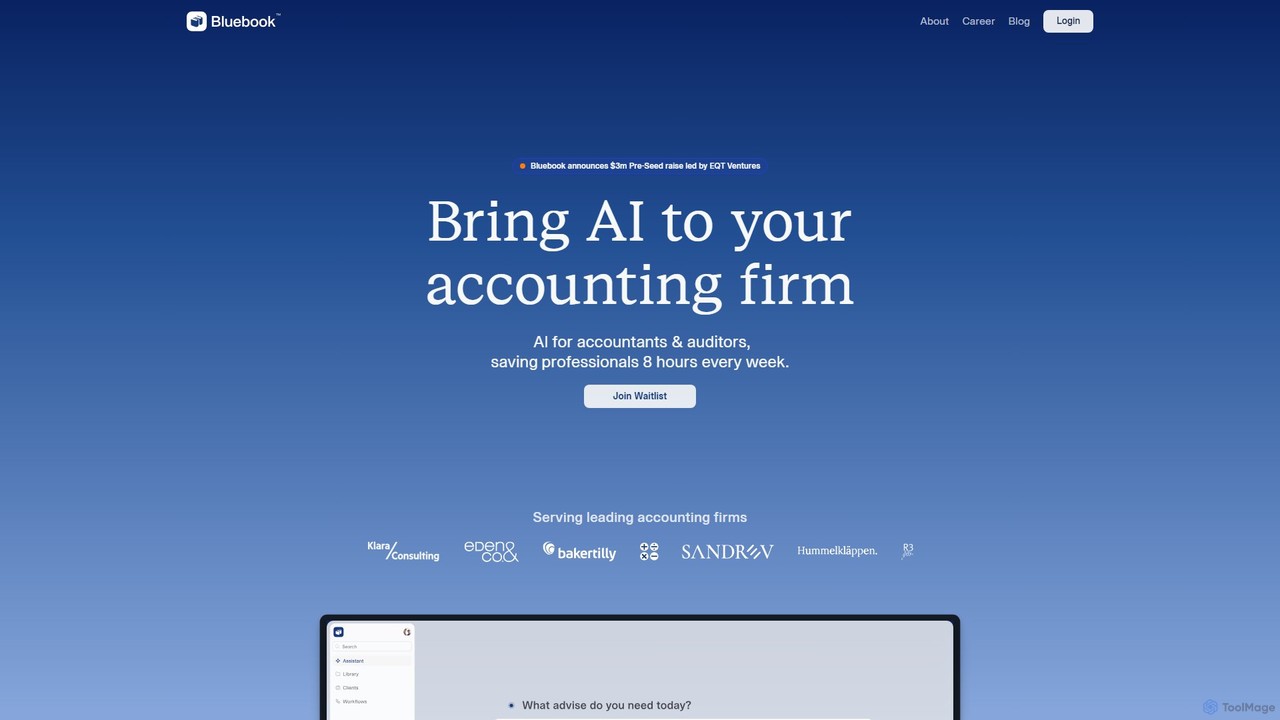
Bluebook
Bluebook provides AI agents for accounting firms to automate workflows, streamline monthly reviews, and conduct complex financial research. It's designed to increase firm capacity, reduce manual tasks, and allow accountants to focus on strategic client advisory.
Data Analysis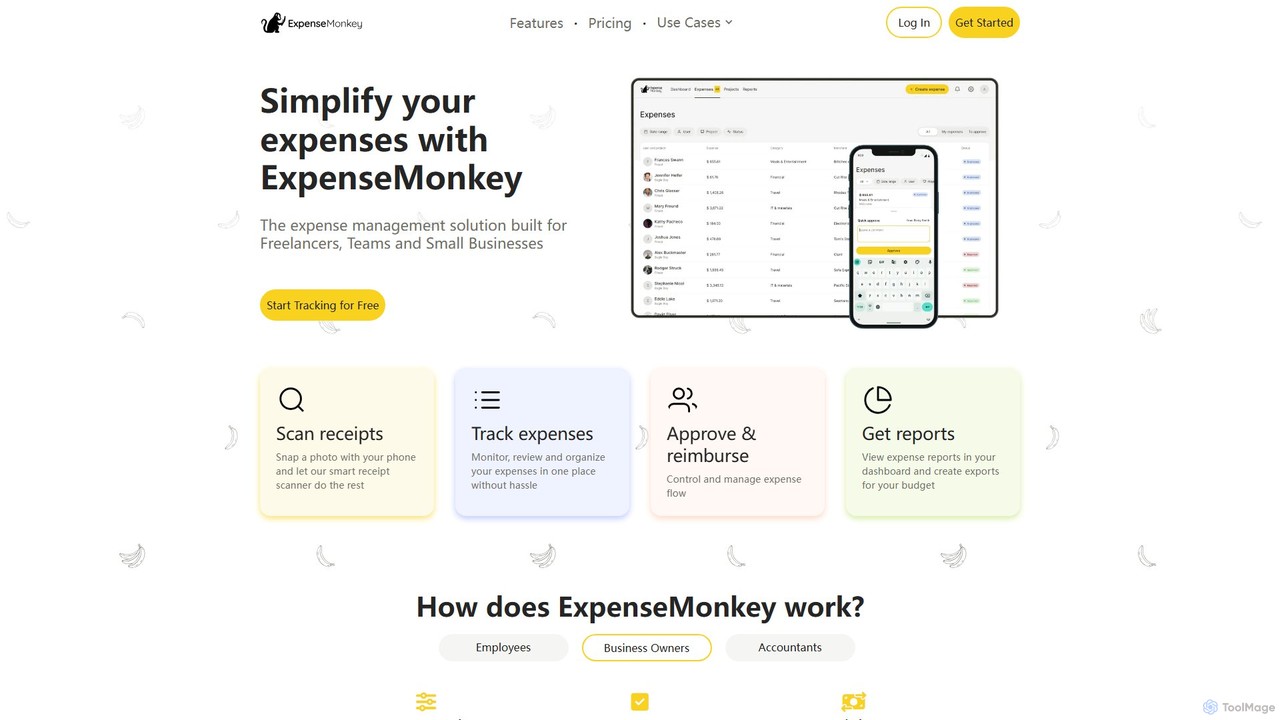
ExpenseMonkey
ExpenseMonkey is an AI-powered expense tracker designed for freelancers, small businesses, and teams. It automates expense management by scanning receipts, extracting data, auto-categorizing costs, and integrating with accounting software like QuickBooks and Xero. Simplify expense reporting, reimbursement, and tax preparation with smart automation.
Accounting
Intuit
Intuit is a global financial technology platform that leverages AI through its assistant, Intuit Assist. Integrated across QuickBooks, TurboTax, Mailchimp, and Credit Karma, it provides personalized financial insights, automates complex tasks like accounting and tax preparation, and generates marketing content. It's designed to empower small businesses, self-employed individuals, and consumers to manage their finances with confidence and achieve prosperity.
Accounting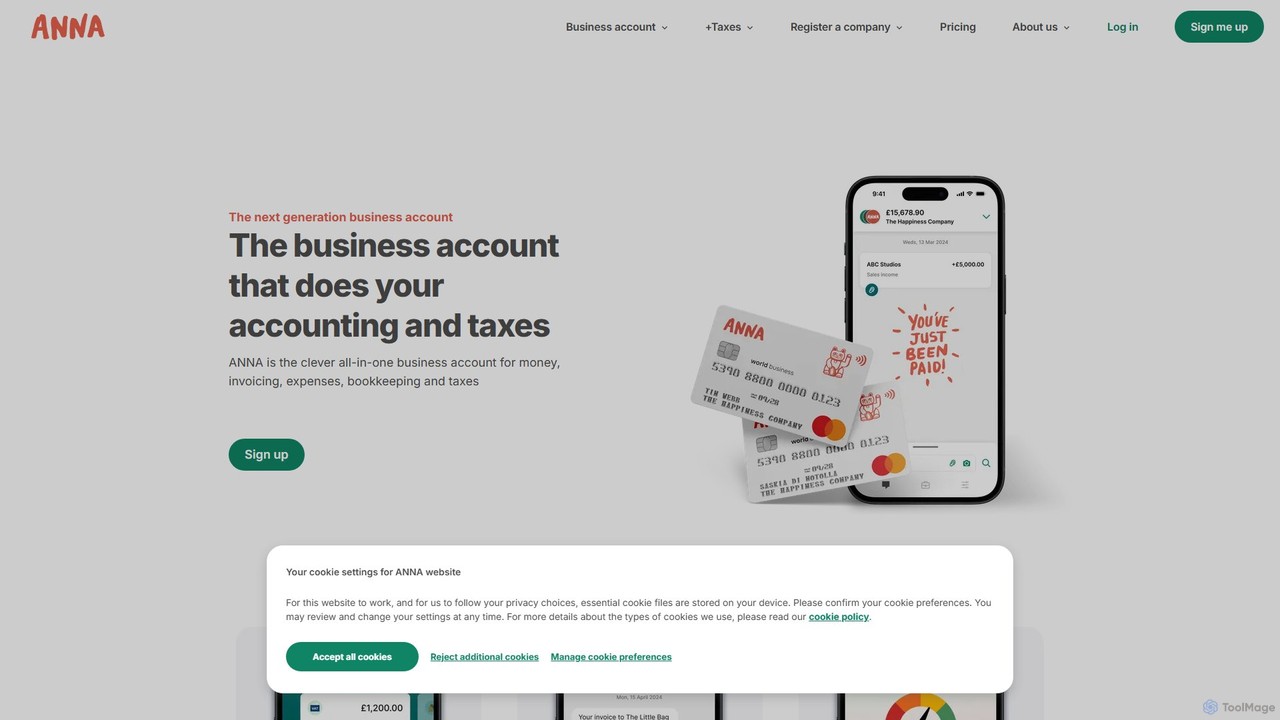
ANNA Money
ANNA Money is an all-in-one business account and tax app for UK freelancers and small businesses. It uses AI to automate invoicing, expense tracking, bookkeeping, and tax calculations, including VAT and Corporation Tax filing. Get a business debit card, manage payroll, and receive 24/7 support, all from one platform designed to eliminate financial admin.
Accounting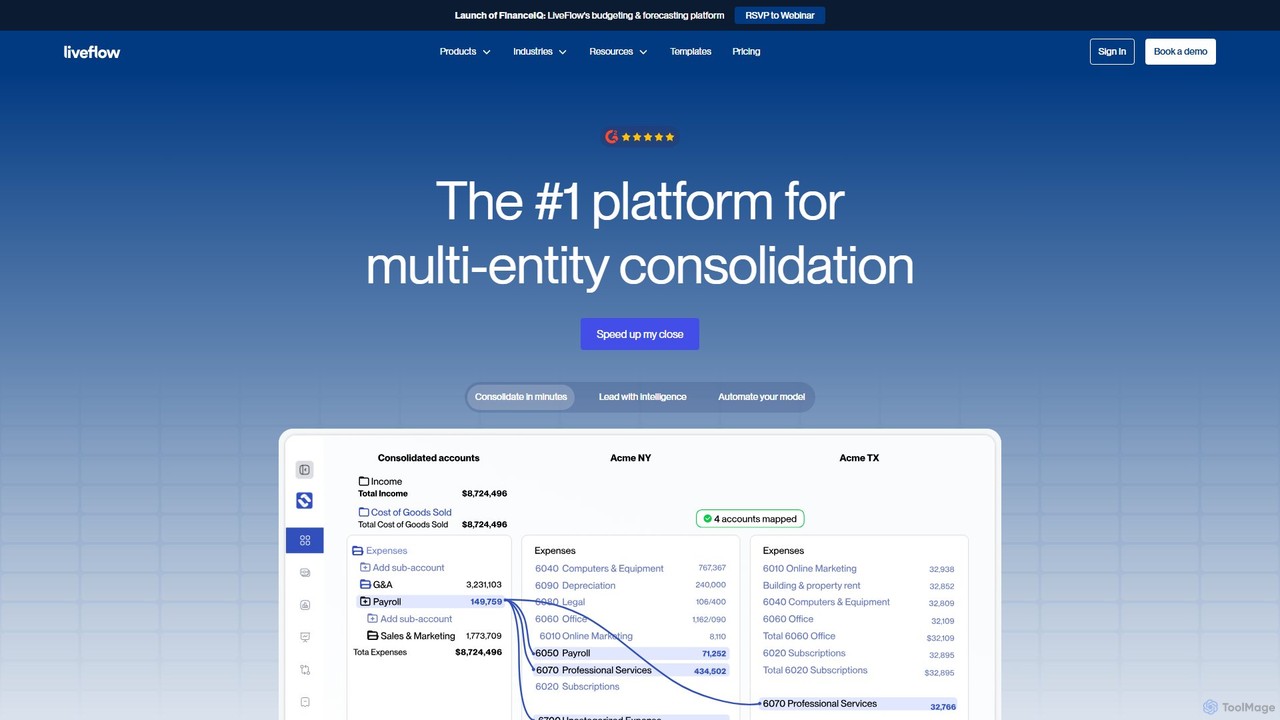
LiveFlow
LiveFlow is the #1 finance platform for automating financial reporting and consolidation. It connects live data from QuickBooks, Xero, and other sources directly into Google Sheets and Excel, eliminating manual work and providing real-time insights for finance teams and accounting firms.
Data Analysis
Client Hub Comments (0)
Sign in to comment.
Sign inNo comments yet.