ToolMage
Sign in

Best 3 Client Management AI tools for Customer Support

Popular Client Management AI tools in Customer Support include Client Hub, Thyme, and Outpost, helping you work more efficiently.

Outpost
Paid

Outpost

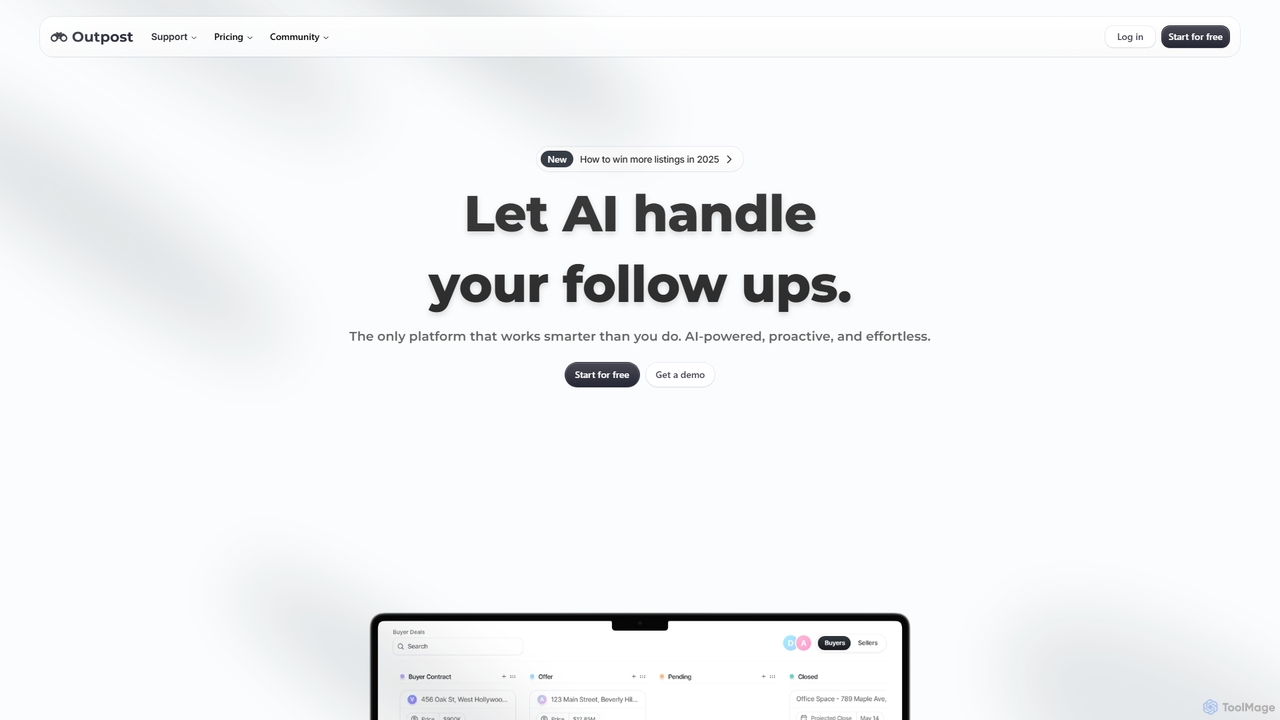
Outpost is an AI-powered CRM and copilot designed for client-driven businesses. It automates follow-ups, prioritizes leads using intelligent scoring, and streamlines the entire sales workflow. By integrating deeply with your email and calendar, Outpost helps you close more deals faster, manage client relationships effortlessly, and focus on growing your business instead of on administrative tasks.

Client Management
Visits 4.1KFavorites 109Likes 134
Thyme
Paid

Thyme

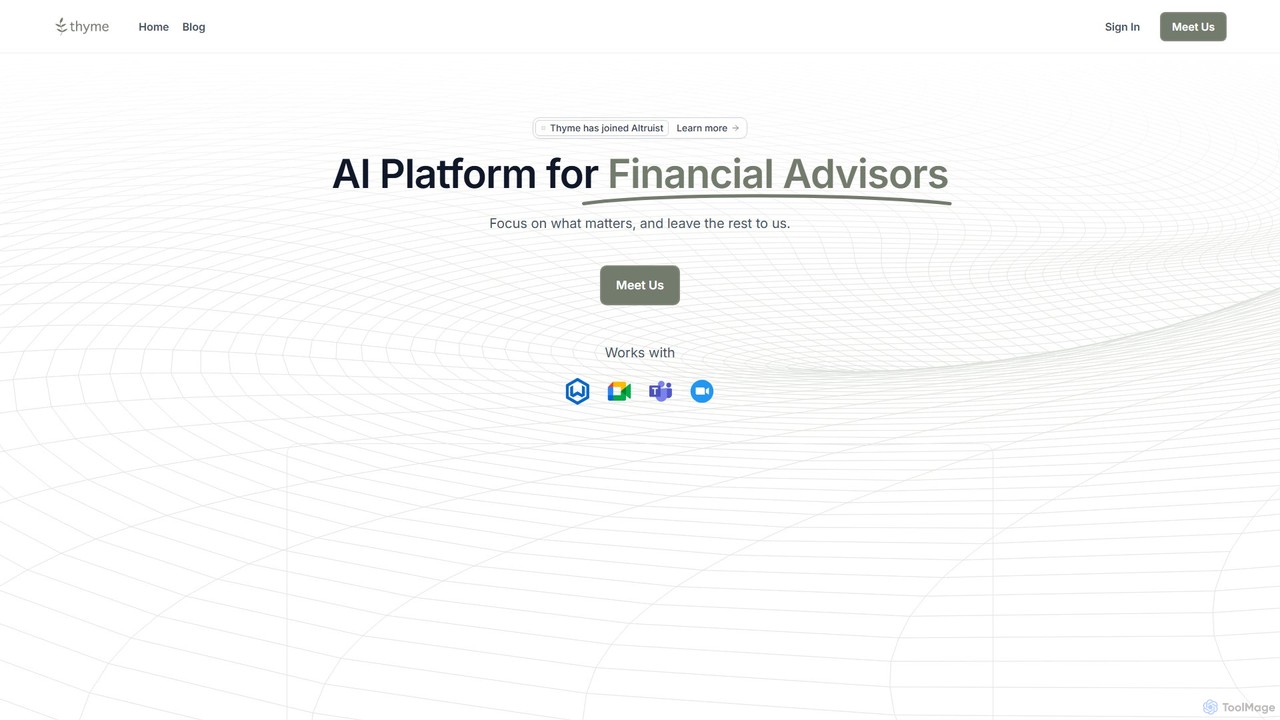
Thyme is an AI-powered platform designed specifically for financial advisors. It automates administrative tasks like meeting summarization, follow-up emails, and client onboarding to enhance productivity. By consolidating multiple tools into one, Thyme allows advisors to focus more on building client relationships and providing high-value advice. Note: Thyme has been acquired by Altruist and will be integrated into their ecosystem.

Client Management
Visits 5.1KFavorites 94Likes 86
Client Hub
Paid

Client Hub

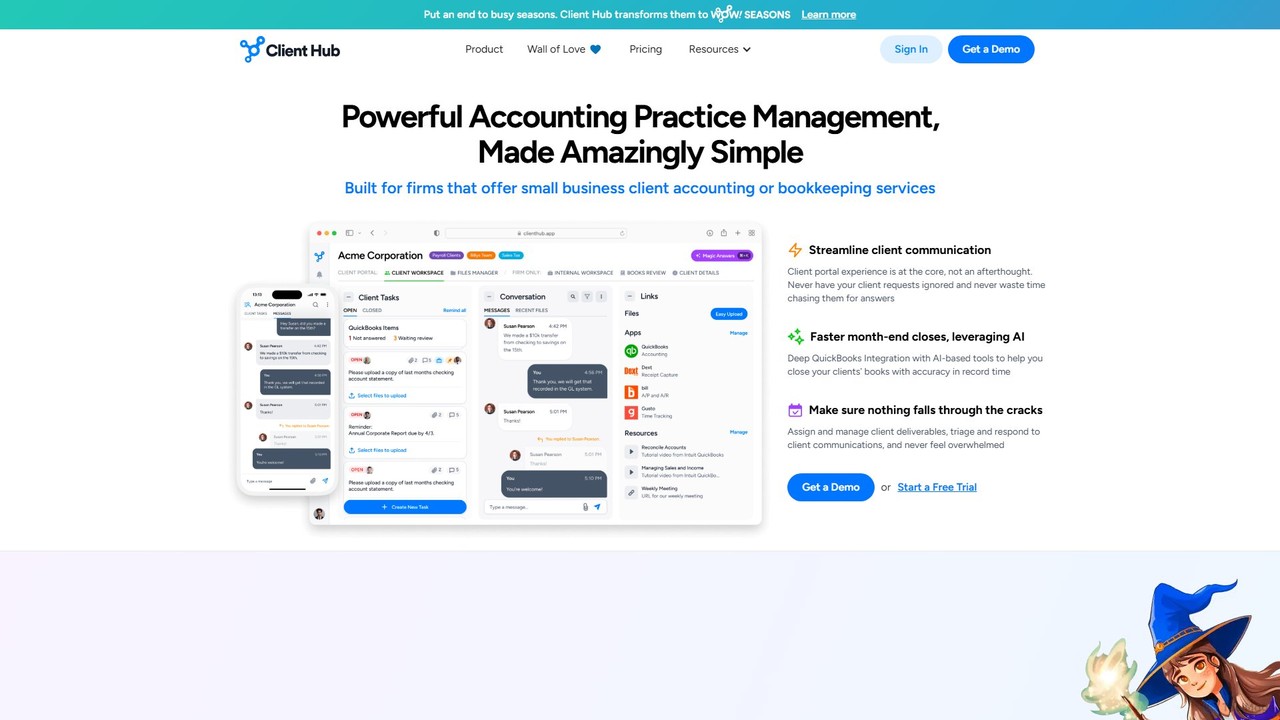
Client Hub is an AI-powered, all-in-one practice management and client portal software designed for modern accounting firms. It streamlines workflows, centralizes client communication, and automates tasks to enhance firm efficiency and client satisfaction. Features include AI-driven email and workflow generation, seamless QuickBooks/Xero integration, and robust task management.

Client Management
Visits 56.9KFavorites 121Likes 132

About Client Management

AI Client Management tools are specialized platforms designed to automate and enhance the entire client relationship lifecycle. Leveraging AI, these tools analyze client data from multiple sources to provide predictive insights, automate personalized communication, and streamline workflows. They go beyond traditional customer support by focusing on proactive engagement, retention, and identifying growth opportunities. This enables businesses to manage client relationships at scale with a high degree of personalization and efficiency.

Core Features

  • Client Health Scoring: AI algorithms analyze usage patterns, communication sentiment, and support history to predict churn risk and client satisfaction.
  • Automated Onboarding Workflows: Create and automate sequences of tasks, emails, and check-ins to guide new clients through the initial setup process smoothly.
  • Personalized Communication Automation: Automatically send tailored messages, updates, and follow-ups based on client behavior, milestones, or specific triggers.
  • Predictive Insights & Upsell Opportunities: AI identifies patterns indicating a client is ready for an upgrade or would benefit from additional services.
  • Unified Client Data Hub: Consolidates all client interactions, from emails to support tickets, into a single, comprehensive profile for a 360-degree view.

Use Cases

These tools are particularly valuable for B2B companies, SaaS providers, digital agencies, and consulting firms. For instance, a customer success manager at a SaaS company can use client health scores to proactively reach out to at-risk accounts. A digital agency can automate project milestone updates and feedback requests, ensuring clients are always informed.

How to Choose

When selecting an AI Client Management tool, consider its integration capabilities with your existing CRM and communication platforms. Evaluate the sophistication of its AI models for health scoring and predictive analytics. Also, assess the flexibility of its workflow automation engine to match your specific client journey, and consider its scalability as your client base grows.

Featured tool rankings

Client Management use cases

1

Proactively Preventing SaaS Customer Churn

A Customer Success Manager (CSM) at a B2B SaaS company is responsible for retaining a portfolio of 100+ clients. Manually tracking each client's engagement is impossible. They use an AI Client Management tool to automatically calculate a 'health score' for each account based on login frequency, feature adoption, and support ticket volume. When a high-value account's score drops below a certain threshold, the system automatically creates a task for the CSM to investigate, providing a summary of recent activity changes. This allows the CSM to intervene with targeted support or training before the client becomes a churn risk, significantly improving retention rates.

2

Automating Digital Agency Client Onboarding

A digital marketing agency needs to provide a consistent and professional onboarding experience for every new client. Using an AI Client Management tool, they create an automated onboarding workflow. Once a new client is signed, the system automatically triggers a sequence: a welcome email is sent, a project kickoff meeting is scheduled, and internal tasks are assigned to the design and content teams. The AI can also send automated reminders to the client for required assets like logos and brand guidelines, reducing manual follow-up by the account manager by over 70% and ensuring projects start on time.

3

Personalizing Communication for a Consulting Firm

A management consultant handles dozens of high-touch client relationships simultaneously. To maintain a personal connection without spending hours on email, they use an AI Client Management tool. The tool integrates with their calendar and email, allowing them to schedule personalized check-in emails based on project milestones or a set cadence (e.g., every 30 days). The AI can suggest talking points based on recent news about the client's company or industry. This ensures consistent, relevant communication that strengthens the relationship, making each client feel valued and prioritized.

4

Identifying Upsell Opportunities in B2B Accounts

An account manager wants to grow revenue from their existing client base. They use an AI Client Management platform that analyzes product usage data. The AI identifies an account that is consistently hitting the limits of their current subscription plan and is frequently using features related to a higher-tier plan. The system flags this as an upsell opportunity and automatically drafts a personalized email for the account manager to review. The email highlights the client's current usage and explains how upgrading would provide more value, leading to a higher conversion rate for upsells.

5

Streamlining Freelancer Project and Client Communication

A freelance designer juggles multiple projects, each with different deadlines, deliverables, and communication threads. They adopt an AI Client Management tool as a central hub. The tool consolidates all client emails, files, and feedback into project-specific dashboards. It automatically reminds the freelancer of upcoming deadlines and can even draft weekly progress update emails for each client based on completed tasks. This organization prevents missed deadlines and miscommunication, allowing the freelancer to focus on creative work instead of administrative overhead.

6

Automating Preparation for Quarterly Business Reviews (QBRs)

A Customer Success team prepares for QBRs with their enterprise clients. This process used to involve manually pulling data from multiple systems. With an AI Client Management tool, the process is automated. Weeks before a scheduled QBR, the system automatically generates a preliminary report for each client, summarizing key usage metrics, support interactions, and progress against goals. The AI can also highlight trends and suggest discussion points. This saves the team hours of prep time per client and ensures they enter each QBR with data-driven insights to demonstrate value and plan for the next quarter.

Client Management FAQ

What are AI Client Management tools?

AI Client Management tools are software platforms that use artificial intelligence to proactively manage and nurture customer relationships throughout their entire lifecycle. Unlike traditional reactive support tools, they focus on understanding client behavior, predicting needs, and automating personalized engagement. Key features often include client health scoring, automated onboarding workflows, and identifying upsell opportunities to improve retention and drive growth.

How do AI Client Management tools differ from traditional CRMs?

Traditional CRMs are primarily systems of record, designed to store customer data and track interactions manually. AI Client Management tools are systems of intelligence and action. They actively analyze the data stored in a CRM to provide predictive insights, such as identifying at-risk clients or upsell opportunities. Furthermore, they automate proactive communication and workflows, whereas traditional CRMs often require manual effort to execute campaigns or follow-ups. Many AI Client Management tools integrate with or build upon existing CRMs.

Who benefits most from AI Client Management tools?

These tools are most beneficial for roles focused on long-term client relationships and value, rather than single transactions. Key users include:

  • Customer Success Managers: To proactively monitor client health and prevent churn.
  • Account Managers: To identify growth opportunities and personalize communication at scale.
  • Agency Owners & Consultants: To streamline client onboarding, project updates, and relationship management.
  • B2B Sales Teams: To manage post-sale relationships and ensure successful adoption and renewal.
In general, any business with a recurring revenue model or high-value client relationships can gain a significant advantage.

How do I choose the right AI Client Management tool?

Choosing the right tool depends on your specific needs. Consider these factors:

  • Integration: Does it connect seamlessly with your existing CRM, email, and support desk software?
  • Key Features: Does it offer the specific AI capabilities you need, such as accurate health scoring, customizable workflows, or predictive analytics?
  • Scalability: Can the tool grow with your business and handle an increasing number of clients and data points?
  • Ease of Use: Is the interface intuitive for your team (e.g., Customer Success Managers) to set up and manage without extensive technical support?
  • Pricing Model: Does the pricing align with your budget and scale based on factors that make sense for your business, like the number of clients or users?

Can these tools predict which clients are likely to churn?

Yes, this is one of the core capabilities of many AI Client Management tools. By analyzing various data points—such as product usage frequency, adoption of key features, number of support tickets, and even the sentiment in email communications—the AI builds a 'client health score'. A consistently declining score serves as a strong predictive indicator that a client is at risk of churning, allowing customer success teams to intervene proactively before it's too late.