

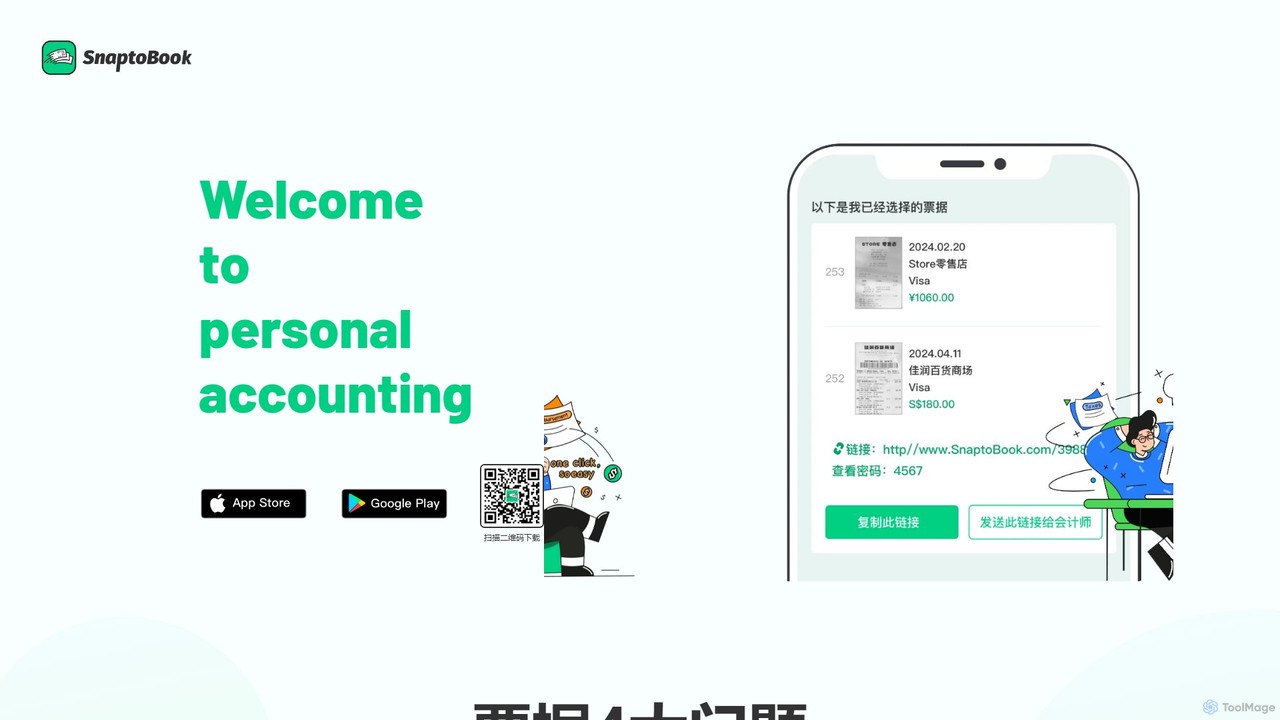
SnaptoBook Overview
SnaptoBook is an intelligent financial management application designed to simplify and automate the tedious process of handling receipts and invoices. In a world where paper receipts are easily lost, damaged, or faded, SnaptoBook provides a robust digital solution powered by advanced AI. By leveraging a large-scale model for optical character recognition (OCR), the app transforms your physical bills into organized, searchable digital data with just a single photo, making personal and small-scale business accounting more efficient and accurate than ever before.
The core problem SnaptoBook addresses is the disorganization and manual effort associated with expense management. Whether you're a freelancer tracking business expenses, an employee filing for reimbursement, a household manager budgeting expenses, or a group of friends splitting costs, the app streamlines the entire workflow. It eliminates the need for manual data entry, shoeboxes full of receipts, and complex spreadsheets, offering a seamless experience from capturing a receipt to generating a comprehensive report.
How to use SnaptoBook
Using SnaptoBook is designed to be intuitive and straightforward, allowing users to manage their finances in just a few simple steps:
- Download the App: Start by downloading the SnaptoBook application from your mobile app store and creating an account.
- Snap a Photo: Open the app and use your phone's camera to take a clear picture of any receipt, invoice, or bill. The app's interface guides you to capture the best possible image.
- AI-Powered Data Extraction: Once the photo is taken, SnaptoBook's AI engine automatically scans the image, recognizes text, and extracts key information such as the vendor name, date, total amount, tax, and itemized list.
- Review and Categorize: The extracted data is presented for a quick review. You can then assign smart tags or categories to the expense (e.g., 'Business Travel,' 'Office Supplies,' 'Groceries,' 'Project Alpha') for better organization.
- Manage and Export: All your digitized receipts are securely stored in the cloud, accessible anytime. You can then use this data to generate expense reports, prepare for tax season, manage project budgets, or calculate shared expenses with others.
Core Features of SnaptoBook
- AI-Powered Receipt Digitization: Utilizes advanced OCR technology to accurately scan and extract data from any receipt or invoice, minimizing manual entry and errors.
- Automated Expense Categorization: Intelligently suggests categories and allows for custom tagging, making it easy to sort expenses for different purposes like tax deductions, reimbursements, or personal budgeting.
- Secure Cloud Storage: Safely stores digital copies of all your receipts in the cloud, ensuring they are never lost, damaged, or faded. This provides a permanent, accessible record of your transactions.
- Effortless Report Generation: Automatically compiles your expense data into professional, easy-to-read reports (e.g., in spreadsheet format) that can be shared for reimbursement or tax filing.
- Smart Bill Splitting (AA): Features a dedicated function for managing shared expenses. Simply add participants and the app calculates who owes what, ensuring transparency and fairness when splitting bills for dinners, trips, or group activities.
- Project-Based Cost Tracking: Allows users to tag expenses to specific projects, providing a clear and detailed overview of costs for each project, which is ideal for freelancers and small businesses.
Use Cases for SnaptoBook
SnaptoBook is a versatile tool suitable for a wide range of users:
- Individuals and Families: Perfect for personal budgeting, tracking daily spending, and managing household finances. Keep a digital record of all purchases for warranties or returns.
- Business Professionals and Employees: Streamline the process of tracking business-related expenses for travel, meals, and supplies. Generate accurate reimbursement reports in seconds to get paid back faster.
- Freelancers and Self-Employed: Easily separate business and personal expenses. Track project costs and gather all necessary documentation for tax season, maximizing deductions and ensuring compliance.
- Small Business Owners: Monitor day-to-day operational expenses, manage petty cash, and keep a clear record of all financial transactions without the need for complex accounting software.
- Social Groups and Roommates: Effortlessly split costs for shared utilities, groceries, vacations, or group dinners. The app provides a clear, indisputable record of who paid for what.
Advantages of SnaptoBook
SnaptoBook offers significant advantages over traditional methods. It saves a tremendous amount of time by automating data entry. Its AI-driven accuracy reduces human error, ensuring your financial records are reliable. The cloud-based system provides security and accessibility, protecting you from data loss. Ultimately, it brings clarity and control to your finances, reducing stress around tax time and reimbursement, and making financial management a simple, organized process.
Pricing and Plans
SnaptoBook operates on a freemium model. A free version is available, offering core functionalities with certain limitations, such as a cap on the number of monthly scans. For users with more demanding needs, a premium subscription is available, which unlocks unlimited scans, advanced reporting features, larger cloud storage, and priority customer support. The website also mentions a promotional offer where new users can get a 3-month free trial by using an invitation code upon login. For the most current and detailed pricing information, please refer to the official website or the app itself.
SnaptoBook Alternatives
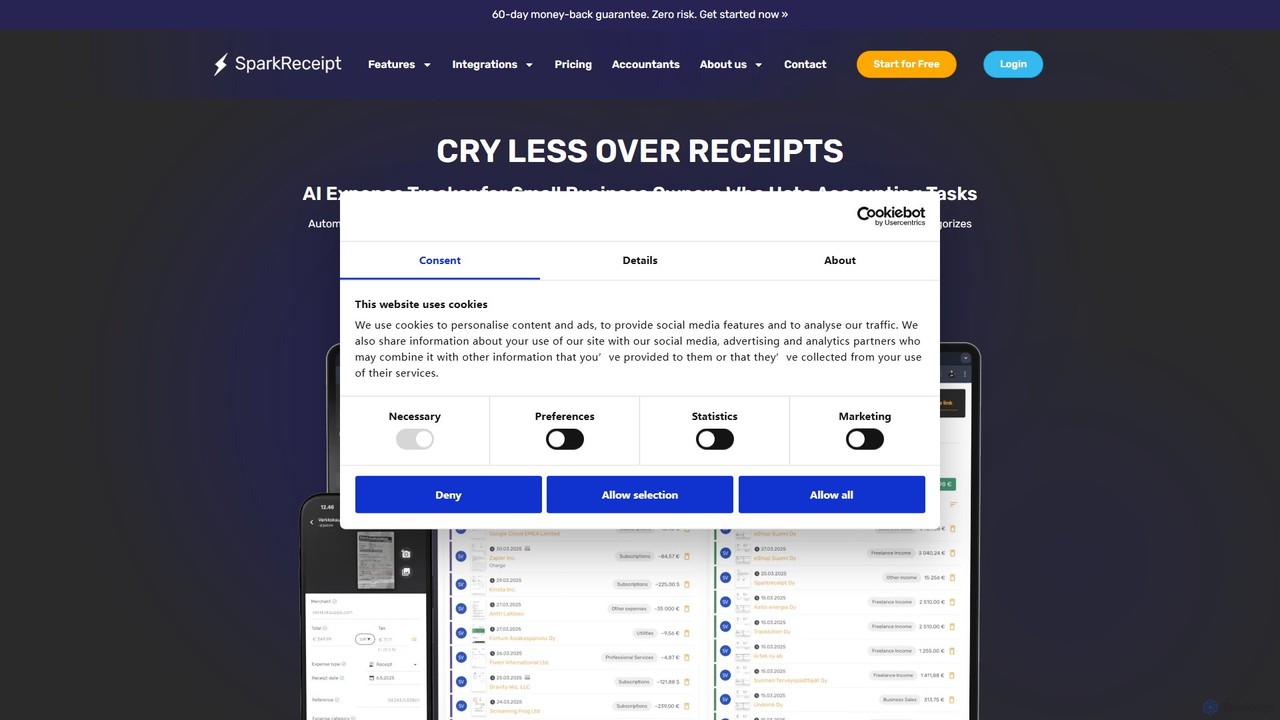
SparkReceipt
SparkReceipt is an AI-powered receipt scanner and expense tracker designed for entrepreneurs, freelancers, and small businesses. It uses advanced OCR technology to automatically extract data from receipts, simplifying expense management. With features like multi-currency support and secure cloud storage, it helps users digitize their financial records, save time, and stay organized for tax season.
Accounting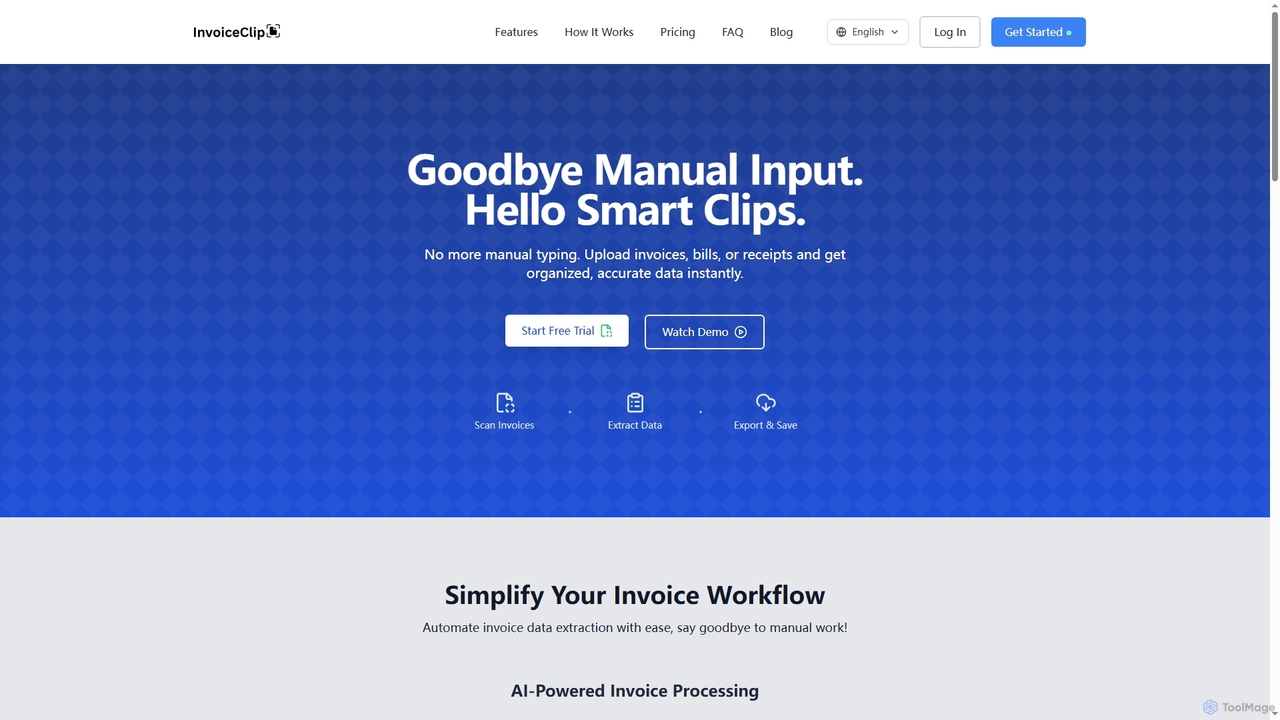
InvoiceClip
InvoiceClip is an AI-powered invoice and receipt scanner app designed to automate data extraction, categorization, and organization for businesses. It eliminates manual data entry by instantly converting uploaded documents into accurate, structured data, streamlining financial workflows.
Invoice Processing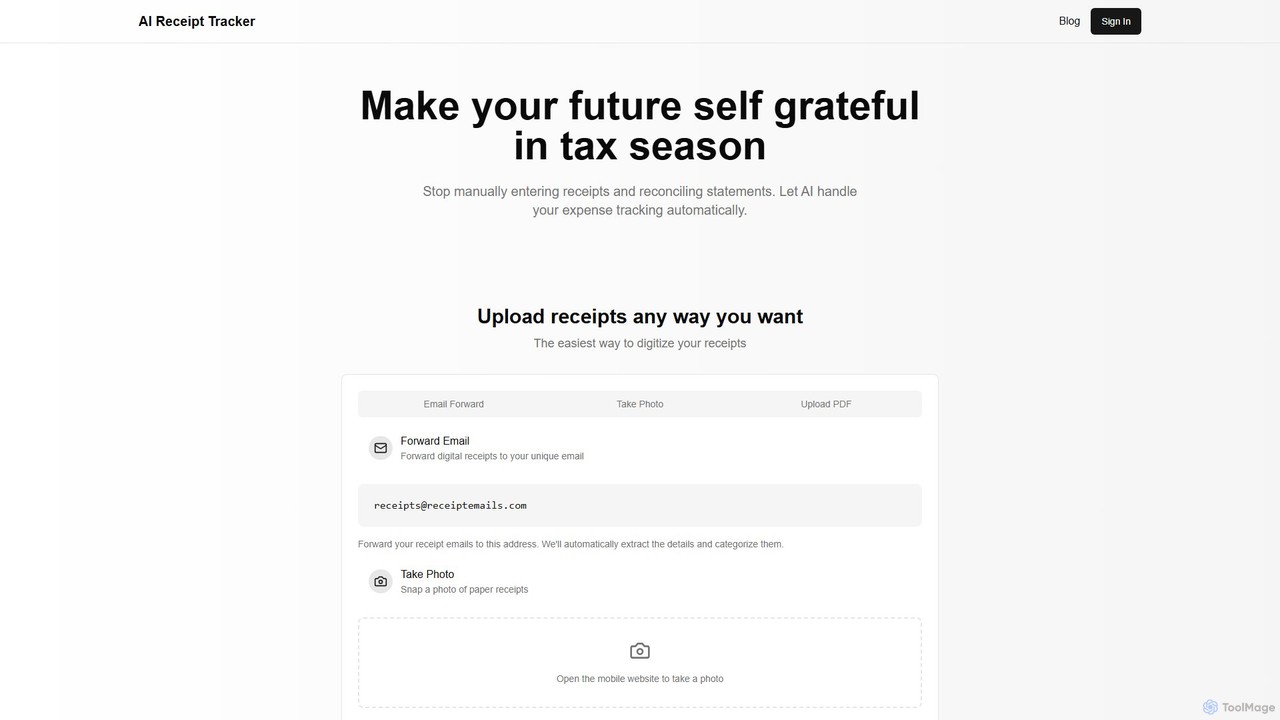
AI Receipt Tracker
AI Receipt Tracker automates your expense management by intelligently scanning and categorizing receipts. Simply forward emails, snap photos, or upload PDFs to digitize your expenses. It provides instant financial insights, tracks spending patterns, and matches receipts to bank statements, making tax season and bookkeeping effortless for freelancers, small businesses, and individuals.
Bookkeeping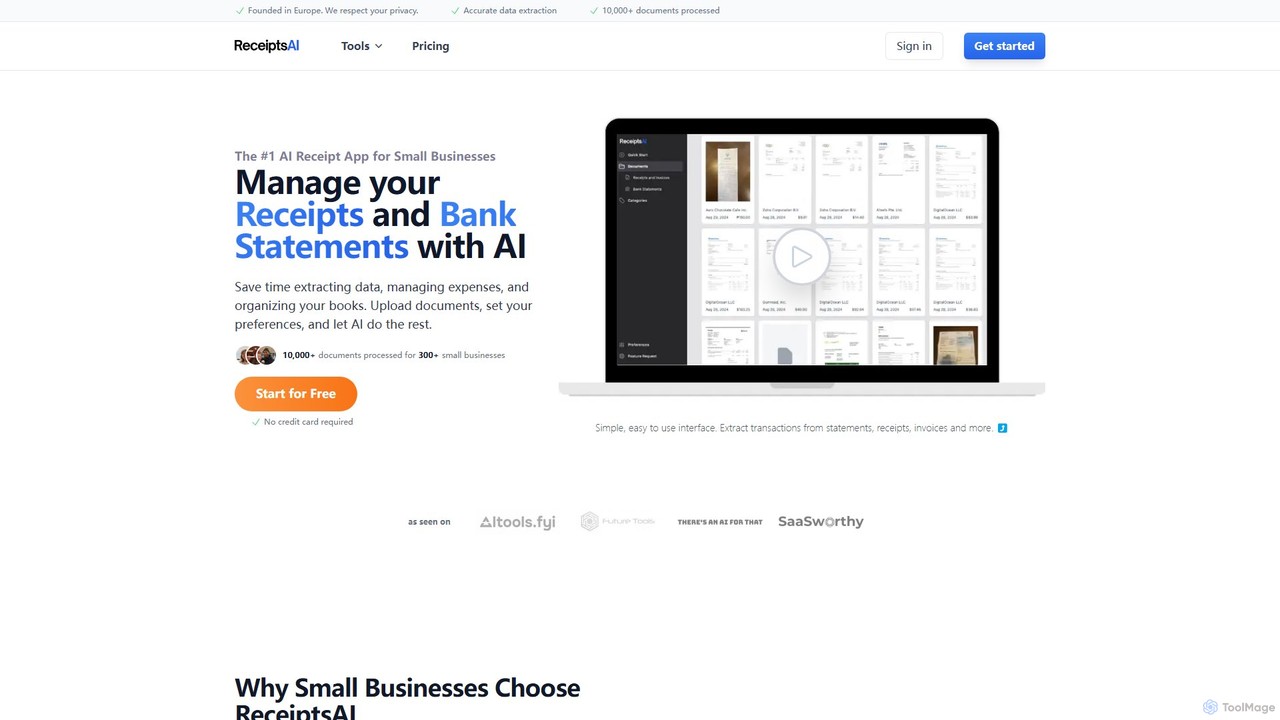
ReceiptsAI
ReceiptsAI is an AI-powered expense management and bookkeeping platform designed for small businesses and freelancers. It automates data extraction from receipts, invoices, and bank statements, saving hours of manual work. The tool categorizes transactions, ensures tax-ready records, and provides clear financial insights through a simple, secure interface.
Expense Tracking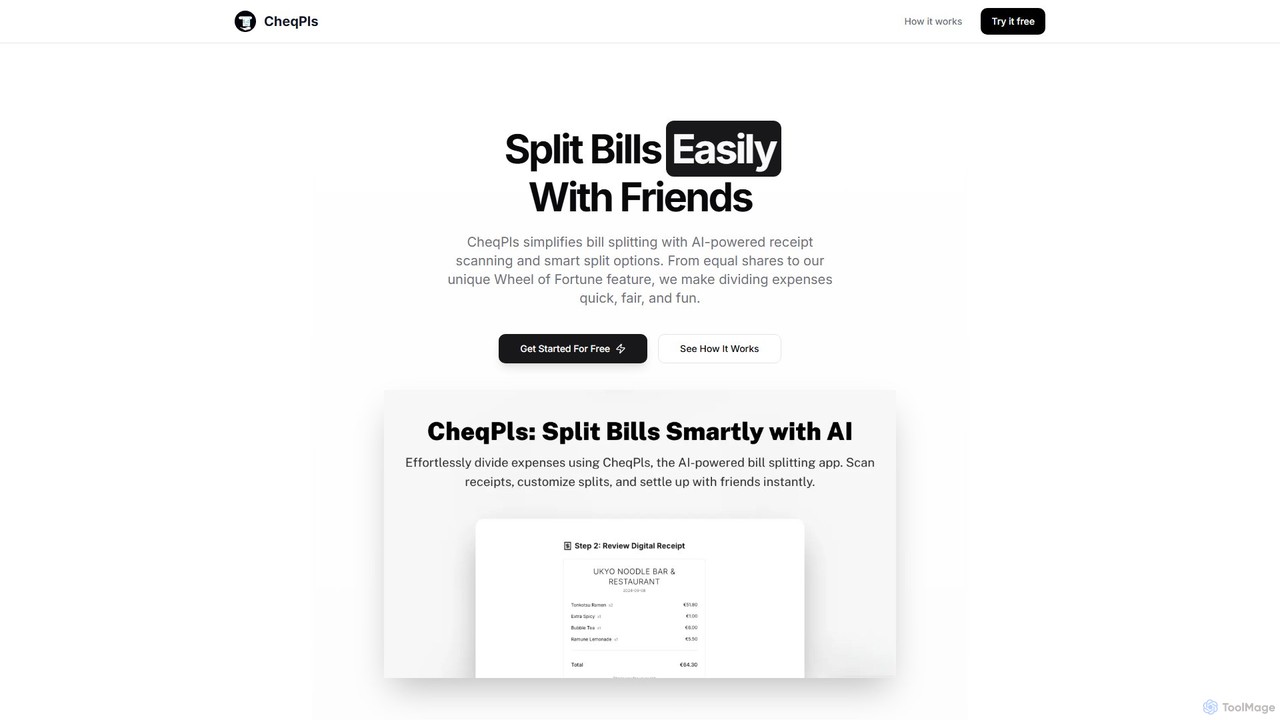
CheqPls
CheqPls is an AI-powered tool that simplifies bill splitting for groups. Just snap a photo of your receipt, and its AI will automatically itemize the bill. It offers flexible splitting options, including by item, equally, or a fun 'Wheel of Fortune' feature. Generate instant payment links to settle up easily, eliminating awkward money conversations and manual calculations.
Expense TrackingSnaptoBook Categories
SnaptoBook Embed Widget
Copy this embed code to place the badge on your blog, article, or product site and send readers directly to this ToolMage detail page.

Related AI tools
SparkReceipt
SparkReceipt is an AI-powered receipt scanner and expense tracker designed for entrepreneurs, freelancers, and small businesses. It uses advanced OCR technology to automatically extract data from receipts, simplifying expense management. With features like multi-currency support and secure cloud storage, it helps users digitize their financial records, save time, and stay organized for tax season.
AccountingAI Receipt Tracker
AI Receipt Tracker automates your expense management by intelligently scanning and categorizing receipts. Simply forward emails, snap photos, or upload PDFs to digitize your expenses. It provides instant financial insights, tracks spending patterns, and matches receipts to bank statements, making tax season and bookkeeping effortless for freelancers, small businesses, and individuals.
BookkeepingReceiptsAI
ReceiptsAI is an AI-powered expense management and bookkeeping platform designed for small businesses and freelancers. It automates data extraction from receipts, invoices, and bank statements, saving hours of manual work. The tool categorizes transactions, ensures tax-ready records, and provides clear financial insights through a simple, secure interface.
Expense TrackingCheqPls
CheqPls is an AI-powered tool that simplifies bill splitting for groups. Just snap a photo of your receipt, and its AI will automatically itemize the bill. It offers flexible splitting options, including by item, equally, or a fun 'Wheel of Fortune' feature. Generate instant payment links to settle up easily, eliminating awkward money conversations and manual calculations.
Expense Tracking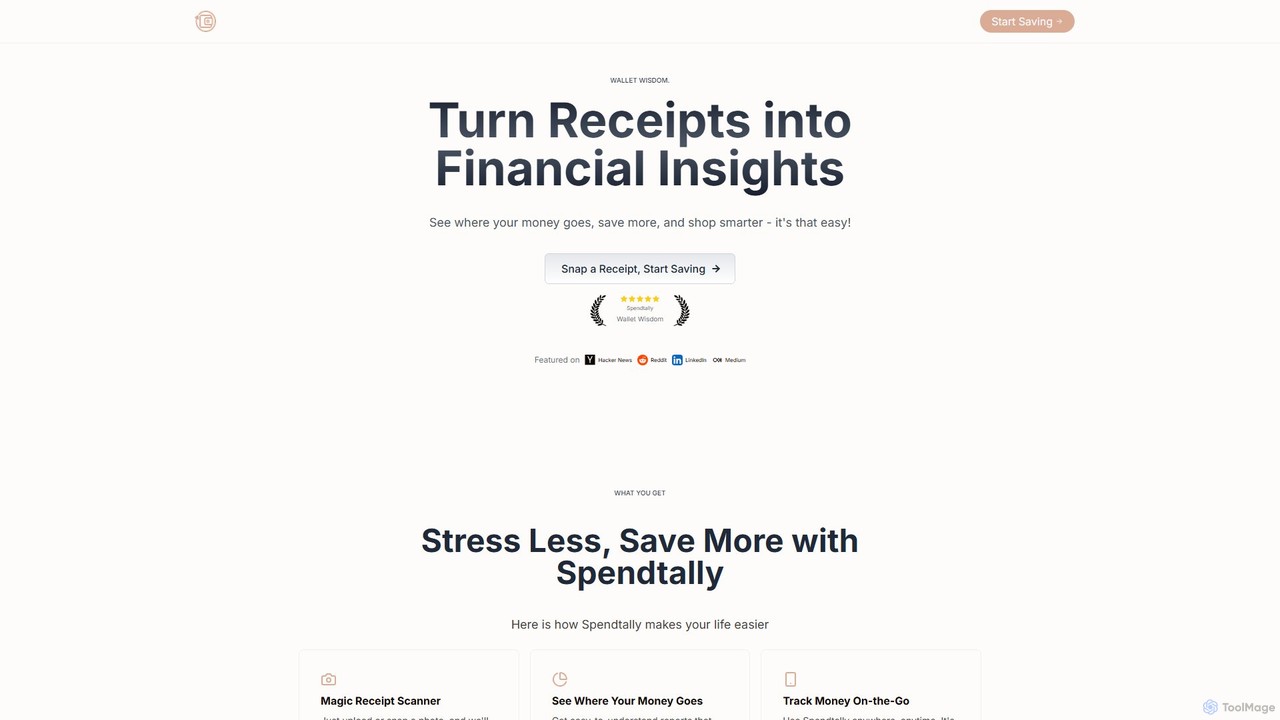
Spendtally
Spendtally is an AI-powered expense tracker that transforms your receipts into valuable financial insights. Simply snap a photo of a receipt, and Spendtally's OCR technology automatically extracts, categorizes, and analyzes your spending. It helps you understand where your money goes, identify savings opportunities, and make smarter financial decisions without the hassle of manual data entry.
Budgeting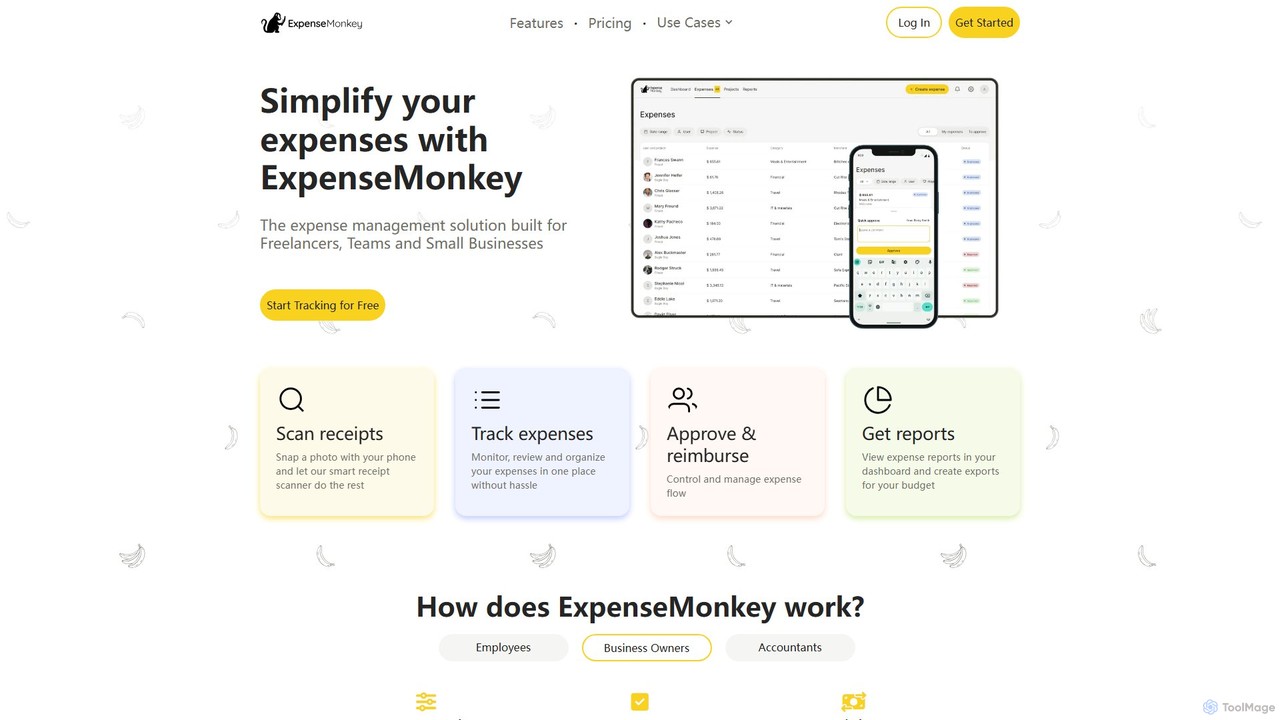
ExpenseMonkey
ExpenseMonkey is an AI-powered expense tracker designed for freelancers, small businesses, and teams. It automates expense management by scanning receipts, extracting data, auto-categorizing costs, and integrating with accounting software like QuickBooks and Xero. Simplify expense reporting, reimbursement, and tax preparation with smart automation.
Accounting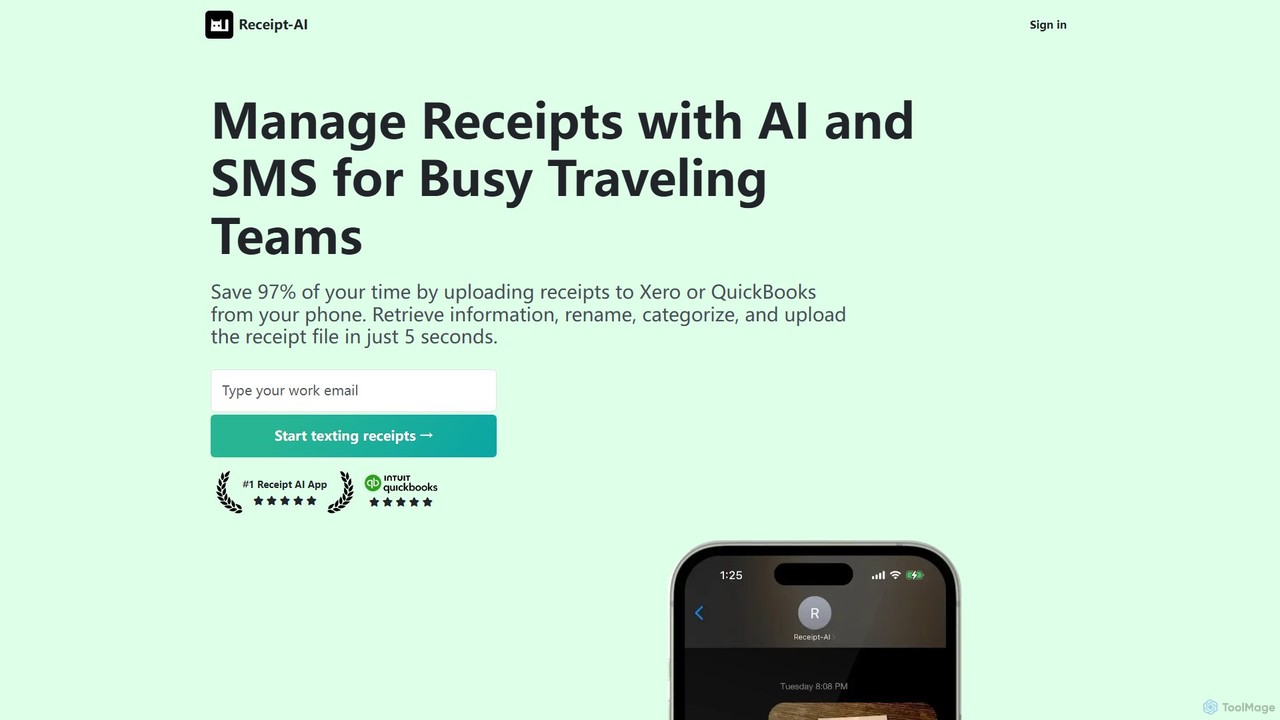
Receipt AI
Receipt AI automates expense management for busy teams by capturing and processing receipts via SMS, email, or web upload. It uses OCR to extract data, integrates with QuickBooks and Xero for one-click reconciliation, and supports 39 languages, saving significant time and improving accuracy.
Accounting
Receiptix
Receiptix is an AI-powered mobile expense tracker designed for simplicity. Effortlessly manage your personal finances using smart receipt scanning, voice recognition, and automatic categorization. It's perfect for beginners seeking financial clarity without complex budgeting.
Expense Tracking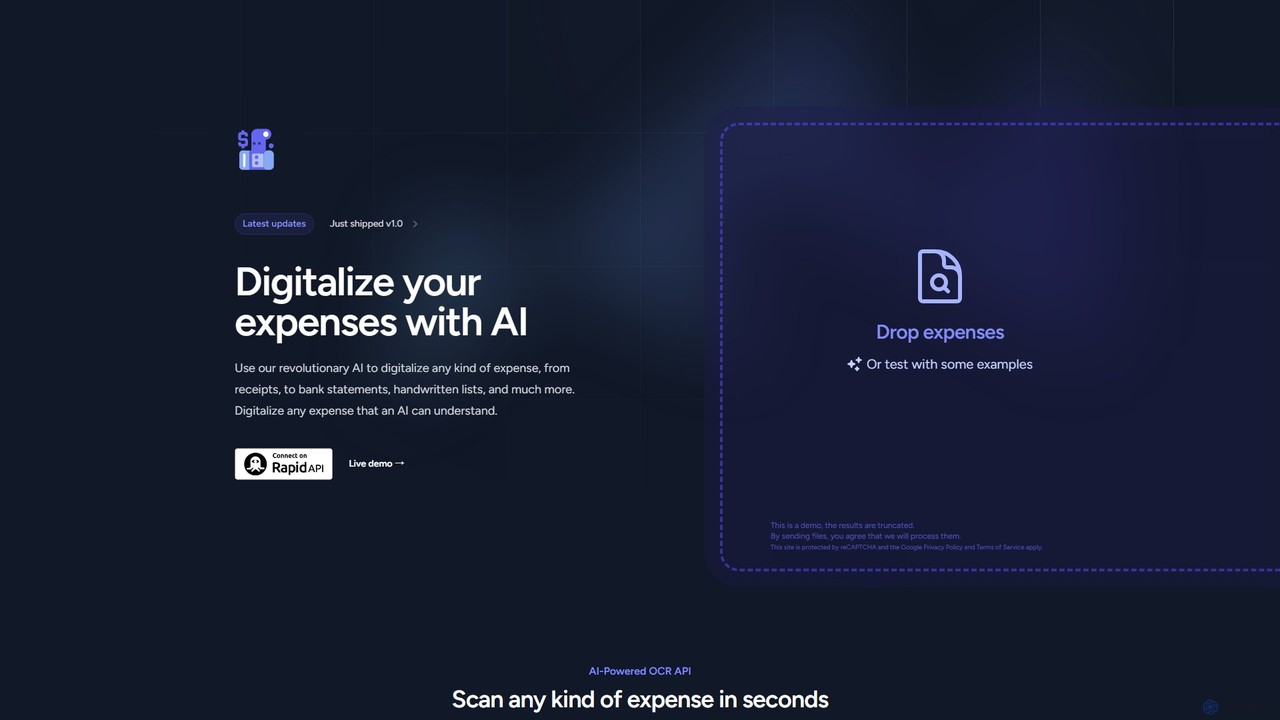
Expenses Day
Expenses Day is a powerful AI-powered OCR API designed to digitize any type of expense document. It accurately extracts data from receipts, invoices, bank statements, and even handwritten lists, transforming unstructured financial documents into structured, usable data for businesses and developers.
Api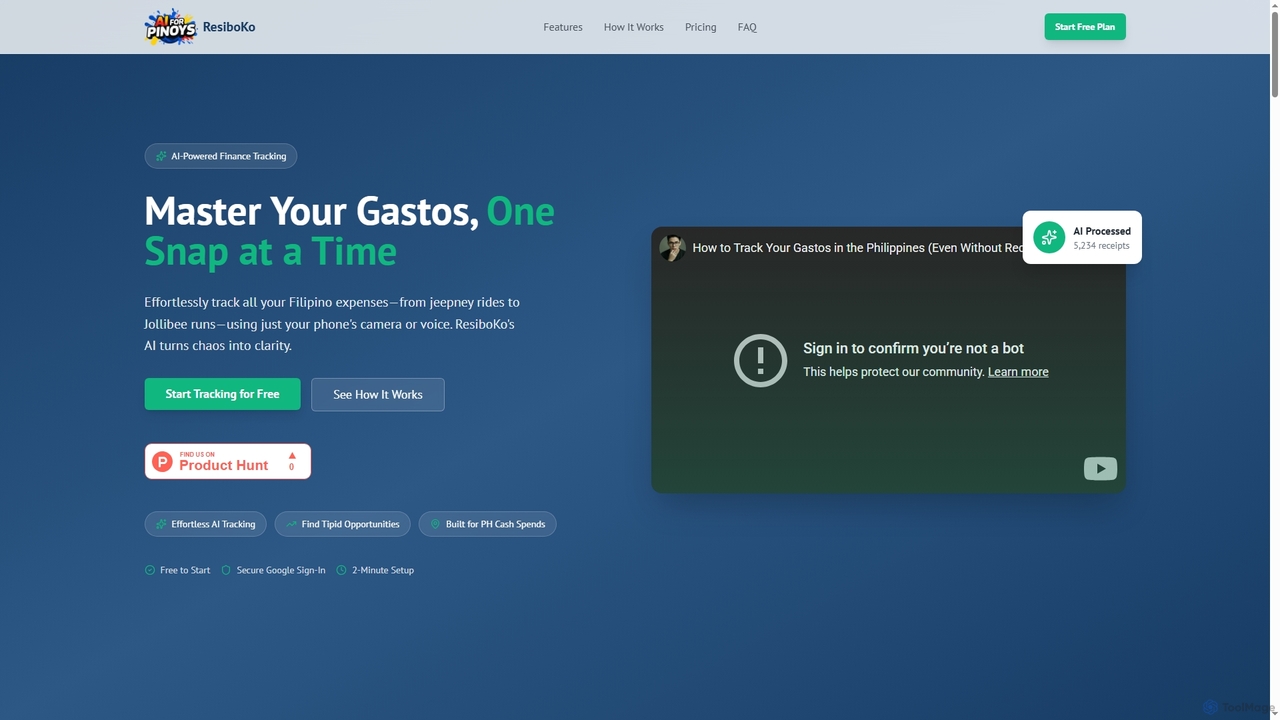
ResiboKo
ResiboKo is an AI-powered expense tracker designed for Filipinos, enabling effortless tracking of daily cash and receipt-based expenses via camera, voice, or manual input. It automatically categorizes spending and provides AI-driven insights to help users find savings opportunities.
Financial Advisor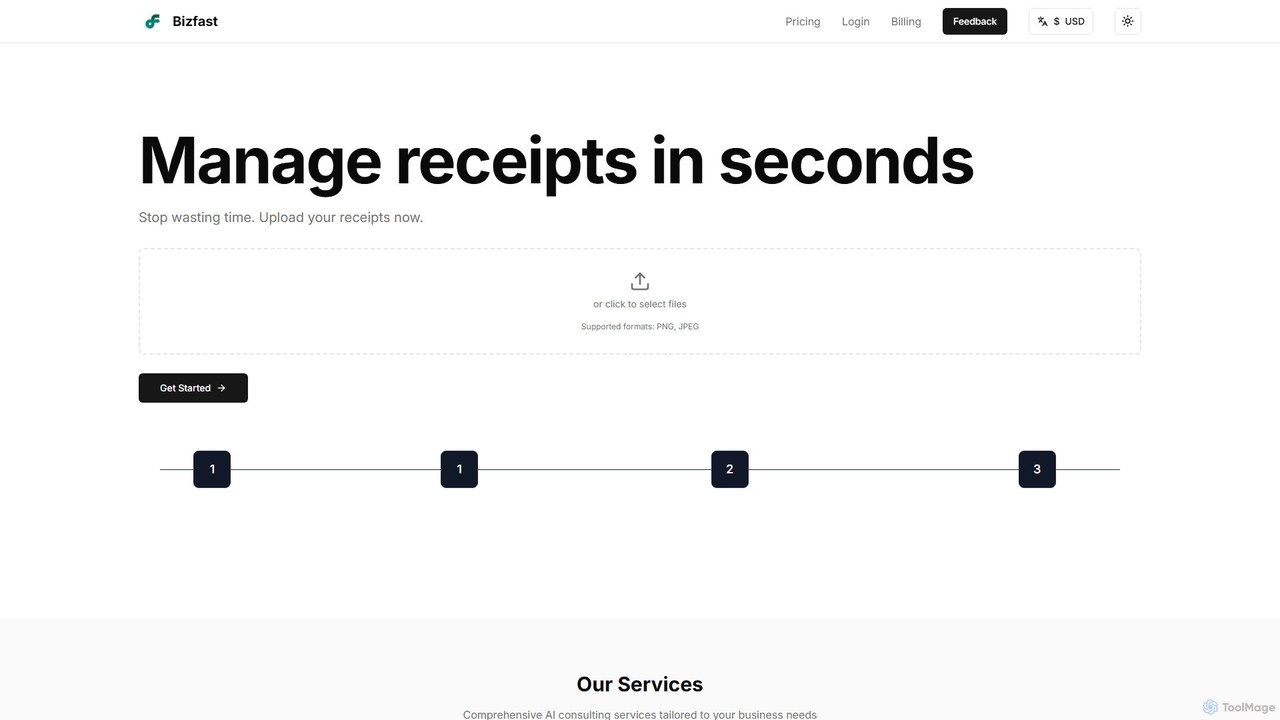
bizfast
bizfast is an AI-powered platform designed to streamline business operations. It automates receipt management by instantly extracting data from uploads and offers a 24/7 AI business consultant for strategic advice. Ideal for startups and small businesses, it turns scattered financial documents into organized, actionable insights, helping you save time and make smarter decisions.
Consulting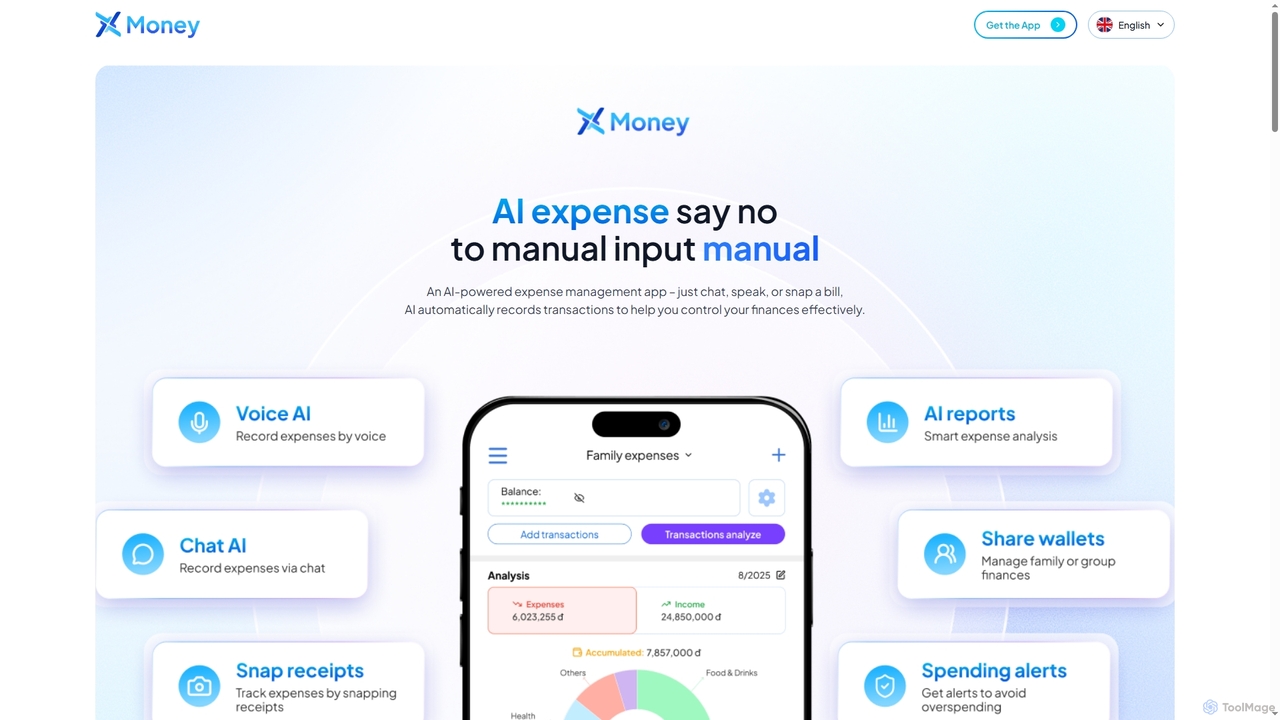
X Money
X Money is an AI-powered expense management app that eliminates manual data entry. Log transactions effortlessly via chat, voice, or by snapping a photo of a receipt. It automatically categorizes expenses, supports shared wallets, and provides smart spending alerts to help you control your finances effectively.
Personal Finance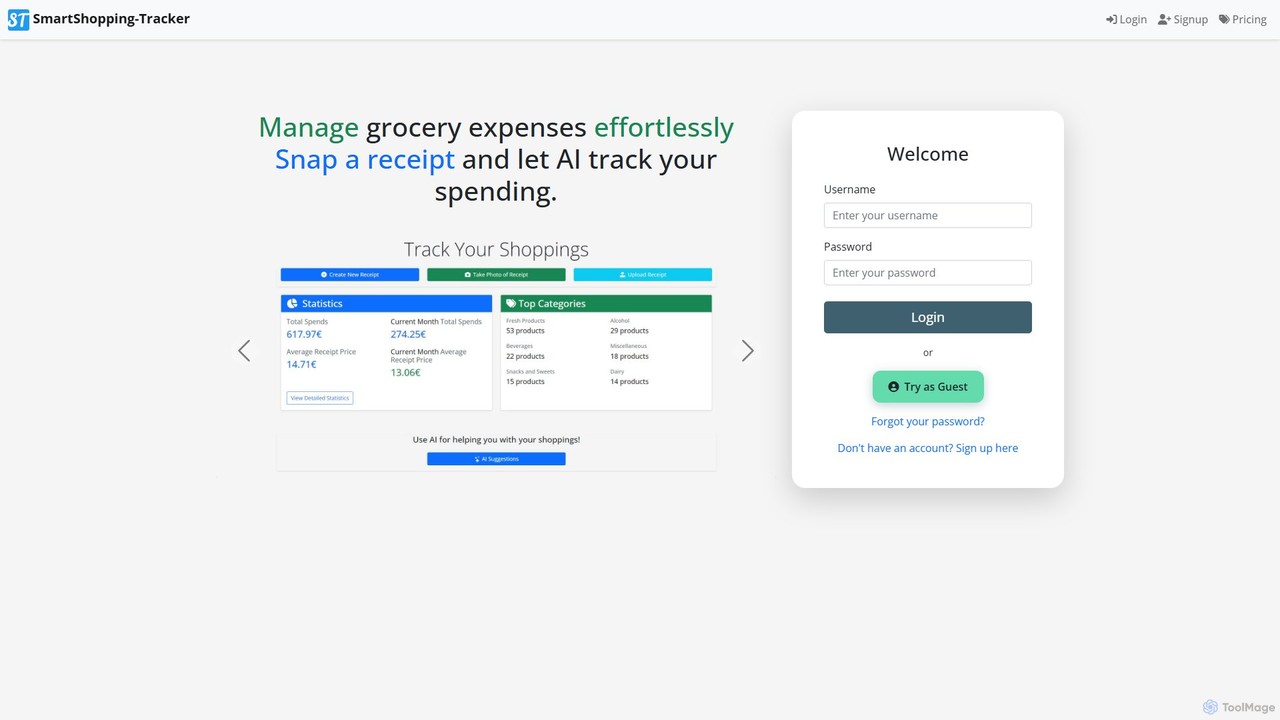
shopping_tracker
An AI-powered expense manager that transforms your grocery receipts into actionable financial insights. Simply snap a photo of your receipt, and the AI automatically digitizes products, tracks spending, and provides detailed analytics to help you optimize your budget and shop smarter.
Budgeting
april_ai
april_ai is an intelligent tax and finance assistant designed to simplify tax preparation and financial management. It automates expense tracking, identifies potential tax deductions, and provides personalized financial insights to help freelancers, small businesses, and individuals maximize their returns and achieve financial wellness.
AccountingInvoiceClip
InvoiceClip is an AI-powered invoice and receipt scanner app designed to automate data extraction, categorization, and organization for businesses. It eliminates manual data entry by instantly converting uploaded documents into accurate, structured data, streamlining financial workflows.
Invoice Processing
SnaptoBook Comments (0)
Sign in to comment.
Sign inNo comments yet.