

Grasp Overview
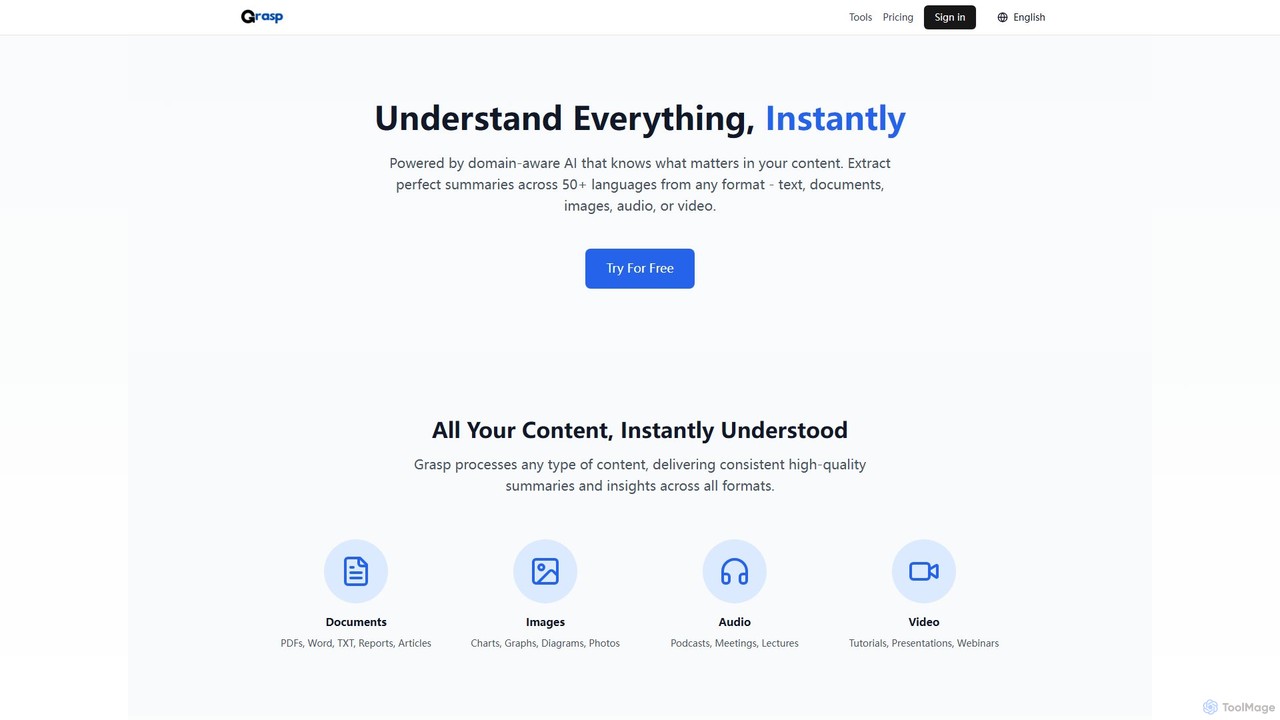
Grasp is a versatile and powerful AI platform designed to help users understand and process information with unprecedented speed and accuracy. Powered by domain-aware AI, Grasp can comprehend industry-specific terminology across business, technical, and academic fields. It serves as an all-in-one toolkit that goes beyond simple summarization, offering a vast array of specialized tools to handle virtually any content-related task. Whether you need to summarize a dense financial report, generate meeting minutes from an audio recording, extract text from an image, or even create a podcast script from a YouTube video, Grasp provides a seamless and efficient solution.
The platform's strength lies in its ability to process a universal range of formats, including PDFs, Word documents, spreadsheets, images, charts, audio files, and videos. With support for over 50 languages, it effectively breaks down communication barriers, allowing for cross-language synthesis and analysis while preserving the original context and nuance. Trusted by thousands of users from academic and industry leaders, Grasp is built to enhance productivity and transform complex data into actionable insights.
How to use Grasp
Using Grasp is a straightforward, three-step process designed for maximum efficiency:
- Select a Tool: Browse Grasp's extensive library of AI tools and choose the one that best fits your needs. Options range from a 'PDF Summarizer' and 'Meeting Minutes Generator' to a 'Resume Refiner' and 'Image to Text Converter'.
- Input Your Content: Upload your file (e.g., PDF, DOCX, MP3, MP4, JPG), paste text, or provide a URL. The platform accepts a wide variety of content formats.
- Get Instant Insights: The AI engine processes your content in seconds and delivers the desired output. This could be a concise summary, a structured analysis, editable text, a generated quiz, or professionally formatted meeting minutes. You can then review, edit, and export the results.
Core Features of Grasp
- Universal Content Support: Processes a wide array of formats including PDFs, Word, TXT, reports, images (charts, diagrams), audio (podcasts, meetings), and video (tutorials, webinars).
- Domain-Aware AI: Understands context and specialized terminology in business, technical, and academic domains, ensuring high-quality, relevant insights.
- Extensive Tool Suite: Offers dozens of specialized tools, including various summarizers, content generators (stories, scripts, quizzes), OCR extractors, translators, and analysis tools like a resume refiner and code fixer.
- Multilingual Excellence: Provides native-quality understanding and processing in over 50 languages, enabling cross-language analysis and translation.
- High-Speed Processing: A powerful AI engine delivers real-time analysis for audio/video and processes long documents in seconds.
- Precision Extraction & OCR: Smartly identifies key information and uses advanced OCR technology to accurately convert images and scanned documents into editable text.
- Smart Synthesis & Generation: Connects insights across multiple sources and generates new content such as mind maps, flow charts, study guides, and podcast scripts.
Use Cases for Grasp
Grasp is designed for a diverse range of users:
- Students and Researchers: Quickly summarize academic papers, generate comprehensive study guides from notes, create quizzes to test knowledge, and get help with complex homework assignments.
- Business Professionals: Instantly generate structured minutes from board meetings, create executive summaries from lengthy reports or presentations, analyze financial documents, and summarize long email threads to stay on top of communications.
- Content Creators: Repurpose content by converting YouTube videos into podcast scripts or blog posts, generate story ideas, and create compelling descriptions for images.
- Developers: Use the AI Code Fixer to debug, analyze, and optimize code across multiple programming languages.
- General Productivity: Extract text from images or screenshots, translate secret codes or old languages, and organize information by creating mind maps from text.
Advantages of Grasp
Grasp offers a significant competitive edge by combining versatility with power. Its primary advantage is efficiency, saving users countless hours of manual work. By consolidating dozens of tools into one platform, it eliminates the need for multiple subscriptions and services. The domain-aware AI ensures that the output is not just fast but also accurate and contextually appropriate. Its multilingual capabilities make it a truly global tool, while its support for all major content formats makes it universally applicable to any information-processing task.
Pricing and Plans
Grasp operates on a freemium model, offering plans for both casual and power users:
- Free Plan: Ideal for getting started. Includes limited daily usage (5 files/day), a basic file size limit (up to 10MB), access to core tools with standard AI models, and community support. No credit card is required.
- Premium Plan: Unlocks the full potential of the platform. It includes everything in the Free plan, plus unlimited file processing (subject to a fair use policy), a much larger file size limit (up to 300MB), access to advanced AI models, all tools including video summarizers, 2x faster priority processing, and premium support.
Premium Pricing Tiers:
- Monthly: $19.99 per month
- Quarterly: $13.99 per month (billed every 3 months)
- Annual: $7.99 per month (billed every 12 months, offering the best value)
All premium plans come with a 7-day money-back guarantee, and users have the flexibility to pause their subscription.
Traffic
Latest traffic
Status
Monthly traffic trend
- 2025-9: 20.7K
- 2026-1: 11.3K
- 2026-2: 14.0K
- 2026-3: 12.5K
- 2026-4: 27.2K
- 2026-5: 23.5K
Geography
Top 5 countries / regions
- 🇫🇷France100.0%
Traffic sources
| Source type | Percentage |
|---|---|
Direct | 93.6% |
Referral | 6.1% |
Email | 0.3% |
Top keywords
| Keyword | Cost per click |
|---|---|
| chuyển hình ảnh thành văn bản | $0.11 |
| decrypter | $2.73 |
| перевести письменный текст в печатный онлайн | $0.00 |
| решить задание в эксель онлайн | $0.00 |
| 要約 ai 無料 | $0.00 |
Grasp Videos on YouTube

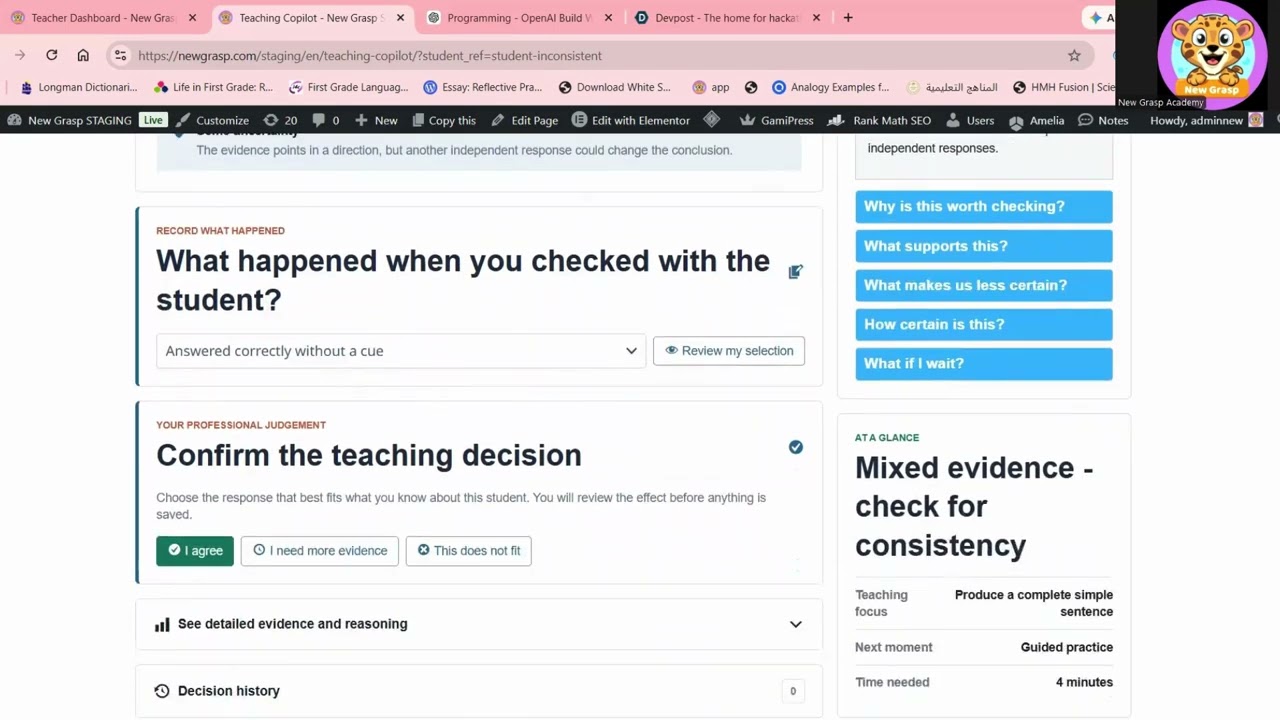


OddlyUsefulDude
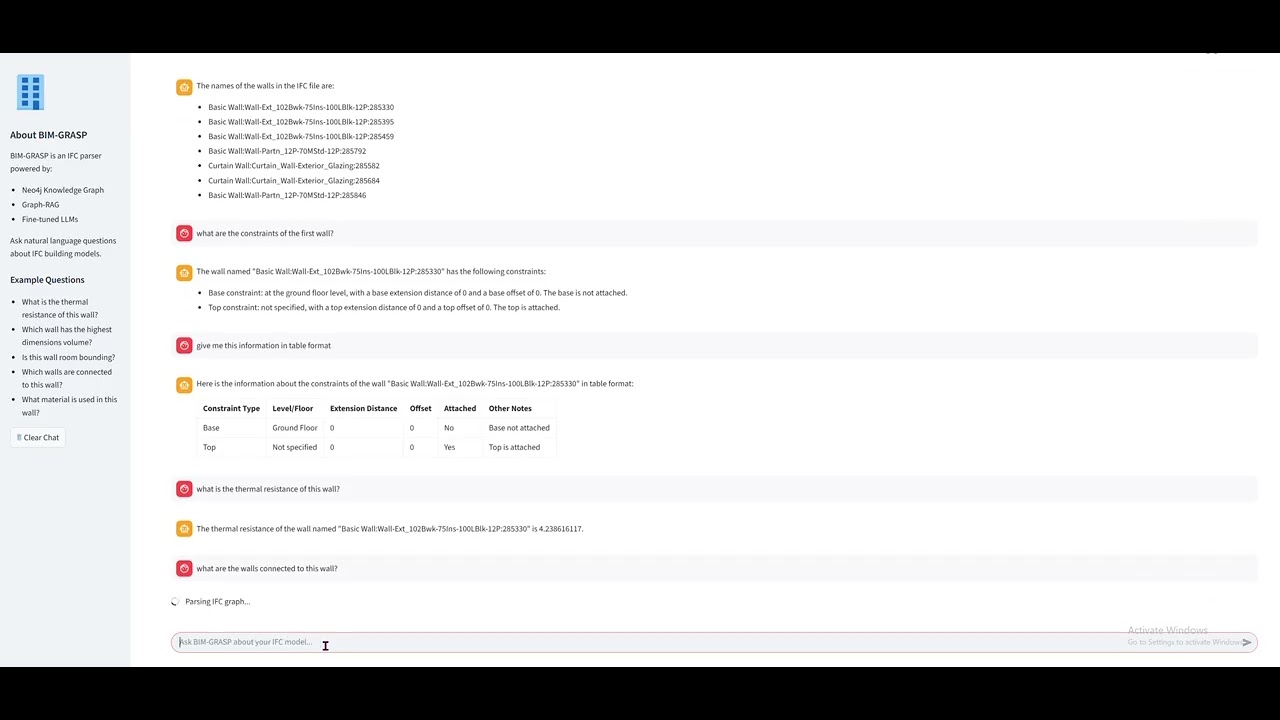


FUVI COGNITIVE NETWORK CORP.

FUVI COGNITIVE NETWORK CORP.
Grasp Alternatives
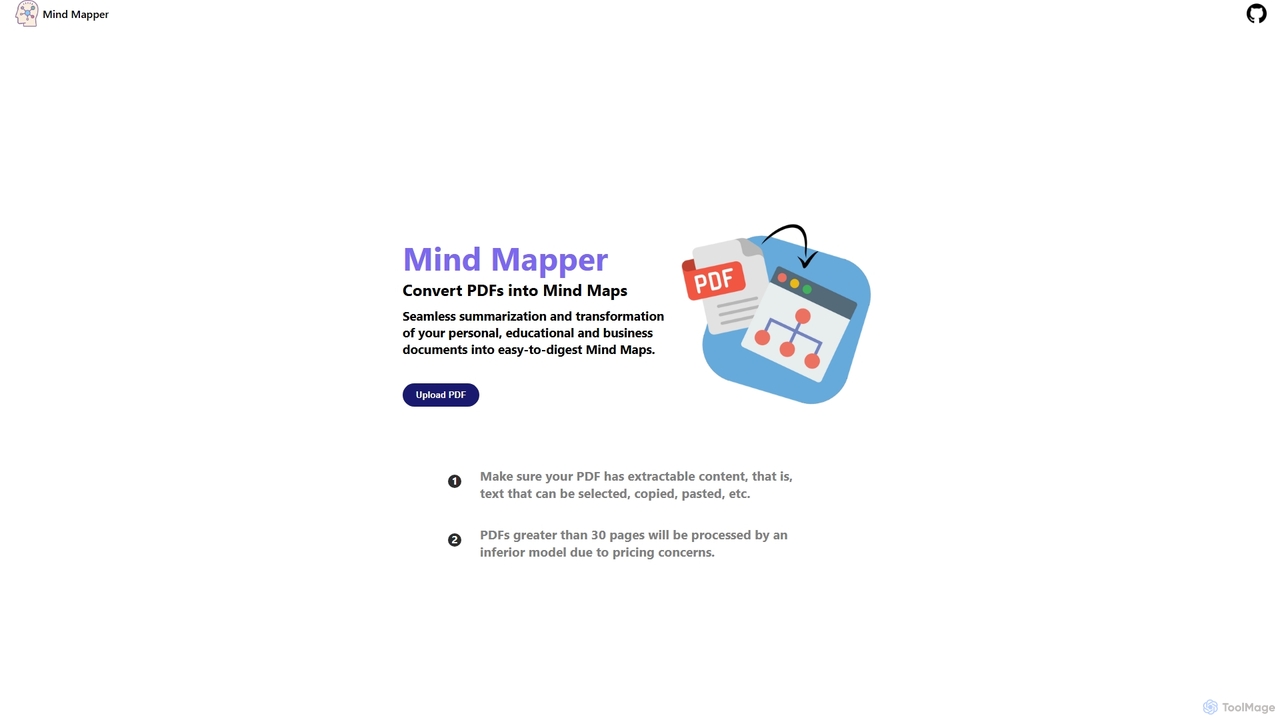
MindmapAI
MindmapAI is an AI-powered tool that transforms PDF documents into clear, structured mind maps. Using Google's Gemini AI, it automatically summarizes and visualizes complex information, making it ideal for students, researchers, and professionals to quickly grasp key concepts from dense texts.
Document Management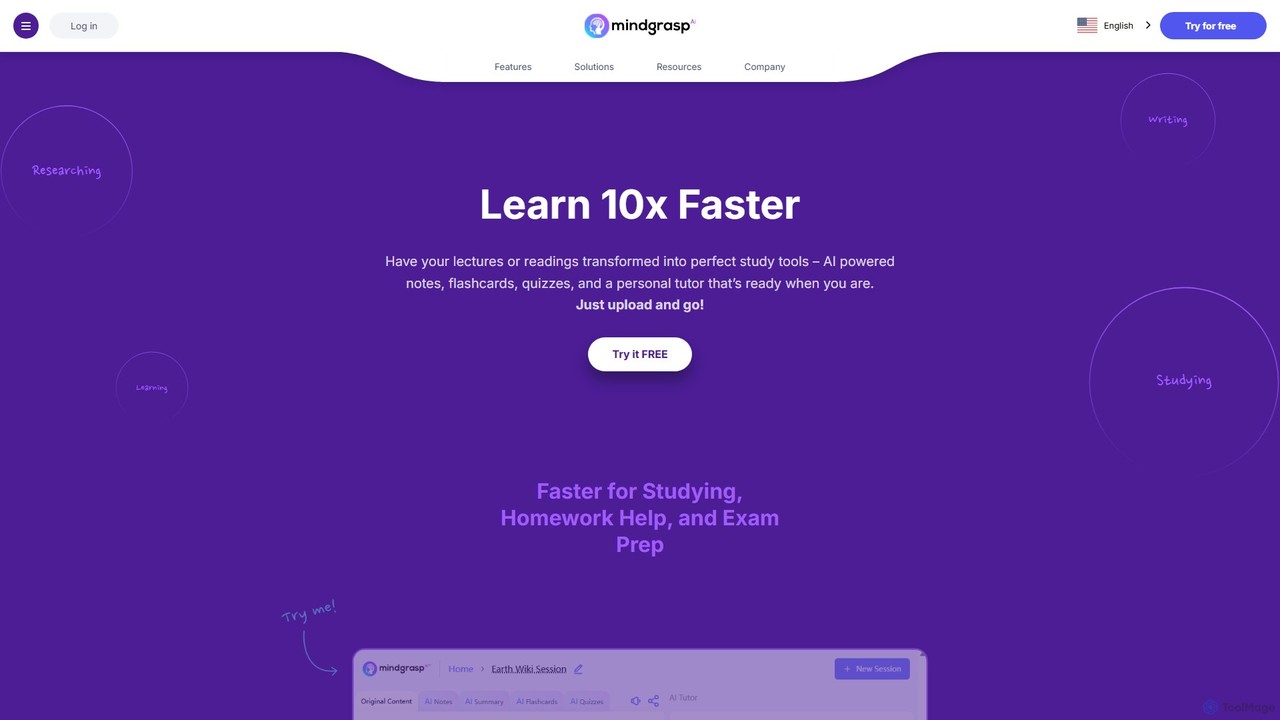
Mindgrasp
Mindgrasp is an AI-powered learning platform that helps students and professionals learn 10x faster. It instantly transforms any document, video, lecture, or link into summaries, detailed notes, flashcards, and quizzes. Its AI Tutor provides instant answers and assistance, making studying and research more efficient and accessible.
Study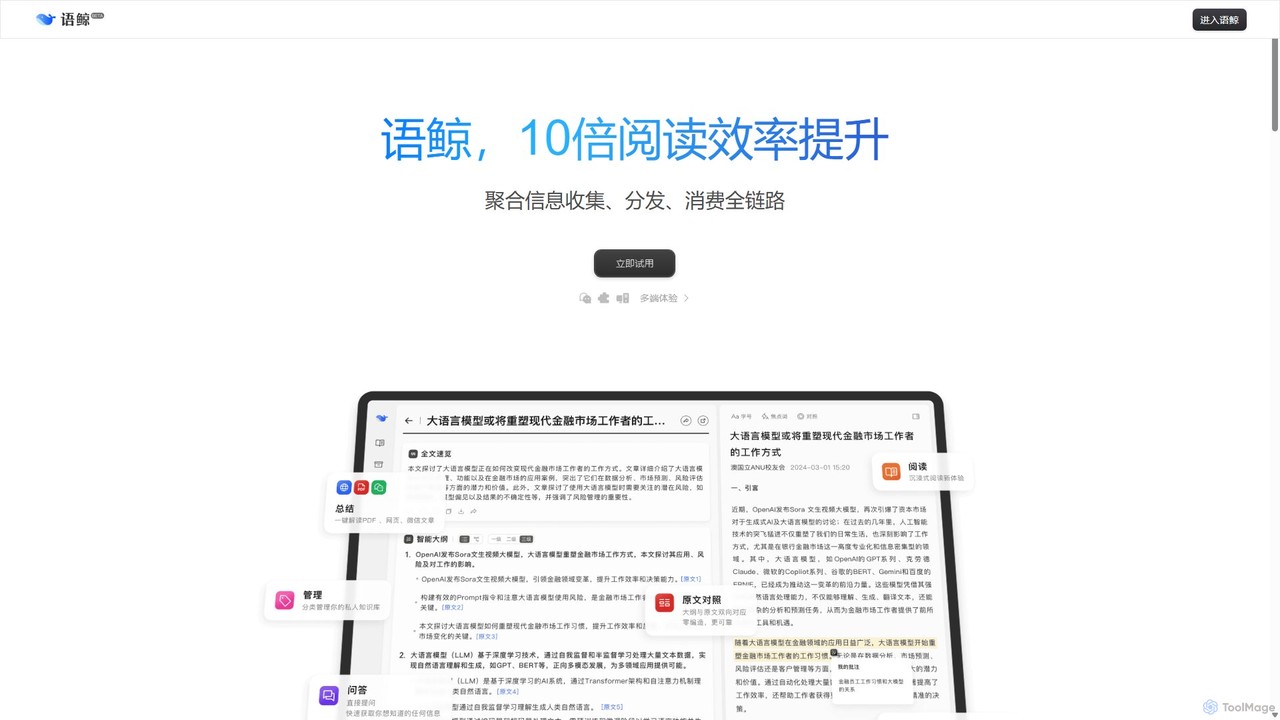
lingowhale
LingoWhale is an AI-powered reading and research assistant designed to enhance information processing. It intelligently summarizes web pages, documents (PDF, Word, PPT), and even multiple sources simultaneously, helping users quickly grasp key insights and compare different perspectives.
Study
SummaVerse
SummaVerse is an AI-powered platform that transforms your documents into interactive conversations. It offers advanced document summarization for single or multiple files and allows you to create custom, shareable chatbots from your content. Ideal for students, researchers, and businesses to quickly extract insights and share knowledge.
Document Management
Doclime
Doclime is an AI-powered document assistant that lets you chat with your PDFs. Upload any document, ask questions in plain English, and get instant, accurate answers with citations. It's designed to help students, researchers, and professionals quickly extract information and insights from dense materials.
StudyGrasp Categories
Grasp Embed Widget
Copy this embed code to place the badge on your blog, article, or product site and send readers directly to this ToolMage detail page.

Related AI tools
Doclime
Doclime is an AI-powered document assistant that lets you chat with your PDFs. Upload any document, ask questions in plain English, and get instant, accurate answers with citations. It's designed to help students, researchers, and professionals quickly extract information and insights from dense materials.
Study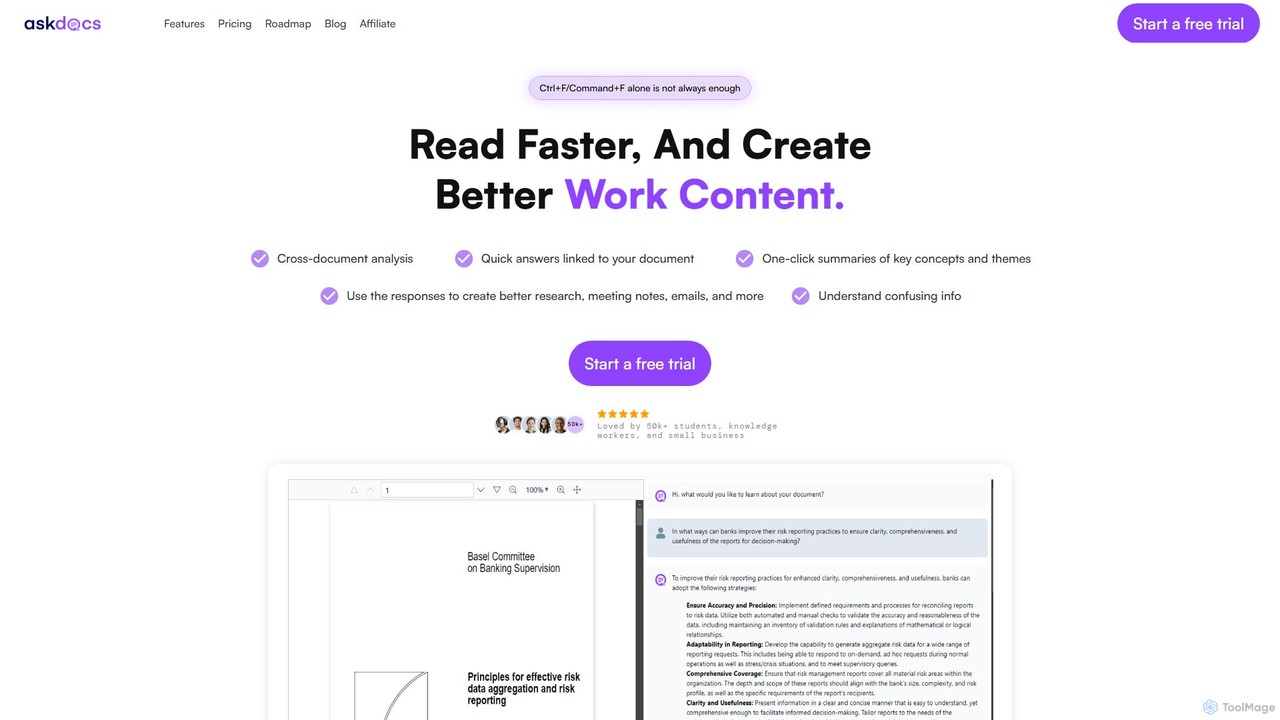
AskDocs
AskDocs is an AI-powered document assistant designed to help you quickly read, understand, and extract information from your files. Chat with single or multiple documents (PDF, DOCX, CSV, etc.), get instant summaries, and receive answers with precise source citations. It's an ideal tool for students, researchers, and professionals looking to accelerate their research and analysis workflows.
Data AnalysisMindmapAI
MindmapAI is an AI-powered tool that transforms PDF documents into clear, structured mind maps. Using Google's Gemini AI, it automatically summarizes and visualizes complex information, making it ideal for students, researchers, and professionals to quickly grasp key concepts from dense texts.
Document Management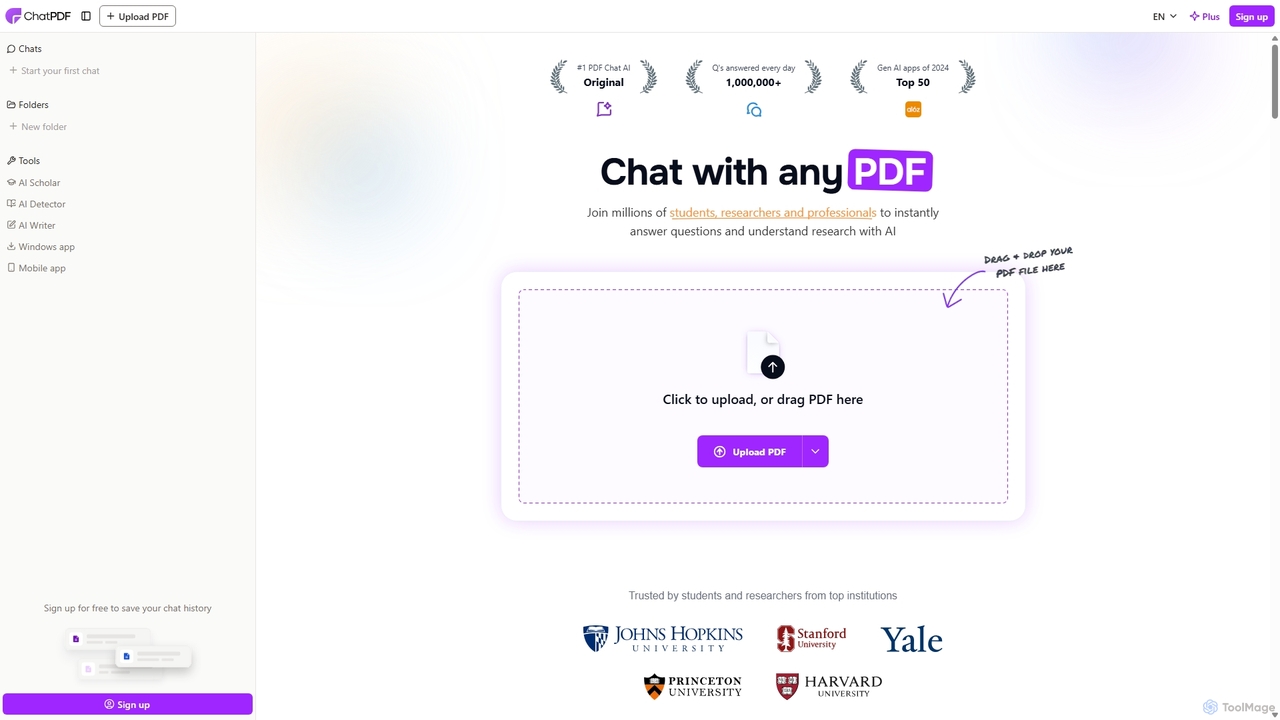
ChatPDF
ChatPDF is an AI-powered platform that allows you to interact with your documents as if you were having a conversation. Simply upload a PDF, and the AI will help you summarize content, answer specific questions, and extract key information in seconds. It's designed for students, researchers, and professionals to enhance productivity and understanding.
Research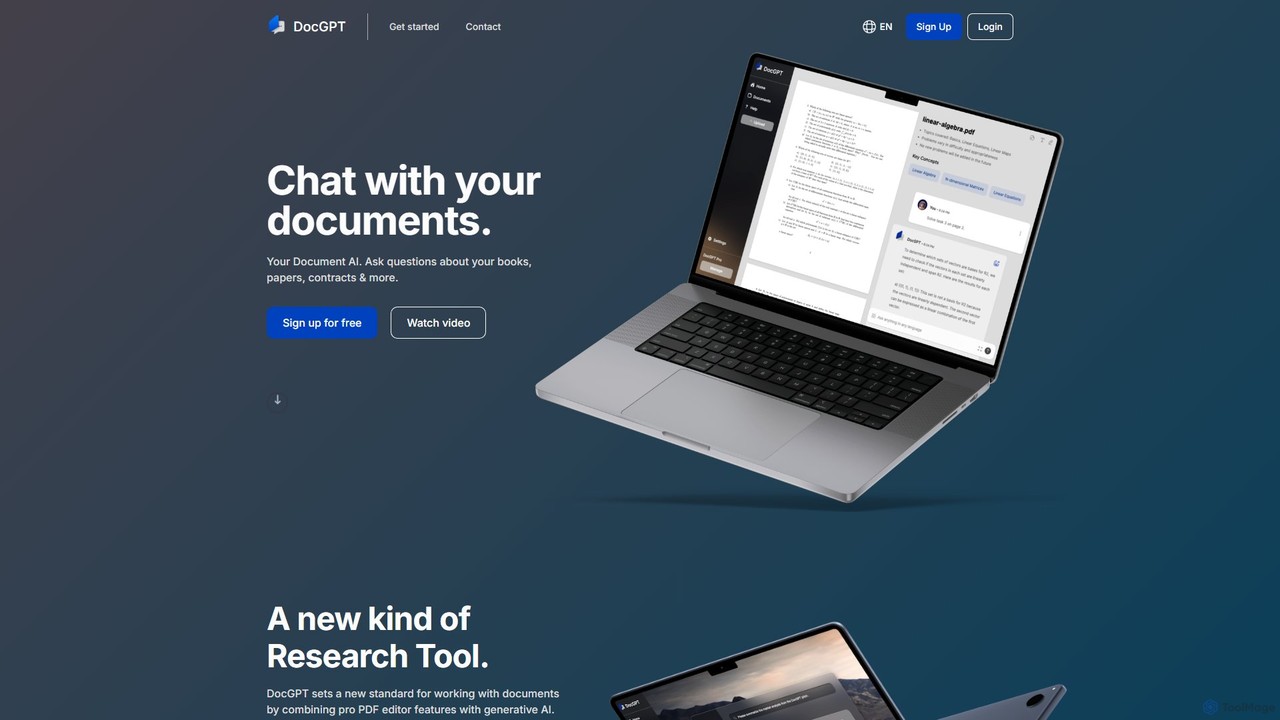
DocGPT
DocGPT is an AI-powered tool that allows you to chat directly with your documents. Simply upload files like PDFs, DOCX, or TXT, and ask questions in natural language to instantly extract information, get summaries, and find key insights. It's designed to boost productivity for students, researchers, and professionals by making document analysis fast and intuitive.
Study Aid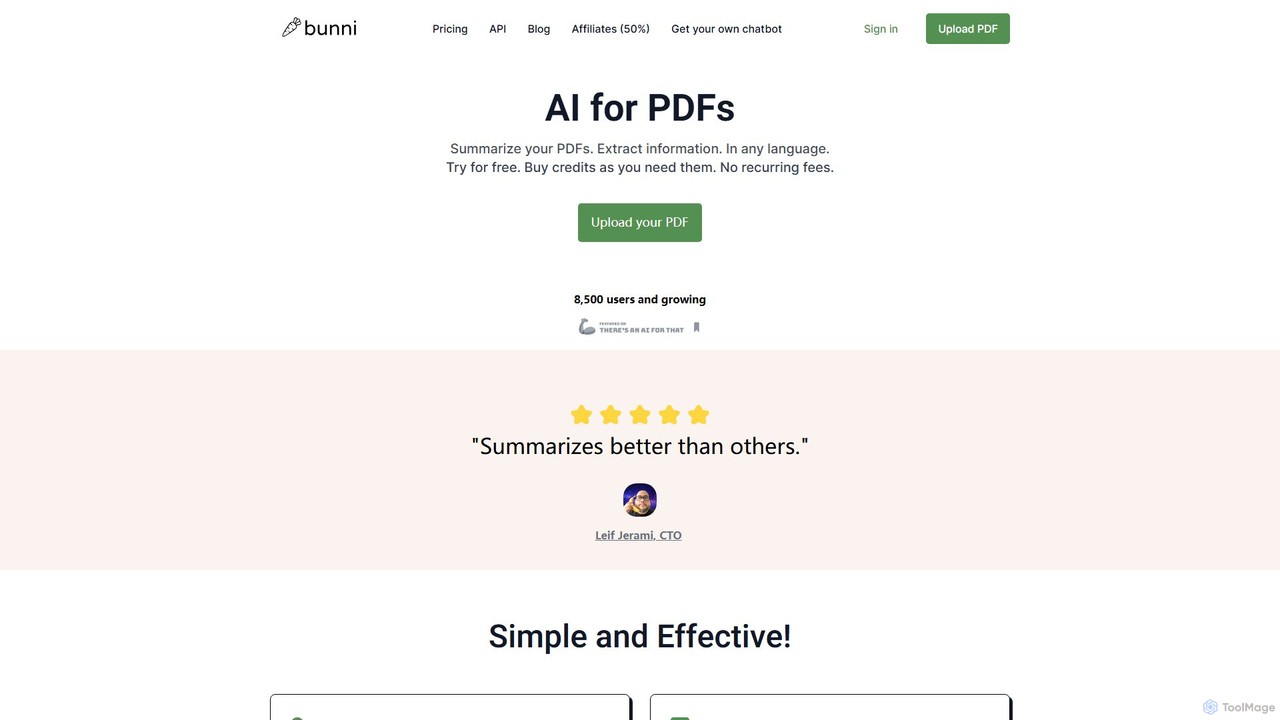
ClarifyPDF
ClarifyPDF is an AI-powered tool for interacting with your PDF documents. Simply upload one or more PDFs to summarize content, extract key information, and ask specific questions in any language. It supports large files and offers a shareable chat interface, making it ideal for students, researchers, and professionals to quickly understand complex documents without recurring subscription fees.
Data Extraction
Chatwithpdf
Chatwithpdf is an AI-powered tool that allows you to interact with your PDF documents conversationally. Simply upload a file and start asking questions, get summaries, and extract key information instantly. It's designed for students, researchers, and professionals to analyze documents faster and more efficiently.
Data Extraction
pdfpilot.ai
pdfpilot.ai is an AI-powered assistant that transforms your PDF documents into interactive chatbots. Instantly get summaries, ask complex questions, and extract key information from research papers, reports, and contracts, saving you hours of reading time.
Data Analysis
pdfy.ai
pdfy.ai is an AI-powered chat assistant that allows you to interact with various content formats, including PDFs, audio files, YouTube videos, and websites. Simply upload or link your source and ask questions in natural language to get instant, accurate answers and summaries, complete with source citations.
Research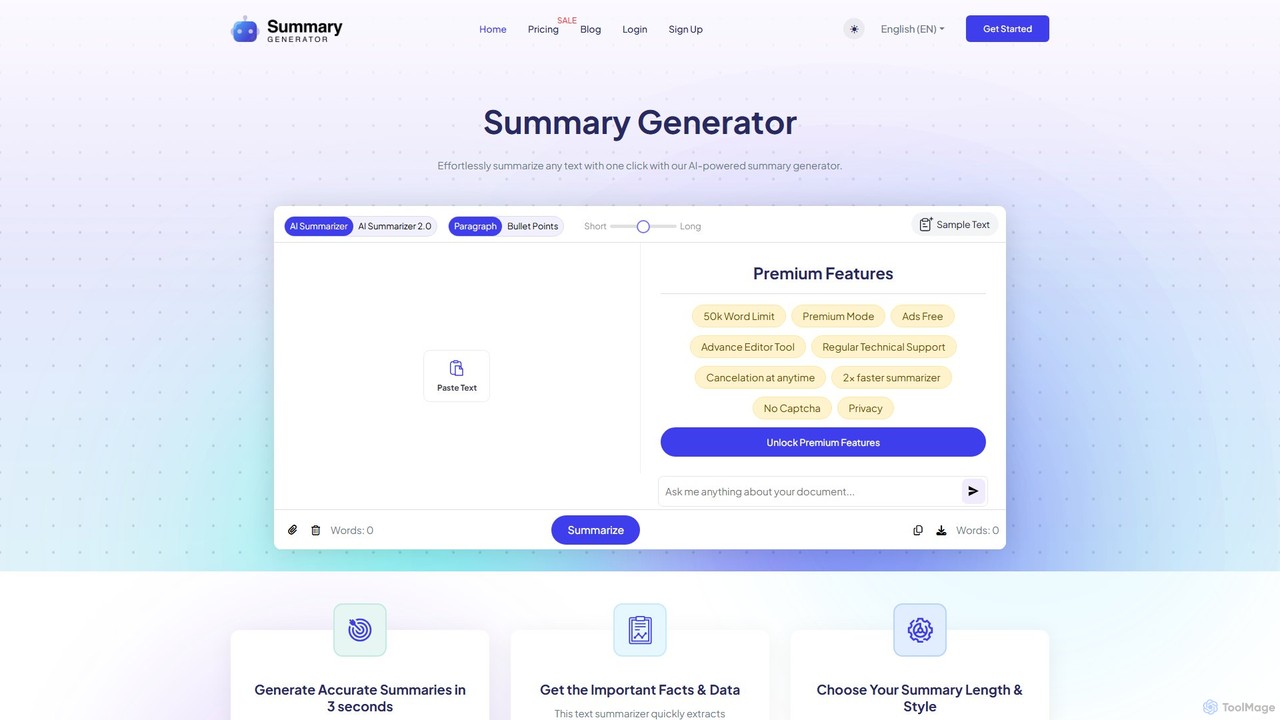
SummaryGenerator.io
An AI-powered tool that condenses long texts, articles, and documents into concise summaries in seconds. Customize summary length and format (paragraph or bullet points) to quickly extract key information and improve comprehension. Supports text input and file uploads (PDF, DOC).
Document Management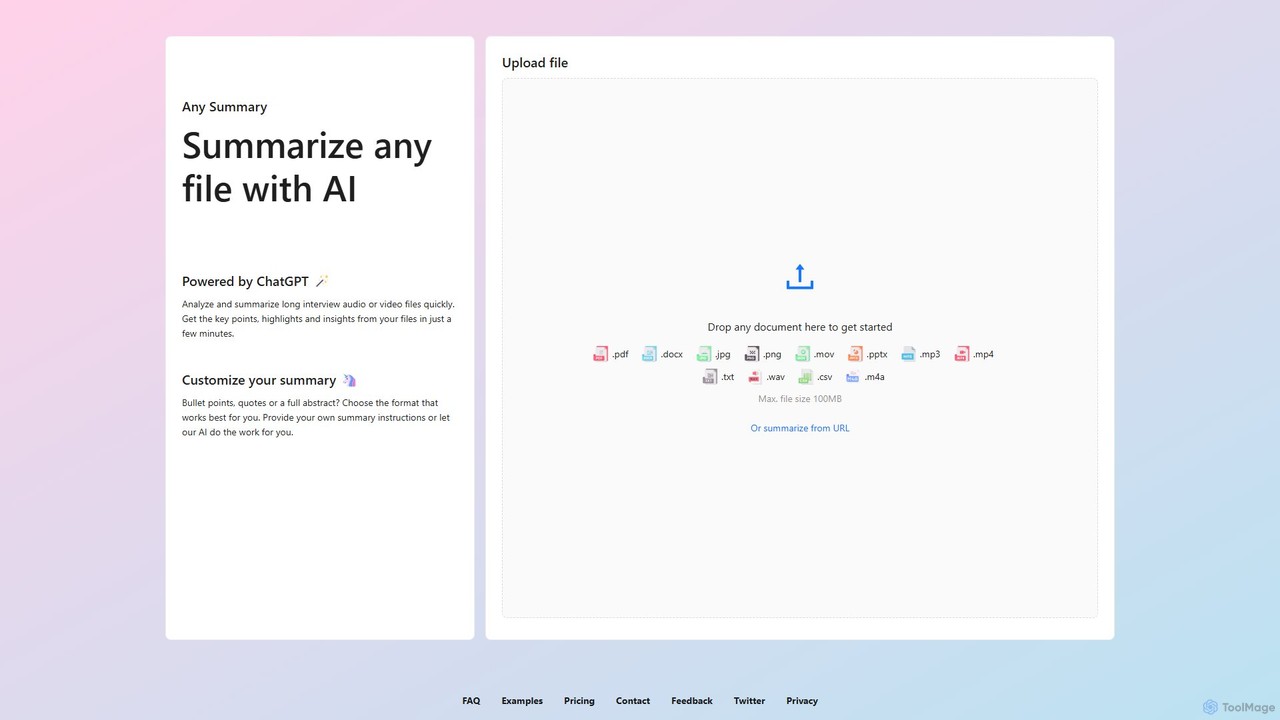
anysummary
An AI-powered tool that summarizes any file or URL. Upload documents, audio, video, or images, and get concise summaries, key points, and insights in minutes. Customize output formats like bullet points or abstracts to fit your needs. Powered by ChatGPT.
Transcription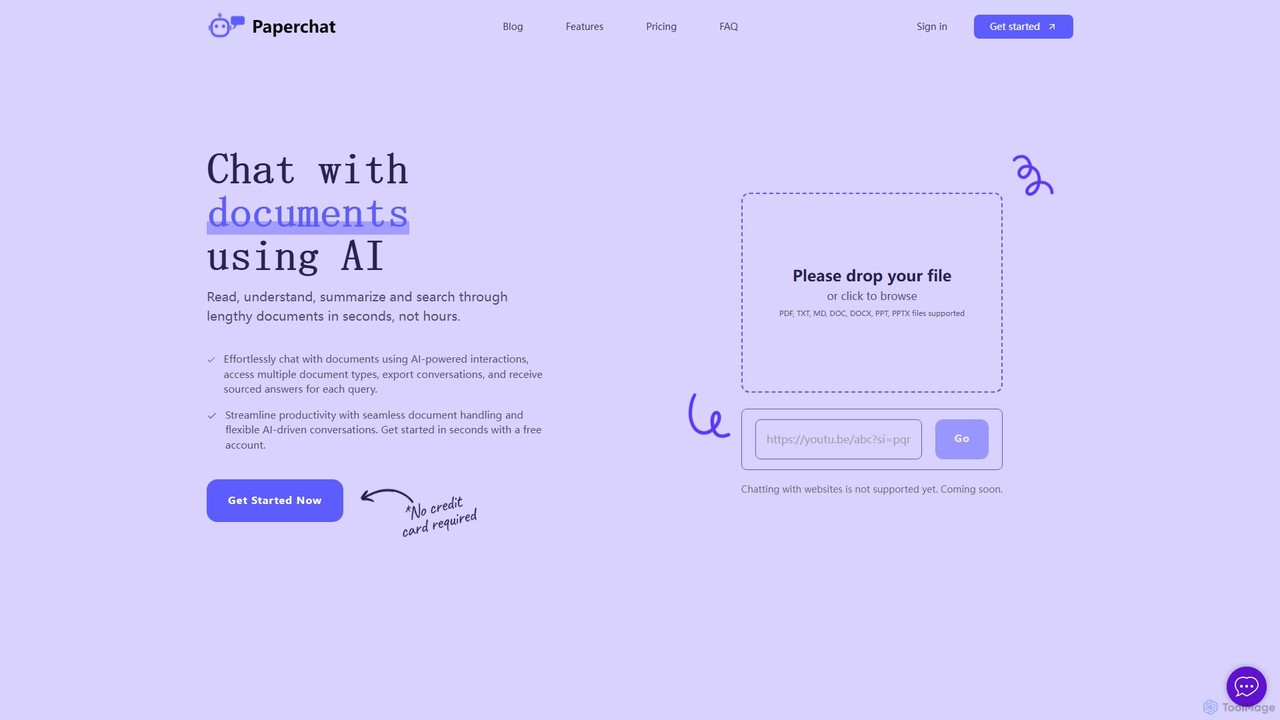
PaperChat
PaperChat is an AI-powered platform that lets you chat with your documents. Instantly read, understand, summarize, and search through lengthy files like PDFs, Word docs, and PowerPoints. Simply upload your document and start asking questions to get sourced answers in seconds. It's designed to boost productivity for students, researchers, lawyers, and professionals by transforming how they interact with information, saving hours of manual reading.
Study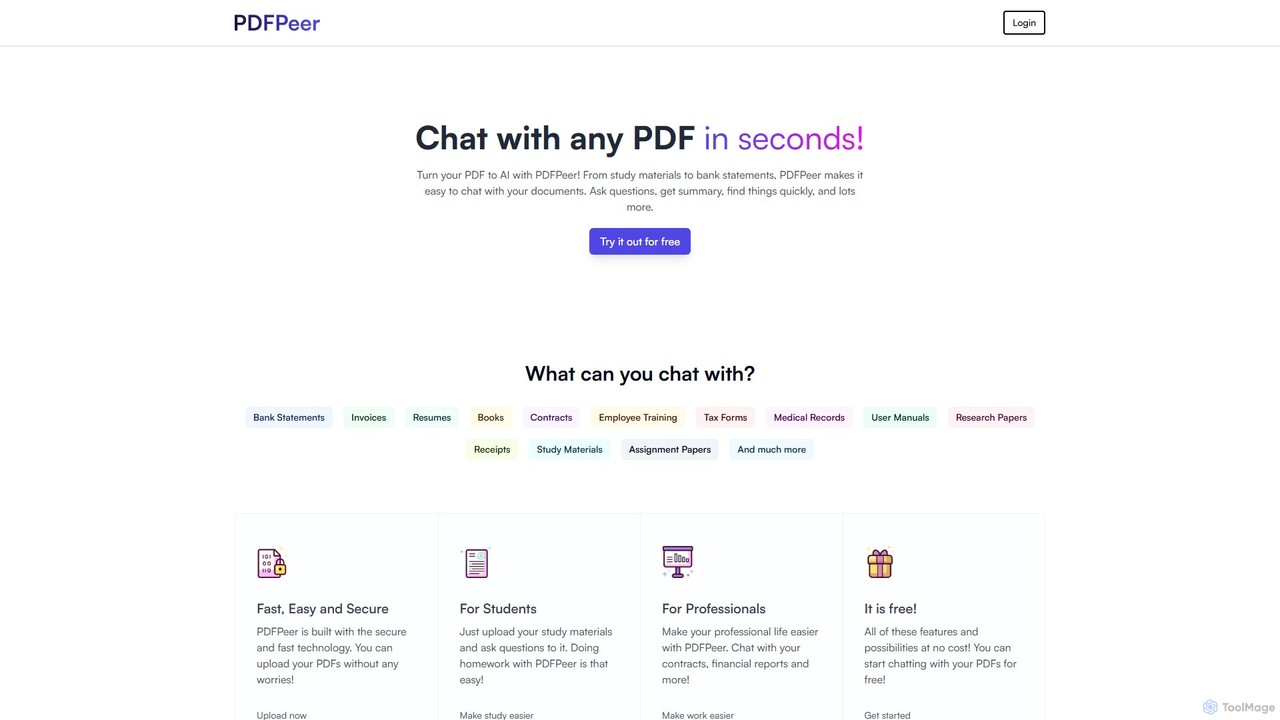
PDFPeer
PDFPeer is a versatile AI-powered platform that lets you chat with your PDF documents to instantly get summaries, answers, and insights. It also offers a suite of free tools for PDF conversion, text extraction (including OCR), splitting, and merging. Ideal for students, professionals, and anyone handling documents, PDFPeer simplifies information retrieval and document management, making your workflow more efficient.
Document Management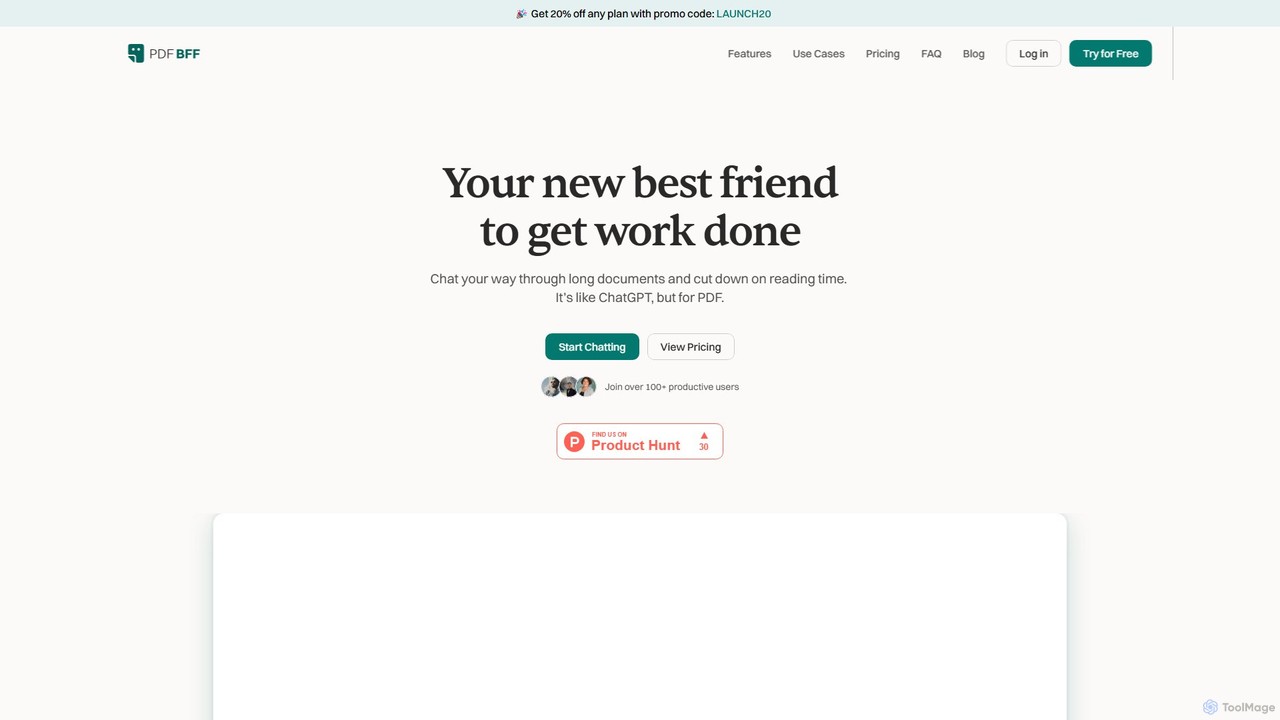
pdfbff
pdfbff is an AI chat tool, like ChatGPT, designed for your PDF documents. Interact with files by asking questions, get instant summaries, and extract key insights in any language. It helps students, researchers, and professionals save time, understand complex information, and streamline their workflow with features like automatic citations and document highlights.
Study
minimemo
minimemo is an AI-powered tool designed for rapid summarization and intelligent note-taking. It transforms long articles, meeting transcripts, and videos into concise, digestible summaries, key points, and action items, helping users save time and absorb information more effectively.
Meeting Assistant
Grasp Comments (0)
Sign in to comment.
Sign inNo comments yet.