
PDFPeer Overview
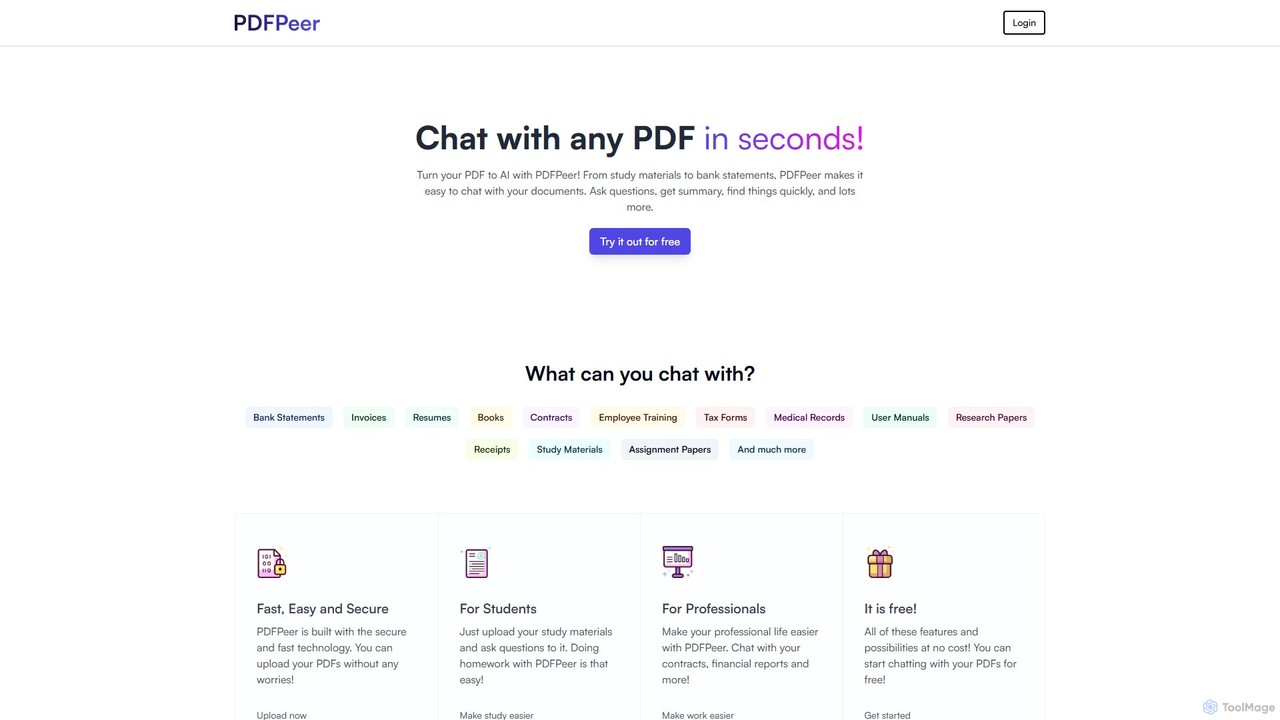
PDFPeer is an innovative, AI-driven platform designed to revolutionize how users interact with their PDF documents. It transforms static files into dynamic, conversational partners, allowing you to ask questions, request summaries, and extract key information in seconds. Beyond its core chat functionality, PDFPeer also serves as a comprehensive toolkit for all your PDF management needs, offering a range of free utilities for conversion, text extraction, and document manipulation.
Whether you're a student trying to understand dense study materials, a professional analyzing complex contracts and financial reports, or a researcher sifting through academic papers, PDFPeer streamlines your workflow and boosts productivity. The platform is built on secure and fast technology, ensuring your documents are handled with care and confidentiality. With a user-friendly interface, it makes sophisticated document analysis accessible to everyone.
How to use PDFPeer
Using PDFPeer is incredibly straightforward. For its primary AI chat feature, the process is simple:
- Upload Your PDF: Navigate to the main page and upload your document. You can drag and drop the file or select it from your computer.
- Start Chatting: Once the PDF is processed, a chat interface appears. You can now ask questions in natural language. For example, you can ask "What are the main arguments in this paper?", "Summarize the third chapter," or "Find the clause related to termination in this contract."
- Get Instant Answers: The AI will analyze the document and provide concise, relevant answers based on the content of your PDF.
For the suite of free PDF tools, the process is just as easy: select the desired tool (e.g., PDF to JPG, Split PDF), upload your file, configure any options if necessary, and download the processed file. No registration is required for many of these basic tools.
Core Features of PDFPeer
- AI-Powered PDF Chat: Engage in a conversation with your documents. Ask complex questions, get summaries, and find specific information without manually reading through pages.
- Comprehensive Document Support: Works seamlessly with a wide variety of documents, including research papers, textbooks, legal contracts, financial statements, resumes, technical manuals, and more.
- Advanced Text Extraction (OCR): The 'OCR PDF to Text' tool can accurately extract text from scanned PDFs and images, making non-searchable documents fully accessible and analyzable.
- Free PDF Utility Suite: A collection of essential tools including PDF to Text, PDF to PNG/JPG, PNG/JPG to PDF, and a PDF splitter to manage and repurpose your documents.
- Secure and Private: Built with robust security measures to ensure your uploaded documents remain confidential and protected.
- User-Friendly Interface: Designed for simplicity and ease of use, allowing anyone to start chatting with their PDFs or converting files in just a few clicks.
Use Cases for PDFPeer
PDFPeer is a valuable asset for a diverse range of users:
- Students and Academics: Quickly grasp key concepts from textbooks and lecture notes, summarize research papers for literature reviews, and prepare for exams by quizzing the material.
- Legal Professionals: Rapidly analyze contracts, identify key clauses, and summarize lengthy legal documents, saving hours of manual review.
- Business and Finance Professionals: Extract insights from financial reports, analyze business plans, and quickly understand the contents of invoices and bank statements.
- Recruiters and HR Managers: Combine multiple resumes into a single PDF, ask the AI to summarize candidate qualifications, and find the most relevant applicants based on specific criteria.
- Researchers: Accelerate the research process by quickly extracting data, methodologies, and findings from dense academic articles.
- General Users: Effortlessly manage personal documents like user manuals, receipts, and medical records by making them easily searchable and understandable.
Advantages of PDFPeer
The primary advantage of PDFPeer is its dual functionality, combining powerful AI analysis with practical document management tools. This integration saves users time and effort by providing a one-stop solution for all things PDF. It enhances productivity by automating information retrieval, makes complex information accessible through summarization and Q&A, and offers significant value with its generous free plan and versatile toolset.
Pricing and Plans
PDFPeer offers a flexible pricing structure to suit different needs:
- Free Plan: $0/month. Includes support for 1 PDF at a time, a 10 MB file size limit, a 200-page limit per PDF, and up to 200 questions per day.
- Unlimited Plan: $14.99/month (or a discounted rate of $10.49/month when billed annually). This plan offers unlimited PDFs, unlimited questions, no page limits, and priority support.
- Lifetime Deal: A one-time payment of $420. Includes all features of the Unlimited Plan, plus all future updates, for life.
- Enterprise Plan: Custom pricing for organizations requiring tailored solutions, potentially including API access and enhanced team features. Contact sales for a quote.
PDFPeer Alternatives
ChatPDF
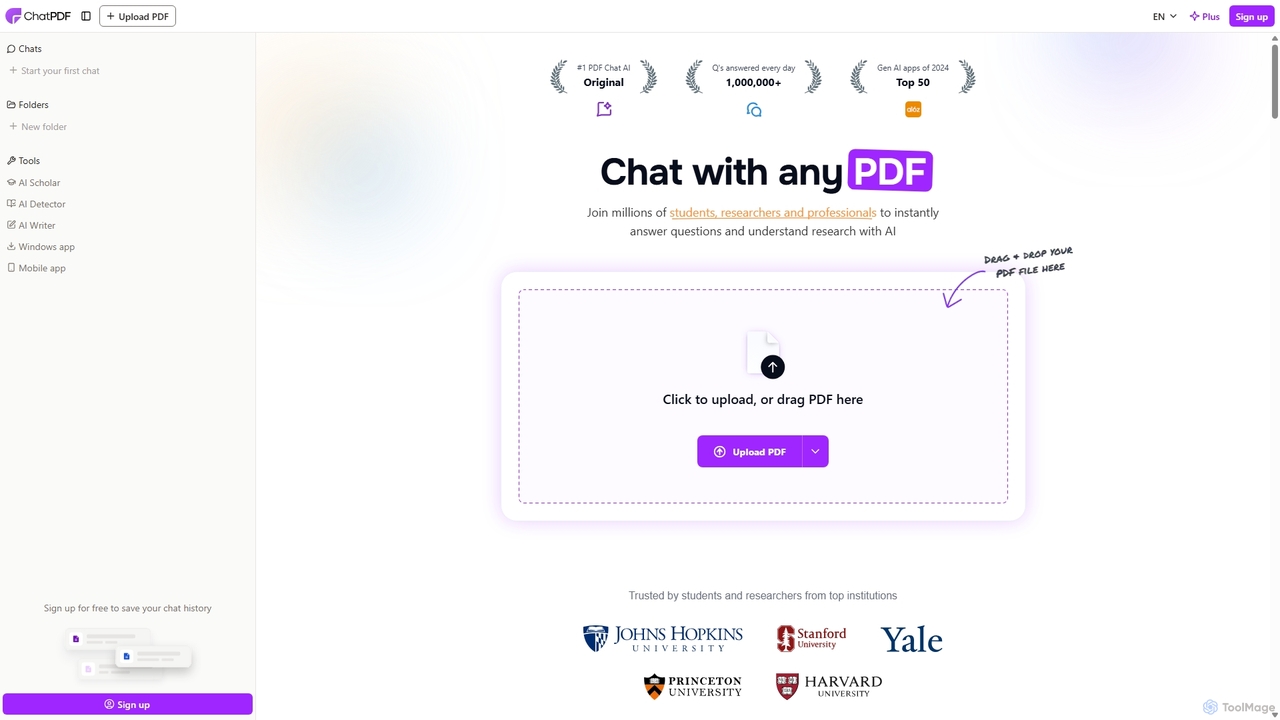
ChatPDF is an AI-powered platform that allows you to interact with your documents as if you were having a conversation. Simply upload a PDF, and the AI will help you summarize content, answer specific questions, and extract key information in seconds. It's designed for students, researchers, and professionals to enhance productivity and understanding.
Research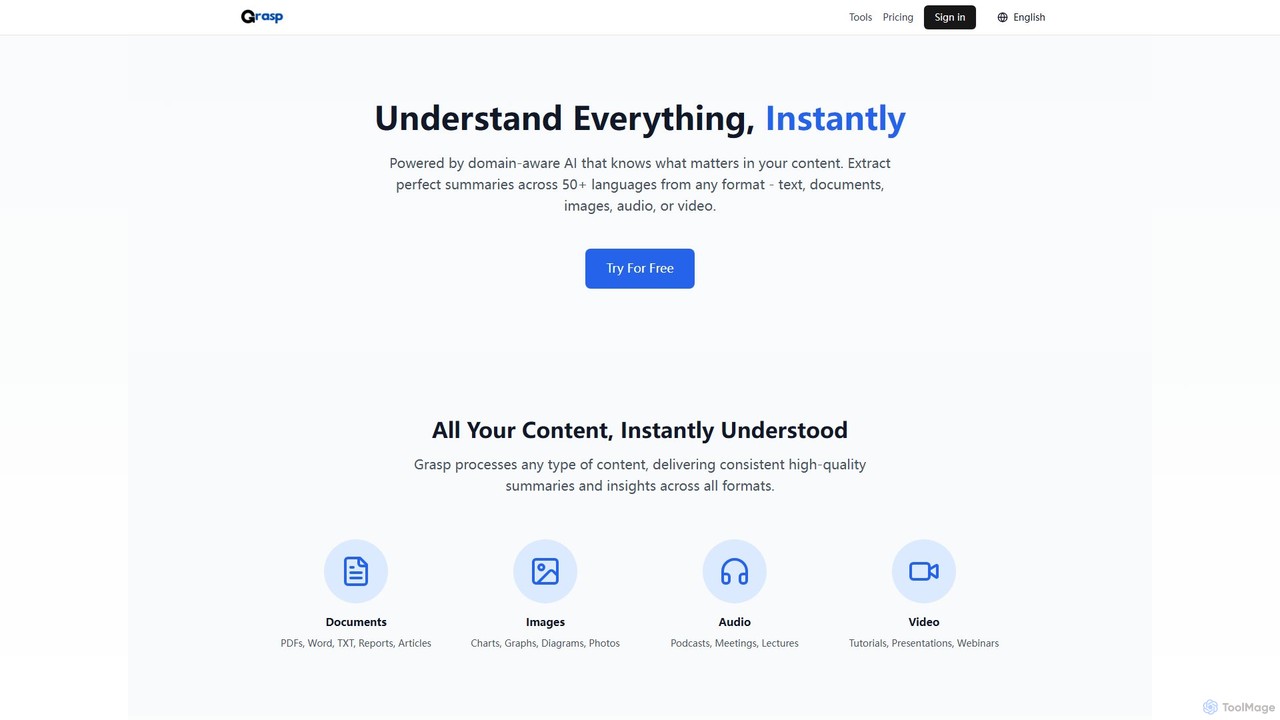
Grasp
Grasp is a comprehensive AI-powered platform that instantly extracts key insights from any content. It processes text, documents, images, audio, and video in over 50 languages, offering a suite of tools for summarization, analysis, content generation, and data extraction. Ideal for students, professionals, and creators.
Document Management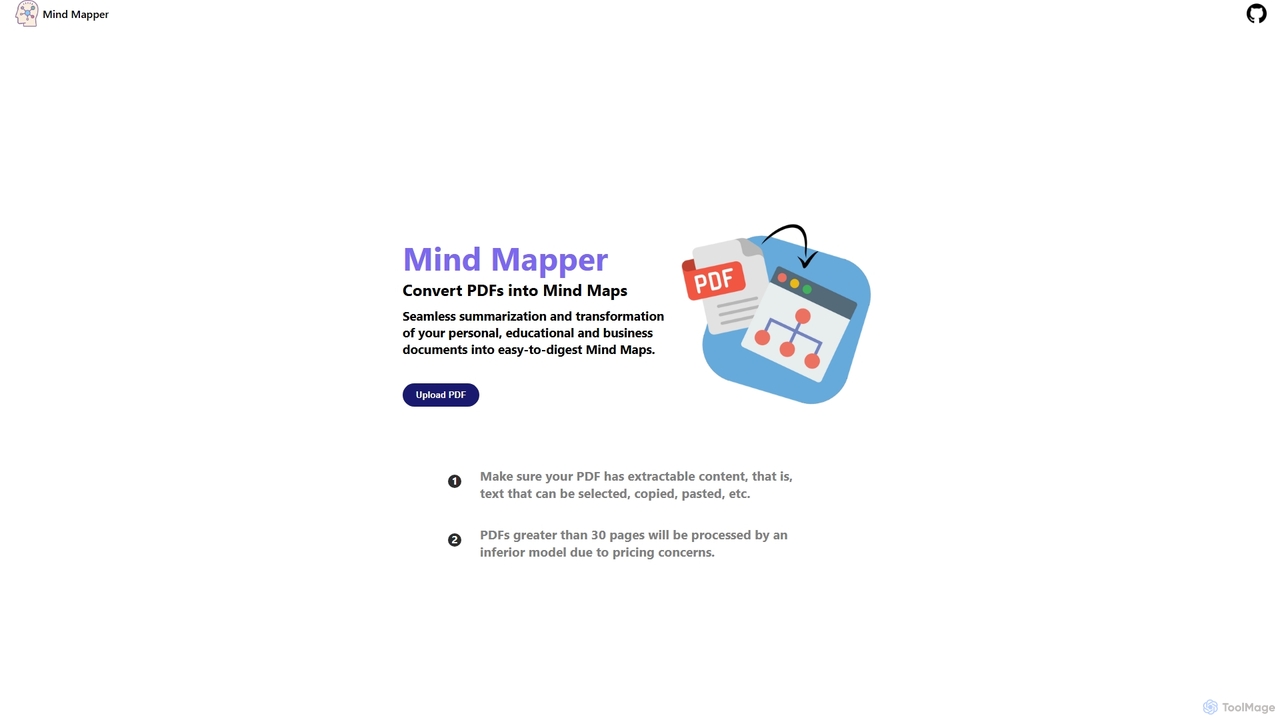
MindmapAI
MindmapAI is an AI-powered tool that transforms PDF documents into clear, structured mind maps. Using Google's Gemini AI, it automatically summarizes and visualizes complex information, making it ideal for students, researchers, and professionals to quickly grasp key concepts from dense texts.
Document Management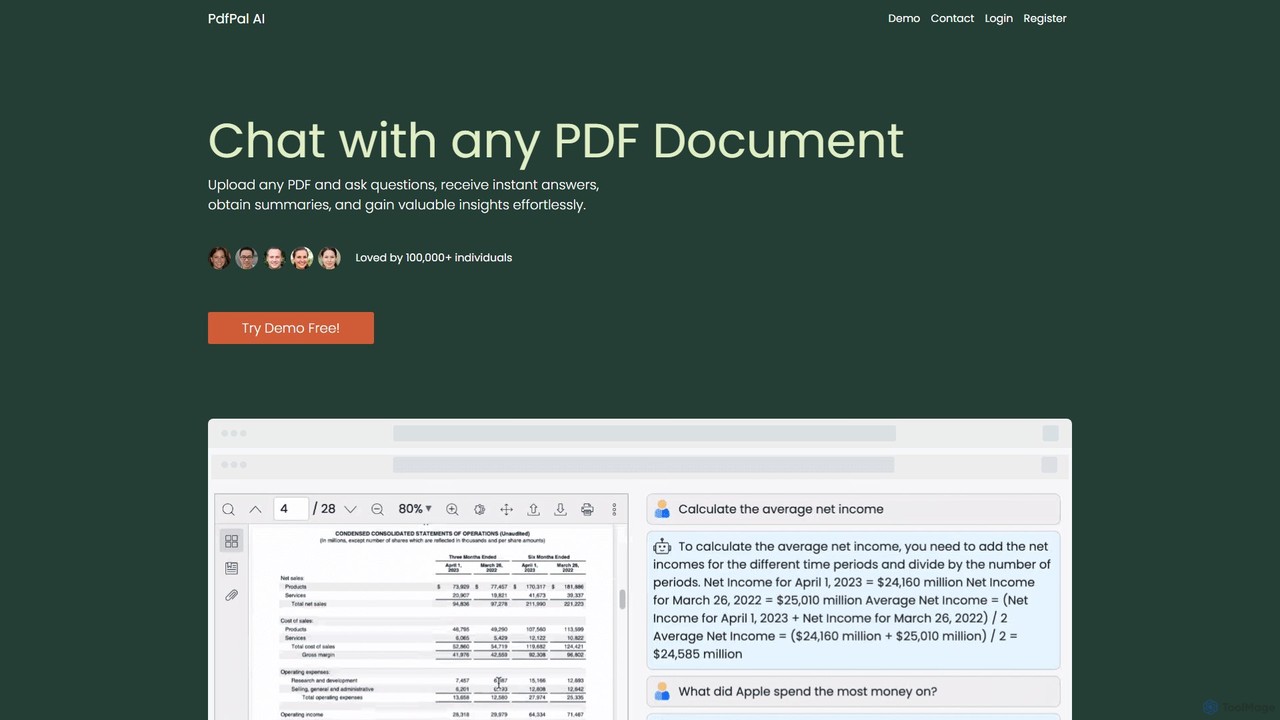
pdfpal
pdfpal is an AI-powered tool that lets you chat with any PDF document. Simply upload your file and ask questions in natural language to get instant summaries, find specific information, and gain deep insights without reading the entire document. It's designed to save time and boost productivity for students, researchers, and professionals by simplifying complex information.
Data Analysis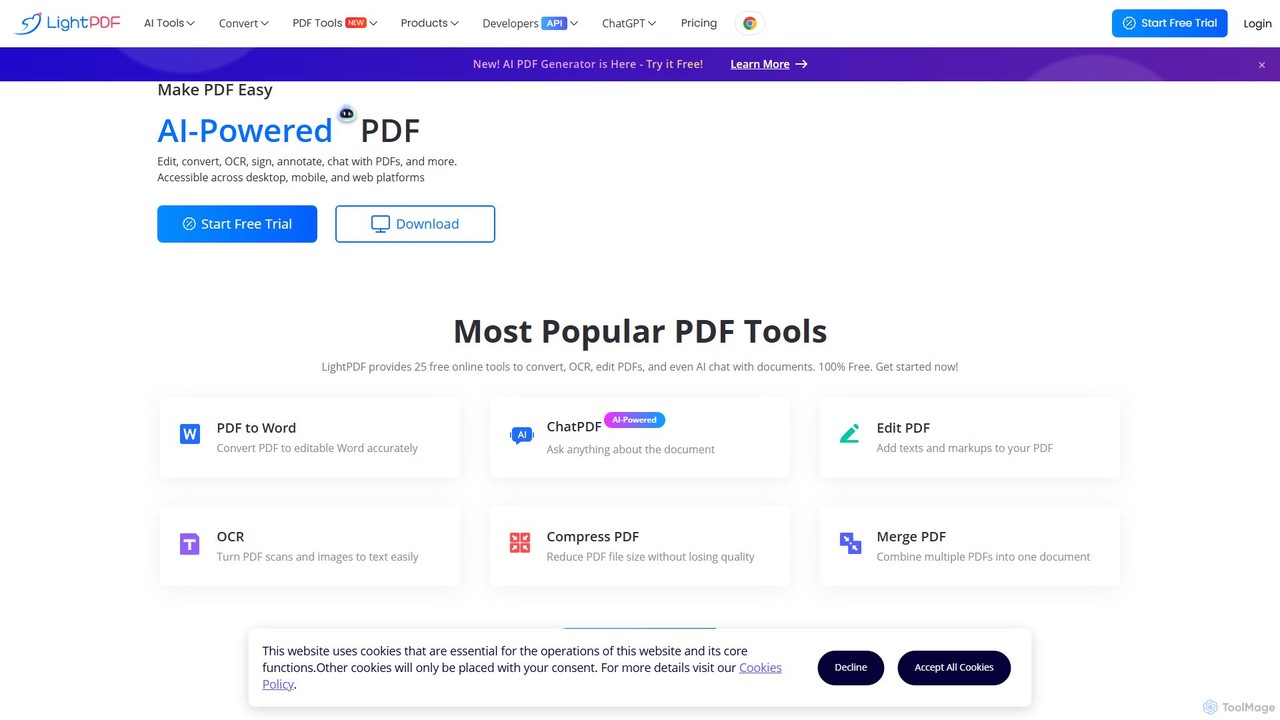
LightPDF
LightPDF is an AI-powered, all-in-one PDF solution designed to simplify document workflows. It allows users to chat with documents, get instant summaries, and ask questions. Beyond its AI capabilities, it offers a comprehensive suite of tools for editing, converting, merging, signing, and performing OCR on PDF files. Available on web, desktop, and mobile, LightPDF makes managing documents efficient and intuitive for students, professionals, and businesses alike.
Chat With Your DocsPDFPeer Categories
PDFPeer Embed Widget
Copy this embed code to place the badge on your blog, article, or product site and send readers directly to this ToolMage detail page.

Related AI tools
Honeybear.ai
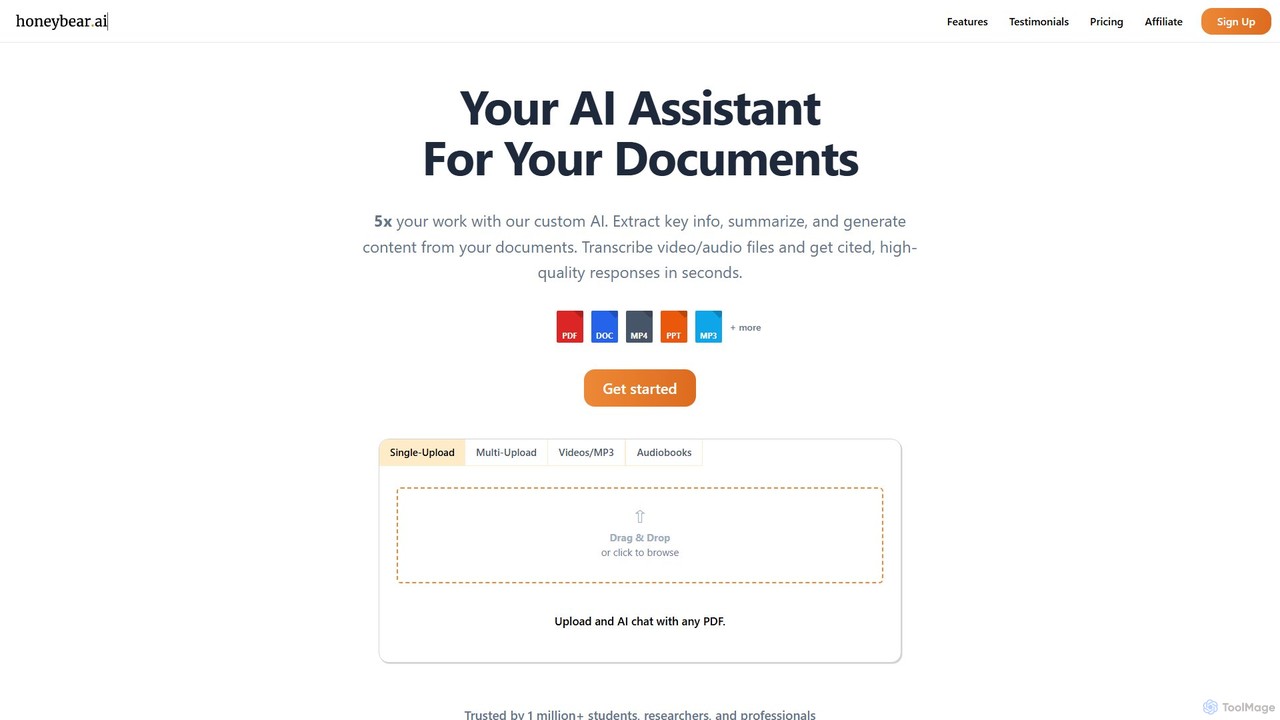
Honeybear.ai is an AI assistant that revolutionizes how you interact with documents, videos, and audio files. It extracts key information, provides instant summaries, and generates content from multiple sources simultaneously. Featuring clickable citations, OCR for scanned documents, and accurate transcription, it's an essential tool for students, researchers, and professionals looking to boost productivity and deepen their understanding of complex materials.
Transcription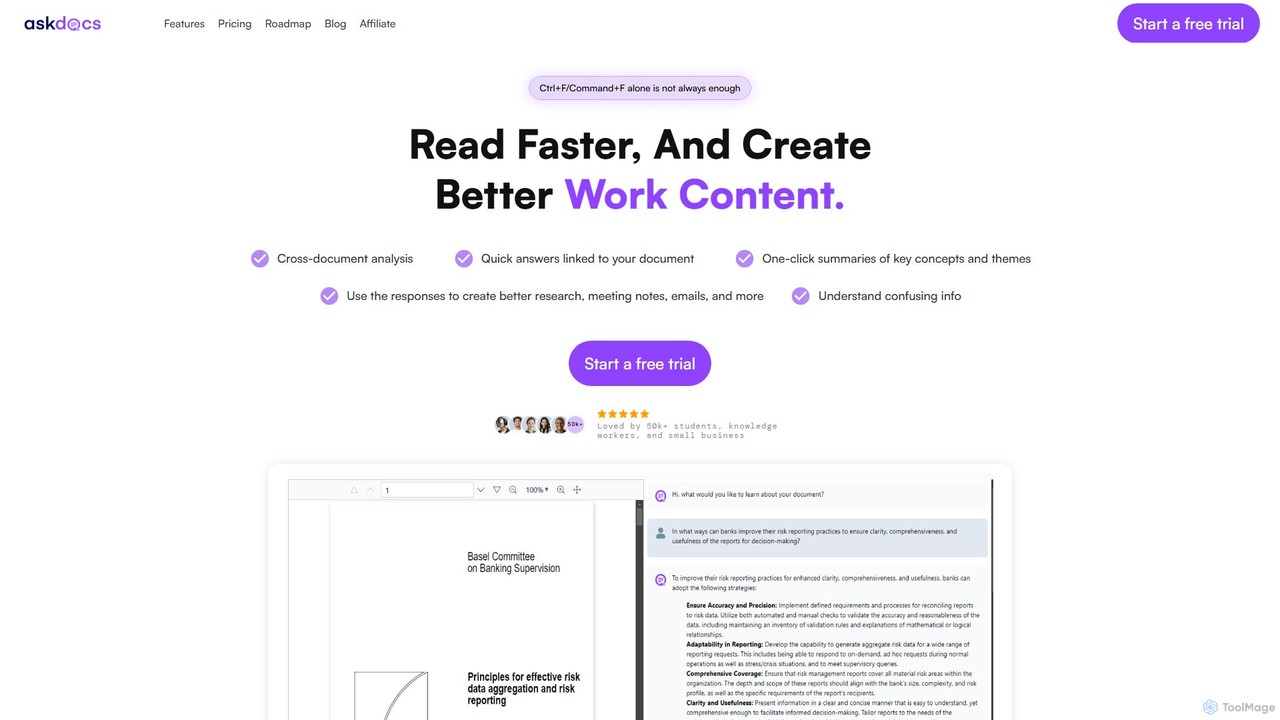
AskDocs
AskDocs is an AI-powered document assistant designed to help you quickly read, understand, and extract information from your files. Chat with single or multiple documents (PDF, DOCX, CSV, etc.), get instant summaries, and receive answers with precise source citations. It's an ideal tool for students, researchers, and professionals looking to accelerate their research and analysis workflows.
Data AnalysisChatPDF
ChatPDF is an AI-powered platform that allows you to interact with your documents as if you were having a conversation. Simply upload a PDF, and the AI will help you summarize content, answer specific questions, and extract key information in seconds. It's designed for students, researchers, and professionals to enhance productivity and understanding.
ResearchGrasp
Grasp is a comprehensive AI-powered platform that instantly extracts key insights from any content. It processes text, documents, images, audio, and video in over 50 languages, offering a suite of tools for summarization, analysis, content generation, and data extraction. Ideal for students, professionals, and creators.
Document ManagementMindmapAI
MindmapAI is an AI-powered tool that transforms PDF documents into clear, structured mind maps. Using Google's Gemini AI, it automatically summarizes and visualizes complex information, making it ideal for students, researchers, and professionals to quickly grasp key concepts from dense texts.
Document Managementpdfpal
pdfpal is an AI-powered tool that lets you chat with any PDF document. Simply upload your file and ask questions in natural language to get instant summaries, find specific information, and gain deep insights without reading the entire document. It's designed to save time and boost productivity for students, researchers, and professionals by simplifying complex information.
Data Analysis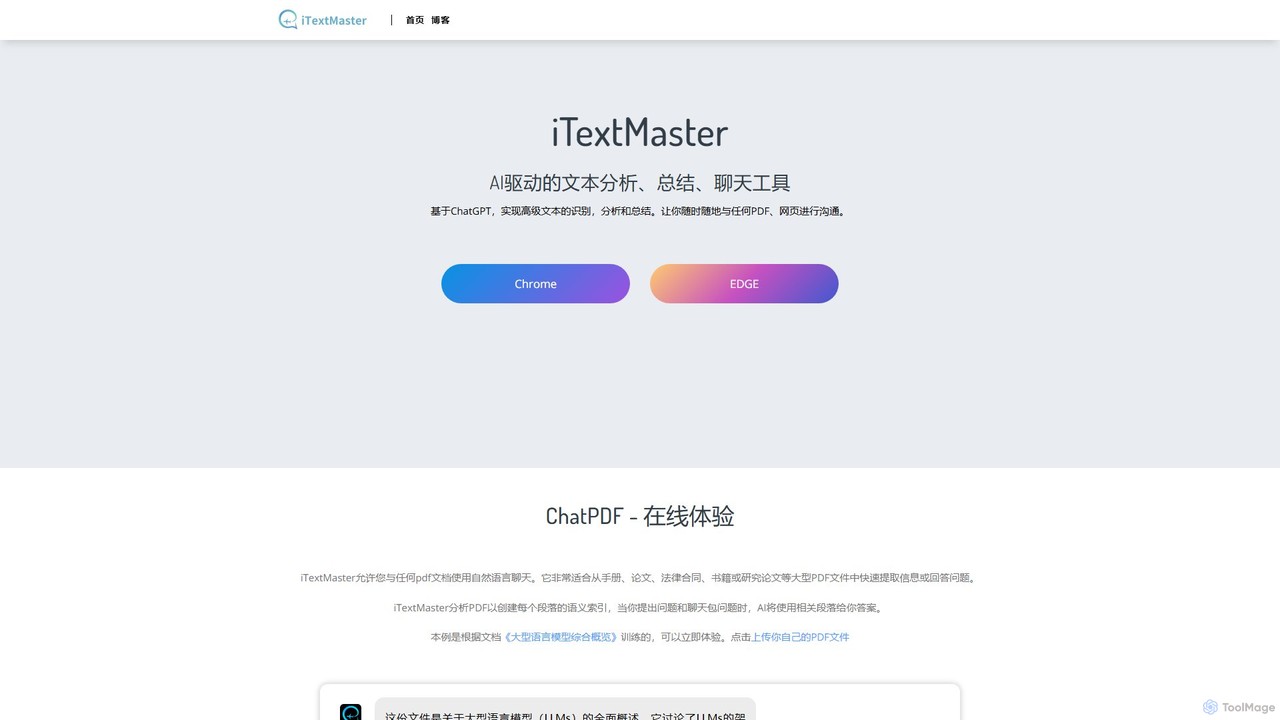
iTextMaster
iTextMaster is an AI-powered tool that lets you chat with any PDF document or webpage. Using ChatGPT, it analyzes, summarizes, and extracts key information, allowing you to quickly understand complex materials like research papers, legal contracts, or manuals. Simply upload a file or provide a URL to start an interactive conversation and get intelligent answers instantly.
Ai Assistant
chatdochub.com
ChatDocHub is an AI-powered platform that transforms your documents into interactive chatbots. Simply upload your files (PDF, DOCX, etc.) and ask questions in natural language to get instant summaries, key insights, and specific answers. It's the perfect tool for students, researchers, and professionals to quickly analyze and extract information from dense materials, boosting productivity and understanding.
Data AnalysisLightPDF
LightPDF is an AI-powered, all-in-one PDF solution designed to simplify document workflows. It allows users to chat with documents, get instant summaries, and ask questions. Beyond its AI capabilities, it offers a comprehensive suite of tools for editing, converting, merging, signing, and performing OCR on PDF files. Available on web, desktop, and mobile, LightPDF makes managing documents efficient and intuitive for students, professionals, and businesses alike.
Chat With Your Docs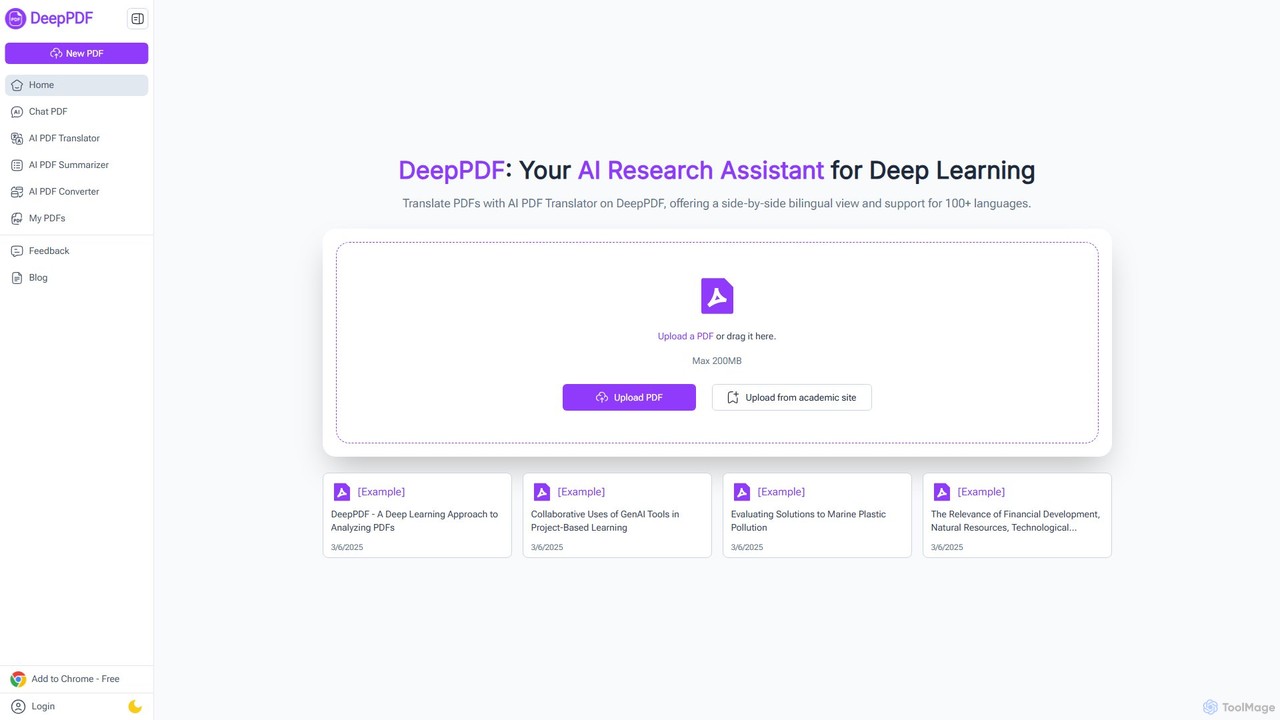
DeepPDF
DeepPDF is an AI-powered research assistant for deep interaction with PDF documents. It allows users to chat with their PDFs, get instant summaries, translate content into over 100 languages with a side-by-side view, and convert files. Featuring OCR, image analysis, and academic search integration, it's designed to enhance productivity for students, researchers, and professionals by making complex documents easy to understand and manage.
Document Management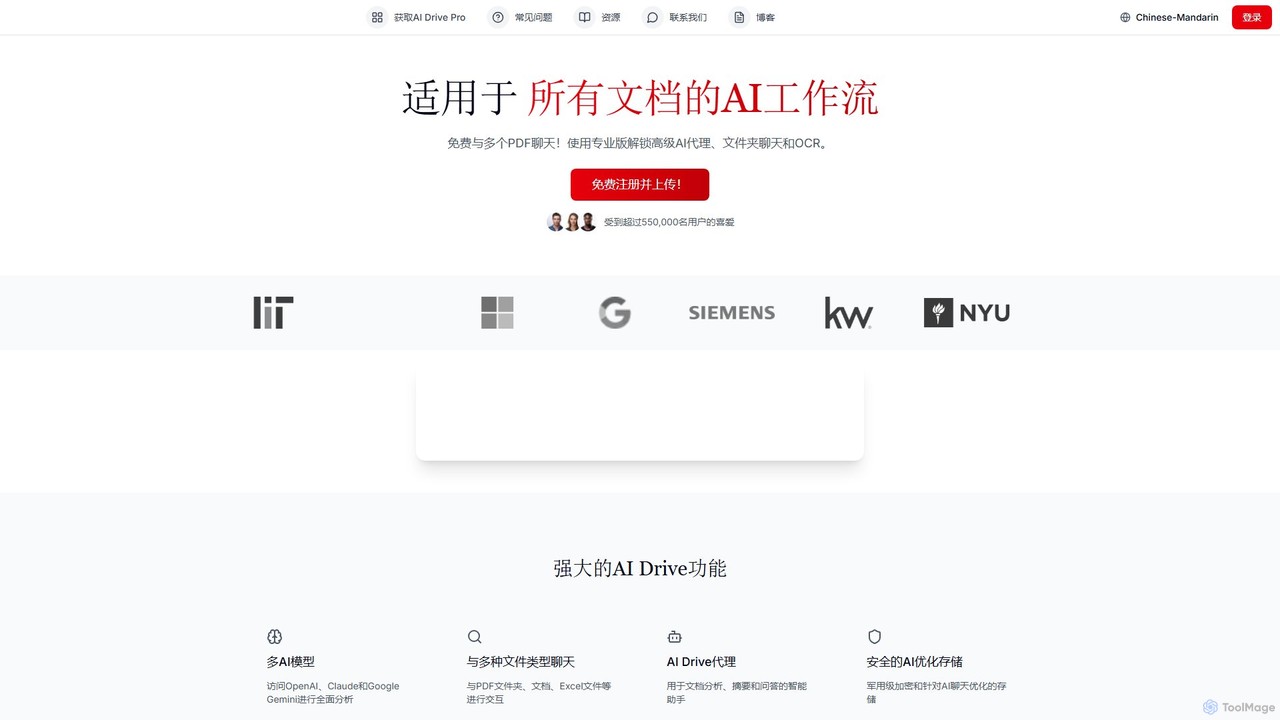
myaidrive
myaidrive is an AI-powered cloud storage platform that allows you to summarize, chat with, and organize your files. It integrates multiple AI models like GPT, Claude, and Gemini to analyze PDFs, documents, and spreadsheets. Features include secure storage, advanced OCR, and personalized AI memory for enhanced productivity.
Cloud Storage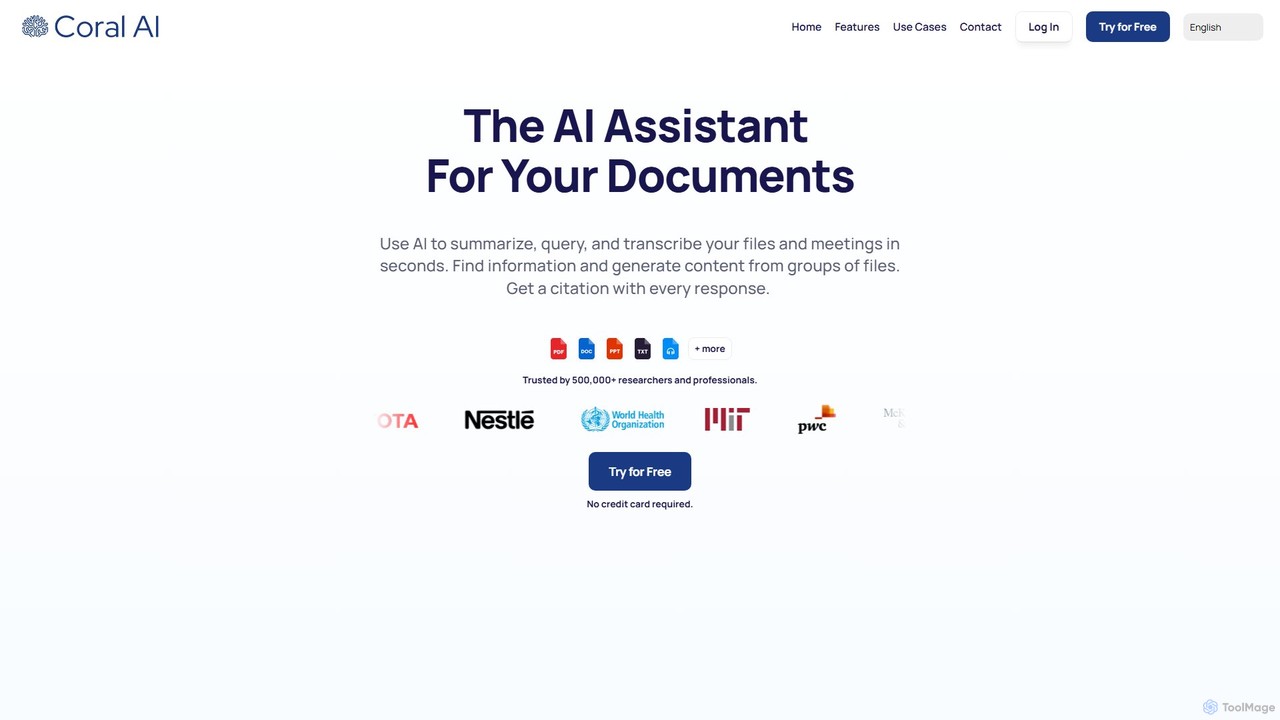
Coral AI
Coral AI is an intelligent assistant that transforms your documents, audio, and video files into interactive resources. Upload your files to summarize content, ask specific questions, extract key information, and transcribe media in seconds. It provides precise, citable answers, making it an essential tool for students, researchers, and professionals to enhance productivity and understanding.
Transcription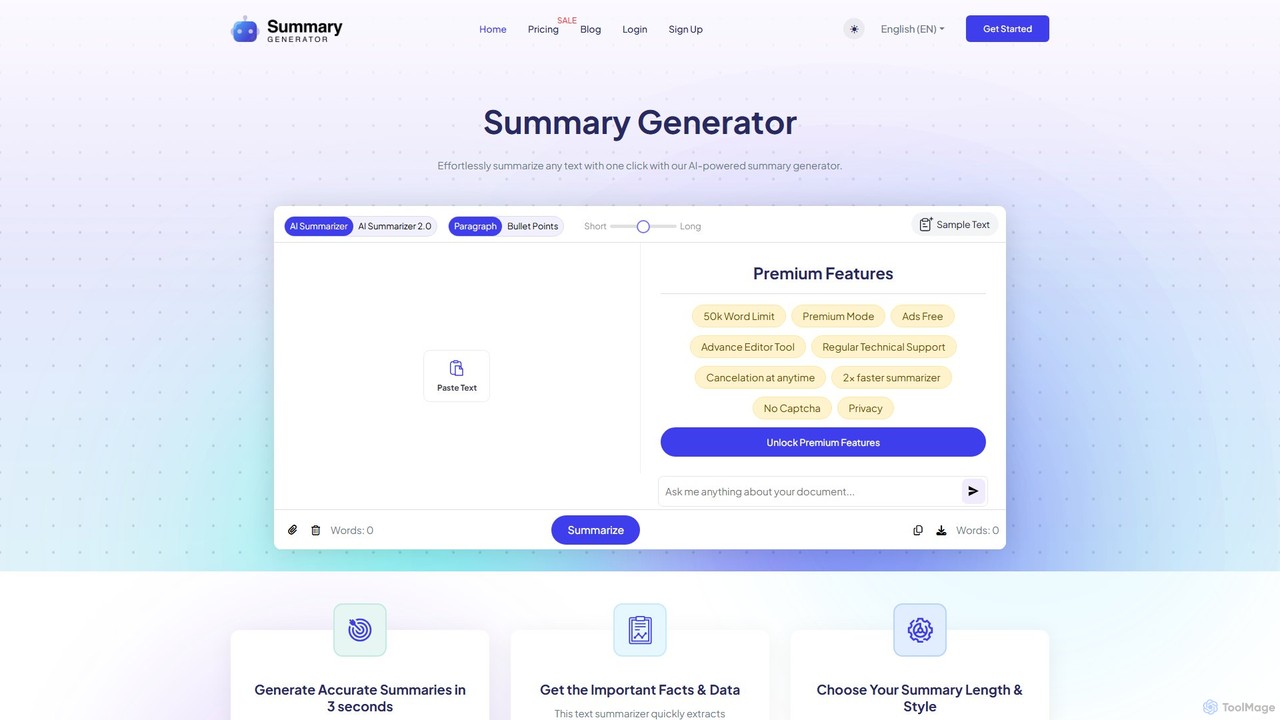
SummaryGenerator.io
An AI-powered tool that condenses long texts, articles, and documents into concise summaries in seconds. Customize summary length and format (paragraph or bullet points) to quickly extract key information and improve comprehension. Supports text input and file uploads (PDF, DOC).
Document Management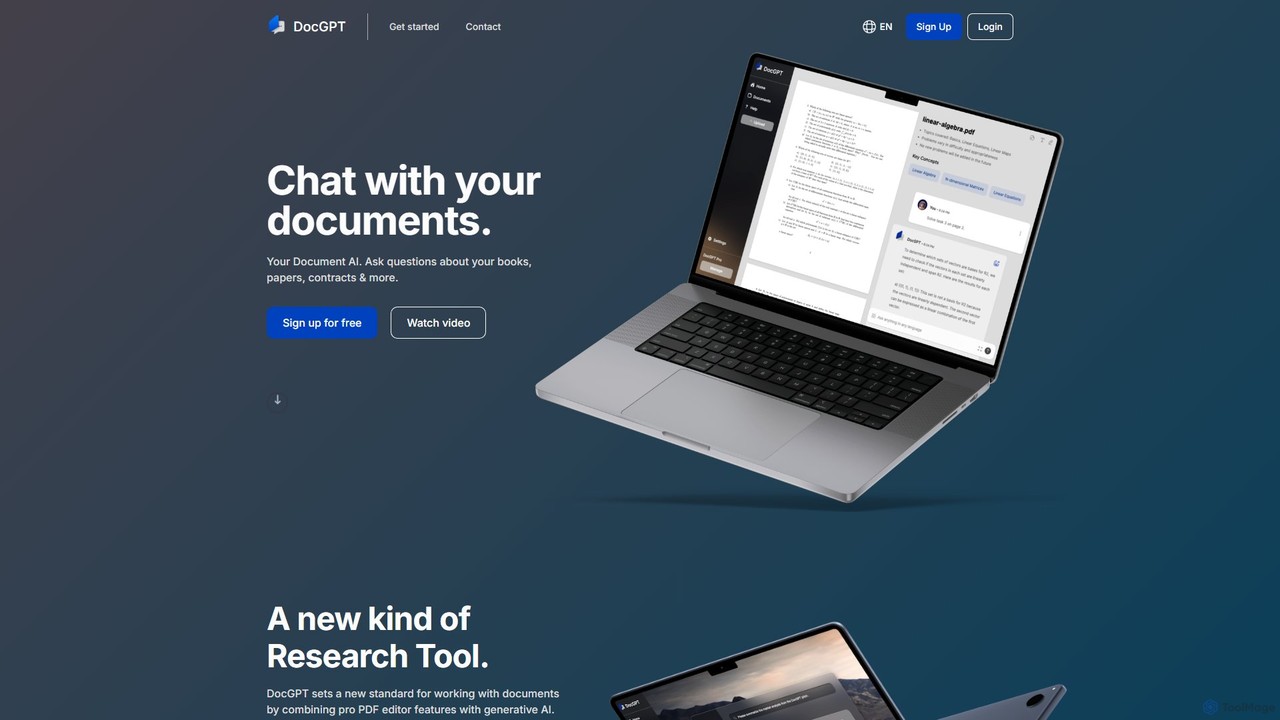
DocGPT
DocGPT is an AI-powered tool that allows you to chat directly with your documents. Simply upload files like PDFs, DOCX, or TXT, and ask questions in natural language to instantly extract information, get summaries, and find key insights. It's designed to boost productivity for students, researchers, and professionals by making document analysis fast and intuitive.
Study Aid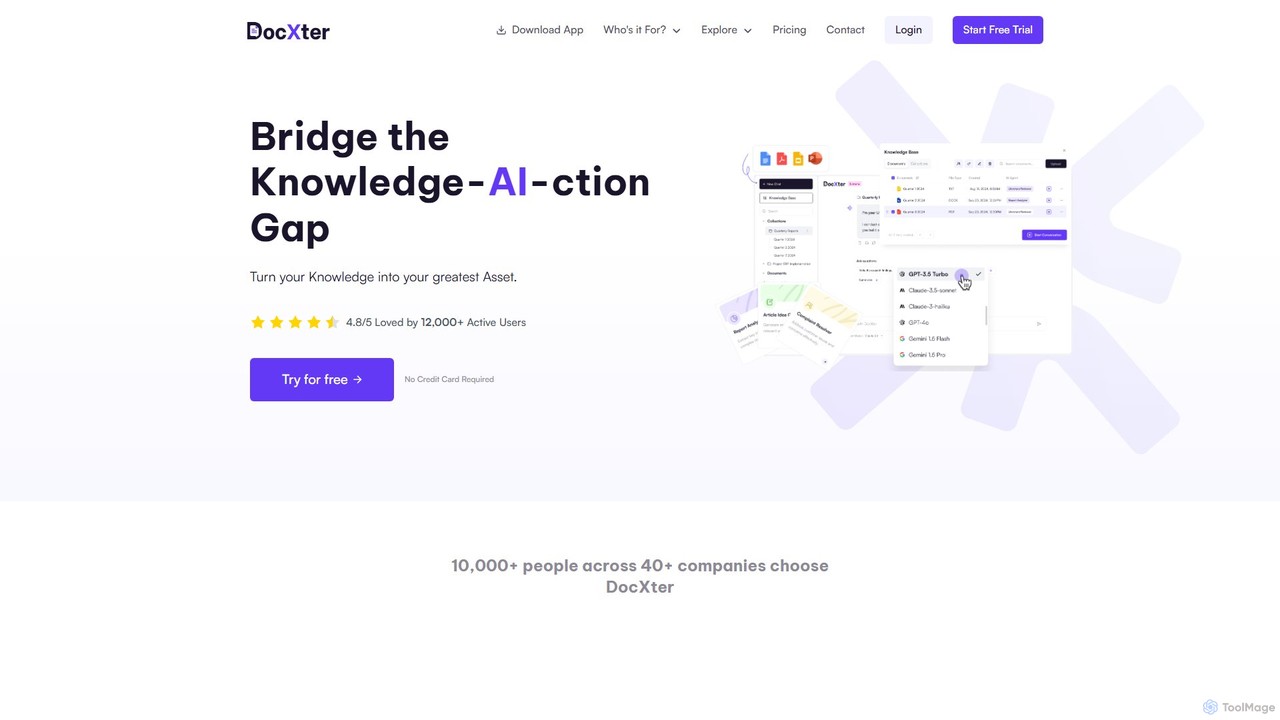
DocXter
DocXter is an AI-powered knowledge intelligence platform that allows you to interact with any document. Upload PDFs, DOCX, or even scanned files, and use natural language to ask questions, summarize content, extract key insights, and analyze information across multiple documents. It's designed to boost productivity for professionals, teams, and researchers by turning static documents into interactive knowledge bases.
Knowledge Management
PDFPeer Comments (0)
Sign in to comment.
Sign inNo comments yet.