
DeepPDF Overview
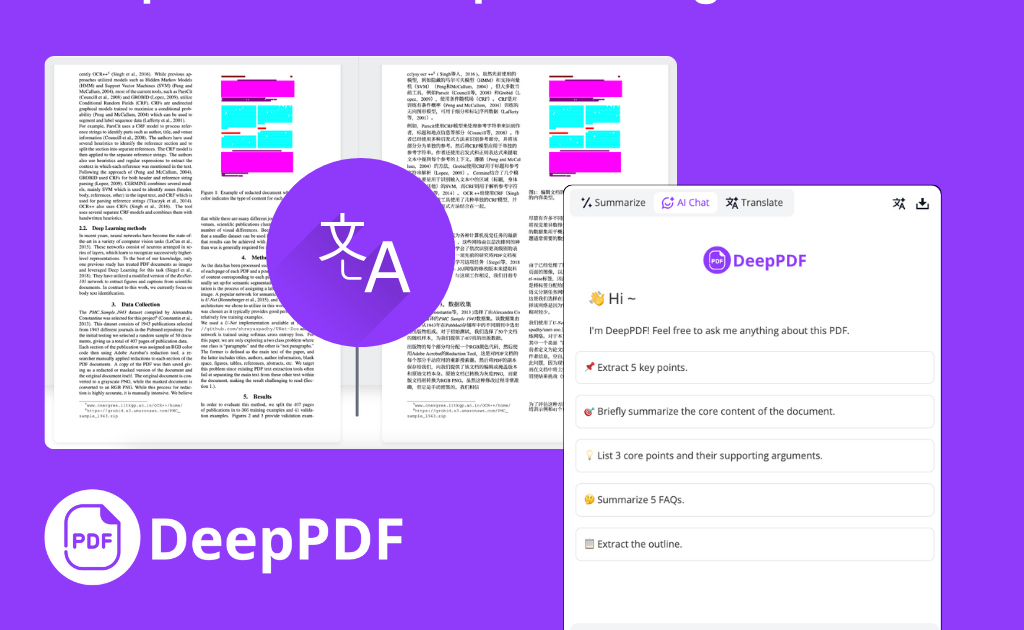
DeepPDF is a comprehensive AI-powered platform designed to revolutionize how users interact with PDF documents. Positioned as an ultimate AI PDF companion and research assistant, it offers a suite of advanced tools to simplify document analysis, translation, and management. By leveraging deep learning, DeepPDF enables users to 'chat' with their documents, asking specific questions and receiving precise, context-aware answers in seconds. This core functionality transforms static PDFs into interactive sources of information, making it invaluable for dissecting dense research papers, lengthy legal contracts, or detailed business reports.
The platform is not just about Q&A; it provides a holistic set of features to handle nearly any PDF-related task. Its AI-driven tools are built for efficiency and accuracy, catering to a diverse audience ranging from academics and students to legal and business professionals. Whether you need to quickly grasp the main points of a long document, translate it into another language while preserving its layout, or convert it to a different format, DeepPDF provides a seamless and intuitive solution.
How to use DeepPDF
Interacting with DeepPDF is designed to be straightforward and user-friendly, following a simple three-step process:
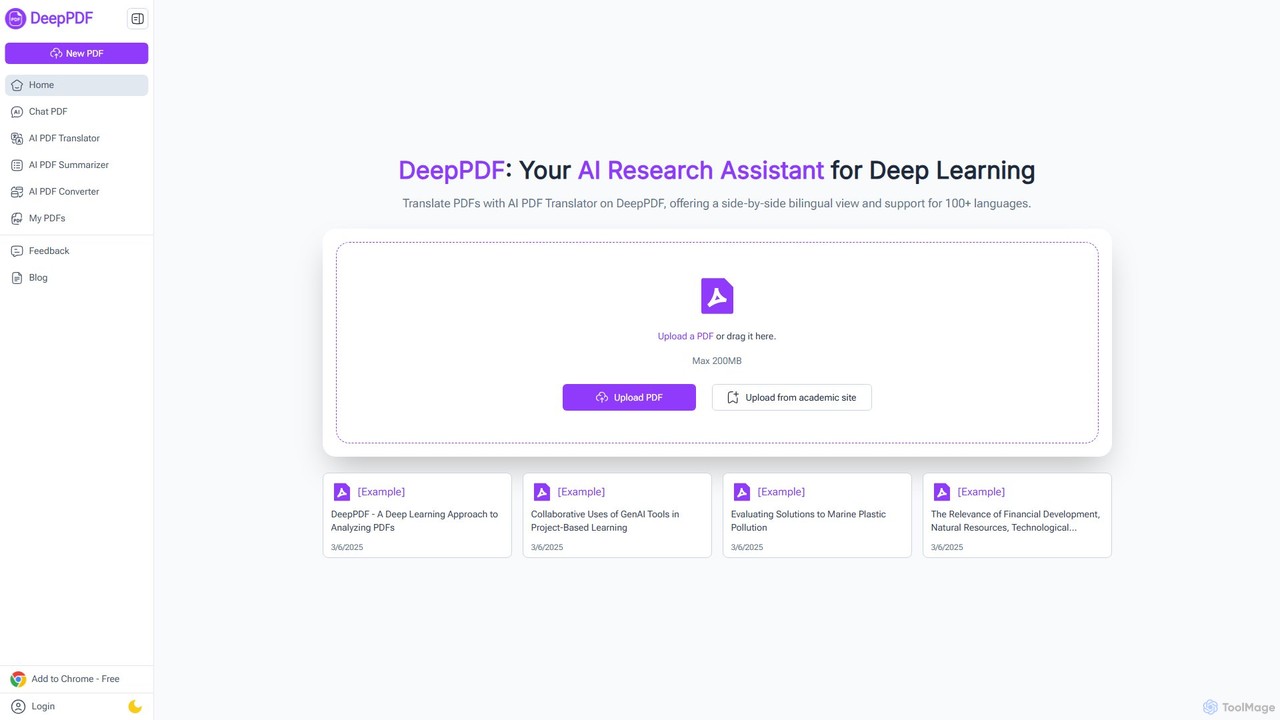
- Upload Your PDF: Begin by dragging and dropping your PDF file onto the platform or selecting it from your device. DeepPDF supports large files (up to 200MB) and can also upload documents directly from academic sites.
- Ask Your Question or Choose a Function: Once the document is processed, you can start interacting. Type any question about the content into the chat interface to get detailed explanations. Alternatively, you can select other functions like Summarize, Translate, or Convert.
- Receive AI-Powered Analysis: DeepPDF's AI will instantly analyze the document and provide a detailed response, summary, translation, or converted file. The output is precise and tailored to your request, allowing you to extract the information you need without manual effort.
Core Features of DeepPDF
- Chat with PDF: Engage in a direct conversation with your documents. Ask complex questions, extract specific data, and receive detailed explanations about the content.
- AI PDF Translator: Translate PDFs into over 100 languages. It features a unique side-by-side bilingual comparison view and meticulously preserves the original document's formatting, including tables and images.
- AI PDF Summarizer: Instantly generate concise summaries of long and complex PDFs, extracting key points and main ideas to save significant reading time.
- PDF Image and Formula Analysis: The AI can interpret and explain visual content within PDFs, such as charts, graphs, and complex mathematical or scientific formulas.
- Multi-Format File Conversion: Convert PDFs to and from various formats, including Word, Excel, PowerPoint, and PNG, ensuring compatibility with other software and workflows.
- OCR (Optical Character Recognition): Transform scanned, image-based PDFs into fully searchable and editable text documents, making non-selectable text accessible.
- AI Scholar & Academic Search: Integrated with Google Scholar, it helps users find relevant academic papers and provides research recommendations based on the document's content.
- Comprehensive PDF Utilities: A full suite of tools to compress, merge, split, add watermarks, sign, and edit PDF documents online.
Use Cases for DeepPDF
DeepPDF is a versatile tool beneficial for various user groups:
- Researchers & Academics: Quickly analyze, summarize, and translate dense academic papers and research articles, accelerating literature reviews and data extraction.
- Students: Efficiently study complex textbooks and course materials by getting instant summaries, definitions for jargon, and explanations of difficult concepts.
- Business Professionals: Swiftly understand long business reports, proposals, and financial documents to make informed decisions faster.
- Legal Teams & Lawyers: Analyze lengthy contracts and legal documents in a fraction of the time, searching for specific clauses and terms with ease.
- Content Creators & Writers: Review drafts, improve clarity, and rephrase content for better readability and engagement.
Advantages of DeepPDF
DeepPDF stands out with its powerful and user-centric features. Its primary advantage is efficiency—it drastically reduces the time and effort required to process and understand document-heavy workloads. The high-accuracy AI ensures reliable translations, summaries, and answers. The preservation of original formatting during translation and conversion is a significant plus for professional use. Furthermore, its accessibility, with a free-to-start model and no required sign-up for many features, makes it a go-to tool for quick tasks. The platform also emphasizes security, ensuring user documents are handled privately.
Pricing and Plans
DeepPDF operates on a freemium model. It offers a generous free plan that allows users to access core features like the AI PDF Translator, basic summarization, and a limited number of chat interactions without needing to sign up. This is ideal for casual users or those with occasional needs. For more demanding users, such as professionals and researchers, DeepPDF likely offers premium subscription plans that provide higher usage limits (e.g., more file uploads, larger file sizes, unlimited questions), access to advanced features, and priority support. The presence of 'Login' and 'My PDFs' sections indicates the availability of user accounts to manage documents and subscriptions under these paid tiers.
Traffic
Latest traffic
Status
Monthly traffic trend
- 2025-9: 23.9K
- 2026-1: 91.0K
- 2026-2: 69.2K
- 2026-3: 81.7K
- 2026-4: 72.2K
- 2026-5: 77.5K
Geography
Top 5 countries / regions
- 🇺🇸United States27.7%
- 🇷🇺Russia19.5%
- 🇺🇿Uzbekistan18.3%
- 🇮🇳India17.5%
- 🇻🇳Vietnam16.9%
Top keywords
| Keyword | Cost per click |
|---|---|
| chatpdf | $0.21 |
| deeppdf | $4.30 |
| free translate pdf | $0.00 |
| pdf to markdown | $1.14 |
| pdf to word ai | $0.15 |
DeepPDF Alternatives

PDFGPT.IO
PDFGPT.IO is an advanced AI platform that allows you to chat with your PDF documents. Instantly get summaries, ask complex questions, and extract key information from research papers, textbooks, and reports. It supports multiple documents, image and table interpretation, and offers a full suite of PDF management tools, powered by models like GPT-4o and Claude, to revolutionize your document workflow.
Document Management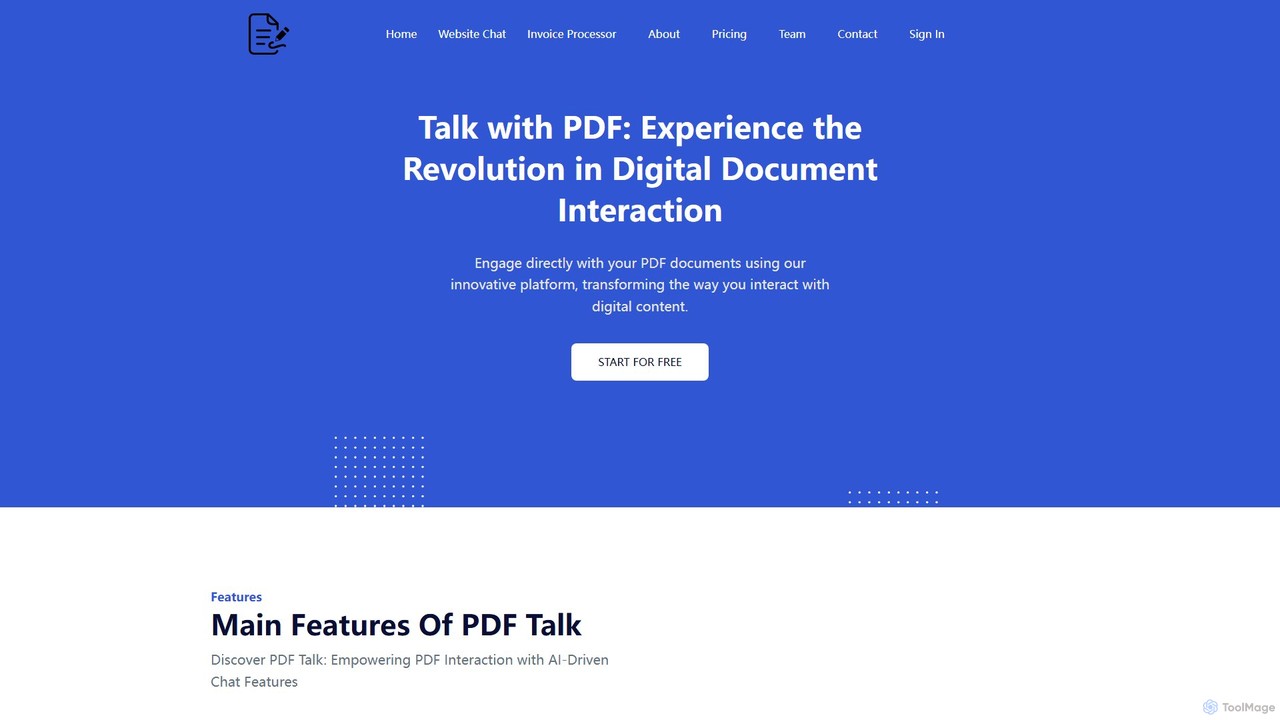
pdf_talk
pdf_talk is an AI-powered platform that revolutionizes how you interact with documents. Simply upload your PDF files and start a conversation. Ask questions, request summaries, and extract key information instantly. It supports querying across multiple documents, making it ideal for students, researchers, and professionals.
Data Extraction
pdfai.io
pdfai.io is an AI-powered document assistant that lets you chat with your PDF files. Instantly summarize complex documents, ask questions, and extract key information effortlessly. It's designed to boost productivity for students, researchers, and professionals by turning static PDFs into interactive knowledge bases.
Data Extraction
bunni
Bunni is an AI-powered tool that allows you to chat with your PDF documents. Simply upload a file to summarize its content, extract key information, and ask specific questions in any language. It supports large files, multiple document chats, and offers a flexible pay-as-you-go pricing model, making it ideal for researchers, students, and professionals who need to quickly analyze and understand dense documents.
Data Extraction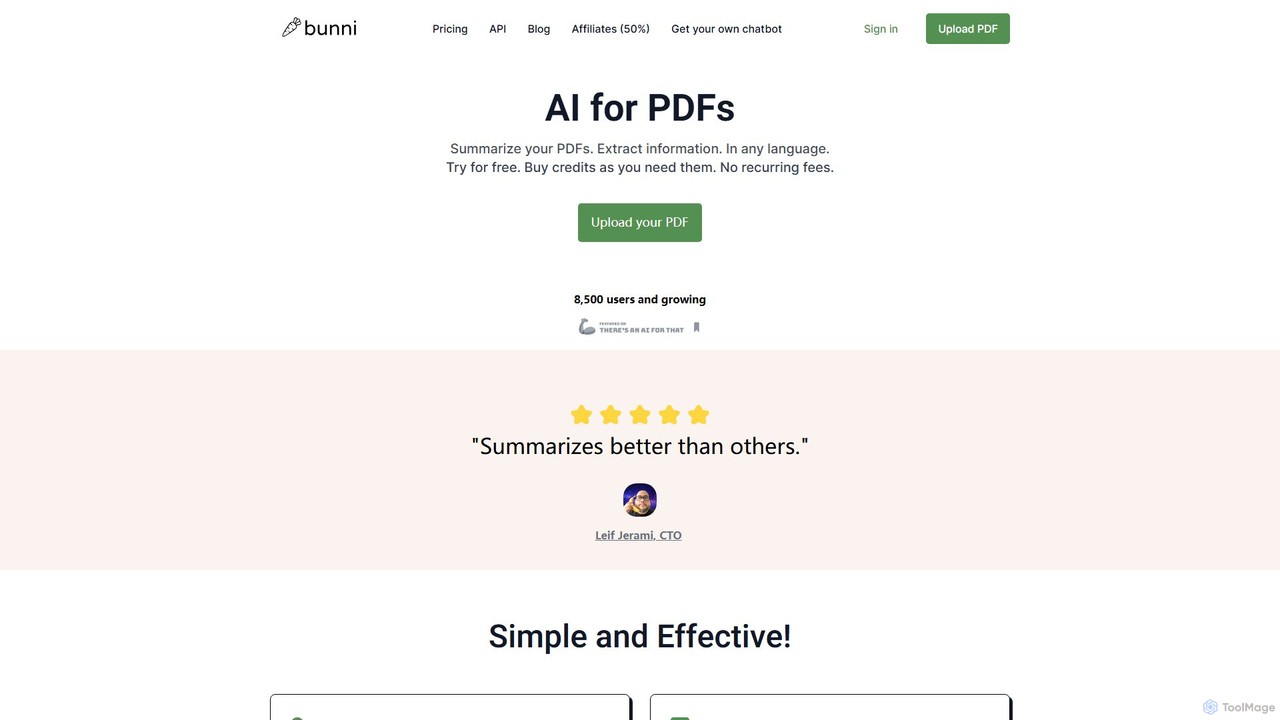
ClarifyPDF
ClarifyPDF is an AI-powered tool for interacting with your PDF documents. Simply upload one or more PDFs to summarize content, extract key information, and ask specific questions in any language. It supports large files and offers a shareable chat interface, making it ideal for students, researchers, and professionals to quickly understand complex documents without recurring subscription fees.
Data ExtractionDeepPDF Categories
DeepPDF Embed Widget
Copy this embed code to place the badge on your blog, article, or product site and send readers directly to this ToolMage detail page.

Related AI tools
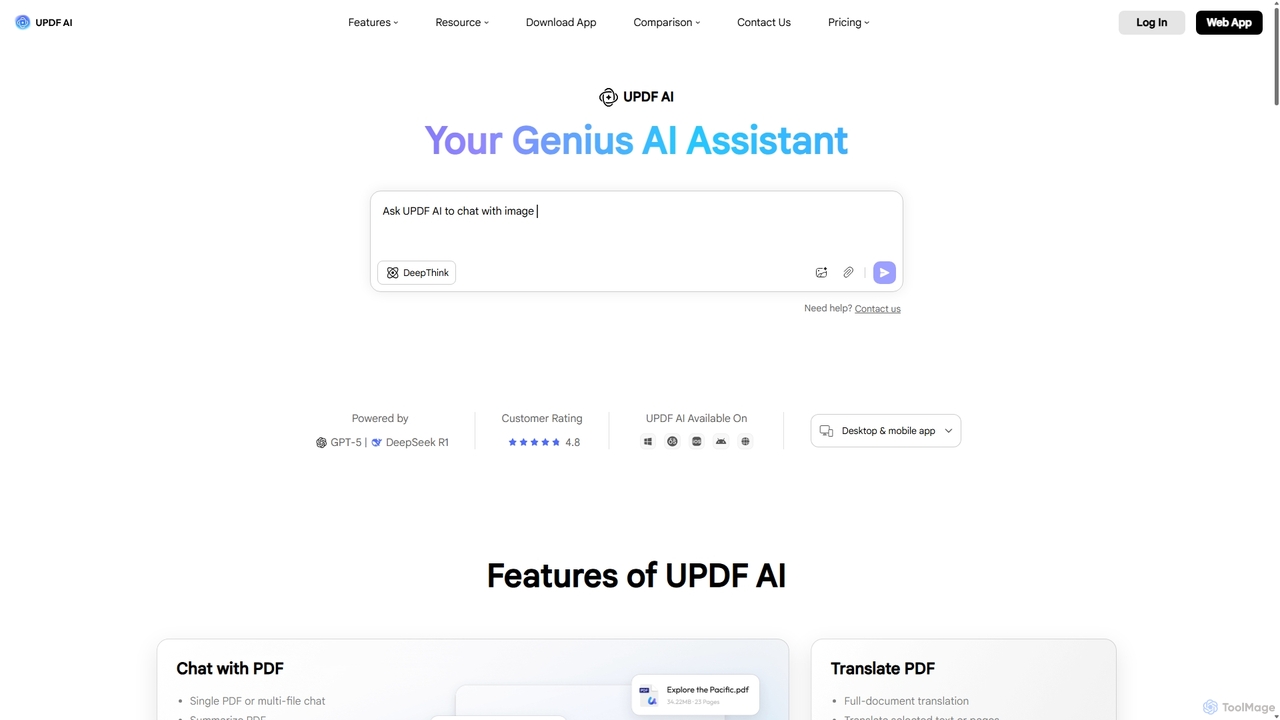
UPDF AI
UPDF AI is a powerful AI assistant integrated into the UPDF editor, designed to revolutionize how you interact with PDF documents. It allows you to chat with your PDFs, get instant summaries, translate entire documents or selected text, explain complex data, and even convert dense content into visual mind maps. Available on Windows, macOS, iOS, Android, and the web, it streamlines workflows for students, researchers, and professionals by making document comprehension and analysis faster and more efficient.
ResearchPDFGPT.IO
PDFGPT.IO is an advanced AI platform that allows you to chat with your PDF documents. Instantly get summaries, ask complex questions, and extract key information from research papers, textbooks, and reports. It supports multiple documents, image and table interpretation, and offers a full suite of PDF management tools, powered by models like GPT-4o and Claude, to revolutionize your document workflow.
Document Managementpdf_talk
pdf_talk is an AI-powered platform that revolutionizes how you interact with documents. Simply upload your PDF files and start a conversation. Ask questions, request summaries, and extract key information instantly. It supports querying across multiple documents, making it ideal for students, researchers, and professionals.
Data Extraction
PortableDocs
PortableDocs is an AI-powered platform that allows you to chat with your PDF documents. Instantly get summaries, ask complex questions, and extract key information in seconds. It also offers a suite of free tools to encrypt, merge, and remove pages from your PDFs, streamlining your entire document workflow.
Study
pdfpilot.ai
pdfpilot.ai is an AI-powered assistant that transforms your PDF documents into interactive chatbots. Instantly get summaries, ask complex questions, and extract key information from research papers, reports, and contracts, saving you hours of reading time.
Data Analysis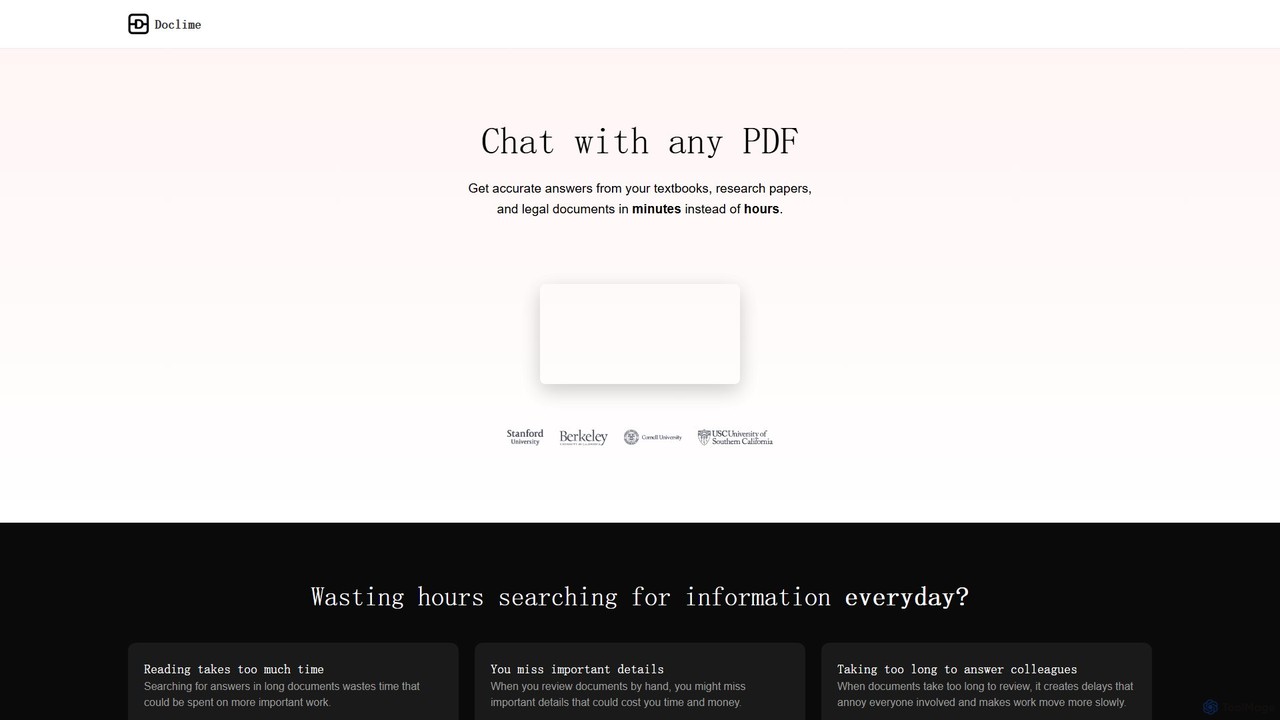
Doclime
Doclime is an AI-powered document assistant that lets you chat with your PDFs. Upload any document, ask questions in plain English, and get instant, accurate answers with citations. It's designed to help students, researchers, and professionals quickly extract information and insights from dense materials.
Study
docubro
docubro is an AI-powered document intelligence platform designed to help users instantly summarize, query, and extract key information from complex documents. Upload PDFs, reports, or articles and interact with them through a conversational AI to boost productivity and accelerate research.
Data Analysis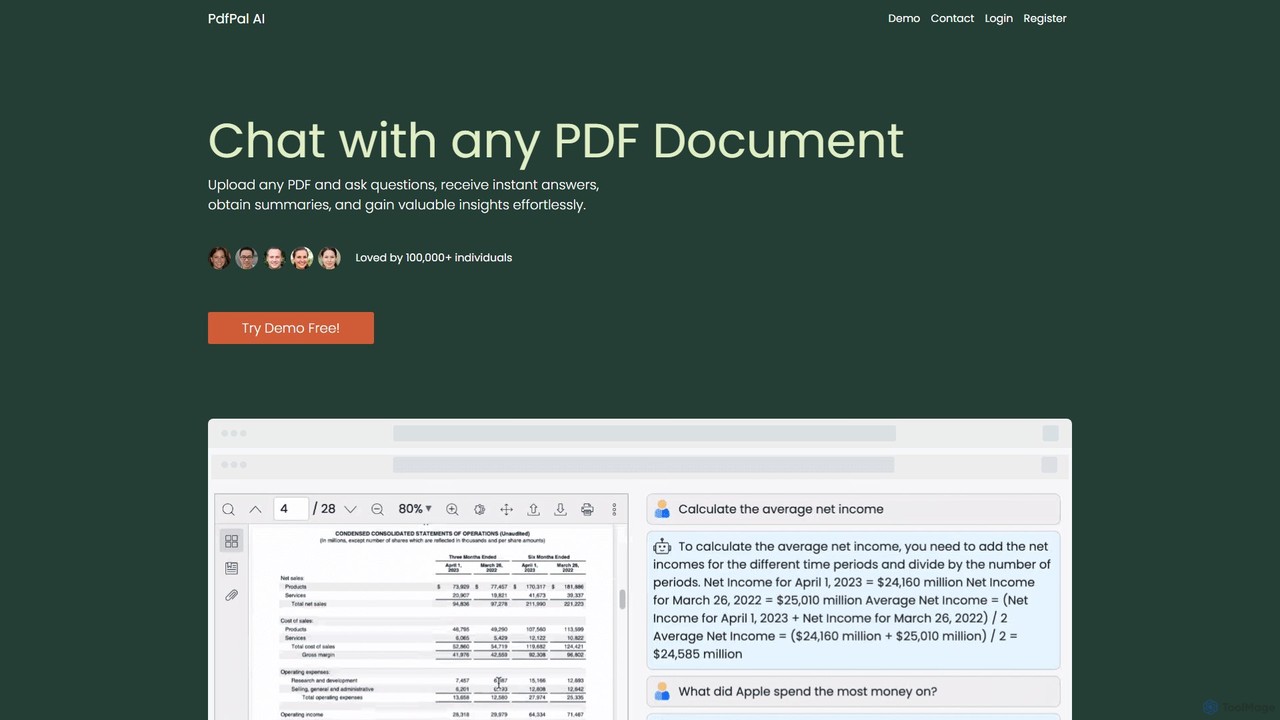
pdfpal
pdfpal is an AI-powered tool that lets you chat with any PDF document. Simply upload your file and ask questions in natural language to get instant summaries, find specific information, and gain deep insights without reading the entire document. It's designed to save time and boost productivity for students, researchers, and professionals by simplifying complex information.
Data Analysis
Jyek
Jyek is an AI agent platform that understands objectives, creates execution plans, uses tools, and delivers verifiable results for complex, multi-step tasks.
Automationpdfai.io
pdfai.io is an AI-powered document assistant that lets you chat with your PDF files. Instantly summarize complex documents, ask questions, and extract key information effortlessly. It's designed to boost productivity for students, researchers, and professionals by turning static PDFs into interactive knowledge bases.
Data Extraction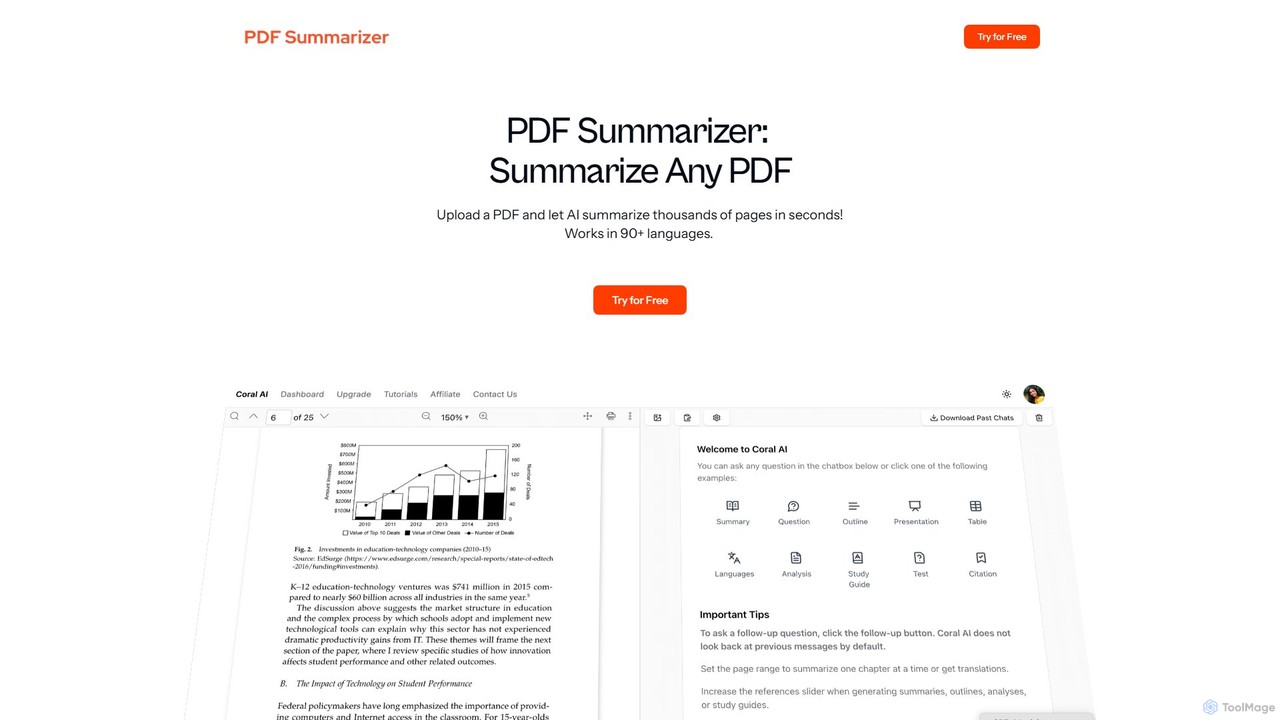
pdfsummarizer
A free, secure AI tool that instantly summarizes PDF documents. Chat with your files, ask questions, get key insights, and translate content in multiple languages. No installation or registration required, works on any device.
Researchbunni
Bunni is an AI-powered tool that allows you to chat with your PDF documents. Simply upload a file to summarize its content, extract key information, and ask specific questions in any language. It supports large files, multiple document chats, and offers a flexible pay-as-you-go pricing model, making it ideal for researchers, students, and professionals who need to quickly analyze and understand dense documents.
Data ExtractionClarifyPDF
ClarifyPDF is an AI-powered tool for interacting with your PDF documents. Simply upload one or more PDFs to summarize content, extract key information, and ask specific questions in any language. It supports large files and offers a shareable chat interface, making it ideal for students, researchers, and professionals to quickly understand complex documents without recurring subscription fees.
Data Extraction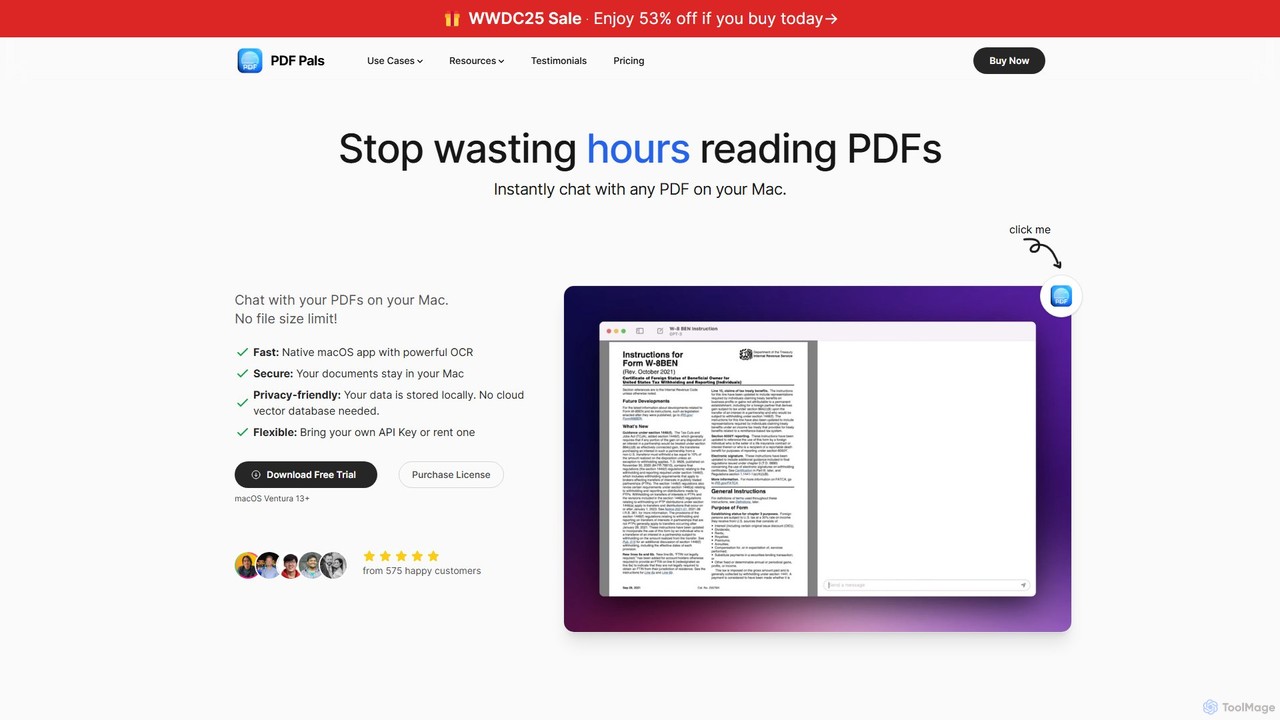
PDF Pals
PDF Pals is a native macOS application that allows you to chat with your PDF documents locally. It offers powerful OCR, multi-document support, and flexible API integration, ensuring your data remains private and secure on your Mac. There are no file size limits, making it ideal for researchers, developers, and legal professionals.
Documentation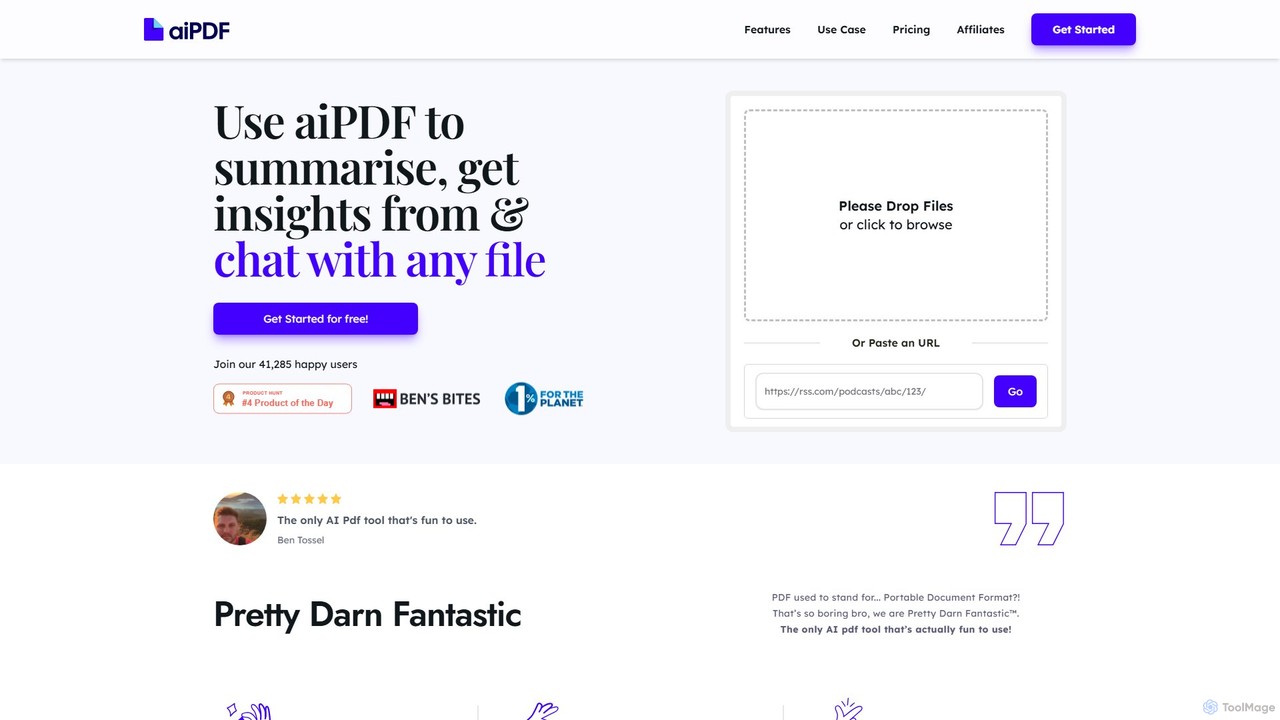
aiPDF
aiPDF is an AI-powered chat application that transforms static PDF documents into interactive conversations. Users can upload files, ask questions, summarize content, and extract key insights instantly. It supports various document types, including reports, essays, and ebooks, and provides source-backed answers for enhanced reliability. With a user-friendly interface and a focus on data privacy, aiPDF makes document analysis efficient and engaging for students, researchers, and professionals.
Data Analysis
DeepPDF Comments (0)
Sign in to comment.
Sign inNo comments yet.