


bunni Overview
Bunni is an advanced AI assistant designed to revolutionize how you interact with PDF documents. It serves as an intelligent chat partner for your files, enabling you to quickly summarize, extract crucial information, and get direct answers to your questions. Built for efficiency and simplicity, Bunni caters to a global audience by supporting interactions in any language. Whether you're a student tackling a dense PhD dissertation, a researcher analyzing academic papers, or a professional sifting through annual reports, Bunni streamlines your workflow by turning static documents into dynamic conversations.
The platform is engineered to handle complexity with ease. You can upload multiple PDFs and chat with them as a single, unified collection, allowing for cross-document analysis and comprehensive insights. This feature is particularly useful for literature reviews or comparing multiple reports. Unlike general AI models like ChatGPT that pull from the public internet, Bunni focuses exclusively on the content of your uploaded documents, ensuring the answers are relevant, accurate, and derived solely from your provided source material. This makes it a reliable tool for focused research and data verification.
How to use bunni
Using Bunni is a straightforward and intuitive process designed for users of all technical levels. Here’s a simple guide to get started:
- Upload Your PDF: Navigate to the Bunni homepage and click the 'Upload your PDF' button. You can select one or more PDF files from your device. The platform supports files up to 20MB.
- Start Chatting: Once your document is uploaded, a chat interface will appear. You can start by asking for a summary, or you can pose specific questions about the content. For example, you could ask, 'What are the main conclusions of this research paper?' or 'Find the section about financial performance in Q3.'
- Interact and Extract: The AI, powered by models like GPT-4, will analyze the document and provide concise answers. You can continue the conversation, ask follow-up questions, and clarify details until you have all the information you need.
- Share Your Findings: Bunni generates a unique, shareable link for your document and the corresponding Q&A session. You can send this link to colleagues, collaborators, or family, allowing them to view the document and even ask their own questions, fostering seamless collaboration.
Core Features of bunni
- Multi-Language Support: Chat with your documents and receive answers in any language, breaking down language barriers in research and communication.
- Multiple Document Chat: Upload a collection of PDFs and interact with them as a single source of information, enabling comprehensive, cross-document queries.
- Large File Support: Upload and analyze large documents up to 20MB, suitable for extensive reports, dissertations, and manuals.
- Shareable Conversations: Generate a unique link to share your document and the AI-powered Q&A with others, enhancing collaboration.
- Pay-As-You-Go Model: No recurring subscriptions. Buy credit bundles as you need them, offering a fair and flexible pricing structure.
- API Access: Integrate Bunni's document analysis capabilities into your own applications and workflows with a simple and well-documented API.
- Advanced AI Models: Utilizes powerful models like OpenAI's GPT-4, GPT-4o mini, and others to ensure high-quality, accurate responses.
Use Cases for bunni
Bunni is a versatile tool applicable across various fields:
- Academic Research: Students and researchers can upload academic papers, articles, and publications to quickly grasp key concepts, find supporting evidence, and accelerate their literature review process.
- Business and Finance: Professionals can analyze annual reports, financial statements, legal contracts, and market research to extract critical data points and insights without reading every page.
- Technical Reference: Users can upload instruction manuals, technical guides, and how-to documents to quickly find specific instructions or troubleshooting steps.
- Personal Understanding: Anyone can use Bunni to better understand complex documents, such as legal agreements, medical reports, or lengthy articles, by asking clarifying questions in plain language.
Advantages of bunni
Bunni stands out with its user-centric approach. The primary advantage is its pay-as-you-go credit system, which liberates users from monthly subscription commitments and ensures they only pay for what they use. Its ability to handle multiple documents simultaneously for a unified chat experience is a powerful feature for in-depth analysis. Furthermore, by focusing its answers strictly on the provided PDFs, it offers a higher degree of accuracy and relevance compared to general-purpose AI chatbots. The platform's simplicity, combined with powerful features like multi-language support and shareable chats, makes it an exceptionally efficient and effective tool for anyone working with documents.
Pricing and Plans
Bunni offers a flexible and transparent pricing model based on credits, without any recurring monthly fees.
- Free Plan: Get started with 20 FREE credits to try the service. This plan allows uploads of documents up to 5MB and credits are valid for 7 days. It's a great way to experience the core features.
- Credits (Pay-As-You-Go): For regular use, you can purchase credit packs starting from $10. This plan supports larger documents (up to 20MB) and the credits are valid for a full year. The cost per credit decreases with larger packs.
- API Access: Developers can integrate Bunni into their own systems. API access is free, and usage is billed using the same credit system.
Credit Usage:
- Uploading a PDF (up to 20MB): 1 credit
- Asking a question: 1 credit
Traffic
Latest traffic
Status
Monthly traffic trend
- 2025-9: 2.9K
- 2026-1: 7.9K
- 2026-2: 5.7K
- 2026-3: 4.8K
- 2026-4: 2.1K
- 2026-5: 2.6K
Geography
Top 5 countries / regions
- 🇺🇾Uruguay84.2%
- 🇻🇳Vietnam15.8%
Top keywords
| Keyword | Cost per click |
|---|---|
| bunni | $0.32 |
| ledランプldf6 | $0.00 |
bunni Alternatives

pdfai.io
pdfai.io is an AI-powered document assistant that lets you chat with your PDF files. Instantly summarize complex documents, ask questions, and extract key information effortlessly. It's designed to boost productivity for students, researchers, and professionals by turning static PDFs into interactive knowledge bases.
Data Extraction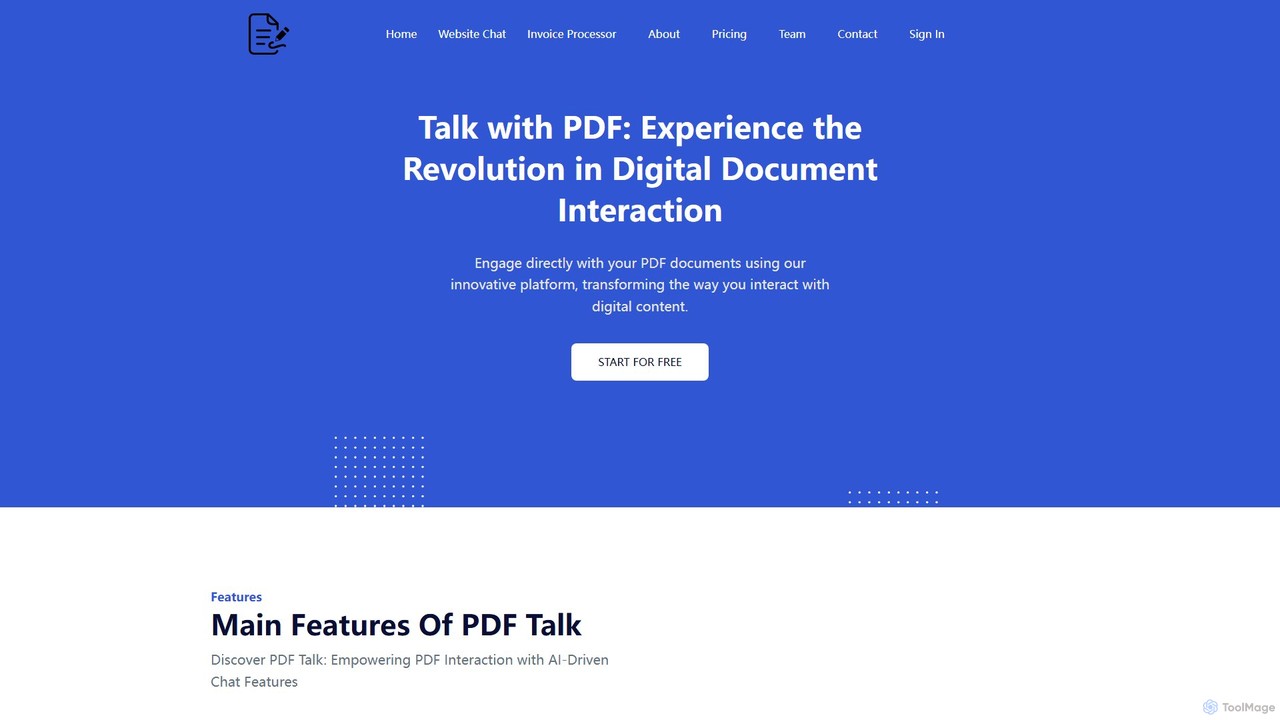
pdf_talk
pdf_talk is an AI-powered platform that revolutionizes how you interact with documents. Simply upload your PDF files and start a conversation. Ask questions, request summaries, and extract key information instantly. It supports querying across multiple documents, making it ideal for students, researchers, and professionals.
Data Extraction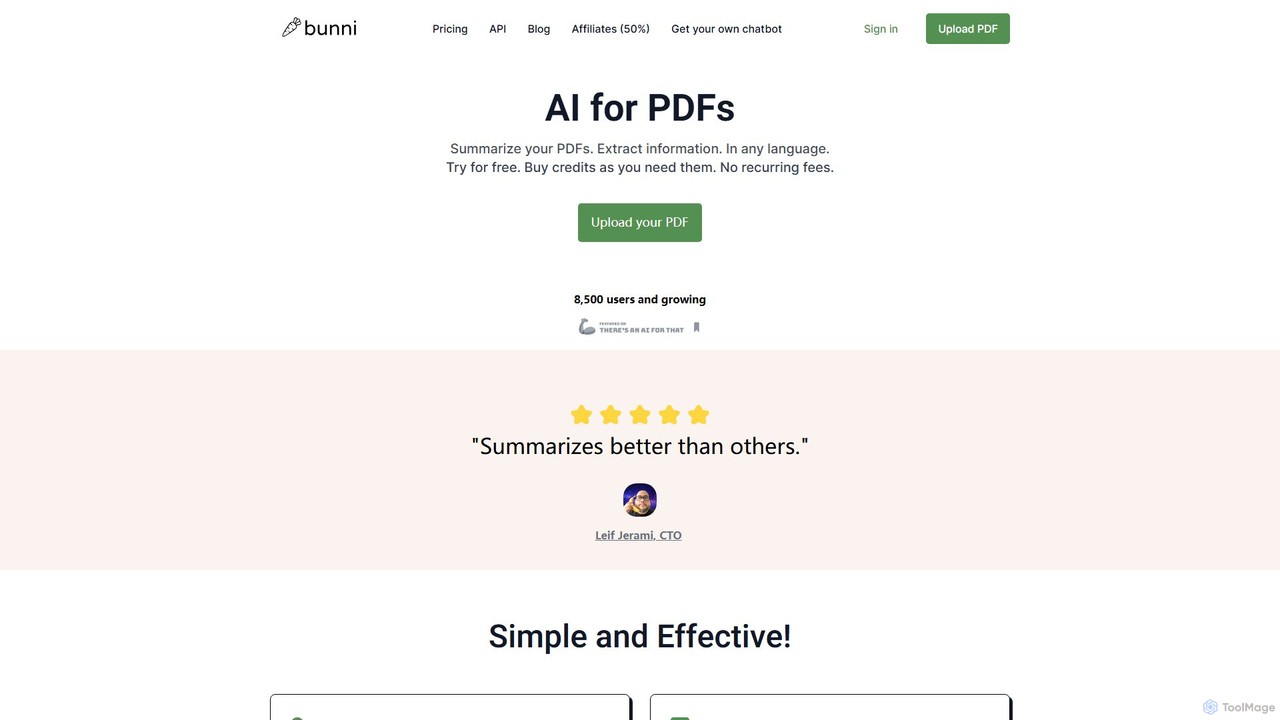
ClarifyPDF
ClarifyPDF is an AI-powered tool for interacting with your PDF documents. Simply upload one or more PDFs to summarize content, extract key information, and ask specific questions in any language. It supports large files and offers a shareable chat interface, making it ideal for students, researchers, and professionals to quickly understand complex documents without recurring subscription fees.
Data Extraction
Chatwithpdf
Chatwithpdf is an AI-powered tool that allows you to interact with your PDF documents conversationally. Simply upload a file and start asking questions, get summaries, and extract key information instantly. It's designed for students, researchers, and professionals to analyze documents faster and more efficiently.
Data Extraction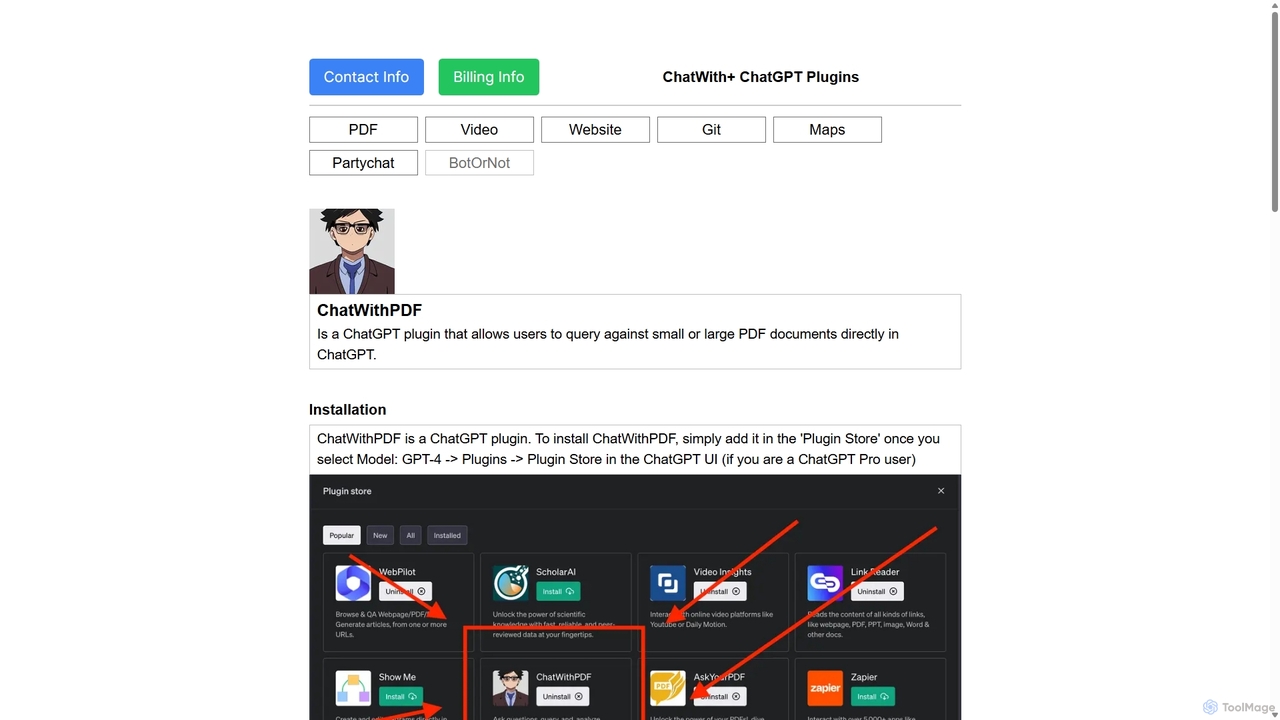
ChatWithPDF
A powerful ChatGPT plugin that allows you to have interactive conversations with any PDF document. Simply provide a public URL to a PDF, and you can ask questions, request summaries, and extract specific information directly within the ChatGPT interface. Ideal for students, researchers, and professionals.
Data Extractionbunni Categories
bunni Embed Widget
Copy this embed code to place the badge on your blog, article, or product site and send readers directly to this ToolMage detail page.

Related AI tools
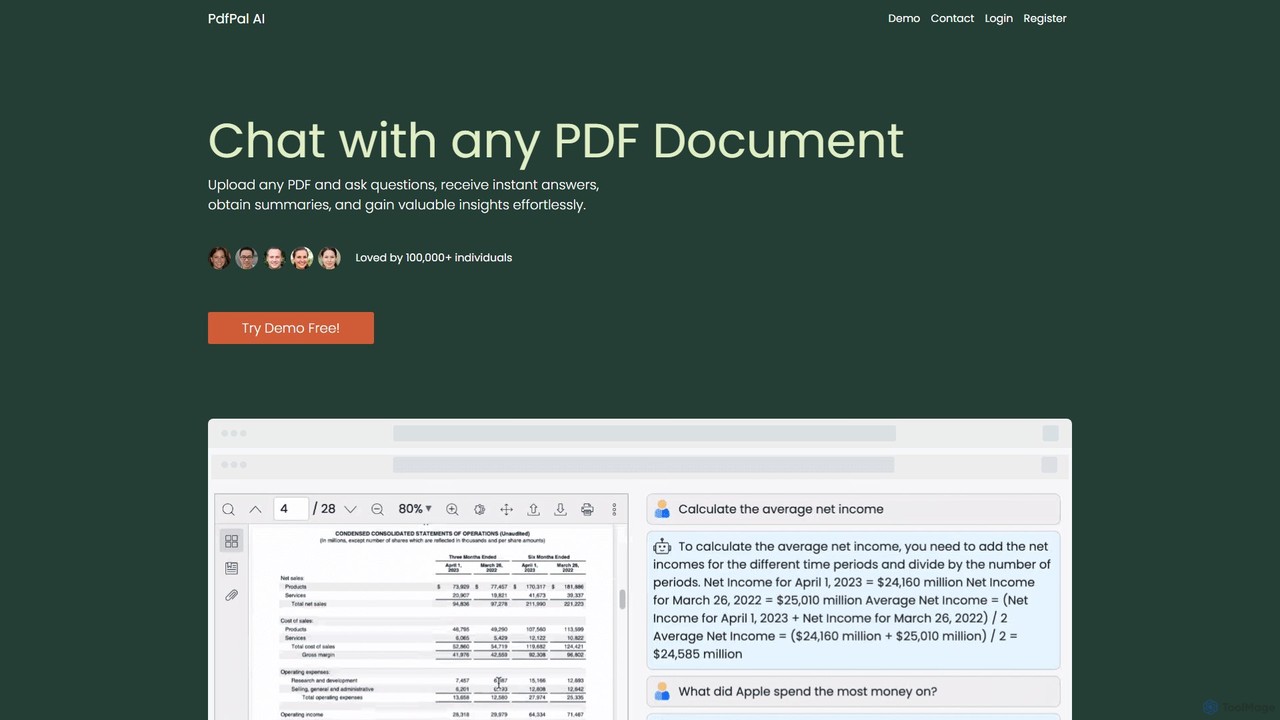
pdfpal
pdfpal is an AI-powered tool that lets you chat with any PDF document. Simply upload your file and ask questions in natural language to get instant summaries, find specific information, and gain deep insights without reading the entire document. It's designed to save time and boost productivity for students, researchers, and professionals by simplifying complex information.
Data Analysispdfai.io
pdfai.io is an AI-powered document assistant that lets you chat with your PDF files. Instantly summarize complex documents, ask questions, and extract key information effortlessly. It's designed to boost productivity for students, researchers, and professionals by turning static PDFs into interactive knowledge bases.
Data Extractionpdf_talk
pdf_talk is an AI-powered platform that revolutionizes how you interact with documents. Simply upload your PDF files and start a conversation. Ask questions, request summaries, and extract key information instantly. It supports querying across multiple documents, making it ideal for students, researchers, and professionals.
Data Extraction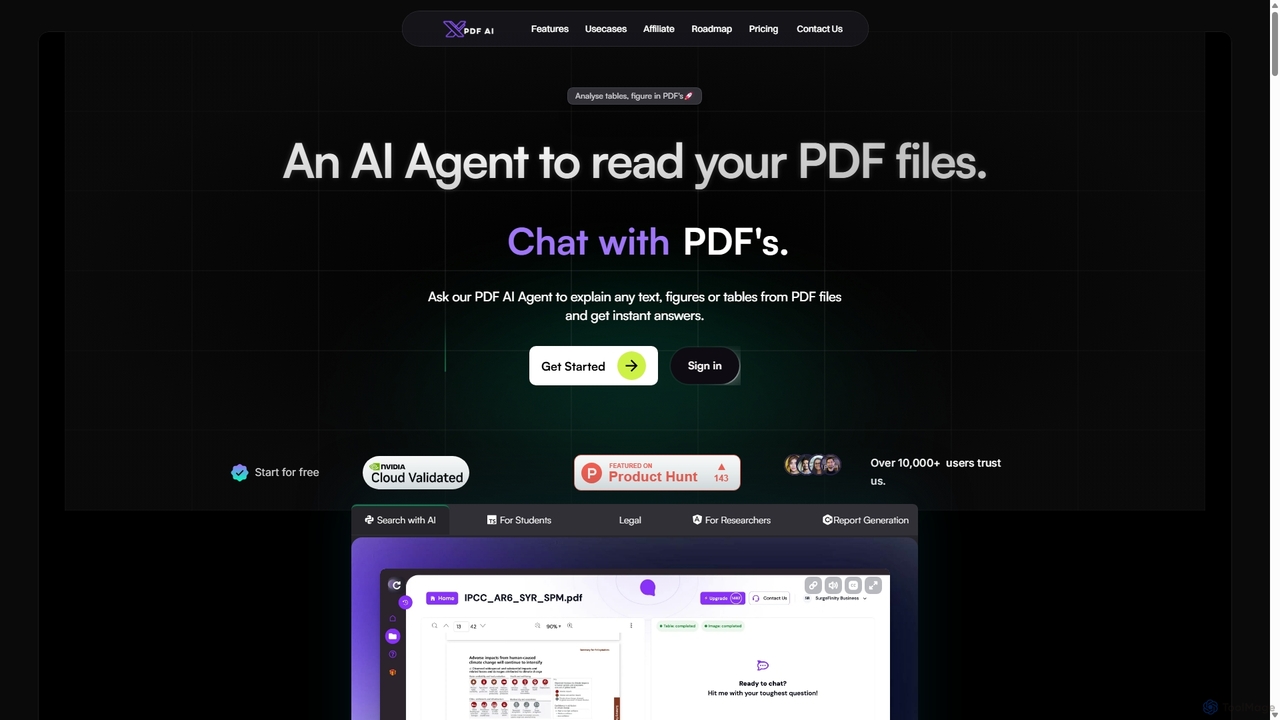
XPDF AI
xPDF AI is a personal AI assistant that transforms your interaction with PDF documents. Chat with any PDF, ask questions, and get instant answers from text, tables, and figures. It features multimodal analysis, an AI summarizer, report generation, and a voice-activated interface, making it an essential tool for students, researchers, and professionals to quickly extract insights and boost productivity.
Data Extraction
brainypdf
BrainyPDF is an AI-powered tool that transforms your static PDF documents into interactive sources of knowledge. Chat directly with your files, get instant summaries of lengthy reports, and extract crucial information effortlessly. It's the ultimate productivity booster for students, researchers, and professionals who need to process dense documents quickly and efficiently.
Data Extraction
pdfpilot.ai
pdfpilot.ai is an AI-powered assistant that transforms your PDF documents into interactive chatbots. Instantly get summaries, ask complex questions, and extract key information from research papers, reports, and contracts, saving you hours of reading time.
Data Analysis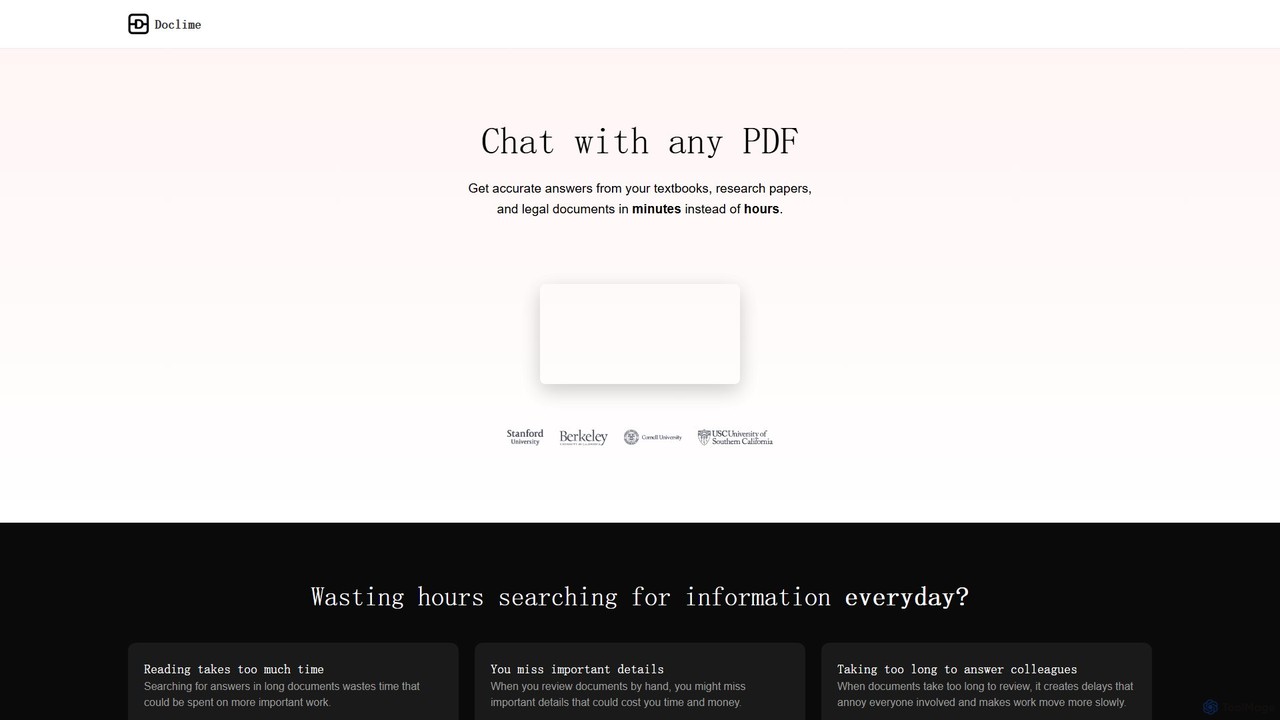
Doclime
Doclime is an AI-powered document assistant that lets you chat with your PDFs. Upload any document, ask questions in plain English, and get instant, accurate answers with citations. It's designed to help students, researchers, and professionals quickly extract information and insights from dense materials.
Study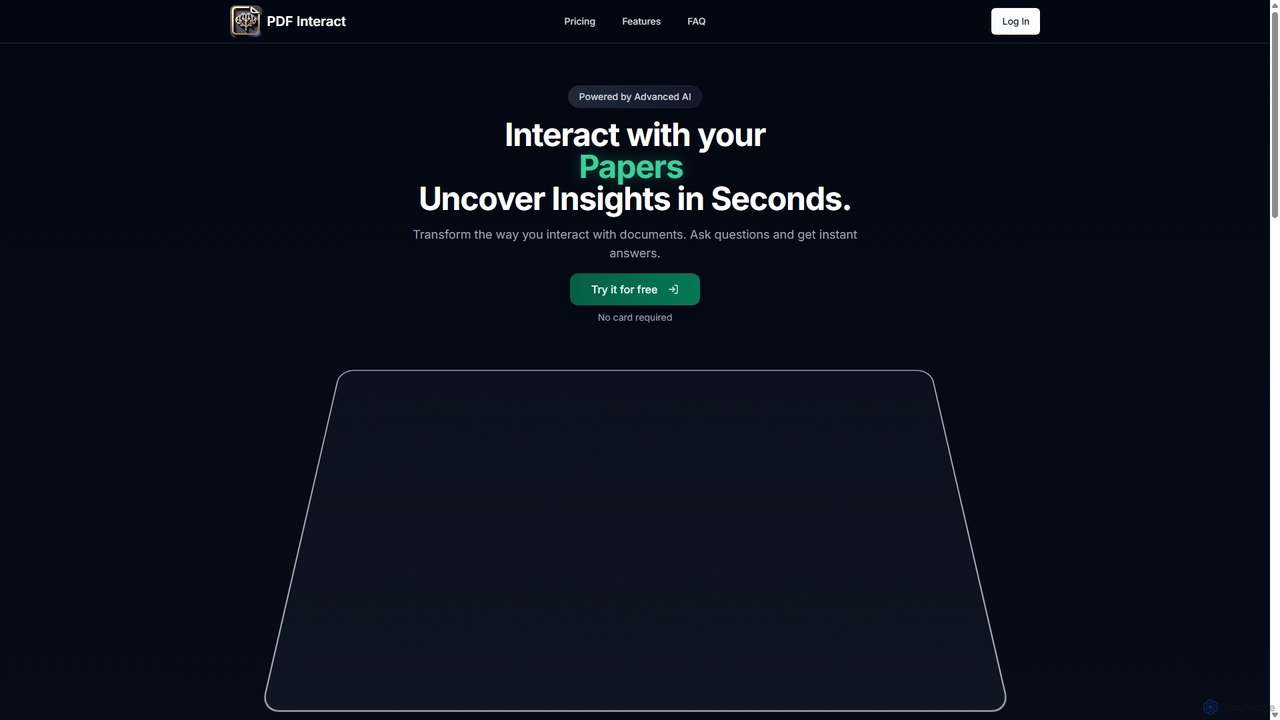
PDF Interact
PDF Interact is an AI-powered chat assistant that transforms how you engage with your documents. Simply upload a PDF and ask questions in natural language to get instant answers, summaries, and key insights. Ideal for students, researchers, and professionals looking to save time and analyze complex information efficiently.
Data AnalysisClarifyPDF
ClarifyPDF is an AI-powered tool for interacting with your PDF documents. Simply upload one or more PDFs to summarize content, extract key information, and ask specific questions in any language. It supports large files and offers a shareable chat interface, making it ideal for students, researchers, and professionals to quickly understand complex documents without recurring subscription fees.
Data Extraction
Jyek
Jyek is an AI agent platform that understands objectives, creates execution plans, uses tools, and delivers verifiable results for complex, multi-step tasks.
Automation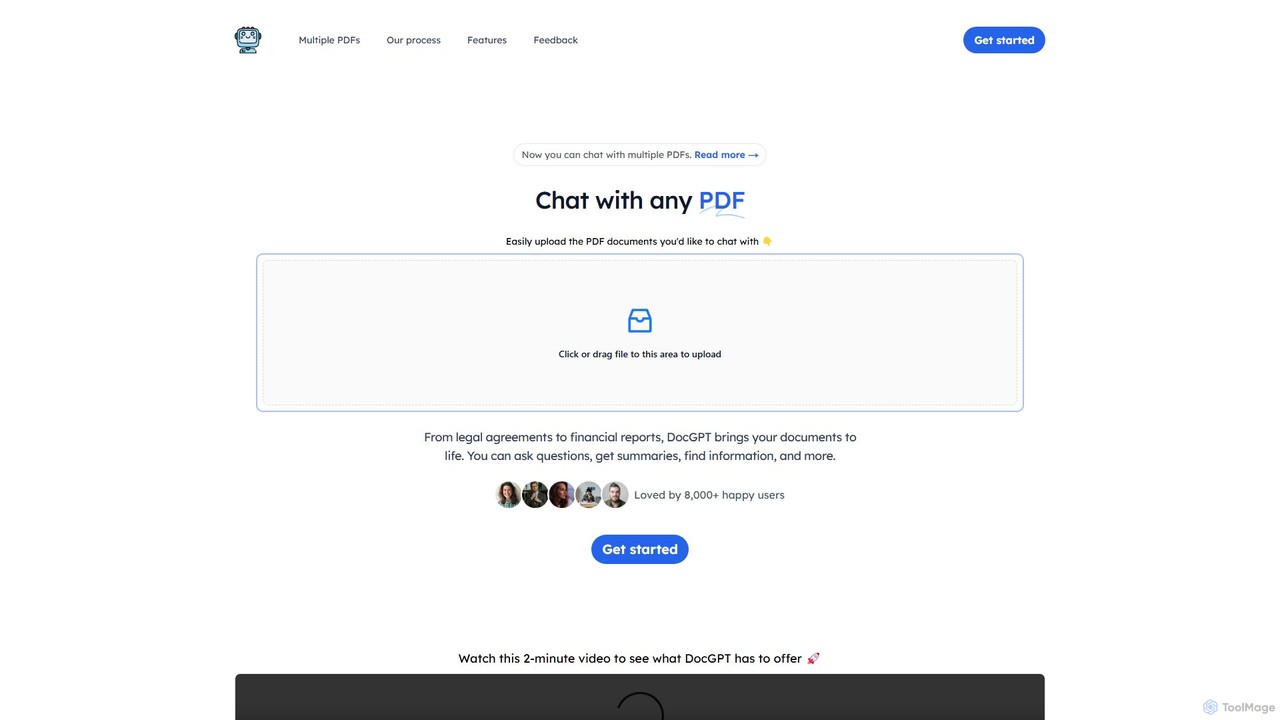
DocGPT
DocGPT is an AI-powered tool that transforms your static PDF documents into dynamic conversations. Upload single or multiple PDFs to ask questions, get instant summaries, extract key information, and receive answers with direct source citations. Ideal for students, researchers, and professionals.
Research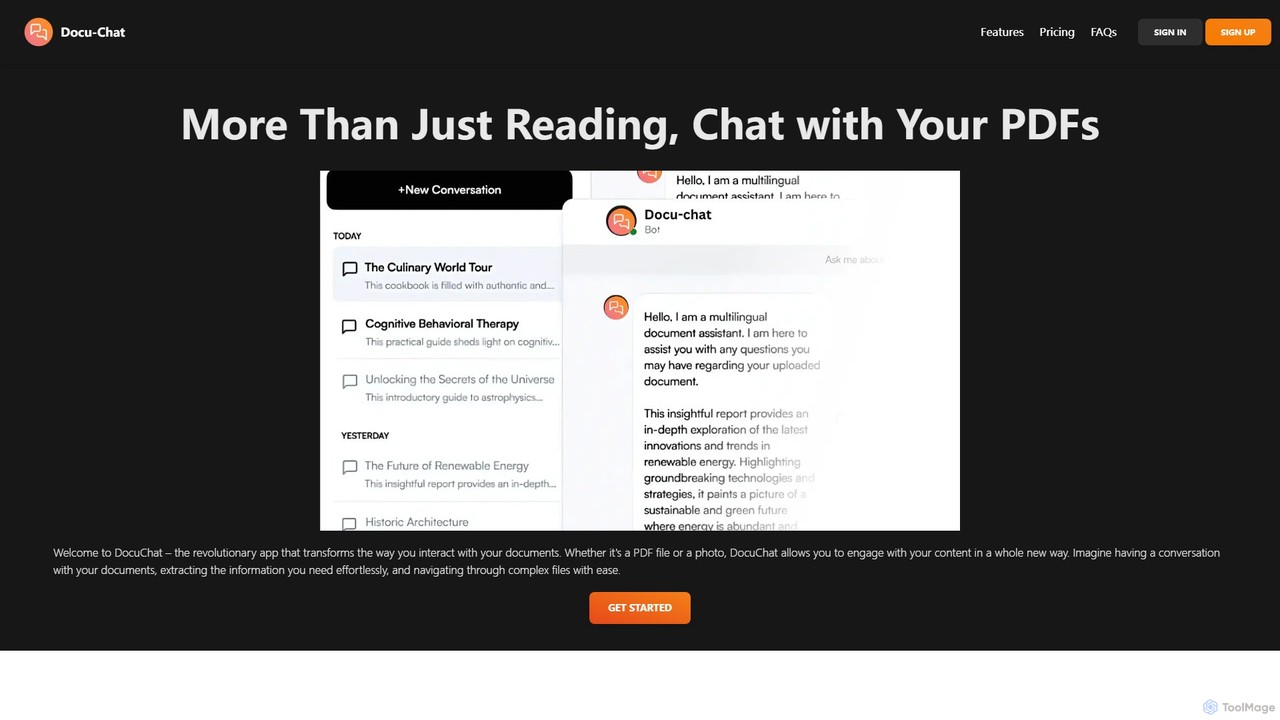
Docu-Chat
Docu-Chat is an AI-powered tool that transforms your static documents into interactive conversations. Upload PDFs or images and chat with them to get summaries, ask specific questions, and extract key information instantly. Powered by ChatGPT, it makes document analysis fast, efficient, and intuitive.
Data Analysis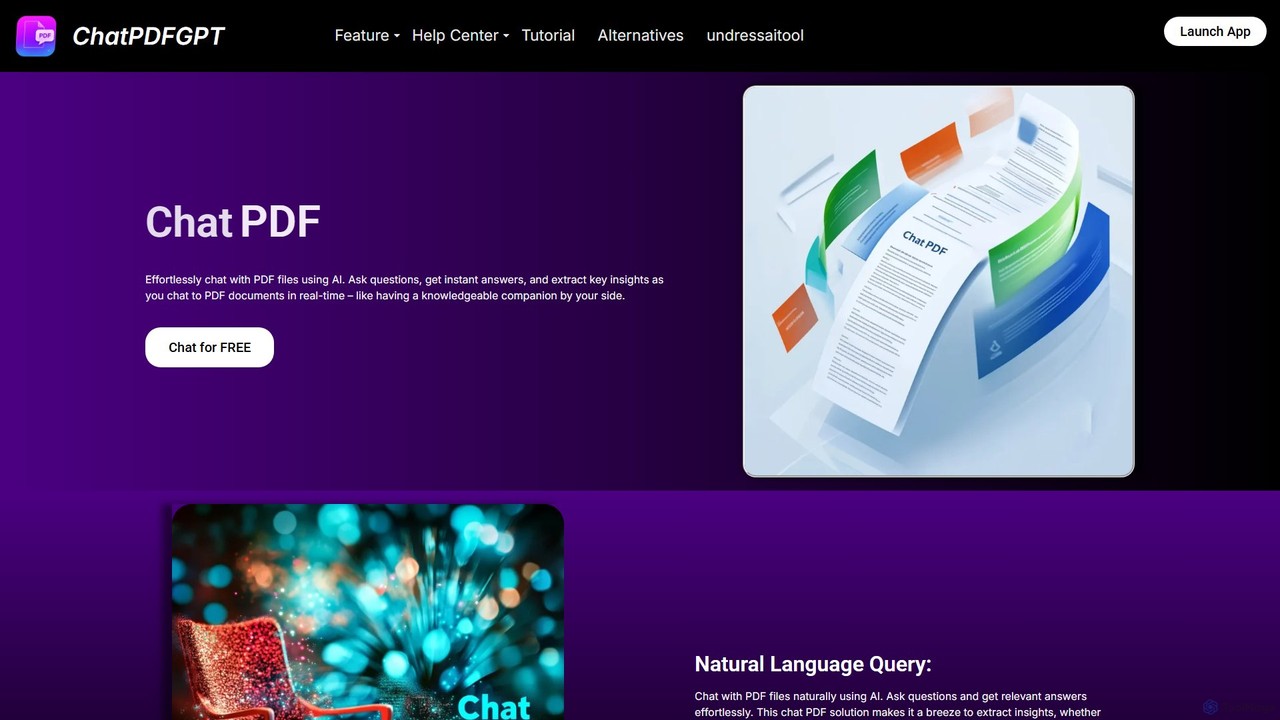
ChatPDFGPT
ChatPDFGPT is an AI-powered tool that transforms your static PDF documents into interactive conversations. Simply upload a file and ask questions to get instant summaries, find specific information, and understand complex concepts quickly. It's designed for students, researchers, and professionals to boost productivity and streamline document analysis.
Study
ChatPDF
ChatPDF is an AI-powered tool that allows you to interact with your PDF documents. Simply upload a file and ask questions, get summaries, and extract key information instantly. It's designed for students, researchers, and professionals to enhance productivity and understanding of complex materials.
Contract AnalysisChatwithpdf
Chatwithpdf is an AI-powered tool that allows you to interact with your PDF documents conversationally. Simply upload a file and start asking questions, get summaries, and extract key information instantly. It's designed for students, researchers, and professionals to analyze documents faster and more efficiently.
Data Extraction
bunni Comments (0)
Sign in to comment.
Sign inNo comments yet.