
ChatPDF Overview
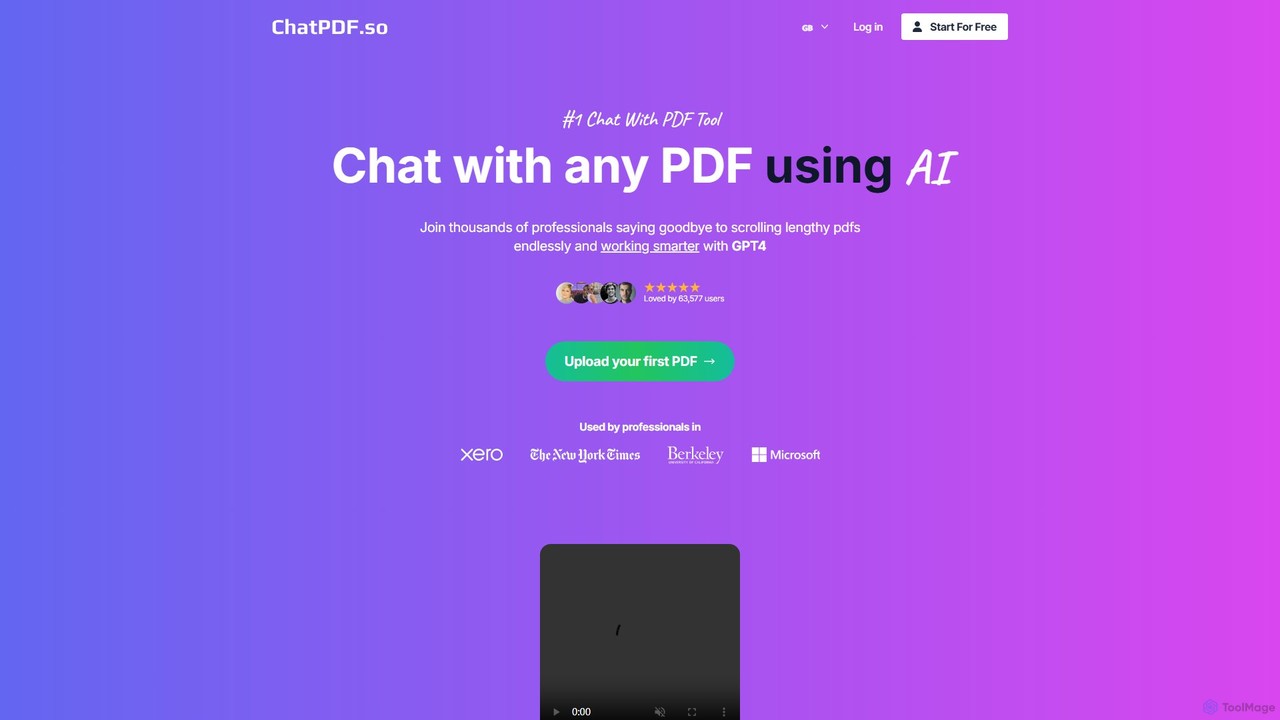
ChatPDF is an innovative AI assistant designed to transform the way you interact with PDF documents. By leveraging the power of advanced AI, currently driven by OpenAI's ChatGPT, this tool allows you to have a conversation with your files. Instead of manually sifting through pages of text, you can simply ask questions in natural language and receive instant, accurate answers. This makes it an indispensable tool for anyone who regularly works with dense documents, such as academic papers, legal contracts, financial reports, or educational materials.
The platform is built for accessibility and ease of use. It caters to a global audience with its robust multi-language support, enabling users to upload a PDF in one language and ask questions in another. This feature breaks down language barriers and makes information more accessible than ever. Security is also a top priority; all files are stored securely in the cloud and can be permanently deleted by the user at any time, ensuring your data remains private and confidential.
How to use ChatPDF
The workflow for using ChatPDF is incredibly straightforward and user-friendly. First, you visit the website and upload your PDF file by dragging and dropping it or clicking the upload button. The platform processes the document, analyzing its content to prepare it for interaction. Once processed, a chat interface appears. You can then start typing your questions directly into the chat box, just as you would in a conversation with a person. For example, you can ask for a summary of the document, inquire about specific data points, or ask for explanations of complex concepts. The AI will then scan the document and provide a concise answer, often citing the page or section where the information was found, allowing for easy verification.
Core Features of ChatPDF
- Interactive Document Chat: Ask questions in natural language and get instant answers from your PDF files.
- Summarization: Quickly generate concise summaries of entire documents or specific sections to grasp key points efficiently.
- Multi-language Support: Upload PDFs in any language and interact with them in your preferred language, breaking down communication barriers.
- Source-Cited Answers: Responses include references to the source location within the PDF, ensuring accuracy and allowing for easy fact-checking.
- Secure and Private: Files are stored in a secure cloud environment, and users have the option to delete their documents and chat history permanently.
- User-Friendly Interface: A simple and intuitive design that requires no technical expertise to use, featuring easy uploads and a familiar chat format.
Use Cases for ChatPDF
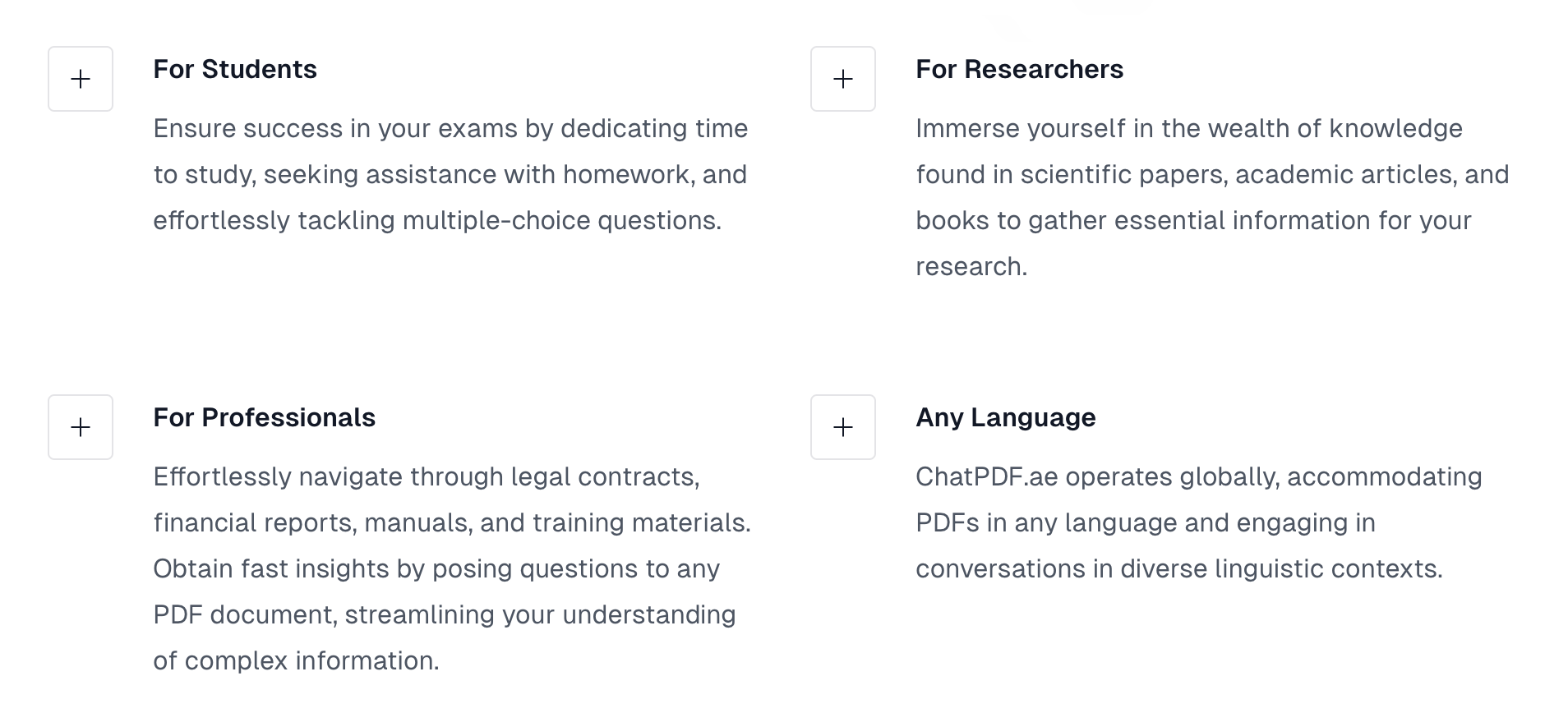
For Students: Students can use ChatPDF to quickly understand complex textbooks, get help with homework, and prepare for exams. They can ask for definitions, explanations of theories, or even have the tool help them solve multiple-choice questions by analyzing course materials.
For Researchers: Researchers can significantly speed up their literature review process. Instead of reading through entire academic papers and scientific articles, they can ask ChatPDF to find specific data, methodologies, or conclusions, extracting vital information in a fraction of the time.
For Professionals: Business professionals can streamline their workflow by analyzing legal contracts, financial reports, and training manuals. They can quickly find key clauses, financial figures, or procedural steps without needing to read every single page.
Advantages of ChatPDF
The primary advantage of ChatPDF is its ability to dramatically increase productivity and efficiency. It saves countless hours that would otherwise be spent on manual reading and searching. Its multi-language capability makes it a versatile tool for international collaboration and research. Furthermore, the freemium model makes it accessible to everyone, while the secure handling of documents provides peace of mind. The AI's ability to provide precise, source-backed answers enhances comprehension and ensures the reliability of the extracted information.
Pricing and Plans
ChatPDF operates on a freemium model, making its core functionality available to everyone.
- Free Plan: Users can use the service for free with a daily limit of 2 PDF files, with each file not exceeding 10 pages.
- ChatPDF Premium: For users who require more extensive use, a Premium plan is available. This plan removes the daily and page limits, offering unlimited access for a subscription fee. You can upgrade and manage your subscription easily through your user account. The platform offers a flexible cancellation policy, allowing you to cancel at any time while retaining premium access until the end of the current billing cycle.
Traffic
Latest traffic
Status
Monthly traffic trend
- 2026-1: 1.8K
- 2026-2: 961
- 2026-3: 566
- 2026-4: 600
- 2026-5: 1.5K
Geography
Top 5 countries / regions
- 🇺🇸United States81.0%
- 🇮🇩Indonesia10.5%
- 🇲🇽Mexico8.6%
Top keywords
| Keyword | Cost per click |
|---|---|
| chat pdf | $0.20 |
| chatpdf cancel subscription | $0.00 |
| como se usa chatpdf | $0.00 |
ChatPDF Alternatives
brainypdf
BrainyPDF is an AI-powered tool that transforms your static PDF documents into interactive sources of knowledge. Chat directly with your files, get instant summaries of lengthy reports, and extract crucial information effortlessly. It's the ultimate productivity booster for students, researchers, and professionals who need to process dense documents quickly and efficiently.
Data Extraction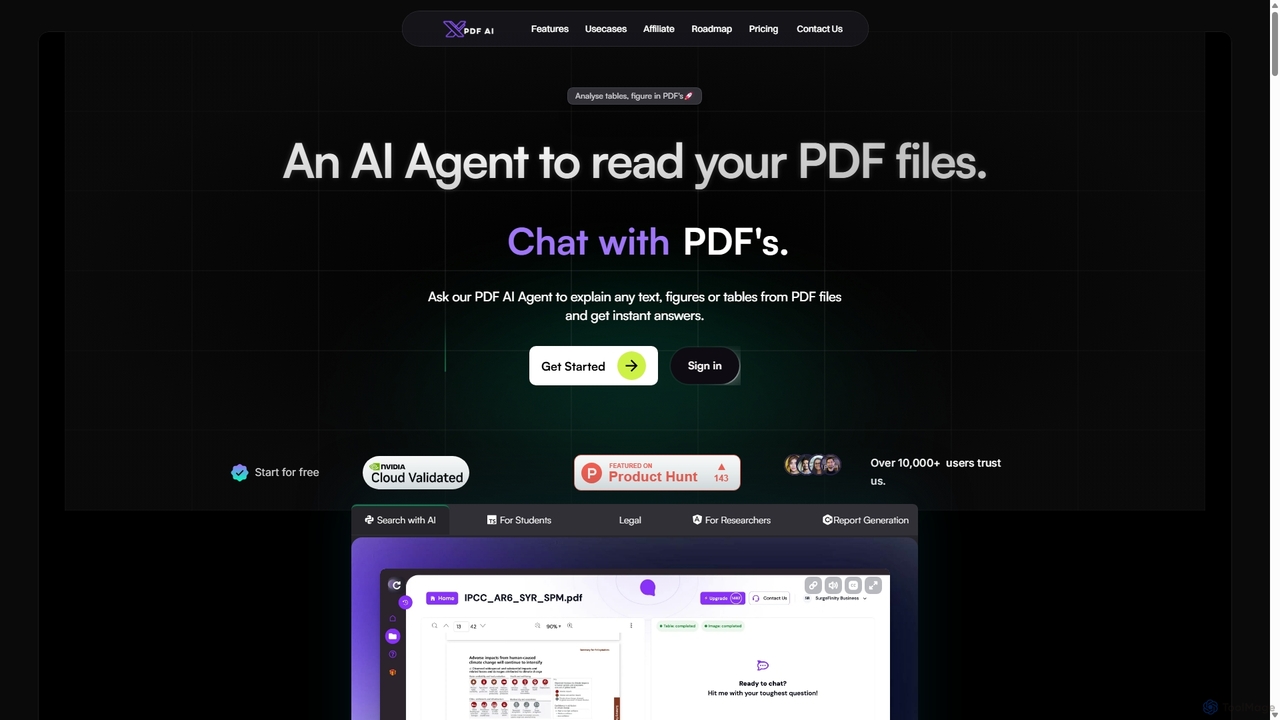
XPDF AI
xPDF AI is a personal AI assistant that transforms your interaction with PDF documents. Chat with any PDF, ask questions, and get instant answers from text, tables, and figures. It features multimodal analysis, an AI summarizer, report generation, and a voice-activated interface, making it an essential tool for students, researchers, and professionals to quickly extract insights and boost productivity.
Data Extraction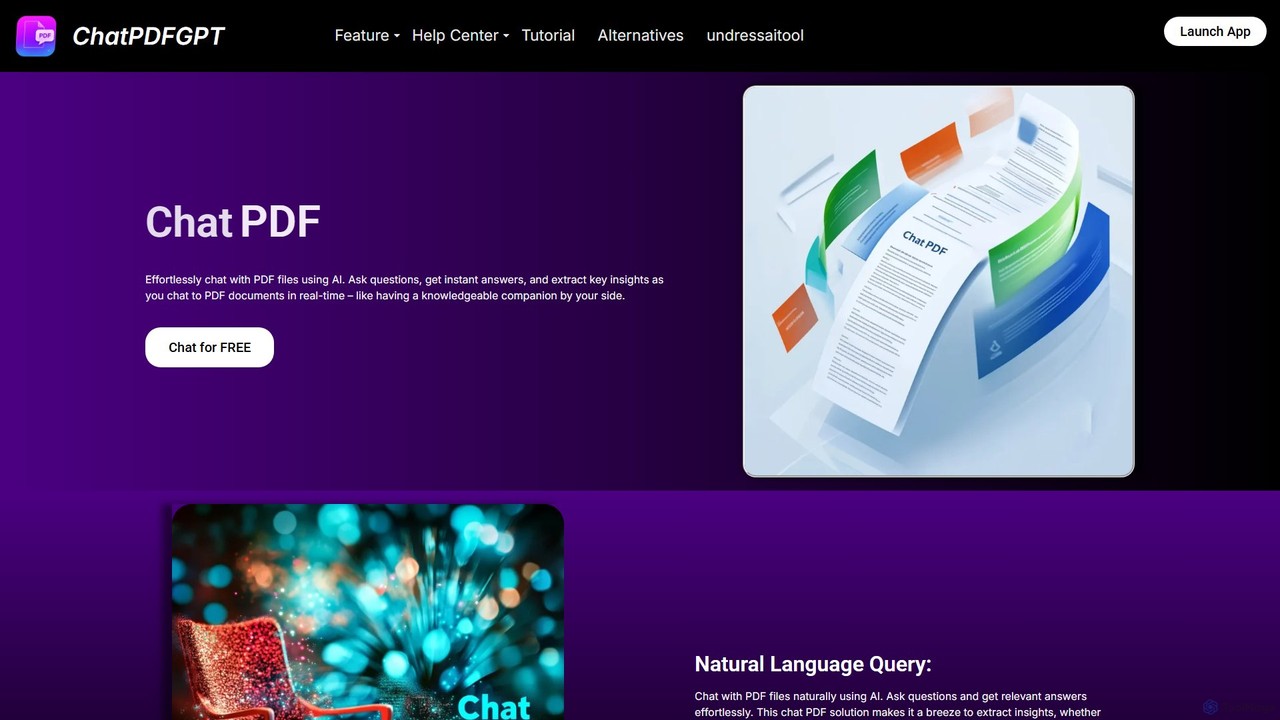
ChatPDFGPT
ChatPDFGPT is an AI-powered tool that transforms your static PDF documents into interactive conversations. Simply upload a file and ask questions to get instant summaries, find specific information, and understand complex concepts quickly. It's designed for students, researchers, and professionals to boost productivity and streamline document analysis.
Study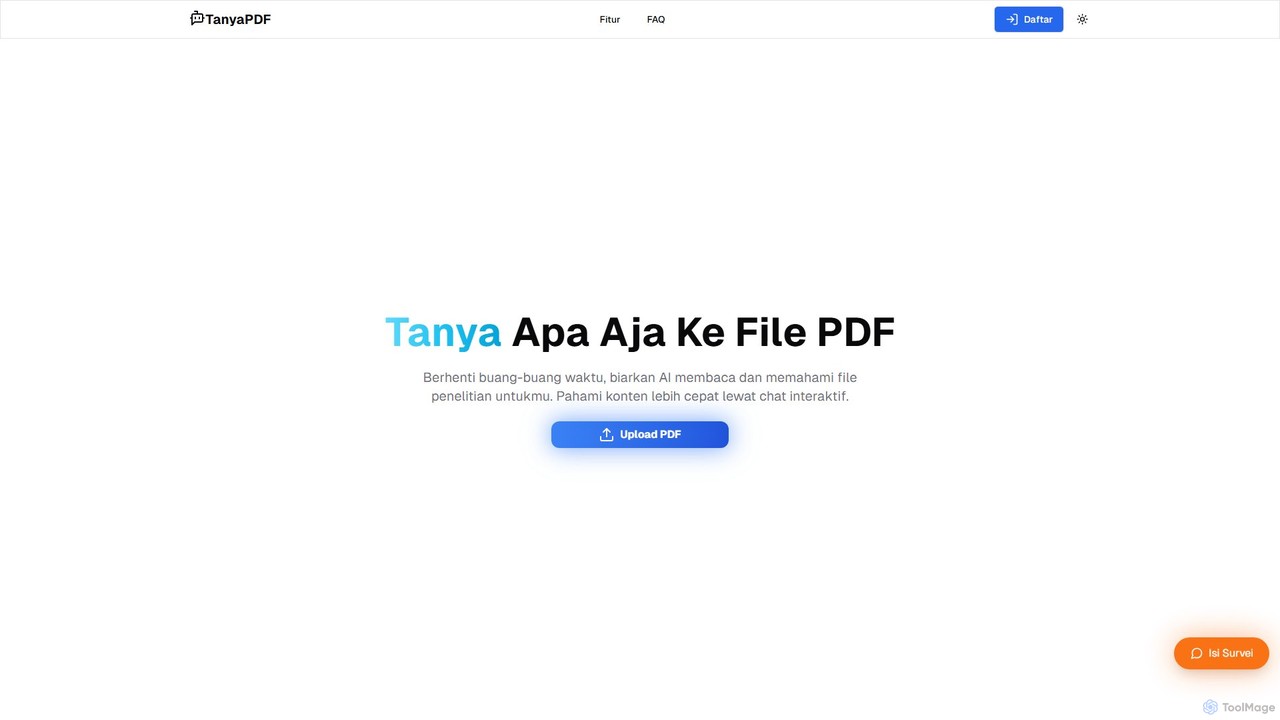
TanyaPDF
An AI-powered tool that allows you to chat with your PDF documents. Upload a file, ask questions in natural language, and get instant summaries and answers. Designed for students, researchers, and professionals to understand complex documents faster and more efficiently.
Report Analysis
pdfai.io
pdfai.io is an AI-powered document assistant that lets you chat with your PDF files. Instantly summarize complex documents, ask questions, and extract key information effortlessly. It's designed to boost productivity for students, researchers, and professionals by turning static PDFs into interactive knowledge bases.
Data ExtractionChatPDF Categories
ChatPDF Embed Widget
Copy this embed code to place the badge on your blog, article, or product site and send readers directly to this ToolMage detail page.

Related AI tools
ChatPDFGPT
ChatPDFGPT is an AI-powered tool that transforms your static PDF documents into interactive conversations. Simply upload a file and ask questions to get instant summaries, find specific information, and understand complex concepts quickly. It's designed for students, researchers, and professionals to boost productivity and streamline document analysis.
Studybrainypdf
BrainyPDF is an AI-powered tool that transforms your static PDF documents into interactive sources of knowledge. Chat directly with your files, get instant summaries of lengthy reports, and extract crucial information effortlessly. It's the ultimate productivity booster for students, researchers, and professionals who need to process dense documents quickly and efficiently.
Data ExtractionXPDF AI
xPDF AI is a personal AI assistant that transforms your interaction with PDF documents. Chat with any PDF, ask questions, and get instant answers from text, tables, and figures. It features multimodal analysis, an AI summarizer, report generation, and a voice-activated interface, making it an essential tool for students, researchers, and professionals to quickly extract insights and boost productivity.
Data Extractionpdfai.io
pdfai.io is an AI-powered document assistant that lets you chat with your PDF files. Instantly summarize complex documents, ask questions, and extract key information effortlessly. It's designed to boost productivity for students, researchers, and professionals by turning static PDFs into interactive knowledge bases.
Data Extraction
bunni
Bunni is an AI-powered tool that allows you to chat with your PDF documents. Simply upload a file to summarize its content, extract key information, and ask specific questions in any language. It supports large files, multiple document chats, and offers a flexible pay-as-you-go pricing model, making it ideal for researchers, students, and professionals who need to quickly analyze and understand dense documents.
Data Extraction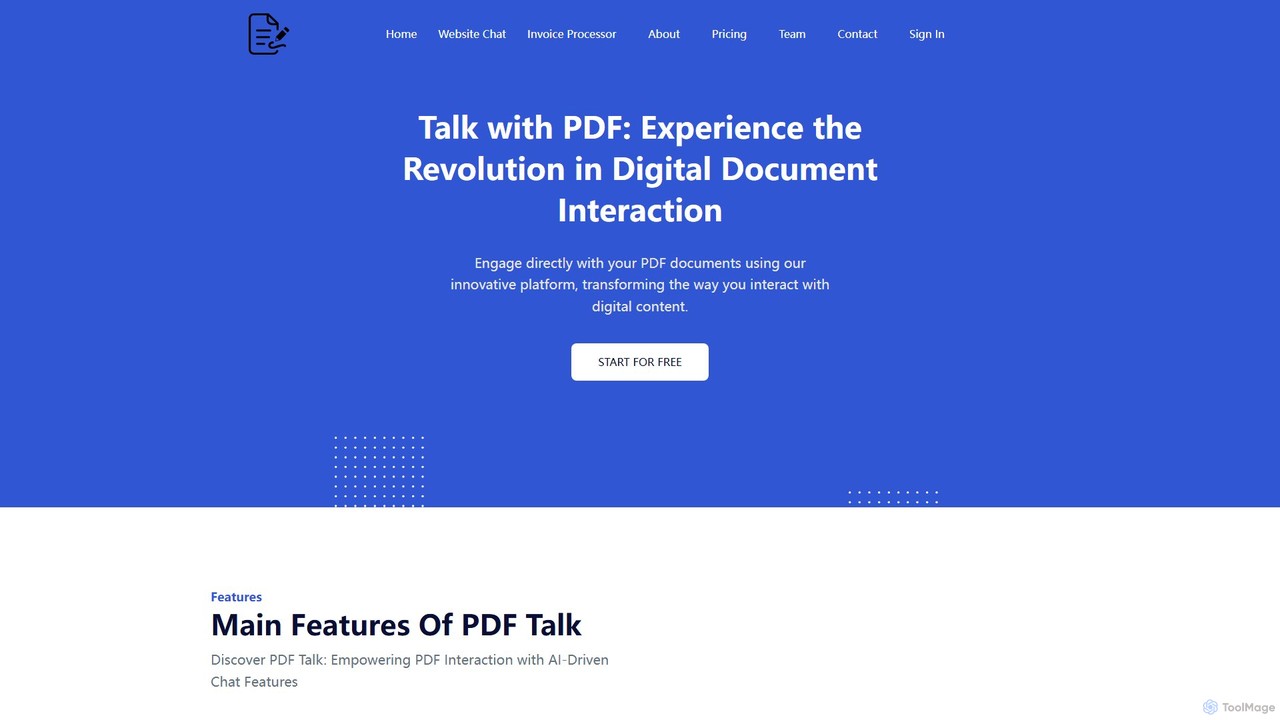
pdf_talk
pdf_talk is an AI-powered platform that revolutionizes how you interact with documents. Simply upload your PDF files and start a conversation. Ask questions, request summaries, and extract key information instantly. It supports querying across multiple documents, making it ideal for students, researchers, and professionals.
Data Extraction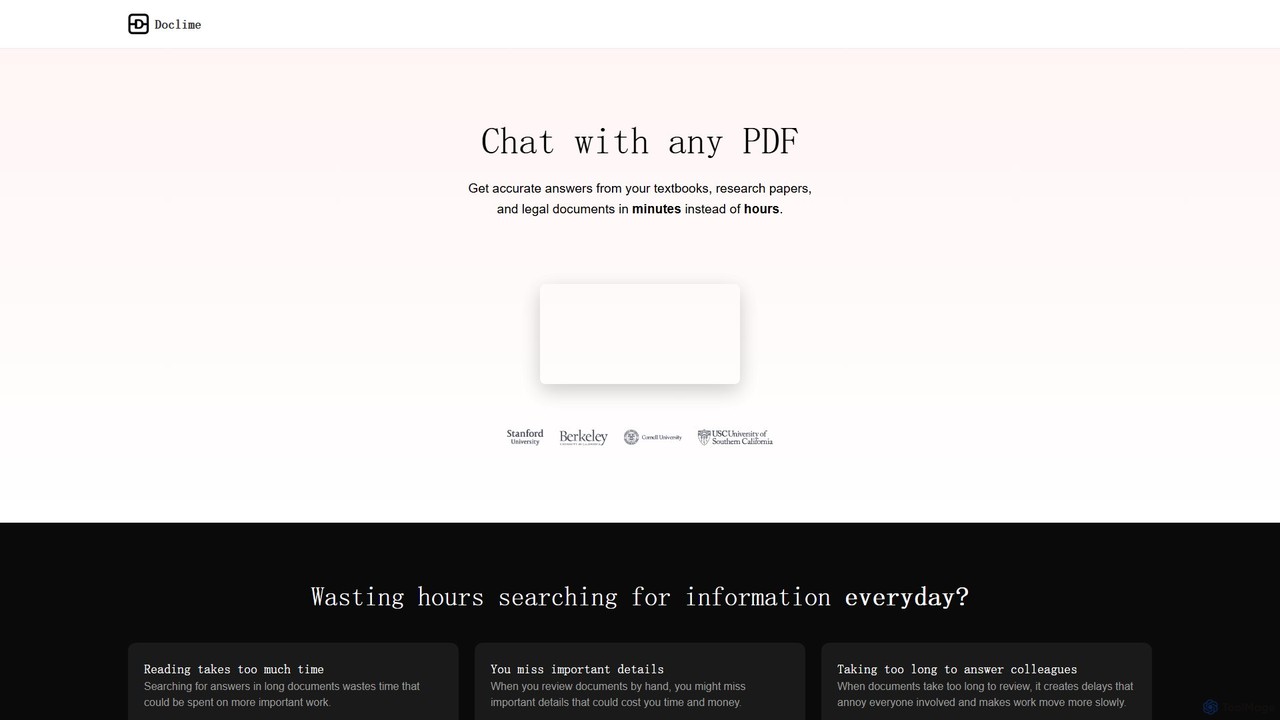
Doclime
Doclime is an AI-powered document assistant that lets you chat with your PDFs. Upload any document, ask questions in plain English, and get instant, accurate answers with citations. It's designed to help students, researchers, and professionals quickly extract information and insights from dense materials.
Study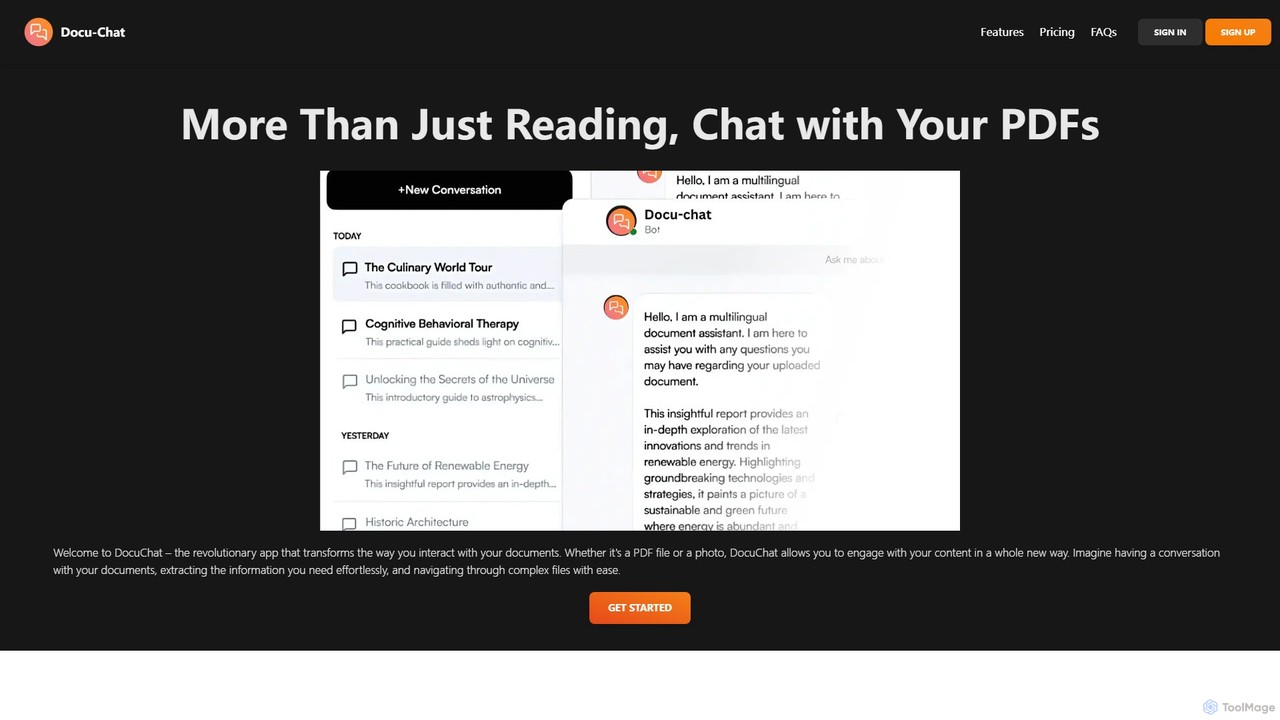
Docu-Chat
Docu-Chat is an AI-powered tool that transforms your static documents into interactive conversations. Upload PDFs or images and chat with them to get summaries, ask specific questions, and extract key information instantly. Powered by ChatGPT, it makes document analysis fast, efficient, and intuitive.
Data Analysis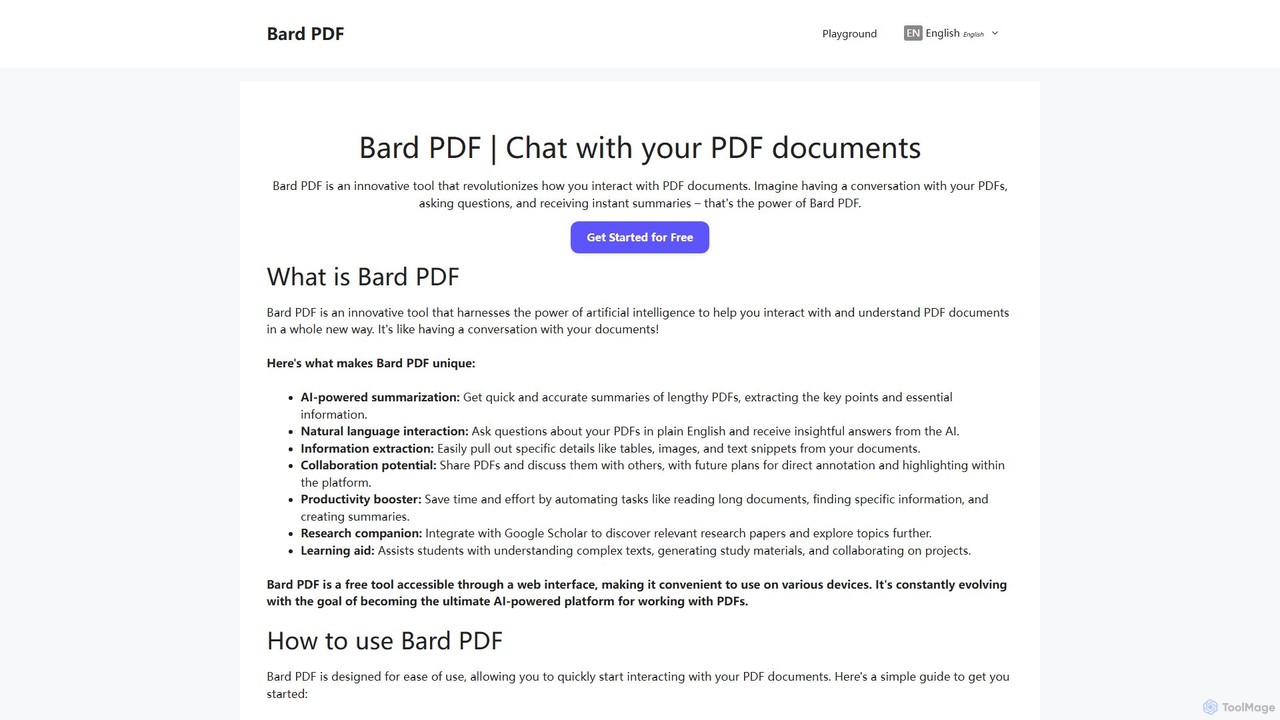
Bard PDF
Bard PDF is a free AI-powered web tool that revolutionizes interaction with PDF documents. Simply paste a PDF URL to chat with your document, ask questions in natural language, and receive instant, accurate summaries. It can extract key information like tables and text, making it an ideal companion for students, researchers, and professionals looking to quickly comprehend and analyze lengthy documents.
Summarizer
pdfpilot.ai
pdfpilot.ai is an AI-powered assistant that transforms your PDF documents into interactive chatbots. Instantly get summaries, ask complex questions, and extract key information from research papers, reports, and contracts, saving you hours of reading time.
Data Analysis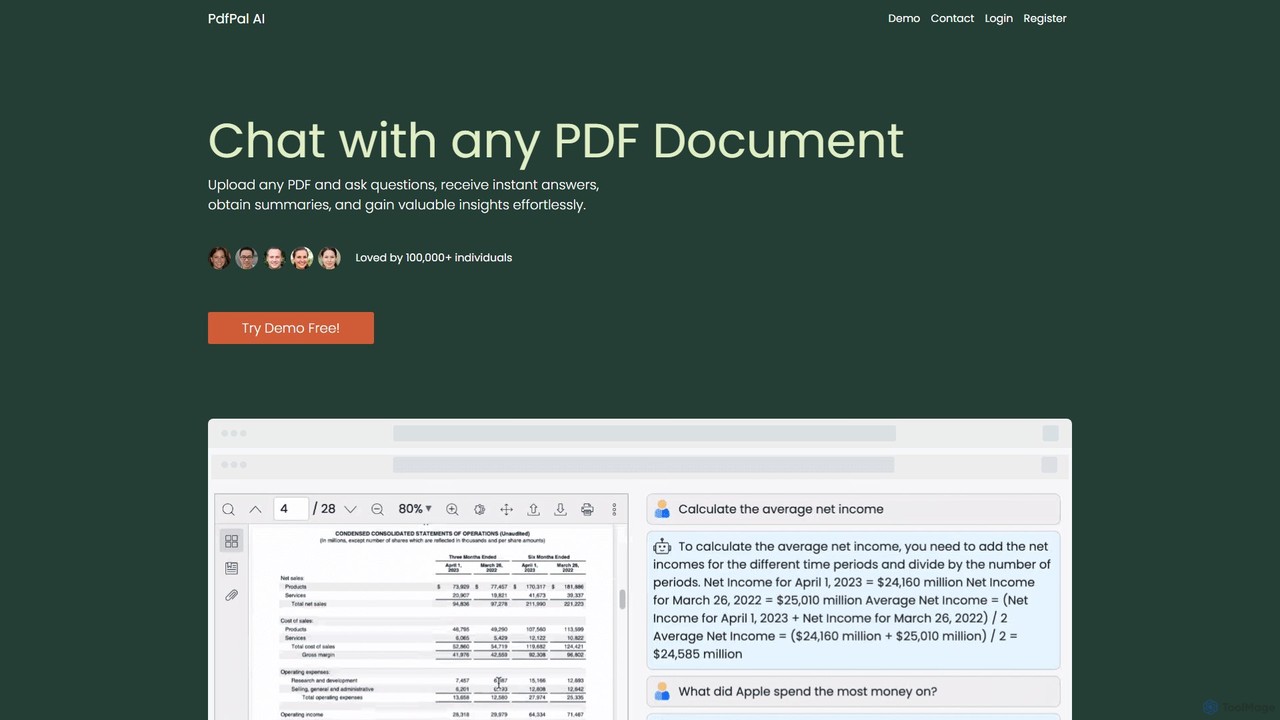
pdfpal
pdfpal is an AI-powered tool that lets you chat with any PDF document. Simply upload your file and ask questions in natural language to get instant summaries, find specific information, and gain deep insights without reading the entire document. It's designed to save time and boost productivity for students, researchers, and professionals by simplifying complex information.
Data Analysis
PDF Interact
PDF Interact is an AI-powered chat assistant that transforms how you engage with your documents. Simply upload a PDF and ask questions in natural language to get instant answers, summaries, and key insights. Ideal for students, researchers, and professionals looking to save time and analyze complex information efficiently.
Data Analysis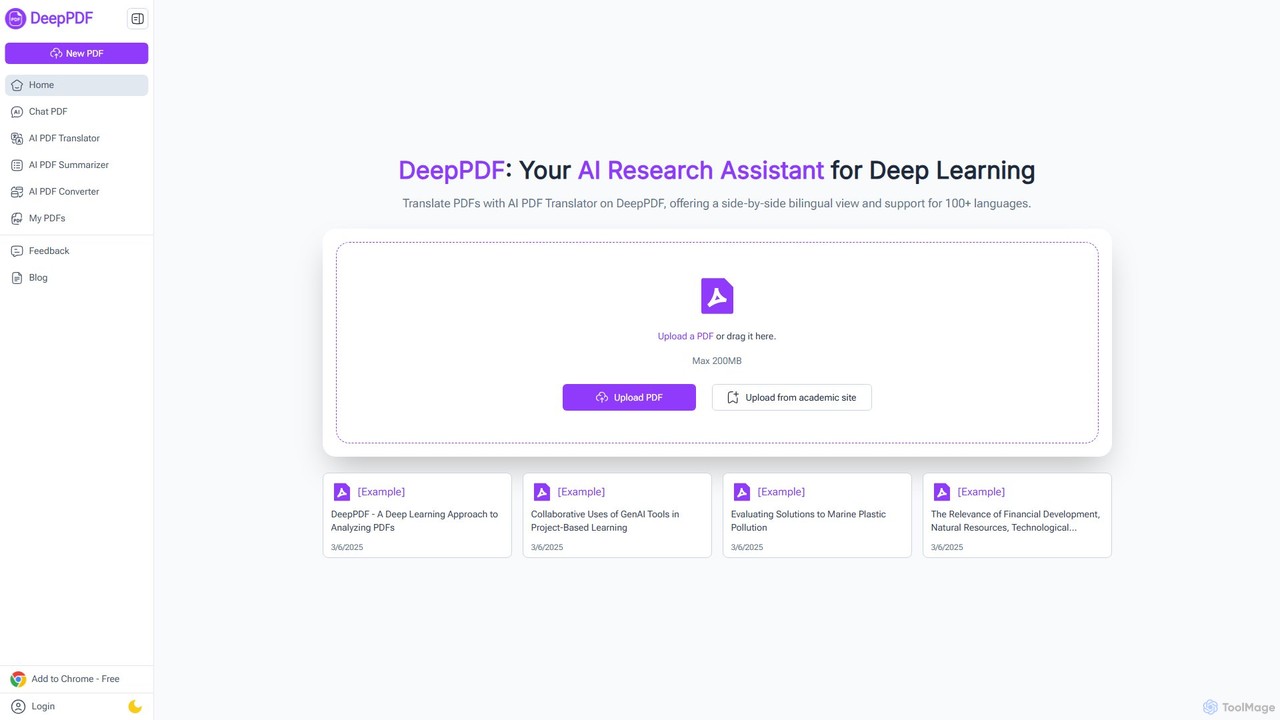
DeepPDF
DeepPDF is an AI-powered research assistant for deep interaction with PDF documents. It allows users to chat with their PDFs, get instant summaries, translate content into over 100 languages with a side-by-side view, and convert files. Featuring OCR, image analysis, and academic search integration, it's designed to enhance productivity for students, researchers, and professionals by making complex documents easy to understand and manage.
Document Management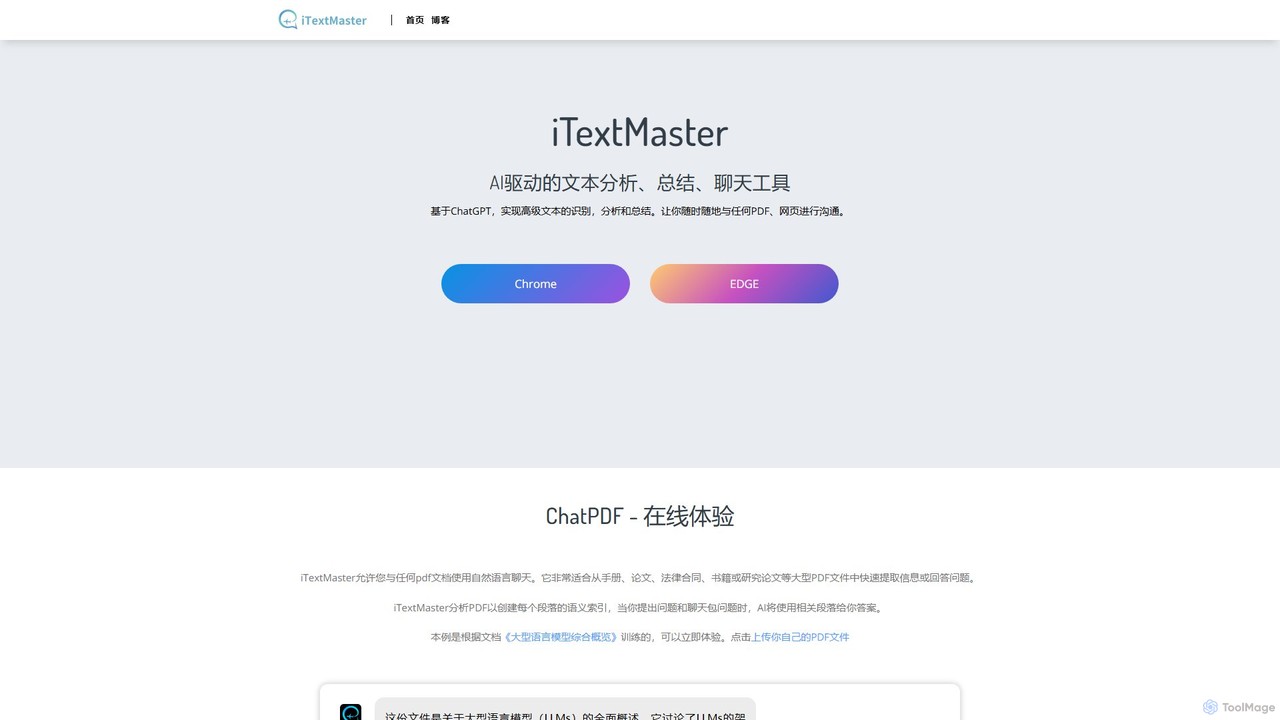
iTextMaster
iTextMaster is an AI-powered tool that lets you chat with any PDF document or webpage. Using ChatGPT, it analyzes, summarizes, and extracts key information, allowing you to quickly understand complex materials like research papers, legal contracts, or manuals. Simply upload a file or provide a URL to start an interactive conversation and get intelligent answers instantly.
Ai Assistant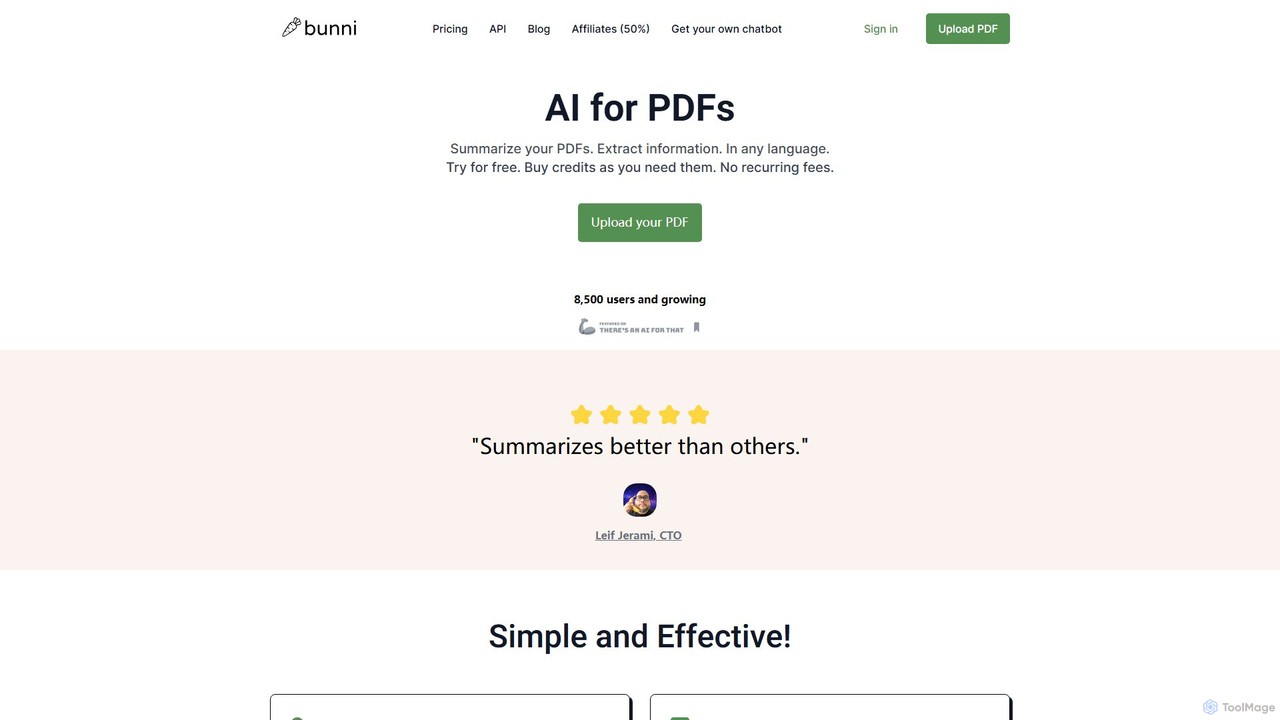
ClarifyPDF
ClarifyPDF is an AI-powered tool for interacting with your PDF documents. Simply upload one or more PDFs to summarize content, extract key information, and ask specific questions in any language. It supports large files and offers a shareable chat interface, making it ideal for students, researchers, and professionals to quickly understand complex documents without recurring subscription fees.
Data Extraction
ChatPDF Comments (0)
Sign in to comment.
Sign inNo comments yet.