

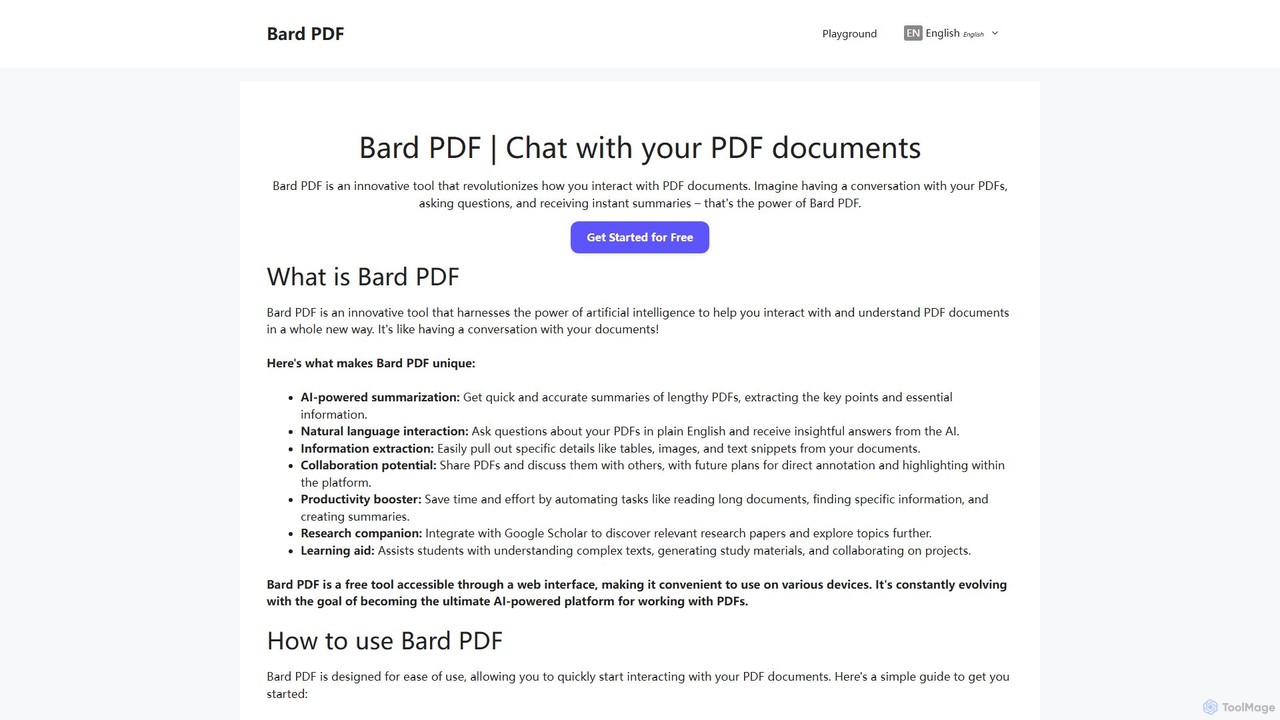
Bard PDF Overview
Bard PDF is an innovative, free-to-use web tool that transforms how you interact with PDF documents. By leveraging the power of artificial intelligence, it turns static, lengthy PDFs into dynamic, conversational partners. Instead of spending hours reading through dense material, you can simply 'talk' to your documents. Ask complex questions, request detailed summaries, or extract specific data points, and receive instant, accurate responses. The tool works by processing publicly accessible PDFs via their URL, making it a highly accessible platform for anyone needing to quickly digest and analyze document content.
How to use Bard PDF
Using Bard PDF is designed to be simple and intuitive. Here’s a step-by-step guide to get started:
- Access the Tool: Open your web browser and navigate to the Bard PDF website.
- Provide the PDF URL: Find the PDF document you want to analyze online and copy its URL. It's important to note that Bard PDF currently works with public URLs and does not support direct file uploads.
- Paste and Process: Paste the copied URL into the chat interface on the Bard PDF website. The AI will quickly process the document's content.
- Start Chatting: Once processed, you can begin your conversation. Ask questions in plain English, such as "What are the main conclusions of this report?" or "Summarize the methodology section." You can also request specific information like, "Extract all tables from this document."
- Refine and Explore: Ask follow-up questions to delve deeper into topics, request summaries of varying lengths, and explore the document from different perspectives to gain comprehensive insights.
Core Features of Bard PDF
- Conversational PDF Chat: Engage in a natural language dialogue with your documents. Ask complex questions, seek clarifications, and receive context-aware answers based on the PDF's content.
- AI-Powered Summarization: Instantly generate concise summaries of entire documents or specific sections. You can control the length and focus of the summary to fit your needs, from a brief overview to a comprehensive abstract.
- Information Extraction: Effortlessly pull specific details from your PDFs. This includes extracting tables, text snippets, key data points, and even images, which can then be used for reports, research, or study notes.
- Research Integration: The tool integrates with Google Scholar, allowing you to discover relevant research papers and expand your knowledge on a topic, making it a powerful research companion.
Use Cases for Bard PDF
Bard PDF is a versatile tool beneficial for a wide range of users:
- For Students: Quickly understand complex academic papers and textbooks. Generate study guides, extract key definitions for flashcards, and prepare for exams by asking targeted questions about the material.
- For Professionals: Efficiently review long business reports, legal contracts, and technical manuals. Extract crucial data for presentations, prepare for meetings by getting a quick overview of relevant documents, and stay updated on industry trends.
- For Researchers: Accelerate the literature review process by rapidly summarizing articles and identifying key findings. Use the Google Scholar integration to find related studies and build a comprehensive understanding of a research area.
- For Educators: Create engaging lesson plans by summarizing core texts. Facilitate class discussions by sharing key points and encouraging students to explore documents interactively.
Advantages of Bard PDF
The primary advantages of using Bard PDF include a massive boost in efficiency and productivity. It saves countless hours of manual reading and information searching. It improves comprehension by breaking down complex topics into digestible summaries and answers. The tool is highly accessible, being a free, web-based platform that requires no installation. Its interactive nature promotes critical thinking and deeper engagement with the source material.
Pricing and Plans
Bard PDF is currently available completely free of charge. All features, including unlimited document analysis, summarization, and Q&A, are accessible to users without any subscription fees or hidden costs. This commitment to free access makes it an invaluable resource for students, educators, and professionals on a budget.
Traffic
Latest traffic
Status
Monthly traffic trend
- 2025-7: 115
- 2025-8: 0
- 2025-9: 651
- 2026-3: 0
- 2026-4: 0
- 2026-5: 72
Geography
Top 5 countries / regions
- 🇹🇼Taiwan100.0%
Top keywords
| Keyword | Cost per click |
|---|---|
| bard | $0.15 |
Bard PDF Alternatives
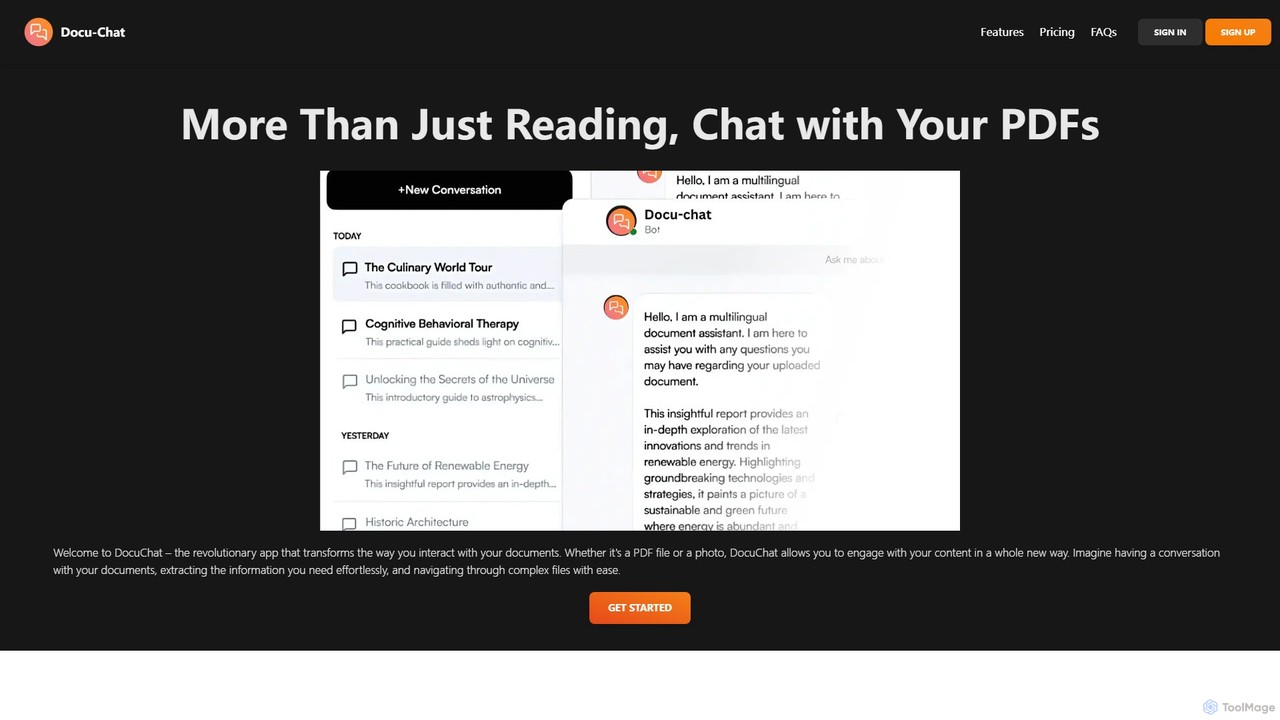
Docu-Chat
Docu-Chat is an AI-powered tool that transforms your static documents into interactive conversations. Upload PDFs or images and chat with them to get summaries, ask specific questions, and extract key information instantly. Powered by ChatGPT, it makes document analysis fast, efficient, and intuitive.
Data Analysis
pdfai.io
pdfai.io is an AI-powered document assistant that lets you chat with your PDF files. Instantly summarize complex documents, ask questions, and extract key information effortlessly. It's designed to boost productivity for students, researchers, and professionals by turning static PDFs into interactive knowledge bases.
Data Extraction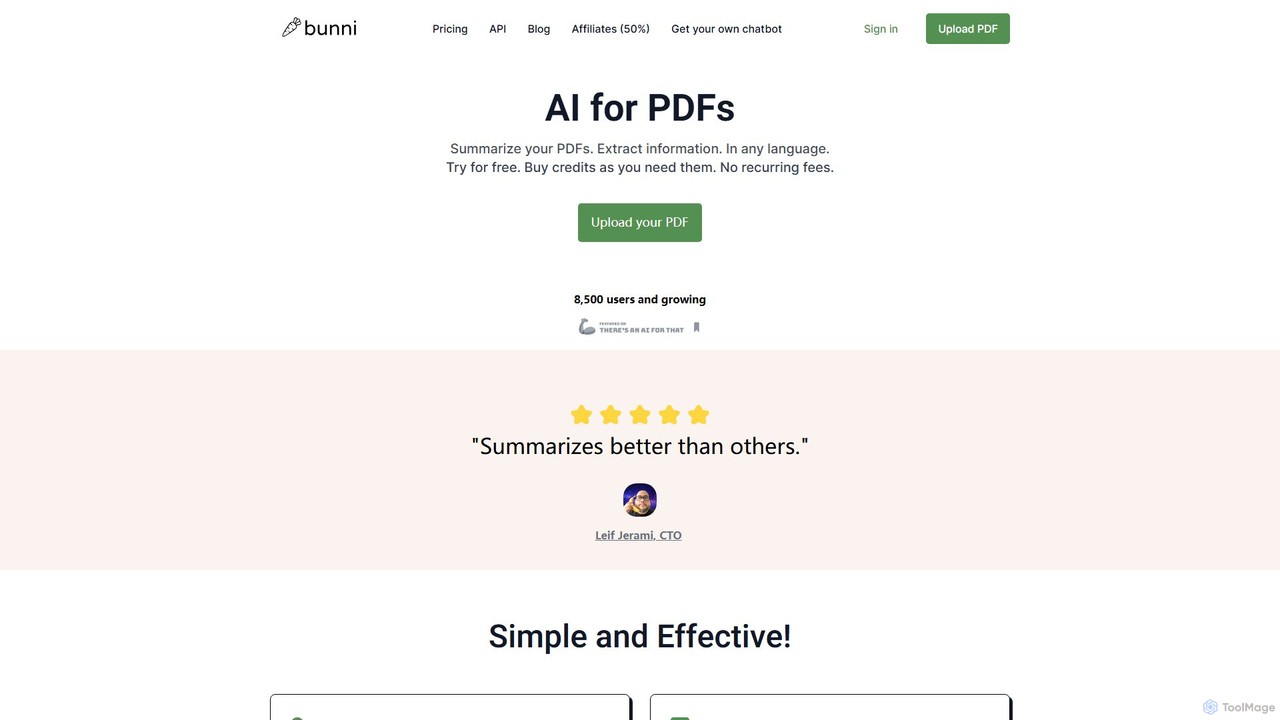
ClarifyPDF
ClarifyPDF is an AI-powered tool for interacting with your PDF documents. Simply upload one or more PDFs to summarize content, extract key information, and ask specific questions in any language. It supports large files and offers a shareable chat interface, making it ideal for students, researchers, and professionals to quickly understand complex documents without recurring subscription fees.
Data Extraction
bunni
Bunni is an AI-powered tool that allows you to chat with your PDF documents. Simply upload a file to summarize its content, extract key information, and ask specific questions in any language. It supports large files, multiple document chats, and offers a flexible pay-as-you-go pricing model, making it ideal for researchers, students, and professionals who need to quickly analyze and understand dense documents.
Data Extraction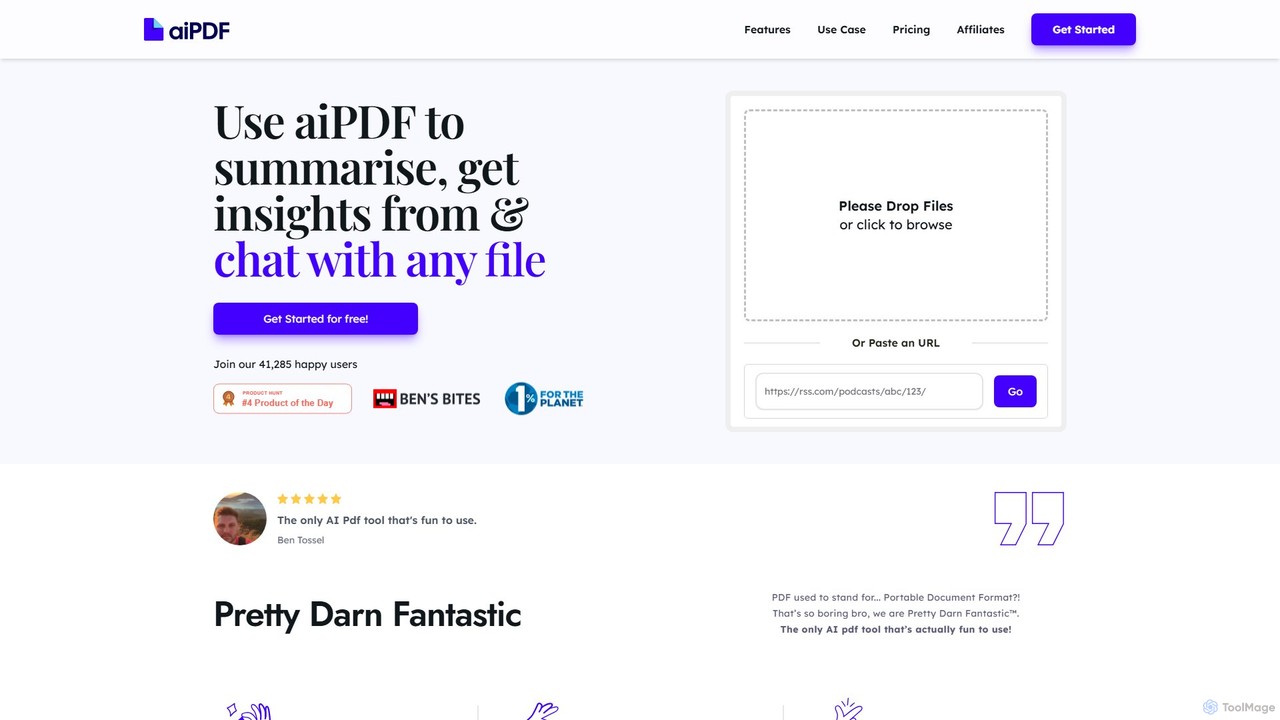
aiPDF
aiPDF is an AI-powered chat application that transforms static PDF documents into interactive conversations. Users can upload files, ask questions, summarize content, and extract key insights instantly. It supports various document types, including reports, essays, and ebooks, and provides source-backed answers for enhanced reliability. With a user-friendly interface and a focus on data privacy, aiPDF makes document analysis efficient and engaging for students, researchers, and professionals.
Data AnalysisBard PDF Categories
Bard PDF Embed Widget
Copy this embed code to place the badge on your blog, article, or product site and send readers directly to this ToolMage detail page.

Related AI tools
ChatPDFGPT
ChatPDFGPT is an AI-powered tool that transforms your static PDF documents into interactive conversations. Simply upload a file and ask questions to get instant summaries, find specific information, and understand complex concepts quickly. It's designed for students, researchers, and professionals to boost productivity and streamline document analysis.
StudyDocu-Chat
Docu-Chat is an AI-powered tool that transforms your static documents into interactive conversations. Upload PDFs or images and chat with them to get summaries, ask specific questions, and extract key information instantly. Powered by ChatGPT, it makes document analysis fast, efficient, and intuitive.
Data Analysis
ChatPDF
ChatPDF is an AI-powered tool that allows you to interact with your PDF documents. Simply upload a file and ask questions, get summaries, and extract key information instantly. It's designed for students, researchers, and professionals to enhance productivity and understanding of complex materials.
Contract Analysis
brainypdf
BrainyPDF is an AI-powered tool that transforms your static PDF documents into interactive sources of knowledge. Chat directly with your files, get instant summaries of lengthy reports, and extract crucial information effortlessly. It's the ultimate productivity booster for students, researchers, and professionals who need to process dense documents quickly and efficiently.
Data Extractionpdfai.io
pdfai.io is an AI-powered document assistant that lets you chat with your PDF files. Instantly summarize complex documents, ask questions, and extract key information effortlessly. It's designed to boost productivity for students, researchers, and professionals by turning static PDFs into interactive knowledge bases.
Data ExtractionClarifyPDF
ClarifyPDF is an AI-powered tool for interacting with your PDF documents. Simply upload one or more PDFs to summarize content, extract key information, and ask specific questions in any language. It supports large files and offers a shareable chat interface, making it ideal for students, researchers, and professionals to quickly understand complex documents without recurring subscription fees.
Data Extractionbunni
Bunni is an AI-powered tool that allows you to chat with your PDF documents. Simply upload a file to summarize its content, extract key information, and ask specific questions in any language. It supports large files, multiple document chats, and offers a flexible pay-as-you-go pricing model, making it ideal for researchers, students, and professionals who need to quickly analyze and understand dense documents.
Data ExtractionaiPDF
aiPDF is an AI-powered chat application that transforms static PDF documents into interactive conversations. Users can upload files, ask questions, summarize content, and extract key insights instantly. It supports various document types, including reports, essays, and ebooks, and provides source-backed answers for enhanced reliability. With a user-friendly interface and a focus on data privacy, aiPDF makes document analysis efficient and engaging for students, researchers, and professionals.
Data Analysis
SmartaDoc AI
SmartaDoc AI is an intelligent tool that allows you to chat directly with your documents. Upload files like PDF, DOCX, CSV, and PPTX to ask questions, get instant summaries, and extract key information, making it ideal for students, researchers, and professionals to analyze content efficiently.
Data Analysis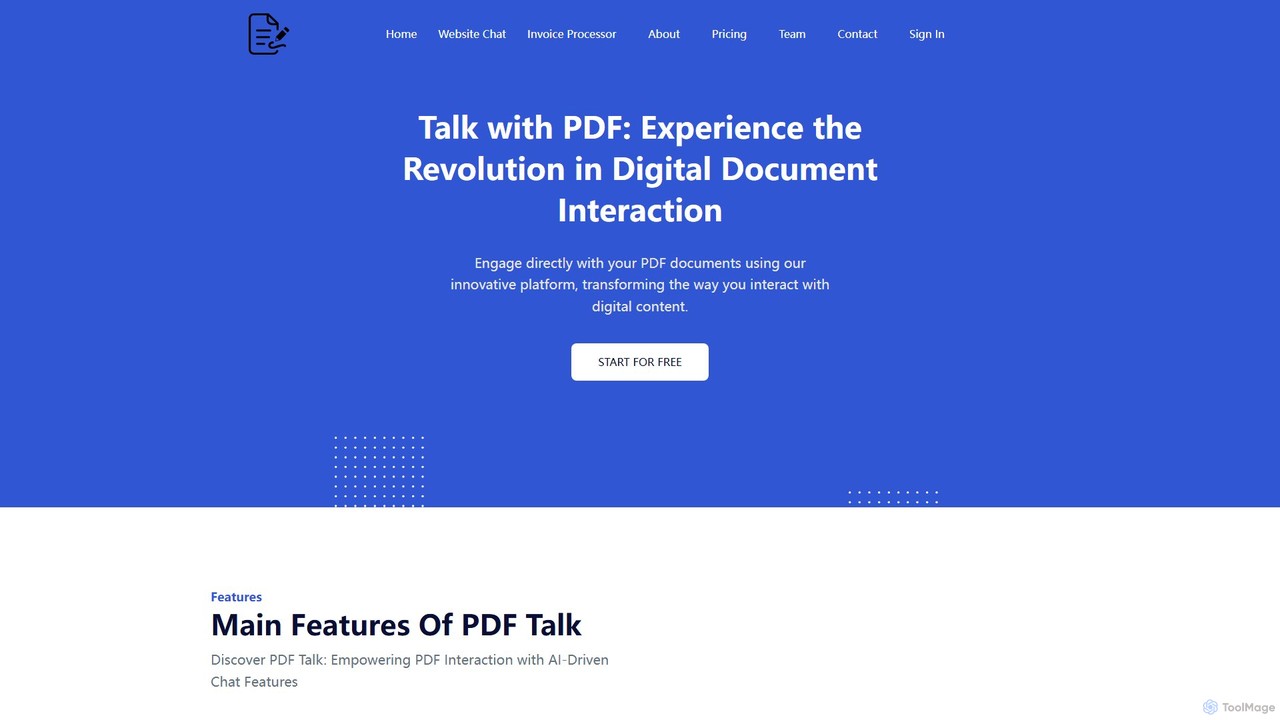
pdf_talk
pdf_talk is an AI-powered platform that revolutionizes how you interact with documents. Simply upload your PDF files and start a conversation. Ask questions, request summaries, and extract key information instantly. It supports querying across multiple documents, making it ideal for students, researchers, and professionals.
Data Extraction
AskYourPDF
AskYourPDF is an AI-powered document assistant that allows you to chat with your PDFs and other documents. Instantly get summaries, ask questions, and extract key information to save time and boost productivity. It supports multiple platforms and includes a suite of over 40 free AI writing and content creation tools.
Research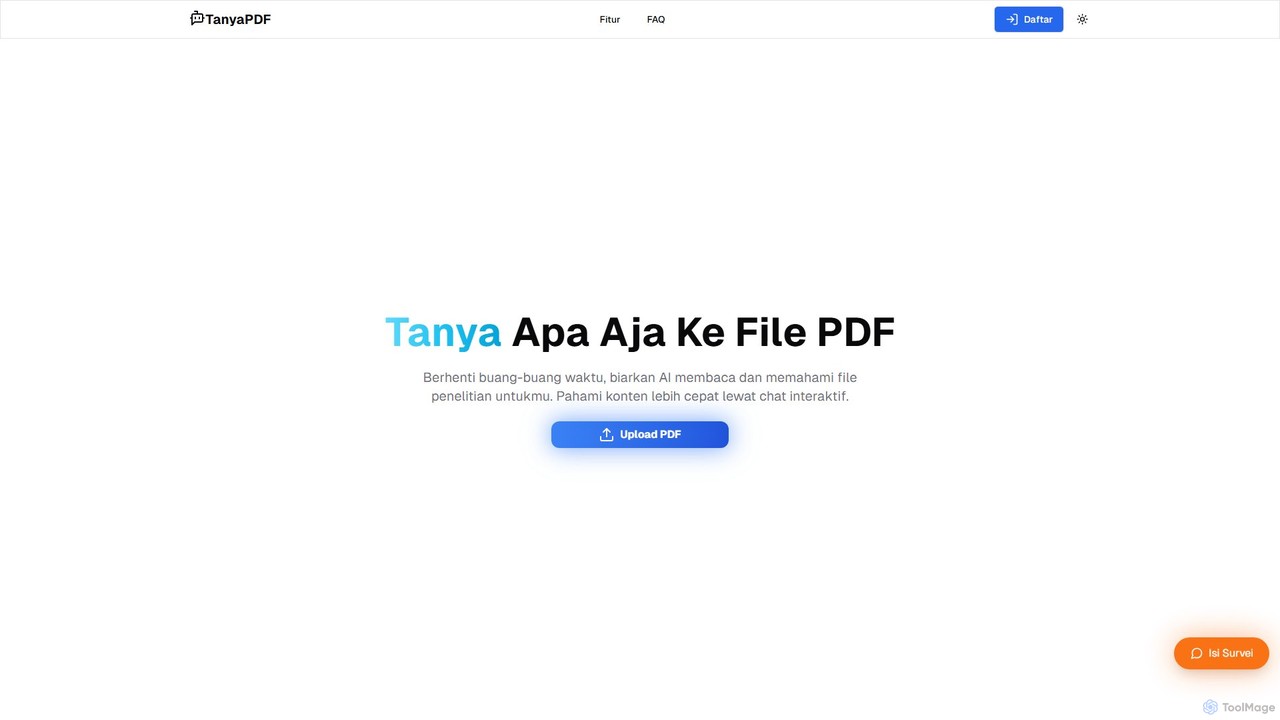
TanyaPDF
An AI-powered tool that allows you to chat with your PDF documents. Upload a file, ask questions in natural language, and get instant summaries and answers. Designed for students, researchers, and professionals to understand complex documents faster and more efficiently.
Report Analysis
Jyek
Jyek is an AI agent platform that understands objectives, creates execution plans, uses tools, and delivers verifiable results for complex, multi-step tasks.
Automation
pdfpilot.ai
pdfpilot.ai is an AI-powered assistant that transforms your PDF documents into interactive chatbots. Instantly get summaries, ask complex questions, and extract key information from research papers, reports, and contracts, saving you hours of reading time.
Data Analysis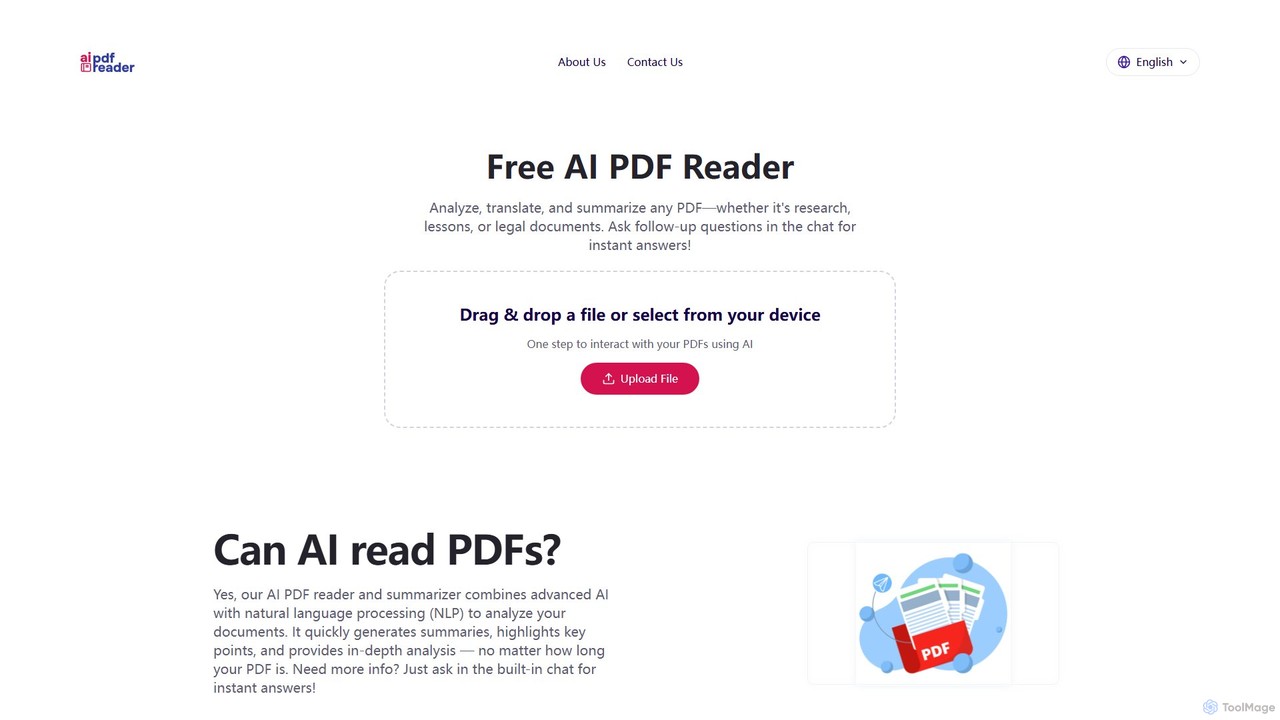
aipdfreader
aipdfreader is a free AI-powered tool that allows you to interact with your PDF documents. Simply upload a file to instantly analyze, summarize, and translate its content. You can also chat with your documents, ask follow-up questions, and get immediate, context-aware answers. It's designed for students, researchers, and professionals to quickly extract insights and understand complex materials without any cost or data storage concerns.
Chat With Pdf
Bard PDF Comments (0)
Sign in to comment.
Sign inNo comments yet.