aipdfreader
aipdfreader is a free AI-powered tool that allows you to interact with your PDF documents. Simply upload a …
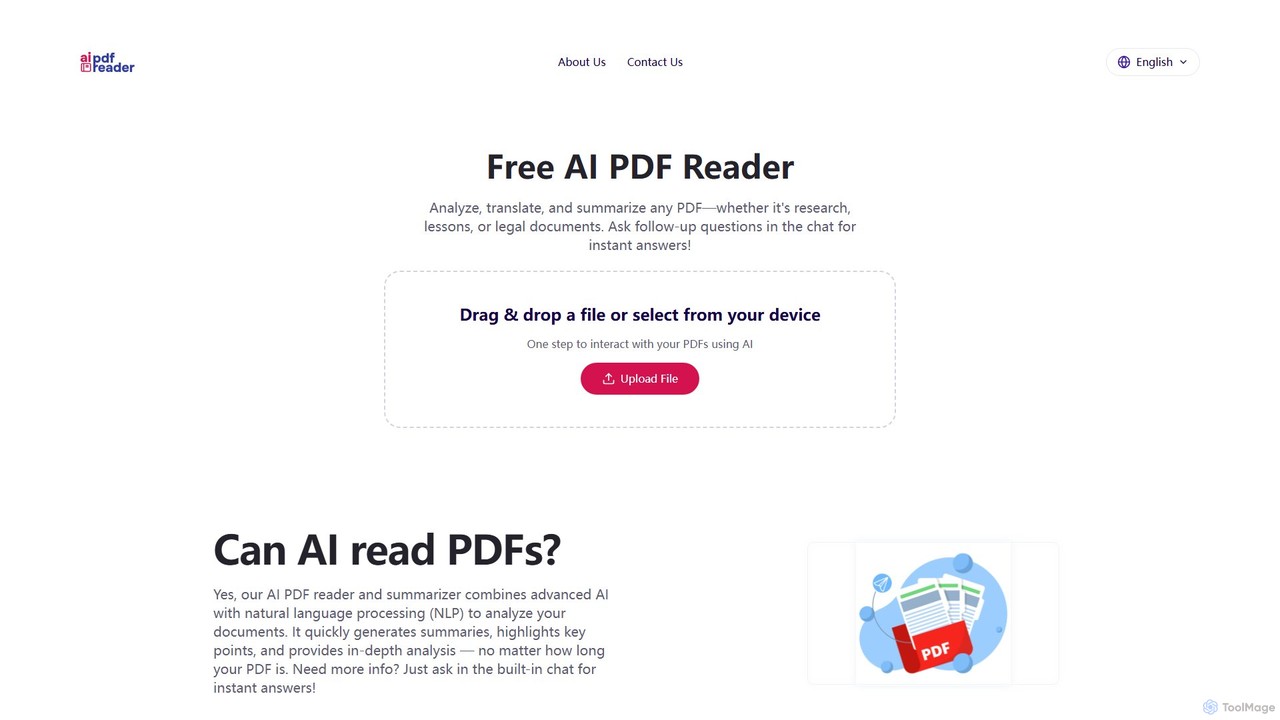
aipdfreader is a free AI-powered tool that allows you to interact with your PDF documents. Simply upload a file to instantly analyze, summarize, and translate its content. You can also chat with your documents, ask follow-up questions, and get immediate, context-aware answers. It's designed for students, researchers, and professionals to quickly extract insights and understand complex materials without any cost or data storage concerns.
About Chat With Pdf
Chat With PDF tools are applications that enable users to have a conversation with their documents. These tools utilize advanced AI, including Large Language Models (LLMs) and Retrieval-Augmented Generation (RAG), to comprehend the content of a PDF and provide accurate, context-aware answers to questions. This allows for rapid information retrieval, summarization, and data extraction without needing to manually read through lengthy files. They transform static documents into interactive knowledge bases, significantly boosting research and analysis efficiency.
Core Features
- Conversational Q&A: Ask questions in natural language and receive direct answers based on the document's content.
- Intelligent Summarization: Generate concise summaries of the entire PDF or specific sections to quickly grasp key points.
- Data Extraction: Pinpoint and extract specific information such as names, dates, figures, or tables from dense text.
- Source-Cited Responses: Provide answers accompanied by direct references and page numbers from the source PDF, ensuring verifiability.
- Multi-Document Analysis: Upload and query multiple documents simultaneously to synthesize information across a collection of sources.
Use Cases
These tools are invaluable for professionals and students who handle text-heavy documents. Researchers use them to accelerate literature reviews, legal teams to analyze contracts and case files, financial analysts to dissect reports, and students to study textbooks and academic papers more effectively. Any role requiring deep comprehension of dense documents can benefit.
How to Choose
When selecting a Chat With PDF tool, consider the accuracy and relevance of its answers. Evaluate its security and privacy policies, especially for sensitive documents. Check for limitations on file size, page count, and the number of daily uploads. Also, assess its user interface, integration options with cloud storage, and whether the pricing model aligns with your usage patterns.

Chat With PdfUse Cases
Accelerate Academic Literature Reviews
A postgraduate researcher is tasked with reviewing over 50 academic papers for their thesis. Instead of spending weeks reading each one, they upload the papers to a Chat With PDF tool. They can then ask specific questions like "What were the key limitations of the methodology in these studies?" or "Summarize the findings related to protein synthesis across all documents." The tool provides synthesized answers with citations, allowing the researcher to identify the most relevant papers and build their literature review in a fraction of the time.
Streamline Legal Contract Analysis
A paralegal at a law firm needs to review a 150-page service agreement for potential risks. They upload the PDF and ask targeted questions such as "Identify all clauses related to indemnification," "What are the termination conditions?" and "Are there any non-compete restrictions?" The AI instantly locates and presents the relevant sections, highlighting key phrases. This process reduces manual review time from hours to minutes, minimizes the risk of human error, and allows the legal team to focus on strategic advice.
Simplify Financial Report Interpretation
A financial analyst needs to prepare a briefing on a company's quarterly performance. They upload the company's 10-Q report as a PDF. Using the chat interface, they ask, "What was the reported net income for Q3?" and "Compare the revenue growth to the same quarter last year." The tool extracts the precise figures and can even generate a summary of the 'Management's Discussion and Analysis' section. This enables the analyst to quickly gather essential data for their financial models and reports.
Enhance Student Learning and Revision
A university student is preparing for an exam and has a dense, 80-page textbook chapter to master. They upload the PDF to a chat tool to use as an interactive study partner. They can ask for simplified explanations of complex theories, request a summary of a specific section, or even ask the tool to generate potential exam questions based on the content. This active learning approach improves comprehension and retention compared to passive reading.
Quickly Troubleshoot with Technical Manuals
A field service technician is on-site trying to repair a piece of industrial machinery. The technical manual is a 500-page PDF. Instead of scrolling through it, they upload the manual and ask, "What are the steps to resolve error code E-404?" or "Show me the wiring diagram for the main control unit." The tool provides the exact instructions and diagrams instantly, reducing equipment downtime and improving first-time fix rates.
Synthesize Market Research from Multiple Sources
A product manager is researching a new market and has gathered a dozen industry reports, competitor analyses, and market surveys in PDF format. They upload all documents into a multi-document chat tool. They can then pose questions like "What is the projected market size for this sector in 2025 according to all reports?" or "What are the common weaknesses mentioned about Competitor X?" The tool synthesizes information from the entire collection, providing a comprehensive overview and identifying trends that would be difficult to spot manually.