
pdfbff Overview
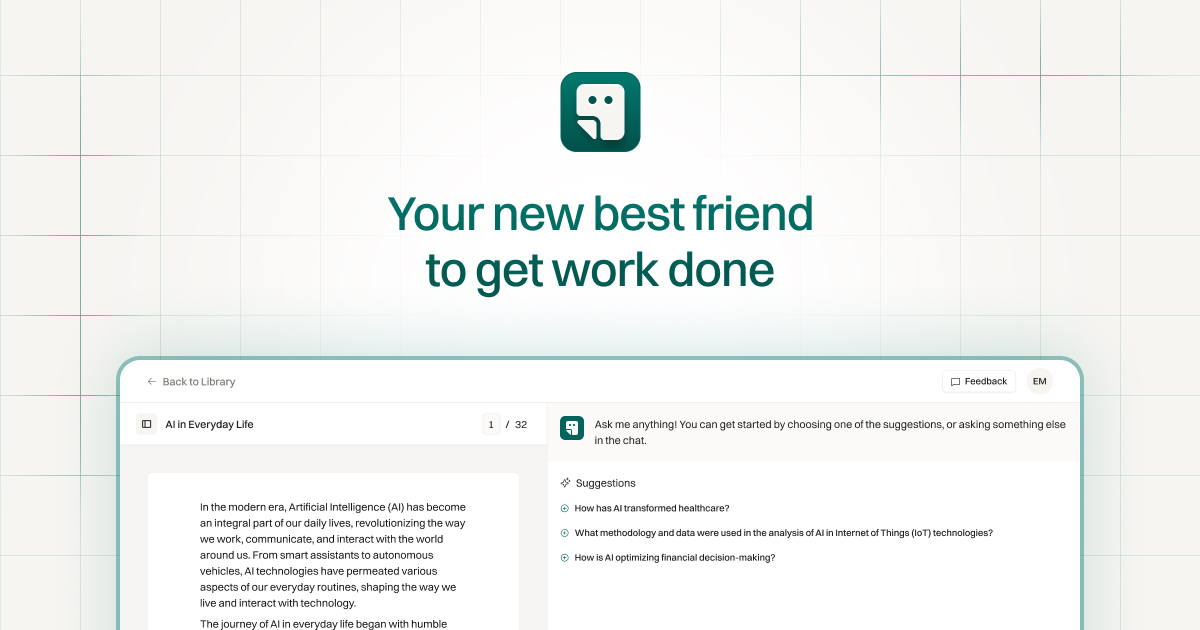
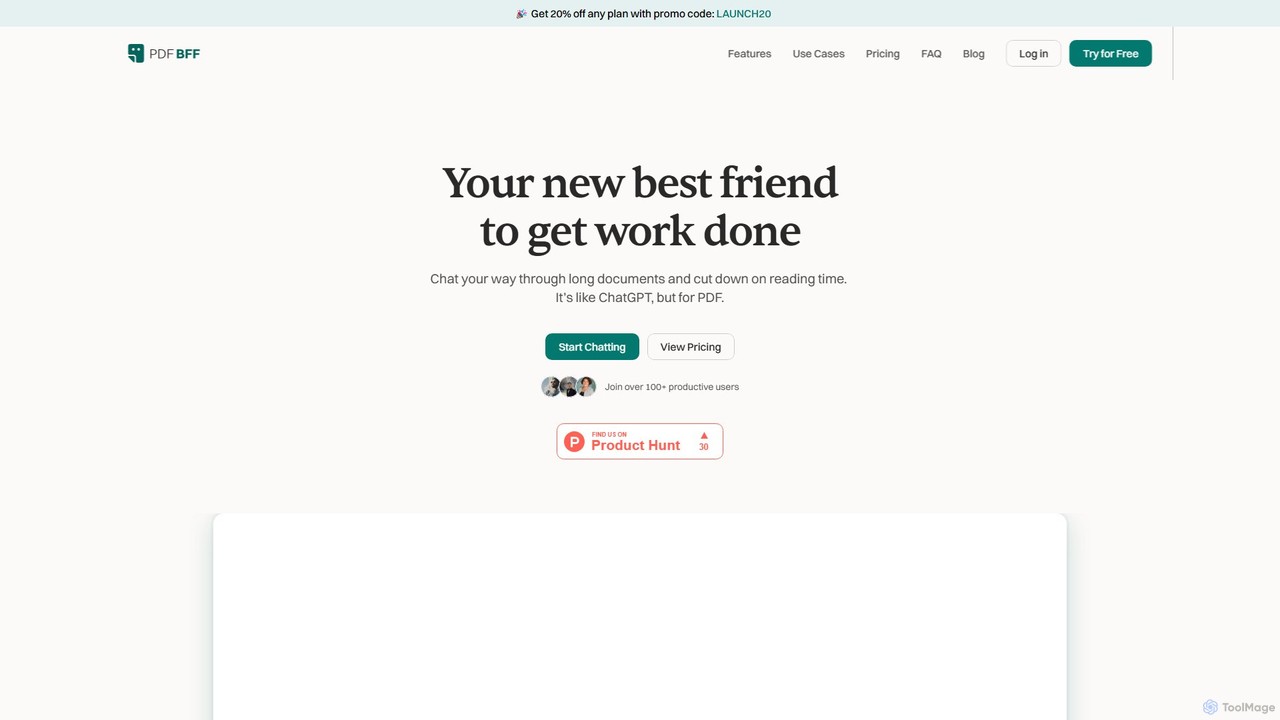
pdfbff positions itself as your new best friend for document analysis, transforming the way you interact with PDFs. It's an AI-powered platform designed to function like ChatGPT, but specifically tailored for your documents. Instead of spending hours reading through lengthy files, you can simply chat with them. This interactive approach allows you to quickly find information, summarize complex content, and uncover key insights, significantly cutting down on reading time and boosting productivity.
The platform is built for anyone who regularly deals with dense documents, from students and researchers to professionals in various fields. It aims to turn the passive act of reading into an active, engaging conversation, making information more accessible and understandable. With a clean, ad-free workspace and a centralized library for all your files and chats, pdfbff helps you stay organized and focused on what truly matters: learning and extracting value from your information.
How to use pdfbff
Using pdfbff is a straightforward and intuitive process designed for maximum efficiency:
- Upload Your Document: Begin by uploading any PDF file to the platform. The system processes the document, making it ready for interaction.
- Start a Chat: Once uploaded, you can open a chat interface for that specific document. The tool often provides an instant summary to give you a quick overview of the main points.
- Ask Questions: Engage with your document by asking questions in natural language. You can ask for specific data, explanations of complex concepts, or summaries of certain sections. If you're unsure what to ask, the AI Suggestions feature can provide prompts to help you dive deeper.
- Receive AI-Powered Answers: The AI provides concise answers, complete with page references that link directly to the source in the original PDF. For every reference, the relevant section is highlighted, allowing for quick verification and context.
- Generate Study Materials (for Students): You can use specific prompts to create learning aids. For example, ask it to "Create a comprehensive multiple-choice quiz," "Generate study questions and answers about the main topics," or "Compile a vocabulary list for this chapter."
- Manage Your Workspace: All your uploaded files and their corresponding chats are neatly organized in your personal library, allowing you to easily revisit past conversations and insights.
Core Features of pdfbff
- Interactive Chat Interface: Ask questions and get answers from your PDF documents in a conversational format.
- Instant Summaries: Get an immediate summary of a document's key insights upon upload.
- Page References & Highlights: All AI-generated replies include citations with direct links to the source page, and the relevant text is highlighted for easy verification.
- AI Suggestions: Provides intelligent prompts to help you explore topics more deeply or discover related ideas within the document.
- Multi-Language Support: Chat with your documents in any language and receive accurate replies, making it a powerful tool for global users.
- Multi-Chat Documents: Start multiple, separate chat conversations within the same document to explore different topics or lines of inquiry without losing context.
- Student-Focused Tools: Generate flashcards, practice quizzes, comprehensive study guides, and lecture summaries directly from your study materials.
- Organized Workspace: A single, streamlined library keeps all your files and chats organized and easily searchable.
Use Cases for pdfbff
pdfbff is a versatile tool with applications across various domains:
- For Students: Revolutionize study habits by creating study guides from textbooks, generating practice quizzes from lecture notes, summarizing dense academic papers, and getting help with homework assignments.
- For Researchers: Accelerate the research process by quickly diving into scientific papers, academic articles, and books. Extract data, summarize findings, and identify key arguments without reading every page.
- For Teachers: Enhance lesson planning by extracting valuable insights from textbooks, curriculum guides, and educational resources. Quickly create summaries and question banks for students.
- For Professionals: Efficiently analyze long business reports, legal contracts, technical manuals, and financial statements. Quickly grasp the main points to make informed decisions faster.
Advantages of pdfbff
The primary advantage of pdfbff is its ability to transform time-consuming reading into an efficient, interactive process. It saves countless hours, improves comprehension of complex subjects, and provides a focused, ad-free environment for deep work. The automatic citations ensure accuracy and traceability, while the organized workspace simplifies workflow management. By making information retrieval and analysis faster and smarter, it empowers users to focus their energy on learning and applying knowledge, not just acquiring it.
Pricing and Plans
pdfbff offers a freemium model with plans tailored to different user needs. Prices shown are for yearly billing and may have VAT applied based on billing information.
- Free Plan: Perfect for getting started. Includes 5 file uploads/month, 10 chats/month, 150 questions/month, 500 pages/document, and a 50MB max upload size.
- Pro Plan: The best option for most users at $9/month (billed yearly). Includes 100 file uploads/month, 100 chats/month, 1500 questions/month, 500 pages/document, 50MB max upload size, email support, and early access to new features.
- Premium Plan: For users with heavy workloads at $18/month (billed yearly). Includes unlimited file uploads, unlimited chats, 15000 questions/month, 1000 pages/document, 150MB max upload size, and priority customer support.
pdfbff Alternatives
AI ChatDocs
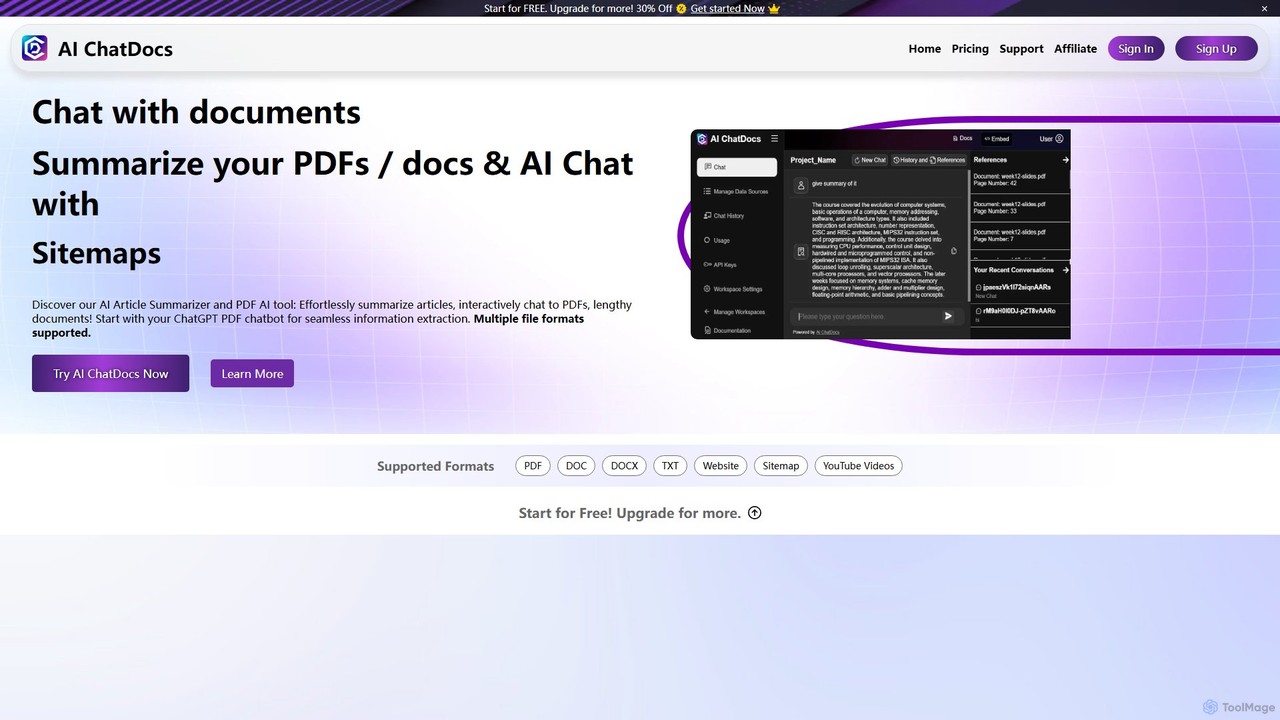
AI ChatDocs is a GPT-4 powered platform that allows you to chat interactively with your documents, websites, and YouTube videos. Instantly summarize long files, extract key insights, and get accurate answers from PDFs, DOCX, and more, streamlining research and analysis for professionals and academics.
Study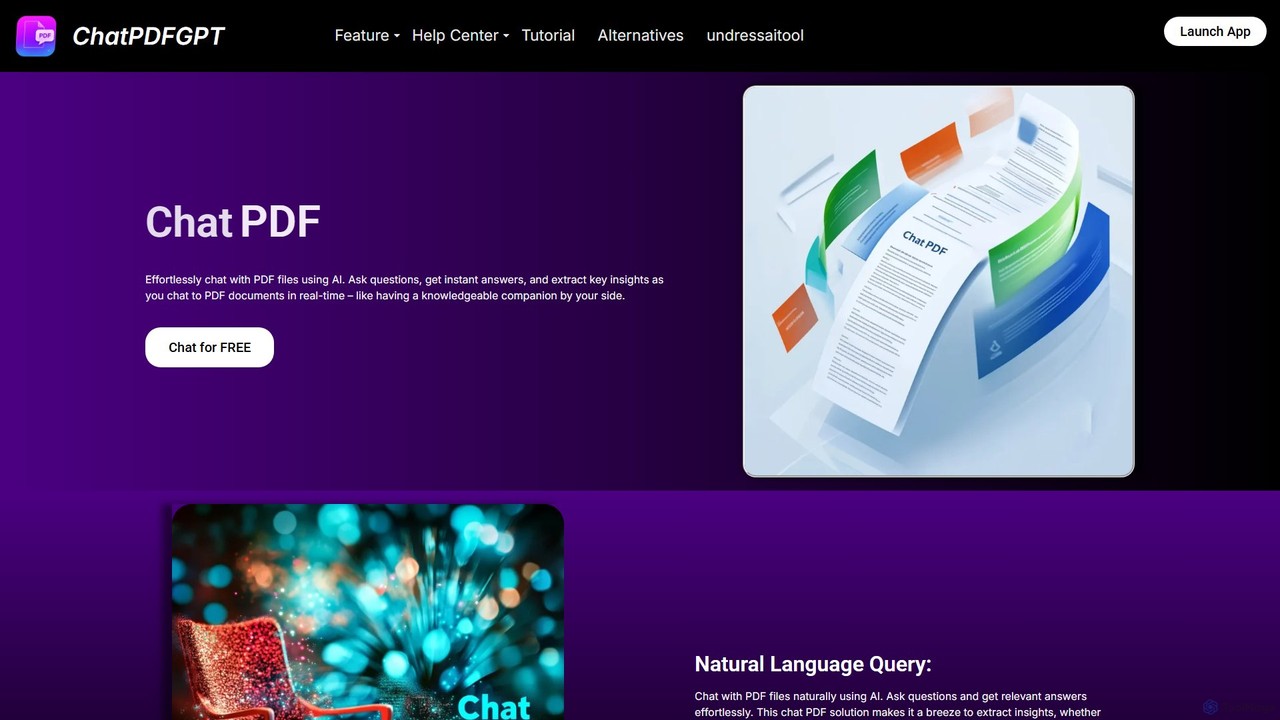
ChatPDFGPT
ChatPDFGPT is an AI-powered tool that transforms your static PDF documents into interactive conversations. Simply upload a file and ask questions to get instant summaries, find specific information, and understand complex concepts quickly. It's designed for students, researchers, and professionals to boost productivity and streamline document analysis.
Study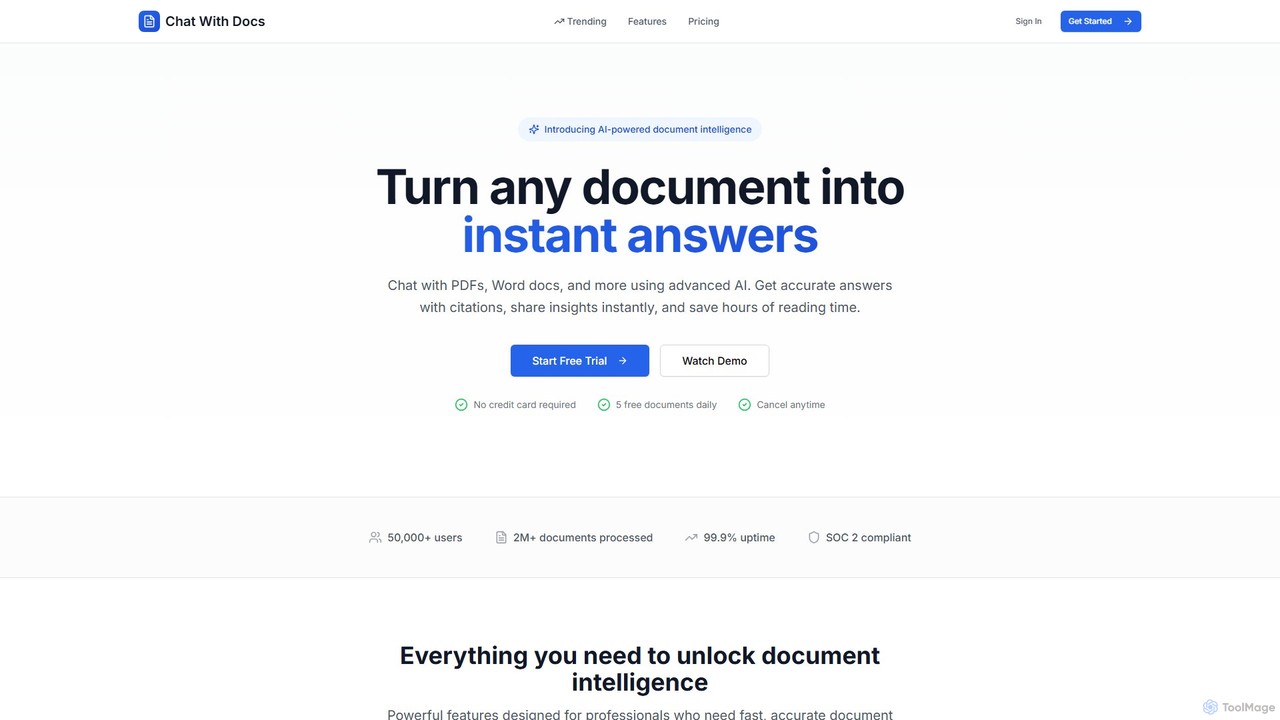
Chat With Docs
Chat With Docs is an AI-powered tool that transforms your documents into interactive chatbots. Upload PDFs, Word docs, and more to ask questions in natural language and receive instant, accurate answers with citations. It's designed for professionals, researchers, and students to save time, enhance productivity, and share insights effortlessly.
Contract Management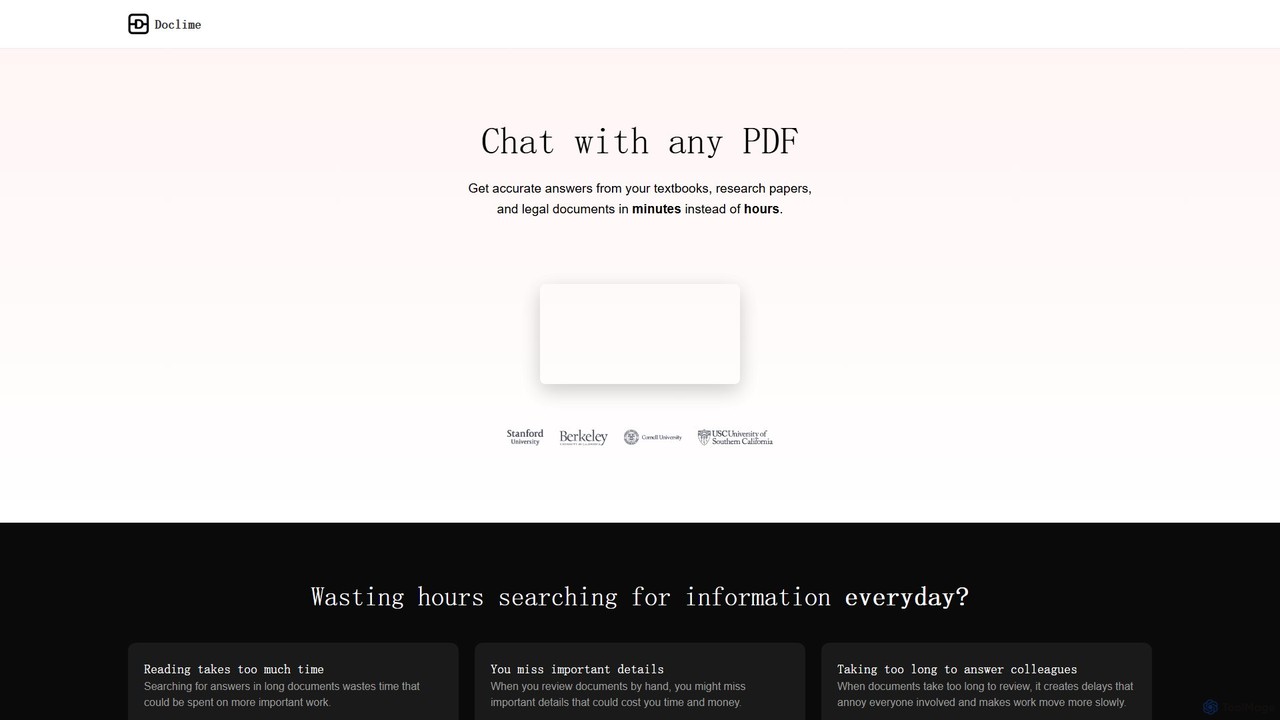
Doclime
Doclime is an AI-powered document assistant that lets you chat with your PDFs. Upload any document, ask questions in plain English, and get instant, accurate answers with citations. It's designed to help students, researchers, and professionals quickly extract information and insights from dense materials.
Study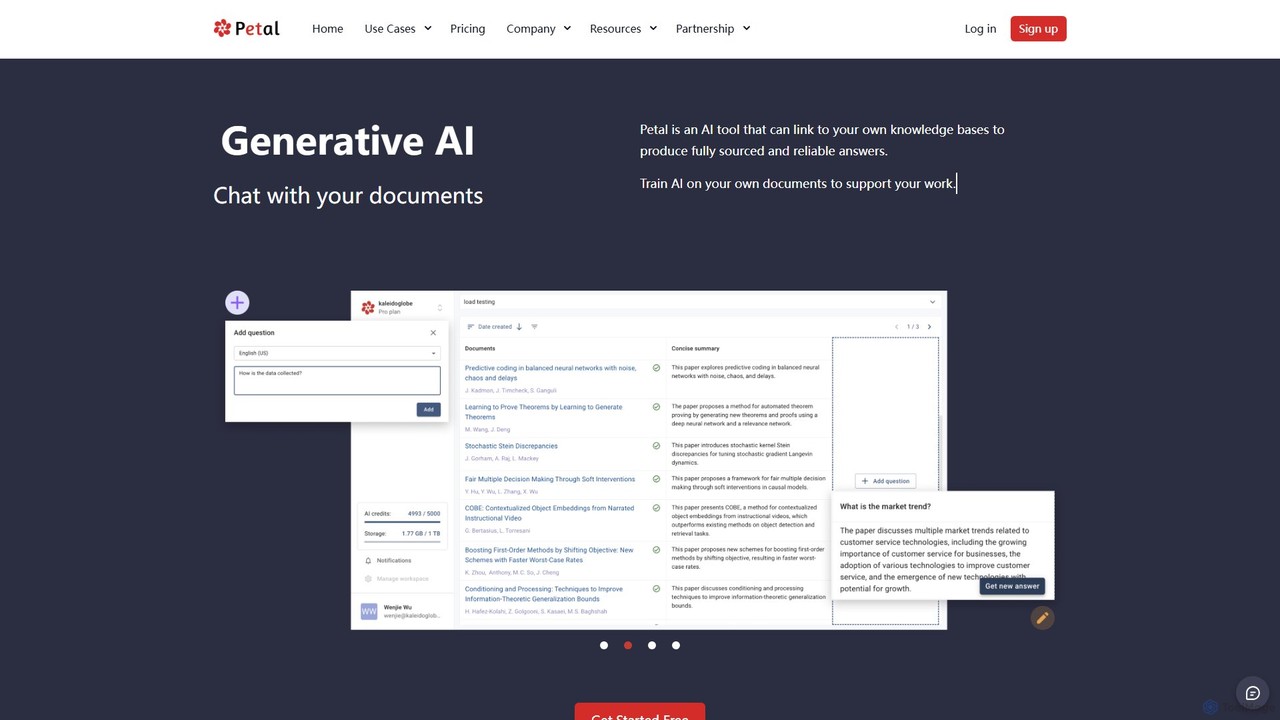
Petal
Petal is an AI-powered document analysis platform that transforms your documents into an interactive knowledge base. Chat with your research papers, reports, and books to get instant, sourced answers. Ideal for researchers, academics, and students, it features a reference manager, collaboration tools, and a secure cloud drive.
Chatpdfbff Categories
pdfbff Embed Widget
Copy this embed code to place the badge on your blog, article, or product site and send readers directly to this ToolMage detail page.

Related AI tools
ClarifyPDF
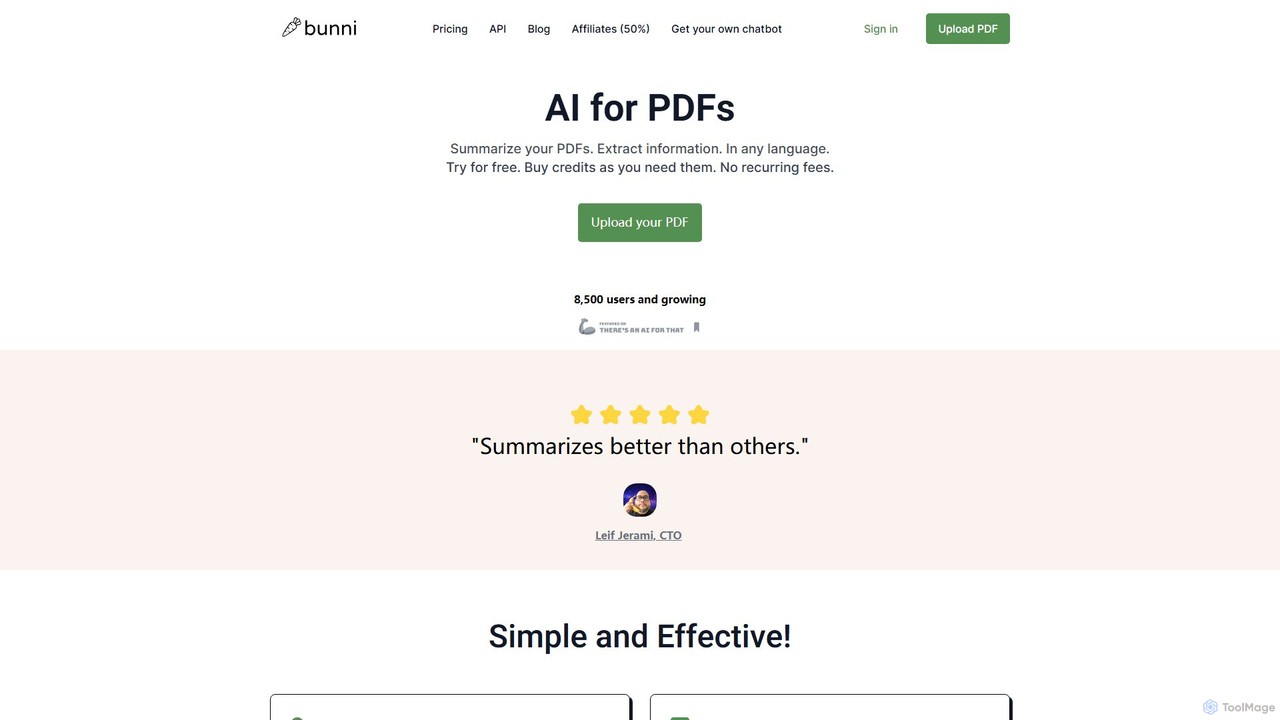
ClarifyPDF is an AI-powered tool for interacting with your PDF documents. Simply upload one or more PDFs to summarize content, extract key information, and ask specific questions in any language. It supports large files and offers a shareable chat interface, making it ideal for students, researchers, and professionals to quickly understand complex documents without recurring subscription fees.
Data Extraction
Chatwithpdf
Chatwithpdf is an AI-powered tool that allows you to interact with your PDF documents conversationally. Simply upload a file and start asking questions, get summaries, and extract key information instantly. It's designed for students, researchers, and professionals to analyze documents faster and more efficiently.
Data Extraction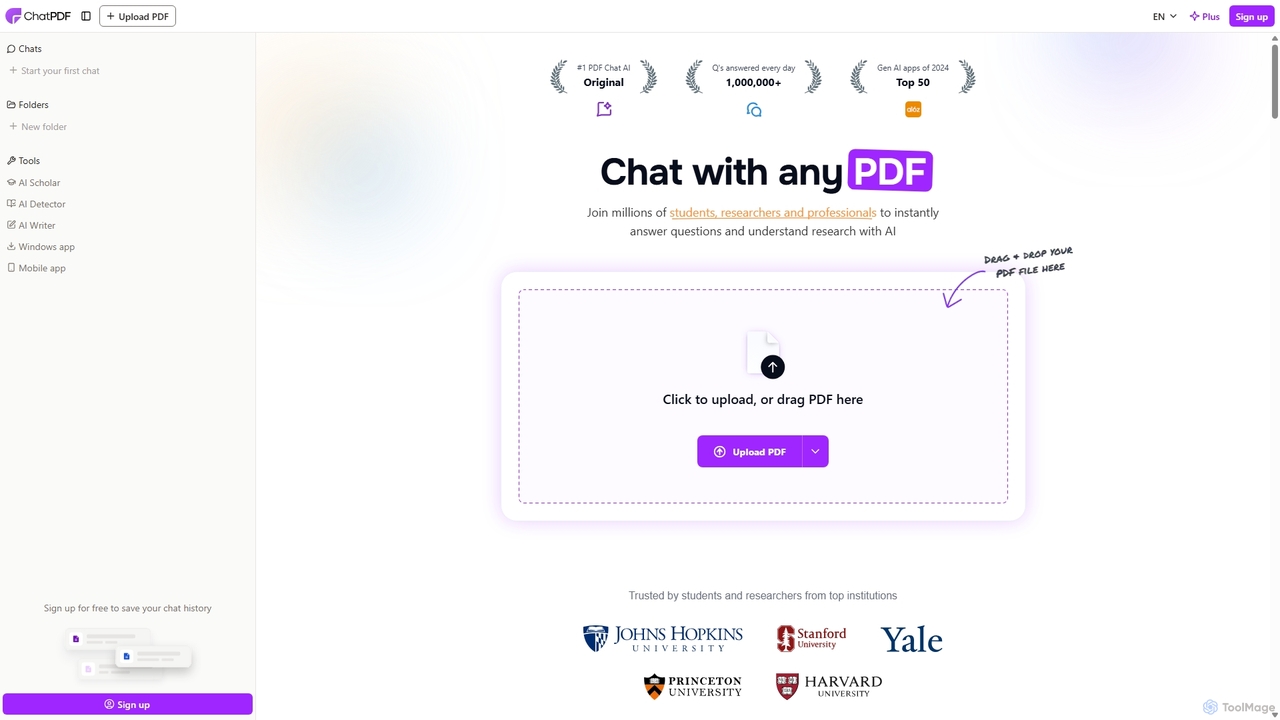
ChatPDF
ChatPDF is an AI-powered platform that allows you to interact with your documents as if you were having a conversation. Simply upload a PDF, and the AI will help you summarize content, answer specific questions, and extract key information in seconds. It's designed for students, researchers, and professionals to enhance productivity and understanding.
ResearchDoclime
Doclime is an AI-powered document assistant that lets you chat with your PDFs. Upload any document, ask questions in plain English, and get instant, accurate answers with citations. It's designed to help students, researchers, and professionals quickly extract information and insights from dense materials.
Study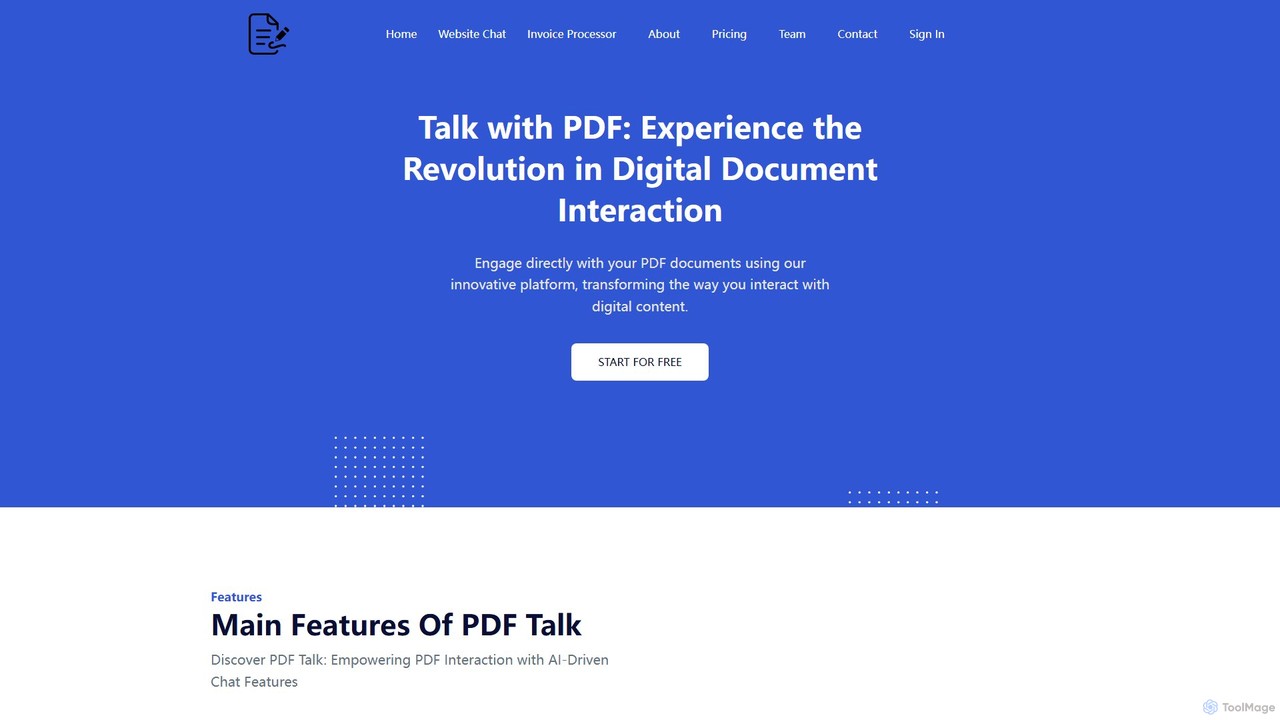
pdf_talk
pdf_talk is an AI-powered platform that revolutionizes how you interact with documents. Simply upload your PDF files and start a conversation. Ask questions, request summaries, and extract key information instantly. It supports querying across multiple documents, making it ideal for students, researchers, and professionals.
Data Extraction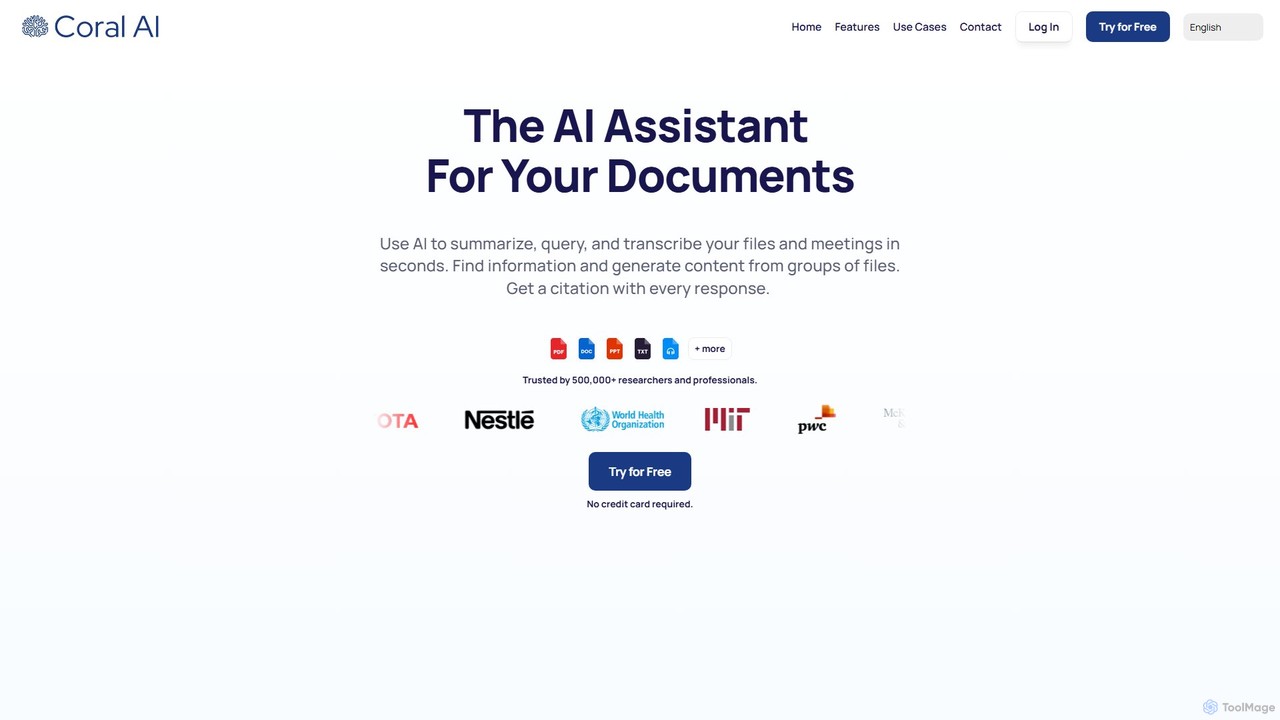
Coral AI
Coral AI is an intelligent assistant that transforms your documents, audio, and video files into interactive resources. Upload your files to summarize content, ask specific questions, extract key information, and transcribe media in seconds. It provides precise, citable answers, making it an essential tool for students, researchers, and professionals to enhance productivity and understanding.
Transcription
Jyek
Jyek is an AI agent platform that understands objectives, creates execution plans, uses tools, and delivers verifiable results for complex, multi-step tasks.
Automation
pdfpilot.ai
pdfpilot.ai is an AI-powered assistant that transforms your PDF documents into interactive chatbots. Instantly get summaries, ask complex questions, and extract key information from research papers, reports, and contracts, saving you hours of reading time.
Data Analysis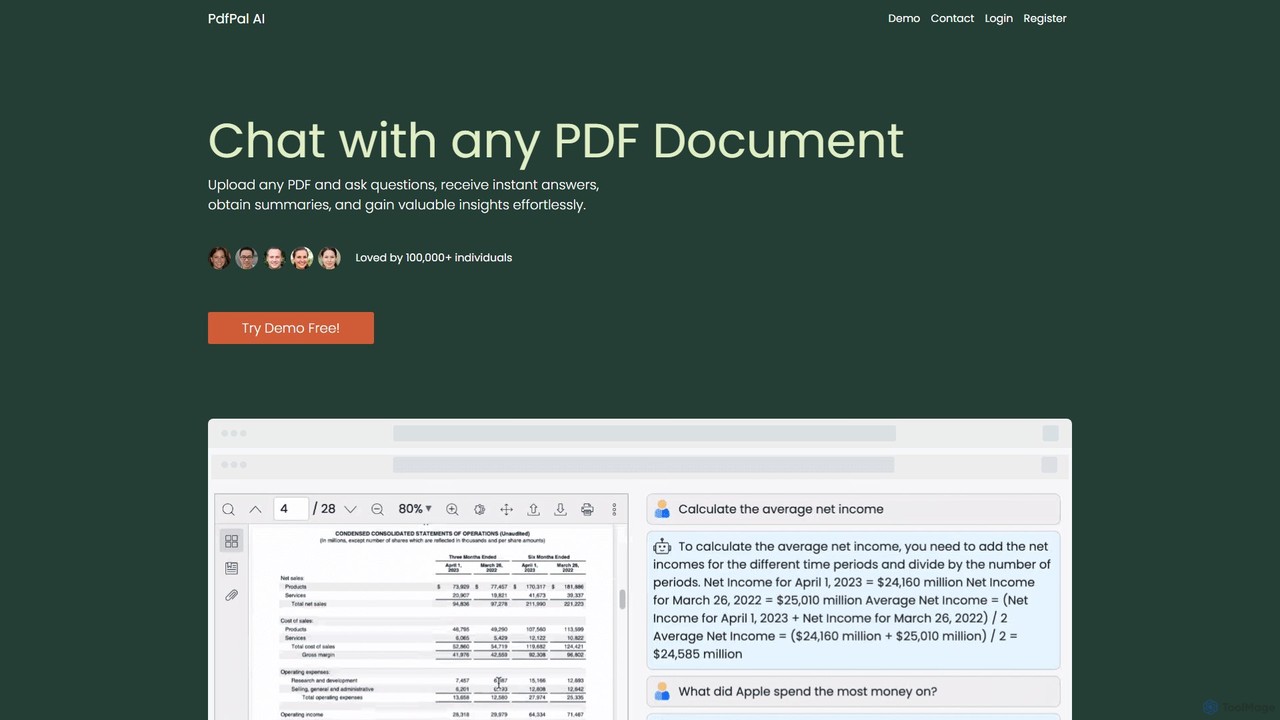
pdfpal
pdfpal is an AI-powered tool that lets you chat with any PDF document. Simply upload your file and ask questions in natural language to get instant summaries, find specific information, and gain deep insights without reading the entire document. It's designed to save time and boost productivity for students, researchers, and professionals by simplifying complex information.
Data AnalysisPetal
Petal is an AI-powered document analysis platform that transforms your documents into an interactive knowledge base. Chat with your research papers, reports, and books to get instant, sourced answers. Ideal for researchers, academics, and students, it features a reference manager, collaboration tools, and a secure cloud drive.
Chat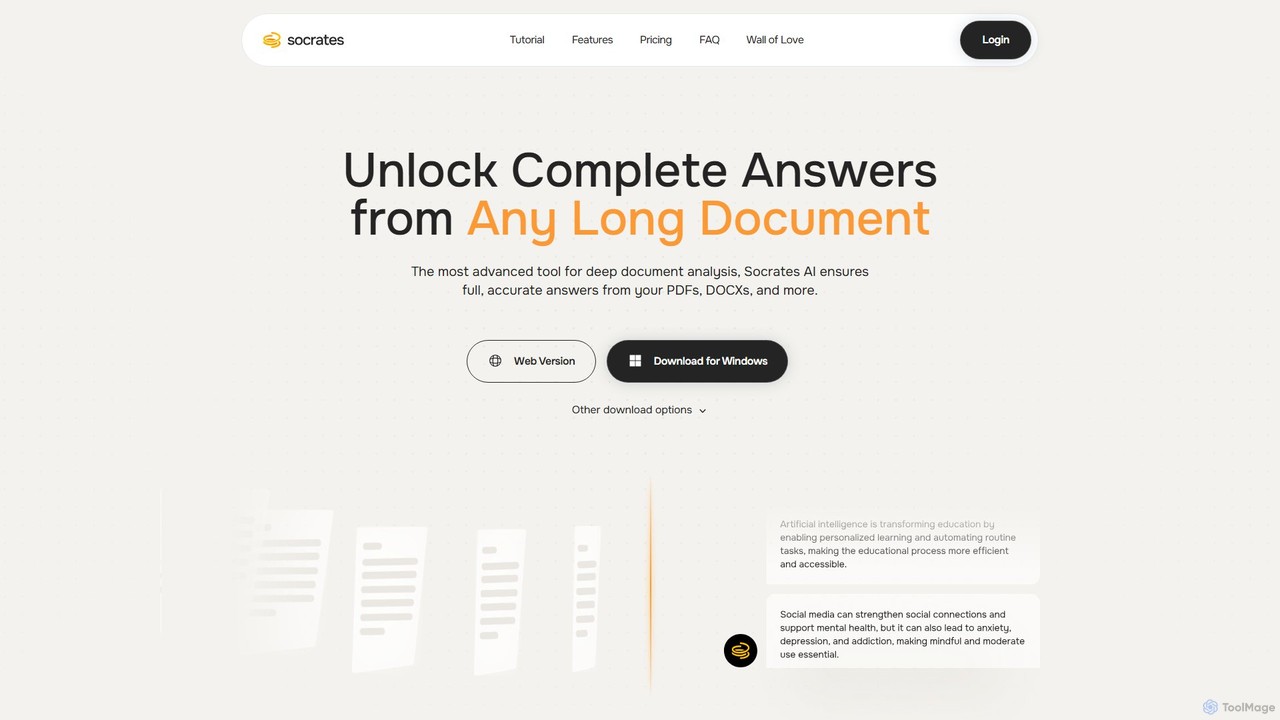
Socrates
Socrates is an advanced AI tool for deep document analysis. Upload PDFs, DOCX, and more to get complete, accurate answers instantly. Features like Deep Dive, Table AI, and local LLM support provide unparalleled insights while ensuring data privacy. Ideal for researchers, professionals, and anyone needing to understand long documents quickly.
Study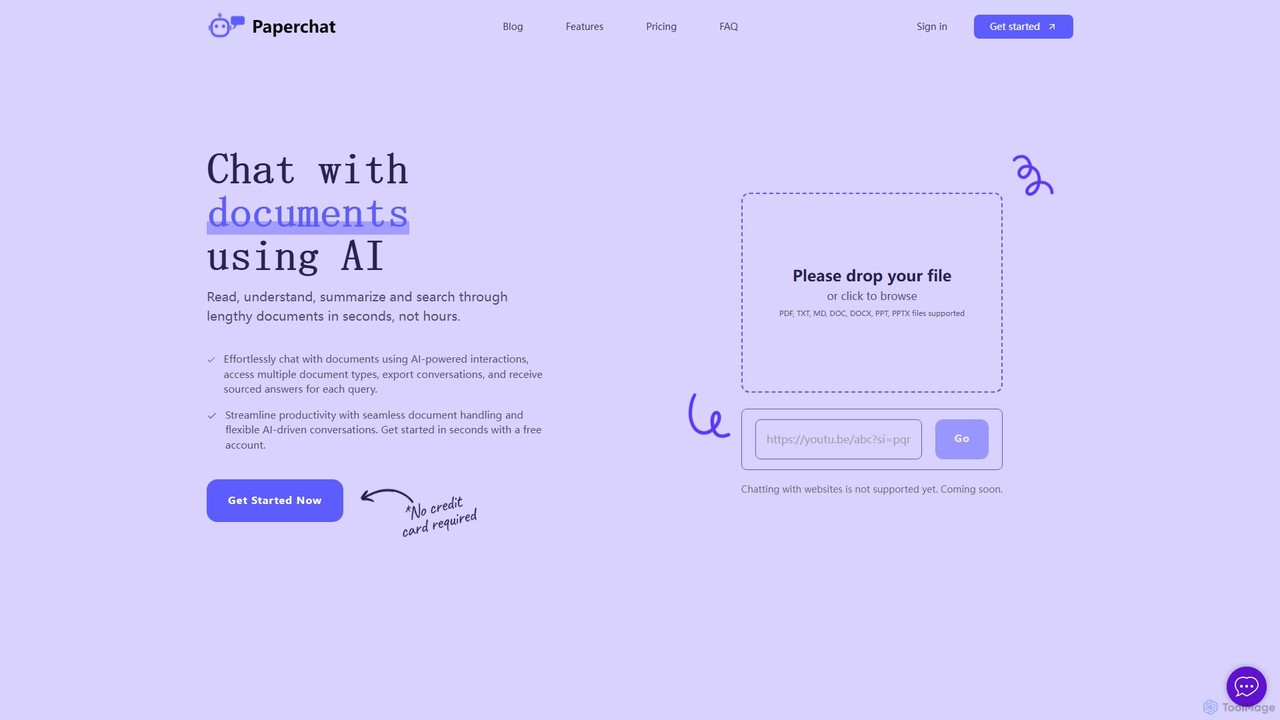
PaperChat
PaperChat is an AI-powered platform that lets you chat with your documents. Instantly read, understand, summarize, and search through lengthy files like PDFs, Word docs, and PowerPoints. Simply upload your document and start asking questions to get sourced answers in seconds. It's designed to boost productivity for students, researchers, lawyers, and professionals by transforming how they interact with information, saving hours of manual reading.
Study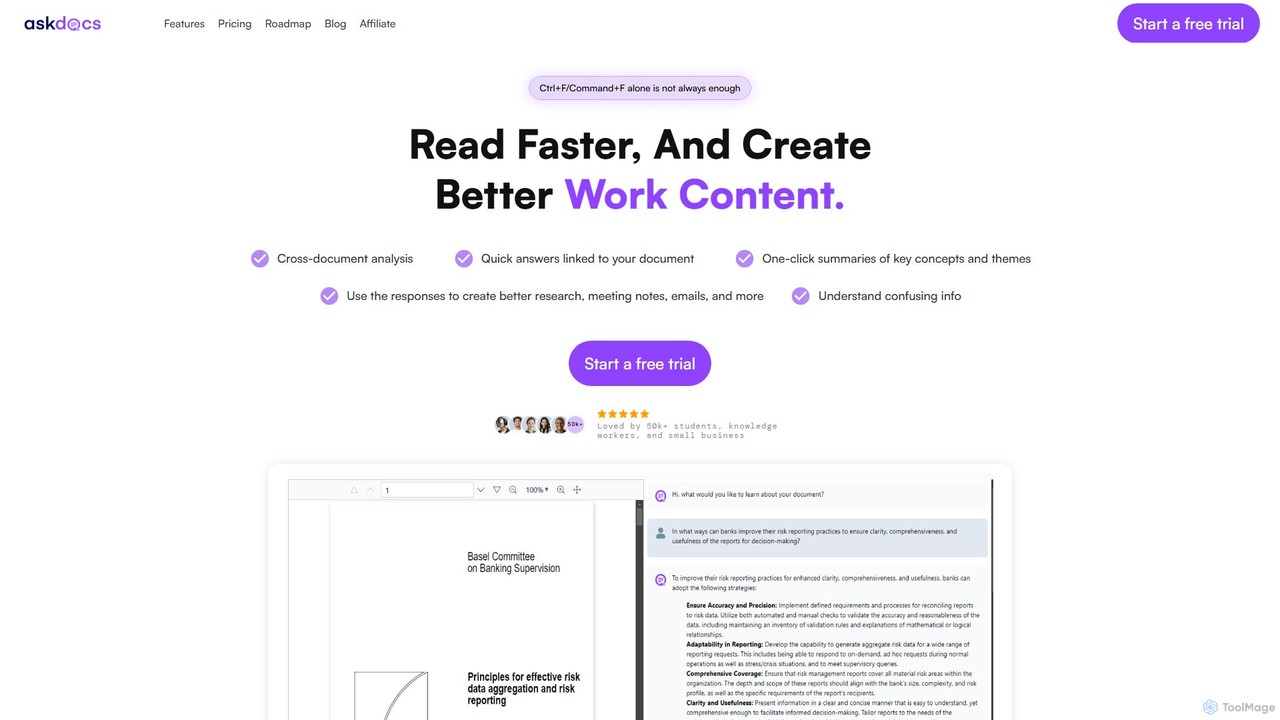
AskDocs
AskDocs is an AI-powered document assistant designed to help you quickly read, understand, and extract information from your files. Chat with single or multiple documents (PDF, DOCX, CSV, etc.), get instant summaries, and receive answers with precise source citations. It's an ideal tool for students, researchers, and professionals looking to accelerate their research and analysis workflows.
Data Analysis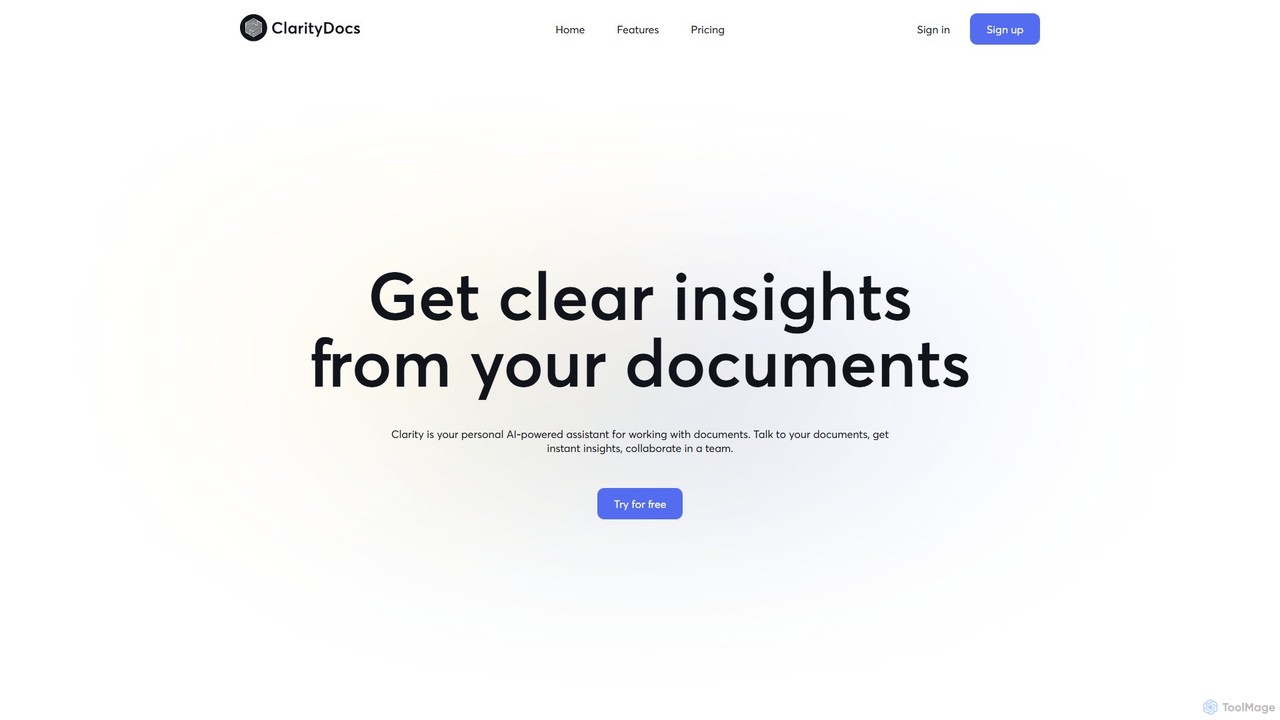
ClarityDocs
ClarityDocs is an AI-powered assistant for document analysis. It allows users to chat with single or multiple documents, extract instant insights from text and visuals, and collaborate with teams. It's designed to boost productivity for researchers, students, and professionals by simplifying information retrieval and synthesis.
Study
pdfai.io
pdfai.io is an AI-powered document assistant that lets you chat with your PDF files. Instantly summarize complex documents, ask questions, and extract key information effortlessly. It's designed to boost productivity for students, researchers, and professionals by turning static PDFs into interactive knowledge bases.
Data Extraction
pdfbff Comments (0)
Sign in to comment.
Sign inNo comments yet.