
Chat With Docs Overview
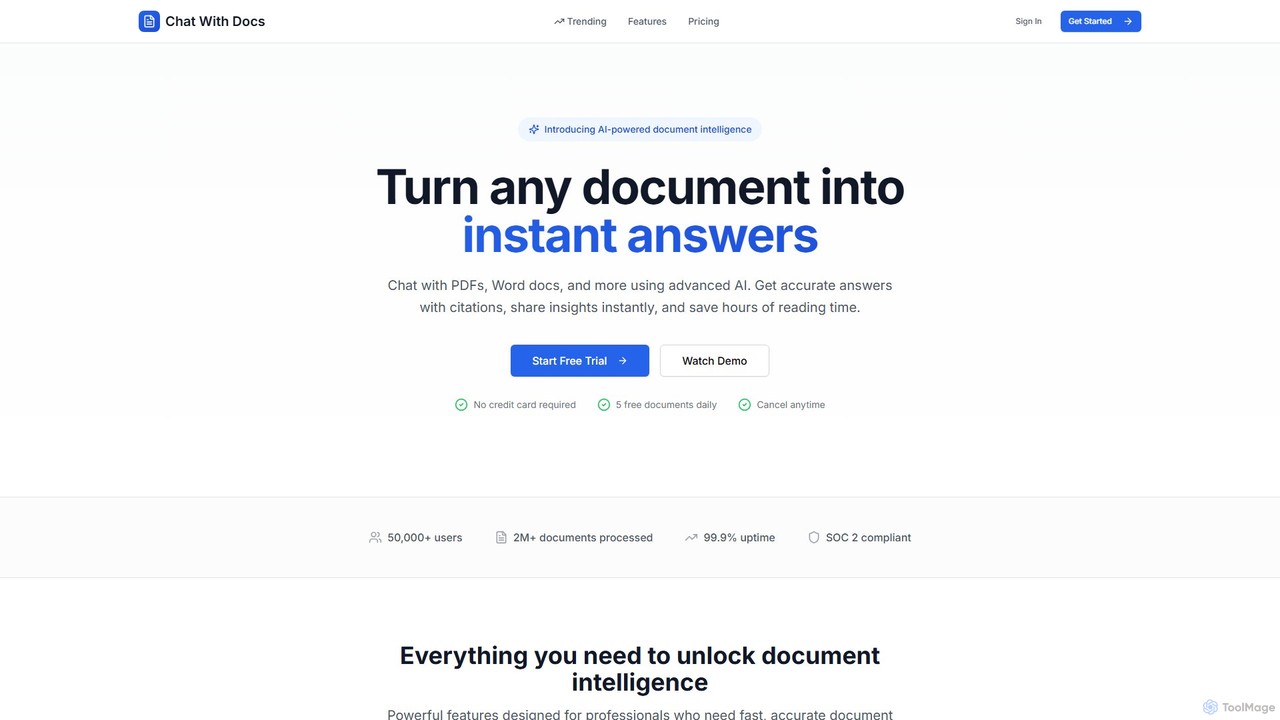
Chat With Docs is an advanced AI-powered document intelligence platform designed to revolutionize how you interact with your files. It allows you to turn any static document—such as PDFs, Word files, presentations, and spreadsheets—into a dynamic, conversational resource. Instead of spending hours manually searching for information, you can simply ask questions in plain English and receive precise, instant answers. The platform is trusted by over 50,000 users and has processed more than 2 million documents, making it a reliable tool for professionals across various industries.
The core of Chat With Docs is its ability to understand context and extract relevant information accurately. When you ask a question, the AI not only provides an answer but also includes page references and confidence scores, allowing you to verify the information's source directly within the document. This feature is invaluable for legal analysis, academic research, and business reporting, where accuracy is paramount.
How to use Chat With Docs
Using Chat With Docs is a straightforward and intuitive process designed for maximum efficiency:
- Upload Your Document: Simply drag and drop your file or select it from your computer. The platform supports over 20 file formats, including PDF, DOCX, PPTX, XLSX, TXT, and even scanned documents with its built-in OCR (Optical Character Recognition) technology.
- Start Asking Questions: Once the document is processed in seconds, you can begin a conversation. Type your questions into the chat interface as if you were talking to a human expert. For example, you could ask, "What are the key risks outlined in this contract?" or "Summarize the main findings of this research paper."
- Receive Instant Answers: The AI will analyze the document and provide a concise answer, complete with citations pointing to the exact page and location of the source information.
- Share Your Insights: With one-click sharing, you can generate a secure link to your chat conversation and document insights. This is perfect for collaborating with team members, sharing findings with clients, or submitting academic work.
Core Features of Chat With Docs
- Natural Language Chat: Engage in intuitive conversations with your documents. Get precise answers, summaries, and data extractions without complex queries.
- Universal Format Support: Works with a wide range of file types, including PDF, DOCX, PPTX, XLSX, TXT, and EPUB. The OCR support allows you to work with scanned or image-based documents.
- Accurate Citations: Every answer is backed by page references and confidence scores, ensuring transparency and allowing for quick verification.
- Lightning-Fast Processing: An optimized pipeline processes documents of any size within seconds, so you can get to your insights faster.
- Bank-Level Security: Your data is protected with end-to-end encryption and SOC 2 compliance. The platform operates with a zero data retention policy, ensuring your documents remain private and secure.
- One-Click Sharing: Effortlessly share your document analysis and chat history with colleagues or clients via a secure, shareable link.
- Developer API (Coming Soon): A RESTful API with SDKs for Python, JavaScript, and more will be available to integrate document AI capabilities directly into your own applications.
Use Cases for Chat With Docs
Chat With Docs is a versatile tool that brings value to numerous professional and academic fields:
- Legal Teams: Accelerate contract review by 10x. Instantly extract key clauses, compare terms across multiple documents, and identify potential risks and obligations.
- Researchers: Efficiently analyze dense academic papers, reports, and literature. Cross-reference findings, synthesize information, and generate summaries to speed up the research process.
- Students: Study smarter by getting instant answers from textbooks, lecture notes, and research papers. Quickly clarify concepts and prepare for exams more effectively.
- Business Analysts: Analyze financial reports, business plans, and market research documents to extract key metrics, trends, and insights for strategic decision-making.
- Human Resources: Quickly screen resumes, review policy documents, and find relevant information in employee handbooks.
Advantages of Chat With Docs
The primary advantage of Chat With Docs is its ability to save a significant amount of time—users report saving over 10 hours per week. It transforms the tedious task of reading and searching into a quick and efficient conversation. Its high accuracy, backed by citations, builds trust and reliability. Furthermore, its commitment to security and data privacy makes it a safe choice for handling sensitive information. The platform's ease of use and collaborative features make it an indispensable tool for modern teams and individuals.
Pricing and Plans
Chat With Docs operates on a freemium model, providing options for both casual users and professionals.
- Free Trial: Get started without a credit card. The free plan allows you to process up to 5 documents daily, making it ideal for trying out the core features.
- Pro Plan (Paid): Designed for individual professionals, this plan typically offers a much higher document processing limit, support for larger file sizes, and access to premium features.
- Team/Business Plan (Paid): Tailored for organizations, this plan usually includes unlimited document processing, advanced collaboration features, priority support, and access to the upcoming developer API.
For detailed and up-to-date pricing, please visit the official Chat With Docs website.
Traffic
Latest traffic
Status
Monthly traffic trend
- 2025-9: 372
- 2026-1: 0
- 2026-2: 676
- 2026-3: 1.3K
- 2026-4: 353
- 2026-5: 913
Geography
Top 5 countries / regions
- 🇺🇸United States100.0%
Top keywords
| Keyword | Cost per click |
|---|---|
| chat doc | $0.12 |
| chat docs onlin | $0.00 |
| chat docu | $0.00 |
| how many docs to chat at once | $0.00 |
Chat With Docs Alternatives
pdfbff
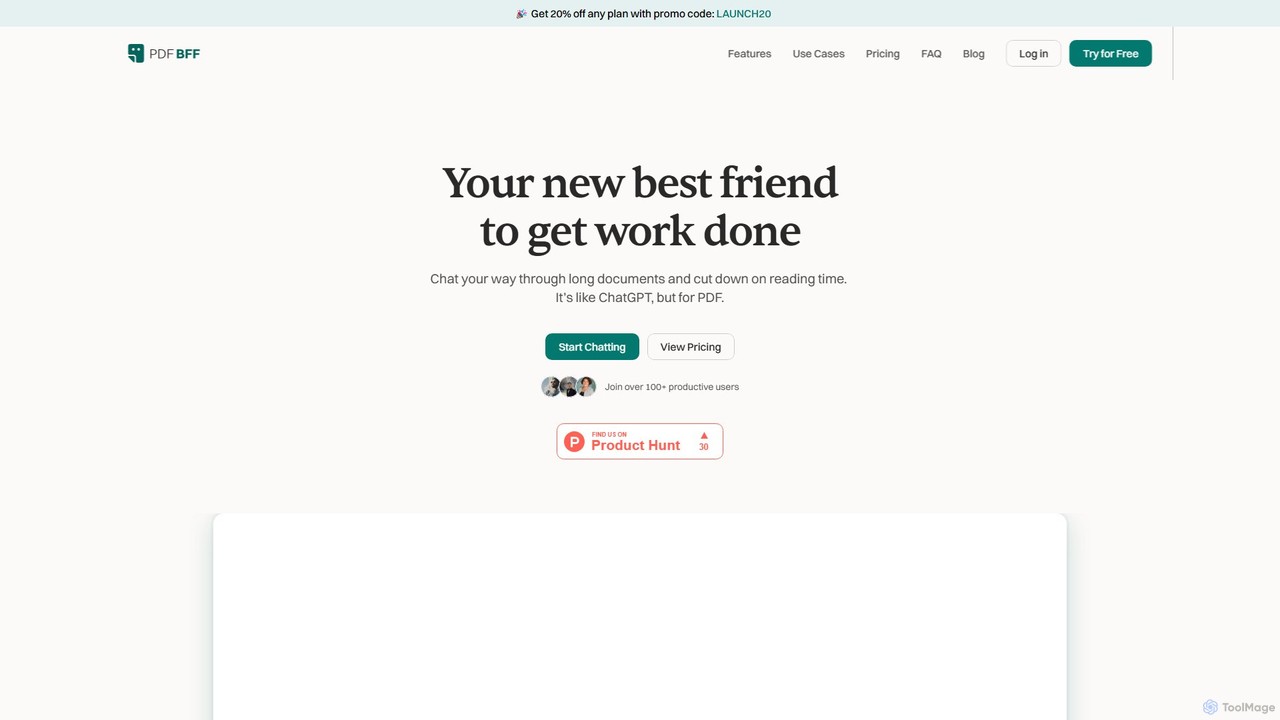
pdfbff is an AI chat tool, like ChatGPT, designed for your PDF documents. Interact with files by asking questions, get instant summaries, and extract key insights in any language. It helps students, researchers, and professionals save time, understand complex information, and streamline their workflow with features like automatic citations and document highlights.
Study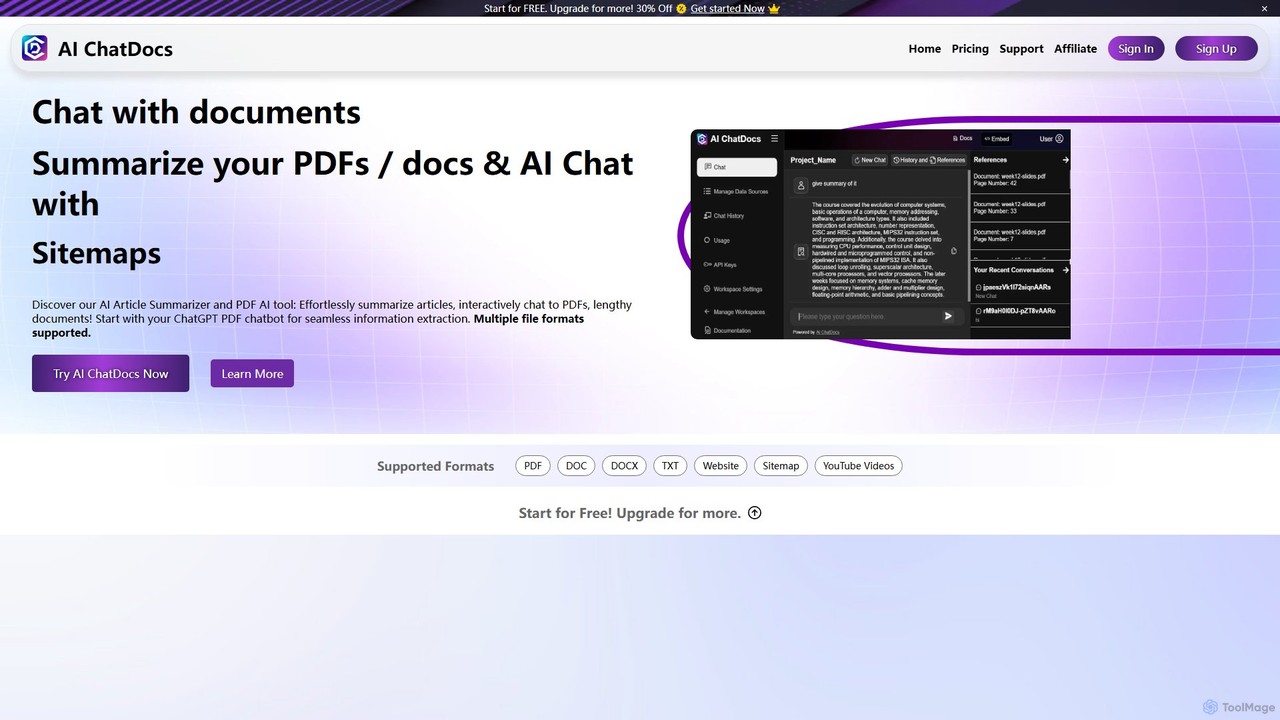
AI ChatDocs
AI ChatDocs is a GPT-4 powered platform that allows you to chat interactively with your documents, websites, and YouTube videos. Instantly summarize long files, extract key insights, and get accurate answers from PDFs, DOCX, and more, streamlining research and analysis for professionals and academics.
Study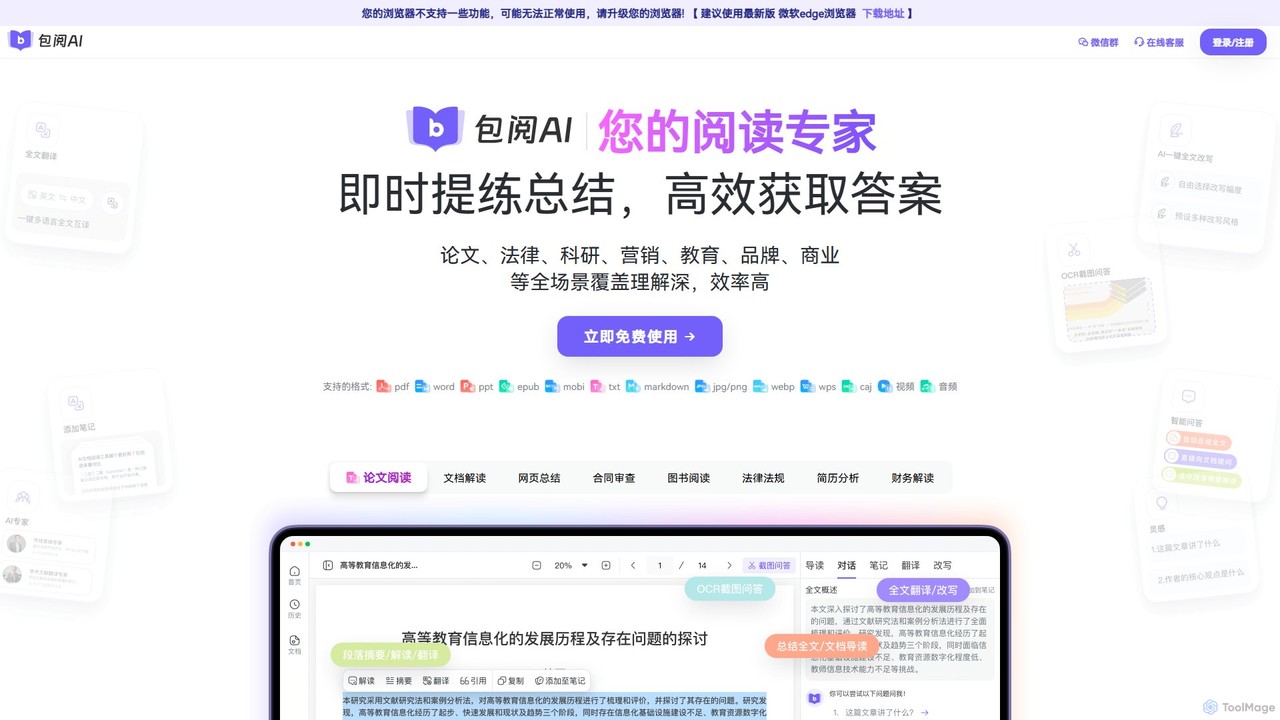
Baoyue AI
Baoyue AI is an intelligent AI-powered reading assistant designed to enhance productivity. It allows users to instantly summarize, analyze, and interact with various documents, webpages, and media files through a conversational interface, making information comprehension and extraction fast and efficient.
Contract Management
ClarityDocs
ClarityDocs is an AI-powered assistant for document analysis. It allows users to chat with single or multiple documents, extract instant insights from text and visuals, and collaborate with teams. It's designed to boost productivity for researchers, students, and professionals by simplifying information retrieval and synthesis.
Study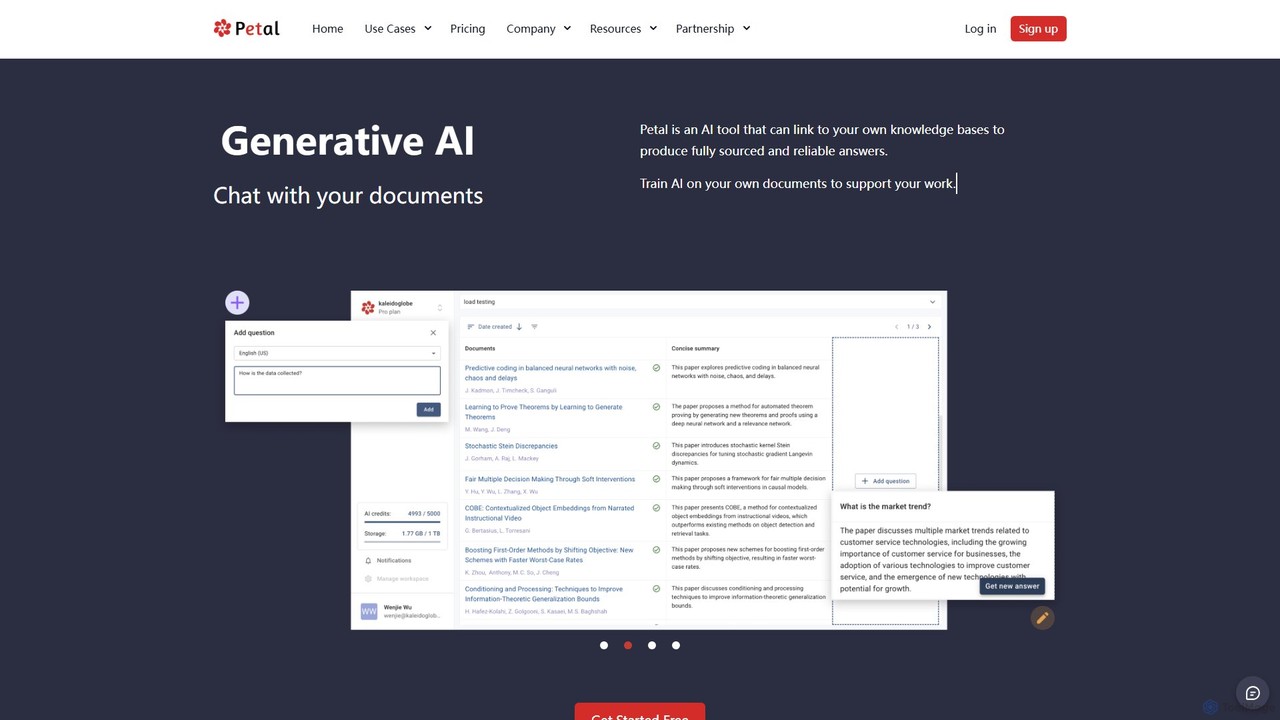
Petal
Petal is an AI-powered document analysis platform that transforms your documents into an interactive knowledge base. Chat with your research papers, reports, and books to get instant, sourced answers. Ideal for researchers, academics, and students, it features a reference manager, collaboration tools, and a secure cloud drive.
ChatChat With Docs Categories
Chat With Docs Embed Widget
Copy this embed code to place the badge on your blog, article, or product site and send readers directly to this ToolMage detail page.

Related AI tools
Baoyue AI
Baoyue AI is an intelligent AI-powered reading assistant designed to enhance productivity. It allows users to instantly summarize, analyze, and interact with various documents, webpages, and media files through a conversational interface, making information comprehension and extraction fast and efficient.
Contract ManagementClarityDocs
ClarityDocs is an AI-powered assistant for document analysis. It allows users to chat with single or multiple documents, extract instant insights from text and visuals, and collaborate with teams. It's designed to boost productivity for researchers, students, and professionals by simplifying information retrieval and synthesis.
Study
Jyek
Jyek is an AI agent platform that understands objectives, creates execution plans, uses tools, and delivers verifiable results for complex, multi-step tasks.
Automation
chatdochub.com
ChatDocHub is an AI-powered platform that transforms your documents into interactive chatbots. Simply upload your files (PDF, DOCX, etc.) and ask questions in natural language to get instant summaries, key insights, and specific answers. It's the perfect tool for students, researchers, and professionals to quickly analyze and extract information from dense materials, boosting productivity and understanding.
Data Analysispdfbff
pdfbff is an AI chat tool, like ChatGPT, designed for your PDF documents. Interact with files by asking questions, get instant summaries, and extract key insights in any language. It helps students, researchers, and professionals save time, understand complex information, and streamline their workflow with features like automatic citations and document highlights.
Study
ChatDocuments
ChatDocuments is an AI-powered platform that allows you to interact with your documents through a conversational chat interface. Upload PDFs, Word files, and other formats to ask questions, get instant summaries, extract key information, and gain insights without manually reading through pages. It's designed to boost productivity for students, researchers, and professionals.
Data AnalysisPetal
Petal is an AI-powered document analysis platform that transforms your documents into an interactive knowledge base. Chat with your research papers, reports, and books to get instant, sourced answers. Ideal for researchers, academics, and students, it features a reference manager, collaboration tools, and a secure cloud drive.
Chat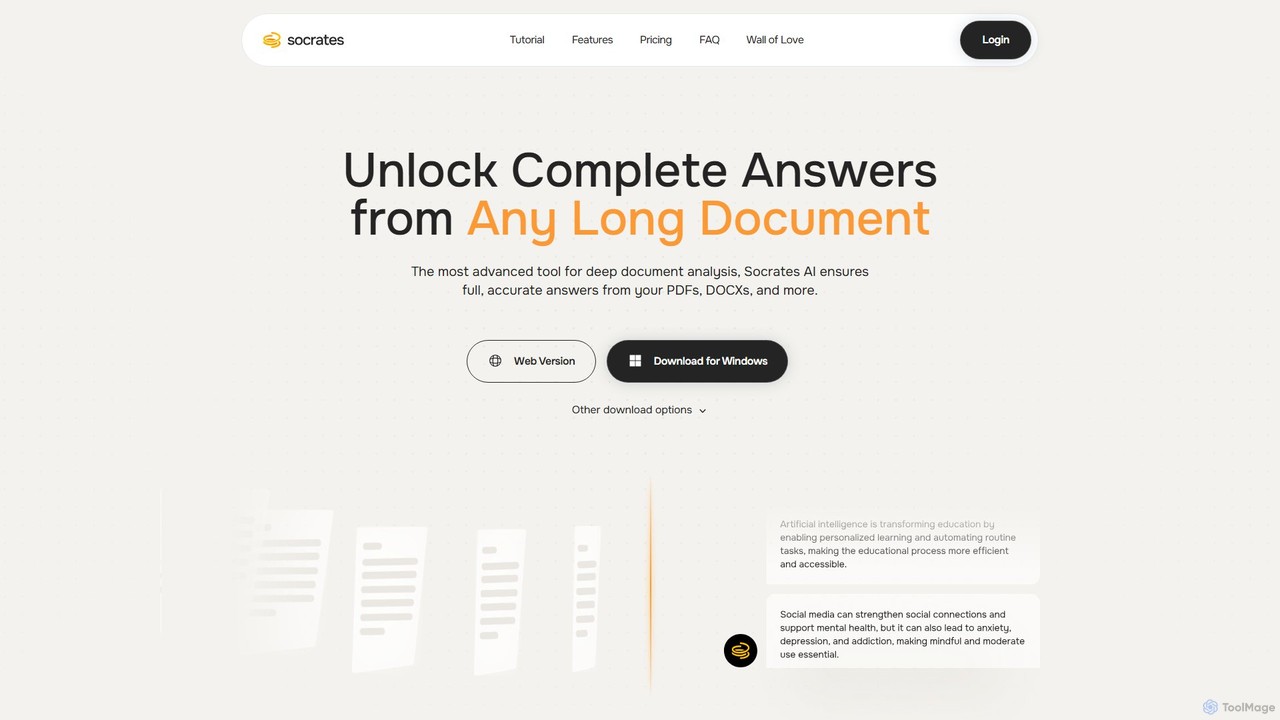
Socrates
Socrates is an advanced AI tool for deep document analysis. Upload PDFs, DOCX, and more to get complete, accurate answers instantly. Features like Deep Dive, Table AI, and local LLM support provide unparalleled insights while ensuring data privacy. Ideal for researchers, professionals, and anyone needing to understand long documents quickly.
Study
PDFChat
PDFChat is a professional AI-powered chat application for documents. Powered by ChatGPT and GPT-4o, it allows you to interact with PDFs, DOCs, websites, and more. Get instant, source-cited answers, analyze complex tables and images, and query multiple documents at once to boost your research and productivity.
Study Aid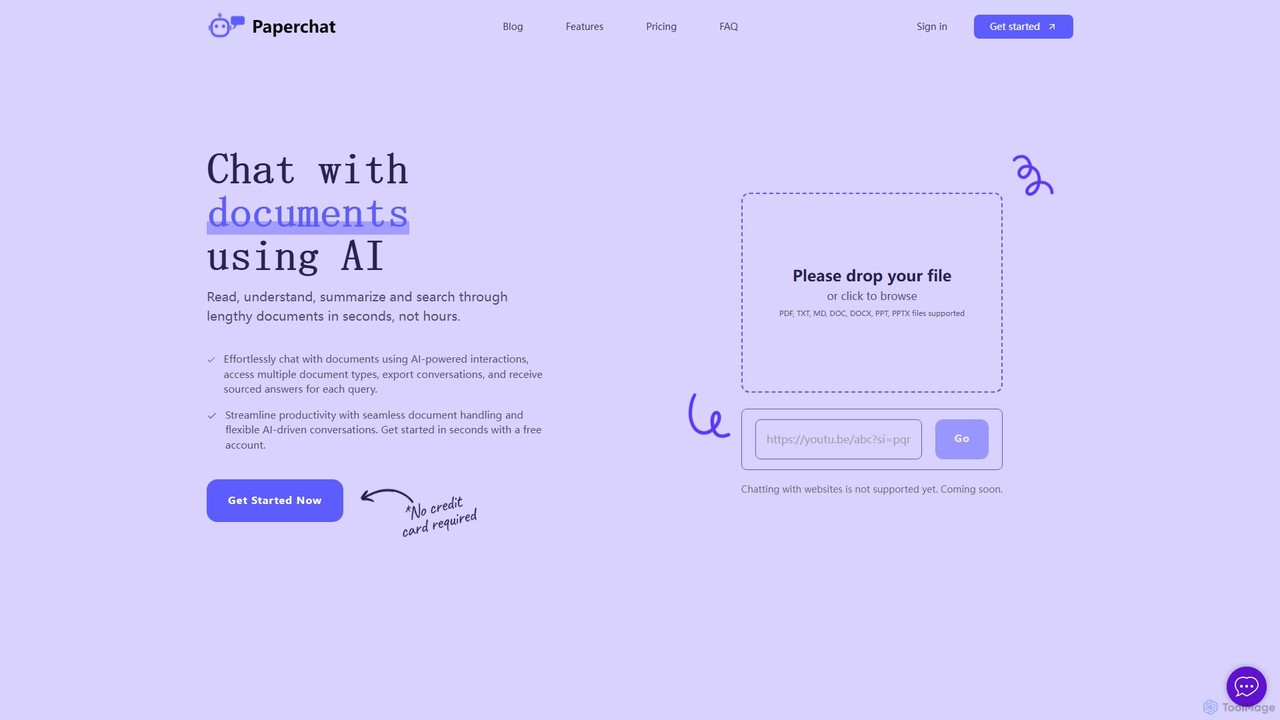
PaperChat
PaperChat is an AI-powered platform that lets you chat with your documents. Instantly read, understand, summarize, and search through lengthy files like PDFs, Word docs, and PowerPoints. Simply upload your document and start asking questions to get sourced answers in seconds. It's designed to boost productivity for students, researchers, lawyers, and professionals by transforming how they interact with information, saving hours of manual reading.
Study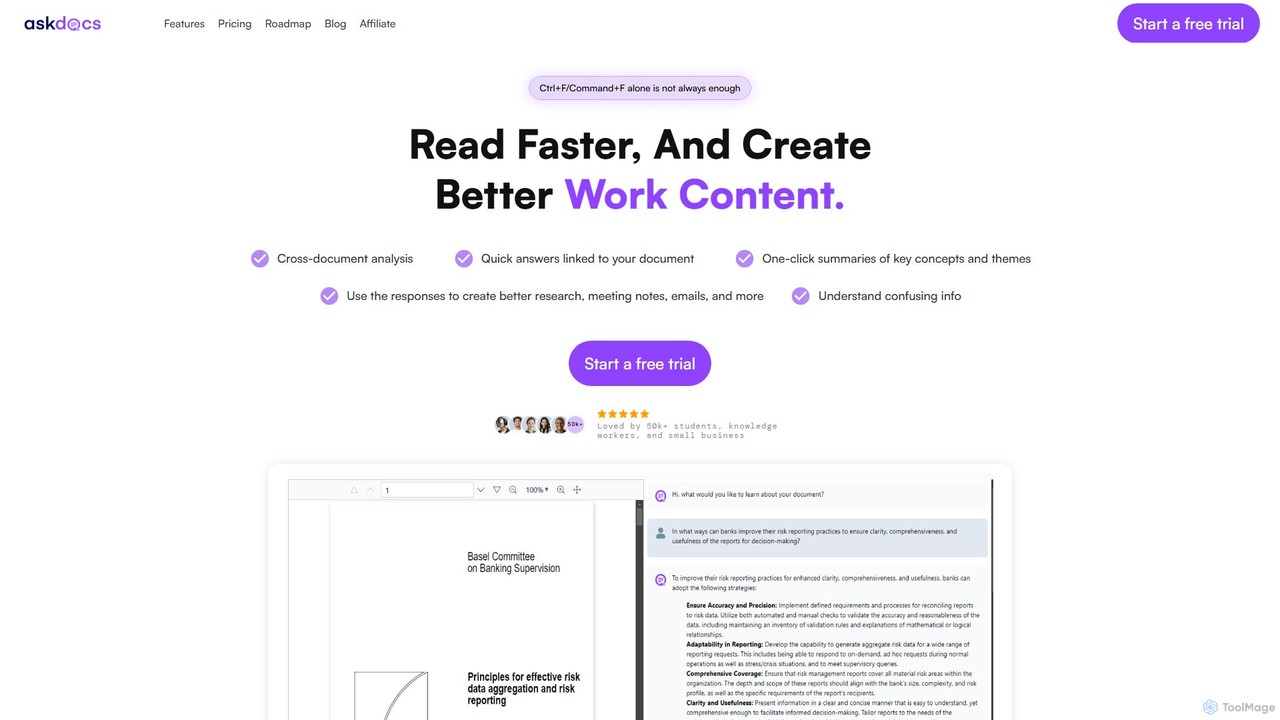
AskDocs
AskDocs is an AI-powered document assistant designed to help you quickly read, understand, and extract information from your files. Chat with single or multiple documents (PDF, DOCX, CSV, etc.), get instant summaries, and receive answers with precise source citations. It's an ideal tool for students, researchers, and professionals looking to accelerate their research and analysis workflows.
Data Analysis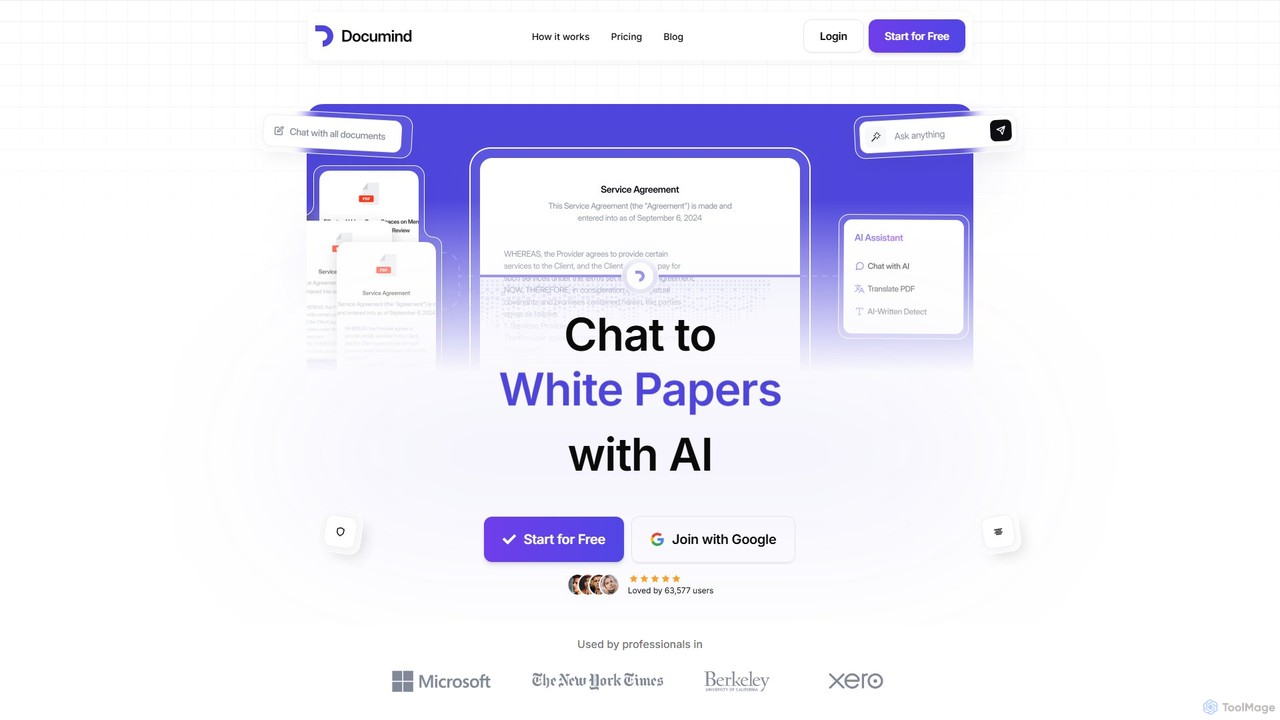
Documind
Documind is an AI-powered tool that allows you to chat with your PDF documents. Instantly get answers, summaries, and insights from textbooks, research papers, legal contracts, and more. It supports bulk uploads, multi-document conversations, and lets you create custom AI chatbots from your files to share or embed on your website, streamlining your workflow and boosting productivity.
Customer Support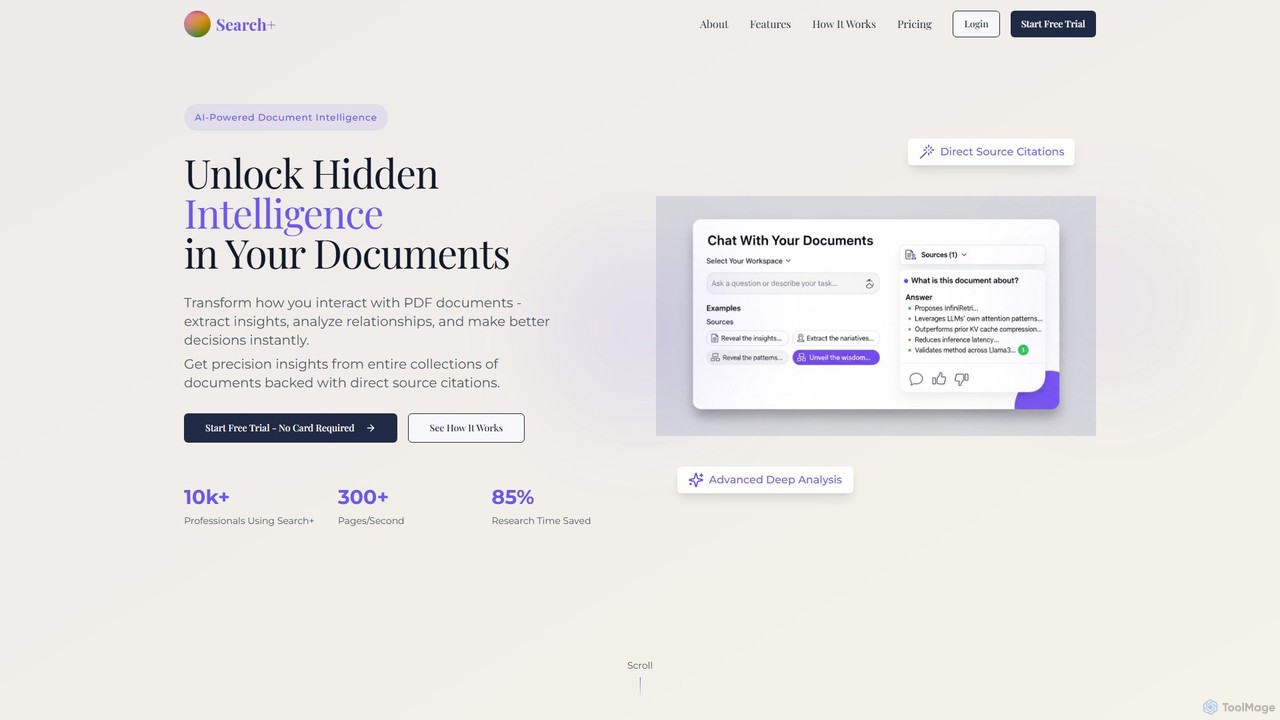
Search+
Search+ is an AI-powered document intelligence platform designed for professionals. It allows users to chat with large documents, extract critical insights, analyze relationships across multiple files, and receive precise, source-cited answers, significantly reducing research time.
Financial Analysis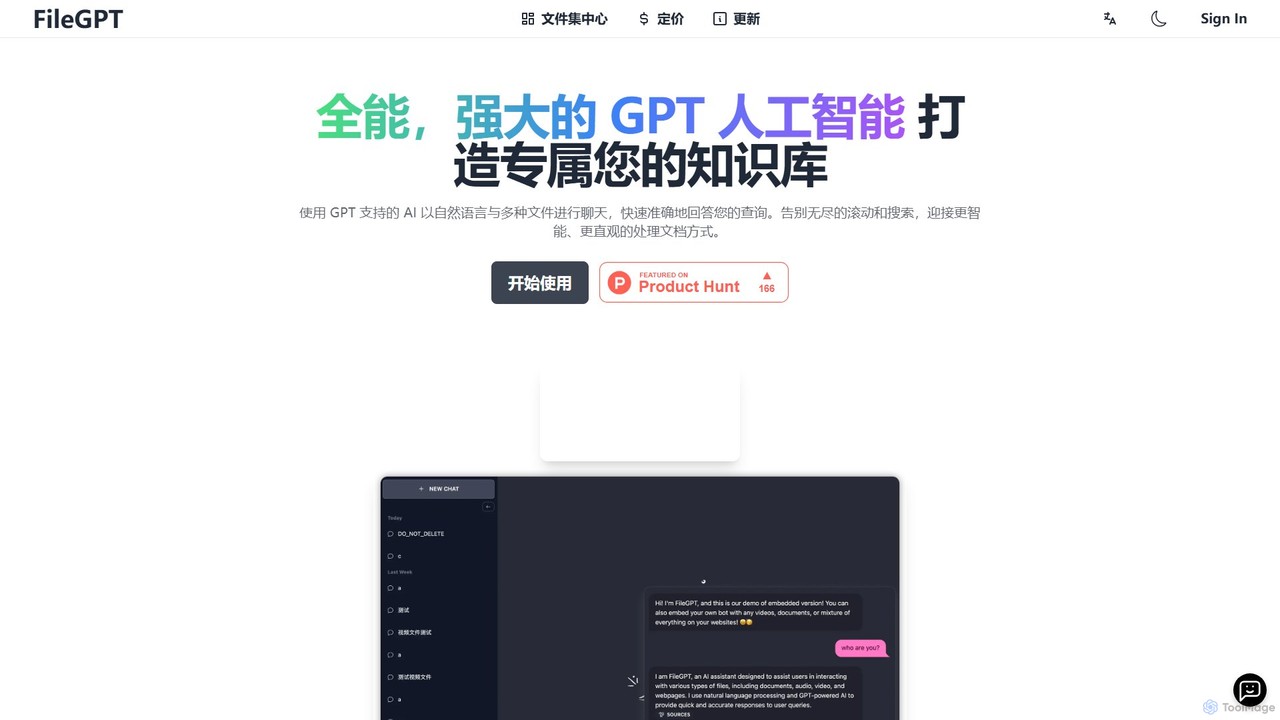
FileGPT
FileGPT is a powerful AI assistant that allows you to create a personalized knowledge base by chatting with your files. It supports a wide range of formats, including documents, audio, video, and web pages, enabling you to get instant, accurate answers and insights from your content without endless searching.
Data Extraction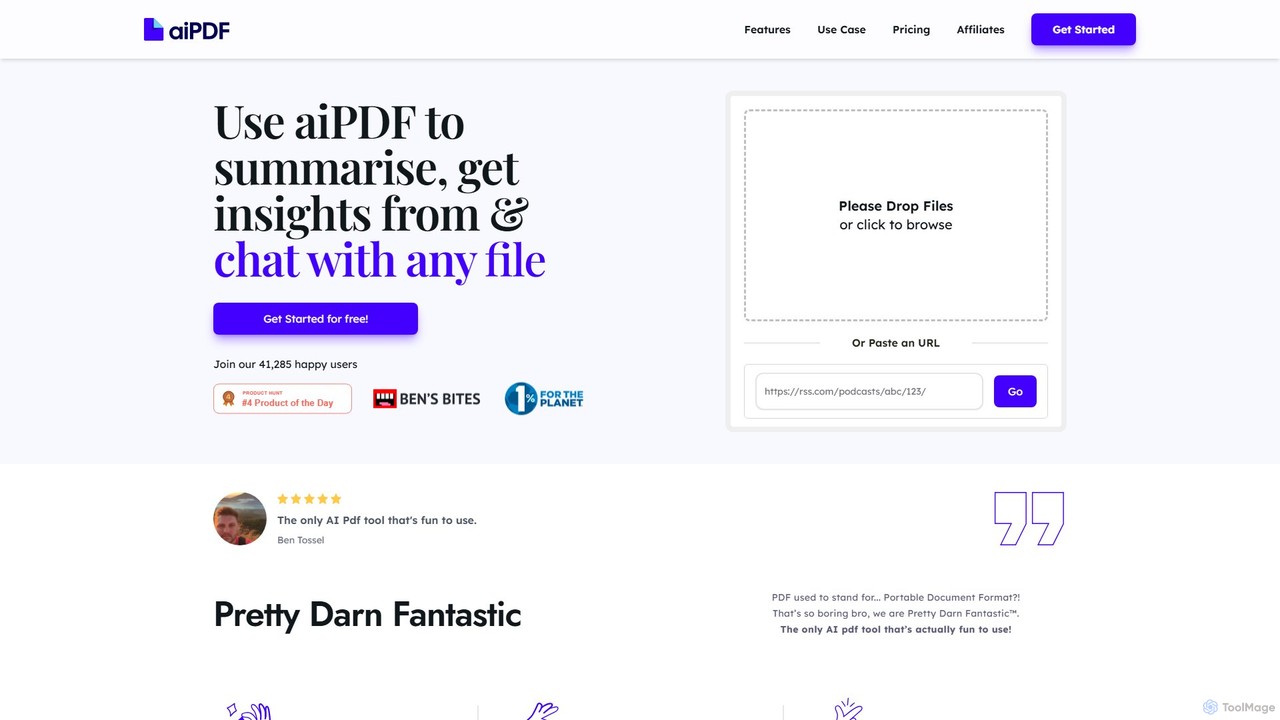
aiPDF
aiPDF is an AI-powered chat application that transforms static PDF documents into interactive conversations. Users can upload files, ask questions, summarize content, and extract key insights instantly. It supports various document types, including reports, essays, and ebooks, and provides source-backed answers for enhanced reliability. With a user-friendly interface and a focus on data privacy, aiPDF makes document analysis efficient and engaging for students, researchers, and professionals.
Data Analysis
Chat With Docs Comments (0)
Sign in to comment.
Sign inNo comments yet.