
ClarityDocs Overview
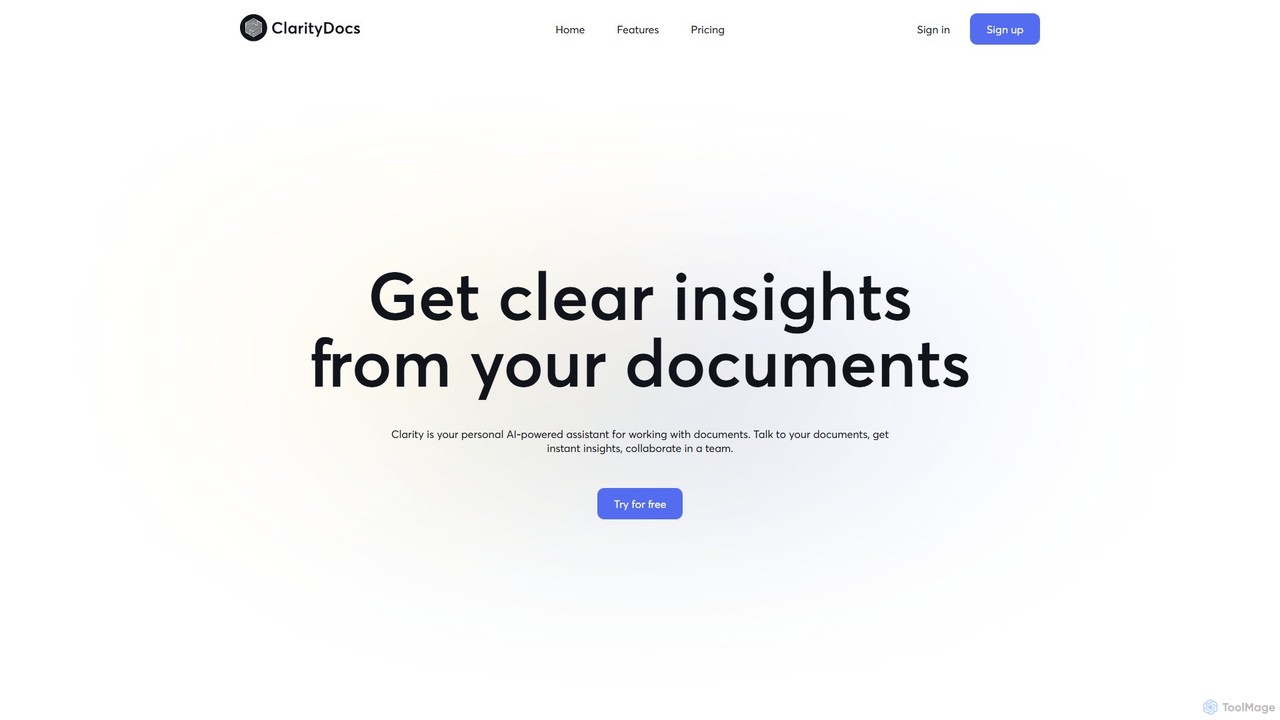
ClarityDocs is an advanced AI-powered platform designed to revolutionize how individuals and teams interact with their documents. It acts as a personal assistant, enabling users to 'talk' to their files, whether they are text-heavy reports, academic papers, or presentations with charts and graphs. By simply asking questions in natural language, users can receive immediate, concise, and accurate answers synthesized from one or multiple documents simultaneously. This eliminates the tedious process of manual searching and reading, significantly boosting efficiency and comprehension.
The platform is built with collaboration in mind, offering shared workspaces where teams can collectively upload, analyze, and discuss documents. This fosters a unified understanding and ensures everyone has access to the same insights, making it an invaluable tool for project management, legal case preparation, and academic research groups.
How to use ClarityDocs
Using ClarityDocs is a straightforward and intuitive process designed for maximum efficiency:
- Sign Up and Create a Workspace: Begin by signing up for a free or paid plan. Once logged in, you can create a dedicated workspace for your project or subject area.
- Upload Your Documents: Drag and drop your files into the workspace. ClarityDocs supports various formats, and you can upload multiple documents to be analyzed together. The platform can handle files up to 50 MB with unlimited pages.
- Start a Conversation: Open the chat interface and start asking questions about your documents. For example, you could ask, "What were the key findings of the Q3 report?" or "Compare the methodologies in these two research papers."
- Receive AI-Powered Insights: The AI will instantly scan the relevant documents and provide a synthesized answer, often with citations pointing back to the source pages. It can interpret both text and visual data like charts and tables.
- Collaborate with Your Team: Invite team members to your workspace. They can view the documents, see the conversation history, and ask their own questions, creating a collaborative environment for knowledge discovery.
Core Features of ClarityDocs
- Conversational Document Interaction: Engage with your documents through a simple chat interface, asking questions in natural language.
- Multi-Document Analysis: Search for and analyze information across a collection of documents at once, getting comprehensive answers that synthesize data from multiple sources.
- Text and Visual Insight Extraction: The AI is capable of understanding and extracting information not just from text, but also from visual elements like charts, graphs, and tables within your documents.
- Team Collaboration Workspaces: Create shared environments for teams to work together on document analysis, ensuring everyone is aligned and informed.
- Source-Cited Answers: Enhance trust and verifiability with answers that are directly linked to the source location within the original documents.
- Secure and Scalable: A secure platform with flexible pricing plans designed to accommodate everyone from individual users and small teams to large organizations.
Use Cases for ClarityDocs
ClarityDocs is versatile and can be applied across various professional and academic fields:
- For Researchers: Quickly conduct literature reviews, compare findings from multiple studies, and extract specific data points from dense academic papers.
- For Students: Efficiently prepare for exams by summarizing textbooks and lecture notes, clarifying complex topics, and creating study guides.
- For Legal Professionals: Rapidly analyze case files, contracts, and depositions to find precedents, identify key clauses, and prepare for trials.
- For Business Analysts: Extract key metrics, trends, and competitive insights from financial reports, market research, and internal documents.
- For Project Managers: Keep teams aligned by providing a central, intelligent repository for all project-related documentation, from technical specs to meeting minutes.
Advantages of ClarityDocs
ClarityDocs offers a significant competitive edge by transforming document-heavy workflows. Its primary advantage is the immense time savings it provides, automating what was once a manual, time-consuming task. It enhances the depth of analysis by uncovering connections across multiple documents that a human reader might miss. The collaborative features break down information silos within teams, fostering better decision-making and shared understanding. By providing clear, cited answers, it increases the accuracy and reliability of information used in critical tasks.
Pricing and Plans
ClarityDocs offers a freemium model with several tiers to suit different needs:
- Free Plan: Includes 3 documents, 50 messages per month, and up to 3 team members. No credit card is required.
- Basic Plan: $20/month. Includes 30 documents, 500 messages per month, and up to 5 team members.
- Standard Plan: $40/month. Includes 60 documents, 1000 messages per month, and up to 10 team members.
- Pro Plan: $80/month. Includes 120 documents, 2000 messages per month, and up to 20 team members.
All paid plans support files up to 50 MB and documents with an unlimited number of pages.
Traffic
Latest traffic
Status
Monthly traffic trend
- 2025-9: 793
- 2026-1: 0
- 2026-2: 0
- 2026-3: 905
- 2026-4: 955
- 2026-5: 208
Geography
Top 5 countries / regions
- 🇺🇸United States100.0%
Top keywords
| Keyword | Cost per click |
|---|---|
| clarify documents | $0.00 |
| clarifydocuments | $0.00 |
| doc clarity | $0.00 |
ClarityDocs Alternatives
QuoteFinder
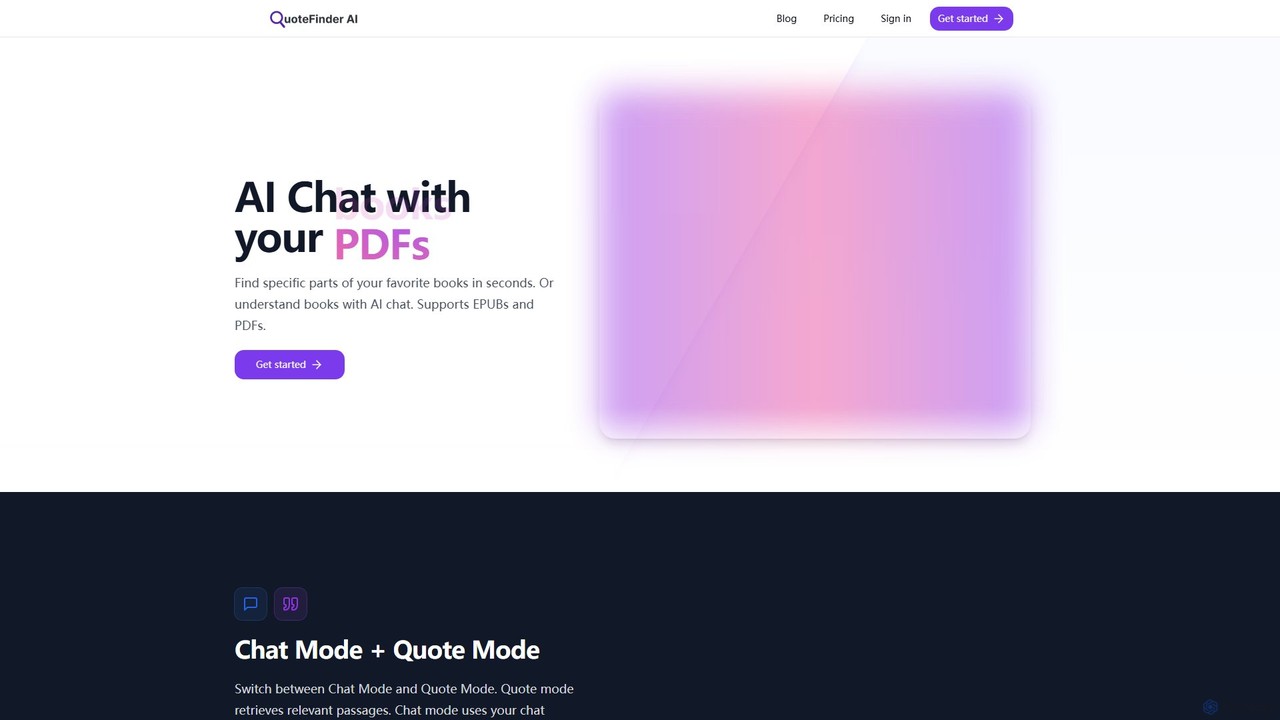
QuoteFinder is an AI-powered tool that lets you chat with your documents and books. Upload PDFs and EPUBs to instantly find specific quotes, passages, or get answers to your questions through a conversational interface. It's designed for writers, researchers, and readers to quickly navigate and understand large texts without tedious keyword searching.
Study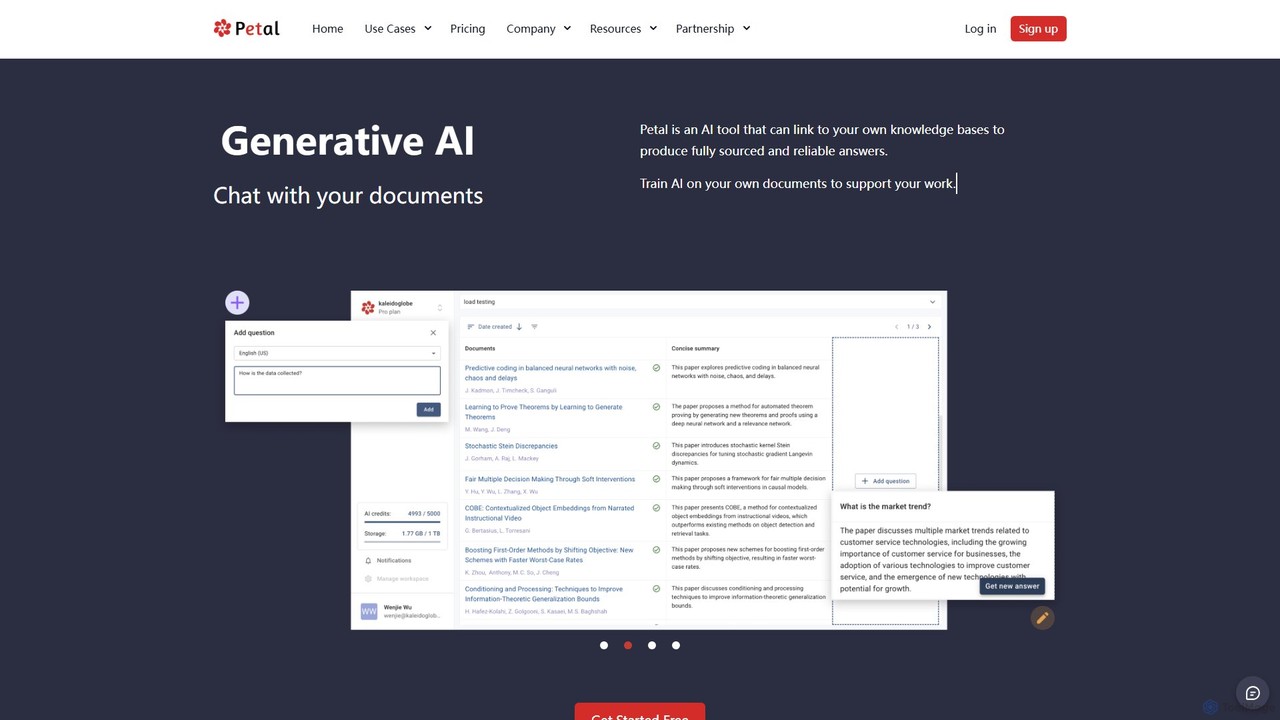
Petal
Petal is an AI-powered document analysis platform that transforms your documents into an interactive knowledge base. Chat with your research papers, reports, and books to get instant, sourced answers. Ideal for researchers, academics, and students, it features a reference manager, collaboration tools, and a secure cloud drive.
Chat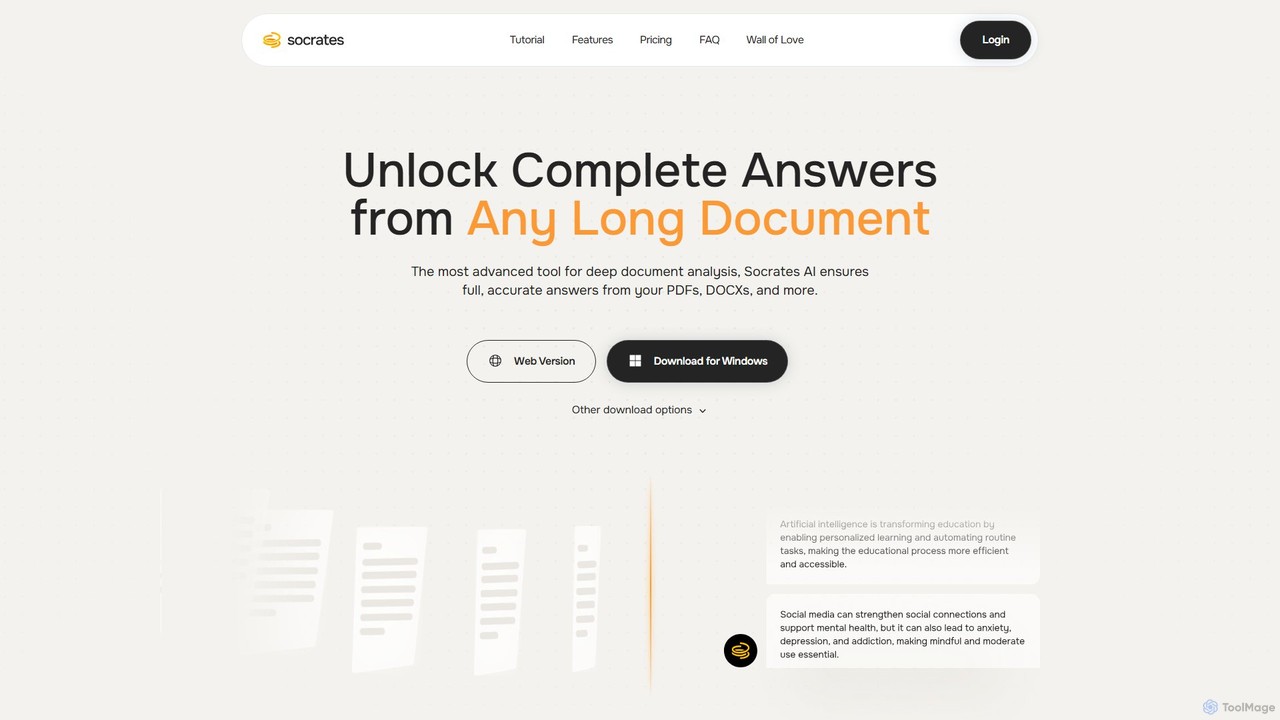
Socrates
Socrates is an advanced AI tool for deep document analysis. Upload PDFs, DOCX, and more to get complete, accurate answers instantly. Features like Deep Dive, Table AI, and local LLM support provide unparalleled insights while ensuring data privacy. Ideal for researchers, professionals, and anyone needing to understand long documents quickly.
Study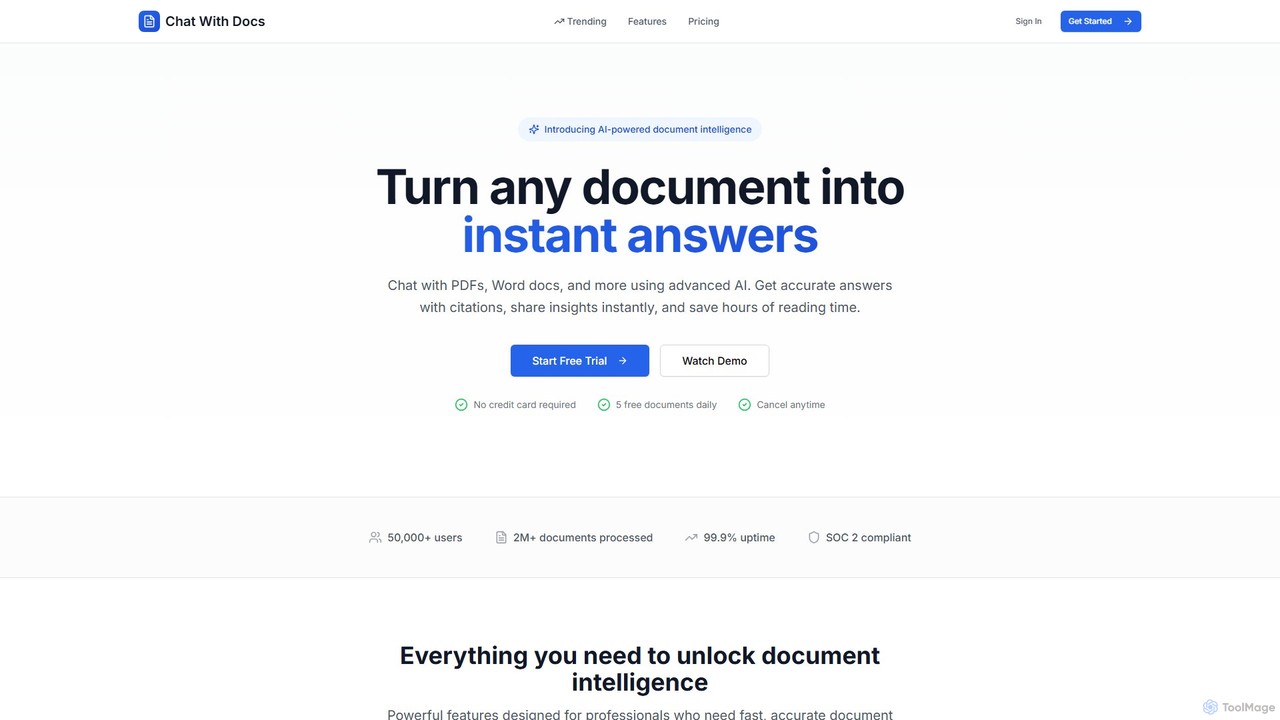
Chat With Docs
Chat With Docs is an AI-powered tool that transforms your documents into interactive chatbots. Upload PDFs, Word docs, and more to ask questions in natural language and receive instant, accurate answers with citations. It's designed for professionals, researchers, and students to save time, enhance productivity, and share insights effortlessly.
Contract Management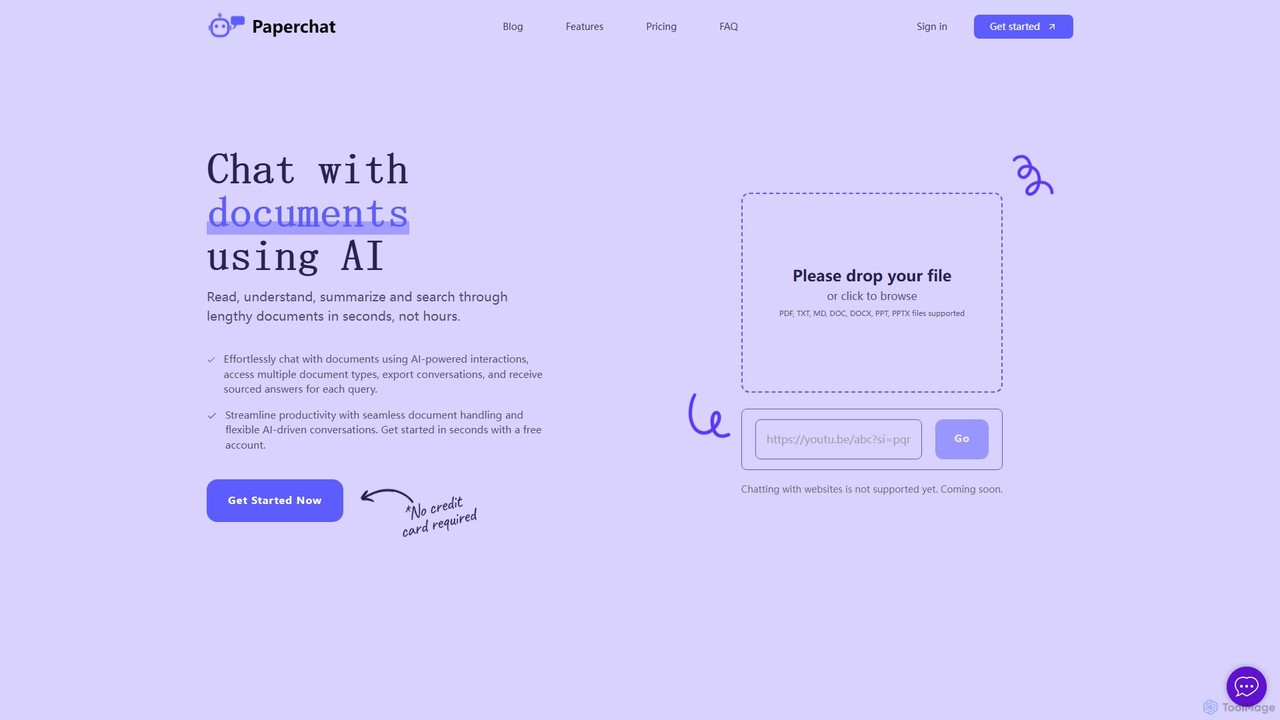
PaperChat
PaperChat is an AI-powered platform that lets you chat with your documents. Instantly read, understand, summarize, and search through lengthy files like PDFs, Word docs, and PowerPoints. Simply upload your document and start asking questions to get sourced answers in seconds. It's designed to boost productivity for students, researchers, lawyers, and professionals by transforming how they interact with information, saving hours of manual reading.
StudyClarityDocs Categories
ClarityDocs Embed Widget
Copy this embed code to place the badge on your blog, article, or product site and send readers directly to this ToolMage detail page.

Related AI tools
ChatDocuments
ChatDocuments is an AI-powered platform that allows you to interact with your documents through a conversational chat interface. Upload PDFs, Word files, and other formats to ask questions, get instant summaries, extract key information, and gain insights without manually reading through pages. It's designed to boost productivity for students, researchers, and professionals.
Data AnalysisPetal
Petal is an AI-powered document analysis platform that transforms your documents into an interactive knowledge base. Chat with your research papers, reports, and books to get instant, sourced answers. Ideal for researchers, academics, and students, it features a reference manager, collaboration tools, and a secure cloud drive.
ChatSocrates
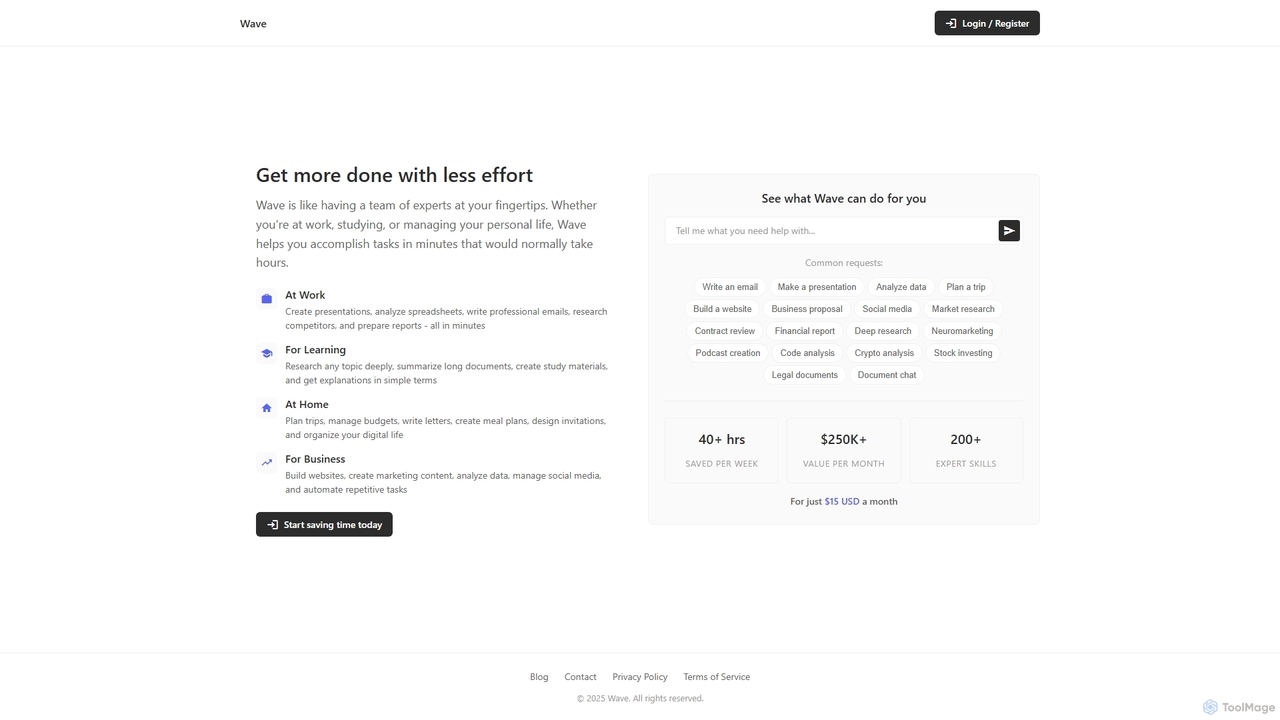
Socrates is an advanced AI tool for deep document analysis. Upload PDFs, DOCX, and more to get complete, accurate answers instantly. Features like Deep Dive, Table AI, and local LLM support provide unparalleled insights while ensuring data privacy. Ideal for researchers, professionals, and anyone needing to understand long documents quickly.
Study
Jyek
Jyek is an AI agent platform that understands objectives, creates execution plans, uses tools, and delivers verifiable results for complex, multi-step tasks.
AutomationChat With Docs
Chat With Docs is an AI-powered tool that transforms your documents into interactive chatbots. Upload PDFs, Word docs, and more to ask questions in natural language and receive instant, accurate answers with citations. It's designed for professionals, researchers, and students to save time, enhance productivity, and share insights effortlessly.
Contract ManagementPaperChat
PaperChat is an AI-powered platform that lets you chat with your documents. Instantly read, understand, summarize, and search through lengthy files like PDFs, Word docs, and PowerPoints. Simply upload your document and start asking questions to get sourced answers in seconds. It's designed to boost productivity for students, researchers, lawyers, and professionals by transforming how they interact with information, saving hours of manual reading.
Study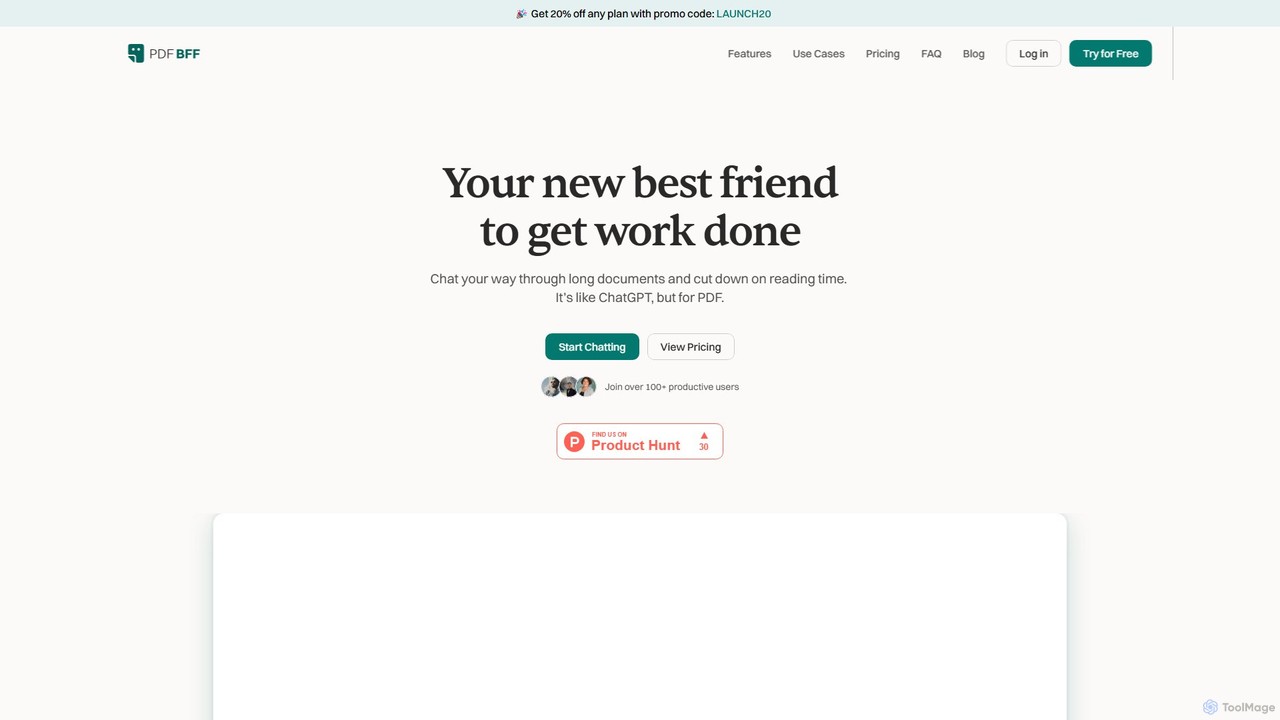
pdfbff
pdfbff is an AI chat tool, like ChatGPT, designed for your PDF documents. Interact with files by asking questions, get instant summaries, and extract key insights in any language. It helps students, researchers, and professionals save time, understand complex information, and streamline their workflow with features like automatic citations and document highlights.
Study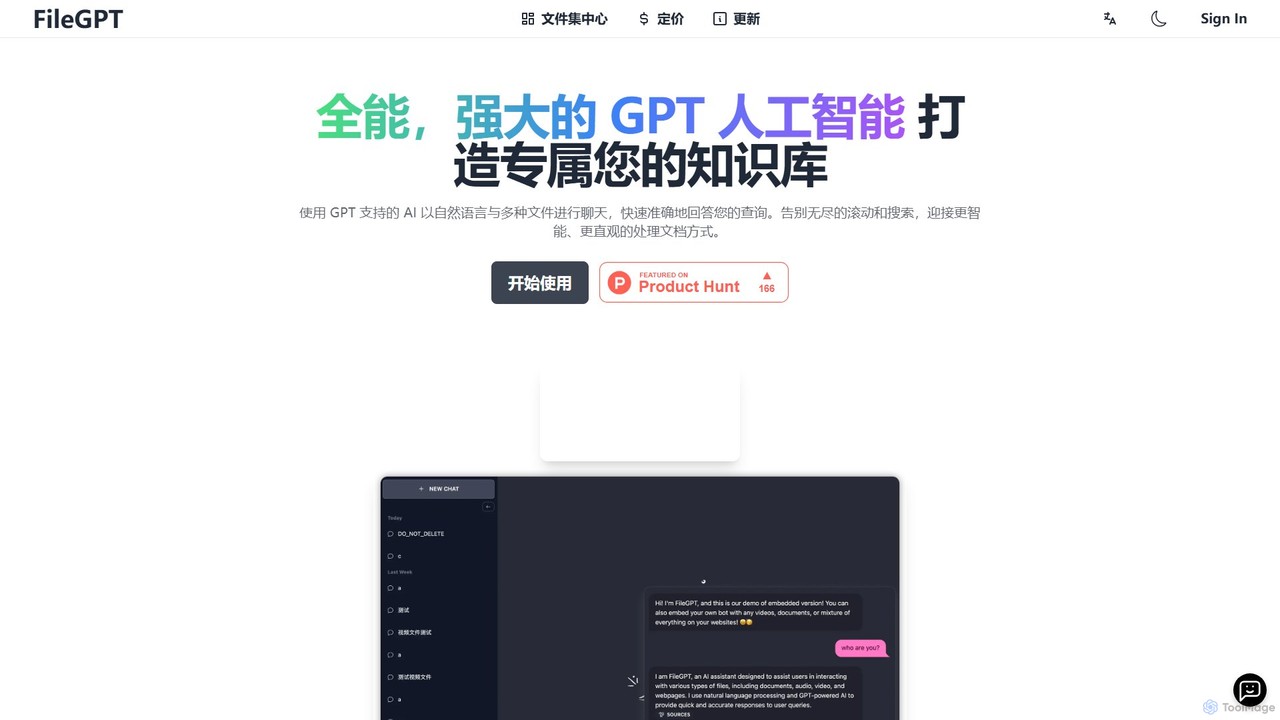
FileGPT
FileGPT is a powerful AI assistant that allows you to create a personalized knowledge base by chatting with your files. It supports a wide range of formats, including documents, audio, video, and web pages, enabling you to get instant, accurate answers and insights from your content without endless searching.
Data Extraction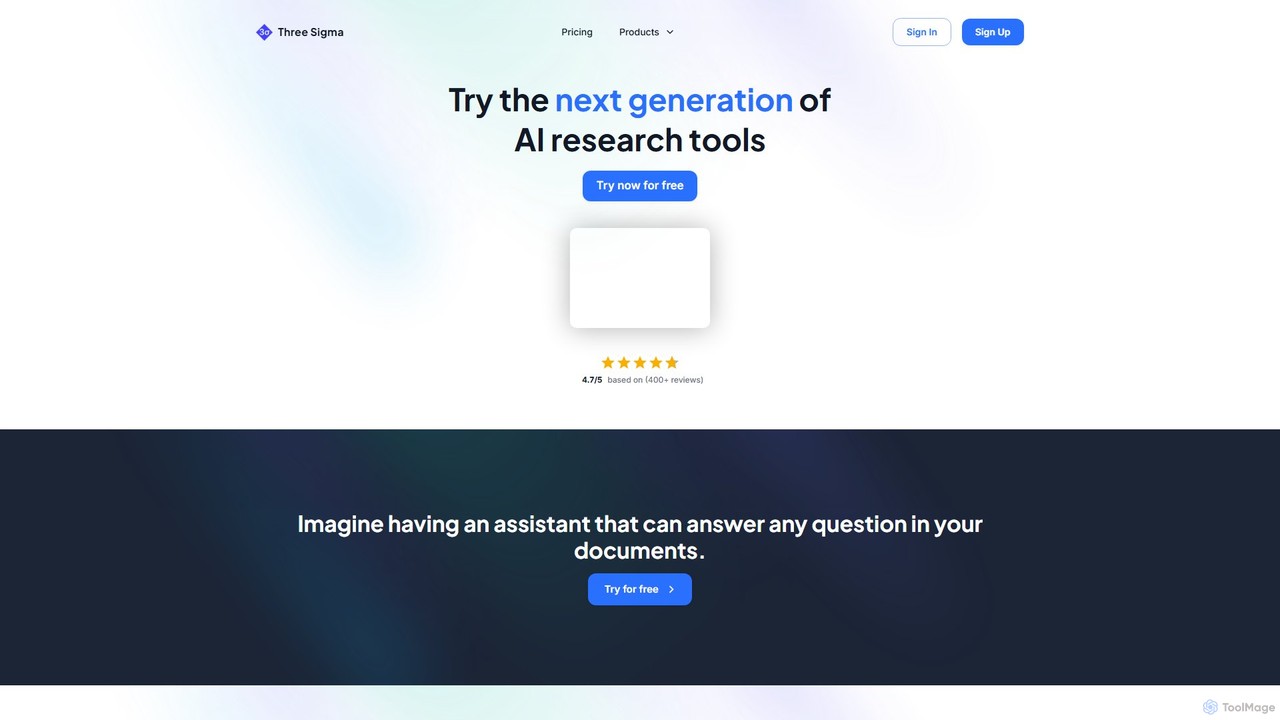
Three Sigma
Three Sigma is an AI-powered research assistant that allows you to chat with your documents. Upload PDFs, Word docs, and PowerPoints to ask questions, extract key information, and get instant, source-cited answers, reducing reading time by up to 90%.
Study
Chatwithpdf
Chatwithpdf is an AI-powered tool that allows you to interact with your PDF documents conversationally. Simply upload a file and start asking questions, get summaries, and extract key information instantly. It's designed for students, researchers, and professionals to analyze documents faster and more efficiently.
Data Extraction
chatdochub.com
ChatDocHub is an AI-powered platform that transforms your documents into interactive chatbots. Simply upload your files (PDF, DOCX, etc.) and ask questions in natural language to get instant summaries, key insights, and specific answers. It's the perfect tool for students, researchers, and professionals to quickly analyze and extract information from dense materials, boosting productivity and understanding.
Data Analysis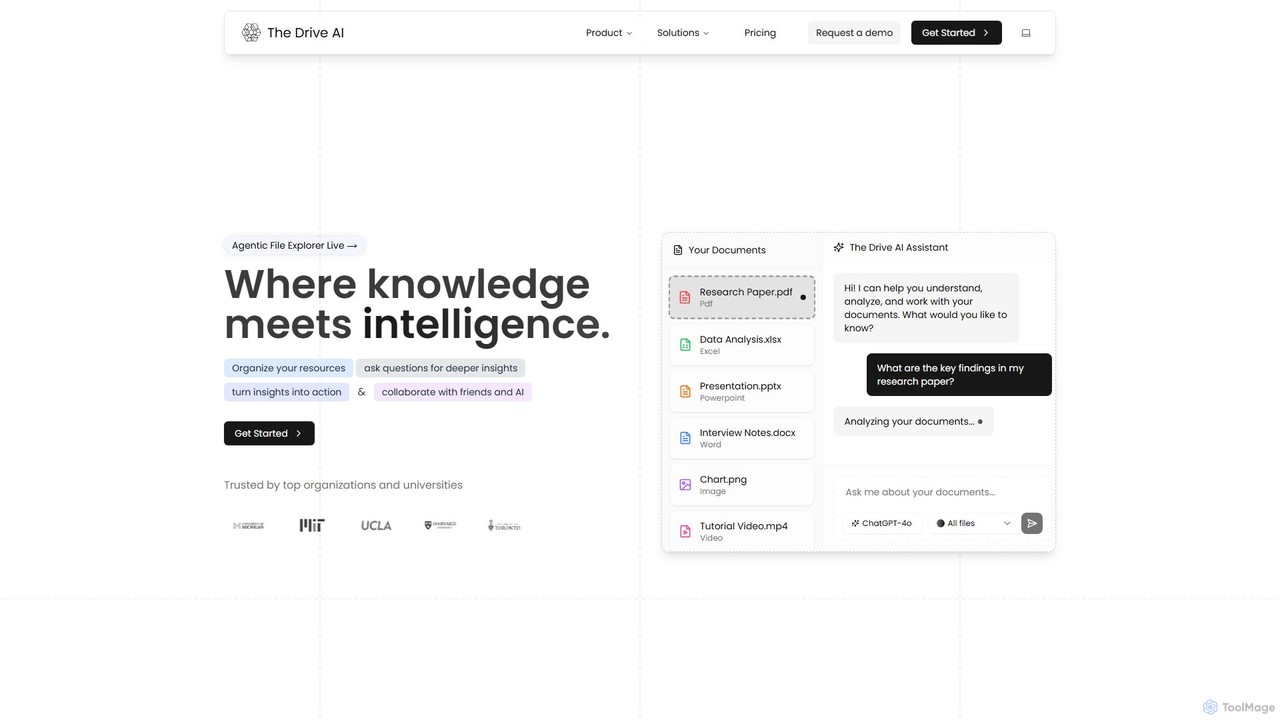
The Drive AI
The Drive AI is an all-in-one AI-powered workspace that combines file management, document analysis, team collaboration, and content creation. Upload any file type, ask questions to get instant insights with cited sources, and collaborate with your team in real-time. It's designed to replace multiple tools, streamlining your workflow and boosting productivity for individuals and teams across various industries.
Analysis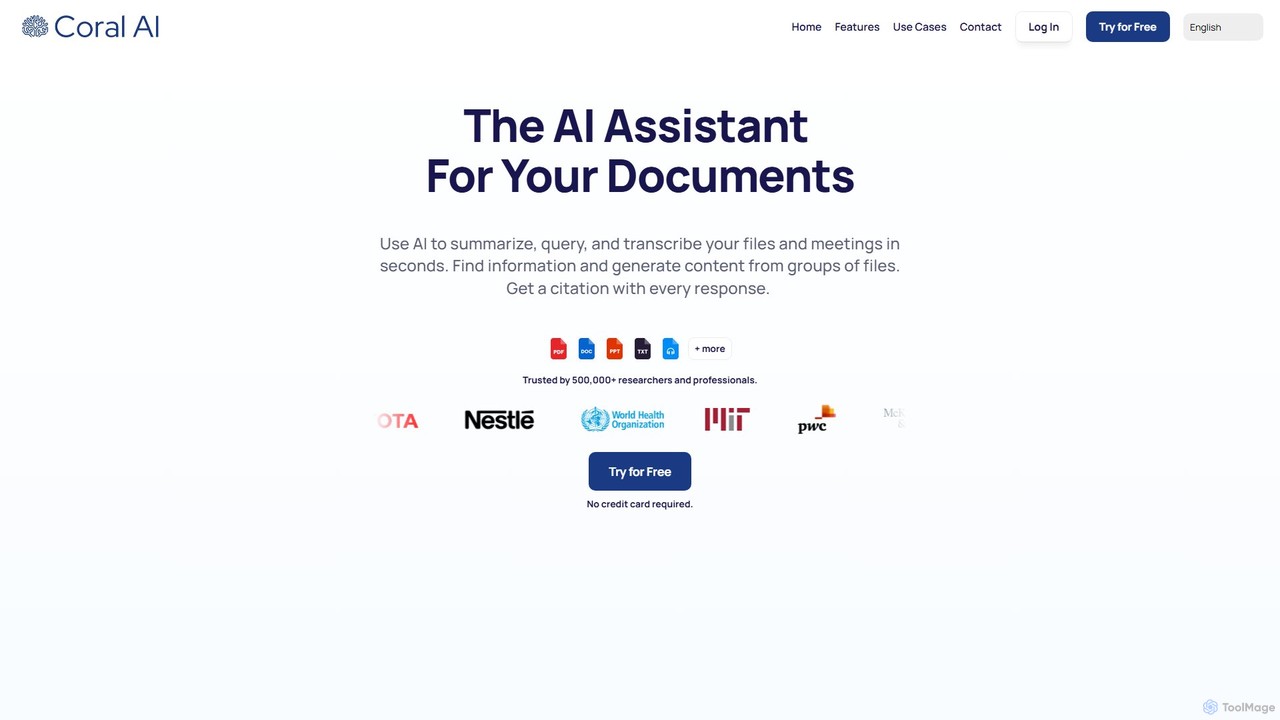
Coral AI
Coral AI is an intelligent assistant that transforms your documents, audio, and video files into interactive resources. Upload your files to summarize content, ask specific questions, extract key information, and transcribe media in seconds. It provides precise, citable answers, making it an essential tool for students, researchers, and professionals to enhance productivity and understanding.
Transcription
pdfy.ai
pdfy.ai is an AI-powered chat assistant that allows you to interact with various content formats, including PDFs, audio files, YouTube videos, and websites. Simply upload or link your source and ask questions in natural language to get instant, accurate answers and summaries, complete with source citations.
Research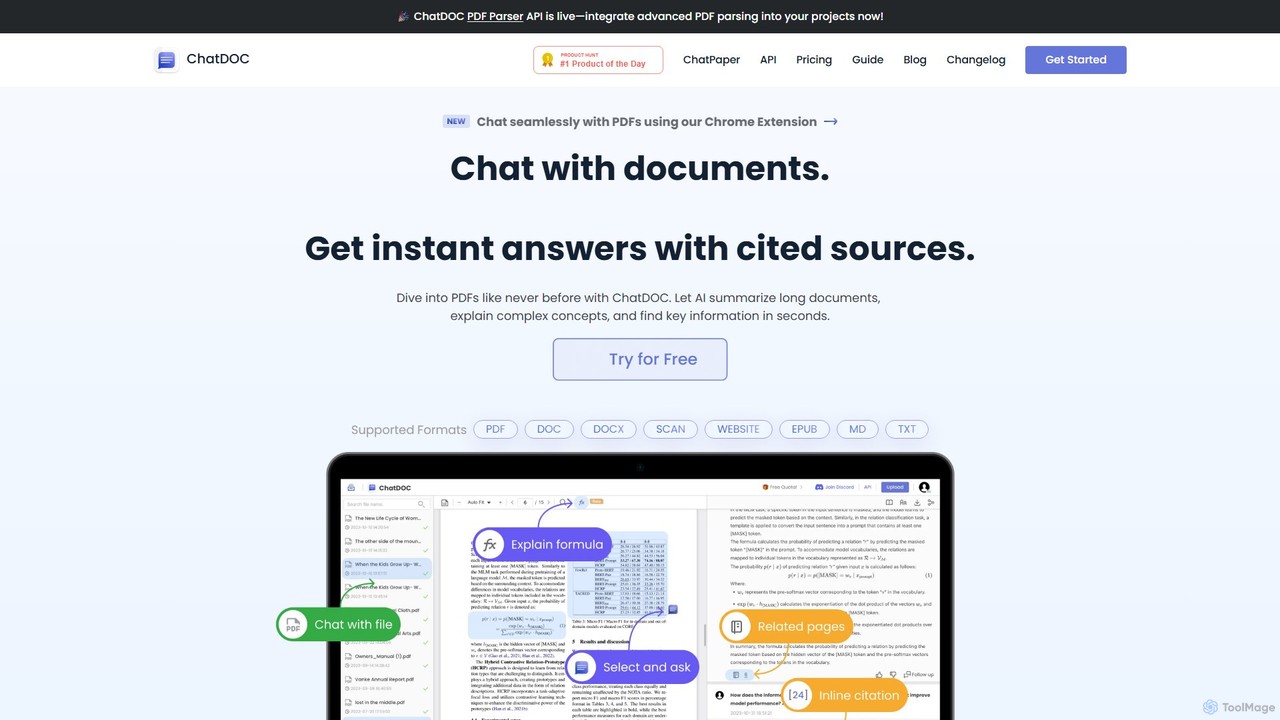
ChatDOC
ChatDOC is an AI-powered document reading assistant that lets you chat with your files. Instantly extract, summarize, and analyze information from PDFs, DOCs, websites, and more. Get answers with cited sources, making it ideal for researchers, students, and professionals to quickly understand complex documents.
Study
ClarityDocs Comments (0)
Sign in to comment.
Sign inNo comments yet.