

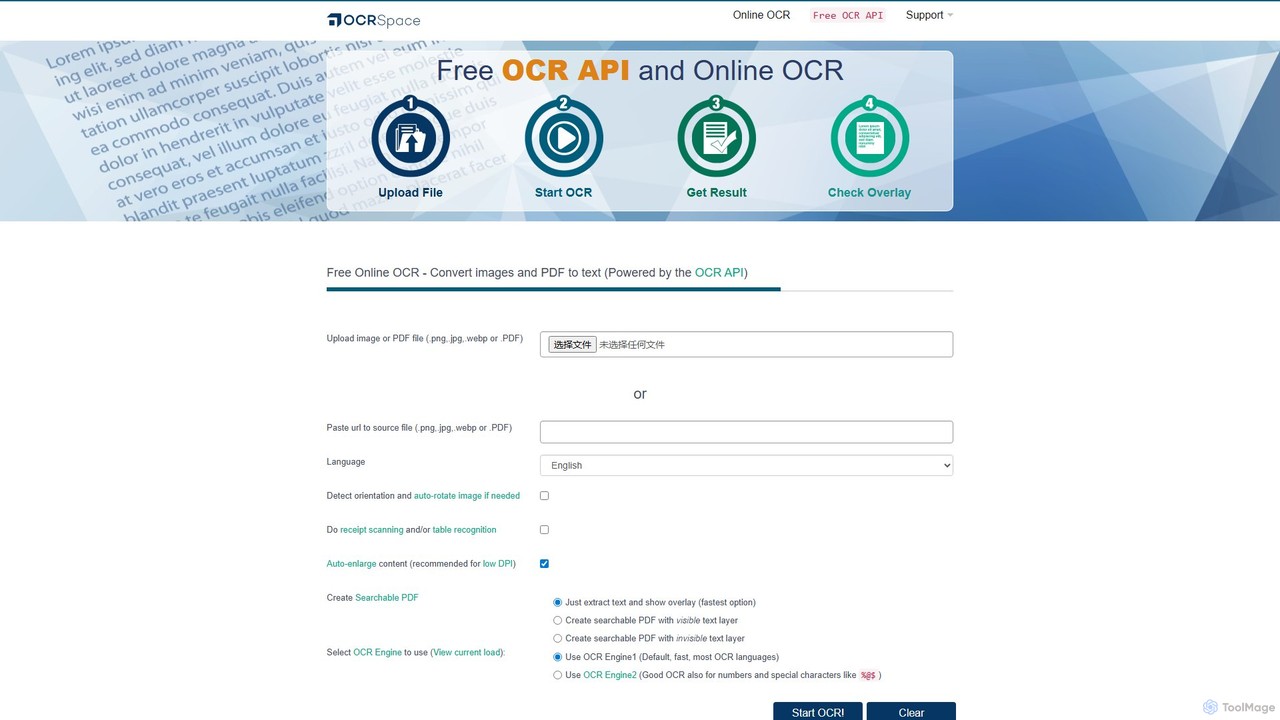
OCR.space Overview
OCR.space is a versatile and robust Optical Character Recognition (OCR) service provided by a9t9 software GmbH. It is designed to convert text from images (JPG, PNG, WEBP) and PDF documents into editable and searchable text formats. The platform serves a wide audience, from individuals needing a quick conversion to developers requiring a powerful, scalable OCR API for their applications. With a commitment to user privacy and running on 100% renewable energy, OCR.space stands out as a reliable and conscientious choice in the OCR market.
The service offers both a user-friendly online interface and a comprehensive API. The online tool is completely free for files up to 5MB and requires no registration, making it incredibly accessible for quick tasks. For more demanding and automated workflows, the OCR API provides a seamless way to integrate advanced text recognition capabilities into various software and business processes.
How to use OCR.space
Using the online OCR tool is straightforward:
- Upload Your File: You can either upload an image or PDF file directly from your computer, or paste a URL to the source file. Drag-and-drop functionality is also supported.
- Select Language: Choose the language of the text within your document from an extensive list. For convenience, an 'Autodetect' option is available, which is particularly useful for documents with unknown or multiple languages.
- Choose OCR Engine: OCR.space provides multiple engines, each with different strengths. Engine 1 is fast and supports most languages. Engine 2 is excellent for documents containing numbers and special characters. Other engines, like Engine 5, are optimized for specific languages like Chinese and handling text on complex backgrounds.
- Configure Options: You can select additional processing options, such as auto-rotating the image, enabling receipt/table scanning, or creating a searchable PDF instead of just extracting text.
- Start OCR: Click the 'Start OCR!' button to begin the process. The extracted text will be displayed on the screen, ready to be copied, or you can download the resulting searchable PDF.
For developers, the OCR API can be integrated with a simple API call, using parameters to specify the language, engine, and other settings for automated processing.
Core Features of OCR.space
- Extensive Language Support: Recognizes text in over 25 languages, including English, Chinese (Simplified & Traditional), Japanese, Korean, Russian, German, French, Spanish, and many more. It also supports vertical text OCR for languages like Chinese and Japanese.
- Multiple OCR Engines: Users can select from different OCR engines to achieve the best possible accuracy for their specific document type, whether it's a standard text document, a receipt, or an image with special characters.
- Searchable PDF Creation: Go beyond simple text extraction by converting scanned documents and images into fully searchable PDF files. You can choose to have the text layer visible or invisible.
- Table and Receipt Recognition: Specialized features designed to accurately extract structured data from tables and receipts, simplifying data entry tasks.
- Powerful and Free API: Offers a well-documented and robust API with a generous free tier, allowing developers to easily integrate OCR capabilities into their own applications and workflows.
- High Privacy Standards: OCR.space has a strict privacy policy, stating that it does not store any user data on its servers, ensuring the confidentiality of your documents.
- No Registration Required: The online OCR tool is free to use without the need for an account, providing immediate access to its features.
Use Cases for OCR.space
OCR.space is valuable across various scenarios:
- Academics and Researchers: Digitize text from books, articles, and archival documents to make them searchable and easy to analyze.
- Businesses and Professionals: Automate data entry by extracting information from invoices, receipts, and forms. Convert business documents into editable formats for reporting and record-keeping.
- Developers: Build applications that require text recognition, such as document management systems, expense tracking apps, or accessibility tools.
- General Users: Quickly grab text from a screenshot, a photo of a poster, or any image containing text for easy sharing and editing.
Advantages of OCR.space
The primary advantage of OCR.space is its combination of power, accessibility, and cost-effectiveness. The free tier is highly capable for many users, and the availability of multiple specialized engines ensures high-quality results. Its developer-friendly API and strong commitment to privacy make it a trustworthy choice for both personal and commercial projects. The ability to create searchable PDFs directly is a significant feature that adds immense value to document digitization workflows.
Pricing and Plans
OCR.space operates on a freemium model.
Free Plan: This plan is ideal for casual users. It is completely free, requires no registration, and allows processing of files up to 5MB.
PRO/PRO PDF Plans: For users with higher demands, such as businesses and developers, OCR.space offers paid PRO plans. These plans provide a much higher number of API calls, support for larger files, priority processing, and access to additional features. The specific details of the plans and their pricing are available on the official website.
Traffic
Latest traffic
Status
Monthly traffic trend
- 2025-9: 509.2K
- 2026-1: 520.1K
- 2026-2: 458.2K
- 2026-3: 472.8K
- 2026-4: 482.1K
- 2026-5: 478.4K
Geography
Top 5 countries / regions
- 🇮🇳India36.6%
- 🇺🇸United States31.2%
- 🇵🇭Philippines11.3%
- 🇨🇳China10.6%
- 🇰🇷South Korea10.3%
Traffic sources
| Source type | Percentage |
|---|---|
Direct | 84.6% |
Referral | 12.9% |
Email | 2.5% |
Top keywords
| Keyword | Cost per click |
|---|---|
| copyfish | $0.71 |
| ocr | $1.03 |
| ocr api | $5.29 |
| ocr online | $0.37 |
| ocr space | $1.61 |
OCR.space Alternatives

GPTOCR
GPTOCR is an AI-powered data extraction tool that transforms documents, such as PDFs, into structured JSON files. It automates manual data entry, reduces human error, and streamlines workflows, enabling teams to focus on higher-value tasks by providing accurate, ready-to-use data.
Data Extraction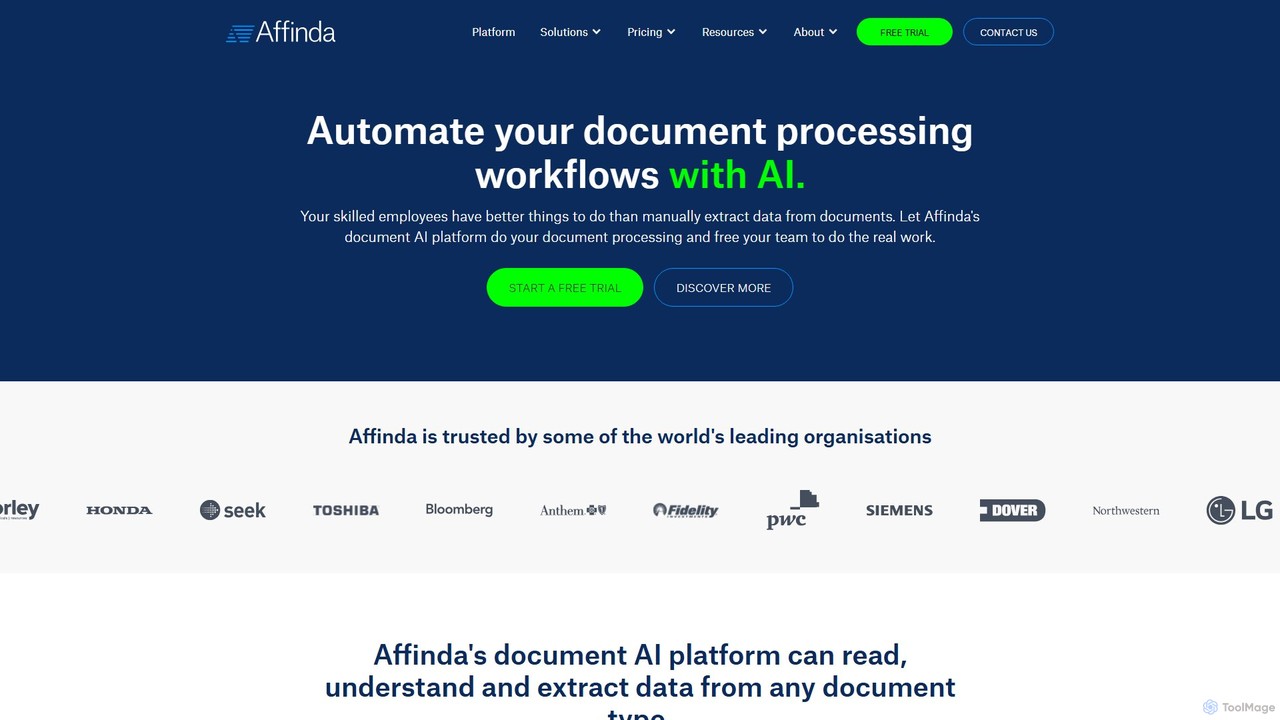
Affinda
A powerful AI-driven document processing platform that automates data extraction from any document type. Affinda uses advanced computer vision and NLP to read, understand, and structure data from invoices, resumes, contracts, and more, supporting over 50 languages. It helps businesses increase efficiency, reduce manual tasks, and improve data accuracy through seamless API integration.
Data Extraction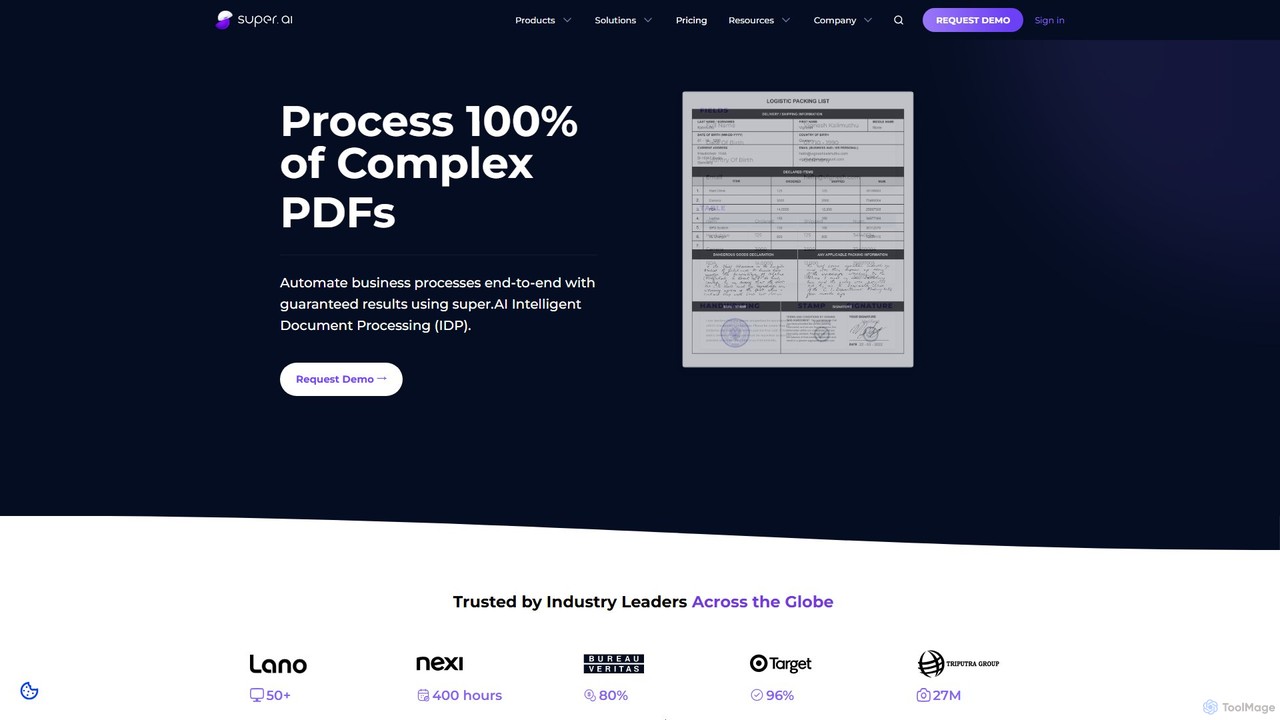
super.ai
super.ai is an advanced Intelligent Document Processing (IDP) platform that uses generative AI to automate data extraction from complex documents like invoices, PDFs, and tables. It guarantees 100% processing with high accuracy, integrating human-in-the-loop workflows to handle exceptions and ensure reliable, actionable data for enterprises in finance, logistics, and insurance.
Data Extraction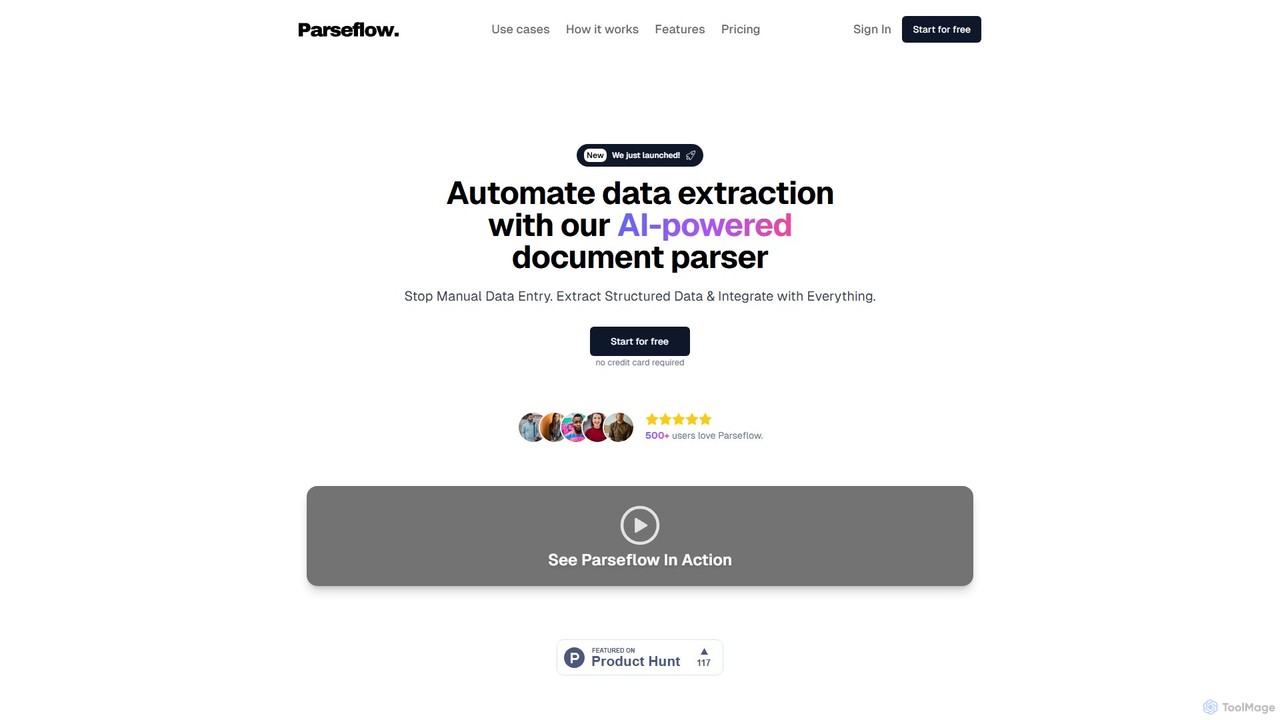
Parseflow
Parseflow is an AI-powered platform for automated data extraction from various documents like invoices, receipts, contracts, and resumes. It uses advanced OCR and NLP to parse structured and unstructured data, helping businesses streamline workflows, reduce manual entry, and lower operational costs.
Data Extraction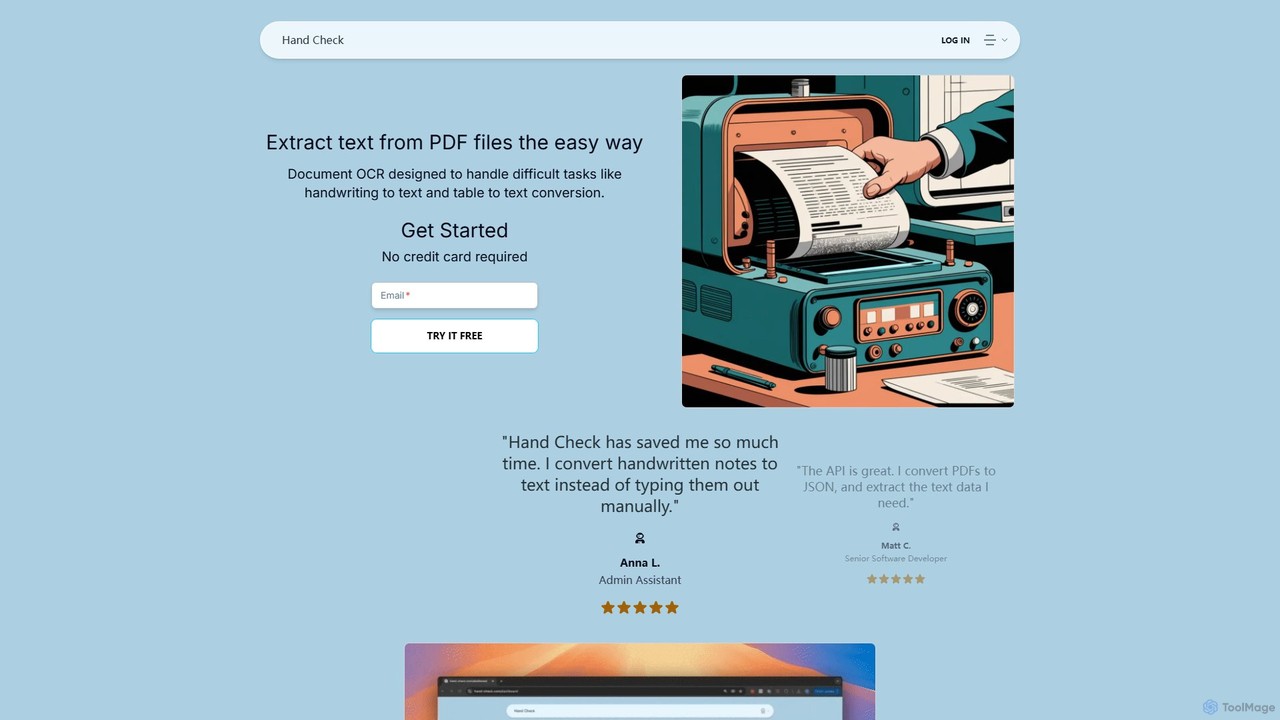
hand_check
hand_check is an advanced OCR tool that uses machine learning to extract text from PDFs and images. It specializes in converting complex documents, including handwritten notes and tables, into editable text or structured JSON data. With a user-friendly interface and a powerful API for developers, it's ideal for individuals, developers, and enterprises looking to automate document processing and data extraction.
Data ExtractionOCR.space Categories
OCR.space Embed Widget
Copy this embed code to place the badge on your blog, article, or product site and send readers directly to this ToolMage detail page.

Related AI tools
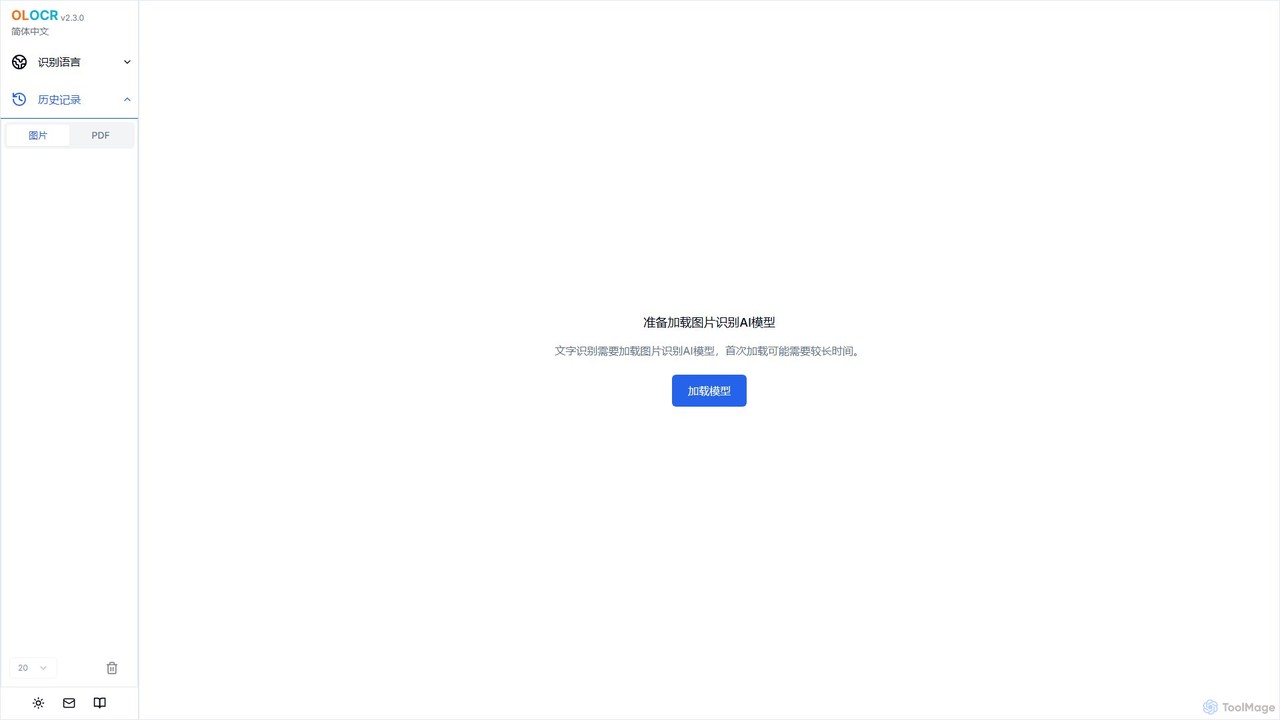
olocr
olocr is a free, privacy-focused AI OCR tool that extracts text from images and PDFs directly in your browser. It supports over 70 languages, batch processing, and can create searchable PDFs without uploading your files, ensuring complete data security.
Extraction
imgtotext.net
An advanced online OCR tool that accurately extracts text from images and PDF documents. It supports batch processing, multiple languages, and various file formats. It also offers a built-in translation feature, making it a versatile solution for digitizing and processing text-based content for free.
Optical Character Recognition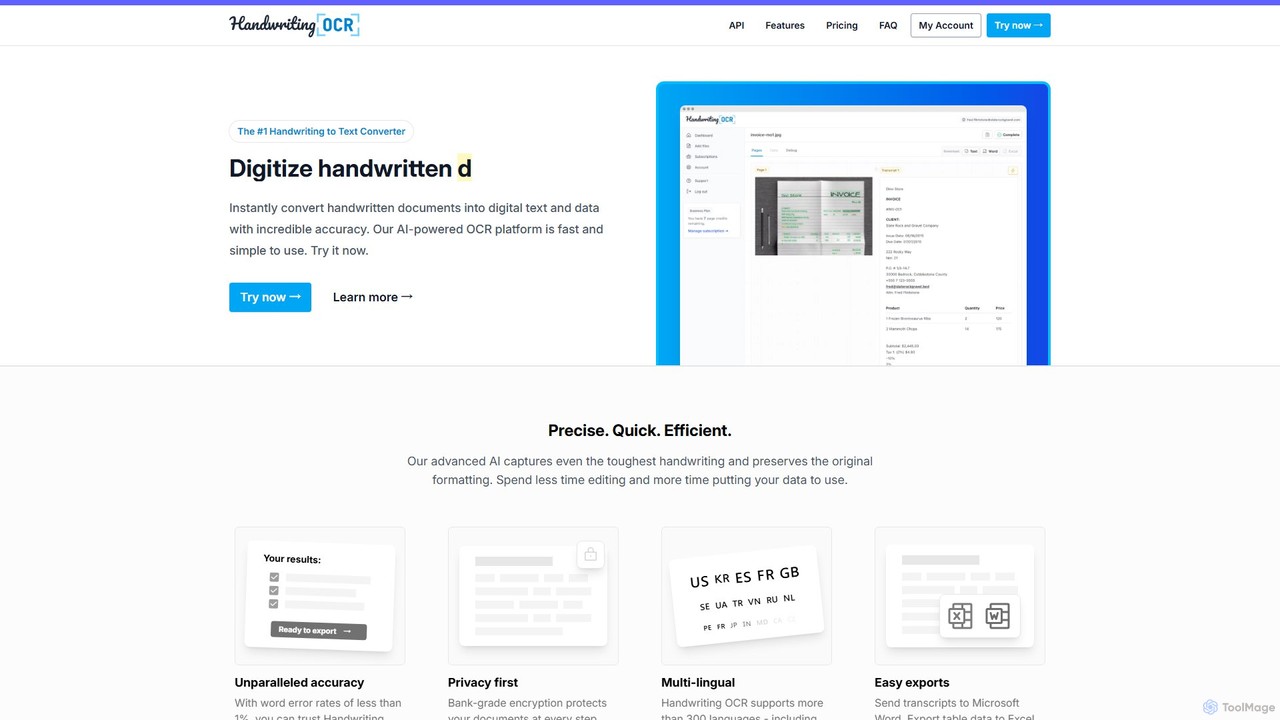
Handwriting OCR
Handwriting OCR is an AI-powered platform that instantly converts handwritten and printed documents into editable digital text with incredible accuracy. It supports over 300 languages, various file formats (PDF, JPG, PNG), and exports to Word, Excel, and plain text. Designed for businesses, researchers, and individuals, it prioritizes security with bank-grade encryption and a strict no-data-training policy.
Data Entryhand_check
hand_check is an advanced OCR tool that uses machine learning to extract text from PDFs and images. It specializes in converting complex documents, including handwritten notes and tables, into editable text or structured JSON data. With a user-friendly interface and a powerful API for developers, it's ideal for individuals, developers, and enterprises looking to automate document processing and data extraction.
Data Extraction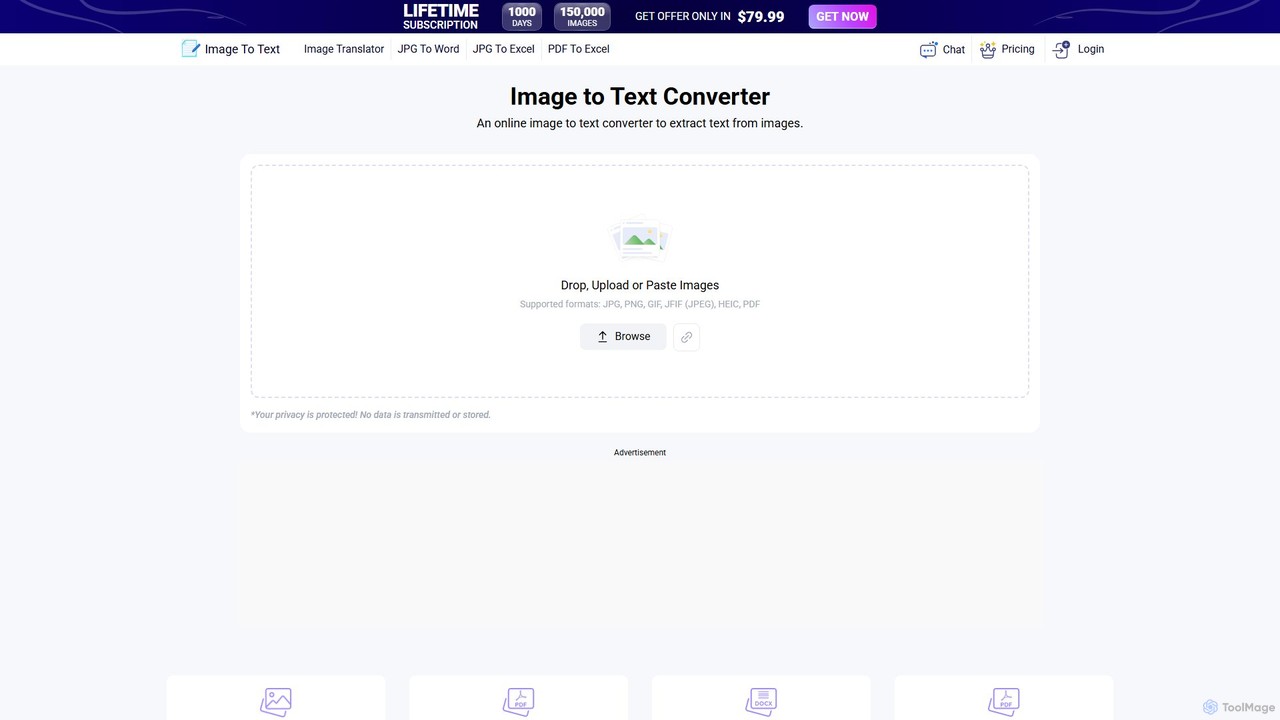
Image to Text
A free, AI-powered online OCR tool that accurately extracts text from images. It supports numerous languages and image formats without requiring registration. Easily convert images, documents, and notes into editable text, download as a .txt file, or copy to your clipboard.
Note TakingGPTOCR
GPTOCR is an AI-powered data extraction tool that transforms documents, such as PDFs, into structured JSON files. It automates manual data entry, reduces human error, and streamlines workflows, enabling teams to focus on higher-value tasks by providing accurate, ready-to-use data.
Data Extraction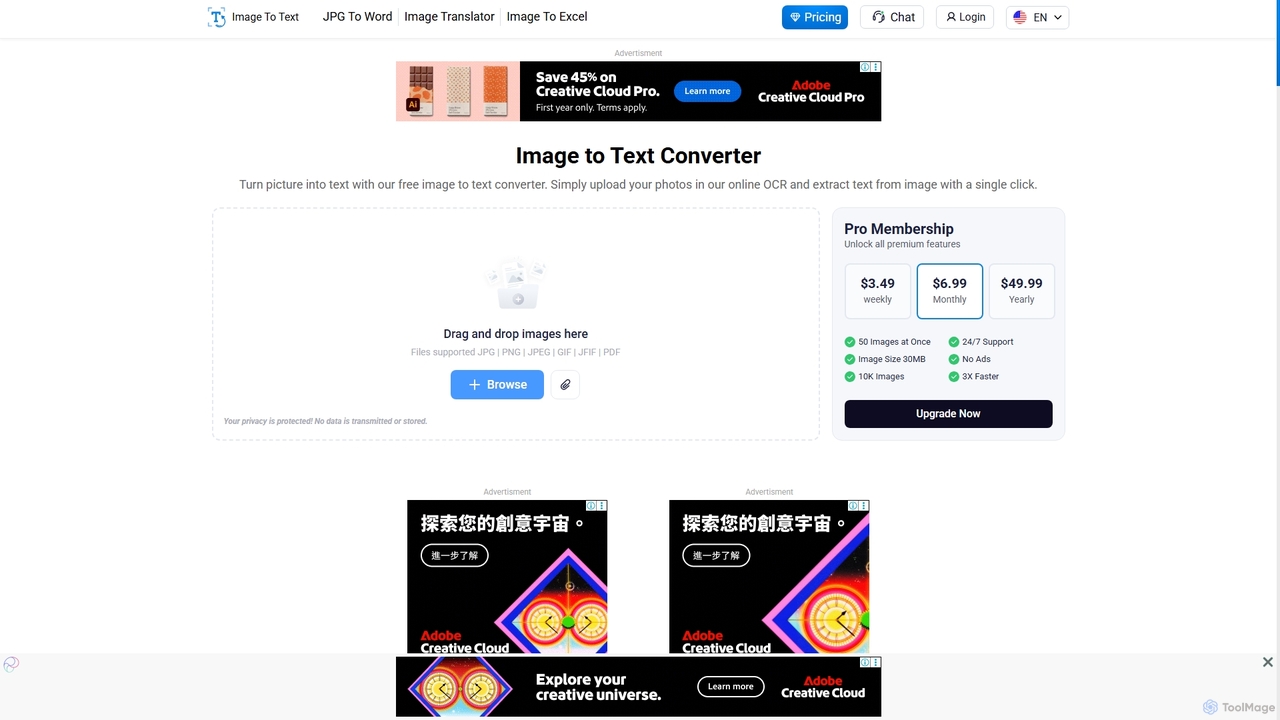
Imagetotext.io
A powerful online OCR tool that accurately converts images into editable text. It supports various formats, multiple languages, and even extracts text from low-resolution images and mathematical equations. Ideal for students, professionals, and anyone needing to digitize documents quickly and for free.
Study Tools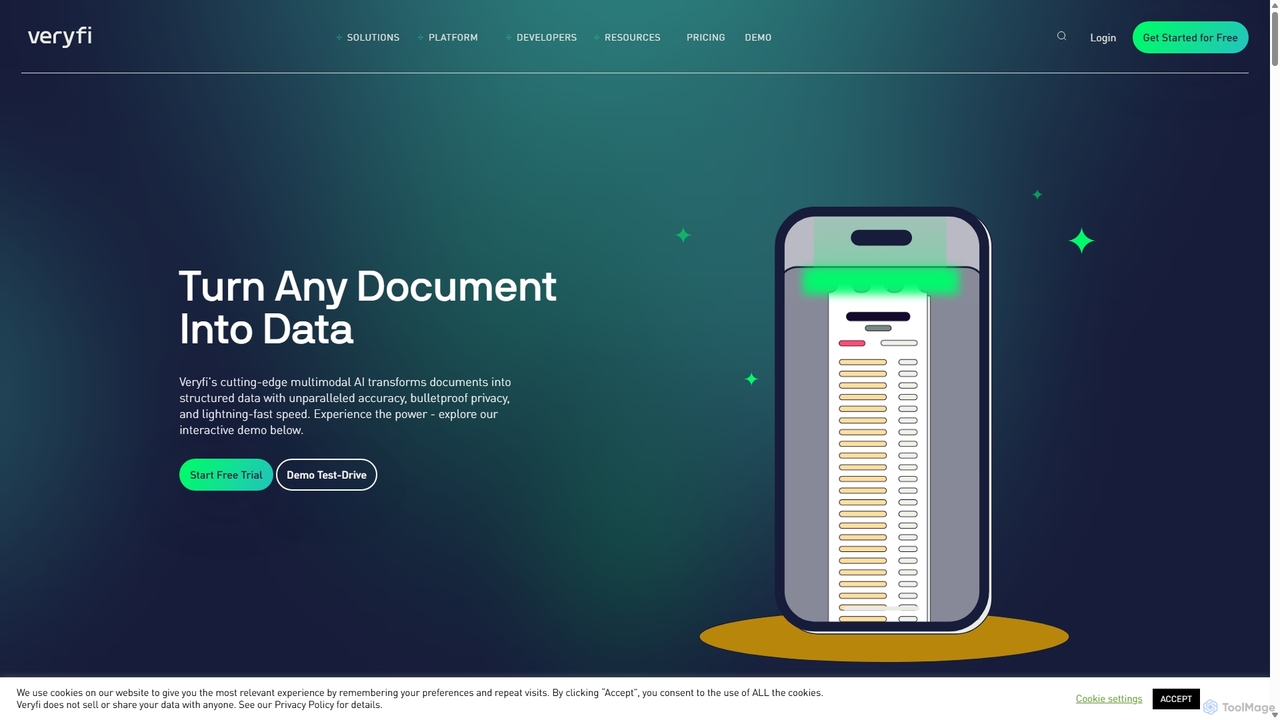
Veryfi
Veryfi is an advanced AI-powered platform that transforms unstructured documents like receipts, invoices, and checks into structured data. It offers OCR APIs with unparalleled accuracy (99.9%), lightning-fast speed, and enterprise-grade security. Designed for developers and businesses, it automates data entry, detects fraud, and provides valuable insights across various industries including FinTech, CPG, and Healthcare.
Api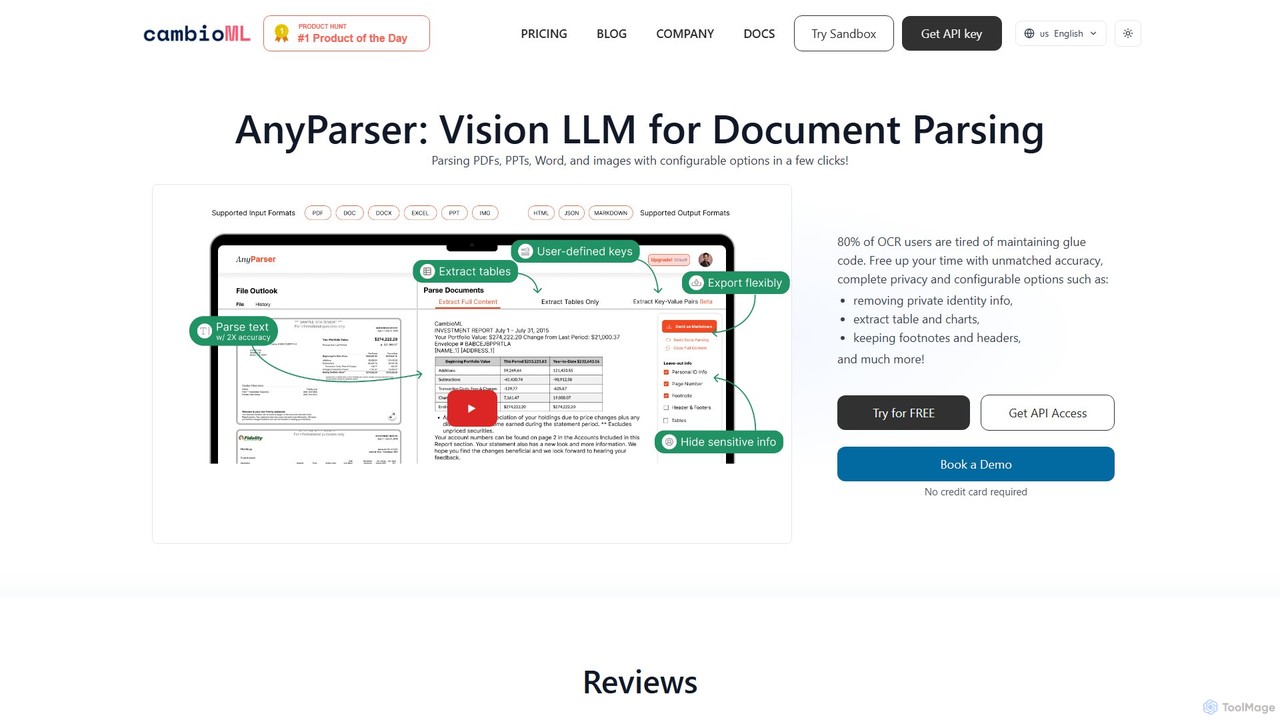
CambioML
CambioML offers the AnyParser API, a powerful Vision LLM designed for high-accuracy document parsing. It extracts text, tables, charts, and key-value pairs from PDFs, images, and Office documents. With features like PII redaction, configurable outputs, and real-time processing, it's ideal for developers and businesses in finance, research, and data analysis to automate data extraction workflows while ensuring privacy and efficiency.
Data Extraction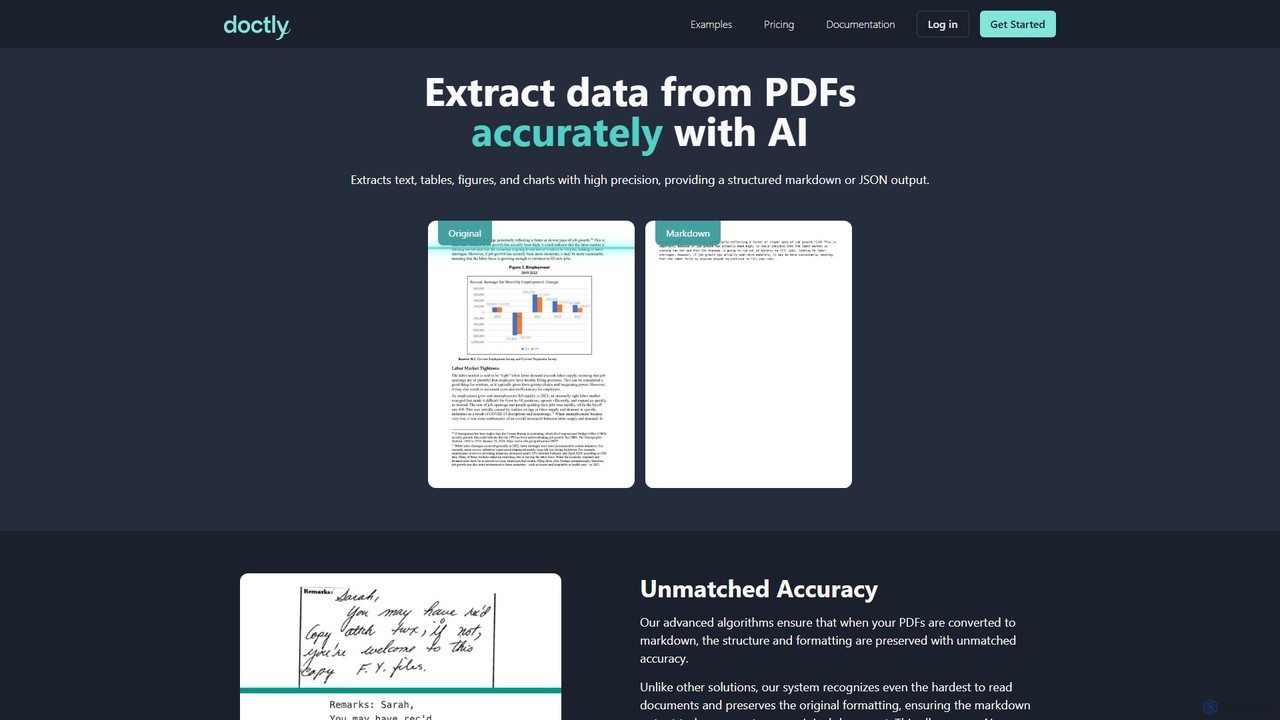
Doctly
Doctly is an AI-powered tool that accurately extracts data from PDFs and other documents. It converts text, tables, figures, and charts into structured Markdown or JSON, preserving original formatting. With a simple API and high precision, it's designed for developers and businesses to automate document processing workflows.
Data Extraction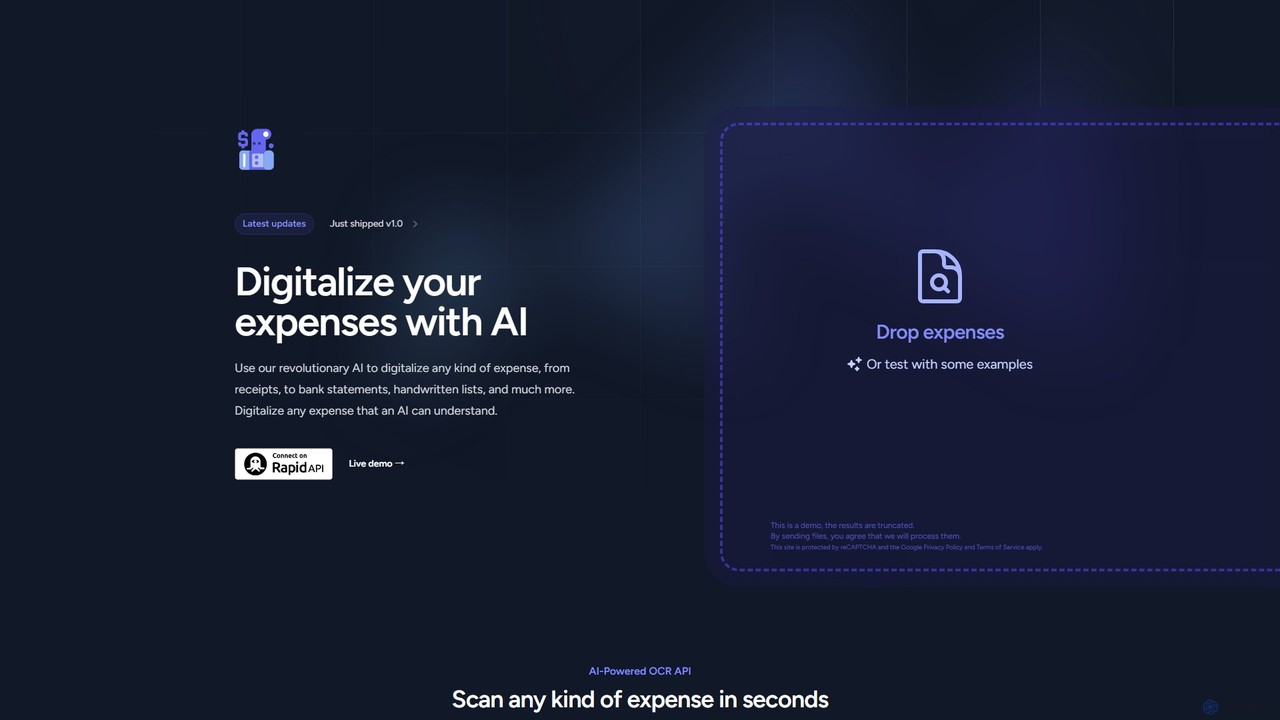
Expenses Day
Expenses Day is a powerful AI-powered OCR API designed to digitize any type of expense document. It accurately extracts data from receipts, invoices, bank statements, and even handwritten lists, transforming unstructured financial documents into structured, usable data for businesses and developers.
Api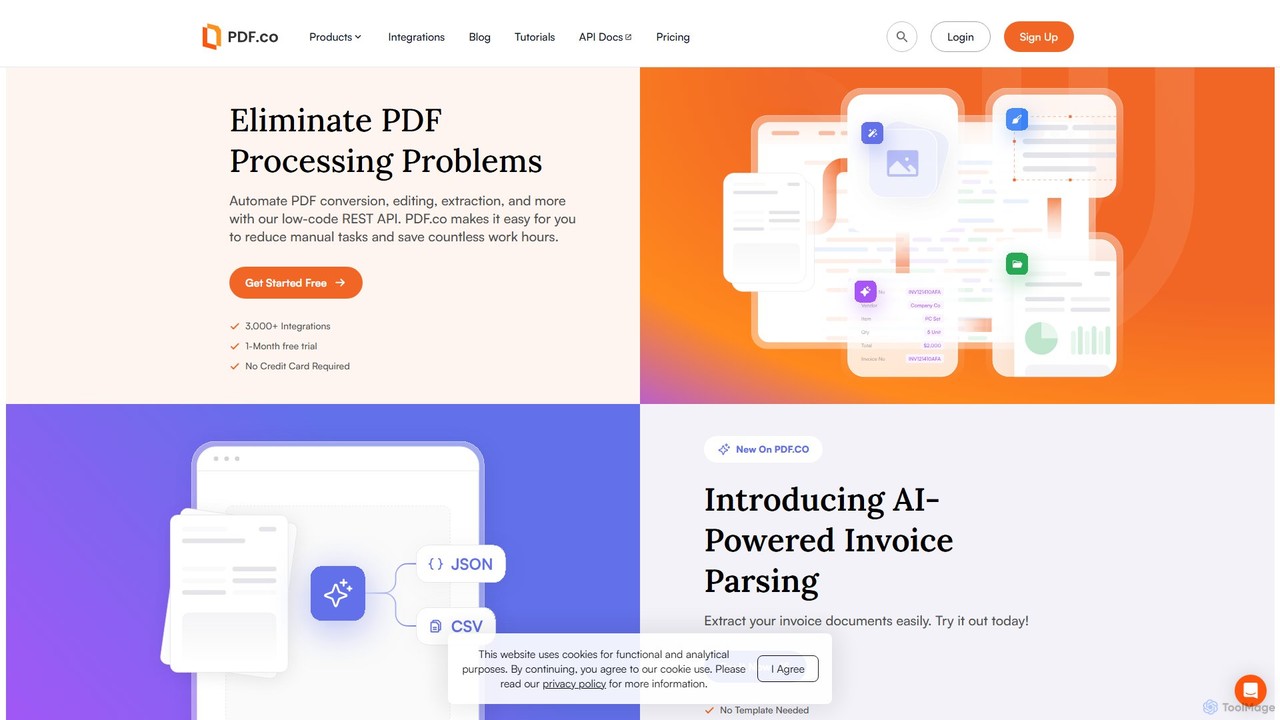
PDF.co
PDF.co is a powerful REST API platform for developers and businesses to automate all PDF-related tasks. It enables PDF data extraction, editing, conversion, creation, and form filling. Featuring AI-powered invoice parsing and seamless integration with over 3,000 platforms like Zapier and Make, it helps eliminate manual work and streamline document workflows.
Automation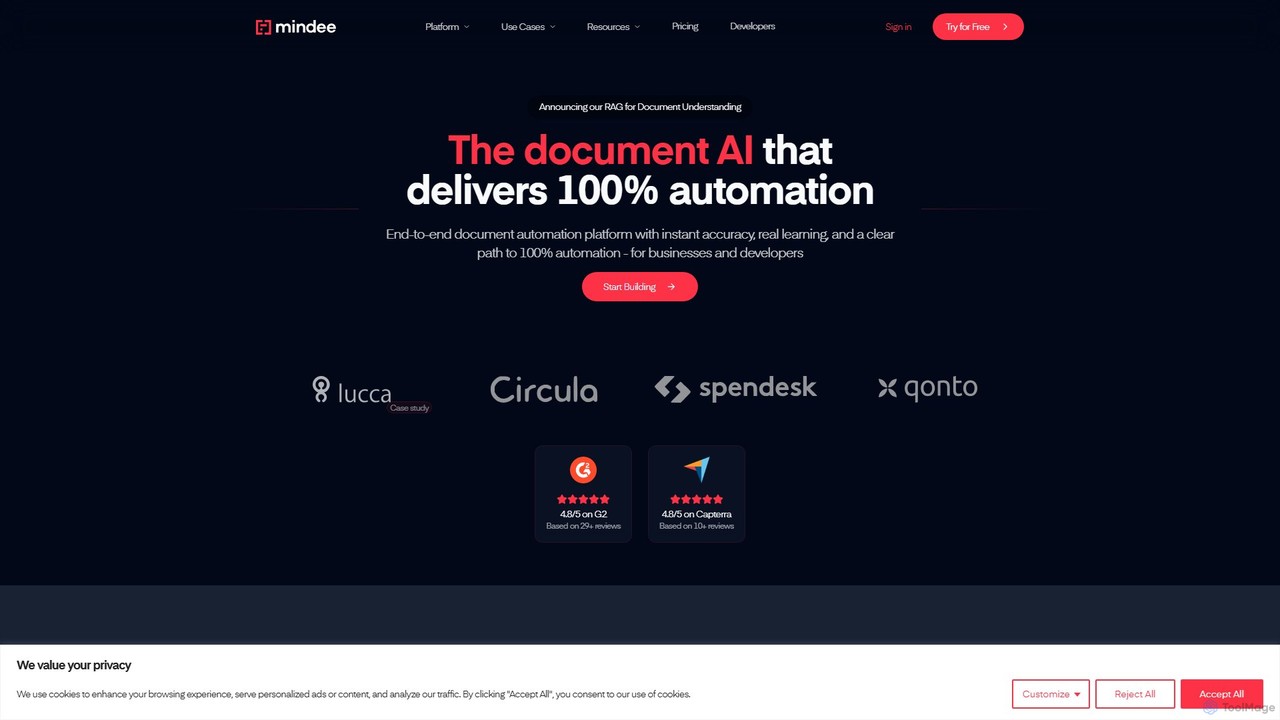
Mindee
Mindee is an AI-powered OCR and data extraction API for developers. It automates data entry by instantly parsing and structuring information from various documents like invoices, receipts, and passports. It provides structured JSON data, eliminating manual work and improving accuracy.
Document Management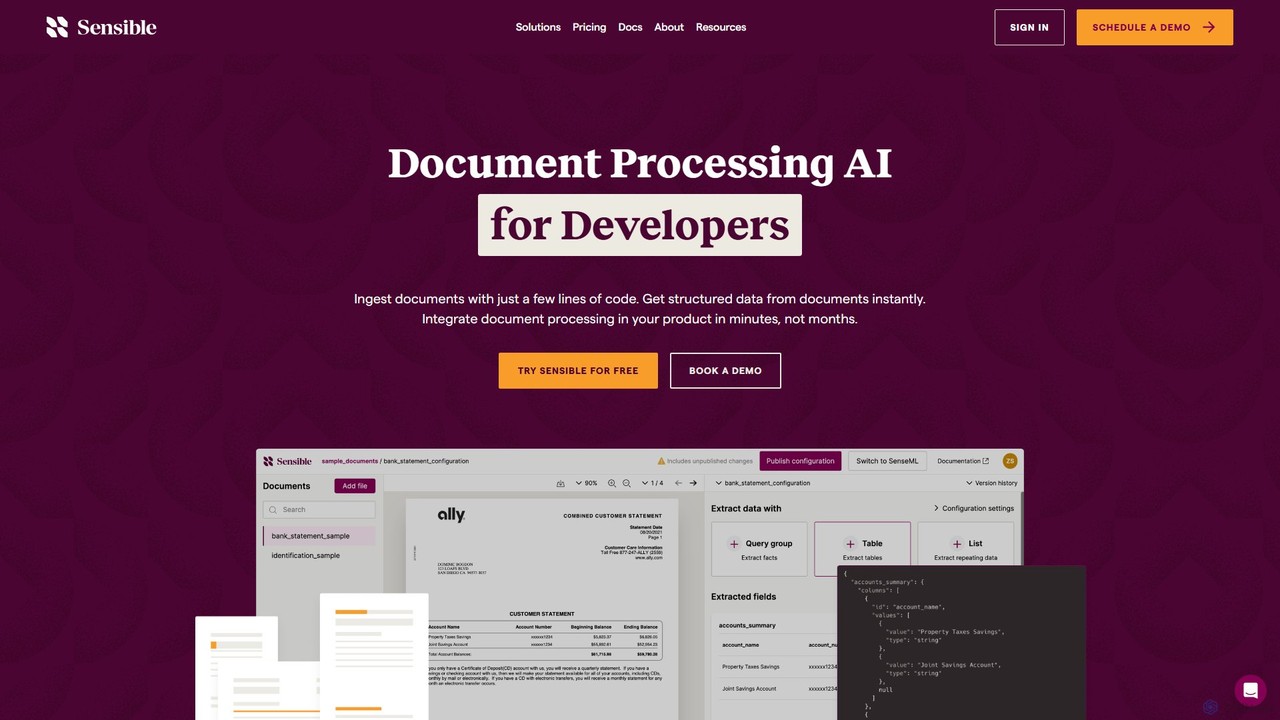
Sensible
Sensible is an API-first intelligent document processing platform for developers. It uses advanced LLM parsing and visual layout-based rules to accurately extract structured data from any document, such as PDFs, images, and spreadsheets. It's designed for seamless integration, scalability, and enterprise-grade security, including SOC 2 and HIPAA compliance.
Automation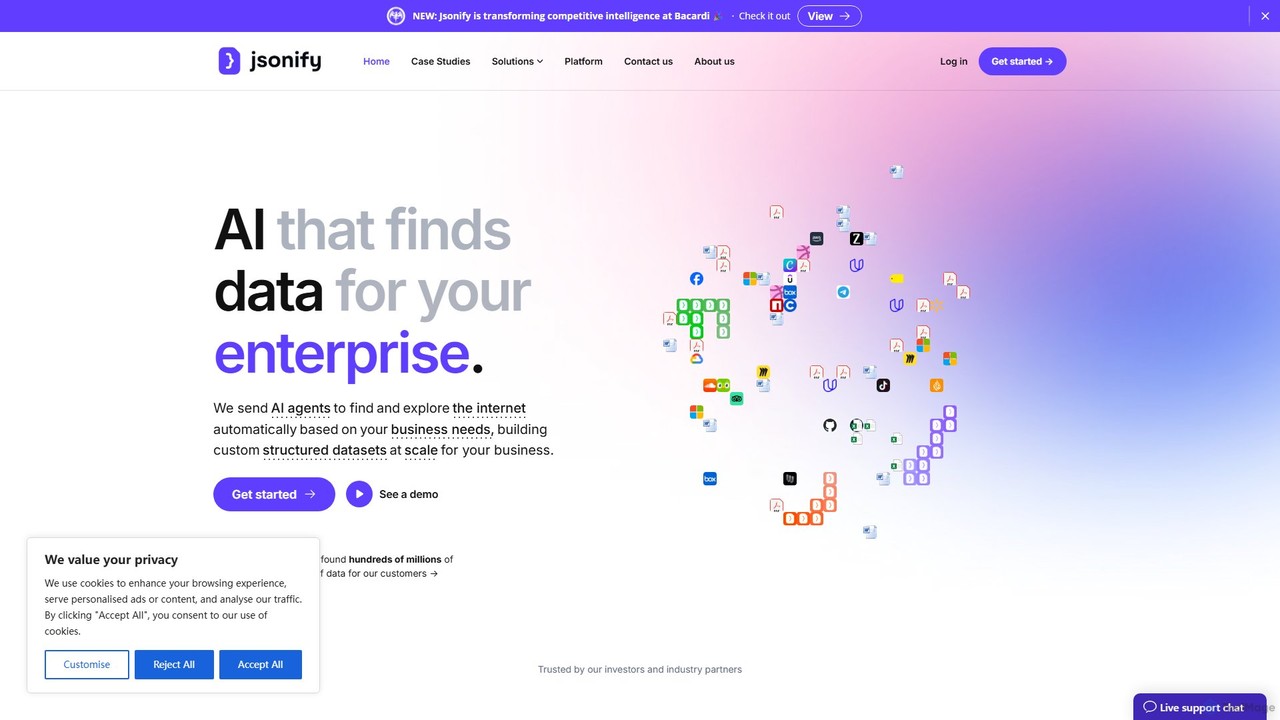
Jsonify
Jsonify is an AI-powered platform designed for enterprises to automatically find, extract, and structure data from various documents and web sources into clean JSON format. It streamlines data processing workflows, eliminating manual entry and enabling seamless integration via its robust API.
Data Analysis
OCR.space Comments (0)
Sign in to comment.
Sign inNo comments yet.