ToolMage
Sign in

Best 42 Document Processing AI tools for Productivity

Popular Document Processing AI tools in Productivity include Image to Text, OCR.space, Image Translator, V7, Veryfi, Upstage, imgtotext.net, Doc2X, Affinda, and super.ai, helping you work more efficiently.

SquarePact
Freemium

SquarePact

SquarePact is an AI-powered contract review and drafting tool specifically designed for non-lawyers in real estate, procurement, and business. It leverages hallucination-resistant AI to quickly identify legal, cybersecurity, and other risks, ensure compliance with industry-specific regulations, and streamline contract workflows, significantly reducing risk and saving valuable time.

Risk Management
Visits 7KFavorites 67Likes 49
Quick Data Converter
Freemium

Quick Data Converter

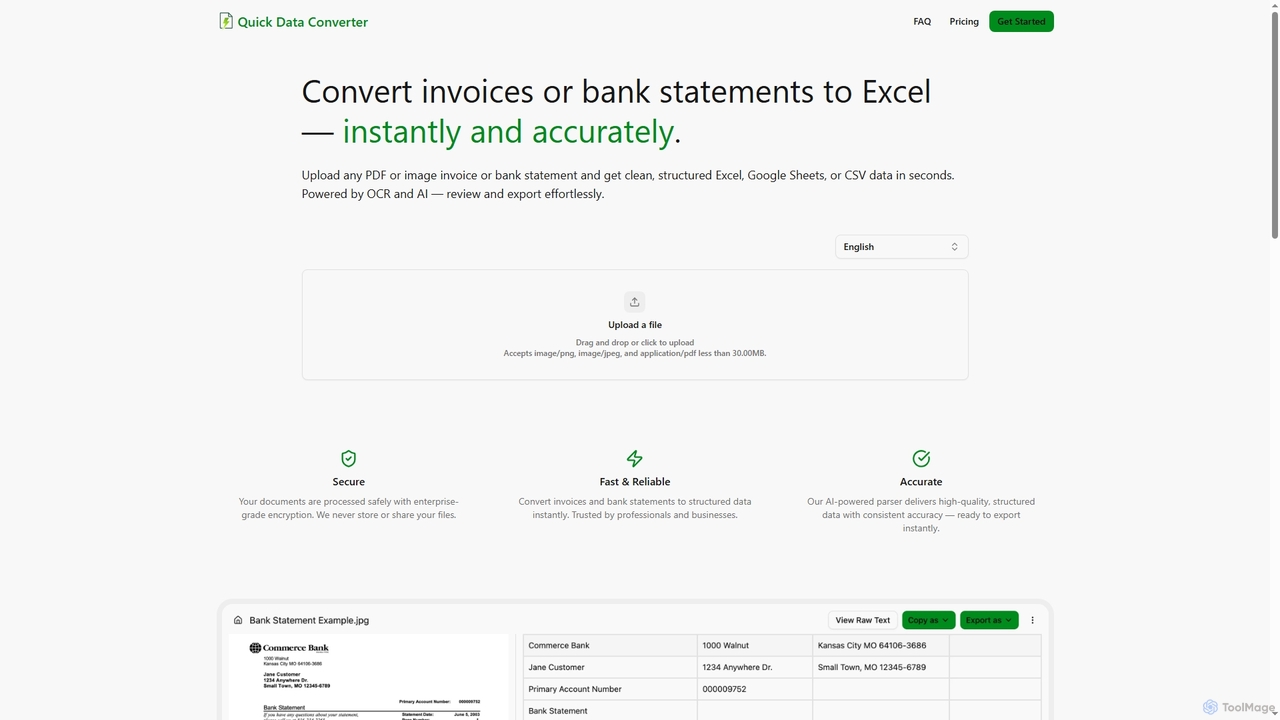
Quick Data Converter is an AI-powered tool that instantly and accurately transforms PDF and image invoices or bank statements into clean, structured data formats like Excel, CSV, and Google Sheets. It leverages OCR and AI for efficient data extraction, ensuring high accuracy and security for professionals and businesses.

Data Extraction
Visits 6.3KFavorites 102Likes 96
Doc2Q
Freemium

Doc2Q

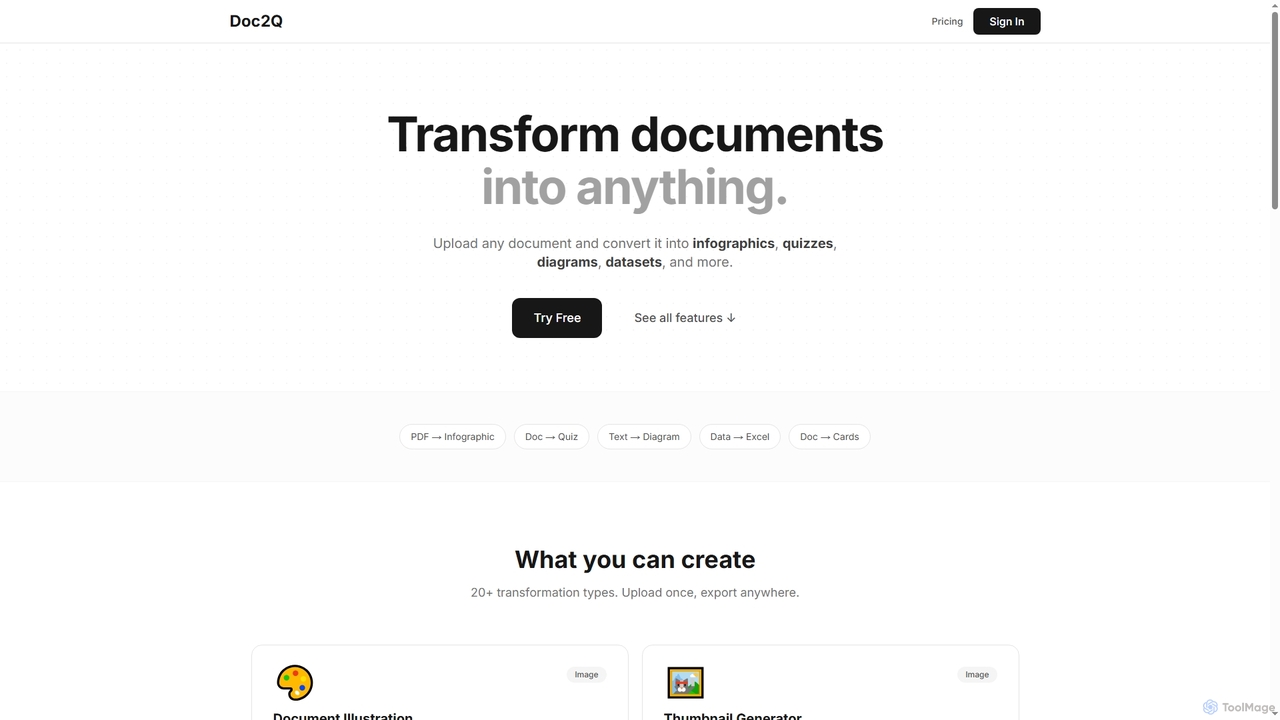
Doc2Q is an AI-powered tool that transforms documents (PDF, DOCX, images) into various formats like infographics, quizzes, diagrams, and datasets. It operates on a flexible pay-as-you-go credit system, allowing users to convert content quickly and efficiently for marketing, education, or data analysis purposes.

Visualization
Visits 6.5KFavorites 120Likes 115
Image Translator
Free

Image Translator

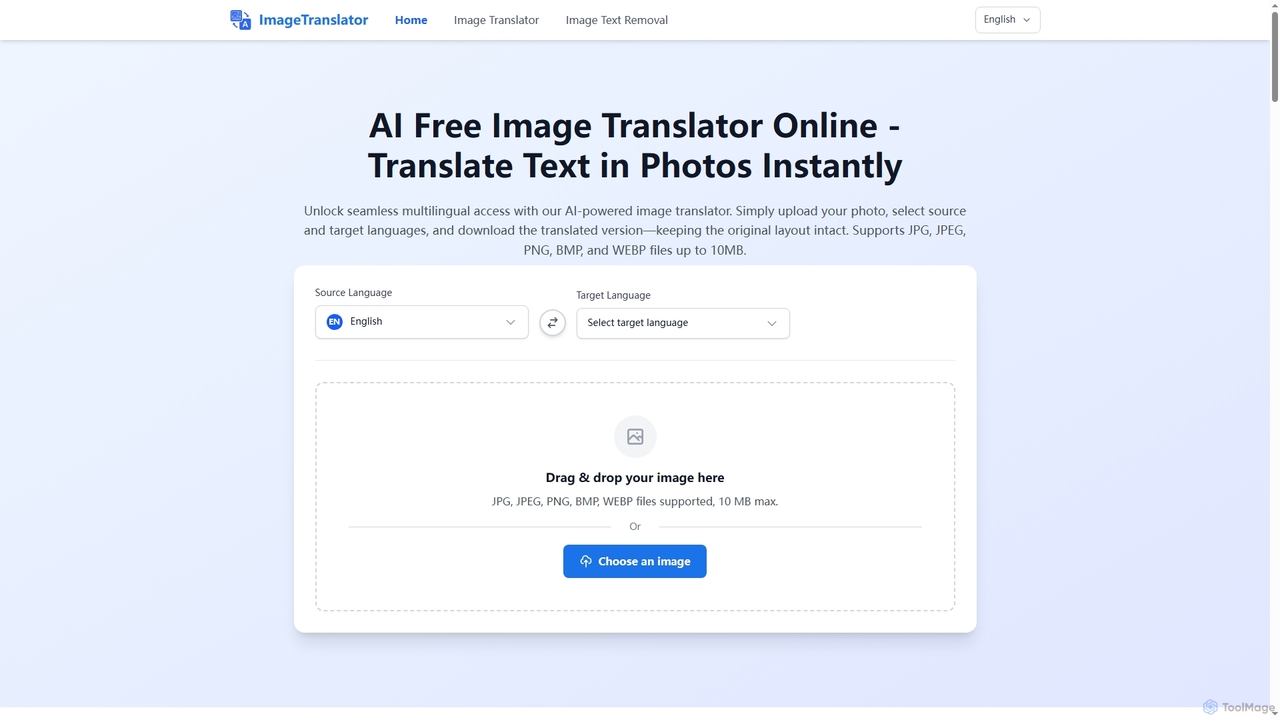
Image Translator is a free, AI-powered online tool designed to instantly translate text within images while preserving the original layout. It also offers a robust feature for intelligently removing text from photos. Supporting over 100 languages and various image formats up to 10MB, it provides a seamless solution for global communication, document processing, and creative localization without any software installation or subscription fees.

Image Translation
Visits 193.1KFavorites 156Likes 146
Xtractpdfai
Freemium

Xtractpdfai

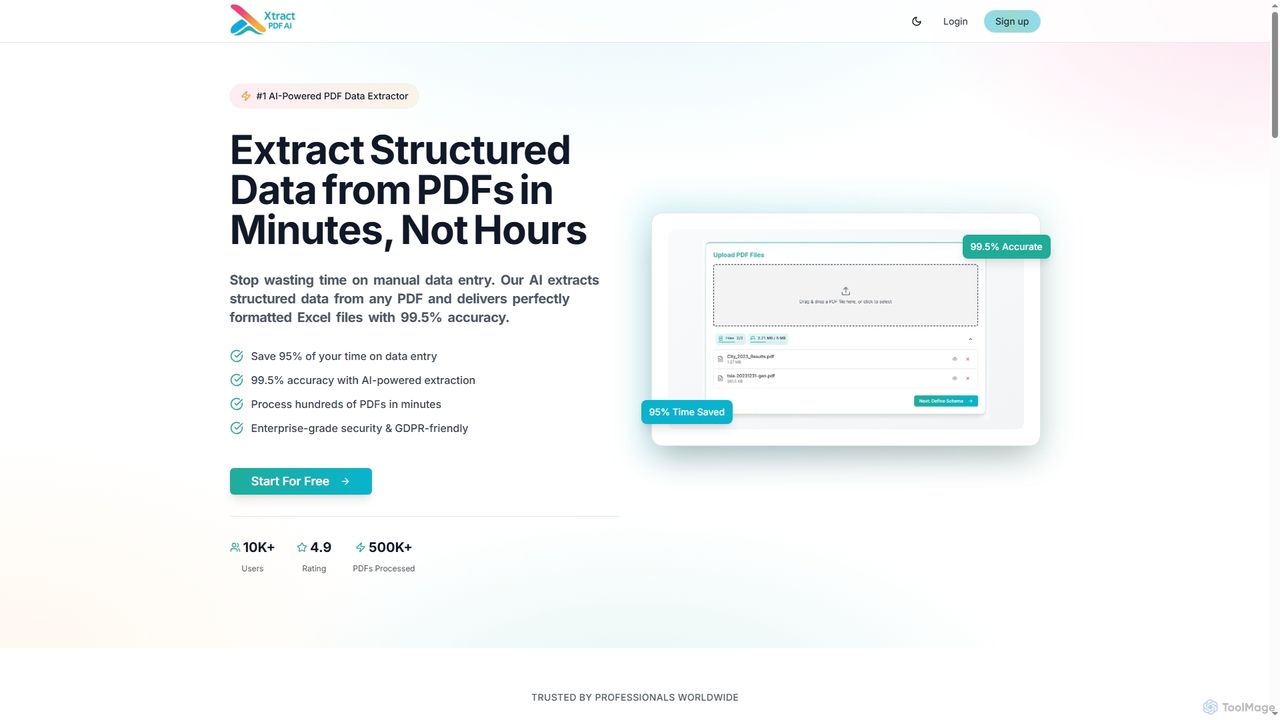
Xtractpdfai is an AI-powered tool designed to extract structured data from PDF documents and convert them into perfectly formatted Excel, CSV, or JSON files. It boasts 99.5% accuracy and significantly reduces manual data entry time, making document processing efficient and secure for professionals.

Data Automation
Visits 7.7KFavorites 135Likes 116
AIImageTranslator
Free

AIImageTranslator

AIImageTranslator is a free online tool that instantly translates text from images into over 200 languages. It offers high accuracy, preserves original layouts, and requires no sign-up or app downloads, making it ideal for travelers, students, and professionals.

Global Communication
Visits 26KFavorites 123Likes 144
TurboLens
Freemium

TurboLens

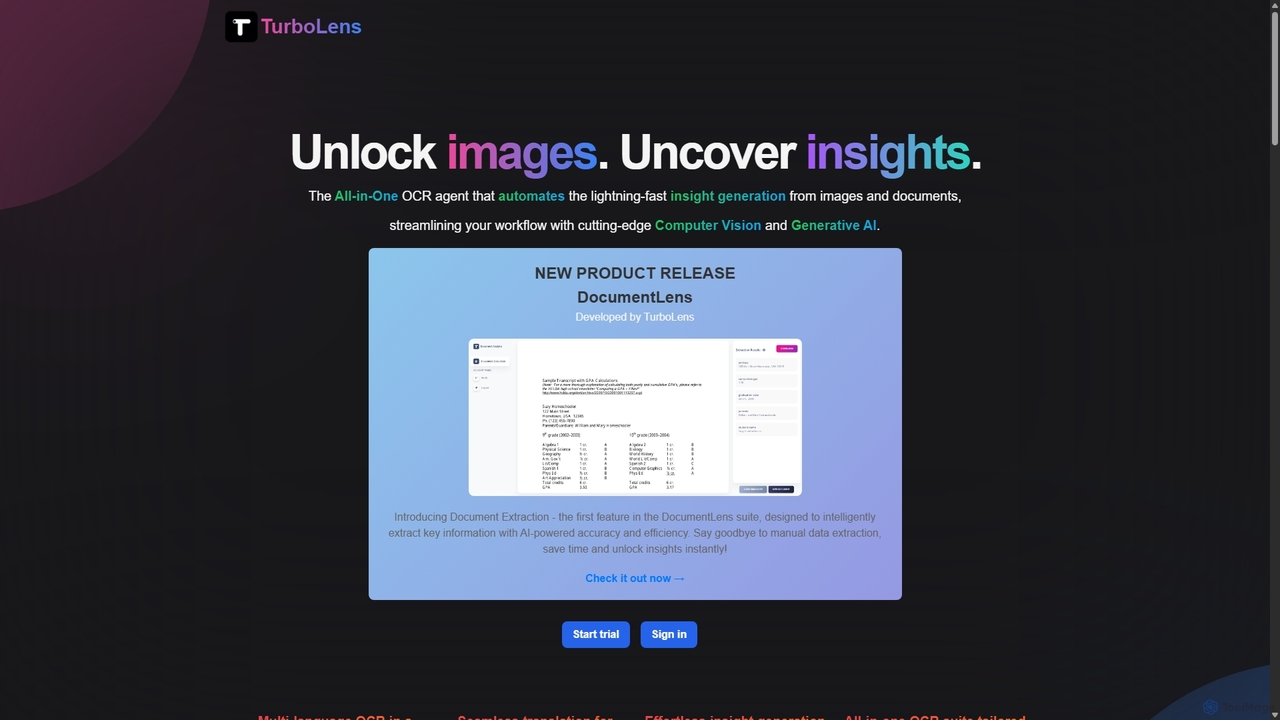
TurboLens is an all-in-one AI-powered OCR agent that automates insight generation from images and documents. It leverages Computer Vision and Generative AI to extract text, handwritten notes, tables, and math formulas, offering in-image translation and customizable workflows to streamline data processing.

Workflow Automation
Visits 7.6KFavorites 132Likes 128
DeepOpinion
Freemium

DeepOpinion

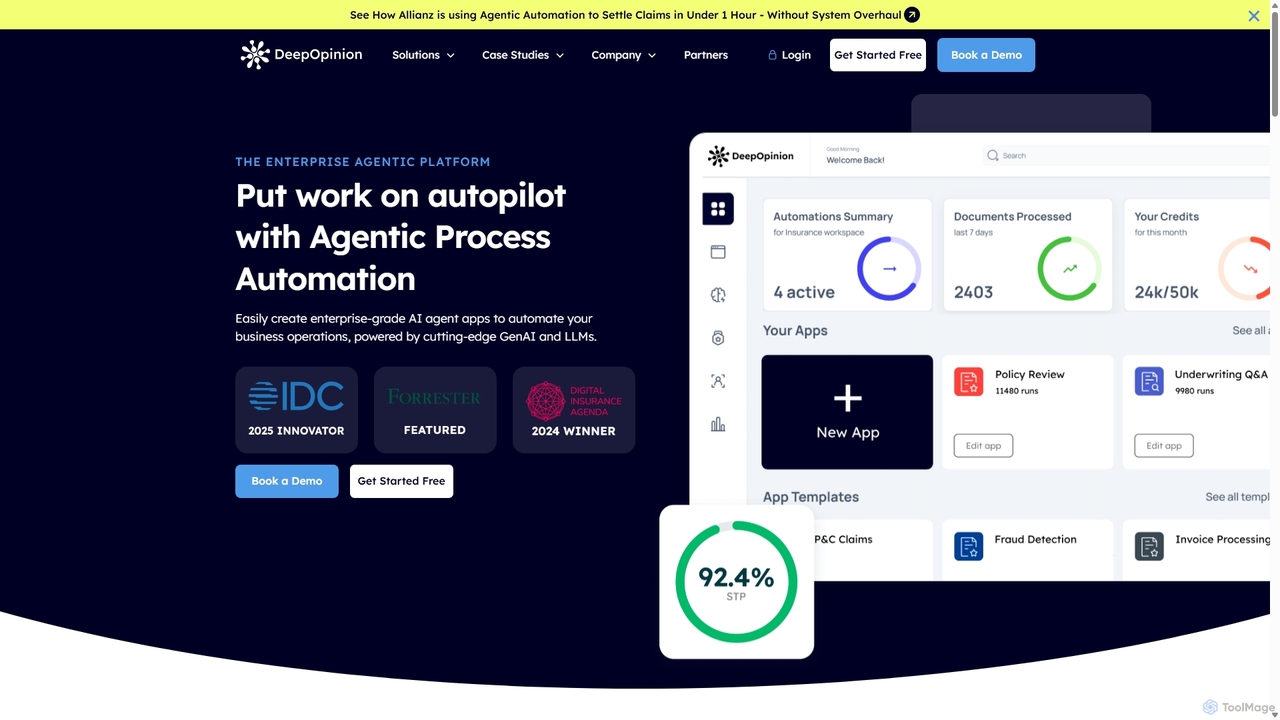
DeepOpinion is an enterprise-grade Agentic Process Automation (APA) platform that uses Generative AI and LLMs to automate complex business operations. It provides a no-code/low-code environment for building autonomous AI agents that can process unstructured data from documents and emails with high accuracy, streamlining workflows in sectors like insurance, finance, and manufacturing.

Process Automation
Visits 6.4KFavorites 151Likes 135
Veryfi
Freemium

Veryfi

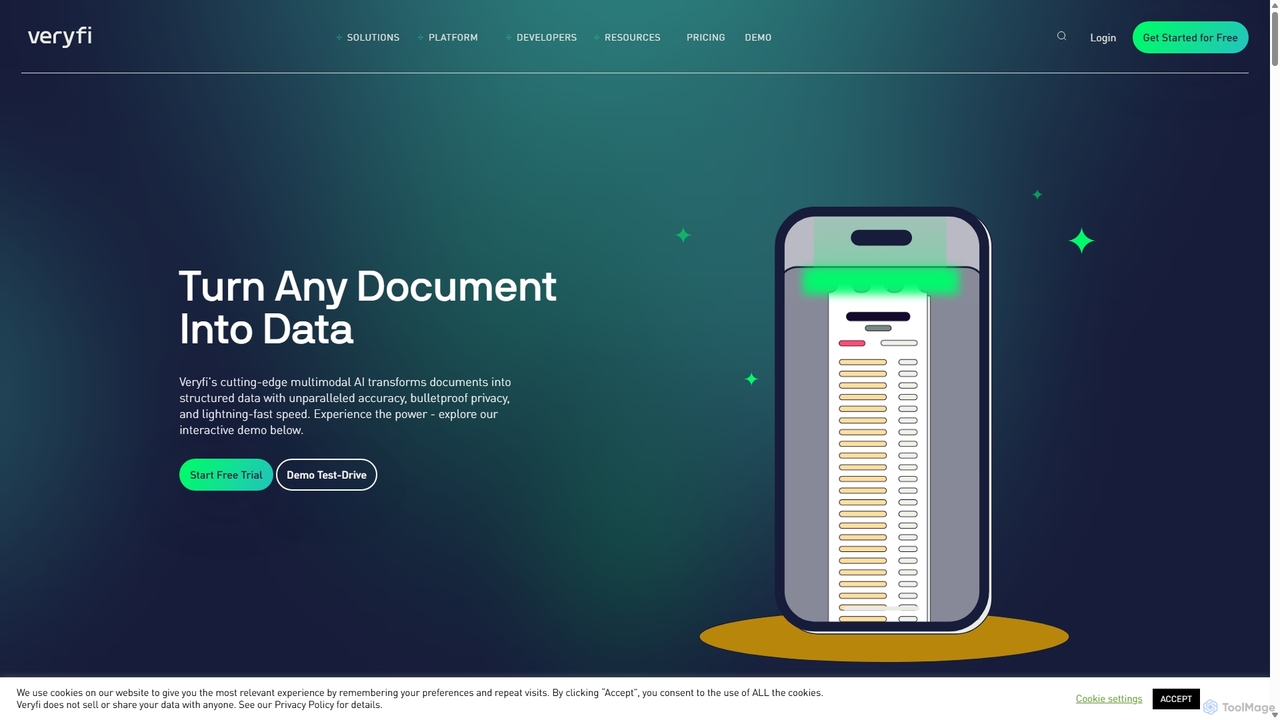
Veryfi is an advanced AI-powered platform that transforms unstructured documents like receipts, invoices, and checks into structured data. It offers OCR APIs with unparalleled accuracy (99.9%), lightning-fast speed, and enterprise-grade security. Designed for developers and businesses, it automates data entry, detects fraud, and provides valuable insights across various industries including FinTech, CPG, and Healthcare.

Api
Visits 116KFavorites 140Likes 144
CramJam
Freemium

CramJam

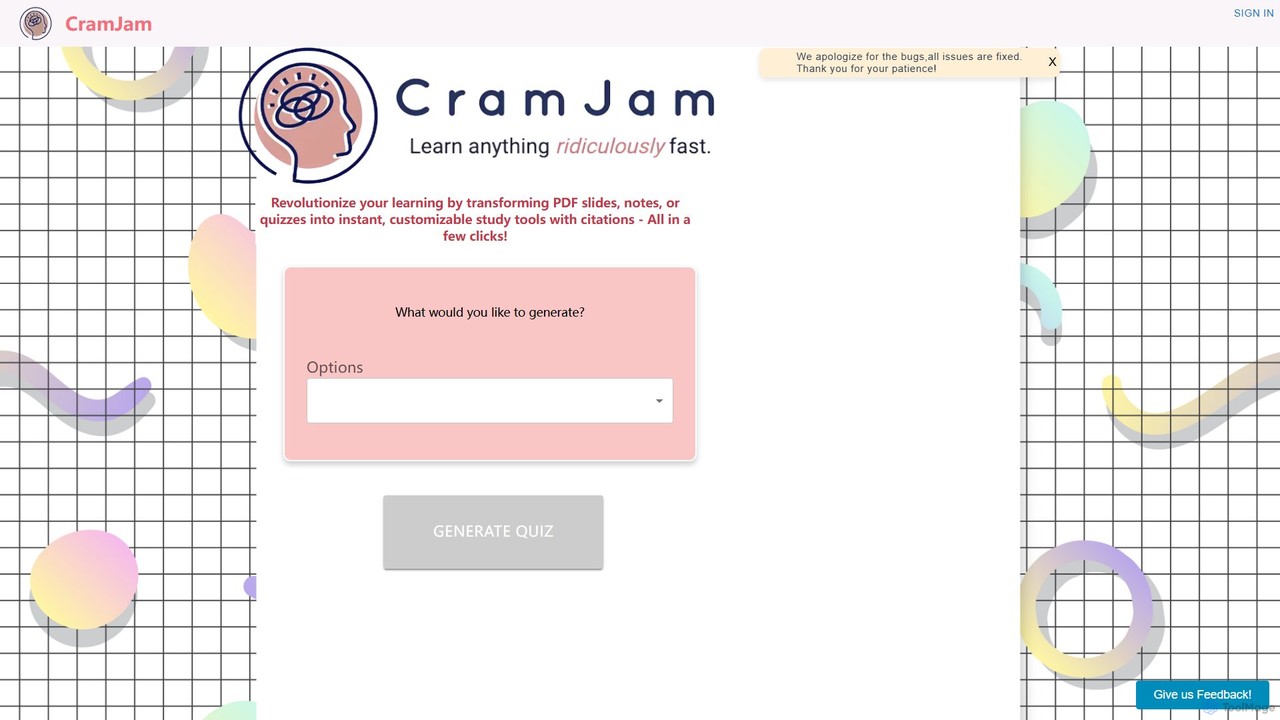
CramJam is an AI-powered learning tool that transforms your PDF documents, such as lecture slides, notes, or textbooks, into interactive study materials. Instantly generate customizable quizzes and flashcards with accurate citations, helping you study more effectively and save valuable time on exam preparation.

Question Generator
Visits 6.3KFavorites 145Likes 163
Expenses Day
Freemium

Expenses Day

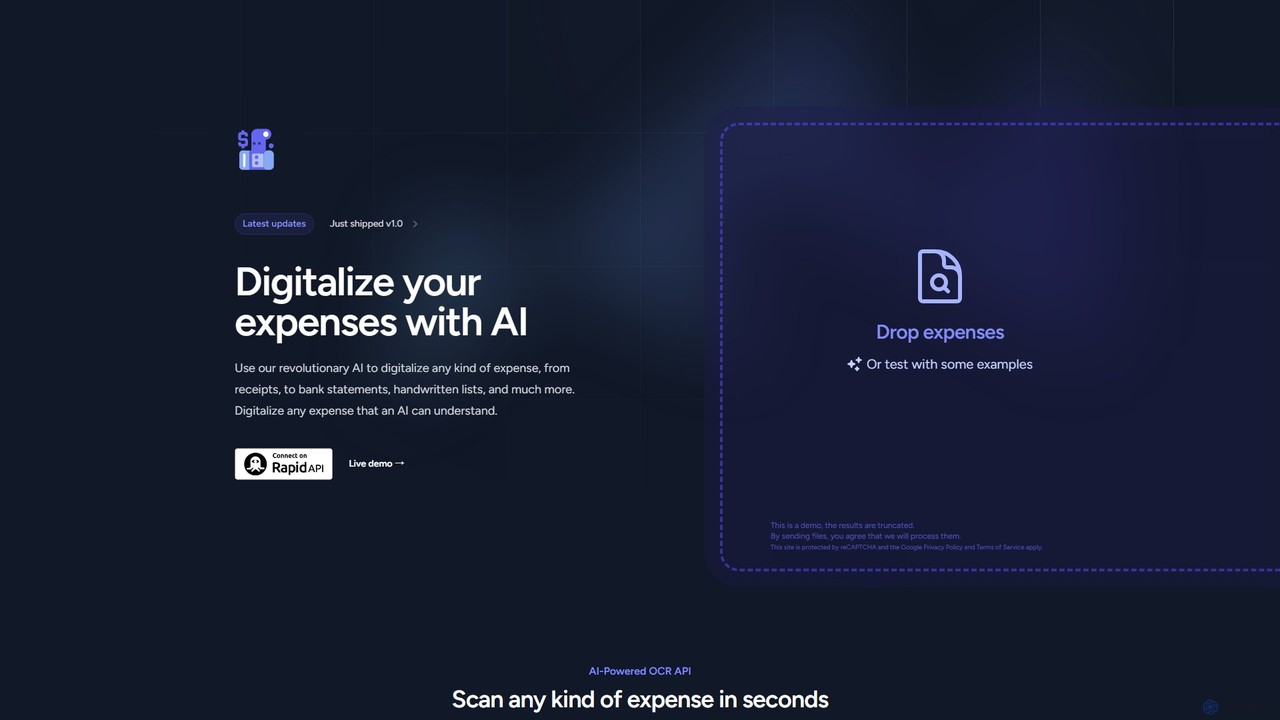
Expenses Day is a powerful AI-powered OCR API designed to digitize any type of expense document. It accurately extracts data from receipts, invoices, bank statements, and even handwritten lists, transforming unstructured financial documents into structured, usable data for businesses and developers.

Api
Visits 7.1KFavorites 121Likes 135
Sensible
Freemium

Sensible

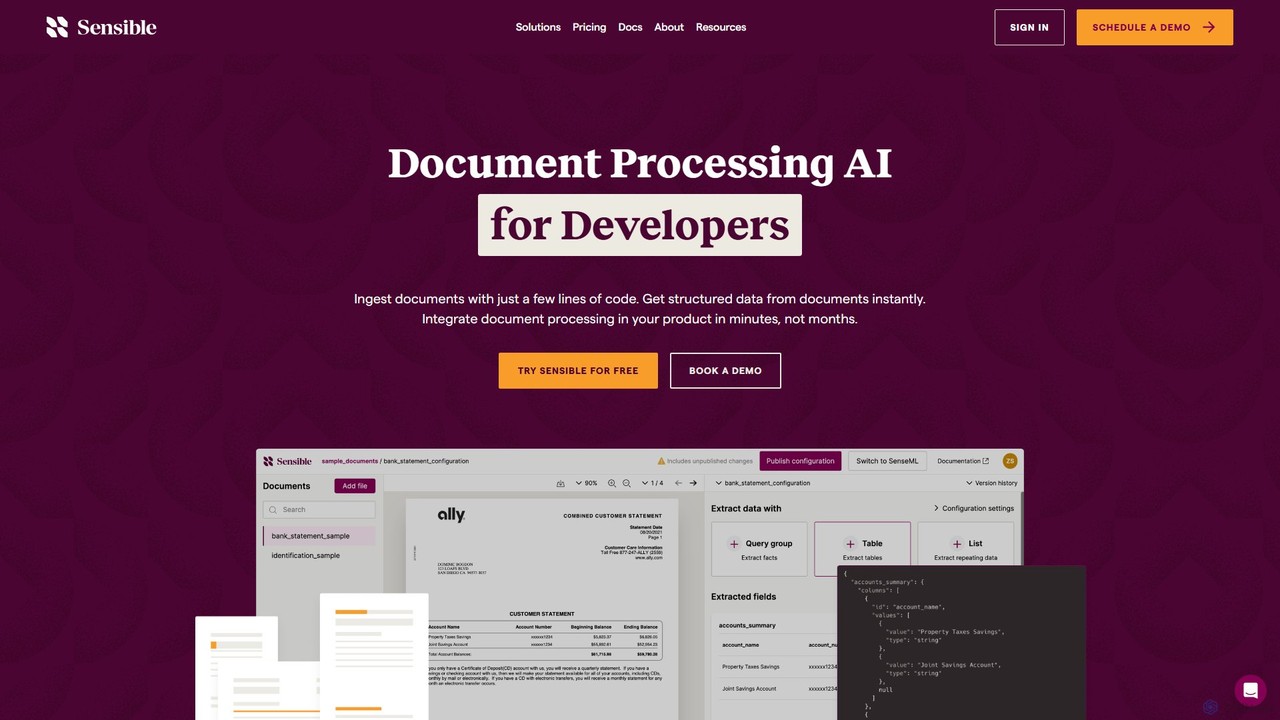
Sensible is an API-first intelligent document processing platform for developers. It uses advanced LLM parsing and visual layout-based rules to accurately extract structured data from any document, such as PDFs, images, and spreadsheets. It's designed for seamless integration, scalability, and enterprise-grade security, including SOC 2 and HIPAA compliance.

Automation
Visits 15.9KFavorites 140Likes 115
FormX.ai
Freemium

FormX.ai

FormX.ai is an AI-powered platform that automates data extraction from any document. It uses advanced AI, including LLMs and vision models, to process invoices, receipts, ID cards, and more, streamlining business workflows and improving operational efficiency.

Data Extraction
Visits 47.3KFavorites 121Likes 118
CVFormatter
Freemium

CVFormatter

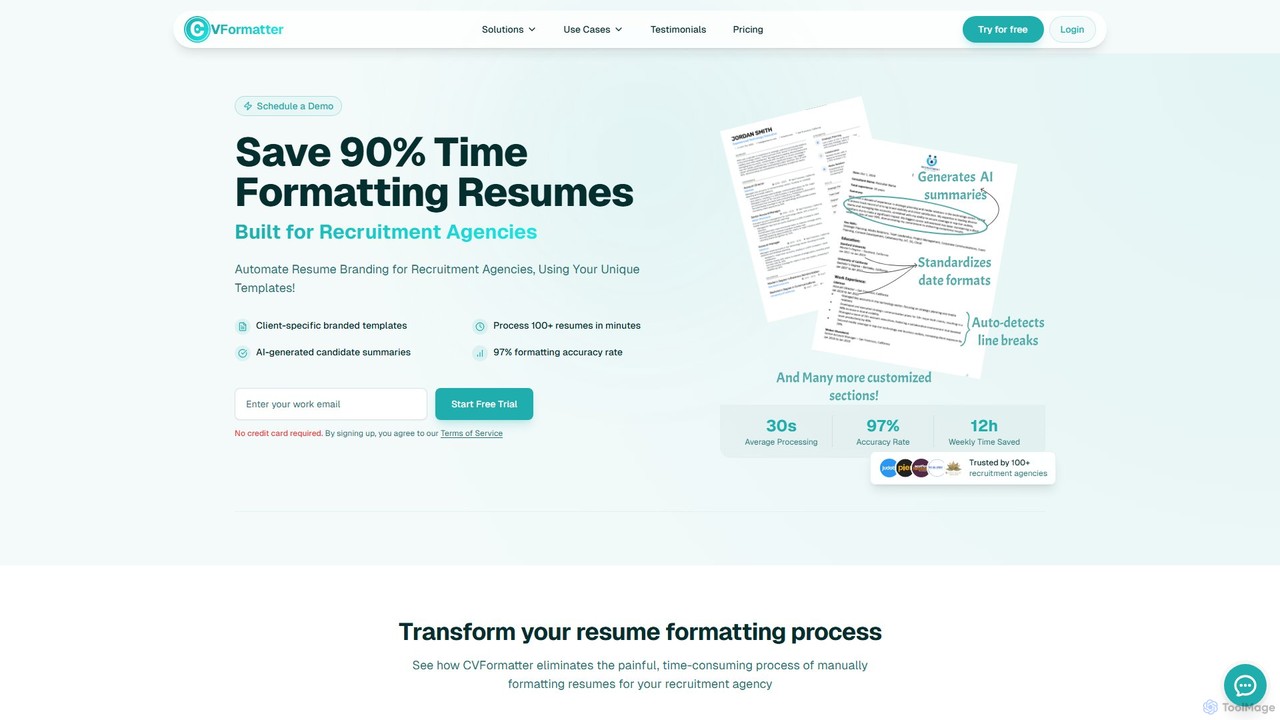
CVFormatter is an AI-powered tool designed for recruitment agencies to automate resume and CV formatting. It saves up to 90% of formatting time by instantly converting any resume format (PDF, Word, image) into your agency's branded templates with 97% accuracy. It also generates AI candidate summaries and supports bulk processing.

Recruiting
Visits 6.5KFavorites 160Likes 150
Fintelite

Fintelite

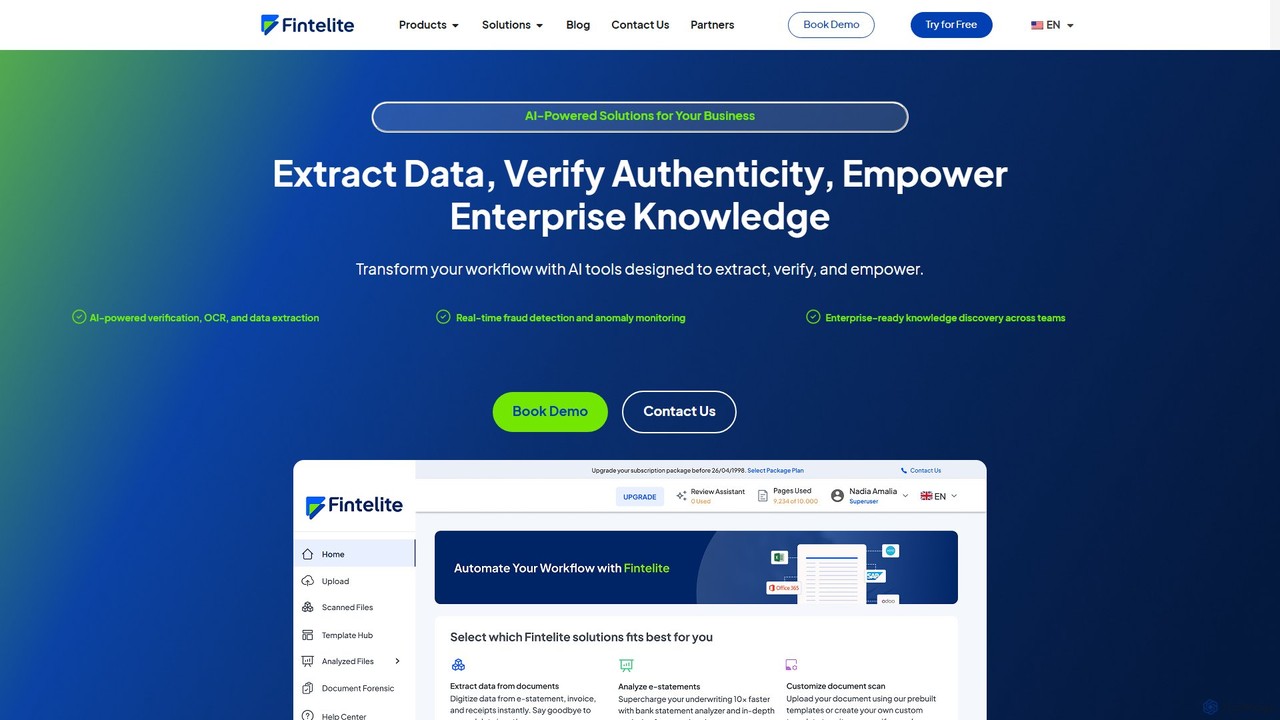
Fintelite is an AI-powered platform designed for financial services and enterprises, offering intelligent document processing, OCR, real-time fraud detection, and knowledge management. It automates data extraction, verifies document authenticity, and centralizes internal knowledge to boost efficiency, reduce manual effort, and enhance security.

Knowledge Management
Visits 10.9KFavorites 158Likes 152
Parseflow
Freemium

Parseflow

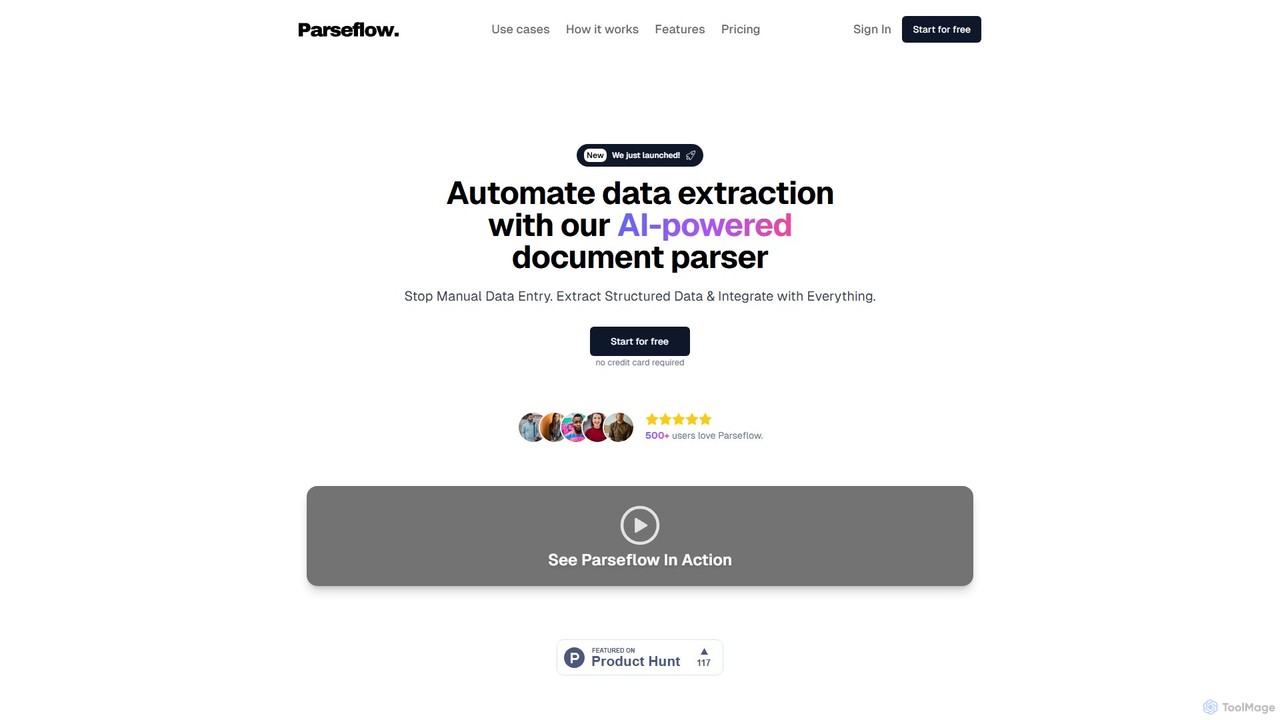
Parseflow is an AI-powered platform for automated data extraction from various documents like invoices, receipts, contracts, and resumes. It uses advanced OCR and NLP to parse structured and unstructured data, helping businesses streamline workflows, reduce manual entry, and lower operational costs.

Data Extraction
Visits 6.4KFavorites 171Likes 164
removehandwriting
Freemium

removehandwriting

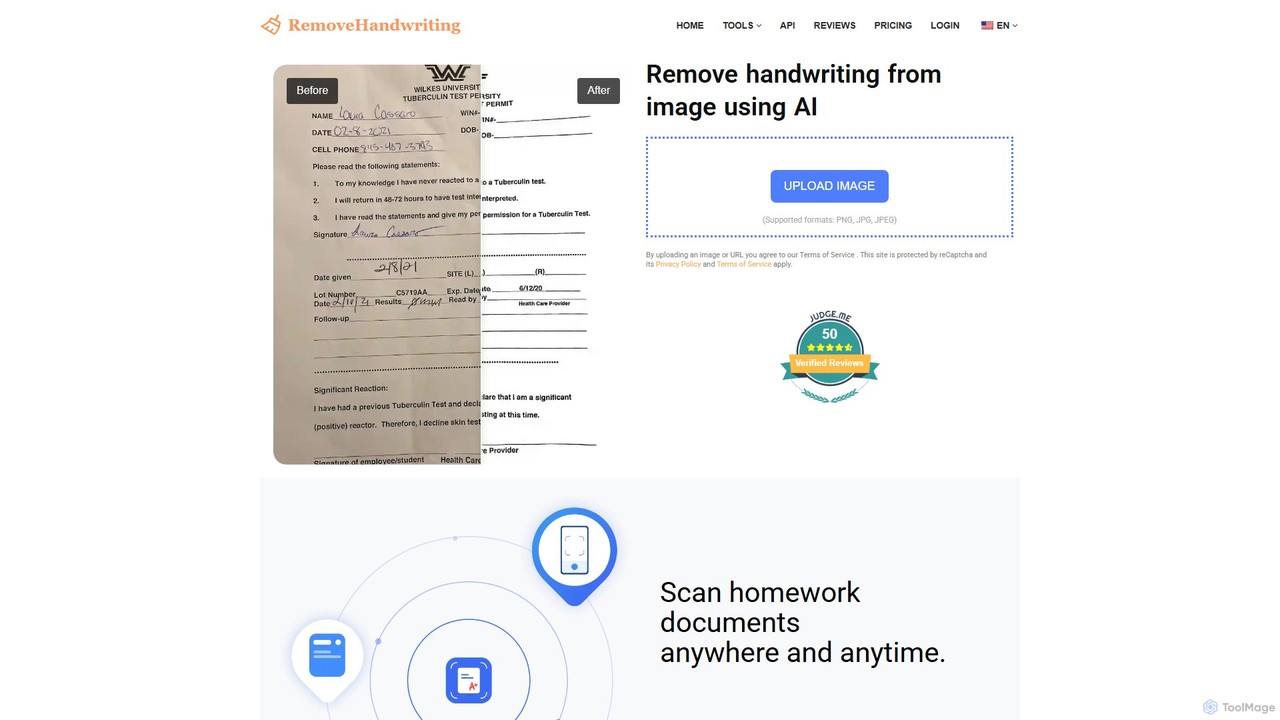
An AI-powered online tool that effortlessly removes handwriting from images and PDFs. It also excels at comprehensive document restoration, correcting issues like stains, shadows, wrinkles, and curled pages to produce clean, professional digital files.

Study Tools
Visits 35.3KFavorites 167Likes 154
inextlabs
Freemium

inextlabs

inextlabs is an enterprise-grade Generative AI platform designed to enhance business efficiency and growth. It offers a suite of agentic AI solutions, including inFlow Assistant for omnichannel support, inFlow DocsAI for intelligent document processing, and inFlow Insights for data analytics. Focusing on security, scalability, and customization, inextlabs helps industries like healthcare, finance, and retail automate workflows, gain actionable insights, and deliver superior customer experiences through secure, AI-driven applications.

Enterprise Solutions
Visits 11KFavorites 176Likes 163
Image to Text
Free

Image to Text

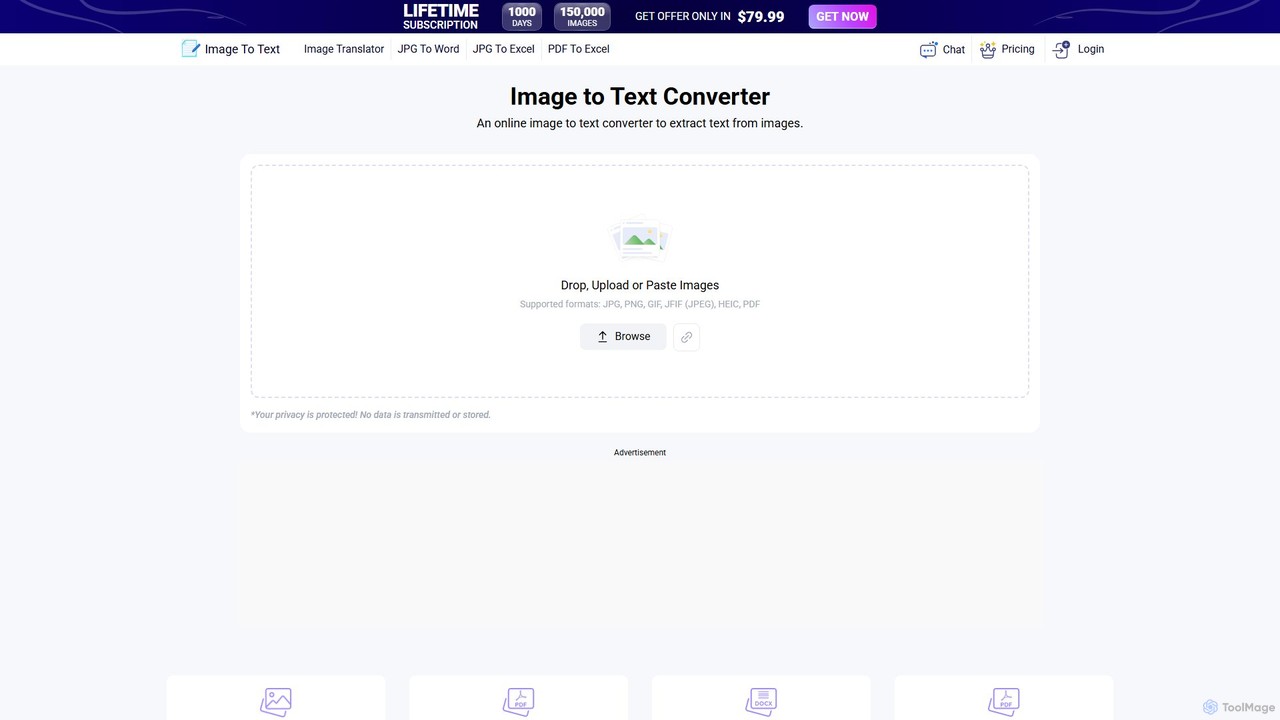
A free, AI-powered online OCR tool that accurately extracts text from images. It supports numerous languages and image formats without requiring registration. Easily convert images, documents, and notes into editable text, download as a .txt file, or copy to your clipboard.

Note Taking
Visits 5.8MFavorites 148Likes 158
CambioML
Freemium

CambioML

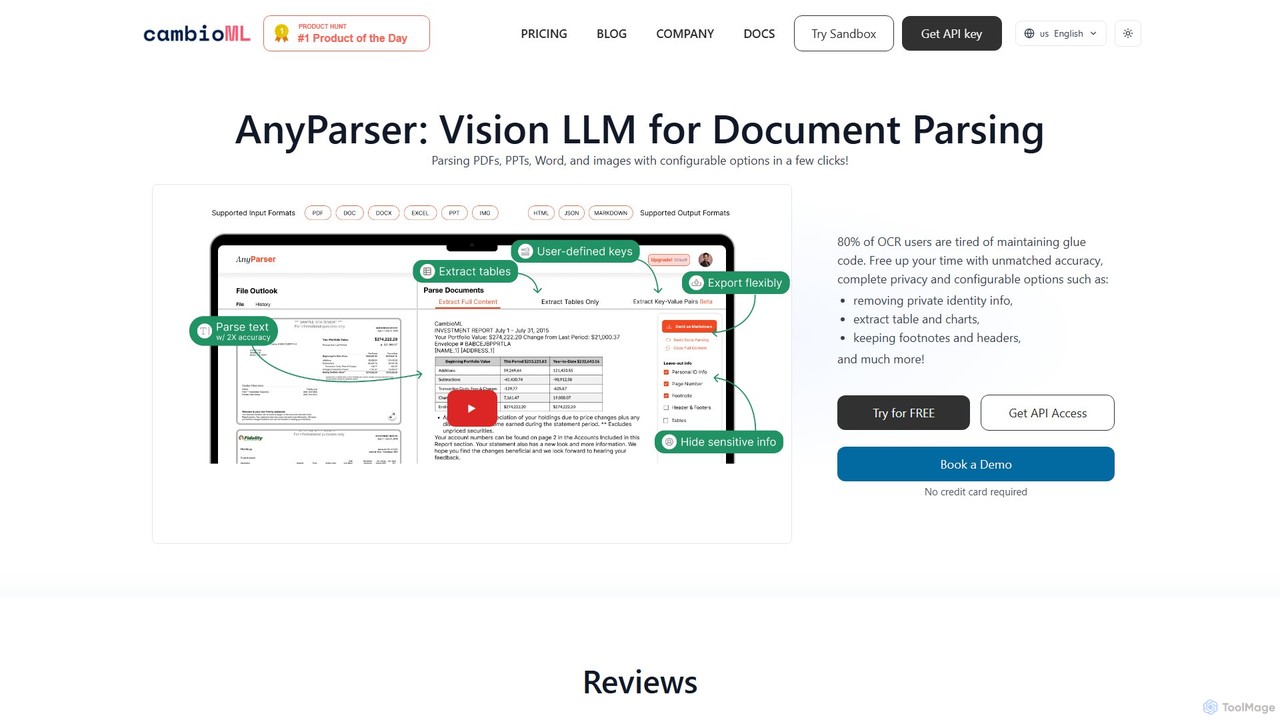
CambioML offers the AnyParser API, a powerful Vision LLM designed for high-accuracy document parsing. It extracts text, tables, charts, and key-value pairs from PDFs, images, and Office documents. With features like PII redaction, configurable outputs, and real-time processing, it's ideal for developers and businesses in finance, research, and data analysis to automate data extraction workflows while ensuring privacy and efficiency.

Data Extraction
Visits 14.2KFavorites 110Likes 121
Handwriting OCR
Freemium

Handwriting OCR

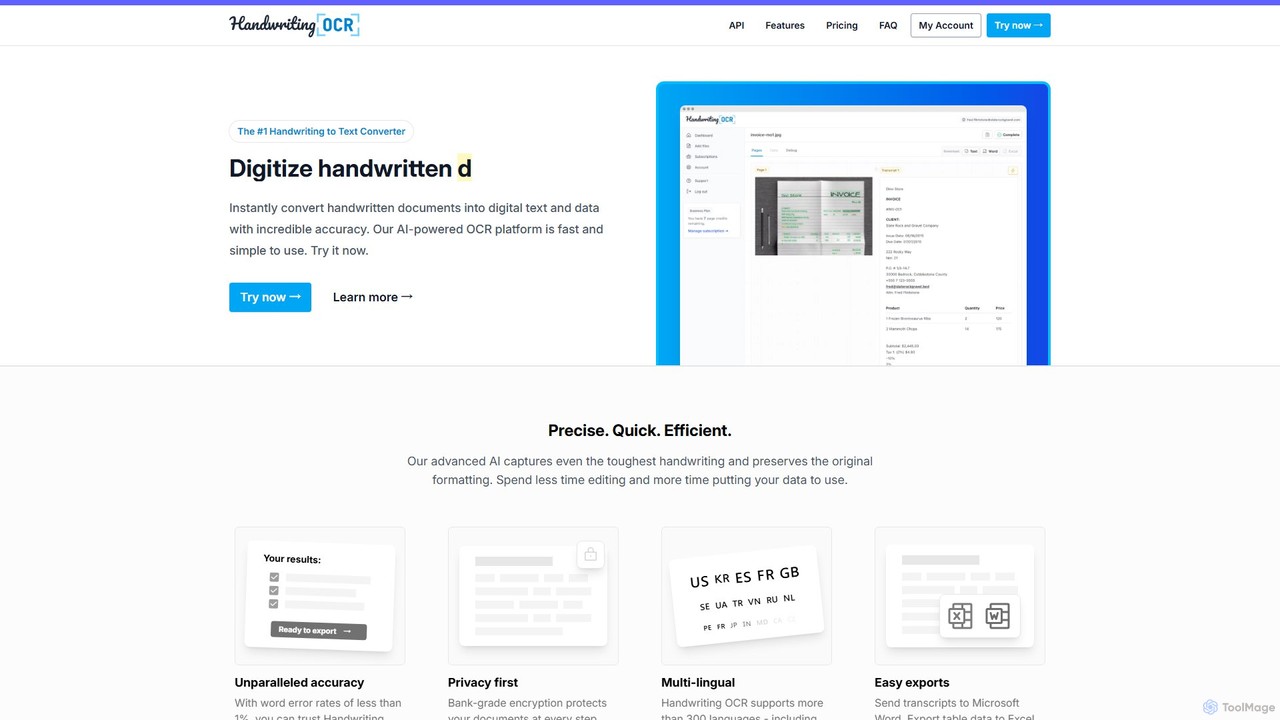
Handwriting OCR is an AI-powered platform that instantly converts handwritten and printed documents into editable digital text with incredible accuracy. It supports over 300 languages, various file formats (PDF, JPG, PNG), and exports to Word, Excel, and plain text. Designed for businesses, researchers, and individuals, it prioritizes security with bank-grade encryption and a strict no-data-training policy.

Data Entry
Visits 38.8KFavorites 133Likes 115
GPTOCR
Paid

GPTOCR

GPTOCR is an AI-powered data extraction tool that transforms documents, such as PDFs, into structured JSON files. It automates manual data entry, reduces human error, and streamlines workflows, enabling teams to focus on higher-value tasks by providing accurate, ready-to-use data.

Data Extraction
Visits 6.4KFavorites 122Likes 143
Upstage
Paid

Upstage

Upstage provides high-performance, enterprise-grade AI models for businesses. Its suite includes the powerful Solar LLM for language tasks, advanced Document AI for parsing and extracting data with high accuracy, and flexible deployment options (API, on-premise, cloud) to automate complex workflows.

Llms
Visits 114.9KFavorites 148Likes 143
pdf2quiz
Freemium

pdf2quiz

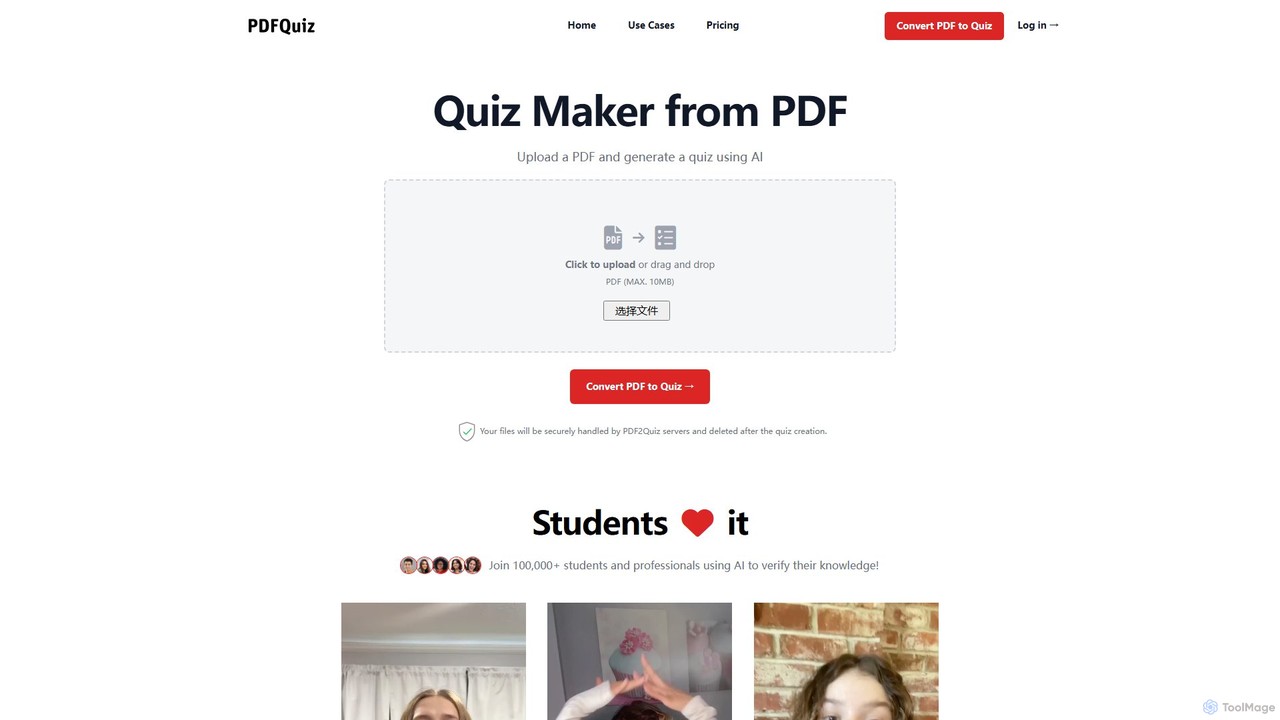
pdf2quiz is an AI-powered tool that instantly converts PDF documents into interactive quizzes. Simply upload your file, and the AI will generate multiple-choice questions to help you study, assess knowledge, or create educational content. It supports multiple languages and even uses OCR for scanned documents.

Text Analysis
Visits 6.3KFavorites 137Likes 147

About Document Processing

Document Processing tools are AI-powered solutions designed to automate and enhance tasks involving digital documents. Leveraging technologies like Natural Language Processing (NLP), Optical Character Recognition (OCR), and machine learning, they efficiently extract, analyze, and manage information. These tools significantly boost productivity by reducing manual effort in data entry, content creation, and document organization. They are essential for businesses and individuals seeking to streamline their document workflows within the broader productivity landscape.

Core Features

  • OCR & Data Extraction: Converts scanned documents or images into editable text and extracts specific data fields with high accuracy.
  • Document Summarization: Automatically generates concise summaries of long texts, reports, or articles, highlighting key information.
  • Content Generation & Rewriting: Creates new document content or rephrases existing text based on user prompts or specific guidelines.
  • Document Classification & Tagging: Automatically categorizes and tags documents based on their content, facilitating easier search and management.
  • Automated Translation: Translates document content into multiple languages while striving to preserve original formatting and context.

Applicable Scenarios

These tools are widely adopted across various sectors. Finance departments use them to automate invoice processing, extracting critical data like vendor names, amounts, and dates. Legal professionals leverage them to quickly identify and extract key clauses from large volumes of contracts during due diligence. Marketing teams utilize them to generate diverse content from product specifications, accelerating campaign creation.

How to Choose

When selecting an AI Document Processing tool, consider its accuracy in OCR and data extraction, especially for your specific document types. Evaluate its integration capabilities with your existing CRM, ERP, or DMS systems to ensure seamless workflow. Assess the range of supported document formats (e.g., PDFs, images, Word, Excel) and its scalability to handle varying document volumes. Finally, look for customization options that allow the tool to adapt to your unique business rules and data requirements.

Featured tool rankings

Document Processing use cases

1

Automating Invoice and Receipt Processing

Finance teams or small business owners use AI document processing tools to automatically extract key information (vendor, amount, date, line items) from scanned invoices and receipts. This eliminates manual data entry, reduces errors, and accelerates reconciliation processes, saving hours of administrative work daily and ensuring accurate financial records.

2

Extracting Key Data from Legal Contracts

Legal professionals or paralegals leverage these tools to quickly identify and extract specific clauses, dates, parties, and obligations from large volumes of legal documents. This significantly speeds up contract review, due diligence, and compliance checks, ensuring critical information is not overlooked and reducing the risk of human error in complex legal analyses.

3

Summarizing Research Papers and Reports

Researchers, students, or business analysts utilize AI summarization features to condense lengthy academic papers, market research reports, or internal documents into concise summaries. This allows for rapid comprehension of core findings and saves considerable time compared to manual reading and note-taking, enabling quicker decision-making and knowledge dissemination.

4

Generating Personalized Marketing Content

Marketing specialists or content creators employ AI document generation tools to create varied marketing copy (e.g., product descriptions, ad headlines, social media posts) from existing product specifications or brand guidelines. This enables rapid content scaling and personalization for different channels and audiences, significantly boosting campaign efficiency and engagement.

5

Streamlining HR Document Management

HR departments use document processing AI to categorize, tag, and extract information from employee records, resumes, and onboarding forms. This automates the organization of sensitive data, facilitates quick retrieval of employee information, and ensures compliance with data retention policies, significantly reducing administrative burden and improving HR efficiency.

6

Converting Scanned Documents to Editable Formats

Office administrators or data entry clerks use advanced OCR capabilities to transform scanned paper documents, PDFs, or image-based files into editable Word, Excel, or searchable PDF formats. This makes legacy documents accessible, searchable, and ready for further digital processing, eliminating the need for manual retyping and preserving document integrity.

Document Processing FAQ

What are AI Document Processing tools?

AI Document Processing tools are software solutions that use artificial intelligence, including OCR, NLP, and machine learning, to automate and enhance tasks related to digital documents. They can extract data, summarize content, generate text, classify documents, and translate, significantly improving efficiency and accuracy in document-heavy workflows across various industries.

How do AI Document Processing tools differ from traditional document management systems (DMS)?

Traditional DMS primarily focuses on storage, version control, and basic search. AI Document Processing tools go beyond this by actively understanding, interpreting, and manipulating document content. They can automate data extraction, content creation, and intelligent classification, offering proactive insights and reducing manual intervention, which a standard DMS cannot achieve.

What are the key benefits of using AI for document processing?

The main benefits include significant time and cost savings by automating repetitive tasks like data entry and summarization. They also improve accuracy by minimizing human error, enhance data accessibility through intelligent classification and search, and boost overall productivity, allowing employees to focus on higher-value, strategic work rather than mundane administrative tasks.

What should I consider when choosing an AI Document Processing tool?

When selecting a tool, consider its accuracy in OCR and data extraction, the range of document types it supports (e.g., PDFs, images, handwritten text), its integration capabilities with your existing systems, scalability for future needs, and the level of customization offered to fit specific business rules. Also, evaluate the vendor's support and security measures for sensitive data.

Can AI Document Processing tools handle handwritten documents?

Many advanced AI Document Processing tools, especially those with sophisticated OCR and machine learning capabilities, are increasingly able to process handwritten documents. While accuracy can vary based on legibility and language, significant progress has been made in converting handwritten text into digital, editable formats, making them valuable for historical archives or forms requiring manual input.