

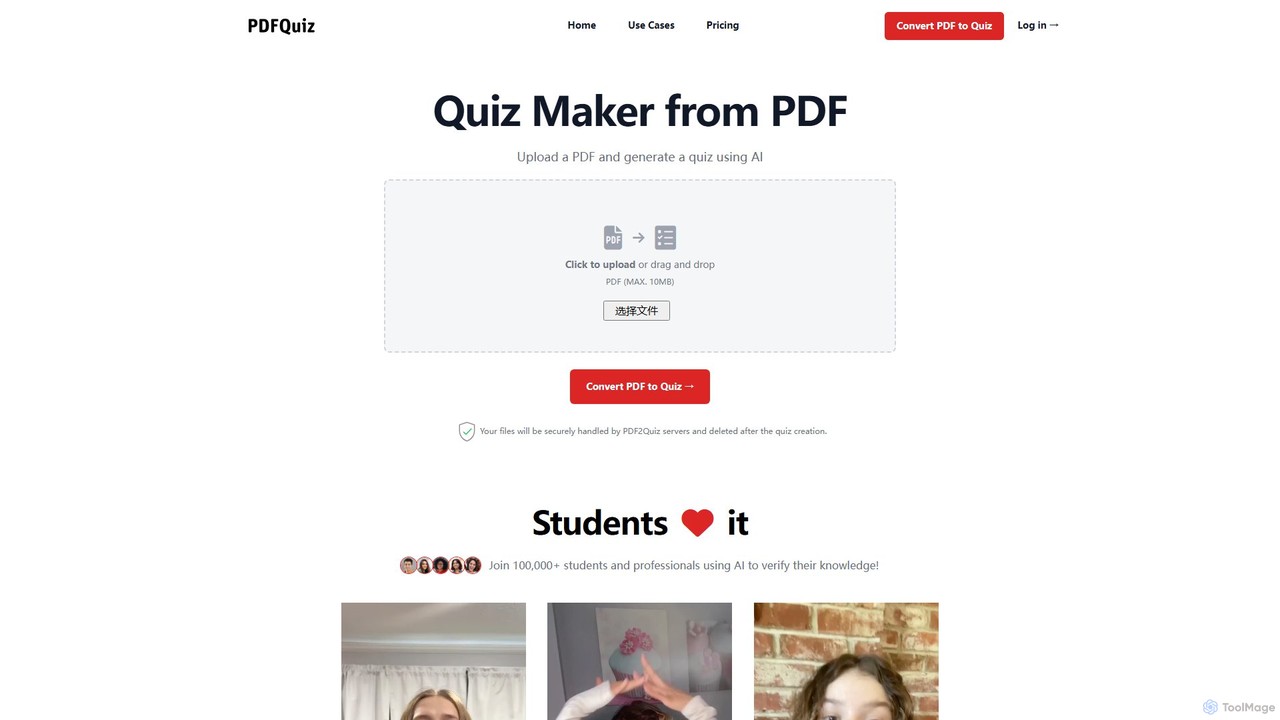
pdf2quiz Overview
pdf2quiz is an innovative AI-driven platform designed to transform static PDF files into dynamic and engaging quizzes. Trusted by over 100,000 students and professionals, including those from Ivy League universities, this tool streamlines the learning and assessment process. By simply uploading a document such as lecture notes, a textbook chapter, a research paper, or a training manual, users can automatically generate a set of multiple-choice questions to test their comprehension and reinforce their knowledge. The platform is built for efficiency, saving valuable time for educators, students, and corporate trainers alike.
The core of pdf2quiz lies in its intelligent text analysis. The AI scans the content of the PDF, identifies key concepts and information, and formulates relevant questions with plausible distractors. This process is highly customizable, allowing users to specify the number of questions, set the difficulty level, and choose the language of the quiz, making it a versatile tool for various learning needs.
How to use pdf2quiz
Using pdf2quiz is a straightforward, three-step process designed for maximum simplicity and efficiency:
- Upload Your PDF: Begin by clicking the upload button or simply dragging and dropping your PDF file onto the designated area. The platform supports files up to 10MB. For PDFs containing images of text or non-selectable text (like scanned documents), you can enable the OCR (Optical Character Recognition) feature.
- Configure Your Quiz: After uploading, customize the quiz settings to fit your needs. You can specify the exact number of questions you want to generate, select the desired language for the quiz, and choose a difficulty level (e.g., easy, medium, hard) to match the learner's proficiency.
- Generate and Use: Click the 'Convert PDF to Quiz' button. The AI will process the document and generate the quiz in moments. You can then take the quiz directly on the platform, review your score and the correct answers, share it with others via a link, or download both the quiz and its answer key as a PDF for offline use or distribution.
Core Features of pdf2quiz
- AI-Powered Question Generation: Automatically creates relevant multiple-choice questions (MCQs) from any PDF content.
- OCR for Scanned Documents: Utilizes Optical Character Recognition to extract text from images and scanned PDFs, making all your documents quiz-ready.
- Multilingual Support: Generate quizzes in various languages, breaking down language barriers in learning and teaching.
- Customizable Difficulty and Length: Tailor quizzes by setting the number of questions and adjusting the difficulty level to suit different learning stages.
- Interactive Quiz Interface: Take quizzes online with an easy-to-use interface that provides instant feedback.
- Score Review and Analysis: After completing a quiz, review your score, see the correct answers, and identify areas for improvement to accelerate learning.
- Share and Collaborate: Easily share your generated quizzes with students, colleagues, or study groups using a simple link.
- Download for Offline Use: Save the generated quiz and its corresponding answer key as a PDF file for offline study, printing, or classroom use.
Use Cases for pdf2quiz
pdf2quiz is a versatile tool suitable for a wide range of users:
- Students: Transform textbook chapters, lecture notes, and research articles into self-assessment tests to prepare for exams and enhance knowledge retention.
- Educators and Teachers: Quickly create formative assessments, homework assignments, or in-class quizzes from their teaching materials without manual effort.
- Corporate Trainers and HR: Convert training manuals, policy documents, and onboarding materials into knowledge checks to ensure employee comprehension and compliance.
- Lifelong Learners: Test their understanding of content from e-books, online articles, and reports to solidify new skills and knowledge.
Advantages of pdf2quiz
The primary advantage of pdf2quiz is its ability to save significant time and effort. Instead of spending hours manually creating questions, users can generate a quiz in seconds. This automation enhances the learning process by promoting active recall and self-assessment, which are proven methods for improving long-term memory. The tool's accessibility, with its OCR and multilingual features, ensures that a wide variety of documents and users can benefit from it. Its user-friendly design makes it accessible to everyone, regardless of technical skill.
Pricing and Plans
pdf2quiz operates on a freemium model. Users can get started for free to experience the core features, which typically includes a limited number of quiz generations or a cap on file size. For users with more demanding needs, such as educators who need to create many quizzes, or professionals requiring advanced features, there are premium plans available. These paid plans usually offer higher limits, priority support, and potentially more advanced customization options. For the most current and detailed pricing information, please visit the official pdf2quiz website.
pdf2quiz Alternatives

Quizgecko
Quizgecko is an AI-powered learning platform that transforms any content—such as PDFs, text, YouTube videos, or webpages—into interactive study materials. It instantly generates quizzes, flashcards, study notes, and even podcasts, making learning more efficient and personalized for students, educators, and businesses.
Assessment
Quizbot
Quizbot is a powerful AI-driven platform designed for educators, students, and professionals. It automatically generates a wide variety of questions and learning materials, such as quizzes, flashcards, and lesson plans, from any text, link, video, or document. It supports advanced educational frameworks like Bloom's Taxonomy to create differentiated assessments, saving hours of preparation time.
Assessment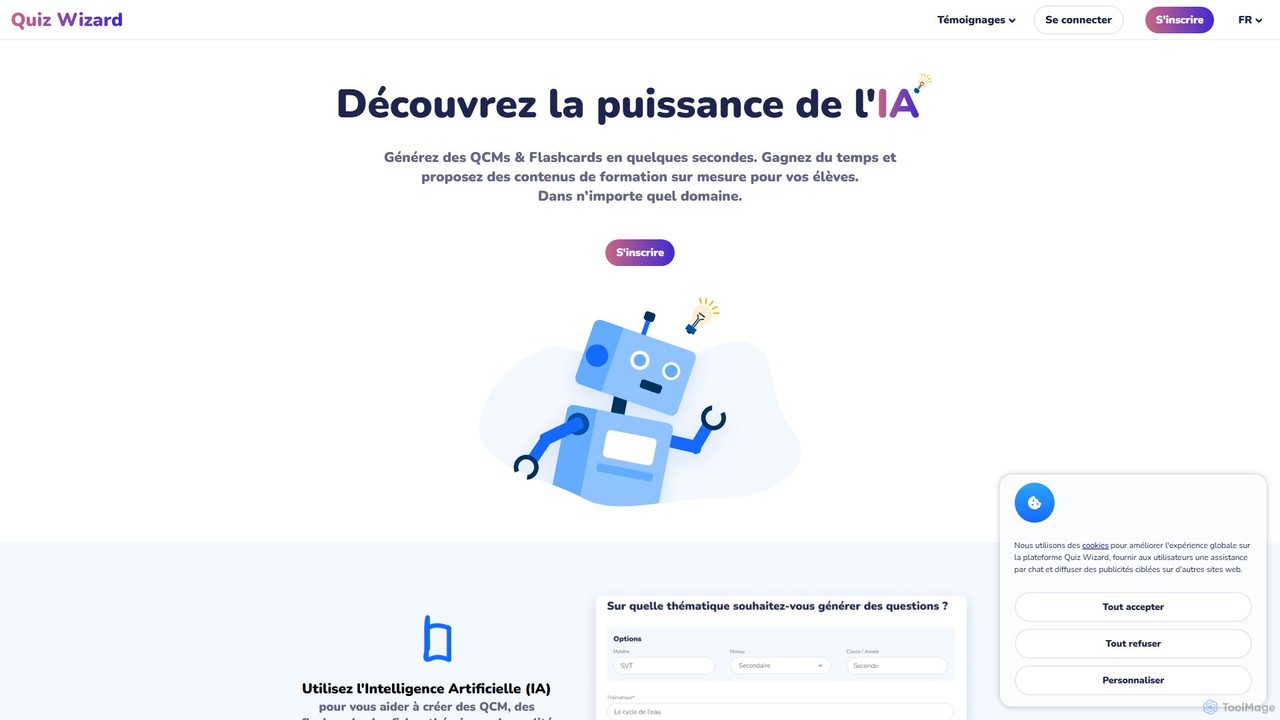
Quiz Wizard
Quiz Wizard is an AI-powered platform designed for educators and trainers to instantly generate multiple-choice questions (MCQs), flashcards, and theory sheets on any topic. Save hours of preparation time and create customized learning materials in seconds.
Assessment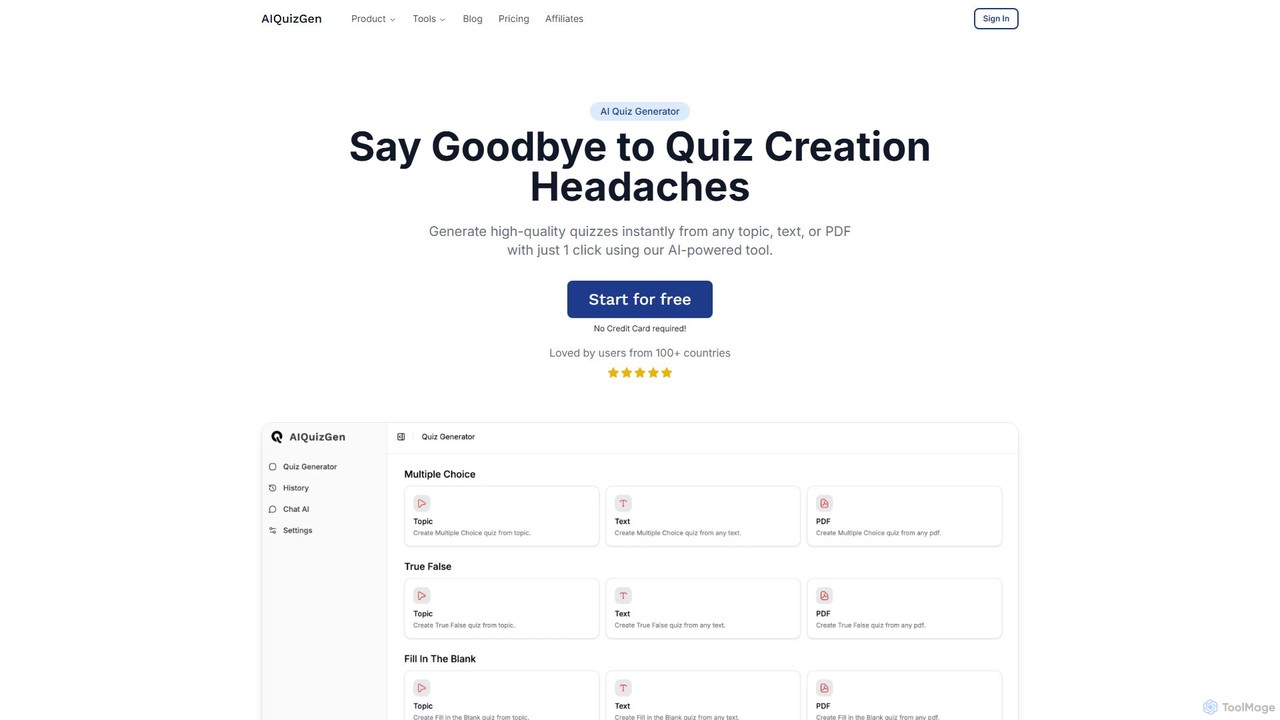
AIQuizGen
A powerful AI quiz generator that instantly creates high-quality quizzes from any topic, text, or PDF. It supports various question types like multiple-choice, true/false, and fill-in-the-blank. Ideal for teachers, students, and businesses to save time, enhance learning, and create engaging assessments.
Training
video2quiz
video2quiz is an AI-powered tool that automatically generates quizzes from any video in seconds. Simply upload a video, and the tool creates a comprehensive quiz to validate learning and knowledge retention, delivering it directly to your email as a PDF, Word, or CSV file.
Assessmentpdf2quiz Categories
pdf2quiz Embed Widget
Copy this embed code to place the badge on your blog, article, or product site and send readers directly to this ToolMage detail page.

Related AI tools
Quizgecko
Quizgecko is an AI-powered learning platform that transforms any content—such as PDFs, text, YouTube videos, or webpages—into interactive study materials. It instantly generates quizzes, flashcards, study notes, and even podcasts, making learning more efficient and personalized for students, educators, and businesses.
AssessmentQuizbot
Quizbot is a powerful AI-driven platform designed for educators, students, and professionals. It automatically generates a wide variety of questions and learning materials, such as quizzes, flashcards, and lesson plans, from any text, link, video, or document. It supports advanced educational frameworks like Bloom's Taxonomy to create differentiated assessments, saving hours of preparation time.
AssessmentQuiz Wizard
Quiz Wizard is an AI-powered platform designed for educators and trainers to instantly generate multiple-choice questions (MCQs), flashcards, and theory sheets on any topic. Save hours of preparation time and create customized learning materials in seconds.
AssessmentAIQuizGen
A powerful AI quiz generator that instantly creates high-quality quizzes from any topic, text, or PDF. It supports various question types like multiple-choice, true/false, and fill-in-the-blank. Ideal for teachers, students, and businesses to save time, enhance learning, and create engaging assessments.
Trainingvideo2quiz
video2quiz is an AI-powered tool that automatically generates quizzes from any video in seconds. Simply upload a video, and the tool creates a comprehensive quiz to validate learning and knowledge retention, delivering it directly to your email as a PDF, Word, or CSV file.
Assessment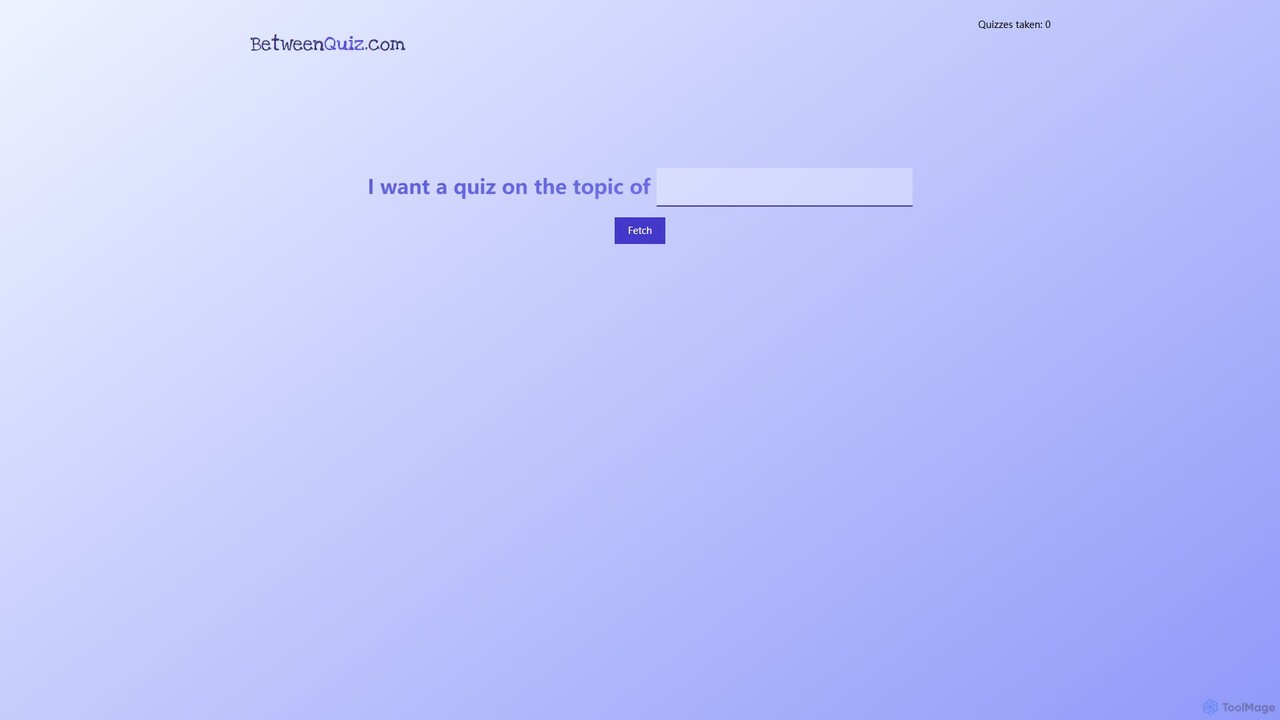
betweenquiz
betweenquiz is an AI-powered platform that instantly generates quizzes on any topic you provide. Simply enter a subject, and the AI creates a set of questions, making it an ideal tool for educators, students, and anyone looking to create engaging knowledge tests for learning or entertainment.
Assessment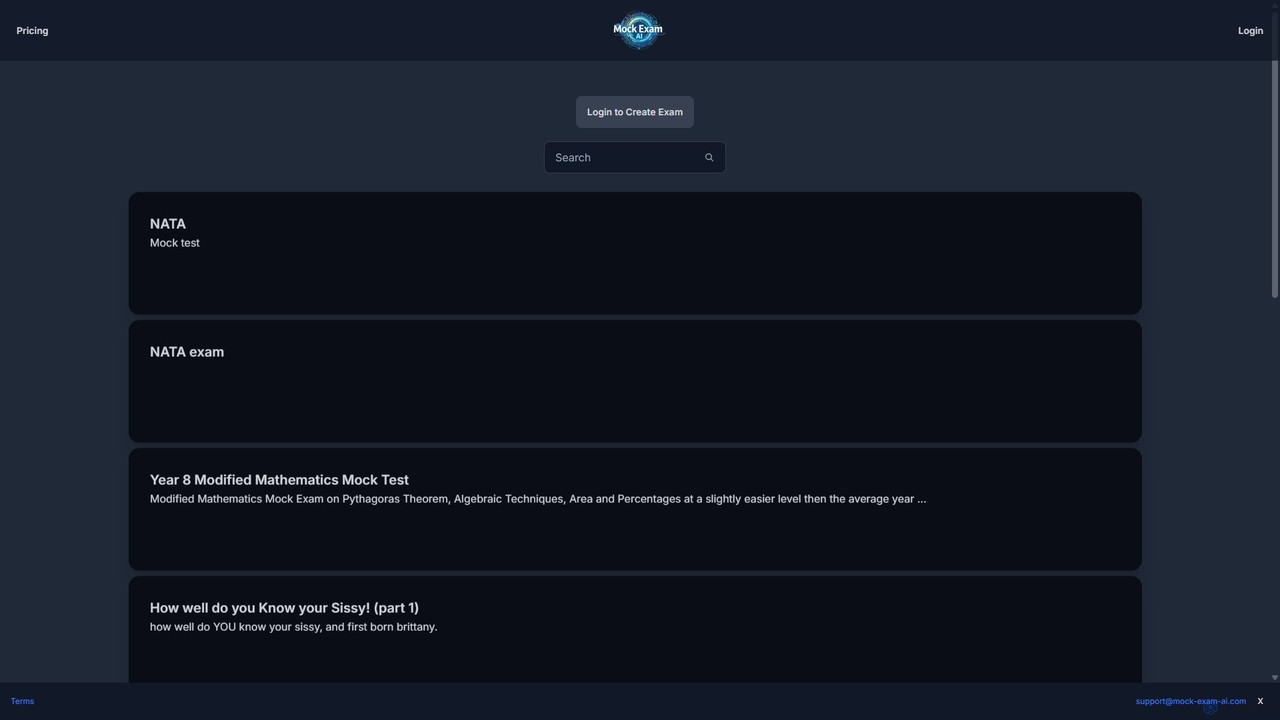
Mock Exam AI
Mock Exam AI is an intelligent tool that automatically generates mock exams, quizzes, and tests from your study materials. Simply upload a document or provide a topic, and the AI creates relevant questions, saving valuable time for students, teachers, and professionals preparing for assessments.
Test Preparation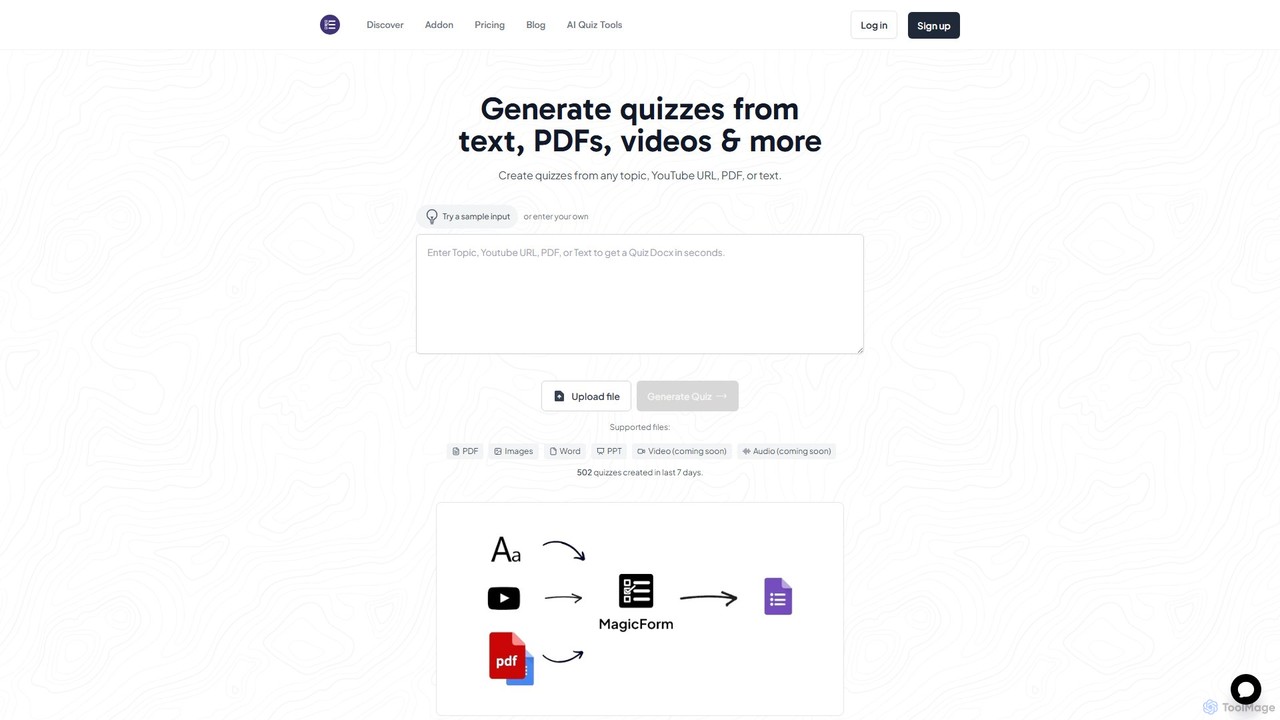
MagicForm
MagicForm is an AI-powered quiz generator that integrates with Google Forms. It allows educators, HR professionals, and content creators to instantly create engaging quizzes from various sources like text, PDFs, YouTube videos, web pages, and images, saving hours of manual work.
Assessment
Jyek
Jyek is an AI agent platform that understands objectives, creates execution plans, uses tools, and delivers verifiable results for complex, multi-step tasks.
Automation
quizmixer
quizmixer is an AI-powered quiz generator that transforms any content—such as text, PDFs, or YouTube videos—into engaging quizzes and assessments. Ideal for educators, students, and corporate trainers, it automates the creation of diverse question types, saving significant time and effort while enhancing learning and engagement.
Assessment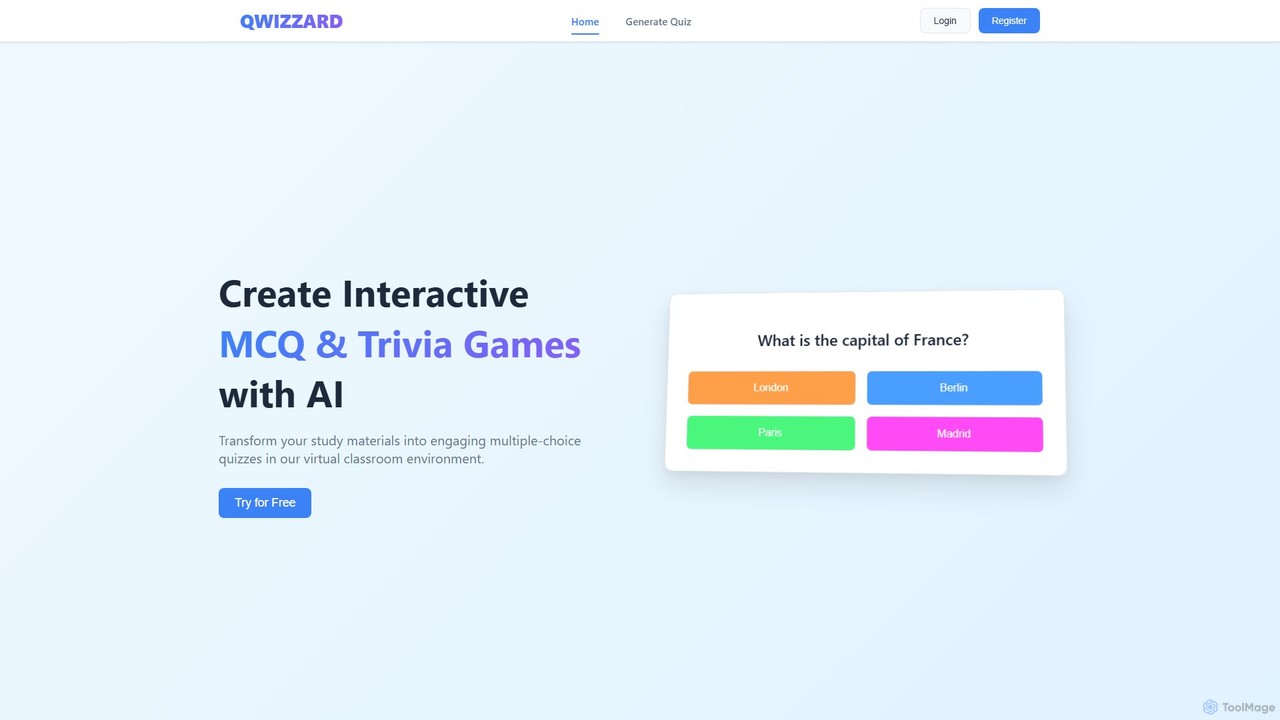
Qwizzard
Qwizzard is an AI-powered question generator that transforms your documents, presentations, and study materials into interactive multiple-choice quizzes and trivia games. Ideal for educators, students, and trainers, it saves hours of preparation time and makes learning more engaging and effective through a virtual classroom experience with instant feedback.
Assessment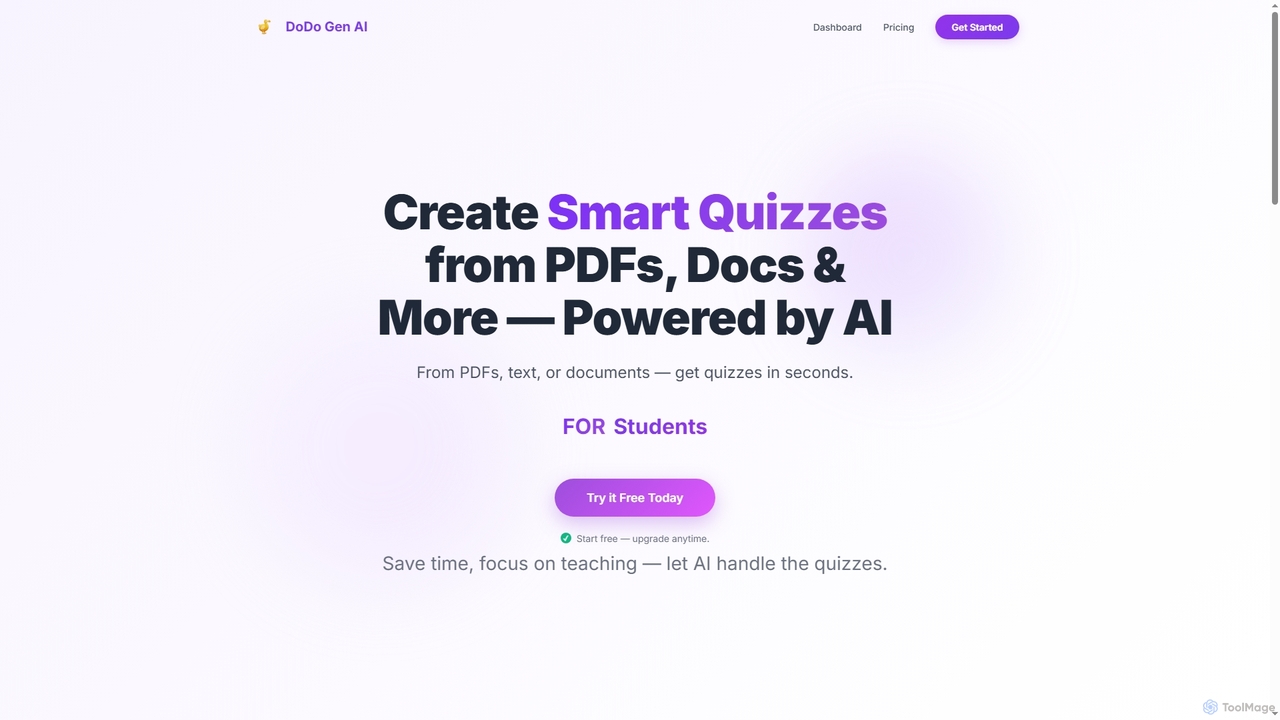
Dodogenai
Dodogenai is an AI-powered quiz creation tool for students, teachers, and course creators. It instantly transforms content from PDFs, text, and images into engaging quizzes, saving time and enhancing the learning experience with features like Bloom's Taxonomy integration and high-volume generation.
Assessment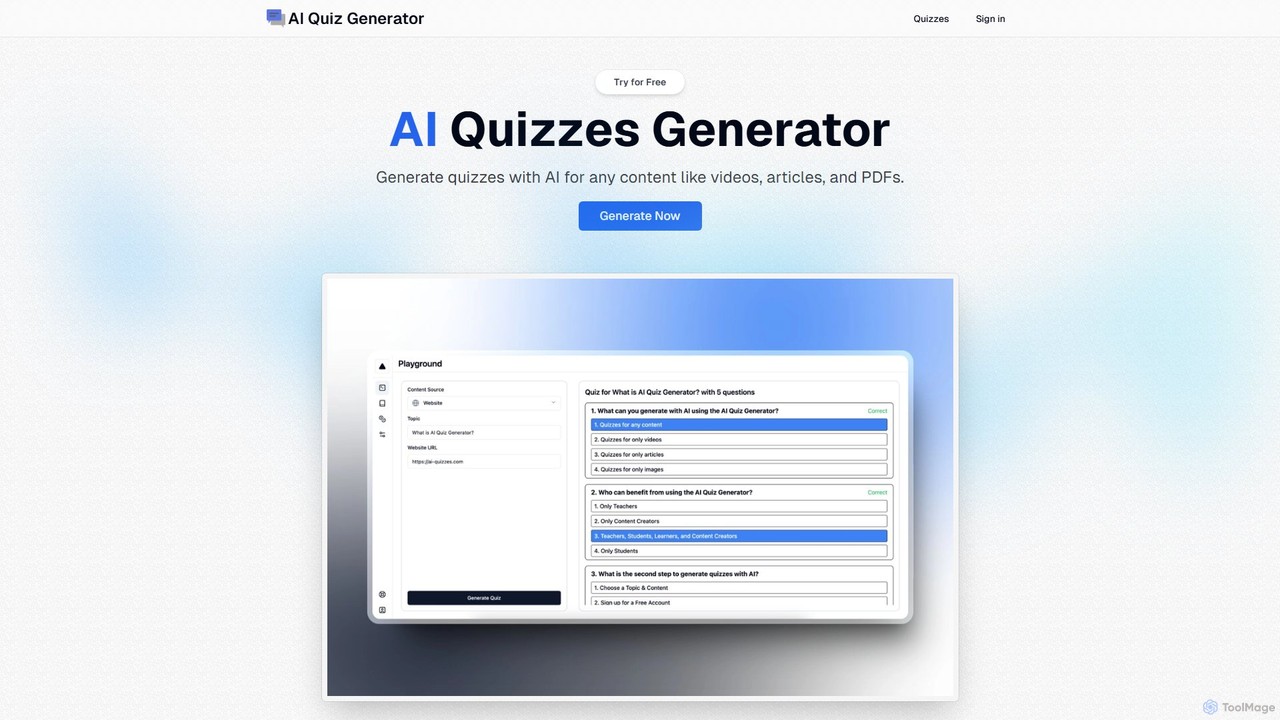
ai_quizzes
ai_quizzes is an AI-powered quiz generator that instantly creates engaging and interactive quizzes from any topic, text, or PDF file. Designed for teachers, students, content creators, and lifelong learners, it simplifies assessment creation, enhances study sessions, and boosts audience engagement in seconds.
Assessment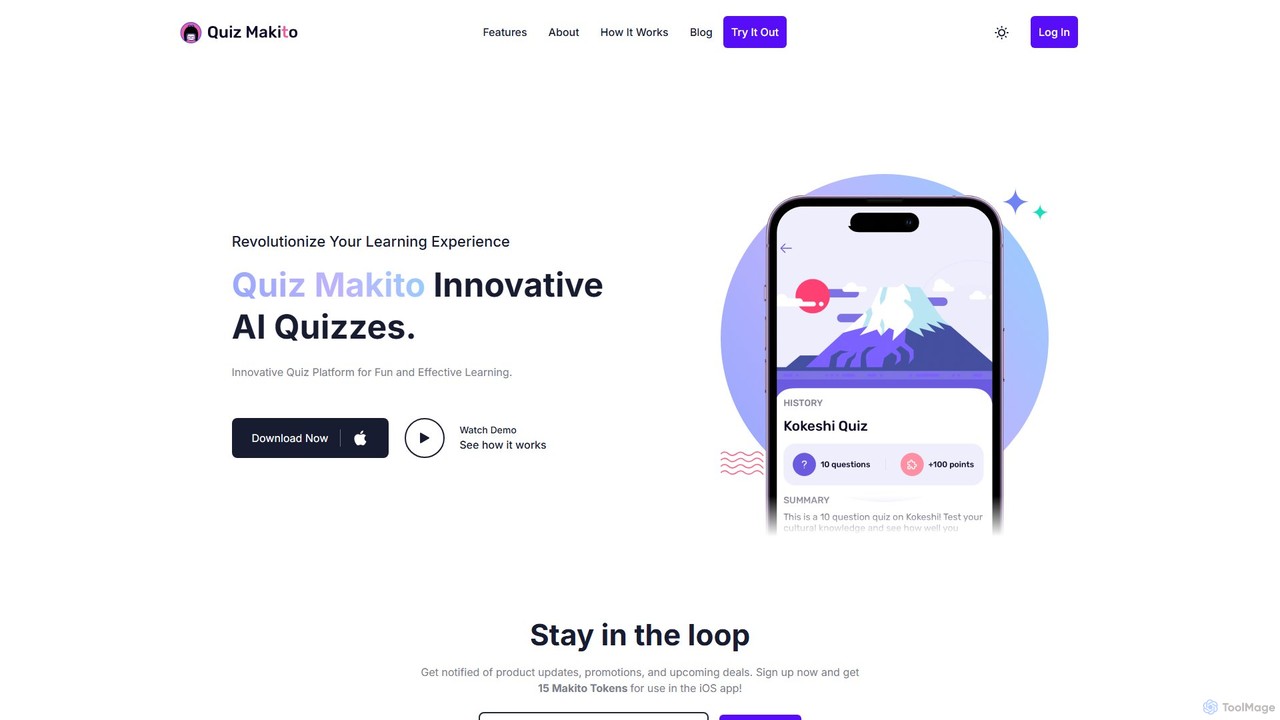
Quiz Makito
Quiz Makito is an intelligent iOS application that leverages OpenAI technology to revolutionize quiz creation. It allows users to effortlessly generate engaging, customizable, and gamified quizzes on any topic. The app provides in-depth analytics to track learning progress, making it an ideal tool for students, educators, and lifelong learners seeking a fun and effective way to test and expand their knowledge.
Assessment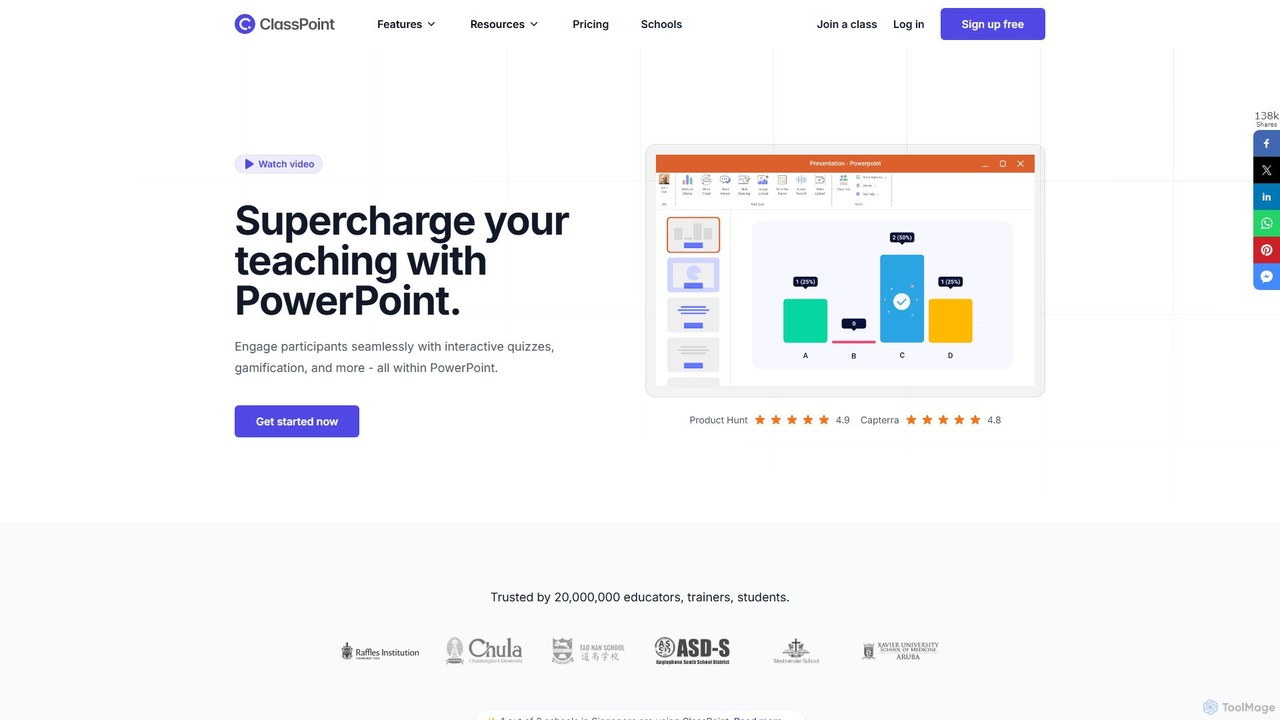
ClassPoint
ClassPoint is an all-in-one student engagement tool seamlessly integrated into Microsoft PowerPoint. It empowers educators and trainers to create interactive quizzes, gamify lessons, and leverage AI to generate questions directly from their slides, transforming static presentations into dynamic, engaging experiences without ever leaving the PowerPoint environment.
Quiz Generator
pdf2quiz Comments (0)
Sign in to comment.
Sign inNo comments yet.