
ClassPoint Overview
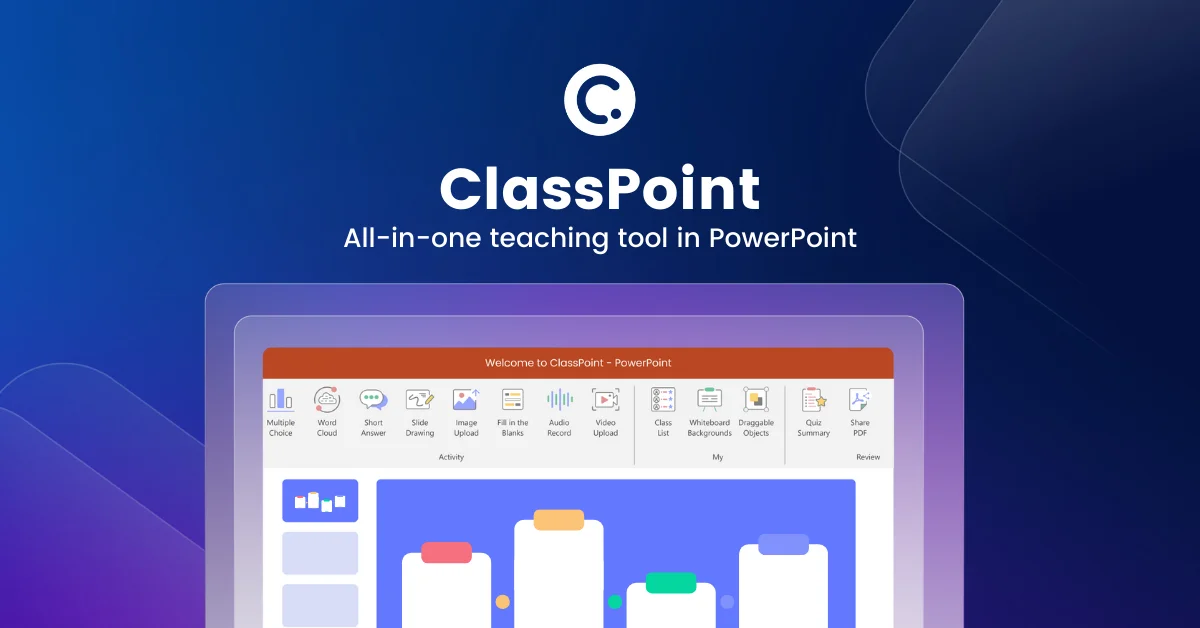
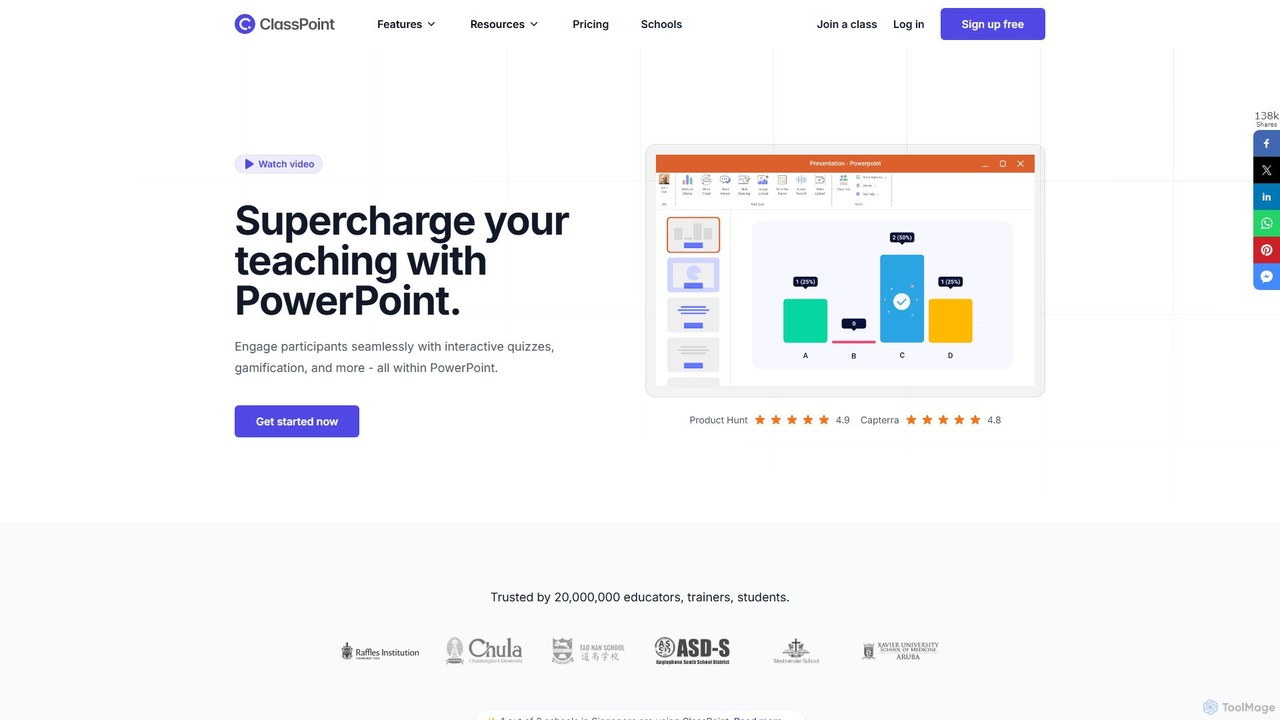
ClassPoint is a revolutionary teaching and presentation tool designed to supercharge Microsoft PowerPoint by integrating a suite of powerful student engagement features directly into the familiar presentation software. Trusted by millions of educators and trainers worldwide, ClassPoint eliminates the need to juggle multiple applications, creating a seamless, all-in-one solution for interactive teaching and learning. Its core mission is to make student engagement effortless and accessible, whether in a physical classroom, a remote learning session, or a corporate training environment.
The platform's standout feature is its AI-powered quiz generator, which can analyze the content of your PowerPoint slides and automatically create a variety of questions. This not only saves educators significant preparation time but also allows for the creation of targeted assessments based on Bloom's Taxonomy levels. With ClassPoint, presentations are no longer a one-way street; they become an interactive dialogue.
How to use ClassPoint
Using ClassPoint is designed to be intuitive, especially for those already proficient with PowerPoint. The process is straightforward:
- Installation: First, download and install the ClassPoint add-in for Windows. It will appear as a new tab in your PowerPoint ribbon.
- Design Your Presentation: Create your slides in PowerPoint as you normally would. You can use existing presentations or build new ones from scratch.
- Add Interactive Elements: Navigate to the ClassPoint tab. From here, you can select any slide and add an interactive question button. Choose from various question types like Multiple Choice, Word Cloud, Short Answer, Slide Drawing, and more. Configure the question settings as needed.
- Start Presenting: Begin your slideshow. Your students or audience can join the interactive session by visiting classpoint.app on any device with a browser and entering the unique class code displayed on your screen.
- Engage and Interact: As you present, click the interactive buttons on your slides to send questions to your audience's devices. You can view their responses in real-time, display them on the screen, and even insert them as new slides for further discussion. Use the presentation tools like annotation, digital whiteboards, and the random name picker to further enhance engagement.
- Gamify the Experience: Award stars for correct answers or active participation. Track progress with levels, badges, and a live leaderboard to foster a fun, competitive learning environment.
Core Features of ClassPoint
- AI Quiz Generator: Automatically creates quiz questions from your slide content, with options to customize based on Bloom's Taxonomy levels and support for multiple languages.
- Interactive Quizzes: A wide array of question types including Multiple Choice, Word Cloud, Fill in the Blanks, Short Answer, Slide Drawing, Image Upload, Video Upload, and Audio Record.
- Gamification Suite: Motivates students by allowing them to earn stars, level up, collect badges, and compete on a class leaderboard.
- Advanced Presentation Tools: A rich toolkit that includes pens, highlighters, text boxes, shapes, draggable objects, a timer/stopwatch, and a random name picker.
- Digital Whiteboards: Instantly add customizable whiteboard slides to your presentation for spontaneous explanations and brainstorming.
- Embedded Browser: Open and interact with any website directly within your slideshow without leaving the PowerPoint environment.
- Live Q&A: A dedicated feature for audiences to submit questions in real-time, upvote popular queries, and for the presenter to manage and address them effectively.
- Class Management: Create and save classes to track student performance and gamification progress over time.
Use Cases for ClassPoint
ClassPoint is versatile and can be adapted for various educational and professional settings:
- K-12 and Higher Education: Teachers use it to make daily lessons more interactive, conduct formative assessments, check for understanding, and keep students focused in both physical and virtual classrooms.
- Corporate Training & Development: Trainers leverage ClassPoint to engage employees during workshops, gather real-time feedback, conduct knowledge checks, and make training sessions more effective and memorable.
- Professional Presentations: Presenters at conferences and meetings can use the polling and Q&A features to interact with their audience, gather opinions, and create a more dynamic and participatory experience.
- Hybrid Learning Environments: ClassPoint bridges the gap between in-person and remote participants, allowing everyone to engage with the same interactive content simultaneously.
Advantages of ClassPoint
The primary advantage of ClassPoint is its deep, native integration with PowerPoint. This results in a minimal learning curve for educators and allows them to enhance their existing library of slides without having to recreate them in a new platform. It's an all-in-one solution that increases productivity by eliminating the need to switch between different apps for polling, quizzing, or classroom management. The gamification and AI features provide powerful, modern tools to boost motivation and save valuable time, while its compliance with security standards like GDPR and FERPA ensures data is handled safely.
Pricing and Plans
ClassPoint offers a freemium model with plans to suit different needs:
- Basic (Free): A great starting point that includes core features for up to 25 students per class, 5 questions per presentation, 5 question types, and basic gamification. It also includes 20 free AI quiz credits.
- Pro ($8/month, billed annually): Designed for professional educators, this plan unlocks unlimited questions, all question types, a class size of up to 200, advanced gamification, and 500 AI quiz credits per month.
- Premium (Custom Pricing): Tailored for schools and organizations, this plan includes everything in Pro plus a class size of up to 500, unlimited AI credits, advanced features like Live Q&A and Grouping, custom branding, and dedicated support. Contact sales for a quote.
Traffic
Latest traffic
Status
Monthly traffic trend
- 2025-9: 372.4K
- 2026-1: 260.2K
- 2026-2: 174.0K
- 2026-3: 191.5K
- 2026-4: 219.9K
- 2026-5: 199.4K
Geography
Top 5 countries / regions
- 🇺🇸United States50.4%
- 🇻🇳Vietnam16.3%
- 🇦🇪United Arab Emirates13.1%
- 🇸🇦Saudi Arabia10.3%
- 🇮🇩Indonesia9.8%
Traffic sources
| Source type | Percentage |
|---|---|
Direct | 78.3% |
Referral | 20.2% |
Email | 1.5% |
Top keywords
| Keyword | Cost per click |
|---|---|
| class point | $0.95 |
| classpoint | $1.00 |
| family feud questions | $0.26 |
| family feud questions and answers | $0.27 |
| كلاس بوينت تحميل | $0.00 |
ClassPoint Videos on YouTube



ClassPoint Alternatives
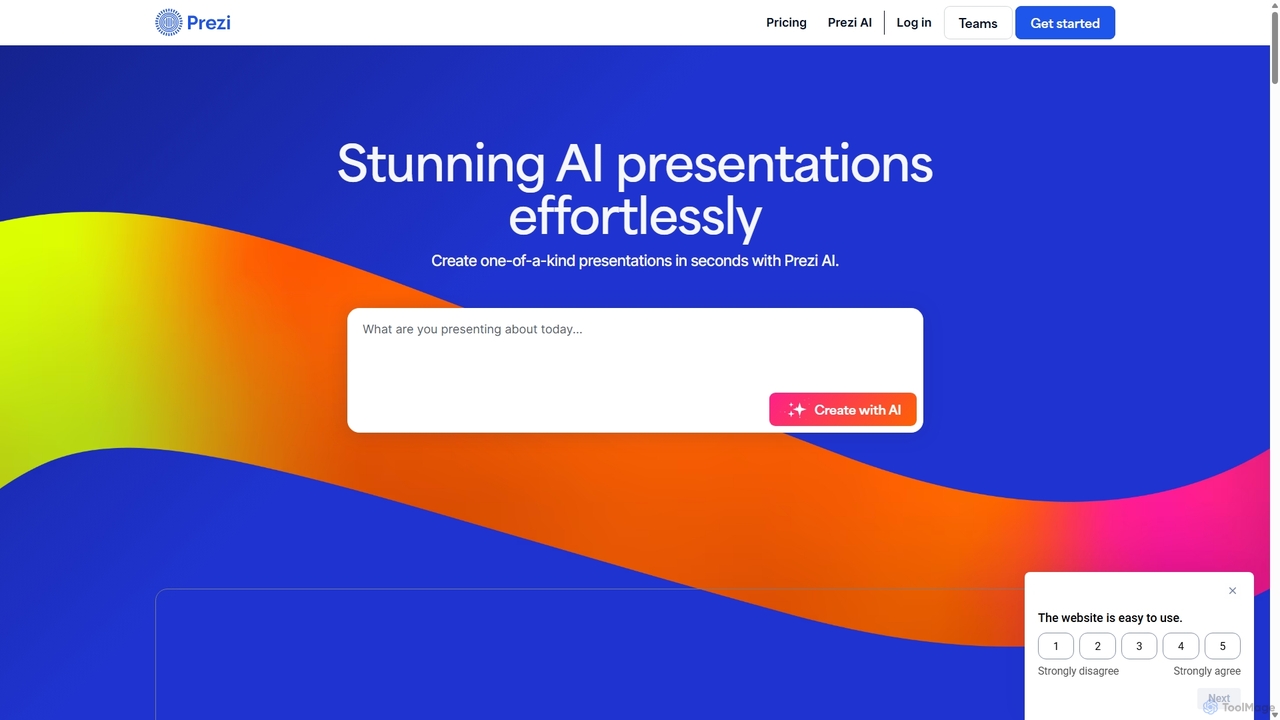
Prezi
Prezi is an AI-powered presentation software that transforms ideas into stunning, dynamic, and non-linear presentations. Go beyond traditional slides with a zooming canvas that captivates audiences. Its AI generator creates unique designs, content, and images in seconds, making it ideal for business, education, and personal storytelling.
Teaching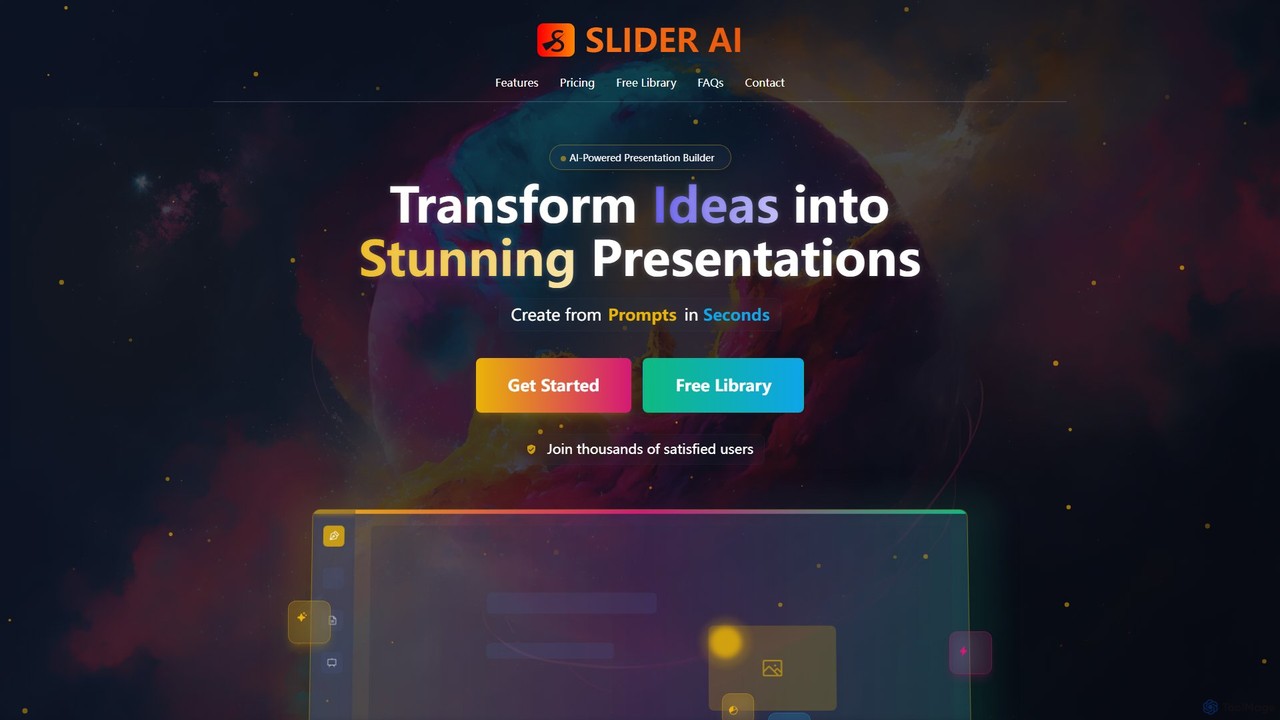
Slider AI
Slider AI is an AI-powered presentation builder that transforms your ideas, text, videos, or websites into stunning, professional presentations in seconds. It automates content creation, design, and image generation, significantly boosting productivity for professionals, educators, and students.
Marketing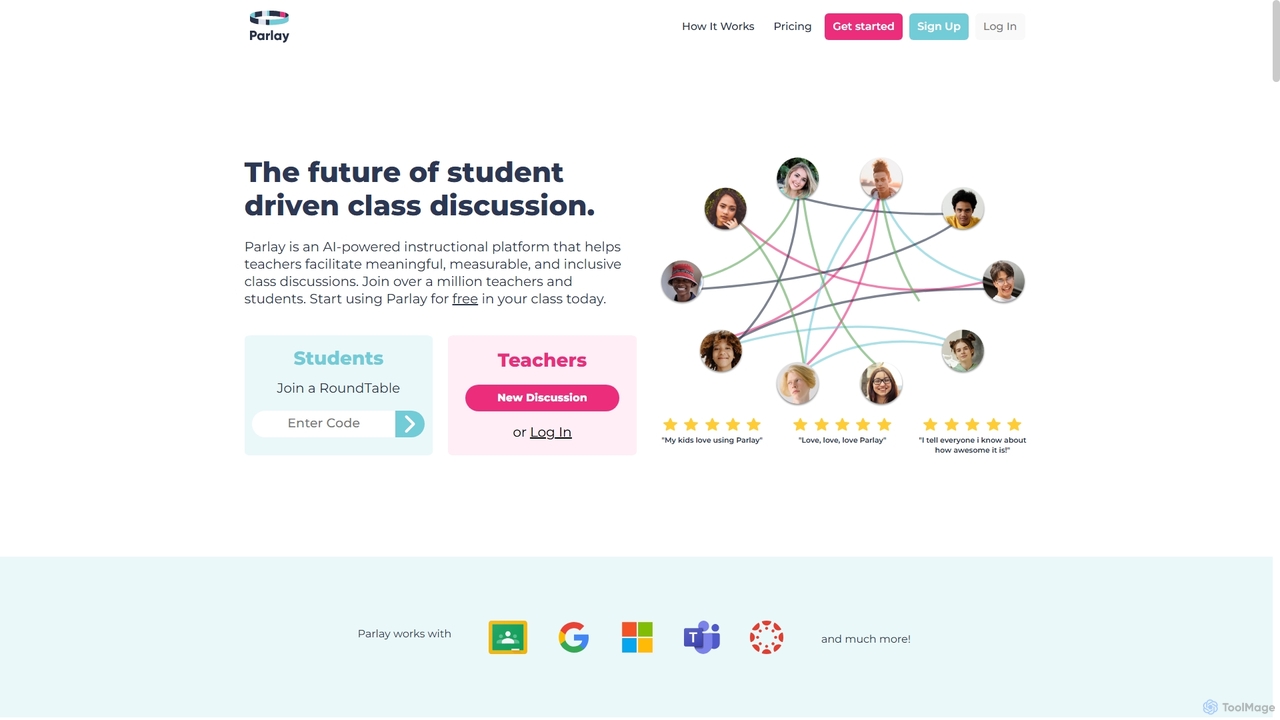
Parlay Ideas
Parlay Ideas is an AI-powered instructional platform designed for educators to facilitate meaningful, measurable, and inclusive class discussions. It enhances student engagement through structured written and verbal activities, AI-generated prompts, and a vast library of topics, fostering critical thinking and collaborative learning in any classroom setting.
Prompt Generation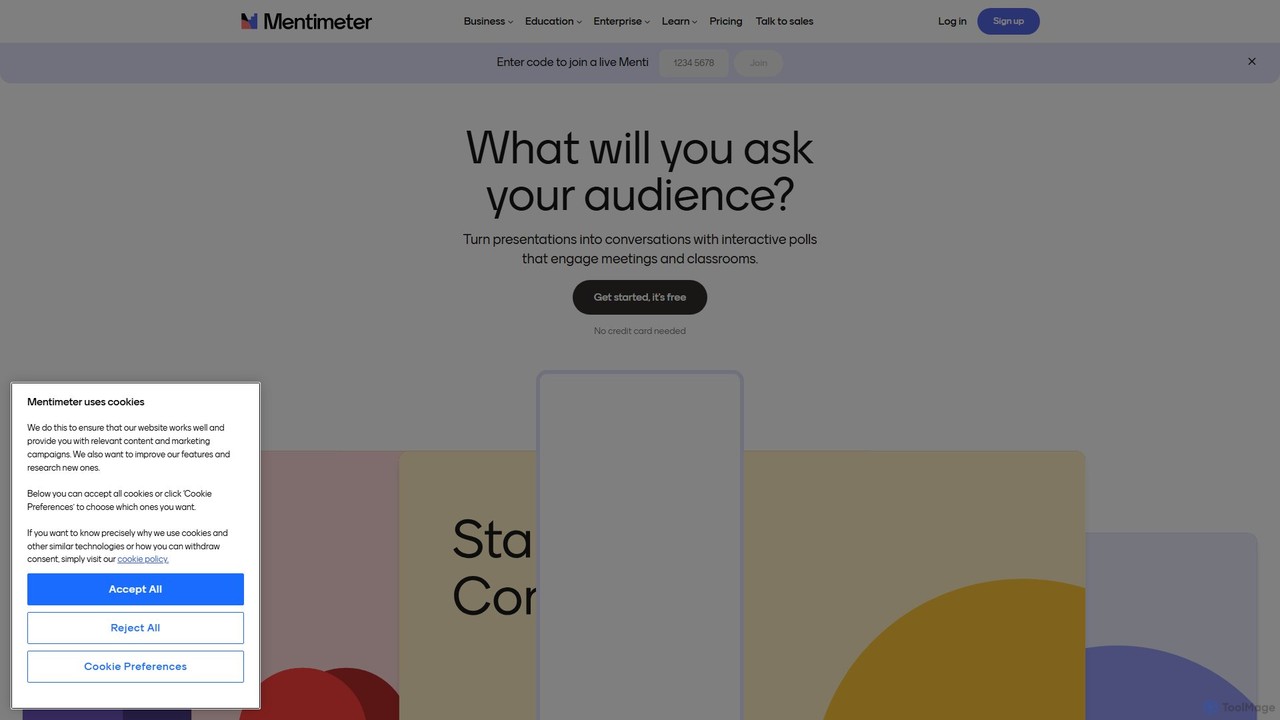
Mentimeter
Mentimeter is an AI-powered interactive presentation platform that transforms meetings, workshops, and classes into engaging experiences. It enables presenters to create live polls, quizzes, word clouds, and Q&A sessions, allowing audiences to participate in real-time using their smartphones. The AI presentation maker can generate a draft presentation from a simple prompt, saving valuable time.
Meeting Management
SlidesAI
SlidesAI is an AI-powered presentation maker that integrates directly into Google Slides and PowerPoint. It instantly transforms your text, documents, or ideas into professionally designed, ready-to-present slides. Save hours of manual work by automatically generating outlines, content, and visuals. It's perfect for educators, professionals, and students who need to create compelling presentations quickly and efficiently, with support for over 100 languages.
AutomationClassPoint Categories
ClassPoint Embed Widget
Copy this embed code to place the badge on your blog, article, or product site and send readers directly to this ToolMage detail page.

Related AI tools

Gibbly
Gibbly is an AI-powered platform for teachers, designed to save hours of prep time. It generates ready-to-use lessons, gamified quizzes, assessments, and review assignments in minutes. Create engaging, curriculum-aligned content from any topic, YouTube video, or document to enhance student learning and collaboration.
Quiz Maker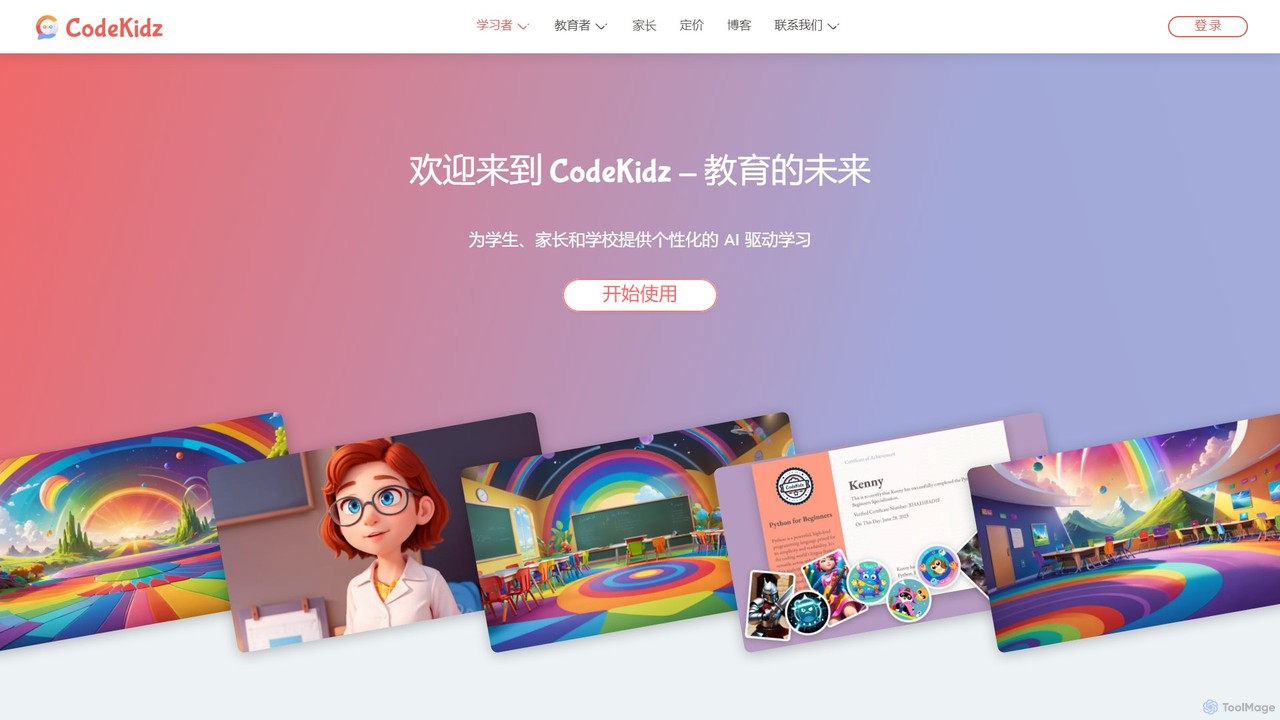
CodeKidz
CodeKidz is an AI-powered personalized learning platform for students, educators, and parents. It offers a wide range of courses from coding to arts, featuring customizable AI tutors, gamified rewards, and powerful tools for educators to create and manage digital lessons.
Virtual Assistant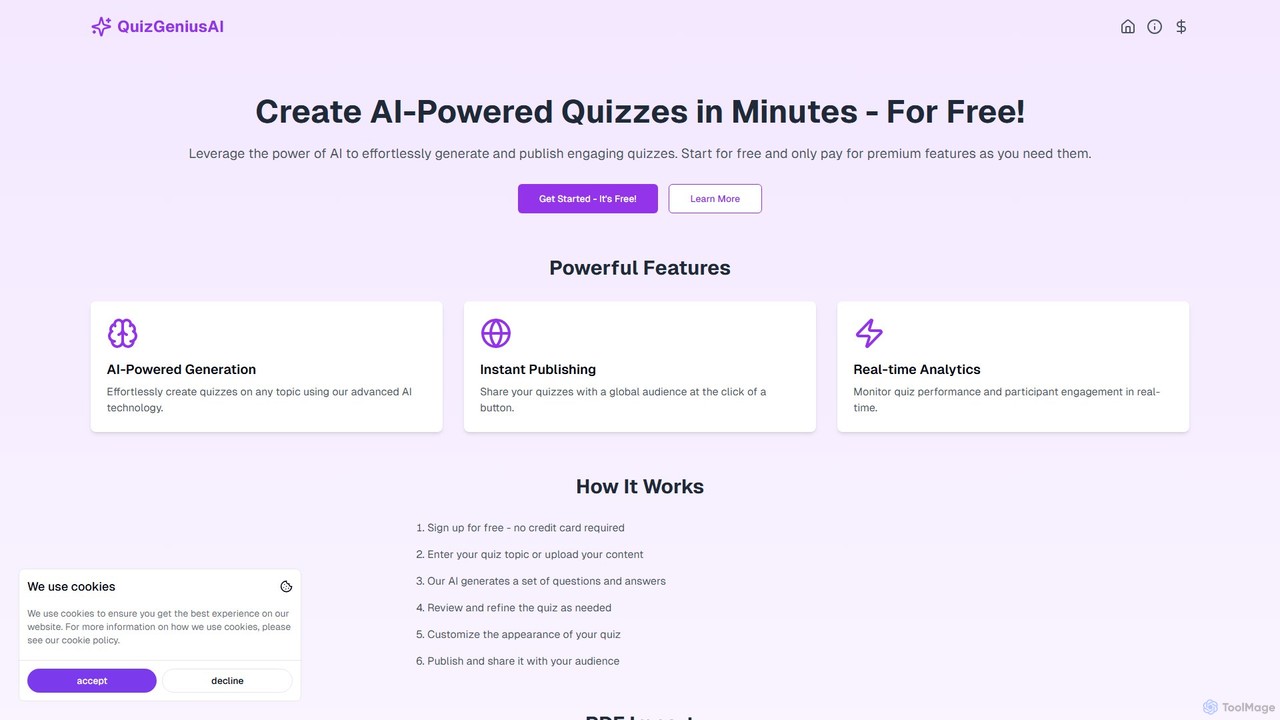
QuizGeniusAI
QuizGeniusAI is an AI-powered platform that enables users to effortlessly create engaging quizzes from any topic, text, or PDF document in minutes. It's designed for educators, trainers, and marketers to automate quiz creation, publish instantly, and track performance with real-time analytics. Start for free and scale as needed.
Assessment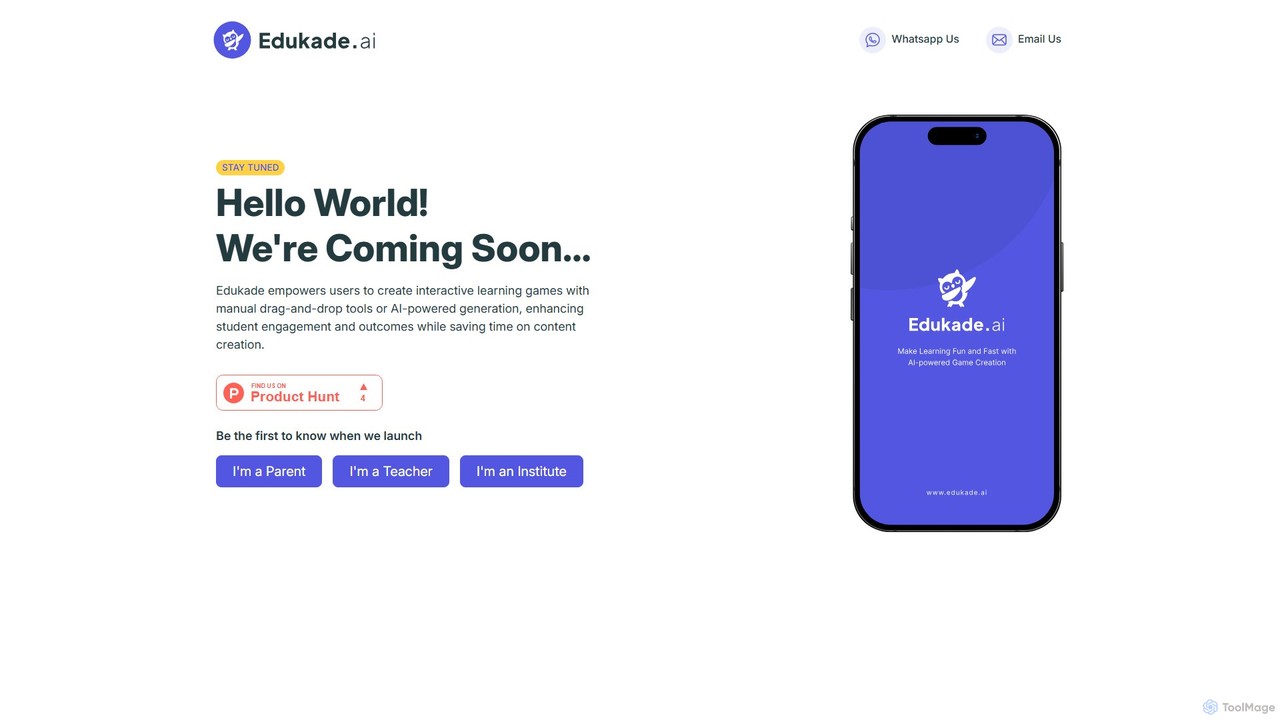
Edukade
Edukade is an AI-powered platform that empowers educators, parents, and institutions to create interactive and engaging learning games effortlessly. Transform traditional teaching materials into fun, gamified experiences using AI generation or intuitive drag-and-drop tools, saving time while boosting student engagement and learning outcomes.
Game Based Learning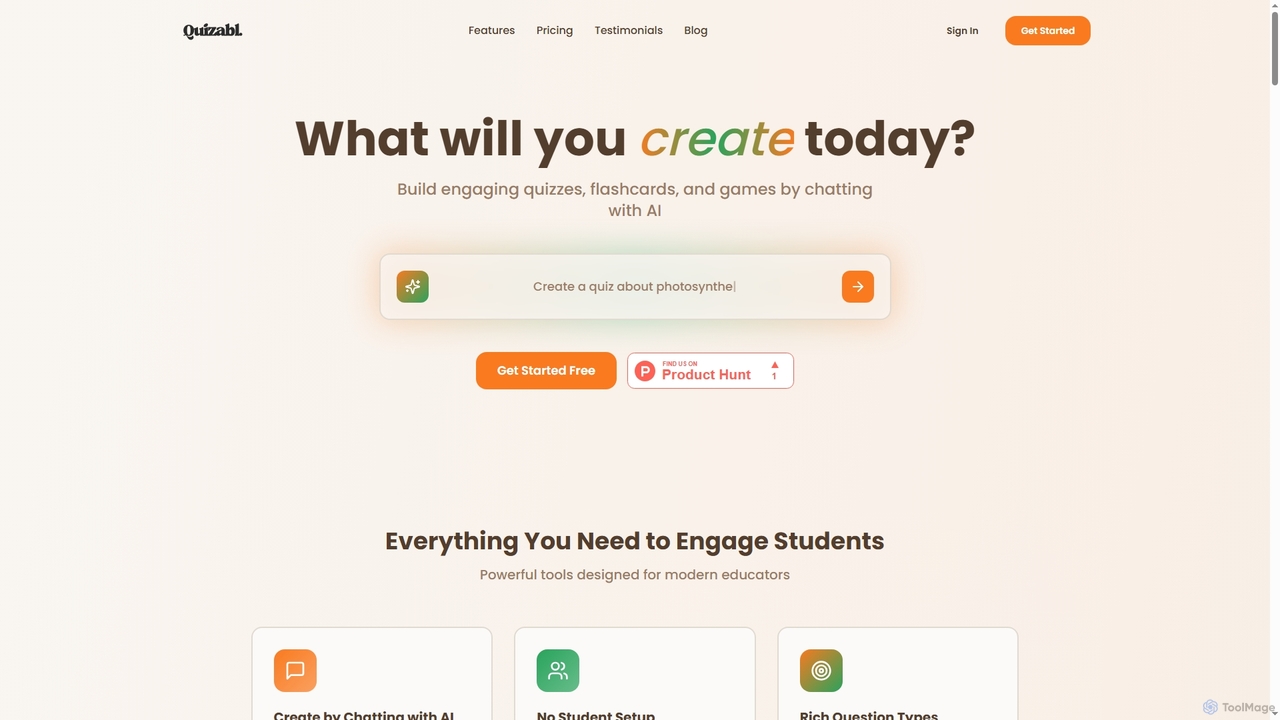
Quizabl
Quizabl is an AI-powered platform for educators to create engaging quizzes, flashcards, and games in seconds. By simply chatting with the AI about a topic, it instantly generates interactive content, eliminating manual form-filling and saving valuable prep time.
Quiz Generator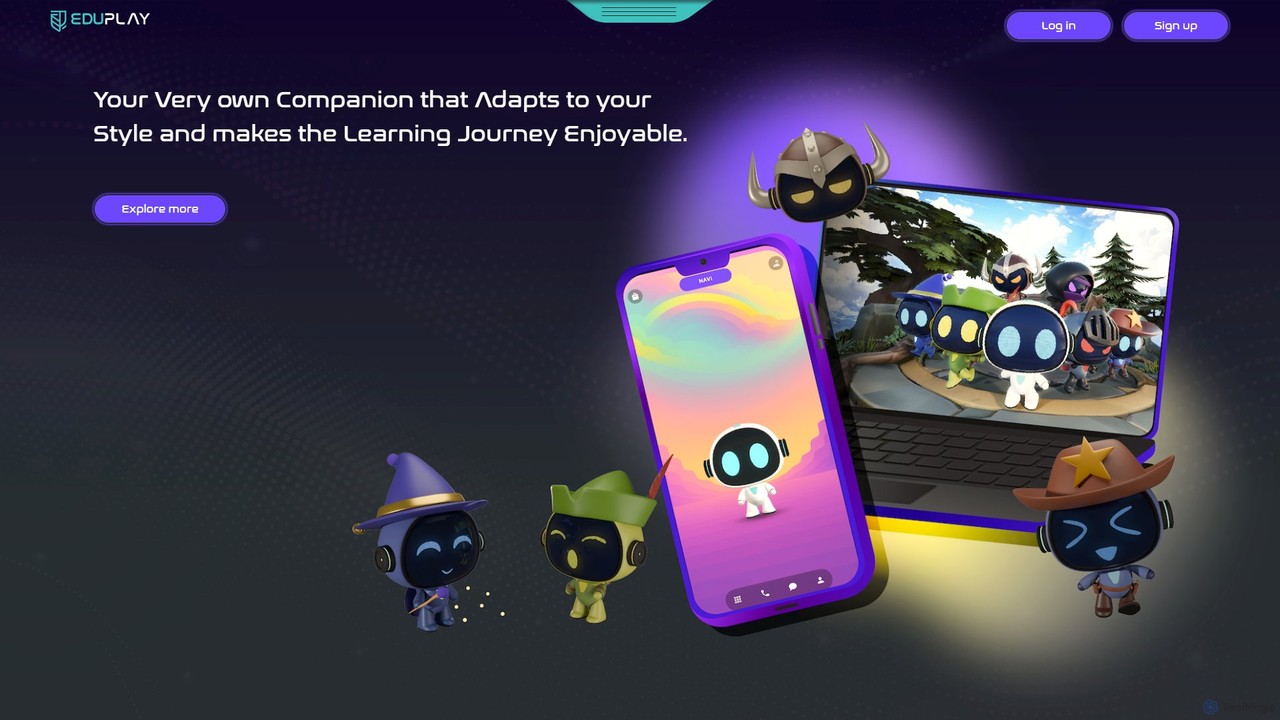
EduPlay
EduPlay is an AI-powered educational platform that revolutionizes learning through gamification and personalization. Featuring NAVI, an emotionally intelligent AI companion, it creates tailored learning paths that adapt to each student's pace and style. EduPlay makes learning enjoyable and effective by integrating rewards, levels, and interactive content, fostering both academic growth and essential life skills for a future-ready generation.
Gamified Learning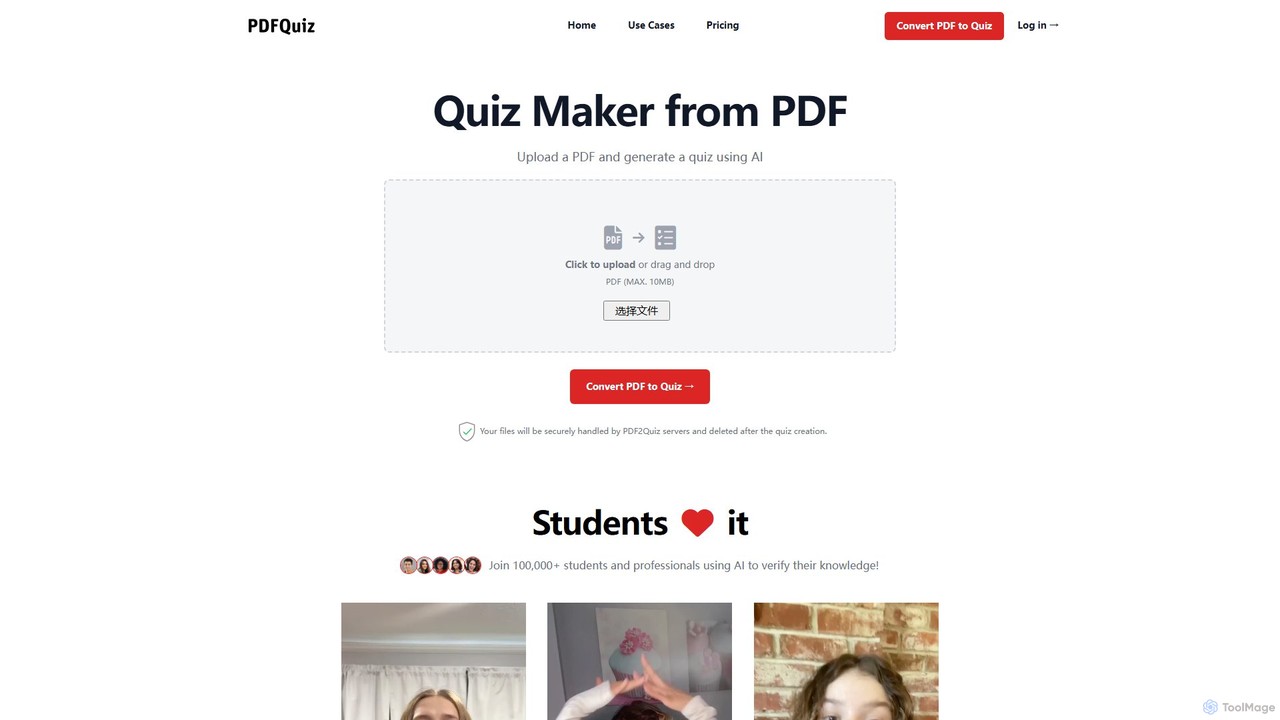
pdf2quiz
pdf2quiz is an AI-powered tool that instantly converts PDF documents into interactive quizzes. Simply upload your file, and the AI will generate multiple-choice questions to help you study, assess knowledge, or create educational content. It supports multiple languages and even uses OCR for scanned documents.
Text AnalysisParlay Ideas
Parlay Ideas is an AI-powered instructional platform designed for educators to facilitate meaningful, measurable, and inclusive class discussions. It enhances student engagement through structured written and verbal activities, AI-generated prompts, and a vast library of topics, fostering critical thinking and collaborative learning in any classroom setting.
Prompt Generation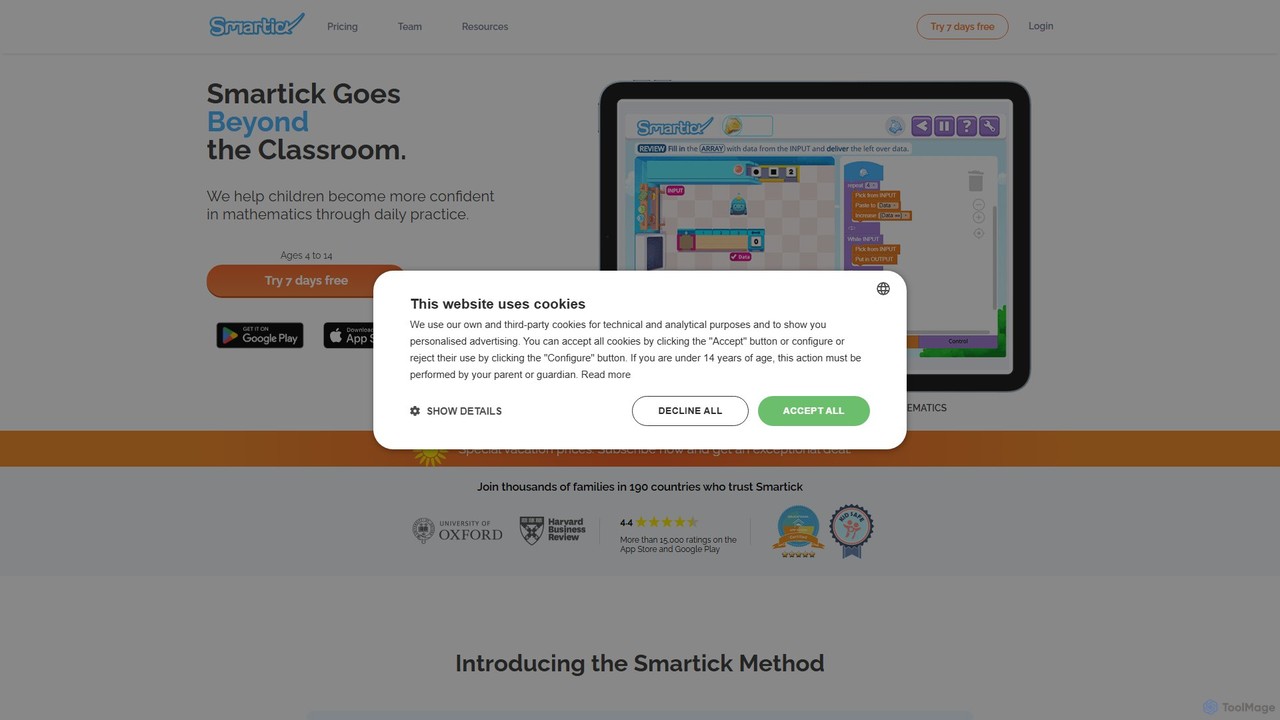
Smartick
Smartick is an AI-powered online learning platform for children aged 4-14. It offers personalized 15-minute daily sessions in math and reading, adapting in real-time to each child's learning pace. Through a gamified environment, it enhances academic skills, logic, and problem-solving, while providing parents with detailed progress reports.
Math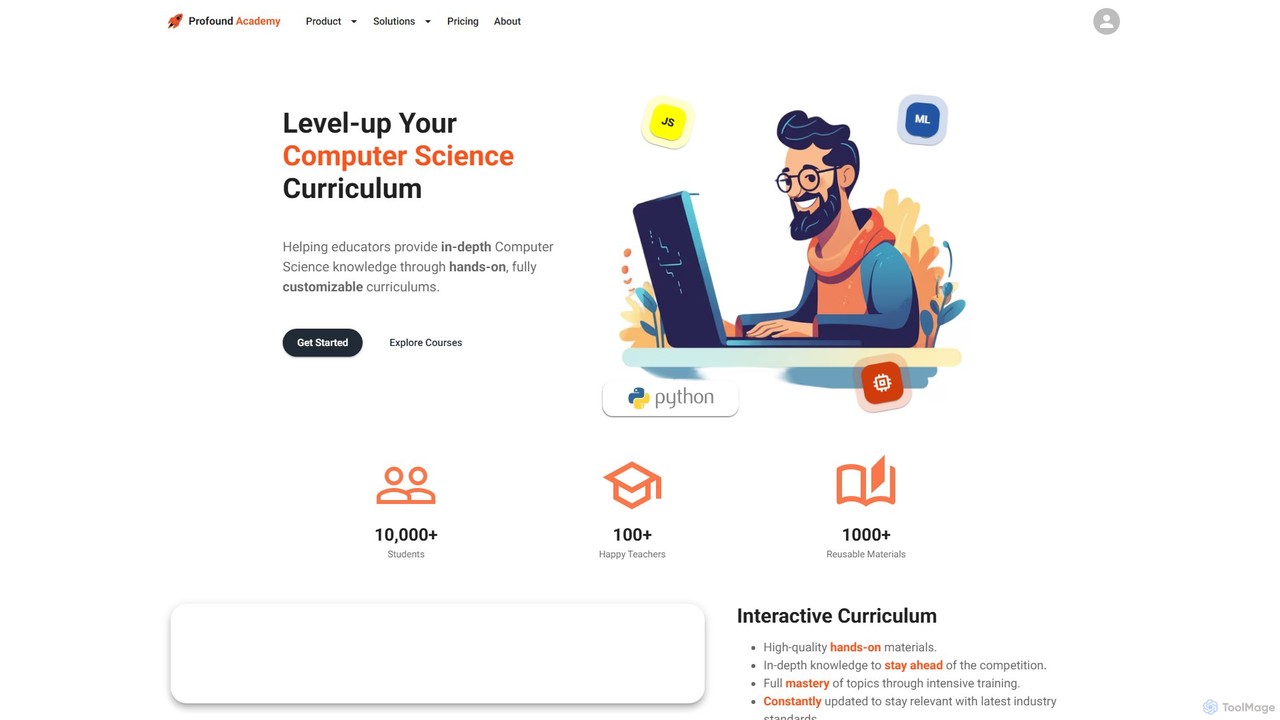
Profound Academy
Profound Academy is an AI-powered educational platform designed for schools and universities to enhance computer science education. It provides a hands-on, customizable curriculum, automates grading and feedback with an AI assistant, and increases student engagement through gamification and real-time monitoring.
Code Learning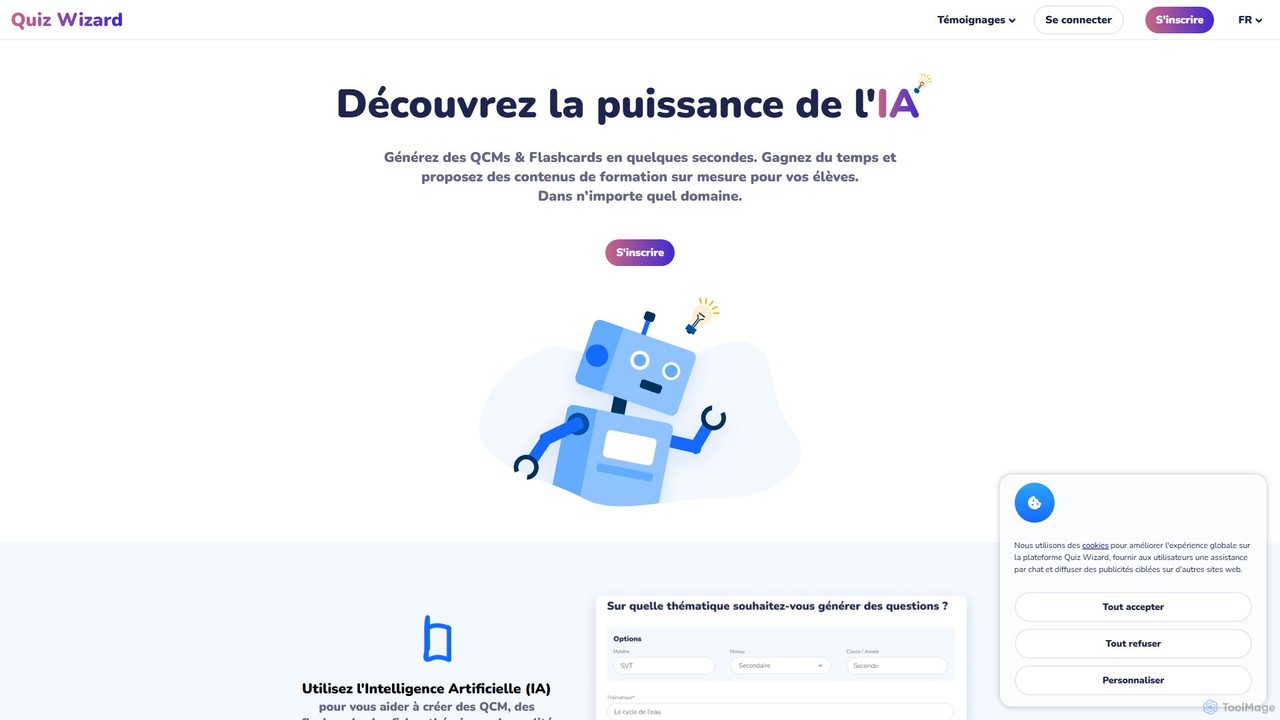
Quiz Wizard
Quiz Wizard is an AI-powered platform designed for educators and trainers to instantly generate multiple-choice questions (MCQs), flashcards, and theory sheets on any topic. Save hours of preparation time and create customized learning materials in seconds.
Assessment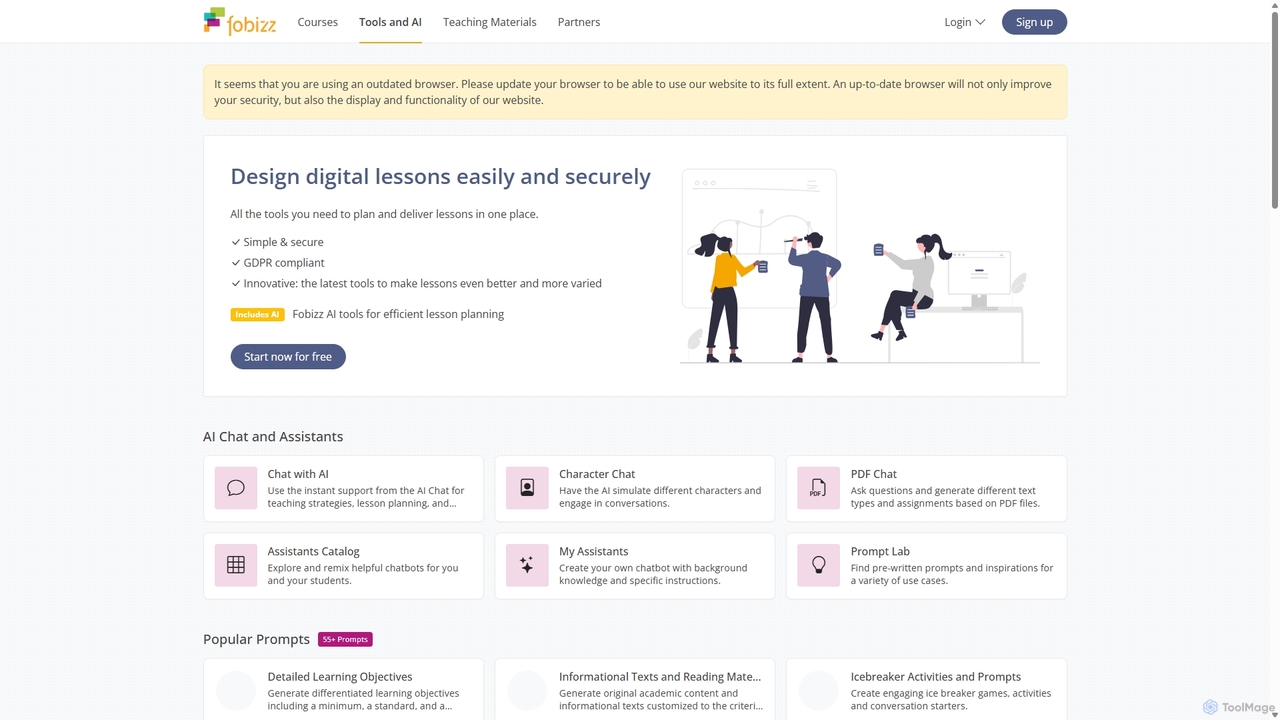
fobizz
fobizz is an all-in-one digital platform for educators, offering a comprehensive suite of AI-powered tools, professional development courses, and ready-to-use teaching materials. It's designed to simplify lesson planning, create engaging content, and foster a secure, innovative learning environment compliant with GDPR.
Text To Speech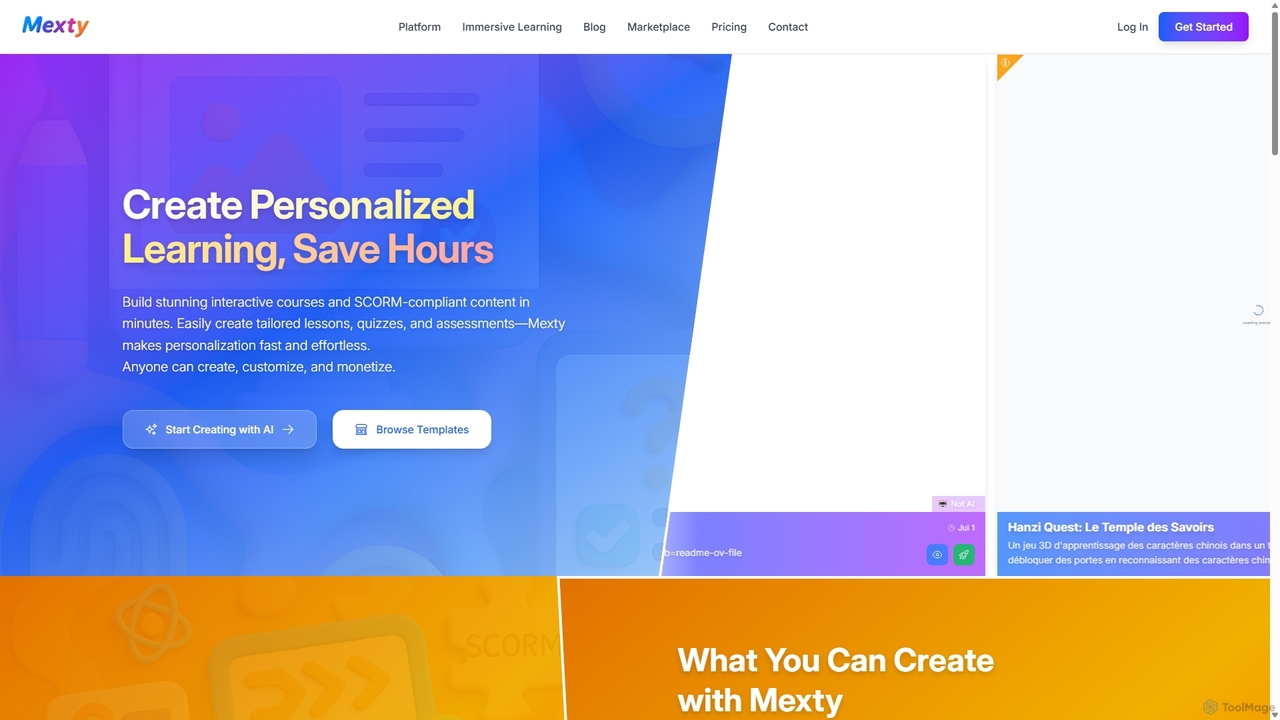
Mexty
Mexty is an AI-powered platform designed for educators, trainers, and instructional designers to create stunning interactive and personalized learning content. Build SCORM-compliant courses, quizzes, simulations, and games in minutes, significantly reducing development time and boosting learner engagement.
Game Development
Kwizie
Kwizie is an AI-powered quiz maker that transforms any video into an interactive, gamified learning experience. Ideal for educators, content creators, and businesses, it automatically generates engaging quizzes from video content to boost audience engagement, assess comprehension, and make learning fun and effective.
Assessment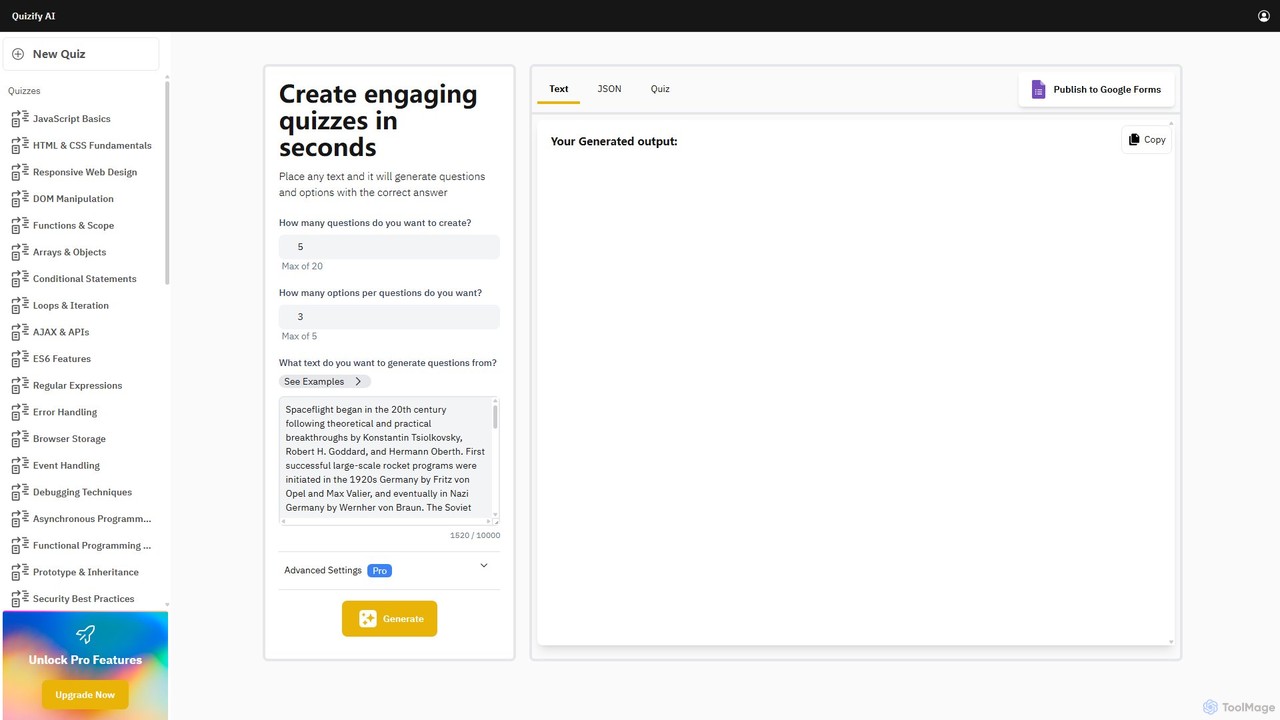
Quizify
Quizify is an AI-powered tool that instantly transforms any text into engaging quizzes. Simply paste your content, customize the number of questions and options, and generate multiple-choice questions in seconds. Ideal for educators, students, and trainers, it streamlines the creation of learning materials and assessments, with advanced options to export as JSON or publish directly to Google Forms.
Api
ClassPoint Comments (0)
Sign in to comment.
Sign inNo comments yet.