BoldSpeak
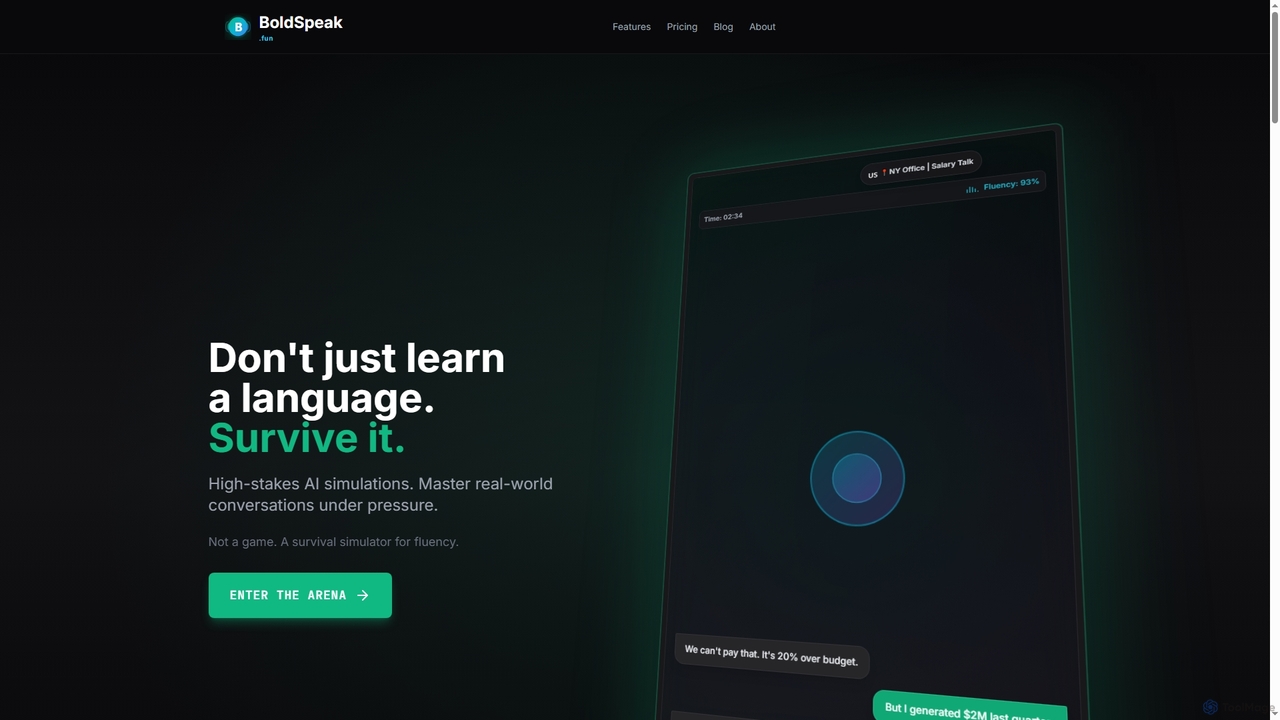
BoldSpeak is an AI-powered language survival simulator designed to help users master real-world conversations through high-stakes, pressure-based scenarios. …
BoldSpeak is an AI-powered language survival simulator designed to help users master real-world conversations through high-stakes, pressure-based scenarios. It moves beyond traditional learning by using an adaptive AI that challenges users in realistic situations like negotiations and emergencies.
Polyglot Pal
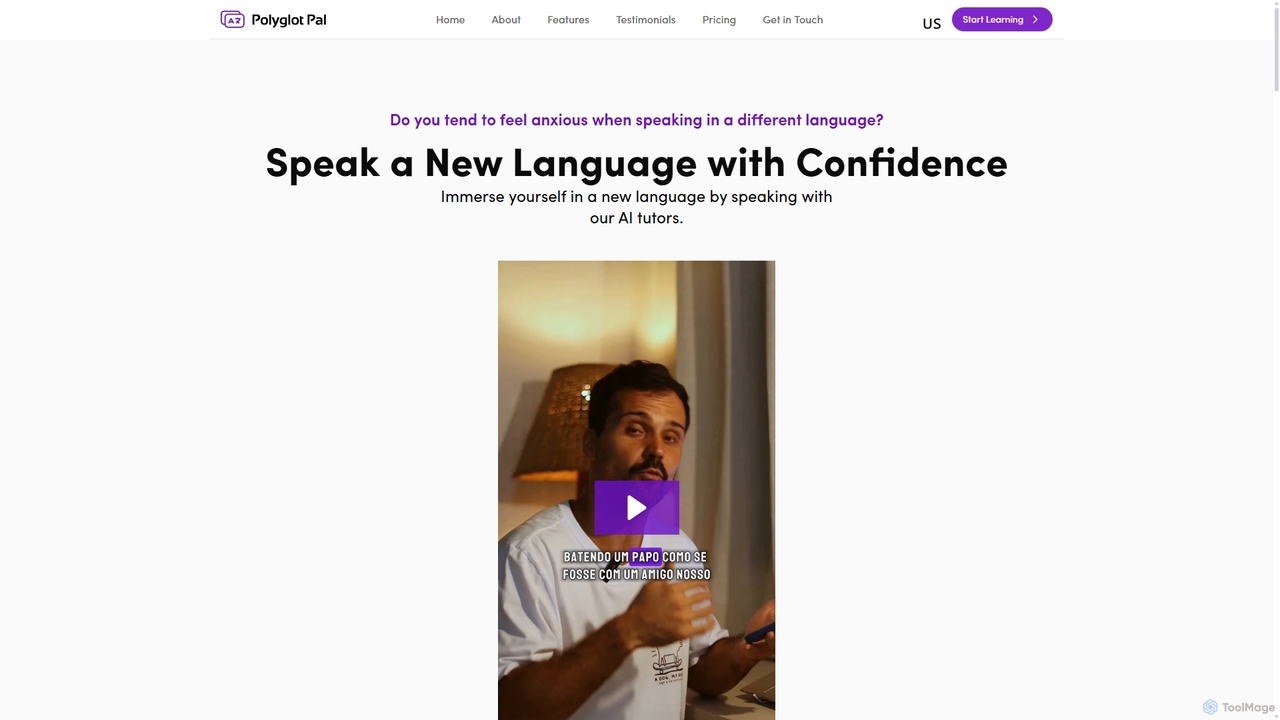
Polyglot Pal is an AI-powered language learning chatbot designed for intermediate learners. It helps you gain speaking confidence …
Polyglot Pal is an AI-powered language learning chatbot designed for intermediate learners. It helps you gain speaking confidence by engaging in conversations with AI tutors, receiving real-time feedback, and practicing in diverse real-world scenarios. It focuses on practical application rather than structured lessons.
Tandem GPT
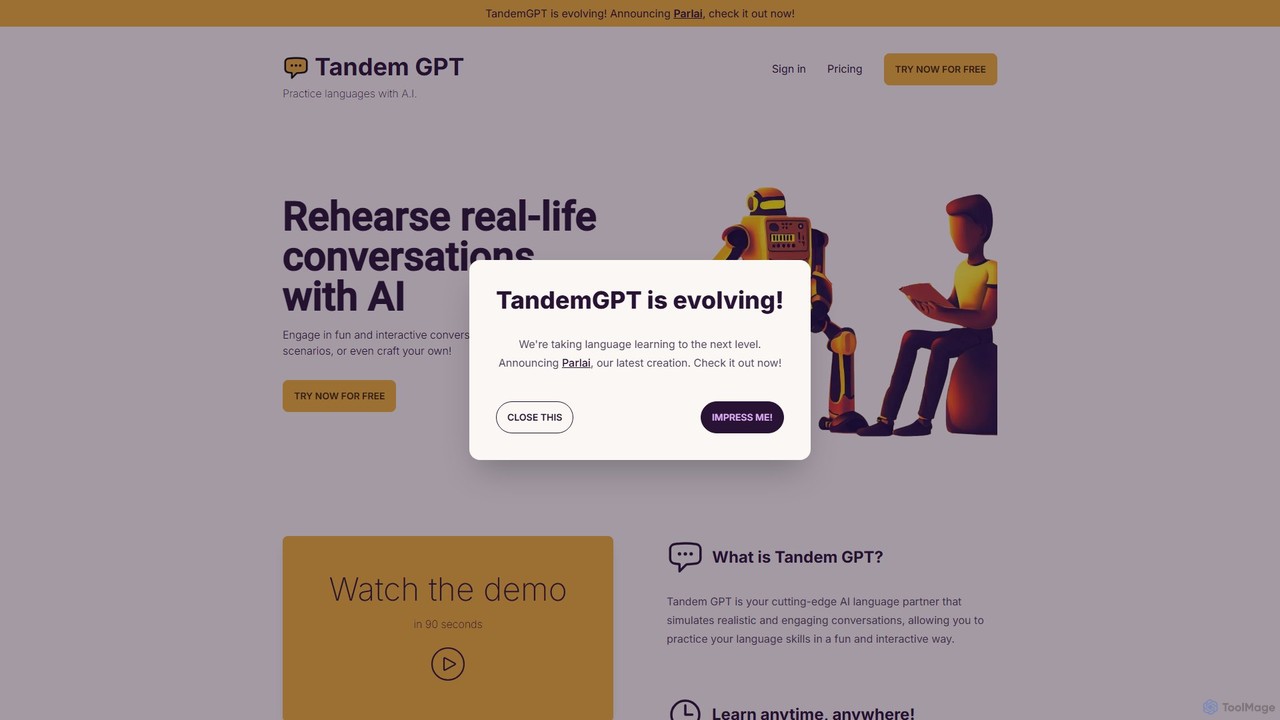
Tandem GPT is an AI-powered language partner designed to help you master new languages through realistic, interactive conversations. …
Tandem GPT is an AI-powered language partner designed to help you master new languages through realistic, interactive conversations. Practice speaking and texting with an AI tutor 24/7, using pre-built scenarios or creating your own. It supports voice messages, providing a safe, judgment-free environment to build fluency and confidence for real-world situations.
CodeKidz
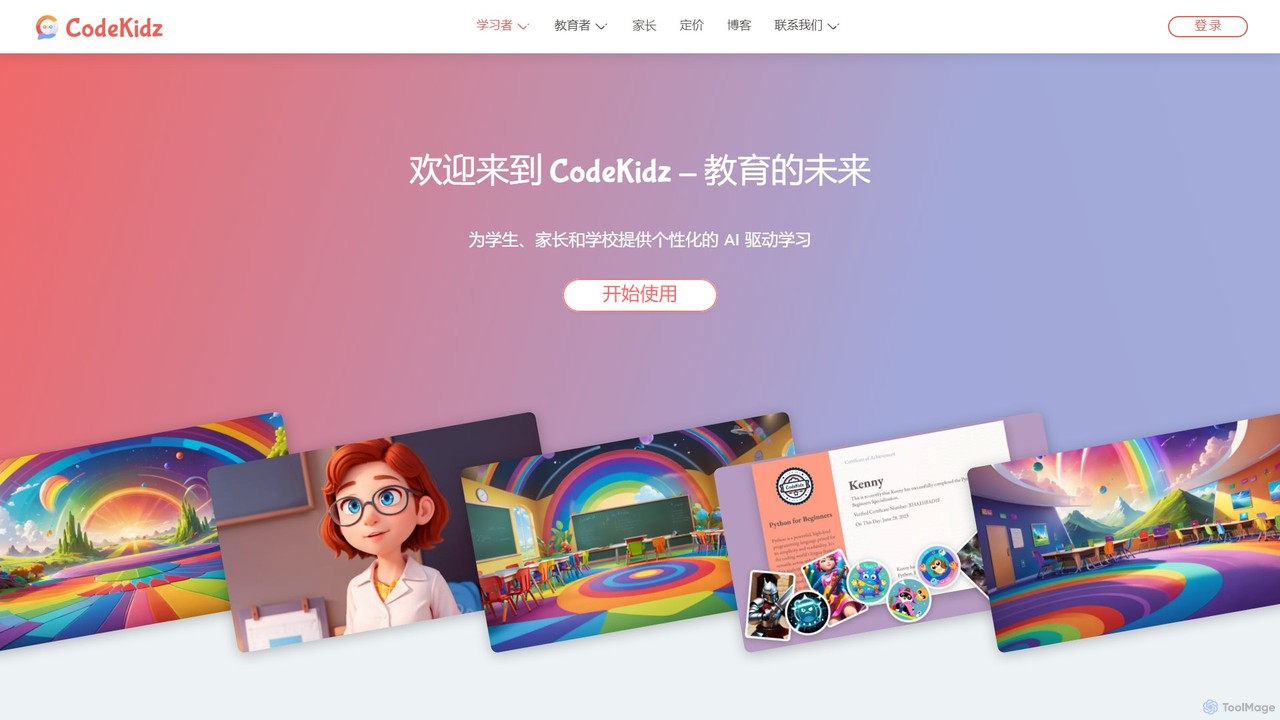
CodeKidz is an AI-powered personalized learning platform for students, educators, and parents. It offers a wide range of …
CodeKidz is an AI-powered personalized learning platform for students, educators, and parents. It offers a wide range of courses from coding to arts, featuring customizable AI tutors, gamified rewards, and powerful tools for educators to create and manage digital lessons.
LanguaTalk
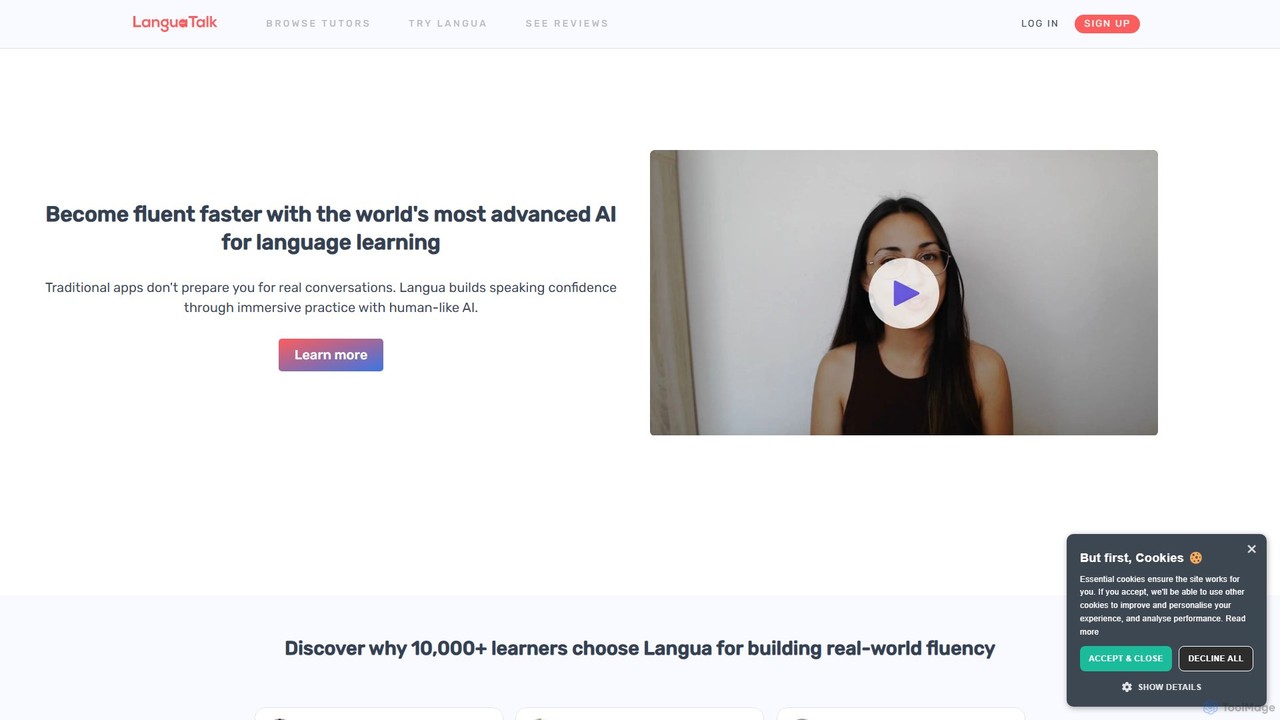
LanguaTalk is a comprehensive language learning platform that combines AI-powered conversation practice with 1-on-1 lessons from top-rated human …
LanguaTalk is a comprehensive language learning platform that combines AI-powered conversation practice with 1-on-1 lessons from top-rated human tutors. Its AI tool, Langua, helps you build speaking confidence through realistic, human-like voice conversations, providing instant feedback and corrections. This dual approach accelerates fluency by offering 24/7 AI practice and personalized guidance from expert teachers.
ISSEN
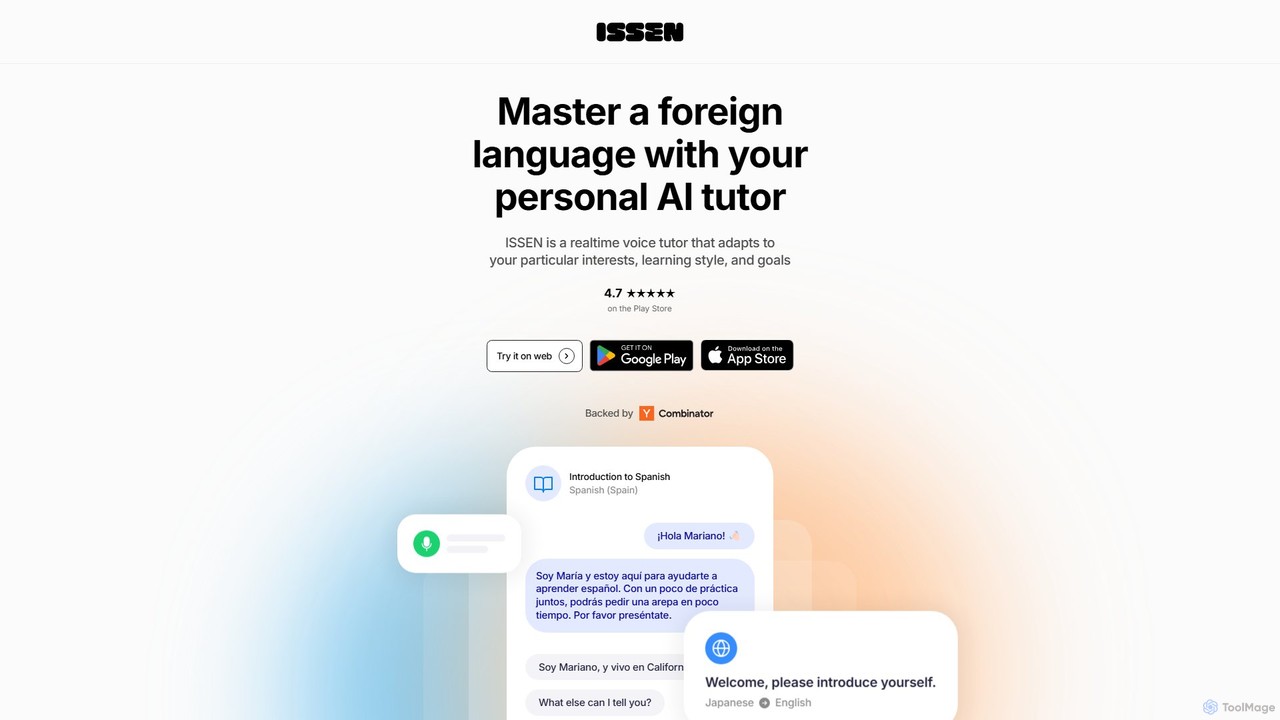
ISSEN is an AI-powered language tutor designed to help you achieve fluency through immersive, real-time conversations. Practice speaking …
ISSEN is an AI-powered language tutor designed to help you achieve fluency through immersive, real-time conversations. Practice speaking anytime, anywhere with personalized AI tutors that adapt to your learning style, provide instant feedback, and offer structured lessons in over 50 languages.
Asendia AI
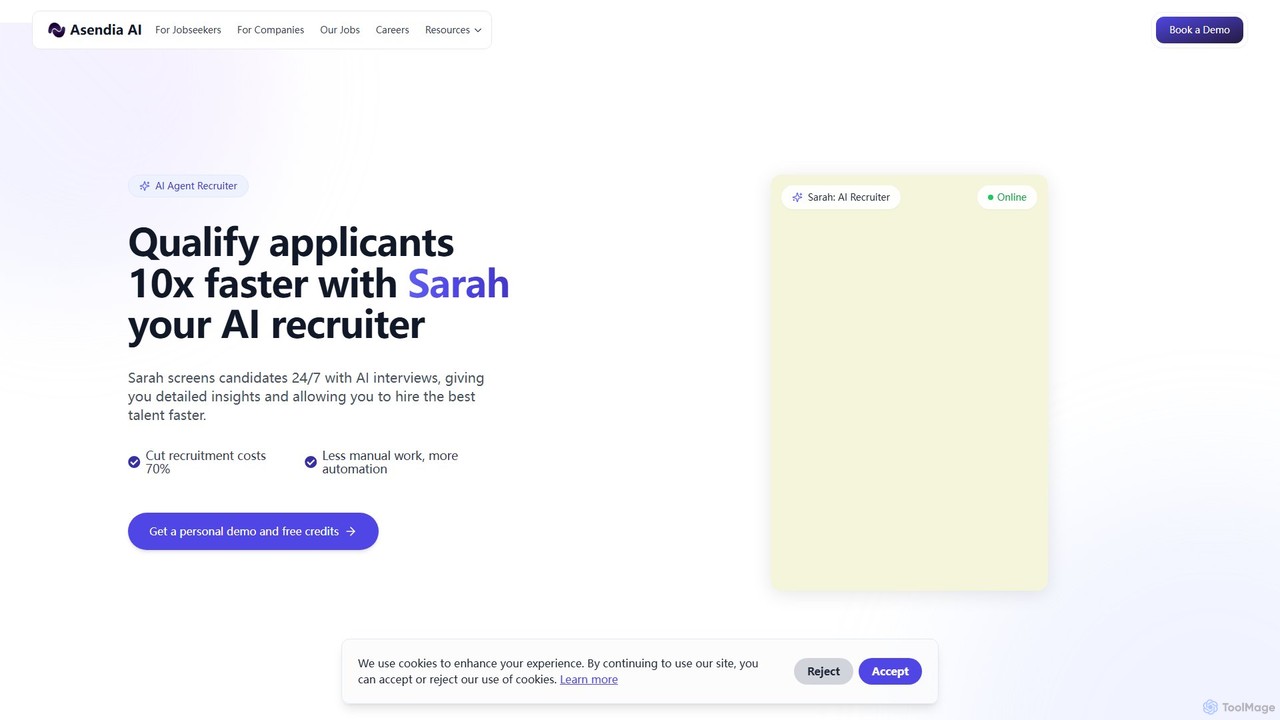
Asendia AI is a dual-purpose recruitment platform powered by an AI agent named Sarah. For recruiters, it automates …
Asendia AI is a dual-purpose recruitment platform powered by an AI agent named Sarah. For recruiters, it automates candidate screening and interviews 24/7, reducing hiring time and costs. For job seekers, it acts as a personal AI career coach, offering job matching, resume help, and realistic mock interview practice to help them land their dream job faster.
About Virtual Assistant
A Virtual Assistant is an AI-powered tool designed to perform tasks and manage services for an individual or team. Unlike general AI chatbots that primarily answer queries, virtual assistants integrate deeply with personal data like calendars, emails, and apps to proactively manage schedules, set reminders, and automate workflows. They function as personal productivity partners, helping users organize daily life, streamline business operations, and delegate administrative tasks. Their ability to understand context and execute multi-step commands makes them powerful tools for enhancing both personal and professional efficiency.
Core Features
- Task Automation: Executes commands such as scheduling meetings, sending emails, or booking travel.
- Calendar & Schedule Management: Creates events, sets reminders, and checks availability across multiple calendars.
- Proactive Assistance: Provides timely reminders, suggests meeting times, and prepares daily briefings based on your schedule.
- Third-Party Integrations: Connects with essential applications like Google Workspace, Microsoft 365, Slack, and CRMs to centralize workflows.
- Information Retrieval: Finds and summarizes information from the web, your documents, or email threads on command.
Use Cases
Virtual Assistants are widely used by busy professionals to manage complex schedules, by executive teams to offload administrative work, and by sales teams to automate CRM entries and follow-ups. They are also valuable for individuals seeking to organize personal appointments, travel plans, and daily to-do lists more effectively.
How to Choose
When selecting a Virtual Assistant, consider its integration capabilities with your existing tools and platforms. Evaluate the complexity of tasks it can handle, from simple reminders to multi-step workflows. Assess its availability across your devices (desktop, mobile, web). Finally, carefully review its privacy and security policies to understand how your personal and company data is managed.
Virtual AssistantUse Cases
Automated Meeting Scheduling for Sales Teams
A sales manager needs to coordinate meetings with multiple prospective clients across different time zones. Instead of manually exchanging emails to find a suitable time, they use a Virtual Assistant. The manager simply instructs the assistant: 'Find a 30-minute slot with Client X next week.' The AI accesses the manager's calendar, identifies free slots, cross-references them with the client's stated availability via an integrated scheduling link, and proposes the best options. Once the client confirms, the assistant automatically creates the calendar event, adds a video conferencing link, and sends invitations to all participants, saving significant administrative time.
Personal Productivity and Daily Life Management
A freelancer uses a Virtual Assistant to manage their work-life balance. Each morning, they ask the assistant for a daily briefing, which includes upcoming appointments, project deadlines pulled from their project management tool, and important emails that need a response. Throughout the day, they dictate tasks like 'Remind me to follow up with Client Y at 3 PM' or 'Add groceries to my shopping list.' The assistant integrates with their to-do list app and calendar, ensuring nothing is forgotten. This centralized command system helps the freelancer stay organized and focused without constantly switching between different applications.
Executive Assistance for Administrative Tasks
An executive delegates routine administrative tasks to their Virtual Assistant to save time. Before a business trip, they say, 'Book a flight to New York for next Tuesday, returning Thursday, and find a hotel near the conference center.' The assistant accesses travel booking platforms via integrations, presents flight and hotel options, and makes the reservation upon approval. It also adds all booking details to the executive's calendar. Similarly, the assistant can handle expense reporting by extracting receipt data from emails and compiling draft reports, turning hours of manual work into a simple review and approval process.
Team Workflow Coordination and Follow-ups
A project manager uses a Virtual Assistant to keep the team aligned and on schedule. They connect the assistant to their project management software (like Asana or Jira) and communication platform (like Slack). The manager can then issue commands such as, 'Ask the design team for an update on the Q3 campaign assets' or 'Remind Alex to submit his weekly report by EOD Friday.' The assistant automatically sends messages on Slack and can even update task statuses in the project tool based on responses. This automates routine communication, reduces the manager's follow-up burden, and ensures timely updates across the team.
Smart Home and IoT Device Control
A homeowner integrates their Virtual Assistant with their smart home ecosystem. They can use simple voice commands to control various devices without needing multiple apps. For instance, saying 'Good morning' can trigger a routine where the assistant turns on the lights, raises the thermostat, starts the coffee maker, and reads the day's weather forecast. Similarly, a command like 'Movie night' can dim the lights, turn on the TV and sound system, and close the smart blinds. This centralizes control over IoT devices, creating a more seamless and automated living environment based on personalized routines and commands.
Automating CRM Data Entry for Sales Reps
A sales representative spends a significant amount of time on manual data entry after client calls. By using a Virtual Assistant integrated with their CRM (like Salesforce), this process becomes automated. After a call, the rep can simply dictate a summary: 'Log a call with John Doe from Acme Corp. We discussed pricing for Project X, and the next step is to send a proposal by Wednesday.' The assistant parses this information, creates a new activity log in the CRM under the correct contact, updates the deal stage, and even creates a task reminder for the proposal. This ensures data is logged accurately and promptly, freeing up the rep to focus on selling.