

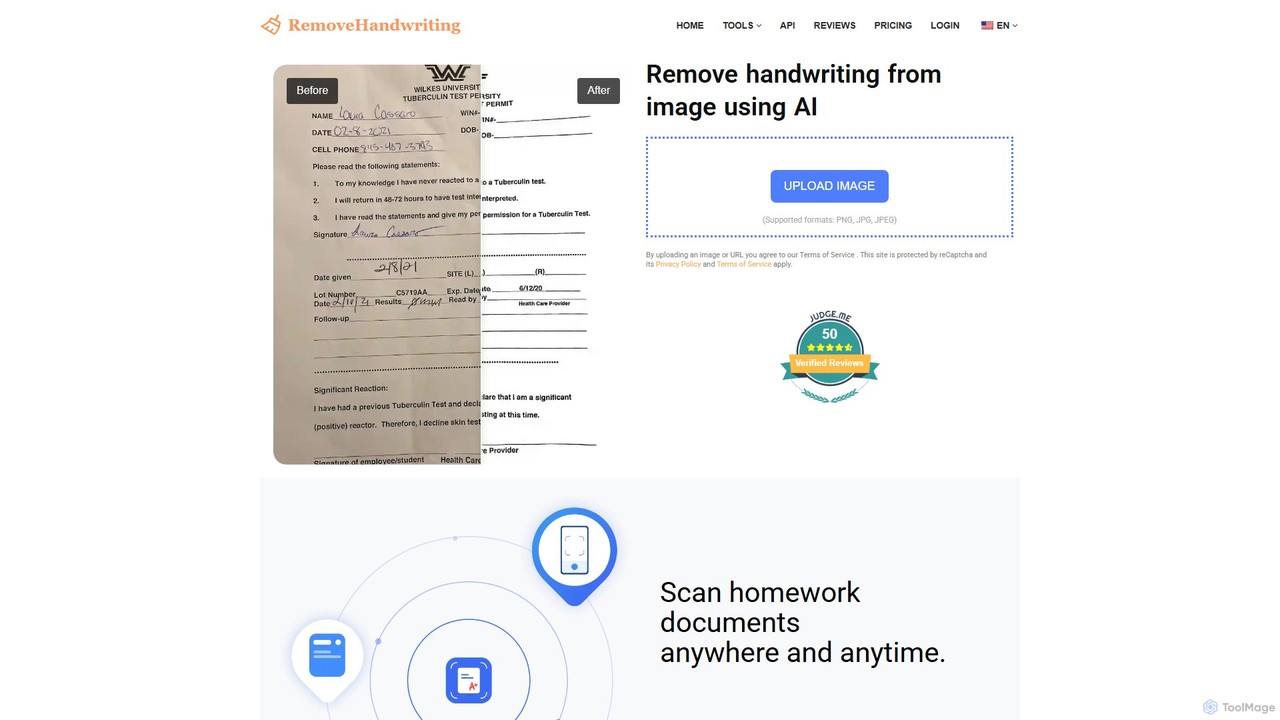
removehandwriting Overview
removehandwriting is an advanced AI-driven platform designed to be more than just a handwriting remover. It serves as a comprehensive solution for digital document processing, transforming cluttered, handwritten, or damaged documents into pristine, standardized digital files. By leveraging cutting-edge image processing and artificial intelligence algorithms, the tool can accurately identify and erase handwritten text, pen marks, and scribbles from various documents like test papers, notes, and forms. Beyond simple removal, it excels at restoring document integrity by tackling a wide range of common image issues.
The platform's technology can detect and correct document distortions, including curled pages, wrinkles, and warping. It intelligently removes shadows, stains, finger obstructions, and even text showing through from the back (bleed-through). This makes it an invaluable asset for anyone needing to clean up scanned documents or photos of physical papers. The entire process is designed for simplicity and efficiency, ensuring users get high-quality results with minimal effort.
How to use removehandwriting
Using the tool is a straightforward, three-step process:
- Upload Your Document: Visit the website and upload your image (in PNG, JPG, or JPEG format) or PDF file. You can drag and drop the file or select it from your device.
- AI Processing: The AI automatically analyzes the document. It identifies and erases all handwritten elements while simultaneously correcting other imperfections like shadows, stains, and page curls.
- Download the Result: Within seconds, a clean version of your document is ready. You can preview the 'before' and 'after' comparison and then download the restored file.
Core Features of removehandwriting
- AI-Powered Handwriting Removal: Accurately erases handwritten notes, signatures, and scribbles from images and PDFs.
- Comprehensive Document Restoration: Fixes a variety of issues including curled pages, shadows, wrinkles, stains, finger obstructions, and moiré patterns.
- Text Bleed-Through Removal: Intelligently removes text showing through from the reverse side of a page.
- Automatic Correction: Automatically detects the document's shape, corrects angles, flattens curls, and restores distorted documents to their original form.
- PDF Support: Natively handles PDF files, allowing users to remove pen marks directly from scanned PDFs.
- Developer API: Offers an API for businesses and developers to integrate the handwriting removal technology into their own applications and services.
- High Security and Privacy: All uploaded files are encrypted during processing and automatically deleted from servers afterward to ensure user data remains confidential.
Use Cases for removehandwriting
removehandwriting is versatile and serves a wide range of users:
- Students: Can clean up answered practice tests and assignments to create blank versions for repeated study. They can also create clean digital error notebooks by extracting specific questions from corrected papers.
- Teachers and Educators: Can instantly erase answers from student worksheets or test papers to create a clean master copy for reuse or for creating question banks.
- Professionals and Researchers: Can digitize and clean up handwritten meeting notes, research papers, or archival documents, making them easier to read, share, and store.
- Home and Personal Use: Can be used to restore old letters, recipes, or other important family documents that have been written on or have degraded over time. It can also be paired with a printer for one-click cleaning and re-printing of practice materials for children.
Advantages of removehandwriting
The tool offers several key advantages:
- Efficiency: Drastically reduces the time and effort required to manually edit or recreate documents.
- High-Quality Output: Produces clean, professional, and pristine documents ready for printing or digital use.
- Accessibility: As a web-based tool, it is accessible from any device with an internet connection, including mobile phones, without needing to install any software.
- User-Friendly: Features a simple and intuitive interface that requires no technical expertise.
- Cost-Effective: Provides a free trial and flexible, credit-based pricing, making advanced document restoration accessible to everyone.
Pricing and Plans
removehandwriting operates on a freemium model with a one-time free trial for every new user. After the trial, users can purchase credit packages that have lifetime validity.
- Free Trial: 1 free credit for every new user.
- 10 Credits: $1.9 ($0.19 per credit)
- 80 Credits (Most Popular): $9.9 ($0.12 per credit)
- 300 Credits: $21.9 ($0.07 per credit)
All purchases are backed by a 7-day money-back guarantee, ensuring a risk-free experience.
Traffic
Latest traffic
Status
Monthly traffic trend
- 2025-9: 7.0K
- 2026-1: 32.9K
- 2026-2: 31.5K
- 2026-3: 16.9K
- 2026-4: 26.8K
- 2026-5: 28.7K
Geography
Top 5 countries / regions
- 🇮🇳India39.2%
- 🇺🇸United States28.4%
- 🇧🇩Bangladesh12.4%
- 🇮🇹Italy11.4%
- 🇩🇪Germany8.5%
Traffic sources
| Source type | Percentage |
|---|---|
Direct | 92.0% |
Referral | 8.0% |
Top keywords
removehandwriting Alternatives
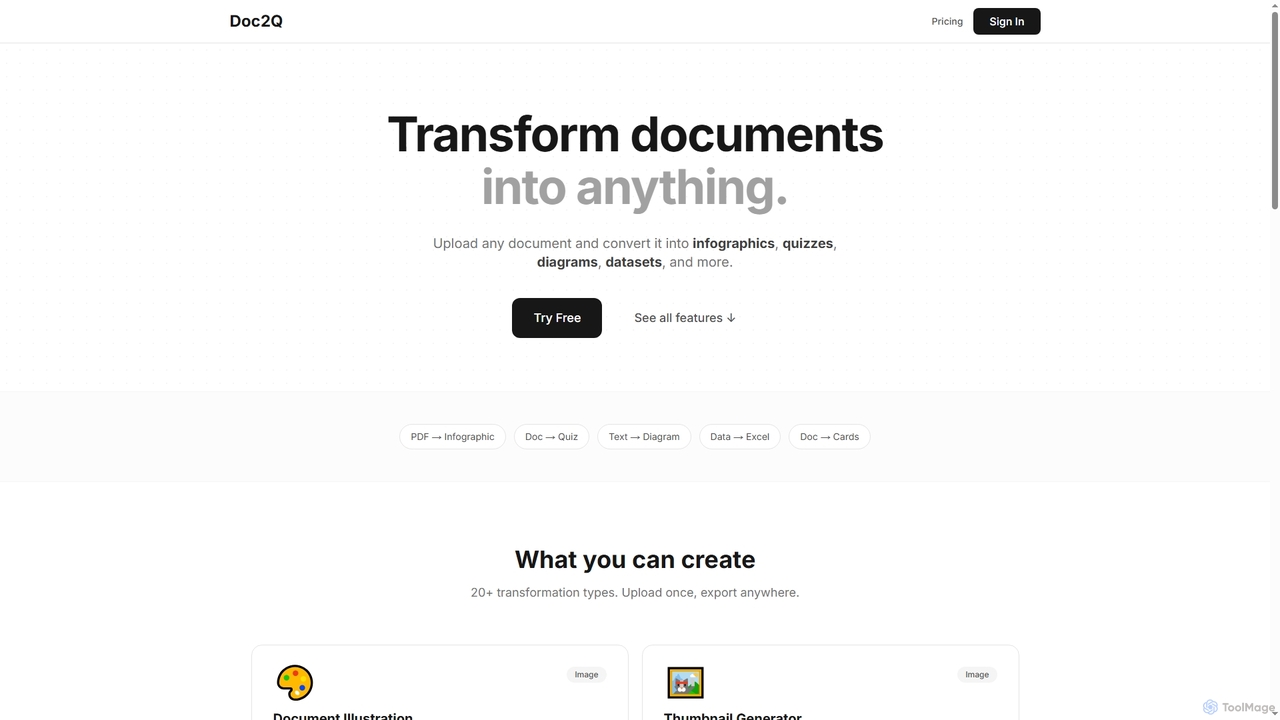
Doc2Q
Doc2Q is an AI-powered tool that transforms documents (PDF, DOCX, images) into various formats like infographics, quizzes, diagrams, and datasets. It operates on a flexible pay-as-you-go credit system, allowing users to convert content quickly and efficiently for marketing, education, or data analysis purposes.
Visualization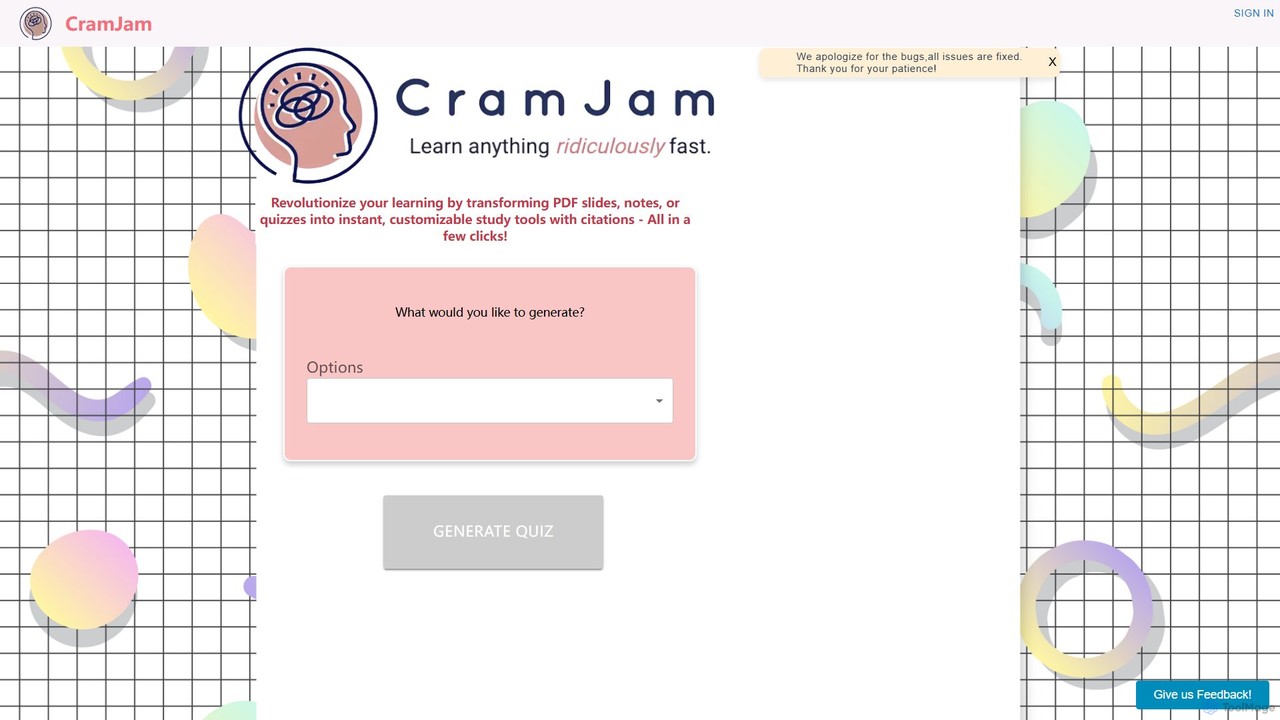
CramJam
CramJam is an AI-powered learning tool that transforms your PDF documents, such as lecture slides, notes, or textbooks, into interactive study materials. Instantly generate customizable quizzes and flashcards with accurate citations, helping you study more effectively and save valuable time on exam preparation.
Question Generator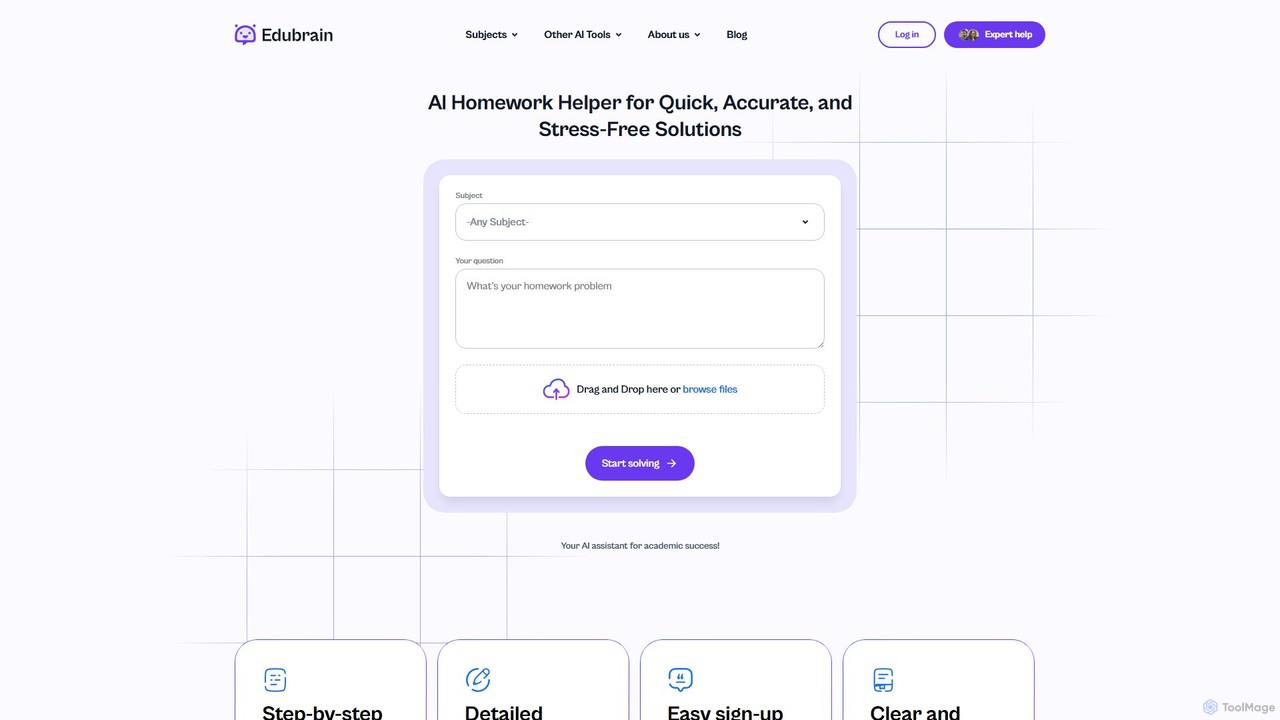
Edubrain
Edubrain is a free AI homework helper that provides instant, step-by-step solutions for over 90 subjects. Simply type your question or upload a photo of your problem to receive detailed explanations. Available 24/7 with no sign-up required, it's designed to help students from high school to college understand complex concepts, save time, and boost their academic confidence.
Homework Helper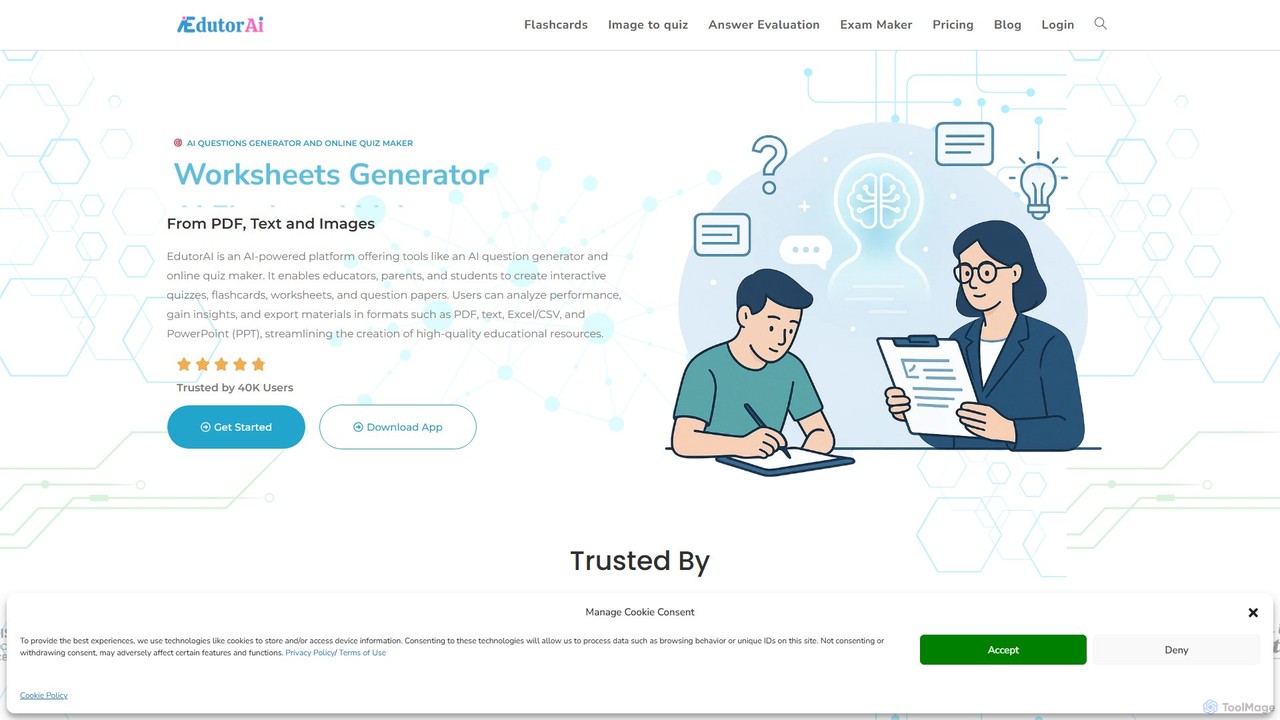
edutorai
EdutorAI is an AI-powered educational platform designed for educators, students, and parents. It streamlines the creation of learning materials by generating quizzes, flashcards, worksheets, and exams from text, PDFs, or images. It also features AI-driven answer evaluation and performance analytics to enhance the learning experience.
Assessment
Kumo Study
Kumo Study is the ultimate study tool specifically designed for students with ADHD. This Chrome extension helps improve focus, organization, and motivation through features like a task planner, a customizable timer, a site blocker, and a unique collaborative support system. It's built on neurodesign principles to combat executive dysfunction and boost academic success.
Study Toolsremovehandwriting Categories
removehandwriting Embed Widget
Copy this embed code to place the badge on your blog, article, or product site and send readers directly to this ToolMage detail page.

Related AI tools
Edubrain
Edubrain is a free AI homework helper that provides instant, step-by-step solutions for over 90 subjects. Simply type your question or upload a photo of your problem to receive detailed explanations. Available 24/7 with no sign-up required, it's designed to help students from high school to college understand complex concepts, save time, and boost their academic confidence.
Homework Helperedutorai
EdutorAI is an AI-powered educational platform designed for educators, students, and parents. It streamlines the creation of learning materials by generating quizzes, flashcards, worksheets, and exams from text, PDFs, or images. It also features AI-driven answer evaluation and performance analytics to enhance the learning experience.
AssessmentKumo Study
Kumo Study is the ultimate study tool specifically designed for students with ADHD. This Chrome extension helps improve focus, organization, and motivation through features like a task planner, a customizable timer, a site blocker, and a unique collaborative support system. It's built on neurodesign principles to combat executive dysfunction and boost academic success.
Study Tools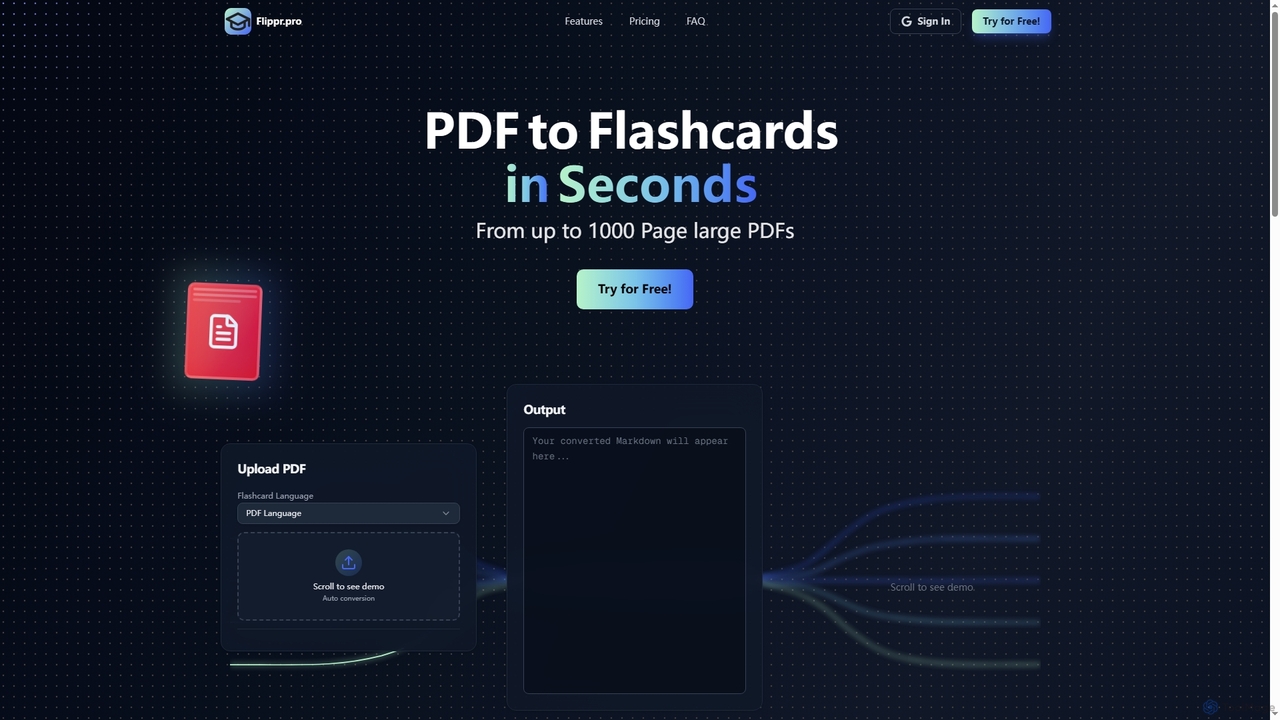
Flippr
Flippr is an AI-powered study tool that rapidly converts PDF documents into interactive flashcards. Designed for students and professionals, it streamlines the learning process by transforming extensive study materials into digestible, easy-to-review formats in seconds.
Conversion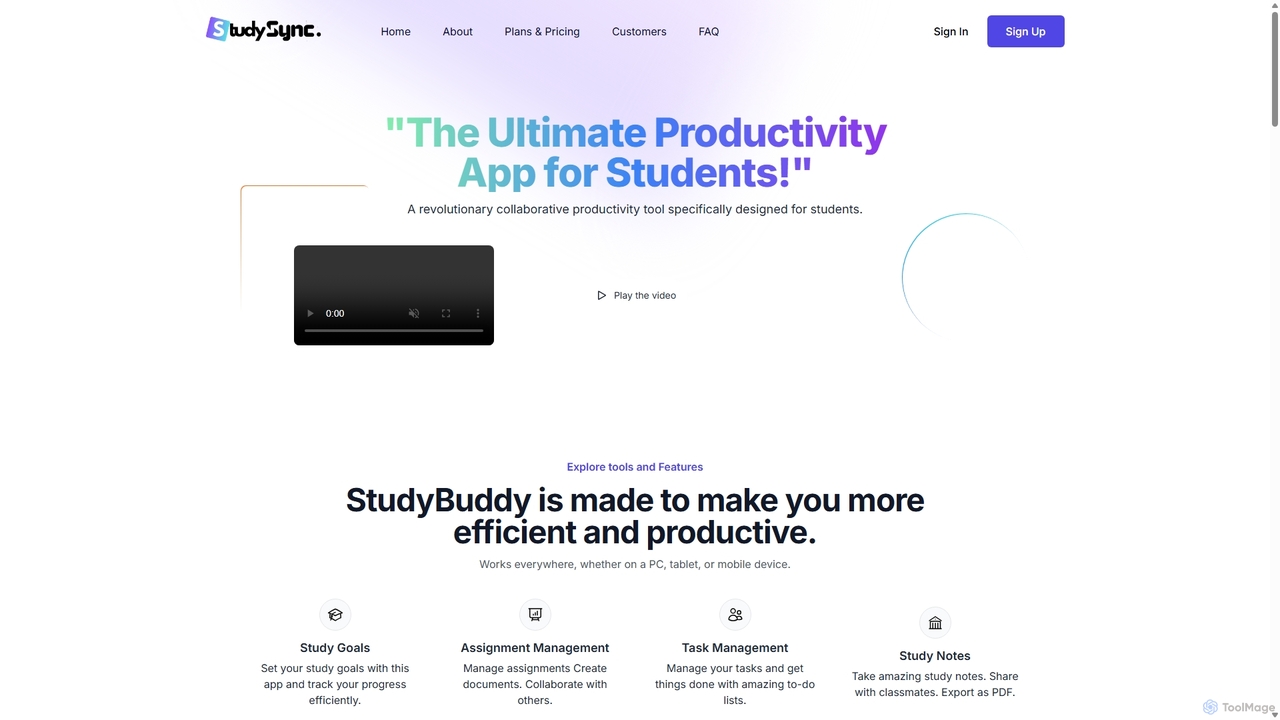
StudySync
StudySync is an AI-powered, all-in-one collaborative suite designed for students, educators, and research teams. It integrates document and spreadsheet creation, digital asset management, and smart scheduling to streamline academic workflows, enhance group projects, and boost overall productivity.
Study Tools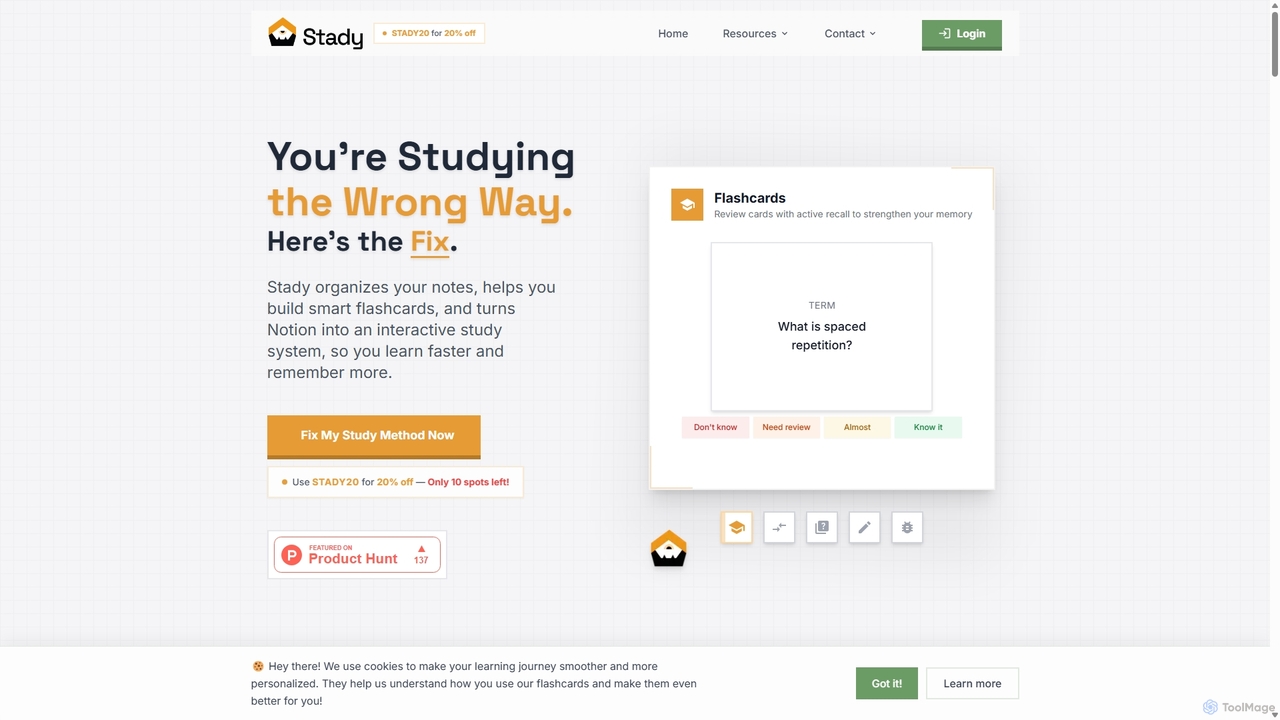
Stady
Stady transforms your Notion workspace into a powerful, interactive study system. It allows you to create smart flashcards directly from your notes, leveraging scientifically-proven methods like spaced repetition and active recall. With gamified features and progress tracking, Stady helps students learn faster, retain more information, and make studying more engaging and effective.
Study Tools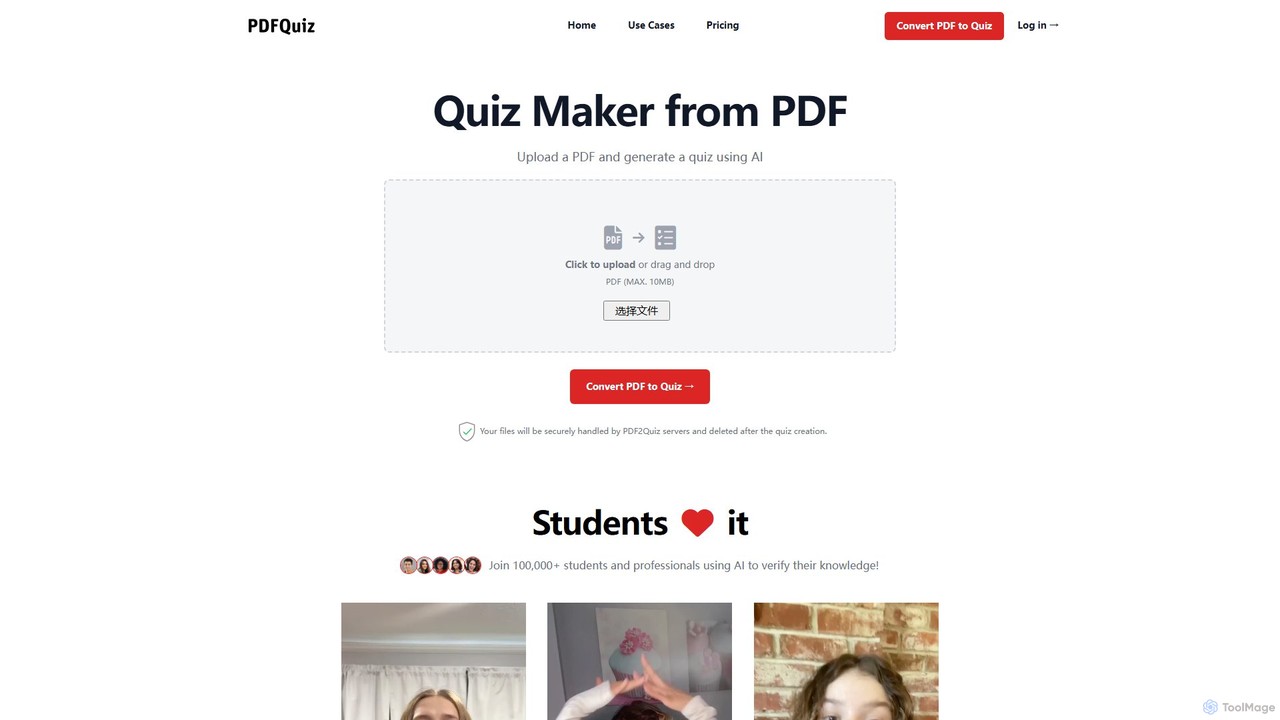
pdf2quiz
pdf2quiz is an AI-powered tool that instantly converts PDF documents into interactive quizzes. Simply upload your file, and the AI will generate multiple-choice questions to help you study, assess knowledge, or create educational content. It supports multiple languages and even uses OCR for scanned documents.
Text Analysis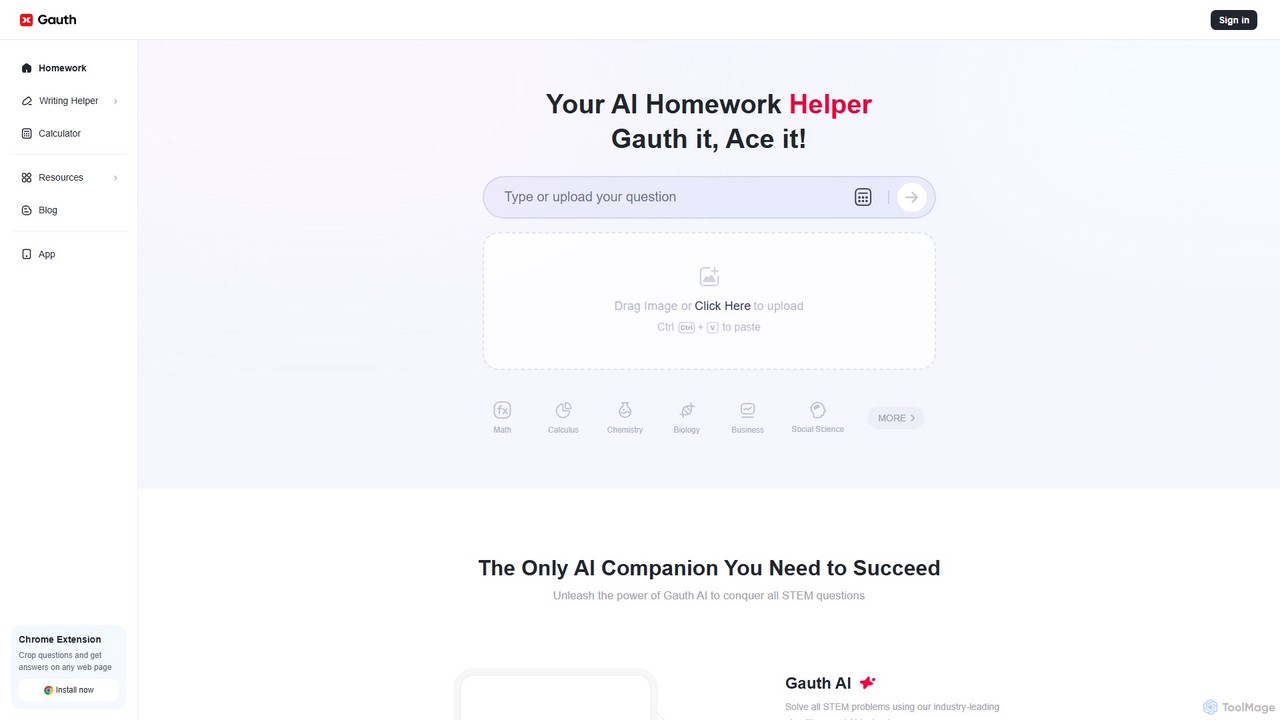
Gauth
Gauth is an AI-powered homework helper designed to assist students across all subjects. It combines advanced AI algorithms for instant, step-by-step solutions with 24/7 access to live expert tutors for more complex problems. From math and STEM to writing and social sciences, Gauth provides detailed explanations to help students not just find answers, but truly understand the concepts.
Homework Helper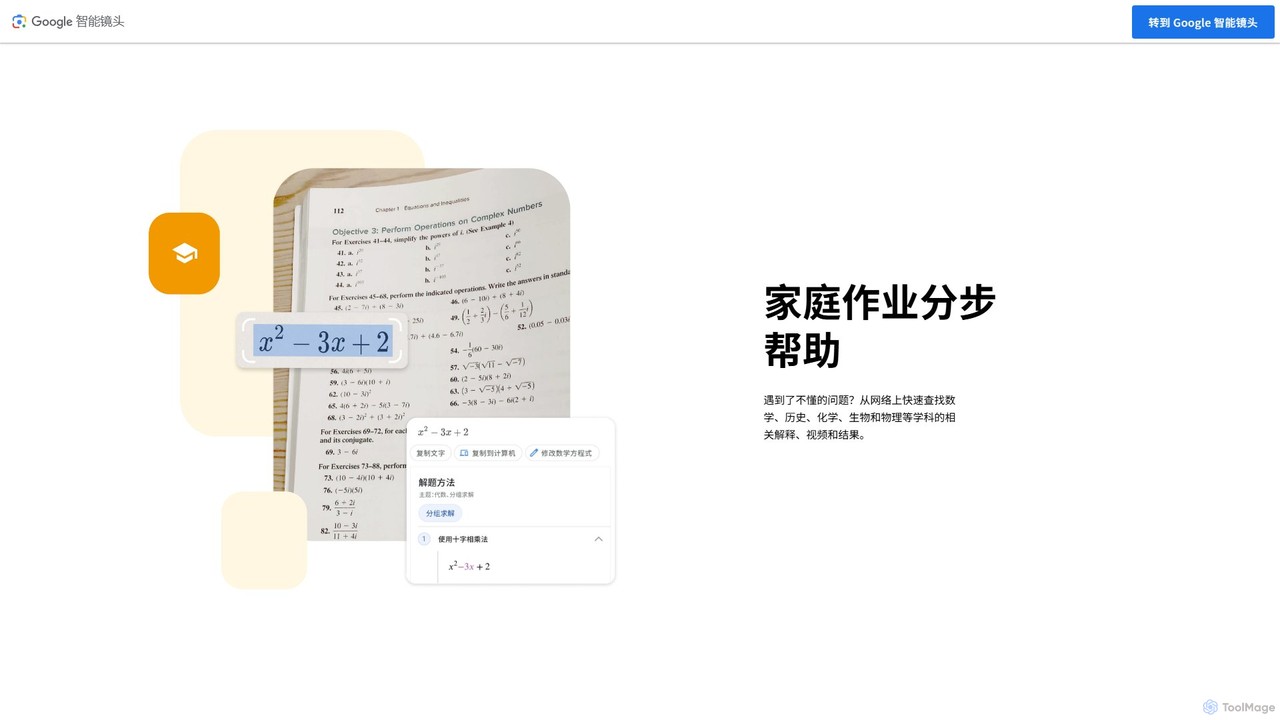
Socratic by Google
Socratic by Google is an AI-powered learning app designed to help students with their homework. By taking a photo of a question, users can access detailed explanations, step-by-step solutions, and curated educational resources across various subjects like math, science, and history, fostering a deeper understanding of core concepts.
Homework Help
Dewatermark.ai
Dewatermark.ai is an AI-powered online tool designed to effortlessly remove watermarks from images, videos, and PDFs. It offers a fast, simple, and high-quality solution for content creators, marketers, and individuals, preserving original file quality without requiring complex editing skills.
3D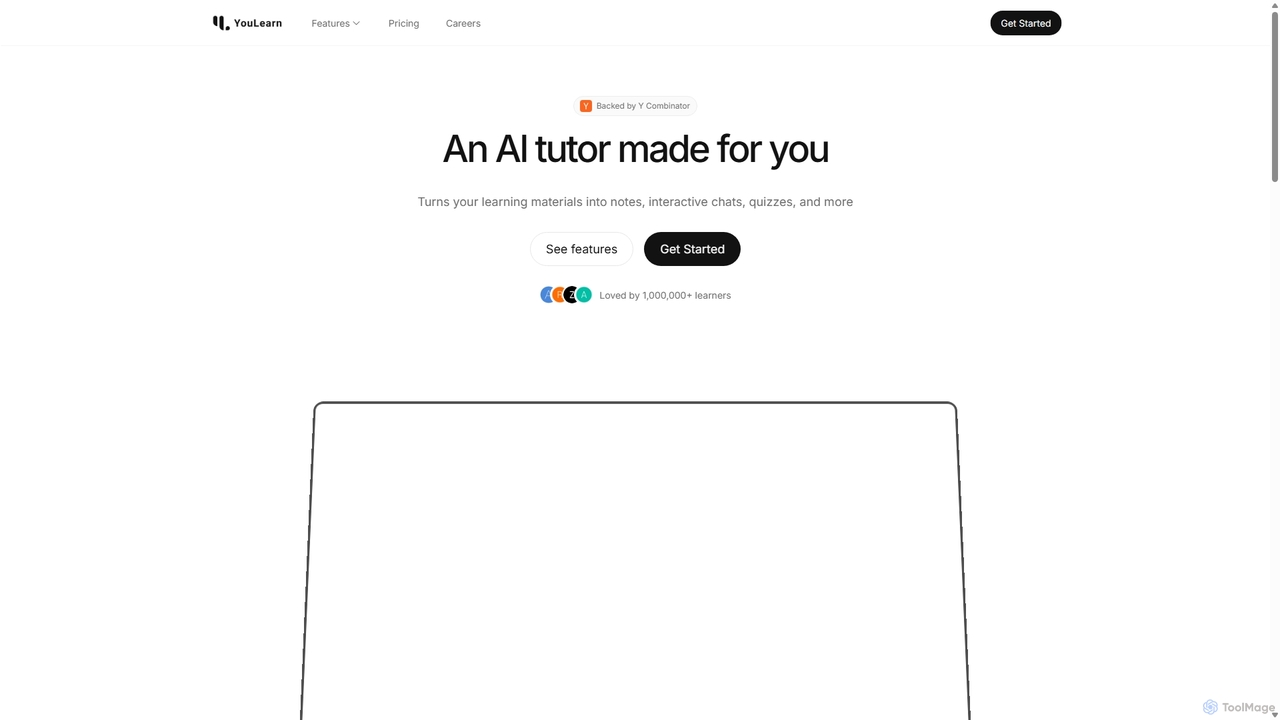
YouLearn
YouLearn is a Y Combinator-backed AI tutor that transforms any learning material—like PDFs, YouTube videos, and lectures—into interactive study tools. It creates summaries, flashcards, and quizzes, and offers an AI chat feature to simplify complex topics, helping over a million students and professionals learn smarter and faster.
Learning Assistant
Readdle
Readdle is a leading developer of a suite of award-winning productivity apps for iPhone, iPad, and Mac. Its ecosystem, including PDF Expert, Spark, Calendars, and Scanner Pro, is designed to streamline workflows, enhance efficiency, and simplify digital life for millions of individuals and teams worldwide. By integrating advanced technology like AI, Readdle's apps provide powerful solutions for document management, email, scheduling, and more.
Workflow Automation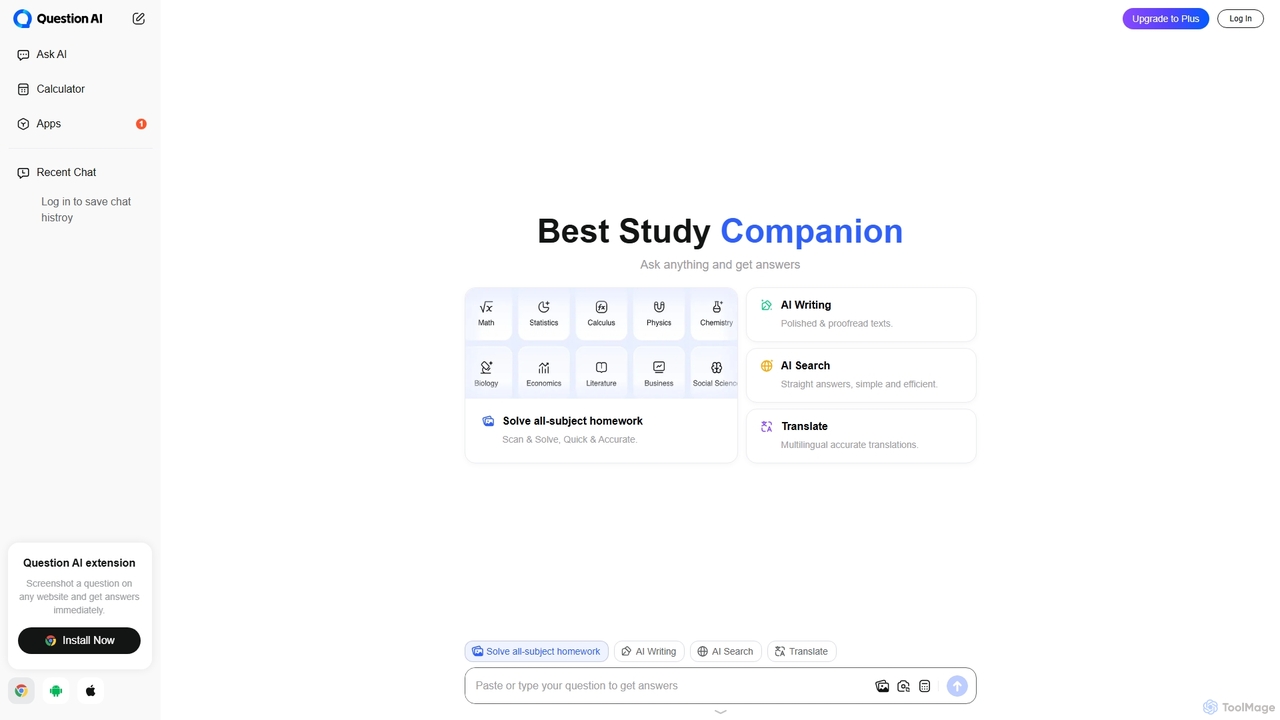
Question AI
Question AI is a versatile AI-powered homework helper and study companion designed for students. It provides instant, accurate answers across all subjects, featuring scan-to-solve for math problems, an AI writing assistant for essays, a text summarizer, and a multilingual translator. It's an all-in-one tool to enhance learning and academic productivity.
Homework Helper
Jyek
Jyek is an AI agent platform that understands objectives, creates execution plans, uses tools, and delivers verifiable results for complex, multi-step tasks.
Automation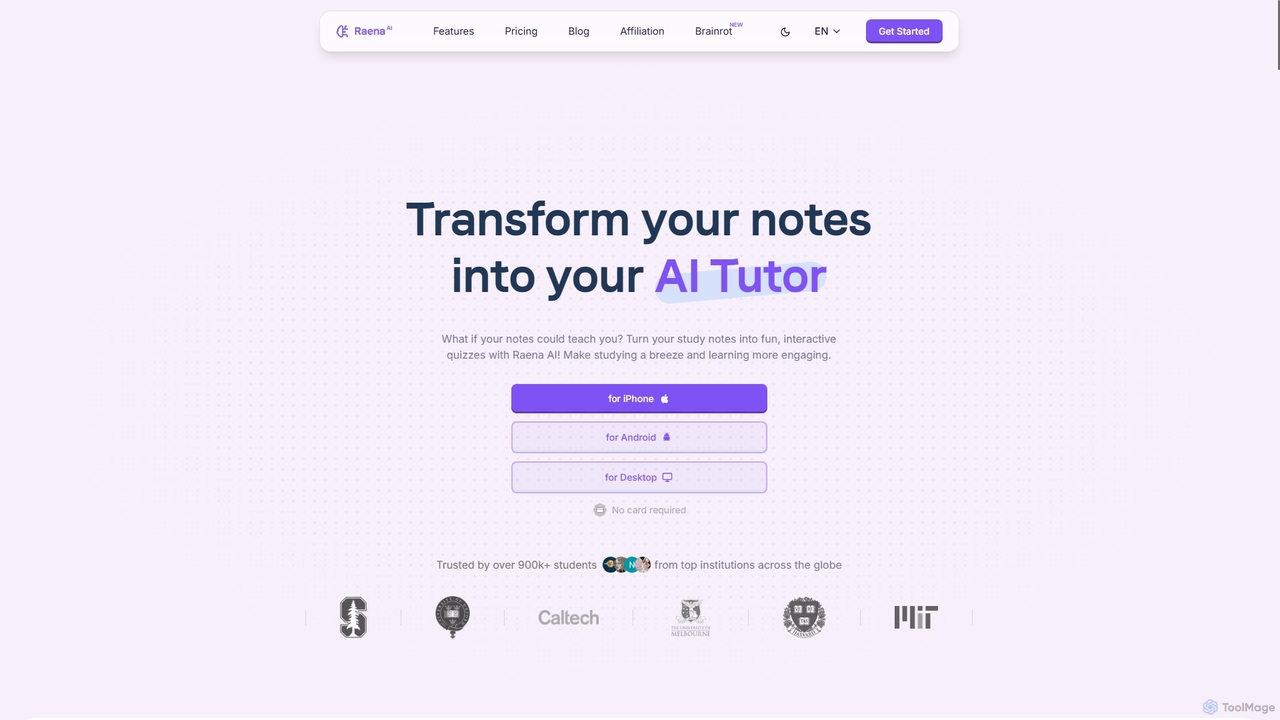
Raena AI
Raena AI is the ultimate AI-powered study application designed to transform your notes into interactive learning tools. It helps students improve retention and reduce study time by generating quizzes, summaries, flashcards, mind maps, and even audio podcasts from any study material. With a personal AI tutor and collaborative features, Raena makes learning more efficient, engaging, and stress-free.
Study Assistant
removehandwriting Comments (0)
Sign in to comment.
Sign inNo comments yet.