

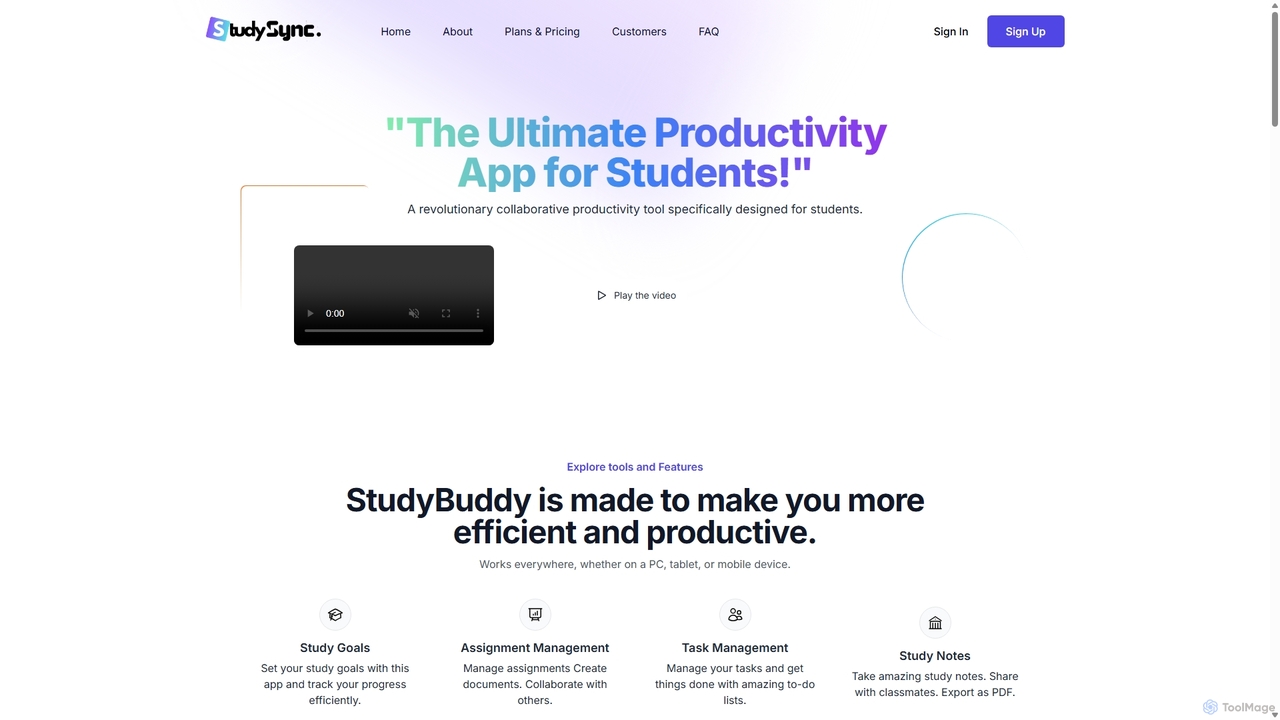
StudySync Overview
StudySync is a comprehensive, cloud-based productivity and collaboration platform specifically engineered to meet the demands of the modern academic environment. It serves as a centralized hub for students, educators, and researchers, combining essential tools with intelligent AI features to foster seamless teamwork and efficient knowledge management. Whether you're working on a group project, co-authoring a research paper, or managing course materials, StudySync provides the tools you need to stay organized, synchronized, and productive.
The platform's core is its collaborative suite, which allows users to create, edit, and share documents and spreadsheets in real-time. This is enhanced by AI-powered assistance that can help with writing, data analysis, and content generation. Beyond simple document editing, StudySync offers a robust Digital Asset Management (DAM) system, enabling teams to store, organize, and quickly access all their study materials, from lecture notes and research papers to images and datasets. The integrated smart calendar and address book further simplify coordination, making it easy to schedule meetings and manage contacts for collaborative projects.
How to use StudySync
Getting started with StudySync is a straightforward process designed to get you collaborating quickly. First, sign up for an account on the StudySync website; you can start with a free trial for any of the plans to explore the features. Once registered, you can create a new workspace for your project or study group. Invite team members via email using the integrated address book. Within your workspace, you can begin creating new documents and spreadsheets or upload existing materials to the Digital Asset Management system. Use the real-time editors to collaborate with your team, leaving comments and tracking changes. Leverage the smart calendar to find the best meeting times for your group and schedule sessions. Finally, use the Quick Share feature to securely distribute your work to professors, peers, or external collaborators.
Core Features of StudySync
- Collaborative Document & Spreadsheet Editors: Create and co-edit documents and spreadsheets in real-time with your team. Features include version history, commenting, and track changes.
- AI-Powered Academic Assistant: Enhance your writing with AI-driven suggestions for grammar, style, and clarity. Generate summaries of long texts, create citations, and get help with data analysis in spreadsheets.
- Digital Asset Management (DAM): A centralized cloud storage system to organize all your academic files, including notes, papers, images, and videos. AI-powered search helps you find files based on context, not just keywords.
- Smart Calendar & Scheduling: An integrated calendar that helps teams coordinate schedules and plan meetings efficiently. It can suggest optimal meeting times based on members' availability.
- Quick Share Functionality: Securely share files and folders with anyone, inside or outside your team, with customizable permissions and access controls.
- Integrated Image Editor: Make quick edits to images, such as cropping, resizing, and annotating, without leaving the platform.
- Centralized Address Book: Keep all your academic and professional contacts organized in one place for easy communication and collaboration.
Use Cases for StudySync
For Students: Ideal for group projects, allowing team members to work on reports and presentations simultaneously. Students can use it to share and organize lecture notes, manage research for their thesis, and prepare for exams by creating shared study guides. The AI assistant can be invaluable for proofreading essays and generating bibliographies.
For Educators: Teachers and professors can use StudySync to create and distribute course materials, assignments, and syllabi. It serves as a collaborative space for developing curriculum with colleagues or working with teaching assistants. The platform simplifies the process of managing and sharing educational resources.
For Research Teams: Researchers can co-author papers, manage large datasets within the DAM, and track project milestones using the calendar. The platform ensures that all team members are working with the most up-to-date information, streamlining the research and publication process.
Advantages of StudySync
StudySync offers a significant advantage by consolidating multiple productivity tools into a single, cohesive platform. This eliminates the need to switch between different applications for writing, storage, and communication. Its AI features provide a smart layer that actively boosts productivity, from improving writing quality to speeding up information retrieval. The platform is highly scalable, with plans suitable for individual students, small study groups, and entire academic departments. Its focus on collaboration, combined with affordable pricing and a free trial, makes it an accessible and powerful tool for the academic community.
Pricing and Plans
StudySync offers a tiered pricing structure to fit various needs, with a free trial available for all plans.
- Basic Plan: $4.99/month. Includes a single user account, 1GB of storage, and access to all core features like document/spreadsheet creation, Quick Share, Image Editor, DAM, Calendar, and Address Book. Comes with Basic Support.
- Standard Plan: $9.99/month. Supports up to 2 users, increases storage to 5GB, and includes all features of the Basic plan. Upgraded to Standard Support.
- Premium Plan: $19.99/month. Allows for unlimited users, provides 10GB of storage, and includes all features. Offers Premium Support, making it ideal for larger teams and classes.
StudySync Alternatives

MindmapAI
MindmapAI is an advanced AI-powered platform that transforms ideas, PDFs, YouTube videos, and web URLs into structured, visual mind maps. It automates information analysis and organization, enabling users to quickly grasp complex topics, brainstorm effectively, and collaborate with teams in real-time. Ideal for students, professionals, and creators looking to enhance productivity and clarity.
Project Management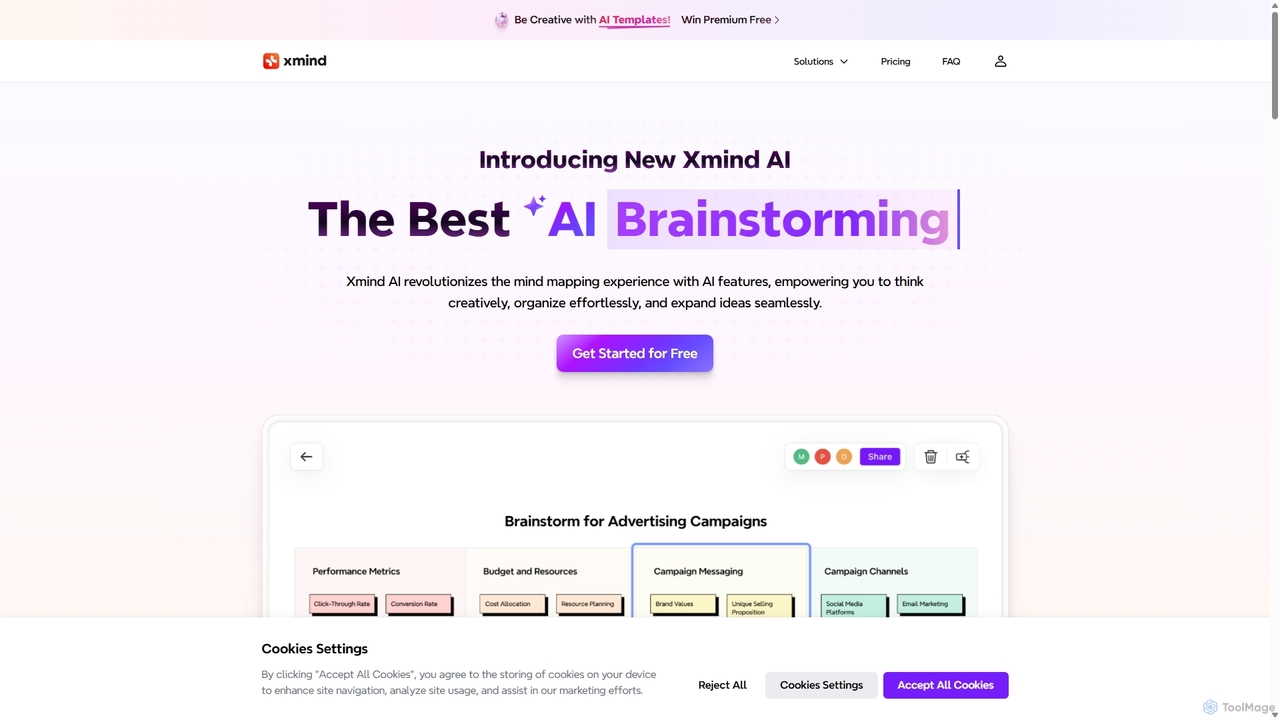
Xmind AI
Xmind AI is an advanced AI-powered mind mapping and brainstorming tool designed to enhance creativity and productivity. It helps users visualize thoughts, organize complex information, and collaborate with teams in real-time. With features like AI-driven idea generation, content summarization, and automated to-do lists, Xmind AI transforms abstract concepts into structured, actionable plans.
Teamwork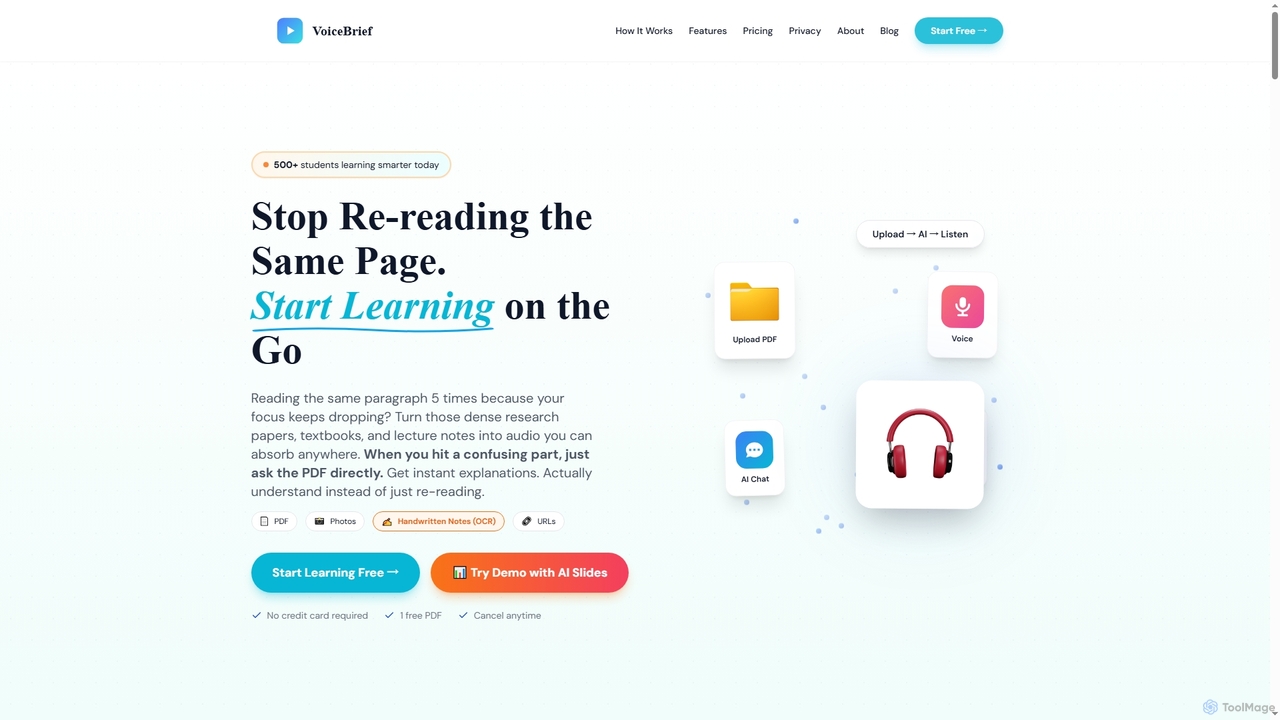
VoiceBrief
VoiceBrief is an AI-powered study tool that transforms dense academic materials like PDFs, textbooks, notes, and web articles into interactive audio lectures. Designed for students and professionals, it offers personalized AI tutoring, flashcards, and quizzes to enhance learning, improve retention, and save study time by enabling on-the-go learning.
Learning Assistant
Kuliko
Kuliko is an AI-powered learning platform designed to help students and lifelong learners study more efficiently and retain information effectively. It transforms study materials into smart flashcards, concise summaries, and adaptive quizzes, utilizing spaced repetition and AI chat to enhance long-term recall and understanding across various devices.
Knowledge Management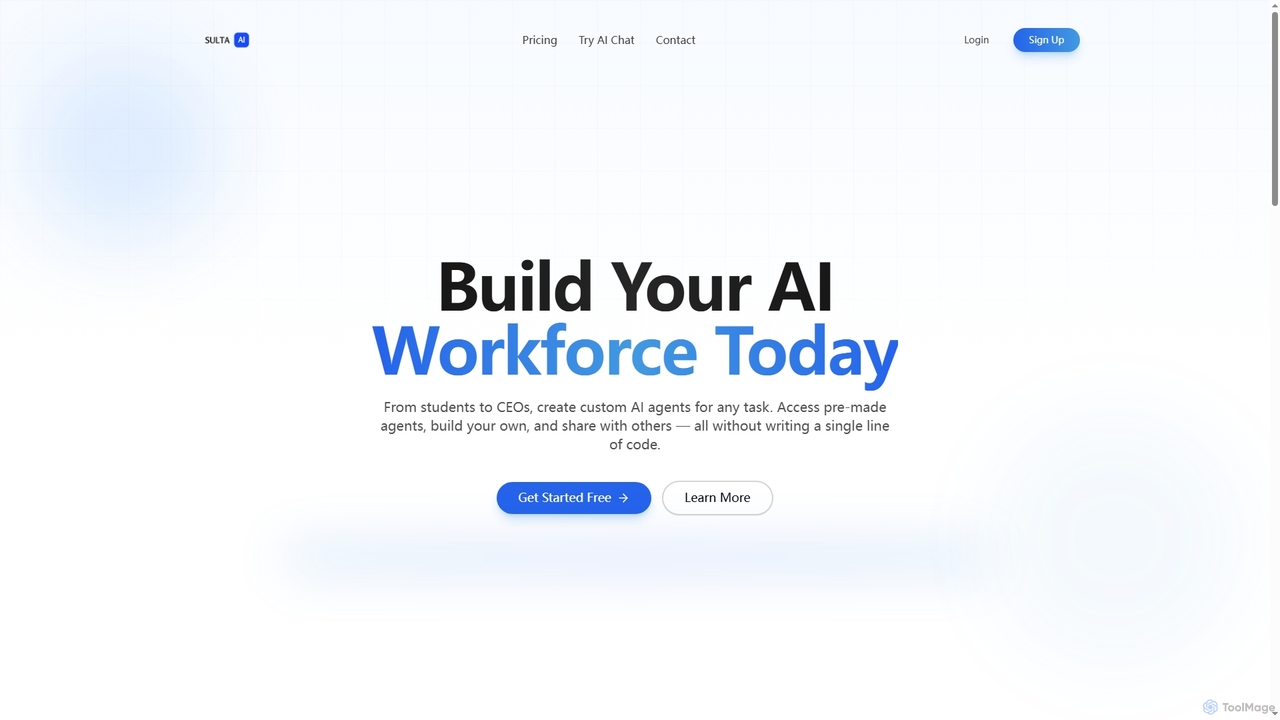
Sulta AI
Sulta AI is a no-code platform empowering users to build and deploy custom AI agents for any task, from student research to business operations. It offers a rich library of pre-built agents, community sharing, and data training capabilities to revolutionize individual and team workflows without writing a single line of code.
Content GenerationStudySync Categories
StudySync Jobs
StudySync Embed Widget
Copy this embed code to place the badge on your blog, article, or product site and send readers directly to this ToolMage detail page.

Related AI tools
MindmapAI
MindmapAI is an advanced AI-powered platform that transforms ideas, PDFs, YouTube videos, and web URLs into structured, visual mind maps. It automates information analysis and organization, enabling users to quickly grasp complex topics, brainstorm effectively, and collaborate with teams in real-time. Ideal for students, professionals, and creators looking to enhance productivity and clarity.
Project Management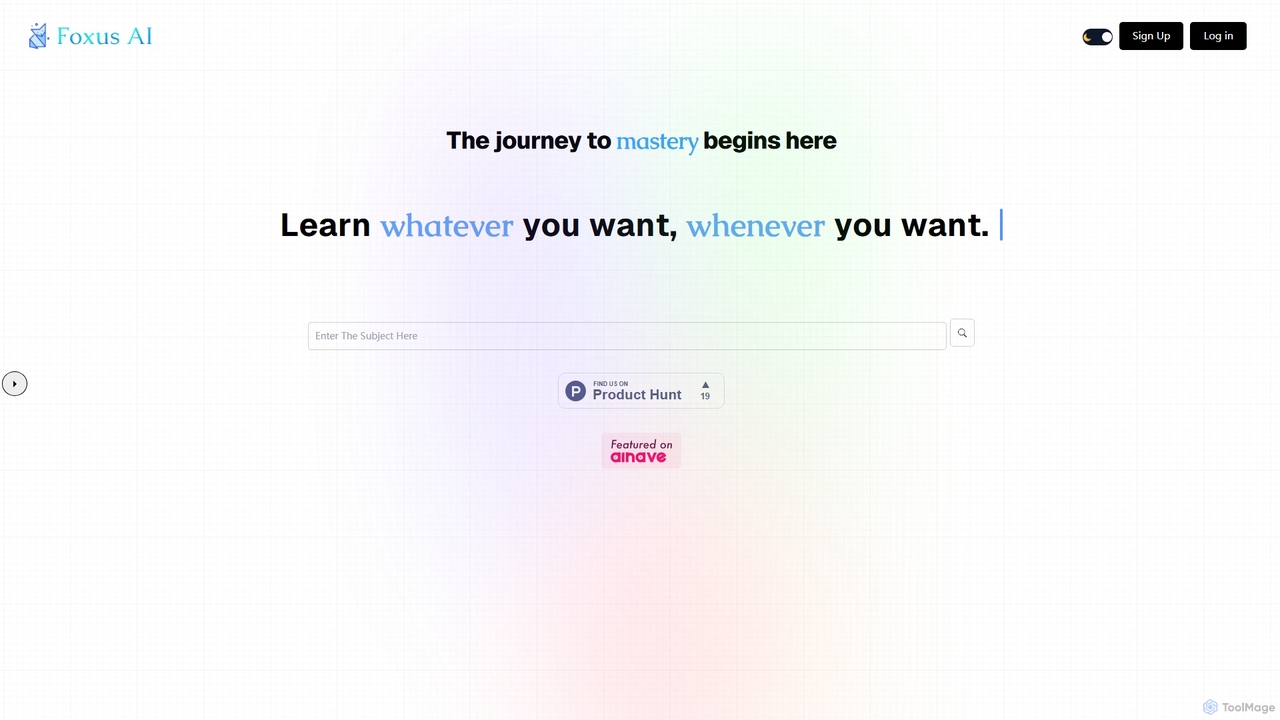
Foxus AI
Foxus AI is an innovative platform that generates personalized learning sessions on any topic you can imagine. Simply input your desired subject, and the AI creates a structured, comprehensive course to guide your journey to mastery, anytime, anywhere.
Learning AssistantVoiceBrief
VoiceBrief is an AI-powered study tool that transforms dense academic materials like PDFs, textbooks, notes, and web articles into interactive audio lectures. Designed for students and professionals, it offers personalized AI tutoring, flashcards, and quizzes to enhance learning, improve retention, and save study time by enabling on-the-go learning.
Learning AssistantXmind AI
Xmind AI is an advanced AI-powered mind mapping and brainstorming tool designed to enhance creativity and productivity. It helps users visualize thoughts, organize complex information, and collaborate with teams in real-time. With features like AI-driven idea generation, content summarization, and automated to-do lists, Xmind AI transforms abstract concepts into structured, actionable plans.
TeamworkKuliko
Kuliko is an AI-powered learning platform designed to help students and lifelong learners study more efficiently and retain information effectively. It transforms study materials into smart flashcards, concise summaries, and adaptive quizzes, utilizing spaced repetition and AI chat to enhance long-term recall and understanding across various devices.
Knowledge ManagementSulta AI
Sulta AI is a no-code platform empowering users to build and deploy custom AI agents for any task, from student research to business operations. It offers a rich library of pre-built agents, community sharing, and data training capabilities to revolutionize individual and team workflows without writing a single line of code.
Content Generation
Turbo
Turbo is an advanced AI note-taker and study tool designed to transform various content formats like lectures, PDFs, videos, and audio into editable notes, flashcards, quizzes, and podcasts. It helps students and professionals study smarter, organize information, and collaborate efficiently, leveraging AI for enhanced learning and productivity.
Transcription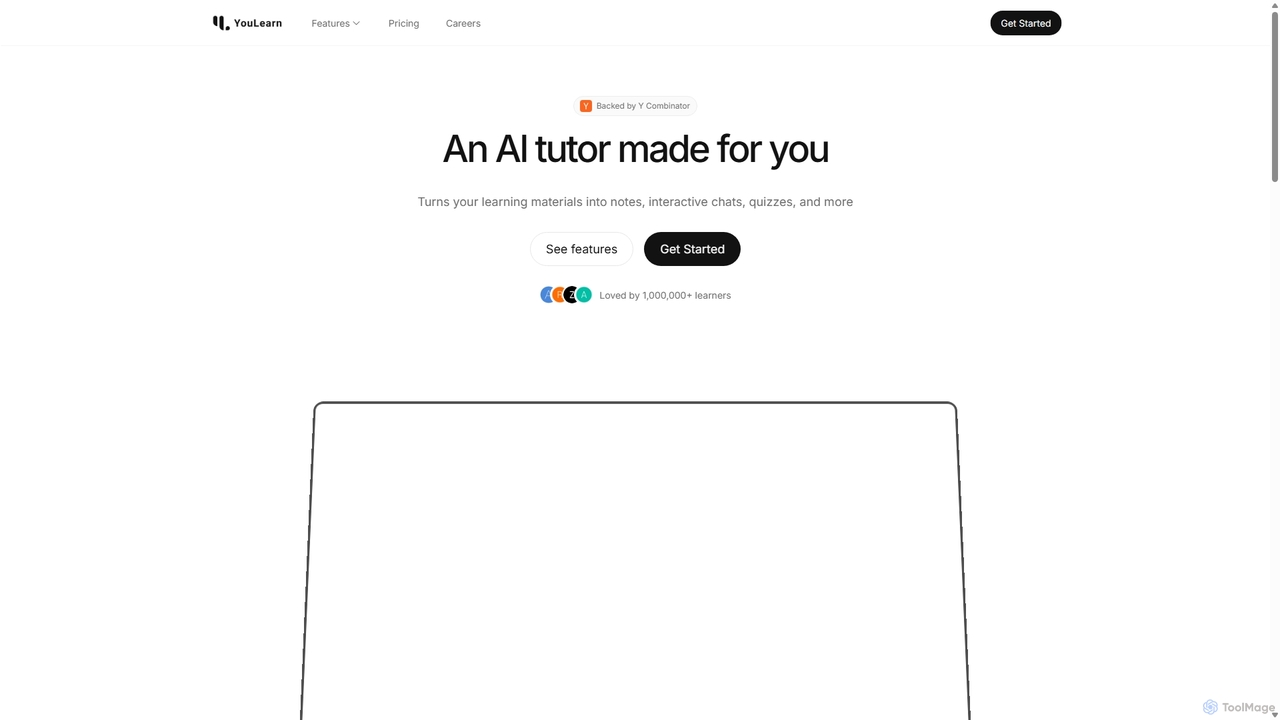
YouLearn
YouLearn is a Y Combinator-backed AI tutor that transforms any learning material—like PDFs, YouTube videos, and lectures—into interactive study tools. It creates summaries, flashcards, and quizzes, and offers an AI chat feature to simplify complex topics, helping over a million students and professionals learn smarter and faster.
Learning Assistant
Homeworkify
Homeworkify is an AI-powered educational platform offering free, instant access to homework answers and step-by-step solutions. It acts as a powerful search engine for academic questions, helping students overcome difficult problems, check their work, and deepen their understanding across a wide range of subjects.
Homework Help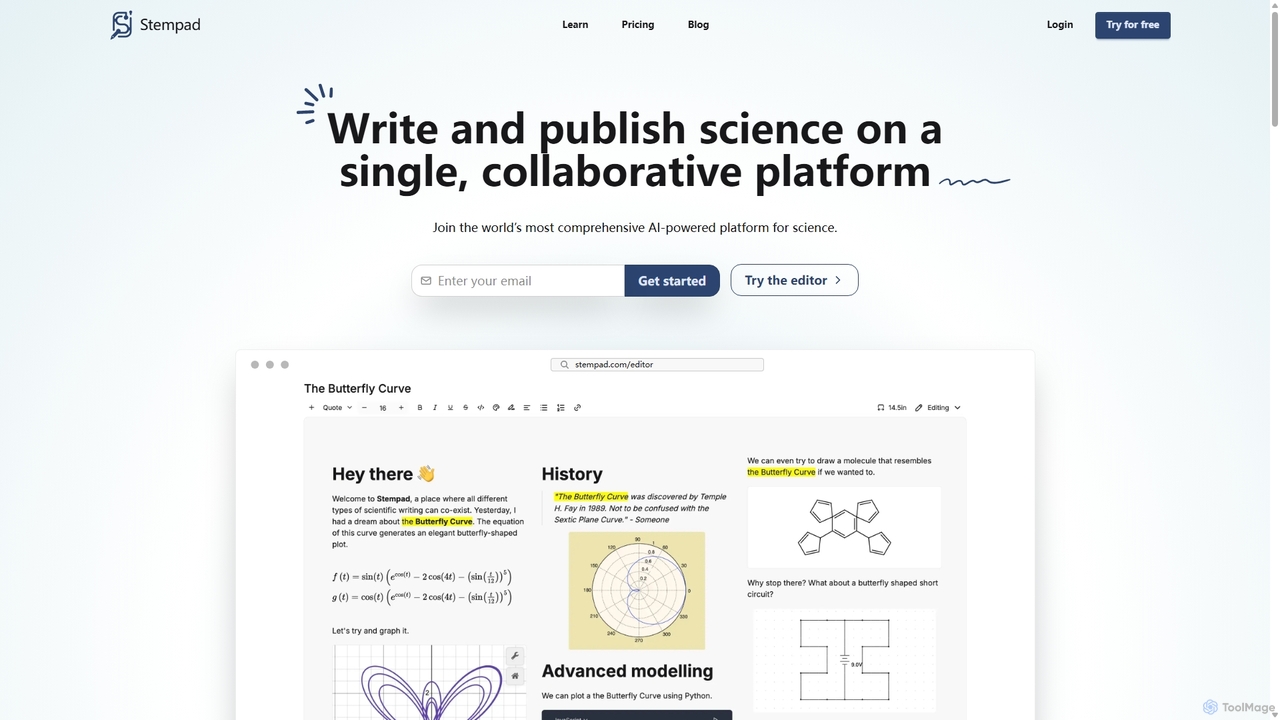
Stempad
Stempad is an AI-powered, collaborative platform designed for scientific writing and note-taking. It streamlines the process of creating technical documents by integrating intuitive tools for math equations, chemical structures, graphs, and diagrams into a single, fast online editor, making it ideal for students, educators, and researchers in STEM fields.
Student Tools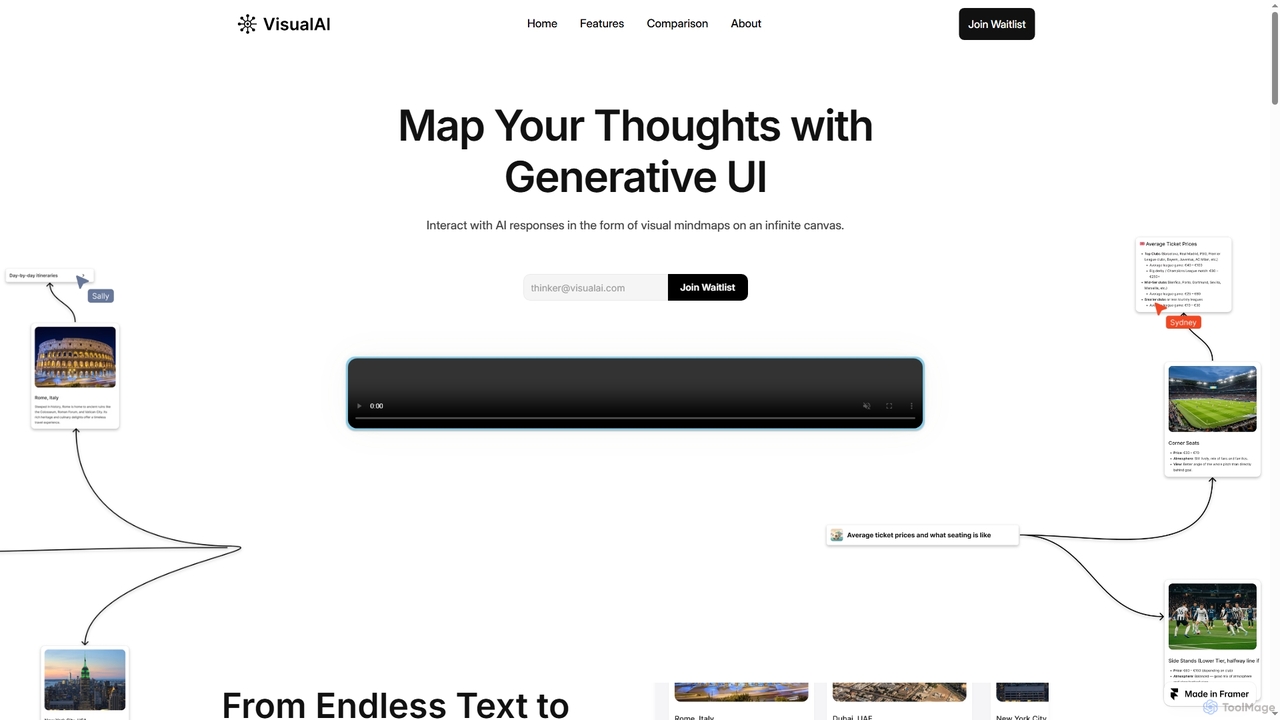
Visual AI
Visual AI is an innovative platform that transforms linear AI text responses into dynamic, visual clarity. It automatically structures information into interconnected nodes, enriching data with relevant visuals to enhance understanding and retention. Designed for non-linear thinkers, it offers an infinite collaborative workspace for brainstorming, prototyping, and evolving ideas.
Brainstorming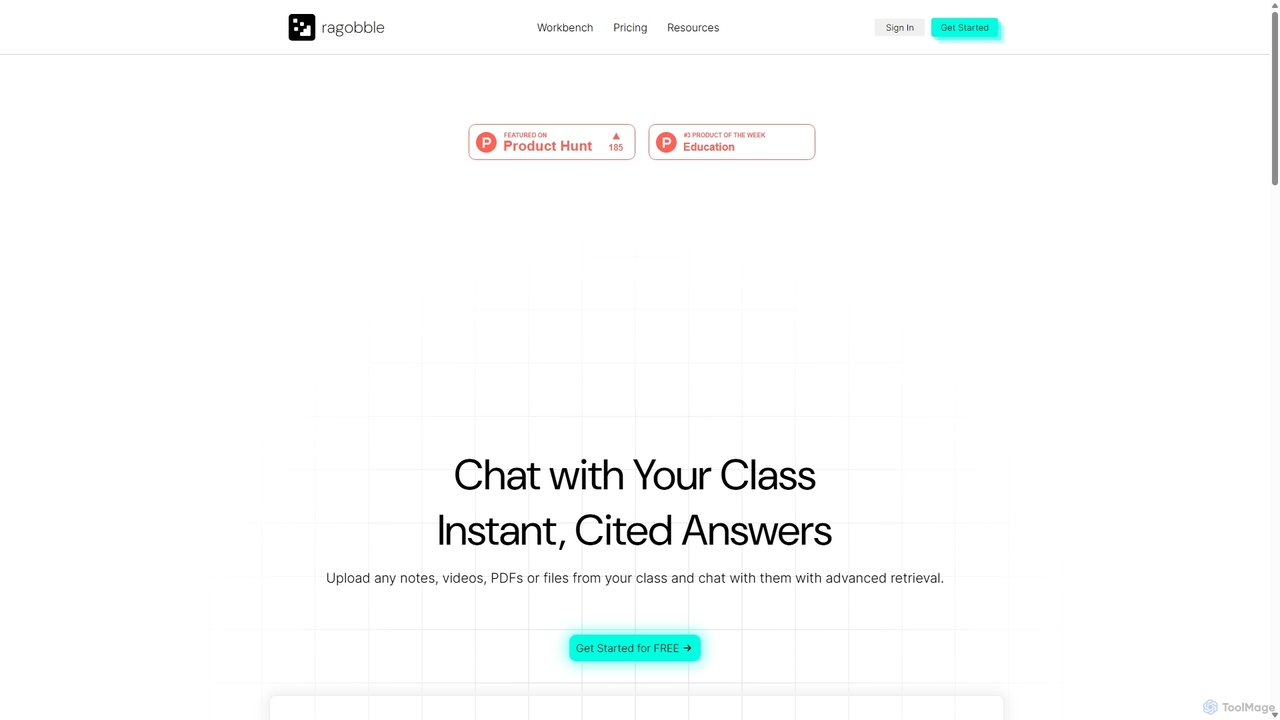
Ragobble
Ragobble is an AI-powered RAG platform designed for students and researchers. It allows users to create centralized knowledge bases from their course materials, including documents, videos, and links. By conversing with their own data, users can get quick, accurate answers, generate summaries, and streamline their study and research process, making learning more interactive and efficient.
Research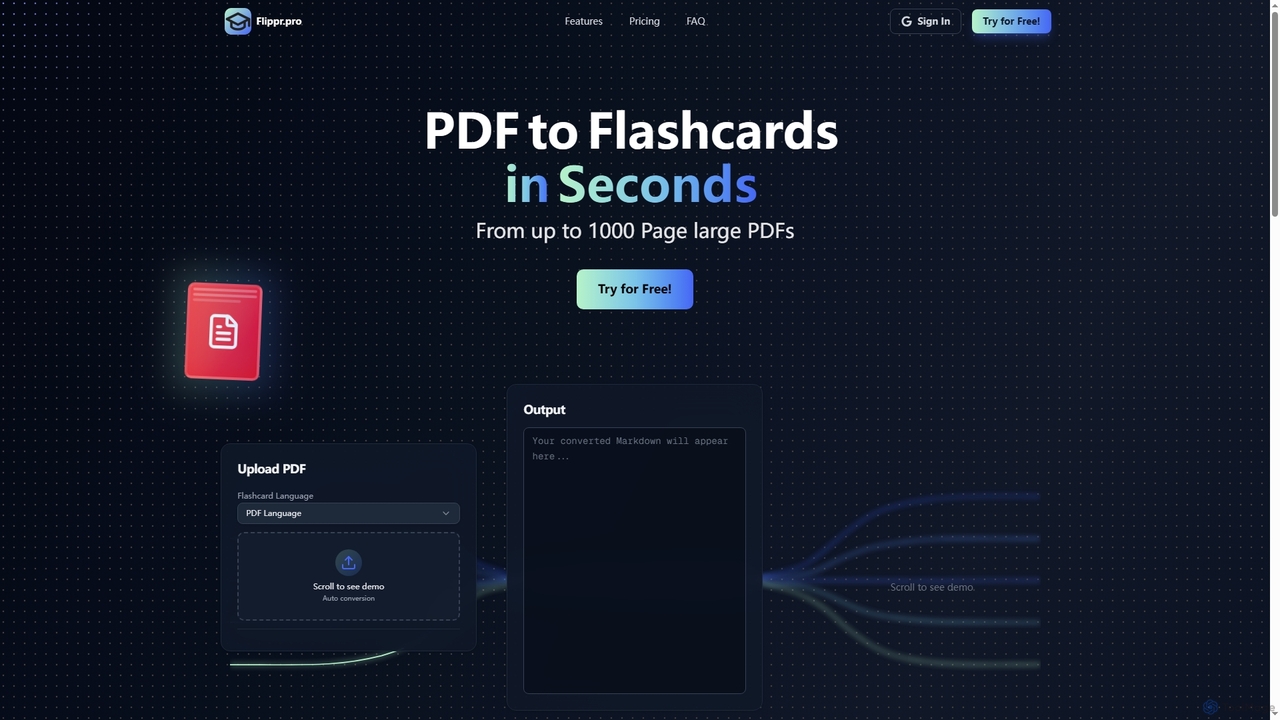
Flippr
Flippr is an AI-powered study tool that rapidly converts PDF documents into interactive flashcards. Designed for students and professionals, it streamlines the learning process by transforming extensive study materials into digestible, easy-to-review formats in seconds.
Conversion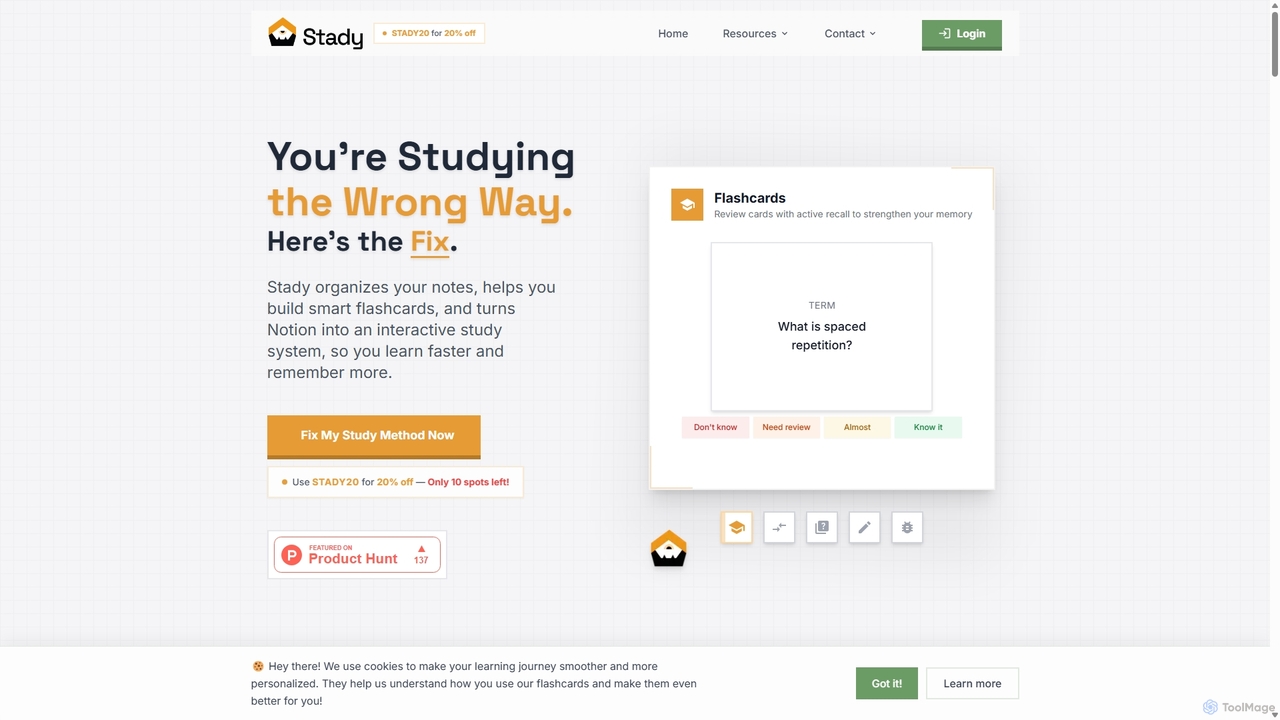
Stady
Stady transforms your Notion workspace into a powerful, interactive study system. It allows you to create smart flashcards directly from your notes, leveraging scientifically-proven methods like spaced repetition and active recall. With gamified features and progress tracking, Stady helps students learn faster, retain more information, and make studying more engaging and effective.
Study Tools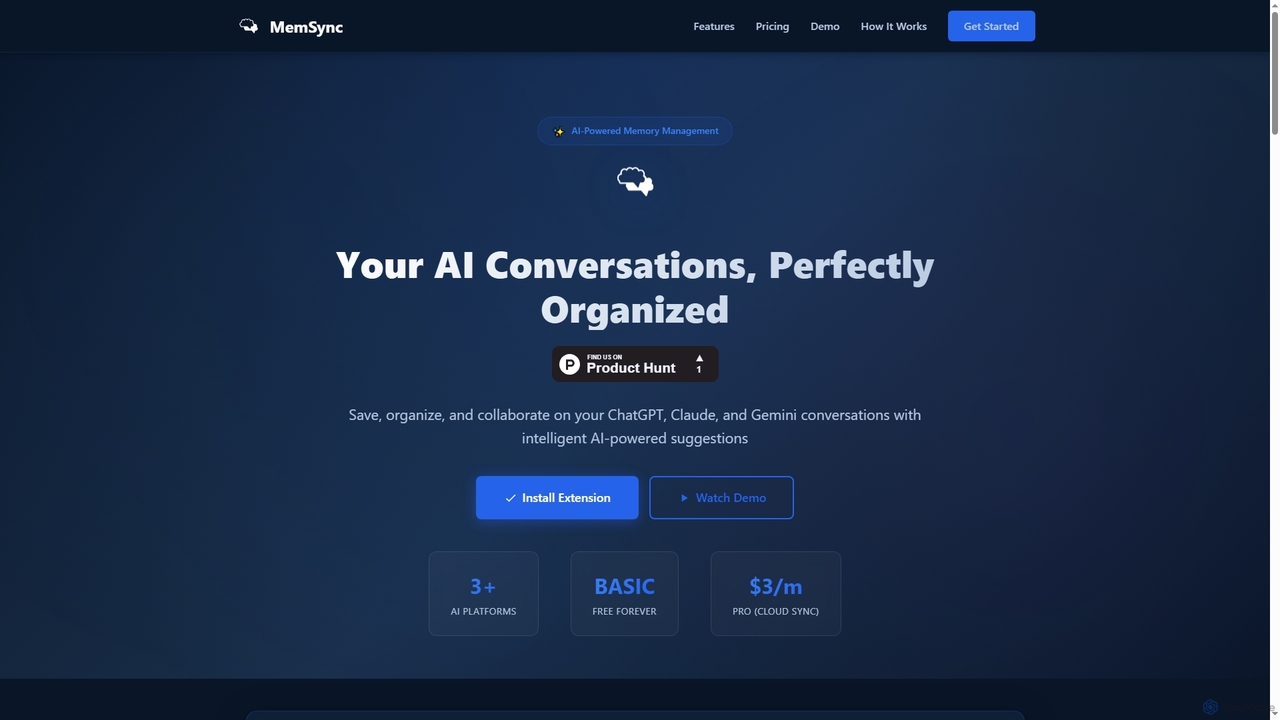
MemSync
MemSync is an AI-powered browser extension designed to effortlessly save, organize, and collaborate on your AI conversations from platforms like ChatGPT, Claude, and Gemini. It offers smart memory saving, AI-driven organization suggestions, and seamless cloud synchronization.
Conversation Tools
StudySync Comments (0)
Sign in to comment.
Sign inNo comments yet.