ToolMage
Sign in

Best 2 Document Management AI tools for Writing

Popular Document Management AI tools in Writing include Kroolo and StudySync, helping you work more efficiently.

StudySync
Freemium

StudySync

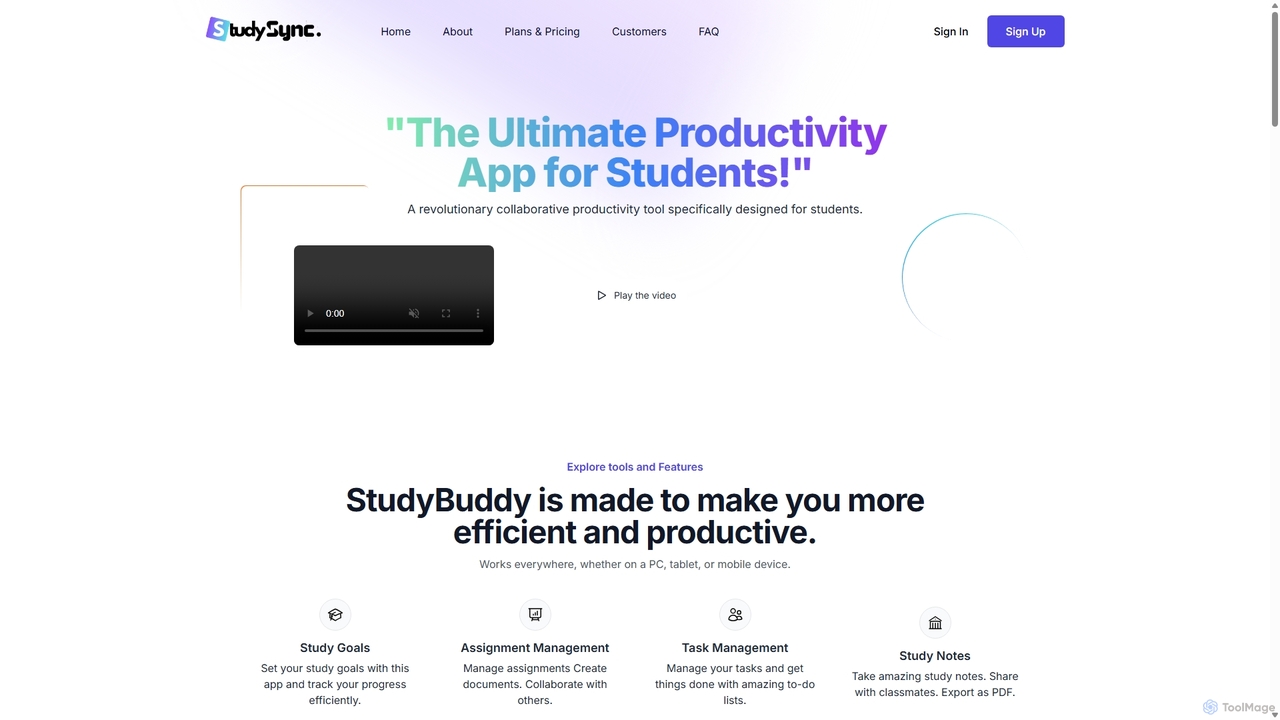
StudySync is an AI-powered, all-in-one collaborative suite designed for students, educators, and research teams. It integrates document and spreadsheet creation, digital asset management, and smart scheduling to streamline academic workflows, enhance group projects, and boost overall productivity.

Study Tools
Visits 4.2KFavorites 144Likes 138
Kroolo
Freemium

Kroolo

Kroolo is an AI-powered productivity management platform designed to streamline workflows for various teams. It integrates project management, document creation, and team collaboration, using AI agents to automate tasks, generate insights, and accelerate processes for departments like marketing, engineering, and HR.

Collaboration
Visits 128.2KFavorites 94Likes 95

About Document Management

AI-powered Document Management tools are designed to automate the organization, processing, and analysis of digital documents, enhancing their accessibility and utility. These tools leverage advanced artificial intelligence, including natural language processing (NLP) and machine learning, to transform unstructured data into actionable insights. They streamline workflows by intelligently classifying, extracting, and summarizing information, making vast archives of written content more manageable and searchable. This significantly improves efficiency and decision-making across various industries, extending the value of content created through AI writing tools.

Core Features

  • Automated Classification & Tagging: AI algorithms automatically categorize documents by content, topic, or metadata, assigning relevant tags for easy retrieval.
  • Intelligent Search & Retrieval: Go beyond keyword matching with semantic search, allowing users to find information based on meaning and context across large document repositories.
  • Data Extraction & Summarization: AI identifies and extracts key entities, facts, and figures from documents, and can generate concise summaries of lengthy texts.
  • Version Control & Collaboration: Track changes, manage document versions, and facilitate secure collaborative editing, ensuring everyone works with the latest information.
  • Compliance & Security Monitoring: Automatically identify sensitive information, enforce access controls, and monitor documents for regulatory compliance and data security risks.

Applicable Scenarios

These tools are invaluable for organizations drowning in digital paperwork. Legal firms use them to manage vast case files and contracts, while research institutions leverage them to organize academic papers and findings. Businesses apply them to automate the processing of invoices, receipts, and HR documents, ensuring efficient operations and compliance.

How to Choose

When selecting an AI Document Management solution, consider its integration capabilities with your existing systems, the scalability to handle your current and future document volumes, and the accuracy of its AI models for OCR and NLP. Evaluate its security features, compliance certifications, and the intuitiveness of its user interface to ensure seamless adoption and data protection.

Featured tool rankings

Document Management use cases

1

Automated Contract Review & Compliance

Legal departments utilize AI Document Management tools to rapidly scan, analyze, and extract critical clauses, dates, and party information from hundreds of contracts. This significantly accelerates contract review cycles, identifies potential compliance risks, and ensures adherence to legal standards, reducing manual effort and errors.

2

Intelligent Research & Knowledge Base Management

Academic researchers and corporate R&D teams employ these tools to automatically classify, tag, and summarize vast libraries of scientific papers, patents, and internal reports. This enables quick semantic search and retrieval of relevant information, fostering innovation and speeding up literature reviews.

3

Streamlined Invoice & Expense Processing

Finance and accounting departments leverage AI to automatically extract data from incoming invoices, receipts, and expense reports. The tools identify vendor names, amounts, dates, and line items, then categorize and route them for approval, drastically reducing manual data entry and accelerating financial reconciliation.

4

Policy & Procedure Version Control

Human Resources and Compliance teams use AI Document Management systems to manage company policies, procedures, and employee handbooks. The tools ensure that only the latest versions are accessible, track employee acknowledgements, and automatically flag outdated content for review, maintaining regulatory compliance.

5

Customer Feedback & Support Document Analysis

Customer service centers and product teams apply AI to analyze large volumes of customer emails, support tickets, and feedback documents. The tools automatically categorize common issues, extract sentiment, and summarize key trends, providing actionable insights to improve products and service quality.

6

Digital Asset & Brand Guideline Organization

Marketing and creative teams utilize AI to organize and search through extensive digital asset libraries, including brand guidelines, campaign documents, and media files. AI automatically tags assets with relevant keywords and themes, making it easy to find specific content, ensure brand consistency, and facilitate content reuse.

Document Management FAQ

What are AI Document Management tools?

AI Document Management tools are software solutions that use artificial intelligence, such as natural language processing (NLP) and machine learning, to automate and enhance the way organizations handle digital documents. Unlike traditional systems, they can intelligently classify, extract data from, summarize, and search documents based on their content and context, transforming unstructured information into valuable, accessible knowledge. They are crucial for improving efficiency, accuracy, and insights in document-heavy workflows.

How do AI Document Management tools differ from traditional document management systems?

The primary difference lies in automation and intelligence. Traditional document management systems (DMS) primarily focus on storage, version control, and basic search based on metadata or keywords, often requiring significant manual input for classification and data entry. AI Document Management tools, however, leverage AI to autonomously understand document content, perform intelligent classification, extract specific data points, summarize texts, and enable semantic search, drastically reducing manual effort and providing deeper insights.

What are the main benefits of using AI for document management?

Implementing AI in document management offers several key benefits. It significantly boosts operational efficiency by automating repetitive tasks like classification and data extraction, reducing manual errors and saving time. It enhances data accuracy and consistency, ensuring reliable information. Furthermore, AI provides deeper insights by analyzing document content, enabling better decision-making. Improved compliance and security through automated monitoring and access controls are also major advantages, mitigating risks associated with sensitive information.

What specific AI capabilities are integrated into these tools?

AI Document Management tools integrate several core AI capabilities. Optical Character Recognition (OCR) converts scanned documents and images into editable, searchable text. Natural Language Processing (NLP) allows tools to understand, interpret, and generate human language, enabling intelligent classification, summarization, and sentiment analysis. Machine learning (ML) algorithms continuously learn from data to improve accuracy in tasks like data extraction and predictive analytics, adapting to new document types and patterns over time.

How to choose the right AI Document Management system for your organization?

Selecting the right AI Document Management system involves evaluating several factors. First, assess your specific needs regarding document volume, types, and desired automation levels. Consider the tool's integration capabilities with your existing enterprise software (CRM, ERP). Evaluate the accuracy and robustness of its AI models for tasks like OCR and NLP, especially for your industry-specific documents. Security features, compliance certifications, scalability, and the intuitiveness of the user interface are also critical for successful deployment and user adoption.