
Stempad Overview
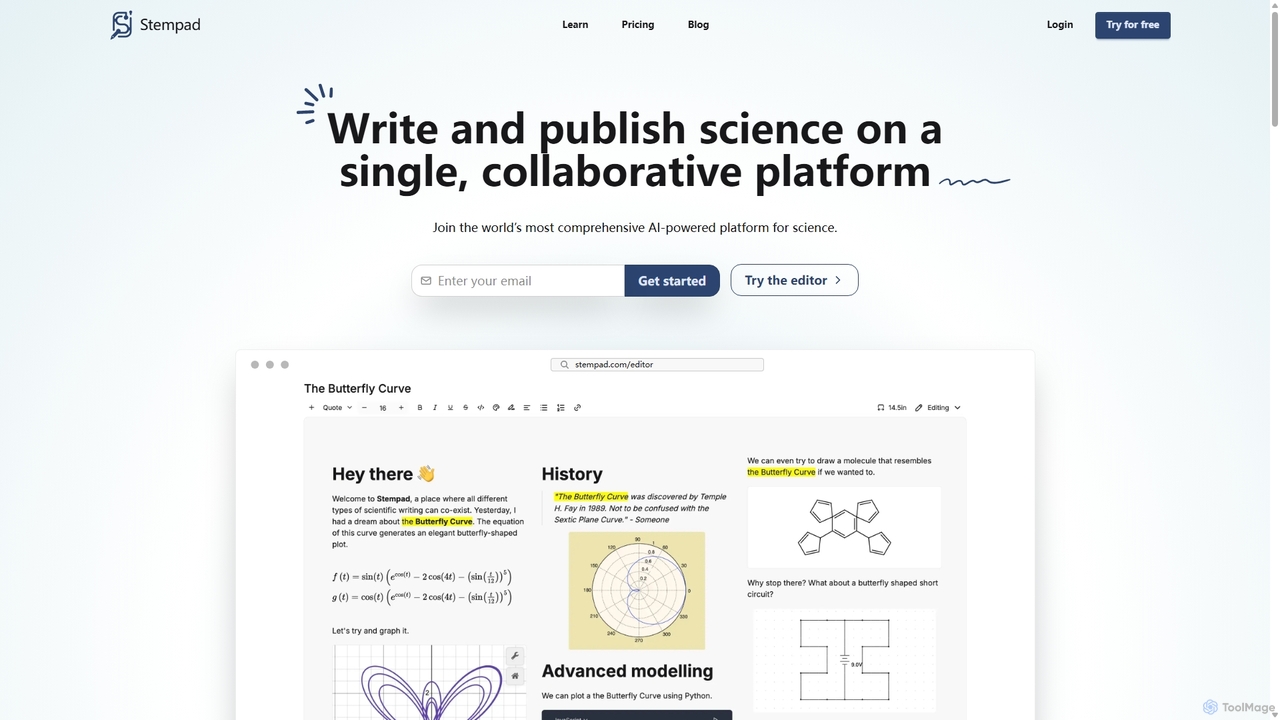
Stempad is a comprehensive, AI-powered platform designed to revolutionize scientific writing and collaborative note-taking. Built for the modern needs of students, scientists, educators, and engineers, it provides a single, unified workspace that eliminates the need to switch between multiple applications for different tasks. Stempad combines the ease of a modern text editor with the power of specialized tools for STEM, allowing users to express complex technical ideas with unprecedented speed and clarity.
At its core, Stempad is powered by an AI assistant, the Copilot, which provides support at every stage of the writing process. From overcoming writer's block by generating ideas to summarizing complex texts and answering questions, the AI Copilot acts as a constant companion to enhance productivity. This intelligent assistance is seamlessly integrated into a clean, minimalist interface designed to promote focus and reduce distractions.
How to use Stempad
Getting started with Stempad is designed to be incredibly intuitive. The platform avoids cluttered toolbars in favor of a streamlined, command-based workflow. To insert specialized content, users simply type a forward slash ('/') to bring up a menu of available 'blocks'. These blocks include everything from mathematical matrices and chemical diagrams to spreadsheets and code snippets. For special characters, a backslash ('\') reveals a quick-access list. This approach allows users to maintain their flow and construct complex documents without ever taking their hands off the keyboard, making it significantly faster than traditional methods like LaTeX or clunky equation editors in standard word processors.
Core Features of Stempad
- AI Copilot: An integrated AI assistant that helps with writing, summarizing, generating suggestions, and answering questions directly within the editor.
- Specialized STEM Blocks: A rich library of blocks for creating math equations, matrices, piecewise functions, chemical structure drawings, data-driven graphs, and geometric diagrams.
- Intuitive Equation Editor: Add complex mathematical equations with automatic formatting, providing a more user-friendly experience compared to the steep learning curve of LaTeX.
- Real-time Collaboration: Work with colleagues, classmates, or research partners on the same document simultaneously, with changes syncing instantly across all devices.
- Seamless Integrations: Connects with popular academic and productivity tools like Google Drive, Notion, Canvas, Blackboard, Overleaf, Obsidian, and Jupyter Notebooks.
- Multiple Export Options: Export your documents to various formats, including PDF, LaTeX, and Markdown, ensuring compatibility with other workflows and publishing standards.
- All-in-One Workspace: Combines note-taking, document writing, whiteboarding (via the Draw block), and data visualization in a single platform.
- Cloud Sync: Securely save and sync all your pads and folders across devices, ensuring you can access your work from anywhere.
Use Cases for Stempad
Stempad is versatile enough to support a wide range of users in the academic and professional worlds. For a university student in biochemistry, it's the perfect tool for taking lecture notes that mix chemical diagrams, data graphs from experiments, and complex equations. A high school math teacher can use it to quickly create answer keys for homework assignments, complete with graphs and formatted equations, and export them as PDFs for students. For a data scientist, it serves as a digital notebook to document analyses, embedding code snippets and visualizations alongside explanatory text. Engineering majors can use it to draw free-body diagrams, create flowcharts, and type out calculations in real-time during lectures.
Advantages of Stempad
Stempad's primary advantage is its ability to merge power with simplicity. It offers a more intuitive and faster alternative to LaTeX for technical writing without sacrificing capability. The all-in-one design boosts productivity by keeping users in a single, focused environment. The AI Copilot provides a significant edge, helping to accelerate research and writing tasks. Furthermore, the development team is noted for being highly responsive to user feedback, continuously adding new features and fixing issues, which ensures the tool evolves with its users' needs.
Pricing and Plans
Stempad offers a flexible pricing structure to accommodate different users:
- Free Plan: Ideal for basic use and quick mockups. It includes full use of the Scratchpad with all blocks, the ability to create up to 5 pads saved to the cloud, and PDF export. This plan is for personal or educational use.
- Cloud Plan: Priced at approximately $38.93 HKD per month (billed annually), this plan is for individual users who need to sync folders and pads across devices. It includes all Free plan features plus exports to LaTeX and Markdown. A 50% academic discount is available for users who sign up with a school email.
- Enterprise Plan: A custom plan for teams and organizations. It includes all Cloud plan features plus commercial use rights, a user management portal, SAML SSO, white-labeling, private cloud hosting, and priority support.
Traffic
Latest traffic
Status
Monthly traffic trend
- 2025-9: 27.4K
- 2026-1: 11.8K
- 2026-2: 11.3K
- 2026-3: 10.7K
- 2026-4: 5.6K
- 2026-5: 5.6K
Geography
Top 5 countries / regions
- 🇺🇸United States86.8%
- 🇨🇦Canada10.3%
- 🇮🇳India2.9%
Traffic sources
| Source type | Percentage |
|---|---|
Direct | 79.6% |
Referral | 19.4% |
Email | 0.9% |
Top keywords
| Keyword | Cost per click |
|---|---|
| notebook website for chemistry | $0.00 |
| notes online | $1.00 |
| online notes | $1.22 |
| stempad | $2.45 |
| stempad docs | $0.00 |
Stempad Alternatives
Qonqur
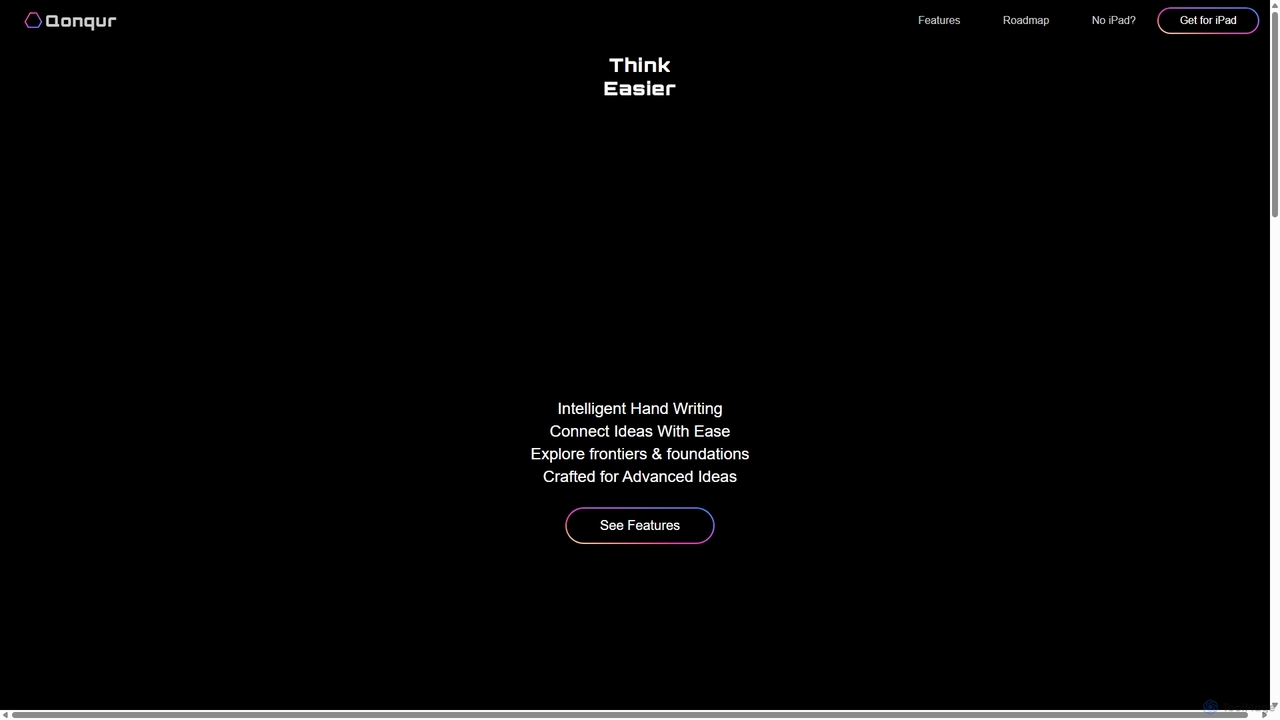
Qonqur is an AI-powered digital canvas for iPad that intelligently understands your handwriting and drawings. It's designed for students, researchers, and thinkers to seamlessly connect ideas, solve complex problems, and explore concepts in a unified, intuitive workspace without switching between apps.
Learning
Turbo
Turbo is an advanced AI note-taker and study tool designed to transform various content formats like lectures, PDFs, videos, and audio into editable notes, flashcards, quizzes, and podcasts. It helps students and professionals study smarter, organize information, and collaborate efficiently, leveraging AI for enhanced learning and productivity.
Transcription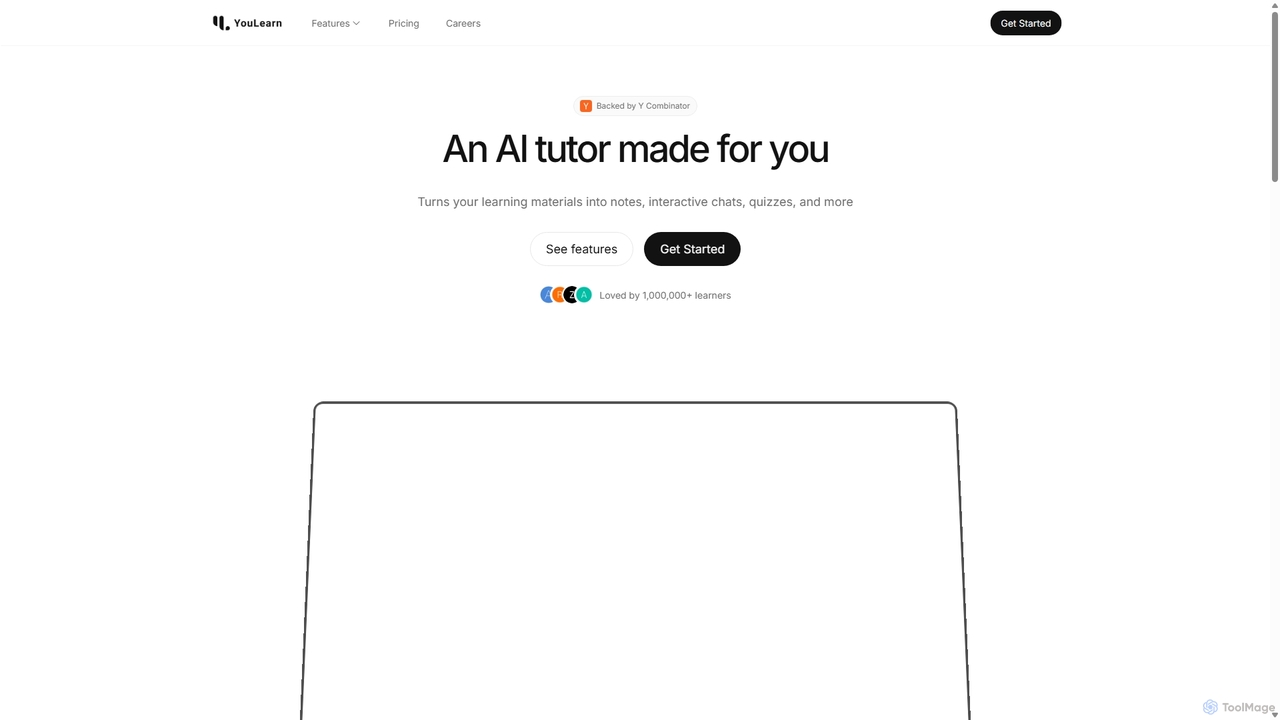
YouLearn
YouLearn is a Y Combinator-backed AI tutor that transforms any learning material—like PDFs, YouTube videos, and lectures—into interactive study tools. It creates summaries, flashcards, and quizzes, and offers an AI chat feature to simplify complex topics, helping over a million students and professionals learn smarter and faster.
Learning Assistant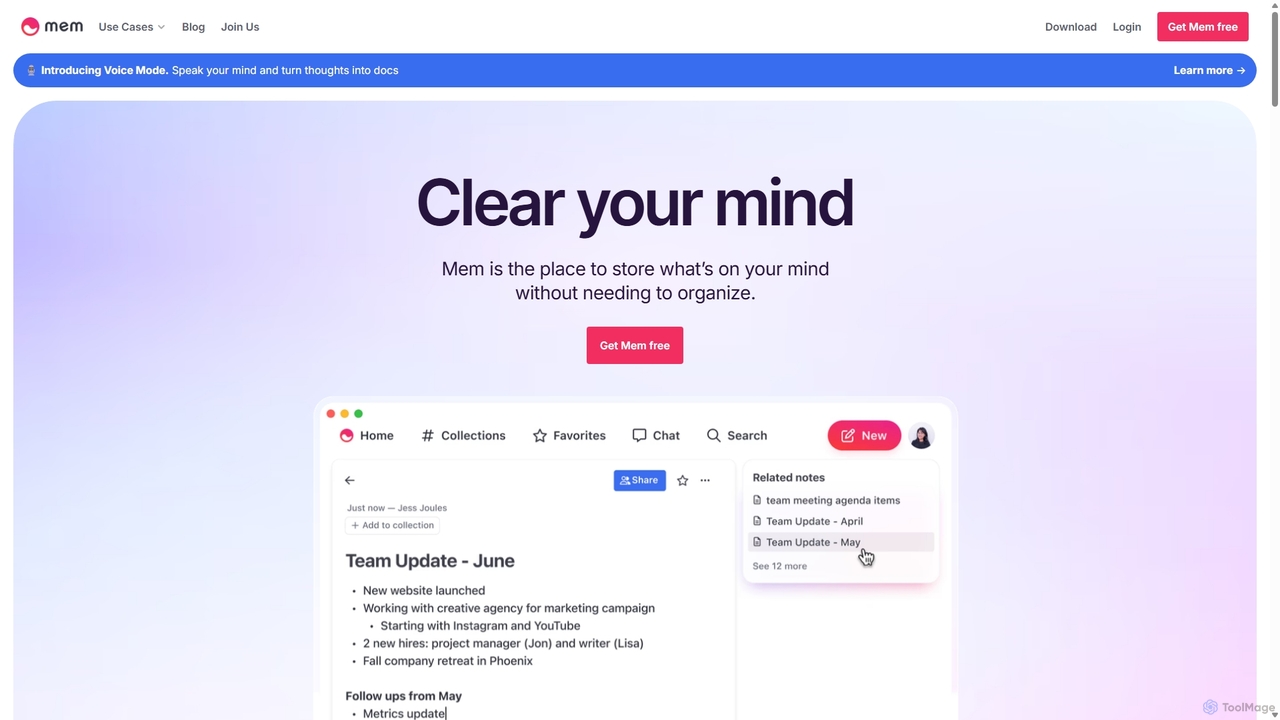
Mem
Mem is a self-organizing workspace powered by AI, designed to act as your personal second brain. It captures, connects, and resurfaces your notes automatically, eliminating the need for manual organization. With its integrated AI chat, you can search, summarize, and generate content from your own knowledge base.
Personal Assistant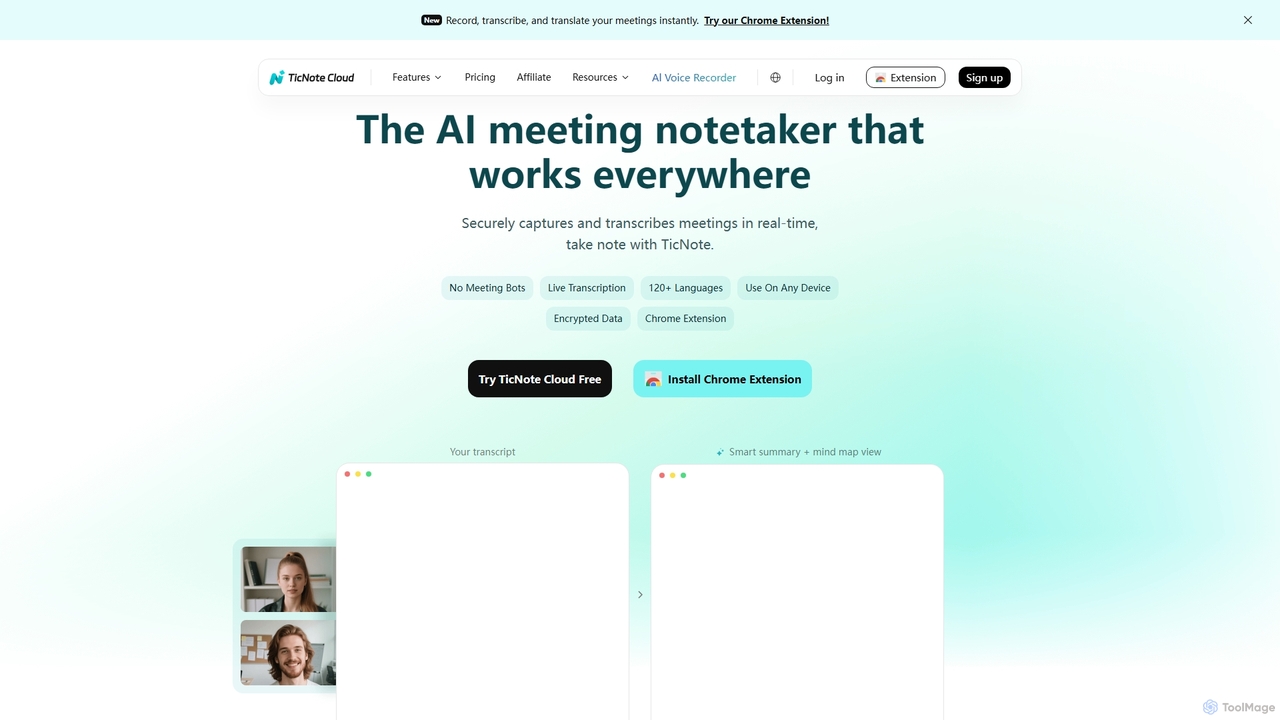
TicNote
TicNote is an AI-powered meeting notetaker that transcribes, summarizes, and organizes conversations in real-time across 120+ languages. It uses on-device AI to generate smart summaries, mind maps, and action items without meeting bots, enhancing productivity and knowledge management for professionals.
Language ProcessingStempad Categories
Stempad Jobs
Stempad Embed Widget
Copy this embed code to place the badge on your blog, article, or product site and send readers directly to this ToolMage detail page.

Related AI tools
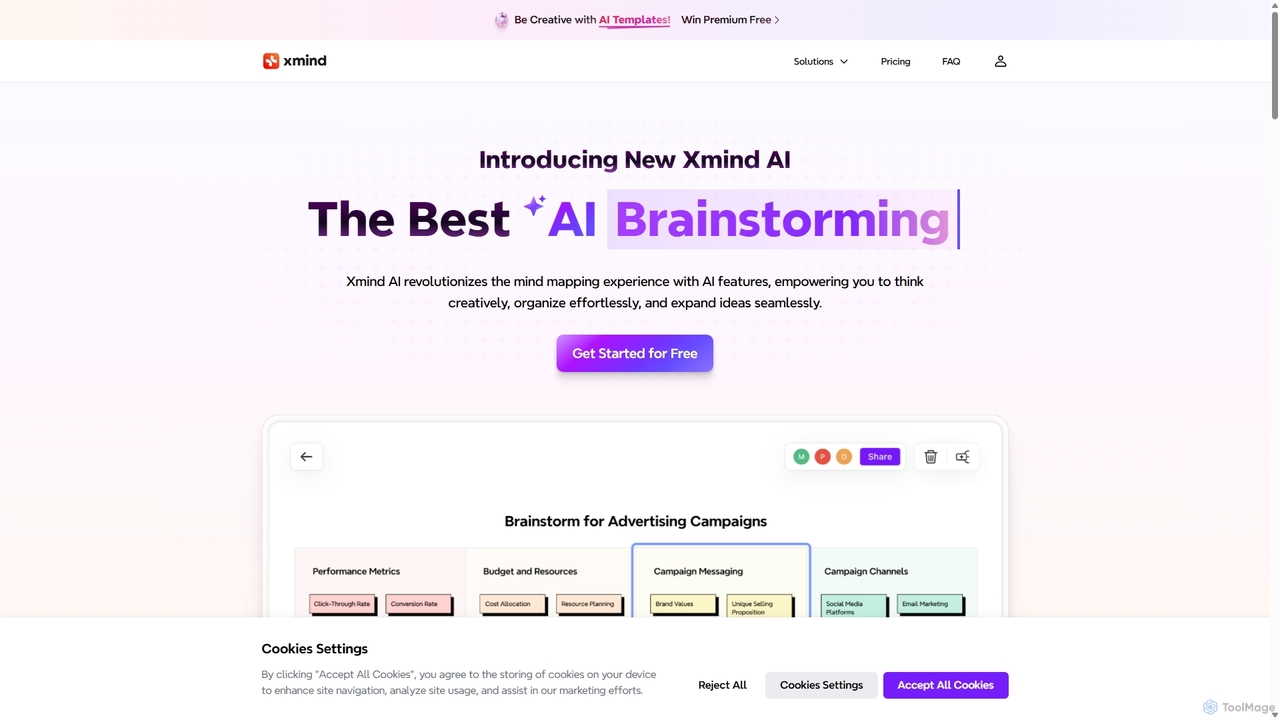
Xmind AI
Xmind AI is an advanced AI-powered mind mapping and brainstorming tool designed to enhance creativity and productivity. It helps users visualize thoughts, organize complex information, and collaborate with teams in real-time. With features like AI-driven idea generation, content summarization, and automated to-do lists, Xmind AI transforms abstract concepts into structured, actionable plans.
TeamworkQonqur
Qonqur is an AI-powered digital canvas for iPad that intelligently understands your handwriting and drawings. It's designed for students, researchers, and thinkers to seamlessly connect ideas, solve complex problems, and explore concepts in a unified, intuitive workspace without switching between apps.
Learning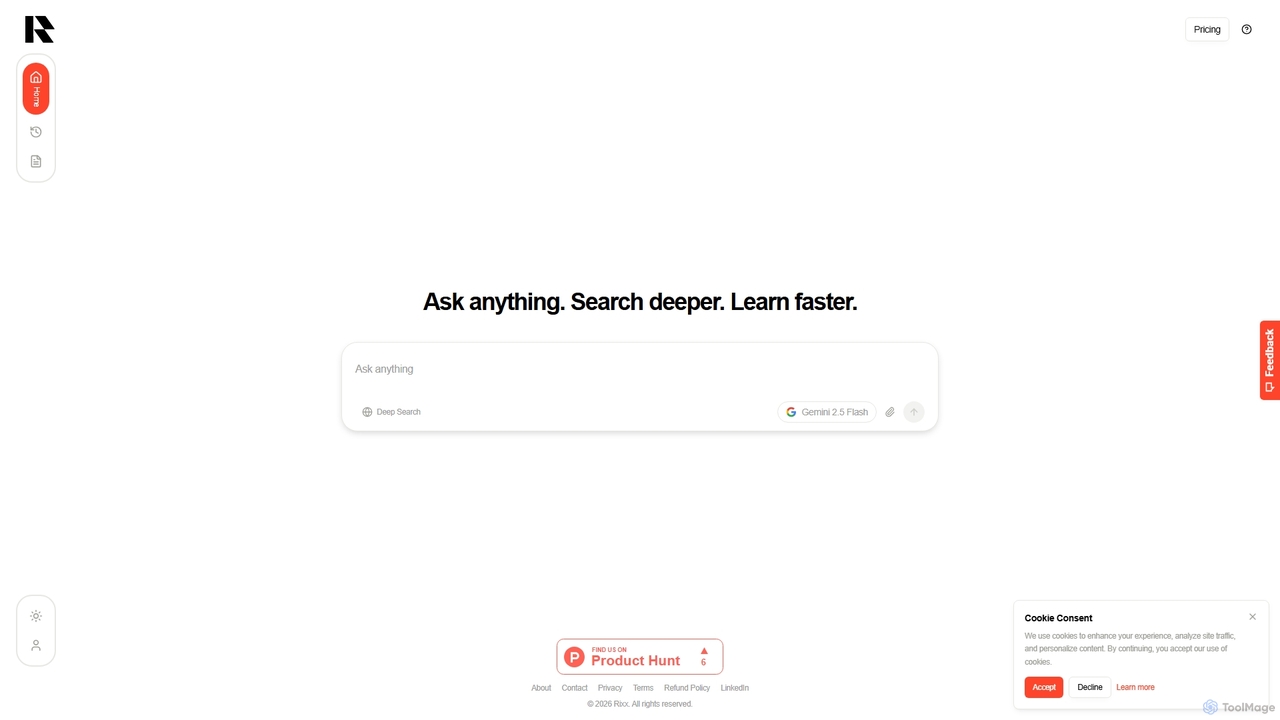
Rixx
Rixx is an AI-powered research engine designed for deep understanding, not just information retrieval. It synthesizes complex information from hundreds of sources into structured, verifiable answers, acting as a tireless research assistant for professionals, students, and engineers seeking profound insights.
Generative Search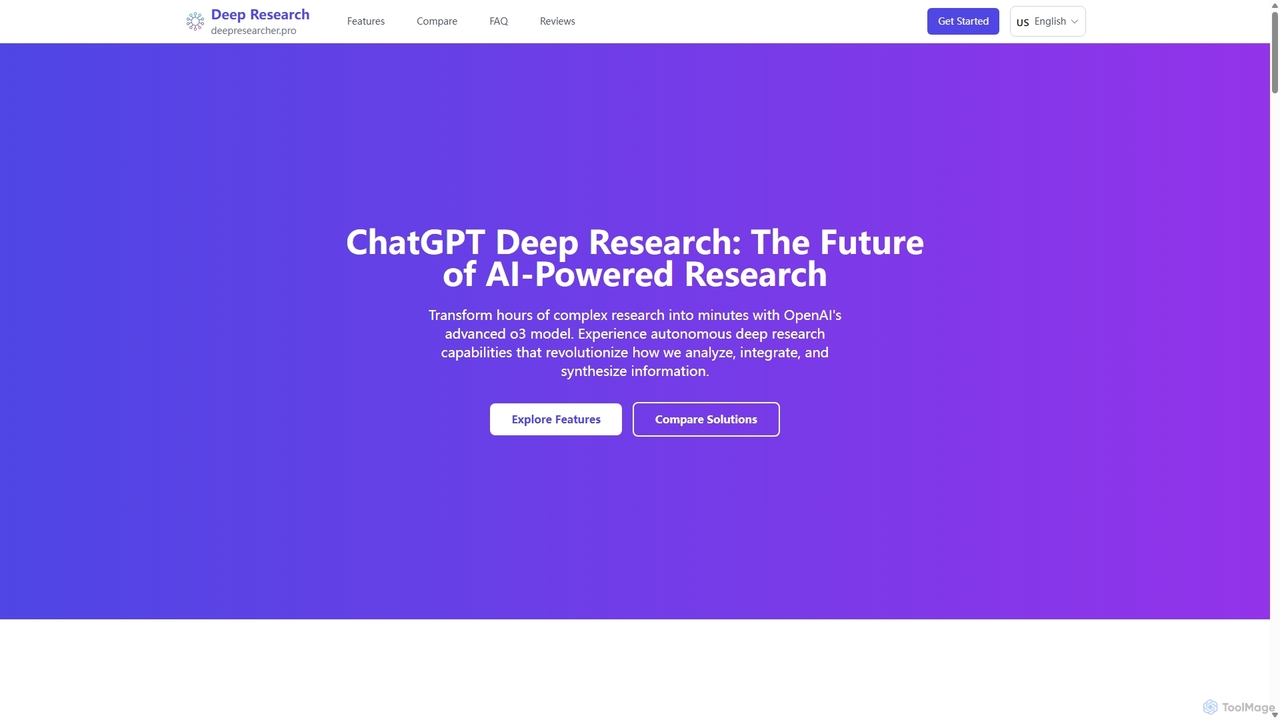
DeepResearcher
DeepResearcher is an advanced AI-powered research assistant by OpenAI, built on the powerful o3 model. It automates complex research tasks, transforming hours of work into minutes. The tool performs multi-step analysis, integrates diverse data sources like PDFs and web content, and generates comprehensive reports with citations and data visualizations, revolutionizing information synthesis for professionals.
Research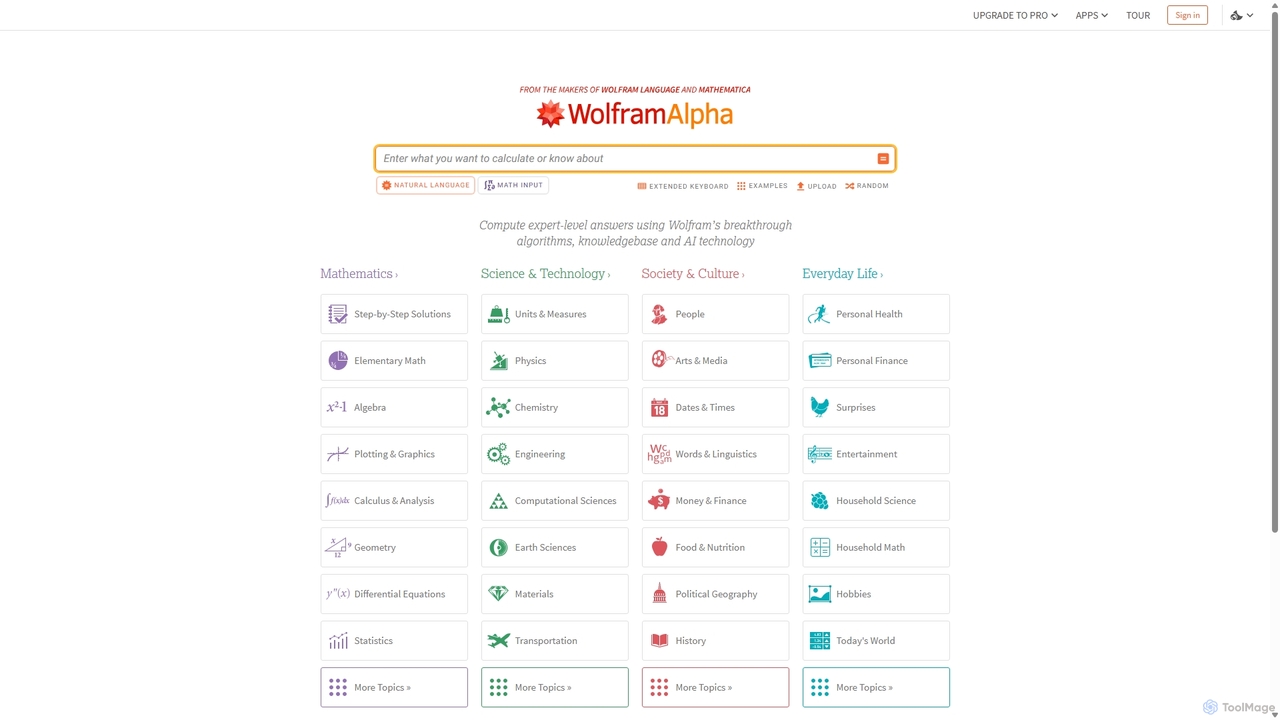
Wolfram|Alpha
Wolfram|Alpha is a unique computational knowledge engine that provides expert-level answers by computing them dynamically from its vast collection of built-in data, algorithms, and AI technology. It excels in mathematics, science, and a wide range of factual queries, offering step-by-step solutions and detailed visualizations for students and professionals alike.
CalculationTicNote
TicNote is an AI-powered meeting notetaker that transcribes, summarizes, and organizes conversations in real-time across 120+ languages. It uses on-device AI to generate smart summaries, mind maps, and action items without meeting bots, enhancing productivity and knowledge management for professionals.
Language Processing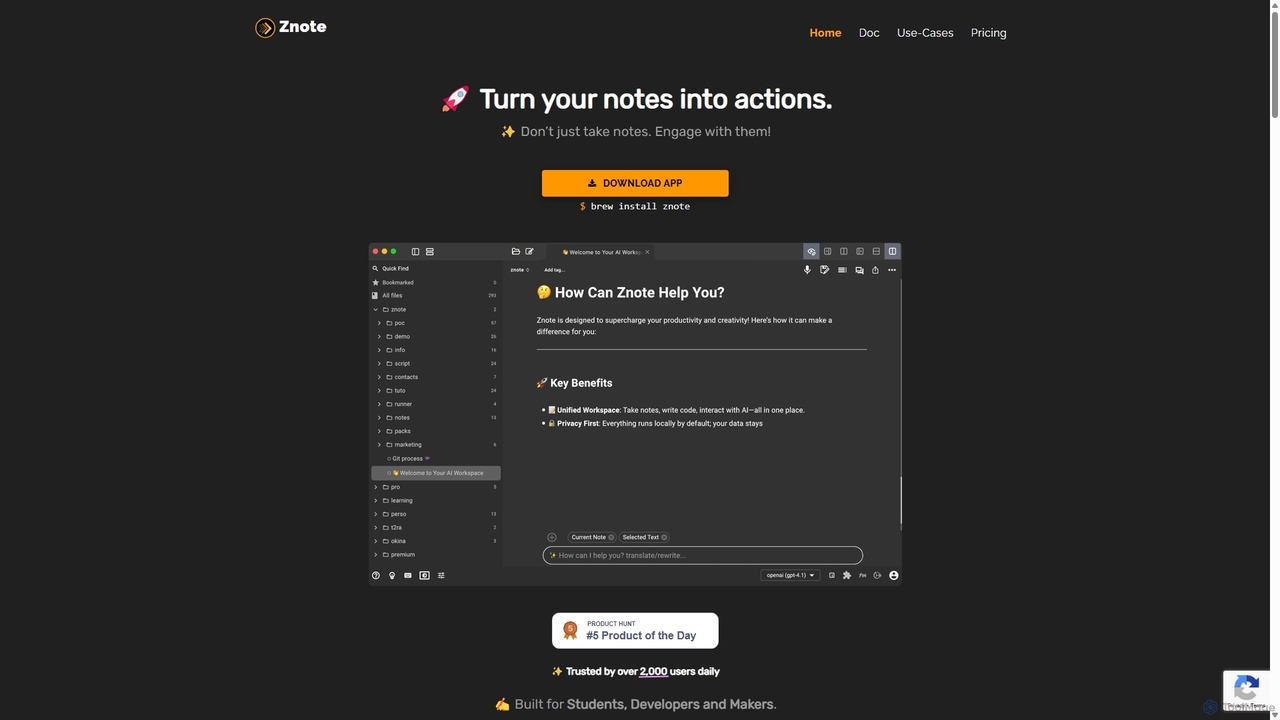
Znote
Znote is a powerful note-taking app that turns your notes into interactive, executable documents. It combines a rich Markdown editor with inline code execution (JS, Node.js, Bash), AI assistance, and data integrations, making it a versatile workspace for developers, analysts, and product teams to prototype, document, and automate workflows.
Notebooks
MindmapAI
MindmapAI is an advanced AI-powered platform that transforms ideas, PDFs, YouTube videos, and web URLs into structured, visual mind maps. It automates information analysis and organization, enabling users to quickly grasp complex topics, brainstorm effectively, and collaborate with teams in real-time. Ideal for students, professionals, and creators looking to enhance productivity and clarity.
Project Management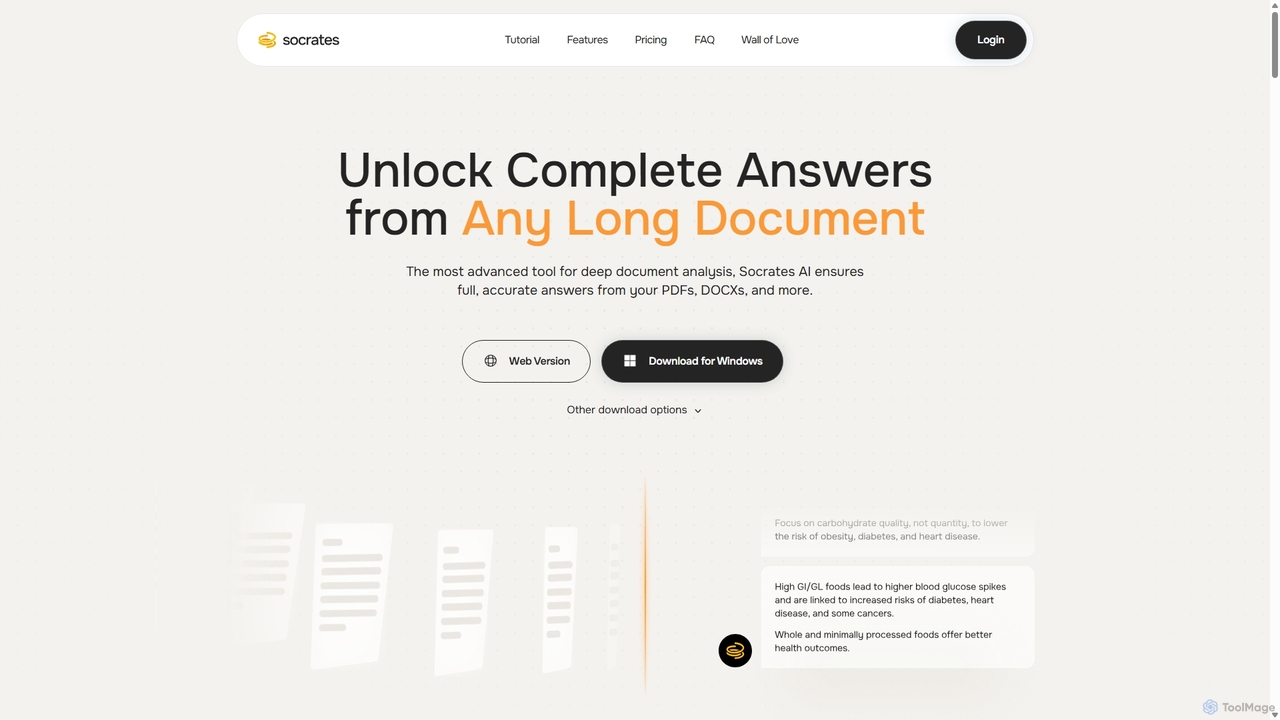
Socrates
Socrates is an advanced AI tool for deep document analysis. It allows users to upload long documents like PDFs and DOCX to get complete, accurate answers. Its unique 'Deep Dive' feature provides thorough analysis, while features like Table AI and Local LLM support cater to researchers, legal professionals, and students seeking detailed insights with enhanced data privacy.
Data Analysis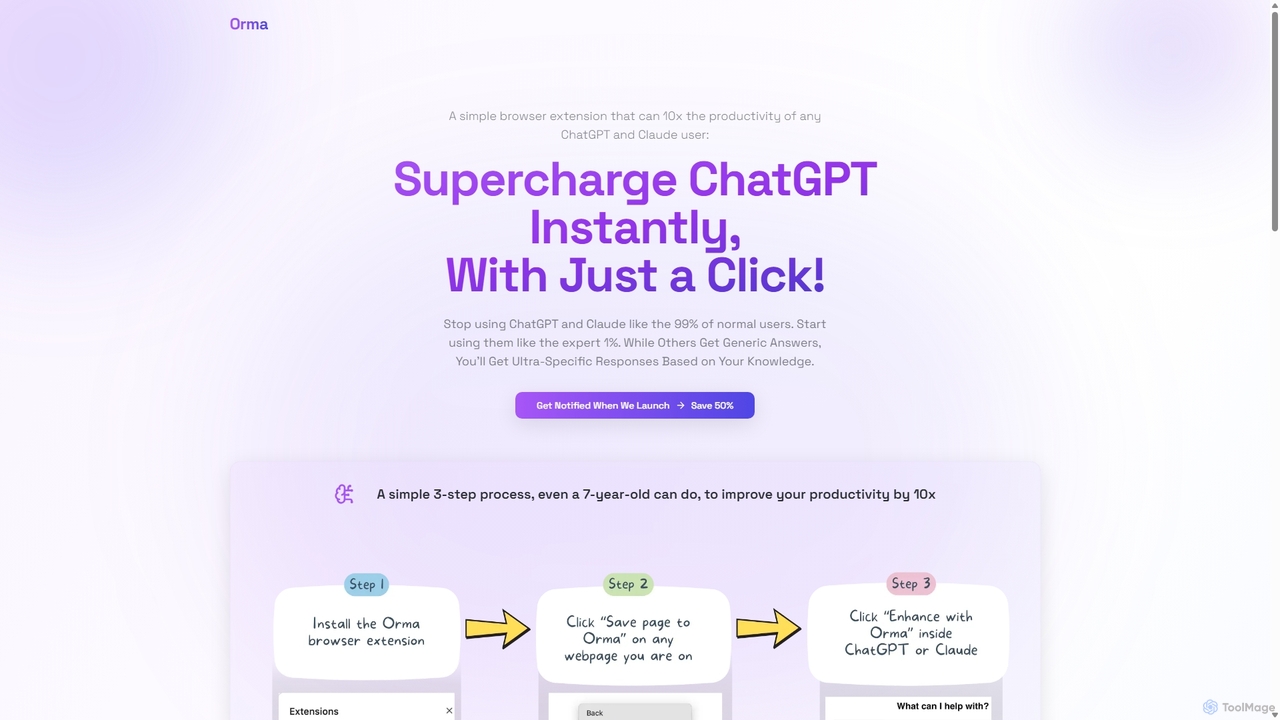
Orma
Orma is a browser extension that transforms your web browsing into a personal knowledge base, or 'digital memory layer'. It allows you to intelligently capture web content and seamlessly integrate it with AI models like ChatGPT and Claude. This turns generic AI responses into highly specific, personalized insights based on your own curated knowledge, boosting productivity by up to 10x.
Search Tools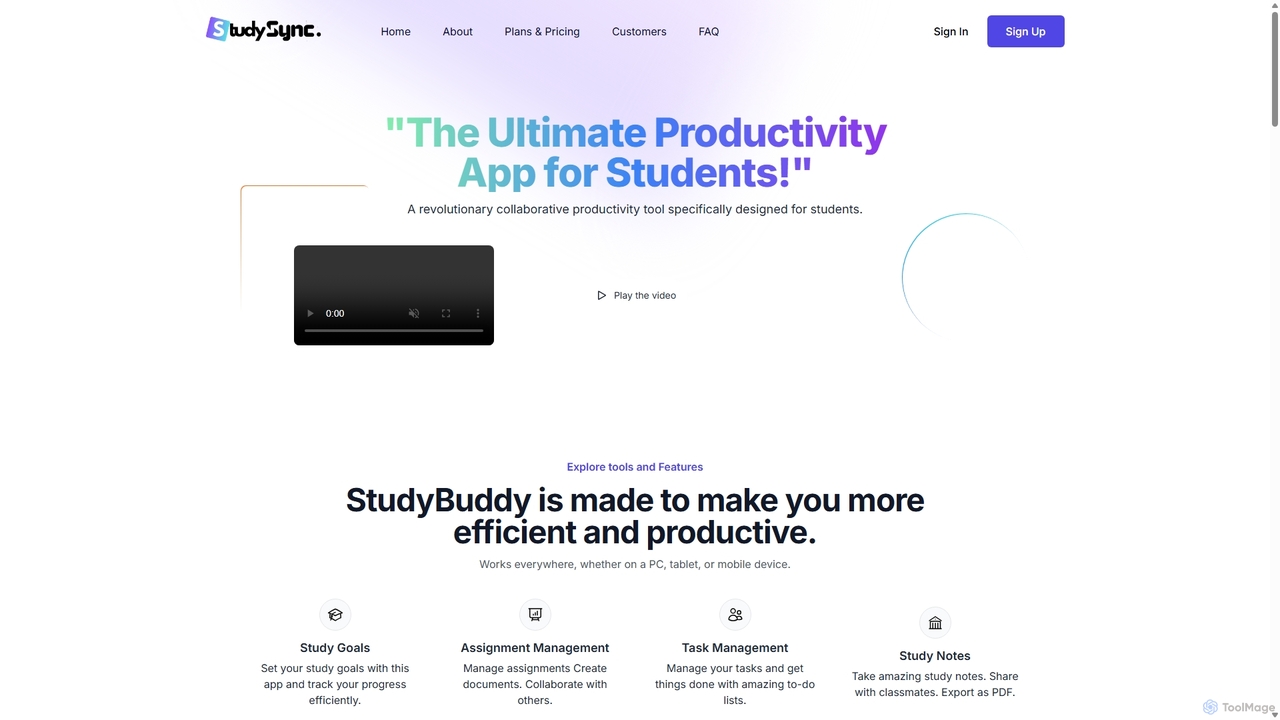
StudySync
StudySync is an AI-powered, all-in-one collaborative suite designed for students, educators, and research teams. It integrates document and spreadsheet creation, digital asset management, and smart scheduling to streamline academic workflows, enhance group projects, and boost overall productivity.
Study ToolsTurbo
Turbo is an advanced AI note-taker and study tool designed to transform various content formats like lectures, PDFs, videos, and audio into editable notes, flashcards, quizzes, and podcasts. It helps students and professionals study smarter, organize information, and collaborate efficiently, leveraging AI for enhanced learning and productivity.
Transcription
Jyek
Jyek is an AI agent platform that understands objectives, creates execution plans, uses tools, and delivers verifiable results for complex, multi-step tasks.
AutomationMem
Mem is a self-organizing workspace powered by AI, designed to act as your personal second brain. It captures, connects, and resurfaces your notes automatically, eliminating the need for manual organization. With its integrated AI chat, you can search, summarize, and generate content from your own knowledge base.
Personal Assistant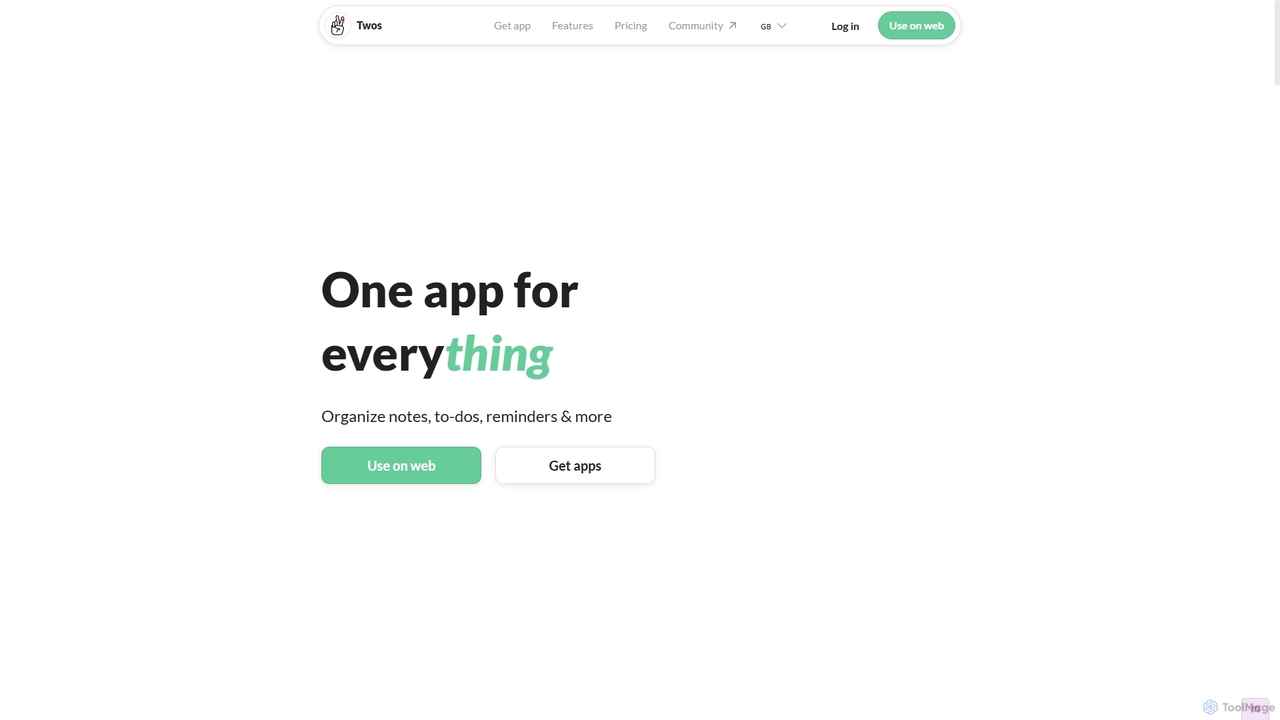
Twos
Twos is an all-in-one productivity app powered by AI that helps you organize notes, to-dos, reminders, lists, and calendar events in one simple place. Capture thoughts quickly as "things" and let the AI assistant, PALs, provide smart suggestions to help you stay organized and productive across all your devices.
Note Taking
Stempad Comments (0)
Sign in to comment.
Sign inNo comments yet.