

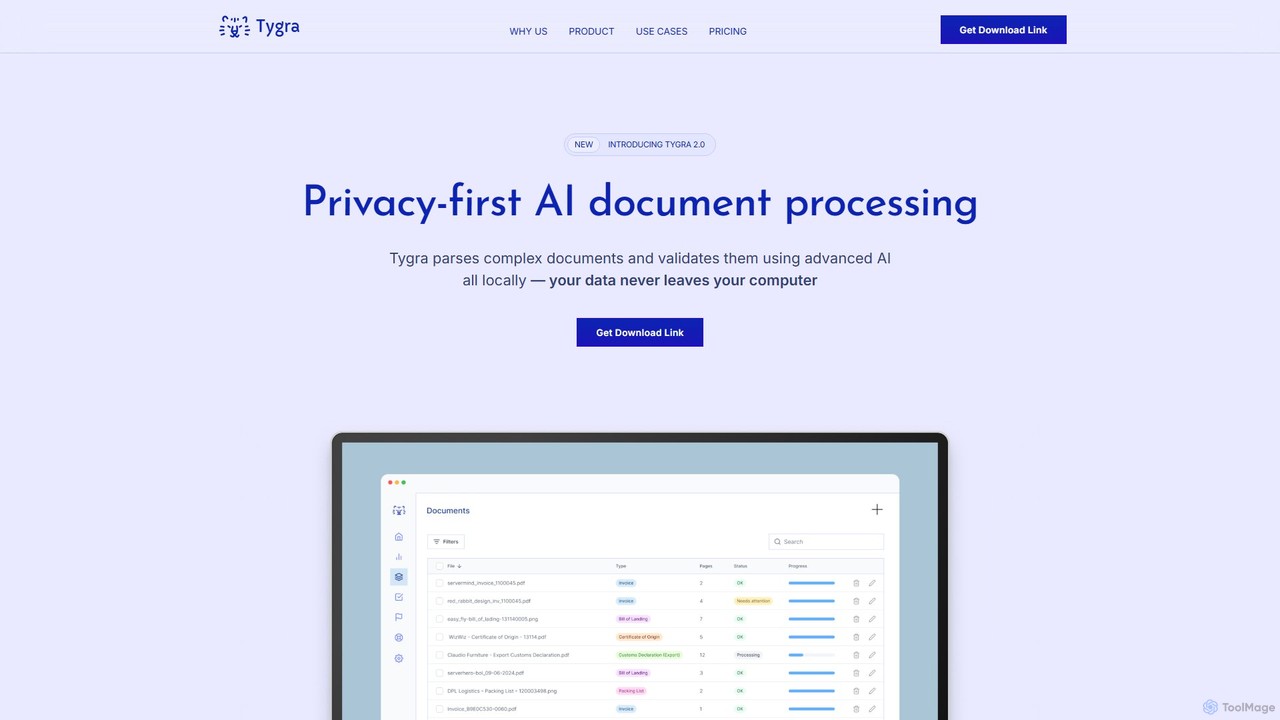
Tygra Overview
Tygra is a revolutionary AI-powered document processing tool designed with privacy and security at its core. Unlike traditional cloud-based solutions, Tygra runs entirely locally on your device, ensuring that your sensitive documents and the data within them never leave your computer. This makes it the ideal solution for organizations with strict privacy requirements and compliance mandates, such as those in the legal, healthcare, and financial sectors.
Powered by advanced, open-source Mistral AI models, Tygra goes far beyond the capabilities of standard Optical Character Recognition (OCR). While OCR simply converts images of text into machine-readable text, Tygra understands the context, structure, and relationships within a document. It can intelligently parse complex layouts, extract specific data points, and validate information against predefined business rules, delivering structured, accurate, and ready-to-use data.
How to use Tygra
Using Tygra is designed to be a straightforward process, seamlessly integrating into your workflow while maintaining the highest security standards:
- Download and Install: Tygra is a desktop application. Currently available for macOS, you can download and install it directly onto your machine.
- Import Documents: Launch the application and import the documents you need to process. Tygra supports common formats including PDF, JPG, and PNG.
- Local AI Processing: Once imported, Tygra's AI engine begins processing the documents on your device. All computation happens locally, leveraging your computer's resources.
- Data Extraction and Validation: The tool automatically identifies, extracts, and structures the relevant information. It can also perform validation checks to ensure data accuracy and consistency.
- Review and Export: The extracted data is presented for your review. You can then export it in a structured format (e.g., JSON, CSV) for use in other systems, databases, or analytical tools.
Core Features of Tygra
- Privacy-First Architecture: All processing is done 100% locally on your device. Your data is never sent to the cloud or any third-party servers.
- Advanced AI Data Extraction: Utilizes sophisticated Mistral AI models to understand document context and structure, significantly outperforming traditional OCR in accuracy and capability.
- Multi-Format Support: Seamlessly processes various document types, including PDFs, JPGs, and PNGs.
- Compliance-Ready: Built to help organizations meet strict data protection regulations like GDPR and the EU AI Act.
- Offline Functionality: Since it runs locally, Tygra can function without an active internet connection, providing reliability and accessibility anywhere.
- Intelligent Validation: Capable of validating extracted data against business rules and regulations, reducing manual verification efforts.
Use Cases for Tygra
Tygra's privacy-centric approach makes it invaluable for various industries handling sensitive information:
- Legal Sector: Automate the extraction of data from contracts, case files, and legal submissions while maintaining client confidentiality.
- Healthcare: Process patient records, lab reports, and insurance forms securely, ensuring compliance with health data regulations like HIPAA.
- Finance and Banking: Extract information from loan applications, KYC documents, and financial statements with the assurance that sensitive financial data remains secure.
- Government Agencies: Manage and process confidential citizen data, applications, and internal documents without privacy risks.
- Research and Development: Analyze proprietary research papers and data sets without exposing intellectual property.
Advantages of Tygra
The primary advantage of Tygra is its unparalleled commitment to privacy. By eliminating the need for cloud processing, it eradicates the risks of data breaches during transit or storage on third-party servers. This local-first approach also results in lower latency and removes dependency on internet connectivity. Furthermore, its use of advanced AI models ensures higher accuracy and deeper understanding of documents compared to legacy OCR technologies, leading to more efficient and reliable workflows.
Pricing and Plans
Tygra is a premium software solution targeted at professionals and organizations with critical privacy and security needs. As such, it operates on a paid model. Specific pricing details and plans are not publicly listed on the website. Interested users are encouraged to contact the Tygra sales team or visit the official website to request a demo and receive a customized quote based on their specific requirements.
Tygra Alternatives
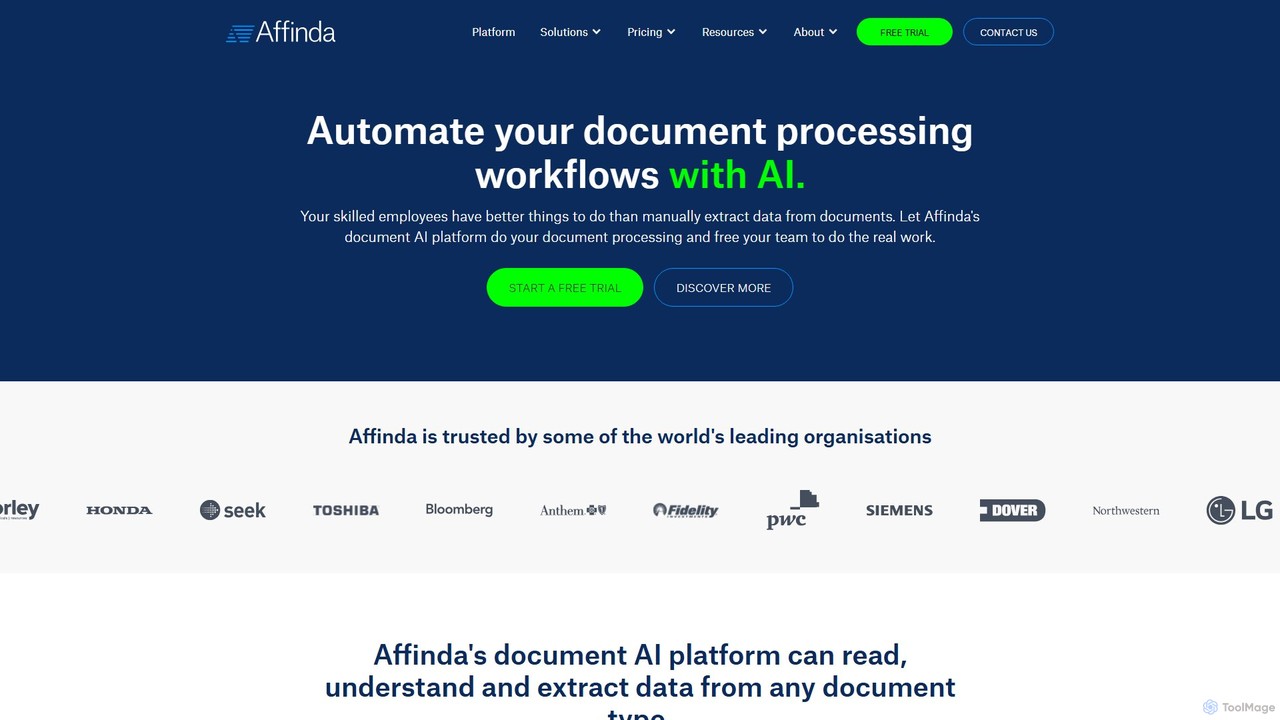
Affinda
A powerful AI-driven document processing platform that automates data extraction from any document type. Affinda uses advanced computer vision and NLP to read, understand, and structure data from invoices, resumes, contracts, and more, supporting over 50 languages. It helps businesses increase efficiency, reduce manual tasks, and improve data accuracy through seamless API integration.
Data Extraction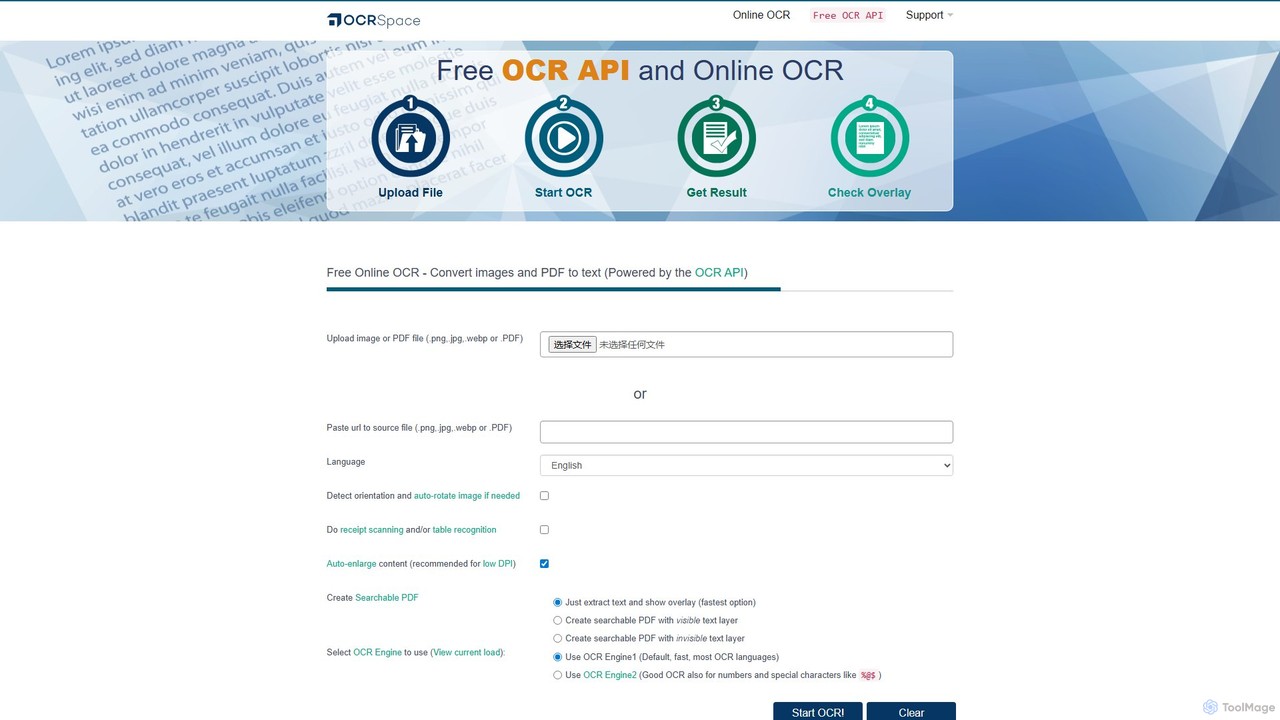
OCR.space
A powerful and free online OCR service and API that converts images and PDFs into editable text. It supports over 25 languages, creates searchable PDFs, and offers multiple OCR engines for optimal accuracy. Ideal for both individual use and developer integration, with a strong focus on privacy.
Data Extraction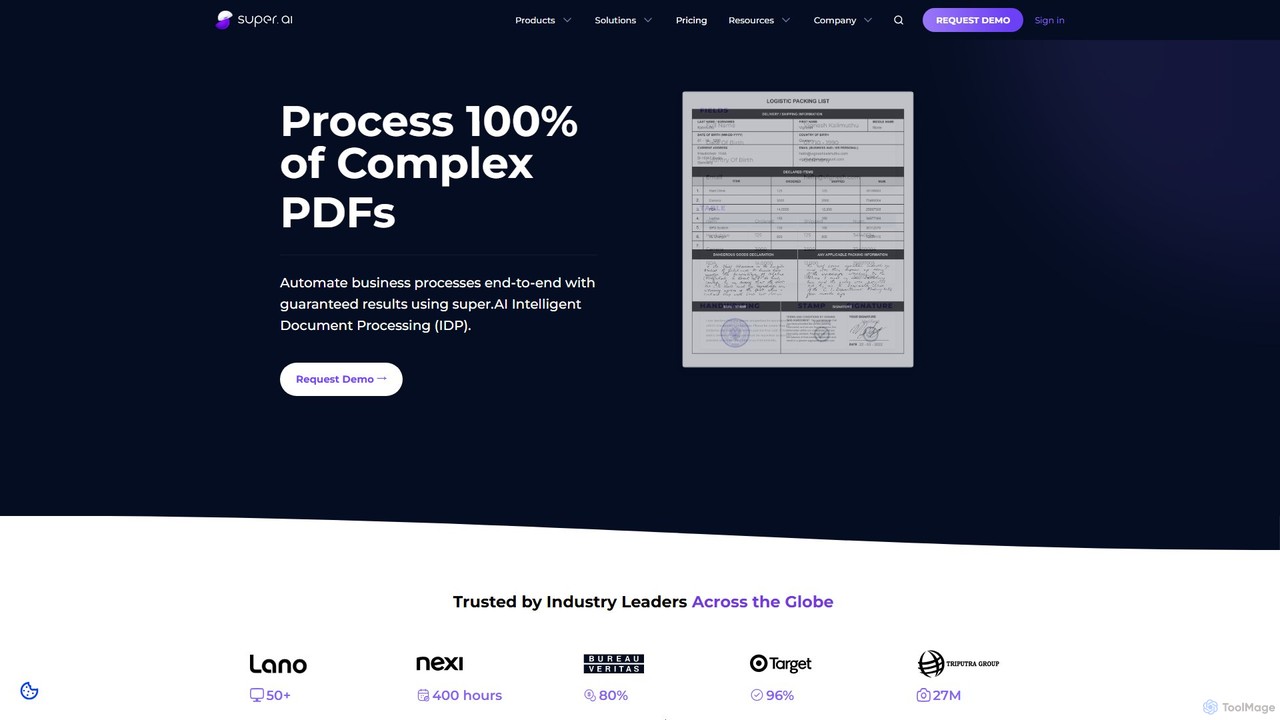
super.ai
super.ai is an advanced Intelligent Document Processing (IDP) platform that uses generative AI to automate data extraction from complex documents like invoices, PDFs, and tables. It guarantees 100% processing with high accuracy, integrating human-in-the-loop workflows to handle exceptions and ensure reliable, actionable data for enterprises in finance, logistics, and insurance.
Data Extraction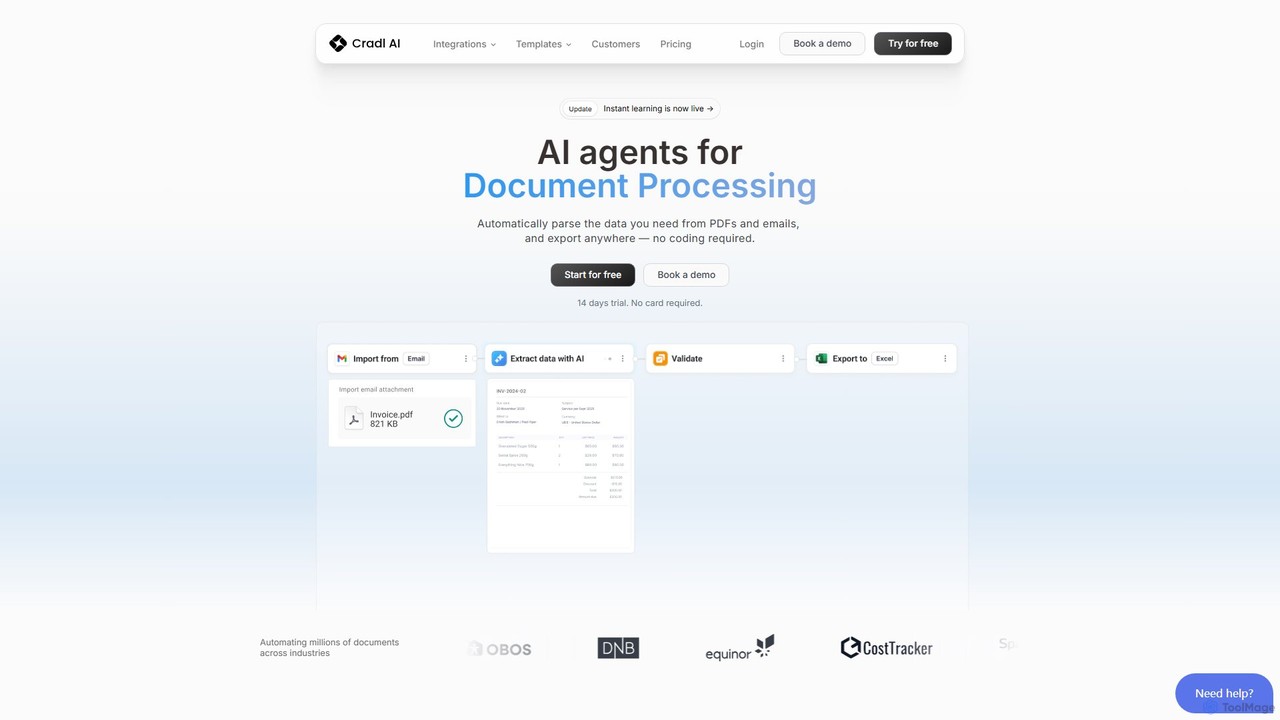
Cradl AI
Cradl AI is a no-code platform that uses AI agents to automate document data extraction and workflows. Easily parse data from PDFs, emails, and other documents like invoices and bills of lading, and export it anywhere without writing a single line of code. It features a human-in-the-loop review system for maximum accuracy.
Workflow
GPTOCR
GPTOCR is an AI-powered data extraction tool that transforms documents, such as PDFs, into structured JSON files. It automates manual data entry, reduces human error, and streamlines workflows, enabling teams to focus on higher-value tasks by providing accurate, ready-to-use data.
Data ExtractionTygra Categories
Tygra Embed Widget
Copy this embed code to place the badge on your blog, article, or product site and send readers directly to this ToolMage detail page.

Related AI tools
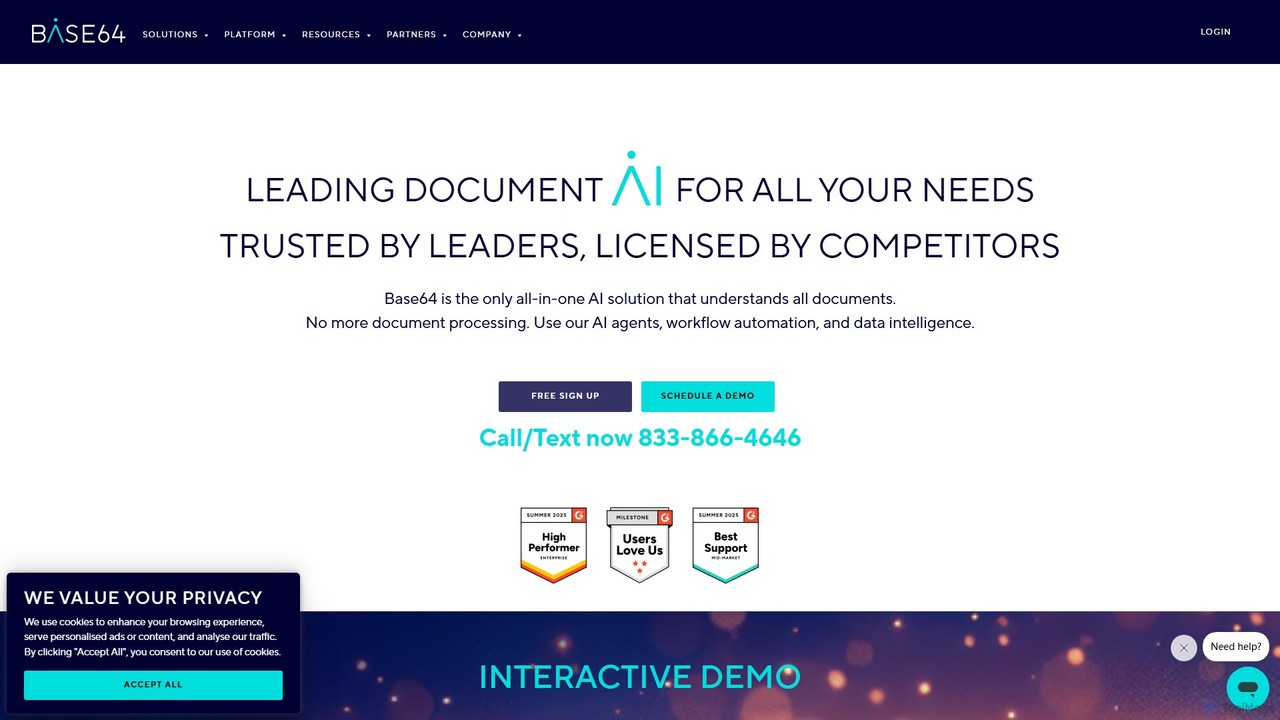
Base64.ai
Base64.ai is an enterprise-grade, all-in-one Document Intelligence platform. It uses AI to automate data extraction and processing from any document, image, or multimedia file. With over 2,800 pre-trained models and seamless API/no-code integrations, it helps businesses in finance, insurance, and healthcare achieve 99.7% accuracy, reduce costs by 5x, and cut processing time from weeks to seconds.
Document Management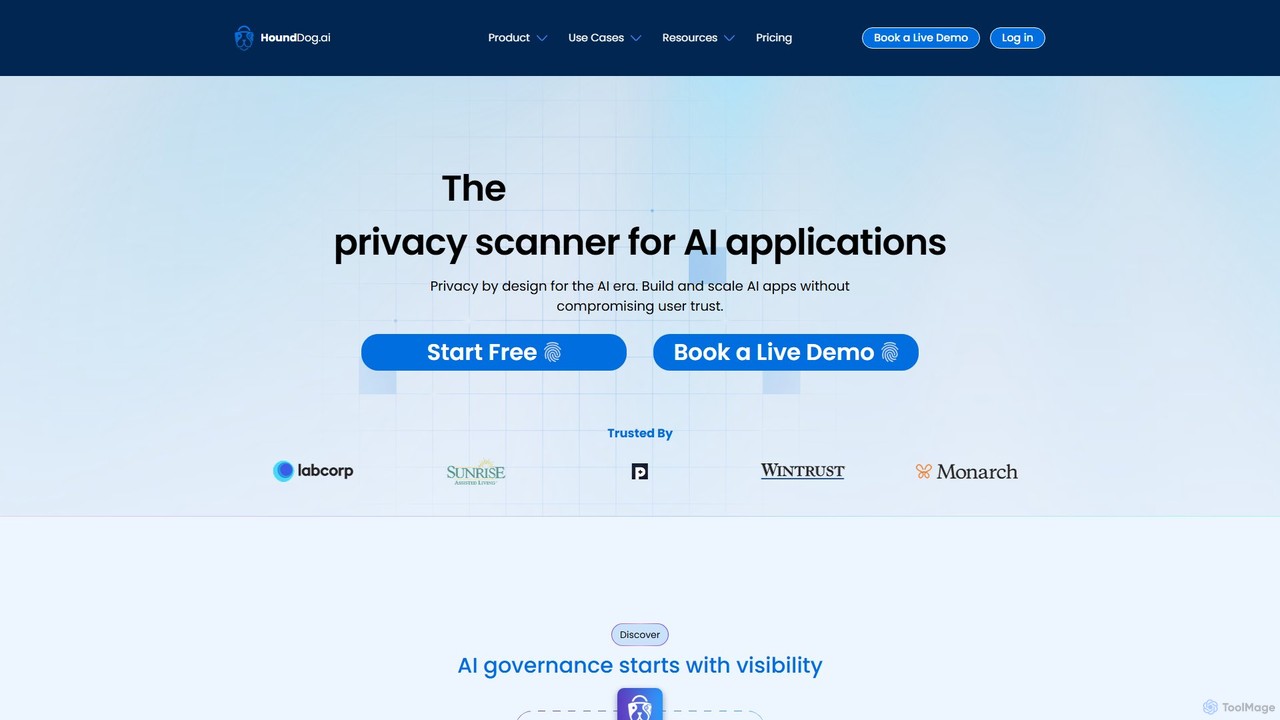
HoundDog.ai
A proactive privacy code scanner for AI applications that automates data mapping and prevents PII leaks early in development. It integrates into the SDLC to enforce privacy by design, discover shadow AI, and ensure compliance with regulations like GDPR and HIPAA.
Code Security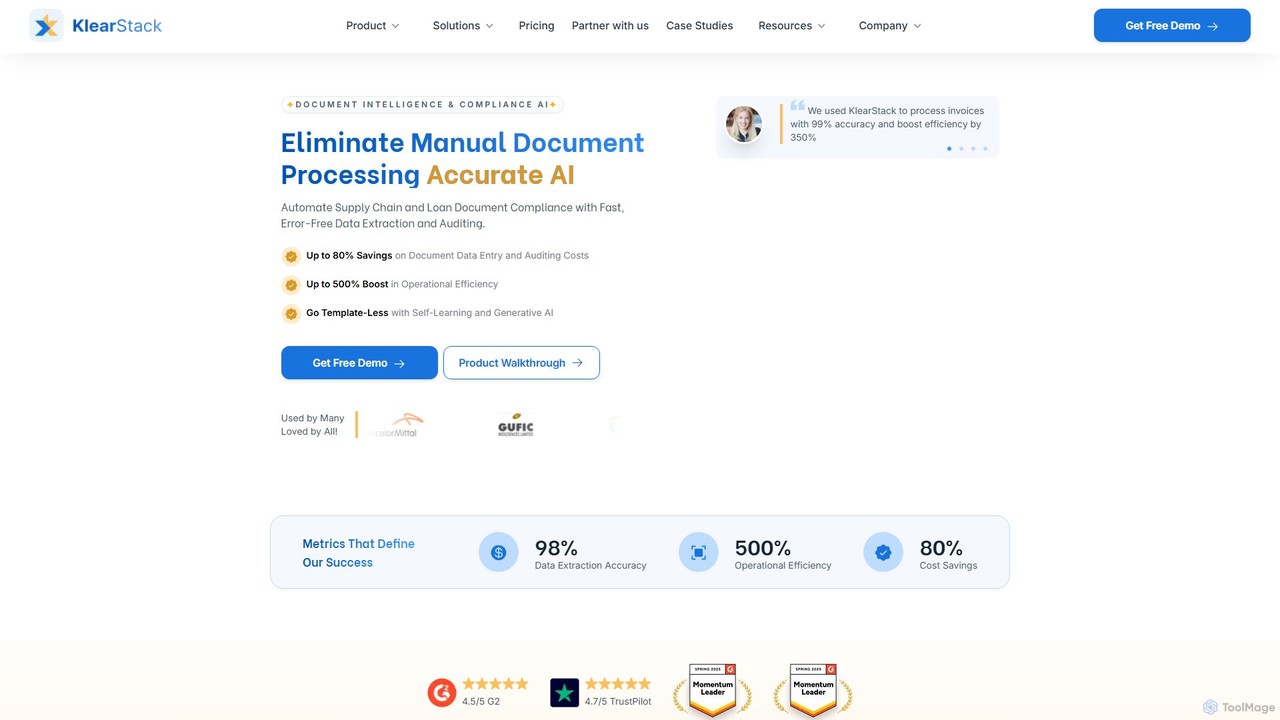
KlearStack
KlearStack is an AI-powered document intelligence and compliance platform that automates data extraction from complex documents. It uses template-less, self-learning AI to process invoices, purchase orders, and compliance forms with up to 99% accuracy, significantly boosting operational efficiency and reducing costs for industries like finance, logistics, and healthcare.
Finance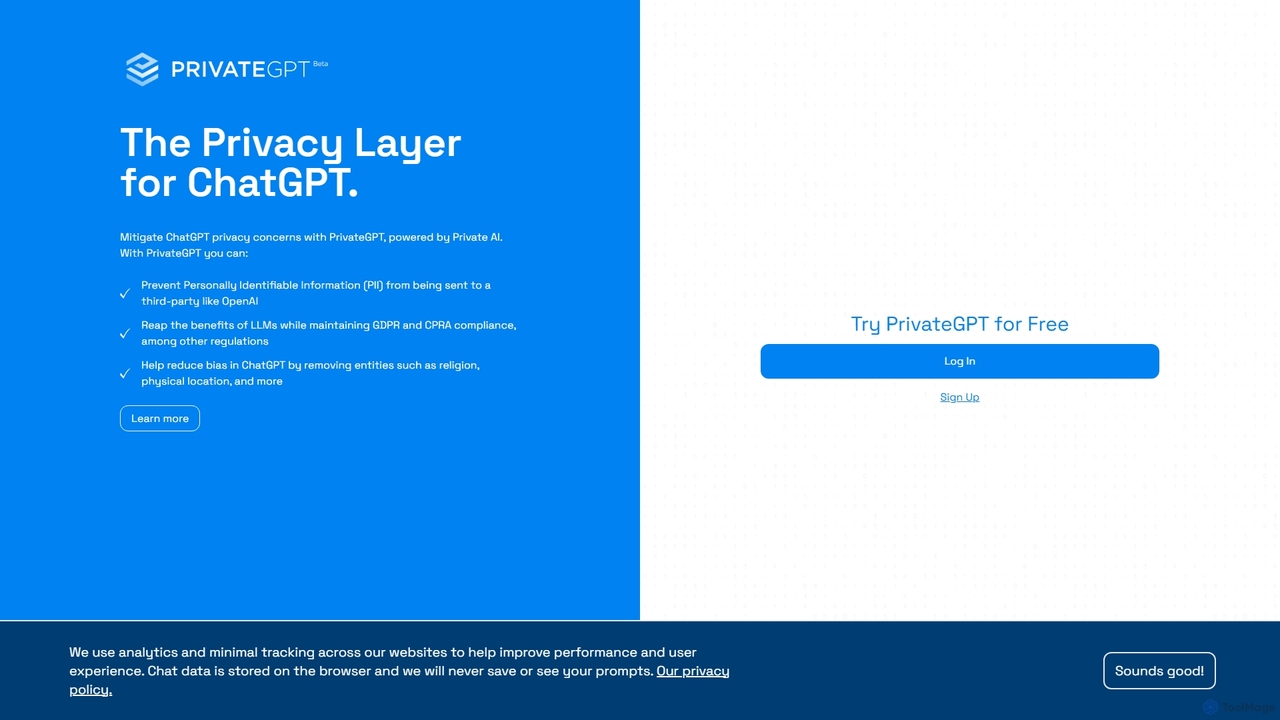
PrivateGPT
PrivateGPT is a privacy layer for ChatGPT, designed to prevent sensitive data and Personally Identifiable Information (PII) from being sent to third-party LLMs. It automatically redacts PII from your prompts, ensuring you can leverage the power of AI while maintaining strict data privacy and compliance with regulations like GDPR and CPRA. It also helps reduce AI bias by removing sensitive personal attributes.
ApiAffinda
A powerful AI-driven document processing platform that automates data extraction from any document type. Affinda uses advanced computer vision and NLP to read, understand, and structure data from invoices, resumes, contracts, and more, supporting over 50 languages. It helps businesses increase efficiency, reduce manual tasks, and improve data accuracy through seamless API integration.
Data Extraction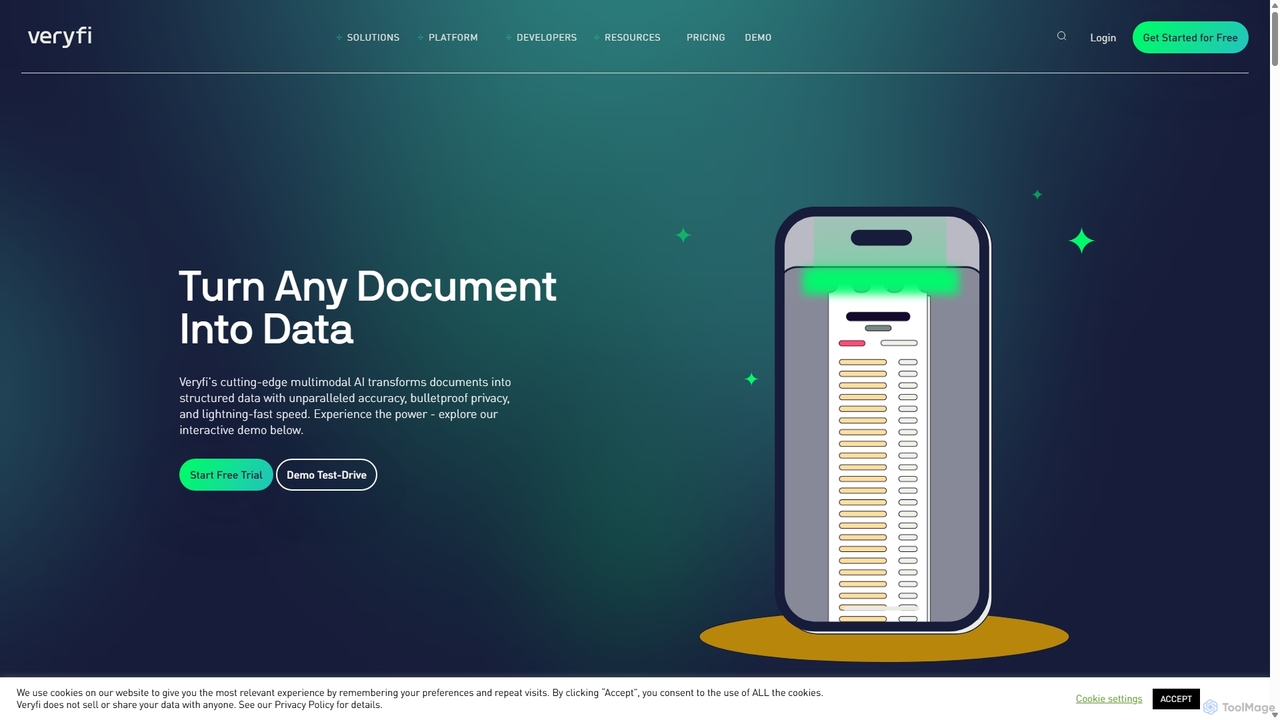
Veryfi
Veryfi is an advanced AI-powered platform that transforms unstructured documents like receipts, invoices, and checks into structured data. It offers OCR APIs with unparalleled accuracy (99.9%), lightning-fast speed, and enterprise-grade security. Designed for developers and businesses, it automates data entry, detects fraud, and provides valuable insights across various industries including FinTech, CPG, and Healthcare.
Api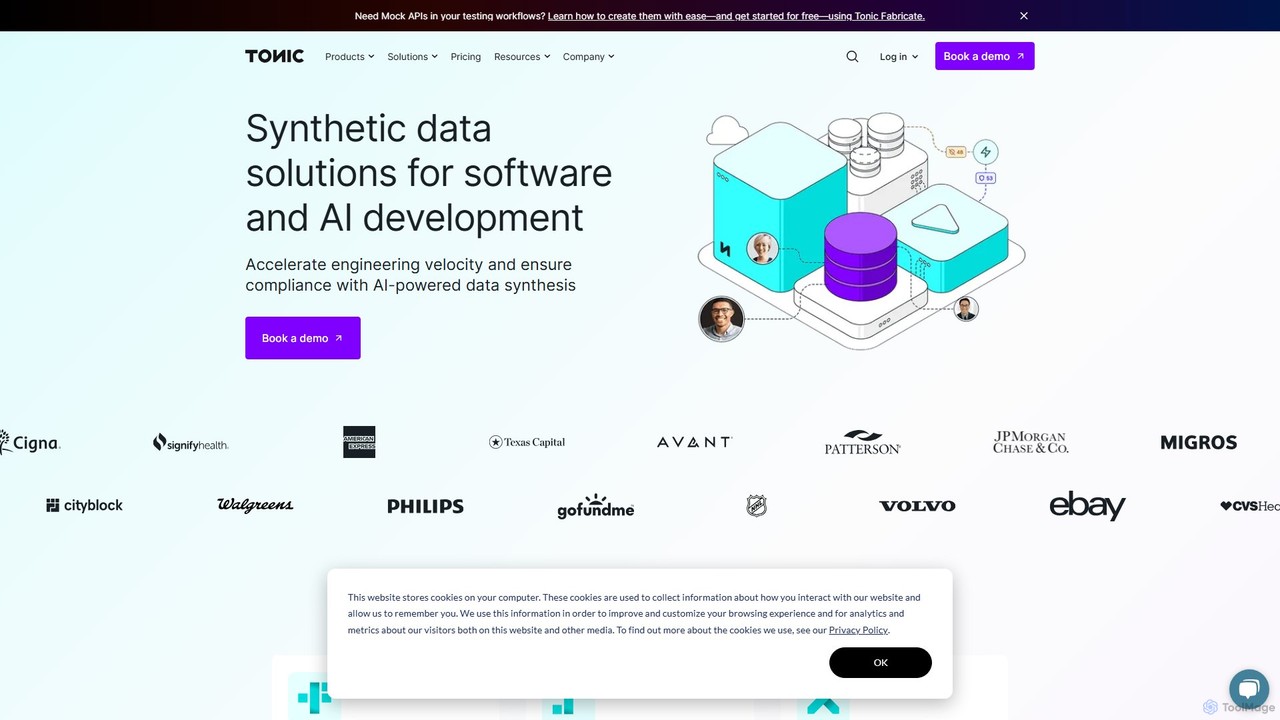
Tonic.ai
Tonic.ai is an AI-powered platform for generating high-quality, realistic, and safe synthetic data. It helps software and AI engineers accelerate development, ensure compliance (GDPR, HIPAA), and improve testing by mimicking production data without exposing sensitive information. The suite includes tools for structured, unstructured, and from-scratch data synthesis.
Synthetic Data
FormX.ai
FormX.ai is an AI-powered platform that automates data extraction from any document. It uses advanced AI, including LLMs and vision models, to process invoices, receipts, ID cards, and more, streamlining business workflows and improving operational efficiency.
Data Extraction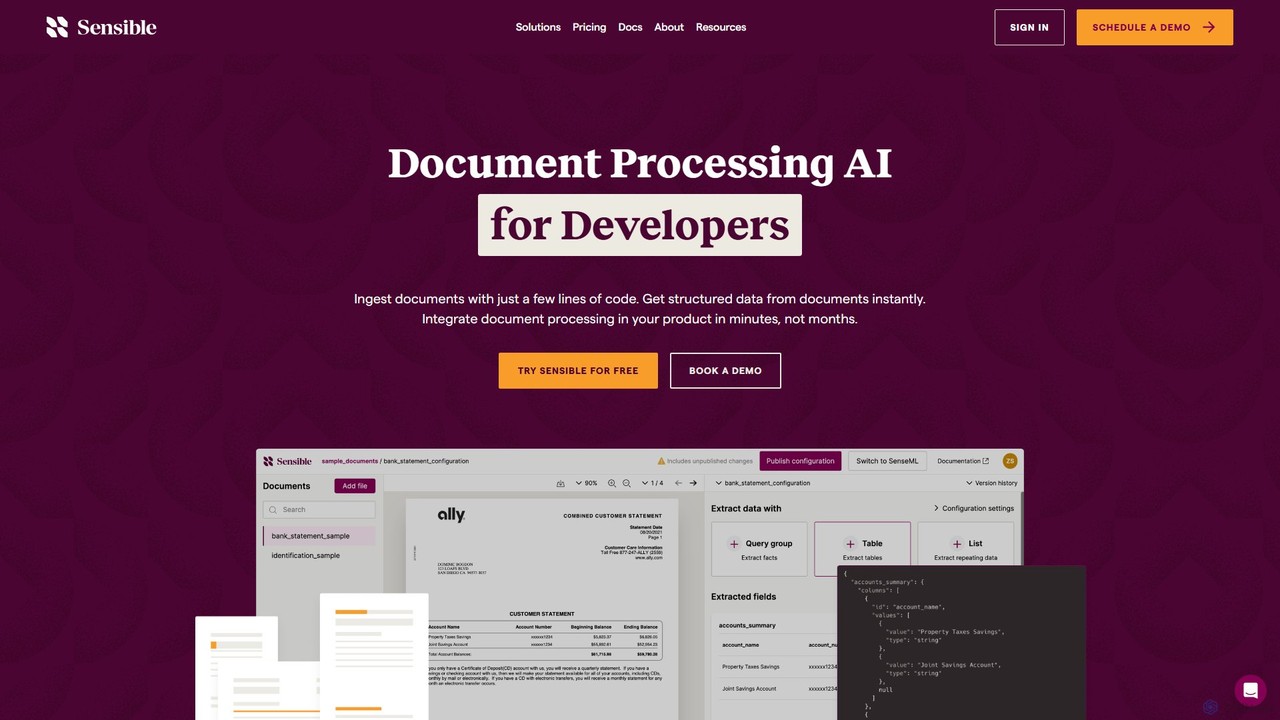
Sensible
Sensible is an API-first intelligent document processing platform for developers. It uses advanced LLM parsing and visual layout-based rules to accurately extract structured data from any document, such as PDFs, images, and spreadsheets. It's designed for seamless integration, scalability, and enterprise-grade security, including SOC 2 and HIPAA compliance.
Automation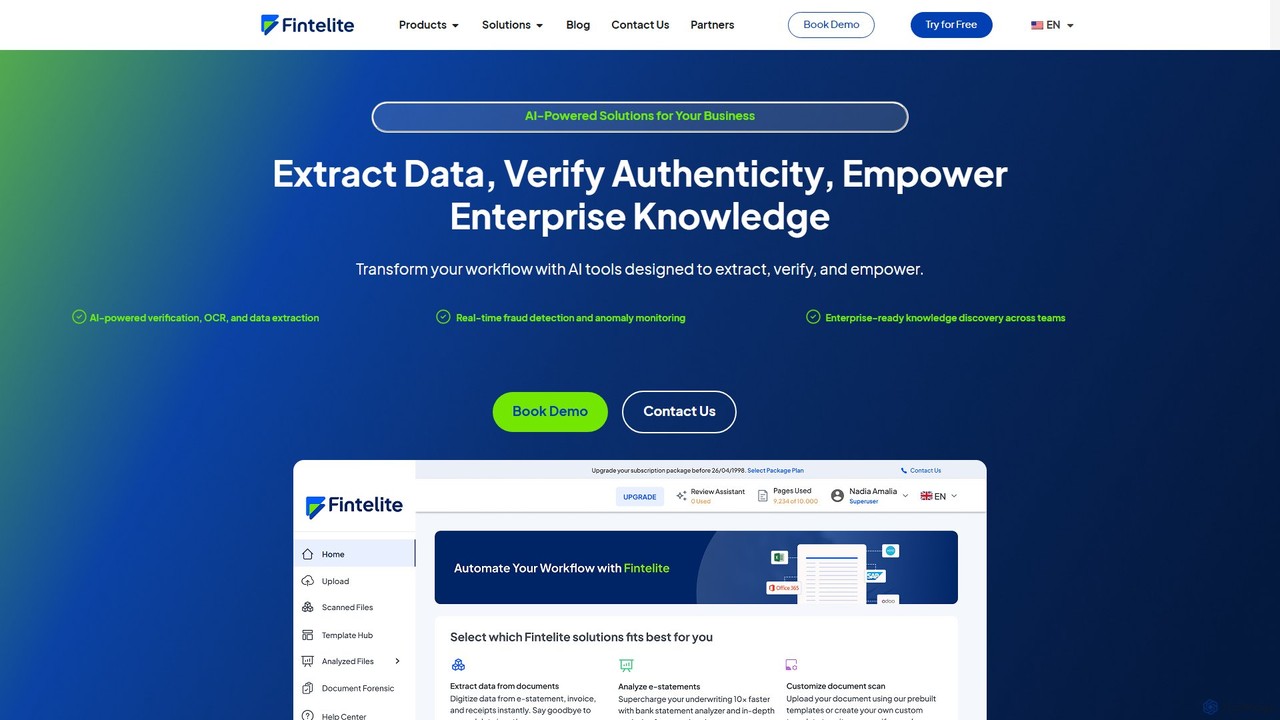
Fintelite
Fintelite is an AI-powered platform designed for financial services and enterprises, offering intelligent document processing, OCR, real-time fraud detection, and knowledge management. It automates data extraction, verifies document authenticity, and centralizes internal knowledge to boost efficiency, reduce manual effort, and enhance security.
Knowledge Management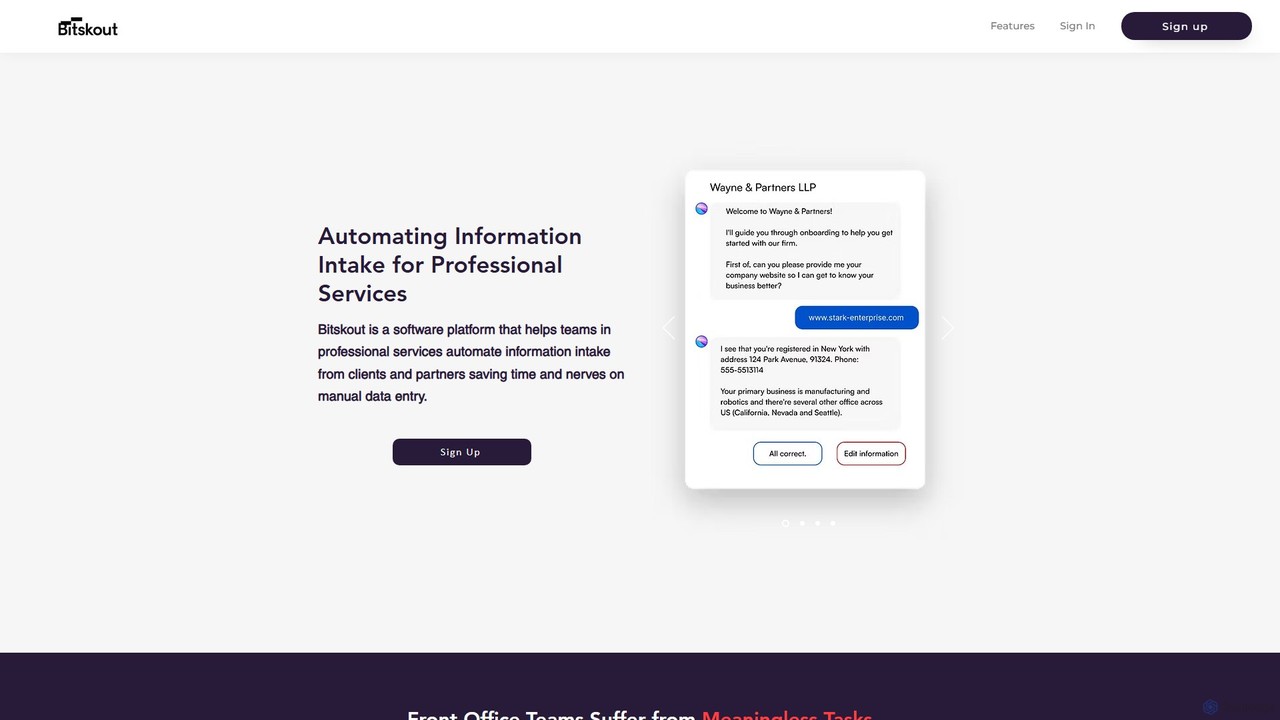
Bitskout
Bitskout is an AI-powered platform designed for professional services like CPAs and law firms to automate information intake. It extracts data from various documents, emails, and images, eliminating manual data entry. By integrating with tools like monday.com, Asana, and Zapier, it streamlines workflows, increases team bandwidth, and accelerates client onboarding and processing.
Data Extraction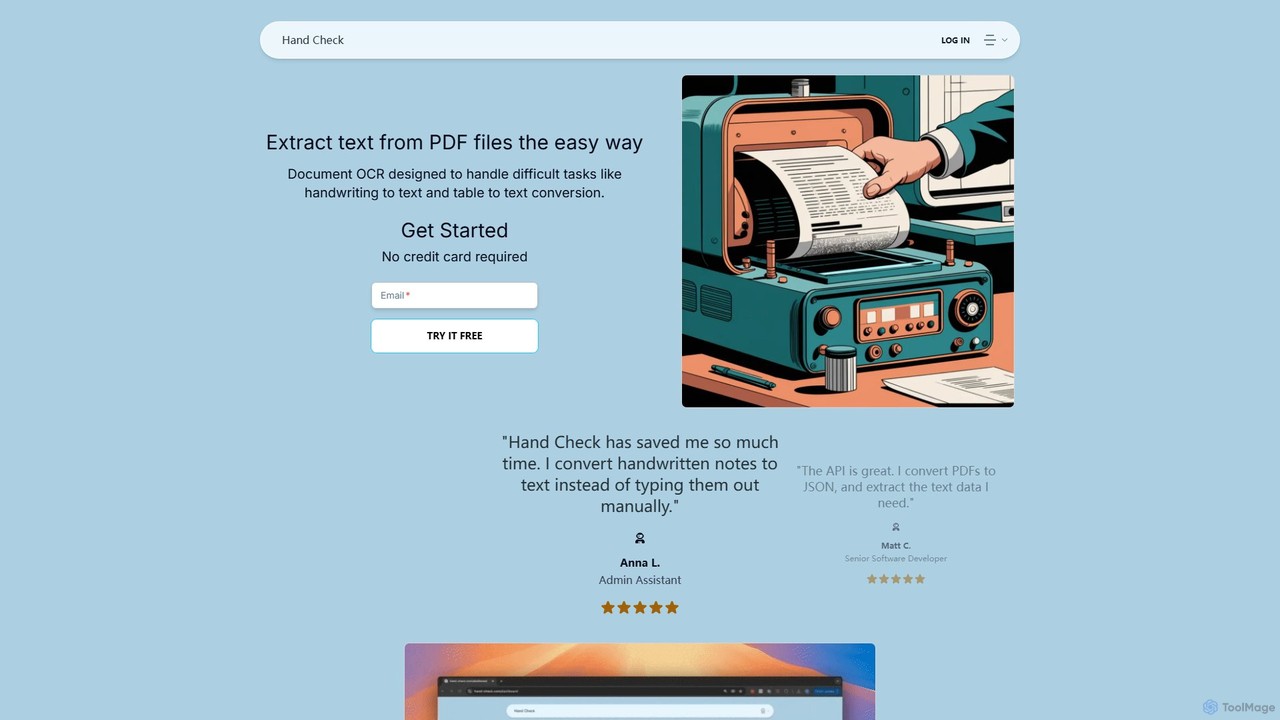
hand_check
hand_check is an advanced OCR tool that uses machine learning to extract text from PDFs and images. It specializes in converting complex documents, including handwritten notes and tables, into editable text or structured JSON data. With a user-friendly interface and a powerful API for developers, it's ideal for individuals, developers, and enterprises looking to automate document processing and data extraction.
Data Extraction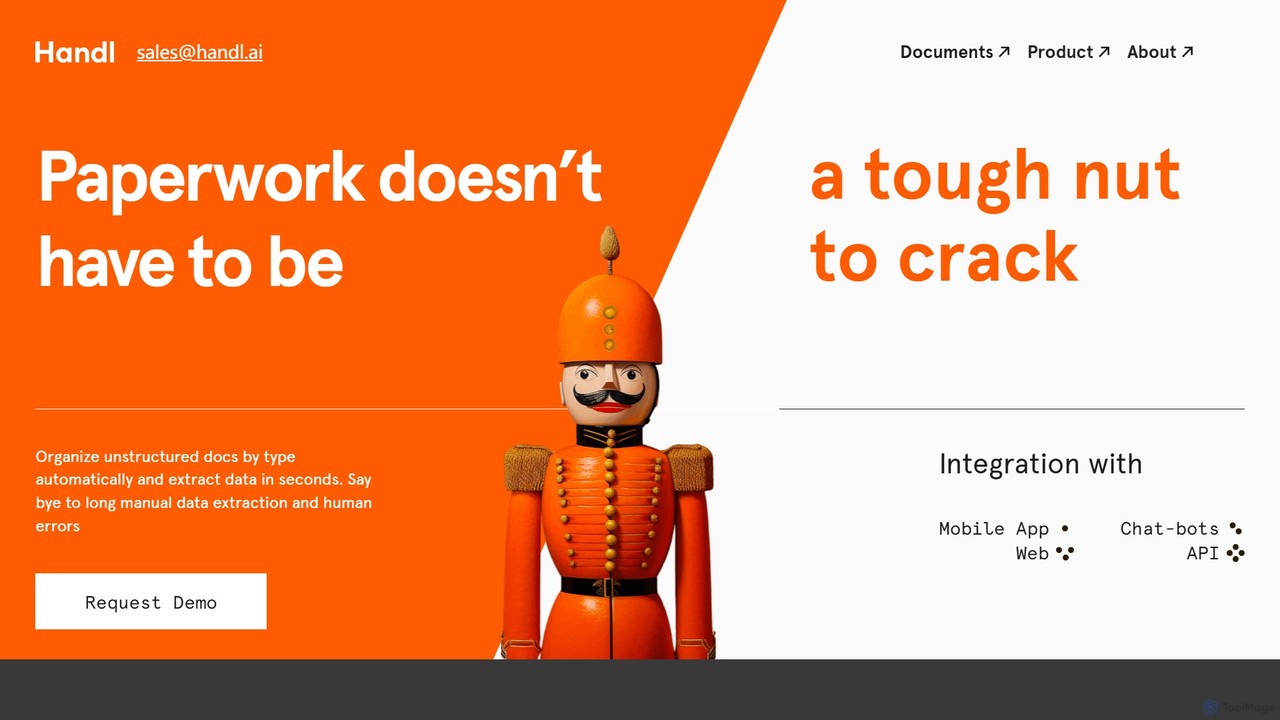
Handl
Handl is an intelligent AI document processing platform that automates data extraction from any document type. It combines advanced AI with human-in-the-loop validation to deliver up to 98% accuracy, reducing manual work, costs, and processing time while offering robust antifraud capabilities for businesses.
Data Extraction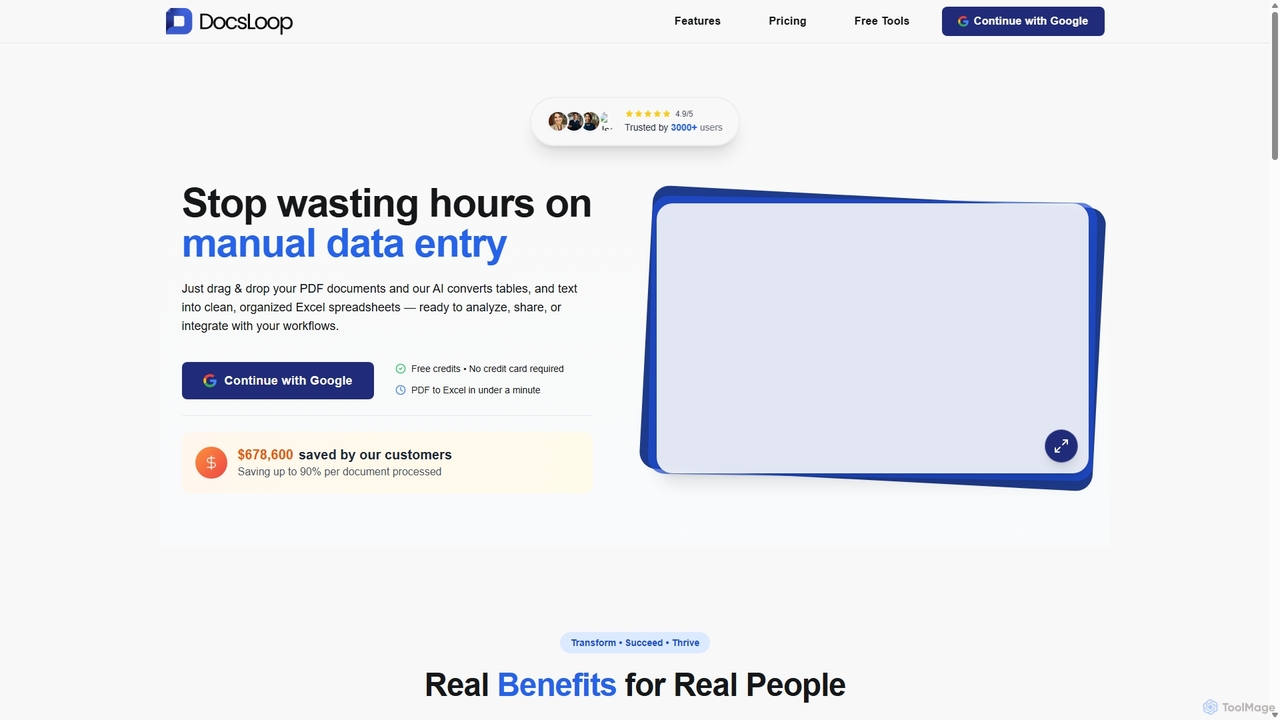
DocsLoop
DocsLoop is an AI-powered document processing tool that automates data extraction from PDF documents. Simply drag and drop files like invoices, bank statements, and receipts, and DocsLoop converts tables and text into clean, organized Excel spreadsheets with 99% accuracy. It eliminates manual data entry, saving hours of work and reducing costs for businesses and individuals.
Data Extraction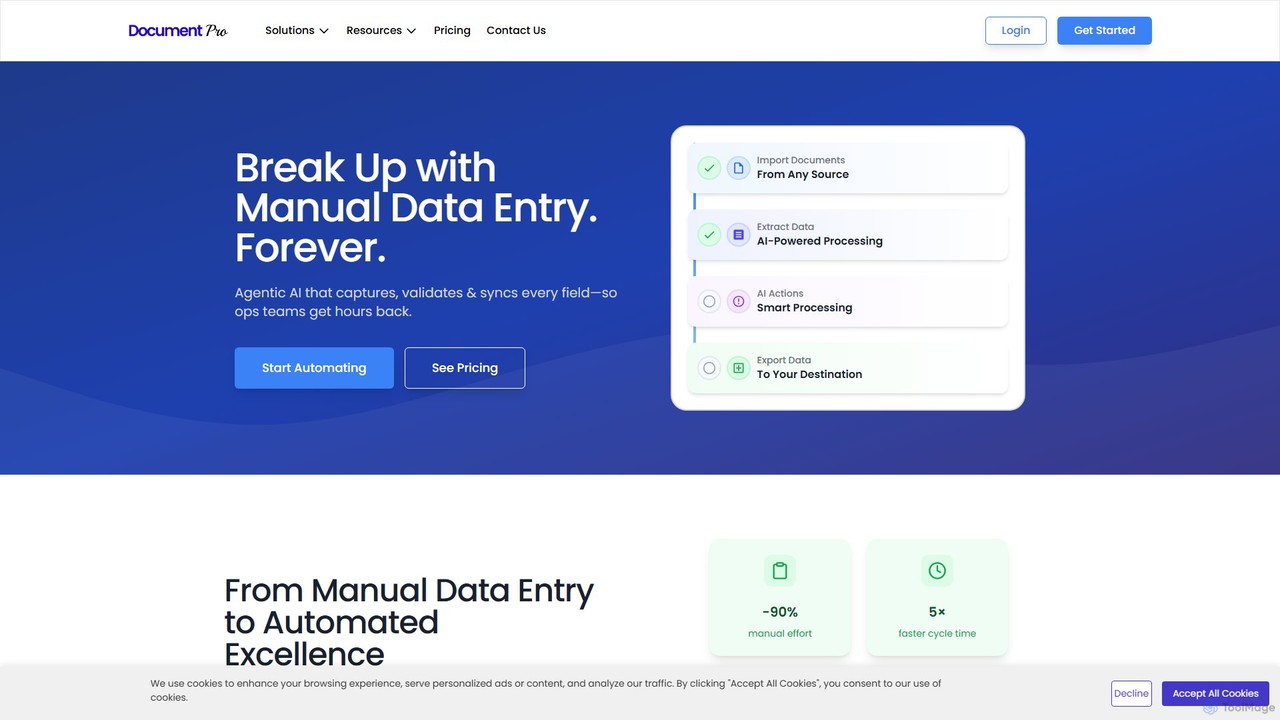
DocumentPro
DocumentPro is an AI-powered platform that automates document processing and data extraction. It uses agentic AI and leading LLMs to capture, validate, and sync data from various documents like invoices and purchase orders, aiming to eliminate manual data entry, reduce errors by 90%, and accelerate workflows by 5x.
Data Extraction
Tygra Comments (0)
Sign in to comment.
Sign inNo comments yet.