Artificial Intelligence Best in category 1 results Data Automation AI Tool

Popular AI tools in the Data Automation field of Artificial Intelligence include Xtractpdfai, etc., helping you quickly improve efficiency.

Xtractpdfai

Xtractpdfai

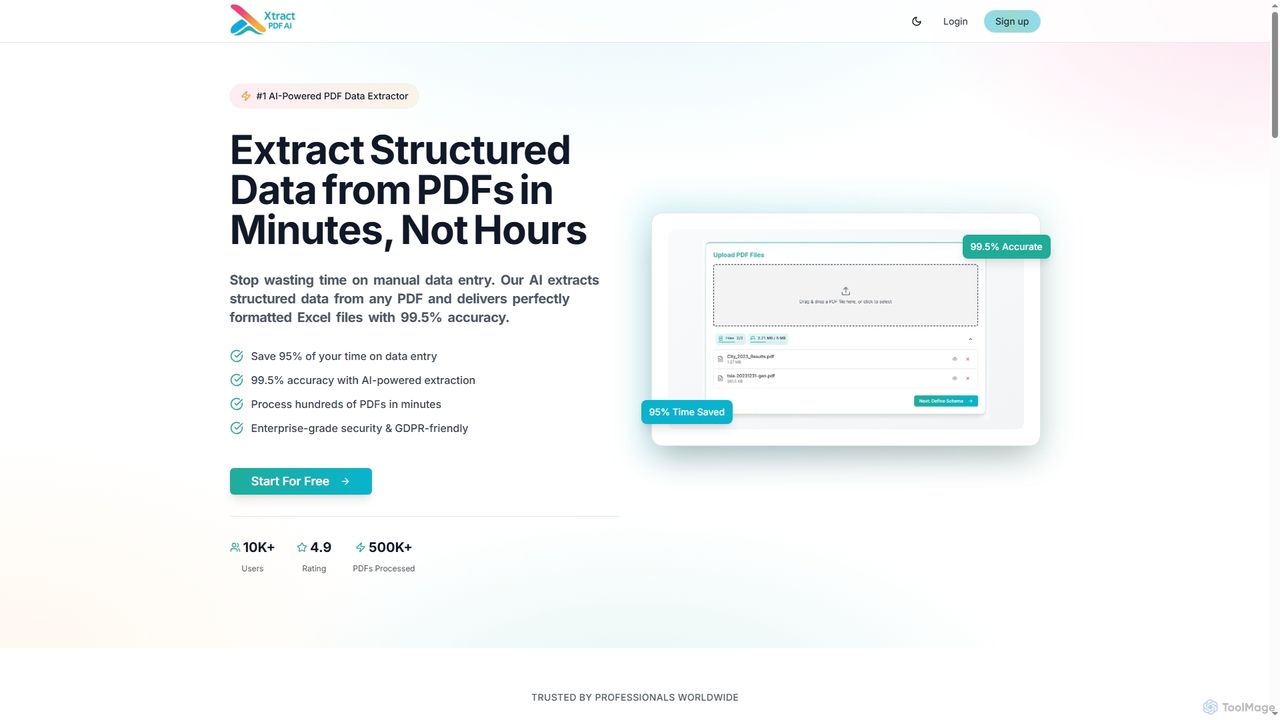
Xtractpdfai is an AI-powered tool designed to extract structured data from PDF documents and convert them into perfectly …

3.8K

About Data Automation

Data Automation tools are a class of AI-powered software designed to streamline and execute data-related tasks without manual intervention. They leverage technologies like machine learning (ML), natural language processing (NLP), and robotic process automation (RPA) to intelligently extract, transform, and move data between different systems. This enables organizations to handle complex data workflows, from processing unstructured documents to synchronizing databases in real-time, significantly improving efficiency and accuracy. Unlike traditional scripting, these tools often provide intuitive, low-code interfaces for building and managing data pipelines.

Core Features

  • Intelligent Data Extraction: Automatically pulls information from diverse sources, including PDFs, emails, images, and websites, using AI to understand context and structure.
  • Automated Data Transformation: Cleanses, formats, enriches, and restructures raw data into a usable format based on predefined rules or learned patterns.
  • Workflow Orchestration: Allows users to design, schedule, and monitor complex, multi-step data processes that connect various applications and services.
  • Real-time Data Validation: Employs AI algorithms to automatically check data for errors, inconsistencies, and anomalies, ensuring high data quality.
  • AI-Powered Reporting: Automates the generation of reports and dashboards by aggregating and visualizing data from multiple sources.

Use Cases

Data Automation is widely used across industries like finance for automated reconciliation, e-commerce for inventory and order management, and marketing for lead processing and campaign analysis. Roles such as data analysts, operations managers, and IT professionals utilize these tools to eliminate repetitive manual data entry, accelerate business processes, and enable data-driven decision-making.

How to Choose

When selecting a Data Automation tool, consider its integration capabilities and the number of supported connectors for your existing apps. Evaluate the platform's scalability to handle growing data volumes and the complexity of its workflow builder. Assess the user interface—whether it's a no-code, low-code, or code-intensive solution—to match your team's technical skills. Finally, review security features and compliance certifications to ensure data protection.

Data AutomationUse Cases

1

Automate Marketing Lead Data Entry

A marketing team receives hundreds of leads daily from various channels like web forms, social media, and webinars. Manually entering this data into a CRM is time-consuming and prone to errors. Using a Data Automation tool, they can create a workflow that automatically captures lead information from each source, standardizes formats (e.g., phone numbers, addresses), and instantly creates or updates records in their CRM like Salesforce or HubSpot. This process eliminates manual data entry, reduces lead response time from hours to seconds, and ensures data consistency for effective follow-up.

2

Streamline Financial Reconciliation Processes

An accounting department needs to reconcile bank statements with internal records from an ERP system. This involves manually comparing thousands of transactions, a tedious and error-prone task. A Data Automation tool can connect to both the bank's portal and the ERP system. It automatically extracts transaction data, matches corresponding entries based on rules (e.g., amount, date, reference number), flags discrepancies for review, and generates a final reconciliation report. This automates up to 90% of the reconciliation work, improves accuracy, and frees up accountants to focus on strategic financial analysis.

3

Sync E-commerce Inventory Across Multiple Platforms

An e-commerce business sells products on its own website, Amazon, and eBay. Keeping inventory levels synchronized manually across these platforms is challenging and can lead to overselling. By implementing a Data Automation workflow, the business can monitor sales from all channels in real-time. When an item is sold on one platform, the tool automatically updates the stock levels on the others. It can also sync new product information (descriptions, prices, images) from a central database to all storefronts, ensuring consistency and saving hours of manual updates daily.

4

Automate Customer Feedback Analysis

A product manager needs to analyze customer feedback from surveys, app store reviews, and support tickets to identify trends and prioritize features. Manually reading and categorizing this unstructured text data is inefficient. A Data Automation tool with NLP capabilities can be set up to aggregate feedback from all sources. It then automatically analyzes the sentiment (positive, negative, neutral) and categorizes comments by topic (e.g., 'UI bug', 'feature request', 'pricing issue'). The results are fed into a dashboard, providing the product manager with real-time, actionable insights without manual analysis.

5

Generate Daily Social Media Performance Reports

A social media manager is responsible for tracking key metrics across multiple platforms like Instagram, Twitter, and LinkedIn. Compiling this data into a daily report requires logging into each platform, exporting data, and consolidating it in a spreadsheet. A Data Automation tool can connect to the APIs of these social media platforms. It can be scheduled to run every morning, pulling metrics like engagement rate, reach, and follower growth. The tool then automatically populates a pre-designed report template and emails it to stakeholders, providing a consistent and timely overview of performance without any manual effort.

6

Migrate Data Between Legacy and Cloud Systems

An IT department is tasked with migrating customer data from an on-premise legacy database to a new cloud-based CRM. This process requires careful data mapping, transformation, and validation to avoid data loss or corruption. A Data Automation platform can facilitate this by connecting to both the source and destination systems. It allows IT staff to visually map fields, apply transformation rules to standardize data formats, and schedule the migration in batches during off-peak hours. The tool's validation features automatically flag any records that fail to migrate correctly, ensuring a smooth and reliable transition with minimal downtime.

Data AutomationFrequently Asked Questions