ToolMage
Sign in

Best 13 Editing AI tools for Writing

Popular Editing AI tools in Writing include Researcher.Life, pdfAssistant.ai, Editage, chatgpttextformatter, Split Prompt, Manuscript AI, TextSummarizer, Wordscope, Aisummary, and IntelliBar, helping you work more efficiently.

Aisummary
Free

Aisummary

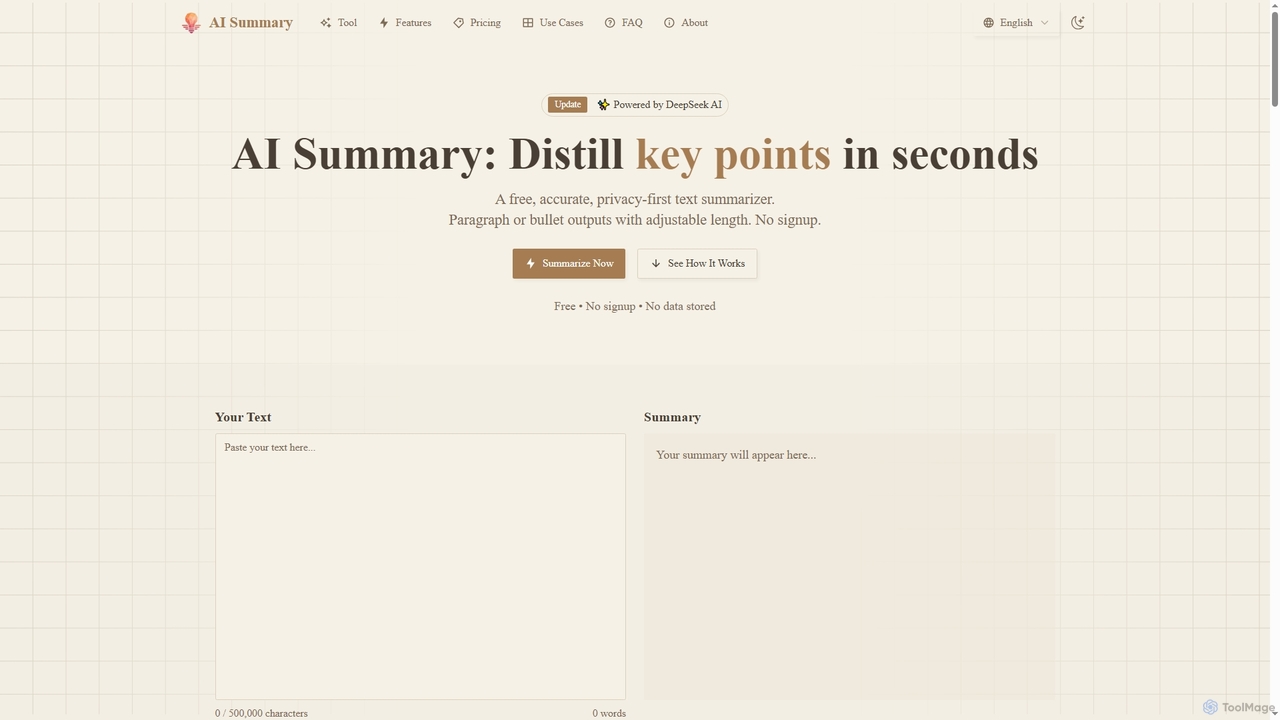
A free, privacy-first AI text summarizer powered by DeepSeek AI. It quickly condenses long articles, reports, and documents into key points. Users can customize summary length, choose between paragraph or bullet point formats, and export results to DOCX without signing up.

Research
Visits 4.2KFavorites 105Likes 123
ReRoto
Freemium

ReRoto

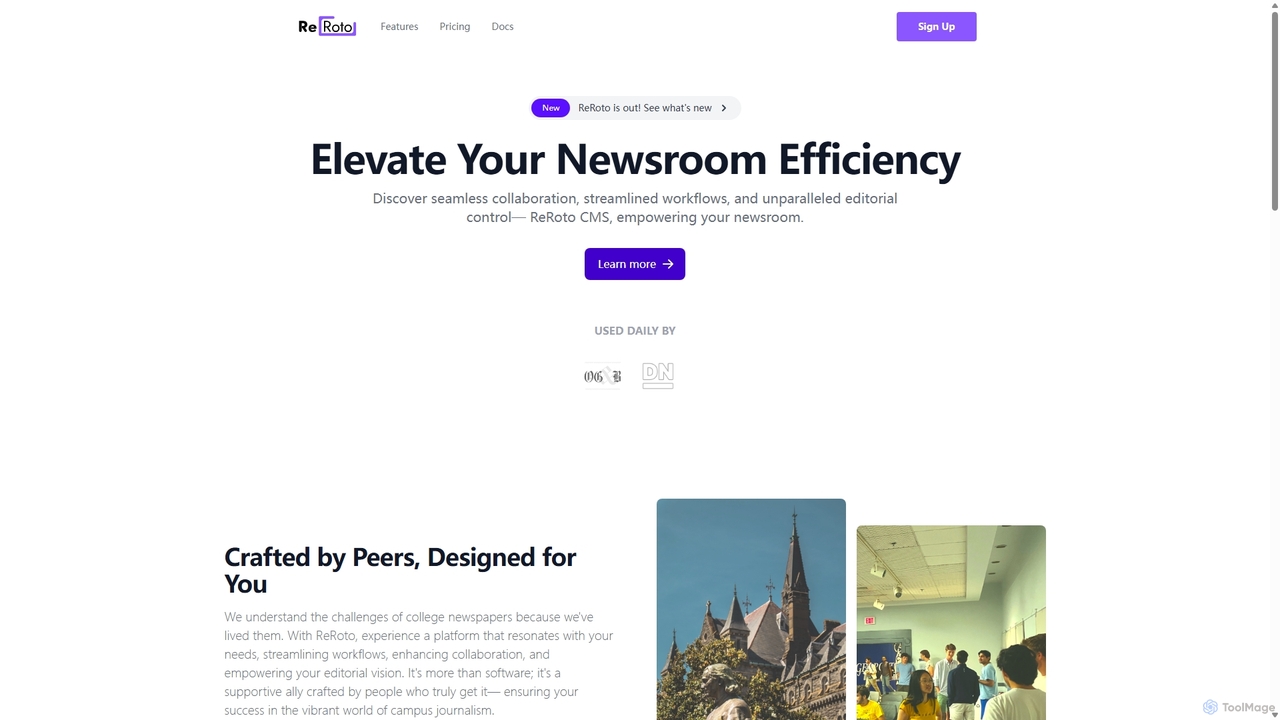
ReRoto is an AI-powered Content Management System (CMS) designed to elevate newsroom efficiency. Built by journalists for journalists, it streamlines workflows, enhances team collaboration, and provides powerful editorial tools. It features AI-assisted writing, real-time analytics, monetization options, and robust team management, making it ideal for college newspapers and professional publications seeking to optimize their content creation and audience engagement.

Content Management System
Visits 3.5KFavorites 131Likes 128
Wordscope
Freemium

Wordscope

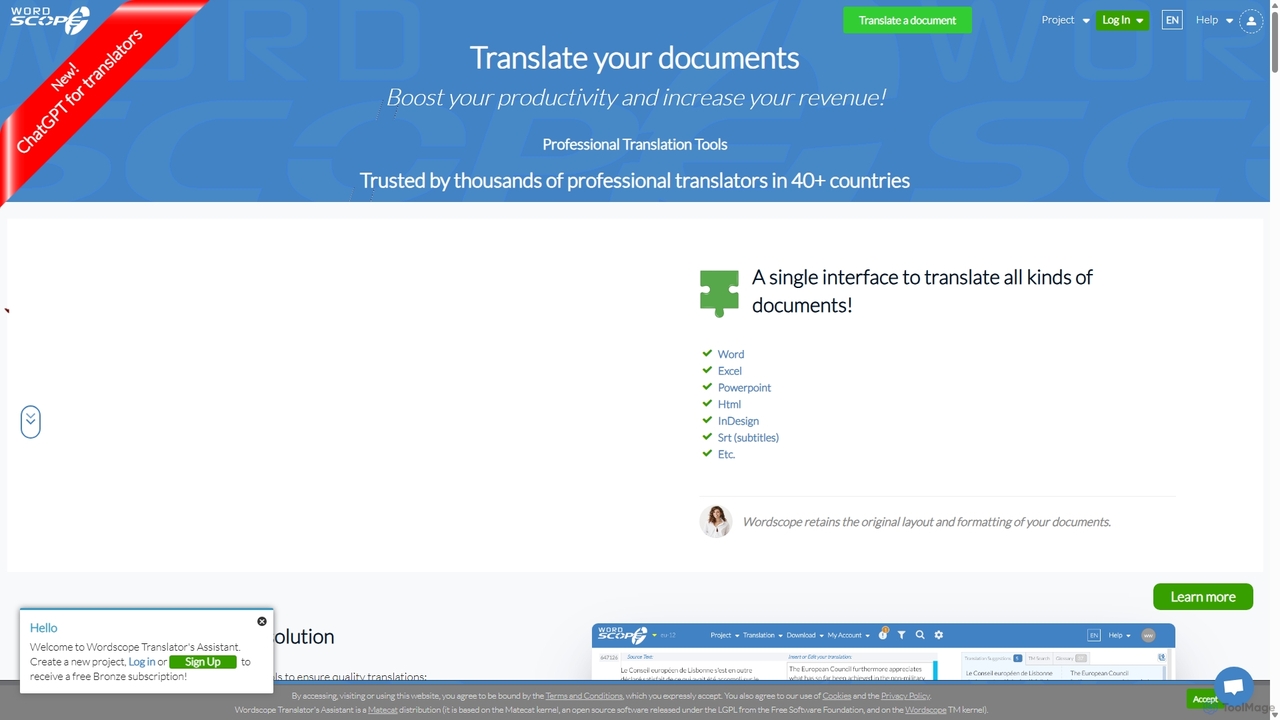
Wordscope is an all-in-one, AI-powered Computer-Assisted Translation (CAT) tool for professional translators. It boosts productivity by integrating translation memories, neural machine translation, terminology databases, and quality control features into a single web-based interface. It supports various file formats and facilitates seamless team collaboration.

Collaboration
Visits 4.2KFavorites 121Likes 123
pdfAssistant.ai
Freemium

pdfAssistant.ai

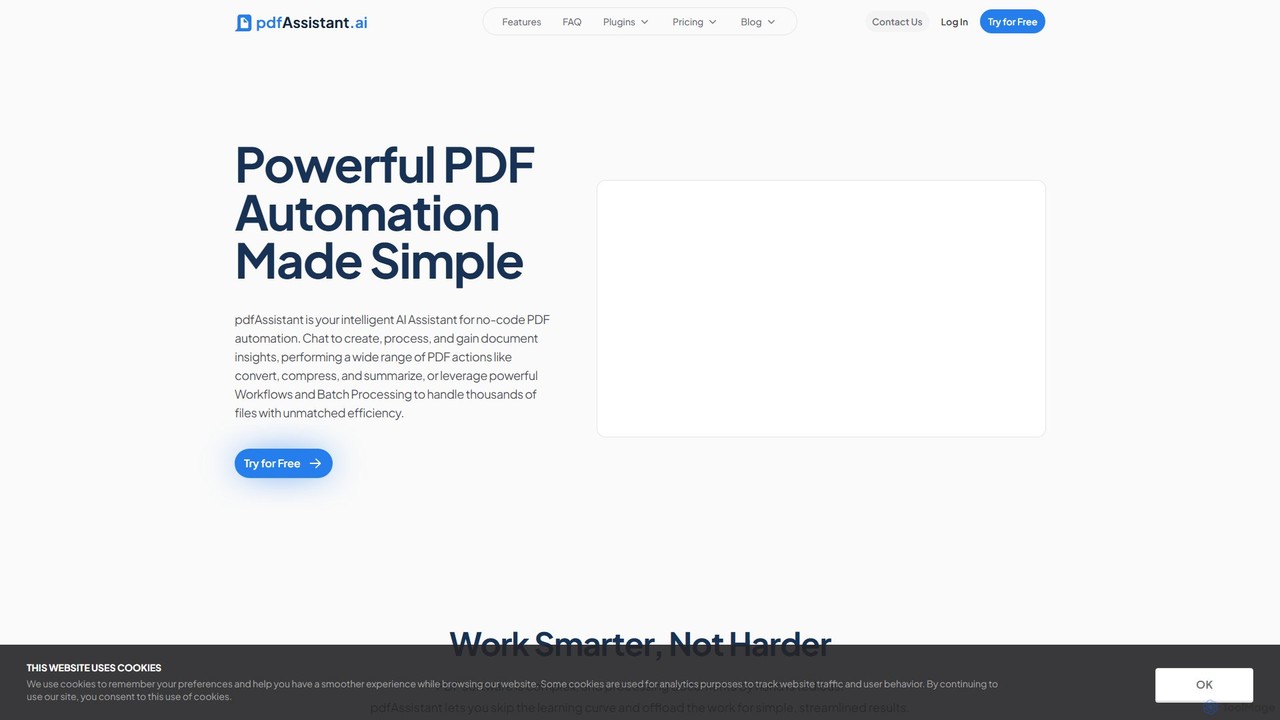
pdfAssistant.ai is an intelligent, no-code platform for PDF automation. Use its intuitive chat interface to create, convert, compress, summarize, and manage PDFs with simple natural language commands. Automate complex, multi-step tasks with Workflows and process thousands of files efficiently using Batch Processing.

Automation
Visits 56.1KFavorites 80Likes 83
Split Prompt
Free

Split Prompt

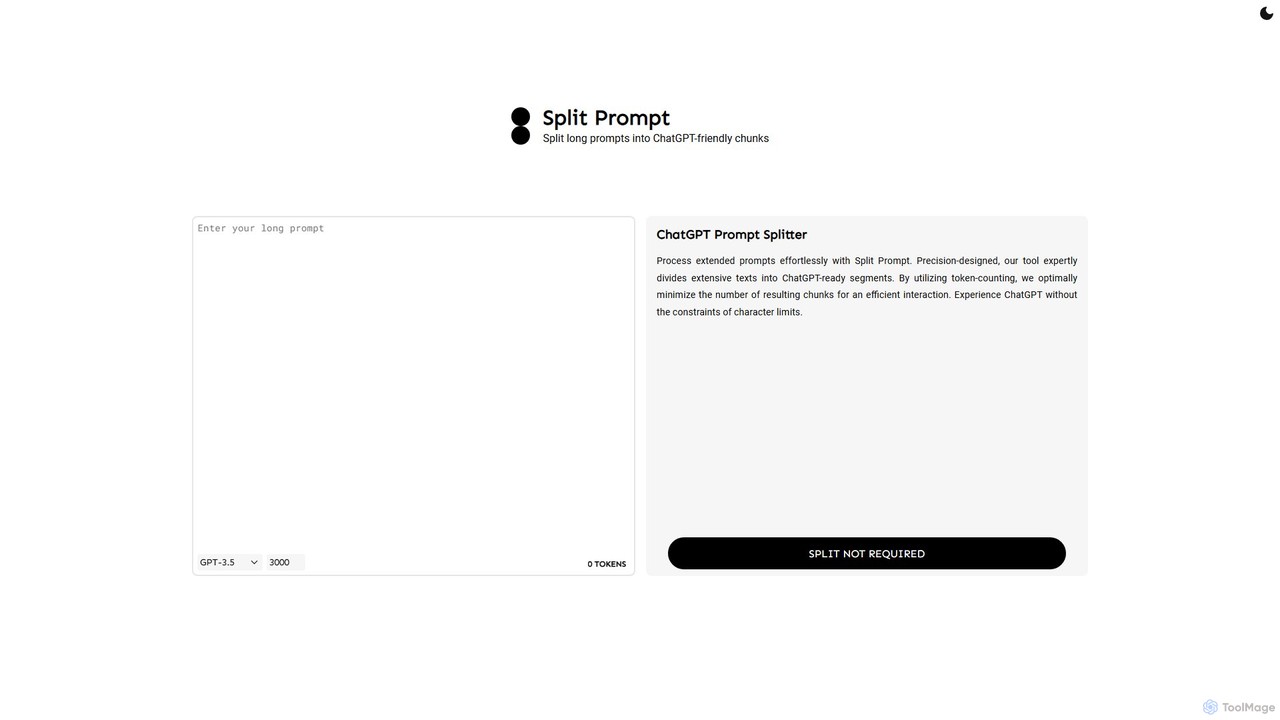
A free web tool that intelligently splits long text or prompts into smaller, manageable chunks optimized for ChatGPT and other LLMs. It uses token-counting to bypass character limits, ensuring efficient and seamless interaction with AI models.

Utilities
Visits 5.8KFavorites 129Likes 137
Editage
Paid

Editage

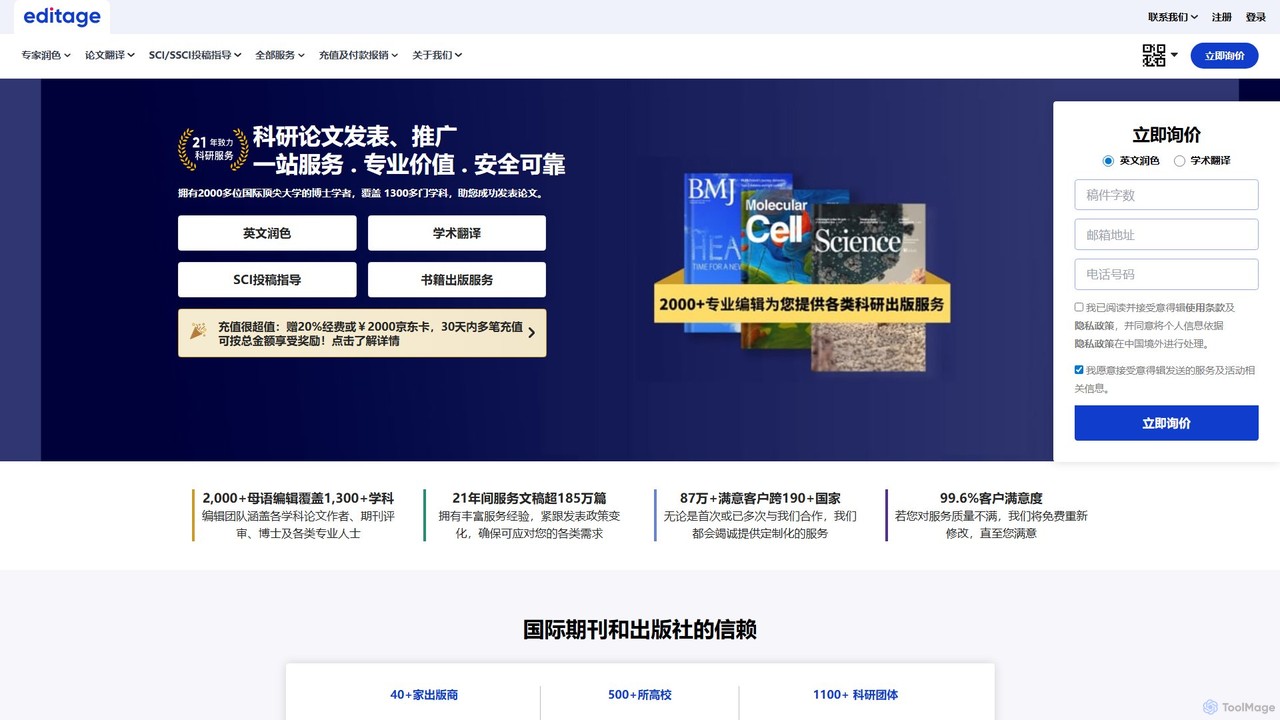
Editage is a premier academic editing and publication support service for researchers. It combines AI technology with over 2,000 subject-matter experts to provide English editing, translation, and strategic publication guidance, helping authors enhance manuscript quality and increase their chances of publication in high-impact journals.

Academic
Visits 37.3KFavorites 93Likes 92
chatgpttextformatter
Free

chatgpttextformatter

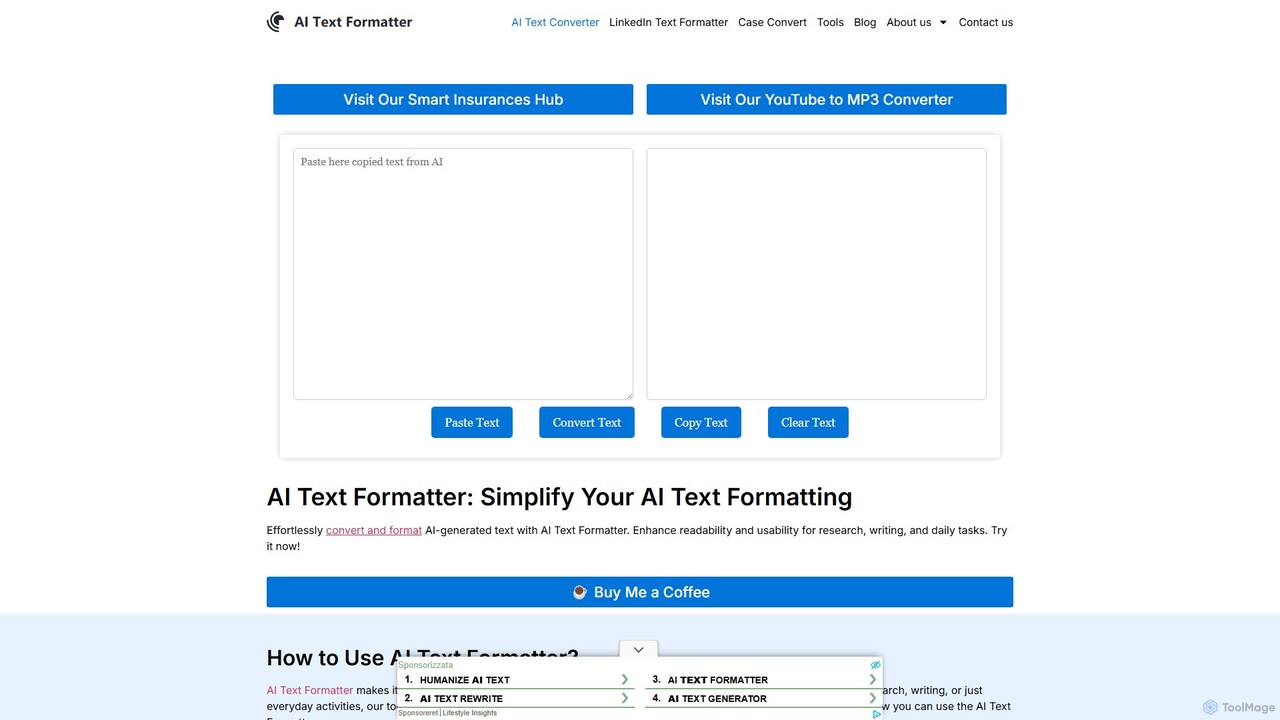
A free online tool designed to instantly clean and reformat text copied from AI chatbots like ChatGPT. It removes unwanted background colors, code block styling, and inconsistent spacing, providing clean, ready-to-use text for documents, emails, and presentations. Enhance your productivity by simplifying your AI-to-document workflow.

Text Formatting
Visits 9.1KFavorites 80Likes 82
TamLabs
Paid

TamLabs

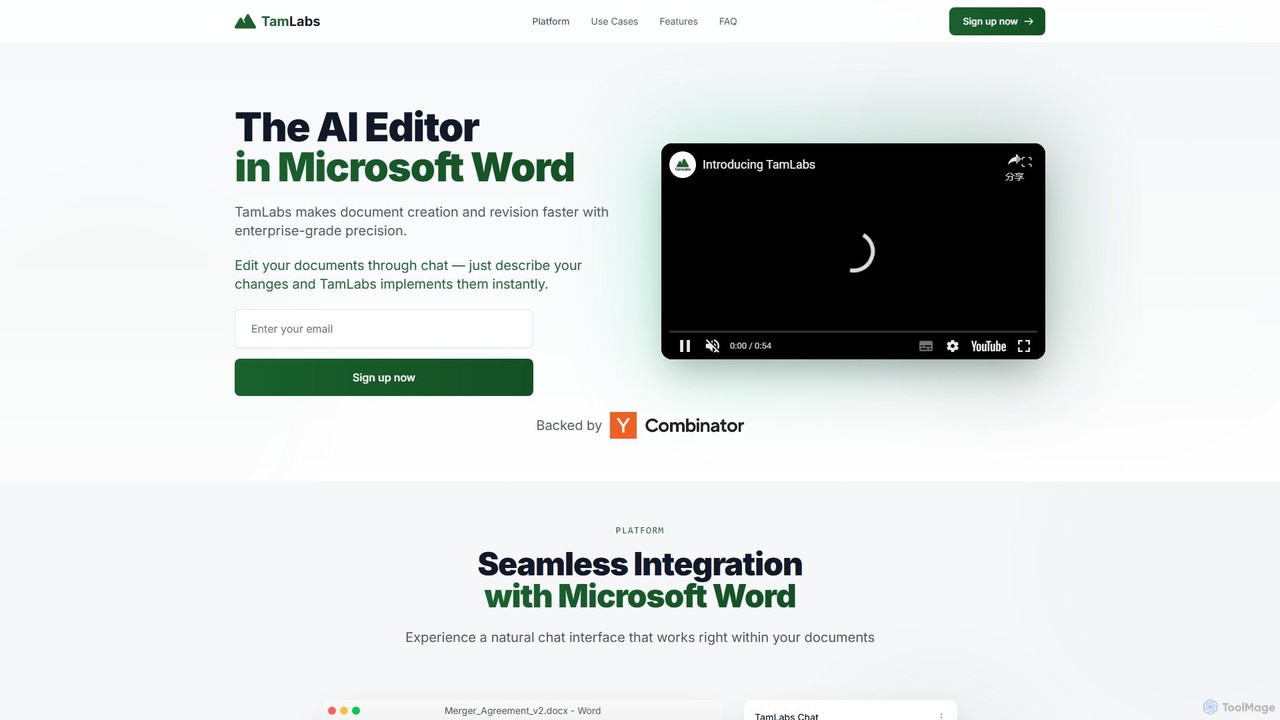
TamLabs is an AI-powered editor that integrates directly into Microsoft Word. It allows users to edit documents using natural language chat commands, streamlining the revision process with enterprise-grade precision. It's designed to accelerate document creation, enhance team collaboration, and maintain perfect formatting, saving hours of manual work for professionals and creators.

Contract Management
Visits 3.5KFavorites 101Likes 104
compar.ai
Freemium

compar.ai

compar.ai is an advanced AI-powered comparison tool designed to intelligently analyze and highlight differences between text, documents, code, and more. It goes beyond simple text matching to provide semantic and contextual comparisons, saving time for professionals in various fields.

Code Review
Visits 3.5KFavorites 90Likes 64
Manuscript AI
Paid

Manuscript AI

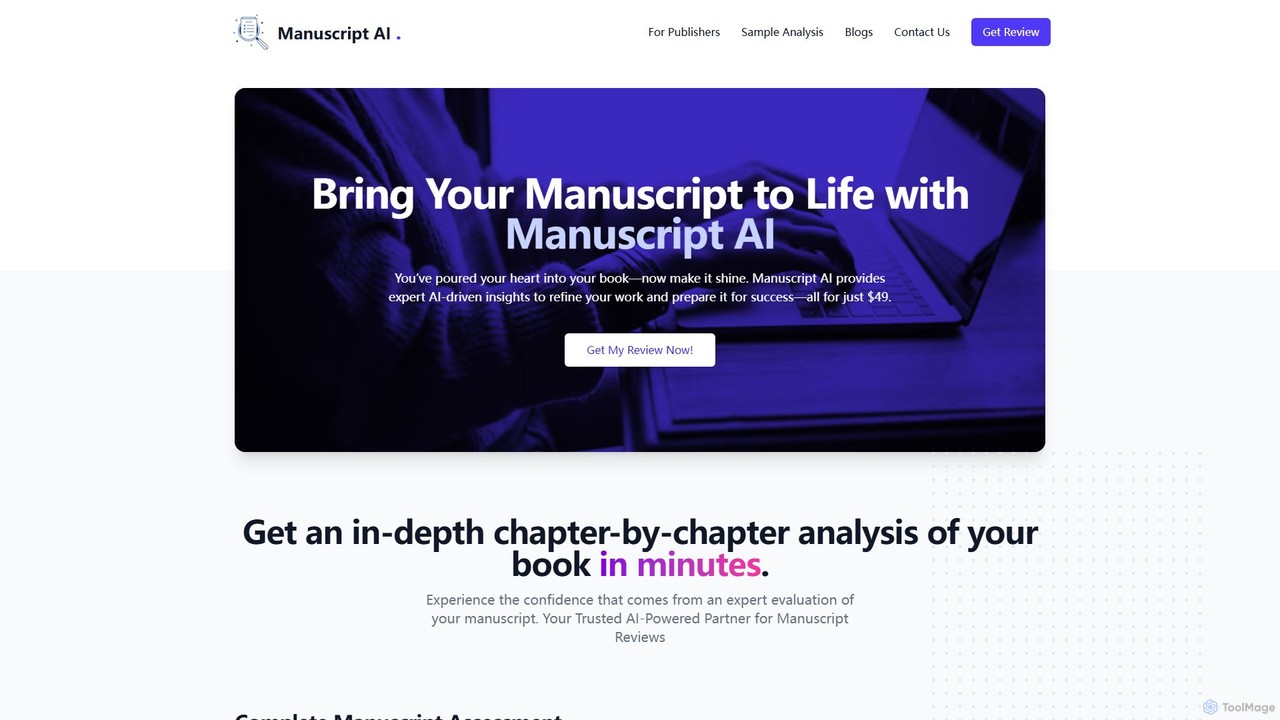
Manuscript AI is an AI-powered tool that provides authors with an in-depth, chapter-by-chapter analysis of their book manuscript in minutes. It offers unbiased feedback on structure, flow, clarity, and readability, helping writers refine their work for publication. It is particularly effective for non-fiction authors.

Author Tools
Visits 5.2KFavorites 111Likes 105
TextSummarizer
Freemium

TextSummarizer

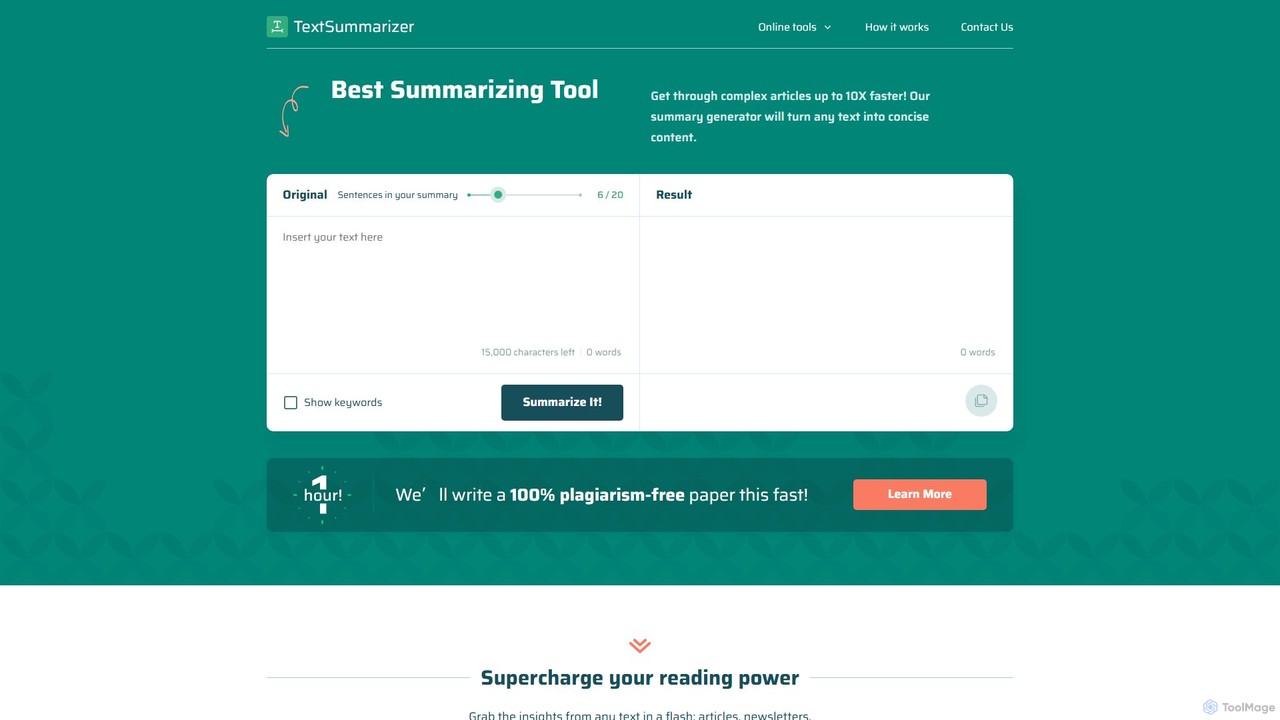
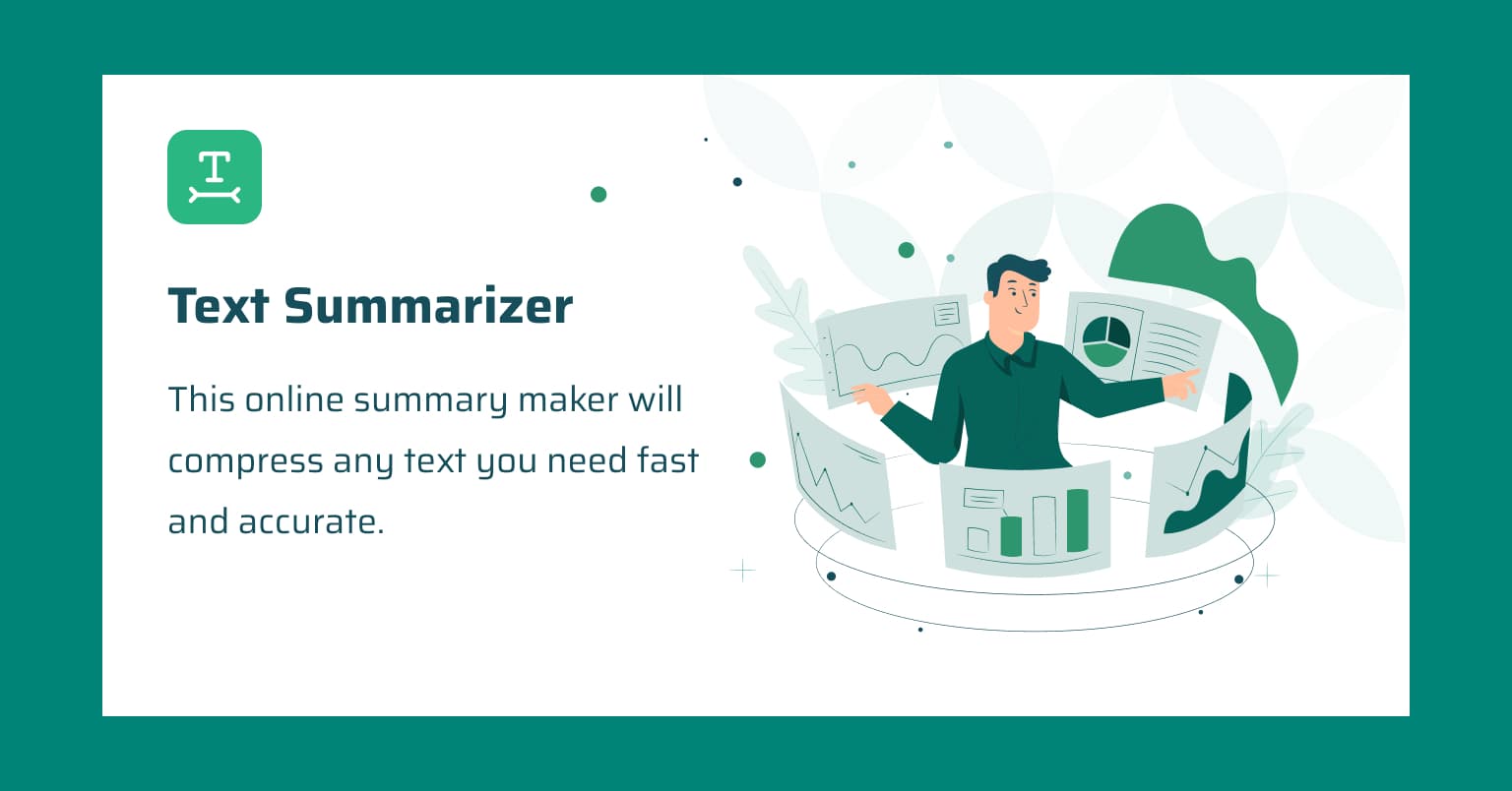
TextSummarizer is an AI-powered online tool that condenses long articles, research papers, and other texts into concise, easy-to-digest summaries. It helps users save time, improve reading efficiency, and quickly grasp the main ideas of any document without distractions.

Research
Visits 4.4KFavorites 123Likes 130
IntelliBar
Paid

IntelliBar

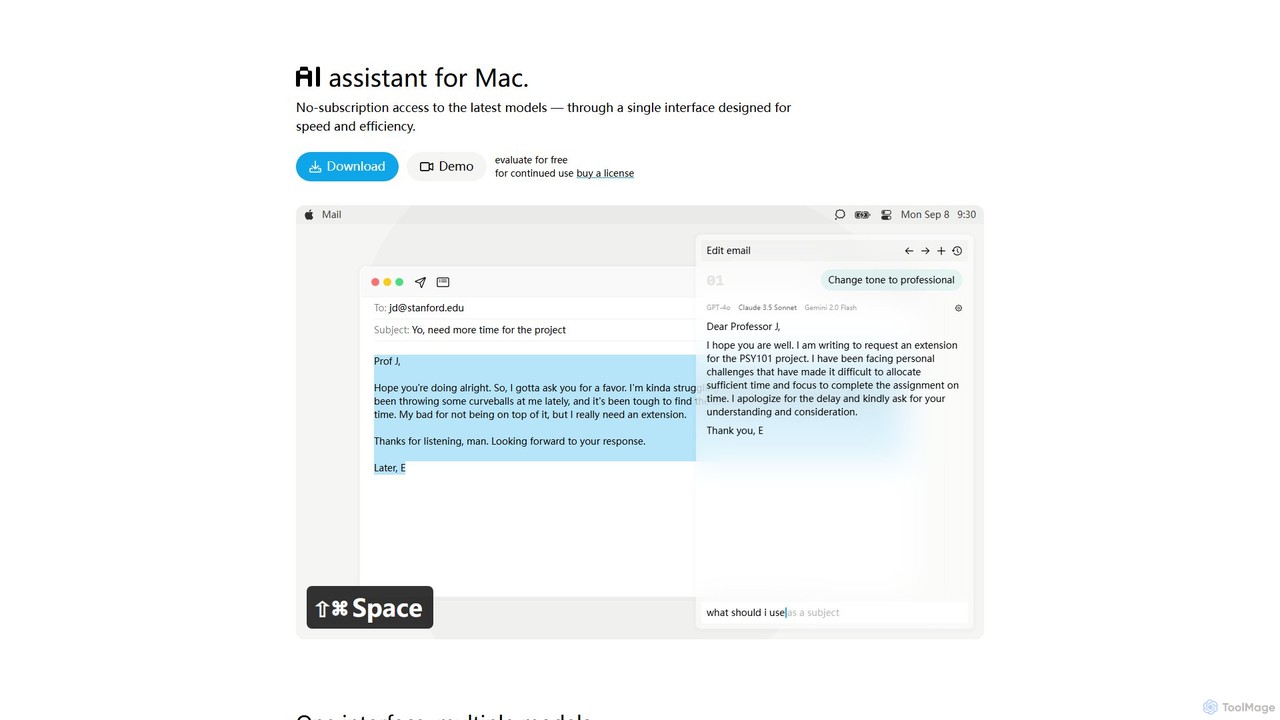
IntelliBar is a native AI assistant for Mac, providing a unified interface to access the latest large language models like GPT-4o, Claude 3.5, and Gemini, plus local models via Ollama. It focuses on speed, efficiency, and privacy, with a one-time purchase model instead of recurring subscriptions. Compare models, use powerful shortcuts, and keep your data secure on your device.

Api Management
Visits 3.6KFavorites 122Likes 111
Researcher.Life
Paid

Researcher.Life

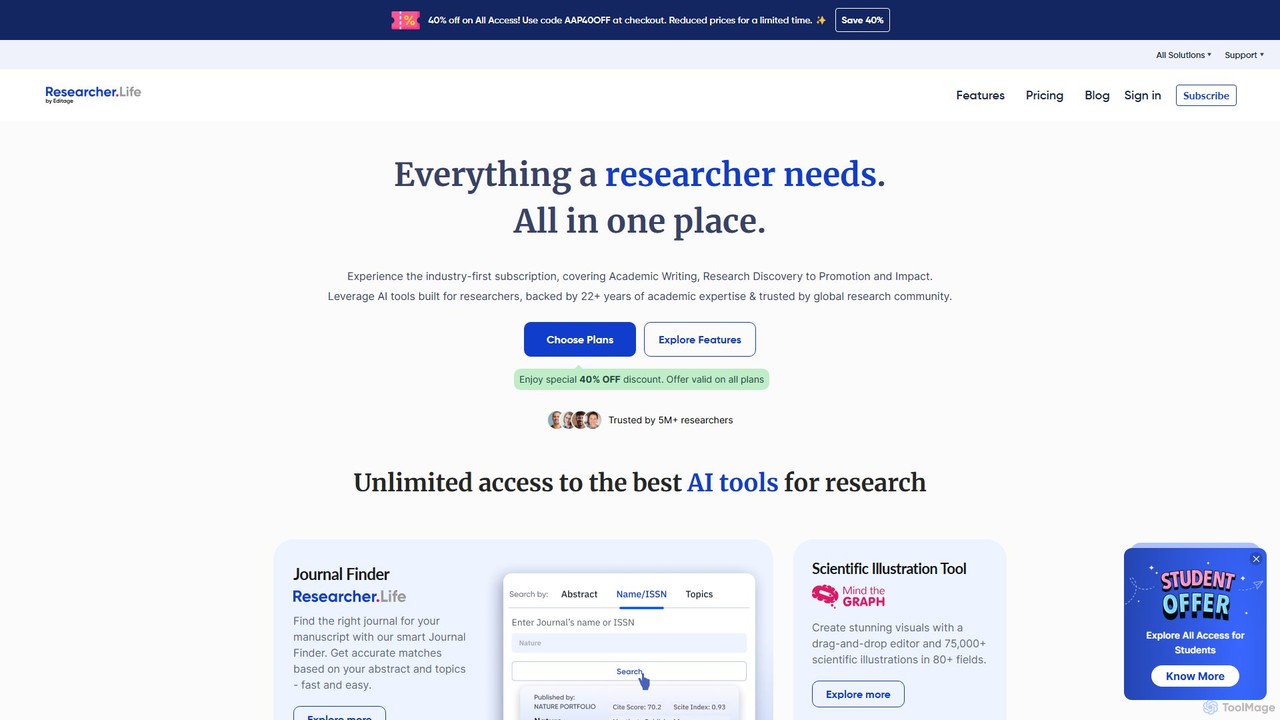
An all-in-one AI-powered platform for researchers, offering a comprehensive suite of tools for academic writing, literature discovery, journal selection, and scientific illustration. It streamlines the entire research workflow from discovery to publication.

Academic
Visits 726.3KFavorites 130Likes 122

About Editing

AI Editing tools are a category of artificial intelligence applications designed to refine and enhance written content. Leveraging advanced natural language processing (NLP) and machine learning, these tools go beyond basic spell and grammar checks to improve style, clarity, tone, and conciseness. As a crucial step in the broader writing process, AI editing ensures that text is polished, professional, and impactful for its target audience, significantly streamlining content creation workflows.

Core Features

  • Grammar & Spelling Correction: Automatically identifies and corrects grammatical errors, punctuation mistakes, and spelling inaccuracies.
  • Style & Tone Adjustment: Analyzes text for readability, suggests stylistic improvements, and helps align the tone with specific communication goals.
  • Clarity & Conciseness Enhancement: Identifies verbose sentences, jargon, and awkward phrasing, offering suggestions for clearer and more direct expression.
  • Plagiarism & Originality Check: Scans content against vast databases to detect potential plagiarism and ensure originality.
  • Readability Scoring: Provides metrics and suggestions to improve the overall readability and comprehension level of the text.

Use Cases

Content creators use AI editing to quickly polish blog posts and articles. Marketing teams apply these tools to ensure consistent brand voice across campaigns. Academic writers leverage them for proofreading and improving the clarity of research papers.

How to Choose

When selecting an AI editing tool, consider its depth of analysis (grammar vs. style vs. tone), language support, integration capabilities with existing writing platforms, and customization options for specific style guides. Evaluate the accuracy of suggestions and the ease of accepting or rejecting edits.

Featured tool rankings

Editing use cases

1

Refining Marketing Copy for Brand Consistency

A marketing specialist needs to ensure all promotional materials, from social media posts to ad copy, adhere to the company's strict brand voice and style guide. AI editing tools analyze the text for tone, vocabulary, and sentence structure, suggesting modifications to maintain consistency across all channels. This saves hours of manual review and ensures a unified brand message.

2

Enhancing Clarity and Impact of Business Reports

A business analyst prepares complex reports for stakeholders and needs to ensure the information is presented clearly and concisely. AI editing tools identify jargon, passive voice, and overly long sentences, proposing simpler alternatives. This helps make technical information more accessible and impactful, improving decision-making speed.

3

Proofreading Academic Papers and Research Articles

An academic researcher requires meticulous proofreading for their journal submissions to avoid errors that could undermine credibility. AI editing tools catch subtle grammatical mistakes, punctuation errors, and stylistic inconsistencies that human eyes might miss. This ensures the final manuscript is flawless and professional, increasing the chances of publication.

4

Optimizing Blog Posts for Readability and Engagement

A content creator aims to produce engaging blog posts that are easy for a broad audience to read and understand. AI editing tools provide readability scores, suggest simpler vocabulary, and break down complex sentences. This helps improve user experience, reduce bounce rates, and potentially boost SEO by making content more accessible.

5

Streamlining Email Communication for Professionalism

Professionals often draft numerous emails daily and need to ensure they are clear, polite, and error-free. AI editing tools offer real-time suggestions for grammar, spelling, and tone, helping to craft professional and effective communications. This reduces misinterpretations and enhances the sender's credibility.

6

Adapting Content for Different Audiences and Platforms

A social media manager needs to repurpose long-form content into concise, platform-specific posts while maintaining the core message. AI editing tools can help summarize, rephrase, and adjust the tone of the original text to fit the character limits and audience expectations of platforms like Twitter, LinkedIn, or Instagram, maximizing content reach.

Editing FAQ

What are AI Editing tools?

AI Editing tools are software applications that use artificial intelligence, primarily natural language processing (NLP), to analyze and improve written text. They go beyond basic spell and grammar checks to offer suggestions for style, clarity, tone, conciseness, and overall readability. Their core purpose is to help users refine their content to be more effective and professional.

How do AI Editing tools differ from traditional grammar checkers?

Traditional grammar checkers primarily focus on identifying and correcting basic grammatical errors, spelling mistakes, and punctuation issues based on predefined rules. AI Editing tools, however, leverage advanced machine learning to understand context, suggest stylistic improvements, adjust tone, enhance clarity, and even check for plagiarism, offering a much deeper and more nuanced level of content refinement.

Who benefits most from using AI Editing tools?

A wide range of users benefits from AI Editing tools. This includes content creators, marketers, academic writers, students, business professionals, and anyone who regularly produces written content. They are particularly useful for those who need to ensure high-quality, error-free, and impactful communication across various platforms and audiences, saving significant time in the revision process.

Can AI Editing tools replace human editors?

While AI Editing tools are highly effective at catching errors and suggesting improvements, they are best viewed as powerful assistants rather than replacements for human editors. AI excels at identifying patterns and applying rules, but human editors bring nuanced understanding of context, creativity, cultural sensitivity, and subjective judgment that AI currently cannot fully replicate. The best approach often involves using AI for initial refinement, followed by human review for final polish.

What should I consider when integrating AI Editing into my workflow?

When integrating AI Editing tools, consider their compatibility with your existing writing software (e.g., word processors, content management systems), the specific types of improvements you need (e.g., grammar, style, tone, plagiarism), and the learning curve. Also, evaluate the tool's ability to adapt to your personal or brand's style guide and ensure that its suggestions align with your communication goals. Start by using it for initial drafts and gradually incorporate it into your full editing process.