

chatgpttextformatter Overview
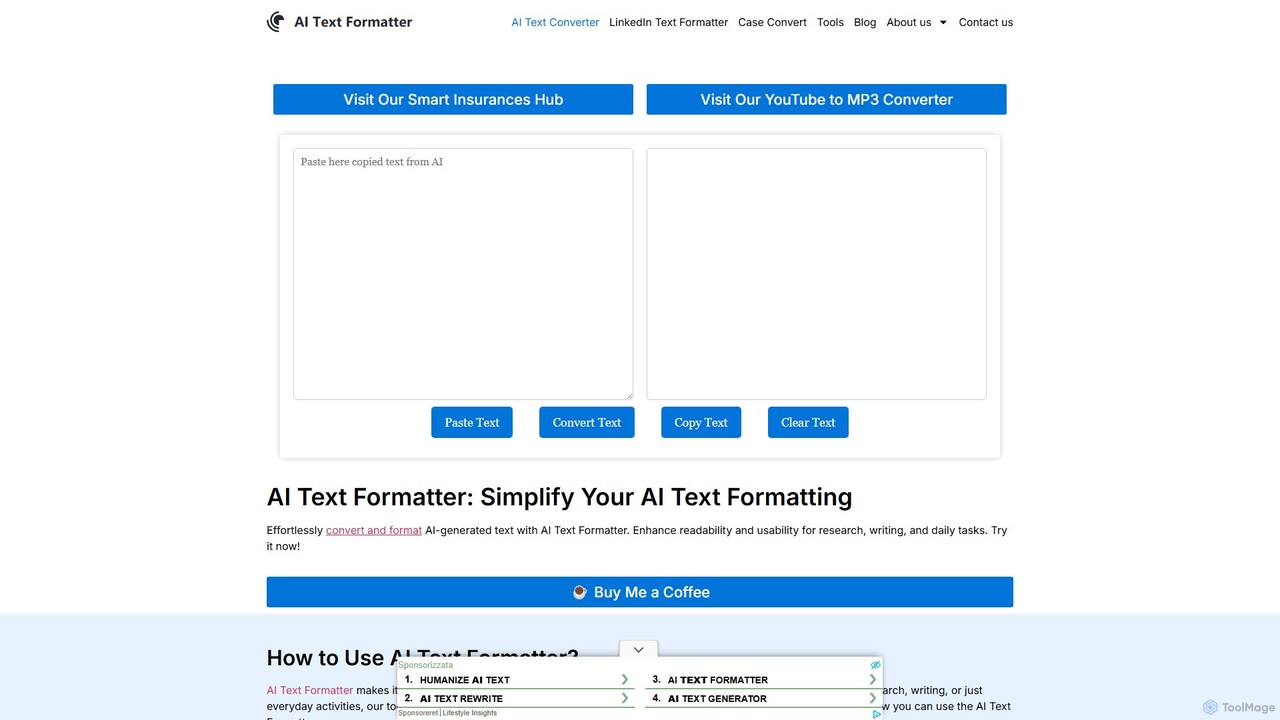
chatgpttextformatter is a simple yet powerful online utility designed to solve a common frustration for users of AI language models like ChatGPT: messy formatting. When you copy text from these AI interfaces, it often comes with unwanted background colors, code block styling, and inconsistent spacing. This tool acts as an essential bridge, instantly cleaning and reformatting your text, making it perfect for pasting into any application, from word processors to email clients.
The tool is built for efficiency, offering a straightforward, two-panel interface. You paste your raw, AI-generated text on the left, click a single button, and immediately receive clean, well-structured text on the right. It intelligently removes distracting visual elements while preserving the core structure of your content, such as paragraphs, lists, and line breaks. This ensures that the final output is not only clean but also maintains its intended layout and readability, saving you valuable time on manual edits.
How to use chatgpttextformatter
Using the tool is an incredibly simple process designed to fit seamlessly into your workflow. Follow these steps to get perfectly formatted text every time:
- Generate and Copy Text from AI: First, generate the desired text from your AI tool (like ChatGPT). Use the platform's built-in 'Copy' button to ensure all formatting data is captured correctly. Avoid manual highlighting and copying.
- Paste into the Formatter: Navigate to the chatgpttextformatter website and paste the copied text into the left-hand input box. The interface is designed for easy pasting.
- Convert the Text: Click the 'Convert' button located between the two text boxes. The tool will instantly process the text.
- Copy the Cleaned Text: The perfectly formatted, clean text will appear in the right-hand output box. Click the 'Copy' button next to this box to copy the result to your clipboard.
- Paste and Use Anywhere: You can now paste the clean text into any application you need—Microsoft Word, Google Docs, an email, a PowerPoint presentation, or a content management system (CMS). The text will be free of any unwanted styling.
Core Features of chatgpttextformatter
- One-Click Formatting: Instantly cleans and reformats text with a single click of the 'Convert' button.
- Style Removal: Automatically strips away common unwanted formatting, including grey background boxes, code block styles, and inconsistent font properties.
- Structure Preservation: Intelligently retains essential formatting like paragraphs, bullet points, numbered lists, and line breaks.
- Side-by-Side Comparison: The dual-panel layout allows you to see the original and the formatted text simultaneously, making it easy to verify the result.
- No Sign-Up Required: The tool is completely free to use and does not require any registration or personal information.
- Cross-Platform Compatibility: The output text is standard plain text, ensuring it can be pasted into virtually any application on any operating system without issues.
Use Cases for chatgpttextformatter
This tool is valuable for a wide range of users who rely on AI-generated content:
- Students and Researchers: Quickly clean up AI-generated summaries, explanations, or research notes for inclusion in academic papers, essays, and study guides.
- Content Creators and Marketers: Streamline the process of drafting blog posts, social media updates, and email newsletters. Format AI-generated drafts before publishing them in a CMS like WordPress or sending them via marketing platforms.
- Business Professionals: Prepare AI-generated text for corporate reports, presentations, and internal communications, ensuring a professional and consistent look.
- Developers: Strip formatting from AI-generated code snippets to paste them cleanly into an IDE or documentation without style conflicts.
- General Users: Anyone using AI for daily tasks like drafting emails or creating lists can use this tool to ensure their text is clean and easy to read before sharing.
Advantages of chatgpttextformatter
Integrating this tool into your workflow offers several key benefits:
- Enhanced Productivity: Drastically reduces the time and effort spent on manually cleaning up text, allowing you to focus on the content itself.
- Improved Professionalism: Ensures all your documents and communications have a clean, consistent, and professional appearance.
- Seamless Workflow: Acts as a simple, reliable intermediary step between AI content generation and its final use.
- Completely Free: The tool is available at no cost, making it accessible to everyone. It is supported by voluntary donations.
- Privacy-Friendly: As a client-side tool, it processes text directly in your browser, ensuring your data is not stored or shared.
Pricing and Plans
chatgpttextformatter is completely free to use. There are no subscription fees, usage limits, or hidden costs. The service is maintained through the support of its user community via voluntary donations. If you find the tool useful, you can support its continued development through the 'Buy Me a Coffee' link on the website.
Traffic
Latest traffic
Status
Monthly traffic trend
- 2025-9: 14.7K
- 2026-1: 7.9K
- 2026-2: 4.9K
- 2026-3: 4.9K
- 2026-4: 3.3K
- 2026-5: 5.5K
Geography
Top 5 countries / regions
- 🇺🇸United States61.8%
- 🇮🇳India18.9%
- 🇩🇪Germany12.4%
- 🇮🇹Italy7.0%
Top keywords
| Keyword | Cost per click |
|---|---|
| ai text formatter | $0.24 |
| chat gpt copy format | $0.00 |
| chatgpt text alignment | $0.00 |
| chatgpt text formatter | $0.00 |
| text formatter | $2.44 |
chatgpttextformatter Alternatives
Split Prompt
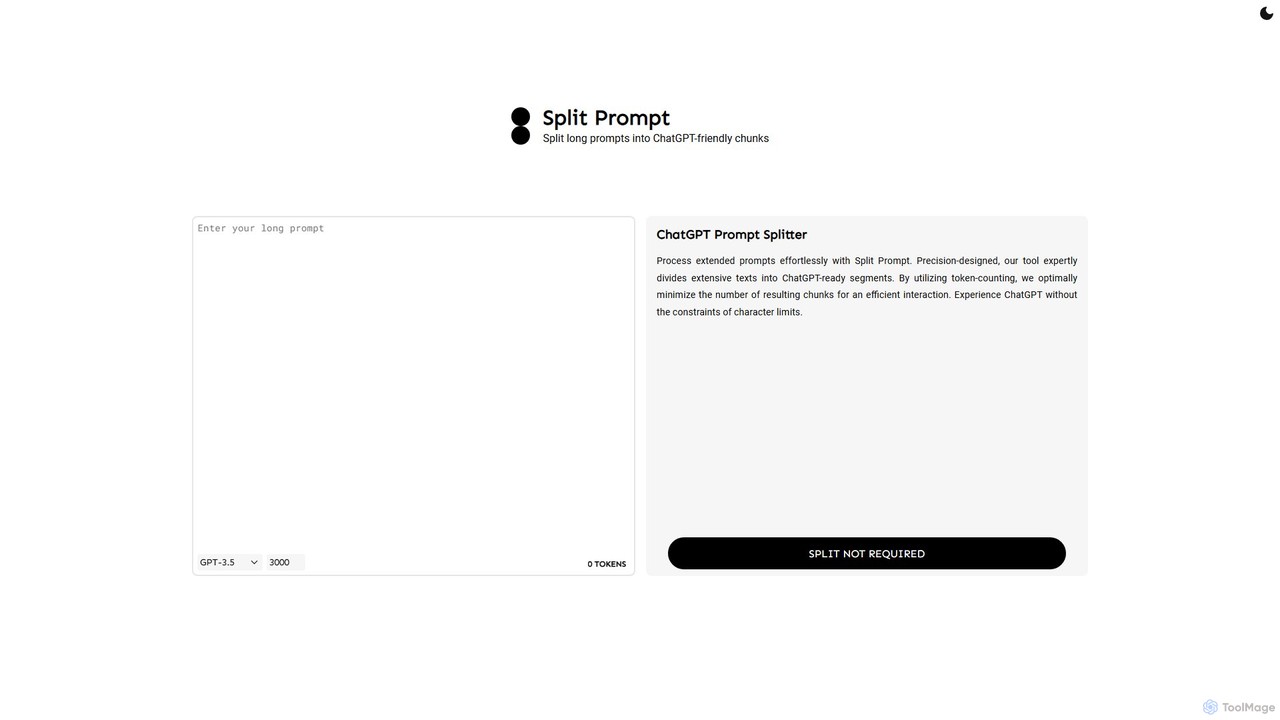
A free web tool that intelligently splits long text or prompts into smaller, manageable chunks optimized for ChatGPT and other LLMs. It uses token-counting to bypass character limits, ensuring efficient and seamless interaction with AI models.
Utilities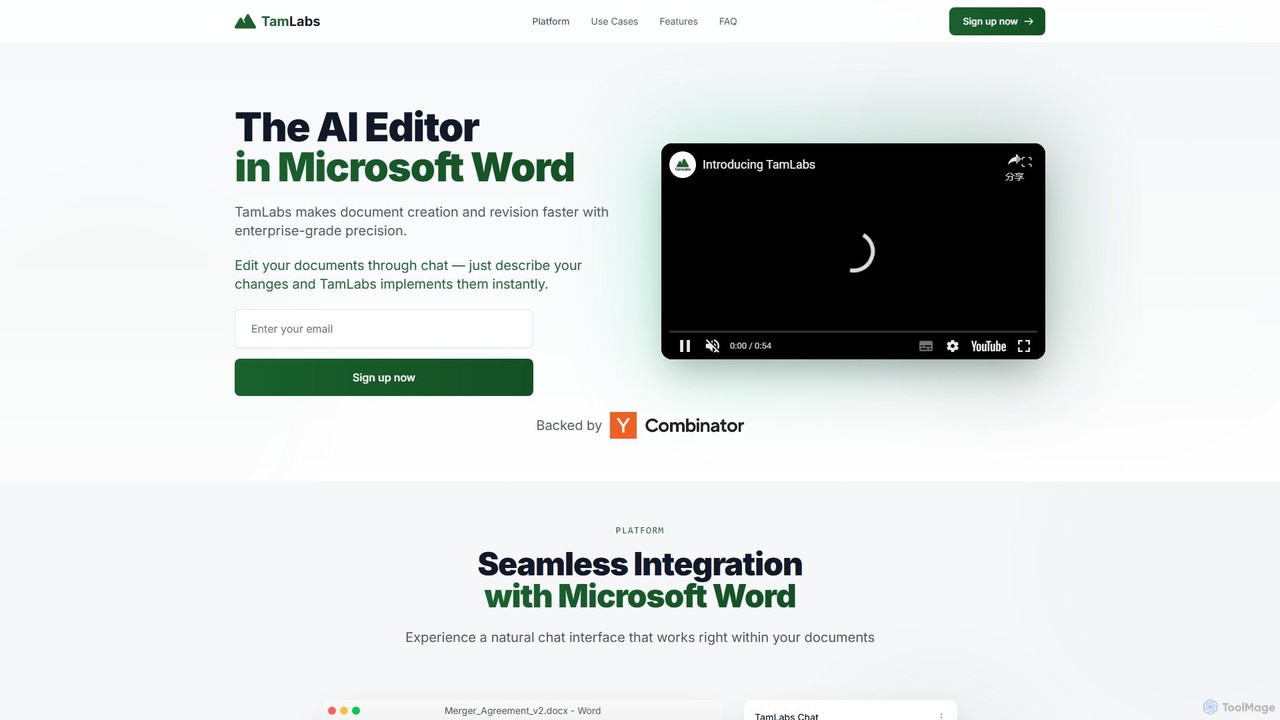
TamLabs
TamLabs is an AI-powered editor that integrates directly into Microsoft Word. It allows users to edit documents using natural language chat commands, streamlining the revision process with enterprise-grade precision. It's designed to accelerate document creation, enhance team collaboration, and maintain perfect formatting, saving hours of manual work for professionals and creators.
Contract Management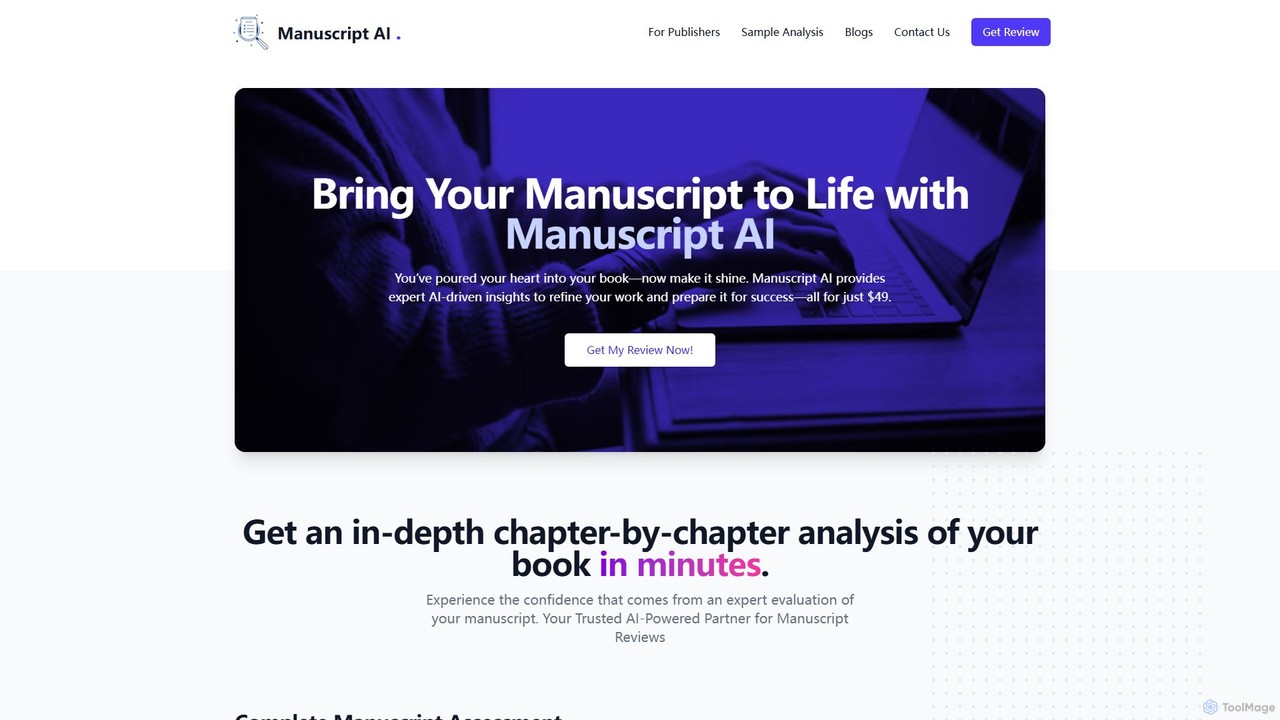
Manuscript AI
Manuscript AI is an AI-powered tool that provides authors with an in-depth, chapter-by-chapter analysis of their book manuscript in minutes. It offers unbiased feedback on structure, flow, clarity, and readability, helping writers refine their work for publication. It is particularly effective for non-fiction authors.
Author Tools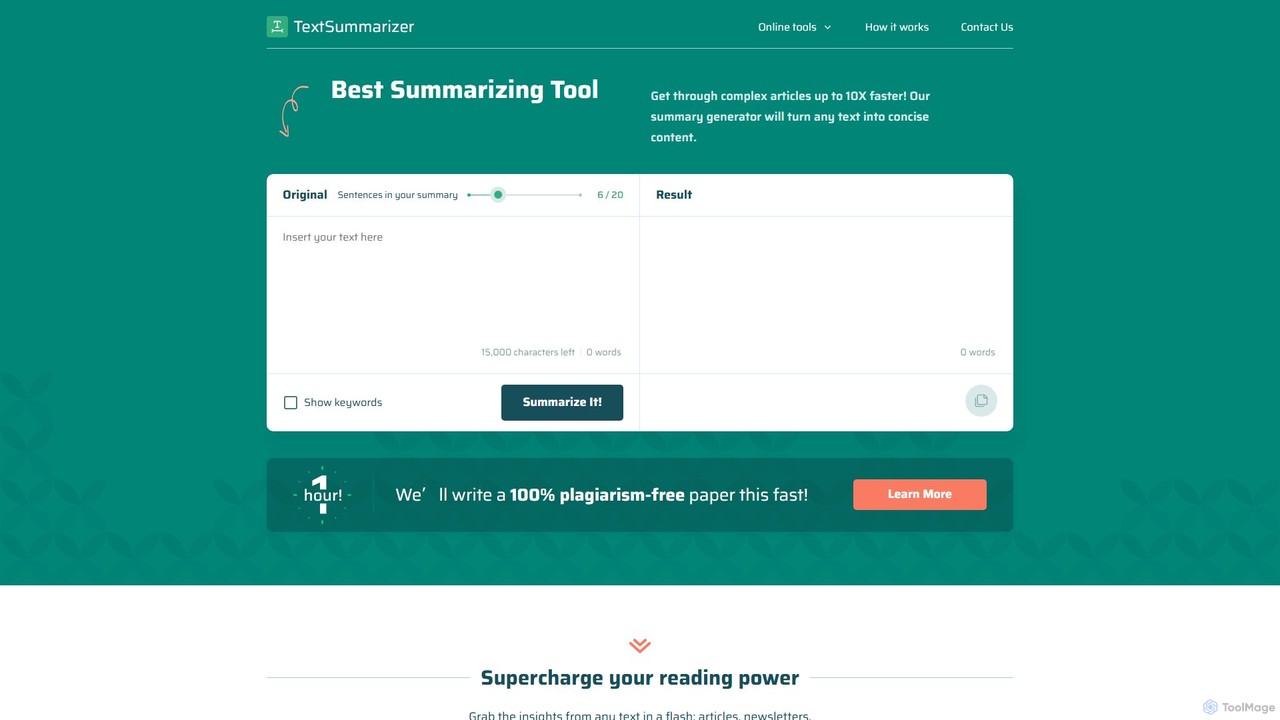
TextSummarizer
TextSummarizer is an AI-powered online tool that condenses long articles, research papers, and other texts into concise, easy-to-digest summaries. It helps users save time, improve reading efficiency, and quickly grasp the main ideas of any document without distractions.
Research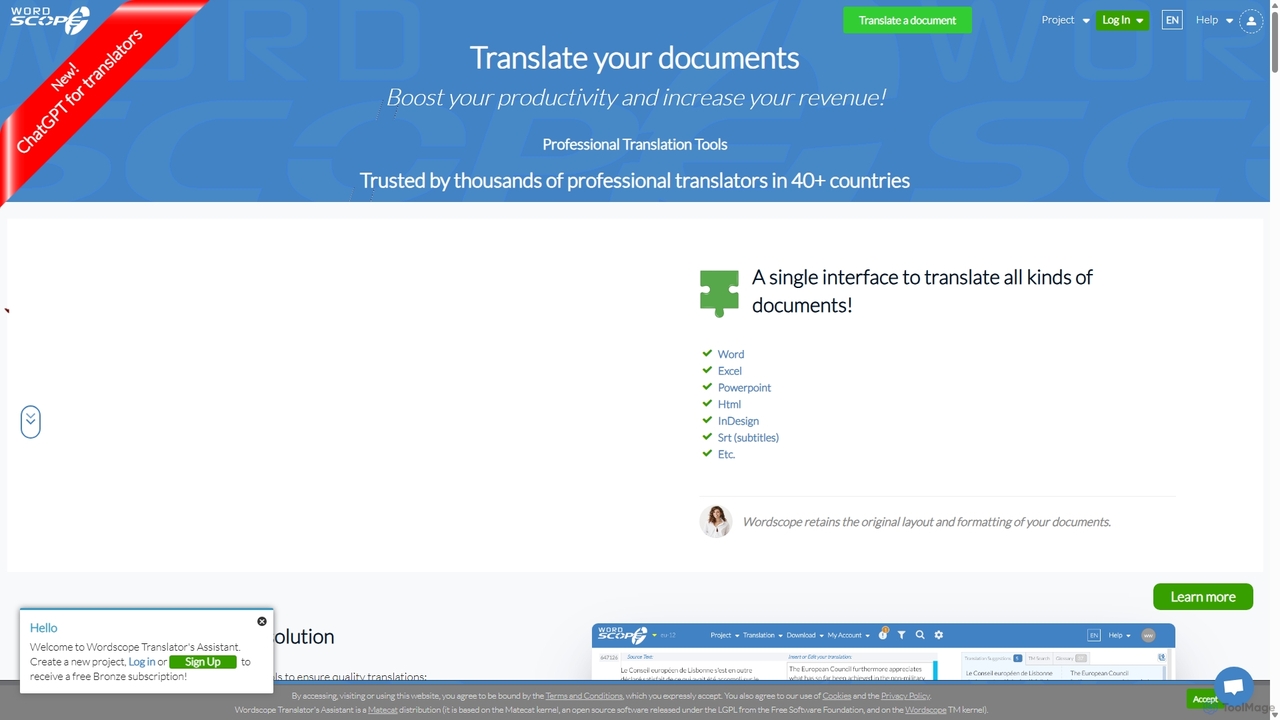
Wordscope
Wordscope is an all-in-one, AI-powered Computer-Assisted Translation (CAT) tool for professional translators. It boosts productivity by integrating translation memories, neural machine translation, terminology databases, and quality control features into a single web-based interface. It supports various file formats and facilitates seamless team collaboration.
Collaborationchatgpttextformatter Categories
chatgpttextformatter Embed Widget
Copy this embed code to place the badge on your blog, article, or product site and send readers directly to this ToolMage detail page.

Related AI tools
Split Prompt
A free web tool that intelligently splits long text or prompts into smaller, manageable chunks optimized for ChatGPT and other LLMs. It uses token-counting to bypass character limits, ensuring efficient and seamless interaction with AI models.
Utilities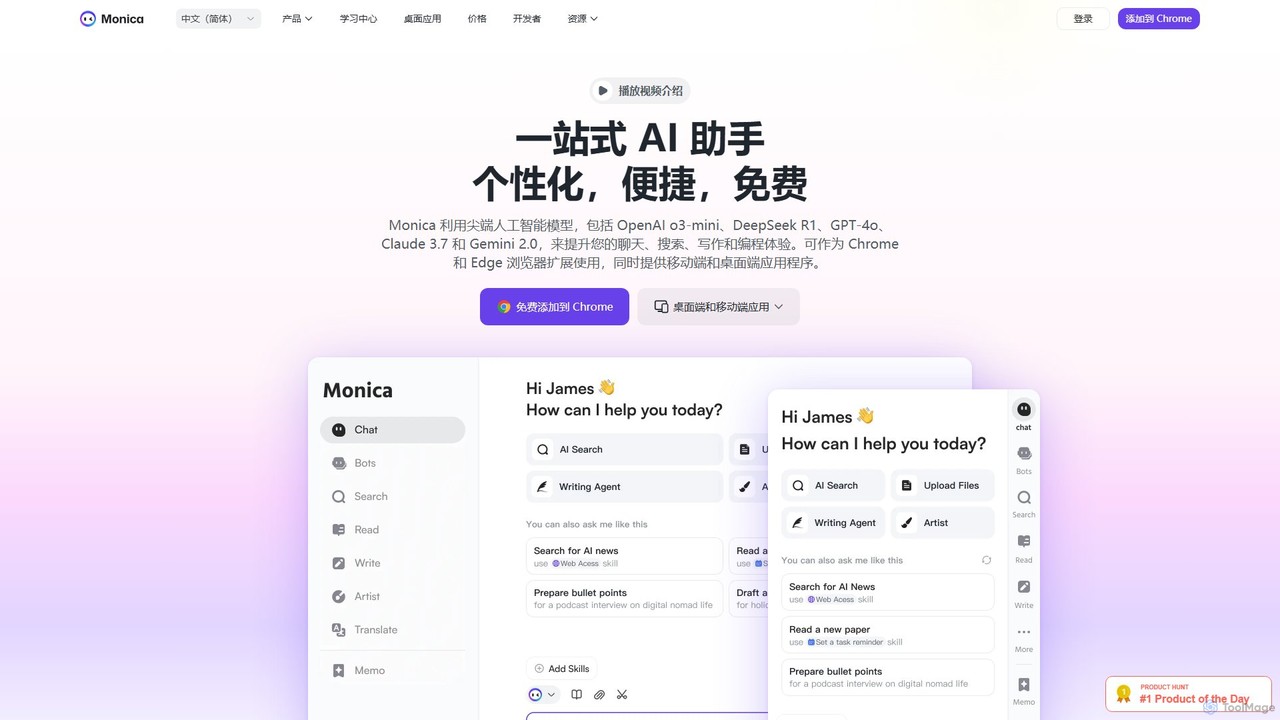
Monica
Monica is an all-in-one AI assistant powered by leading models like GPT-4o, Claude 3.7, and Gemini 1.5. It integrates seamlessly into your workflow as a browser extension, desktop, and mobile app, offering features for chat, search, writing, translation, and image creation to boost productivity.
Chrome Extensions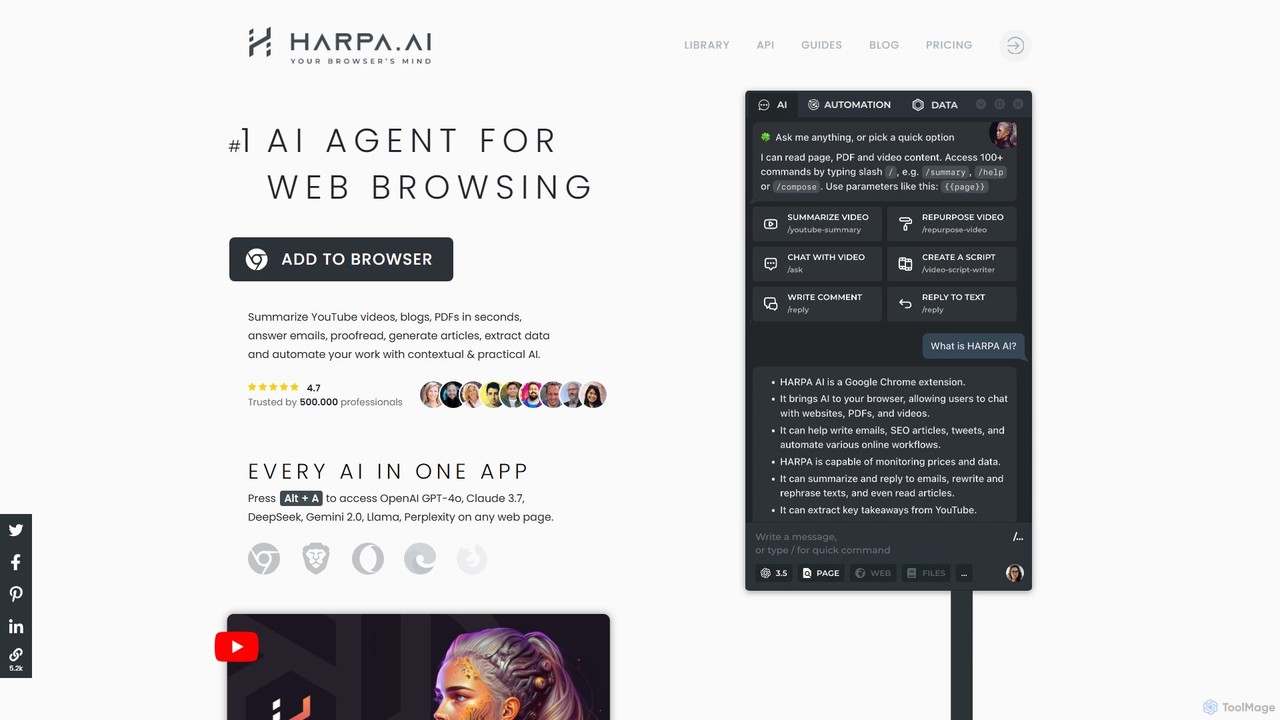
HARPA AI
HARPA AI is an all-in-one AI browser agent that integrates ChatGPT, Claude, Gemini, and more directly into your browser. It automates web tasks, summarizes content, drafts emails, extracts data, and enhances productivity with over 100 pre-built, page-aware commands. It functions as a versatile copilot for browsing, research, and automation.
Automation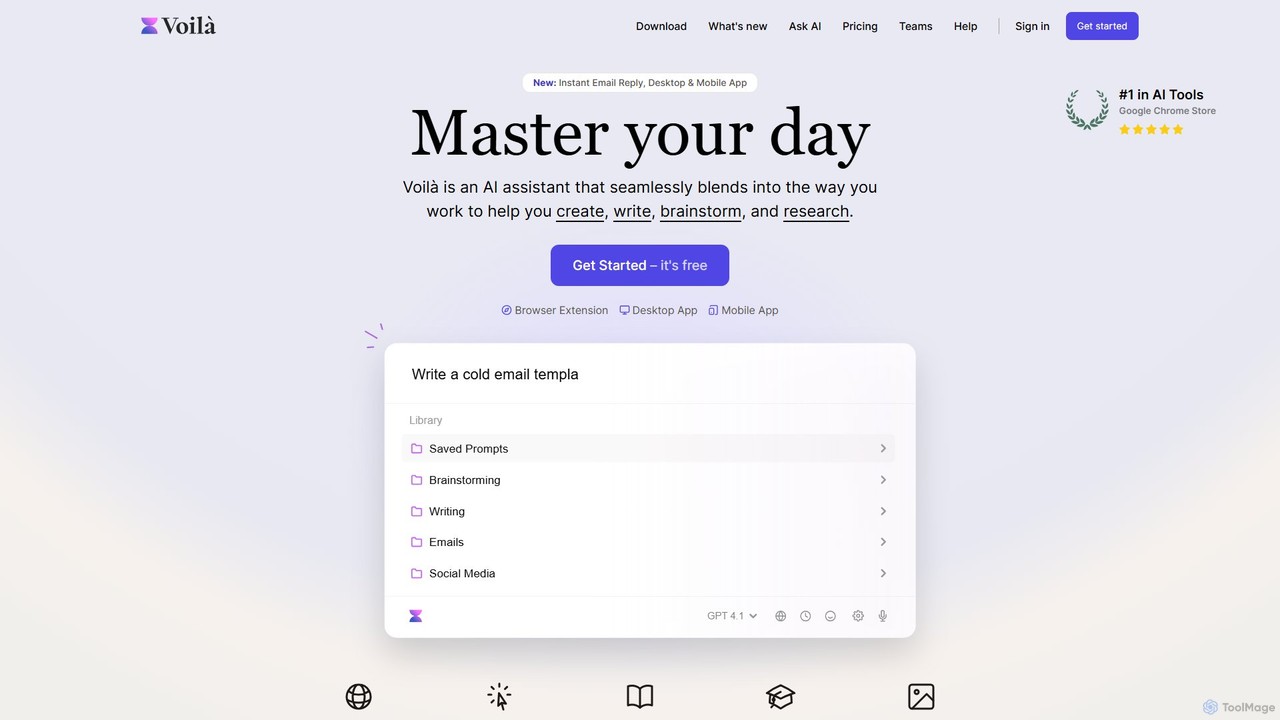
Voilà
Voilà is an all-in-one AI assistant designed to maximize productivity. It functions as a browser extension, desktop, and mobile app, seamlessly integrating into your workflow to help with writing, brainstorming, research, and content creation. It works on any website or app, understanding the context to provide relevant assistance.
Content Creation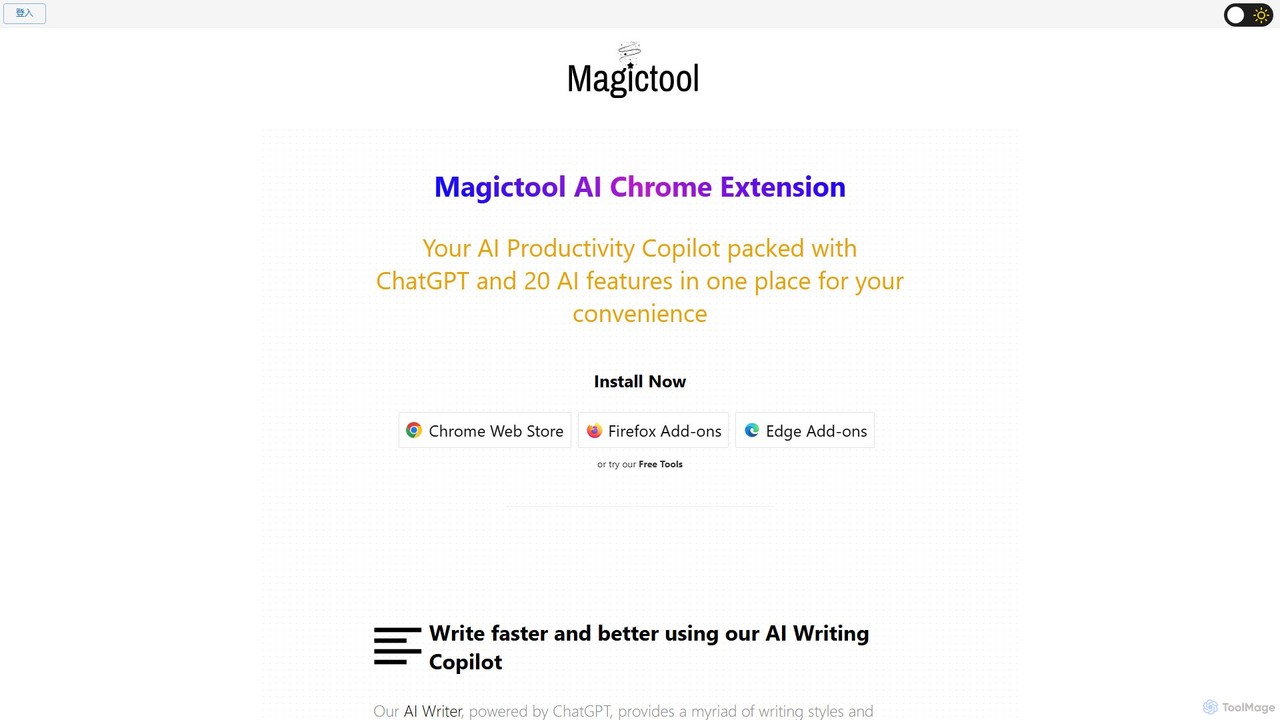
Magic Tool AI
Magic Tool AI is an all-in-one productivity browser extension that integrates ChatGPT and over 20 AI features. It acts as your personal copilot, helping you write better and faster, summarize YouTube videos and articles, chat with PDFs, scrape web data, generate images, and much more, all within your browser.
Browser Extension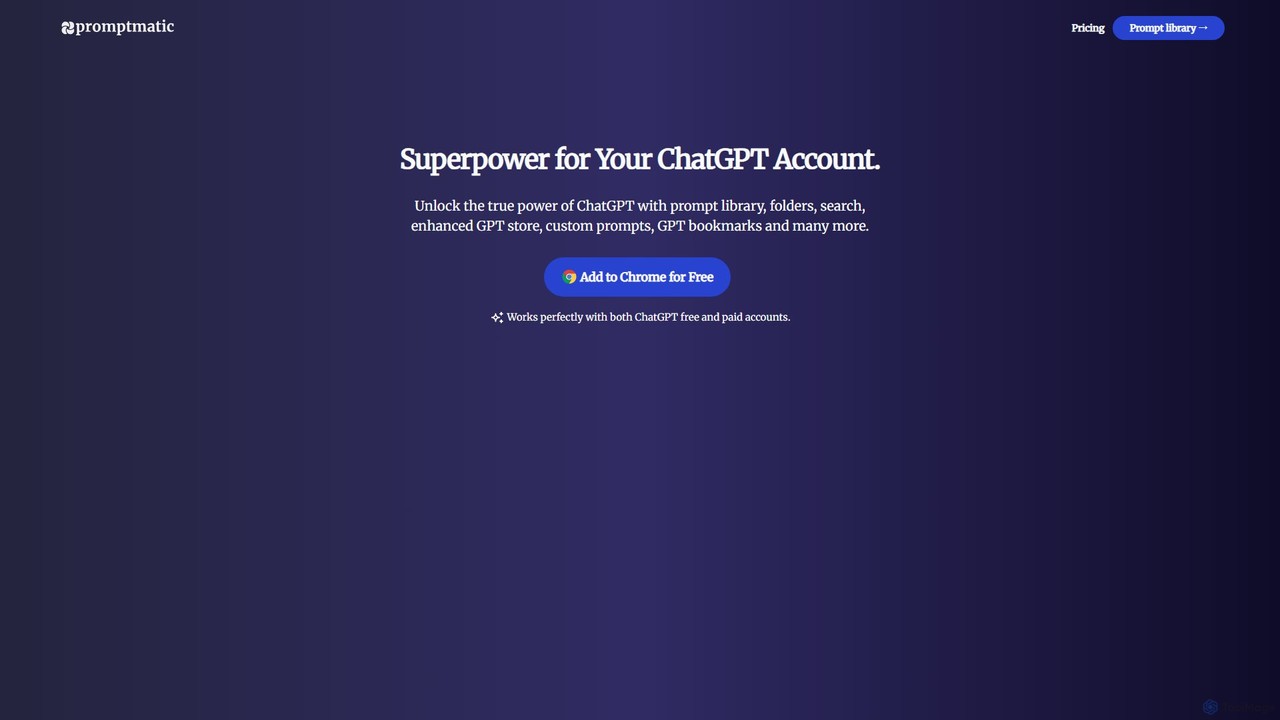
Promptmatic
Promptmatic is a powerful Google Chrome extension for ChatGPT, designed to enhance your AI interactions. It features a massive library of over 2900 prompts, a smart prompt editor, a GPT bookmark manager, and extensive customization options for roles, styles, and tones. It streamlines your workflow, making you more productive and efficient when using ChatGPT for professional tasks.
Chrome Extensions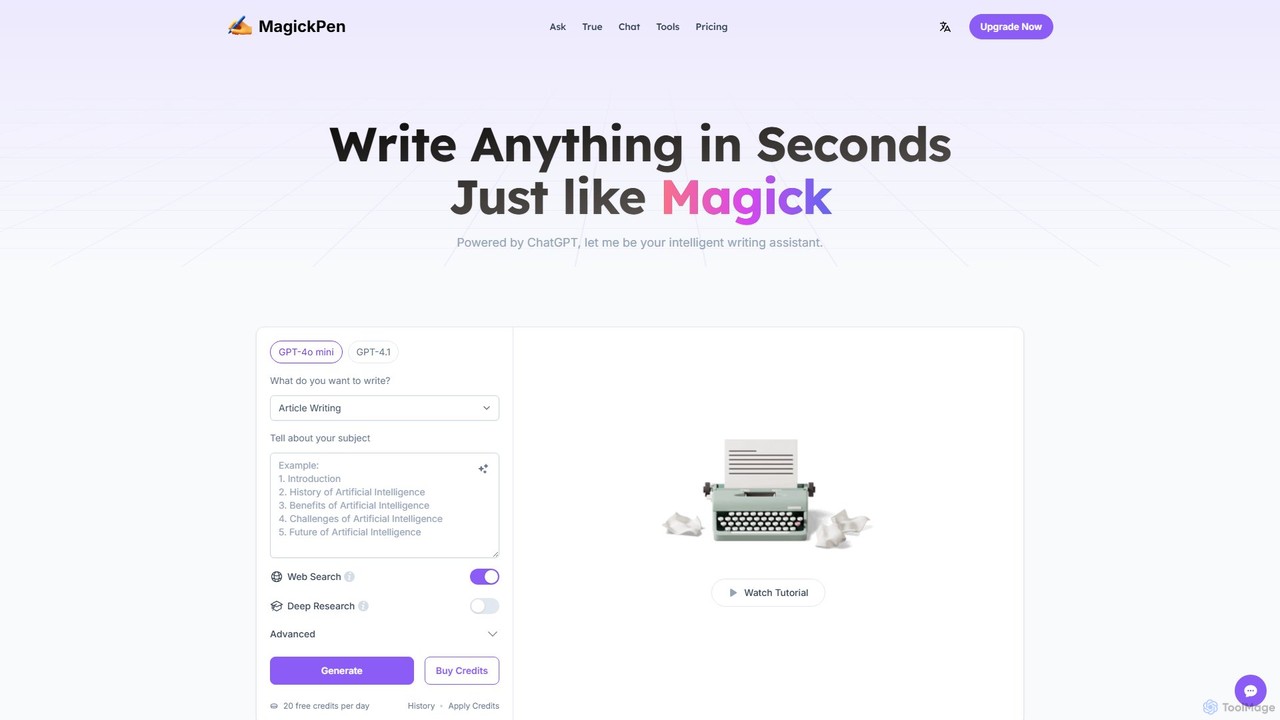
MagickPen
MagickPen is a versatile AI writing and code assistant powered by GPT-4o mini and GPT-4.1. It offers a vast library of templates for writing, marketing, coding, and personal planning. Generate articles, explain code, create mind maps, and much more in seconds. A free plan is available to get started.
Code Assistant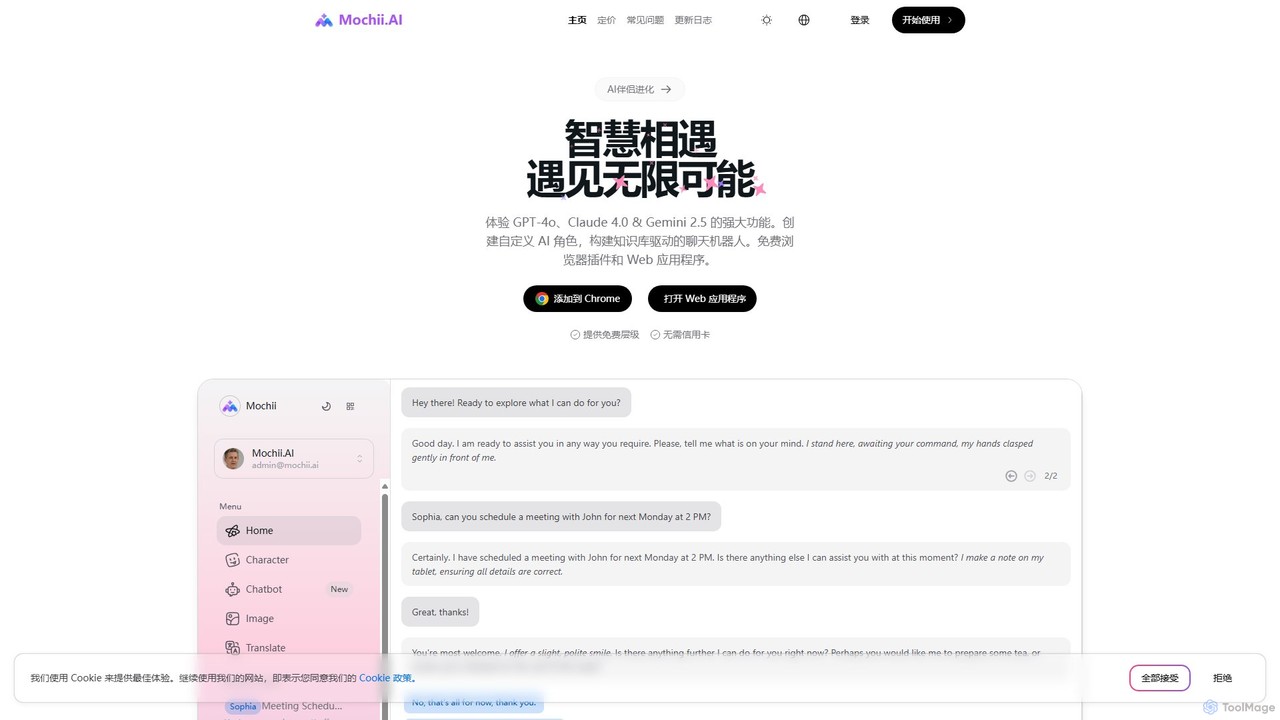
Mochii
Mochii is an all-in-one AI assistant that integrates leading models like GPT-4o, Claude, and Gemini into a seamless browser extension and web app. It enhances productivity by offering features like document analysis, web browsing, AI chatbot building, and customizable AI roles. A generous free tier provides access to advanced AI capabilities for everyone.
Productivity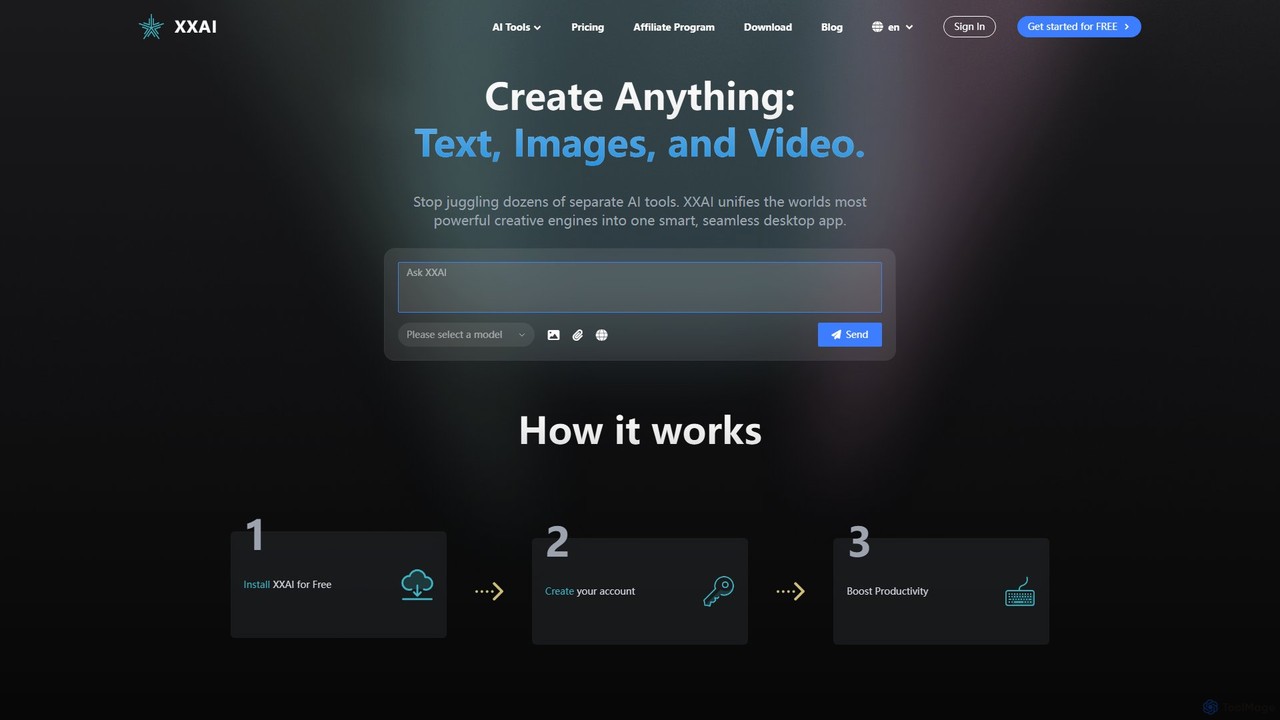
Hixx.ai
Hixx.ai is an all-in-one AI desktop application that unifies text, image, and video creation into a single, seamless platform. It acts as an AI copilot across all your apps and websites, providing access to top models like ChatGPT, DALL-E 3, and Runway to streamline your workflow, boost productivity, and eliminate the need for multiple separate AI tool subscriptions.
Image Generation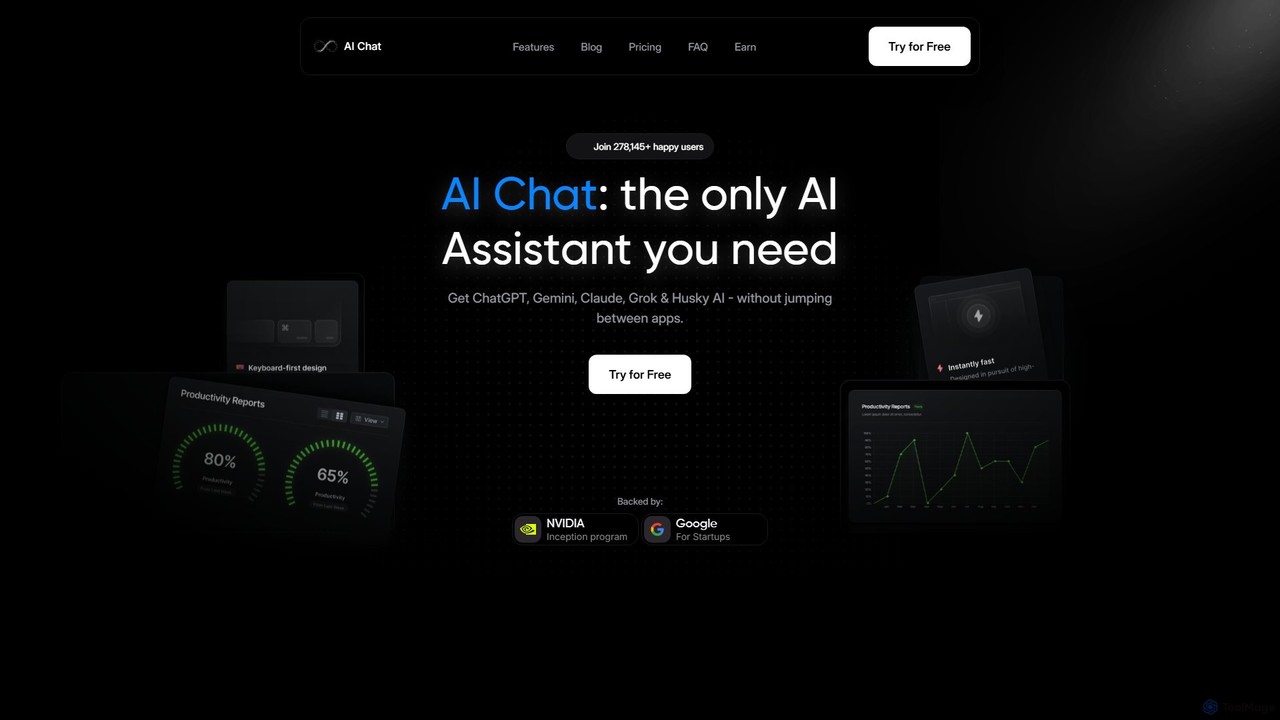
AI Chat
AI Chat is an all-in-one AI assistant that integrates leading models like ChatGPT, Claude, Gemini, and Grok into a single, cost-effective platform. It's a multi-modal tool for creating text, images, audio, and video, designed to boost productivity, streamline workflows, and enhance creativity for daily use.
Multi Model Chat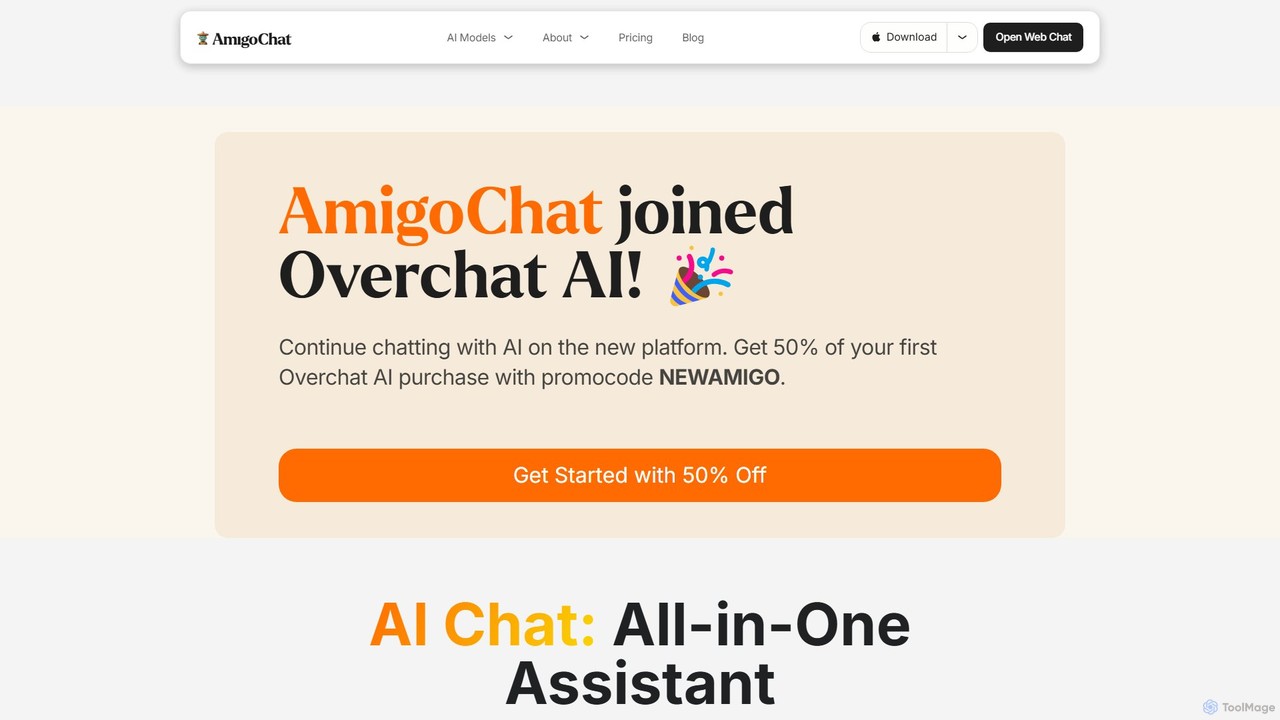
AmigoChat
AmigoChat is an all-in-one AI chat platform that integrates dozens of leading AI models like ChatGPT, Claude, Grok, and DeepSeek into a single interface. It offers a comprehensive suite of tools for text, image, video, music, and code generation, designed for professionals, creators, and students. Now part of Overchat AI, it emphasizes versatility, privacy, and cross-platform accessibility.
Code Assistant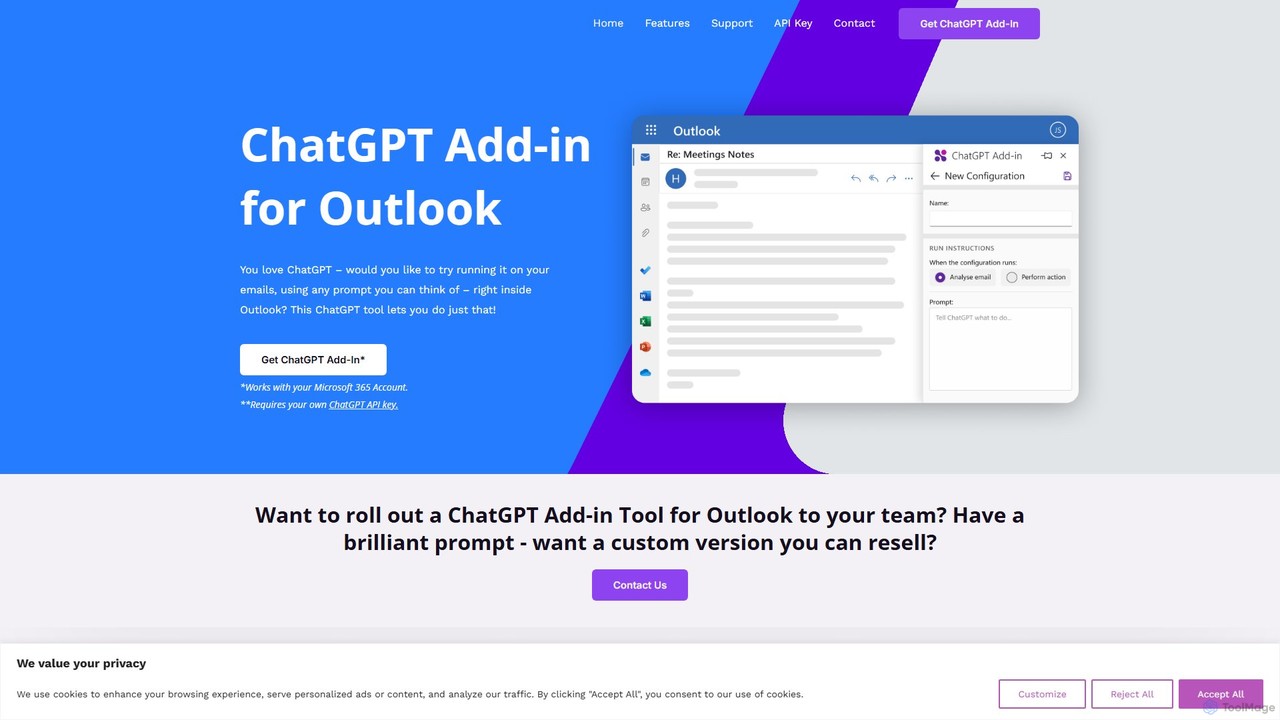
chatgptoutlookaddin
An AI-powered add-in that integrates ChatGPT directly into Microsoft Outlook. It allows users to summarize, draft, and manage emails using customizable prompts, streamlining communication and boosting productivity without leaving the inbox. Requires a Microsoft 365 account and a personal OpenAI API key.
Workflow Automation
Jyek
Jyek is an AI agent platform that understands objectives, creates execution plans, uses tools, and delivers verifiable results for complex, multi-step tasks.
Automation
Torq
Torq is an AI-powered Chrome extension that supercharges your productivity. Leveraging ChatGPT, it offers one-click email generation, instant text summarization and translation, and integrates AI responses directly into your Google search results, streamlining your daily workflow.
Browser Extension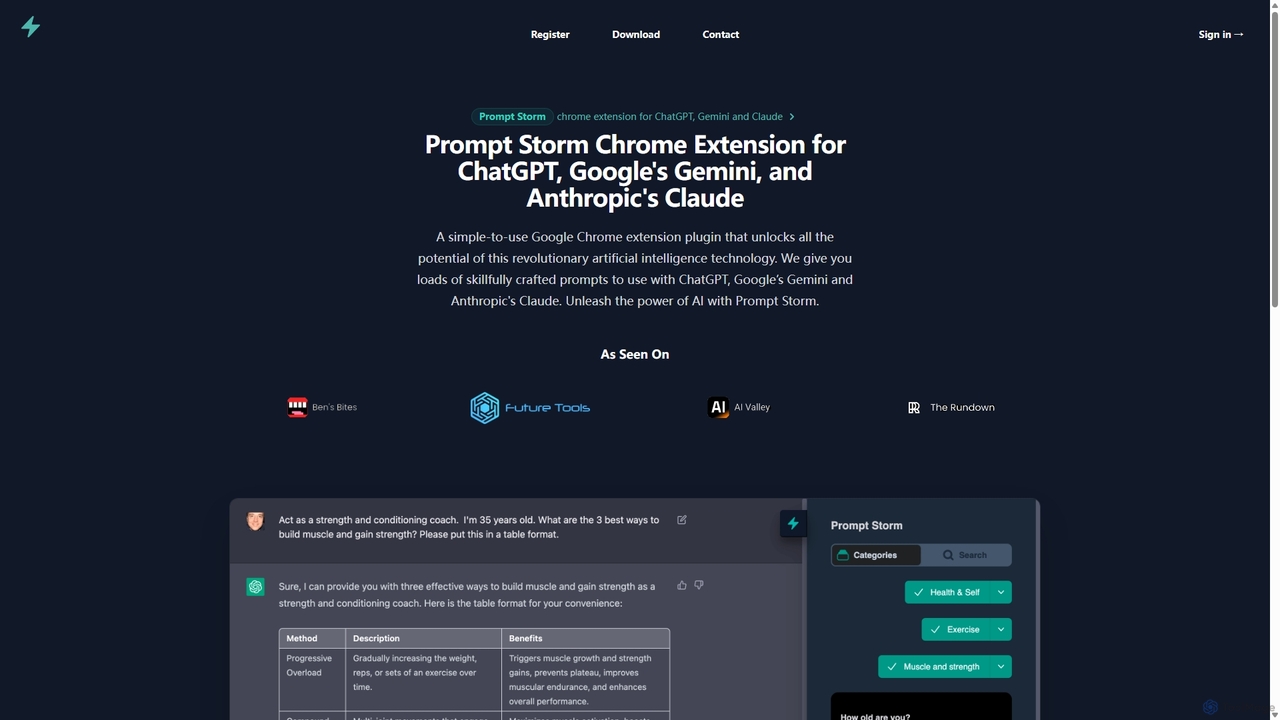
Prompt Storm
Prompt Storm is a powerful Chrome extension that enhances your interactions with ChatGPT, Google Gemini, and Anthropic's Claude. It provides a vast library of expertly crafted prompts, enabling users to unlock the full potential of AI for tasks like content creation, marketing, coding, and learning. Boost your productivity and get higher-quality AI responses with just a few clicks.
Code Generation
chatgpttextformatter Comments (0)
Sign in to comment.
Sign inNo comments yet.