
chatgptoutlookaddin Overview
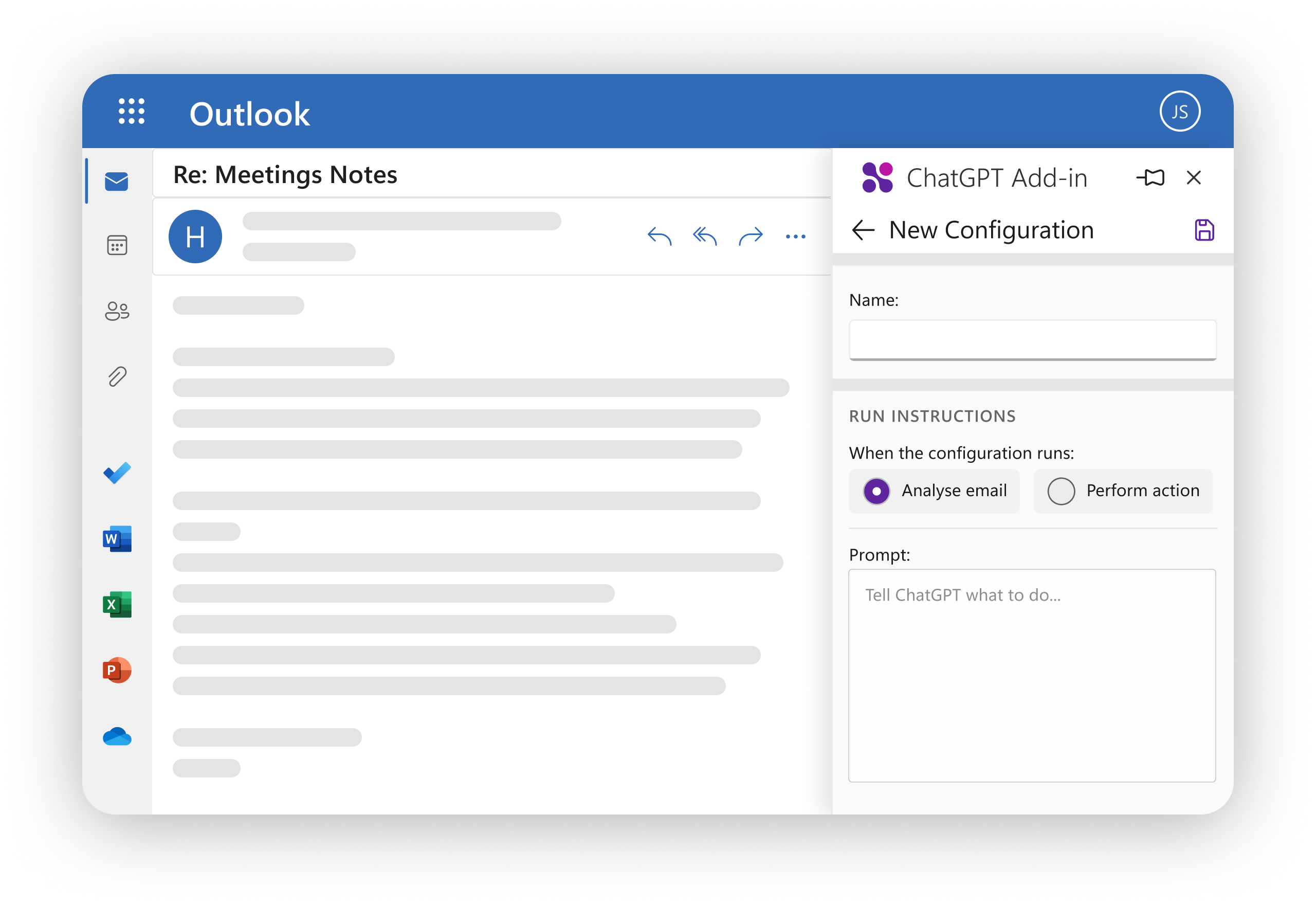
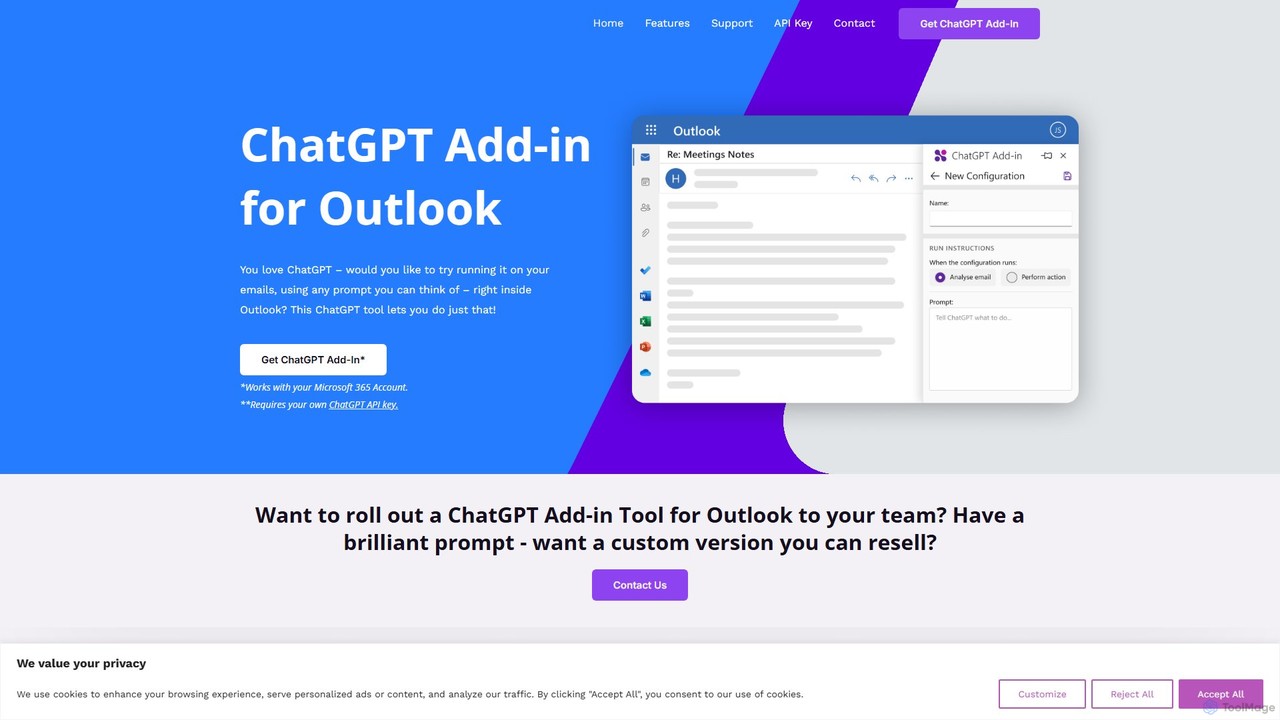
The ChatGPT Add-in for Outlook, developed by Blueberry Consultants, is a powerful tool designed to embed the capabilities of OpenAI's ChatGPT directly into your Microsoft Outlook workflow. This integration eliminates the need to switch between applications, allowing you to leverage advanced AI for all your email-related tasks seamlessly. Whether you're dealing with an overflowing inbox or need to craft the perfect response, this add-in acts as your personal email assistant, enhancing both efficiency and communication quality. It operates on a Bring-Your-Own-Key (BYOK) model, ensuring you have full control over your API usage and costs.
How to use chatgptoutlookaddin
Using the ChatGPT Add-in for Outlook is a straightforward process designed for easy integration into your daily routine:
- Installation: Obtain and install the add-in for your Microsoft 365 Outlook account.
- API Key Configuration: In the add-in's settings, enter your personal OpenAI API key. This is a one-time setup that links the tool to your ChatGPT usage.
- Accessing the Add-in: Open any email in your inbox or start composing a new one. You can access the add-in's features directly from the Outlook ribbon or task pane.
- Using Prompts: Choose from a list of pre-defined actions or create your own custom prompts. For example, you can ask it to "Summarize this email thread," "Draft a polite decline to this invitation," or "Rewrite this paragraph in a more formal tone."
- Processing: Select whether to process the entire email content, just the subject, or even text from attachments. The add-in sends the selected text and your prompt to ChatGPT.
- Applying the Output: The AI-generated response appears in a separate window or can be used to directly replace the email body. You can review, edit, and use the text as needed.
Core Features of chatgptoutlookaddin
- Direct Outlook Integration: Works seamlessly within the Outlook interface for both incoming and outgoing emails.
- Custom Prompt Engineering: Create, save, and manage multiple custom prompts tailored to your specific needs and workflows, from summarization to detailed analysis.
- Selective Content Processing: Choose to analyze the entire email, the body, the subject line, or even text within attachments, giving you granular control.
- Flexible Output Display: View the generated text in a separate window for comparison or directly replace the original email body with a single click.
- Automated Email Management: Use prompts to automatically assess email importance, flag messages for follow-up, or extract key information like action items and deadlines.
- Multi-Configuration Support: Set up different configurations with unique prompts and conditions for various scenarios or email types.
- Team and Business Customization: Offers custom versions for teams with pre-loaded prompts and a white-label option for businesses to resell the add-in with their own unique features.
Use Cases for chatgptoutlookaddin
This tool is versatile and can be applied in numerous professional scenarios:
- Email Triage & Summarization: Quickly understand the key points of long emails or complex threads without reading every word.
- Efficient Email Composition: Draft professional emails, replies, and follow-ups in seconds. Just provide a few bullet points, and the AI will generate a well-structured message.
- Tone and Style Adjustment: Instantly rewrite your text to be more formal, casual, persuasive, or concise to match the desired tone.
- Information Extraction: Automatically pull out critical data such as names, dates, action items, and contact information from a block of text.
- Language Translation: Translate incoming emails from other languages or draft replies in a language you don't speak fluently.
Advantages of chatgptoutlookaddin
The primary advantage is the massive boost in productivity. By handling repetitive and time-consuming email tasks, it frees up your time for more strategic work. The seamless integration means no context switching, keeping you focused within Outlook. The high degree of customization through custom prompts allows you to adapt the tool perfectly to your job function. Finally, using your own API key provides transparency and control over your data and costs.
Pricing and Plans
The ChatGPT Add-in for Outlook operates on a Bring-Your-Own-Key (BYOK) model. This means that while the add-in itself may have a one-time purchase or installation fee, the ongoing operational cost is tied to your usage of the OpenAI API, which you pay for directly. This model provides flexibility and transparency. Additionally, Blueberry Consultants offers custom development services for businesses:
- Team Version: A custom version can be created for your team or company, deployed to your Microsoft 365 domain with specific, pre-configured prompts.
- Reseller Version: For a fixed price (e.g., a one-time fee of £4,000), they can create a custom, re-brandable version of the add-in with your unique prompts, which you can then resell to unlimited users.
For individual user pricing, it is best to contact the developer directly through their website.
Traffic
Latest traffic
Status
Monthly traffic trend
- 2025-9: 9.9K
- 2026-1: 5.7K
- 2026-2: 4.6K
- 2026-3: 3.9K
- 2026-4: 5.1K
- 2026-5: 4.1K
Geography
Top 5 countries / regions
- 🇩🇪Germany31.8%
- 🇺🇸United States26.9%
- 🇦🇺Australia19.5%
- 🇮🇳India13.7%
- 🇨🇦Canada8.1%
Top keywords
| Keyword | Cost per click |
|---|---|
| chatgpt add in outlook classic | $0.00 |
| chatgpt for email outlook | $0.00 |
| chatgpt for outlook express plugin | $0.00 |
| chatgpt outlook | $0.00 |
| outlook gpt | $0.00 |
chatgptoutlookaddin Alternatives
Duet Mail
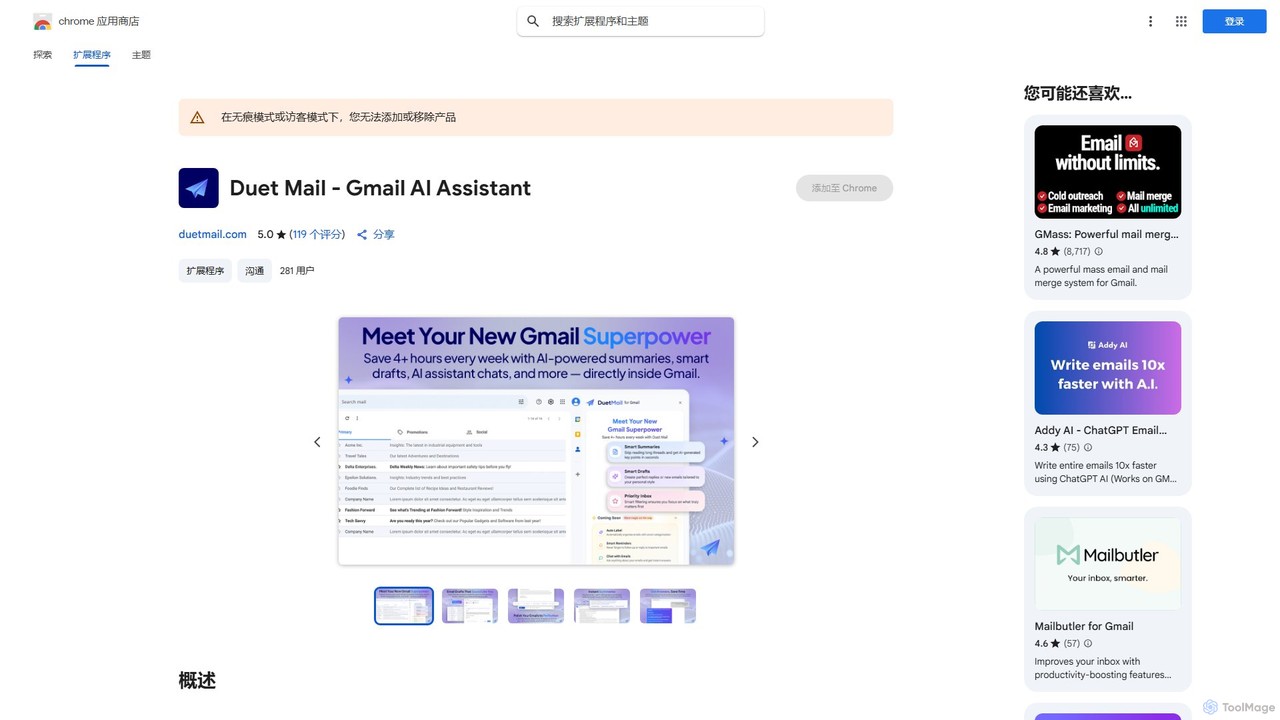
Duet Mail is an AI-powered Gmail assistant that supercharges your inbox. It helps you draft emails in your personal style, provides instant summaries of long threads, sets smart follow-up reminders, and categorizes important messages. Save hours each week and reclaim control over your email.
Chrome Extensions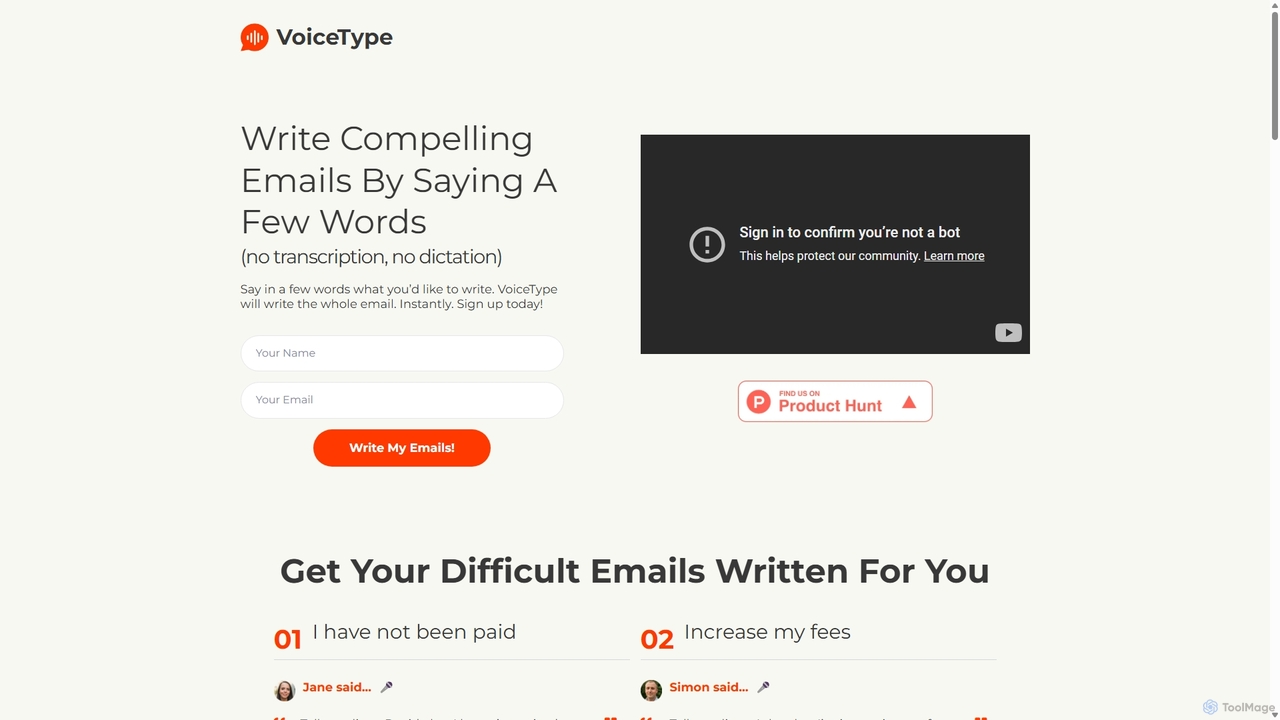
VoiceType
VoiceType is an AI-powered Chrome extension for Gmail that transforms short voice prompts into fully composed, professional emails. Instead of dictation, you simply explain the intent of your message, and VoiceType drafts a polished, grammatically correct email instantly. It's designed to save time, improve communication quality, and assist users with writing difficulties like dyslexia.
Assistive Technology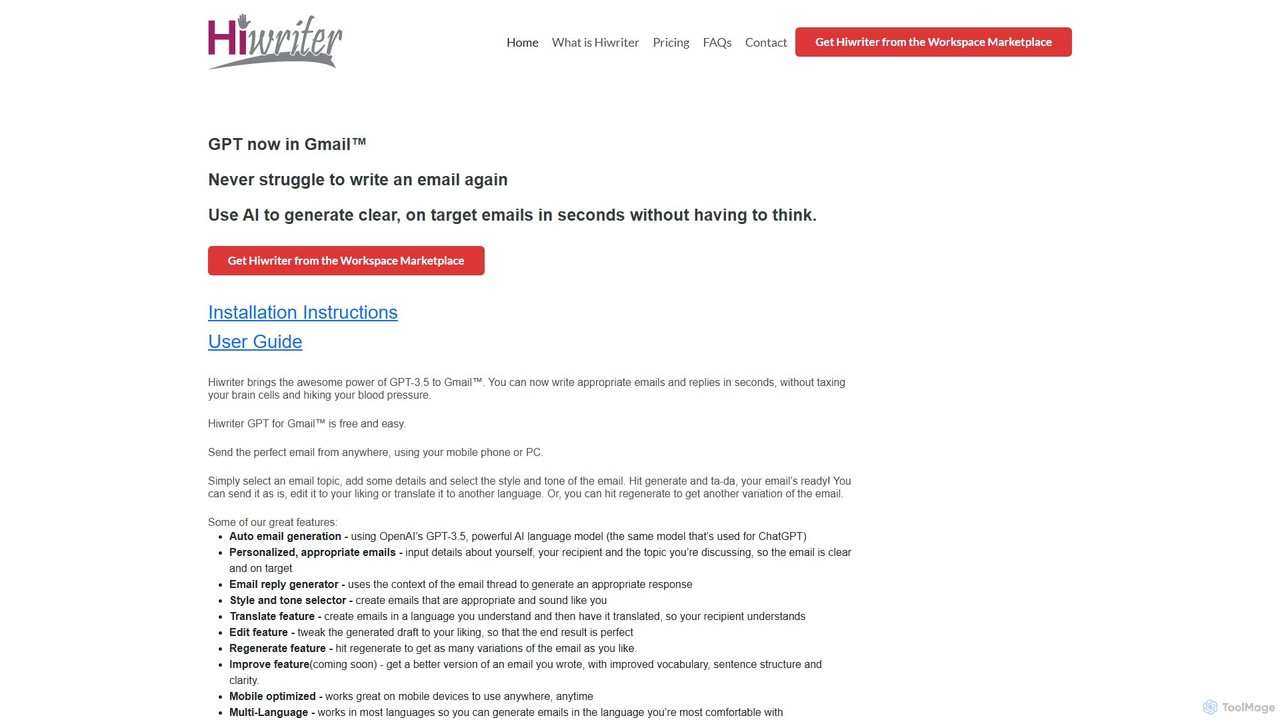
Hiwriter
Hiwriter is a free AI-powered extension for Gmail that uses GPT-3.5 to help you write clear, effective, and perfectly toned emails in seconds. It generates new emails, creates contextual replies, and works seamlessly on both desktop and mobile devices.
Chrome Extensions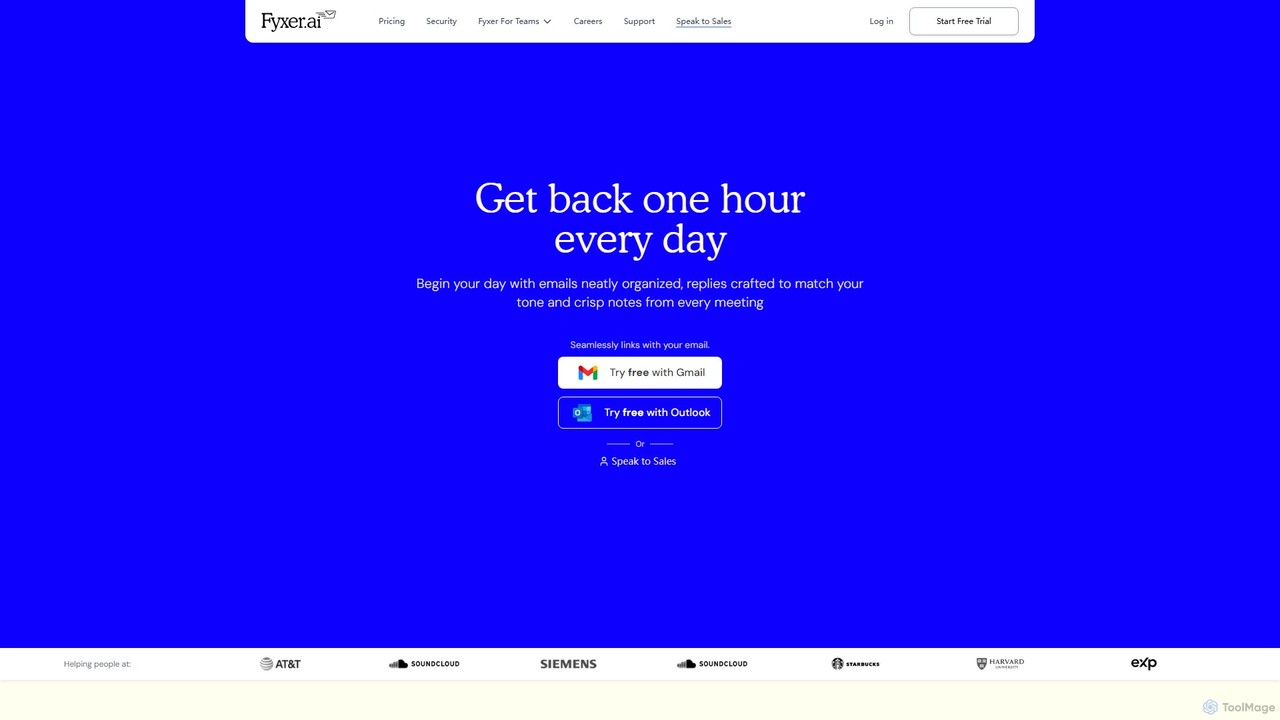
Fyxer
Fyxer is an AI executive assistant that integrates with Gmail and Outlook to save you an hour every day. It automatically sorts your inbox, drafts email replies in your personal tone, and takes detailed notes during your meetings, streamlining your entire workflow.
Automation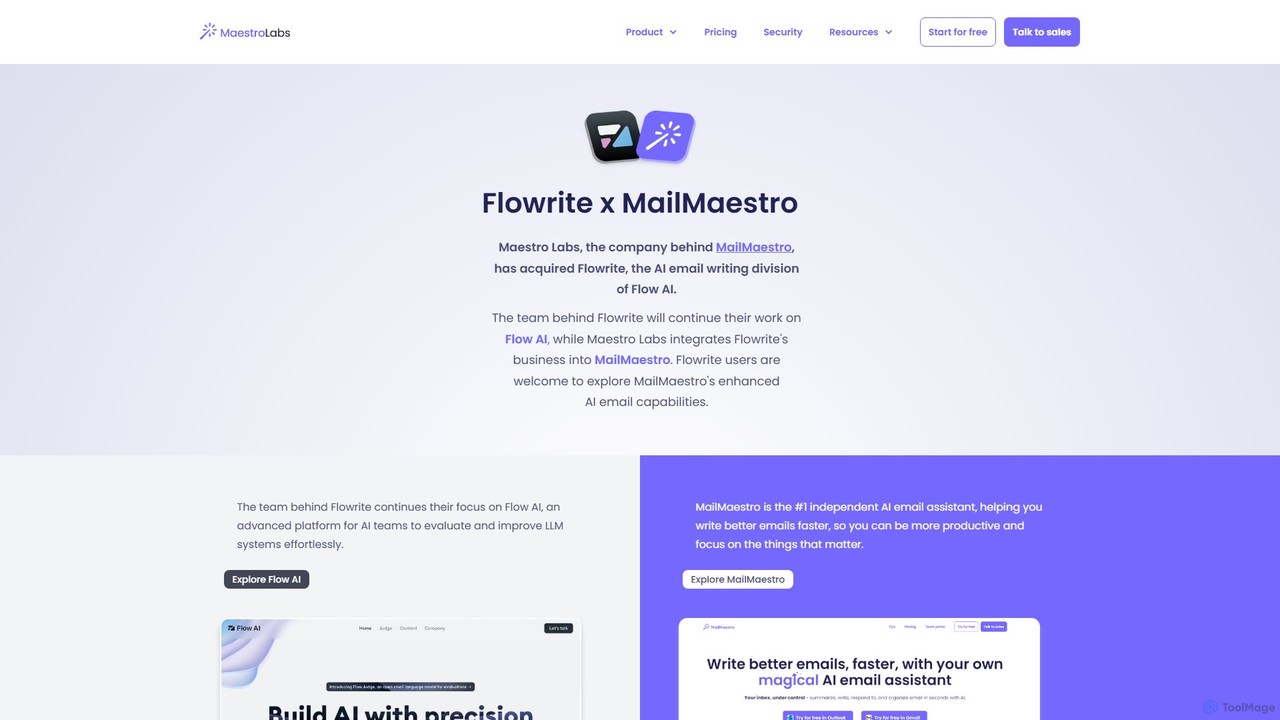
Flowrite
Flowrite is a powerful AI email writing assistant, now integrated into MailMaestro. It helps users write, reply to, summarize, and manage emails significantly faster. By generating high-quality, context-aware text, Flowrite boosts productivity, improves communication quality, and helps you achieve inbox zero with ease. It supports multiple languages and integrates directly into your existing email workflow.
Emailchatgptoutlookaddin Categories
chatgptoutlookaddin Embed Widget
Copy this embed code to place the badge on your blog, article, or product site and send readers directly to this ToolMage detail page.

Related AI tools
Fyxer
Fyxer is an AI executive assistant that integrates with Gmail and Outlook to save you an hour every day. It automatically sorts your inbox, drafts email replies in your personal tone, and takes detailed notes during your meetings, streamlining your entire workflow.
AutomationFlowrite
Flowrite is a powerful AI email writing assistant, now integrated into MailMaestro. It helps users write, reply to, summarize, and manage emails significantly faster. By generating high-quality, context-aware text, Flowrite boosts productivity, improves communication quality, and helps you achieve inbox zero with ease. It supports multiple languages and integrates directly into your existing email workflow.
Email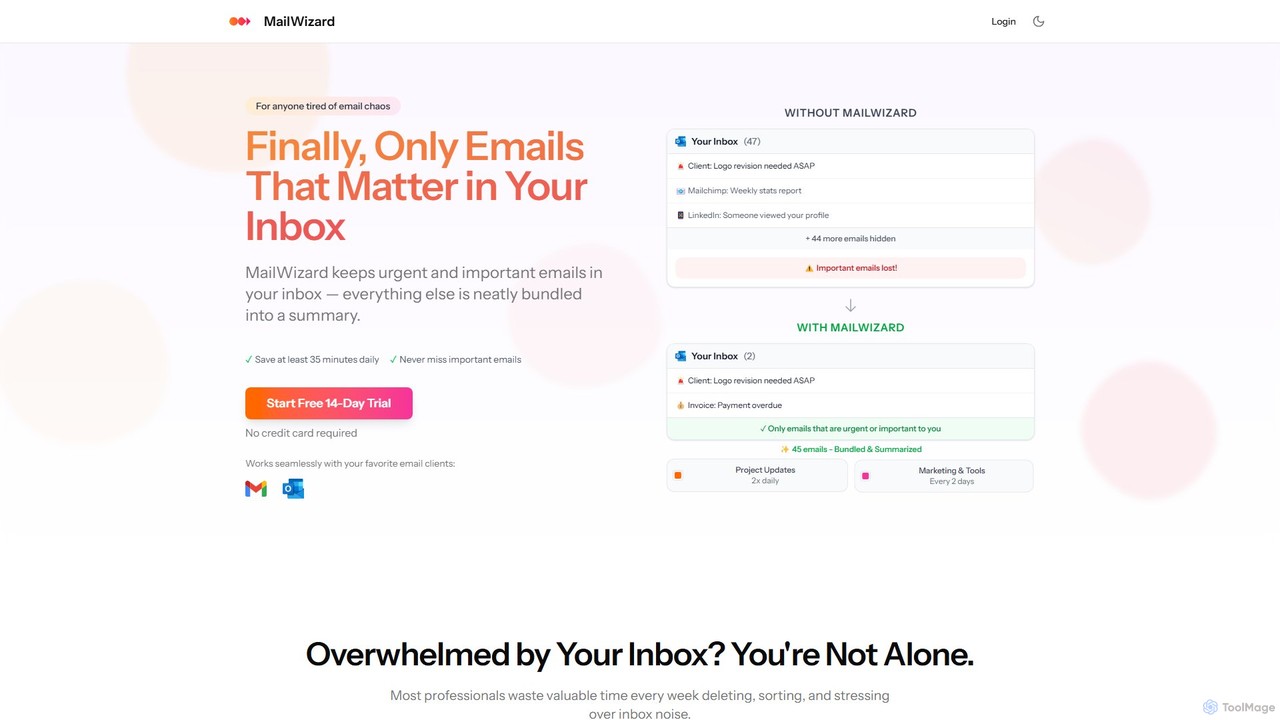
MailWizard
MailWizard is an AI-powered email assistant that transforms your inbox experience. It intelligently filters out noise, bundles non-urgent emails into smart summaries, and ensures you only see what truly matters. Save time, reduce stress, and reclaim your focus with automated workflows and AI-generated digests, including audio versions for on-the-go updates.
Workflow Management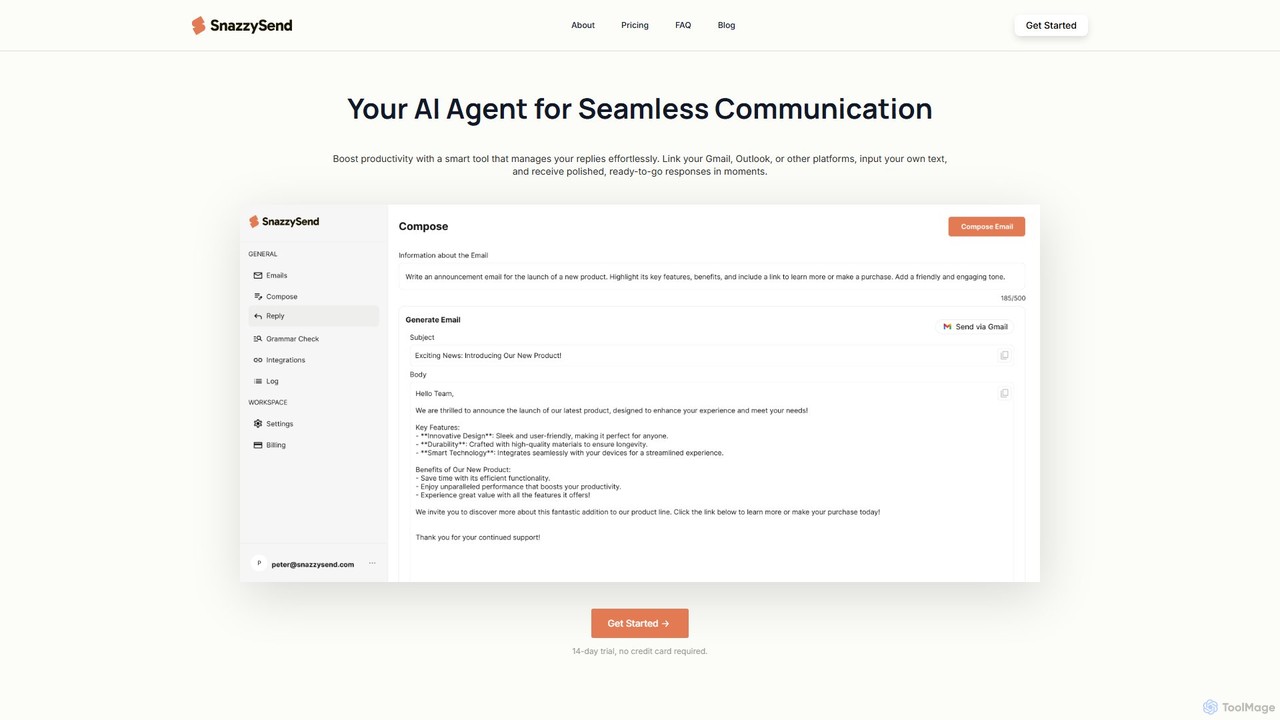
snazzysend
snazzysend is an AI-powered communication assistant designed to streamline your email workflow. It connects with Gmail and Outlook to help you craft polished, human-like replies instantly. By providing simple prompts, you can generate tailored responses, manage communications from a single app, and significantly boost your productivity.
Automation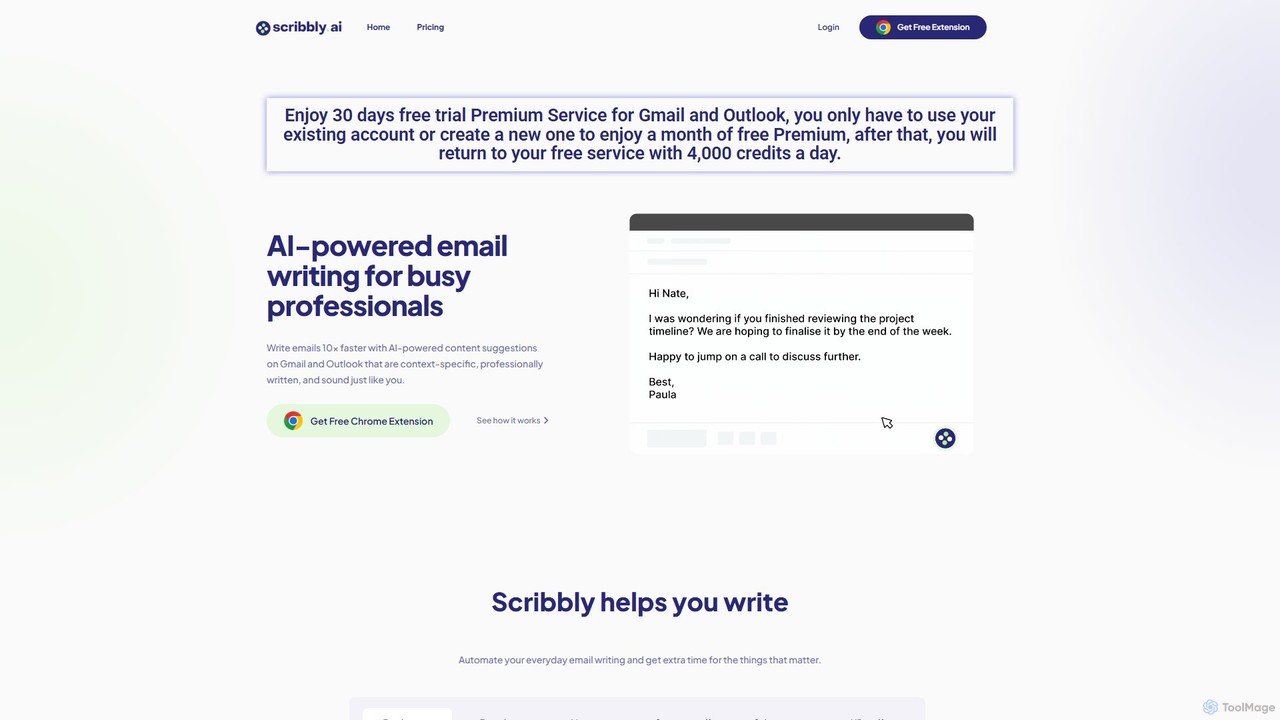
Scribbly
Scribbly is an AI-powered email writing assistant designed for busy professionals. It integrates with Gmail and Outlook via a Chrome extension, helping you write emails 10x faster. Get context-specific content suggestions, maintain a professional tone, and even mimic your personal writing style to streamline your communication and boost productivity.
Sales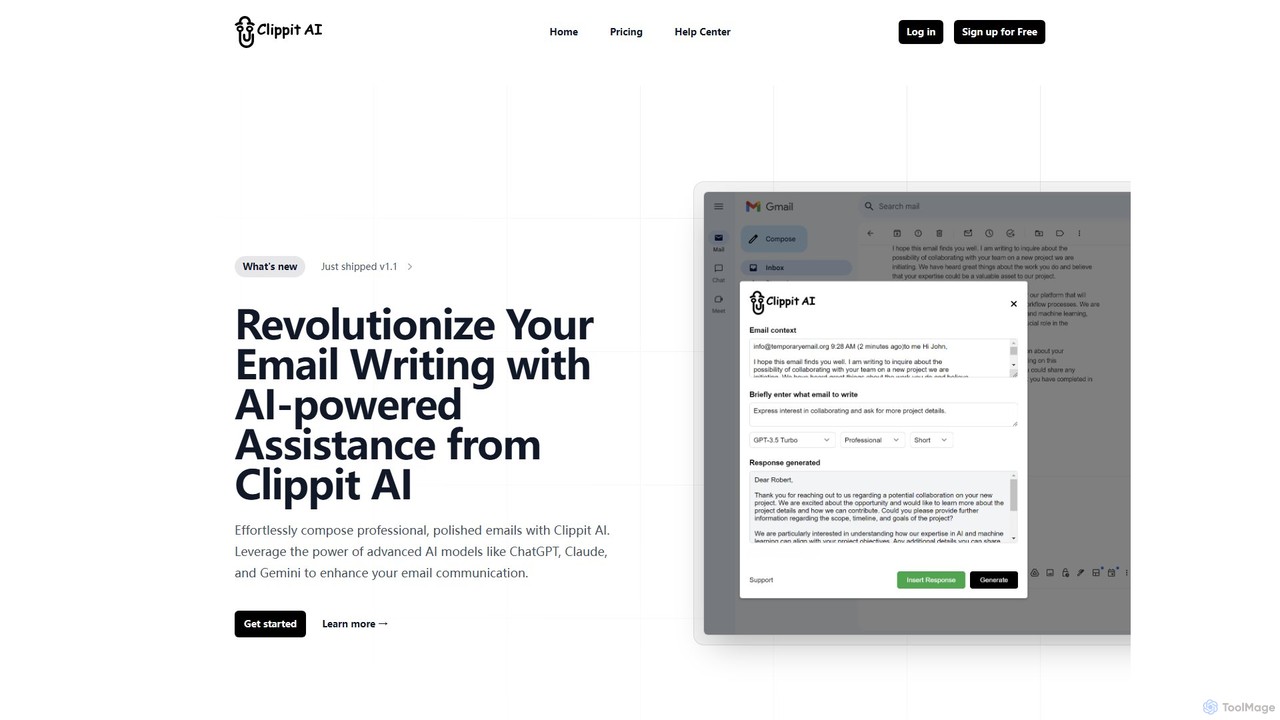
Clippit AI
Clippit AI is a powerful browser extension that revolutionizes your email writing. By leveraging advanced AI models like ChatGPT, Claude, and Gemini, it helps you effortlessly compose professional, polished, and context-aware emails directly within your workflow. From drafting replies to refining your tone, Clippit AI enhances your productivity and communication quality, saving you valuable time.
Sales
EmailGPT
EmailGPT is an AI-powered email assistant designed to streamline your communication. It helps you draft professional emails, generate intelligent replies, summarize long threads, and adjust the tone of your messages instantly. Boost your productivity and write better emails faster with EmailGPT.
Email Marketing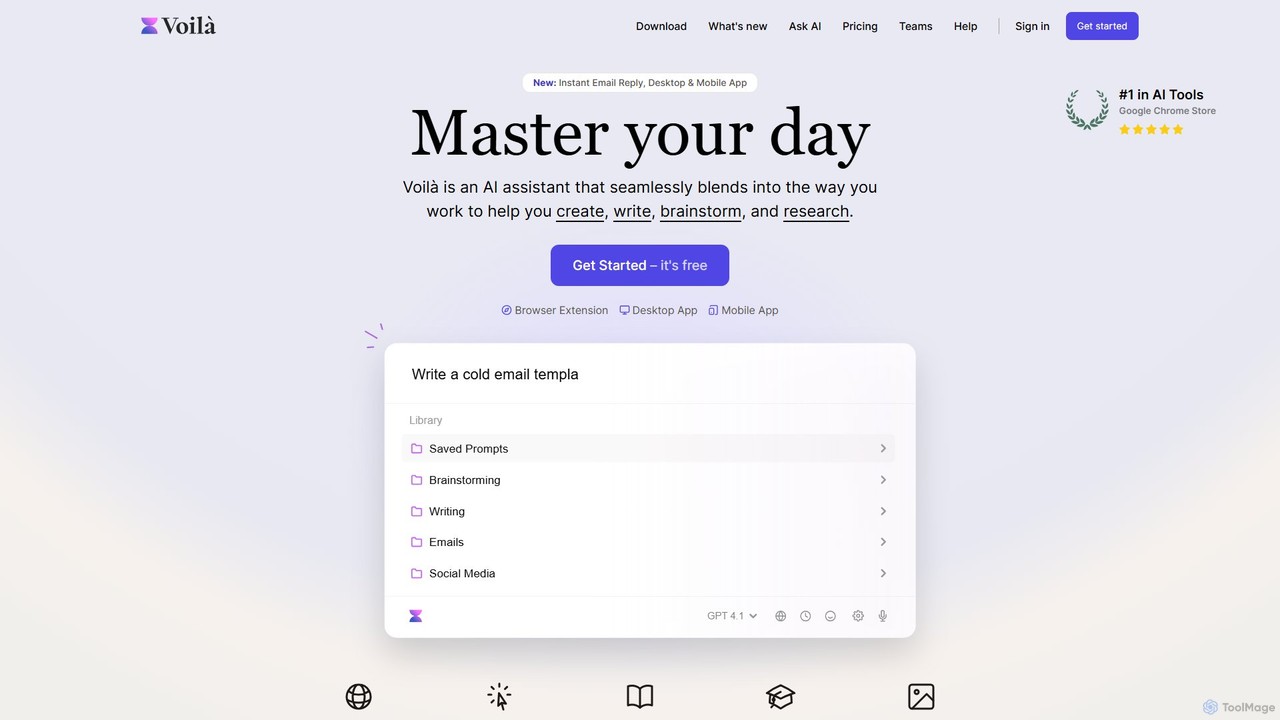
Voilà
Voilà is an all-in-one AI assistant designed to maximize productivity. It functions as a browser extension, desktop, and mobile app, seamlessly integrating into your workflow to help with writing, brainstorming, research, and content creation. It works on any website or app, understanding the context to provide relevant assistance.
Content Creation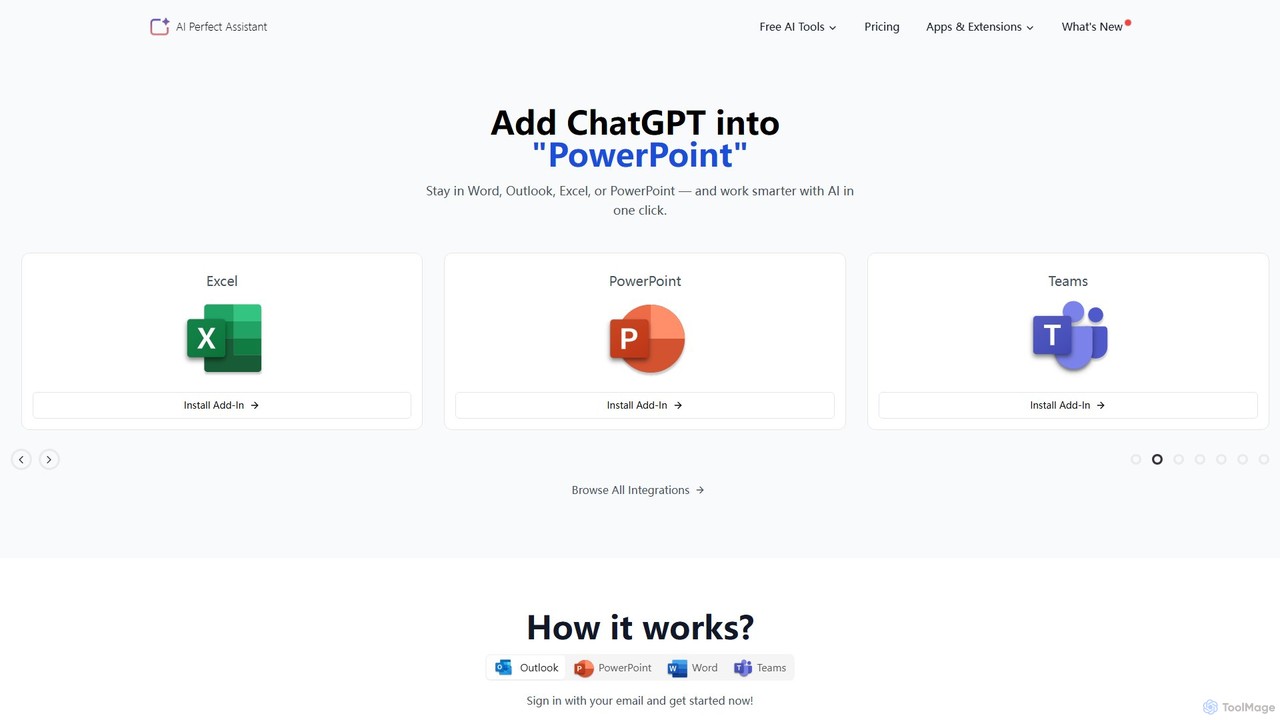
Perfect Assistant
Perfect Assistant is an AI-powered productivity suite that seamlessly integrates with Microsoft Office 365 (Word, Excel, PowerPoint, Outlook, Teams), Chrome, and Telegram. It offers over 60 specialized tools to automate tasks, generate content, create presentations, manage emails, and more. Designed for professionals, it enhances workflow efficiency by bringing the power of AI directly into the applications you use daily, eliminating the need to switch contexts.
Social Media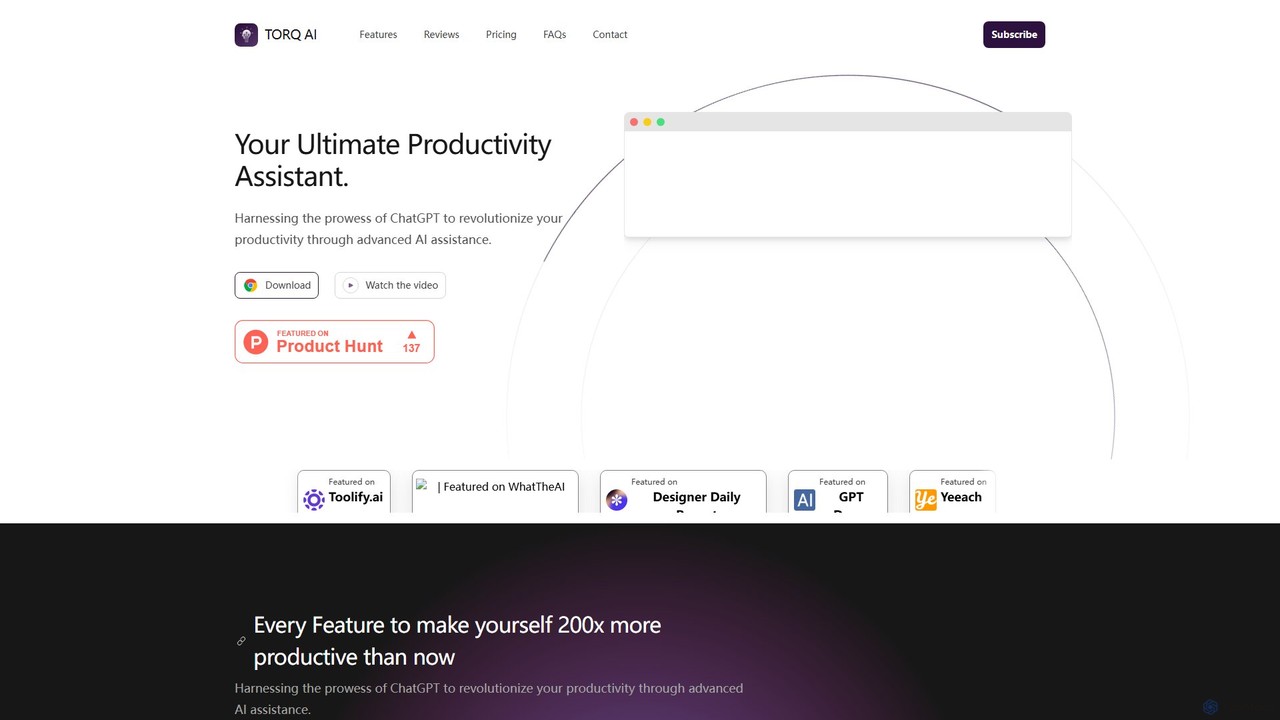
Torq
Torq is an AI-powered Chrome extension that supercharges your productivity. Leveraging ChatGPT, it offers one-click email generation, instant text summarization and translation, and integrates AI responses directly into your Google search results, streamlining your daily workflow.
Browser Extension
Chippy
Chippy is a smart ChatGPT-powered Chrome extension that acts as your AI assistant across the web. Seamlessly summarize articles, translate text, research topics, and draft emails without ever leaving your current tab. It offers context-aware answers by focusing on the page you're viewing, overcoming ChatGPT's knowledge limitations. With a generous free tier and a focus on user privacy, Chippy enhances your browsing productivity by putting the power of AI at your fingertips.
Search Assistant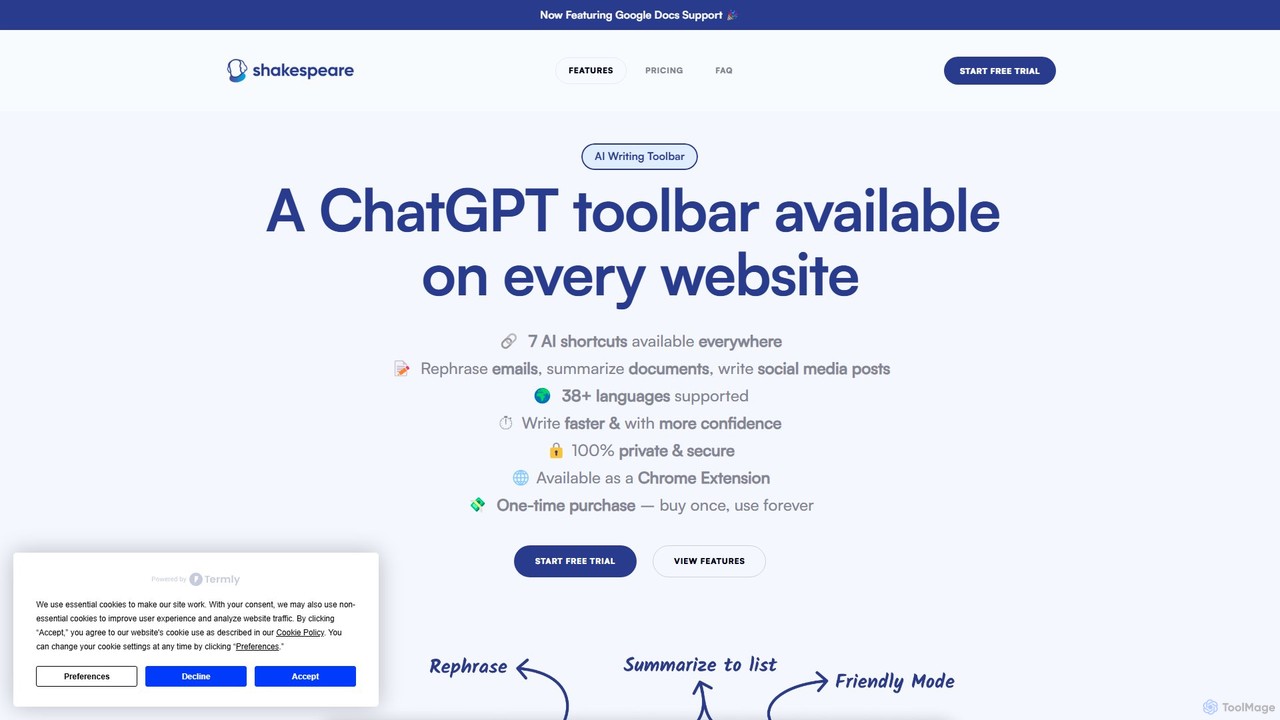
Shakespeare Toolbar
Shakespeare Toolbar is a ChatGPT-powered Chrome extension that integrates AI writing assistance directly into your browser. Work seamlessly on any website, including Google Docs, to rephrase, summarize, simplify text, and generate content without switching tabs. It's designed for writers, marketers, and professionals to enhance productivity and communication.
Chrome Extensions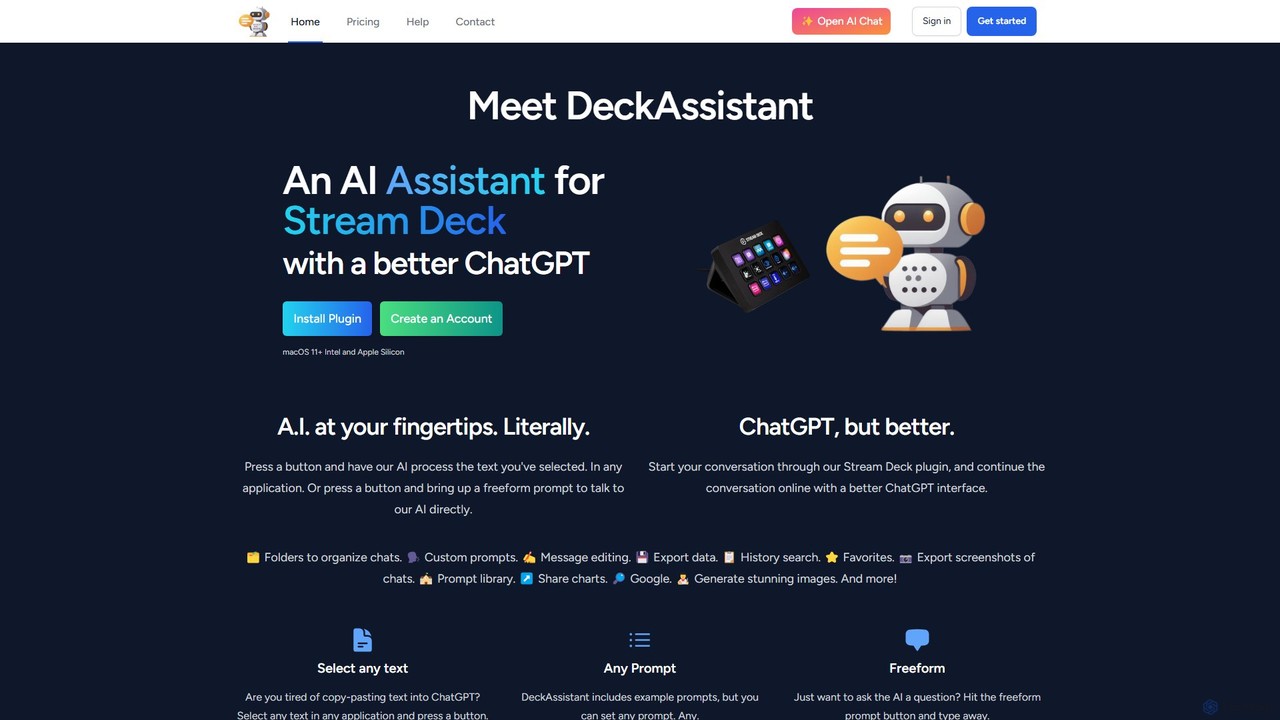
DeckAssistant
DeckAssistant is a powerful AI assistant that integrates directly with your Elgato Stream Deck. It allows you to process selected text, generate content, or chat with an AI using a single button press, directly within any application on your macOS. This eliminates context switching and streamlines your workflow for tasks like writing, coding, and content creation.
Workflow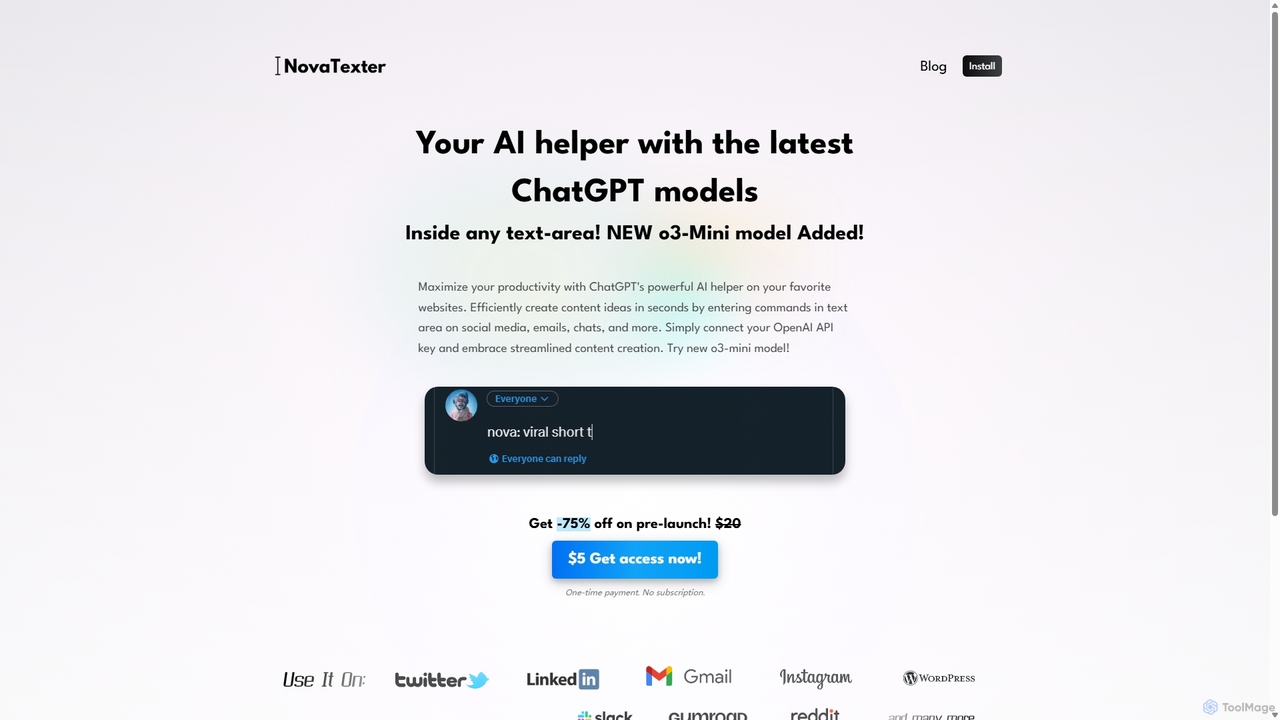
NovaTexter
NovaTexter is an AI-powered browser extension that integrates ChatGPT models directly into your workflow. It allows you to generate content, ideas, and responses on any website by simply typing commands in a text area. Connect your OpenAI API key for a seamless, productive content creation experience with a single one-time payment.
Chrome ExtensionsDuet Mail
Duet Mail is an AI-powered Gmail assistant that supercharges your inbox. It helps you draft emails in your personal style, provides instant summaries of long threads, sets smart follow-up reminders, and categorizes important messages. Save hours each week and reclaim control over your email.
Chrome Extensions
chatgptoutlookaddin Comments (0)
Sign in to comment.
Sign inNo comments yet.