

DeckAssistant Overview
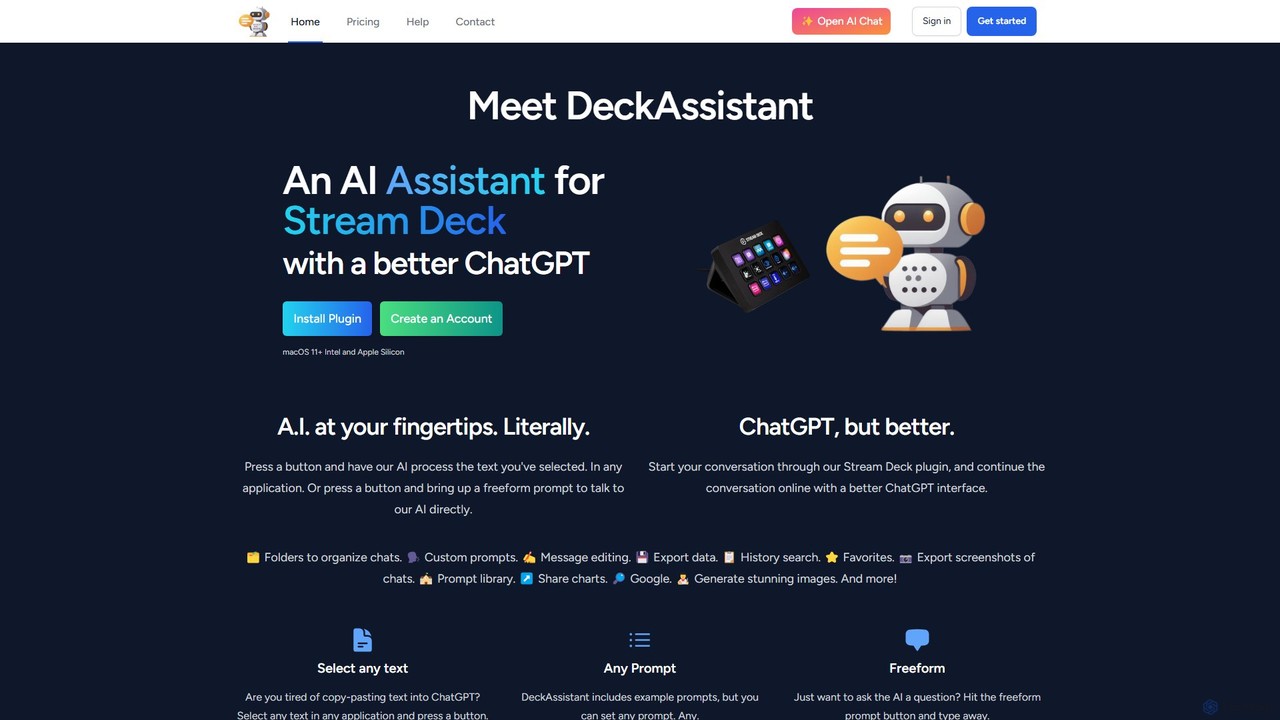
DeckAssistant brings the power of artificial intelligence directly to your fingertips by integrating seamlessly with the Elgato Stream Deck. This innovative tool is designed for professionals, creators, and anyone looking to boost their productivity on macOS. It transforms a simple button press on your Stream Deck into a powerful AI action, allowing you to interact with an advanced AI without ever leaving your current application. Whether you're writing an email, coding a new feature, or drafting a social media post, DeckAssistant acts as your ever-present copilot, ready to assist instantly.
The core concept of DeckAssistant is to eliminate the friction of traditional AI interaction, which typically involves copying text, switching to a browser, pasting the text into a chat interface, and then copying the result back. With DeckAssistant, this entire process is condensed into a single action: select your text and press a button. The tool also features a superior web-based chat interface that enhances the standard ChatGPT experience with features like folder organization, custom prompts, and easy data export, making it a comprehensive solution for all your AI needs.
How to use DeckAssistant
Getting started with DeckAssistant is a straightforward process designed to get you up and running in minutes:
- Create an Account: First, sign up for an account on the DeckAssistant website. This will give you access to your personal dashboard and a free trial to test the service.
- Copy API Token: From your dashboard, find and copy your unique API token. This token is used to securely link your Stream Deck to your DeckAssistant account.
- Install Plugin: Download and install the official DeckAssistant plugin from the Elgato Stream Deck marketplace.
- Configure Button: Drag a DeckAssistant action onto an empty key on your Stream Deck layout. In the settings for that button, paste the API token you copied earlier.
- Customize and Use: Give your button a title and an icon. You can configure it to perform a specific task by typing in a custom prompt (e.g., "Correct spelling and grammar") or choose from a library of examples. Alternatively, set it as a "Freeform" prompt to open a dialog box for any question. Now, you can select text in any application and press the button to see the magic happen.
Core Features of DeckAssistant
- Deep Stream Deck Integration: The primary feature is its native integration with the Stream Deck, allowing for physical, one-touch access to AI functions.
- Universal Text Selection: Select text in any application—be it a code editor, word processor, or web browser—and process it instantly.
- Freeform Prompting: Quickly bring up a prompt window with a dedicated button to ask the AI anything, anytime.
- Advanced Chat Interface: Continue conversations online with a feature-rich interface that includes folders for organization, message editing, history search, and favorites.
- Custom Prompt Library: Create, save, and manage your own custom prompts for recurring tasks, or use the built-in library for inspiration.
- AI Image Generation: Generate stunning images directly through the assistant by describing what you want to see.
- Data Management: Easily export your chat data, save conversations as screenshots, or share them with others via a link.
- Google Integration: The AI can perform Google searches to provide you with the most up-to-date information.
Use Cases for DeckAssistant
DeckAssistant is a versatile tool that can be adapted to numerous workflows:
- Writers and Editors: Instantly proofread text, correct grammar, rephrase sentences for clarity, or brainstorm ideas for articles without breaking their writing flow.
- Software Developers: Select a block of code to have it explained, refactored, or checked for bugs. Generate boilerplate code or convert code snippets between languages.
- Content Creators and Streamers: Generate video ideas, write scripts, create social media captions, or even interact with the AI live on stream for engaging content.
- Students and Researchers: Summarize long academic papers, explain complex concepts in simple terms, or translate text from foreign language sources.
- Business Professionals: Quickly draft professional emails, summarize meeting notes, or prepare talking points for a presentation.
Advantages of DeckAssistant
The main advantage of DeckAssistant is its profound impact on workflow efficiency. By embedding AI into a physical, tactile interface, it dramatically reduces context switching and keeps you focused on your primary task. The ability to customize prompts for specific, repetitive tasks turns the Stream Deck into a personalized AI command center. Furthermore, its powerful web backend provides a superior chat management experience compared to many standard AI interfaces, making it a robust and well-rounded productivity tool.
Pricing and Plans
DeckAssistant operates on a freemium model. When you sign up, you receive a free trial to experience all the features. After the trial period, you can continue using the service by subscribing to the DeckAssistant Basic plan.
- Monthly: JP¥1,400 per month.
- Annual: An annual subscription option is also available for a discounted rate.
Traffic
Latest traffic
Status
Monthly traffic trend
- 2025-8: 266
- 2025-9: 339
- 2026-2: 0
- 2026-3: 0
- 2026-4: 285
- 2026-5: 504
Geography
Top 5 countries / regions
- 🇺🇸United States100.0%
Top keywords
| Keyword | Cost per click |
|---|---|
| deck ia | $0.00 |
| streamdeck ai | $0.00 |
DeckAssistant Alternatives
inbox_ai
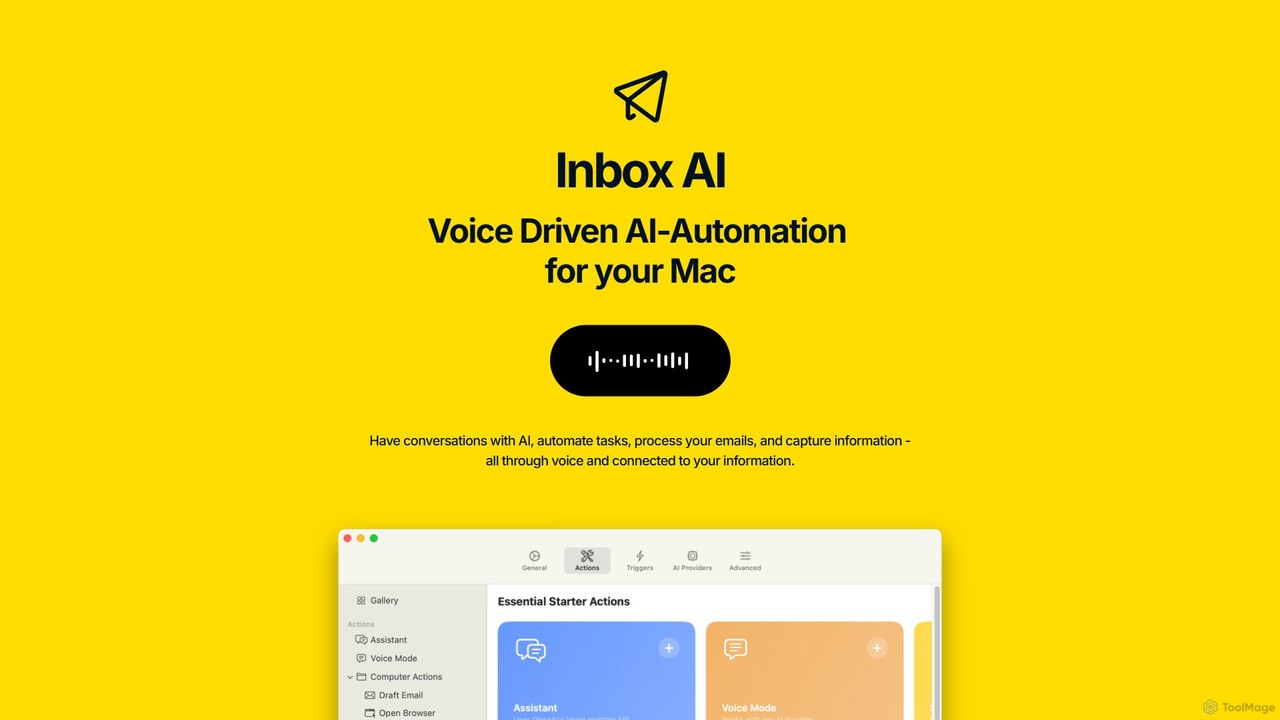
inbox_ai is a powerful voice-driven AI automation tool for macOS. It allows you to create custom voice commands and build intelligent assistants to streamline your workflow. With features like on-screen quick capture, email filtering, and deep integration with native macOS apps and services like Raycast and PopClip, inbox_ai puts advanced AI capabilities at your fingertips. It operates entirely on-device, ensuring your data remains private and secure, with no login required.
Workflow
Omnipilot
Omnipilot, now part of Highlight, is a powerful AI assistant for Mac & Windows. It works across all your apps, providing context-aware assistance for writing, meetings, and tasks. It understands what's on your screen to reduce context switching and boost productivity without needing to copy-paste.
Utilities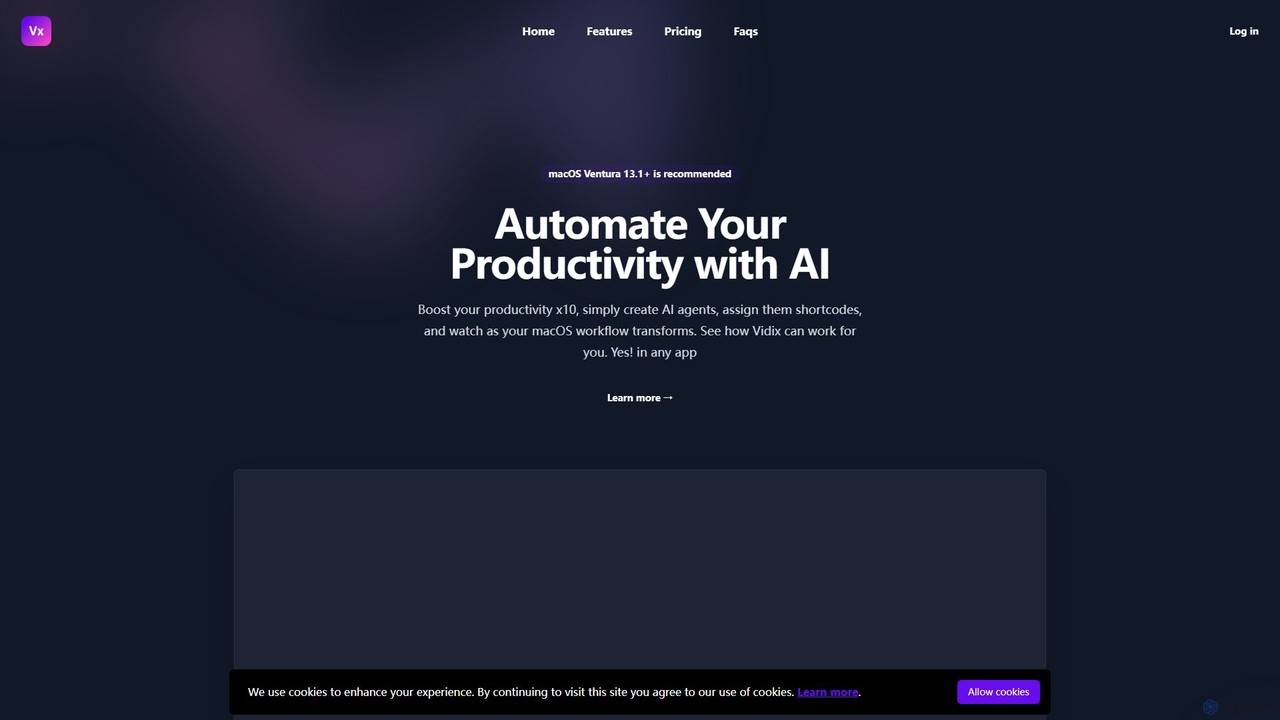
Vidix
Vidix is a powerful AI assistant for macOS designed to boost productivity. It allows users to create custom AI agents, assign them shortcodes, and activate them in any application to automate tasks, process text, and streamline workflows seamlessly.
Code Assistant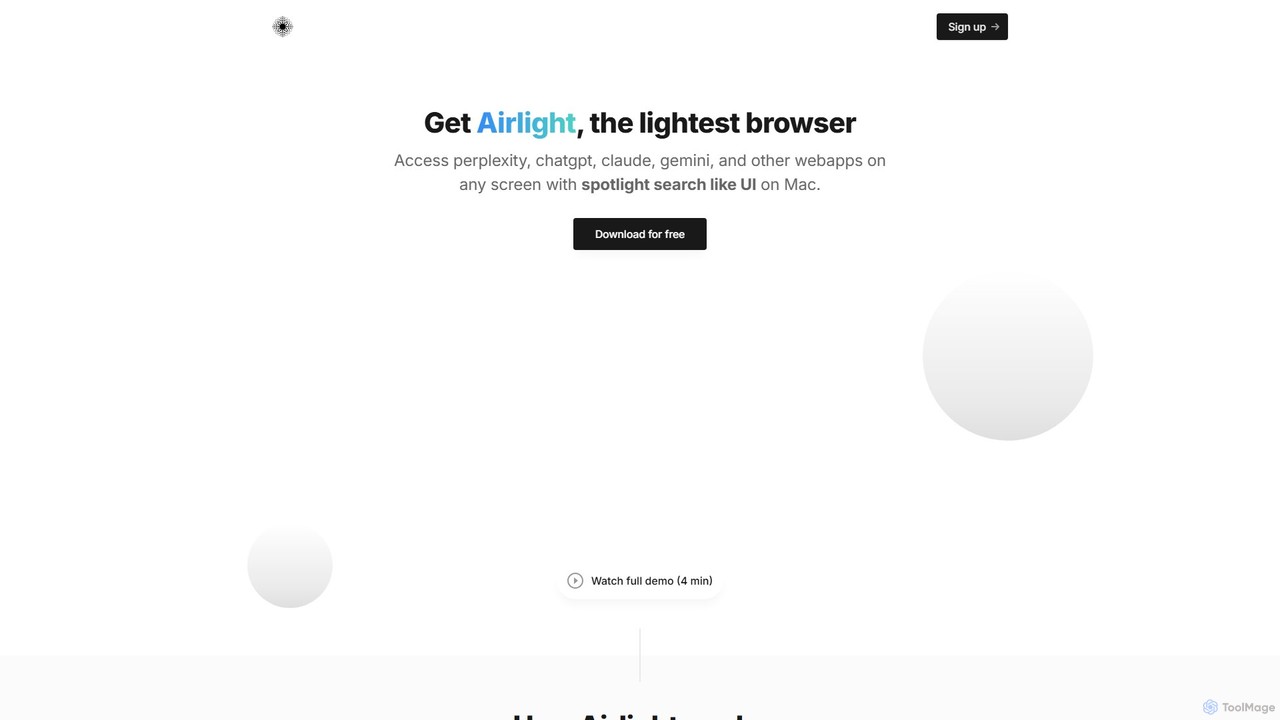
Airlight
Airlight is a lightweight "superbrowser" for macOS that provides instant access to web apps like ChatGPT, Perplexity, and Claude via a Spotlight-like interface. Activated by a simple shortcut (option + space), it overlays on any screen, eliminating the need for constant tab switching and boosting productivity for developers, writers, and researchers.
Chat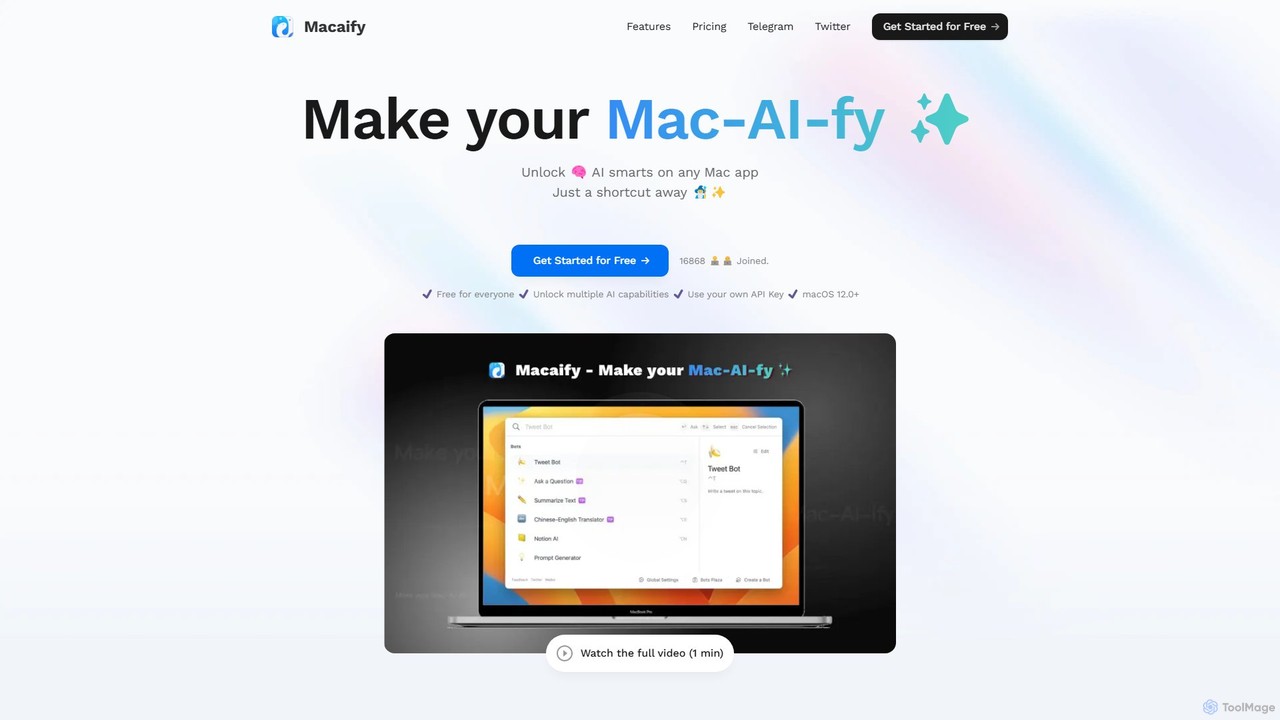
Macaify
Macaify is a native macOS application that integrates AI capabilities into any app on your Mac. With a simple keyboard shortcut, you can select text and instantly perform tasks like writing, translation, code generation, and more, without ever leaving your current application.
Code AssistantDeckAssistant Categories
DeckAssistant Embed Widget
Copy this embed code to place the badge on your blog, article, or product site and send readers directly to this ToolMage detail page.

Related AI tools
PaletteBrain
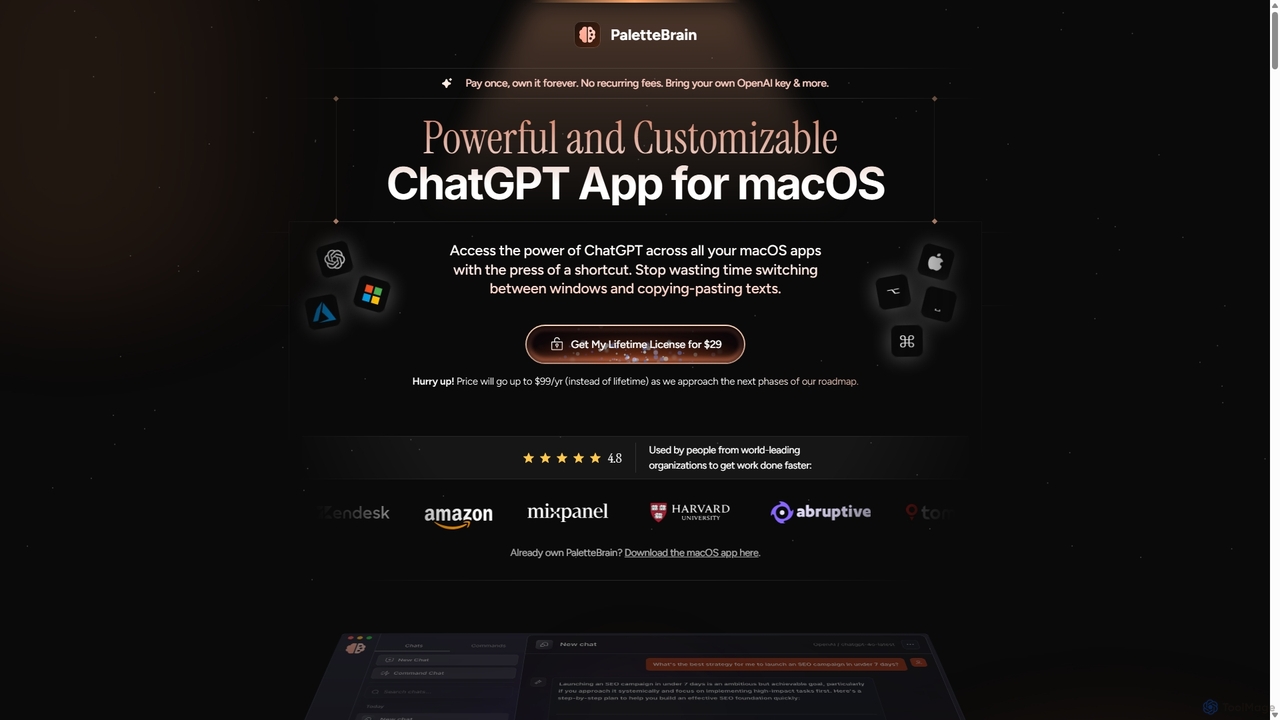
PaletteBrain is a native macOS application that integrates the power of ChatGPT directly into your workflow. With a simple keyboard shortcut, you can access AI commands on any selected text within any app, eliminating context switching. It offers customizable prompts, a one-time purchase model, and allows you to use your own OpenAI key for pay-as-you-go usage, making it a cost-effective and efficient productivity booster for writers, developers, and marketers.
Code AssistantOmnipilot
Omnipilot, now part of Highlight, is a powerful AI assistant for Mac & Windows. It works across all your apps, providing context-aware assistance for writing, meetings, and tasks. It understands what's on your screen to reduce context switching and boost productivity without needing to copy-paste.
UtilitiesVidix
Vidix is a powerful AI assistant for macOS designed to boost productivity. It allows users to create custom AI agents, assign them shortcodes, and activate them in any application to automate tasks, process text, and streamline workflows seamlessly.
Code AssistantAirlight
Airlight is a lightweight "superbrowser" for macOS that provides instant access to web apps like ChatGPT, Perplexity, and Claude via a Spotlight-like interface. Activated by a simple shortcut (option + space), it overlays on any screen, eliminating the need for constant tab switching and boosting productivity for developers, writers, and researchers.
ChatMacaify
Macaify is a native macOS application that integrates AI capabilities into any app on your Mac. With a simple keyboard shortcut, you can select text and instantly perform tasks like writing, translation, code generation, and more, without ever leaving your current application.
Code Assistant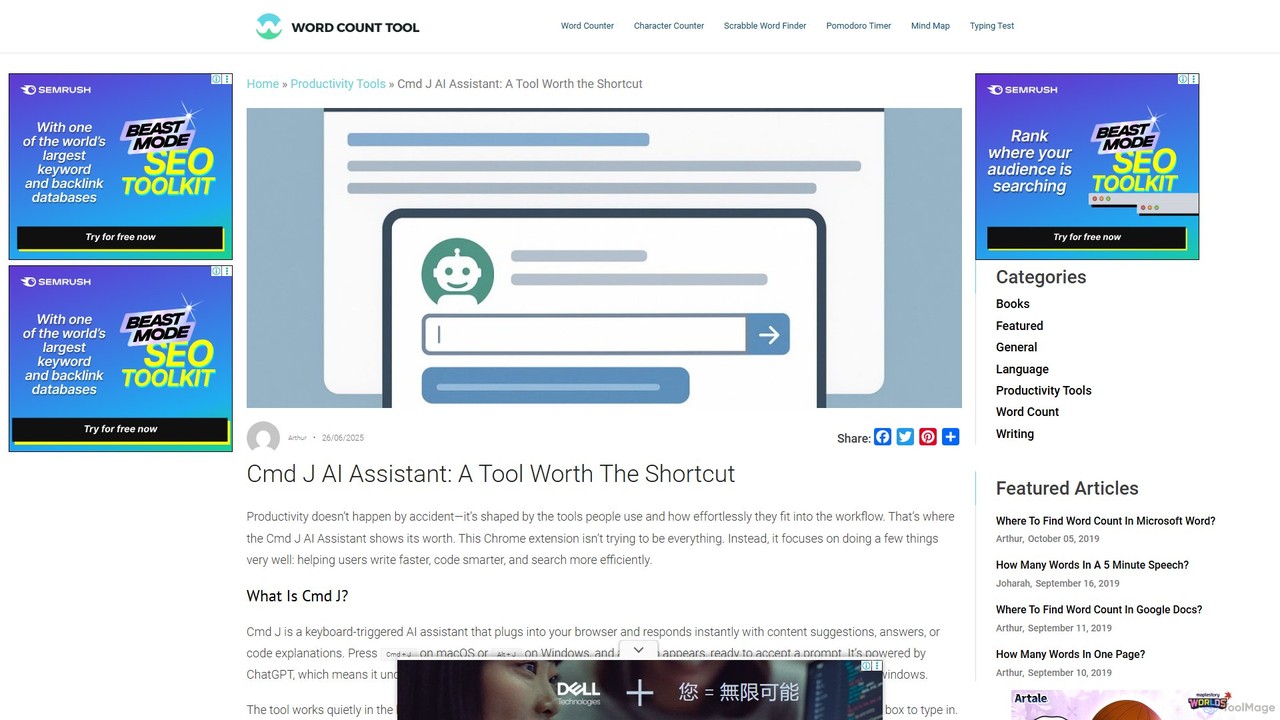
Cmd J AI Assistant
Cmd J is a keyboard-activated AI assistant, available as a Chrome extension, designed to boost productivity. Powered by ChatGPT, it provides instant help with writing, coding, and research directly in your browser. Simply press a shortcut (Cmd+J or Alt+J) to summon the AI, eliminating the need to switch tabs or open new applications, and seamlessly integrating into any workflow.
Chrome Extensions
heyalice
heyalice is a personal AI assistant for your desktop (macOS, Windows, Linux) that centralizes top AI models like GPT-4o and Claude 3.5. It enhances productivity through customizable assistants, reusable prompts (Skills), and seamless integration with automation tools like Zapier and Make. Bring your own API keys to control costs and work faster with powerful keyboard shortcuts, all within a privacy-focused, local application.
Code Assistant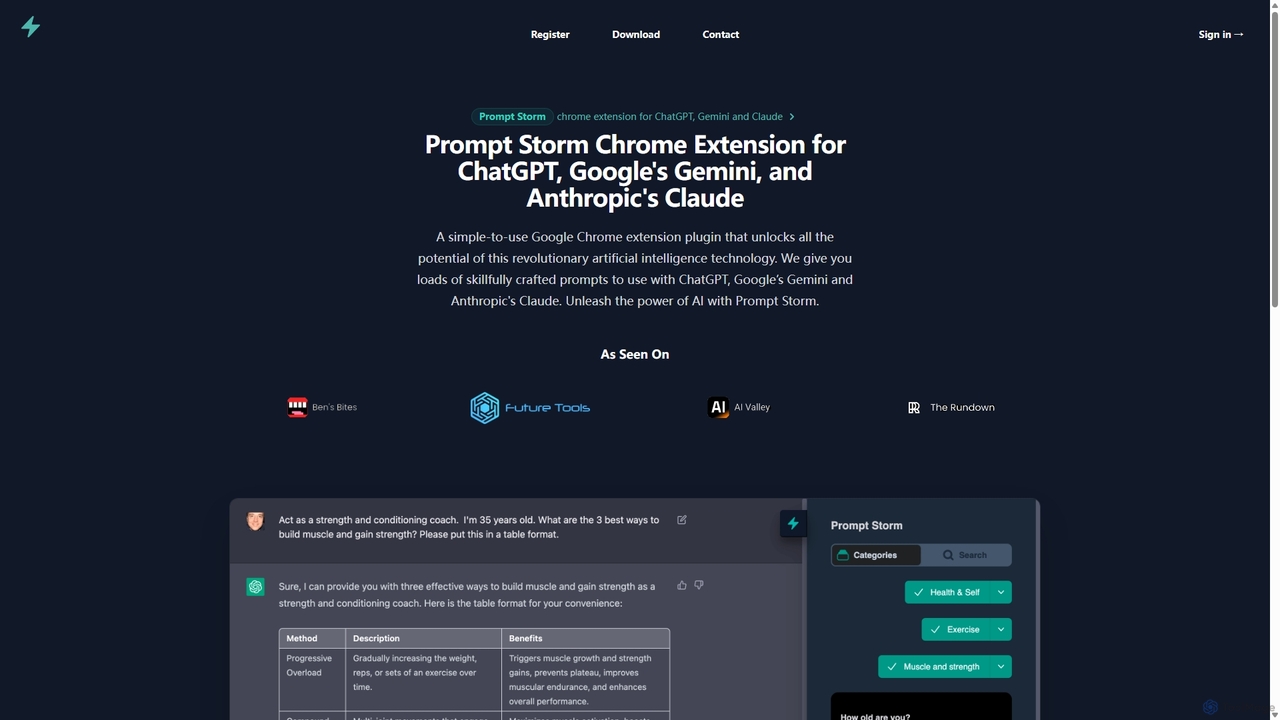
Prompt Storm
Prompt Storm is a powerful Chrome extension that enhances your interactions with ChatGPT, Google Gemini, and Anthropic's Claude. It provides a vast library of expertly crafted prompts, enabling users to unlock the full potential of AI for tasks like content creation, marketing, coding, and learning. Boost your productivity and get higher-quality AI responses with just a few clicks.
Code Generation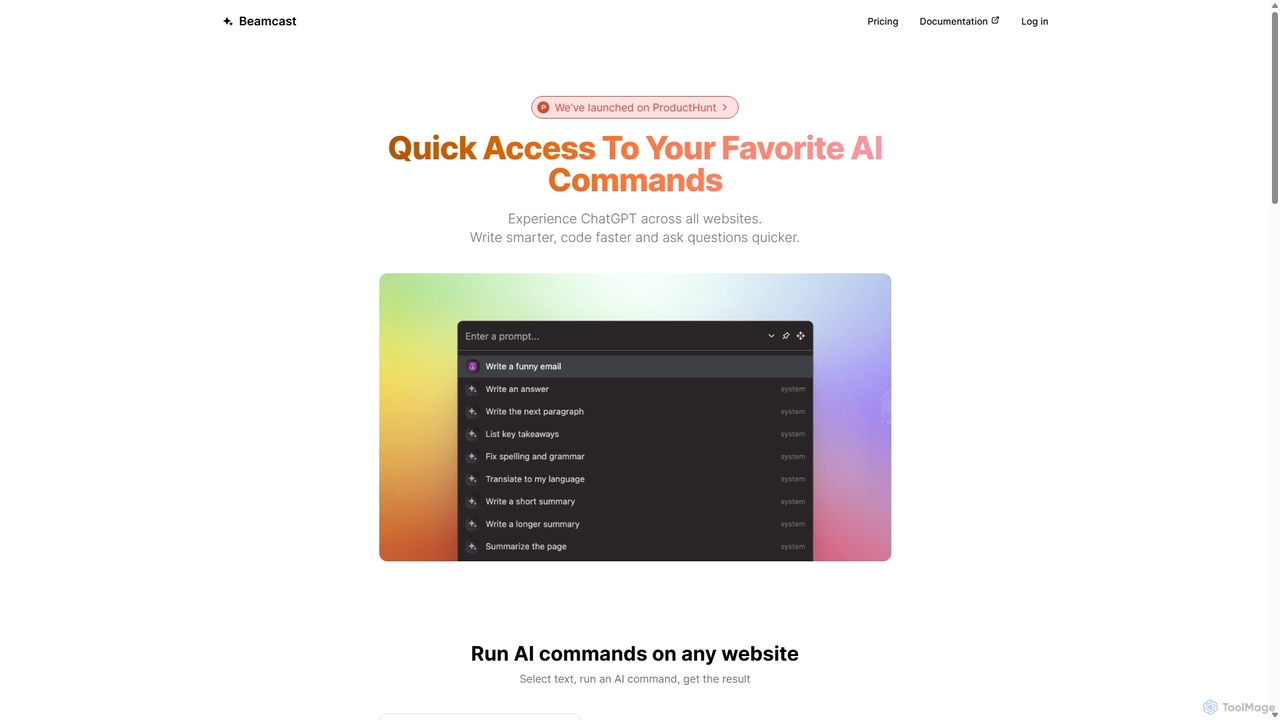
Beamcast
A browser extension that puts ChatGPT and Gemini at your fingertips. Select text on any website to run built-in or custom AI commands for writing, coding, and quick answers, streamlining your workflow and boosting productivity without ever leaving the page.
Search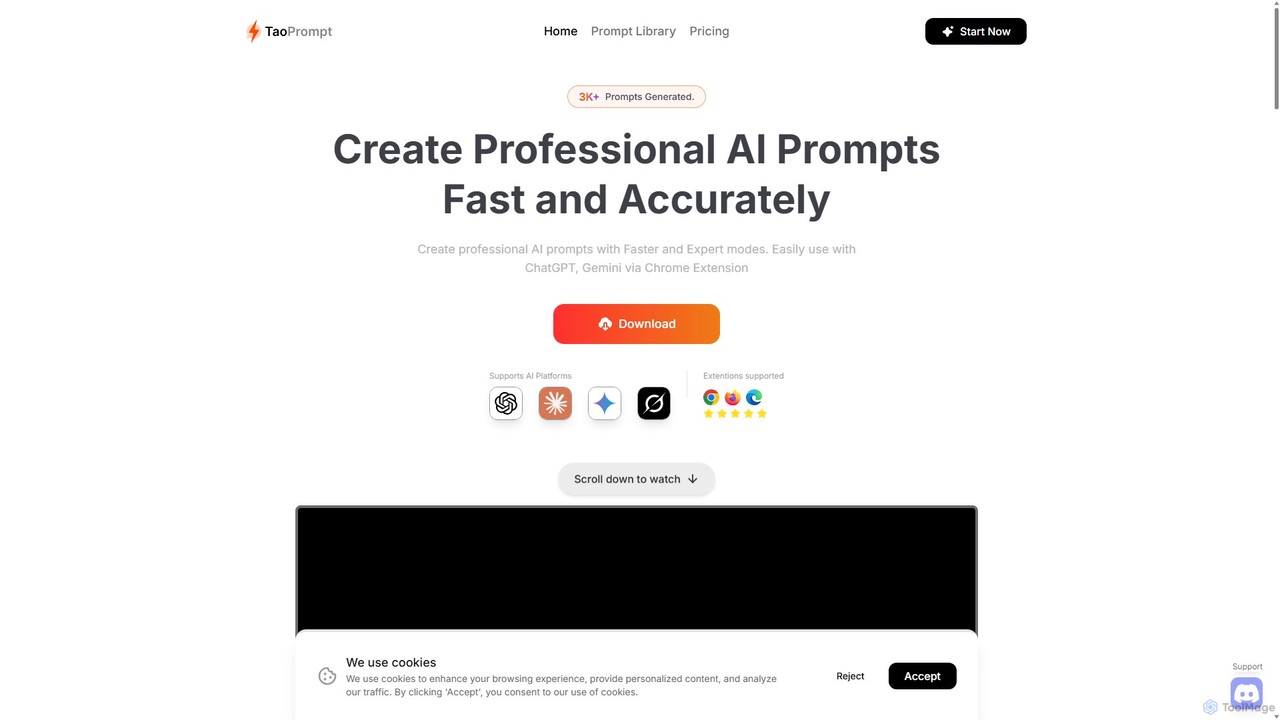
TaoPrompt
An AI-powered tool that helps users create professional, high-quality prompts for major AI chatbots. It simplifies prompt engineering, allowing anyone to generate optimized requests to turn AI into a domain expert, saving time and improving accuracy.
Code Assistant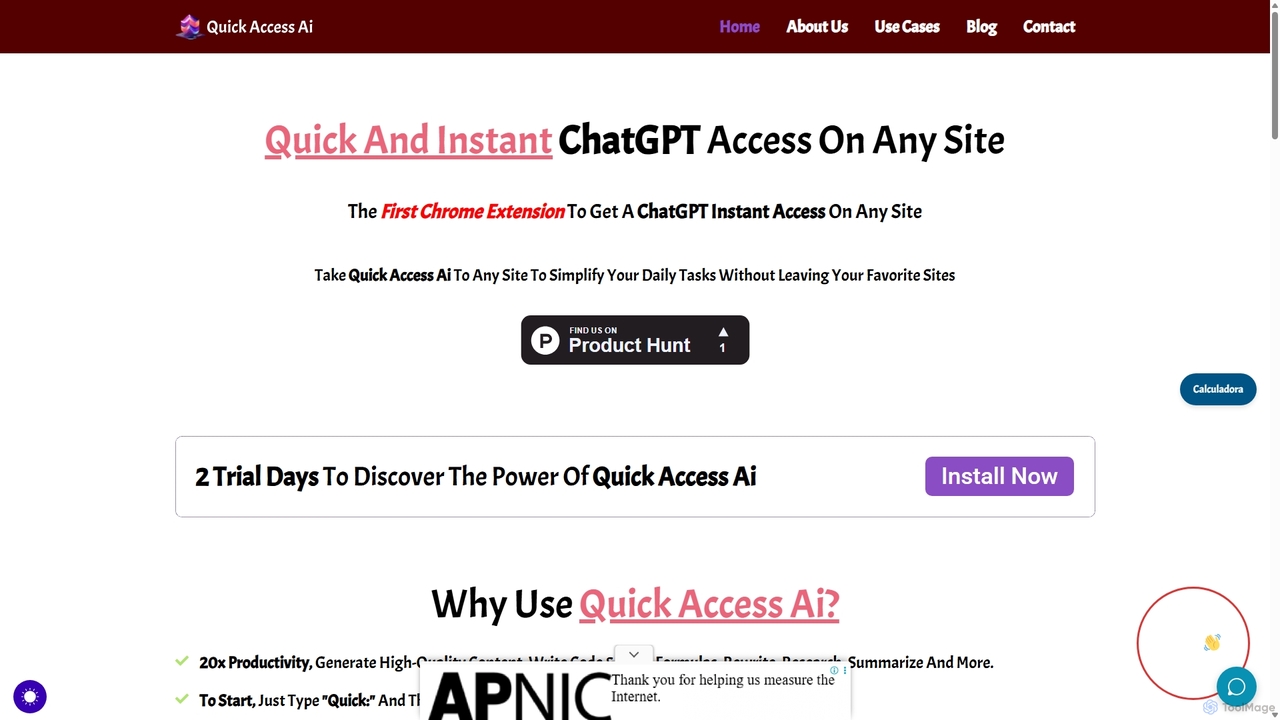
Quick Access Ai
Quick Access Ai is a Chrome extension that provides instant access to ChatGPT on any website. By simply typing a command, users can generate content, write code, summarize text, and perform research without switching tabs. It aims to boost productivity by integrating AI assistance directly into your existing workflow, making daily tasks faster and more efficient.
Code Assistant
Jyek
Jyek is an AI agent platform that understands objectives, creates execution plans, uses tools, and delivers verifiable results for complex, multi-step tasks.
Automation
ChatGPT Phantom
ChatGPT Phantom is a free, all-in-one browser extension that enhances your productivity by integrating ChatGPT, Google Bard, and Bing Chat. It provides real-time web access for up-to-date information, helping you generate high-quality content like articles, YouTube scripts, code, and summaries effortlessly. It's designed for copywriters, creators, and developers who need a powerful and private AI copilot.
Search Assistant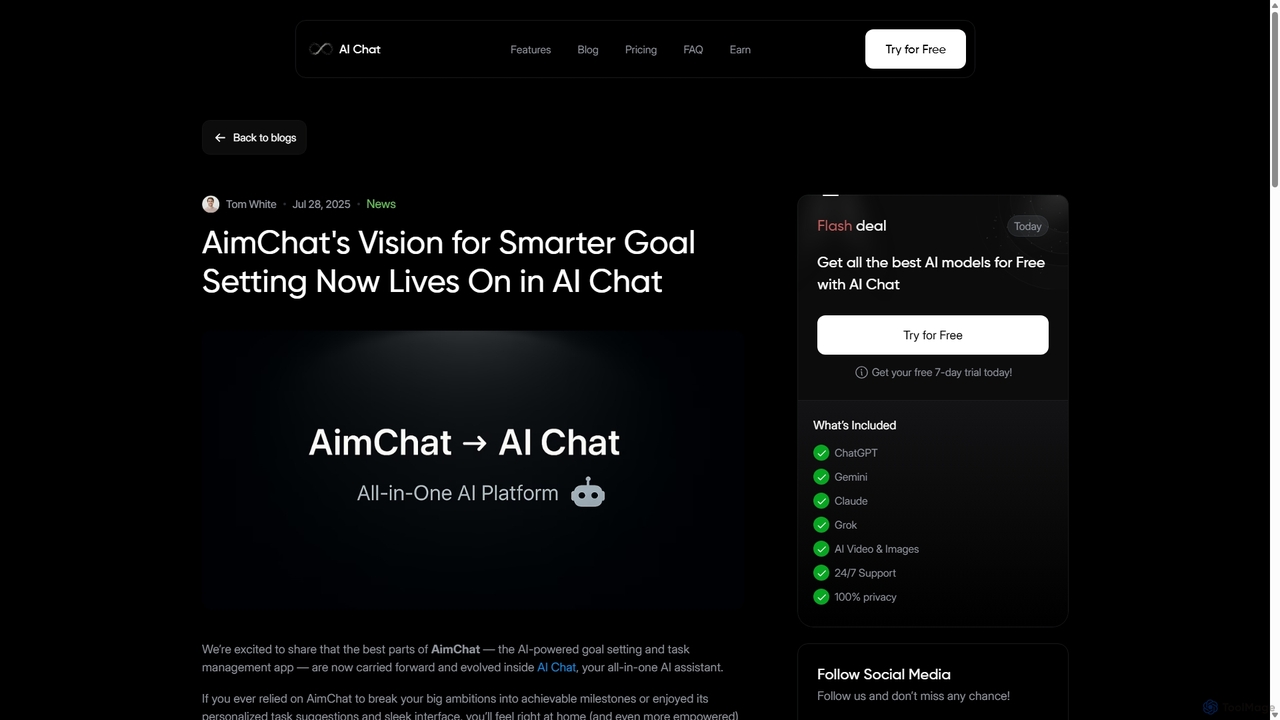
AI Chat
AI Chat is an all-in-one AI assistant that integrates top models like ChatGPT, Claude, and Gemini into a single platform. Evolving from the goal-setting app AimChat, it combines advanced conversational AI with powerful task management, research, and content creation tools to streamline your workflow and help you achieve your ambitions.
Assistantinbox_ai
inbox_ai is a powerful voice-driven AI automation tool for macOS. It allows you to create custom voice commands and build intelligent assistants to streamline your workflow. With features like on-screen quick capture, email filtering, and deep integration with native macOS apps and services like Raycast and PopClip, inbox_ai puts advanced AI capabilities at your fingertips. It operates entirely on-device, ensuring your data remains private and secure, with no login required.
Workflow
DeckAssistant Comments (0)
Sign in to comment.
Sign inNo comments yet.