

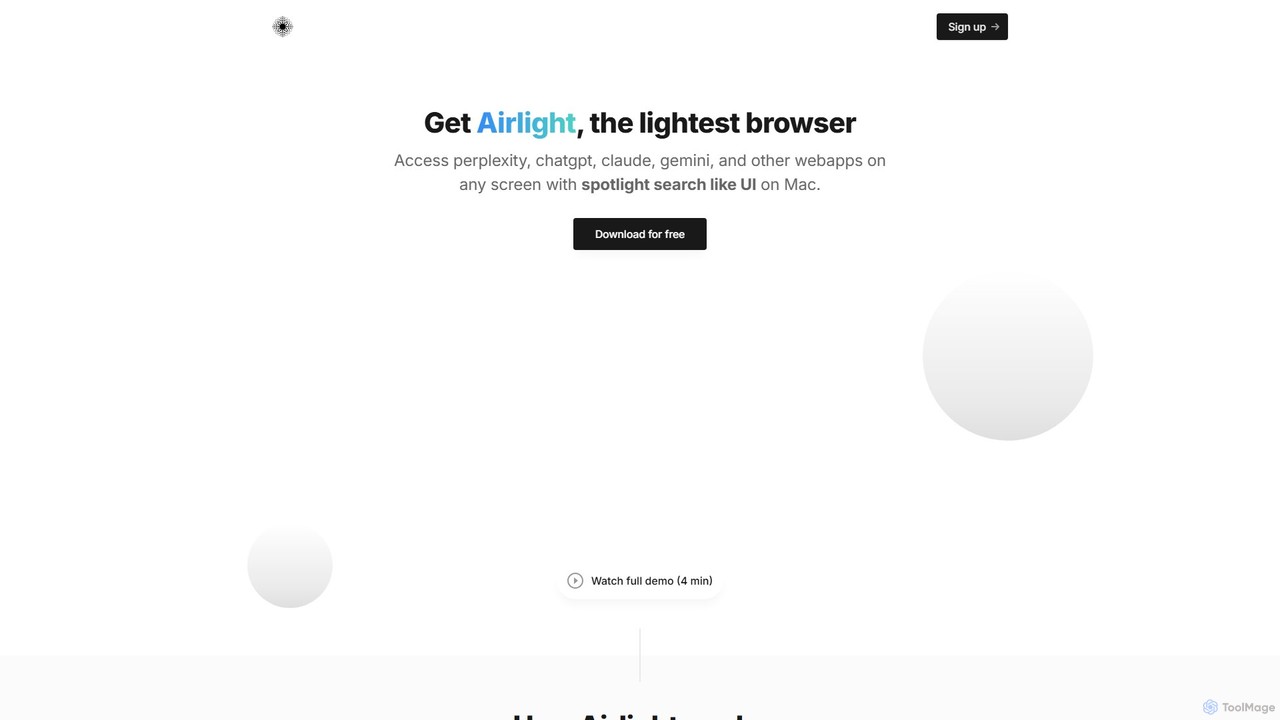
Airlight Overview
Airlight is a revolutionary productivity tool for macOS, designed as a lightweight "superbrowser" to streamline your workflow. It addresses the common problem of digital clutter and context switching by providing instant access to your most-used web applications, such as ChatGPT, Perplexity, Claude, and Gemini, without ever leaving your current window. Imagine having the power of your favorite AI tools available with a single keystroke, just like macOS's native Spotlight search. That's the core promise of Airlight: to keep you focused and efficient.
The tool was born out of the frustration of constantly juggling browser tabs and switching between applications. For professionals who rely on web-based tools for coding, writing, or research, this constant back-and-forth can break concentration and waste valuable time. Airlight solves this by creating a persistent, on-demand layer that sits on top of your work, ready to be summoned or dismissed in an instant.
How to use Airlight
Using Airlight is designed to be incredibly intuitive and seamless, integrating directly into your existing habits. Here's a simple breakdown of how it works:
- Installation: Download and install the Airlight application on your macOS device (supports both Intel and Apple Silicon chips).
- Activation: The primary way to interact with Airlight is through a simple keyboard shortcut: Option + Space. Pressing this combination will instantly bring up the Airlight window on top of whatever application you are currently using.
- Accessing Apps: Inside the Airlight window, you can load any web app you need. By default, it's optimized for tools like ChatGPT, Perplexity, and other AI assistants. You can log in to your accounts once, and they will remain ready for your next use.
- Searching: Airlight comes with Perplexity set as the default search engine. This means any query you type into its search bar will leverage Perplexity's AI-powered search capabilities, giving you direct, summarized answers instead of just a list of links.
- Dismissal: Once you're done, simply press Option + Space again to hide the Airlight window. Your main work is exactly where you left it, with no interruption to your flow.
Core Features of Airlight
- Spotlight-like Access: The universal `Option + Space` shortcut provides immediate access from anywhere in macOS.
- Overlay Interface: Airlight appears on top of your current screen, eliminating the need to switch to a different application or find the right browser tab.
- Multi-Webapp Support: While optimized for AI tools like ChatGPT and Perplexity, it can host any web app, such as Twitter, your email client, or a project management tool.
- Integrated Perplexity Search: Leverages Perplexity for a more intelligent and efficient search experience directly within the app.
- Lightweight and Fast: Built to be a minimal, non-intrusive utility that doesn't consume significant system resources.
- Privacy-First Design: Airlight does not store any of your activity data on its servers. It only stores your name and email for licensing purposes, ensuring your privacy.
Use Cases for Airlight
Airlight is versatile and can enhance productivity across various professions:
- For Developers: Keep ChatGPT or a similar AI coding assistant open in Airlight while writing code in your IDE. You can ask for code snippets, debug errors, or understand complex functions without ever leaving your editor.
- For Writers and Content Creators: Use Airlight to quickly fact-check information with Perplexity, brainstorm ideas with Claude, or rephrase sentences with an AI writing tool, all while staying within your word processor.
- For Researchers and Students: Instantly look up definitions, get summaries of academic papers, or translate text using your favorite web tools without disrupting your reading or note-taking process.
- For General Productivity: Manage quick, frequent tasks like checking social media feeds, replying to a quick message, or looking at a dashboard without opening a full, distracting browser window.
Advantages of Airlight
The primary advantage of Airlight is its ability to significantly boost productivity by minimizing context switching. It helps you stay focused on your primary task. The simple, one-time payment model is a major benefit, offering lifetime access without the burden of recurring subscriptions. Furthermore, its privacy-first approach gives users peace of mind. The 7-day free trial allows anyone to experience its benefits firsthand before committing.
Pricing and Plans
Airlight offers a straightforward and user-friendly pricing model, avoiding subscriptions entirely.
- Lifetime License: A one-time payment of $39 (early bird pricing) grants you a lifetime license for the app.
- Free Trial: You can try Airlight completely free for 7 days. No credit card is required to start the trial, making it a risk-free opportunity to see how it fits into your workflow.
Airlight Alternatives
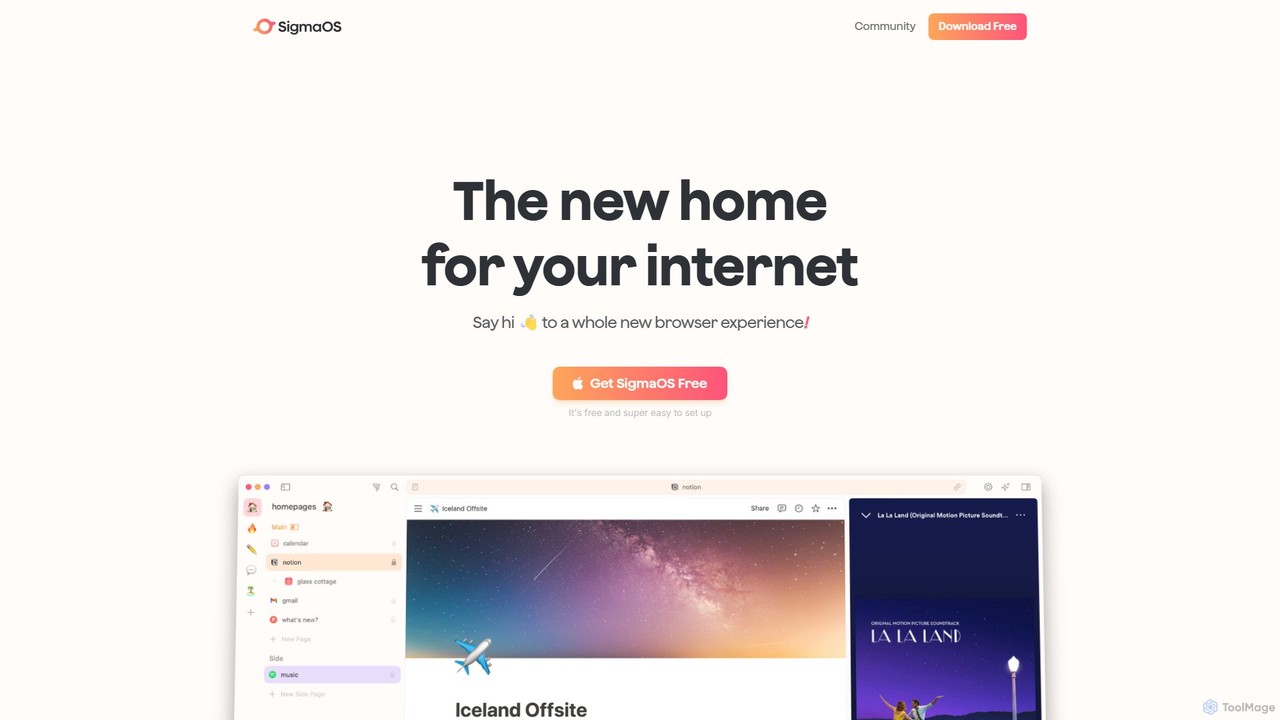
SigmaOS
SigmaOS is a revolutionary AI-powered web browser designed for work and productivity on macOS. It reimagines the browsing experience with features like workspaces for organization, vertical tabs managed as tasks, and an integrated AI assistant named Airis. It combines the speed and security of Safari's WebKit engine with the versatility of Chrome extensions, creating a focused, efficient, and intelligent environment for students, founders, and creatives.
Search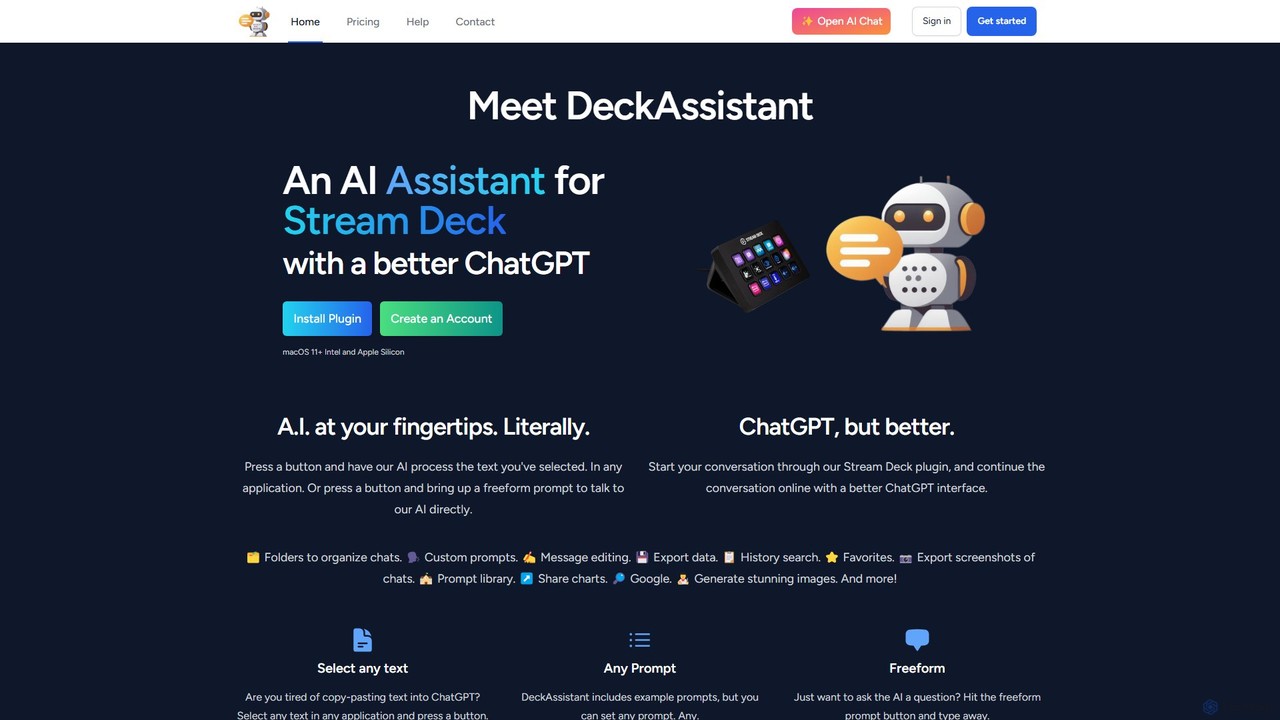
DeckAssistant
DeckAssistant is a powerful AI assistant that integrates directly with your Elgato Stream Deck. It allows you to process selected text, generate content, or chat with an AI using a single button press, directly within any application on your macOS. This eliminates context switching and streamlines your workflow for tasks like writing, coding, and content creation.
Workflow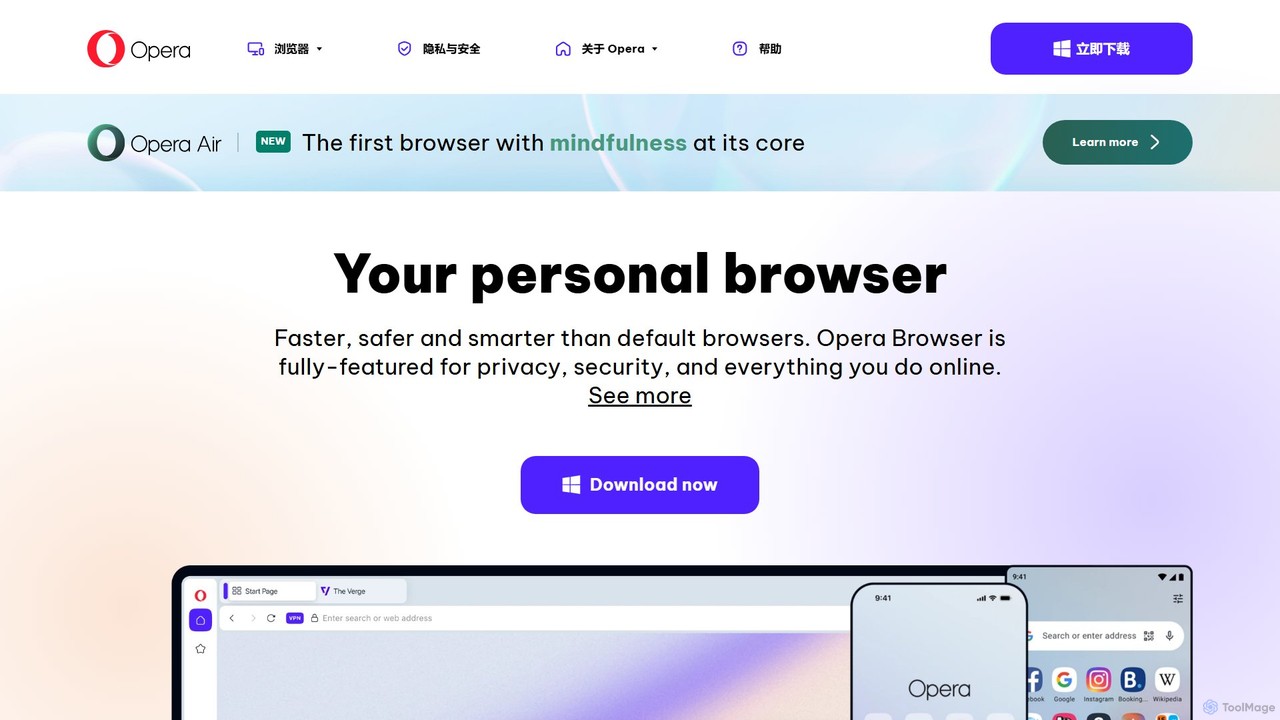
Opera
Opera is a smart, secure web browser with a native AI assistant, Aria. It offers innovative features like Tab Islands for organization, a free built-in VPN, and an ad blocker. Designed for speed and privacy, Opera provides a more productive and distraction-free browsing experience.
Browser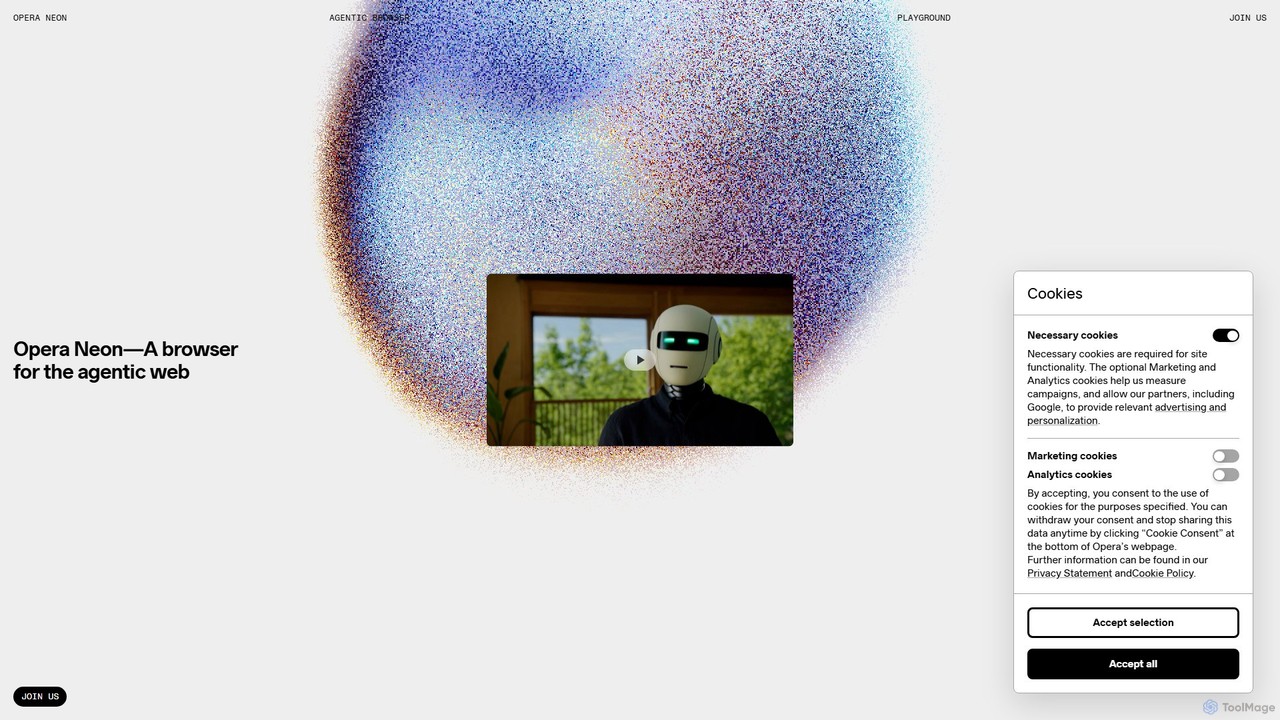
Opera Neon
Opera Neon is a next-generation agentic AI browser designed to understand user intent, automate complex tasks, and create digital content. It integrates AI chat, task automation, and creative generation into a single, seamless browsing experience, acting as a proactive digital assistant.
Low Code No Code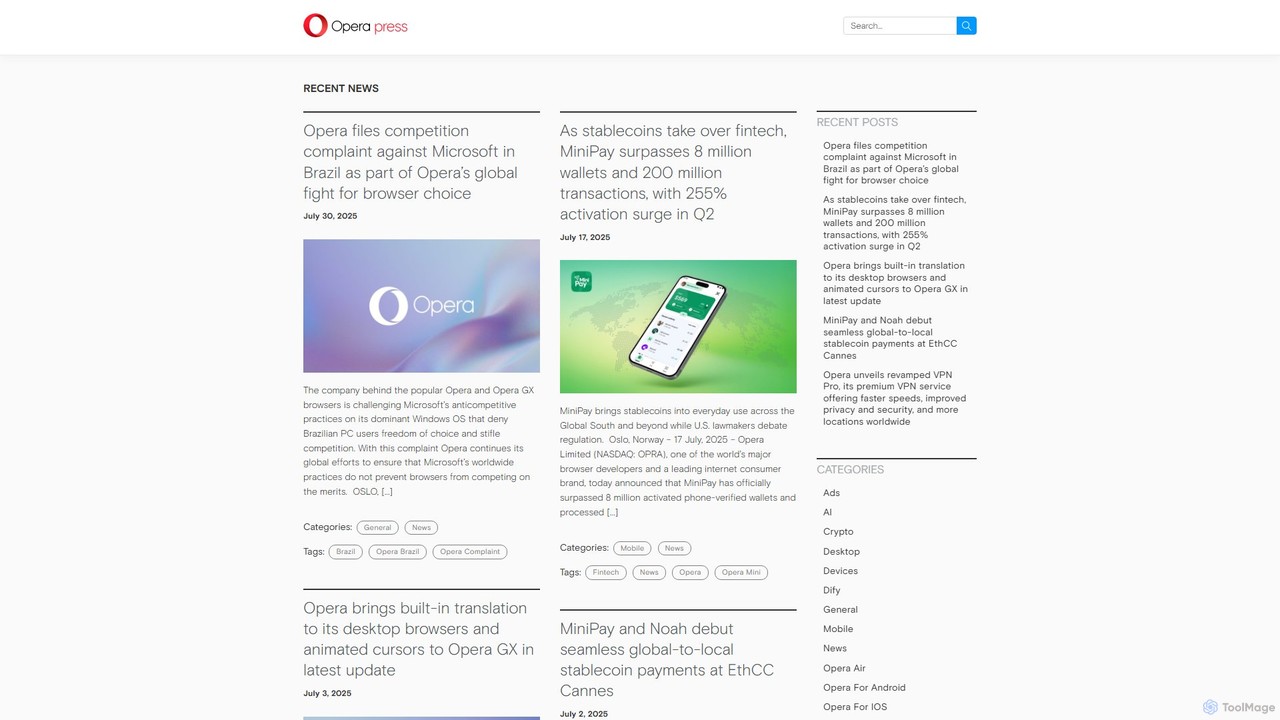
Opera
Opera is an innovative, multi-platform web browser supercharged with Aria, a native AI assistant. It offers a faster, safer, and smarter browsing experience with a free built-in VPN, ad blocker, and specialized versions like Opera GX for gamers. Aria provides real-time web information, image generation, and advanced productivity features, all integrated seamlessly.
AssistantAirlight Categories
Airlight Embed Widget
Copy this embed code to place the badge on your blog, article, or product site and send readers directly to this ToolMage detail page.

Related AI tools
DeckAssistant
DeckAssistant is a powerful AI assistant that integrates directly with your Elgato Stream Deck. It allows you to process selected text, generate content, or chat with an AI using a single button press, directly within any application on your macOS. This eliminates context switching and streamlines your workflow for tasks like writing, coding, and content creation.
Workflow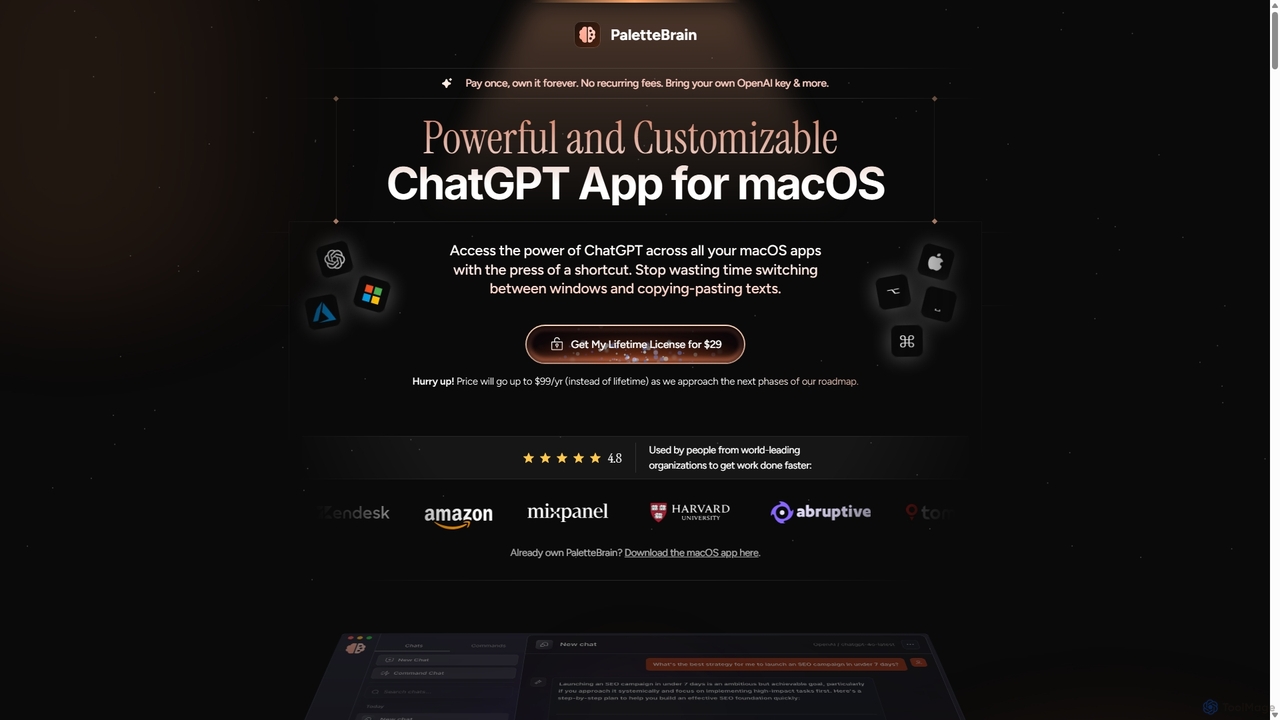
PaletteBrain
PaletteBrain is a native macOS application that integrates the power of ChatGPT directly into your workflow. With a simple keyboard shortcut, you can access AI commands on any selected text within any app, eliminating context switching. It offers customizable prompts, a one-time purchase model, and allows you to use your own OpenAI key for pay-as-you-go usage, making it a cost-effective and efficient productivity booster for writers, developers, and marketers.
Code Assistant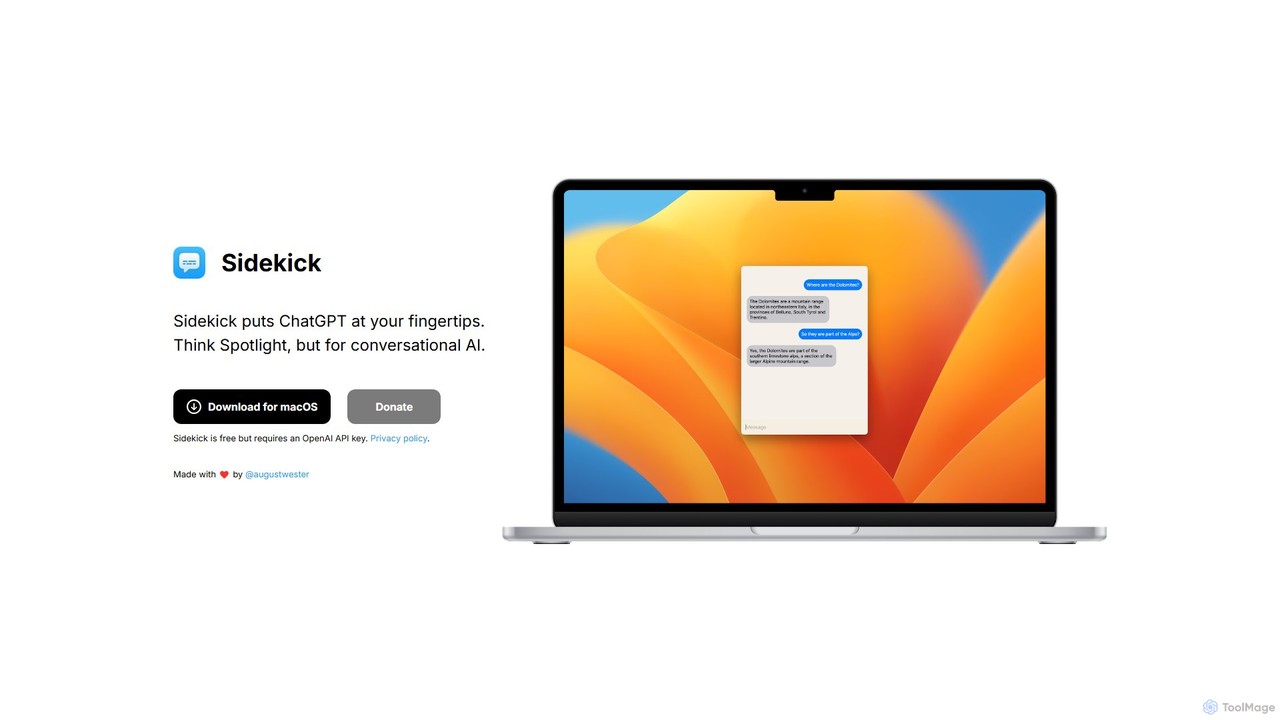
Sidekick
Sidekick is a free macOS application that provides instant access to ChatGPT from anywhere on your desktop. Functioning like Spotlight for conversational AI, it allows users to summon an AI assistant with a simple keyboard shortcut, streamlining workflows and boosting productivity without needing a browser.
Code AssistantSigmaOS
SigmaOS is a revolutionary AI-powered web browser designed for work and productivity on macOS. It reimagines the browsing experience with features like workspaces for organization, vertical tabs managed as tasks, and an integrated AI assistant named Airis. It combines the speed and security of Safari's WebKit engine with the versatility of Chrome extensions, creating a focused, efficient, and intelligent environment for students, founders, and creatives.
Search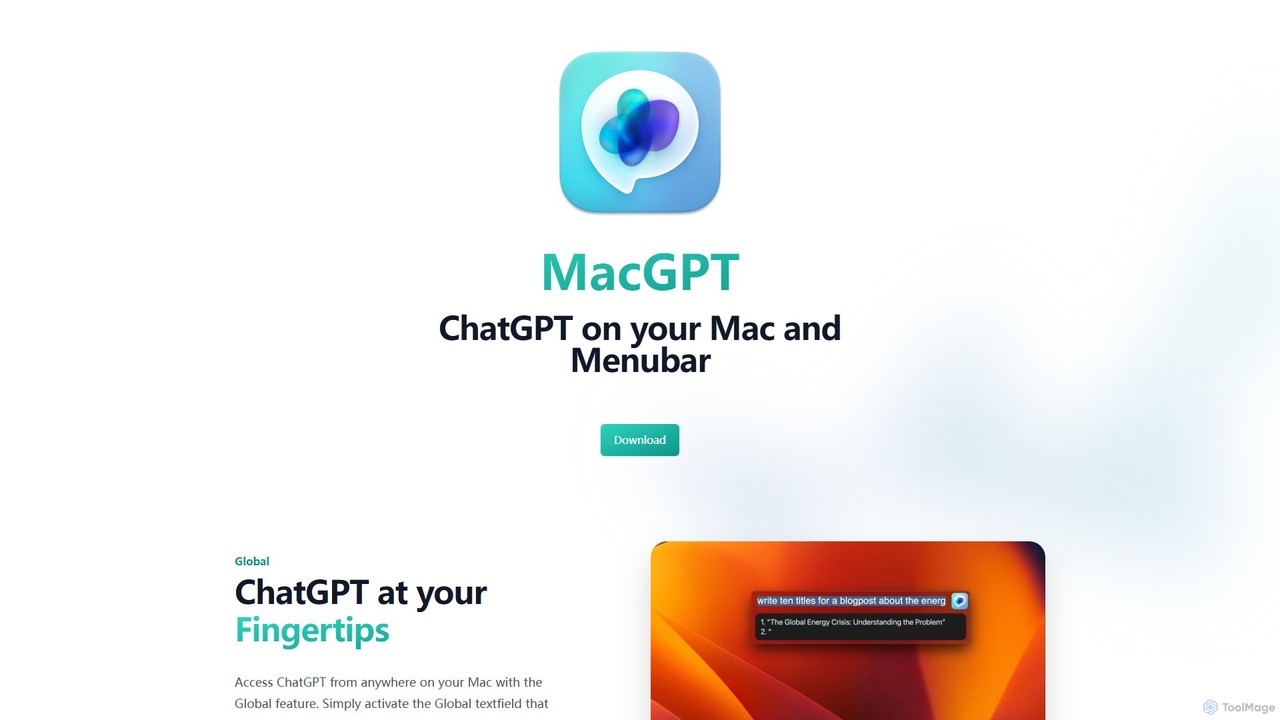
MacGPT
MacGPT brings the power of ChatGPT directly to your macOS desktop. Access OpenAI's models instantly from your menubar, use the Inline feature to write in any application, and switch between a native or web interface for ultimate flexibility and productivity.
Code Assistant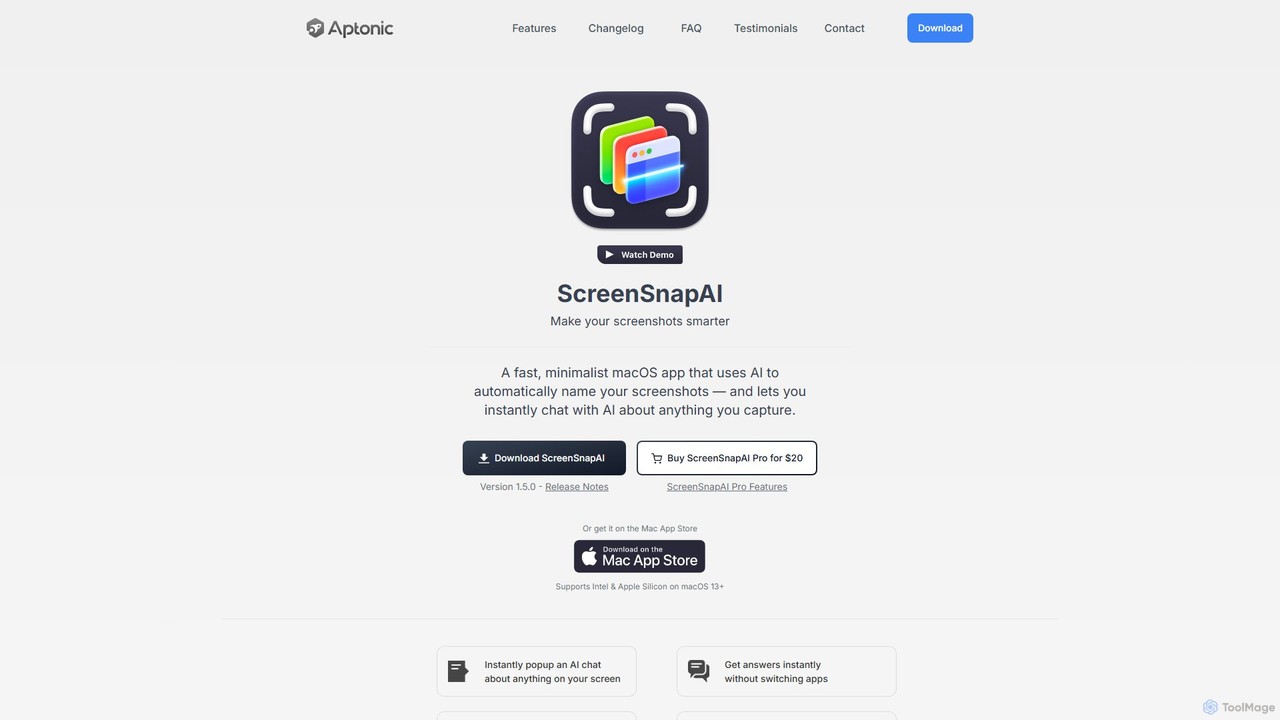
ScreenSnapAI
ScreenSnapAI is a smart macOS application that uses AI to automatically rename, tag, and organize your screenshots. It features an integrated AI assistant that allows you to instantly chat about, translate, or extract text and code from any captured image, dramatically improving productivity and workflow efficiency.
Code Assistant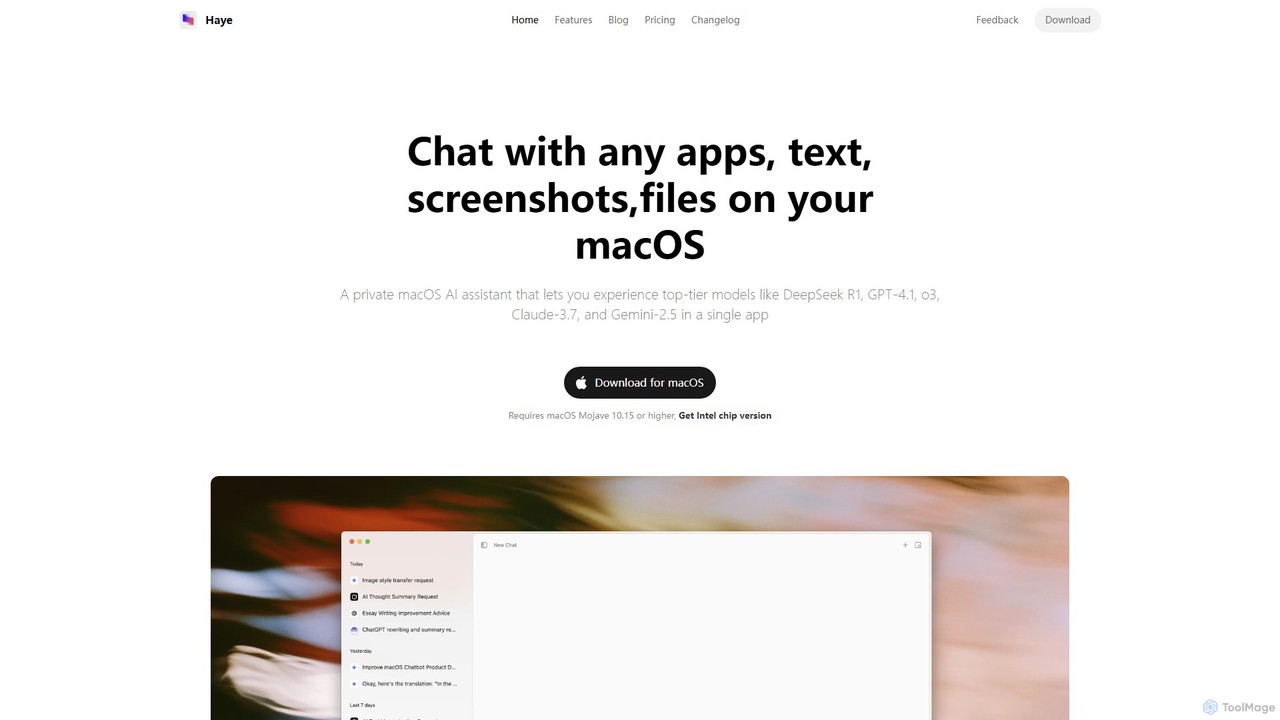
Haye
Haye is a powerful, all-in-one AI chat assistant for macOS, integrating top-tier models like GPT-4.1, Claude-3.7, and Gemini-2.5. It allows users to seamlessly interact with any app, text, screenshot, or file on their desktop, boosting productivity with features like AI search, document chat, and advanced customization.
Code Assistant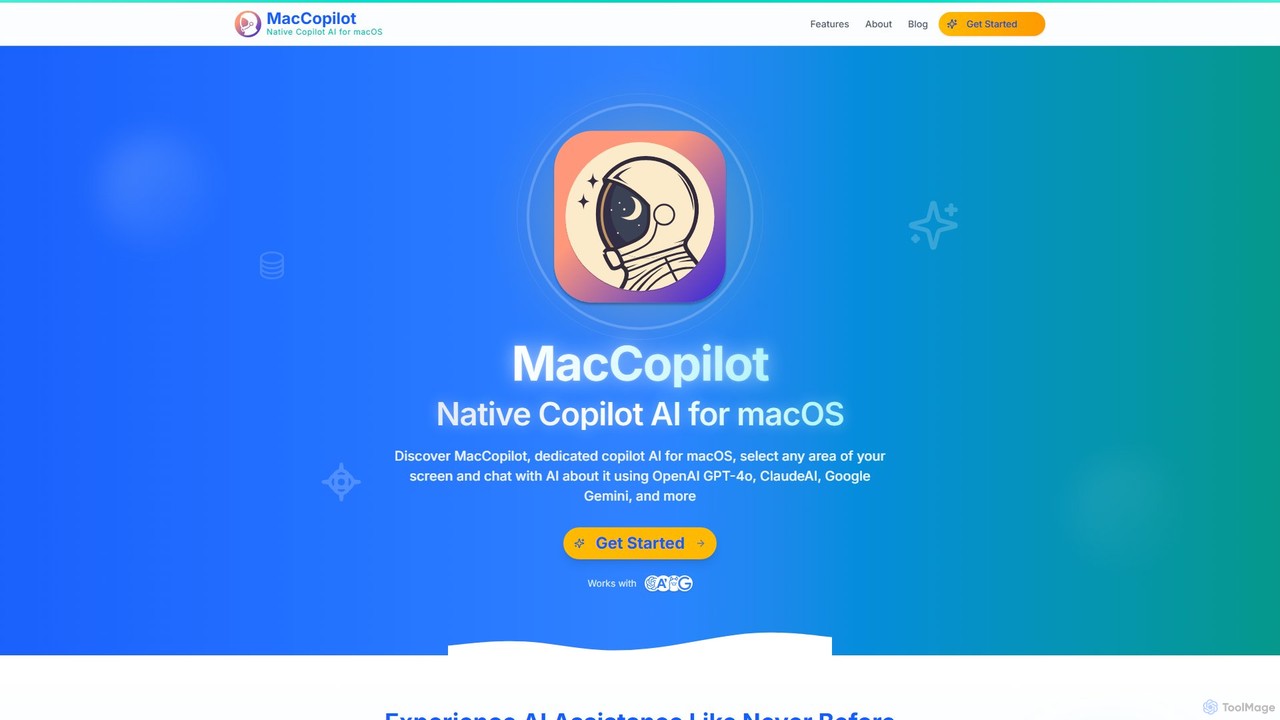
MacCopilot
MacCopilot is a native AI assistant for macOS that revolutionizes productivity. It allows you to select any area of your screen and instantly start a conversation with advanced AI models like GPT-4o, Claude 3.5, and Gemini. Get immediate insights, code explanations, email drafts, and more, without ever leaving your current window. It's a seamless bridge between your screen's content and powerful AI.
Code Assistant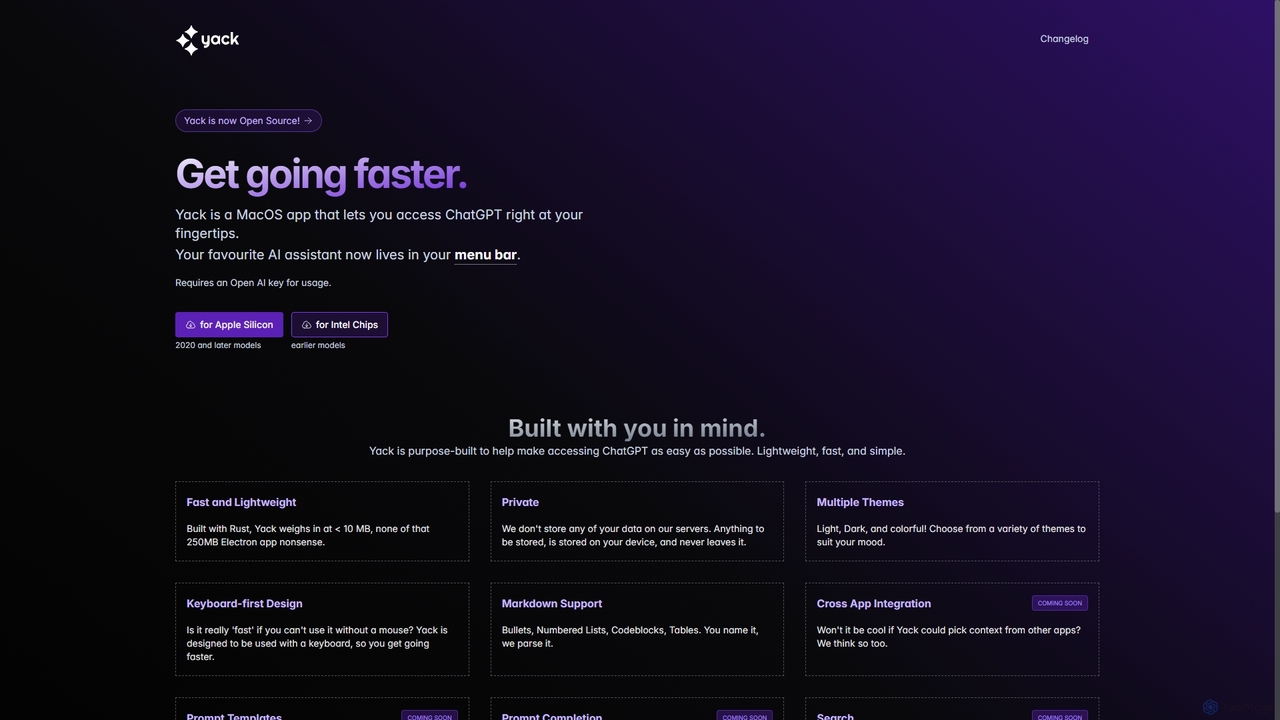
Yack
Yack is a lightweight, fast, and private open-source native macOS application that provides instant access to ChatGPT directly from your menu bar. Built with Rust, it's designed for efficiency with a keyboard-first approach, ensuring you can interact with AI without disrupting your workflow.
Api Client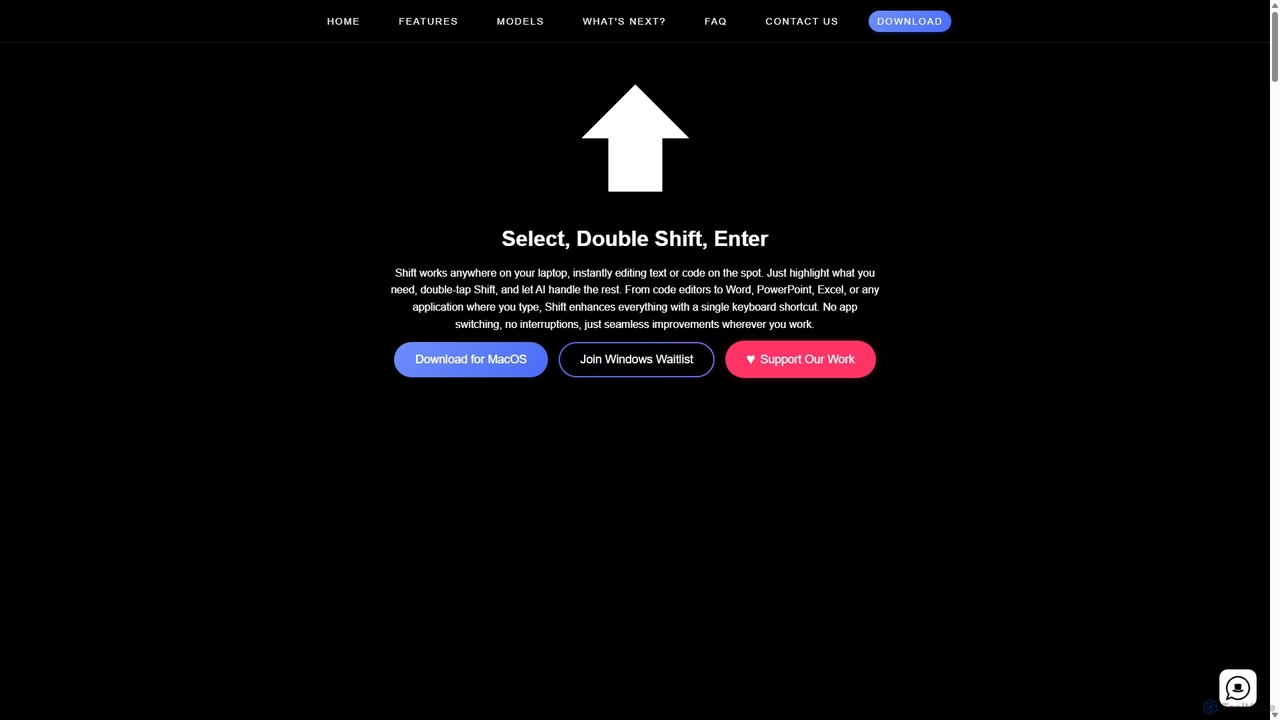
Shift
Shift is a system-wide AI assistant for macOS that enhances your workflow by allowing you to edit text and code anywhere with a simple keyboard shortcut. Just highlight text, double-tap Shift, and let the AI rewrite, debug, translate, or rephrase it instantly within any application.
Code Assistant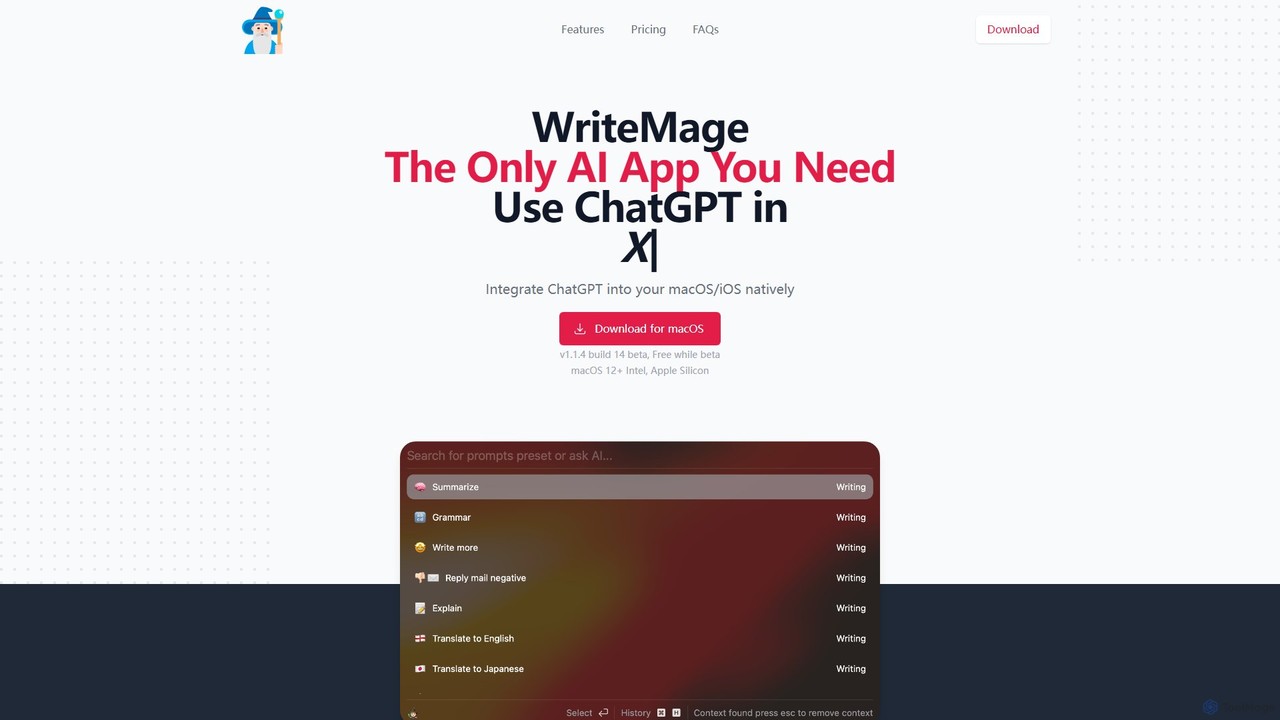
WriteMage
WriteMage is a native AI assistant for macOS and iOS, integrating ChatGPT seamlessly into any application. It functions like a system-wide utility, allowing you to write, code, and create content with context-aware AI without ever leaving your current app. It features a customizable prompt editor, local chat history, and flexible pricing plans.
Code Assistant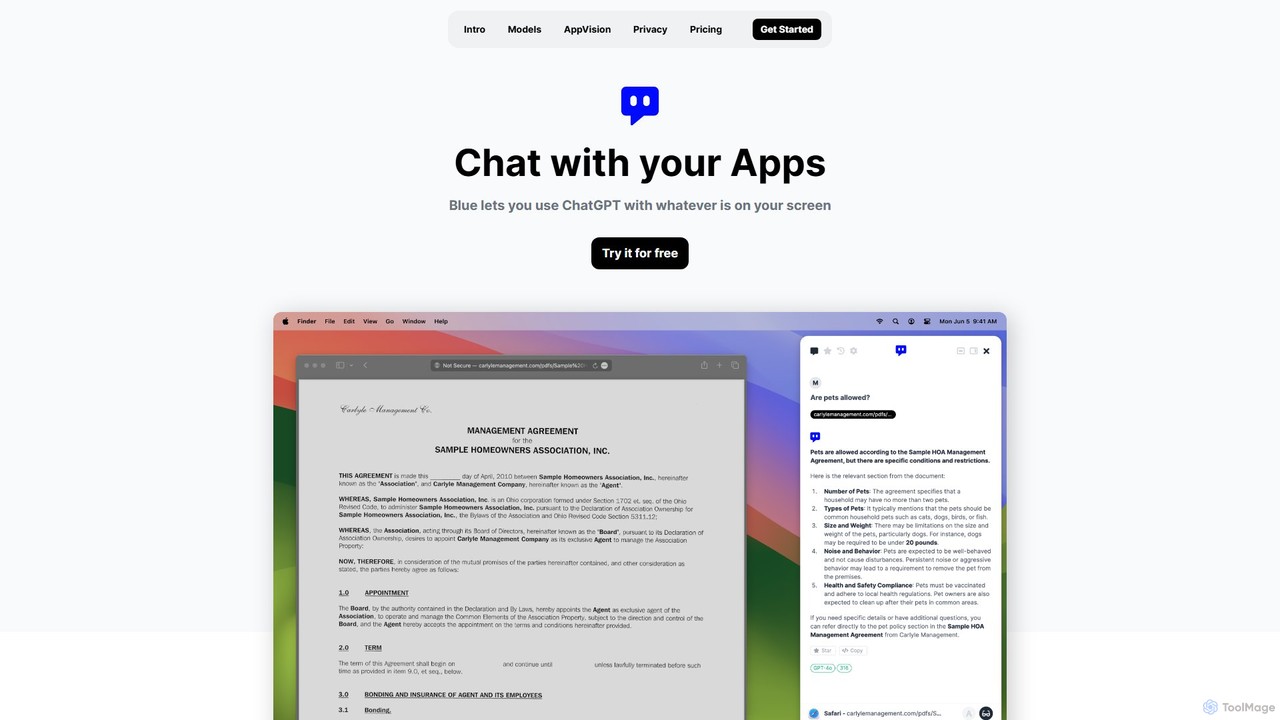
Blue
Blue is a native macOS AI assistant that integrates ChatGPT and other advanced AI models directly into your workflow. Featuring unique screen context awareness (AppVision) and a strong focus on privacy, it allows you to analyze, summarize, or create content in any app with a simple keyboard shortcut, boosting productivity for professionals.
Coding Assistant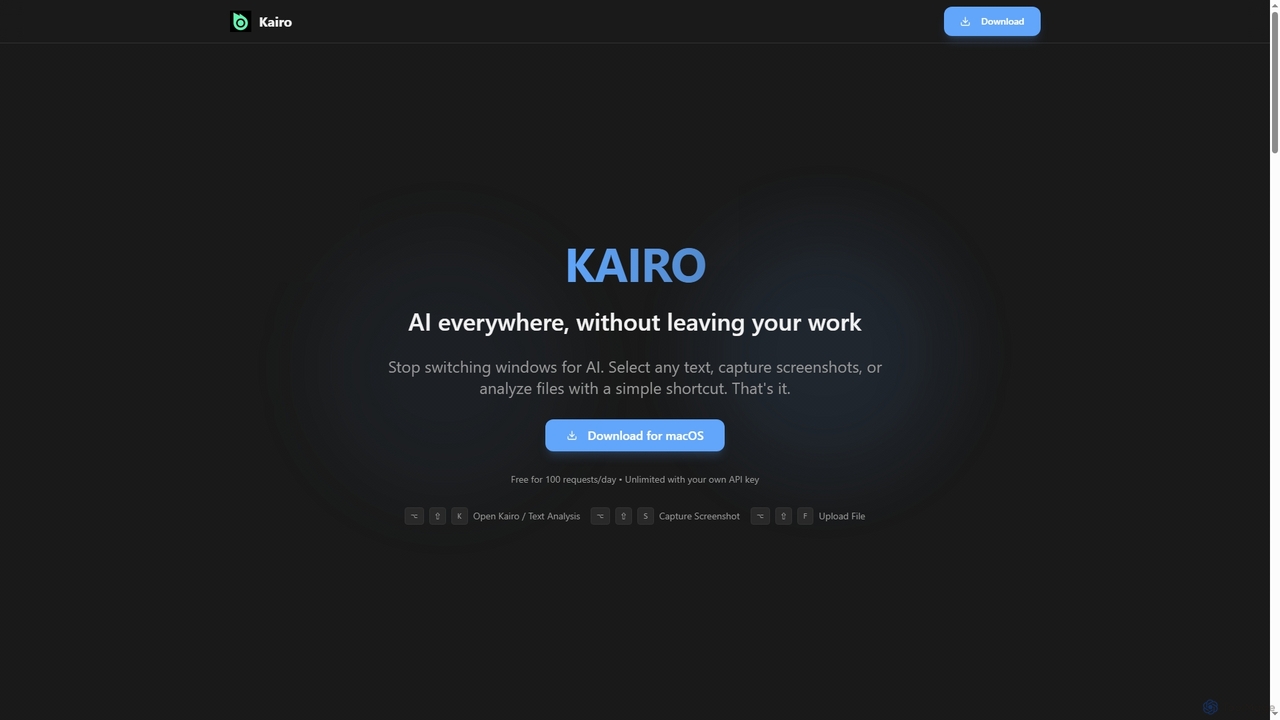
Kairo
Kairo is an AI-powered desktop assistant for macOS that integrates seamlessly into your workflow, eliminating the need to switch applications for AI tasks. It offers smart text transformation, visual analysis of screenshots, and deep analysis of files directly from any app using simple keyboard shortcuts.
Document Analysis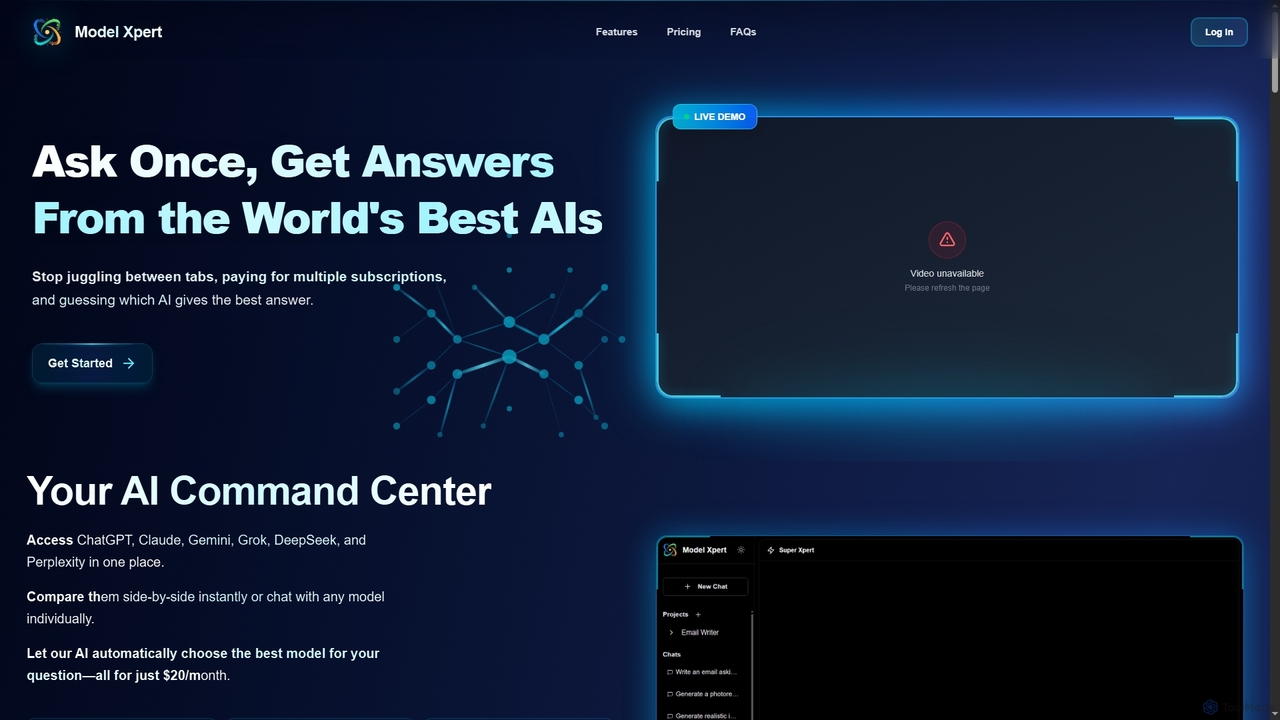
Model Xpert
Model Xpert provides unified access to the world's top AI models like ChatGPT, Claude, Gemini, Grok, DeepSeek, and Perplexity in one chat interface. It eliminates the need for multiple subscriptions and offers features like side-by-side comparison, intelligent auto-selection, prompt enhancement, and an AI image suite for maximum efficiency and cost savings.
Writing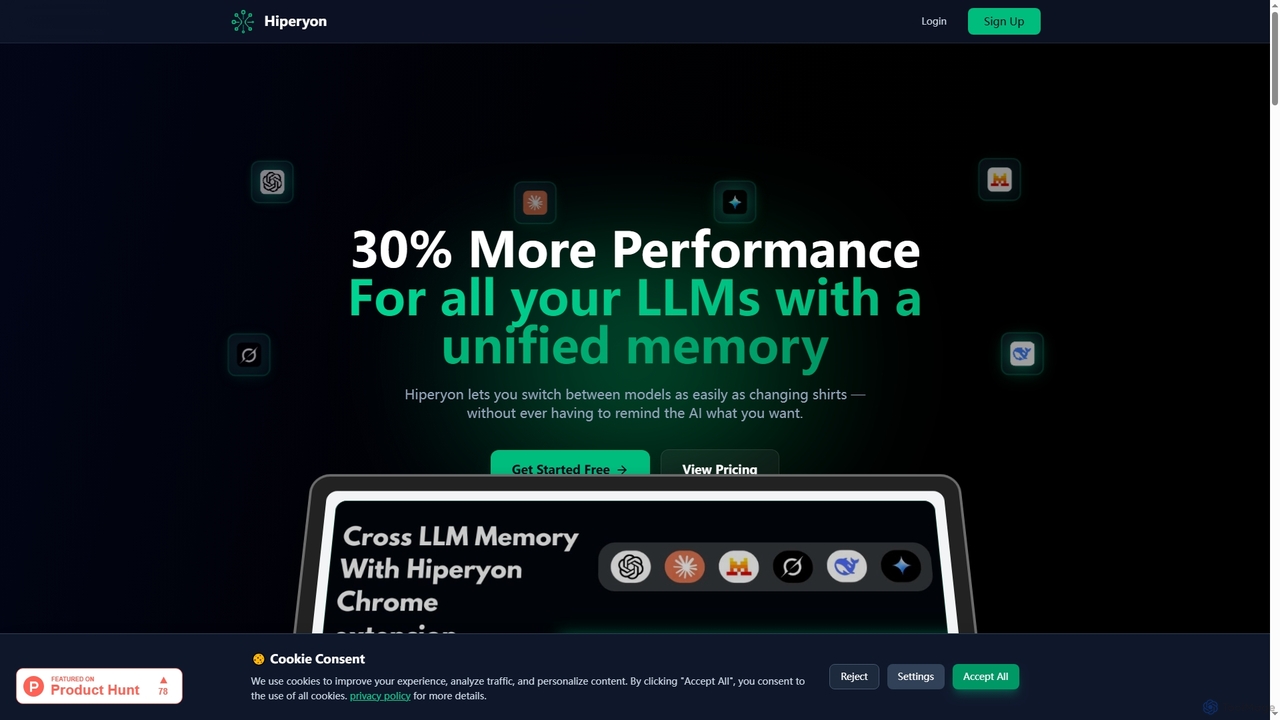
Hiperyon
Hiperyon is an AI tool that provides a unified contextual memory layer for multiple Large Language Models (LLMs) like ChatGPT, Claude, and Gemini. It enhances productivity by allowing users to switch between different AI models without losing context or repeating information, ensuring consistent and efficient interactions.
Context Management
Airlight Comments (0)
Sign in to comment.
Sign inNo comments yet.