

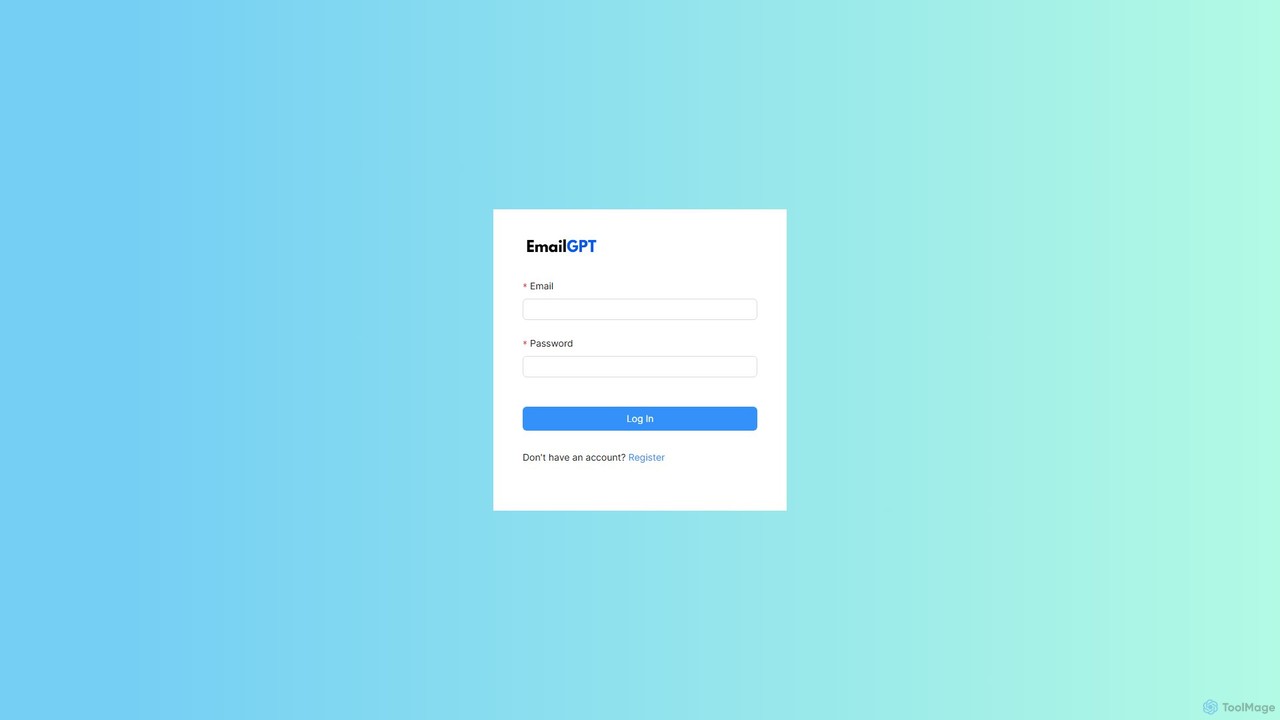
EmailGPT Overview
EmailGPT is an advanced AI-powered email assistant designed to revolutionize your email management and communication workflow. In today's fast-paced digital world, professionals are often overwhelmed by the sheer volume of emails. EmailGPT addresses this challenge by leveraging cutting-edge artificial intelligence to help you write, reply to, and manage your emails with unprecedented speed and quality. It acts as your personal writing partner, ensuring every message you send is clear, concise, and perfectly toned for its audience.
By automating the most time-consuming aspects of email correspondence, EmailGPT frees up your valuable time to focus on more strategic tasks. Whether you're a sales professional crafting a persuasive outreach, a customer support agent providing a quick solution, or a manager communicating with your team, this tool adapts to your specific needs, enhancing both your efficiency and effectiveness.
How to use EmailGPT
Getting started with EmailGPT is simple and intuitive. Follow these steps to transform your email experience:
- Sign Up: Create an account on the EmailGPT website.
- Connect Your Email (Optional): For a more integrated experience, you can connect your existing email accounts like Gmail or Outlook. Alternatively, you can use the standalone web application.
- Draft a New Email: To compose a new message, simply provide a short prompt or a few bullet points. For example, type "Write a follow-up email to a client about the proposal we sent last week." EmailGPT will generate a complete, well-structured draft in seconds.
- Generate Replies: When you receive an email, EmailGPT can analyze its content and suggest several context-aware reply options. Choose the one that best fits and edit if necessary.
- Customize and Refine: Use the built-in tools to adjust the tone (e.g., formal, friendly, assertive), shorten or lengthen the text, and check for grammar and spelling errors.
- Send with Confidence: Once you are satisfied with the draft, simply copy it to your email client or send it directly if your account is integrated.
Core Features of EmailGPT
- AI-Powered Email Generation: Instantly create high-quality emails from simple prompts, saving you from writer's block.
- Intelligent Reply Suggestions: Get context-aware, smart reply options for incoming emails, drastically reducing response time.
- Email Summarization: Condense long and complex email threads into concise summaries, allowing you to grasp key information quickly.
- Tone and Style Tuner: Effortlessly modify the tone of your writing to be more professional, casual, persuasive, or empathetic to match any situation.
- Multi-Language Support: Write, translate, and reply to emails in numerous languages, breaking down communication barriers with international contacts.
- Grammar and Punctuation Correction: Ensure every email is polished and professional with advanced proofreading capabilities.
- Personalized Writing Style: The AI learns from your writing style over time to generate drafts that sound authentically like you.
Use Cases for EmailGPT
EmailGPT is a versatile tool for a wide range of professionals:
- Sales Teams: Rapidly create personalized outreach emails, schedule follow-ups, and respond to leads to close deals faster.
- Customer Support: Generate quick, empathetic, and accurate responses to customer inquiries, improving satisfaction and efficiency.
- Marketing Professionals: Draft compelling copy for email campaigns, newsletters, and promotional announcements.
- Managers and Executives: Efficiently manage internal communications, delegate tasks, and summarize lengthy discussions to stay on top of projects.
- HR and Recruiters: Craft professional communication for candidates, from interview invitations to offer letters.
- Freelancers and Entrepreneurs: Manage client communications, send proposals, and handle administrative emails with ease.
Advantages of EmailGPT
Integrating EmailGPT into your workflow offers significant benefits:
- Massive Time Savings: Reduce the time spent on writing and managing emails by up to 80%.
- Improved Communication Quality: Enhance the clarity, professionalism, and impact of your written communication.
- Increased Productivity: Automate repetitive email tasks, allowing you to focus on work that drives growth.
- Consistent Brand Voice: For teams, it helps maintain a consistent tone and quality in all external communications.
- Overcome Language Barriers: Communicate effectively with clients and partners worldwide, regardless of language differences.
Pricing and Plans
EmailGPT offers a flexible pricing structure to suit different needs:
- Free Plan: Ideal for individuals and light users. Includes up to 15 AI-generated emails per month, basic features, and standard support.
- Pro Plan ($12/month): Designed for professionals and power users. Offers up to 200 AI-generated emails per month, advanced features like tone tuning and summarization, priority support, and personalization.
- Business Plan ($29/user/month): Perfect for teams and organizations. Includes unlimited email generation, team management features, centralized billing, API access for custom integrations, and dedicated account support.
EmailGPT Alternatives
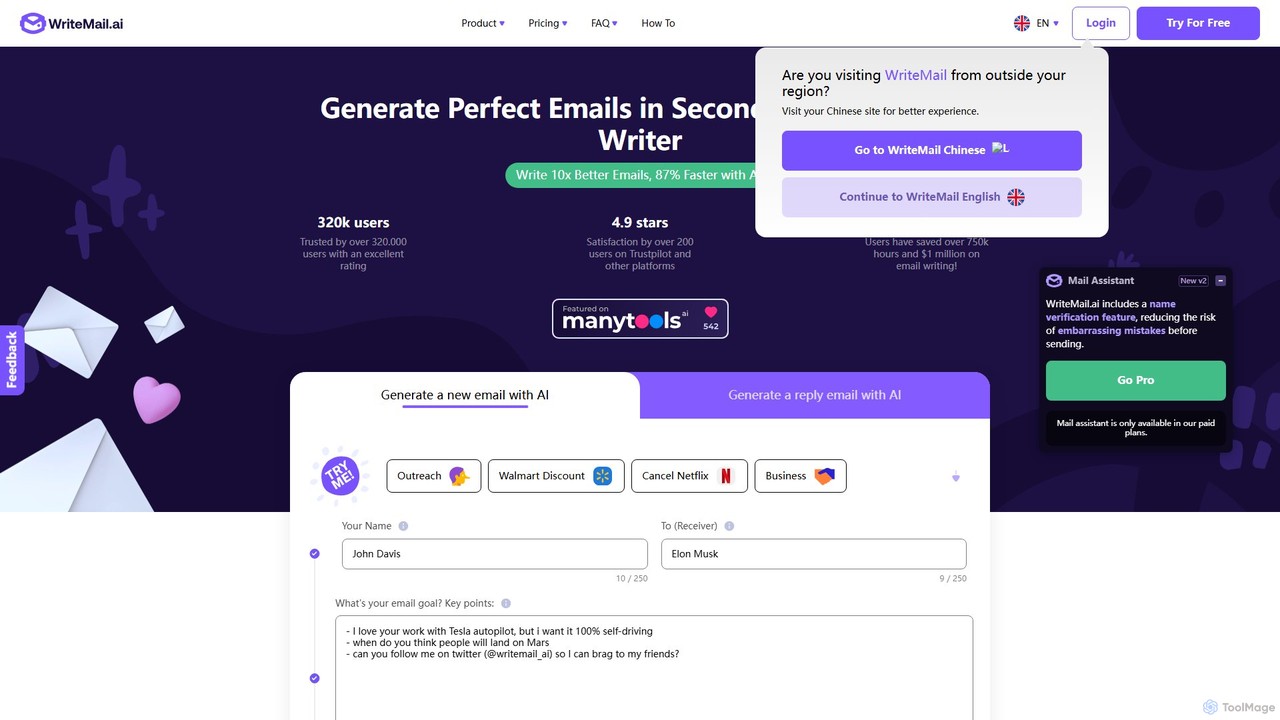
WriteMail.ai
WriteMail.ai is an AI-powered email assistant designed to help you write better emails 10x faster. It generates new emails and replies, refines tone and style, and offers real-time suggestions to improve clarity. With multilingual support and upcoming Gmail integration, it's the perfect tool for both business and personal communication, saving you time and boosting productivity.
Email Marketing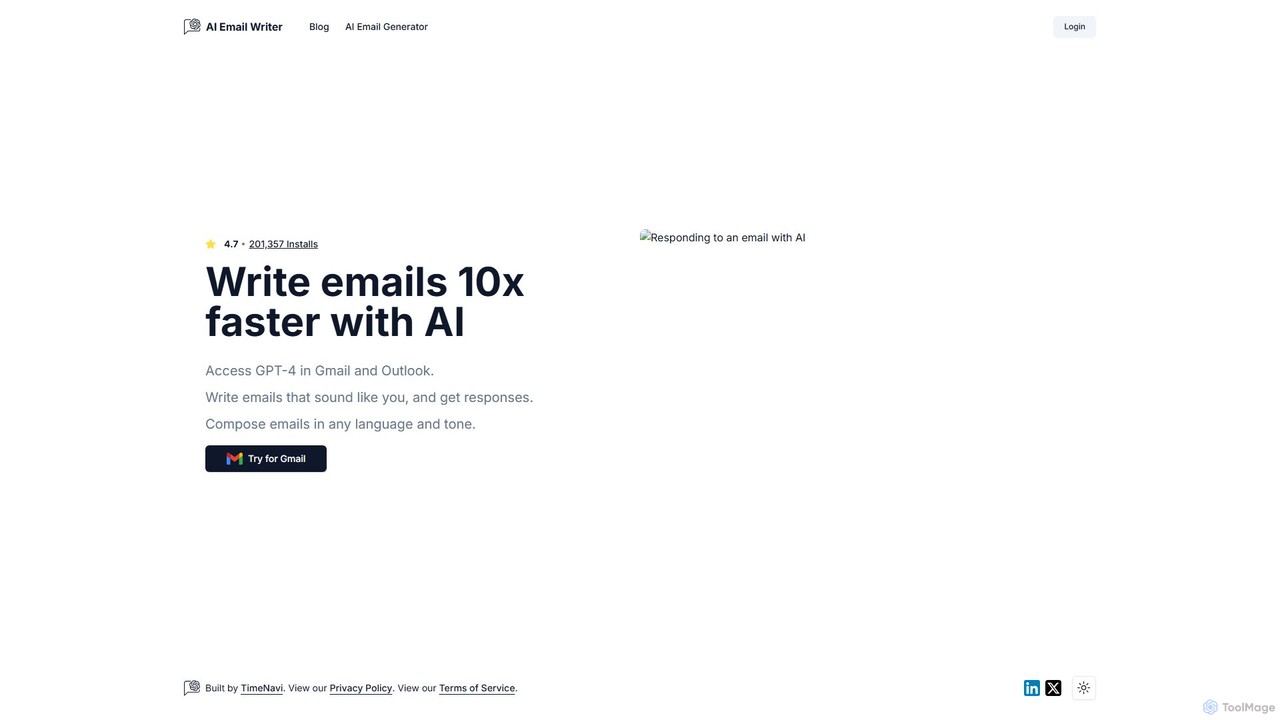
ReplyAI
ReplyAI is an AI-powered email writer that integrates with Gmail and Outlook to help you write emails 10x faster. Powered by GPT-4, it generates high-quality drafts, suggests contextual replies, and adapts to your personal writing style. Compose professional emails in multiple languages and tones, saving time and improving communication efficiency for sales, customer support, and daily correspondence.
Email Marketing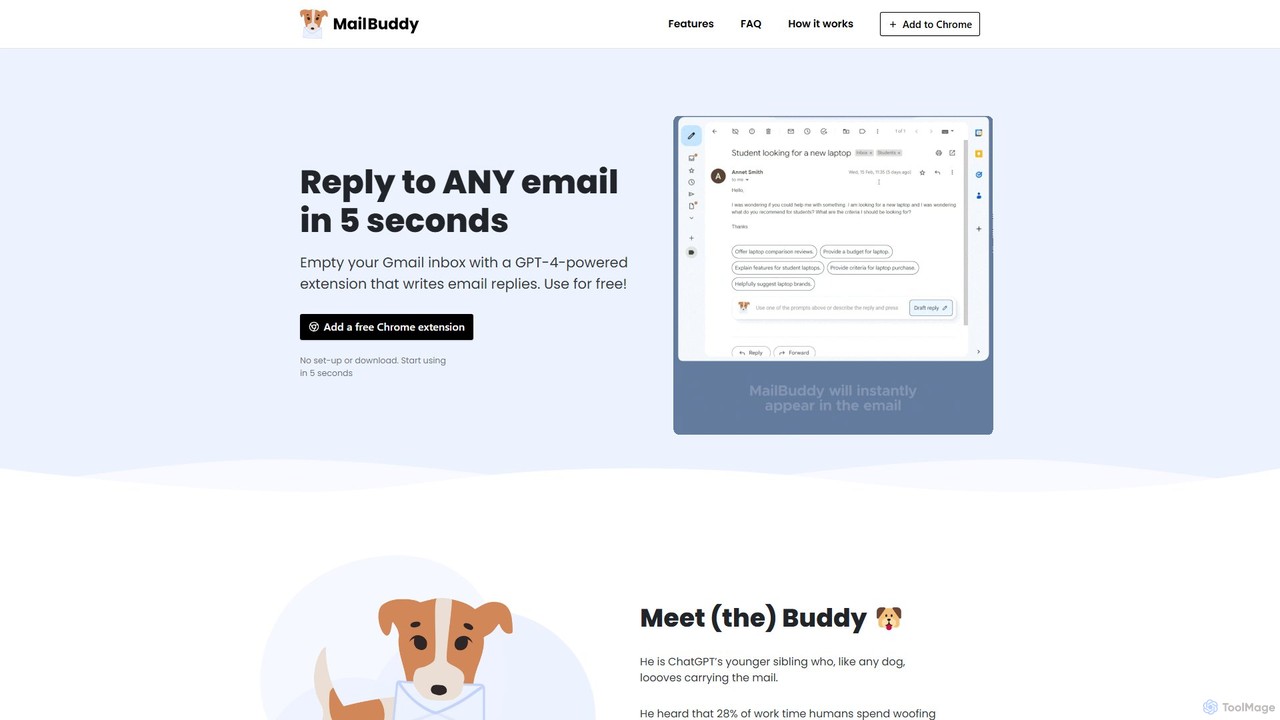
MailBuddy
MailBuddy is a GPT-4 powered AI email assistant that integrates directly into your Gmail. It analyzes email context to draft high-quality replies in seconds. Customize the tone, provide specific instructions, and handle all your email correspondence without leaving your inbox, saving you time and boosting productivity.
Response Management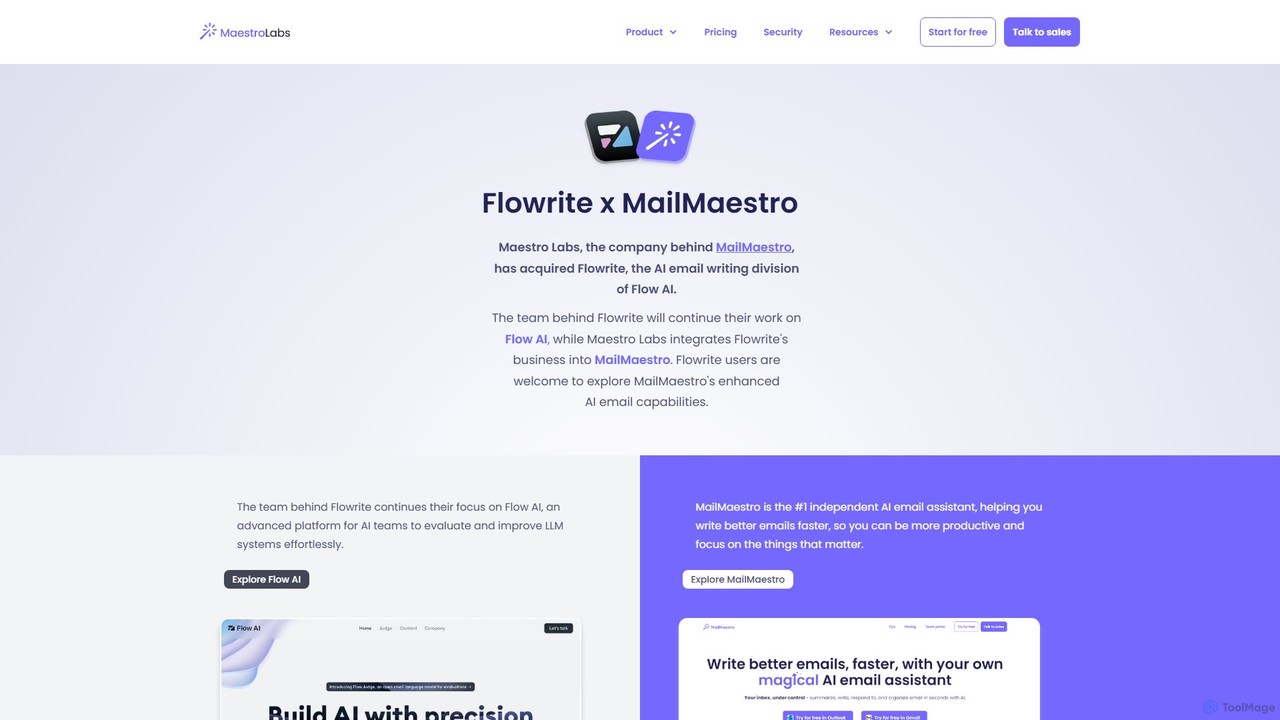
Flowrite
Flowrite is a powerful AI email writing assistant, now integrated into MailMaestro. It helps users write, reply to, summarize, and manage emails significantly faster. By generating high-quality, context-aware text, Flowrite boosts productivity, improves communication quality, and helps you achieve inbox zero with ease. It supports multiple languages and integrates directly into your existing email workflow.
Email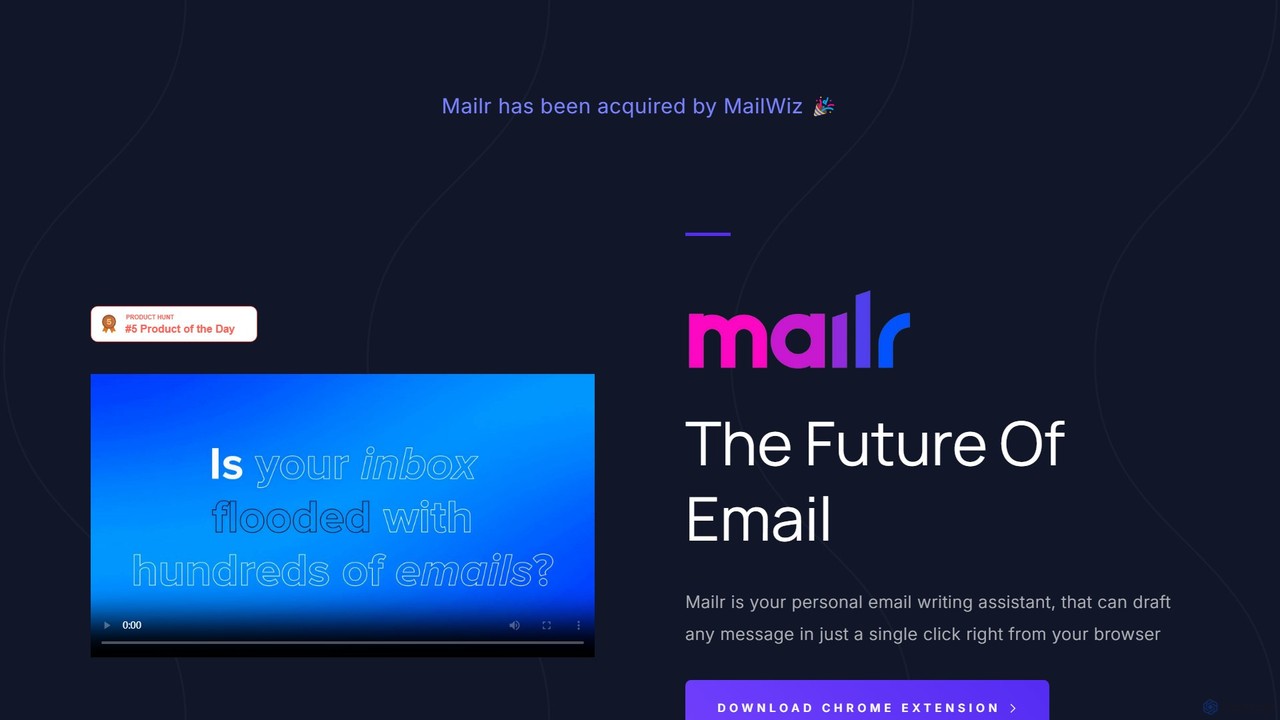
mailr_ai
mailr_ai is an AI-powered email assistant designed to boost your productivity. As a Chrome extension, it integrates directly into your browser, allowing you to draft high-quality emails and replies 10x faster. Simply provide a brief instruction, select from over 10 professional tones, and let the AI generate the perfect message in a single click, saving you hours every day.
Email MarketingEmailGPT Categories
EmailGPT Embed Widget
Copy this embed code to place the badge on your blog, article, or product site and send readers directly to this ToolMage detail page.

Related AI tools
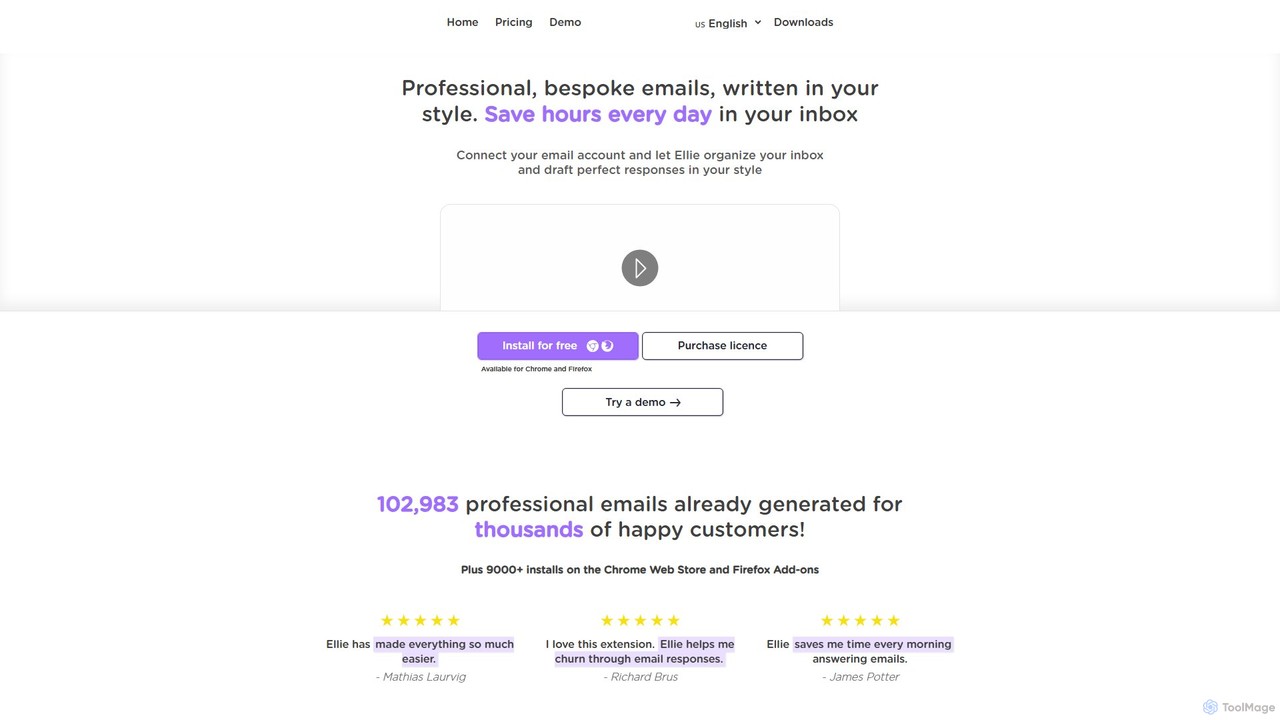
Ellie
Ellie is an AI-powered email assistant that saves you hours every day. It learns from your writing style to draft intelligent, personalized, and context-aware replies directly in your inbox. Supporting multiple languages and integrating with Gmail and Outlook, Ellie helps you manage email overload, overcome reply anxiety, and boost your productivity.
EmailReplyAI
ReplyAI is an AI-powered email writer that integrates with Gmail and Outlook to help you write emails 10x faster. Powered by GPT-4, it generates high-quality drafts, suggests contextual replies, and adapts to your personal writing style. Compose professional emails in multiple languages and tones, saving time and improving communication efficiency for sales, customer support, and daily correspondence.
Email MarketingMailBuddy
MailBuddy is a GPT-4 powered AI email assistant that integrates directly into your Gmail. It analyzes email context to draft high-quality replies in seconds. Customize the tone, provide specific instructions, and handle all your email correspondence without leaving your inbox, saving you time and boosting productivity.
Response Management
Letty
Letty is an AI-powered Chrome extension for Gmail that helps you write professional emails and replies in seconds. It learns your writing style and can be trained on your own data (documents, websites) to provide highly personalized, context-aware suggestions, saving you hours in your inbox.
Email Assistant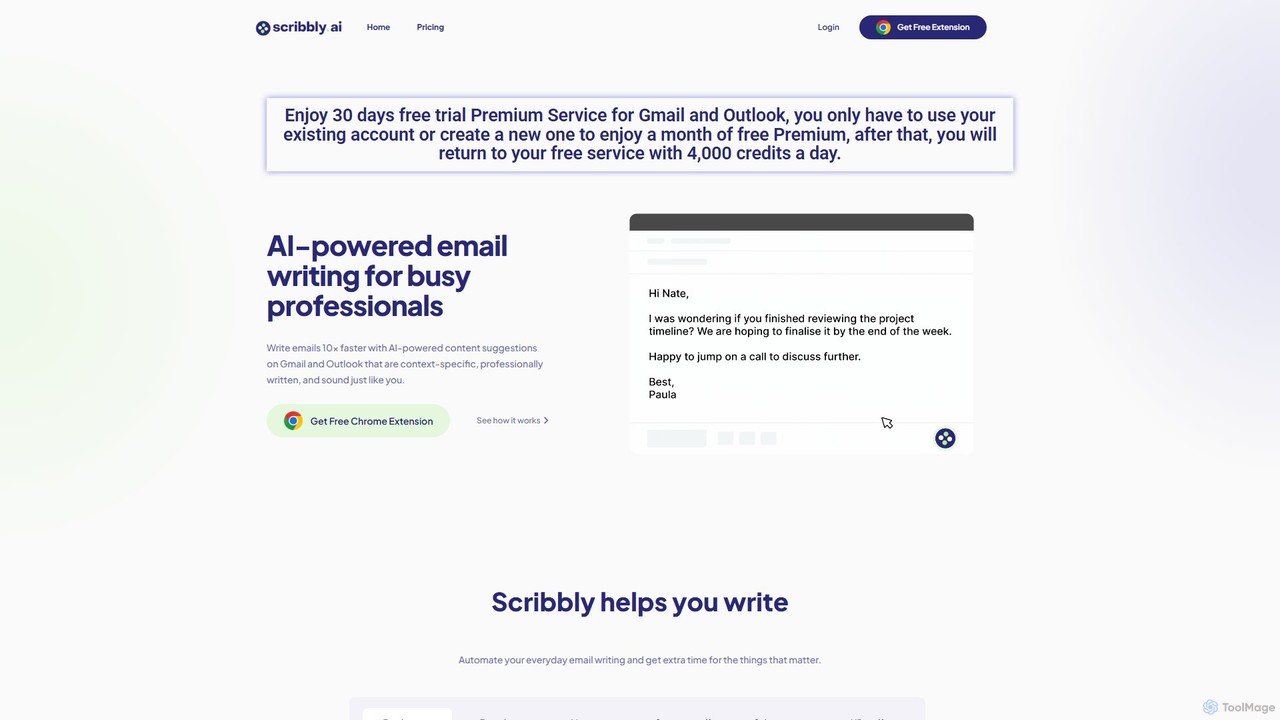
Scribbly
Scribbly is an AI-powered email writing assistant designed for busy professionals. It integrates with Gmail and Outlook via a Chrome extension, helping you write emails 10x faster. Get context-specific content suggestions, maintain a professional tone, and even mimic your personal writing style to streamline your communication and boost productivity.
SalesWriteMail.ai
WriteMail.ai is an AI-powered email assistant designed to help you write better emails 10x faster. It generates new emails and replies, refines tone and style, and offers real-time suggestions to improve clarity. With multilingual support and upcoming Gmail integration, it's the perfect tool for both business and personal communication, saving you time and boosting productivity.
Email MarketingFlowrite
Flowrite is a powerful AI email writing assistant, now integrated into MailMaestro. It helps users write, reply to, summarize, and manage emails significantly faster. By generating high-quality, context-aware text, Flowrite boosts productivity, improves communication quality, and helps you achieve inbox zero with ease. It supports multiple languages and integrates directly into your existing email workflow.
Emailmailr_ai
mailr_ai is an AI-powered email assistant designed to boost your productivity. As a Chrome extension, it integrates directly into your browser, allowing you to draft high-quality emails and replies 10x faster. Simply provide a brief instruction, select from over 10 professional tones, and let the AI generate the perfect message in a single click, saving you hours every day.
Email Marketing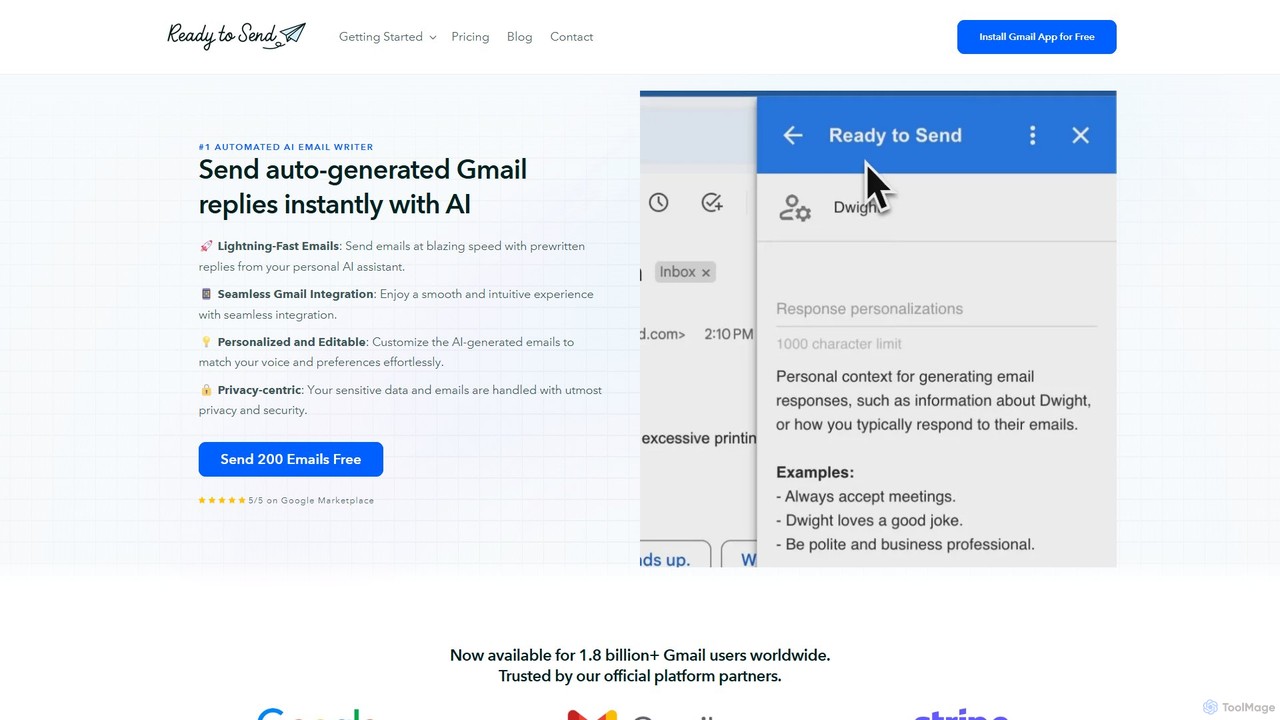
getreadytosend
getreadytosend is an AI-powered Gmail assistant that automatically generates personalized, context-aware email replies in your writing style. It helps you manage your inbox efficiently, save hours of time, and achieve Inbox Zero with ease by providing ready-to-send drafts for your review.
Response Automation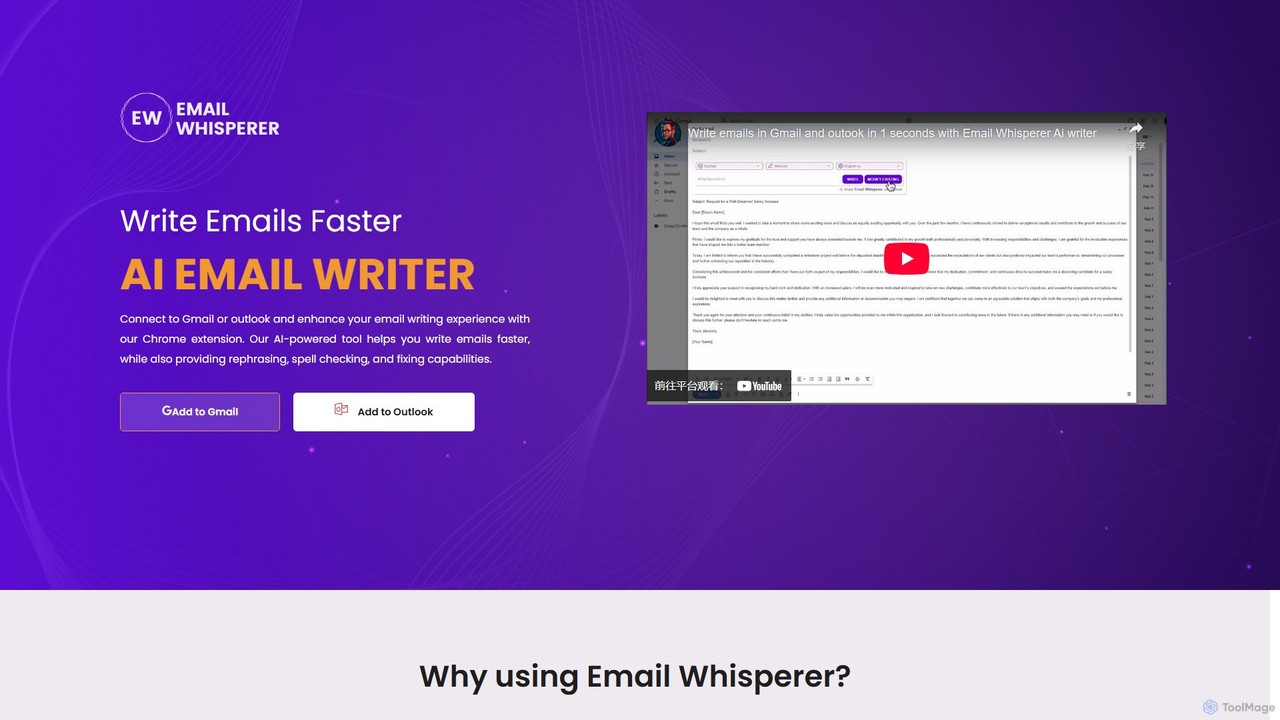
EmailWhisperer
EmailWhisperer is an AI-powered Chrome extension for Gmail and Outlook that helps you write emails faster. It offers features like rephrasing, spell-checking, tone adjustment, and AI training to personalize your communication and improve productivity.
Email Marketing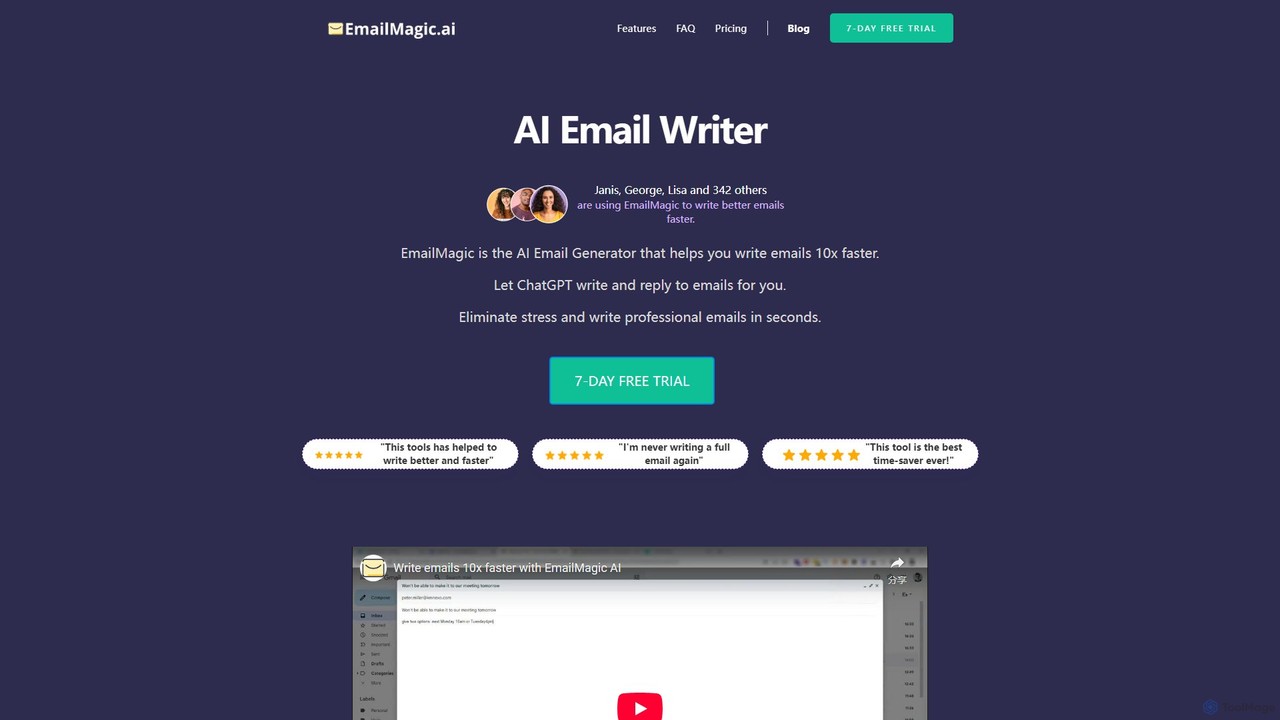
EmailMagic AI
EmailMagic AI is an intelligent email assistant for Gmail that uses AI to help you write emails faster, generate context-aware replies, and communicate in any language. It learns your writing style to create personalized, authentic emails, significantly boosting your productivity.
Email Marketing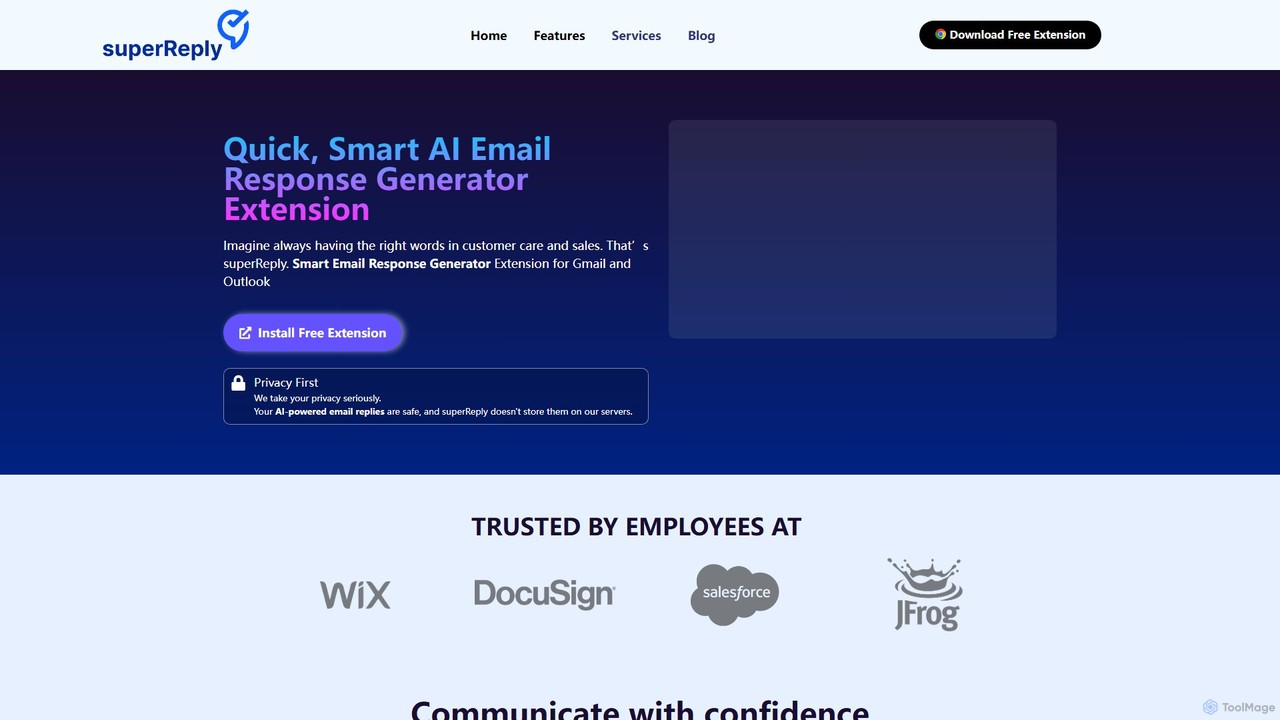
superReply
superReply is an AI-powered Chrome extension for Gmail and Outlook that instantly generates professional, context-aware email responses. It helps users in sales, customer support, and business communication save time, improve productivity, and always find the right words with adjustable tones.
Email Marketing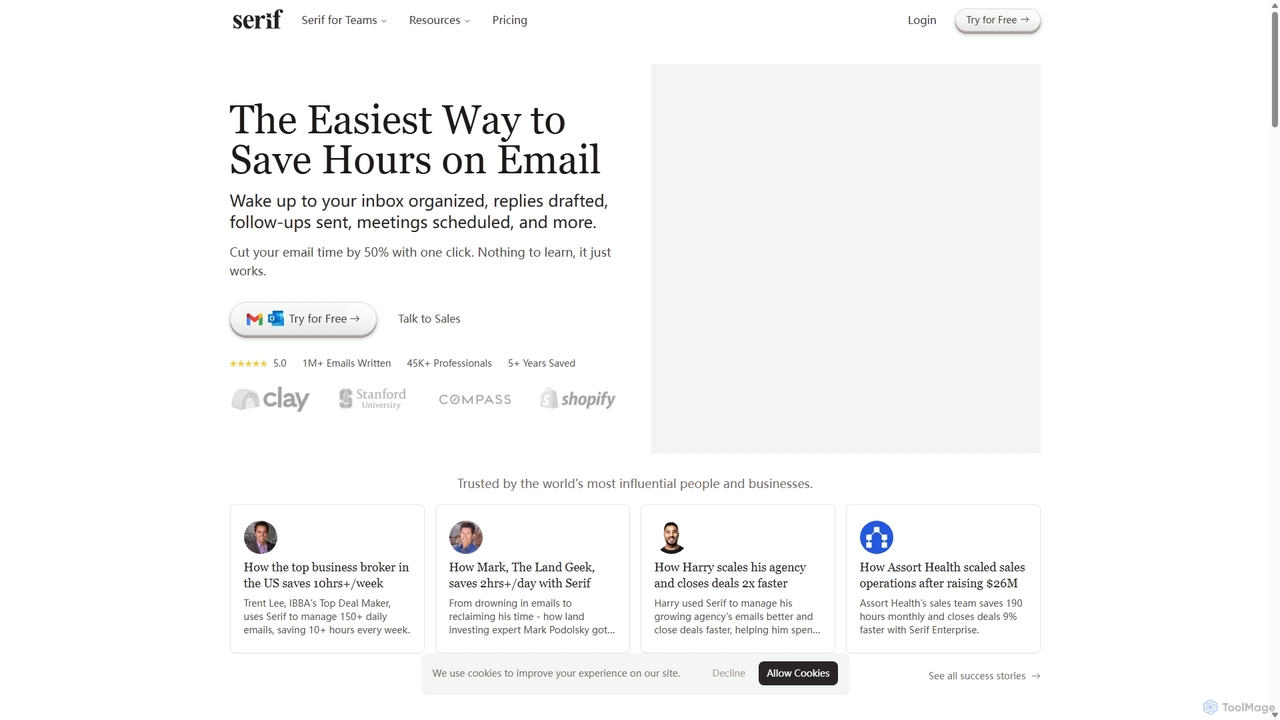
Serif
Serif is an AI executive assistant designed to save you hours on email. It automatically organizes your inbox, drafts personalized replies, sends follow-ups, and schedules meetings. Integrating seamlessly with Gmail and Outlook, Serif learns your communication style to act as your virtual assistant, boosting productivity and response times without a complex setup.
Virtual Assistant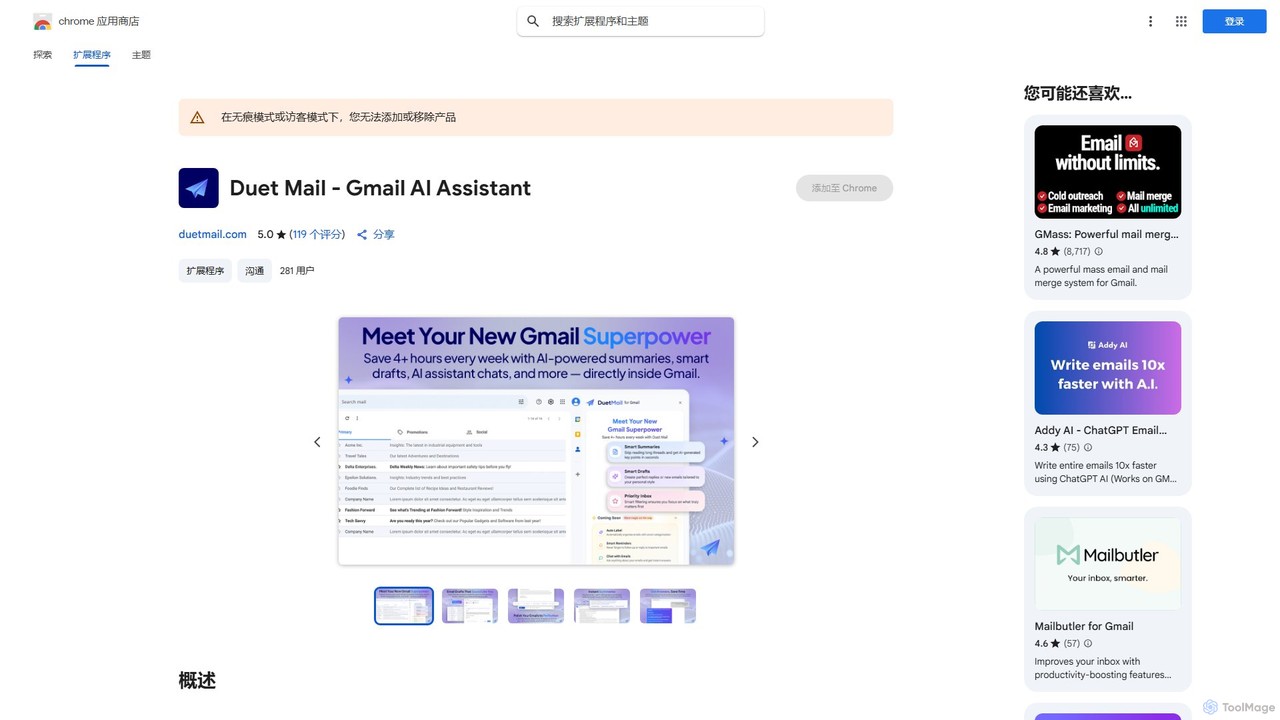
Duet Mail
Duet Mail is an AI-powered Gmail assistant that supercharges your inbox. It helps you draft emails in your personal style, provides instant summaries of long threads, sets smart follow-up reminders, and categorizes important messages. Save hours each week and reclaim control over your email.
Chrome Extensions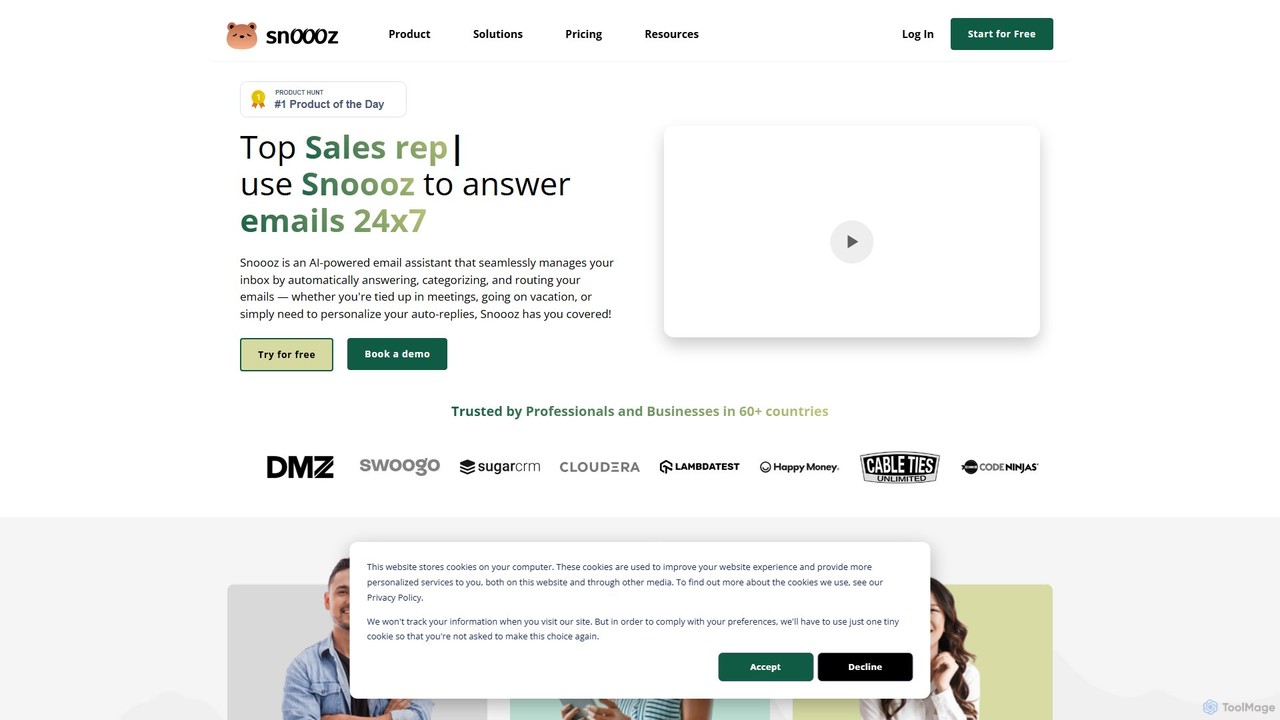
snoooz
snoooz is an AI-powered email assistant that automates your inbox 24/7. It goes beyond standard out-of-office replies by sending personalized, context-aware responses based on sender, sentiment, and language. snoooz automatically categorizes, routes, and triages emails, helping sales, customer success, and HR teams maintain business continuity and engage leads and customers even when they're away.
Help Desk
EmailGPT Comments (0)
Sign in to comment.
Sign inNo comments yet.